A pair of 3D printed smashed glass coasters for a friend:
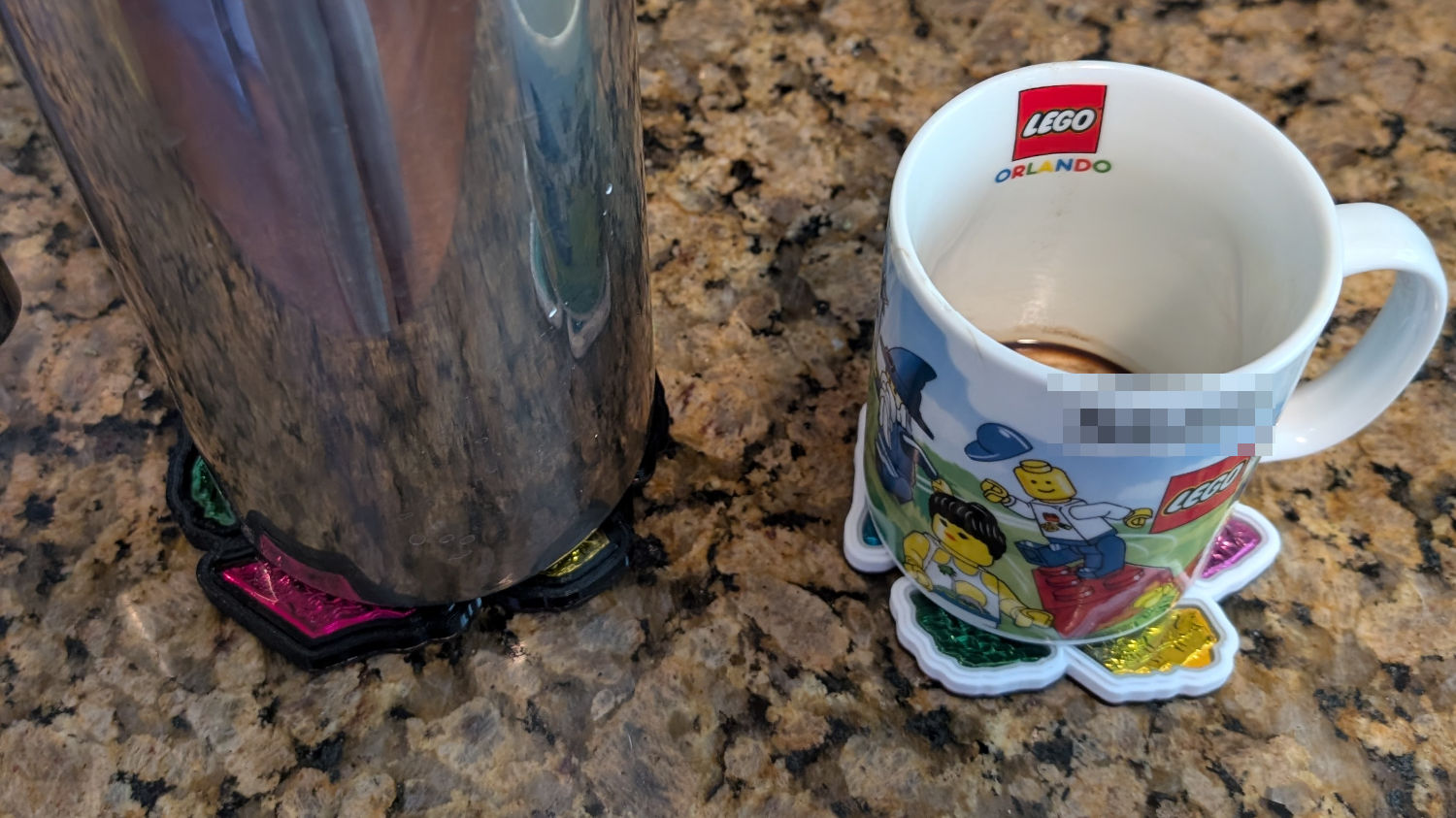
The black PETG coaster under the French Press:
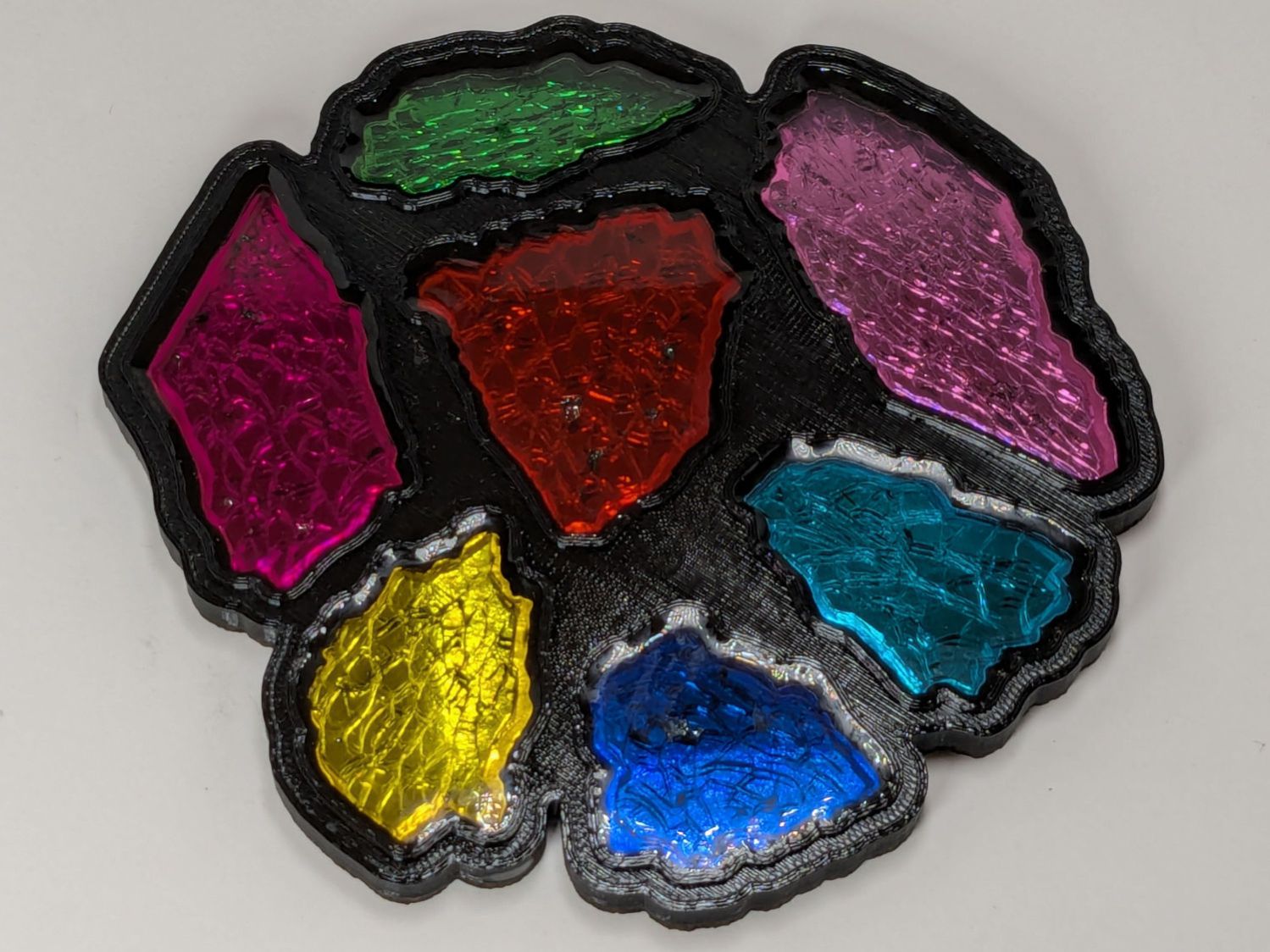
The white PETG coaster under the mug:
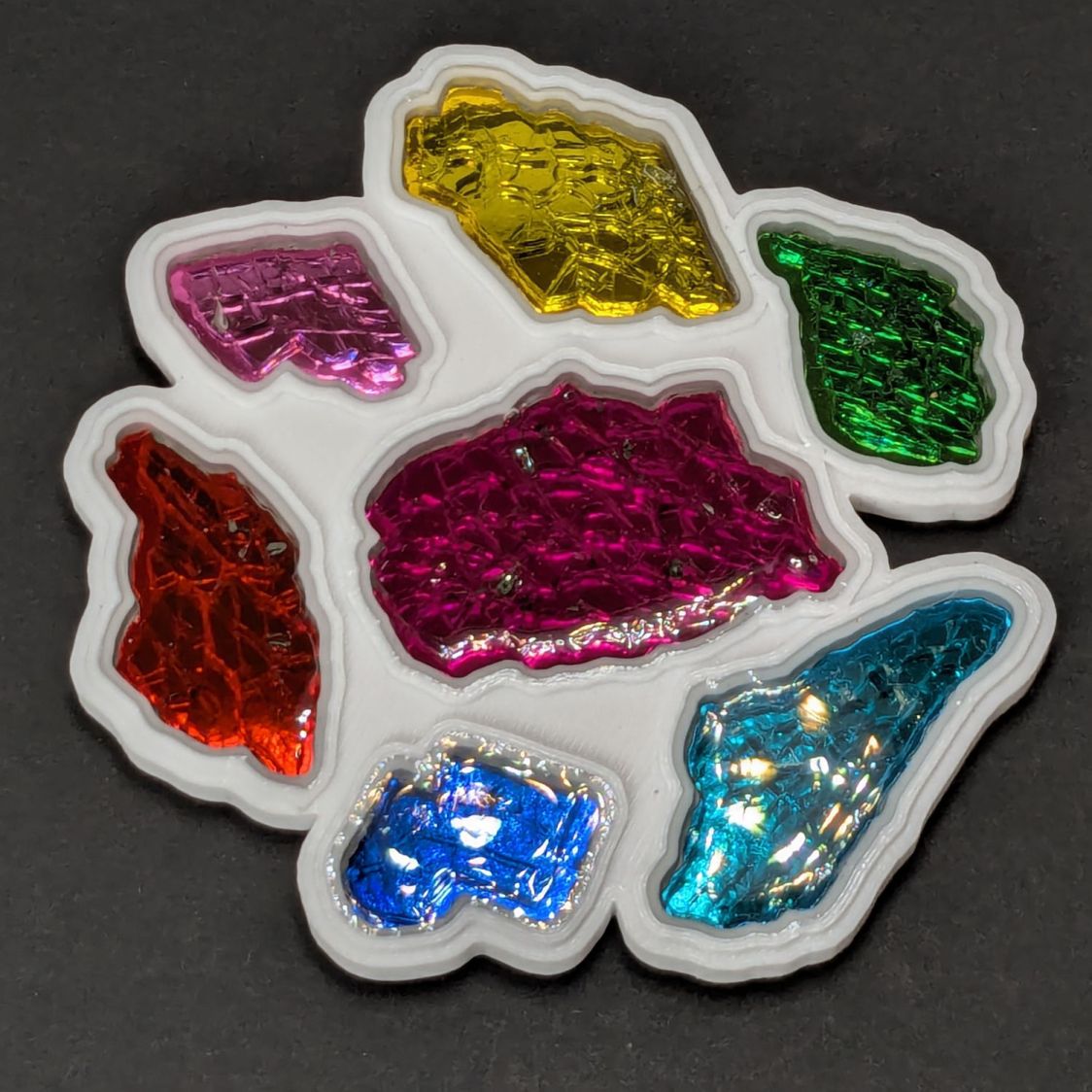
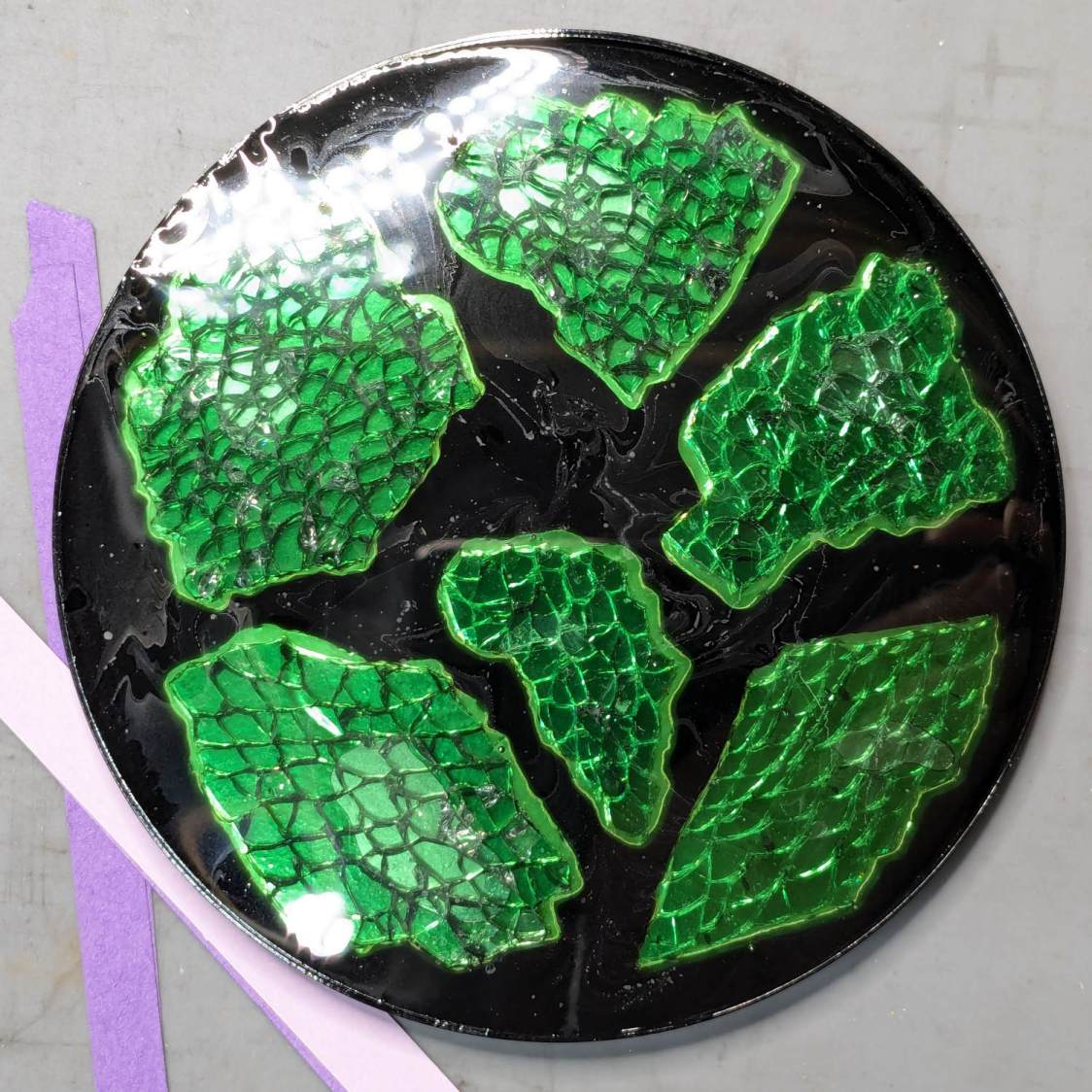
They’re considerably improved from the first attempt:
More details to follow …
The Smell of Molten Projects in the Morning
Ed Nisley's Blog: Shop notes, electronics, firmware, machinery, 3D printing, laser cuttery, and curiosities. Contents: 100% human thinking, 0% AI slop.
Mechanical widgetry
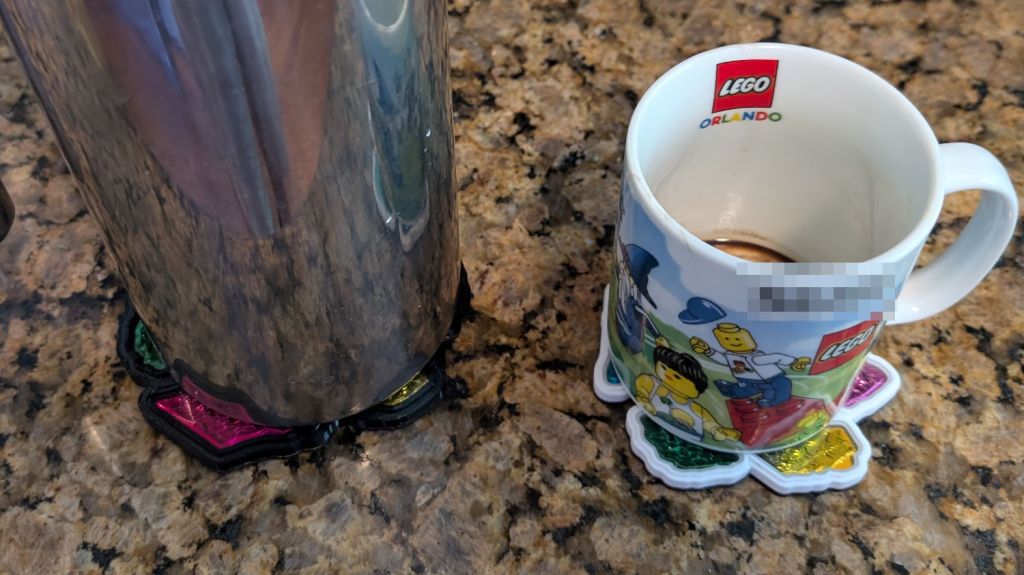
A pair of 3D printed smashed glass coasters for a friend:
The black PETG coaster under the French Press:
The white PETG coaster under the mug:
They’re considerably improved from the first attempt:
More details to follow …
Cleaning the baseboard radiator fins before moving the houseplants back to their winter abode by the living room window made sense, so I took the trim covers off and vacuumed a remarkable accumulation of fuzz off the top and out from between the fins. The covers had an equally remarkable accumulation of sawdust along their bottom edge, apparently deposited when the previous owners had the floor sanded before they moved in a decade ago.
If you happen to live in a house with baseboard radiators, I’m guessing you never looked inside, because nobody (else) does.
Anyhow, the radiator fins should rest on plastic carriers atop the bent-metal struts also supporting the trim covers, so that they slide noiselessly when the copper pipe expands & contracts during the heating cycle. Over the last six decades, however, the plastic deteriorated and most of the carriers were either missing or broken to the point of uselessness:
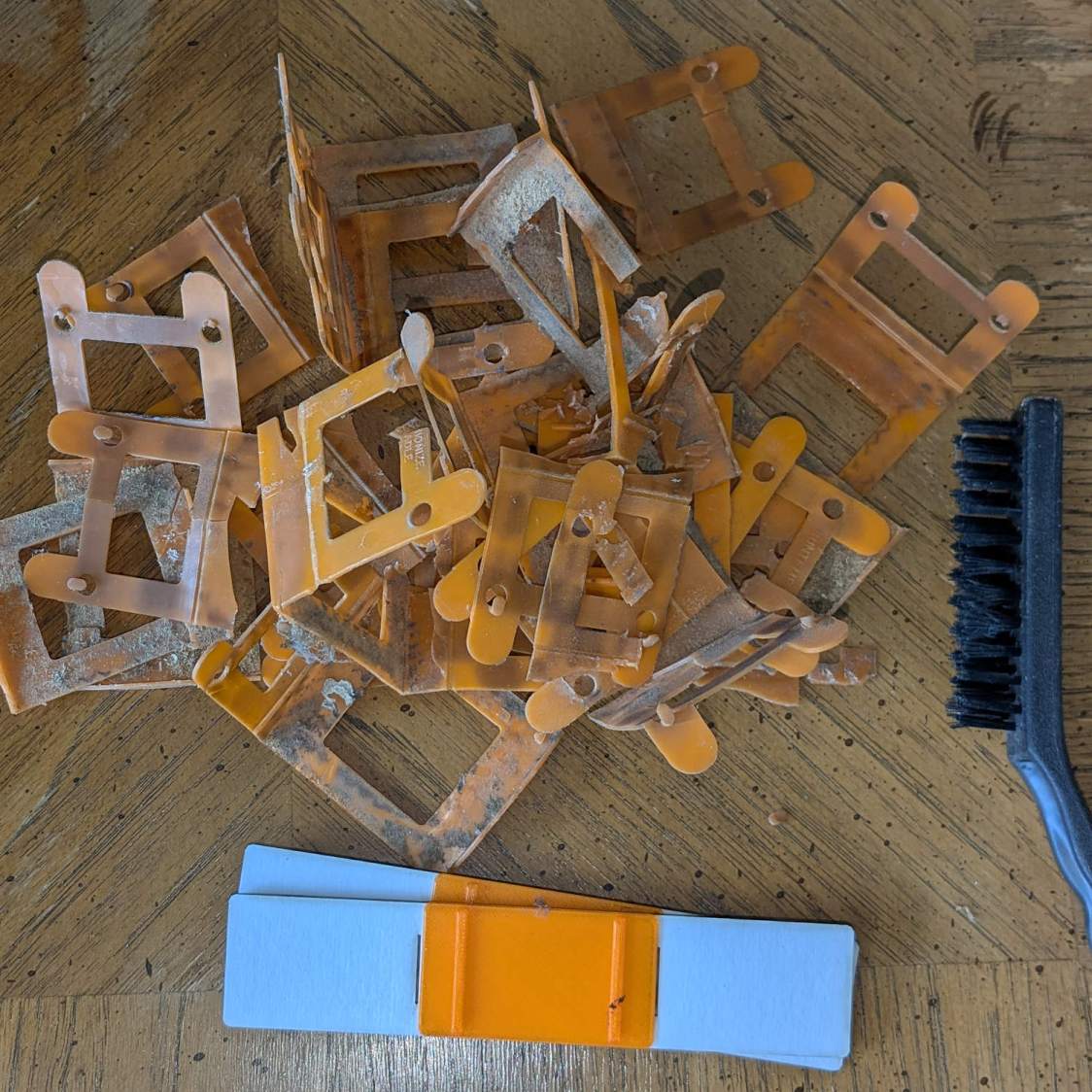
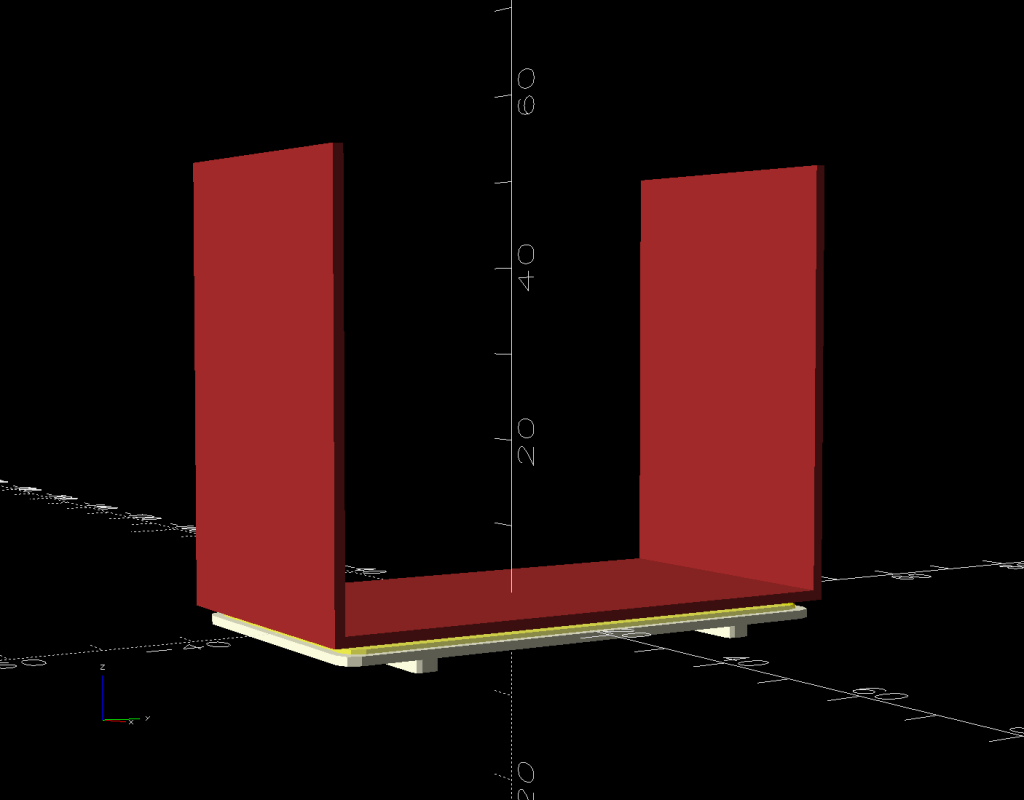
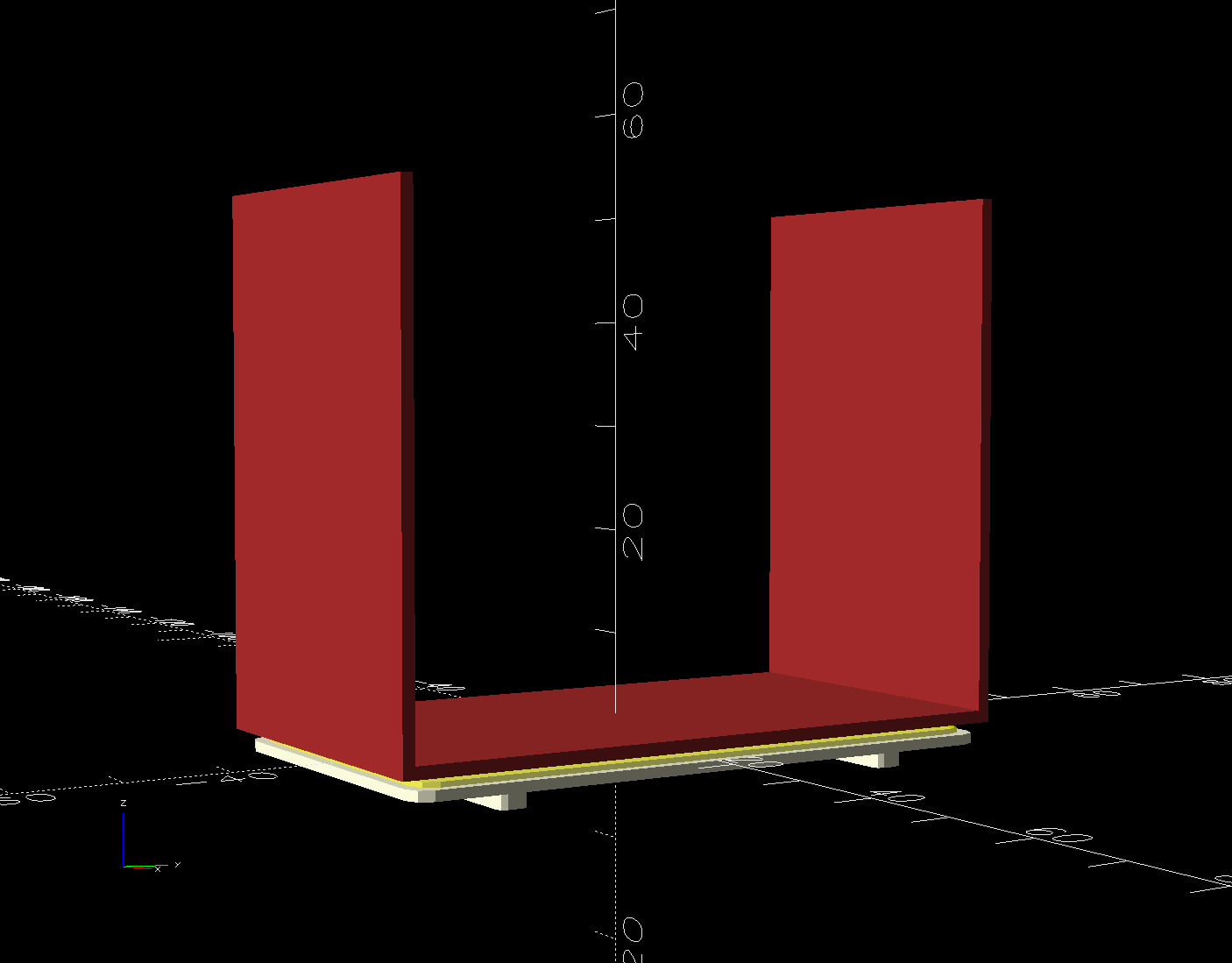
The shapes on the bottom are replacements made with a 3D printed base (“sled”) and a chipboard wrap around the radiator preventing the fins from contacting the strut:
Although it was tempting to 3D print the whole thing, because plastic, I figured there was little point in finesse: chipboard would work just as well, was much faster to produce, and I need not orient the shapes to keep the printed threads in the right direction.
The Prusa MK4 platform was just big enough for the number of sleds I needed:
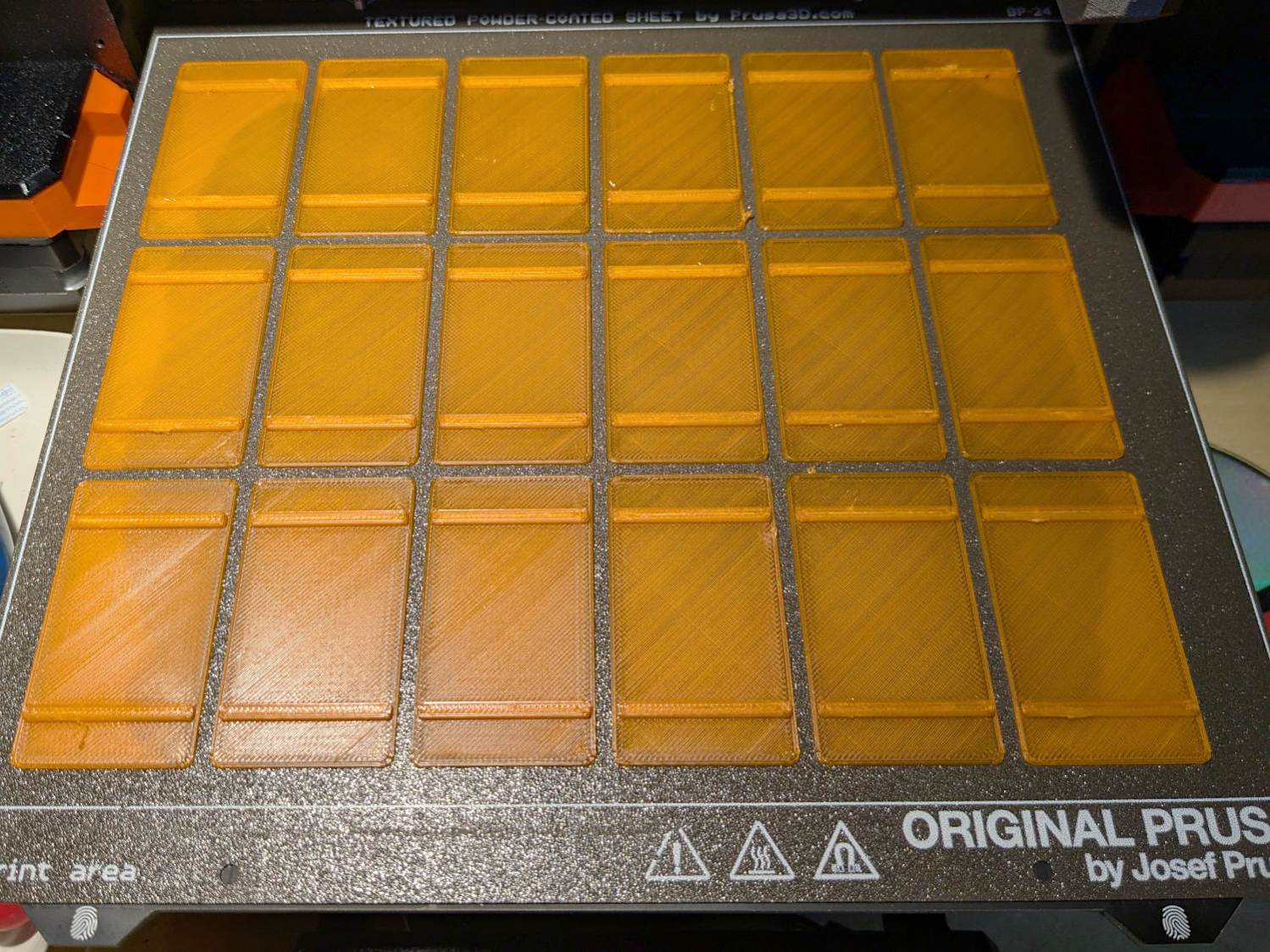
The sleds along the left and right edges lost traction as the printing progressed, but everything came out all right.
The OpenSCAD program also produces 2D SVG shapes for the chipboard wraps and adhesive rectangles sticking them to the sleds:
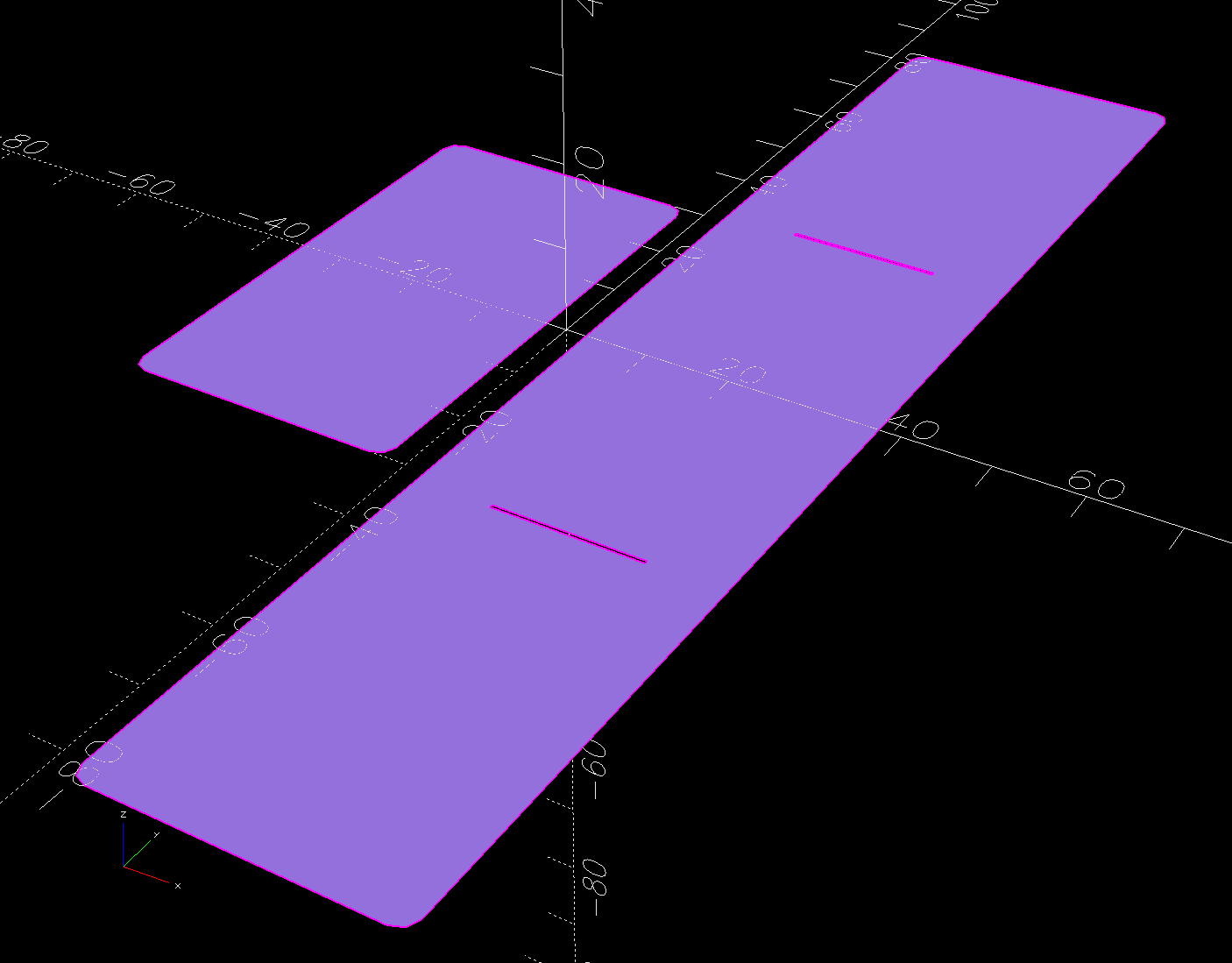
Import those into LightBurn, duplicate using the Grid Array, Fire The Laser, then assemble:
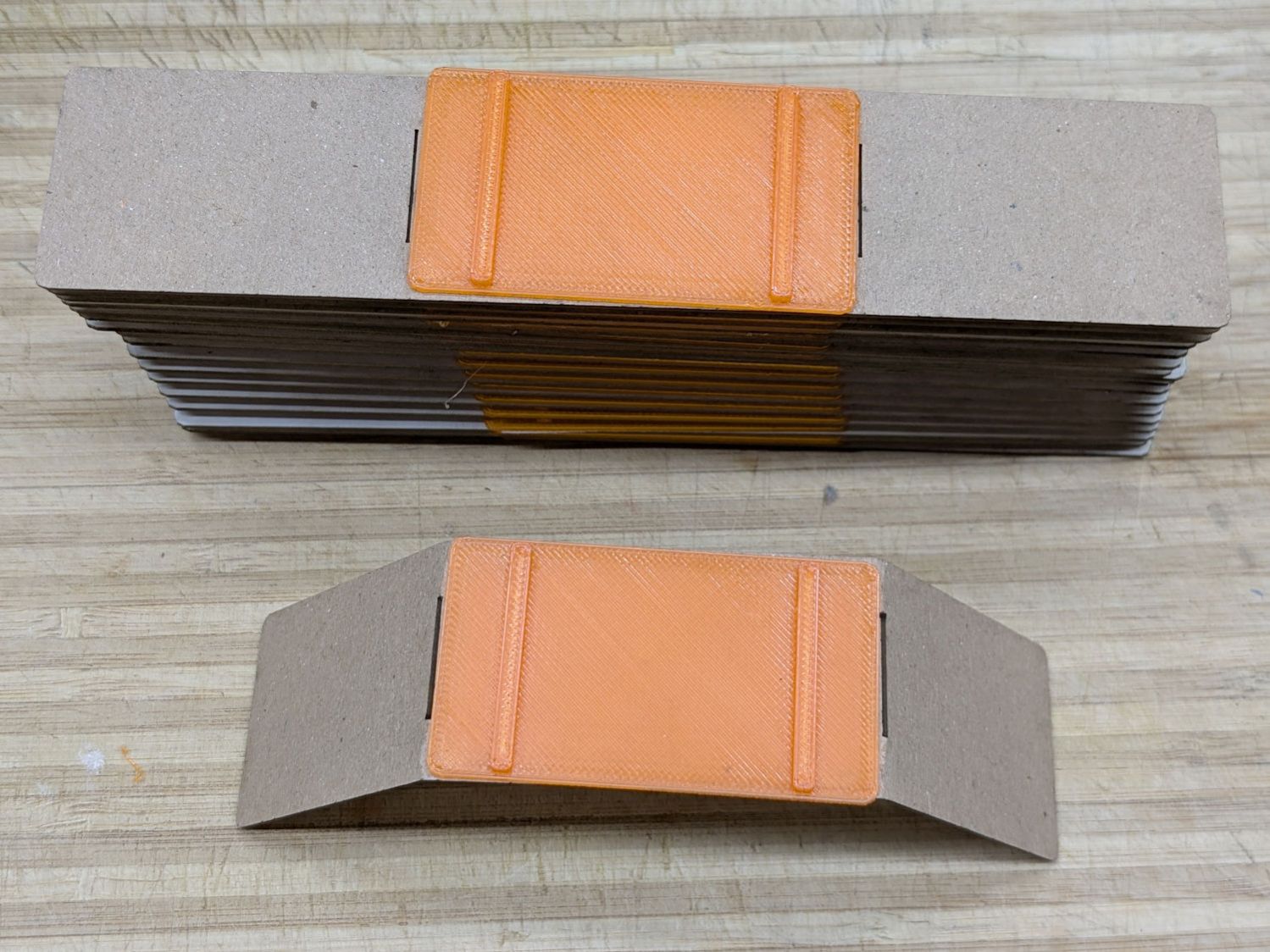
The slits encourage the chipboard to bend in the right direction at the right place, so I didn’t need any fancy tooling to get a decent result.
A few rather unpleasant hours crawling around on the floor got the struts bent back into shape and the sleds installed under the fins:
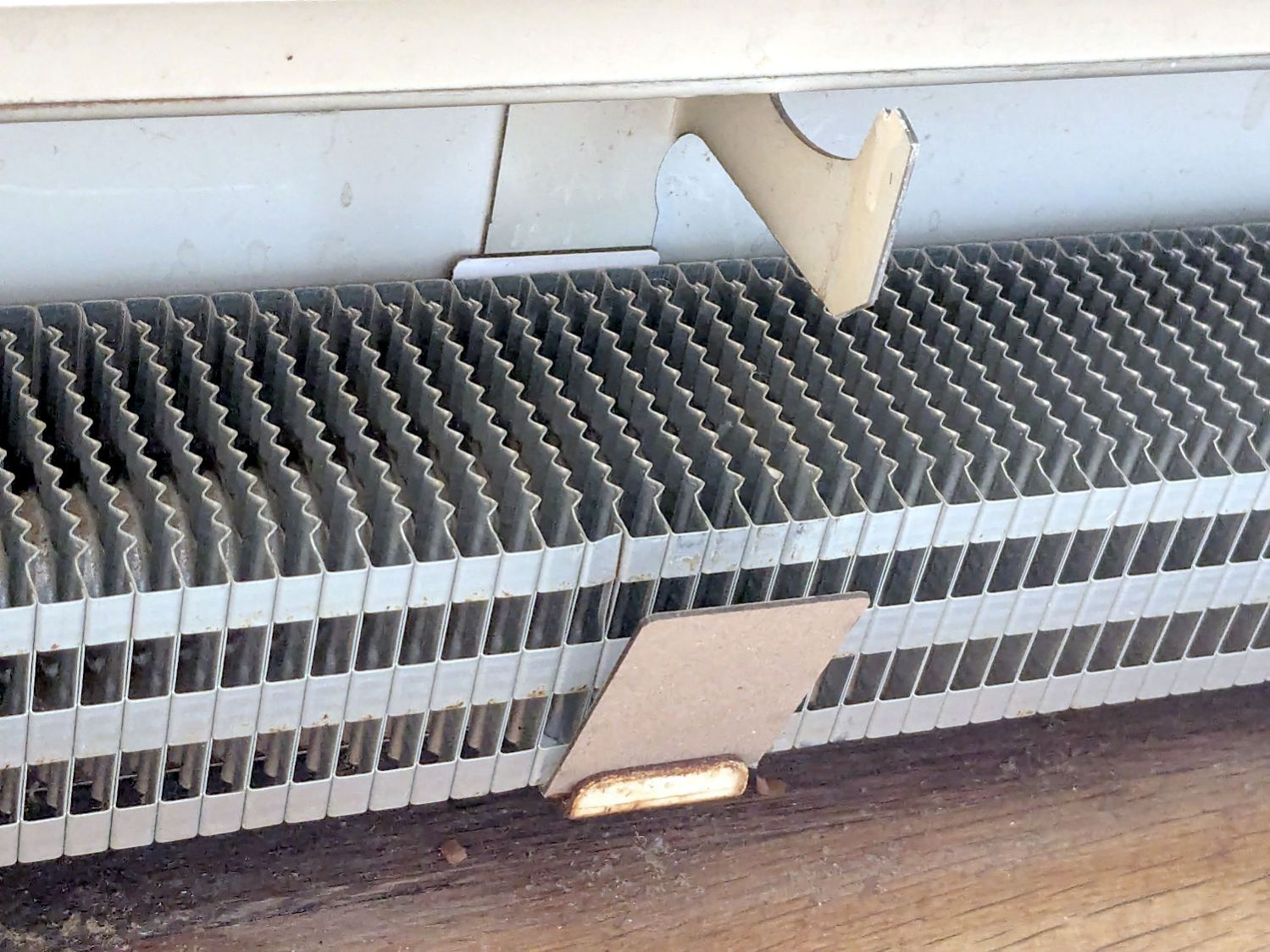
Protip: Gloves aren’t just a good idea, they’re essential.
The trim cover presses the angled chipboard where it should go against the fins. The covers carry shadows of the plastic carriers, suggesting the clearance was tighter than it should have been and thermal cycling put more stress on the plastic than expected. We’ll never know.
Although I’ll make more for the other baseboards as the occasion arises, I hope to never see these again …
The OpenSCAD source code as a GitHub Gist:
| // Baseboard radiator sled | |
| // Ed Nisley – KE4ZNU | |
| // 2025-10-11 | |
| include <BOSL2/std.scad> | |
| Layout = "Sled"; // [Show,Build3D,Build2D,Sled,Wrap,Glue] | |
| /* [Hidden] */ | |
| HoleWindage = 0.2; | |
| Protrusion = 0.1; | |
| Gap = 5.0; | |
| Radiator = [25.0,62.0,50.0]; // X = support base, YZ = radiator element | |
| SledBase = [Radiator.x + 10.0,Radiator.y,1.0]; // support under wrap | |
| Runner = [SledBase.x – 2.0,3.0,1.6]; // bars contacting radiator support | |
| GlueOA = [SledBase.x,SledBase.y] – [2.0,2.0]; // glue sheet | |
| Wrap = [SledBase.x,Radiator.y + 1.0,Radiator.z + 1.0]; // chipboard wrap around radiator | |
| WrapFlat = [Wrap.x,Wrap.y + 2*Wrap.z]; | |
| WrapThick = 1.2; | |
| WrapSlit = 0.4; | |
| //—– | |
| // Sled base | |
| module Sled() { | |
| cuboid(SledBase,rounding=2.0,edges="Z",anchor=BOTTOM) | |
| position(TOP) | |
| for (j=[-1,1]) | |
| fwd(j*SledBase.y/3) | |
| cuboid(Runner,rounding=Runner.z/2,edges="Z",anchor=BOTTOM); | |
| } | |
| //—– | |
| // Glue sheet | |
| // Export as SVG for laser cutting | |
| module Glue() { | |
| rect(GlueOA,rounding=2.0); | |
| } | |
| //—– | |
| // Radiator wrap | |
| // Export as SVG for laser cutting | |
| module Wrap() { | |
| difference() { | |
| rect(WrapFlat,rounding=2.0); | |
| for (j=[-1,1]) | |
| fwd(j*Wrap.y/2) | |
| rect([Wrap.x/2,WrapSlit]); | |
| } | |
| } | |
| //—– | |
| // Build things | |
| if (Layout == "Sled") | |
| Sled(); | |
| if (Layout == "Glue") | |
| Glue(); | |
| if (Layout == "Wrap") | |
| Wrap(); | |
| if (Layout == "Show") { | |
| xrot(180) | |
| Sled(); | |
| color("Yellow",0.6) | |
| Glue(); | |
| up(1) | |
| color("Brown") { | |
| cuboid([Wrap.x,Wrap.y,WrapThick],anchor=BOTTOM); | |
| for (j=[-1,1]) | |
| fwd(j*Wrap.y/2) | |
| cuboid([Wrap.x,WrapThick,Wrap.z],anchor=BOTTOM); | |
| } | |
| } | |
| if (Layout == "Build3D") { | |
| Sled(); | |
| } | |
| if (Layout == "Build2D") { | |
| left(GlueOA.x/2 + Gap/2) | |
| Glue(); | |
| right(Wrap.x/2 + Gap/2) | |
| Wrap(); | |
| } | |

The first step in adding a filter bag to the dryer vent requires a convenient way to attach it. Because we live in the future, a couple of hours of 3D printing produced something that might work:

It’s made of TPU, which is bendy enough to ease two tabs into the two outermost slots you can see and a corresponding pair of tabs into slots on the wall side.
The solid model shows the part snapped inside the vent:

The flared bottom takes something like three hours to print (TPU likes slooow extrusion), so I did the top ring first to verify the tab fit:

Both parts come from hull() surfaces wrapped around quartets of thin circles at the proper positions; the difference() of two slightly different hulls produces thin shells.
A thin layer of JB PlasticBonder urethane adhesive, which bonds TPU like glue, holds the two parts together. I used the tan variant and, while it’s not a perfect match, it definitely looks better than black. Not that it matters in this case.
Mary will sew up a bag with a drawstring holding it to the snout. If everything survives the performance tests, printing the whole snout in one four-hour job will both make sense and eliminate an uneven joint that’s sure to be a lint-catcher.
The OpenSCAD source code as a GitHub Gist:
| // Clothes dryer vent filter snout | |
| // Ed Nisley – KE4ZNU | |
| // 2025-10-07 | |
| include <BOSL2/std.scad> | |
| Layout = "Ring"; // [Show,Build,Ring,Taper] | |
| /* [Hidden] */ | |
| ID = 0; | |
| OD = 1; | |
| LENGTH = 2; | |
| HoleWindage = 0.2; | |
| Protrusion = 0.1; | |
| NumSides = 4*3*2*4; | |
| $fn=NumSides; | |
| Gap = 5.0; | |
| // Centers of corner rounding circles | |
| InnerWidth = 3.0; // wall inside snout | |
| InnerRadius = 6.0; // inner corner rounding | |
| RR = [130.0/2 – InnerRadius,91.0/2 – InnerRadius]; // right rear corner | |
| RF = [112.0/2 – InnerRadius,-(91.0/2 – InnerRadius)]; // right front corner | |
| CornerCtrs = [[RR.x,RR.y],[RF.x,RF.y],[-RF.x,RF.y],[-RR.x,RR.y]]; // clockwise from RR | |
| InsertHeight = 7.0; // overall height inside the snout | |
| TabOC = [73.0,91.0]; // tabs locking into snout | |
| TabCtrs = [[TabOC.x/2,TabOC.y/2],[TabOC.x/2,-TabOC.y/2],[-TabOC.x/2,-TabOC.y/2],[-TabOC.x/2,TabOC.y/2]]; | |
| TabRadius = 5.0; | |
| TabHeight = 3.0; | |
| TaperHeight = 20.0; // Taper holding filter bag | |
| TaperRadius = 10.0; // outward to capture bag string | |
| TaperWidth = 2.0; // wall width | |
| TaperCtrs = CornerCtrs + [[0,-(TaperRadius – InnerWidth)],[0,0],[0,0],[0,-(TaperRadius – InnerWidth)]]; | |
| //—– | |
| // Clear inside vent opening as 2D shape | |
| module Opening() { | |
| hull() | |
| for (p = CornerCtrs) | |
| translate(p) | |
| circle(r=InnerRadius); | |
| } | |
| //—– | |
| // Insert ring locking into vent snout | |
| module Ring() { | |
| difference() { | |
| union() { | |
| linear_extrude(h=InsertHeight) | |
| offset(delta=InnerWidth) | |
| hull() | |
| for (p = CornerCtrs) | |
| translate(p) | |
| circle(r=InnerRadius); | |
| up(InsertHeight – TabHeight) | |
| linear_extrude(h=TabHeight) | |
| for (p = TabCtrs) | |
| translate(p) | |
| circle(r=TabRadius); | |
| } | |
| down(Protrusion) | |
| linear_extrude(h=2*InsertHeight) | |
| Opening(); | |
| } | |
| } | |
| //—– | |
| // Taper glued to ring | |
| module Taper() { | |
| difference() { | |
| hull() { | |
| up(TaperHeight) | |
| linear_extrude(h=Protrusion) | |
| offset(delta=InnerWidth) | |
| hull() | |
| for (p = CornerCtrs) | |
| translate(p) | |
| circle(r=InnerRadius); | |
| linear_extrude(h=Protrusion) | |
| offset(delta=TaperRadius) | |
| hull() | |
| for (p = TaperCtrs) | |
| translate(p) | |
| circle(r=TaperRadius); | |
| } | |
| hull() { | |
| up(TaperHeight) | |
| linear_extrude(h=2*Protrusion) | |
| offset(delta=InnerWidth) | |
| hull() | |
| for (p = CornerCtrs) | |
| translate(p) | |
| circle(r=InnerRadius – InnerWidth); | |
| down(Protrusion) | |
| linear_extrude(h=2*Protrusion) | |
| offset(delta=TaperRadius – TaperWidth) | |
| hull() | |
| for (p = TaperCtrs) | |
| translate(p) | |
| circle(r=TaperRadius); | |
| } | |
| } | |
| } | |
| //—– | |
| // Build things | |
| if (Layout == "Ring") | |
| Ring(); | |
| if (Layout == "Taper") | |
| Taper(); | |
| if (Layout == "Show") { | |
| up(TaperHeight) | |
| Ring(); | |
| Taper(); | |
| } | |
| if (Layout == "Build") { | |
| back(55) | |
| up(InsertHeight) | |
| yrot(180) | |
| Ring(); | |
| fwd(55) | |
| up(TaperHeight) | |
| yrot(180) | |
| Taper(); | |
| } |
Another month of data from all those Polydryer boxes:
| 7 Oct 2025 | 8 Oct | |||
| Filament | %RH | Weight – g | Wt gain – g | %RH |
| PETG White | 28 | 26.6 | 1.6 | 19 |
| PETG Black | 25 | 26.6 | 1.6 | 20 |
| PETG Orange | 29 | 26.6 | 1.6 | 21 |
| PETG Blue | 23 | 26.7 | 1.7 | 15 |
| PETG-CF Blue | 26 | 26.6 | 1.6 | 23 |
| PETG-CF Black | 23 | 26.4 | 1.4 | 20 |
| PETG-CF Gray | 30 | 26.5 | 1.5 | 26 |
| TPU | 28 | 26.3 | 1.3 | 27 |
| Empty 1 → White | 35 | 26.7 | 1.7 | 37 |
| Empty 2 | 36 | 27.1 | 2.1 | 24 |
The “PETG White” spool in the top line is nearly empty, so I loaded a new spool into the “Empty 1” box.
The “Empty 1” 35% value on 7 Oct matches the other empty box, the desiccant having pulled the humidity down from the 51% basement level. The weight of the water pulled out seems low compared to “Empty 2”, as they both started with a fresh batch of basement air while changing the desiccant in September.
They’re again filled with 25 g of alumina beads, although I’m beginning to think silica gel does a better job.
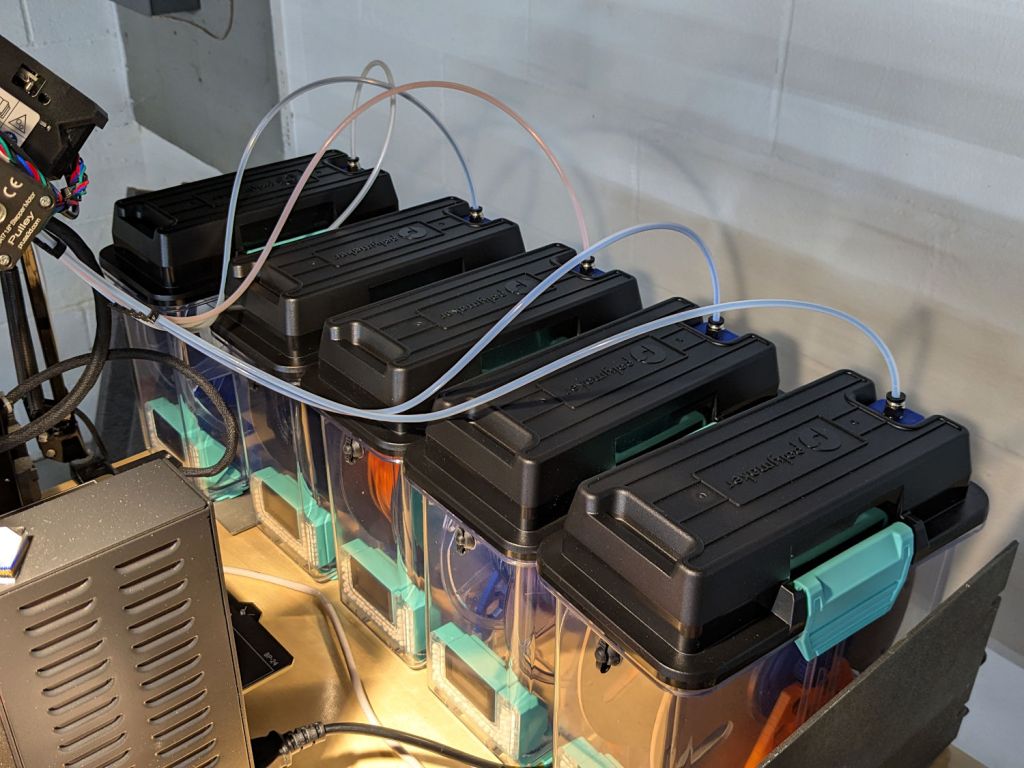
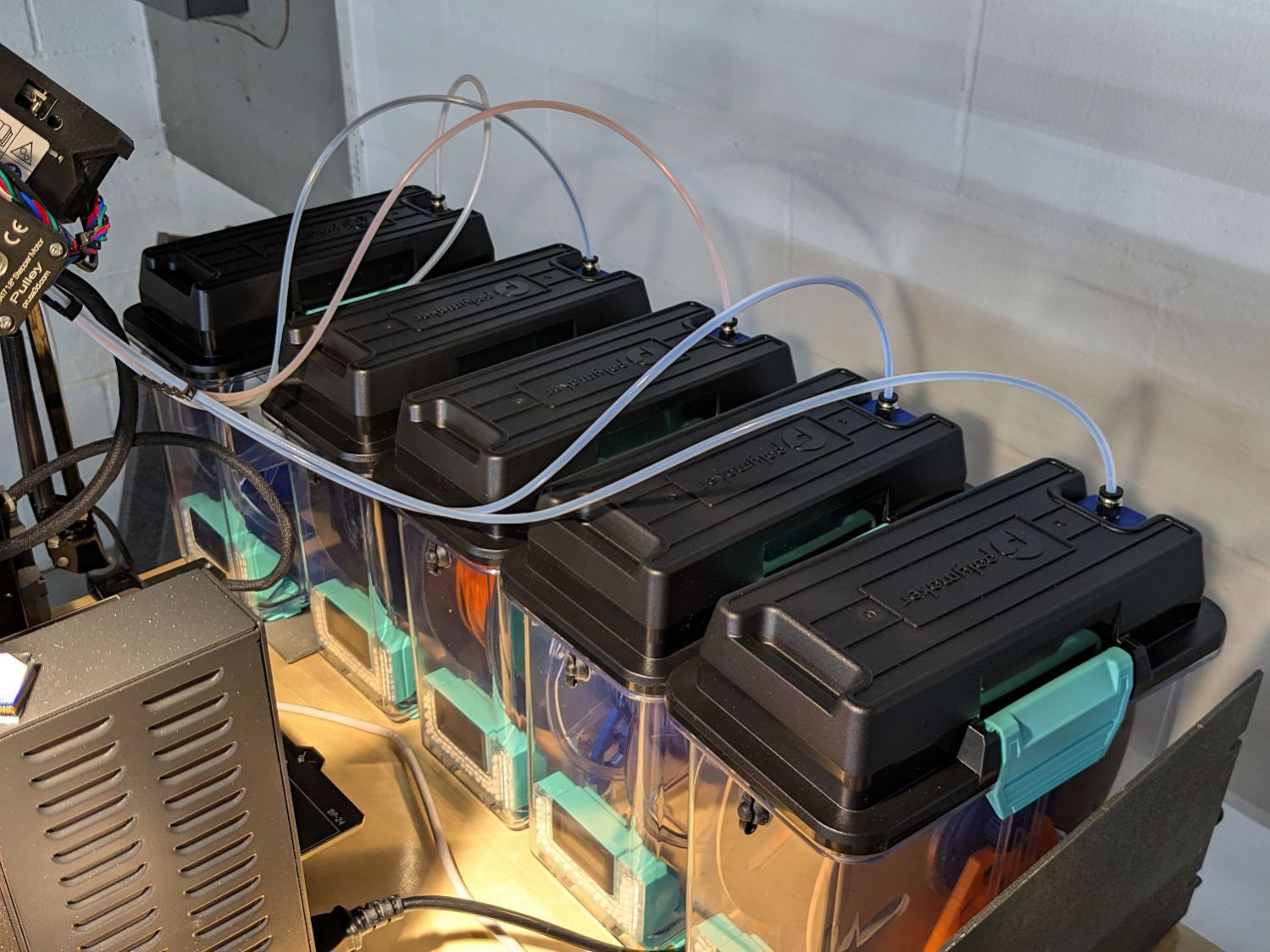
A picture of the boxes, thus avoiding WordPress reminding me pictures improve SEO:
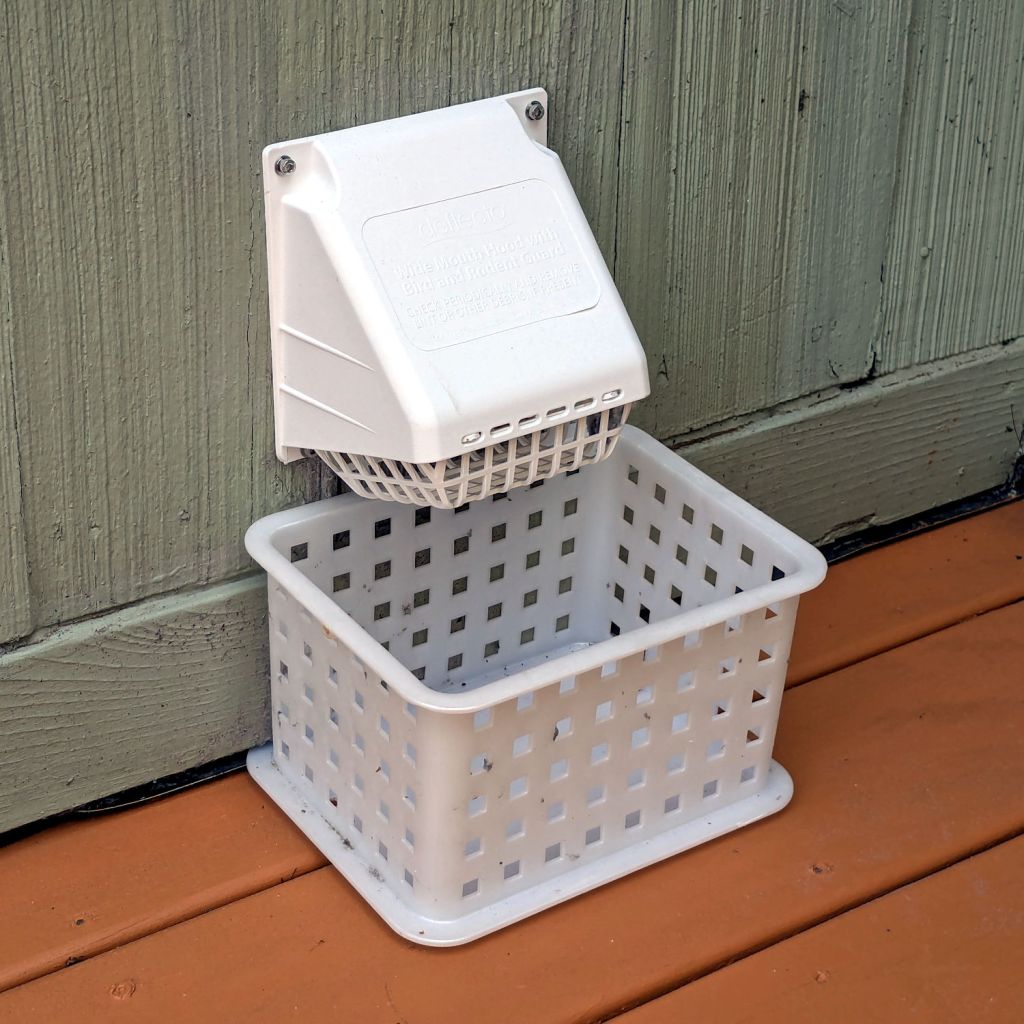
After the deck stain cured for a few days, I replaced the dryer vent:
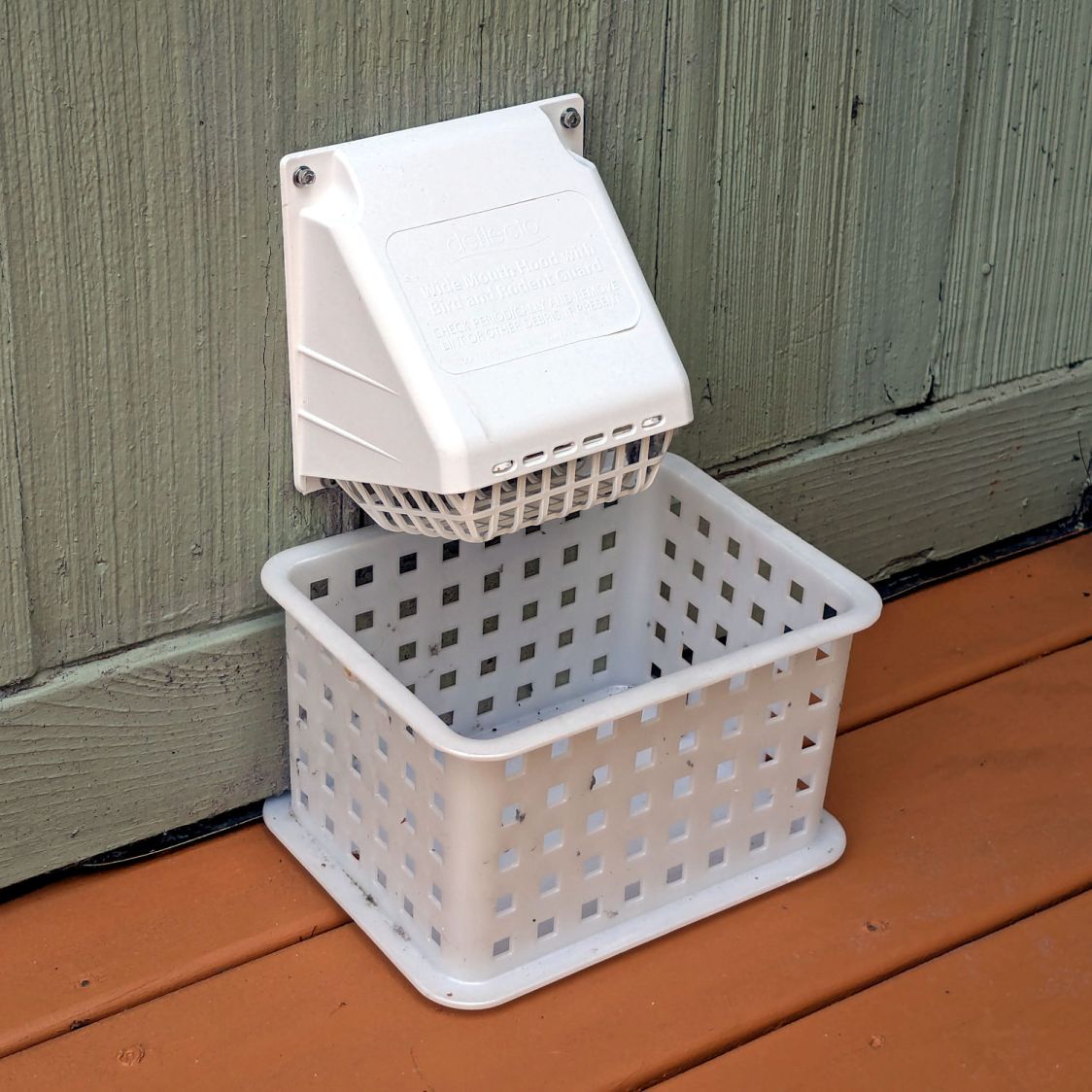
The alert reader will note it’s held to the siding with four stainless steel 4 mm socket-head cap screws, for which I’m not going to apologize one little bit.
They fit into a quartet of threaded wood inserts driven into the siding, because the previous vent had small steel screws that pulled out many years ago.
I used a 4-¼ inch oscillating hole saw to embiggen the original 4.000 inch hole through the wall that doesn’t fit contemporary “4 inch” dryer vent pipe. The 4.000 inch hole in the interior seal plate also needed embiggening.
We must add a filter bag of some sort, as the dryer really wants to coat the deck in fuzz, but that’s in the nature of fine tuning.
There are no other pictures, as this was a ten minute job that burned an entire afternoon …
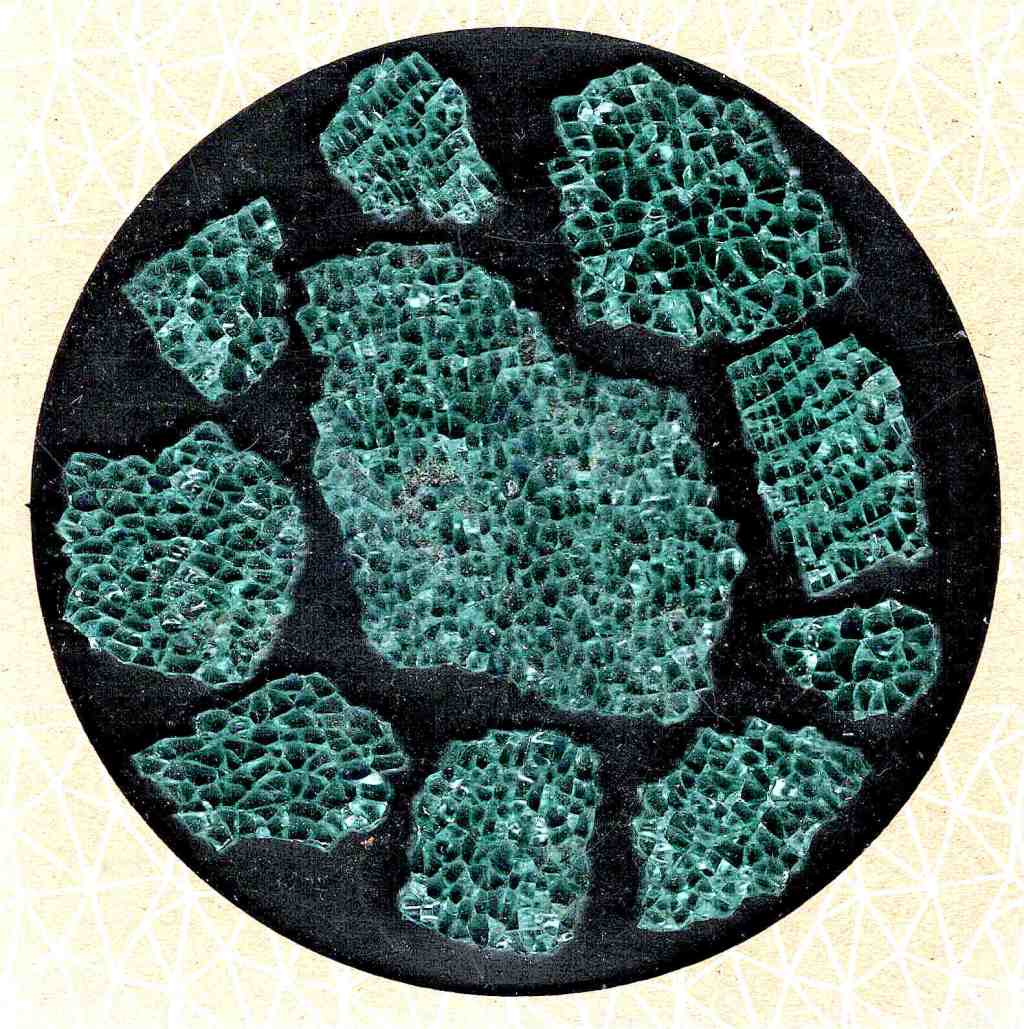
Some time ago I made a simple guide / carrier to help select & arrange smashed glass fragments to fit within a given diameter:

The laser-engraved guide lines confused GIMP’s edge detection to no end.
It came from a large sheet of 1 mm acrylic, formerly a poster cover, bearing scars of its long history in the “might be useful someday” stash. I wondered if I could remove enough scratches and scuffs to ease GIMP’s workload.
Stipulated: I am a cheapskate.
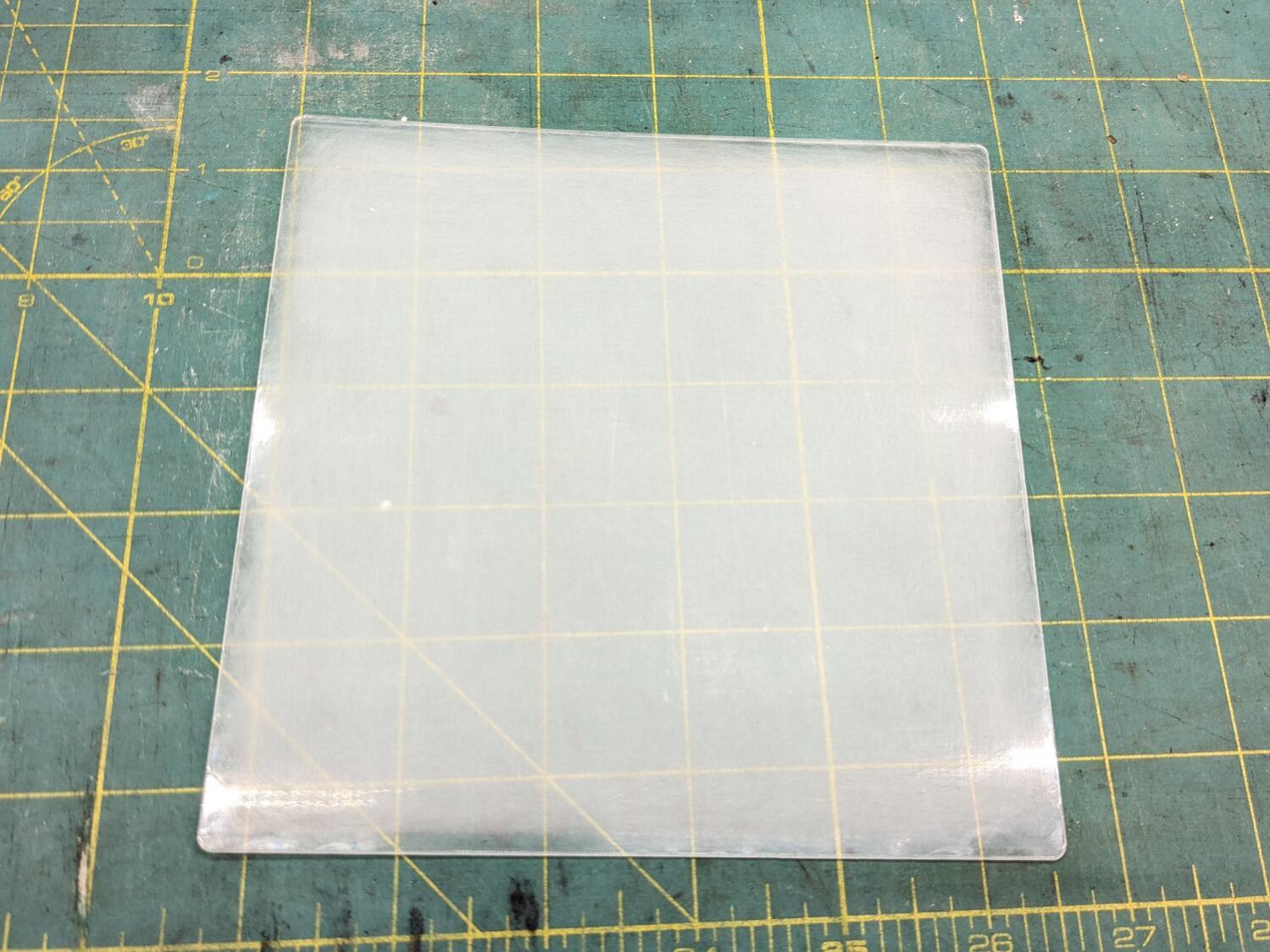
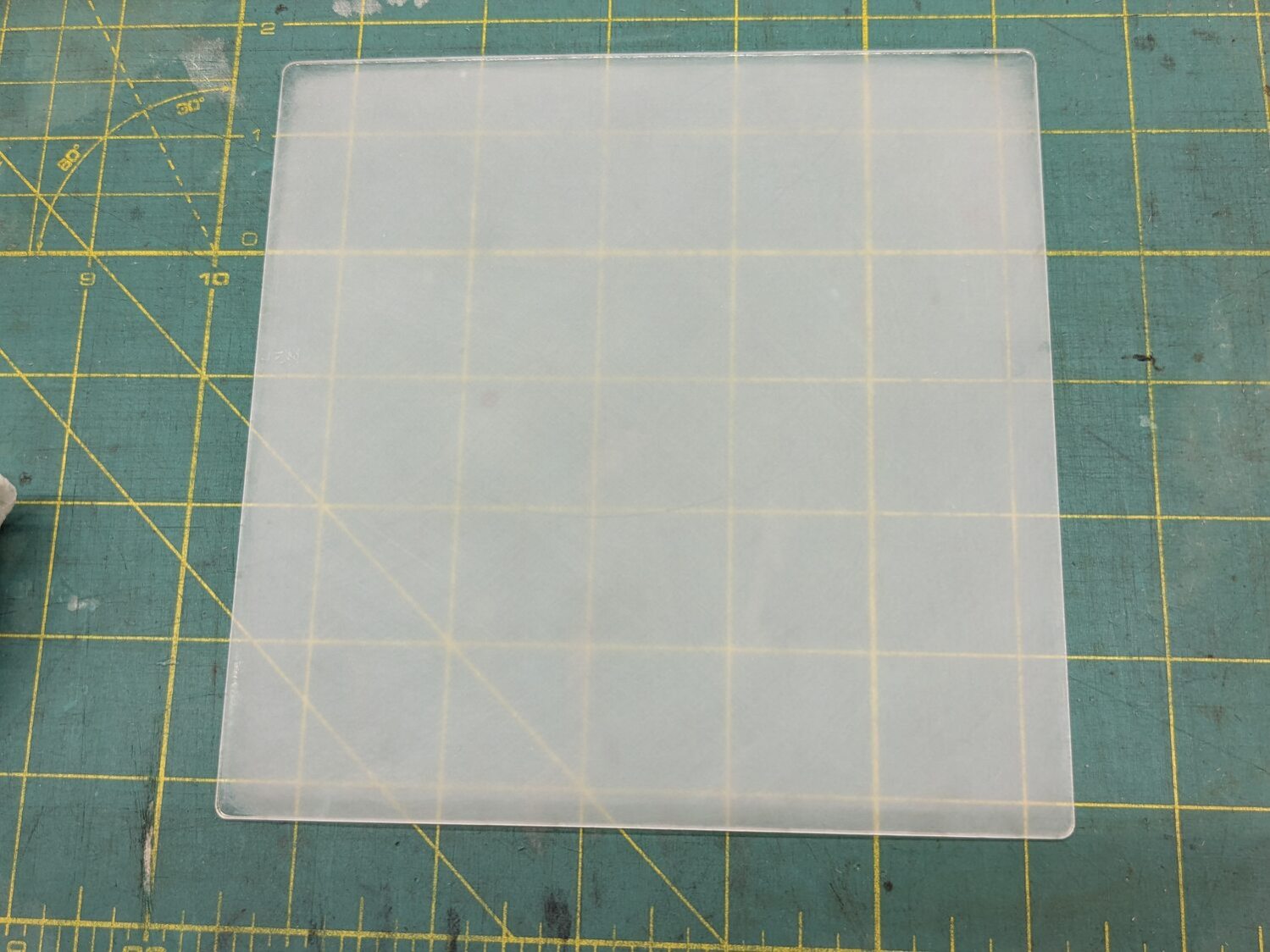
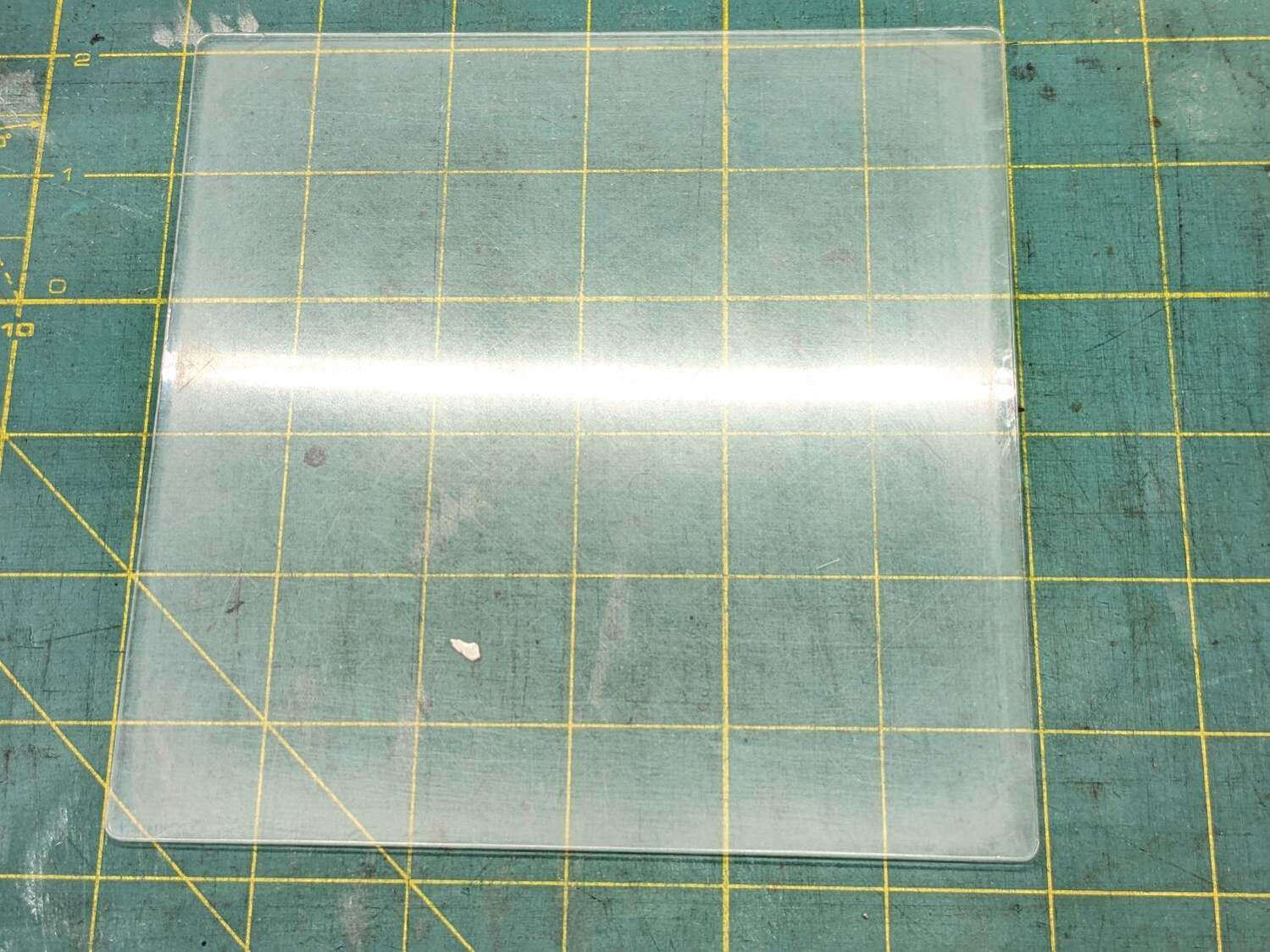
Laser-cut a suitable sheet and sand both sides with 220 grit paper to what looked like a uniform surface:
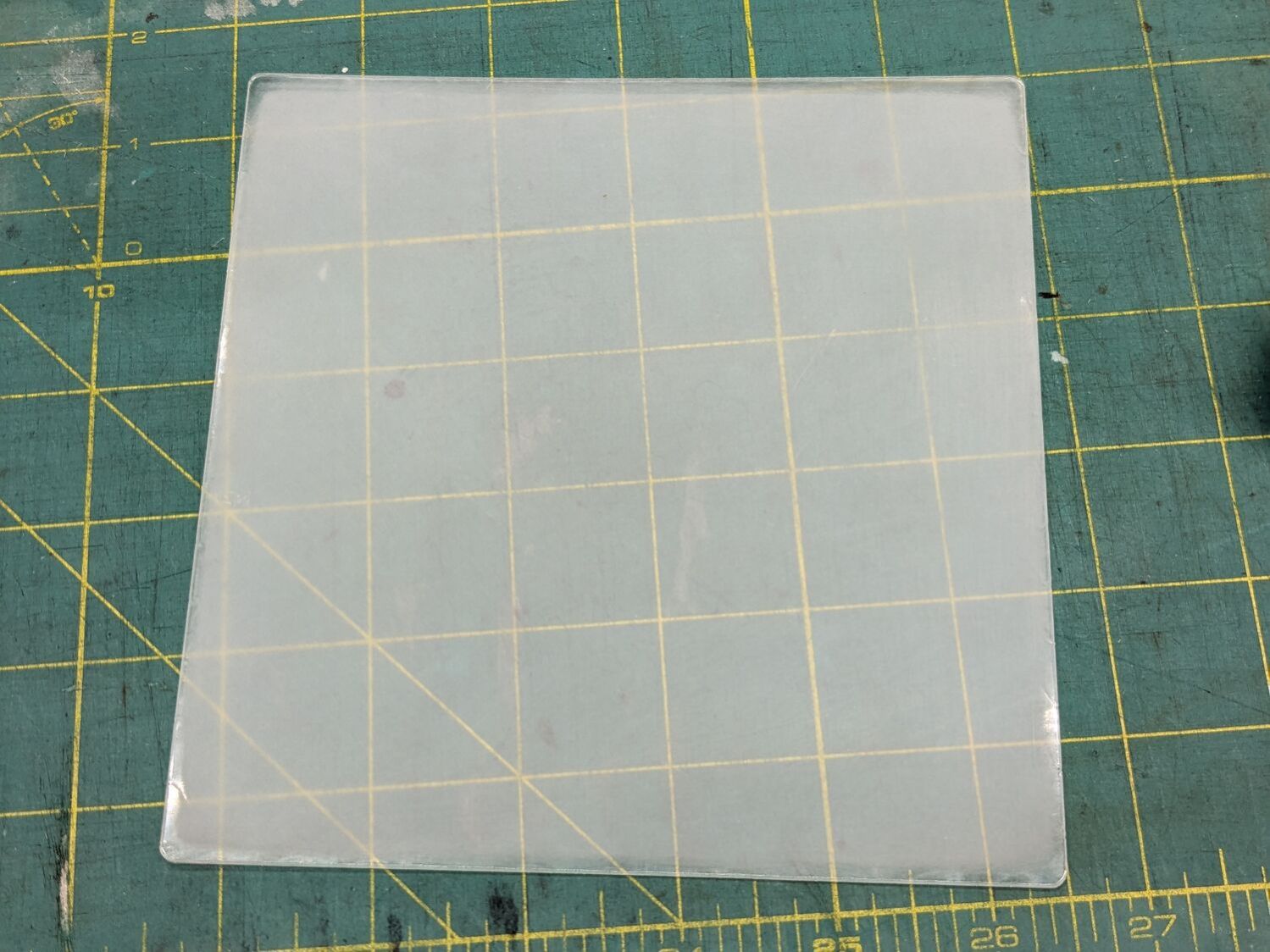
Continue scrubbing with 400, 800, 1000, 1500, and 3000 grit papers:
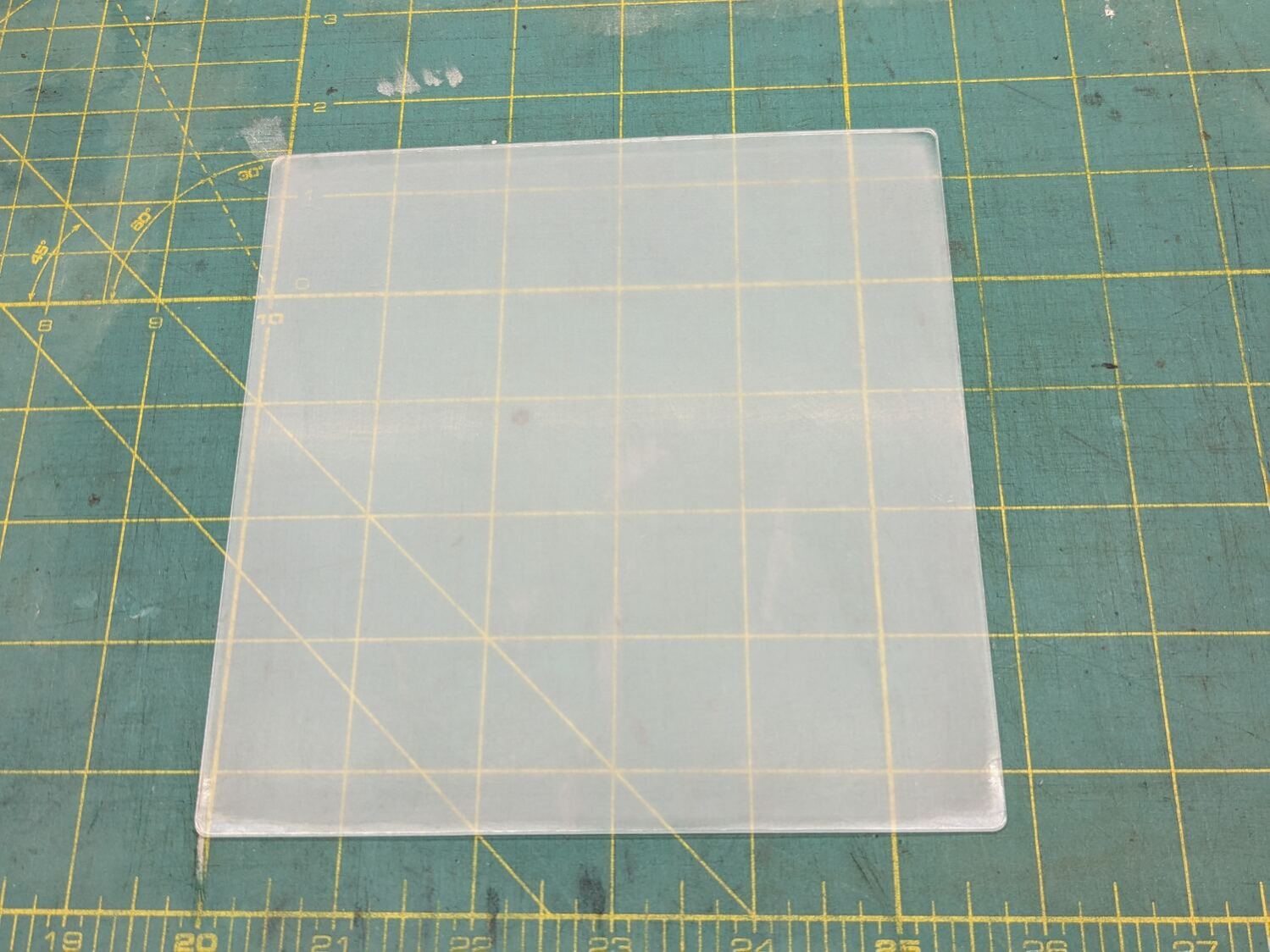
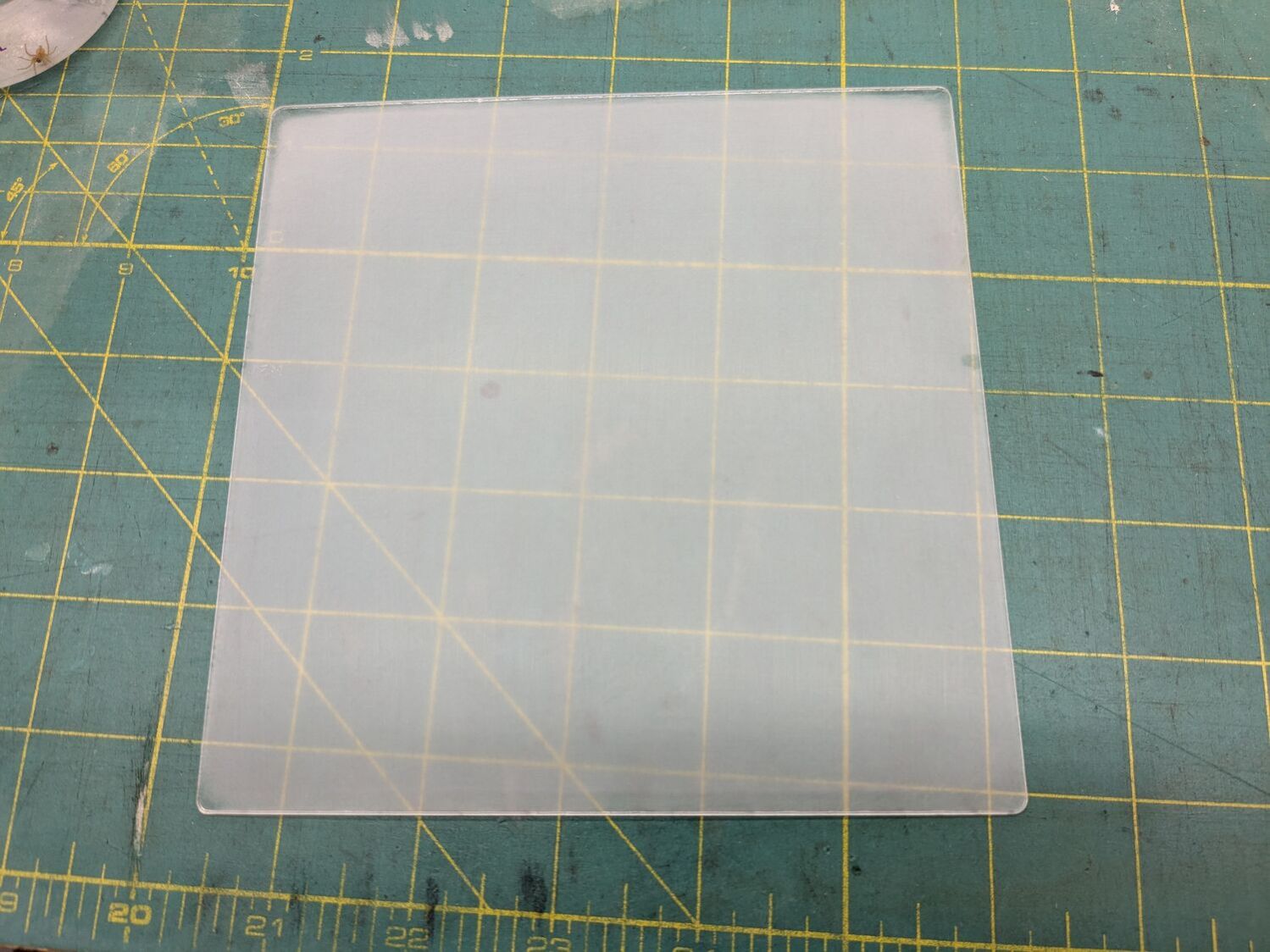
Massage it with Novus Polish 3, 2, and 1:

At best, it’s more translucent than transparent and definitely not an optical-quality polishing job:

Fortunately, I need not care about the edges, because it goes in a square frame with a circular cutout.
Tape it into that cardboard frame, scan it against a black background, and blow out the contrast to show I should have started with 100 grit paper and paid more attention to that “uniform surface” thing:

In use, though, it doesn’t look all that bad:

Come to find out those glittery cracks between all the cuboids still confuse GIMP’s edge detection, but at least hand-tracing the outline is easier without all the lines.
The entire “polishing” series as a slideshow for your amusement:
FWIW, those fragments turned out nicely:
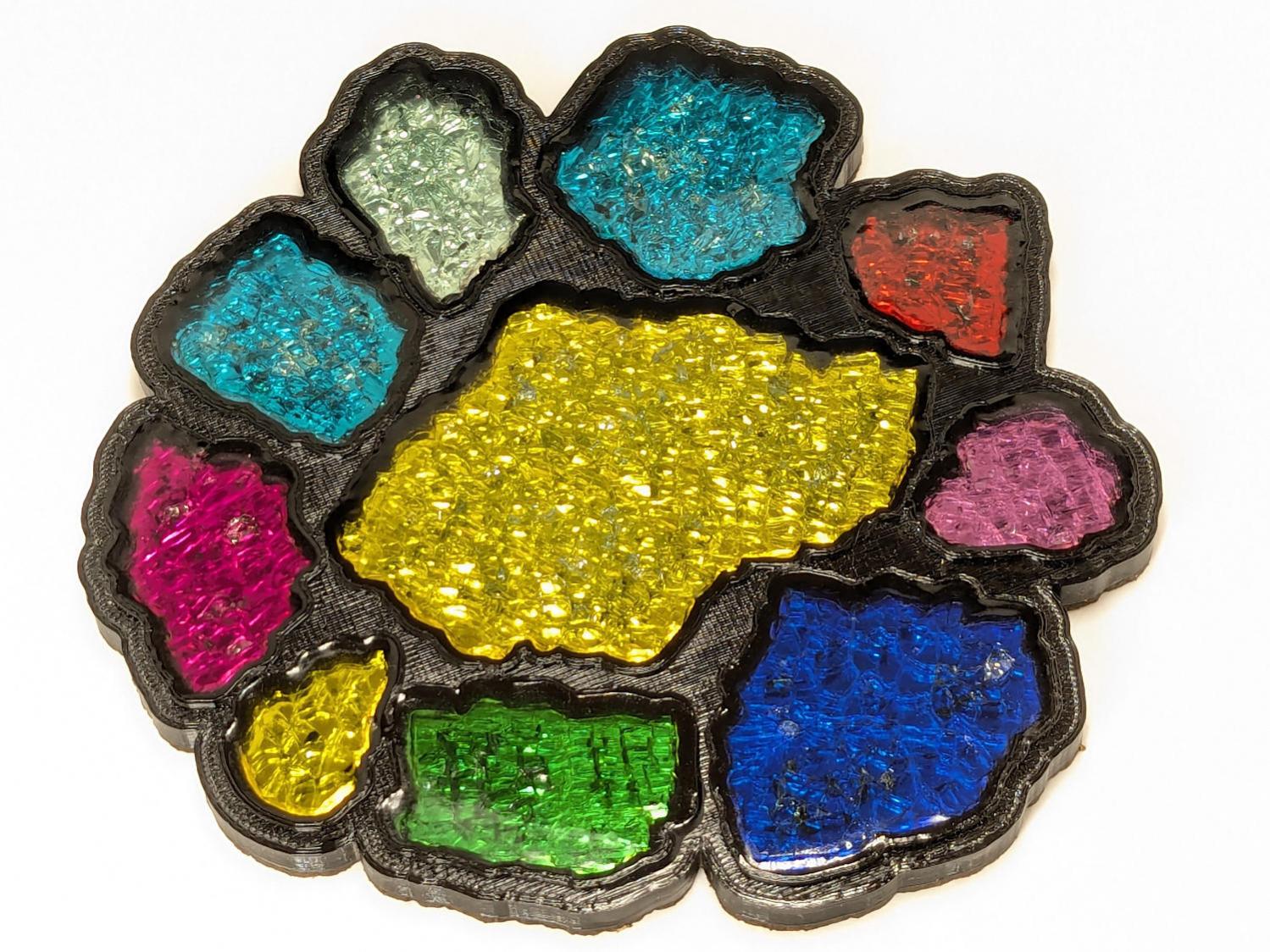
More on that later …
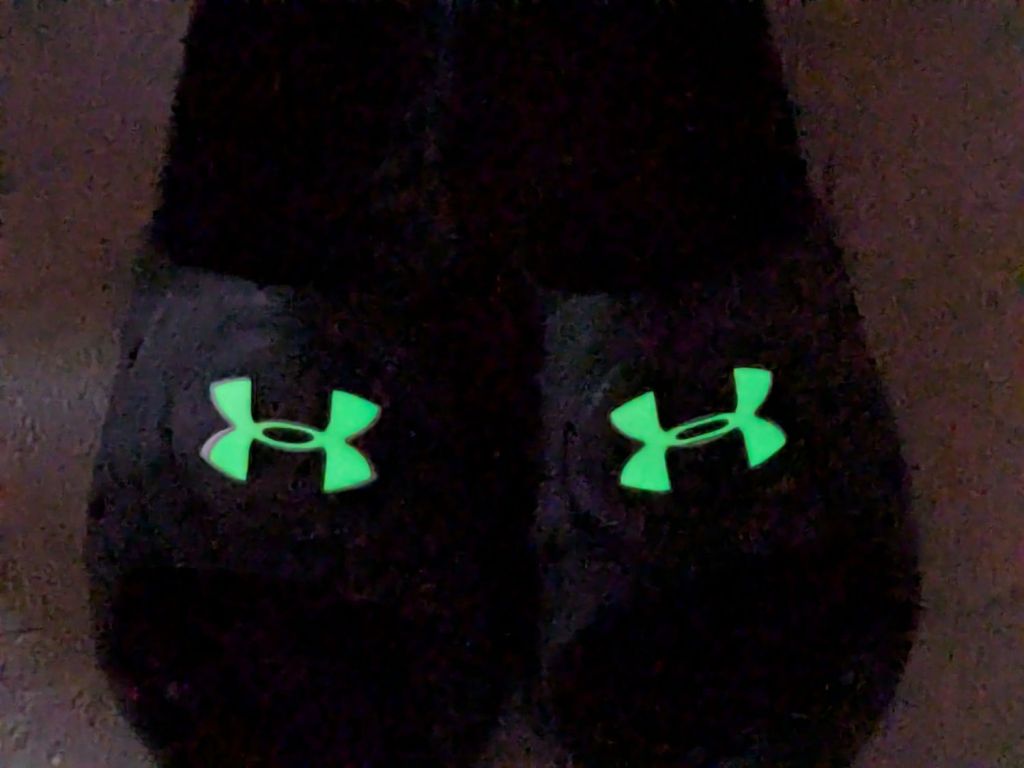
For reasons not relevant here, after Having Been Advised to not walk barefoot on our wood floors, I picked up a pair of beach / pool sandals with comfy soles. Although they have a white logo, they’re black and essentially invisible in the dark when I need them most.
Start by taking a photo of the logo on the clamped-flat upper strap:

Use GIMP to select the white area, clean it up a little, convert the selection into a path, export it as an SVG file, import into LightBurn, scale to match reality, and Fire The Laser:

That’s a roll of glow-in-the-dark tape which is almost certainly a lethal combination of PVC and phosphorescent stuff, so hold your breath while it cuts.
It’s “actually a “kiss cut” through the tape, but not through the backing paper, letting the whole thing hang together after the operation.
Peel-n-stick on the (still flattened) sandals, expose them to light, and It Just Works:

The fit isn’t perfect, perhaps due to insufficient flattening, but it’s close enough for my simple needs.


 The Smell of Molten Projects in the Morning