Ed Nisley's Blog: Shop notes, electronics, firmware, machinery, 3D printing, laser cuttery, and curiosities. Contents: 100% human thinking, 0% AI slop.
Both the round and square TPU patio table feet came from a 0.8 mm nozzle on the Prusa MK4, which produces results much faster than the venerable Makergear M2’s 0.35 mm nozzle. However, for unknown reasons a 0.8 mm nozzle is not compatible with the MMU3, so changing from and to the default 0.4 mm nozzle requires a somewhat complex ritual.
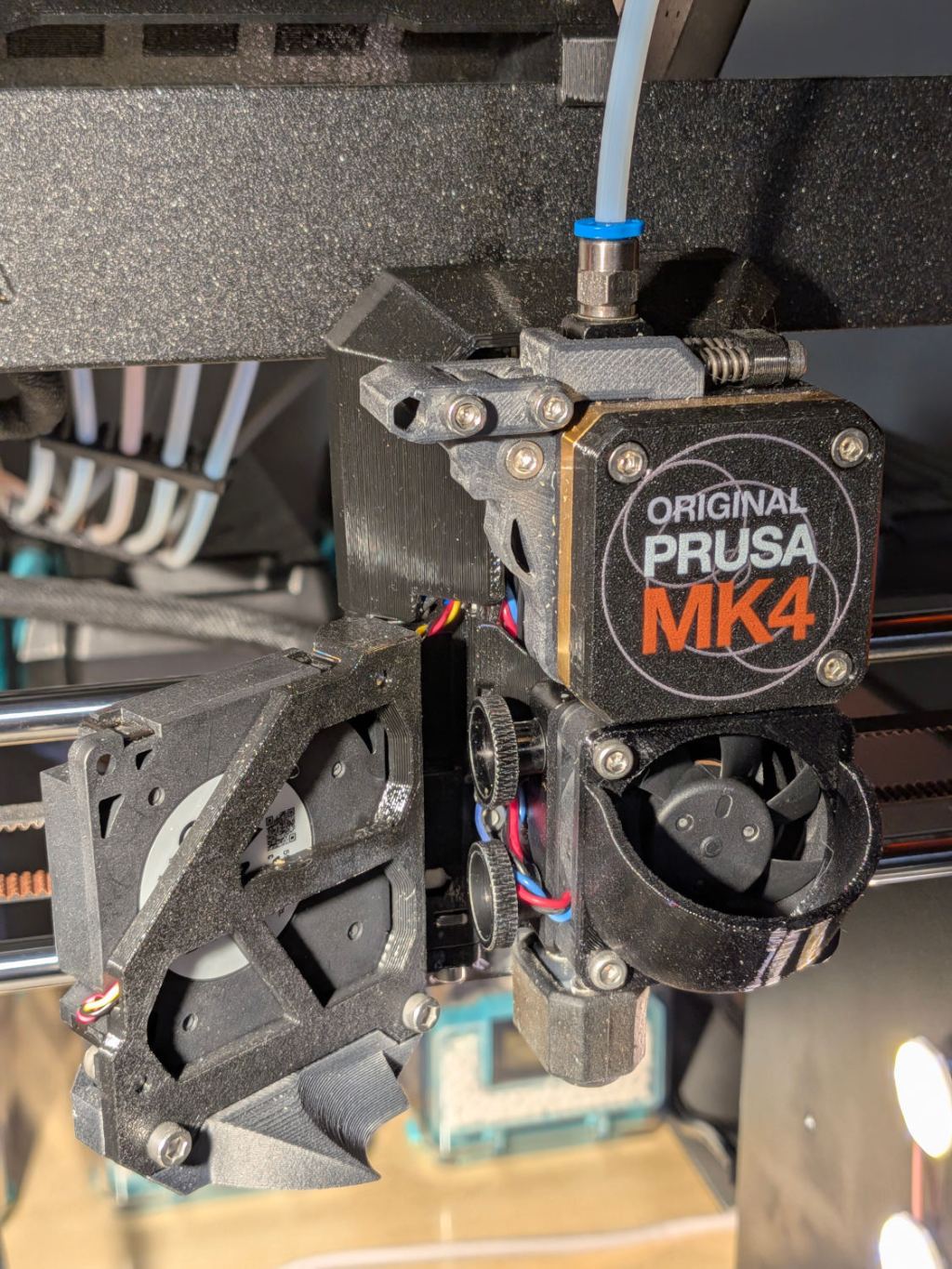
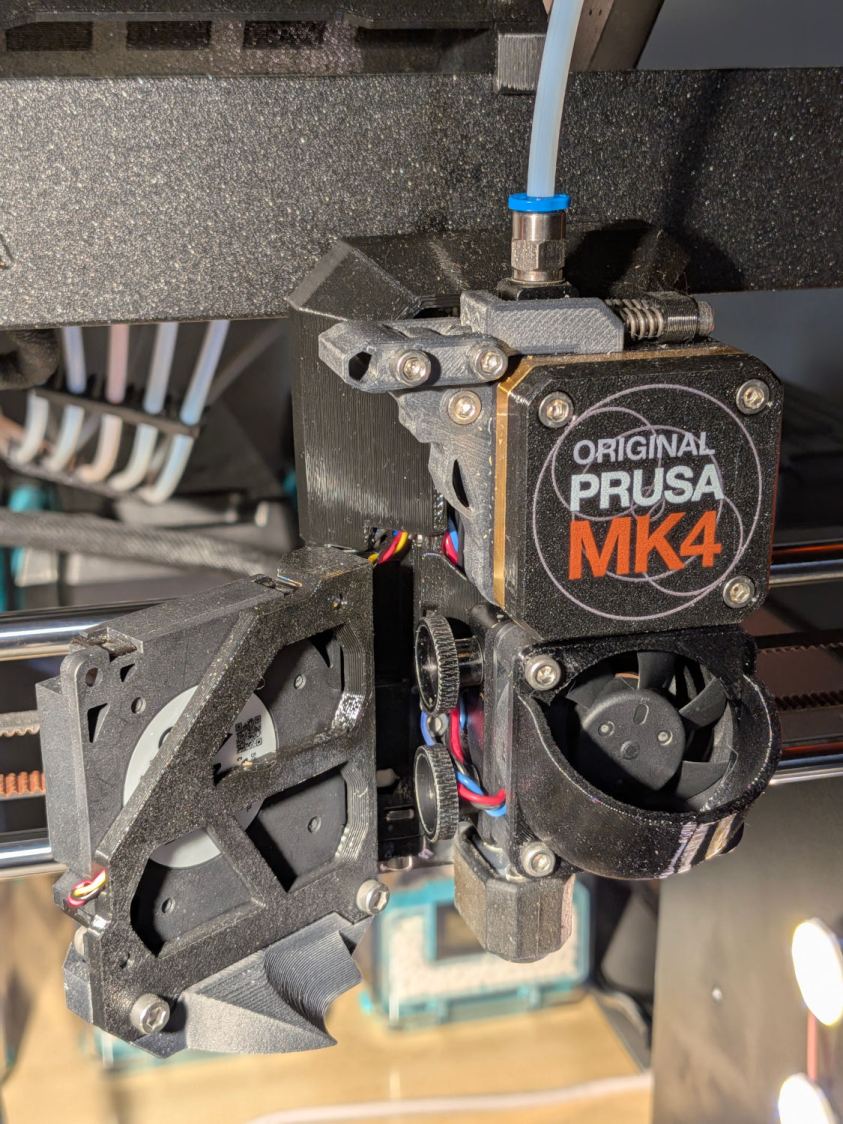
For context, the MK4 extruder and hot end:
Prusa MK4 – extruder overview
Because the MK4 automatically unloads the filament from the extruder (with help from auto-retracting filament spools) when using the MMU, the hot end doesn’t have any filament in it. Disconnect the PTFE tube from the fitting atop the extruder, insert the end of the TPU filament from its Polydryer box, and …
For a square patio table (with one missing foot), of course:
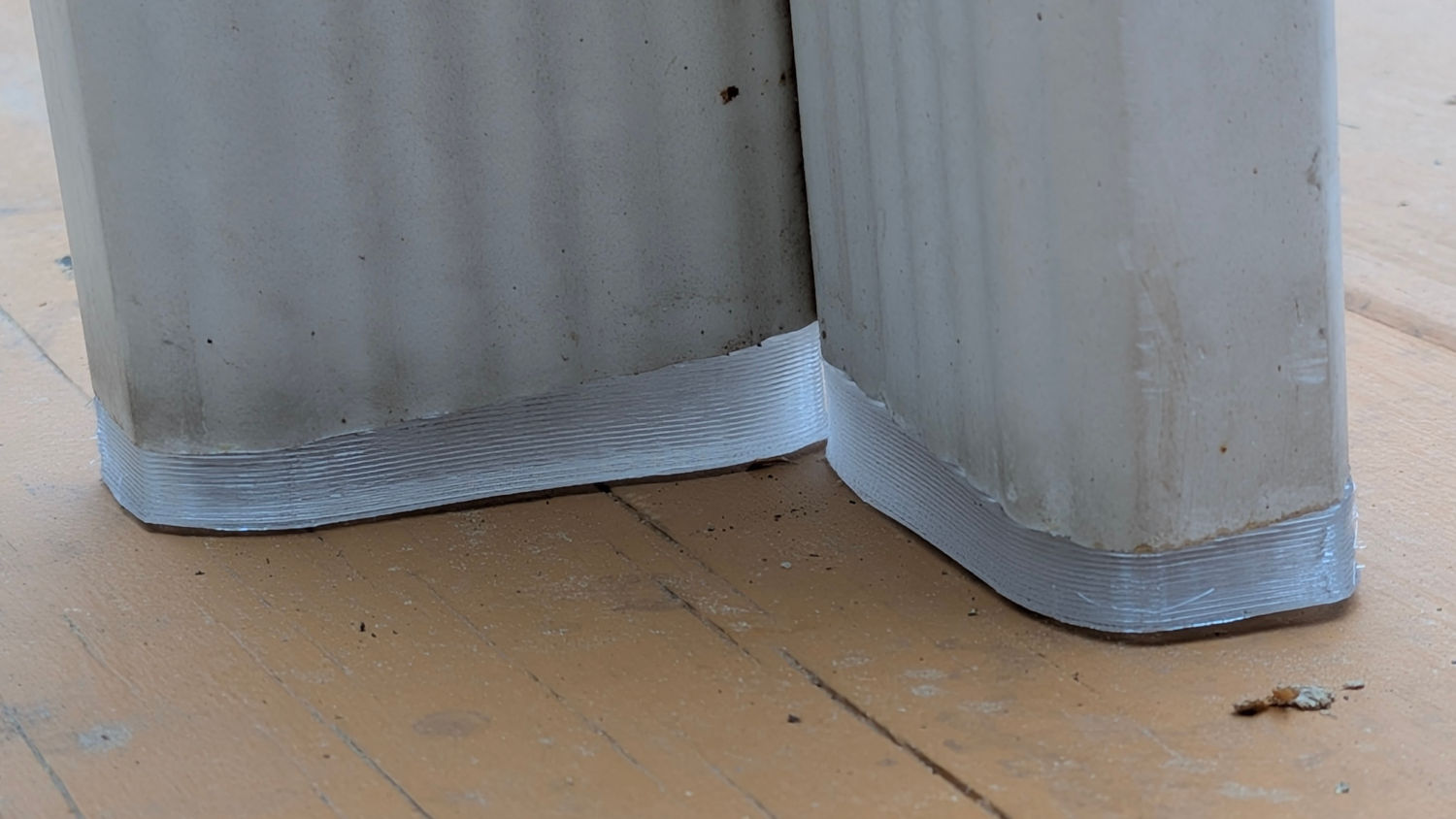
Patio Table Feet – installed
These are chunky enough to demonstrate they’re made of clear-ish TPU, at least when backlit:
Patio Table Feet – installed – backlit
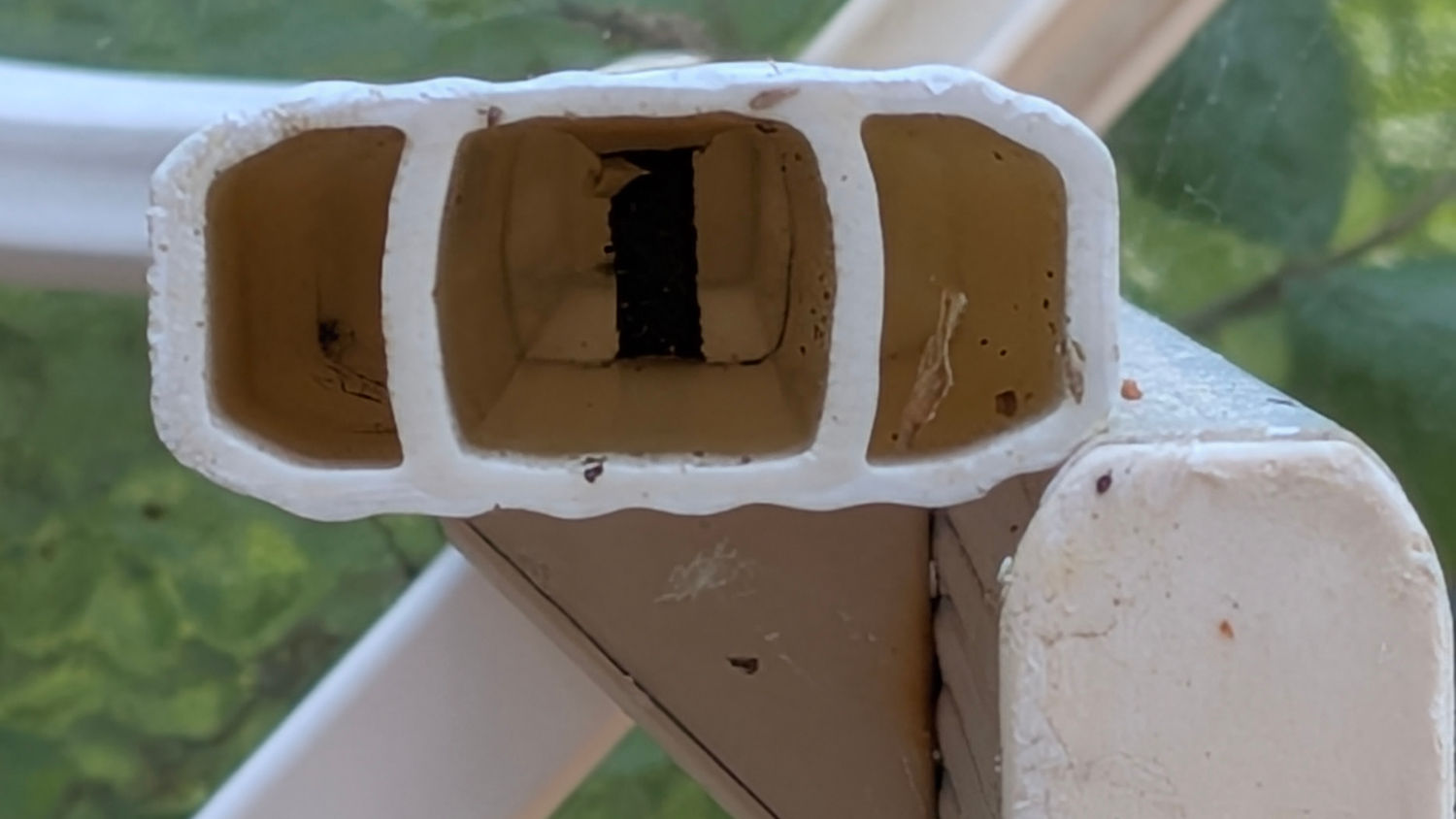
The interior of the leg determines what fits into it:
Patio Table Feet – leg interior
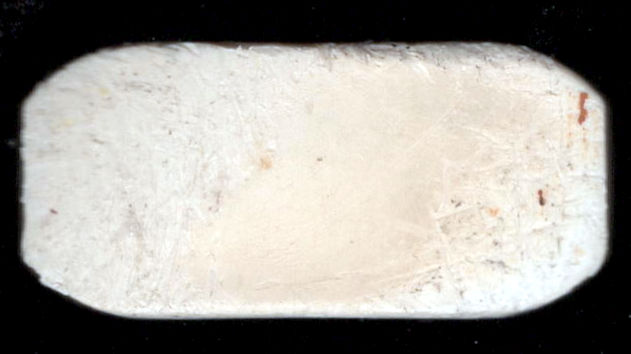
I pried out another foot, scanned it, and blew out the contrast:
Patio Table Foot – scan
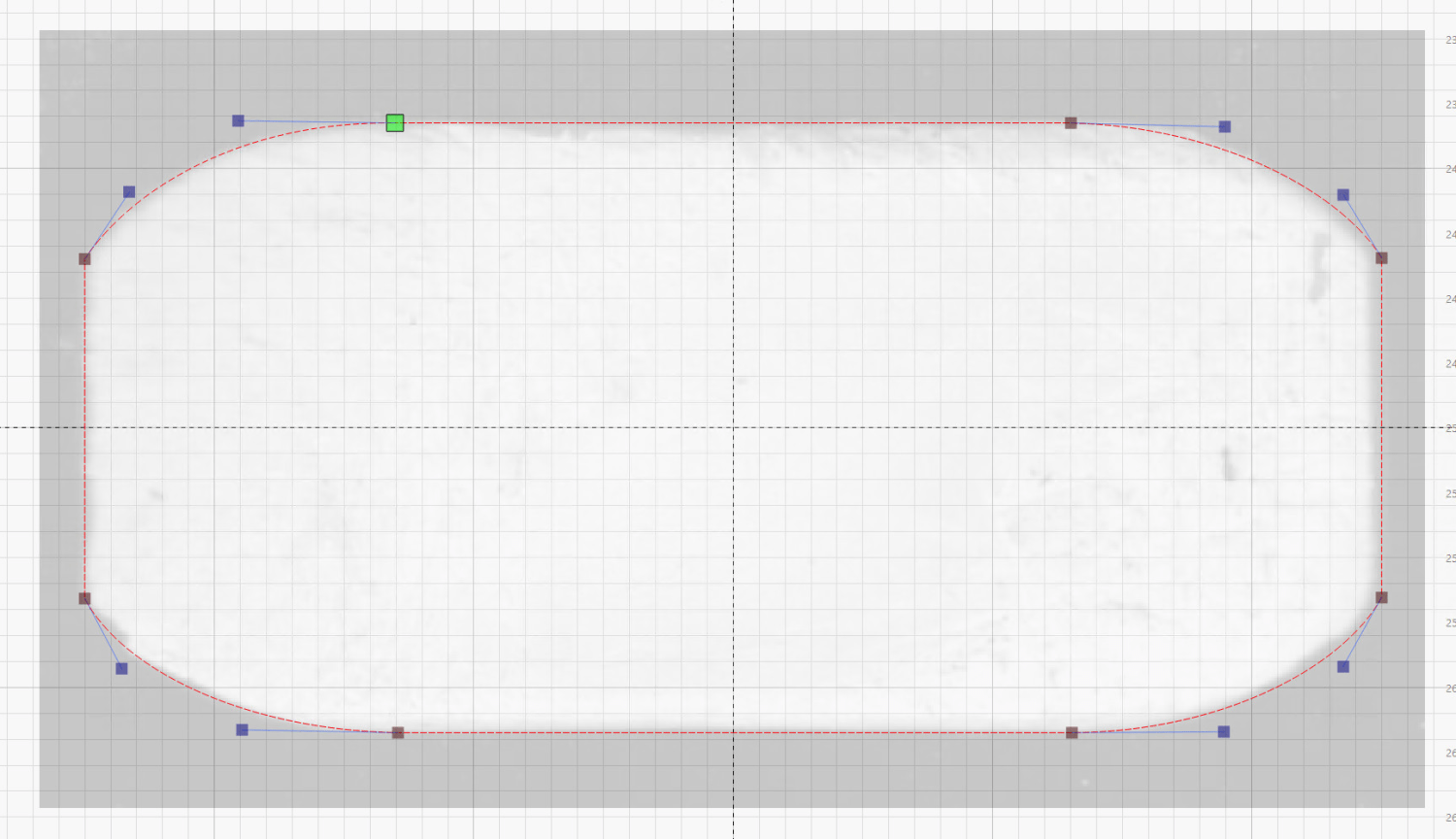
Importing that into LightBurn let me draw a rectangle matching the measured size, then node-edit the corners to approximate the shape:
Patio Table Foot – LightBurn layout
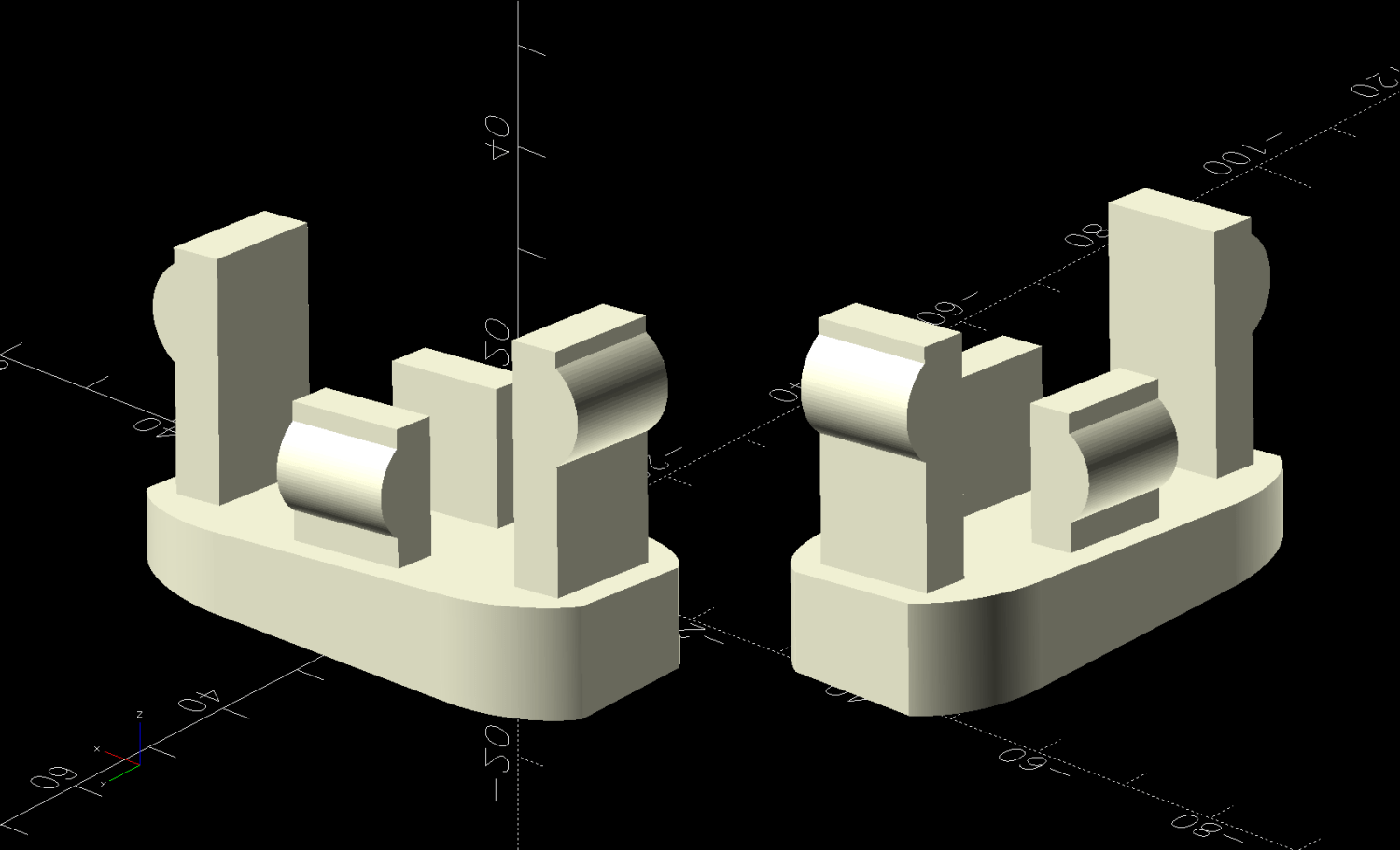
Export that shape as an SVG, import into OpenSCAD, and turn it into a solid model:
Patio Table Foot – solid model – show view
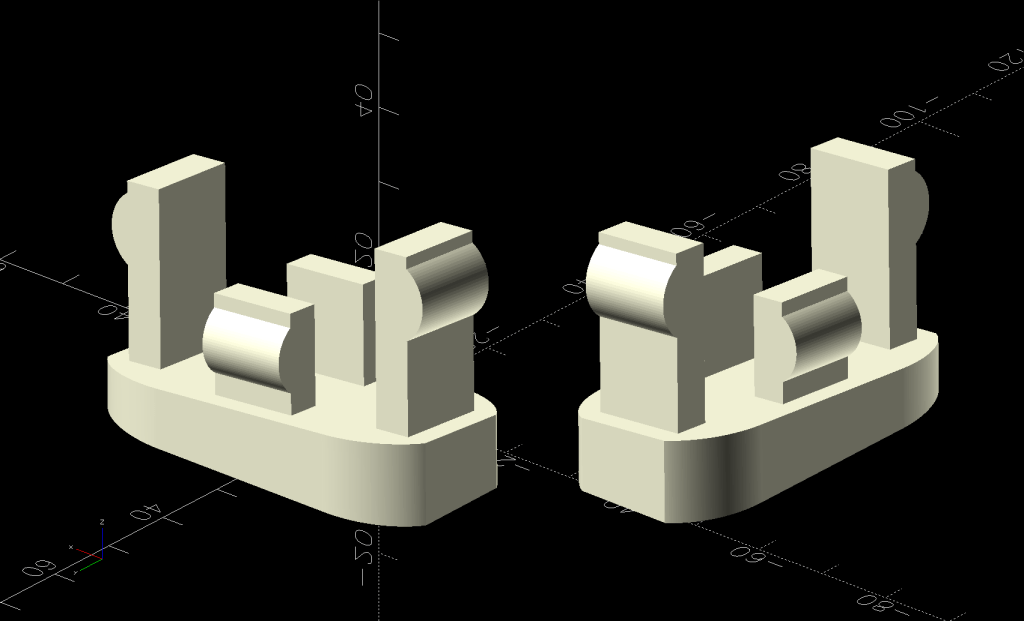
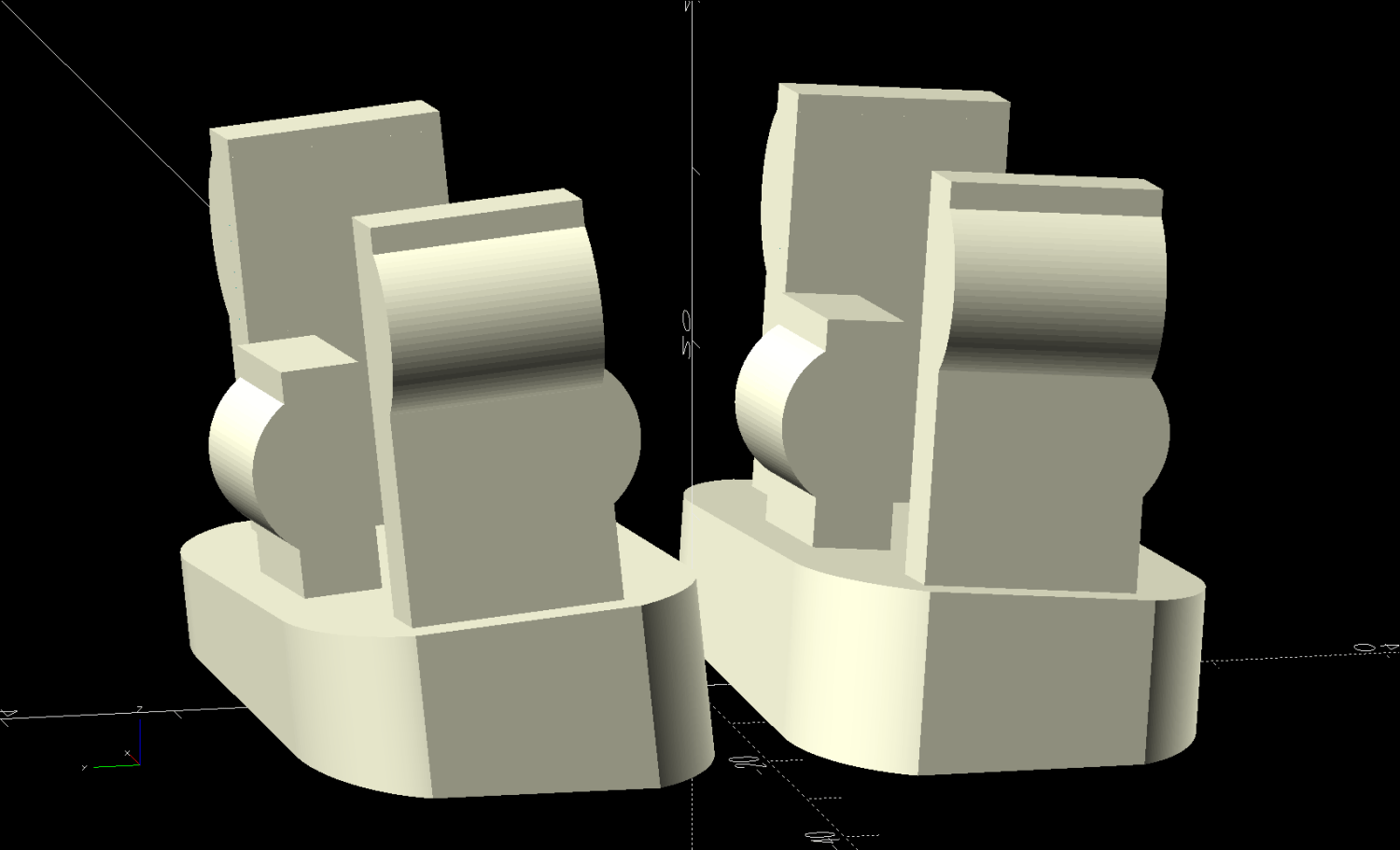
That’s the Show view simulating the actual positions, which demonstrates why the pair of legs at each corner wear mirror-imaged feet. The Build view arranges the pair more sensibly for 3D printing:
Patio Table Foot – solid model – build view
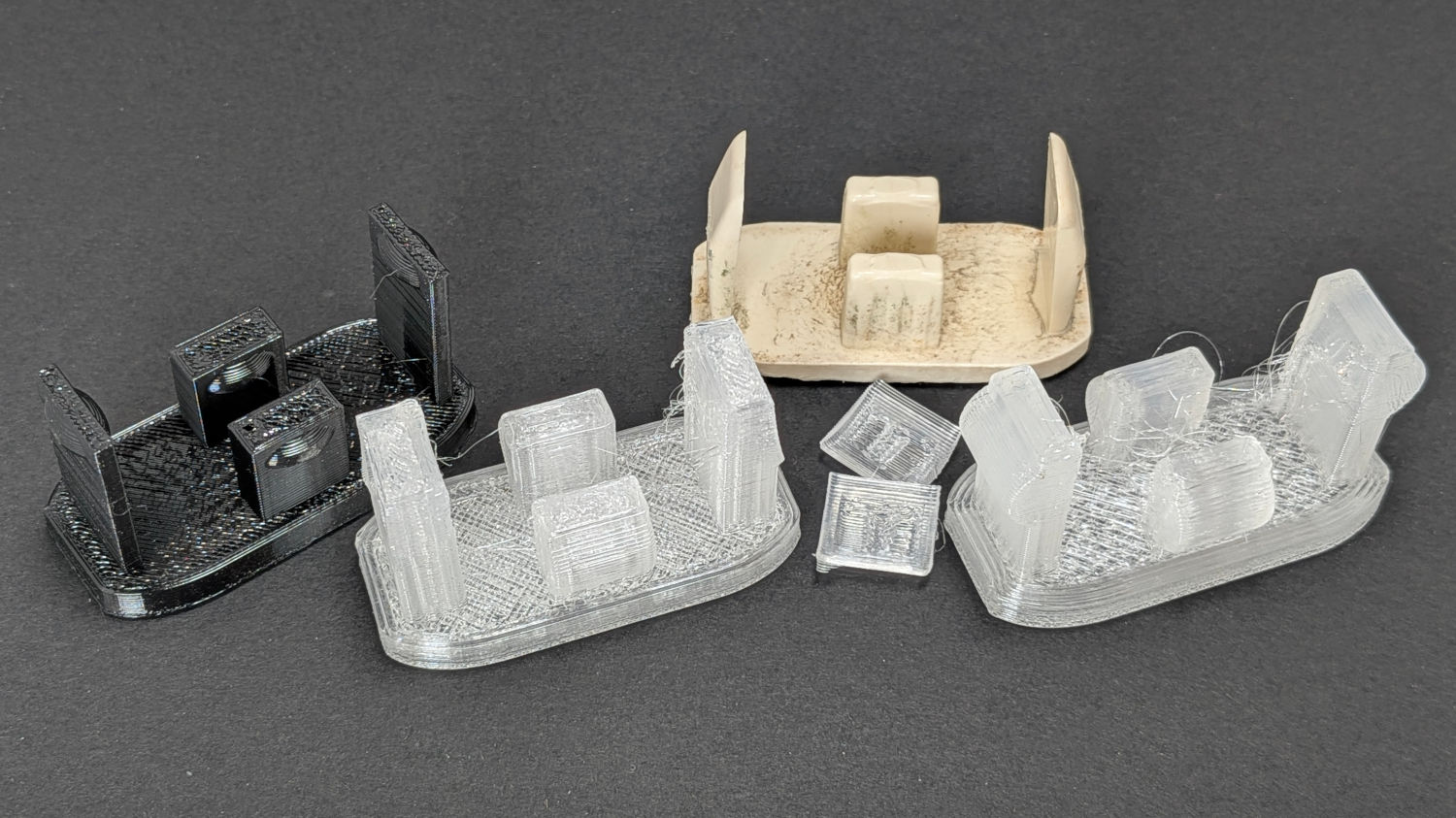
The protrusions and their bumps went through several iterations on the way to being functional, with the black TPU prototype on the left being entirely too bendy and the first clear version requiring utility knife editing to fit the end posts inside the leg:
Patio Table Feet – prototypes
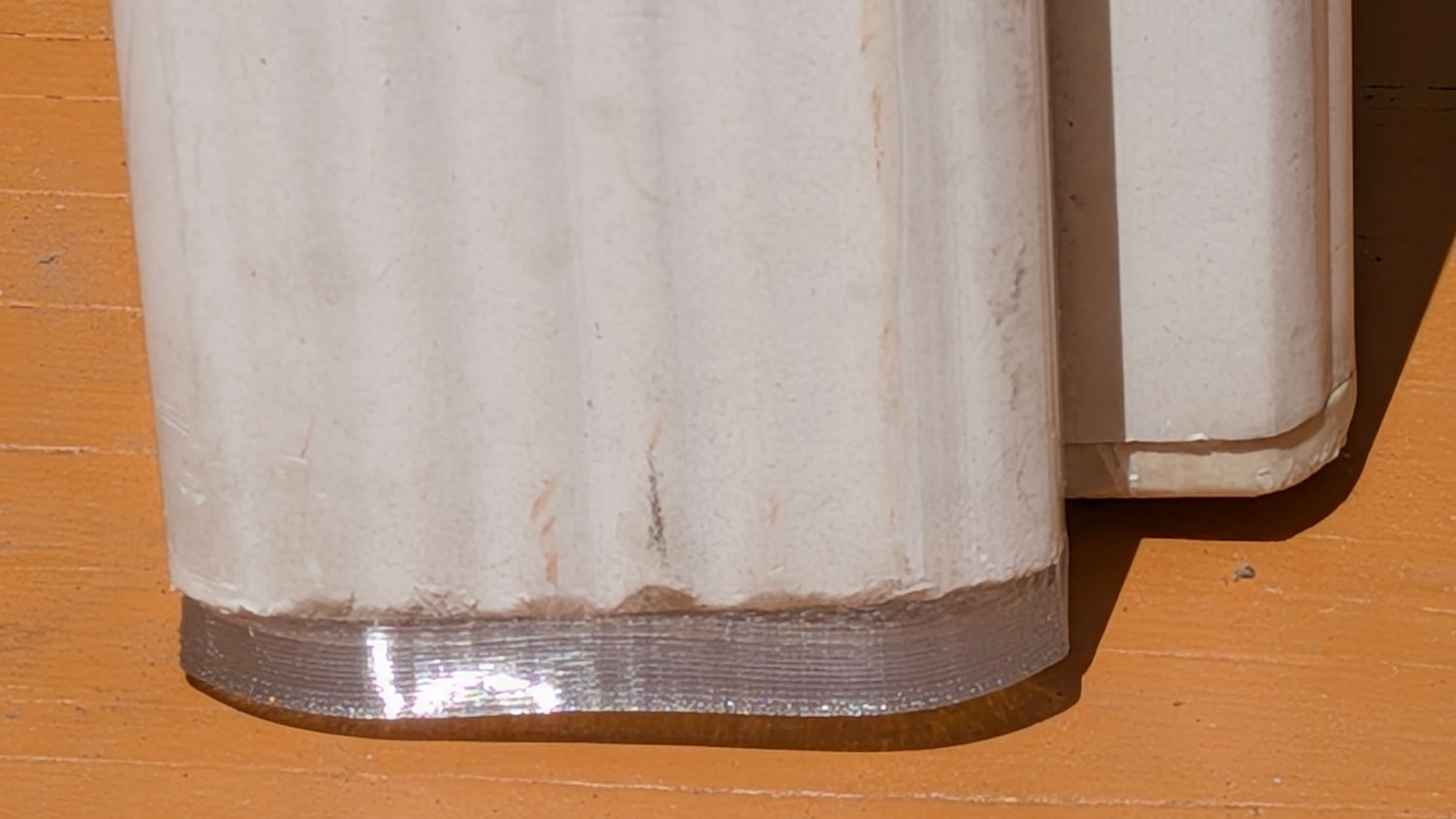
The original feet seem to be injection-molded ABS with a flat bottom intended to erode one corner against whatever the table stands on. However, the legs splay out at 5° from the vertical, which makes the flat bottom I used for the first few iterations obviously wrong:
Patio Table Feet – flat foot
Somebody who can math harder than I would resolve the two angles and all the measurements into a single transformation matrix, but I rotated the foot separately around the X and Y axes, trigged the lowest corner to the proper height, then chopped off everything below Z=0. Works for me.
This file contains hidden or bidirectional Unicode text that may be interpreted or compiled differently than what appears below. To review, open the file in an editor that reveals hidden Unicode characters.
Learn more about bidirectional Unicode characters
For a round patio table, although you can’t tell from the picture:
Round patio table feet – installed
Also despite appearances, that’s 3D printed from clear-ish TPU, with its black appearance due to internal reflections from the leg’s dark interior.
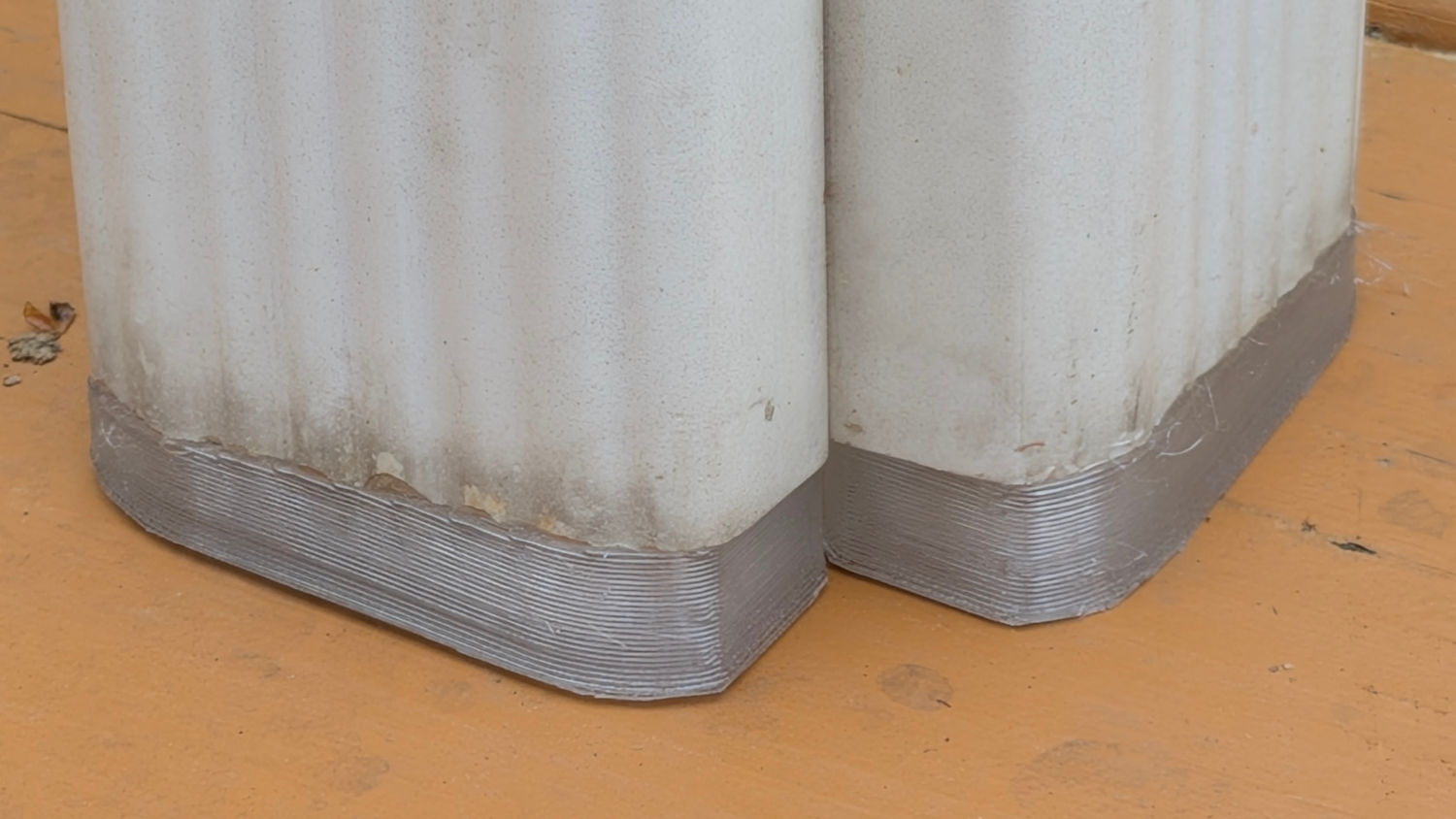
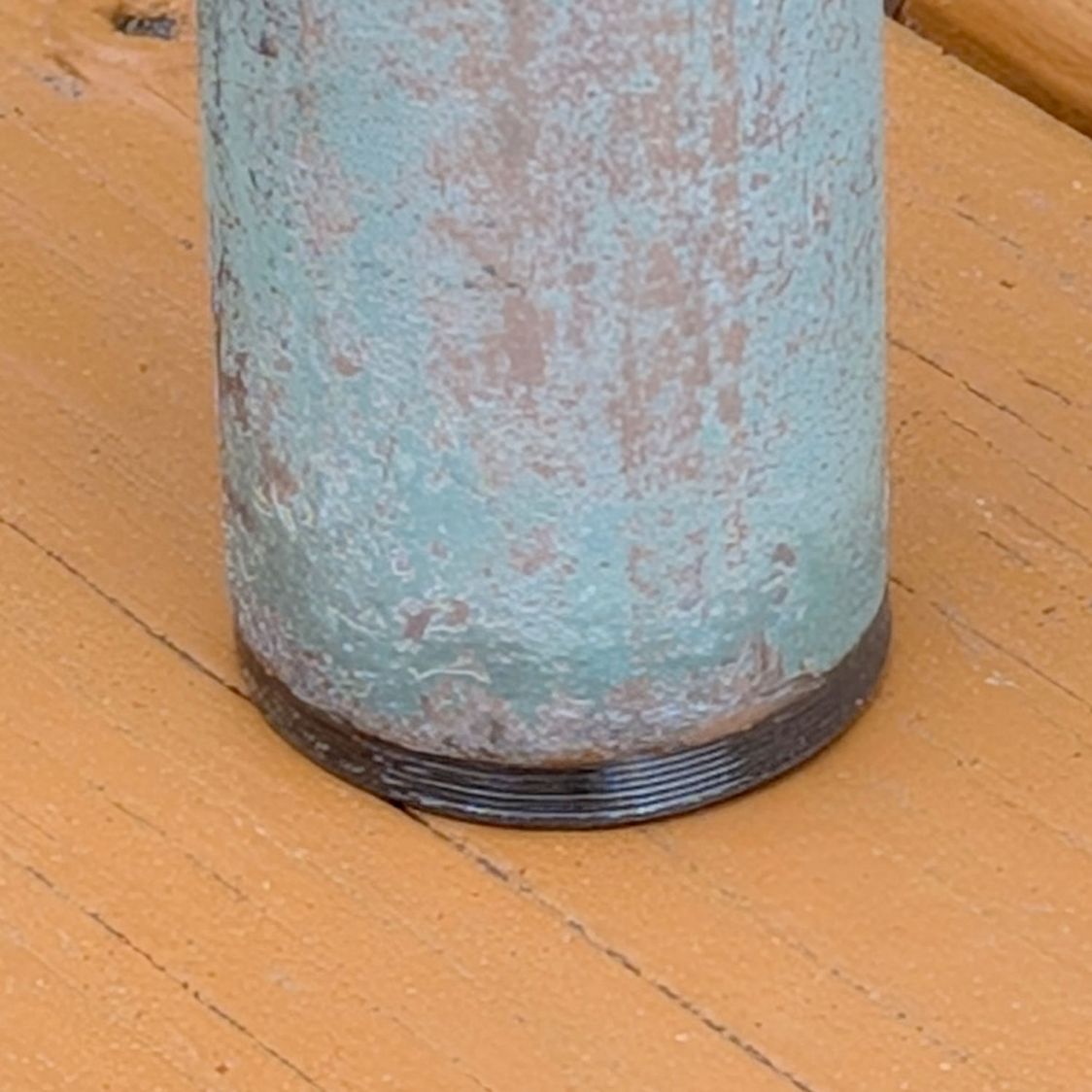
The original hard-white-plastic feet had eroded enough to let the aluminum legs scrape the deck paint:
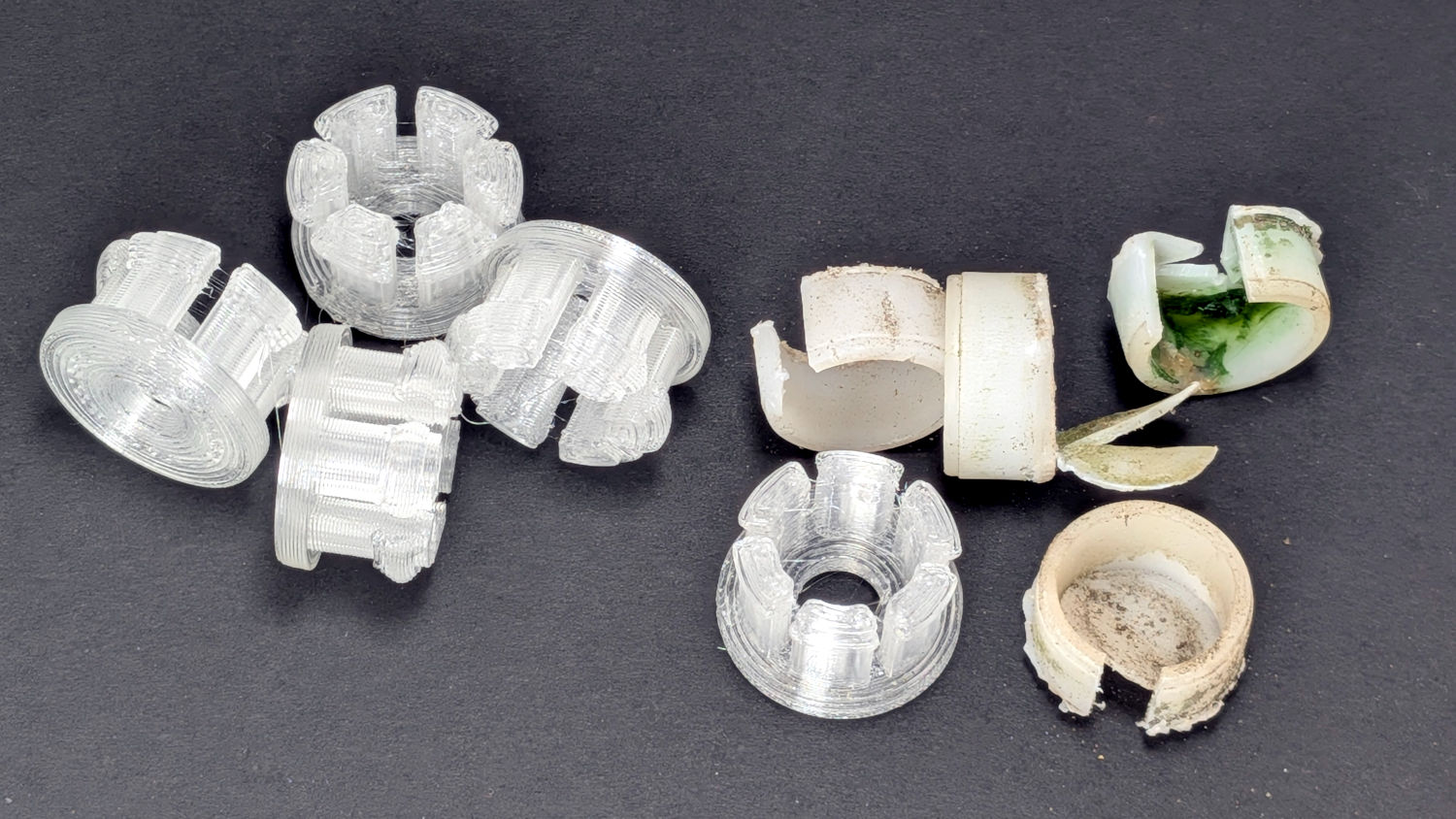
Round patio table feet – old vs new
The only way to extract each old foot was to hack out a segment with a razor knife, after which it slid out easily.
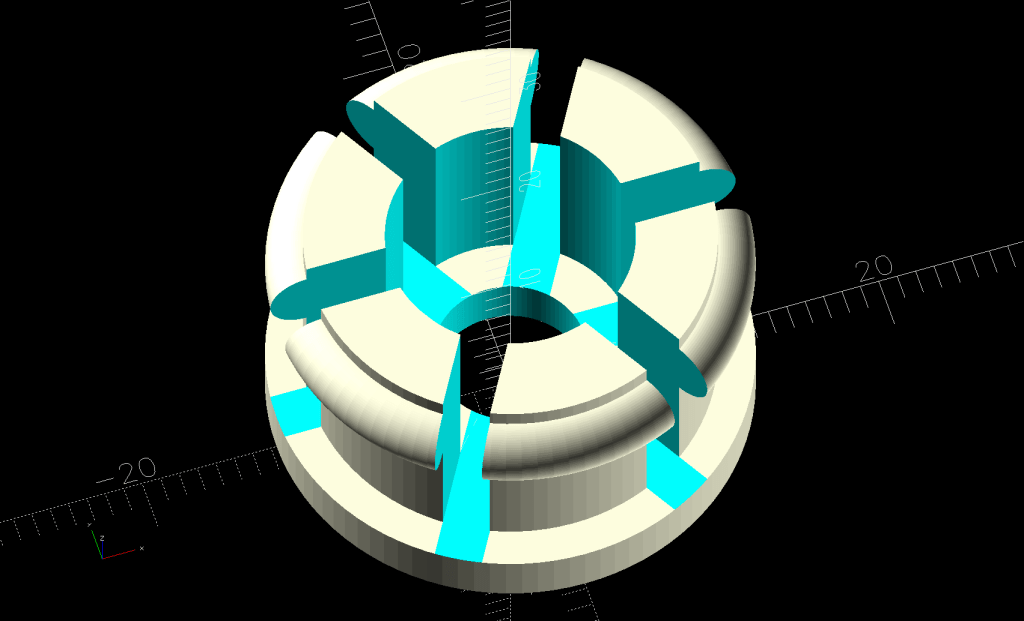
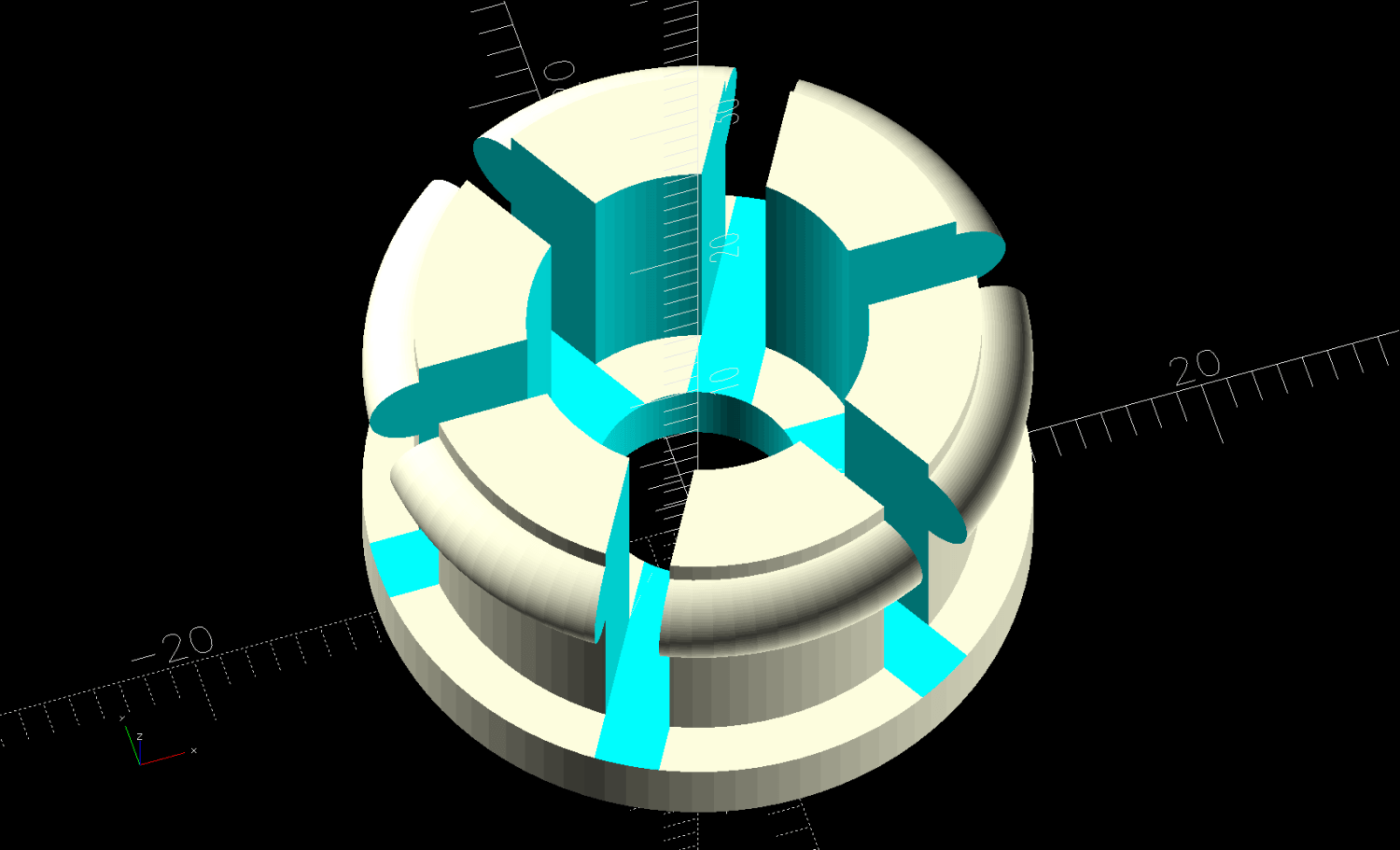
The ring around the top of the sections provides enough griptivity inside the leg to hold the foot in place:
Round Patio Table Foot – solid model
As with the TPU chains on the bike rack tray holder, I expect the compressed / bent segments will gradually relax inside the legs, but the feet ought not fall out in normal use.
The OpenSCAD source code isn’t quite a one-liner, but it’s close:
// Patio Table Foot - round legs
// Ed Nisley - KE4ZNU
// 2026-05-29

include <BOSL2/std.scad>

/* [Hidden] */

ID = 0;
OD = 1;
LENGTH = 2;

HoleWindage = 0.2;
Protrusion = 0.01;
NumSides = 4*3*2*4;
Gap = 5.0;

$fn=NumSides;

PadOA = [8.0,1*INCH,3.0];

SleeveOA = [13.0,21.7 - HoleWindage,12.0];

Kerf = 2.5;


//-----
// Build it

difference() {
  union() {
    tube(PadOA[LENGTH],od=PadOA[OD],id=PadOA[ID],anchor=BOTTOM) position(TOP)
      tube(SleeveOA[LENGTH],od=SleeveOA[OD],id=SleeveOA[ID],anchor=BOTTOM);
    up(PadOA[LENGTH] + SleeveOA[LENGTH] - 1.0)
      torus(d_maj=SleeveOA[OD],r_min=(PadOA[OD] - SleeveOA[OD])/2,anchor=TOP);
  }
  up(PadOA[LENGTH])
    for (a = [0,60,120])
      zrot(a)
        cuboid([PadOA[OD],Kerf,2*SleeveOA[LENGTH]],anchor=BOTTOM);
}
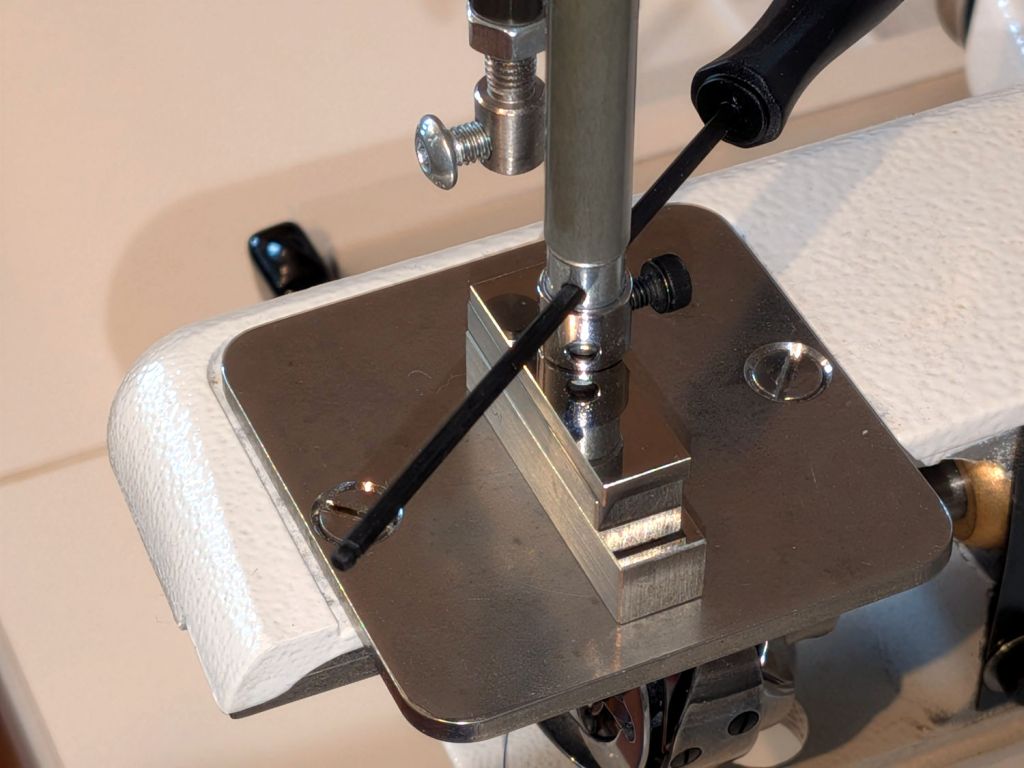
The original needle bar orientation for Mary’s Handiquilter HQ Sixteen put the needle clamp screw (a black-oxide socket head cap screw with the end flattened) about 45° from the rear of the needle bar:
HQ Sixteen – original needle foot orientation
The hex driver passes through the sight hole letting you verify the needle is inserted all the way into the holder before tightening the screw.
It turns out needles fitting the HQ Sixteen come in two varieties, both with nominal 2.0 mm shanks. Mary’s stock has slightly different and entirely consistent diameters around their eyeballometric typical value:
Round shank = 1.94 mm (-0.00 / +0.02 mm)
Flatted shank = 2.04 mm (-0.02 / +0.04 mm)
The round shank needles fit easily into the needle holder, but most of the flatted needles simply would not go in. The difference felt like a burr somewhere inside the bore, rather than a uniformly too-small bore: a burr is easy to imagine around the threaded hole for the lock screw.
Orienting a round-shank needle is exceedingly fiddly, because the groove above the thread hole must be aligned exactly to the front of the needle bar to mesh properly with the bobbin mechanism, but snugging the screw invariably rotates the shank.
While you might think the locking screw would properly orient flatted-shank needles by tightening on the flat, you would be wrong. The flat is at the back of the machine when the groove and hole are properly oriented, which means the locking screw bears on the rounded part of the needle, right at the edge of the flat. Mary was generally unable to use even the few flatted needles that fit into the needle bar, because tightening the screw tended to grab the flat, rotate the needle, and lock it firmly in the wrong orientation.
It is worth nothing that all of the other machines around here have locking screws arranged exactly as you’d expect: tightening the screw onto the shaft flat correctly aligns the needle with zero fiddling.
Pictures of various HQ Sixteen machines found on the InterWebs show their needle bar and locking screw can be oriented anywhere from nearly in front to entirely in the back, suggesting:
Whoever aligns those machines doesn’t care about needle orientation
Everybody uses round-shank needles
Anybody using flatted-shank needles is an outlier
I suggested rotating the needle bar to put the screw in back and, if possible, remove the burr inside the bore. After considerable discussion, my plan was approved.
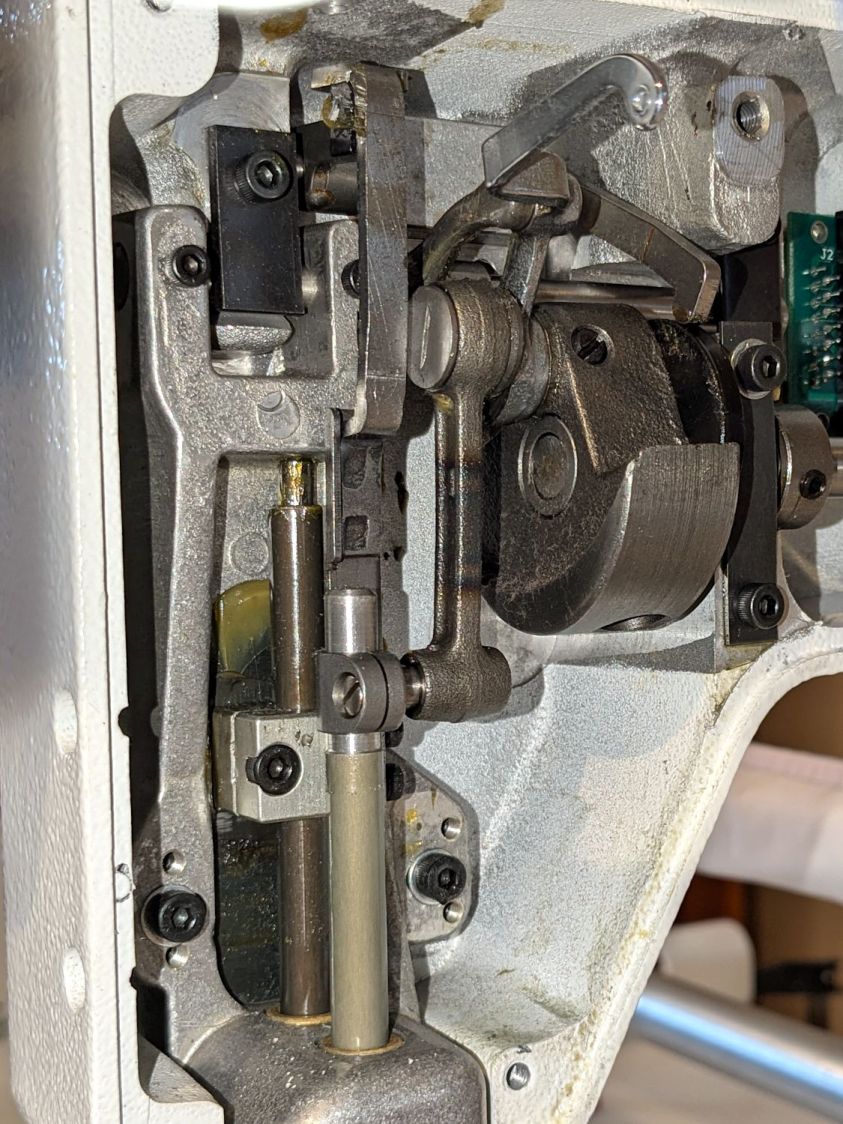
The needle bar slides vertically in a machined block, driven by a link attached to the machine’s main shaft, shown here at Top Dead Center:
HQ Sixteen Handi-feet conversion – foot rod clamp
The surface of the needle rod has a yellow / amber color from the slick coating that must not be disturbed, to the extent the maintenance instructions require a plastic-lined clamp for adjustments.
The vertical position of the needle rod in the clamp determines the “timing” of the needle with respect to the hook on the whirling bobbin case where the magic happens. Setting the timing requires a Special Service Tool that I do not have and likely never will, so the vertical position must not change while rotating the rod in the clamp.
So, we begin.
Removing the machine cover requires removing the Control Pod electronics box with all its cables to get access to the last screw, so this is a nontrivial operation.
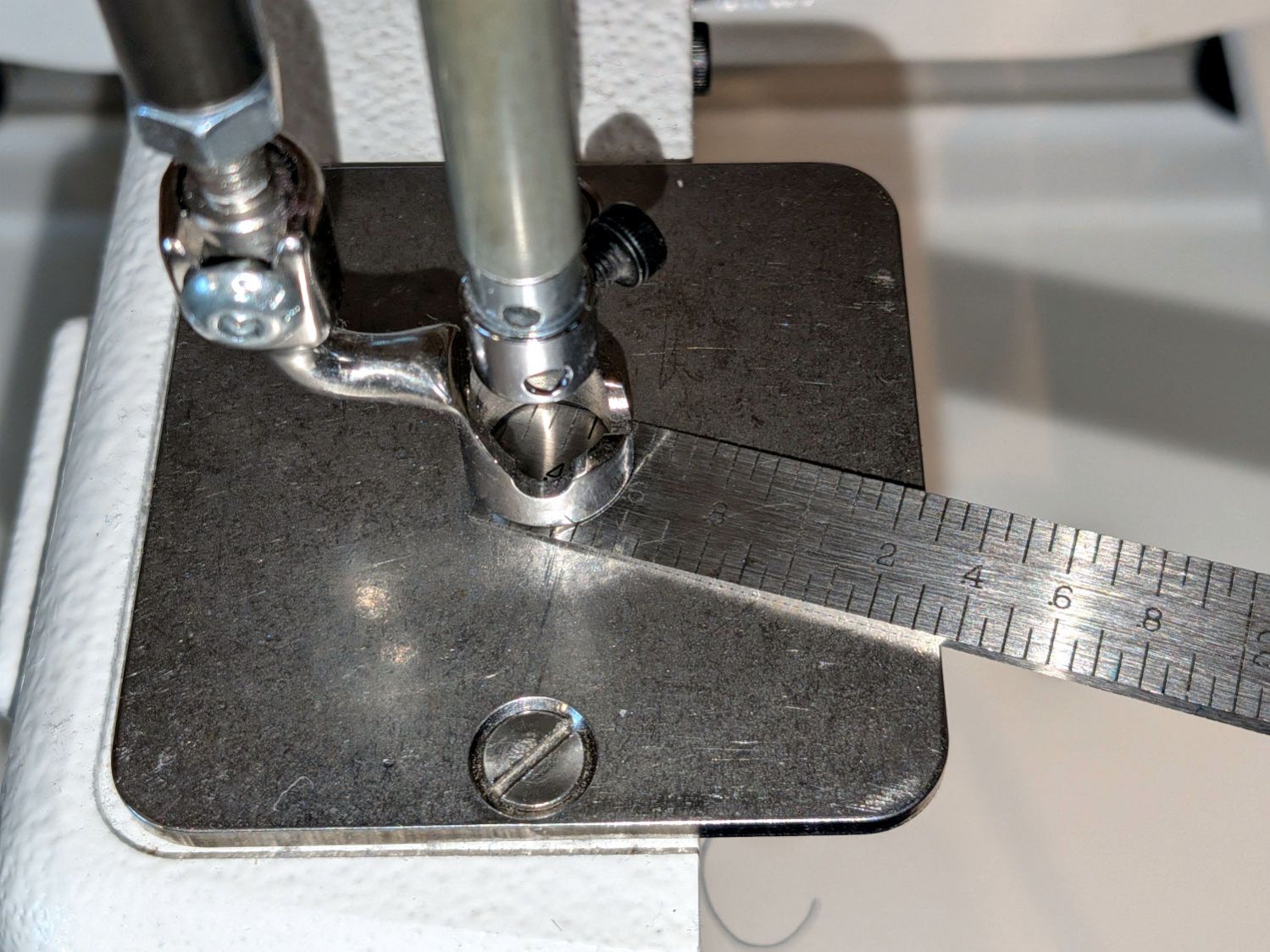
Position the shaft at Bottom Dead Center, then measure the distance from the ruler foot to the needle plate:
HQ Sixteen – Ruler foot clearance
The correct distance is 0.5 mm and the taper gauge shows it at 0.6 mm, but all I need here is putting it back at the same height after I remove the foot.
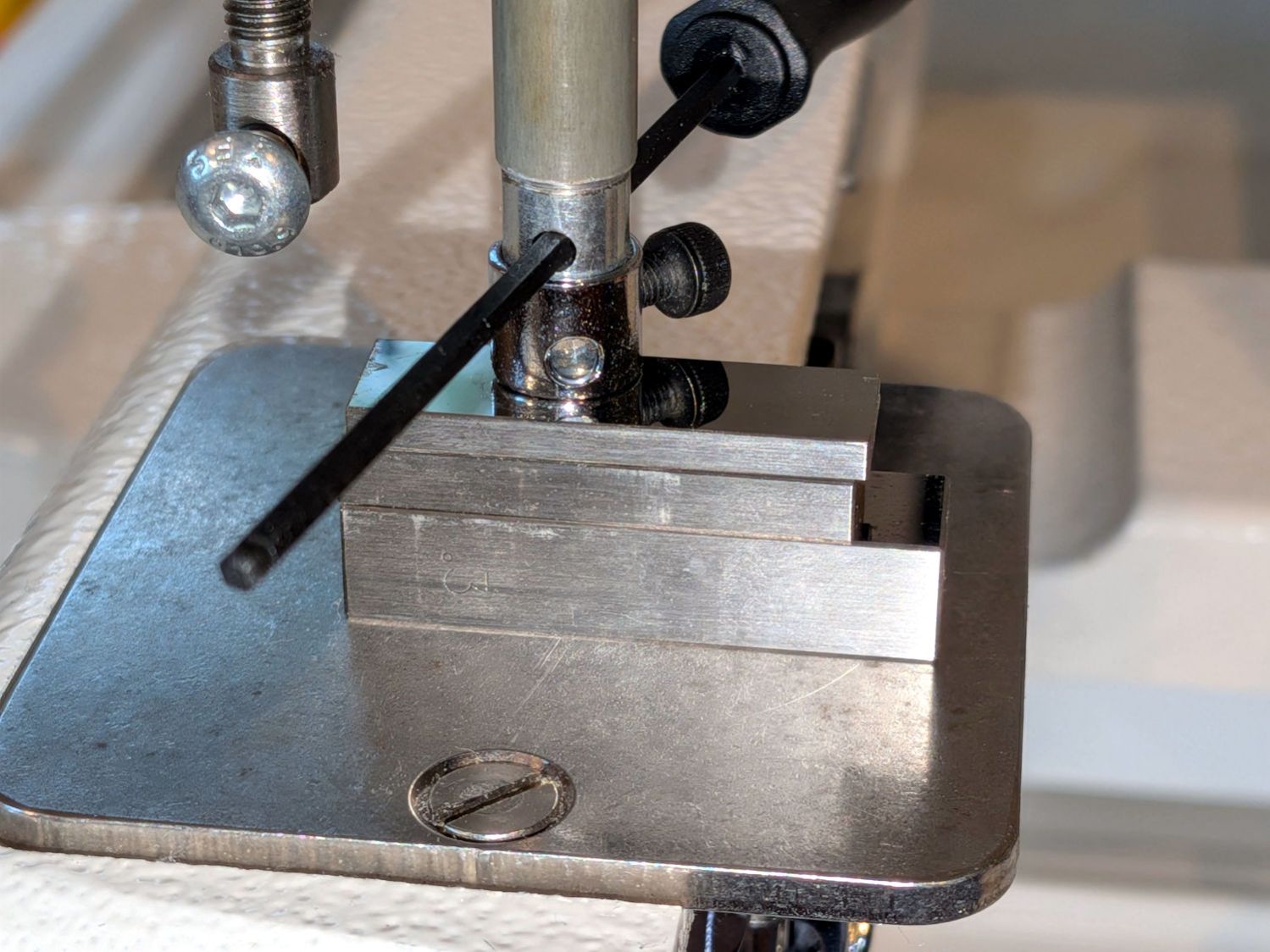
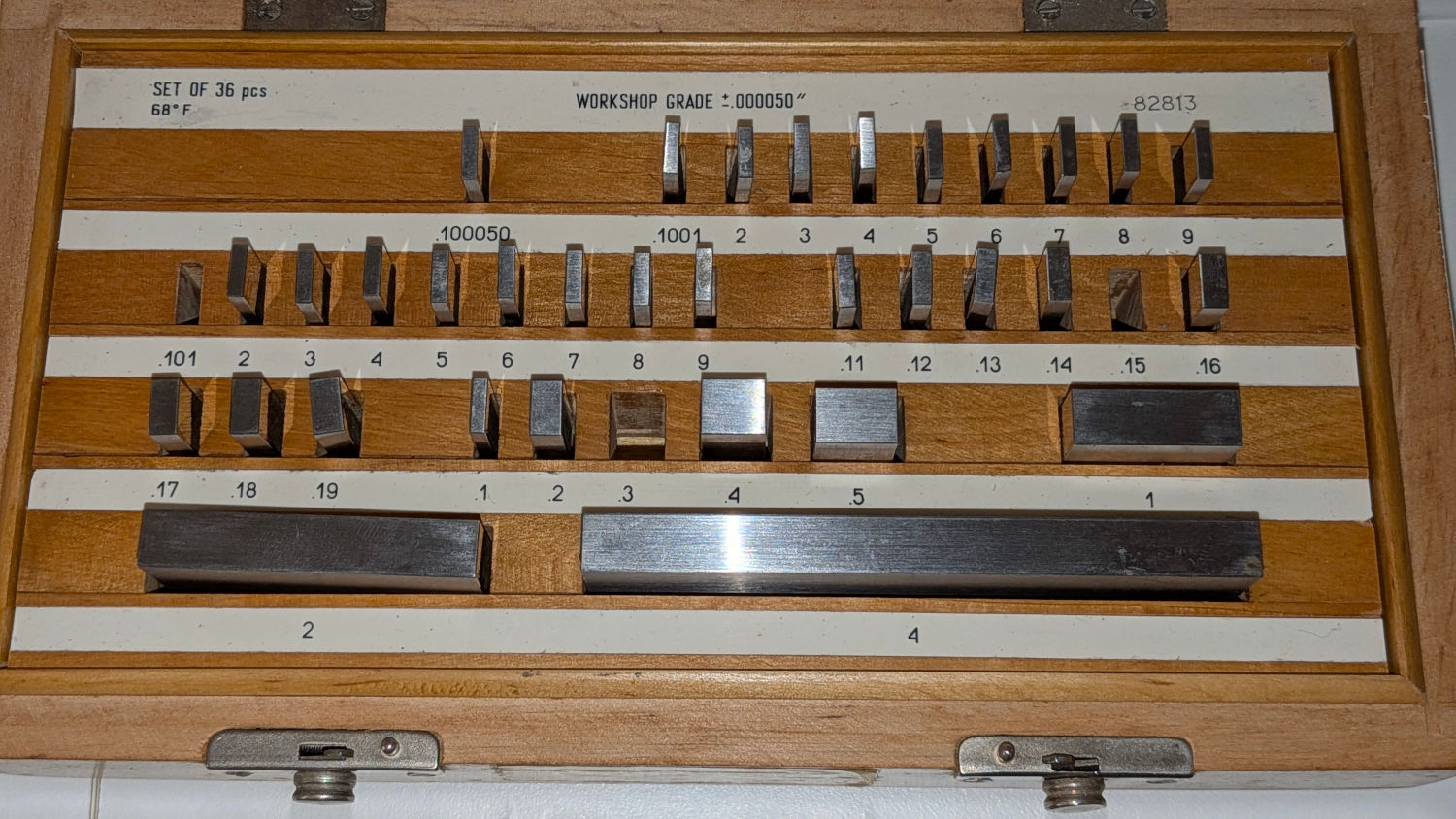
Ensure the shaft is exactly at Bottom Dead Center, then stack gauge blocks under the needle bar as shown in the top picture. For reference, the gauge block set showing which blocks went into that stack:
HQ Sixteen – gage blocks used
Although I didn’t need the absolute measurement, it’s 0.551 inch = 0.300 + 0.150 + 0.101 inch = 13.995 mm. It’s less than 0.552 inch = 14.021; I decided fiddling with the fourth decimal place would be counterproductive.
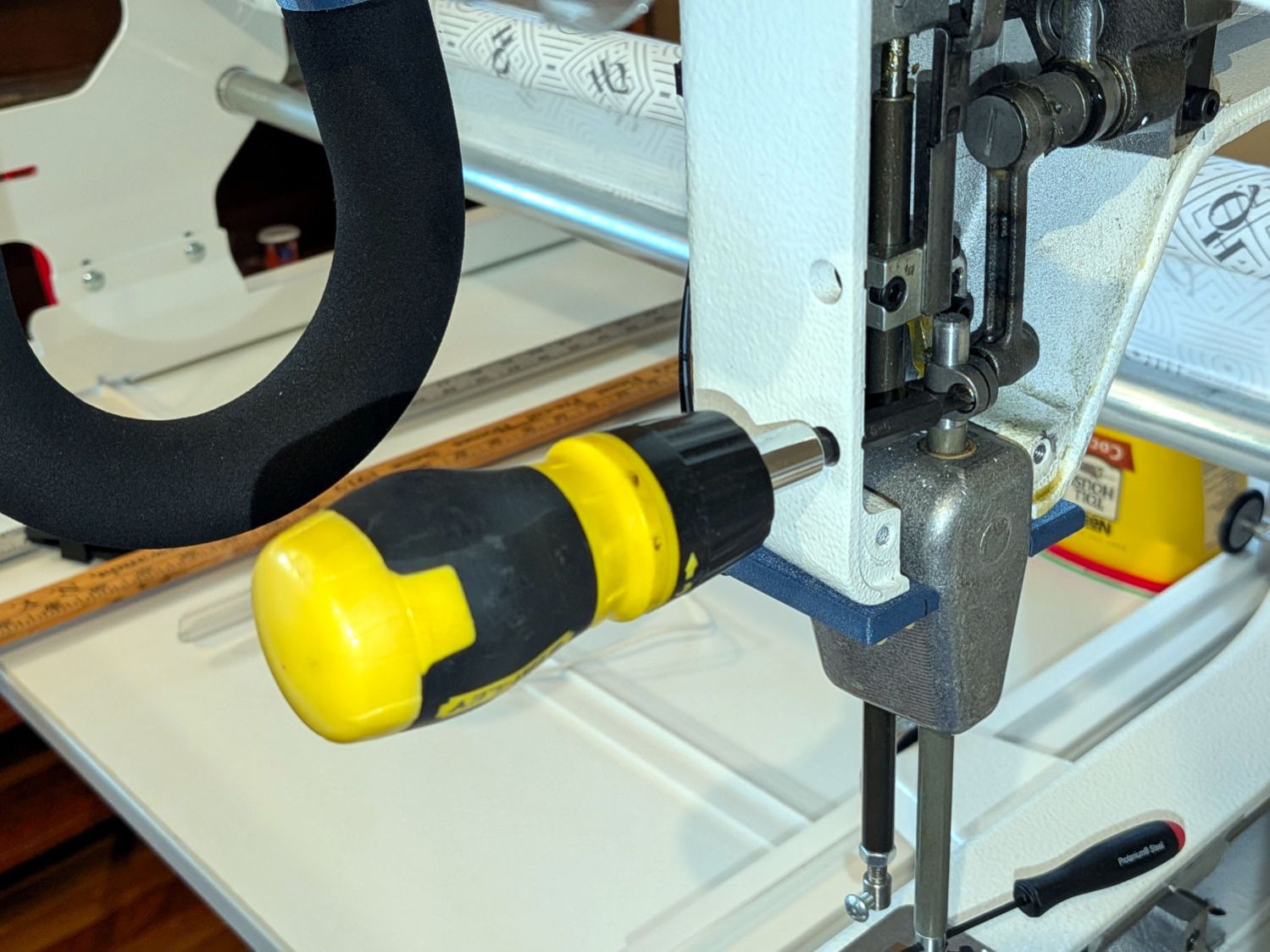
With the needle bar held at that height, stick a screwdriver through the hole intended for this purpose and loosen the clamp screw:
HQ Sixteen – needle bar clamp
Yes, the hole is slightly misaligned with the screw, presumably because aligning it properly would put the hole too close to the edge of the frame casting for comfortable drilling. You could make this adjustment without removing the cover, but I’m not that type of guy.
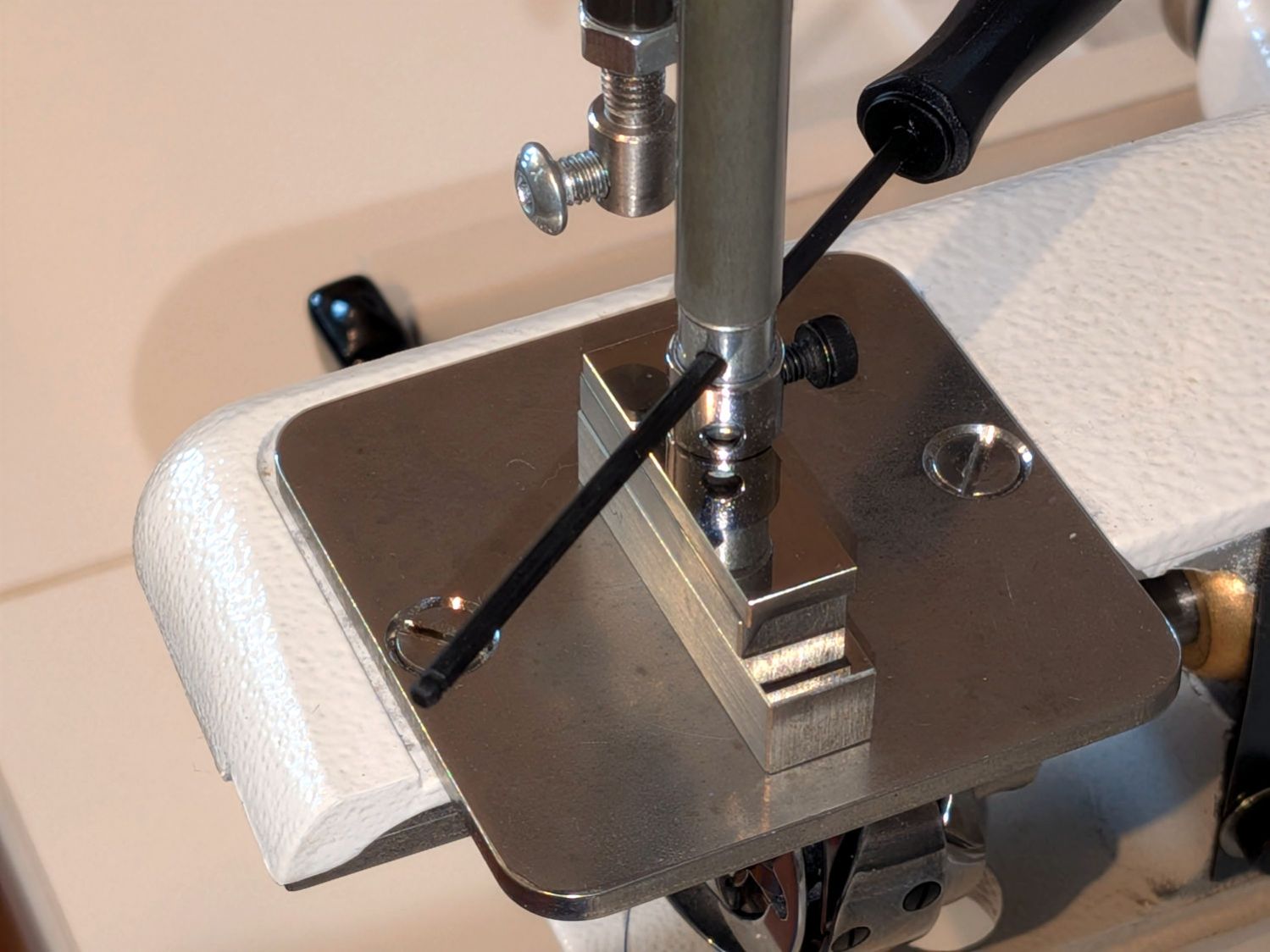
Rotate the needle bar to put the locking screw exactly at the back, verify the bottom of the bar rests on the gauge blocks, tighten the clamp screw, and verify the bottom of the bar rests on the gauge blocks:
HQ Sixteen – needle bar reoriented
Again, the hex driver shows the observation hole orientation.
Acceptance testing requires a practice quilt, but the machine lights up properly and moves smoothly with a needle in place, so it’s pretty close to being correct.
This was one of those jobs requiring about two hours of setup, twenty seconds of adjustment, and half an hour of put-away.
Except for having the bungee cord run across the middle of the tray where it blocks access for larger trays and tends to bend the taller leaves.
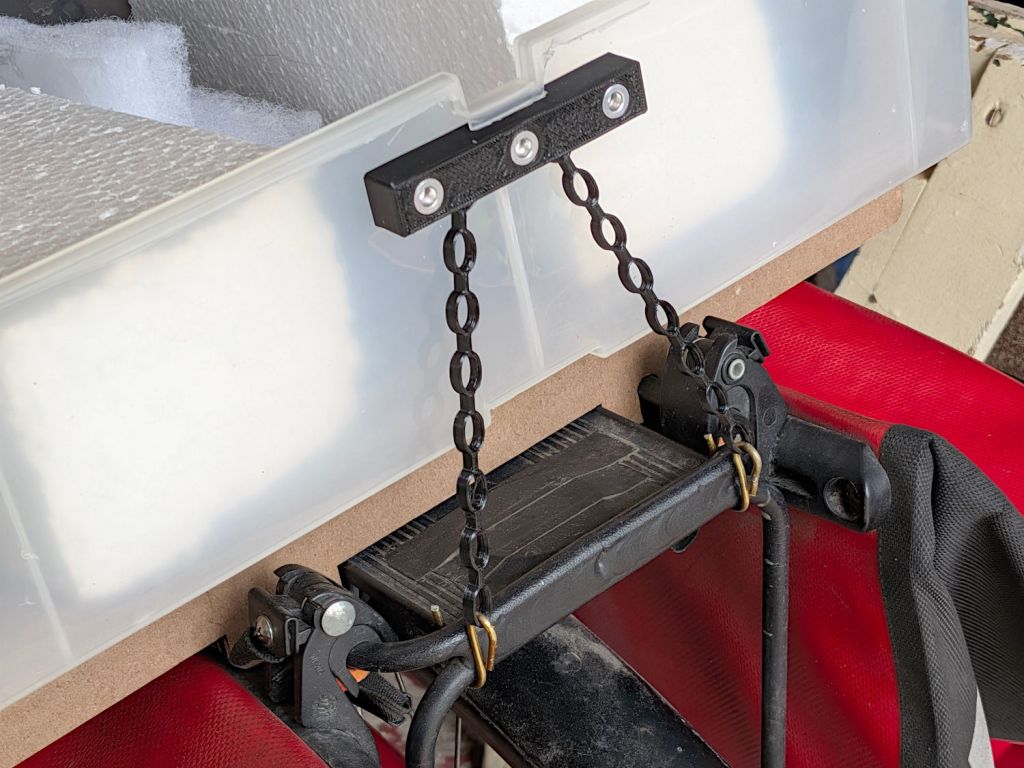
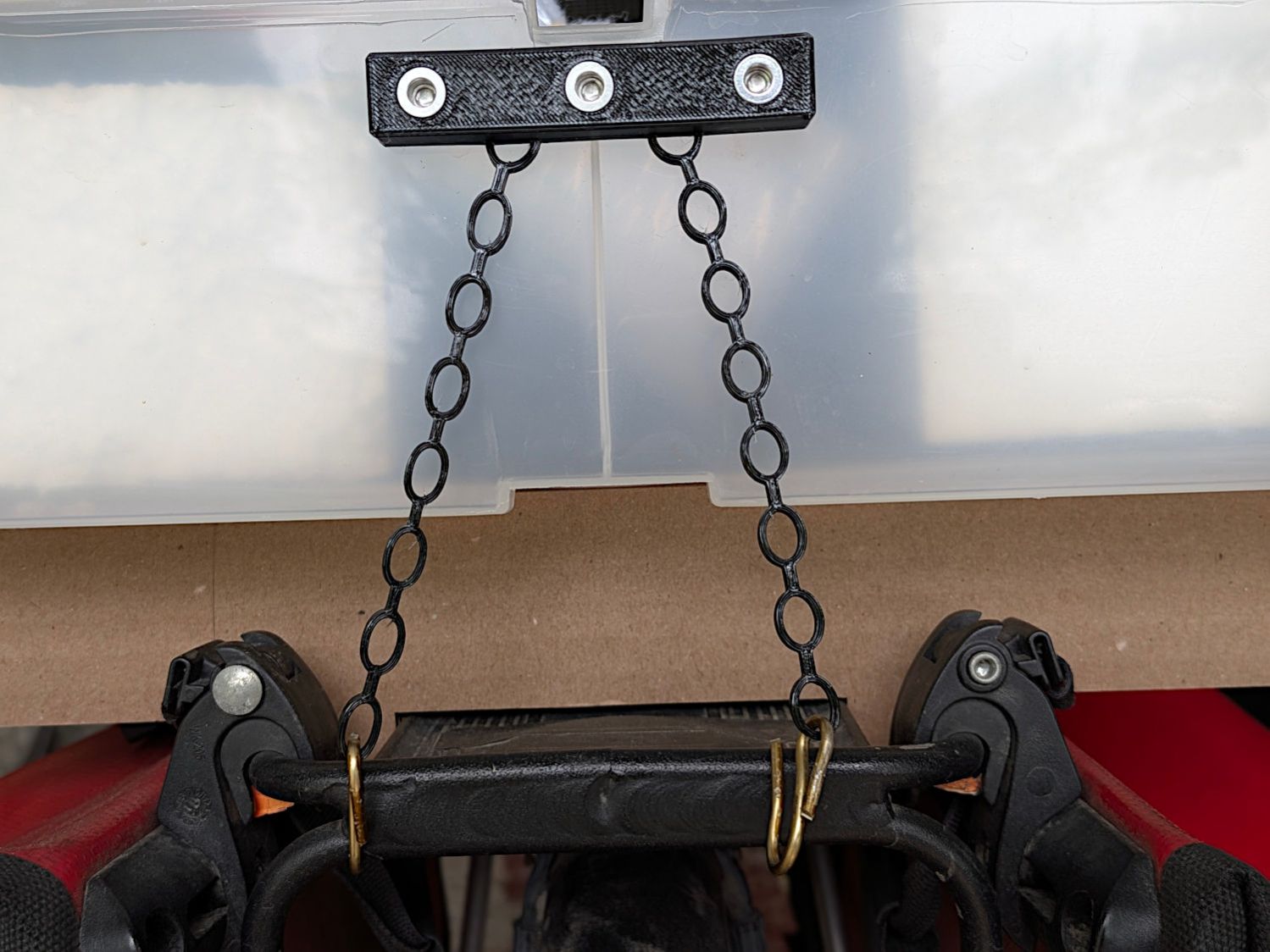
Well, I can fix that:
Bike Rack Tray Holder – straps – rear
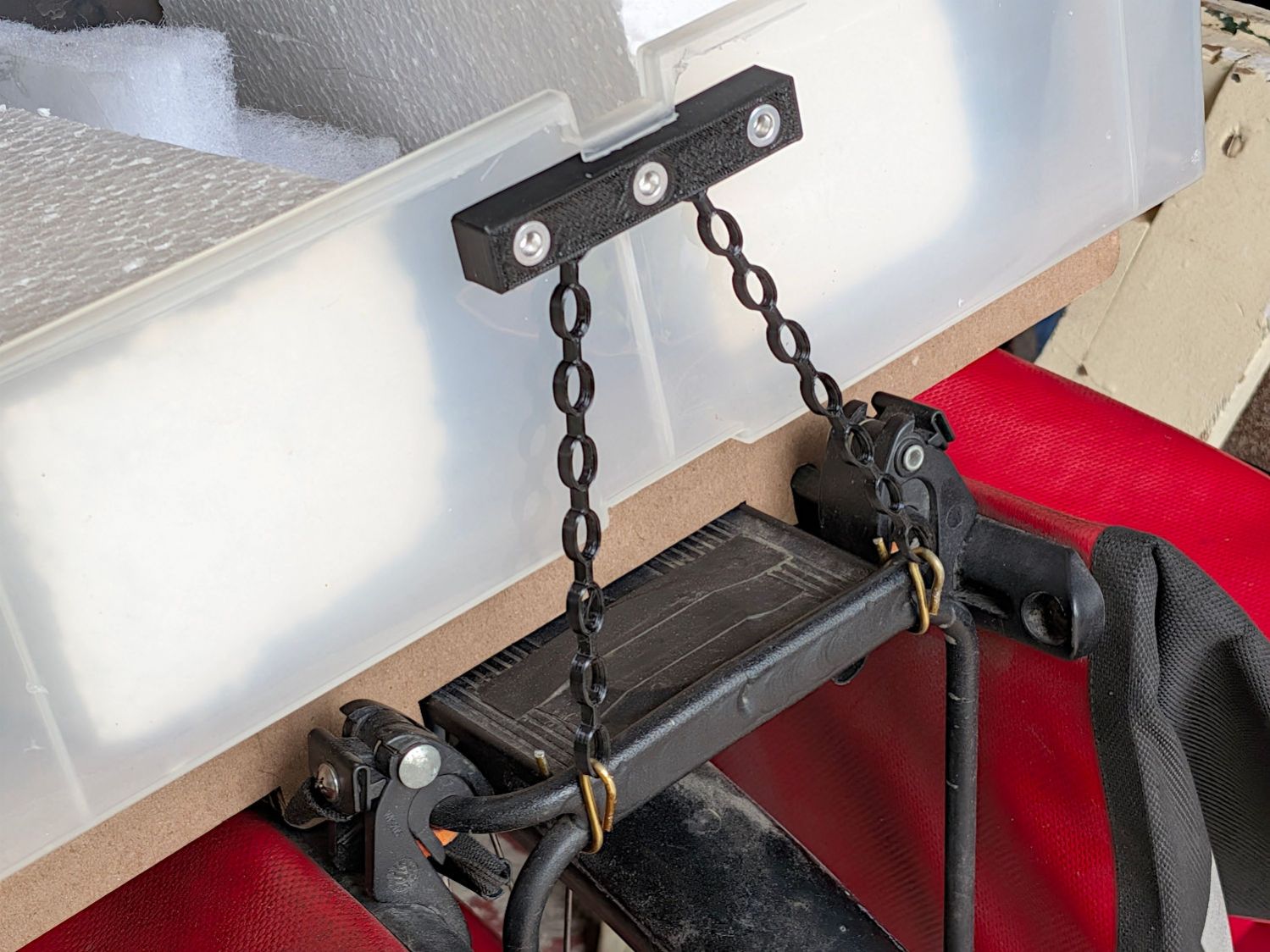
The front tiedown is similar:
Bike Rack Tray Holder – straps – front
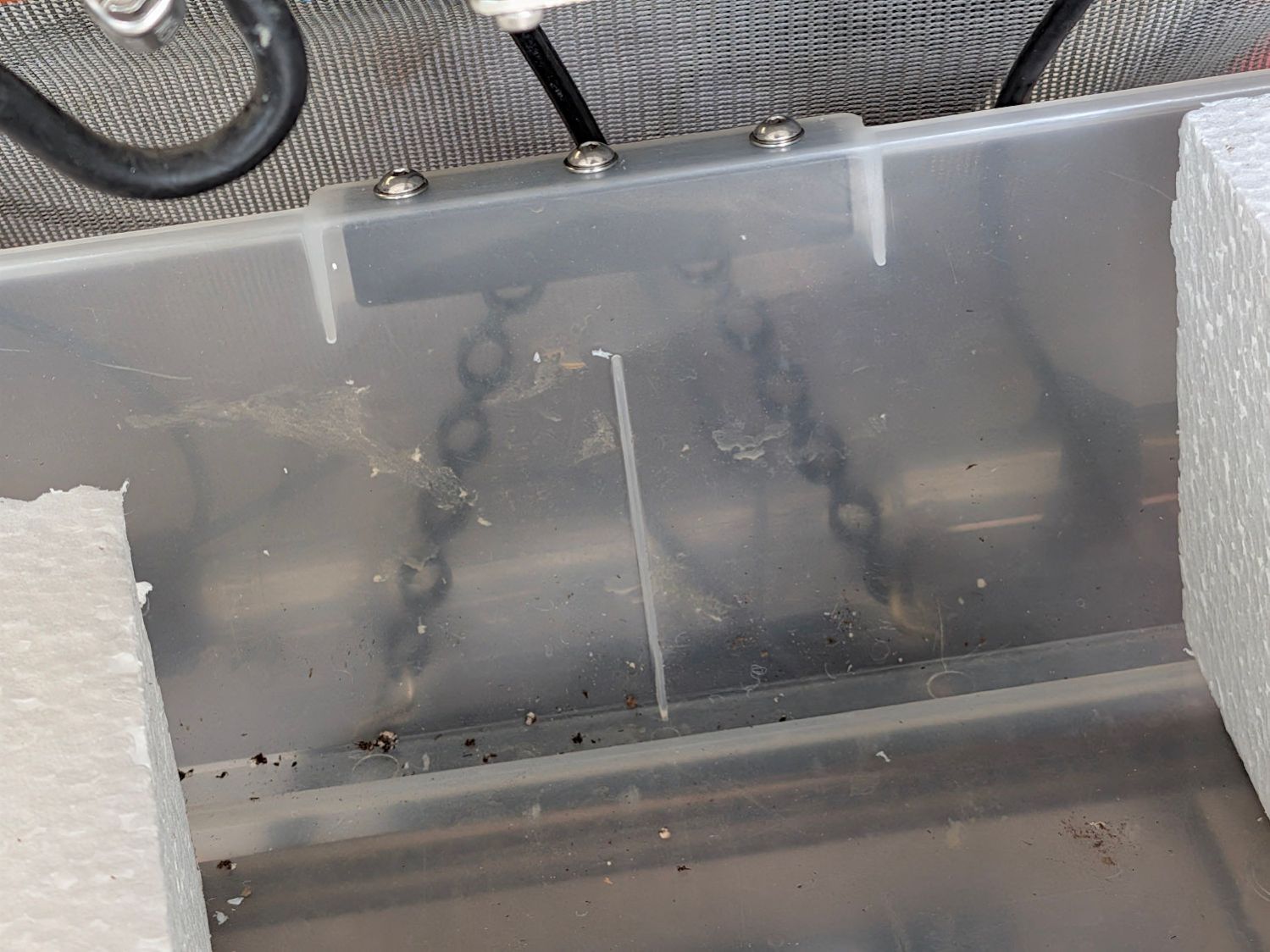
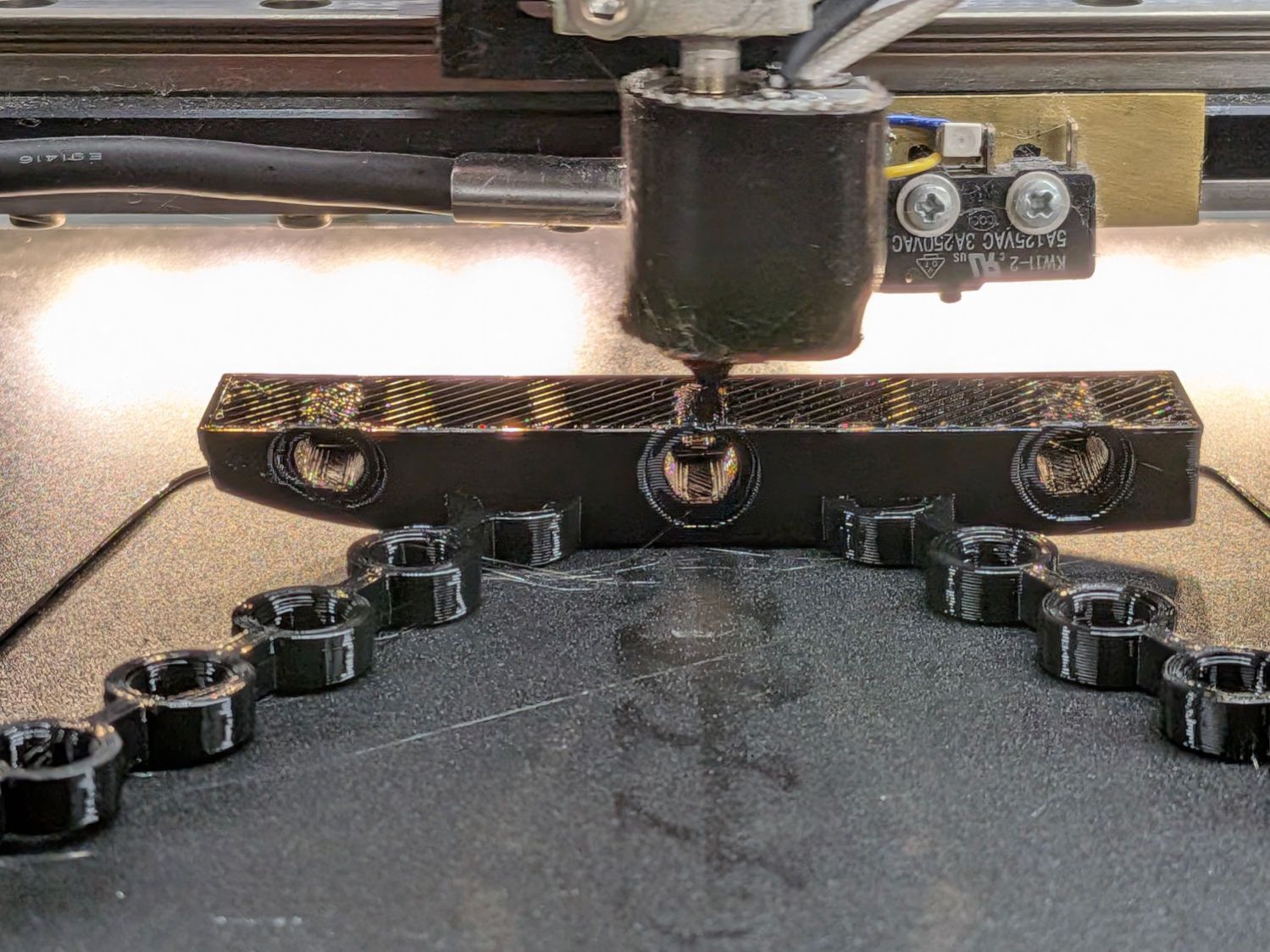
They’re printed from TPU: rectangular blocks and chains, ending in wire hooks bashed from a coat hanger. The M4 button-head screws thread into (uncrushed) rivnuts, which seemed easier to manage than square nuts in this situation.
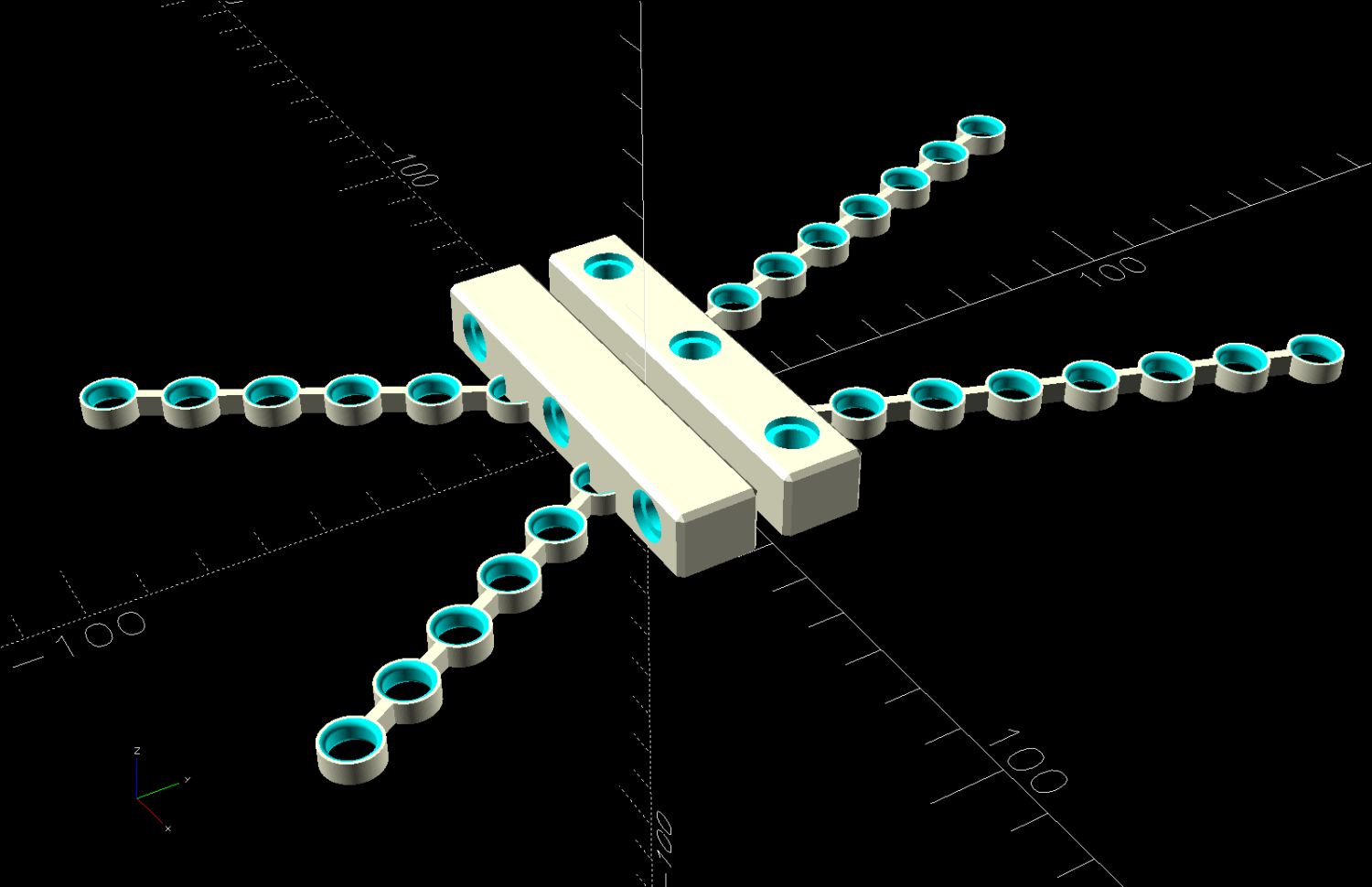
The chains are just thick circles, with half of the top links sunk into the blocks:
Stretchy Straps – build layout
You’d (well, I’d) want to build them one at a time, because sometimes this happens:
Bike Rack Tray Holder – bad platform adhesion
Based on those measurements, I raised the extruder by 0.1 mm, but apparently did a poor job of cleaning / flattening the cold TPU on the nozzle and got it wrong. As a result, the first layer didn’t get squooshed properly onto the BuildTak, came unstuck, and produced art . The track down the middle of the photo shows traces of a previous, badly over-squooshed test chain.
The stretched TPU relaxes enough to leave very little tension after a day, as shown by the unhooked right chain:
Bike Rack Tray Holder – straps – relaxing
However, that make the chains exactly the right length, so they require even more force to get the hooks off the rack. After relaxing for another day, the stretched chains return to roughly their original lengths, so it’s all good.
This file contains hidden or bidirectional Unicode text that may be interpreted or compiled differently than what appears below. To review, open the file in an editor that reveals hidden Unicode characters.
Learn more about bidirectional Unicode characters
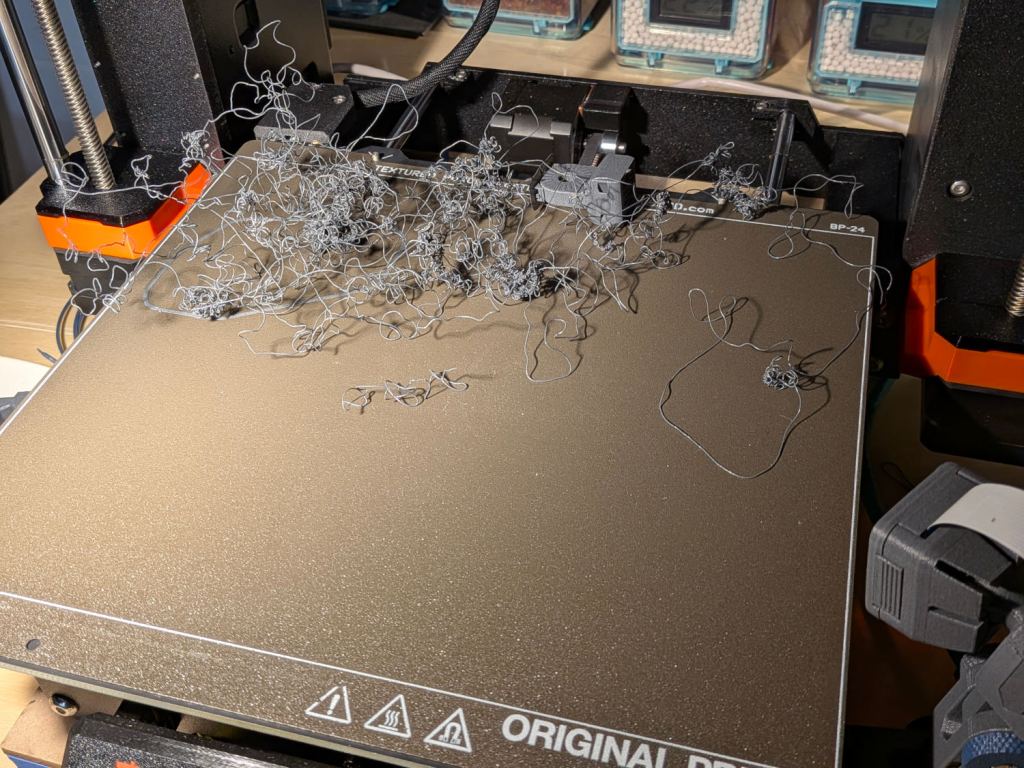
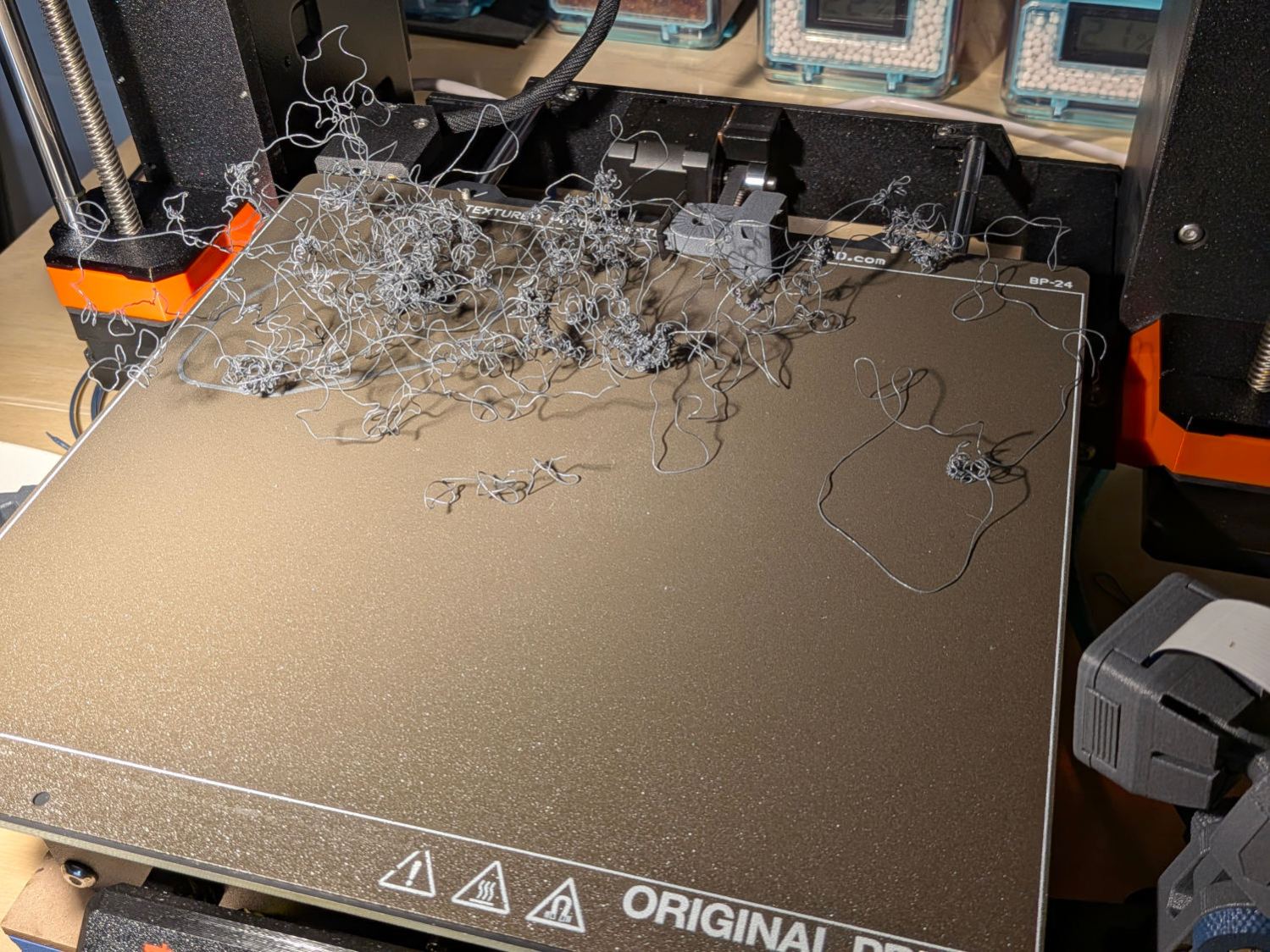
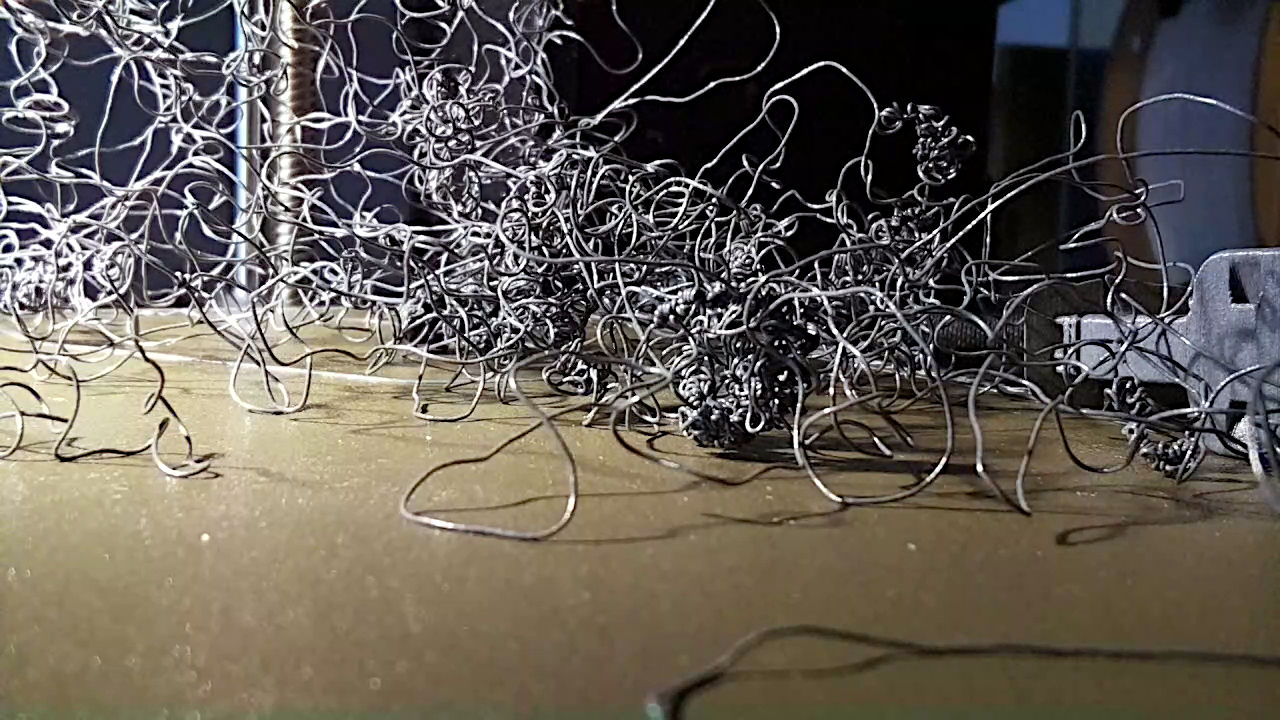
(The camera in the lower right doesn’t yet record videos, so you must imagine what I saw.) I forgot capturing this screenshot:
Prusa MK4 – Bird Nest – platform camera
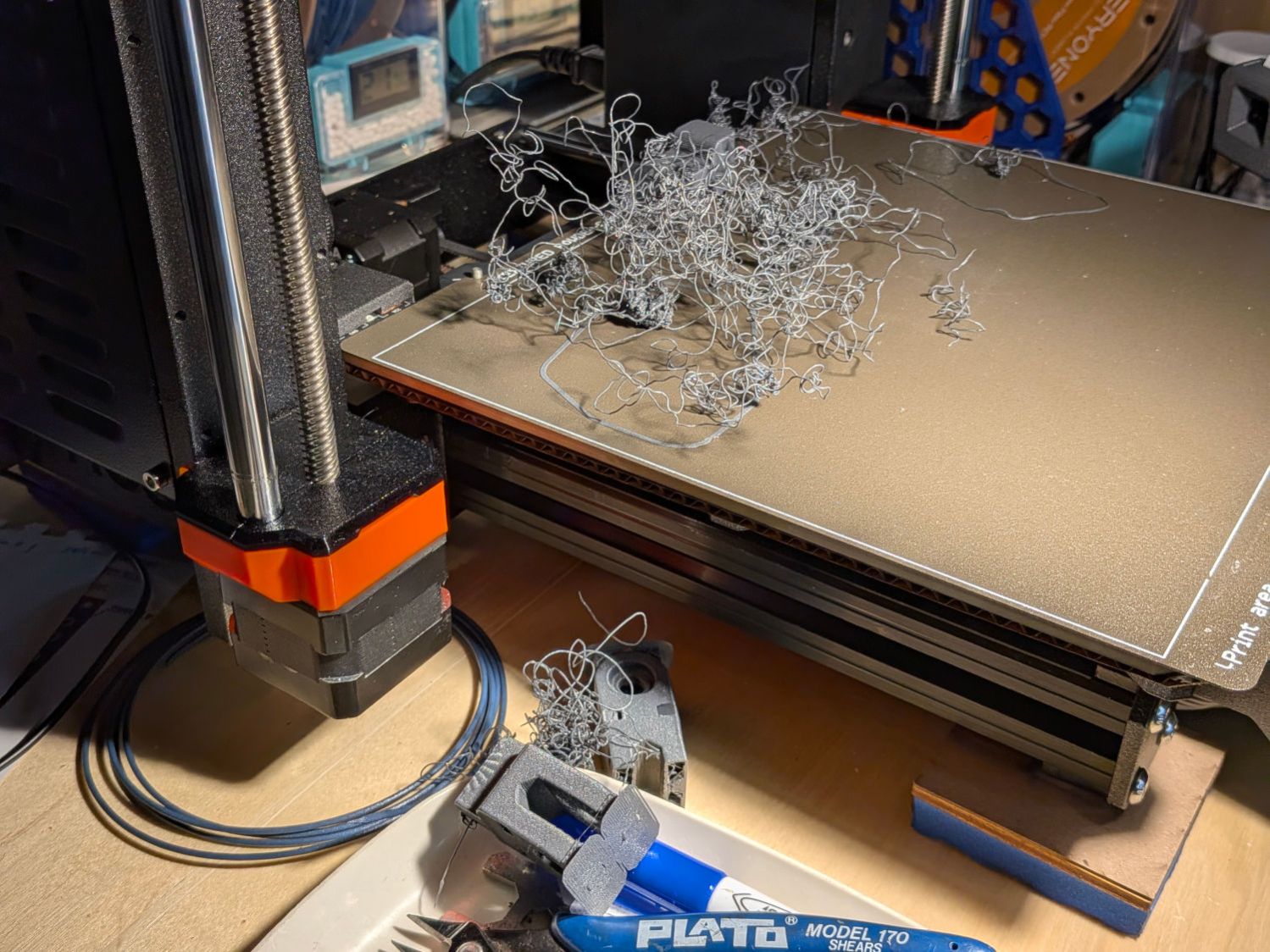
The nozzle was busily adding to the tangle, so I shut the printer off and trotted to the Basement Shop™ to find two more parts lying dead on the workbench:
Prusa MK4 – Bird Nest – B
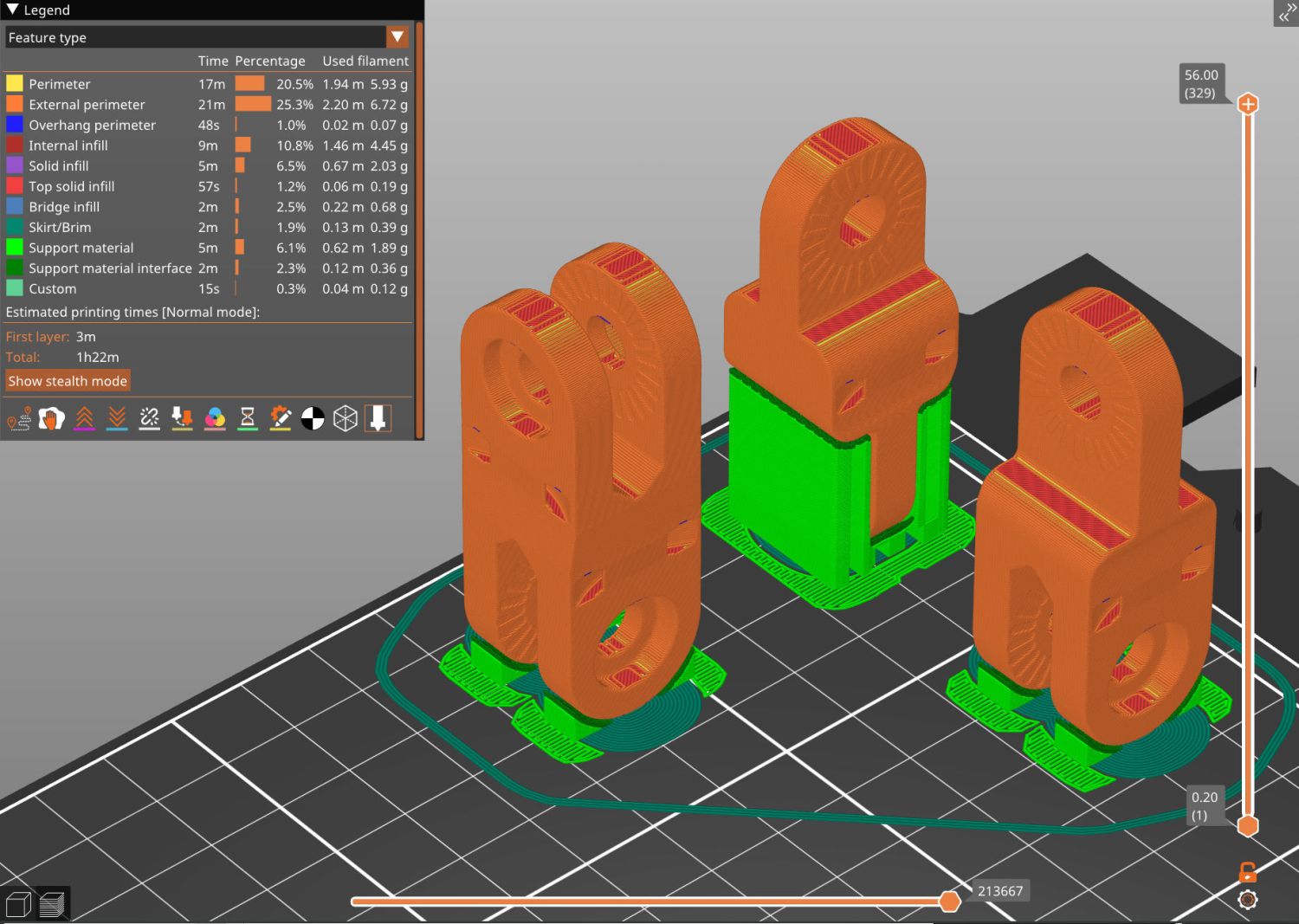
This was entirely my fault, as I’d ignored PrusaSlicer’s warning about inadequate adhesion for the camera mount link standing in the corner:
Prusa MK4 – Camera Mount Links – slicer preview
That’s the PrusaSlicer preview after adding a wider brim and painting more support structures on all three parts. Given larger footprints, the next attempt completed without drama, which is the normal outcome.
Moral of the story: Tall skinny parts need more surface area on the platform than you think, even with excellent adhesion.