Ed Nisley's Blog: Shop notes, electronics, firmware, machinery, 3D printing, laser cuttery, and curiosities. Contents: 100% human thinking, 0% AI slop.
Because the tubes get epoxied into the adapters, there’s no particular need for a smooth surface finish and, in fact, some surface roughness makes for a good epoxy bond. The interior of a 3D printed adapter is nothing if not rough; the epoxy in between will be perfectly happy.
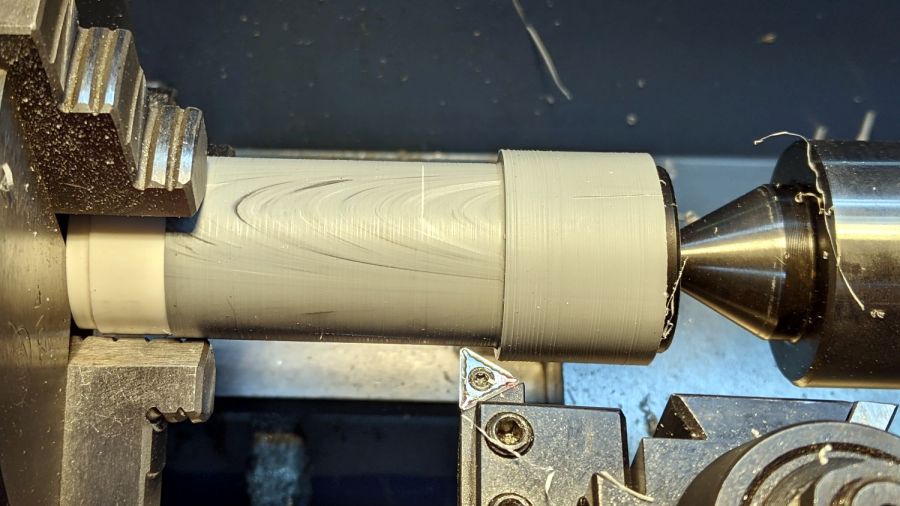
Turning the tubes started by just grabbing the conduit in the chuck and peeling the end that stuck out down to the finished diameter, because the conduit was thick-walled enough to let that work.
The remaining wall was so thin that the chuck would crunch it into a three-lobed shape, so the white ring in the chuck is a scrap of PVC pipe turned to fit the tube ID and provide enough reinforcement to keep the tube round.
The conduit ID isn’t a controlled dimension and was, in point of fact, not particularly round. It was, however, smooth, which counts for more than anything inside a tube carrying airborne fuzzy debris; polishing the interior of a lathe-bored pipe simply wasn’t going to happen.
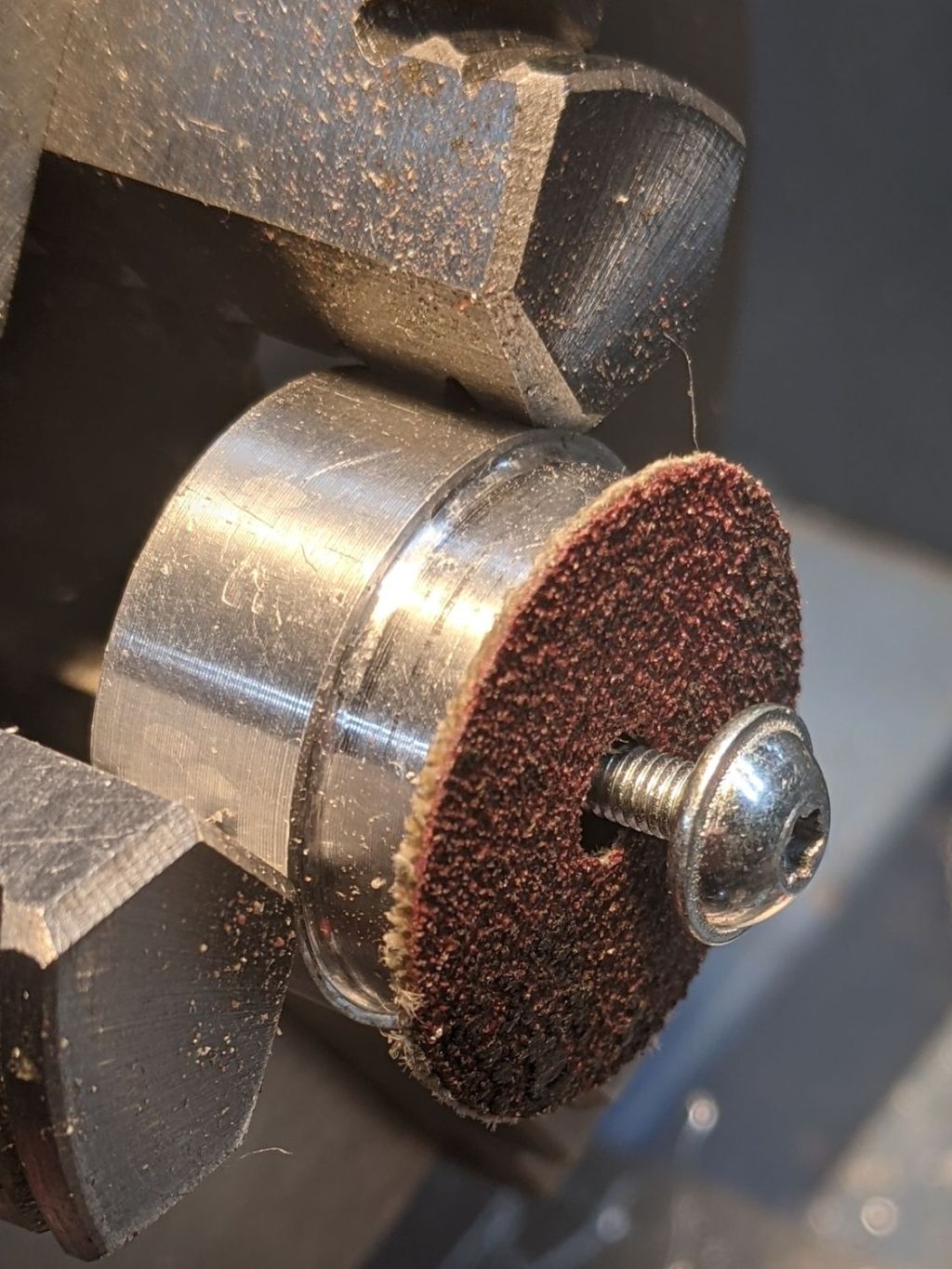
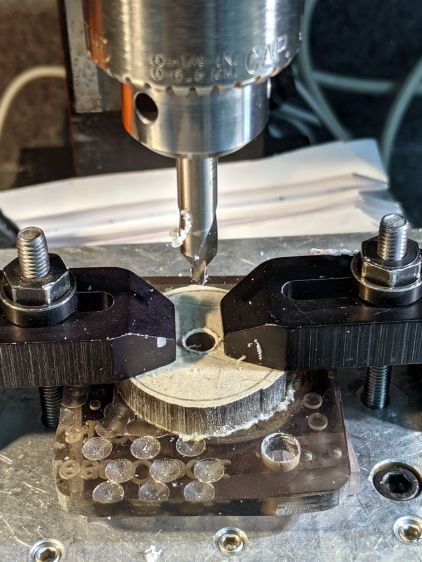
The fixture on the other end started as a scrap of polycarbonate bandsawed into a disk with a hole center-drilled in the middle:
Pipe end lathe fixture – center drilling
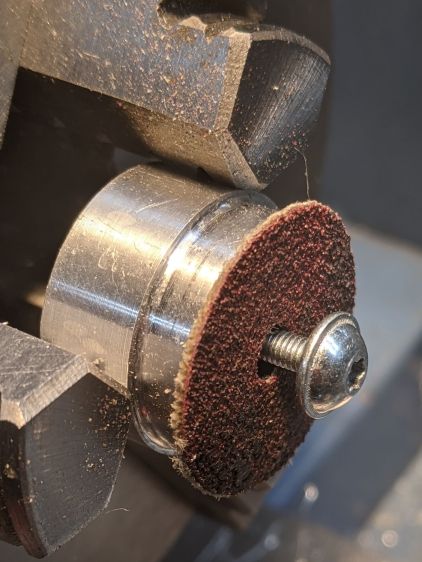
Stick it onto a disk turning fixture and sissy-cut the OD down a little smaller than the eventual tube OD:
Pipe end lathe fixture – turning OD
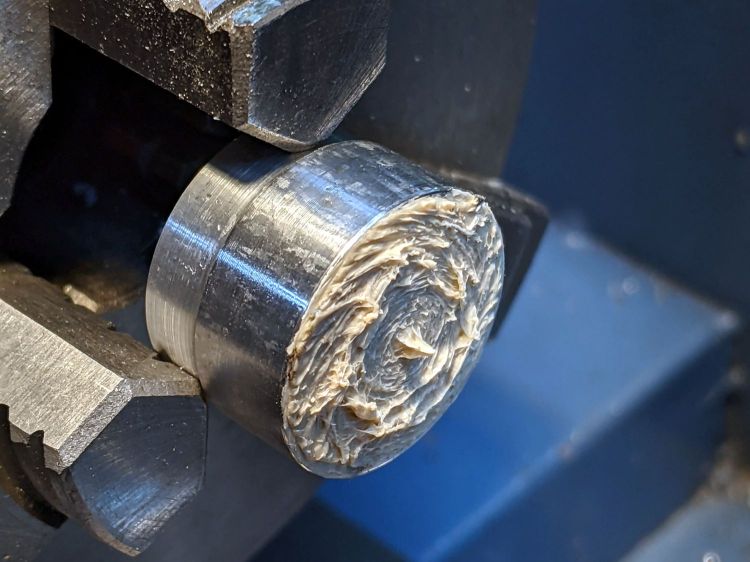
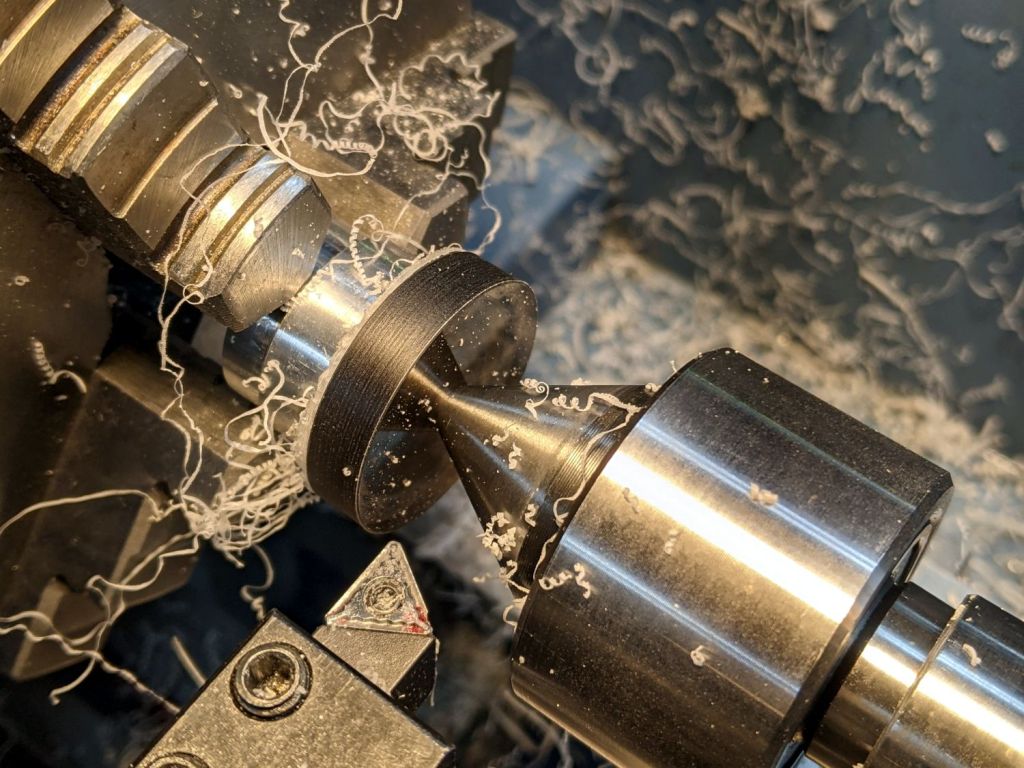
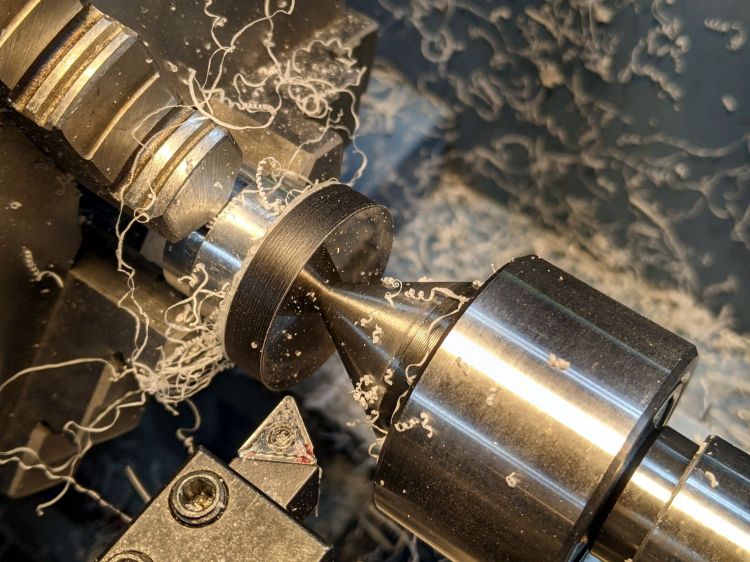
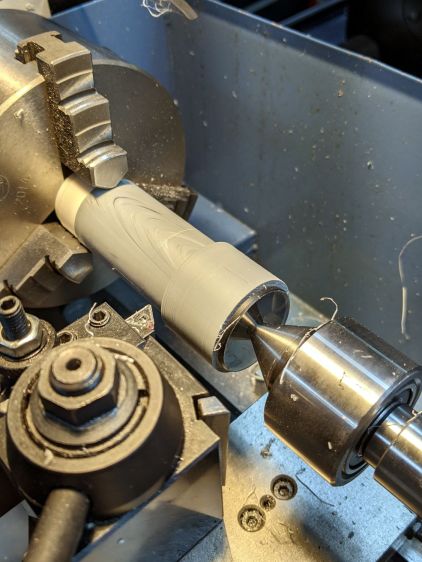
Turn the end down to fit the tube ID, flip it around to center-drill the other side, stick it into the tube, and finally finish the job:
Dirt Devil adapter – pipe fixture
The nice layering effect along the tube probably comes from molding the conduit from recycled PVC with no particular concern for color matching.
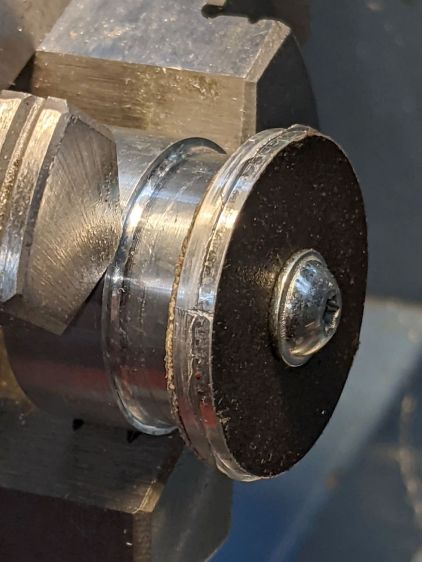
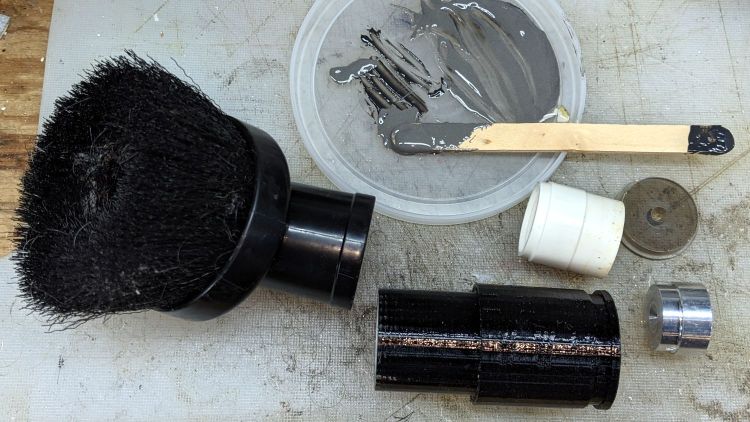
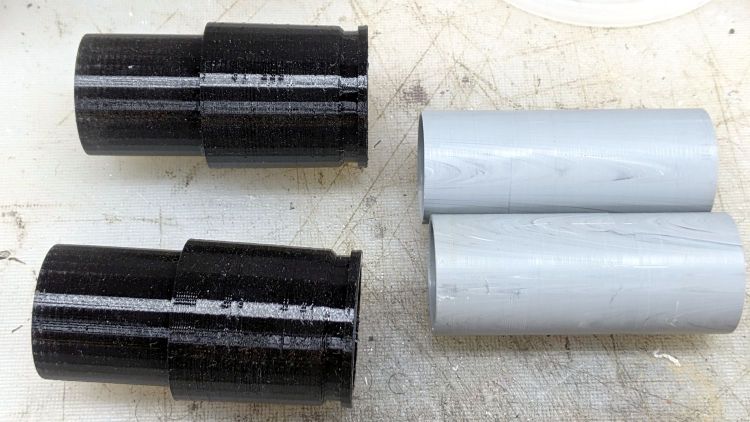
A family portrait of the fixtures with a finished adapter:
Dirt Devil adapter – fixtures
A fine chunk of Quality Shop Time: solid modeling, 3D printing, mini-lathe turning, and even some coordinate drilling on the Sherline.
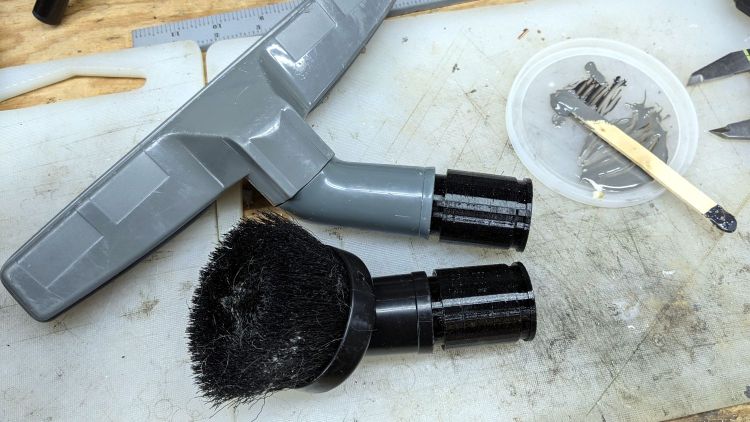
A smear of epoxy around the interior holds the tube in place:
Dirt Devil adapters – assembled
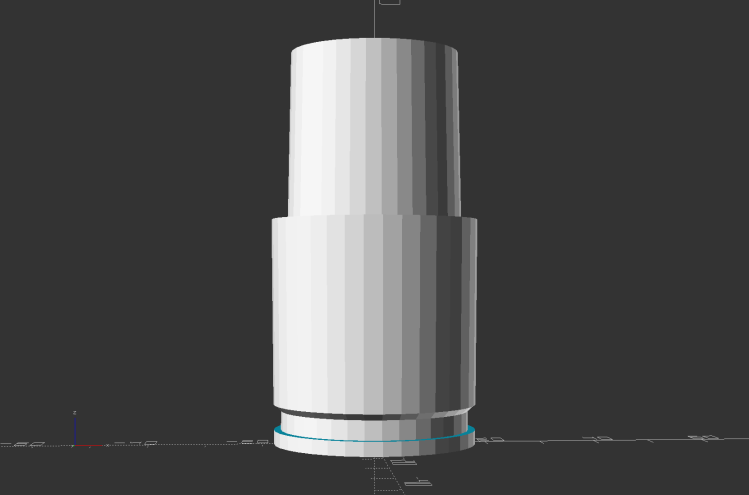
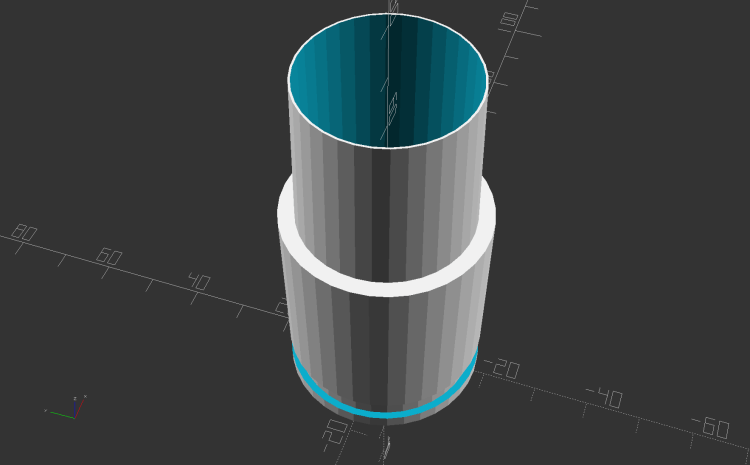
Building the critical dimensions with a 3D printed part simplified the project, because I could (and did!) tweak the OpenSCAD code to match the tapers to the tools. Turning four of those tubes from a chunk of PVC conduit, however, makes a story for another day.
This file contains hidden or bidirectional Unicode text that may be interpreted or compiled differently than what appears below. To review, open the file in an editor that reveals hidden Unicode characters.
Learn more about bidirectional Unicode characters
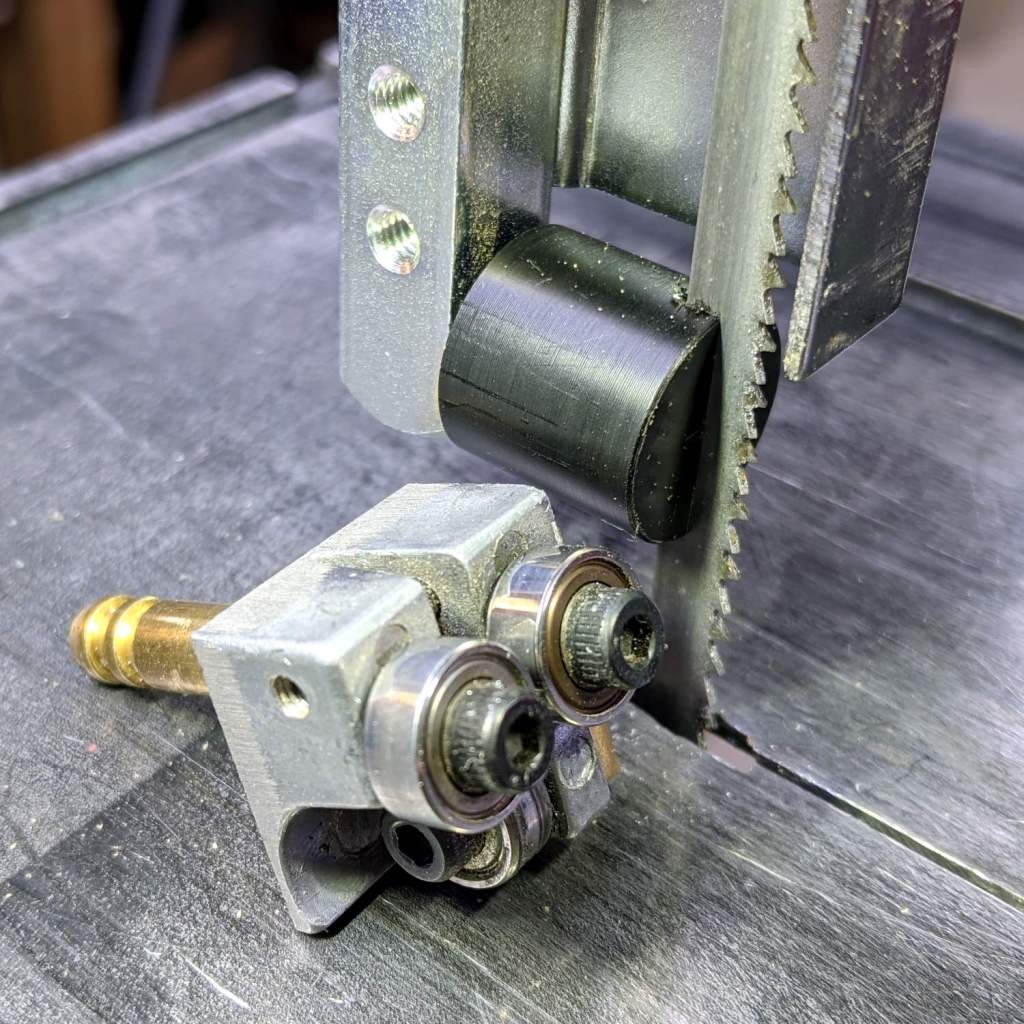
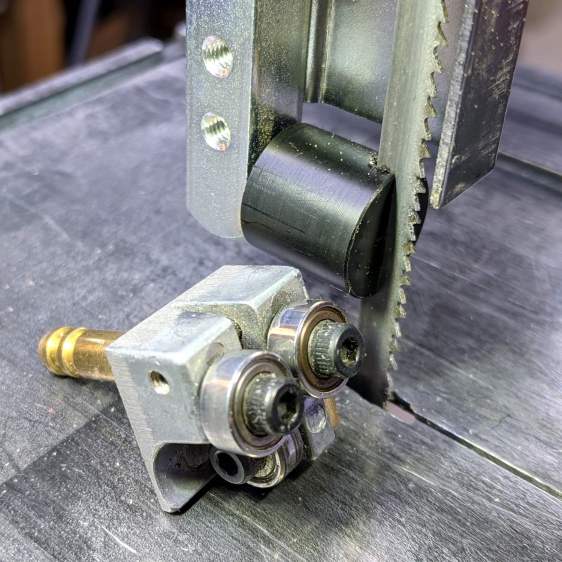
It’s basically the same as the lower blade guide, except coming from a stick of 5/8 inch acetal. A scant 6 mm stem goes into the vertical square rod, with a flat matching the setscrew coming up from the bottom to hold it in proper alignment.
I came within a heartbeat of cutting the slot parallel to the flat.
It worked OK while cutting a chunk of stout aluminum tube: so far, so good!
The impressive chunk of hardware is the OEM blade guide, with the brass tube for coolant flow all over the bearings. It’s mostly intended for use with the diamond blade, so I’ll swap it back in when I finally get around to cutting some slate for base plates.
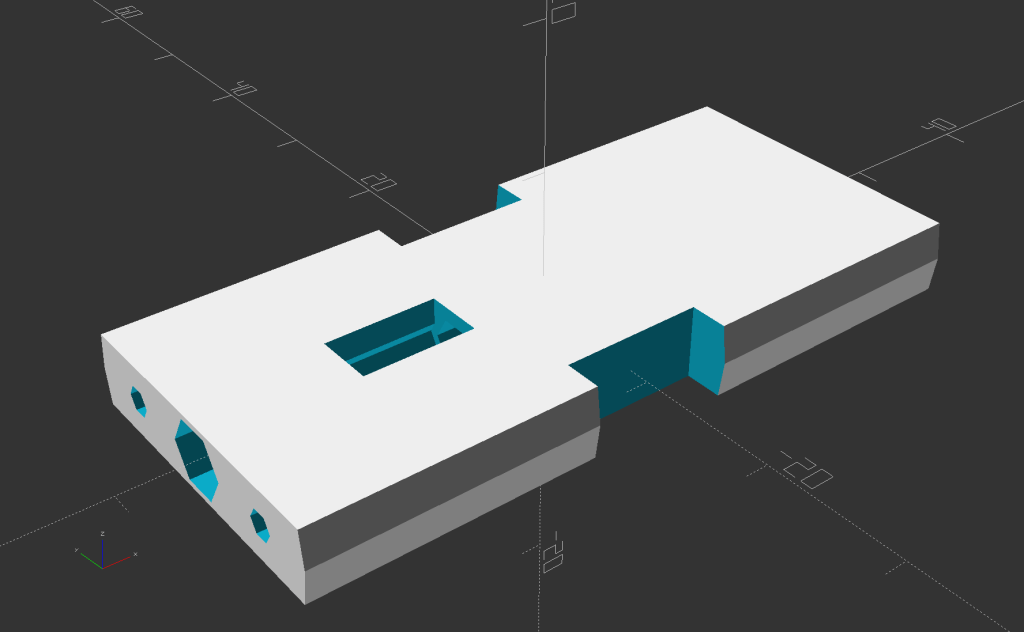
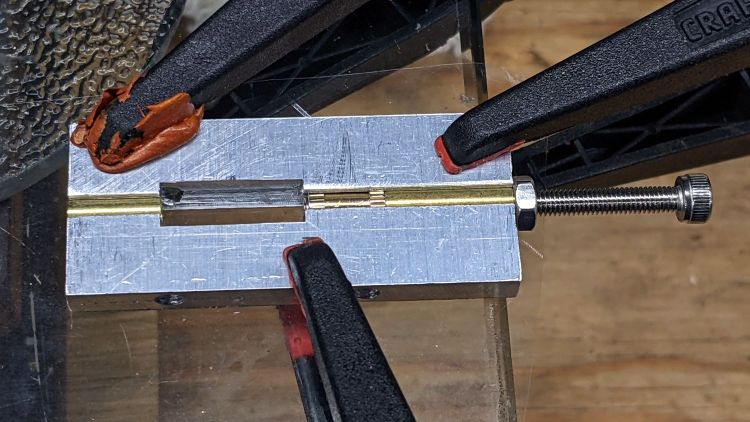
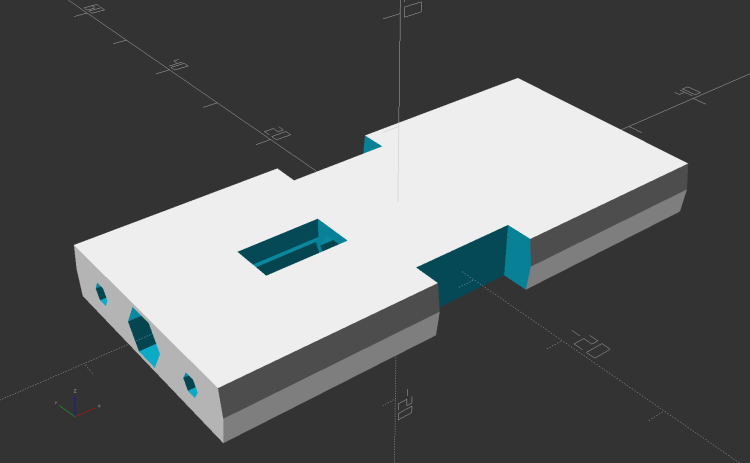
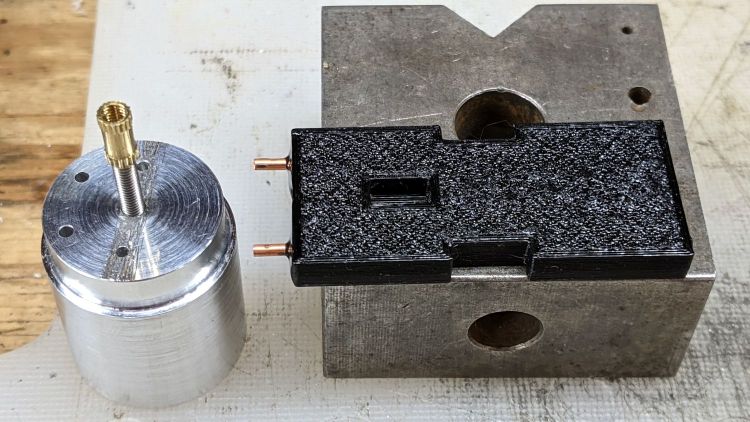
Two pins fit in the small holes to align it with the LED heatsink, with an M3 stud and brass insert holding it in place:
Tour Easy Rear Running Light – circuit plate attachment
The rectangular hole around the insert let me glop urethane adhesive over it to lock it into the plate, with more goop on the screw and pins to unify heatsink and plate.
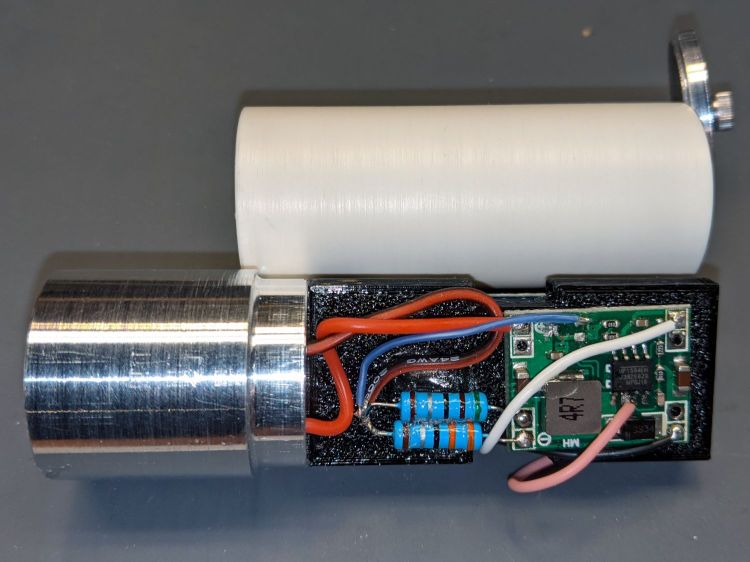
The LED wires now emerge from the heatsink on the same side of the plate, simplifying the connections to the MP1584 regulator and current-sense resistor:
Tour Easy Rear Running Light – regulator wiring
The paralleled 5.1 Ω and 3.3 Ω resistors form a 2.0 Ω resistor setting the LED current to 400 mA = 1 W at 2.6 V forward drop. They’re 1 W resistors dissipating a total of 320 mW and get barely warm.
The resistors and wires are stuck in place with clear adhesive, so things shouldn’t rattle around too much.
This file contains hidden or bidirectional Unicode text that may be interpreted or compiled differently than what appears below. To review, open the file in an editor that reveals hidden Unicode characters.
Learn more about bidirectional Unicode characters





 The Smell of Molten Projects in the Morning