The Smell of Molten Projects in the Morning

Ed Nisley's Blog: Shop notes, electronics, firmware, machinery, 3D printing, laser cuttery, and curiosities. Contents: 100% human thinking, 0% AI slop.

Category: Home Ec

Things around the home & hearth

  • LED Bulb Life Data Point

    LED Bulb Life Data Point

    A rare trip to the Poughkeepsie Railroad Station provided an opportunity to check out the LED bulbs in the chandeliers:

    • Pok RR Station - Chandelier A
    • Pok RR Station - Chandelier B
    • Pok RR Station - Chandelier C

    The 108 bulbs had only one deader (lower left in chandelier C).

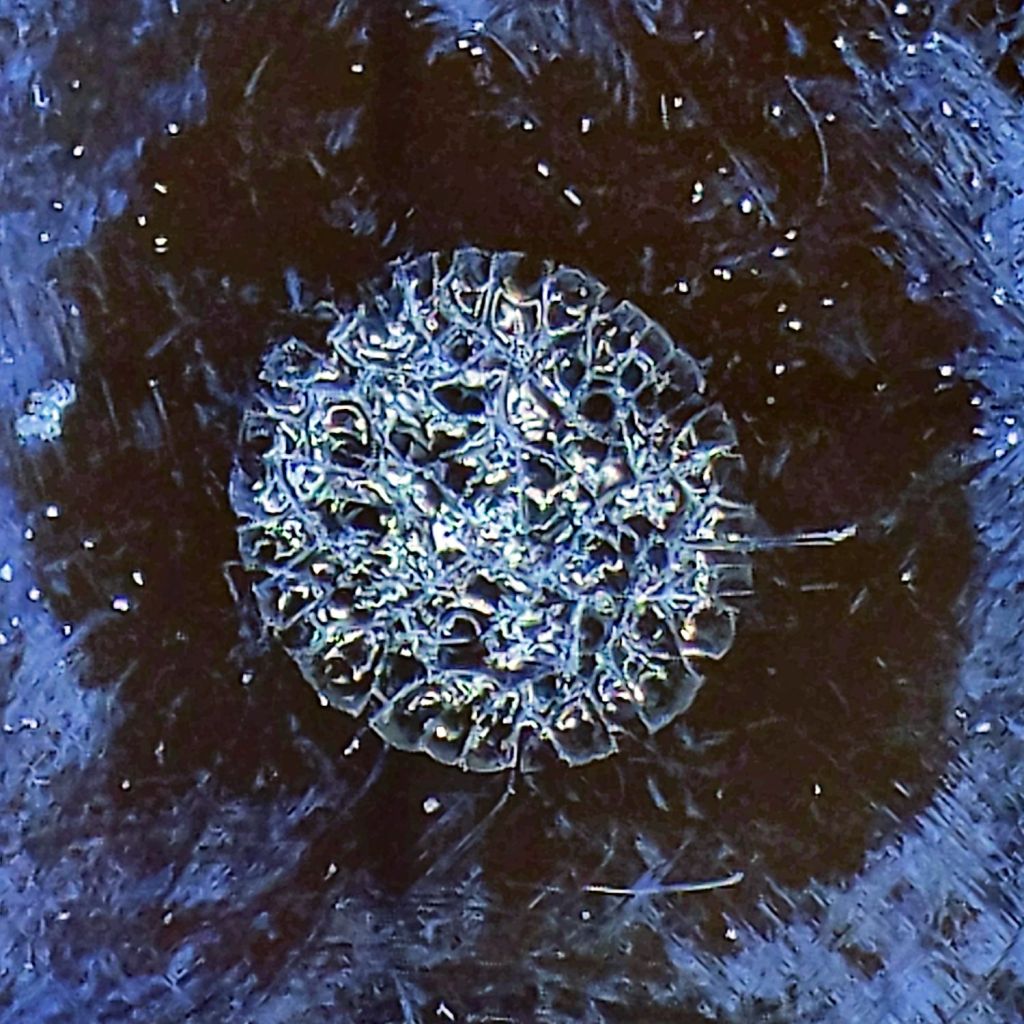
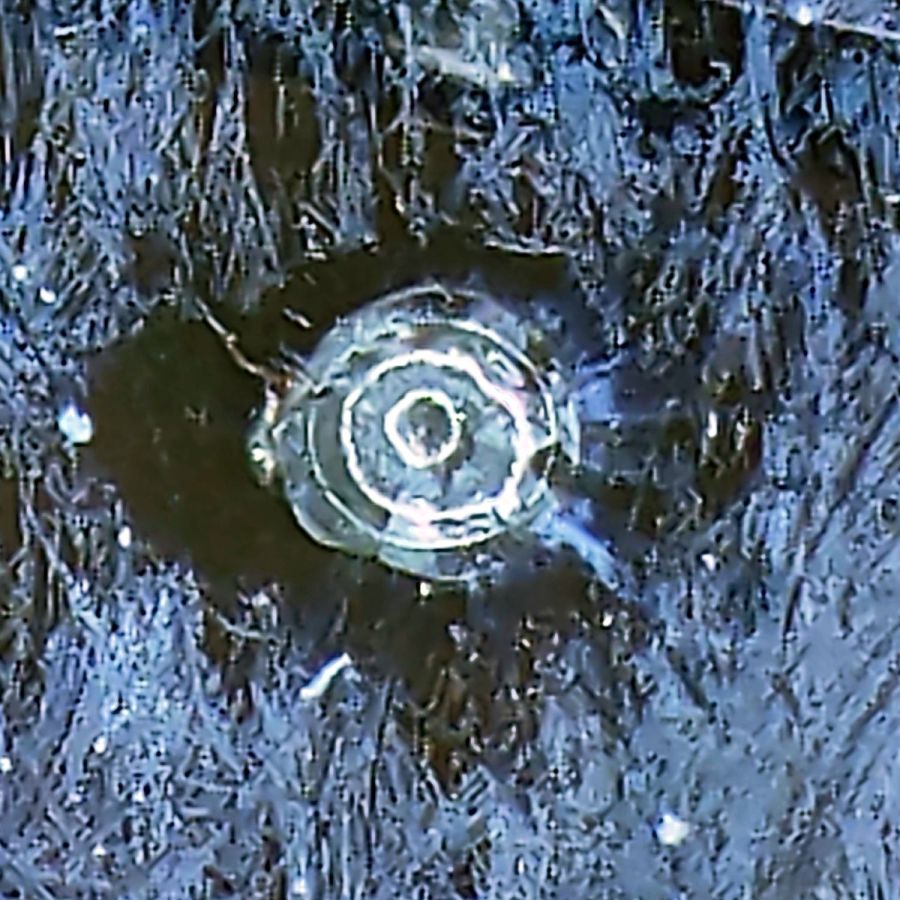
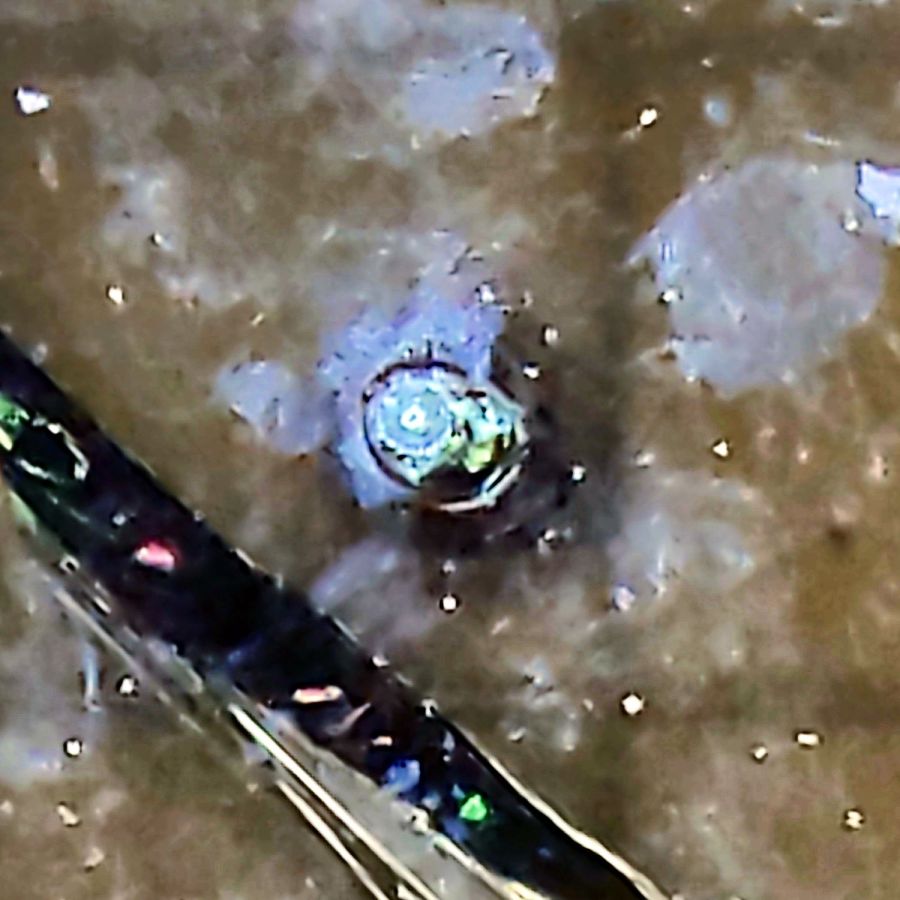
    I have no way of knowing if they’re the same bulbs from six years ago, but the accumulation of bugs / dust / crud inside the (what I would expect to be) sealed envelopes suggests they’ve been hanging there for quite a while:

    Pok RR Station - Chandelier B - detail
    Pok RR Station – Chandelier B – detail

    The dark cruciform patches might come from failed LED chip strings, although the bulbs all had the same eyeballometric brightness. The patches all seem to have a hard lower edge, so we may be seeing shadows from dust accumulating atop the chips on the PCB.

    They’re a definite step up from CFL bulbs, although still not as pleasant as OG incandescent filaments.

  • Nothing Lasts, Chemical Edition

    Nothing Lasts, Chemical Edition

    Cleanup after painting the hairlines involved opening the cap of the rarely used can of methyl ethyl ketone:

    MEK can - fractured cap
    MEK can – fractured cap

    It seems white-tinted polyethylene deteriorates after a dozen years of exposure to concentrated MEK fumes, suggesting I don’t use nearly enough enamel paint.

    The Container Stockpile disgorged a pair of pure polyethylene jars that should last another decade.

  • DripWorks Valve Fracture

    DripWorks Valve Fracture

    Early in the irrigation season, Mary turned on a DripWorks Micro-Flow Valve, only to have the knob + stem pop out and release a stream of water in the wrong place. Mary jammed it back in place until I could chop out the offending valve and install a known-clear replacement.

    The knob broke off the stem when I tried to pry it out of the valve body:

    Failed Dripworks valve - parts
    Failed Dripworks valve – parts

    The lip around the inside of the cap snaps over the top of the body, which is why I wrecked the stem, but the chip broke off the cap while Mary was turning it just before the stem popped out. Her fingers are barely strong enough to turn the valve, which means something had gone wrong before she started turning.

    A look straight into the valve body:

    Failed Dripworks valve - top view
    Failed Dripworks valve – top view

    The stem has swarf left over from drilling out the mold flash last year:

    Failed Dripworks valve - stem
    Failed Dripworks valve – stem

    All in all, the Dripworks drip irrigation system works well, but their overall attention to QC leaves something to be desired.

  • Onion Maggot Flies vs. Sticky Traps: Round 1

    Onion Maggot Flies vs. Sticky Traps: Round 1

    We deployed six sticky traps in the onion patch immediately after planting in late April and replaced the cards in mid-June. The first set of cards collected a considerable number of what resemble, to my untrained eye, onion maggot flies and the onion plants remain healthy:

    • VCCG Onion Card A
    • VCCG Onion Card B
    • VCCG Onion Card C
    • VCCG Onion Card D
    • VCCG Onion Card E
    • VCCG Onion Card F

    Each image shows both sides of a single card.

    The cards sit a foot above the shredded leaf mulch and I managed to drop at least one of the cards while extracting it from the cage, but they all have plenty of onion maggot flies in addition to the random debris.

    The cards inside their cages have not accumulated larger insects like honeybees / moths / butterflies, although the tiniest specks are definitely mini-critters along the beetle / gnat / aphid / mosquito axis.

    Unlike last year, the second set of cards will remain in place until harvest to maintain continuous pressure on the fly population.

    If you’re really interested, the dozen original camera images have more detail.

  • 70 inch OD Curved Quilting Layout Template

    70 inch OD Curved Quilting Layout Template

    Mary sketched a quilt layout on ordinary Letter-size paper using her quilting templates, but the final design will be a 30×30 inch layout requiring a suitably upscaled template. Running the numbers suggested a template with curved edges lying on a 70 inch diameter circle, which was easy enough:

    Quilting Template - 70 inch dia - short
    Quilting Template – 70 inch dia – short

    The normal-size acrylic template with a 20 inch diameter sits atop the upscaled cardboard version. We decided cardboard would work fine for a single-use tool; should she need one in the future, I have the technology.

    It turns out that the inner curve also has a 70 inch diameter: its center point is displaced 200 mm along the center radius from the outer curve. The straight sides are parallel, not radii of either circle.

    She decided a much longer template would simplify smooth edge-to-edge curves, so I laid out a skinnier version with a keyed joint in the middle:

    Quilting Template - 70 inch dia - long
    Quilting Template – 70 inch dia – long

    The grid represents the OMTech laser’s 700×500 mm platform, so I used LightBurn’s Cut Shapes function to chop the template into two overlapping parts:

    Quilting Template - 70 inch dia - split
    Quilting Template – 70 inch dia – split

    The cuts at the keyed ends extend slightly more than needed, but weren’t critical. Similarly, I didn’t worry about kerf compensation for two pieces of cardboard joined by packing tape.

    The template looks a lot like a scimitar:

    Quilting Template - 70 inch dia - long
    Quilting Template – 70 inch dia – long

    The shorter version had its corrugations running along the short dimension. I put the longer version’s corrugations along the longer dimension, thinking they would prevent bending. That was true, but they also interfered with the pencil tracing the curves. Next time, I’ll know better!

  • Memory Is the First Thing to Go

    Memory Is the First Thing to Go

    An email from Amazon arrived a few days ago:

    Purchase Reminder - not found
    Purchase Reminder – not found

    I suppose we’re even, because I have no recollection of setting a Purchase Reminder on anything at any time.

    By default, my email client does not display remote content in messages, which chops out the cute pictures, as well as killing all the cruft and tracking widgetry infesting commercial email these days.

  • Pine Pollen Season

    Pine Pollen Season

    When the driveway runs yellow in the rain, it’s pine pollen season:

    Pine Pollen Season - Driveway Flow
    Pine Pollen Season – Driveway Flow

    Our robot vacuum snuffles up quite a collection of dust:

    Pine Pollen Season - vac filter B
    Pine Pollen Season – vac filter B

    Peeling a layer of the usual fuzz off the filter reveals the pollen:

    Pine Pollen Season - vac filter A
    Pine Pollen Season – vac filter A

    This, too, shall pass and my eyes will rejoice.