Ed Nisley's Blog: Shop notes, electronics, firmware, machinery, 3D printing, laser cuttery, and curiosities. Contents: 100% human thinking, 0% AI slop.
The sellers have accepted our offer on their house, so over the course of the next couple of months we’ll be moving, then selling this place. Having begun dismantling and packing the contents of the Basement Shop, Laboratory, and Warehouse, my blog-worthy activities will grind to a temporary halt.
Should you or anyone you know be interested in moving to the trendy Hudson Valley region, we have a conveniently located property with a shop-ready basement:
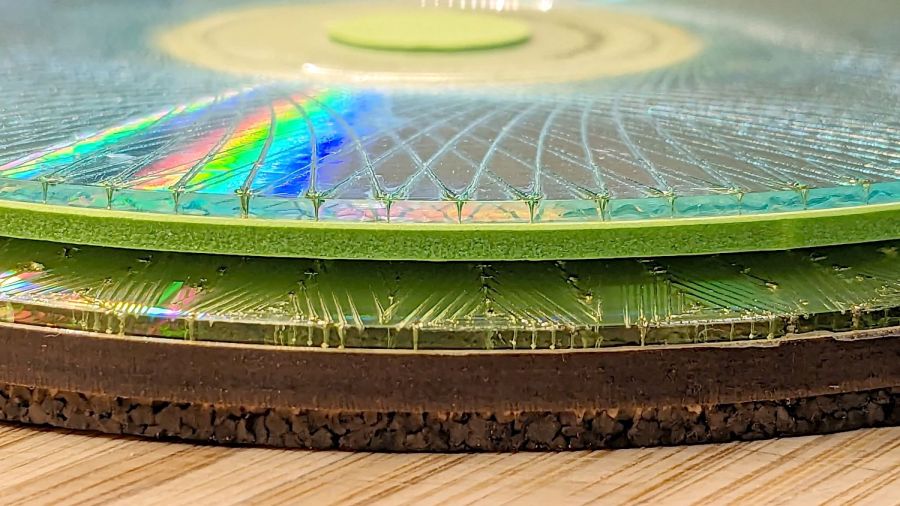
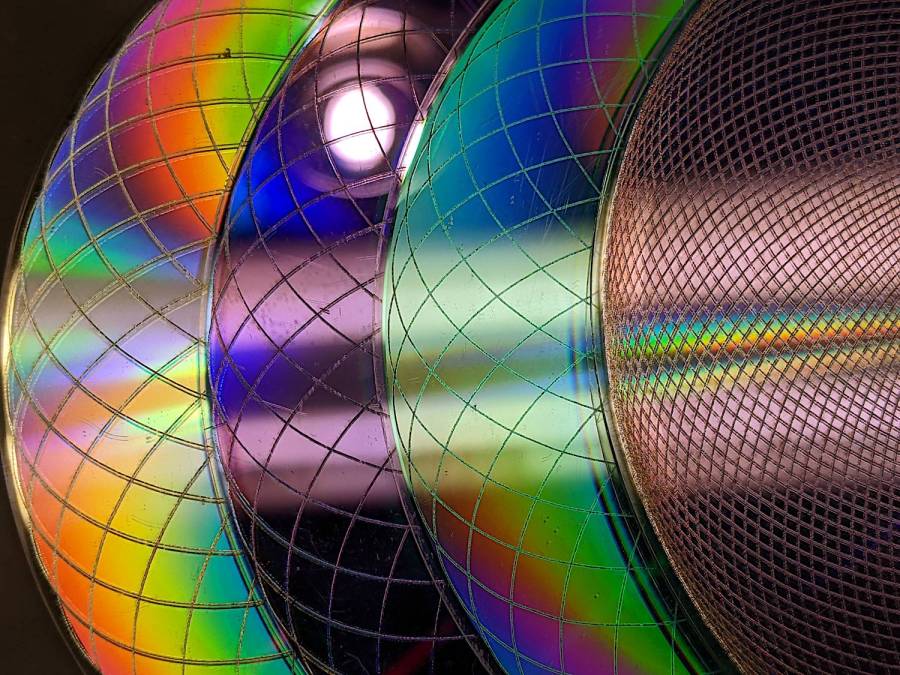
Up to this point, I’d been making coasters with a layer of cork on the bottom, held in place with wood glue (for MDF or plywood tops) or an adhesive sheet (for acrylic or glass). Doing that with a CD produced the bottom coaster:
Laser cut CDs – Foam vs MDF-cork backing – detail
Although the Mariner’s Compass pattern looks like it extends over the edge, you’re looking through the transparent polycarbonate at the deep pits burned nearly through the entire disc at the corners of the triangles where the laser head slows.
Although the MDF layer makes the coaster exceedingly stiff, it also makes it entirely too thick and much too fiddly to assemble.
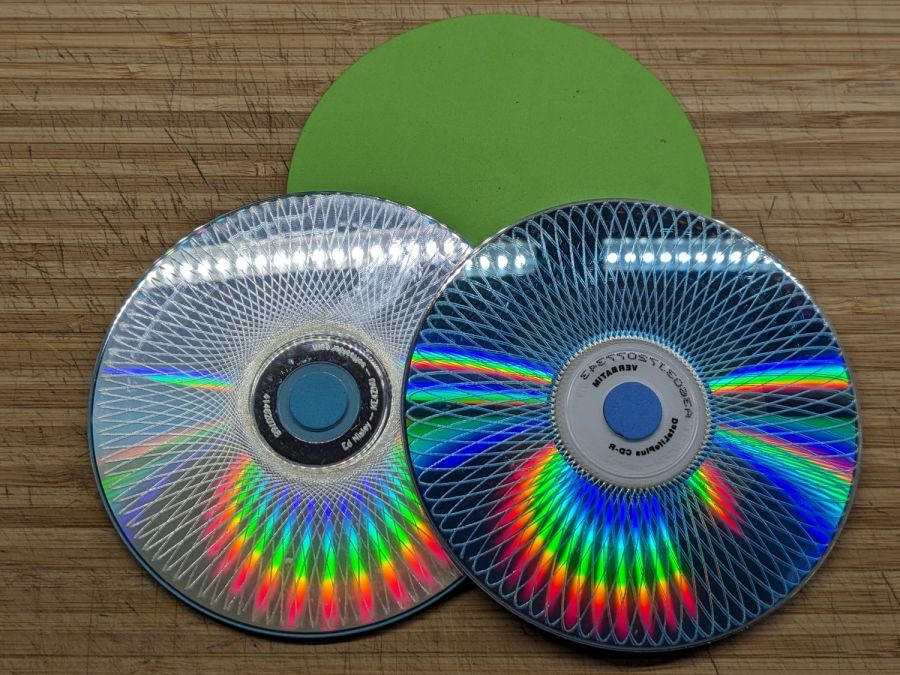
The top coaster is a Guilloche-patterned CD stuck to an EVA foam disk with an adhesive sheet. A small foam disk fills the hub hole and, not incidentally, covers the adhesive that would otherwise be exposed:
Laser cut CDs – Foam coaster backing
It’s stiffer than I expected and works well unless the mug / glass / cup has a wet bottom. Alas, the small channels cut into the CD’s surface fill up with the liquid sealing the coaster to the mug, so it sticks firmly and follows the mug upward off the table.
But they’re kinda pretty, inexpensive, and easy to assemble, which counts for something.
The laser runs much faster than a drag knife or a diamond engraving tool!
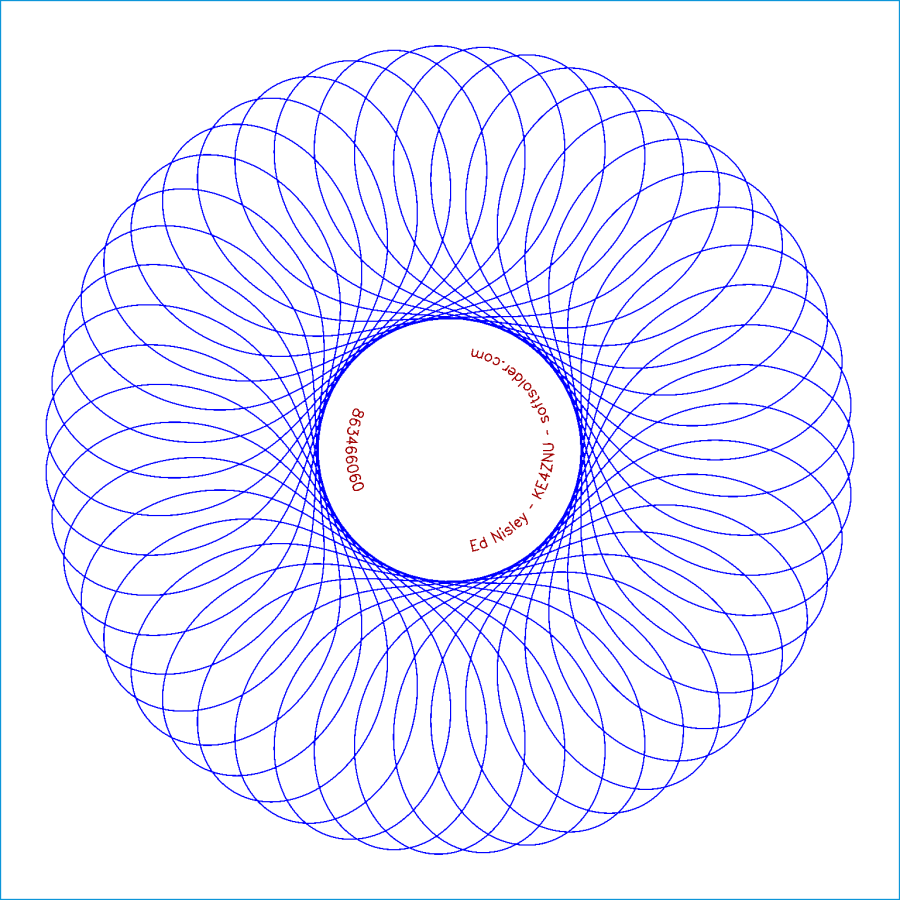
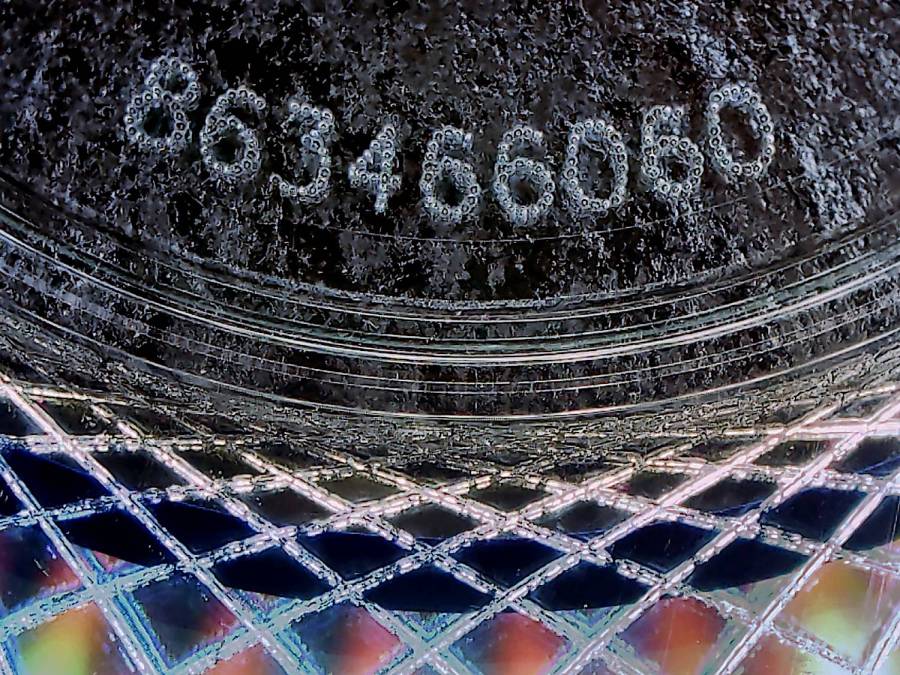
The reddish layer uses Dot mode to draw the legend around the hub:
Laser-engraved CD – legend detail
The characters are 1.5 mm top-to-bottom, with dots just under 0.2 mm diameter on 0.2 mm centers.
Stipulated: there’s no real point to annotating a CD that you’re wrecking, but the code was already there, so why not?
So the overall workflow involves generating an SVG image, importing it into LightBurn with those layers set up with the appropriate cut parameters, using the Three-Point Circle Center Finder tool to align the pattern with the CD, then Fire The Laser. Alignment stops on the laser platform eliminate the need to realign every pattern, so it boils down to running the generator script enough times, importing a batch of patterns, then snapping each one into place and cutting it.
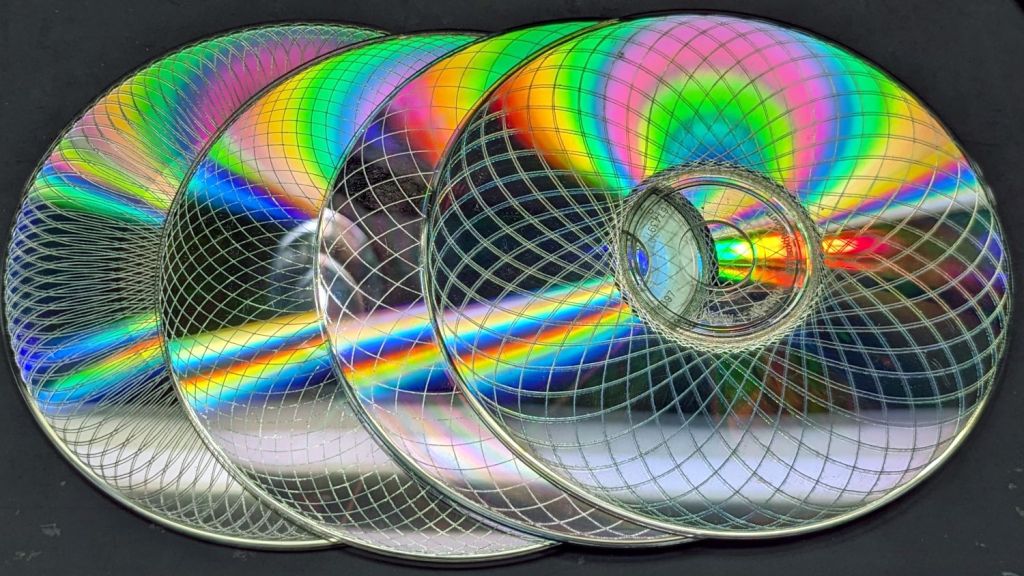
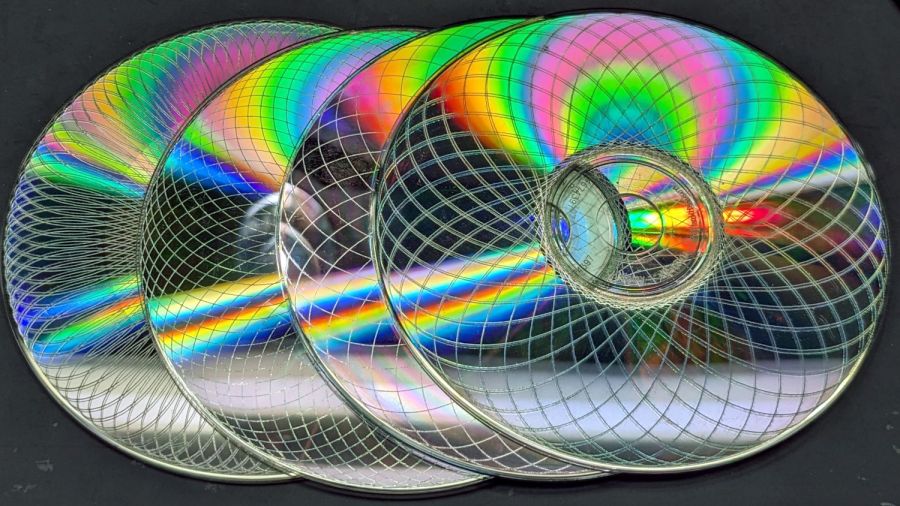
They’re kinda pretty, in the usual techie way:
Laser cut CDs – Guilloche patterns
I have a lot of scrap discs, some ideas of optimizing the process, and a general notion what to do with the prettier results.
The GCMC source code and Bash driver script as a GitHub Gist:
While I was turning this year’s leaves into mulch for next year’s vegetables, a supervisor landed on my glove:
Pale Green Assassin Bug – front
I thought it was a very small stick insect covered with leaf chaff, but it turned out to be a Pale Green Assassin Bug nymph with built-in armor and spines:
Pale Green Assassin Bug – rear
Something like that, anyway.
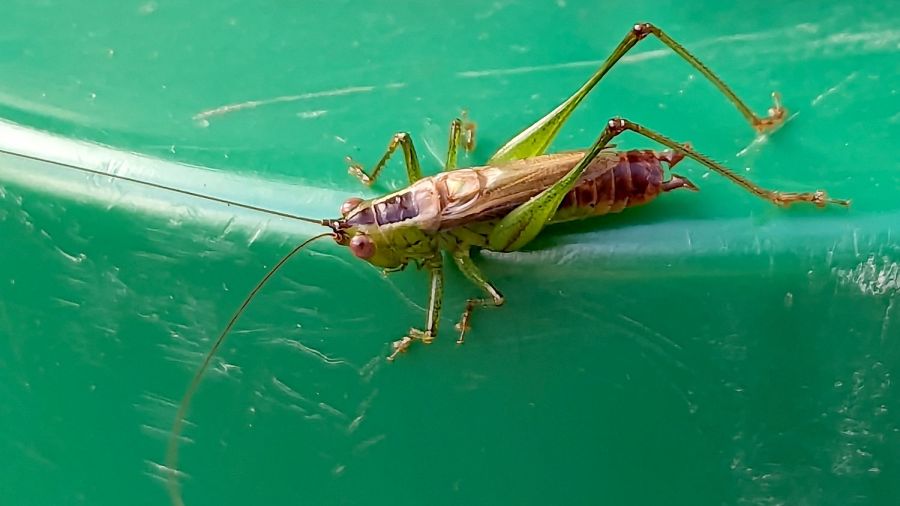
This katydid supervised while I put the tools away:
Short-winged Meadow Katydid
Those scary stern claspers must come in handy for something, but I’d rather not be on the receiving end.
Pretty much as expected, the cheap craft adhesive sheet turned out to be inadequate to the task of holding the thin upper border ring onto the clutter collector:
Layered Acrylic Desk Junk Collector – overview
So I stripped the adhesive off with naptha and arranged a cut in a 3M 300LSE acrylic adhesive sheet:
Desk clutter plate – 300LSE adhesive sheet
Four small tabs held that ring to the central piece while I stuck the acrylic ring on it, which turned out to be easy enough. Then I cut the tabs, peeled the paper off the other side, stuck the ring to the plate, and it’s once again ready for clutter.
The bond is visibly better when viewed through the top of the ring, so I think the 300LSE adhesive is thicker and gooier than the craft sheet adhesive, which isn’t surprising at all.
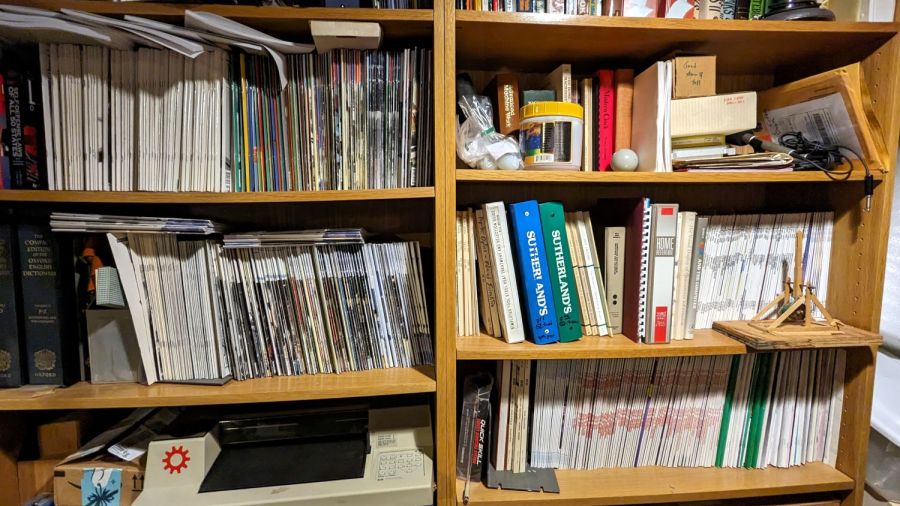
For reasons that will become relevant later on, I must clear the magazines from about ten feet of shelf space (and a stack of boxes), including this assortment:
To the best of my knowledge and belief, each collection is complete within those dates, although I’m equally sure an issue or two went walkabout over the course of four decades.
Having written columns for Digital Machinist, DDJ, and Circuit Cellar, I (still!) have multiple “author’s copies” of those, although I haven’t dug through the boxes for the specifics.
Here’s the deal:
You must take all of any set
Any offer ≥ $0.00 is acceptable
Shipping from ZIP 12603 is your problem
N.B.: Shipping Is Not My Problem (*)
Best offer on or before 30 November 2023 takes any or all.
Whatever remains becomes mulch in December 2023.
(*) A USPS Medium Flat Rate box (11×8.5×5.5 inch) costs $17 within the continental US and holds two or three dozen issues. Obviously, that’s the wrong way to ship an entire shelf of magazines, but gives you an idea of the scale.
If you want to pick ’em up in person, I’ll help heave ’em into your trunk.
Quite a while ago I’d added another LED strip to the under-cabinet light array, because the little cutting boards & suchlike on a wire shelf blocked the light, but fastened it in place with ugly wire ties.
Finally I found a Round Tuit on the desk for brackets mounting the strip directly to the shelf:
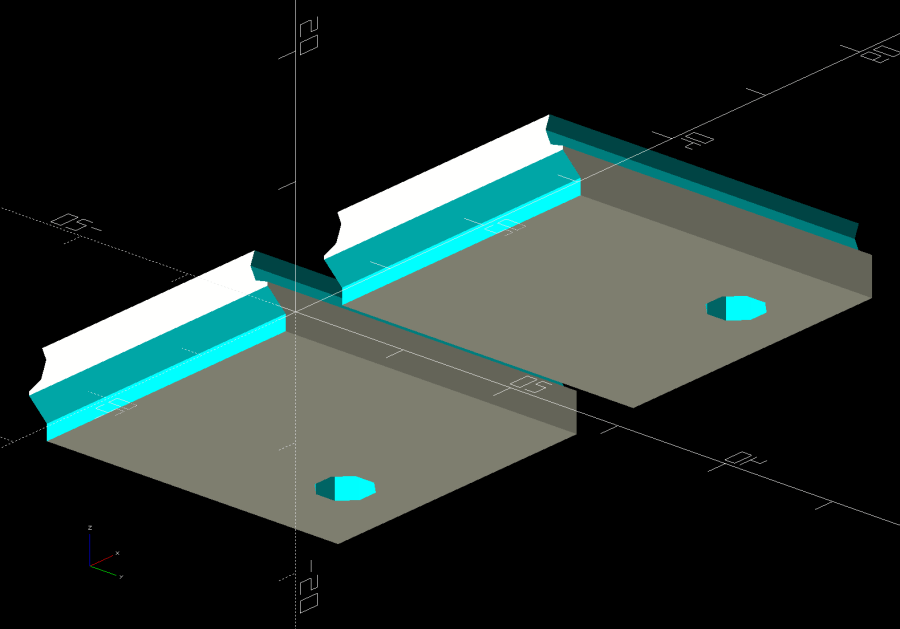
Kitchen Light Bracket – shelf blocks – solid model
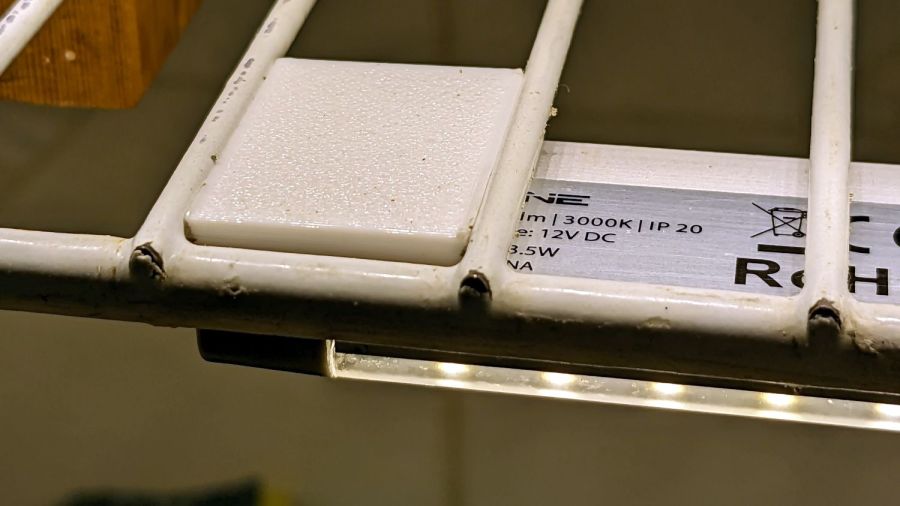
Ram a pair of brass inserts in the holes, screw the strip in place, snap the brackets between the wires, and it’s much better:
Kitchen Light Bracket – installed
Stipulated: those wire ends look awful. Fortunately, they’re normally hidden by the cutting boards and suchlike on the shelf.
Although it looks precarious, the rounded sides (seem to) have enough grip on the wires to hold the LED strip in place. We’ll see how well that works in practice, but the idea was to avoid anything sticking up above the wires to collide with the stuff on the shelf.
The blocks emerge from a chunk of code glommed onto the original OpenSCAD program: