The Smell of Molten Projects in the Morning

Ed Nisley's Blog: Shop notes, electronics, firmware, machinery, 3D printing, laser cuttery, and curiosities. Contents: 100% human thinking, 0% AI slop.

Category: Home Ec

Things around the home & hearth

  • Samsung Quiet Jet Vacuum: Floor Brush Wheels

    After rebuilding the front end of the Samsung vacuum’s floor brush, I’d hoped that was the end of it; other than replacing the brush strips every now and again, it’s been cooperative. Recently, however, one of the wheels popped off, which revealed the minimal mechanism holding them in place:

    Samsung Quiet Jet - floor brush wheel interior
    Samsung Quiet Jet – floor brush wheel interior

    Those four delicate latches have worn themselves and the hub to the point where they ride over the edge at the slightest provocation. I pulled both wheels off and packed three turns of insulated wire (one turn is visible in the photo, as it was an iterative process) around the outside of the clips, with the intent of restoring enough force to hold the wheels in place until we exhaust the lifetime supply of bags I bought for the thing…

  • Broom Handle Screw With Dedendum: Effect of Printing Orientation

    Although the current OpenSCAD could produce a solid model with the screw thread’s dedendum, I’d never actually printed one of them:

    Broom Handle Screw - full thread - solid model
    Broom Handle Screw – full thread – solid model

    I need some fondlestuff illustrating how to handle overhangs, so I ran one standing vertically, which (pretty much as I expected) didn’t work well at all:

    Broom Handle Screw - dedendum - vertical
    Broom Handle Screw – dedendum – vertical

    The trick is to split the model down the middle:

    Broom Handle Screw - horizontal top
    Broom Handle Screw – horizontal top

    And put holes in each half for alignment pins:

    Broom Handle Screw - horizontal bottom
    Broom Handle Screw – horizontal bottom

    Then you can print it lying down:

    Broom Handle Screw - horizontal - as-printed top
    Broom Handle Screw – horizontal – as-printed top

    The internal overhang would probably call for some support material, particularly in the square recess at the end, but in this case it’s a lesson:

    Broom Handle Screw - horizontal - as-printed bottom
    Broom Handle Screw – horizontal – as-printed bottom

    Glue some filament snippets into the holes, snap it together, and it looks just fine over there on the right:

    Broom Handle Screw - orientation comparison
    Broom Handle Screw – orientation comparison

    Doesn’t matter how many I print, it still doesn’t make any economic sense as a broom repair…

    The OpenSCAD source code now has a Layout variable to control the orientation and, not as shown in the model, the alignment pins have glue gutters in the first layer:

    // Broom Handle Screw End Plug
    // Ed Nisley KE4ZNU October 2013
    
    Layout = "Horizontal";		// Vertical Horizontal Pin
    
    UseDedendum = true;			// true to create full thread form
    
    //- Extrusion parameters must match reality!
    
    ThreadThick = 0.25;
    ThreadWidth = 0.40;
    
    HoleWindage = 0.2;
    
    Protrusion = 0.1;			// make holes end cleanly
    
    //----------------------
    // Dimensions
    
    PostOD = 22.3;				// post inside metal handle
    PostLength = 25.0;
    
    FlangeOD = 24.0;			// stop flange
    FlangeLength = 3.0;
    
    PitchDia = 15.5;			// thread center diameter
    ScrewLength = 20.0;
    
    ThreadFormOD = 2.5;			// diameter of thread form
    ThreadPitch = 5.0;
    NumSegments = 32;			//  .. number of cylinder approximations per turn
    
    BoltOD = 7.0;				// clears 1/4-20 bolt
    BoltSquare = 6.5;			// across flats
    BoltHeadThick = 3.0;
    
    RecessDia = 6.0;			// recesss to secure post in handle
    
    OALength = PostLength + FlangeLength + ScrewLength;
    
    SplitOC = 1.25*FlangeOD;	// separation in Horizontal layout
    PinOD = 1.75;				// alignment pin diameter = filament stub
    PinLength = 7.0;			//  ... length
    
    $fn=8*4;					// default cylinder sides
    
    echo("Pitch dia: ",PitchDia);
    echo("Root dia: ",PitchDia - ThreadFormOD);
    echo("Crest dia: ",PitchDia + ThreadFormOD);
    
    Pi = 3.14159265358979;
    
    //----------------------
    // Useful routines
    
    // Wrap cylindrical thread segments around larger plug cylinder
    
    module CylinderThread(Pitch,Length,PitchDia,ThreadOD,PerTurn) {
    
    CylFudge = 1.02;				// force overlap
    
        RotIncr = 1/PerTurn;
        PitchRad = PitchDia/2;
    
        Turns = Length/Pitch;
        NumCyls = Turns*PerTurn;
    
        ZStep = Pitch / PerTurn;
    
        HelixAngle = atan(Pitch/(Pi*PitchDia));
        CylLength = CylFudge * (Pi*(PitchDia + ThreadOD) / PerTurn) / cos(HelixAngle);
    
    	for (i = [0:NumCyls-1]) {
    		assign(Angle = 360*i/PerTurn)
    			translate([PitchRad*cos(Angle),PitchRad*sin(Angle),i*ZStep])
    				rotate([90+HelixAngle,0,Angle])
    					cylinder(r1=ThreadOD/2,
    							r2=ThreadOD/(2*CylFudge),
    							h=CylLength,
    							center=true,$fn=12);
    	}
    }
    
    // Build complete plug
    
    module ScrewPlug() {
    	difference() {
    		union() {
    			cylinder(r=PostOD/2,h=PostLength);
    			cylinder(r=PitchDia/2,h=OALength);
    			translate([0,0,PostLength])
    				cylinder(r=FlangeOD/2,h=FlangeLength);
    			color("Orange")
    			translate([0,0,(PostLength + FlangeLength)])
    				CylinderThread(ThreadPitch,(ScrewLength - ThreadFormOD/2),PitchDia,ThreadFormOD,NumSegments);
    		}
    
    		translate([0,0,-Protrusion])
    			PolyCyl(BoltOD,(OALength + 2*Protrusion),6);
    
    		translate([0,0,(OALength - BoltHeadThick)])
    			PolyCyl(BoltSquare,(BoltHeadThick + Protrusion),4);
    
    		if (UseDedendum)
    			translate([0,0,(PostLength + FlangeLength + ThreadFormOD/2 - ThreadPitch/(2*NumSegments))])
    				rotate(-90 - 360/(2*NumSegments))
    				CylinderThread(ThreadPitch,ScrewLength,PitchDia,ThreadFormOD,NumSegments);
    
    		for (i = [0:90:270]) {
    			rotate(45 + i)					// 45 works better with Horizontal layout
    				translate([PostOD/2,0,PostLength/2])
    					sphere(r=RecessDia/2,$fn=8);
    		}
    	}
    }
    
    // Locating pin hole with glue recess
    
    module LocatingPin() {
    
    	translate([0,0,-ThreadThick])
    		PolyCyl((PinOD + 2*ThreadWidth),2*ThreadThick,4);
    	translate([0,0,-(PinLength/2 + ThreadThick)])
    		PolyCyl(PinOD,(PinLength + 2*ThreadThick),4);
    
    }
    
    module PolyCyl(Dia,Height,ForceSides=0) {			// based on nophead's polyholes
    
      Sides = (ForceSides != 0) ? ForceSides : (ceil(Dia) + 2);
    
      FixDia = Dia / cos(180/Sides);
    
      cylinder(r=(FixDia + HoleWindage)/2,
               h=Height,
    	   $fn=Sides);
    }
    
    module ShowPegGrid(Space = 10.0,Size = 1.0) {
    
      Range = floor(50 / Space);
    
    	for (x=[-Range:Range])
    	  for (y=[-Range:Range])
    		translate([x*Space,y*Space,Size/2])
    		  %cube(Size,center=true);
    
    }
    
    //-------------------
    // Build it...
    
    ShowPegGrid();
    
    if (Layout == "Vertical")
    	ScrewPlug();
    
    if (Layout == "Pin")
    	LocatingPin();
    
    if (Layout == "Horizontal")
    	for (i=[-1,1])
    		difference() {
    			translate([i*SplitOC/2,PostLength/2,0])
    				rotate([90,180*(i + 1)/2,0])
    					ScrewPlug();
    
    			translate([0,0,-FlangeOD/2])
    				cube([2*OALength,2*OALength,FlangeOD],center=true);
    
    			for (j=[-1,1], pin=[-1,1])
    				assign(PinX = i*SplitOC/2 + pin*(PostOD + BoltOD)/4,
    					   PinY = j*PostLength/4) {
    					translate([PinX,PinY,0])
    						rotate(45)
    							LocatingPin();
    					echo("i j pin: ",i,j,pin);
    					echo("X Y: ",PinX,PinY);
    				}
    		}
    
  • Plant Stand Feet

    The houseplants have migrated indoors after spending a summer charging up in the sun on the patio, which means it’s time to replace the silicone rubber feet on the bottom of the plant shelves. This year, I printed a set of feet to fit the hex-head adjustable feet:

    Plant Stand Foot - installed
    Plant Stand Foot – installed

    The pencil-stem plant on the left, for whatever it’s worth, is a perfectly healthy Rhipsalis that greatly enjoyed the summer sun.

    The feet print upside-down to give the surface around the hex a smooth finish. I used Slic3r’s Hilbert Curve for pattern a bit more interesting than the usual parallel lines:

    Plant Shelf Foot - as built
    Plant Shelf Foot – as built

    The Hilbert curve doesn’t fit neatly into a non-rectangular shape, but it’s close enough.

    The solid model includes the support structure:

    Plant Shelf Foot - solid model - bottom
    Plant Shelf Foot – solid model – bottom

    Which pops out cleanly:

    Plant Shelf Foot - support material detail
    Plant Shelf Foot – support material detail

    Yes, that’s a shred of red filament embedded on the left side. Cleanliness is next to impossible…

    The fuzzy felt feet come from a 6 mm thick slab of the stuff:

    Plant Shelf Foot - cutting felt plugs
    Plant Shelf Foot – cutting felt plugs

    The round socket wall leaves about 2 mm of felt showing at the bottom; it’s not very compressible and that should suffice to keep the plastic off the table.

    The OpenSCAD source code:

    // Feet for a wire-shelf plant stand
    // Ed Nisley KE4ZNU October 2013
    
    Layout = "Build";			// Show Build
    
    Support = true;
    
    //- Extrusion parameters must match reality!
    //  Print with 2 shells and 3 solid layers
    
    ThreadThick = 0.25;
    ThreadWidth = 0.40;
    
    HoleWindage = 0.2;
    
    Protrusion = 0.1;			// make holes end cleanly
    
    //----------------------
    // Dimensions
    
    StandFootOD = 18.0;			// hex across flats
    StandFootDepth = 5.0;		//  ... socket depth
    
    FeltPadOD = 25.0;			// felt foot diameter
    FeltPadDepth = 4.0;			//  ... depth
    
    FootBaseThick = 6*ThreadThick;	// between foot and pad
    FootWall = 4*ThreadWidth;		// around exterior
    
    FootOD = 2*FootWall + max(StandFootOD,FeltPadOD);
    echo(str("Foot OD: ",FootOD));
    
    FootTall = StandFootDepth + FootBaseThick + FeltPadDepth;
    echo(str(" ... height: "),FootTall);
    
    NumSides = 8*4;
    
    //----------------------
    // Useful routines
    
    module FootPad() {
    
    	difference() {
    
    		cylinder(r=FootOD/2,h=FootTall,$fn=NumSides);
    
    		translate([0,0,FeltPadDepth + FootBaseThick])
    			PolyCyl(StandFootOD,2*StandFootDepth,6);
    
    		translate([0,0,-Protrusion])
    			PolyCyl(FeltPadOD,(FeltPadDepth + Protrusion),NumSides);
    
    	}
    }
    
    // Locating pin hole with glue recess
    
    module LocatingPin() {
    
    	translate([0,0,-ThreadThick])
    		PolyCyl((PinOD + 2*ThreadWidth),2*ThreadThick,4);
    	translate([0,0,-(PinLength/2 + ThreadThick)])
    		PolyCyl(PinOD,(PinLength + 2*ThreadThick),4);
    
    }
    
    module PolyCyl(Dia,Height,ForceSides=0) {			// based on nophead's polyholes
    
      Sides = (ForceSides != 0) ? ForceSides : (ceil(Dia) + 2);
    
      FixDia = Dia / cos(180/Sides);
    
      cylinder(r=(FixDia + HoleWindage)/2,
               h=Height,
    	   $fn=Sides);
    }
    
    module ShowPegGrid(Space = 10.0,Size = 1.0) {
    
      Range = floor(50 / Space);
    
    	for (x=[-Range:Range])
    	  for (y=[-Range:Range])
    		translate([x*Space,y*Space,Size/2])
    		  %cube(Size,center=true);
    
    }
    
    //-------------------
    // Build it...
    
    ShowPegGrid();
    
    if (Layout == "Show")
    	FootPad();
    
    if (Layout == "Build") {
    	translate([0,0,FootTall])
    		rotate([180,0,0])
    			FootPad();
    	if (Support)
    		color("Yellow")
    			for (Seg=[0:5]) {
    				rotate(30 + 360*Seg/6)
    				translate([0,0,(StandFootDepth - ThreadThick)/2])
    					cube([(StandFootOD - 3*ThreadWidth),
    						  2*ThreadWidth,
    						  (StandFootDepth - ThreadThick)],
    						  center=true);
    				}
    }
    
  • Brita Water Pitcher: Reinforced Lid Screws

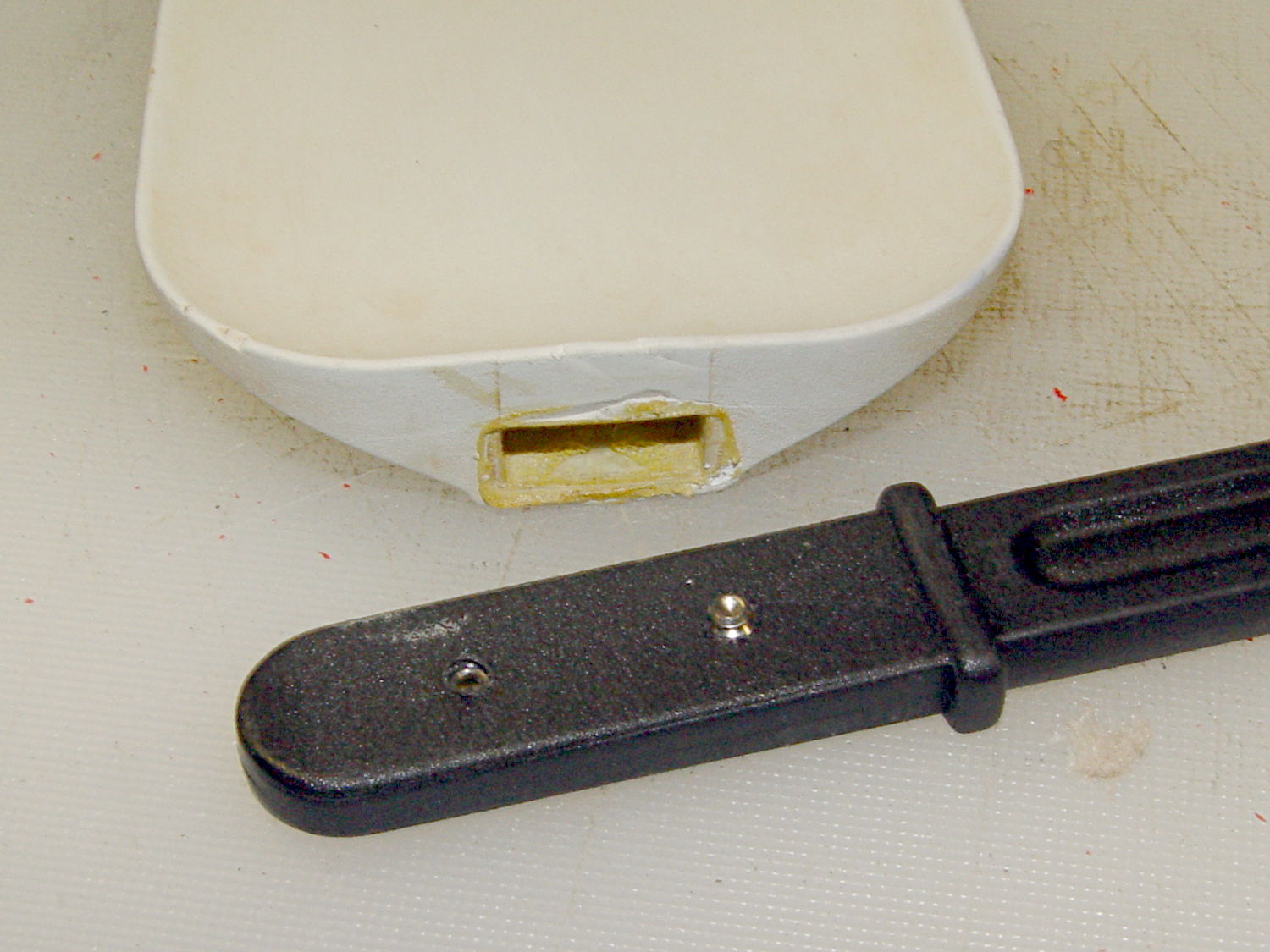
    While I had the epoxy for the last step in the eyeglass frame repair, I fixed the lid on the never-sufficiently-to-be-damned Brita filter pitcher, as it had just tossed one of its miniature screws somewhere on the kitchen floor.

    Nothing too challenging and, as nobody else ever sees this side of the lid, not very pretty:

    Brita Pitcher - reinforced lid screws
    Brita Pitcher – reinforced lid screws

    I probably should have added a brass reinforcement strip around the cracked plastic mounts, but JB Weld epoxy should be strong enough for this job all by itself. Assuming, that is, it can maintain a grip on the plastic; I’m hoping the various fractures will lock it in place.

  • Why Proper Packaging Is A Good Thing

    When I ordered this carton of paper, I specified “pick up at store” because I knew this would happen:

    Ruptured paper carton
    Ruptured paper carton

    A carton weighs so much that everybody, myself included, grabs it by the straps and slings it around. Unlike them, I put it down gently, because it’s my paper… but now it’s too late.

    Inside the carton, the impact shattered the paper wrapper on every one of the ten reams:

    Split paper reams
    Split paper reams

    In the last carton I bought (admittedly, quite some time ago), Staples used plastic wrappers that gave each ream a bit more protection against abuse and the elements, but that’s been cheapnified out of existence.

    I also ordered a ream of fancy heavyweight paper that pushed the order over the “Free Shipping!” threshold; I missed the fact that they auto-checked “Free Delivery!” for the whole order. Of course, that ream shipped separately and it’s now delayed by a week or two…

    I could take it back, but the paper from that bottom-corner ream seems to be no more than somewhat bent, so I’ll live with it.

  • Silhouette Eyeglass Repair: Broken Temple Mount

    The left temple mount of Mary’s five-year-old and staggeringly expensive titanium Silhouette glasses snapped. Here’s the intact right earpiece and the broken piece from the left temple (the lens is upside-down on the paper):

    Silhouette frame - broken temple part
    Silhouette frame – broken temple part

    They’re just about ideal glasses, with nothing more than two lenses and three metal bits, but that means simple repairs don’t come easily. The Official Repair Price was about $120 to install a whole new earpiece, so, seeing as how she had these customized for computer work and wouldn’t be wearing them when anybody else was around, I got the job…

    First off, mask the lenses with Parafilm to avoid scuffs:

    Silhouette glasses - lens protection
    Silhouette glasses – lens protection

    Then cut out the broken part shown in the first picture. It’s attached to the lens with a U-shaped bit of transparent plastic that fits into the frame holes and captures its two peg legs; I used flush-cutting pliers to carve away the plastic bar on the inside of the lens.

    The lens mount fragment is flat-out not reparable, but the broken end of the earpiece lies flush against the lens and is roughly circular. Even better, a 1/16 inch brass tube from the Little Box o’ Cutoffs fit the temple end perfectly: OD = 62 mils, ID = 35 mils.

    The Little Box o’ Tiny Screws produced a pair of stainless steel screws (intended for the hinges in ordinary eyeglass temples) that also fit the holes in the lens and were precisely the right length, so the overall plan came together. The screws seem a bit over 1 mm diameter and I don’t have a nut for them, but epoxy is my co-pilot…

    Line up and drill a pair of 47 mil clearance holes in that piece of 62 mil OD brass tubing, leaving barely 7 mil behind on each side:

    Drilling brass tube
    Drilling brass tube

    I may have to frame that picture…

    Much to my astonishment, drilling those two holes worked on the first try. I’d chamfered the end with a #1 center drill while mulling over how all this would work out.

    File off the screw heads to leave a thin plate:

    Silhouette frame - temple mount parts
    Silhouette frame – temple mount parts

    A dry fit shows how everything hangs together:

    Silhouette frame - temple trial fit
    Silhouette frame – temple trial fit

    The intact earpiece holds the lens at the proper angle on a flat surface, so as long as I can keep the repair parts in place on the lens, the temple angle will take care of itself.

    I scuffed up the broken end of the earpiece to encourage a good epoxy bond, bent the edges of those flat plates around the tube, and cleaned everything with acetone. Tiny dabs of JB Weld epoxy hold the screws and the temple piece in the tube, with those little machinist’s squares encouraging the lenses to stay put:

    Silhouette frame - mount curing
    Silhouette frame – mount curing

    A day later, lay the lenses face down so the screws point straight up and dab on more JB Weld:

    Silhouette frame - lens mount curing
    Silhouette frame – lens mount curing

    Those dots aren’t quite as round as I’d like, but they’re the better part of 2 mm OD and I’m not complaining much. Note the nice fillet around the temple piece at end of the tubing.

    Pause another day for curing…

    Then file off the rough edges and peel off the Parafilm. It’s a bit on the garish side, but Mary preferred the Steampunk look over a crude paint job, particularly because it’s invisible from her side of the lens:

    Silhouette frame - repaired
    Silhouette frame – repaired

    There, now, that wasn’t so hard after all…

  • Quilt Show

    Ed - DHQS XVI - Volunteer Badge
    Ed – DHQS XVI – Volunteer Badge

    Mary volunteered me as a “white glove” helper: we walked the show floor for a few hours wearing cute aprons and white knit gloves.

    Rule Zero: nobody touches the quilts. When people wanted to see the back side, we did all the handling. This worked out quite well; pretty nearly everybody understood what was going on, although we all agreed that fine quilts exhibit a magnetic attraction to fingertips.

    Pro tip I: when the sign at the entrance says NO DRINKS, that means your coffee isn’t allowed in the exhibit area. You may be a special person, but you’re not that special. We’re not picking on you.

    Pro tip II: when you bring your brat to a quilt show and let the kid dive under frames holding quilts representing thousands of hours of painstaking work, don’t act surprised when I haul him out by the feet, reprimand him, give him back to you, and expect you to get your act together.

    I obviously had the wrong chromosome loadout for the mission.

    Mary’s Butterfly Flower quilt nailed First Place in the Appliqué Wall Quilt division!