Ed Nisley's Blog: Shop notes, electronics, firmware, machinery, 3D printing, laser cuttery, and curiosities. Contents: 100% human thinking, 0% AI slop.
When I wired up the MPCNC’s tool length probe, I planned to reinforce the wiring with a dab of epoxy. What I didn’t notice in my enthusiasm, alas, was the opening from the rear to the front in each pin slot:
Epoxied connector – rear
Which let the epoxy flow completely through the connector:
Epoxied connector – front
So I cut the mess off and applied heatstink tubing on each wire, just like I should have in the first place.
Now you know the rest of the story …
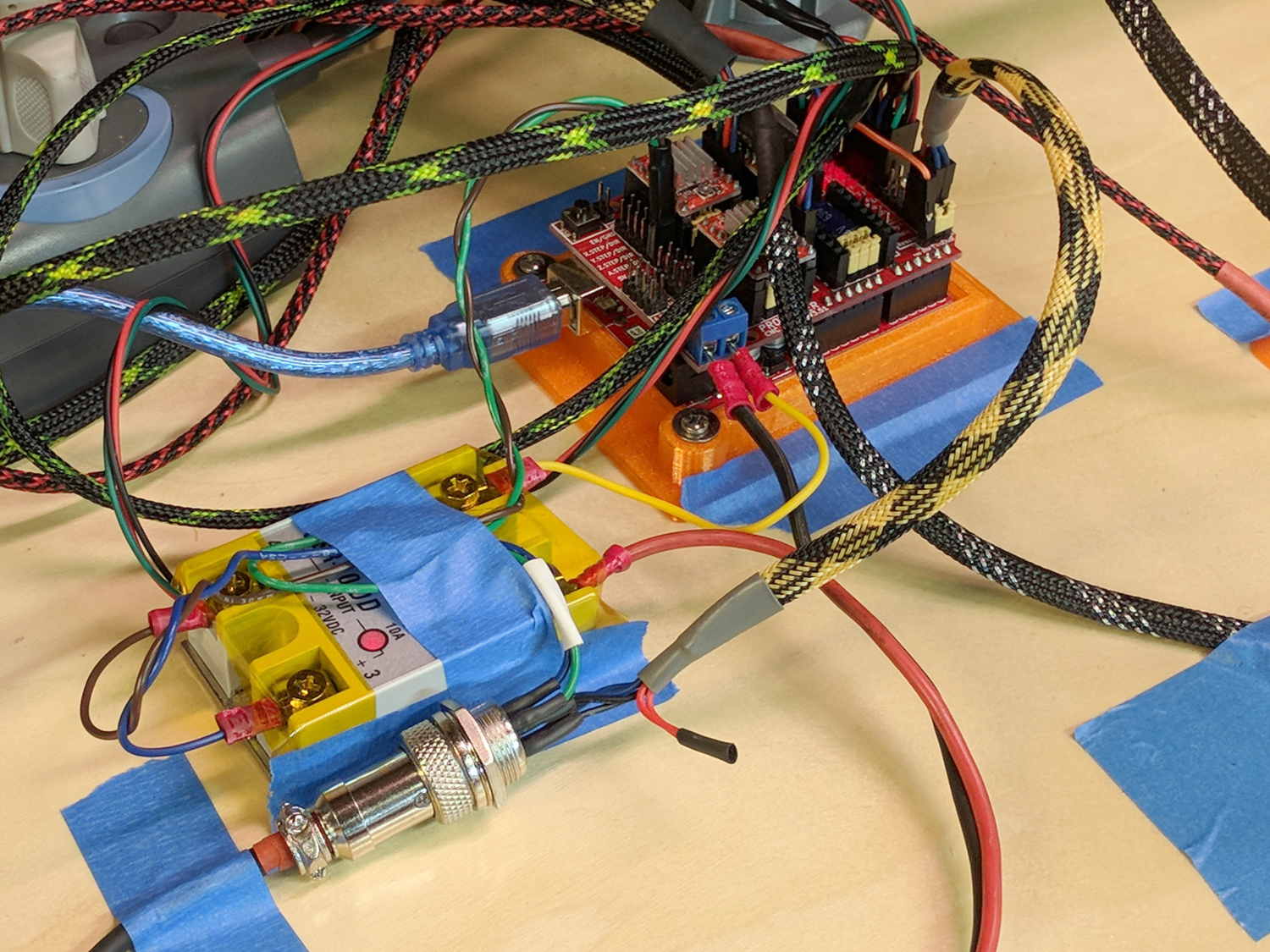
I really dislike pin headers as cable connectors, but that’s what the Protoneer CNC board uses:
MPCNC – Protoneer Wiring – SSR
It’ll be Good Enough if I don’t do anything else particularly stupid.
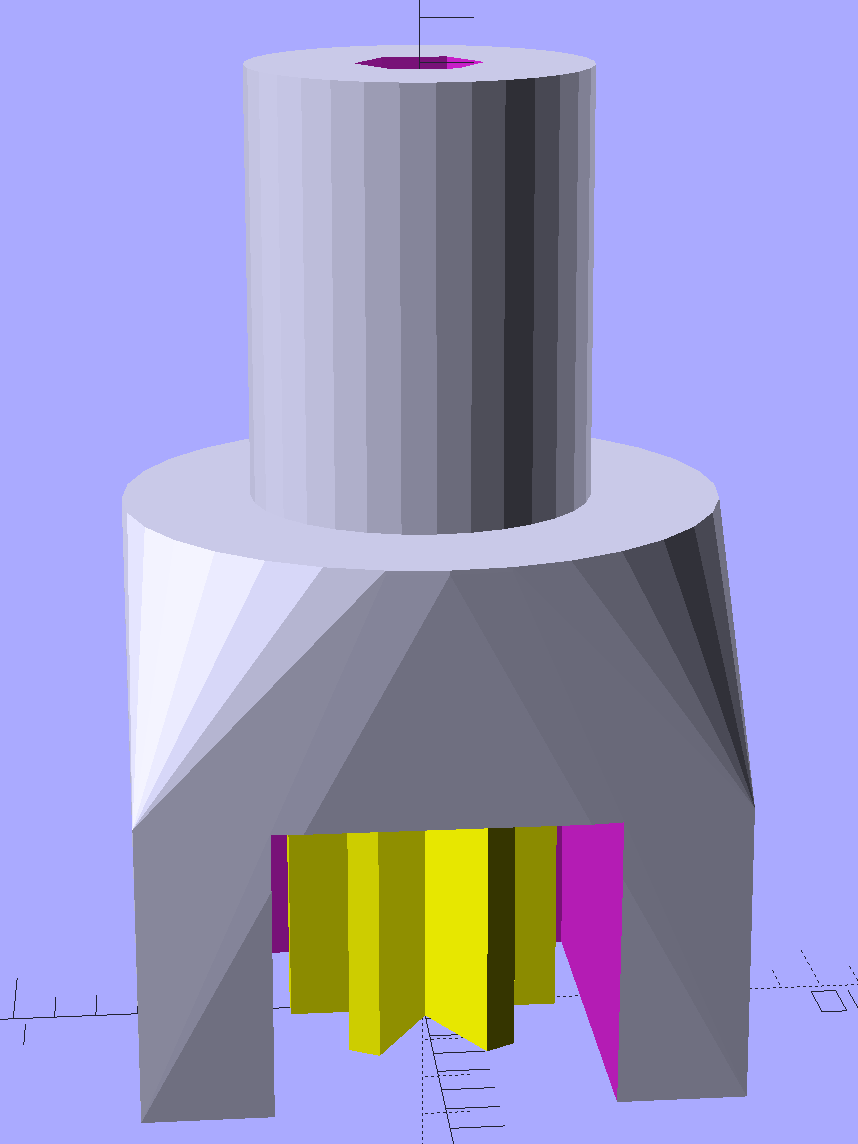
A little support pillar makes a printable holder for a small tactile pushbutton:
Z Axis Height Probe – solid model
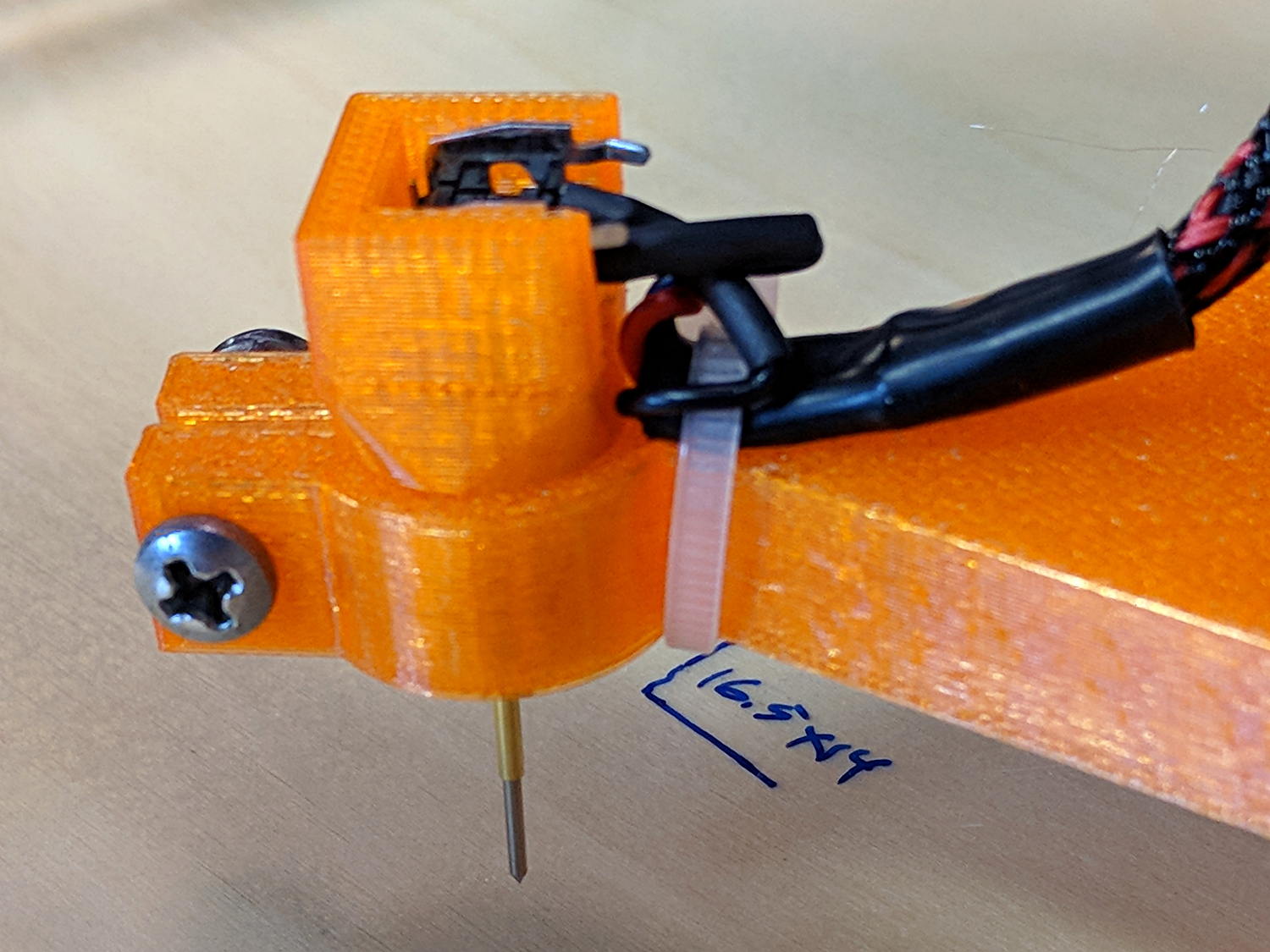
A(n) 0-80 brass washer epoxied atop the butt end of a P100-B1 pogo pin keeps the pin from falling out and provides a flat button pusher:
MPCNC – Simple Z probe – push plate
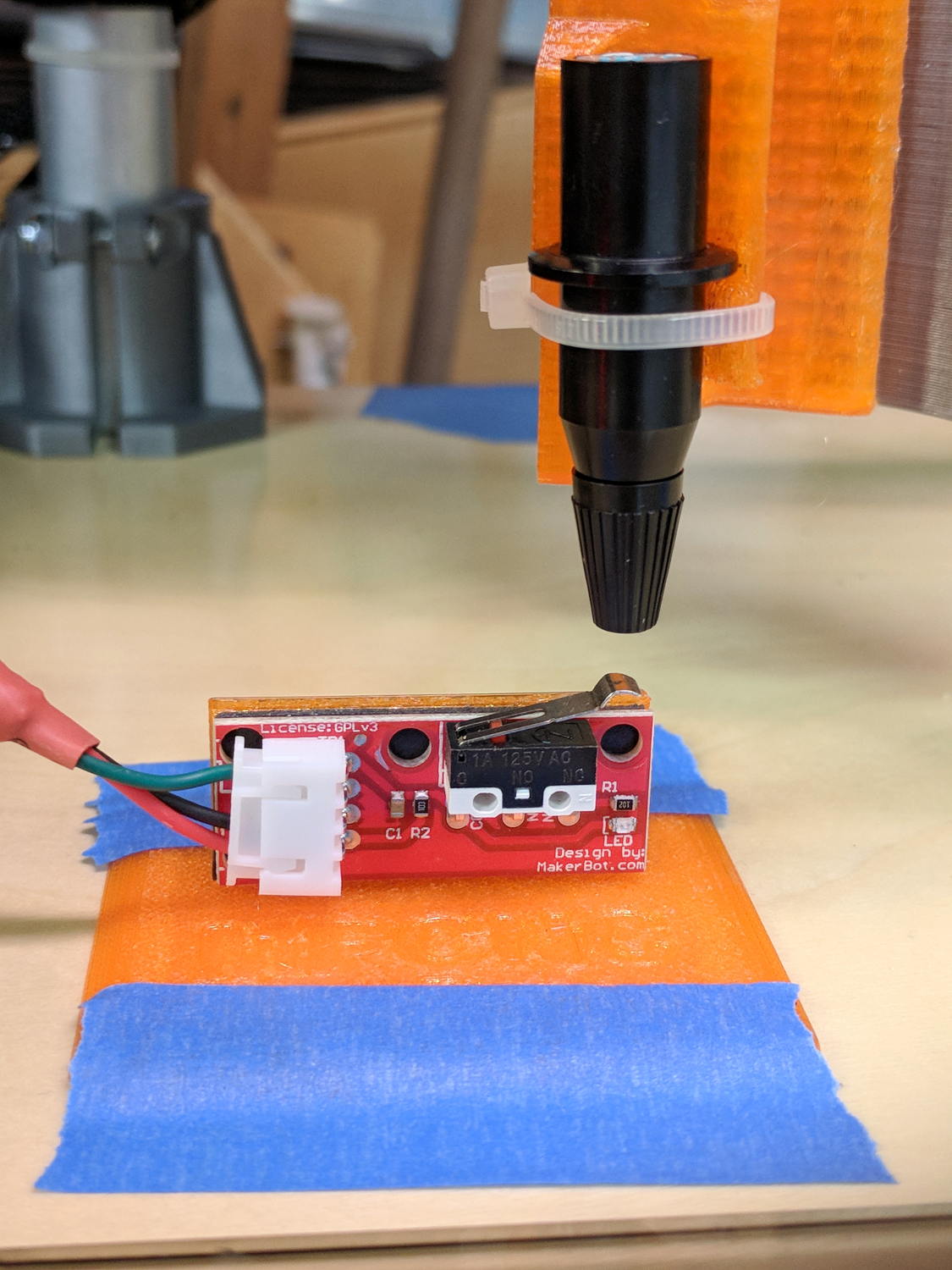
With the epoxy mostly cured, ease the pin off the tape, flip the whole affair over, shove the switch into position, realign vertically with point down, then let the epoxy finish curing with the washer held in place against the switch to ensure good alignment:
MPCNC – Simple Z probe – epoxy curing
The brass tube ID is a sloppy fit around the pogo pin, but it’s also many pin diameters long and the position error isn’t worth worrying about.
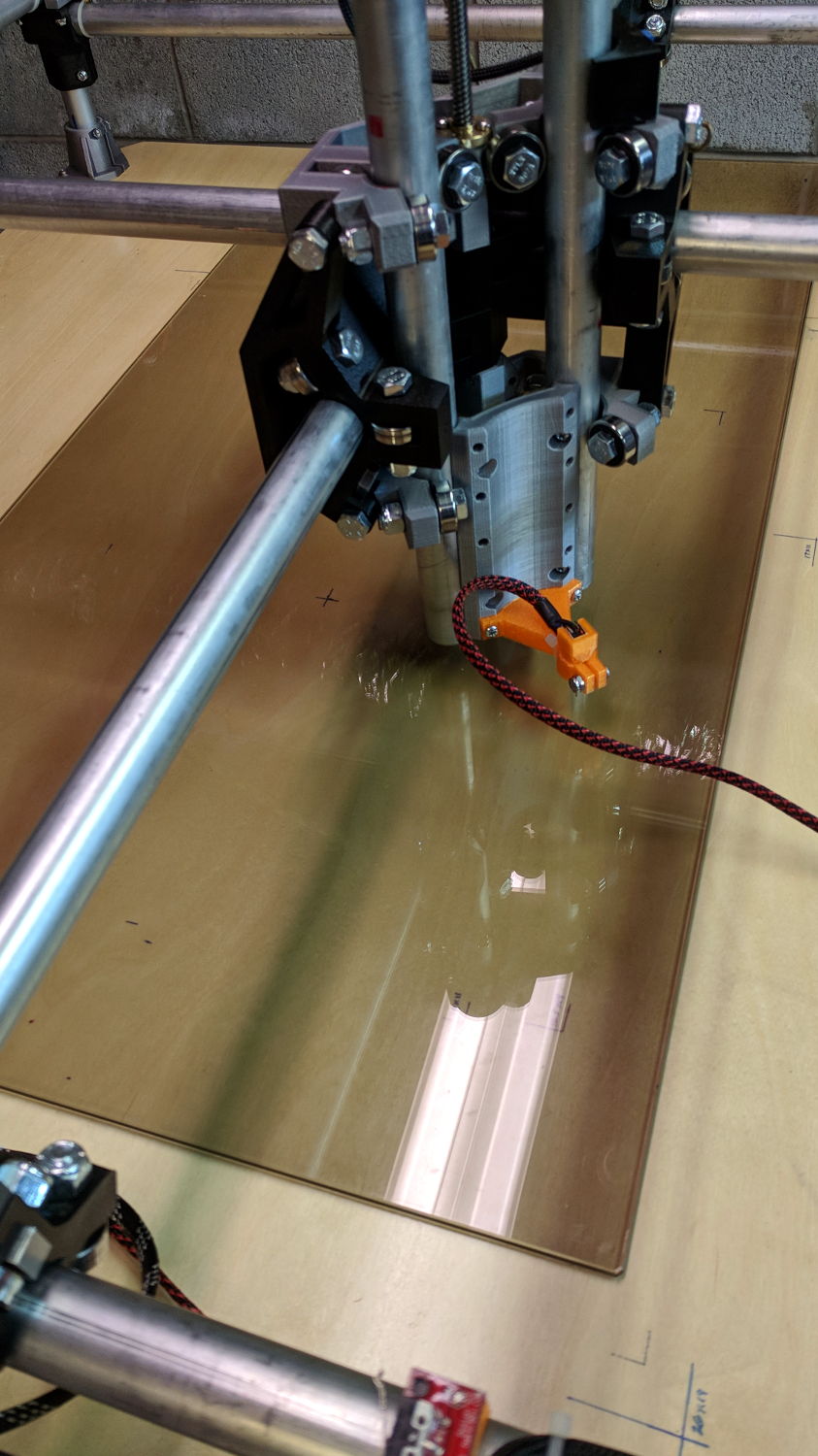
Solder a cable, clamp it in the pen holder, attach to tool holder:
MPCNC – Simple Z probe – installed
The pogo pin provides half a dozen millimeters of compliance, letting the initial probe speed be much higher than the tactile pushbutton’s overshoot could survive, after which a low-speed probe produces a consistent result.
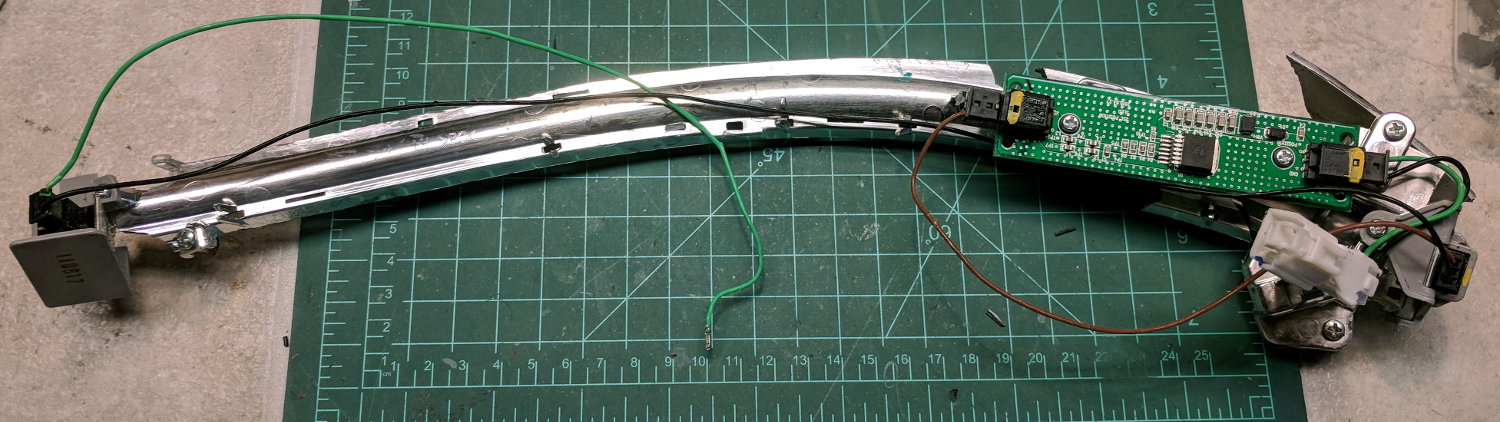
A high energy collision / accident / mishap in front of Adams Fairacre Farms (a.k.a., the grocery store) demolished 20 feet of their dry laid stone wall along Rt 44, flattened several bushes, gouged trenches in the grass, and scattered plastic debris into the parking lot. The remains of a headlight eyebrow running light emerged from a snow pile:
Eyebrow light – front
From the back:
Eyebrow light – back
Contrary to what I expected, it has one white LED at each end of the chromed reflecting channel, topped with a shaped plastic lens collecting the light:
Eyebrow light – Lens mount
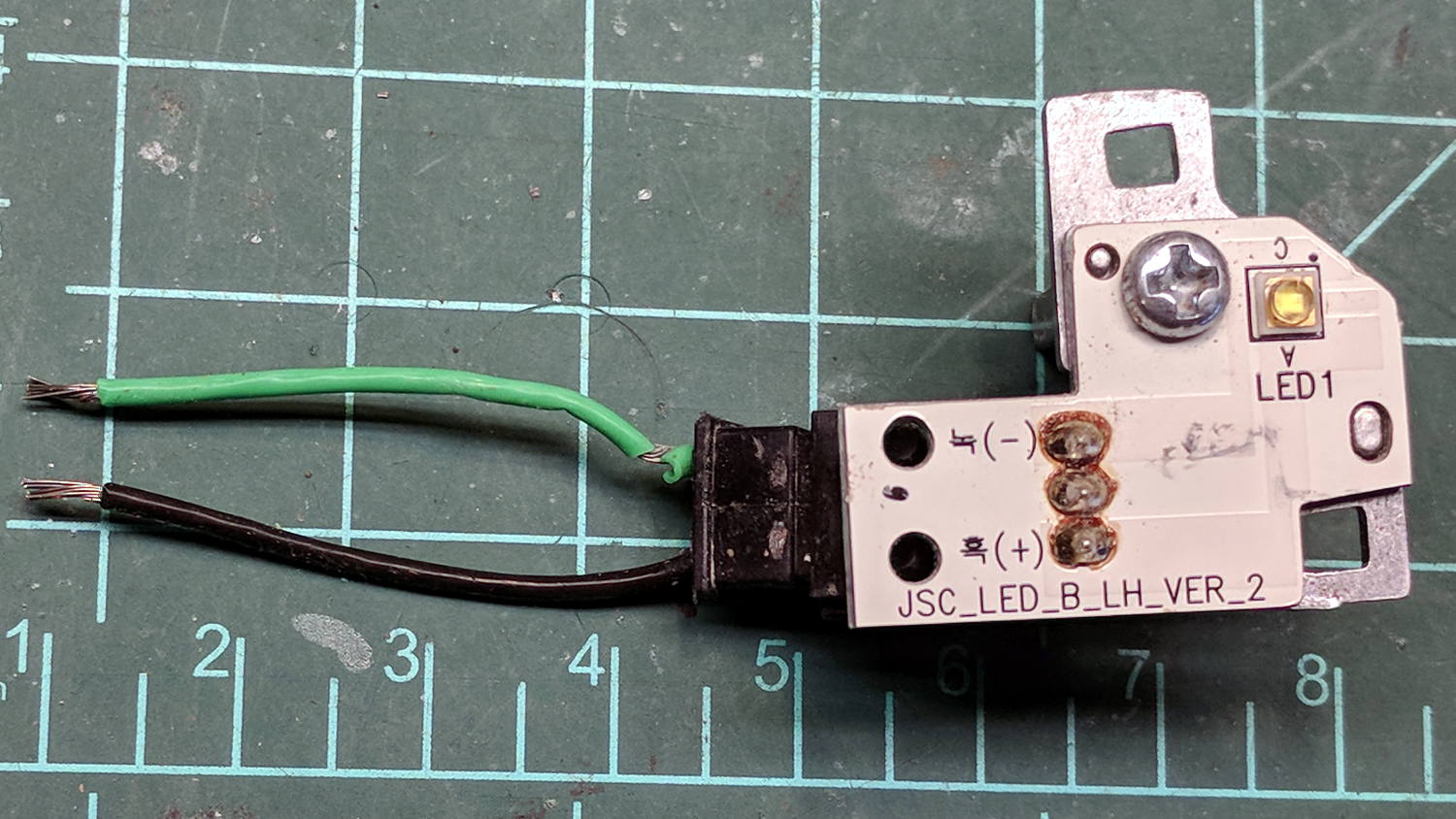
The LED PCBs are in series, which produced a backwards wire color code on one end:
Eyebrow light – LED PCB 1
The other end looked more reasonable:
Eyebrow light – LED PCB 2
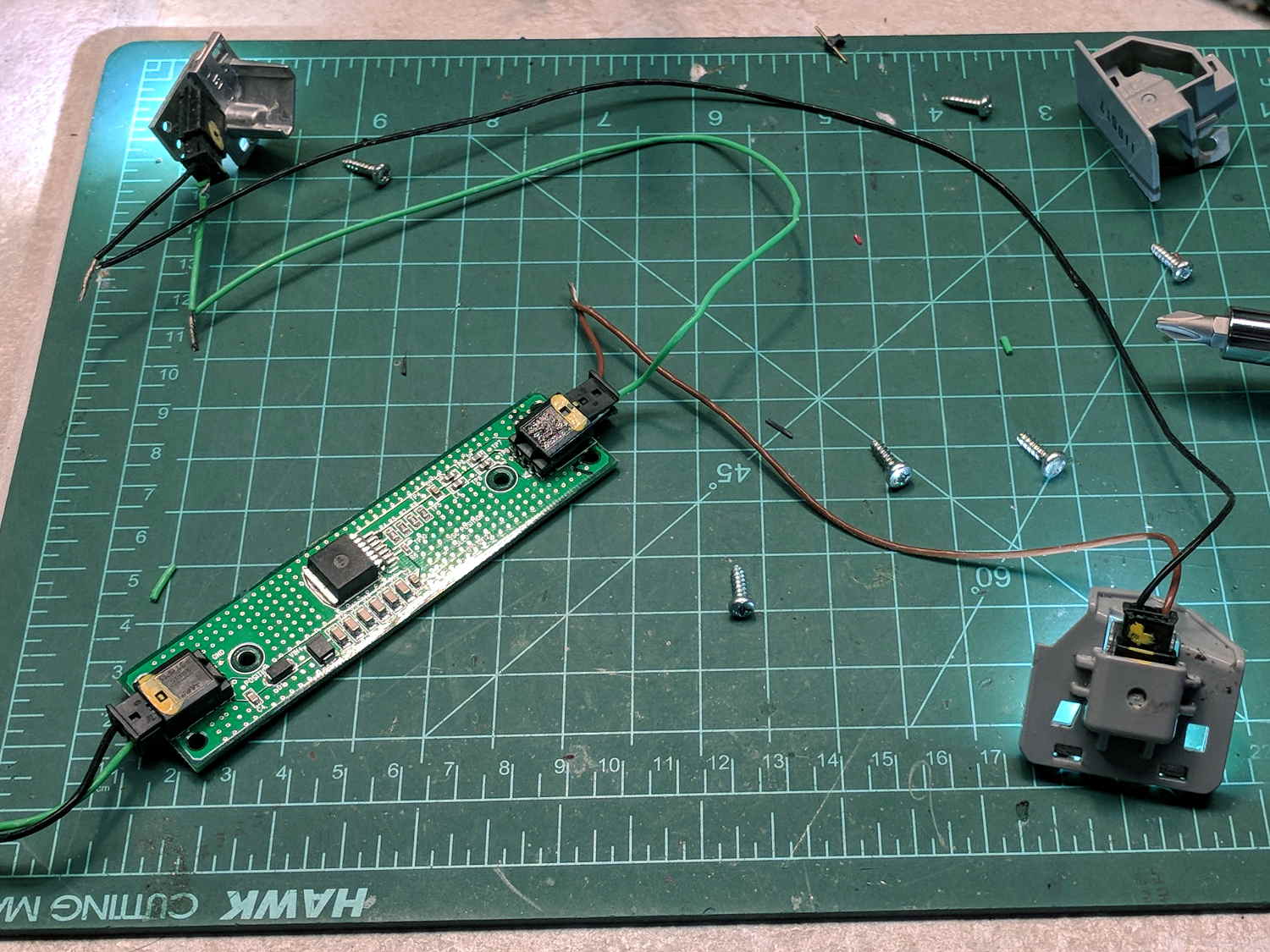
The white SMD LEDs draw 300+ mA at 3.6 V, so they’re obviously depending on external current limiting provided by the regulator PCB, sporting a TLE4242 linear current regulator and a handful of passives:
Eyebrow light – Regulator PCB
AFAICT, they didn’t use the chip’s PWM control input or its LED failure status output.
Extracting the various PCBs from the wreckage and reconnecting the wires produced a satisfactory result:
Eyebrow light – resurrection
The regulator limits the LED current to 120 mA at any input from a bit over 7 V to well past 12 V, with each LED dropping 3.0 V.
Dunno what I’ll use this junk for, but at least I know a bit more about eyebrow lights. The chip date codes suggest 2010 and 2012; perhaps linear regulators have become passe by now.
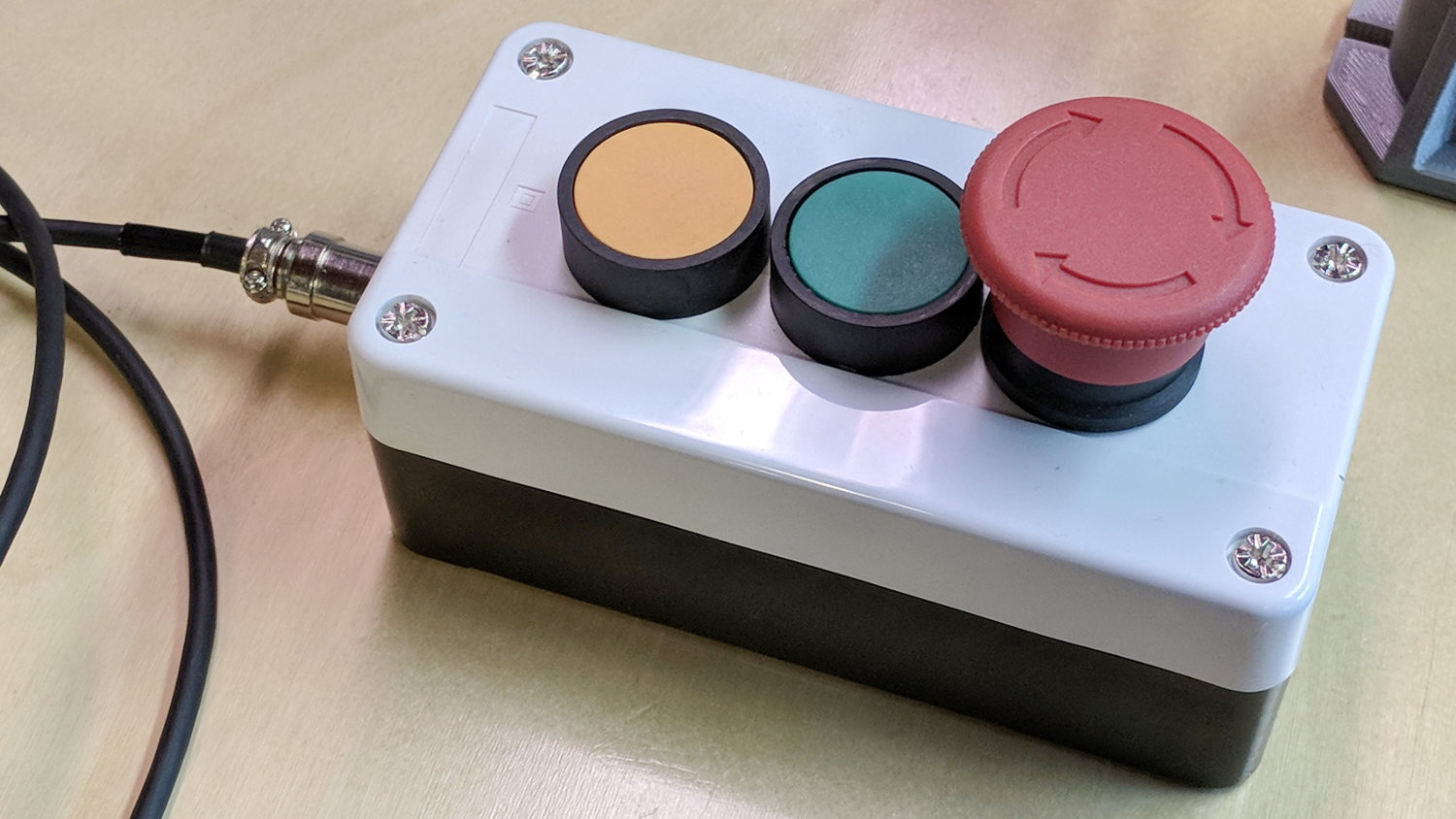
The Protoneer CNC Shield has pin headers for GRBL’s Feed Hold and Resume inputs, so it seemed appropriate to put big buttons on the far end of the cable:
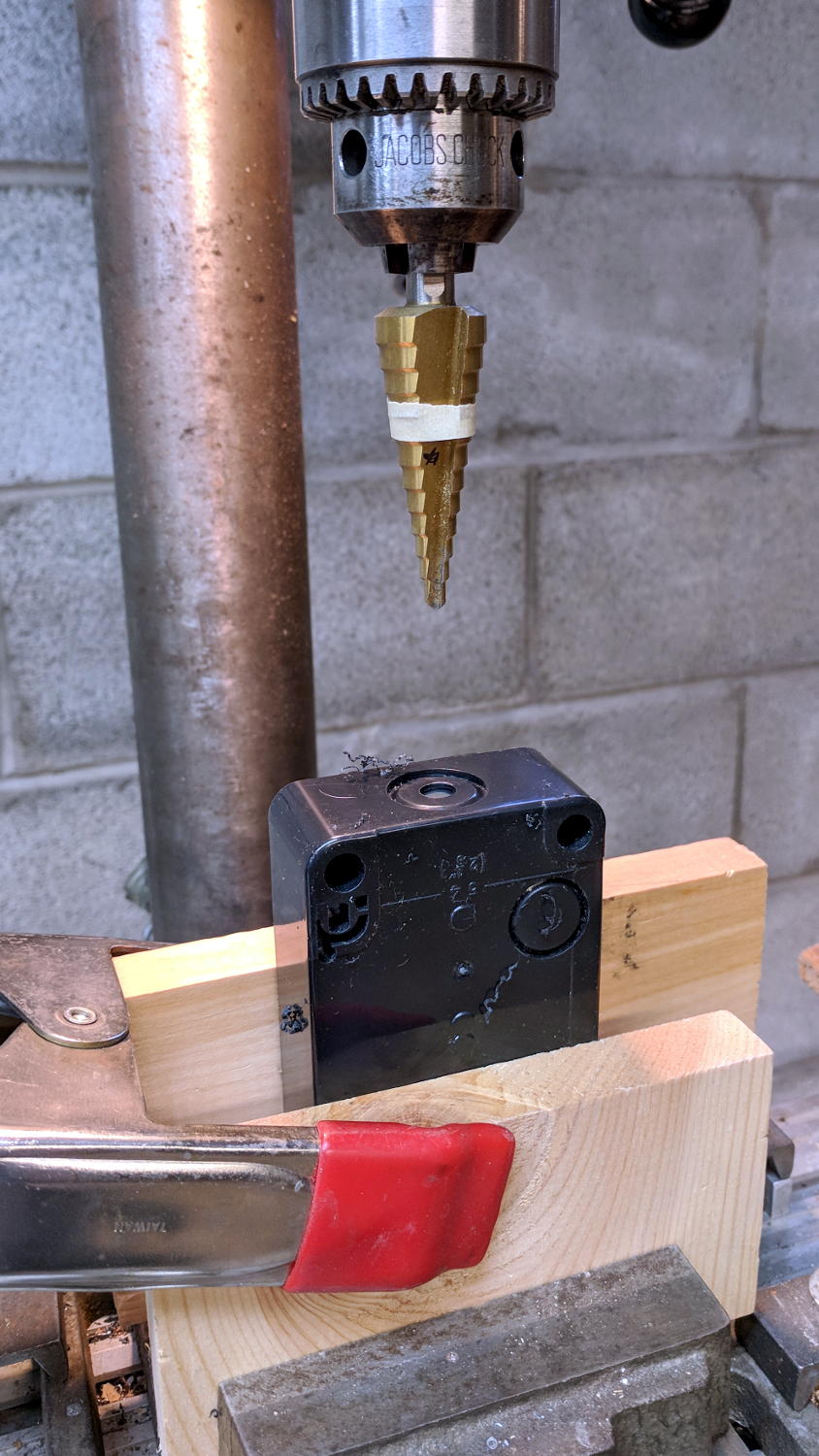
You could CNC machine a precise D-hole, but let’s stay realistic about the application. Applying a deburring tool enlarged the 9/16 inch hole enough to force the 16 mm threads into it, with the drill press holding the connector perpendicular to the box while I hand-turned the chuck to screw it in.
Although I like the Protoneer CNC Shield, I really really dislike using header pins as connectors:
MPCNC – Protoneer Wiring – SSR
Those pins are much too delicate.
The DC-DC solid state relay input connects to the Arduino’s +5 V power supply through the red mushroom disconnect switch. The mushroom is normally closed to turn on the SSR and connect the power brick’s +24 V supply to the motors; it opens when slapped. GRBL will continue about its business, but without any power to the steppers the MPCNC will stop dead in its tracks. Turn the mushroom cap clockwise to unlatch and reset.
The disconnect switch should also kill AC power to the router, when I get around to adding one to the mix, probably through a DC-AC SSR.
AFAICT, the cable should come out of the box on the end with the mushroom switch, putting the “normal” pushbuttons closer to me. I did it the other way around, because I want the panic button to be the most easily reached thing on the benchtop. If I have time to think about it, I can reach around the mushroom to the Hold switch.
From what I can find on eBay, all pins have 6 mm travel with typically 75 / 100 / 180 g spring force.
A picture ripped from the reference to forestall link rot:
P75 Spring Test Probes
Memo to Self: US-based eBay sellers charge three times more than Chinese sellers, but deliver in one-third the time.
[Update: Simon sends a link to Everett Charles Technologies, a pogo-pin manufacturer providing “Probably much more information than anyone should ever want”. Of course, eBay / Amazon junk may not meet any particular specs, so scale your expectations accordingly.]
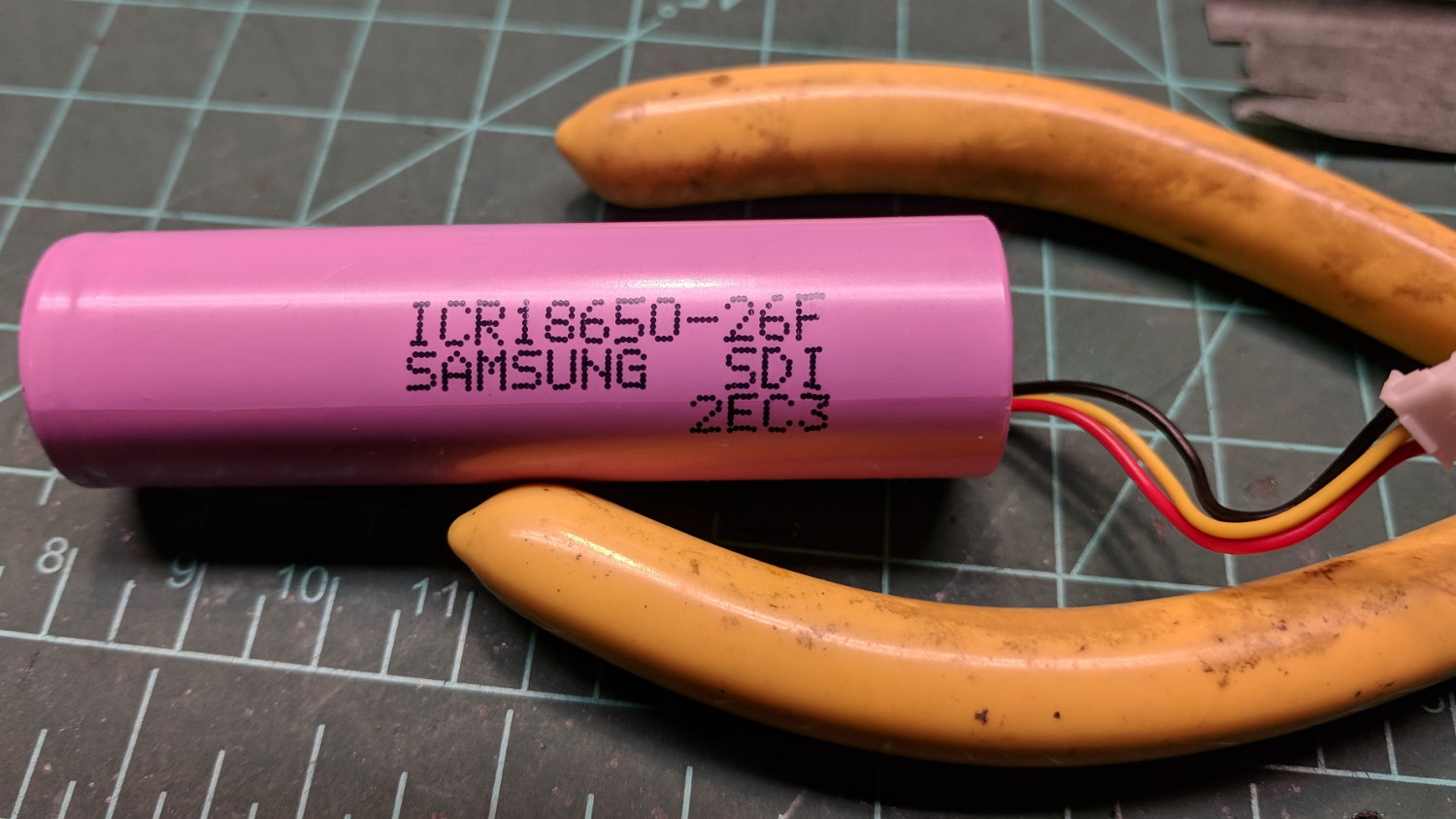
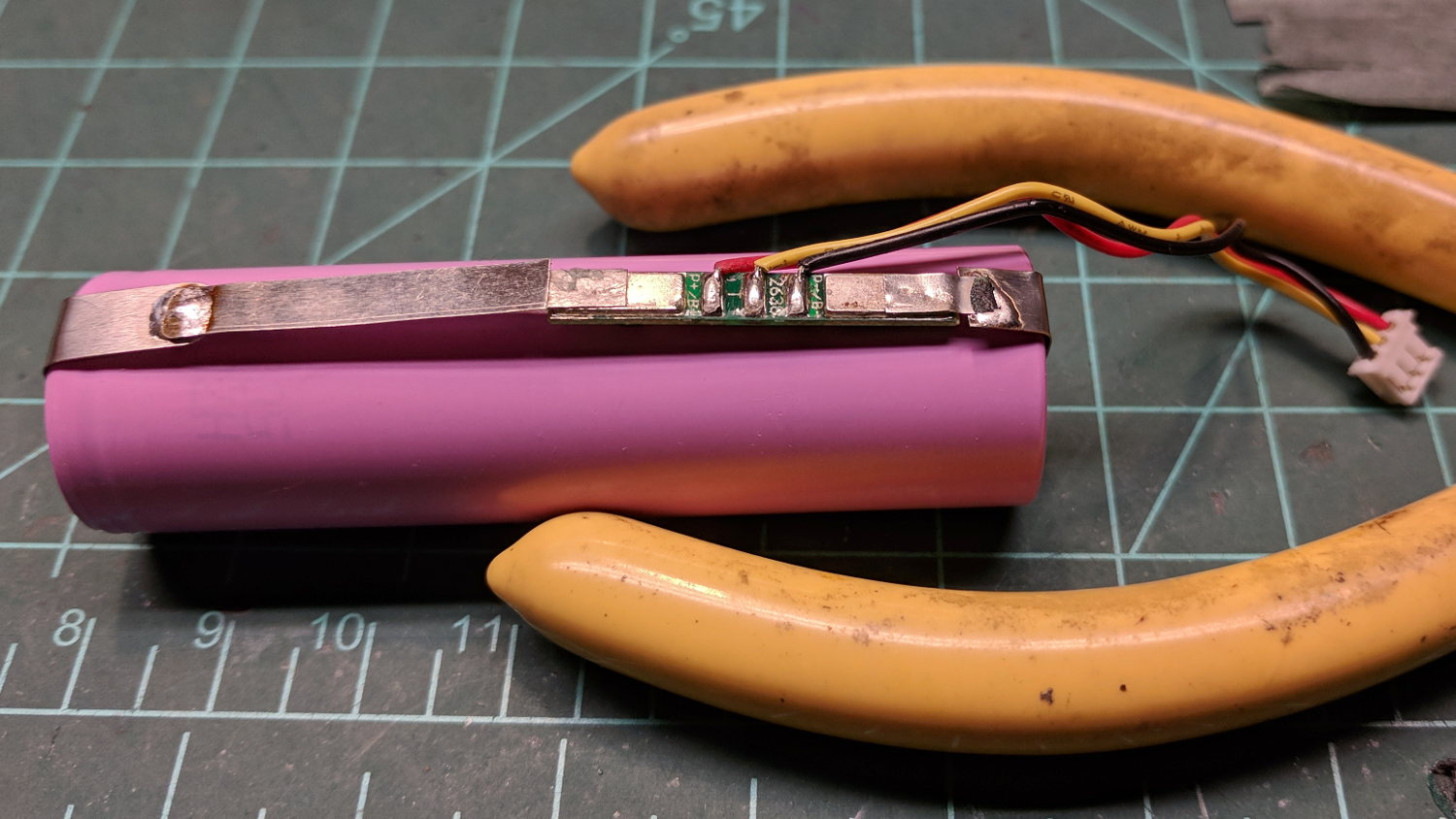
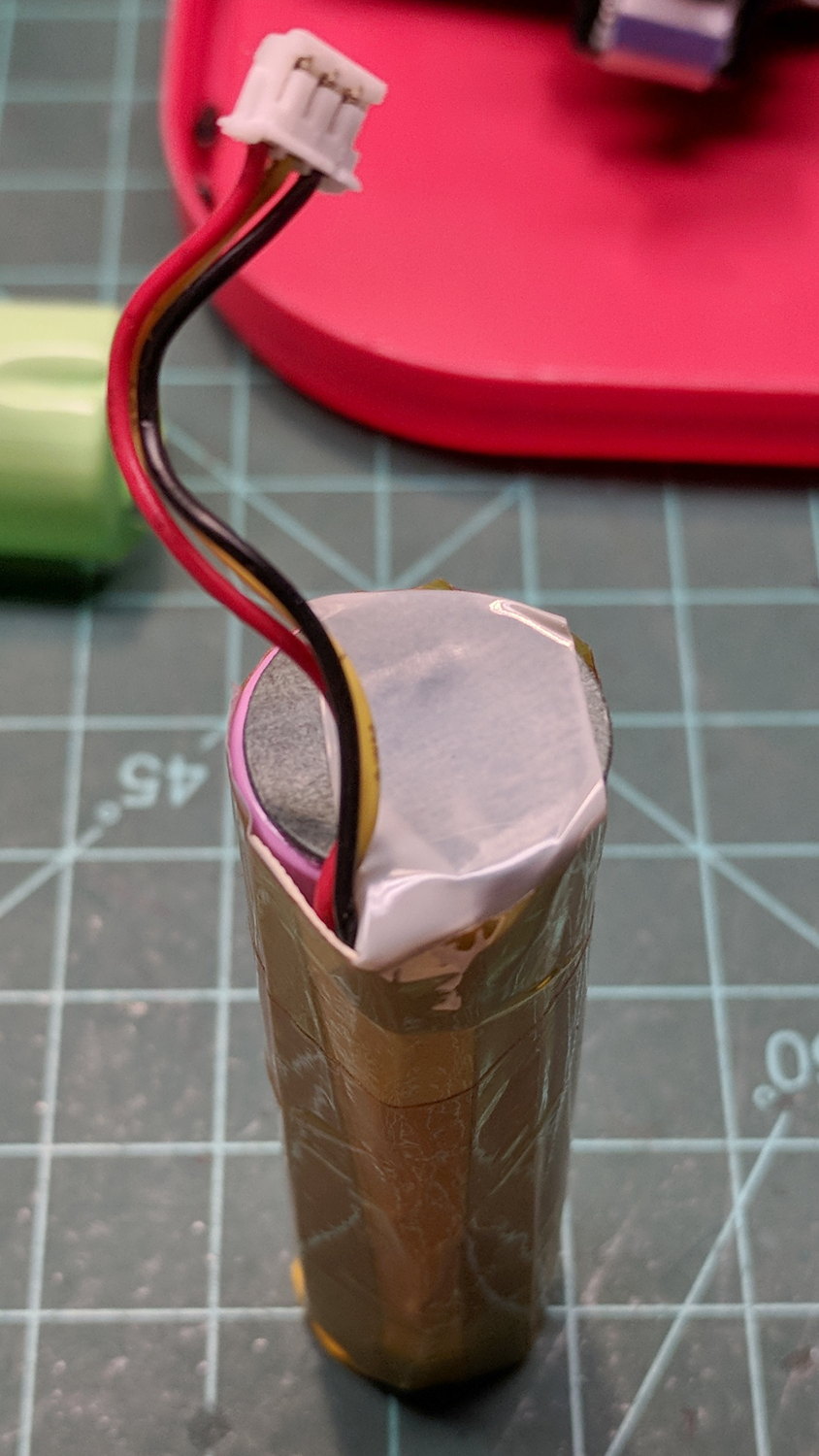
The transplanted protection PCB goes between the tabs, with a nickel strip snippet because I didn’t cut the old strip in the right place:
Fly6 – battery replacement – PCB
The PCB goes under a manila paper layer, the ends get similar caps, and the whole affair receives an obligatory Kapton tape wrap:
Fly6 – battery replacement – endcap
Reassembly is in reverse order. I now know the Fly6 will reset / start up when the battery connector snaps into place, but, because it emits identical battery-charge beeps when it starts and shuts off, there’s no way to tell what state it’s in. I don’t see any good way to install the ribbon cable from the LED PCB before plugging in the battery, so just blindly press-and-hold the power button to shut it off.
After an overnight charge, it makes videos of my desk just fine and will, I expect, do the same on the bike.
Now that I’ve taken the thing apart, I should open it up and tinker with the (glued-down) camera focus adjustment to discover whether:
It’s slightly nearsighted and, thus, correctable or
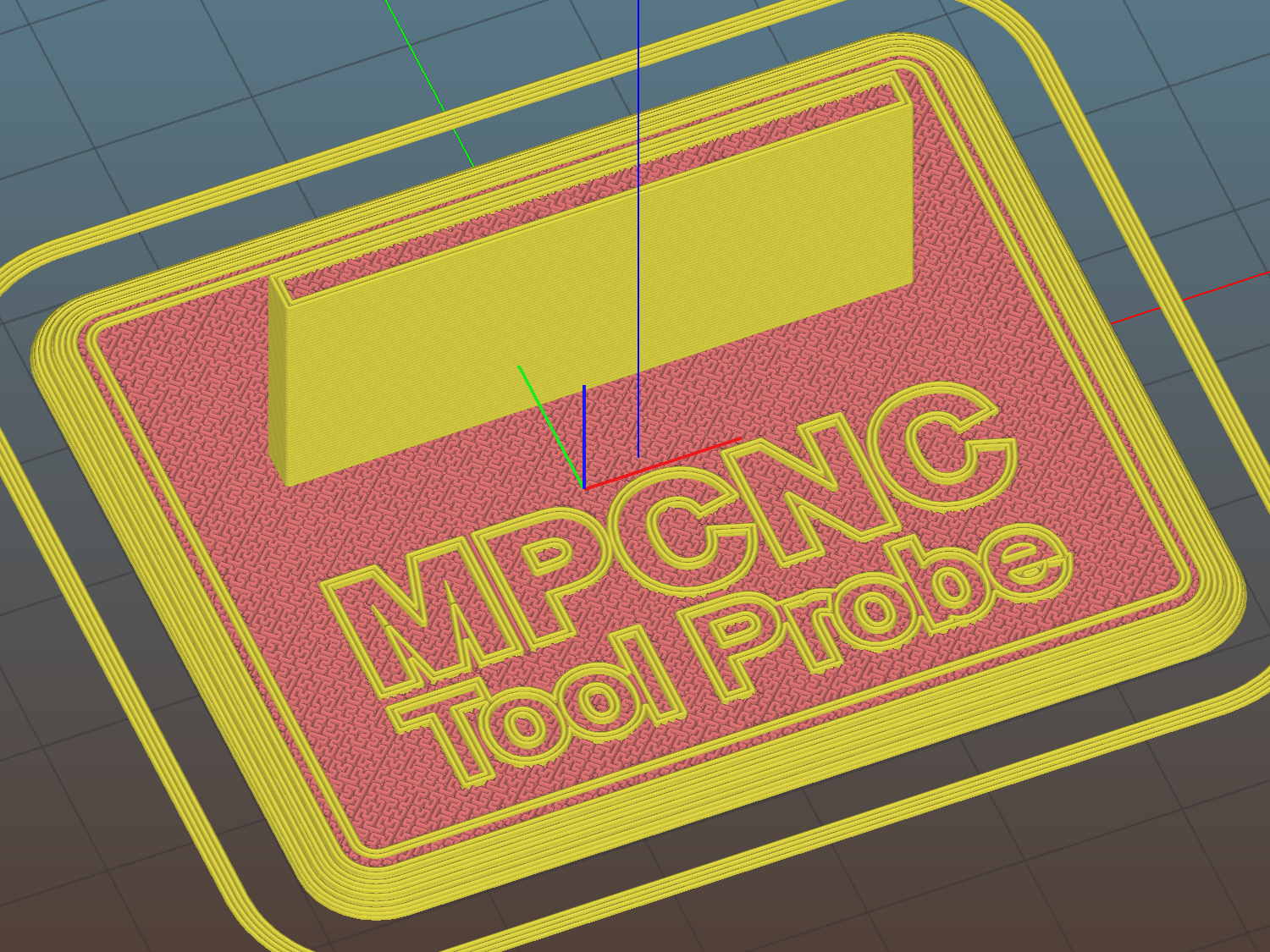
The flange offset puts the switch actuator on the midline of the base, not that that matters, and the base features rounded corners and a suitable legend, because I can.
I clipped the PCB’s through-hold leads nearly flush and stuck it to the flange with 3M permanent foam tape, which seems to work much better than screws & inserts for simple things that need never come apart.
The Protoneer CNC Shield includes a Probe input on the GRBL-compliant A5, although it took me a while to find the legend on the SCL pin in the I2C header. I moved the endstop power jumper to another header, then conjured a quick-and-dirty connector:
Protoneer CNC Shield – Tool Probe Wiring
When I embed the endstop switch PCB in epoxy, I’ll add a drop to the connector while engaging in Magical Thinking. The whole Arduino + CNC Shield must go into an enclosure after I finish measuring the motor currents.
To forestall discussions about switch repeatability and accuracy, suffice it to say the MPCNC doesn’t claim to be much more than a woodworking router, so those switches seem Good Enough.
This file contains hidden or bidirectional Unicode text that may be interpreted or compiled differently than what appears below. To review, open the file in an editor that reveals hidden Unicode characters.
Learn more about bidirectional Unicode characters
The original doodles show a severely over-complexicated solution desperately searching for an actual problem:
MPCNC Tool Length Probe – doodles
Putting a large flat pan at the end of a relatively long lever arm, with the pivot arranged to put the pan level at the switch actuation point, made sense at the time. Give the relatively small tools I expect to use, directly ramming them into the switch lever should work just as well.
Putting all that complexity in harm’s way seemed like a Bad Idea when I sat down and looked at it in cold blood.