Ed Nisley's Blog: Shop notes, electronics, firmware, machinery, 3D printing, laser cuttery, and curiosities. Contents: 100% human thinking, 0% AI slop.
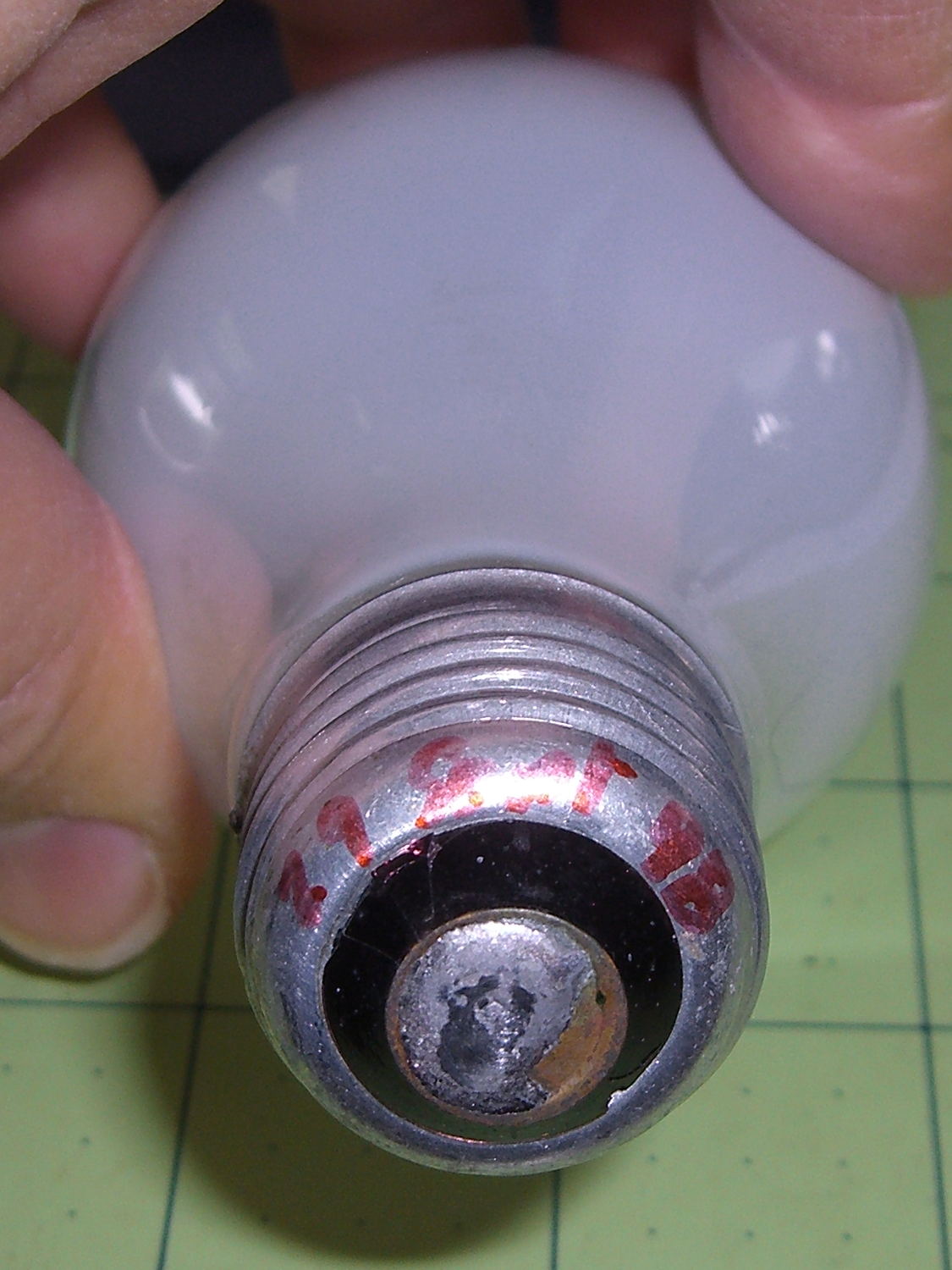
One of the four 40 W bulbs in the classic 1955 fixture over the front bathroom mirror burned out, leading to this discovery:
40 W bulb – lifetime
Yup, I installed that bulb in late September 1998, when we repainted that bathroom (for the first time since the original owners painted it in 1955). Getting a decade and a half from an incandescent bulb in regular use ain’t all that bad, sez I. Two other bulbs appeared in mid 2014, replacing bulbs with barely 6 years of service. Inexplicably, the third bulb has no date; I must be slipping.
Having burned through the 40 W bulb stash, I put two 60 W incandescents in the center sockets, leaving me with four new-old-stock bulbs on the shelf. Might be a lifetime supply for this house…
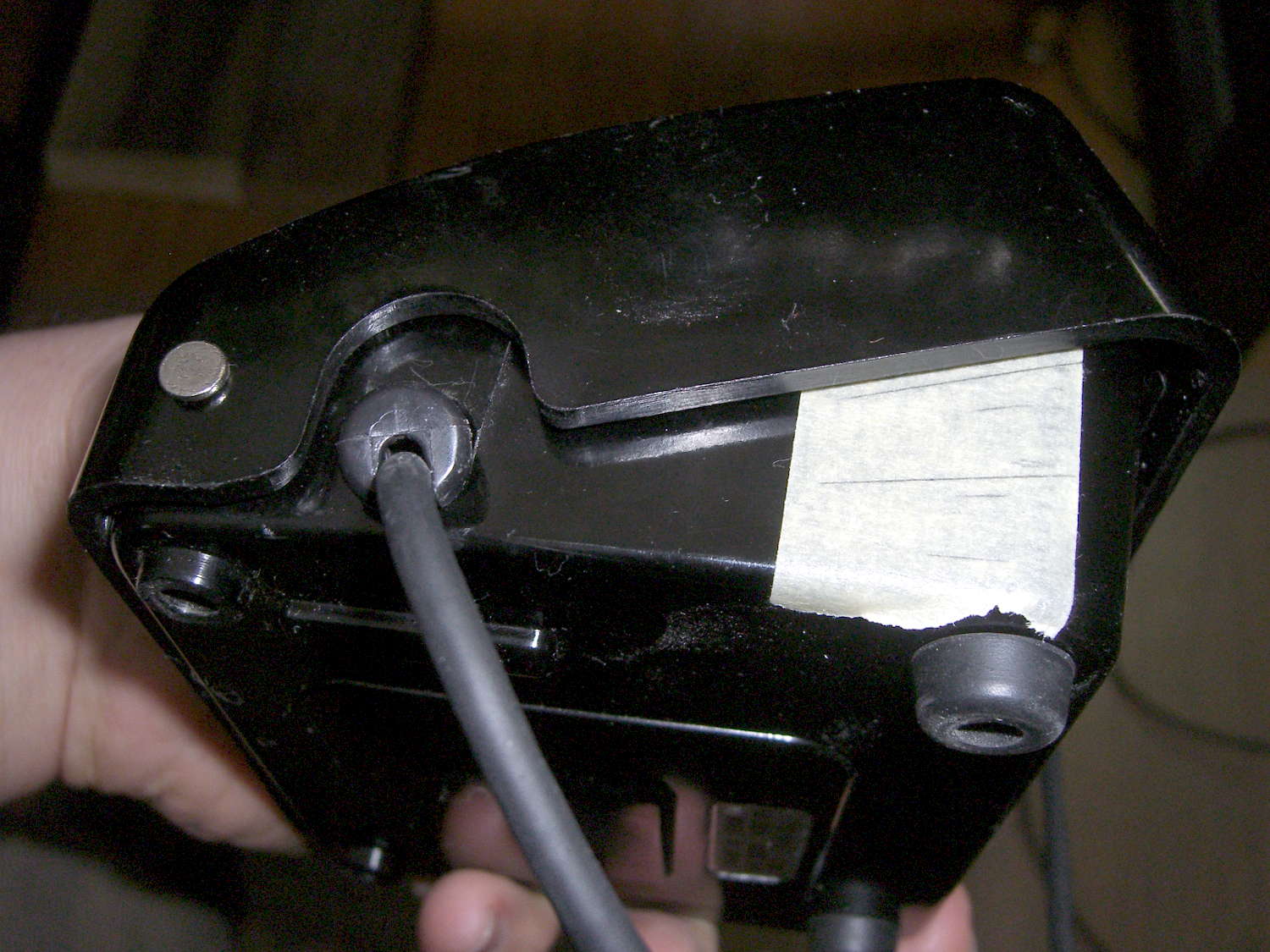
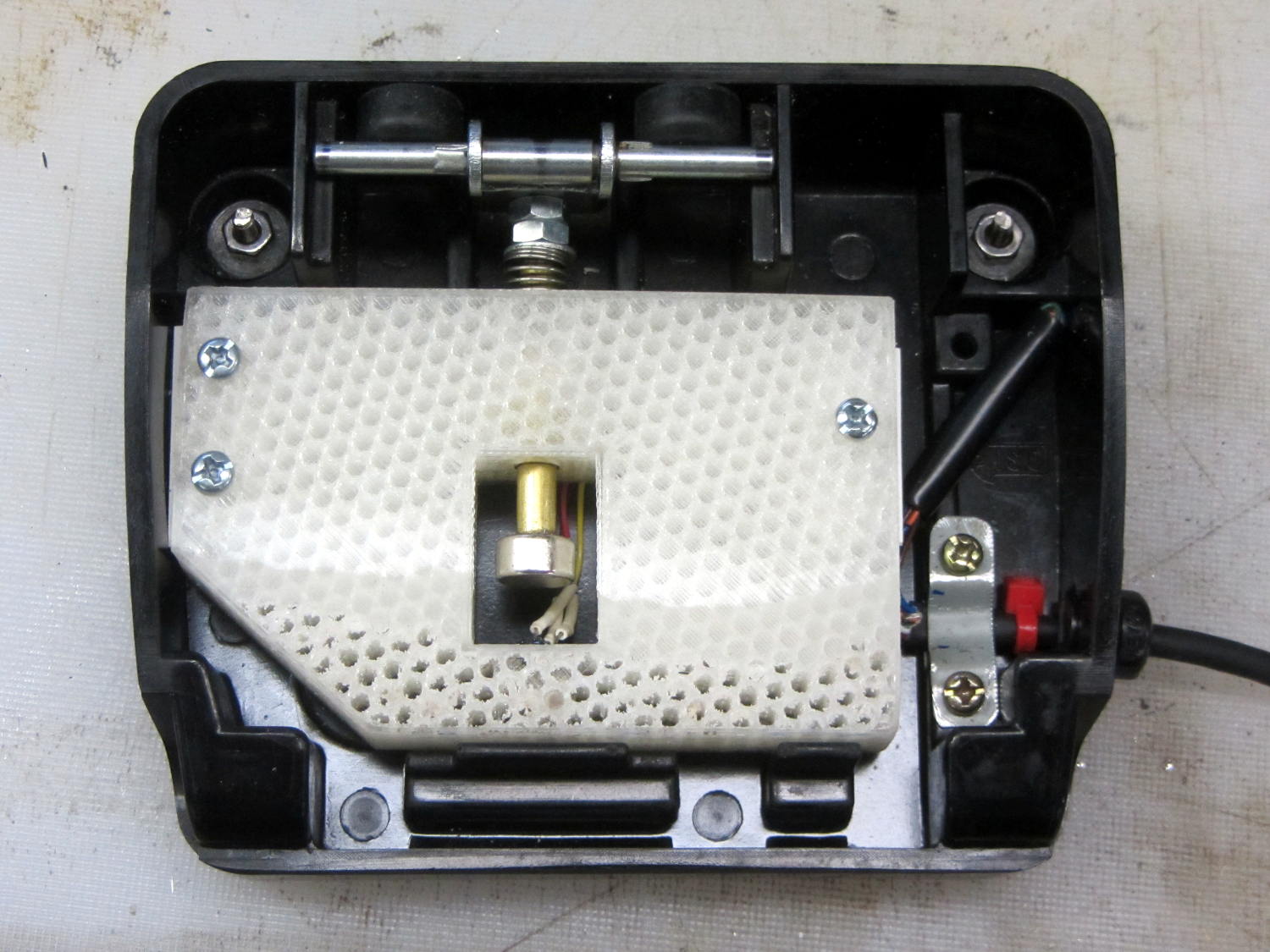
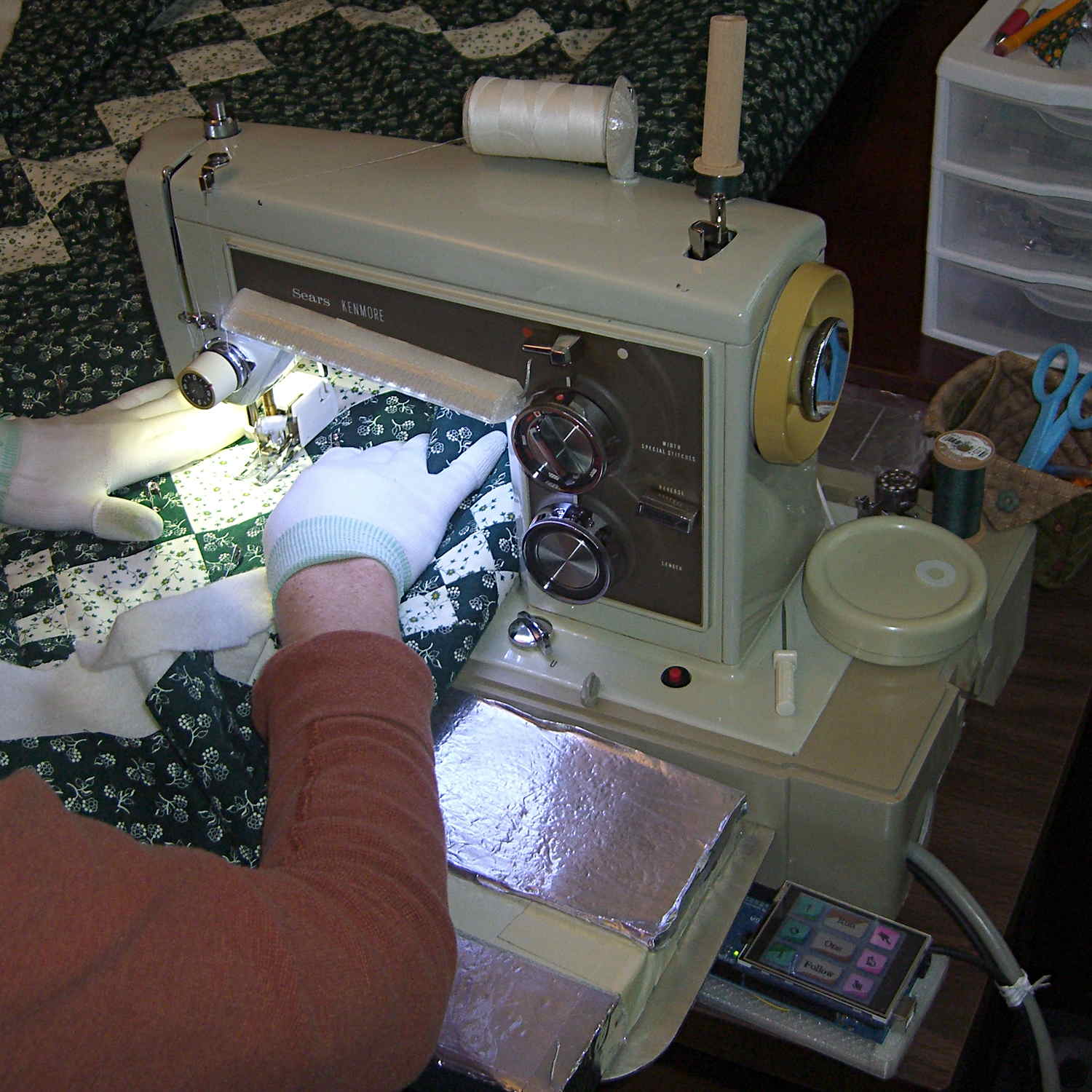
The Crash Test Dummy’s double-walled and somewhat crushed base turns out to be slightly larger front-to-back than the one on Mary’s original Kenmore 158 (which has a later serial number), but it still fits into the cutout in the insulating board we’re using in lieu of a Real Sewing Surface:
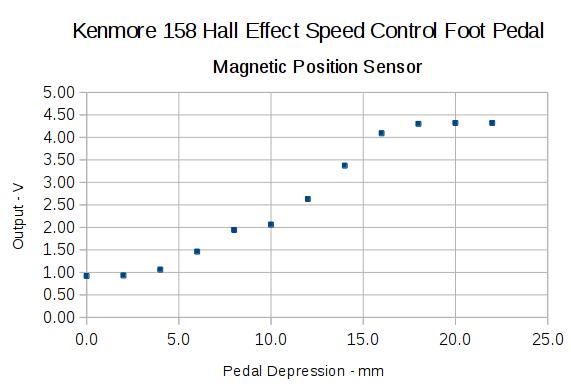
Early reports indicate that the pedal doesn’t feel quite right, with faster speeds requiring too much travel. Given that I worked hard to get more travel with slower transitions into that thing, differences shouldn’t come as any surprise, but … this will require some tweaking.
Now that the sewing machine motor controller receives commands from the UI (or typed in on a console), it must decode them. The “parser” doesn’t amount to much, because the commands consist of exactly two characters wrapped in square brackets. For simplicity, if the format doesn’t match or the command isn’t exactly right, the decoder simply tosses it on the floor and moves on:
void ParseCmd(char *pBuff) {
if ((CmdBuffer[0] != '[') || (CmdBuffer[3] != ']')) {
printf("** Bad cmd format: %s\r\n",CmdBuffer);
return;
}
switch (CmdBuffer[1]) {
case 'N': // needle park position
switch (CmdBuffer[2]) {
case 'u':
MotorDrive.ParkPosition = NS_UP;
// ParkNeedle(NS_UP);
break;
case 'a':
MotorDrive.ParkPosition = NS_NONE;
break;
case 'd':
MotorDrive.ParkPosition = NS_DOWN;
// ParkNeedle(NS_DOWN);
break;
default:
printf("** Bad Needle cmd: %s\r\n",CmdBuffer);
}
break;
case 'P': // pedal mode
switch (CmdBuffer[2]) {
case 'r':
MotorDrive.PedalMode = PD_RUN;
break;
case '1':
MotorDrive.PedalMode = PD_SINGLE;
break;
case 'f':
MotorDrive.PedalMode = PD_FOLLOW;
break;
default:
printf("** Bad Pedal cmd: %s\r\n",CmdBuffer);
}
break;
case 'S': // motor speed range
switch (CmdBuffer[2]) {
case 'h':
MotorDrive.SpeedRange = SPEED_HIGH;
PedalMaxClamp = PEDALMAX;
break;
case 'm':
MotorDrive.SpeedRange = SPEED_MEDIUM;
PedalMaxClamp = (3 * PEDALMAX) / 4;
break;
case 'l':
MotorDrive.SpeedRange = SPEED_LOW;
PedalMaxClamp = PEDALMAX / 2;
break;
default:
printf("** Bad Speed cmd: %s\r\n",CmdBuffer);
}
break;
default:
printf("** Bad command string: %s\r\n",CmdBuffer);
}
return;
}
So much for recursive descent parser design theory, eh?
The Arduino Mega behind the LCD panel communicates serially through the Serial1 hardware, leaving the USB connection available for its usual console + program loading functions. The cable also carries +7 VDC for the Mega’s on-board regulator, plus a few bits that might prove useful, and enough grounds to be meaningful.
The pinout on the DE-9 female back-panel connector:
TX (Mini -> Mega)
RX (Mini <- Mega)
Current sense amp
D4 Enable ATX
Gnd
+7V regulator
Gnd
Gnd
Gnd
Which looks like this:
Kenmore 158 UI – cable at motor controller
One could argue that I should use insulation-displacement connectors and pin headers, but there’s something to be said for a bit of meditative hand-soldering.
The 7 V supply drops about 90 mV through its slightly too thin wire. With current around 100 mA, that works out to 900 mΩ, including all the connectors and gimcrackery along the way. Close enough.
More cogently, one could argue that I should have used a DE-9 male connector, so as to remove the possibility of swapping the cables. So it goes. The pinout attempts to minimize damage, but ya never know.
The green jumper on the Mini’s serial pins reminds me to unplug the UI cable, lest I plug the USB adapter into it and put the serial drivers in parallel.
The 7 V regulator stands over on the left, powering both the Arduino Pro Mini and the Mega + LCD panel. My thumb tells me that piddly little heatsink isn’t quite up to its new responsibilities, unlike the now vastly overqualified heatsink on the ET227. On the other paw, that’s why I used a pre-regulator: so that same heat isn’t burning up the SMD regulators on the Arduino PCBs. Time to rummage in the Big Box o’ Heatsinks again.
That lets me position the whole affair to the right of the sewing machine, in what seems to be its natural position, without having the cable form a loop that would push it off the platform. It’s not entirely clear how we’ll keep a straight cable from pulling it off, but that’s in the nature of fine tuning.
Anyhow, rotating the LCD isn’t a big deal, because the Adafruit library does all the heavy lifting:
// LCD orientation: always landscape, 1=USB upper left / 3=USB lower right
#define LCDROTATION 3
... snippage ...
tft.begin();
tft.setRotation(LCDROTATION); // landscape, 1=USB upper left / 3=USB lower right
Flipping the touch screen coordinates required just interchanging the “to” bounds of the map() functions, with a conditional serving as institutional memory in the not-so-unlikely event I must undo this:
#if LCDROTATION == 1
p->x = map(t.y, TS_Min.y, TS_Max.y, 0, tft.width()); // rotate & scale to TFT boundaries
p->y = map(t.x, TS_Min.x, TS_Max.x, tft.height(), 0); // ... USB port at upper left
#elif LCDROTATION == 3
p->x = map(t.y, TS_Min.y, TS_Max.y, tft.width(), 0); // rotate & scale to TFT boundaries
p->y = map(t.x, TS_Min.x, TS_Max.x, 0, tft.height()); // ... USB port at lower right
#endif
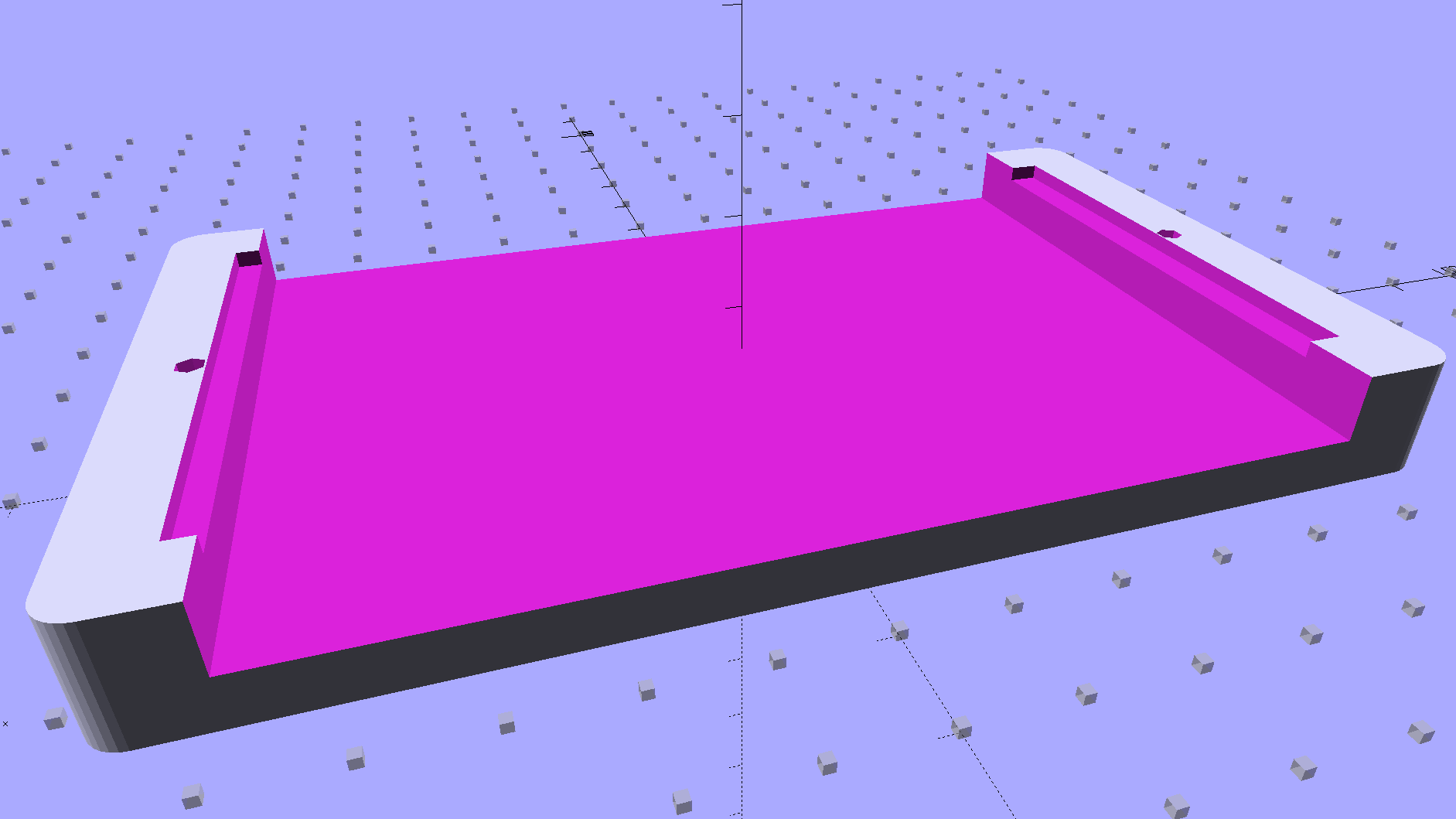
The solid model shows two screws holding the PCB in place:
Arduino Mega PCB Mount
I decided to edge-clamp the board, rather than fuss with the built-in screws, just because 3D printing makes it so easy.
Of course, the UI needs a real case that will hold it at an angle, so as to make the LCD and touch screen more visible and convenient; this mount just keeps the PCB up off the conductive surface of the insulating board we’re using in lieu of a Real Sewing Platform.
This sewing machine project involves a lot of parts…
From a datalogger hanging on a string in the well pit, about three feet underground, in December:
Well Pit – 2014-12 – min size
The temperatures continue downward in January:
Well Pit – 2015-01 – min size
The corresponding attic air temperature record for January ends early:
Attic – Insulated Box – Maxell battery failure
When the air temperature dropped to +11 °F in the early hours of 17 January 2015, the well pit hit 35.5 °F. It was just over 35 °F in the wee hours of 29 January 2015, but the attic logger gave up as the battery voltage declined to 2.8 V.
Evidently, the new Maxell CR2032 lithium cells don’t do well in extreme cold. They’re rated to -20 °C = -4 °F, but that spec applies for a very low load that surely doesn’t include blinking a red LED.
I’ll take a look at that logger in a few days, then hack a pair of AA cells on the back if it’s dead again. Alkaline cells aren’t very good in cold weather, either, but they may have a better minimum voltage.