Ed Nisley's Blog: Shop notes, electronics, firmware, machinery, 3D printing, laser cuttery, and curiosities. Contents: 100% human thinking, 0% AI slop.
Rather than fiddle with the GUI program for my Yubikey, I use the ykman CLI program for TOTP authentication, because there’s always a command prompt / terminal open on the portrait monitor:
ykman oath accounts code -s ama
161413
Double-click to select the number in the terminal, then either copy-n-paste or middle-click into the target field of whatever needs convincing I am truly me, myself, and I.
I finally got a Round Tuit and piped the output into xclip to put the number into the clipboard:
ykman oath accounts code -s ama | xclip
Which lets me go directly to pasting or middle-clicking.
The command history is big enough that I now type only:
Ctrl-R ama
Which brings up the most recent version of the command, whereupon I whack Enter to execute it. Similar abbreviations extract the commands for dozen-odd companies / banks / institutions / whatever I deal with.
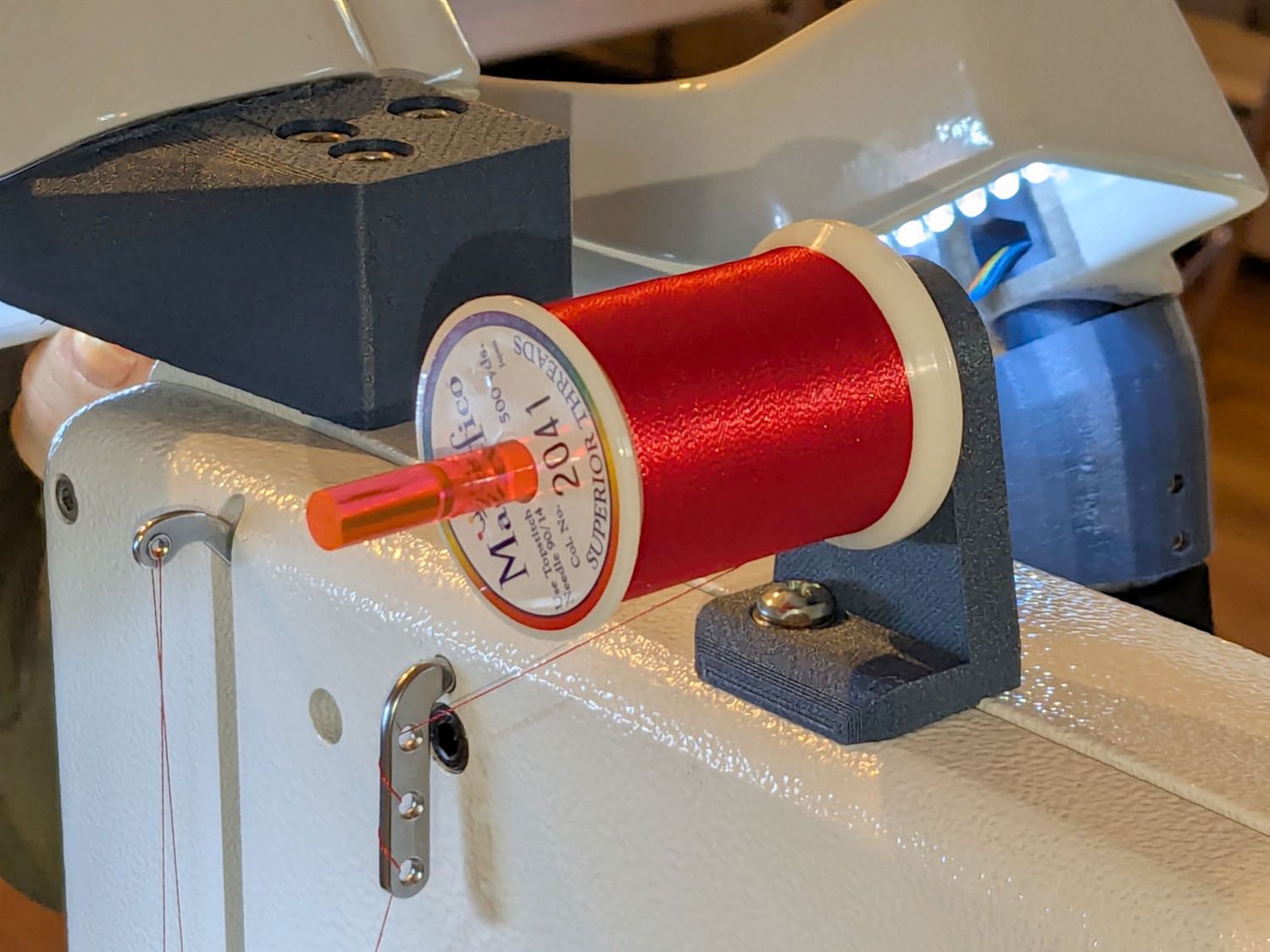
Mary wanted a horizontal spool adapter mounted closer to the front of her HQ Sixteen, in the M5 threaded hole where the Official Horizontal Adapter would go:
HQ Sixteen – front spool adapter – installed
Yes, the pin through the spool is fluorescent edge-lit orange acrylic that looks wonderful in sunlight and is much more amusing than the black rod in the adapter atop the power supply pod.
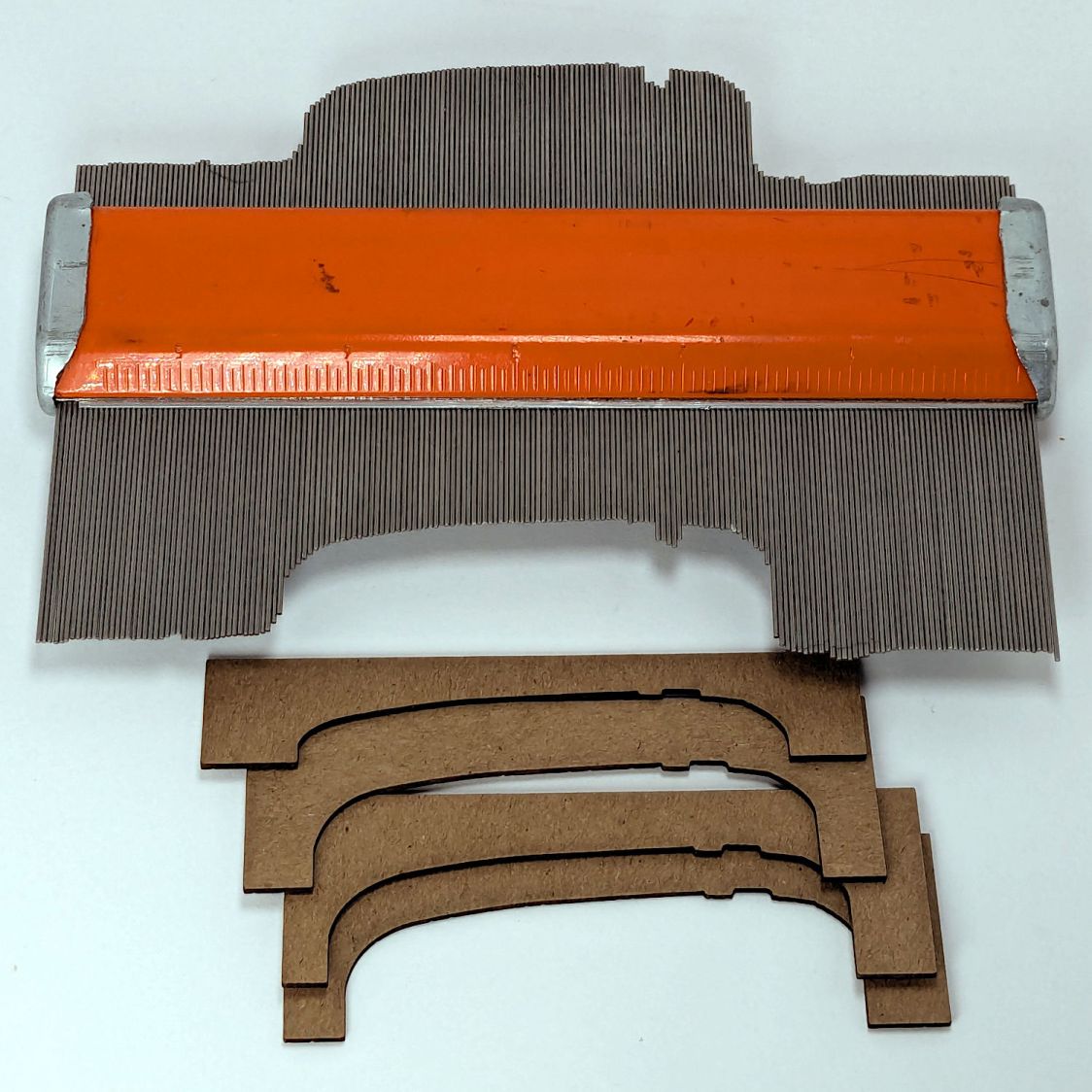
The top of the machine case is not flat, level, or easy to model, so I deployed the contour gauge again, with some attention to keeping the edge pins parallel & snug along the machine sides:
HQ Sixteen – machine profile measurement
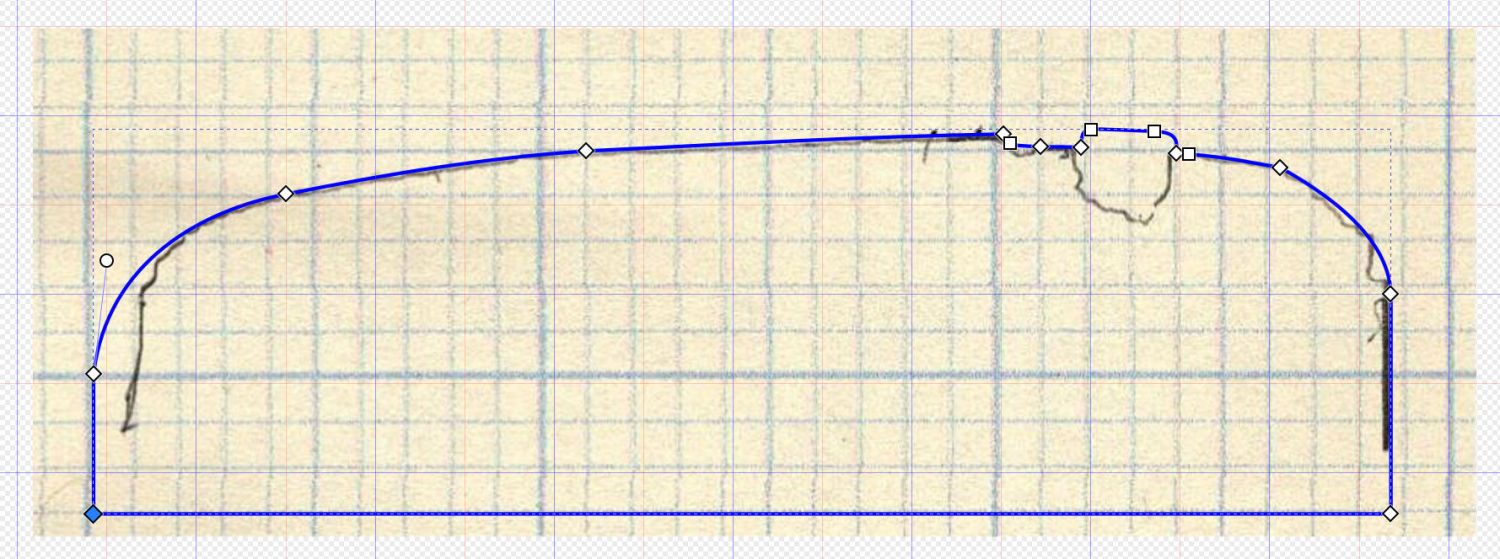
Tracing the edge of the pins onto paper, scanning, and feeding it into Inkscape let me lay a few curves:
HQ Sixteen – top profile curve – Inkscape fitting
The laser-cut chipboard test pieces show the iterations producing closer and closer fits to the machine.
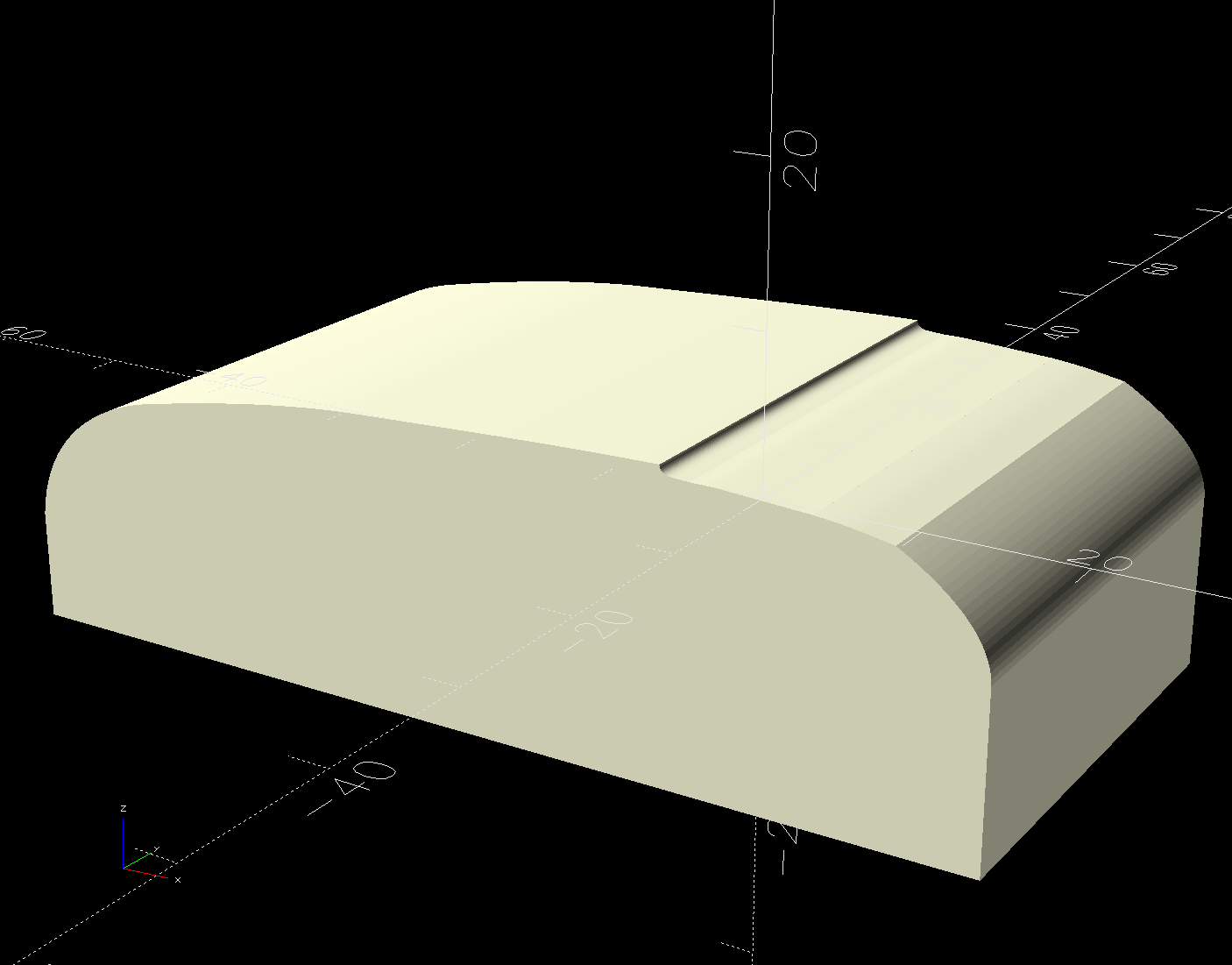
Importing the final SVG image into OpenSCAD and extruding it produced a suitable solid model of the machine’s case:
HQ Sixteen – machine solid model
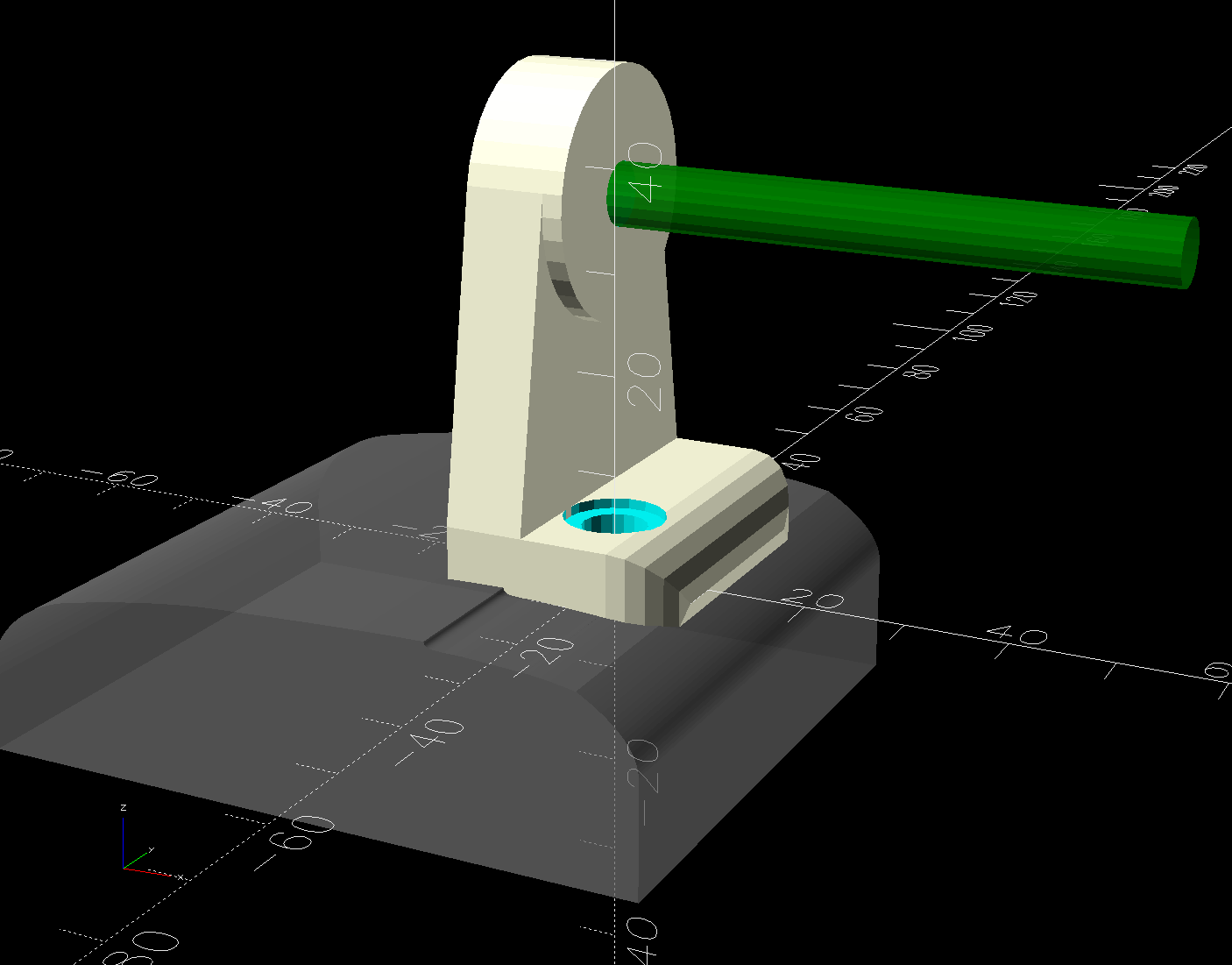
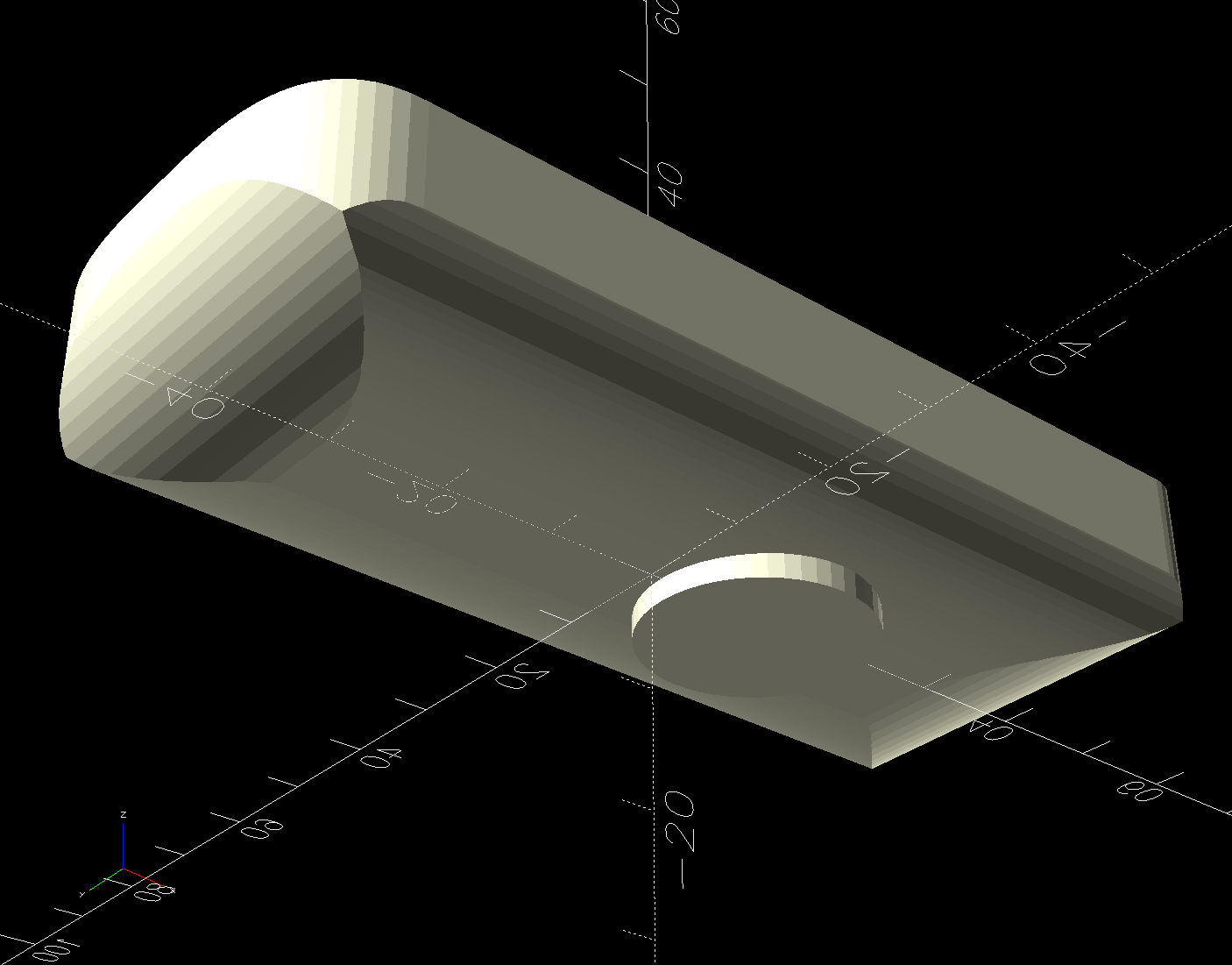
Subtract that shape from the bottom of the adapter to get a perfect fit atop the machine:
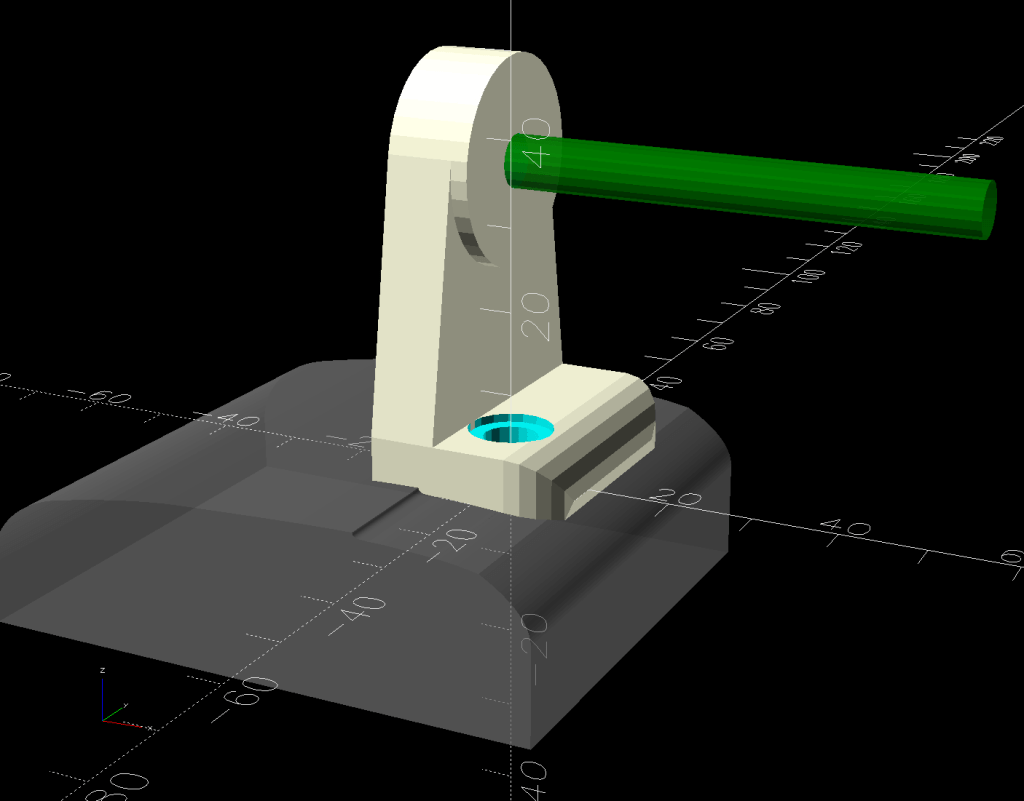
HQ Sixteen – horizontal thread spool adapter – front pin – solid model – show
Early results are encouraging, although the cheap polyester thread Mary got from a friend’s pile and is using for practice untwists itself after passing through the tension disks on its way to the needle. She’ll load much better thread for the real quilt.
The OpenSCAD source code and SVG of the HQ Sixteen’s top profile as a GitHub Gist:
This file contains hidden or bidirectional Unicode text that may be interpreted or compiled differently than what appears below. To review, open the file in an editor that reveals hidden Unicode characters.
Learn more about bidirectional Unicode characters
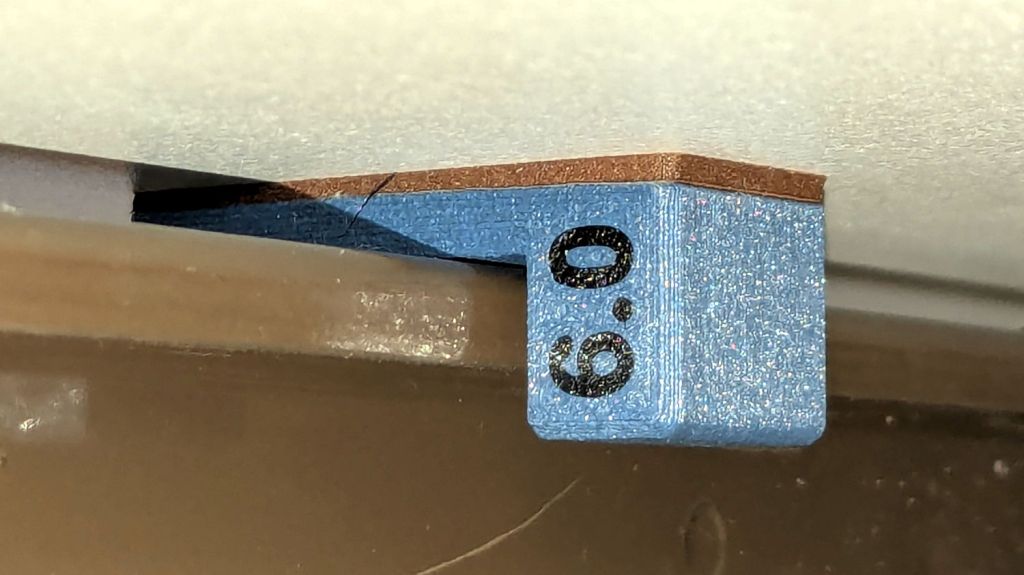
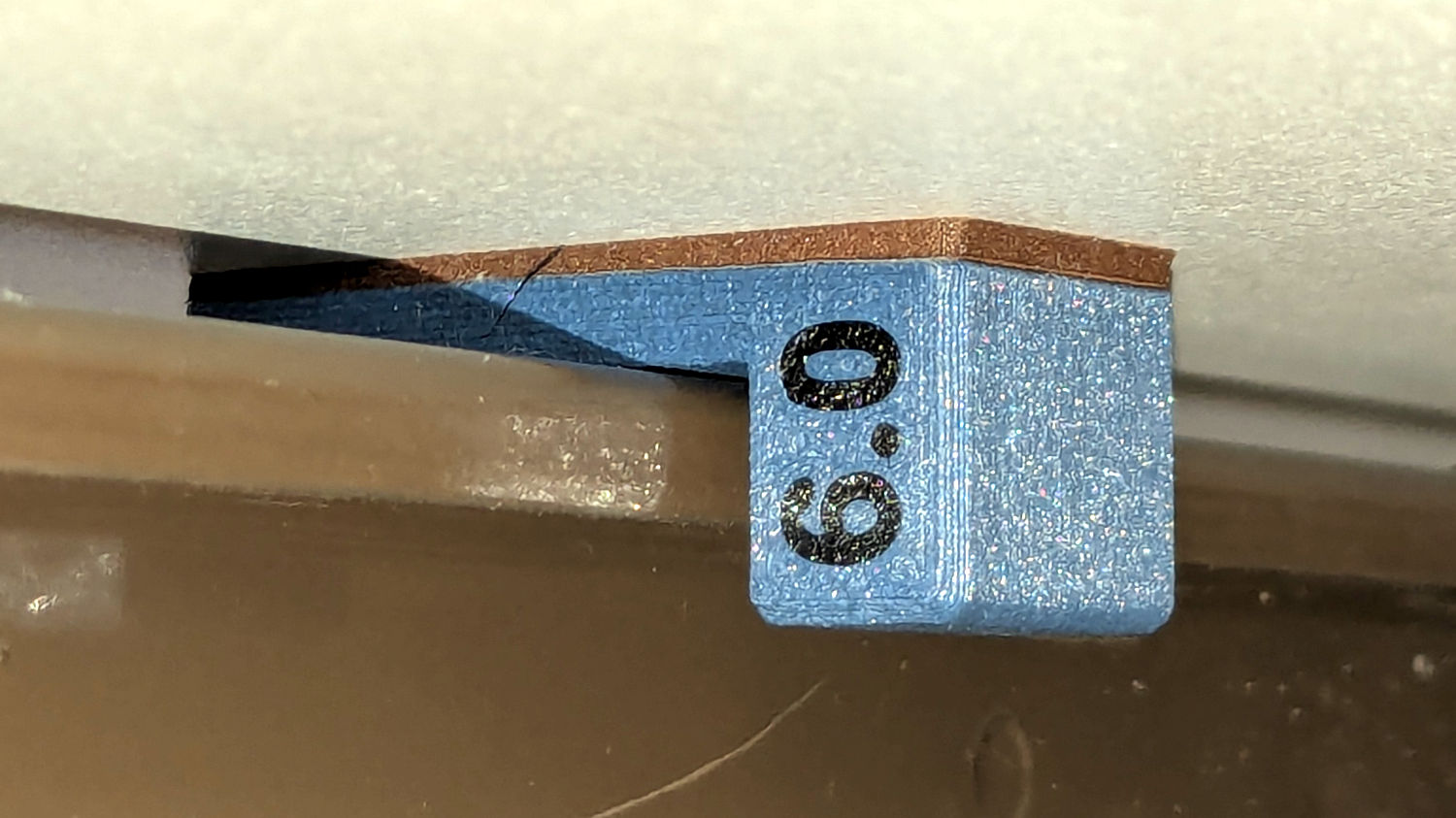
The HQ Sixteen has been running at higher speeds as Mary practices using its stitch regulator and the vibrations shook several of the table shims (blocks, whatever) onto the floor. I hope a layer of EVA foam provides enough compliance to keep them in place:
HQ Sixteen – padded table shim – installed
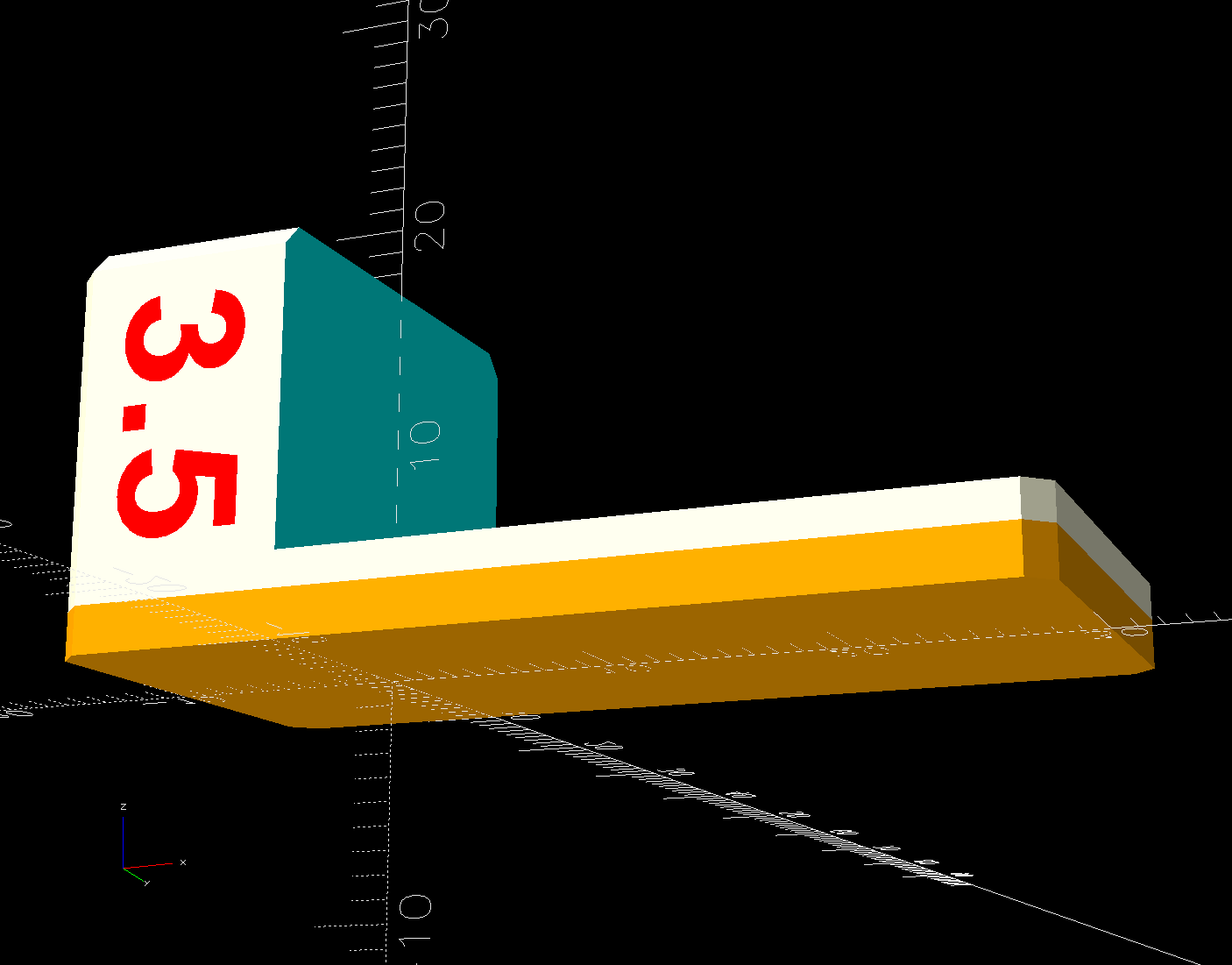
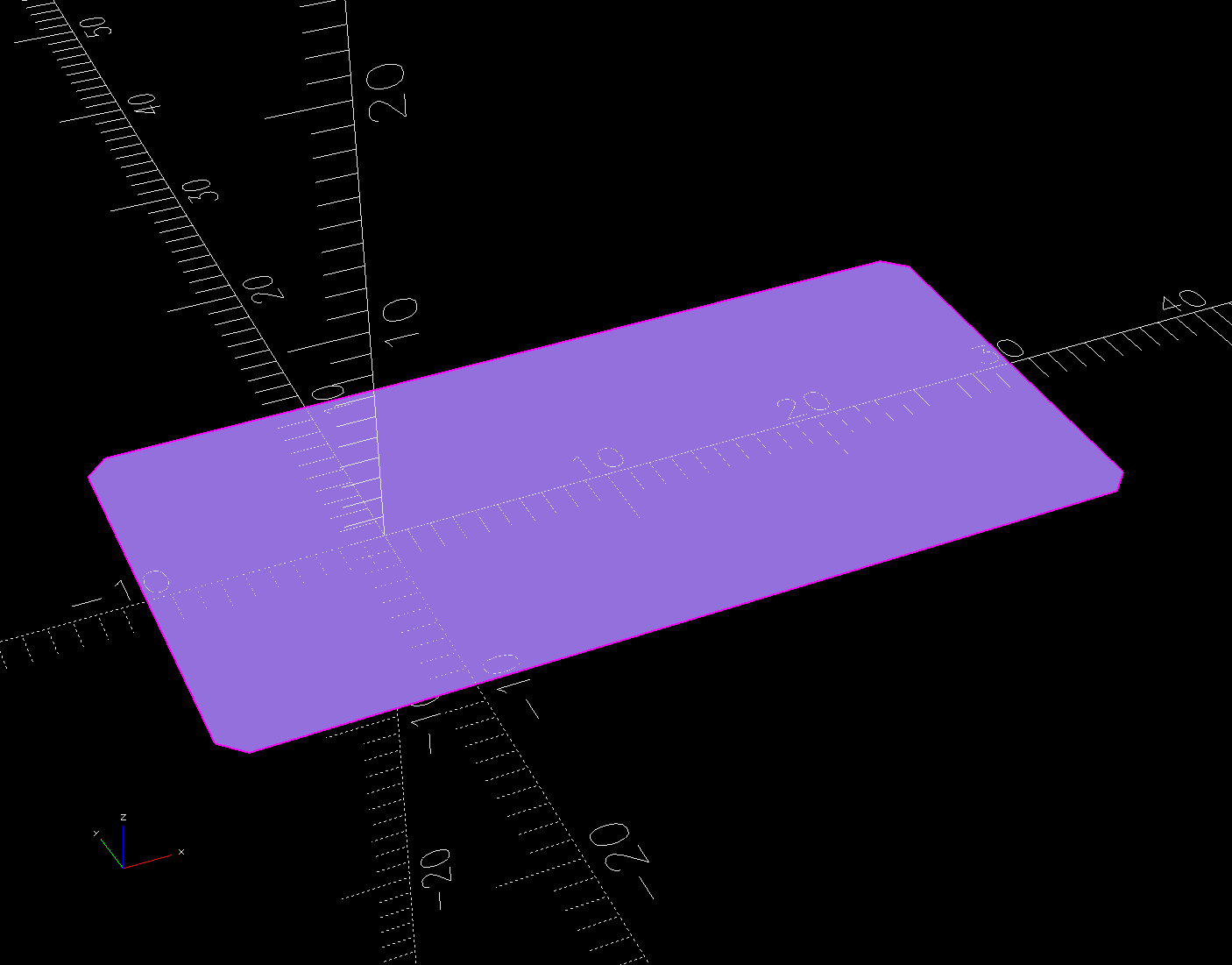
The foam is 2 mm thick, so subtracting that from the nominal thickness makes the new blocks come out right.
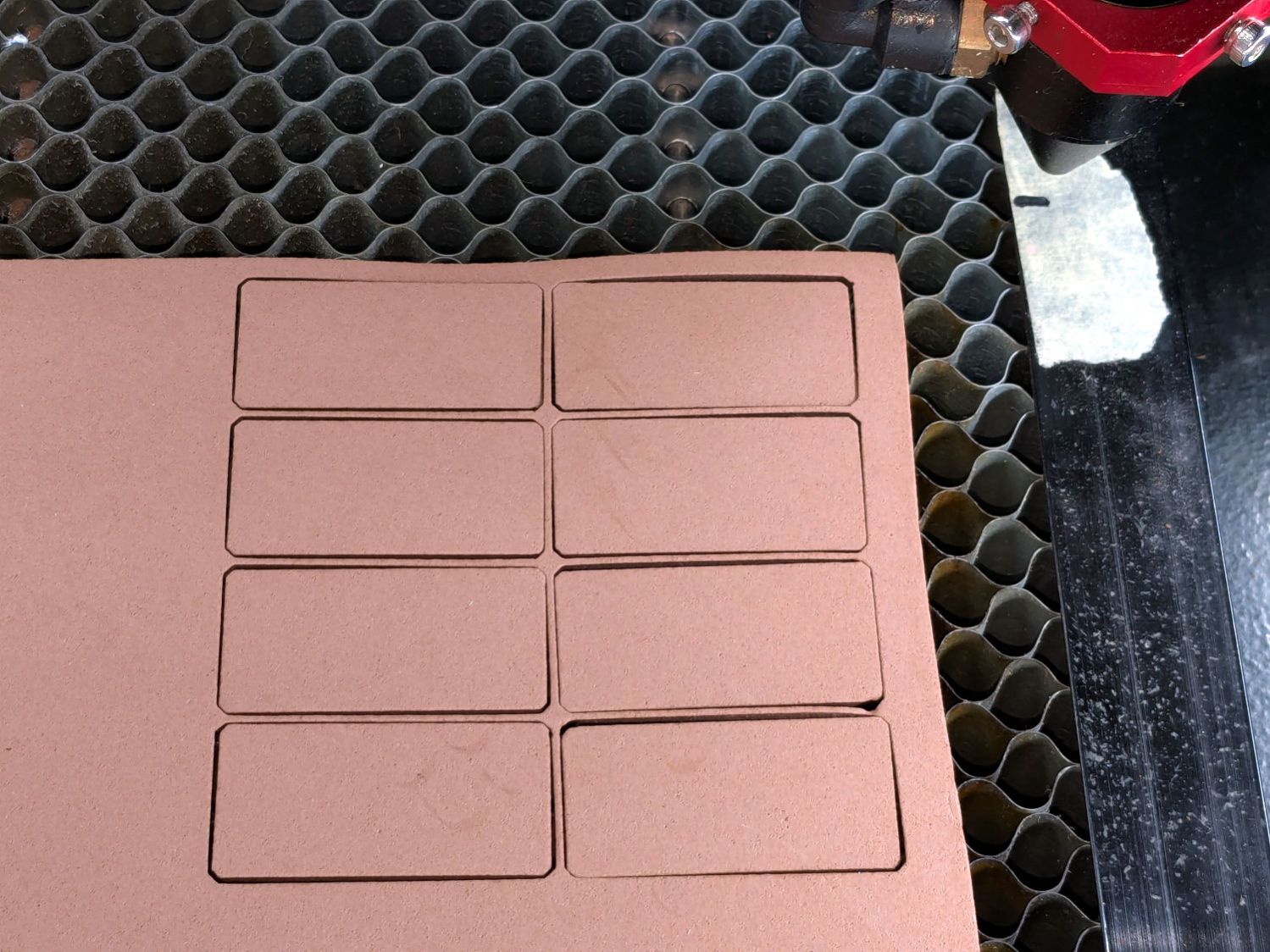
A short module extracts the footprint for export as an SVG image to laser-cut both the foam and the adhesive sheet required to stick it in place:
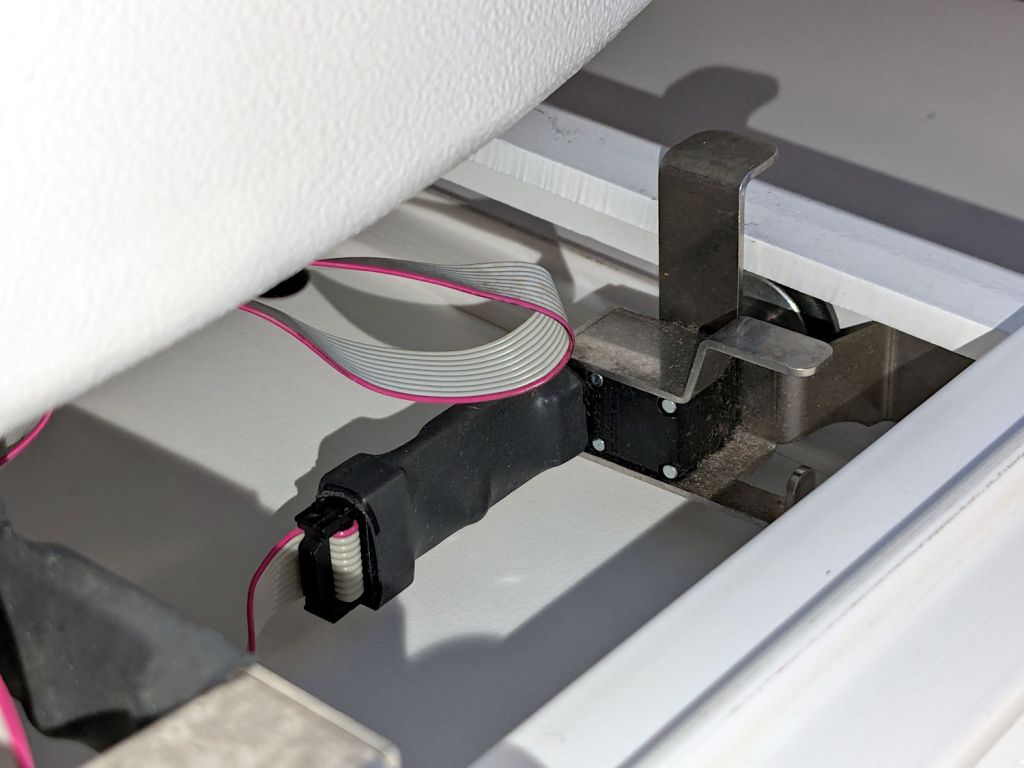
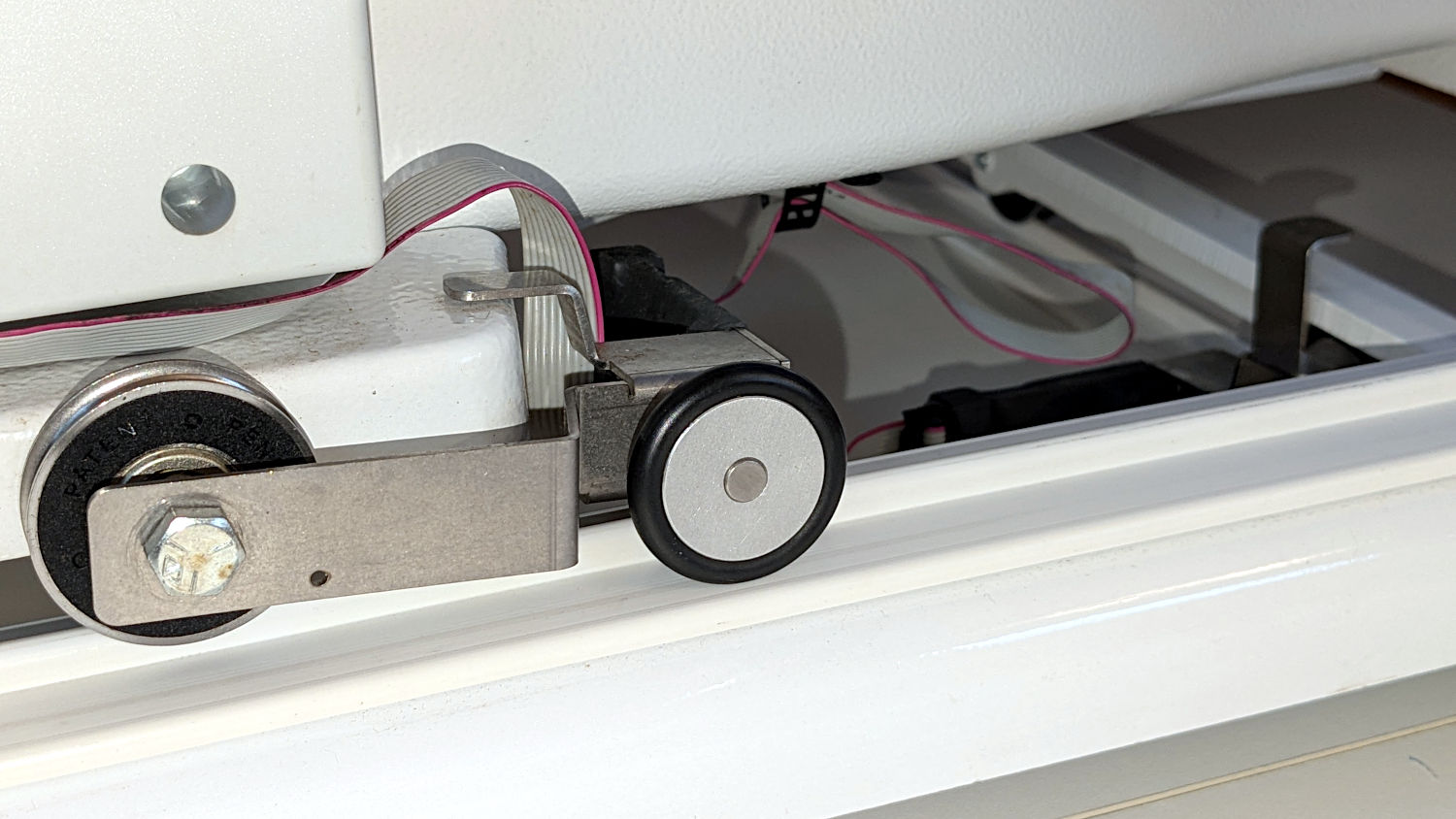
The stitch regulator on our Handi-Quilter HQ Sixteen uses a pair of encoder wheels running along the tracks supporting the machine:
HQ Sixteen – stitch regulator sensor – rear
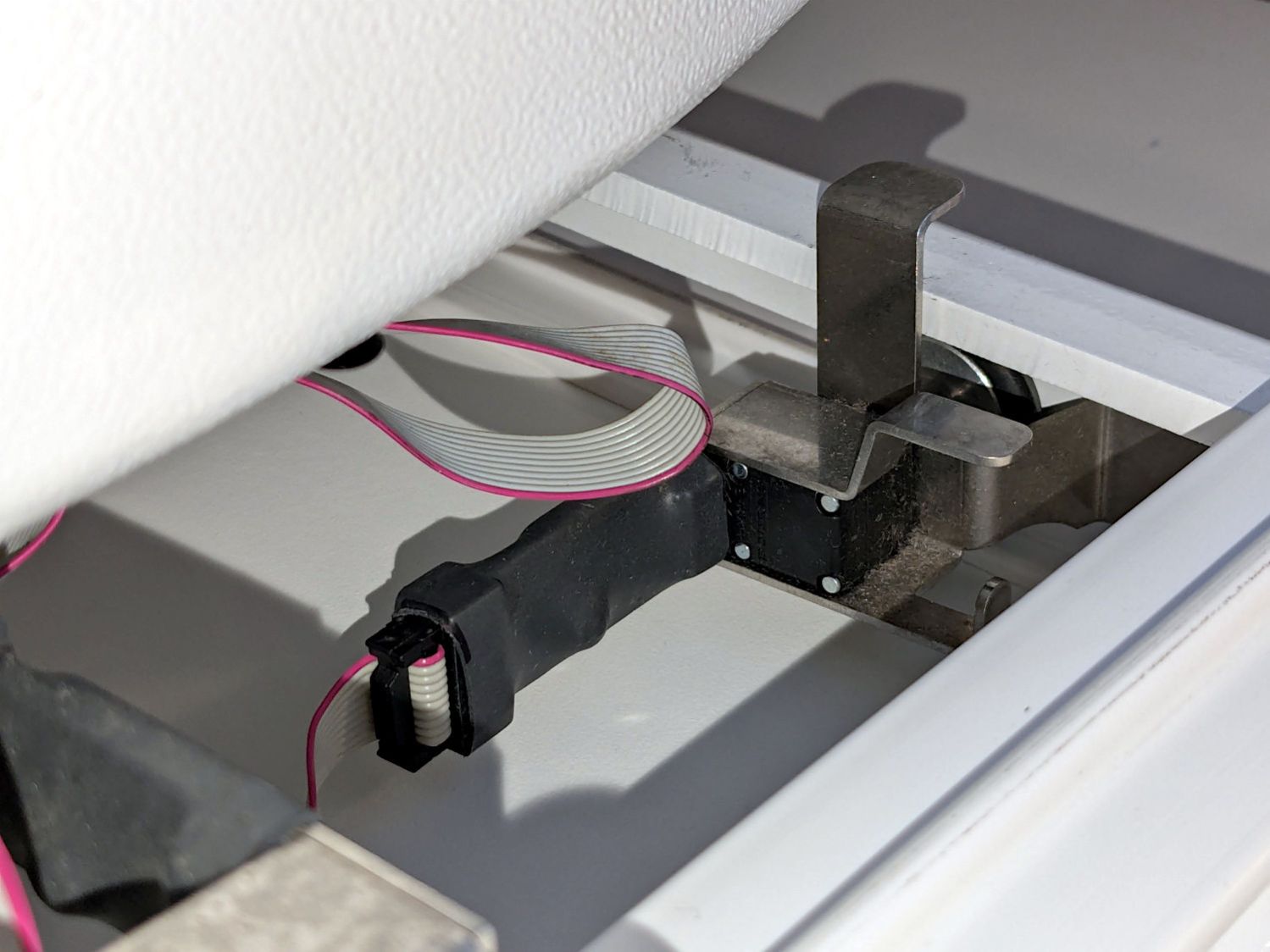
This must be HandiQuilter’s very first encoder version, because a ribbon cable connects the encoders to the control pod:
HQ Sixteen – stitch regulator sensor – rear
I stuck an adhesive cable clamp under the machine to rein in some of the slack, but the jank is strong with that arrangement and I must figure out a better arrangement with supple cable and better support. We’ll run this lashup for a while.
Anyhow …
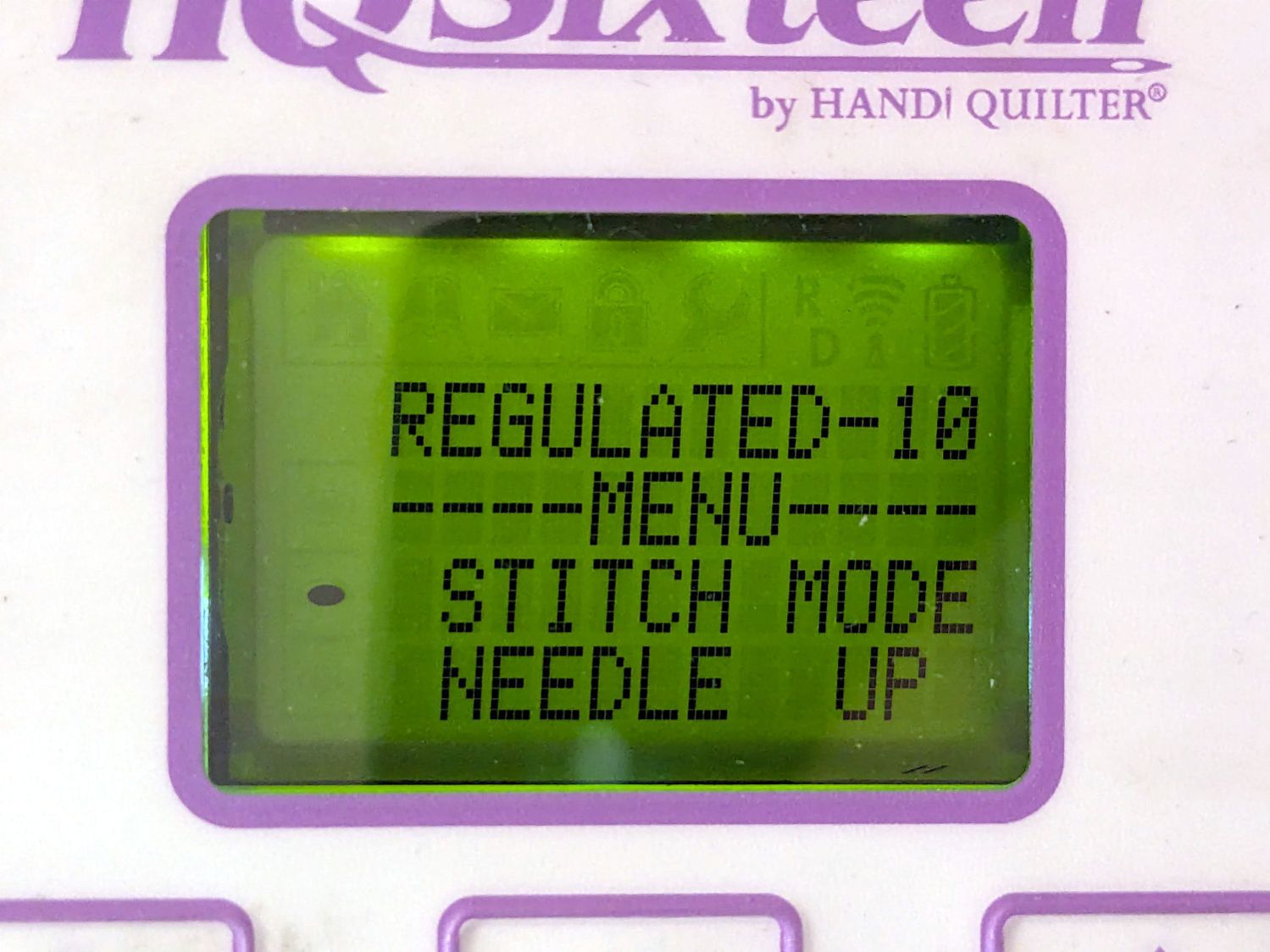
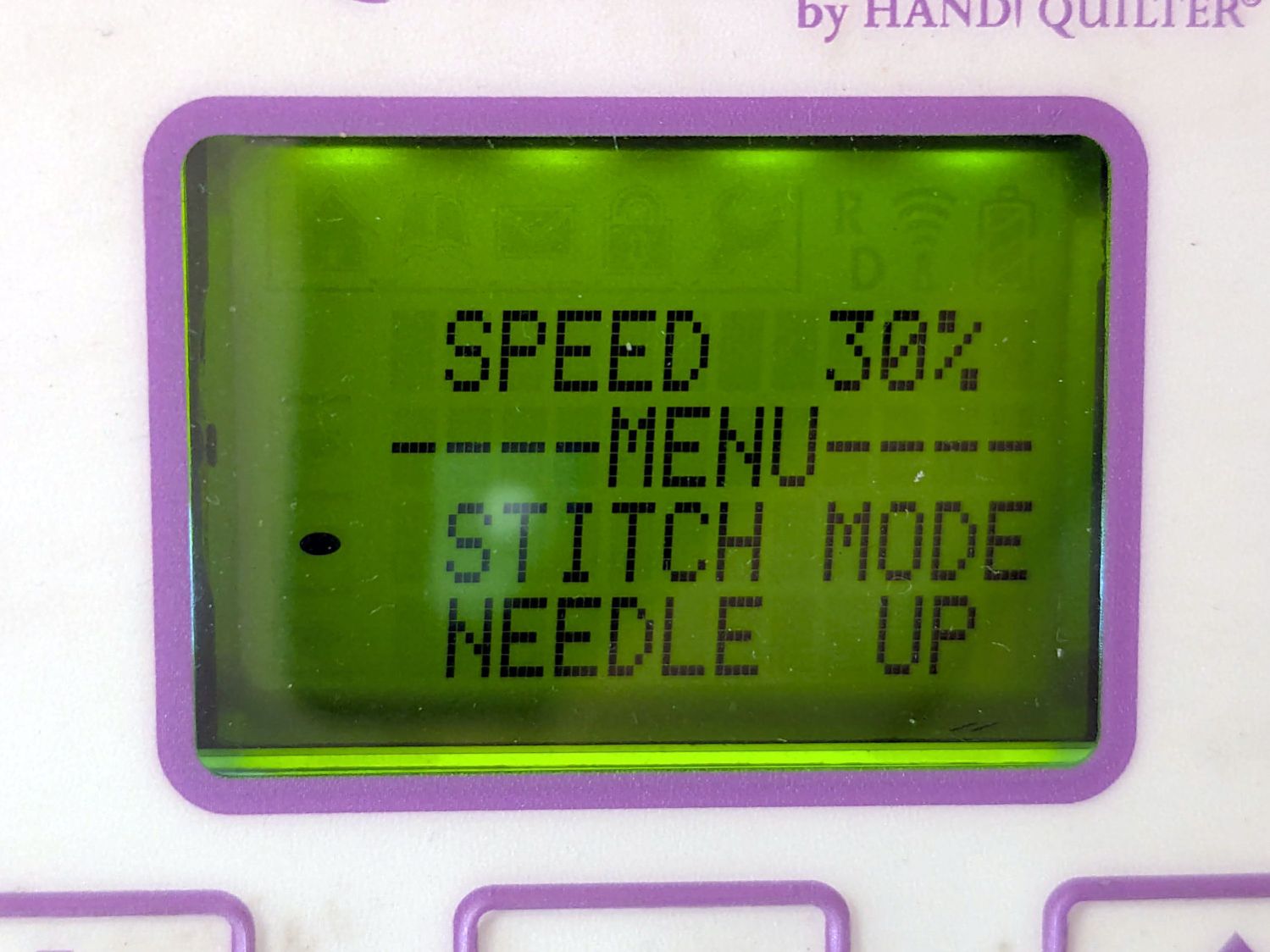
The stitch regulator uses signals from the wheels to measure the distance the machine travels across the fabric and controls the motor speed to produce a fixed number of stitches per inch at that travel speed, as set in the control panel:
HQ Sixteen – display – stitch mode
Close inspection shows the LCD module came from an early 2000s mobile phone, but there’s no shame in repurposing cheap & readily available hardware.
When the stitch regulator is not active, the machine runs at a fixed speed set on the control panel:
HQ Sixteen – display – speed mode
The controller can set the speed between 100% to 10% of the motor’s 1500 stitch/min full speed, with 1% steps that seem too large on the low end and too small for the high end. Aiming my laser tachometer at a retroreflective tape snippet on the handwheel shows the machine runs at the correct fractions of its actual 1492 stitch/min = RPM.
The stitch regulator uses the same motor speed range, which sets corresponding limits on the maximum and minimum speeds across the fabric, with the ratio set by the stitch/inch value.
At the 10 stitch/inch setting Mary has been using, the travel speed range is:
When you stop moving the machine, the controller will shut off the motor after a few stitches in the same place, which turns out to be convenient for tying off the end of a stitched line on a quilt. When you move too fast, the machine will top out at 1500 stitch/min while producing too-long stitches until the travel speed drops below 150 inch/min.
What’s not obvious is how slow those speeds are:
0.25 inch/s = 15 inch/min
2.5 inch/s = 150 inch/min
As an exercise, fire up the metronome app on your phone at one tick per second, then try drawing intricate patterns within those speed limits. You will inevitably move too fast, even without the soundtrack of a frantically accelerating motor topping out at 1500 RPM.
We think the surprisingly low upper speed limit accounts for much of the trouble Mary’s compadres report while using the stitch regulator.
After laying down a few square yards of practice quilt patterns while measuring the results and becoming accustomed to the sound and feel of the machine running at high speeds, Mary’s producing good results:
HQ Sixteen – stitch regulator – counting stitches
I definitely hit the knees in gratitude when the stitch regulator Just Worked™ after plugging it in, because that ribbon cable did not inspire any confidence whatsoever.
The trap boxes come in 7 quart and 3.5 quart sizes, although we expect either will comfortably accommodate a single vole.
They’re made of polypropylene plastic eminently suited for laser cuttery, so I borrowed the holes from the cardboard box setup:
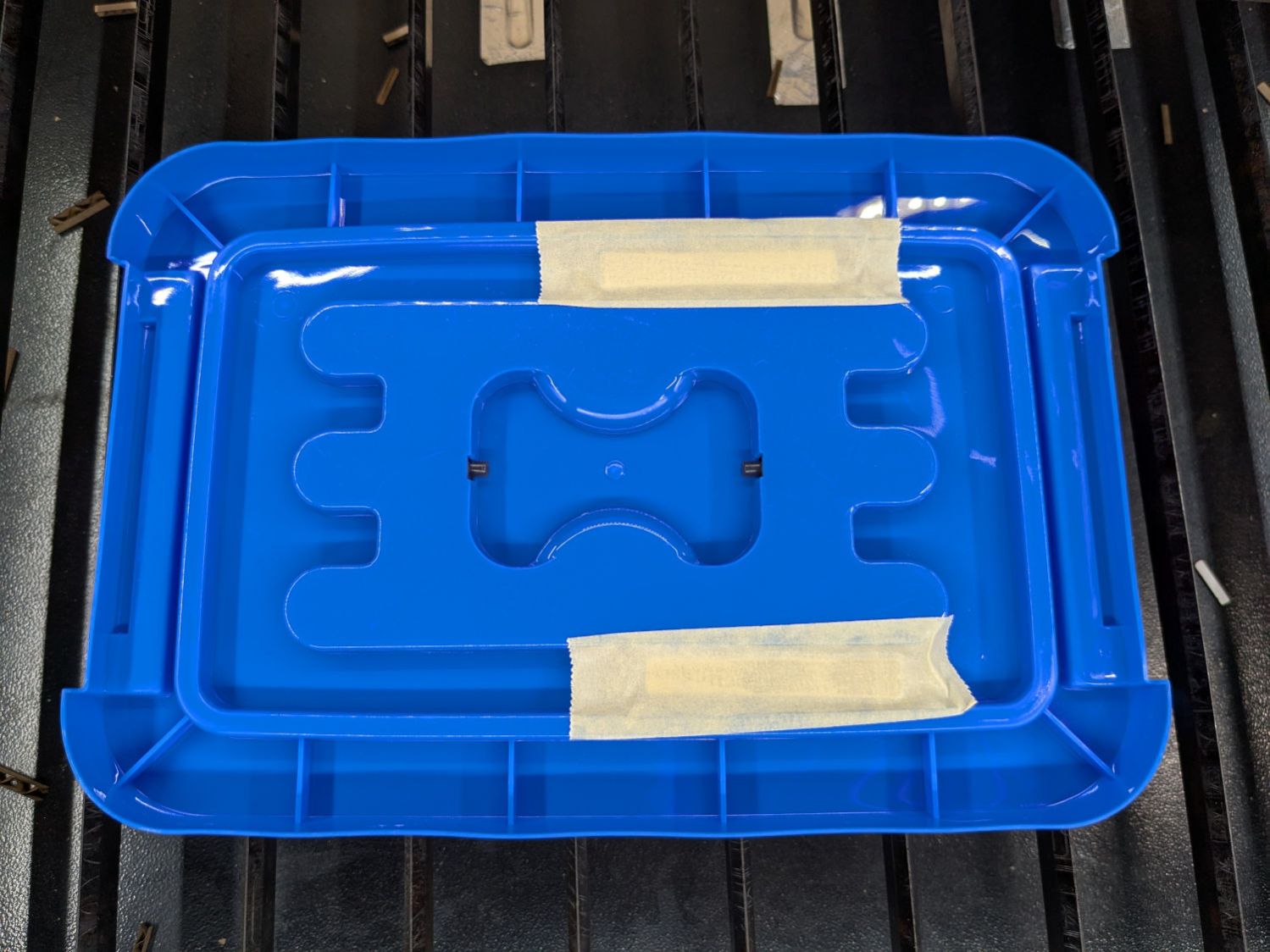
Vole Box – hole cutting
The clamps on the knife bars held the angle block and boxes in pretty much the same position, so I didn’t realign anything after figuring out a pair of magnets would hold the lid to the angle:
Vole Box – lid fixture magnets
The box side is slightly sloped, so I probably should have angled the block to tilt the lid, but this isn’t a precision job:
Vole Box – lid fixture
The white smudges on the lid come from vaporized polypropylene:
Vole Box – fume deposits
The body count thus far is just one field mouse, but the season is yet young.
Trace the outlines and lay smooth curves around them with Inkscape:
Remote profiles – Inkscape curves
They needed a slight lengthening to account for the gauge pin diameter & deflection, but this isn’t a precision project.
Do the same with a scan of the front face, import the curves into OpenSCAD, extrude them, create a solid model of the remote from their mutual intersection, then add a cylinder to punch the depression for the steel plate:
Floor Lamp Remote Holder – solid model – bottom
The chonky model corners stick out too far compared to the stylin’ curves on the real remote, but I made the holder shorter than the remote specifically to avoid fussing with such details.
Floor Lamp Remote Holder – solid model – Show view
I briefly considered a circumferential clamp around the pipe before coming to my senses and making the pipe diameter 2 mm larger to accommodate a strip of double-sided foam tape.
The magnet gets a ferocious grip on the plate and I defined the result to be All Good™.
The OpenSCAD source code and SVG paths as a GitHub Gist:
This file contains hidden or bidirectional Unicode text that may be interpreted or compiled differently than what appears below. To review, open the file in an editor that reveals hidden Unicode characters.
Learn more about bidirectional Unicode characters







 The Smell of Molten Projects in the Morning

