Ed Nisley's Blog: Shop notes, electronics, firmware, machinery, 3D printing, laser cuttery, and curiosities. Contents: 100% human thinking, 0% AI slop.
I managed to open a terminal emulator, whereupon all of the non-built-in shell commands couldn’t be found.
Proceed as before: binary-copy the entire MicroSD card to another one, pop it in the RPi, and it’s all good again.
For the record, the new card is an unused Samsung Evo Plus. I do not understand the difference between the “Evo Plus” and “Evo+” branding, other than to suspect one of being a very good fake.
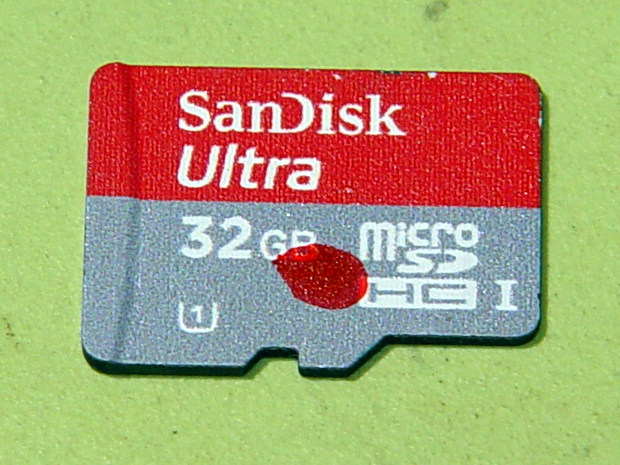
In round numbers, MicroSD cards seem to last a year under what seems like not-too-demanding service; I’m not running the MPCNC all day, every day.
So this happened when I grabbed an alligator clip lead:
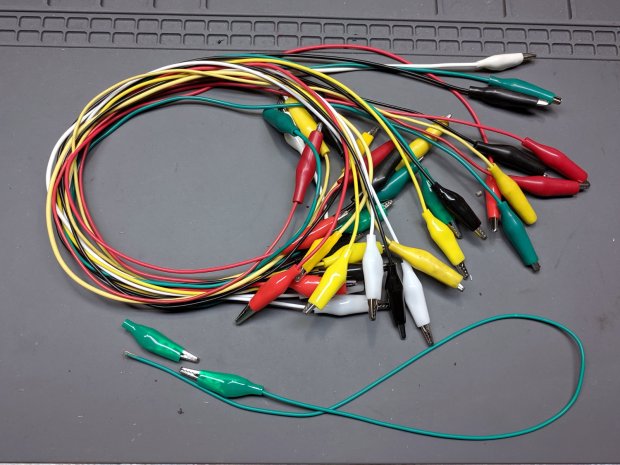
Dual Alligator Clip Collection
My coax cable and clip lead collection includes everything from “I’ve had it forever” to “Recent cheap crap”, including much of Mad Phil’s collection. Some of the recent crap included Chinese clip leads with what can charitably be described as marginal connections:
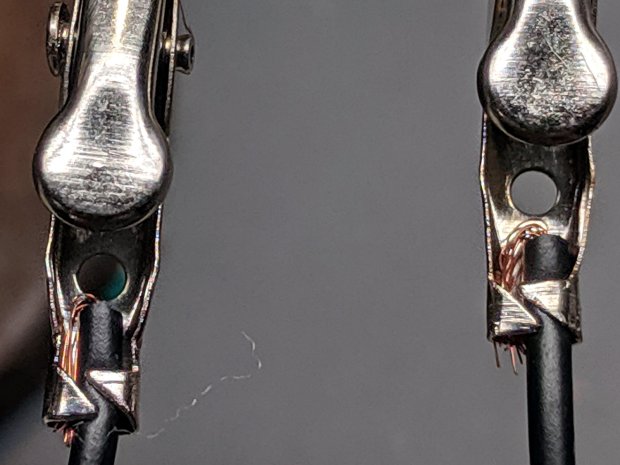
Alligator clips – bent wire
The insulation may provide some compliance in the crimp, but the alligator clip itself consists of cheap steel which won’t hold a crimp, even if it was crimped firmly to start with.
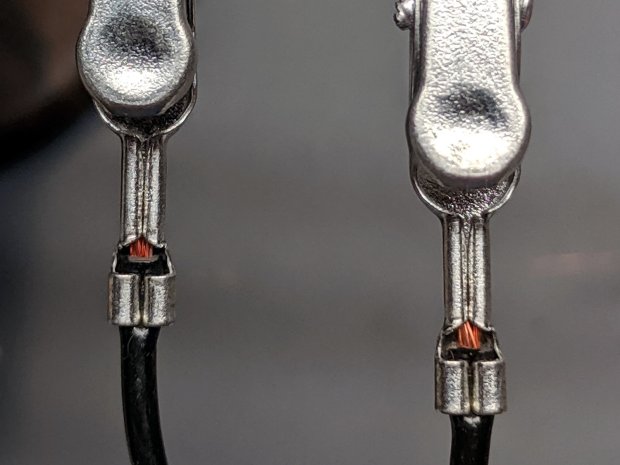
As a rule, the crimps aren’t particularly good:
Black Dual Alligator – as manufactured
The most obvious effect is high end-to-end resistance:
Black Dual Alligator – before – A
Yes, yes, 122 Ω in an alligator clip lead is high.
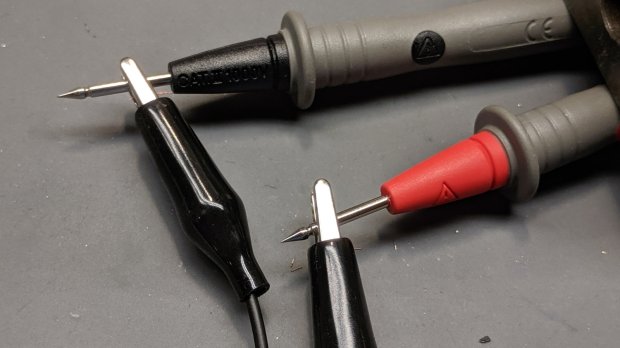
The test setup isn’t particularly intricate:
Black Dual Alligator – test setup
The lackadaisical crimps also have unstable resistances:
Black Dual Alligator – before – B
So I figured I may as well repair the lot of ’em.
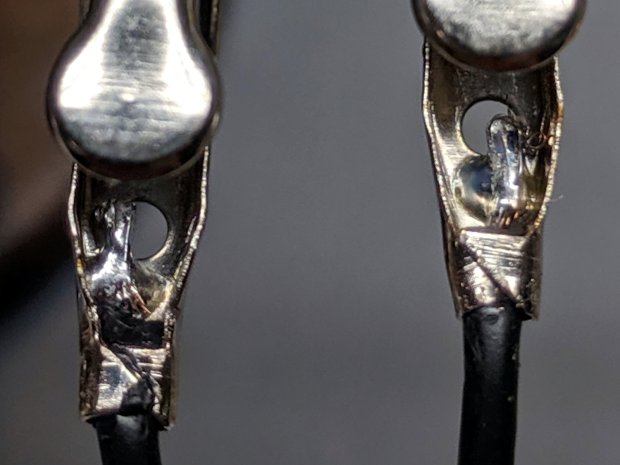
I stripped the lead back to expose fresh copper, soldered it to the clip, then re-crimped the clip around the insulation for some token strain relief:
Black Dual Alligator – soldered
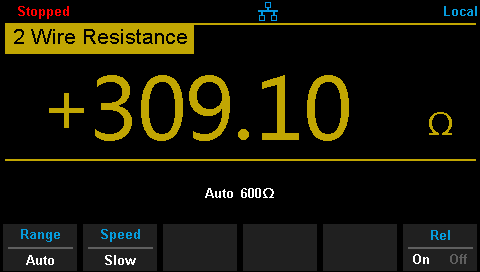
I won’t win any soldering awards, but the resistance is way better than before:
Black Dual Alligator – after
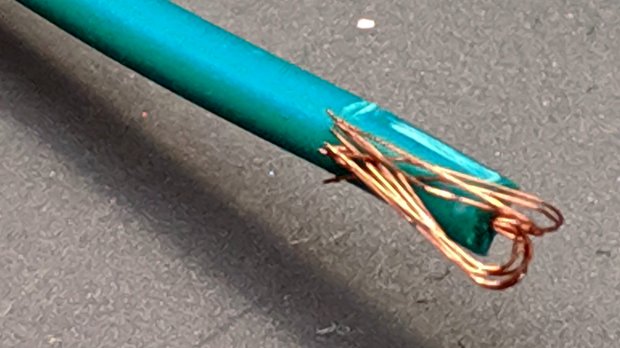
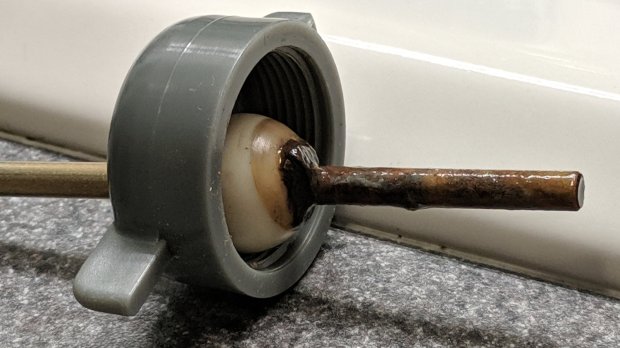
If more than half an ohm seems a tad high for a foot of copper wire, you’re right. My slightly magnetized bench screwdriver shows it’s not copper wire:
Copper-plated steel wire
I’d say it’s copper-plated steel, wouldn’t you?
Those of long memory will recall the non-standard ribbon cable I used as a 60 kHz loop antenna. In this case, the Chinese manufacturer figured nobody would notice or, likely, care. Given the crappy overall quality of the end product, it’s a fair assumption.
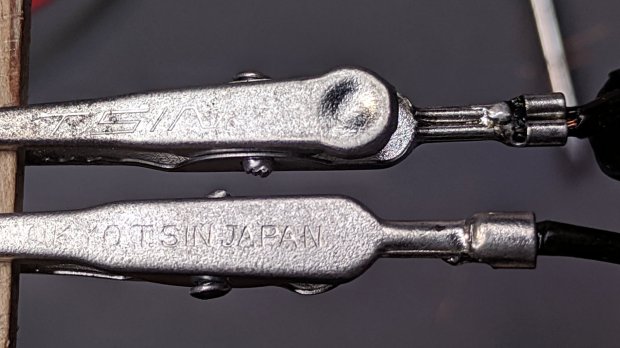
While I was at it, I pulled apart my entire collection just to see what was inside and fix the ailing ones. These clips date back to the dawn of time, with what started as excellent crimps:
Crimped Alligator Clips – as manufactured
Alas, after I-don’t-know-how-many decades, they’re not longer gas-tight, so I soaked a dollop of solder into each one:
Crimped Alligator Clips – soldered – Made In Japan
Chekkitout: “Made In Japan”.
Someone, perhaps me wearing a younger man’s clothes or, less likely, Mad Phil in a hurry, solved a similar problem with bigger blobs and no strain relief:
Crimped Alligator Clips – cut and soldered
So, now I have a slightly better collection of crappy alligator clip leads. The copper-plated steel wires will eventually fail, but it should become obvious when they do.
Marshall Project – Poughkeepsie 107 mm Mortar Carrier
The M106 is an impressive hunk of tracked armor, although it seems unsuited for urban warfare and would certainly scuff up the streets pretty badly. I don’t know if they scrapped the M106 in favor of the MRAP.
Another alignment camera contestant from the Big Box o’ Junk Cameras:
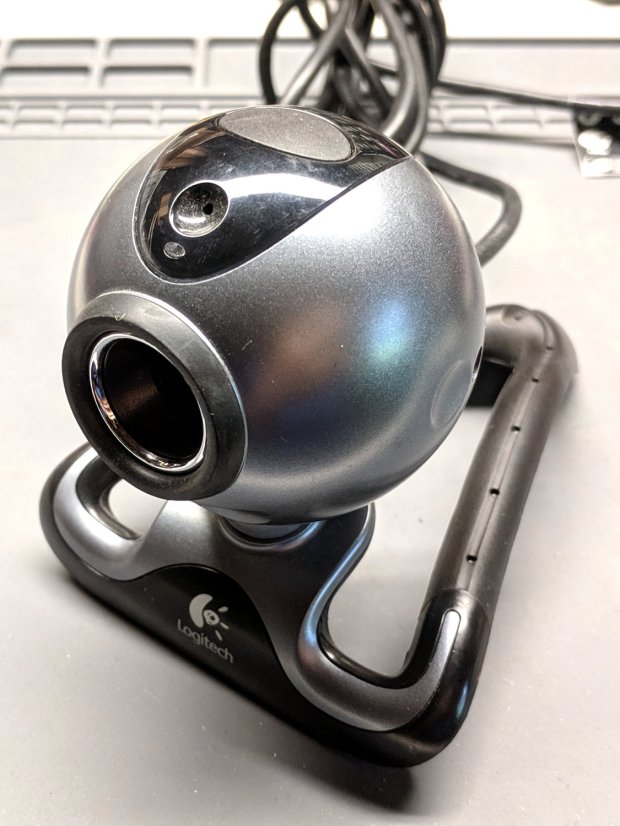
Logitech Pro 5000 Ball Camera – overview
It’s a Logitech QuickCam Pro 5000 with a native 640×480 resolution. For no obvious reason, it seems to work better on a Raspberry Pi than the Logitech QuickCam for Notebooks Deluxe I ripped apart a few weeks ago, where “better” is defined as “shows a stable image”. I have no explanation for anything.
Remove the weird bendy foot-like object by pulling straight out, then remove the single screw from the deep hole visible just behind the dent in the top picture:
Logitech Pro 5000 Ball Camera – disassembled
The stylin’ curved plate on the top holds the microphone and a button, neither of which will be of use in its future life. Unplug and discard, leaving the USB cable as the only remaining connection:
Logitech Pro 5000 Ball Camera – USB connector
Inexplicably, the cable shield is soldered to the PCB, so the connector doesn’t do much good. Hack the molded ball off of the cable with a diagonal cutter & razor knife, taking more care than I did to not gouge the cable insulation.
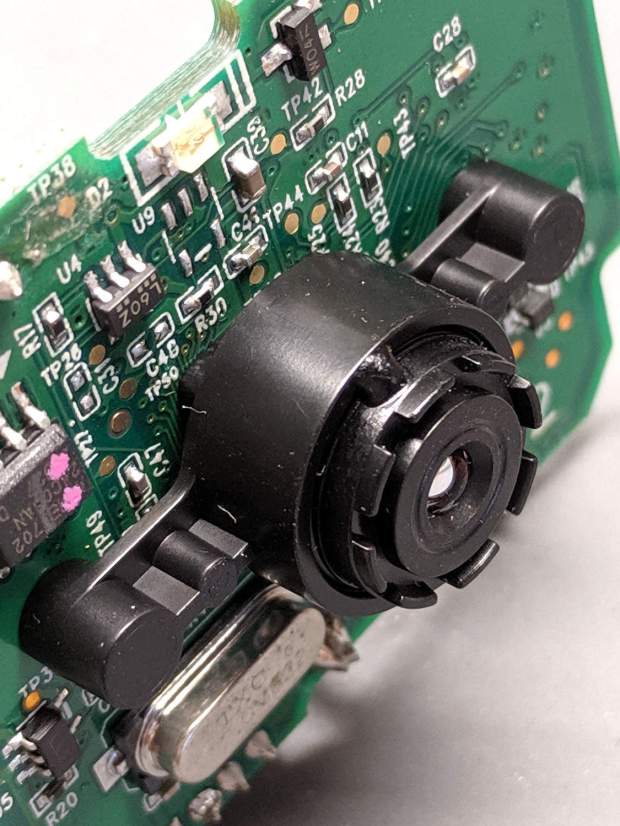
A glue dot locks the focusing threads:
Logitech Pro 5000 Ball Camera – focus glue
Gentle suasion with a needle nose pliers pops the dot, leaving the lens free to focus on objects much closer than infinity:
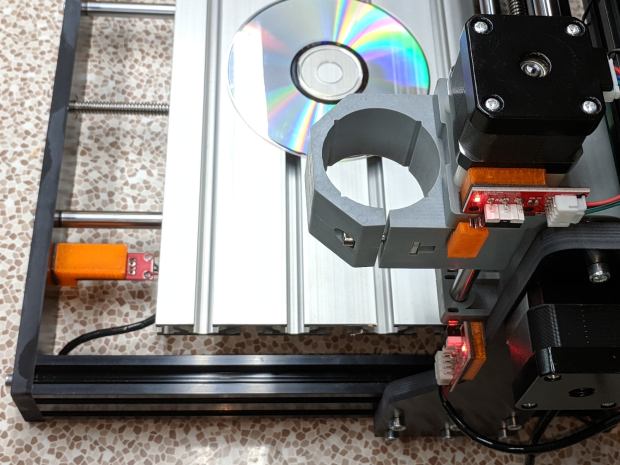
The CNC 3018-Pro doesn’t absolutely need home switches, but (in principle) they let you install a workholding fixture at a known position, home the axes, pick a preset coordinate system for the fixture, and not have to touch off the axes before making parts.
The X and Z axis switches simply press against the appropriate moving parts:
3018 CNC – X and Z Endstops
The little tab stuck on the tool clamp provides a bit of clearance around the upper part of the X axis assembly.
The Y axis switch needed a slightly tapered tab to extend the bearing holder:
3018 CNC – Y axis endstop
It’s made from a random scrap of clear plastic, hand-filed to suit, and stuck on the bearing to trigger the switch in exactly the right spot.
You can find elaborate switch mounts on Thingiverse, but I’ve become a big fan of genuine 3M outdoor-rated foam tape for this sort of thing: aggressive stickiness, no deterioration, possible-but-not-easy removal.
This file contains hidden or bidirectional Unicode text that may be interpreted or compiled differently than what appears below. To review, open the file in an editor that reveals hidden Unicode characters.
Learn more about bidirectional Unicode characters













 The Smell of Molten Projects in the Morning