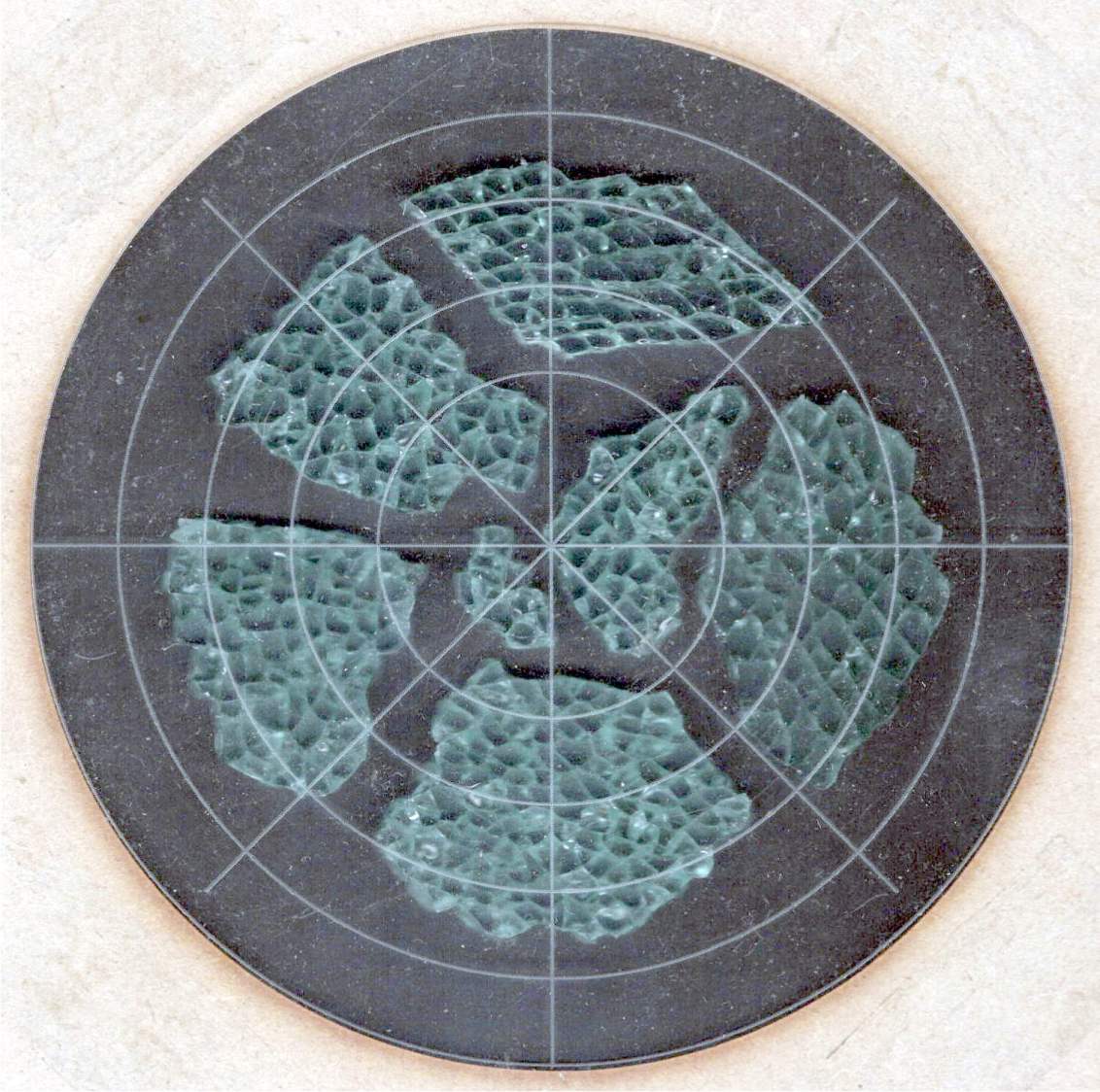
I selected and laid out the smashed glass fragments for the first few coasters by hand:
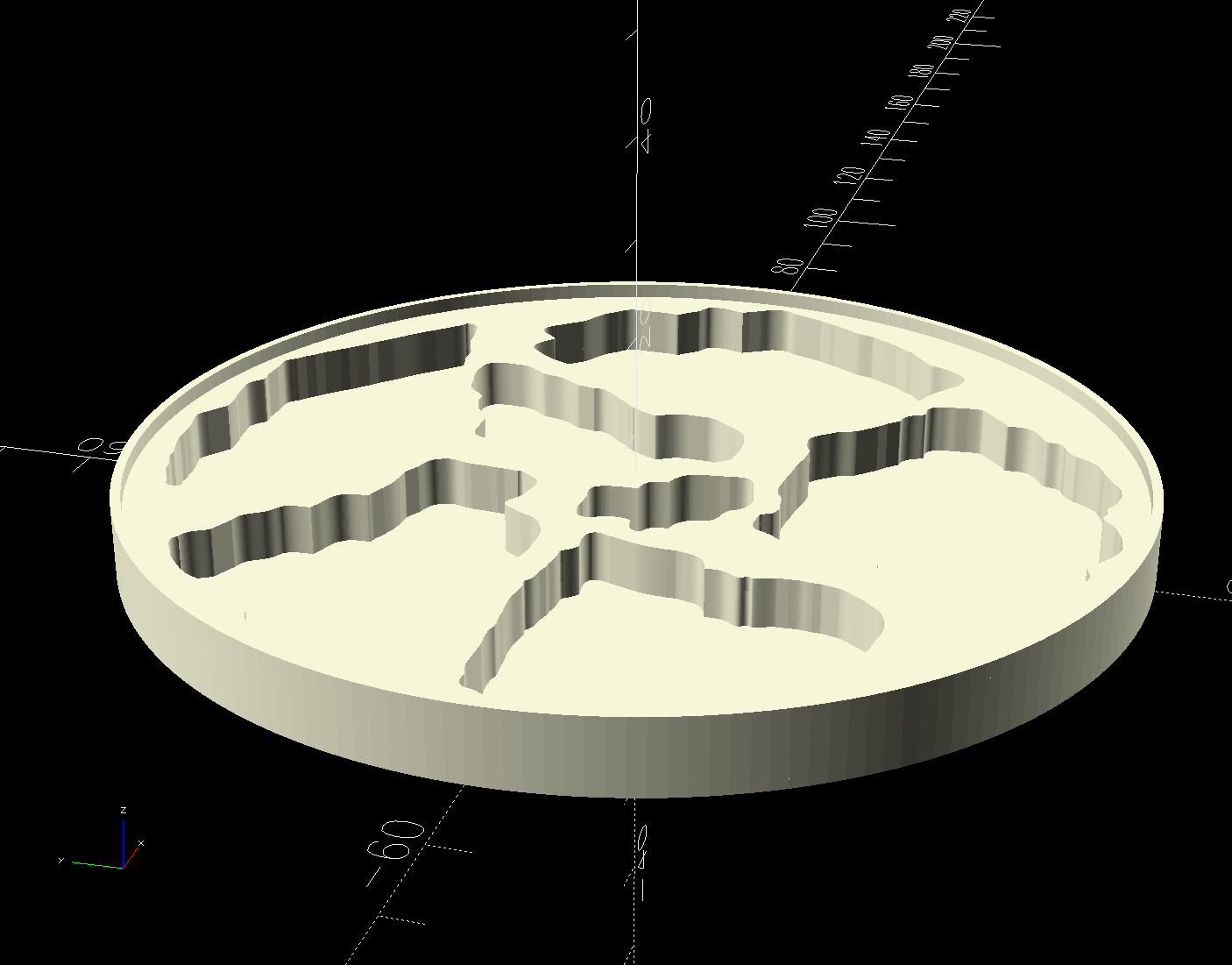
Which worked reasonably well for coasters with a rim around the perimeter to hold in the epoxy covering the entire top surface:
The problem with smooth-top coasters is this:
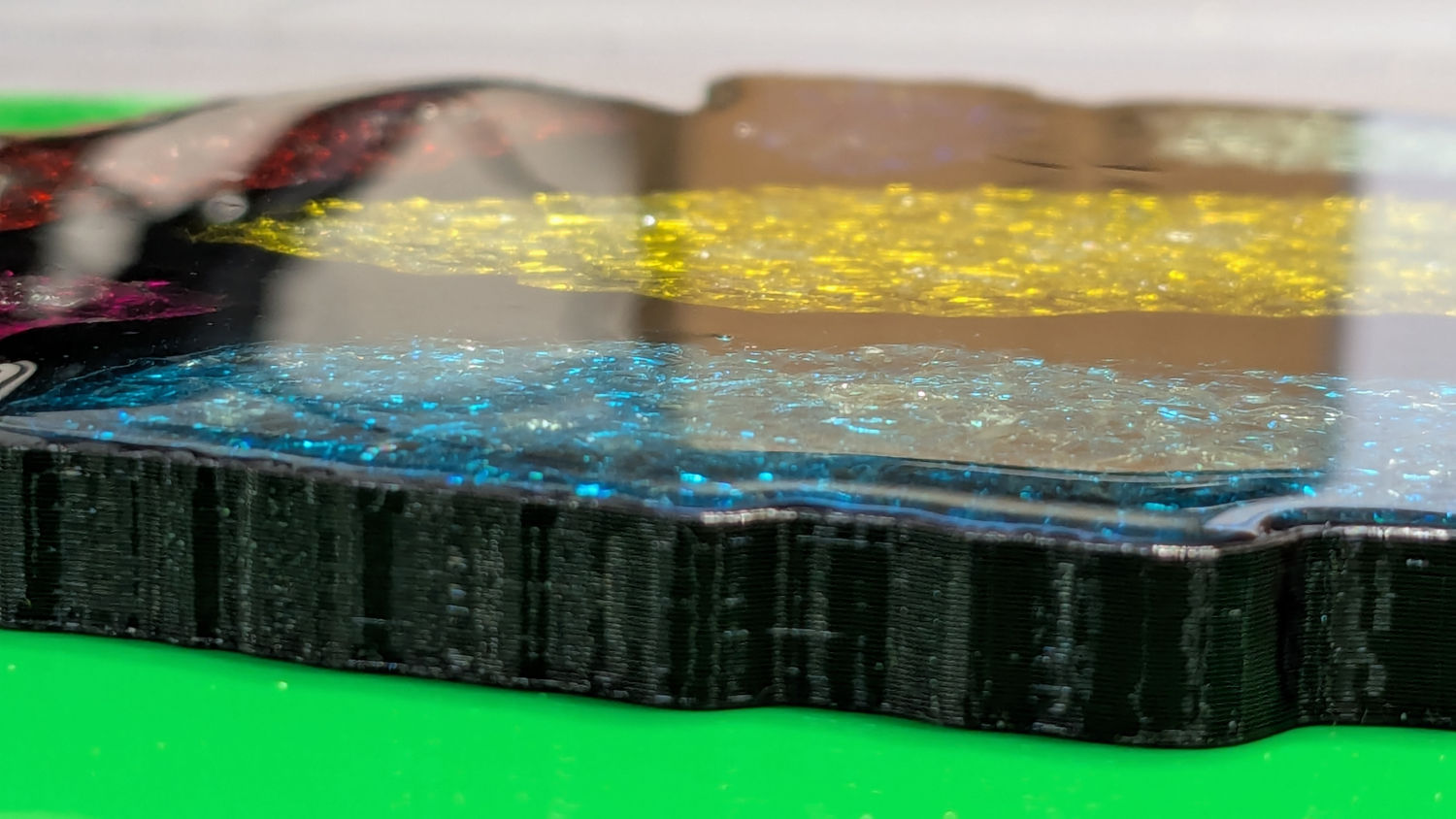
A slightly sweaty or wet mug can get a firm suction lock on that smooth top, lift the coaster off the table, then drop it into a plate of food.
So I put a rim around each fragment to separate the epoxy surfaces and break the suction lock:
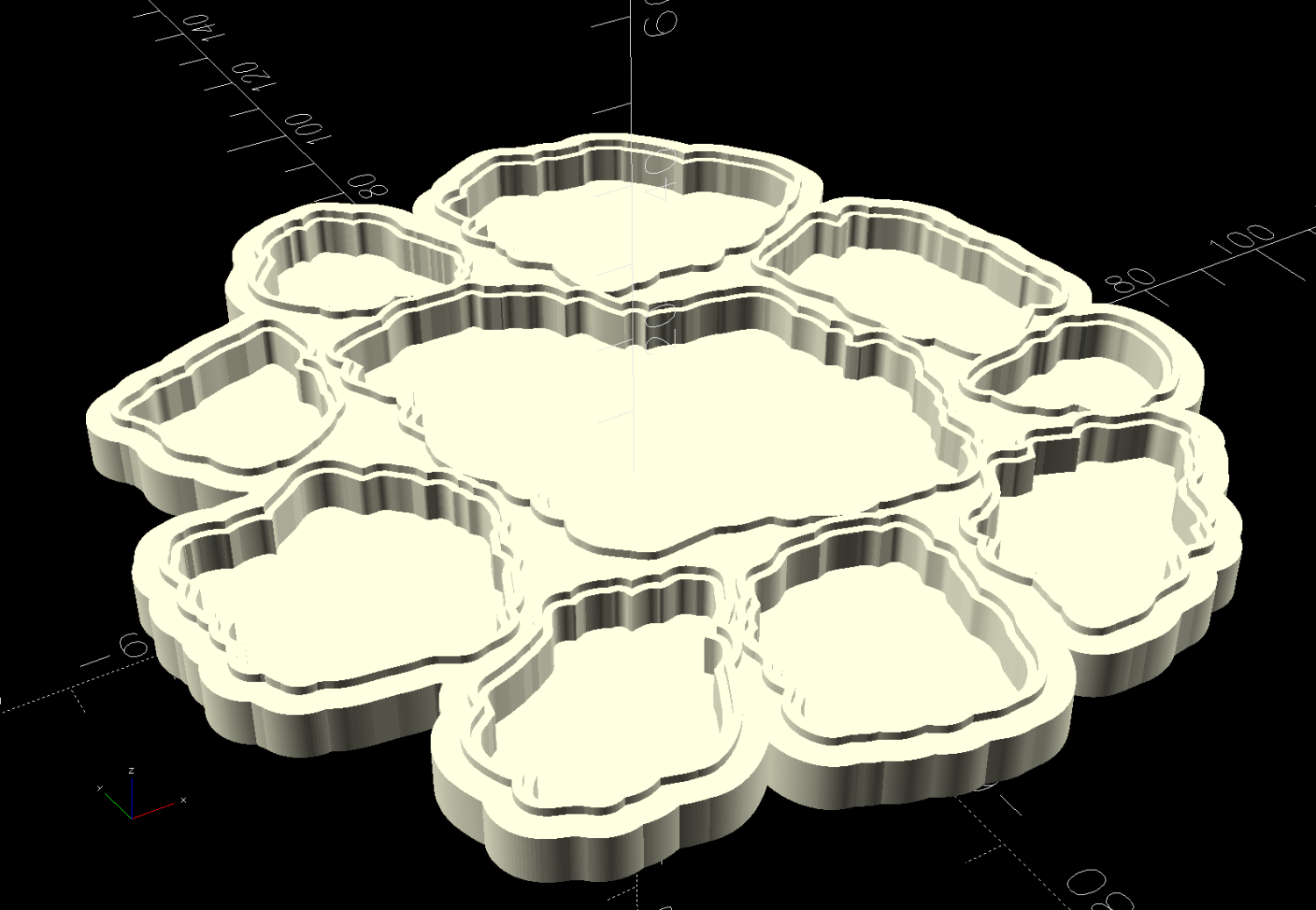
Each recess has a narrow inner lip as a border inside the raised perimeter, which may not be strictly necessary, but IMO nicely sets off the fragments:
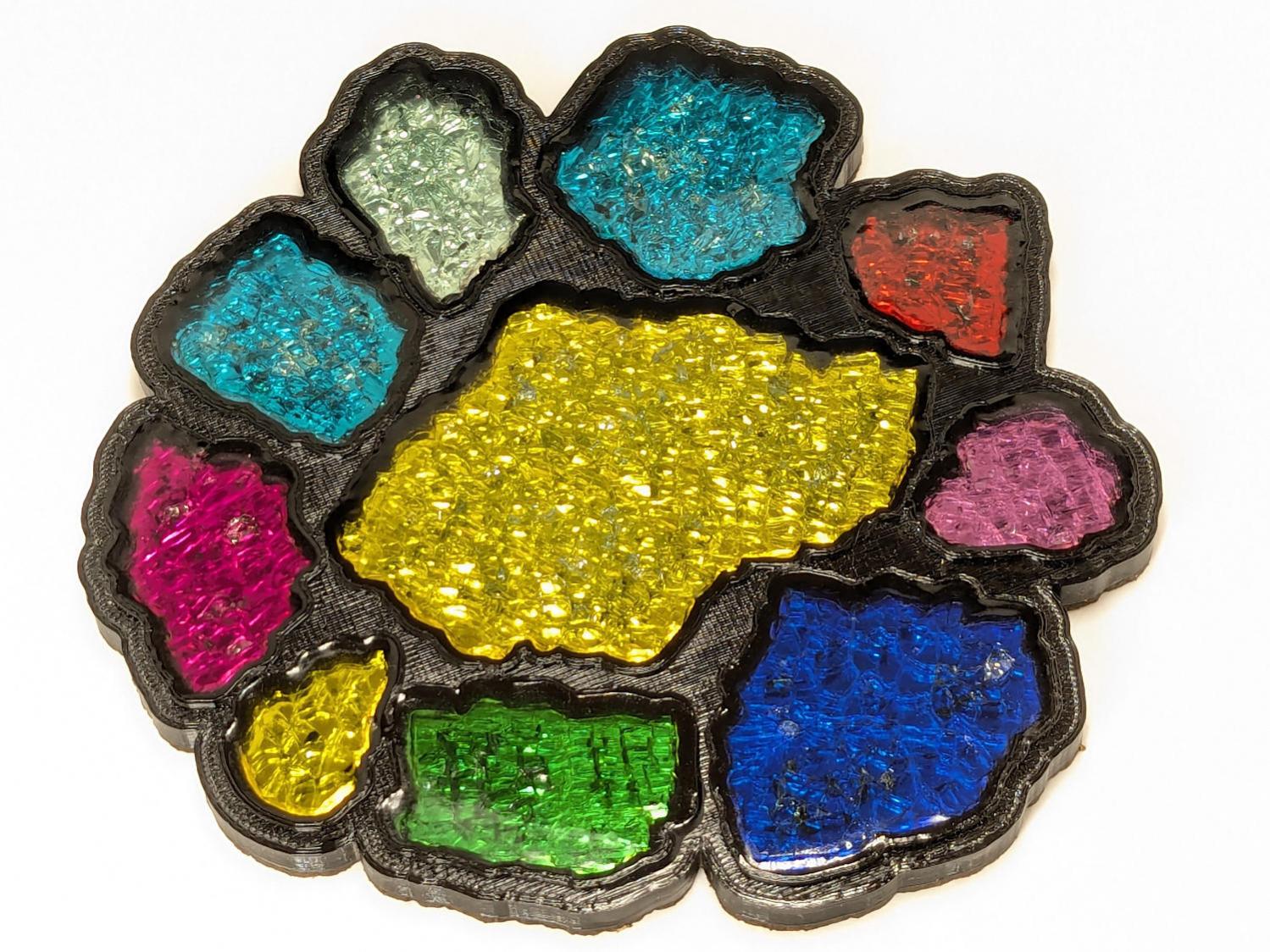
Each fragment must be spaced far enough from its three neighbors to allow for those lips and perimeter walls, which requires more fussing than I’m willing to apply on a regular basis.
So fetch & install Deepnest to fuss automagically. The program hasn’t been updated in years and the Linux version segfaults on my Manjaro boxen, but the Windows version runs fine on the Mini-PC I use for LightBurn:
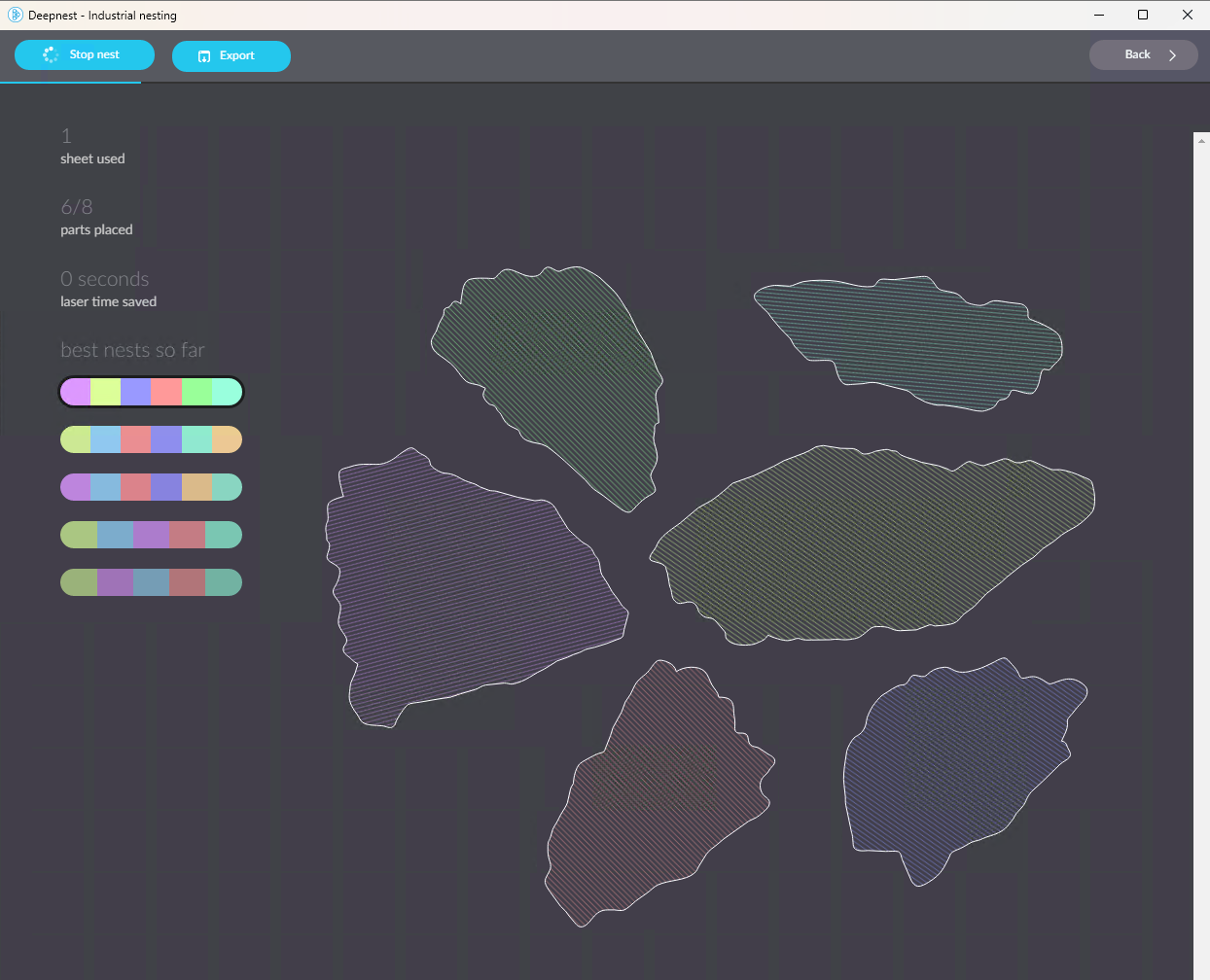
The Mini-PC runs maxi-hot, though, so at some point I must install Deepnest on the Token Windows Laptop for more grunt.
Deepnest requires a large shape representing the “sheet” in which to arrange the other pieces, so:
- Import the fragments outlines into LightBurn
- Create a suitable circle
- Export circle + fragments as an SVG file
- Import into Deepnest
- Set 5 mm spacing & other suitable parameters
- Let it grind until a nice arrangement pops out
- Save as Yet Another SVG file
The output SVG has the fragment outlines arranged to fit within the circle, but does not include the circle. That’s fine, because the next step involves creating a conformal perimeter around the entire group of fragments and preparing it for input to OpenSCAD to create a solid model:
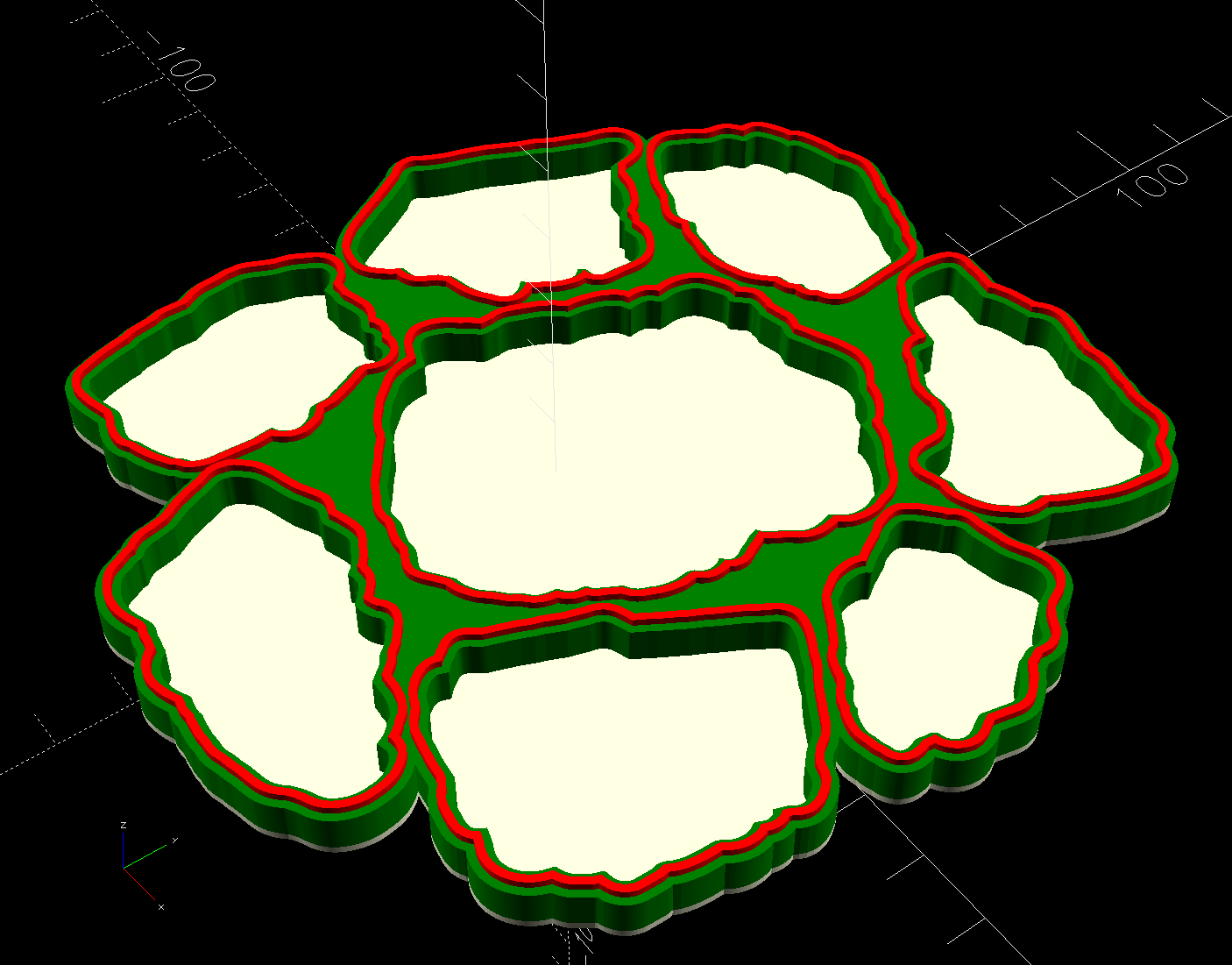
So. Many. Smashed. Glass.
 The Smell of Molten Projects in the Morning
Comments
One response to “3D Printed Smashed Glass Coasters: Fragment Layout”
[…] Use a nesting program like Deepnest to create a nice layout of the fragments within the circle […]