While sorting out an extrusion problem on the Makergear forum, I suggested marking the motor shaft and the filament drive shaft to see if the motor pinion inside the gearbox had worn out: if the motor turns and the filament gear doesn’t, then it’s dead inside.
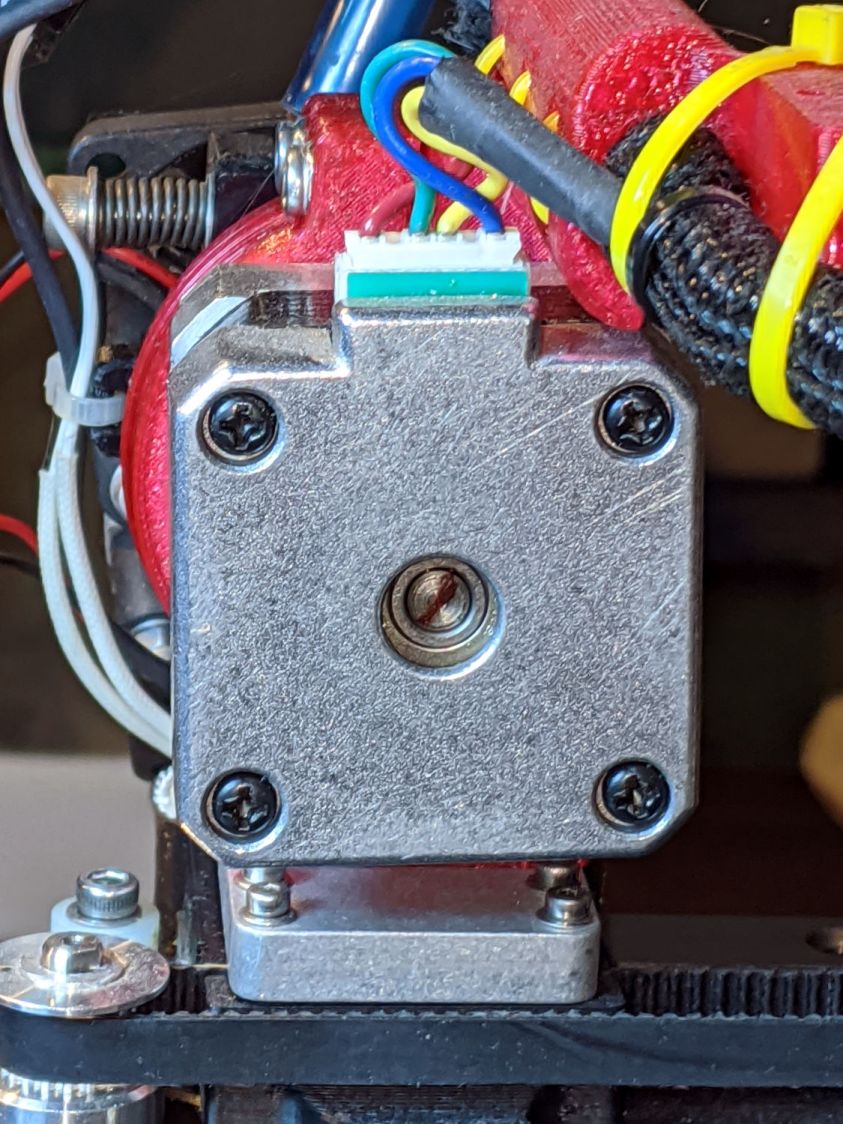
For future reference, you mark the motor shaft thusly:
Two marks on the filament drive gear tell you if the shaft is turning and if the gear is slipping on the shaft:

A closeup of an earlier, much coarser, drive gear:

It all worked out well in the end!
 The Smell of Molten Projects in the Morning
Comments
One response to “Makergear M2 Extruder Motor Debugging”
[…] the motor shaft and the extruder drive gear turned […]