I iterated this sequence three times before I caught on:
sshinto Raspberry Pi- Edit
/etc/rc.local, save changes - Reboot, observe the changes had no effect
cat /etc/rc.localshows no changes
Then I:
- Edited / saved
- Listed the file to verify the changes
- Rebooted, observe no effect from changes
- Listed the file again: the changes were gone
Huh.
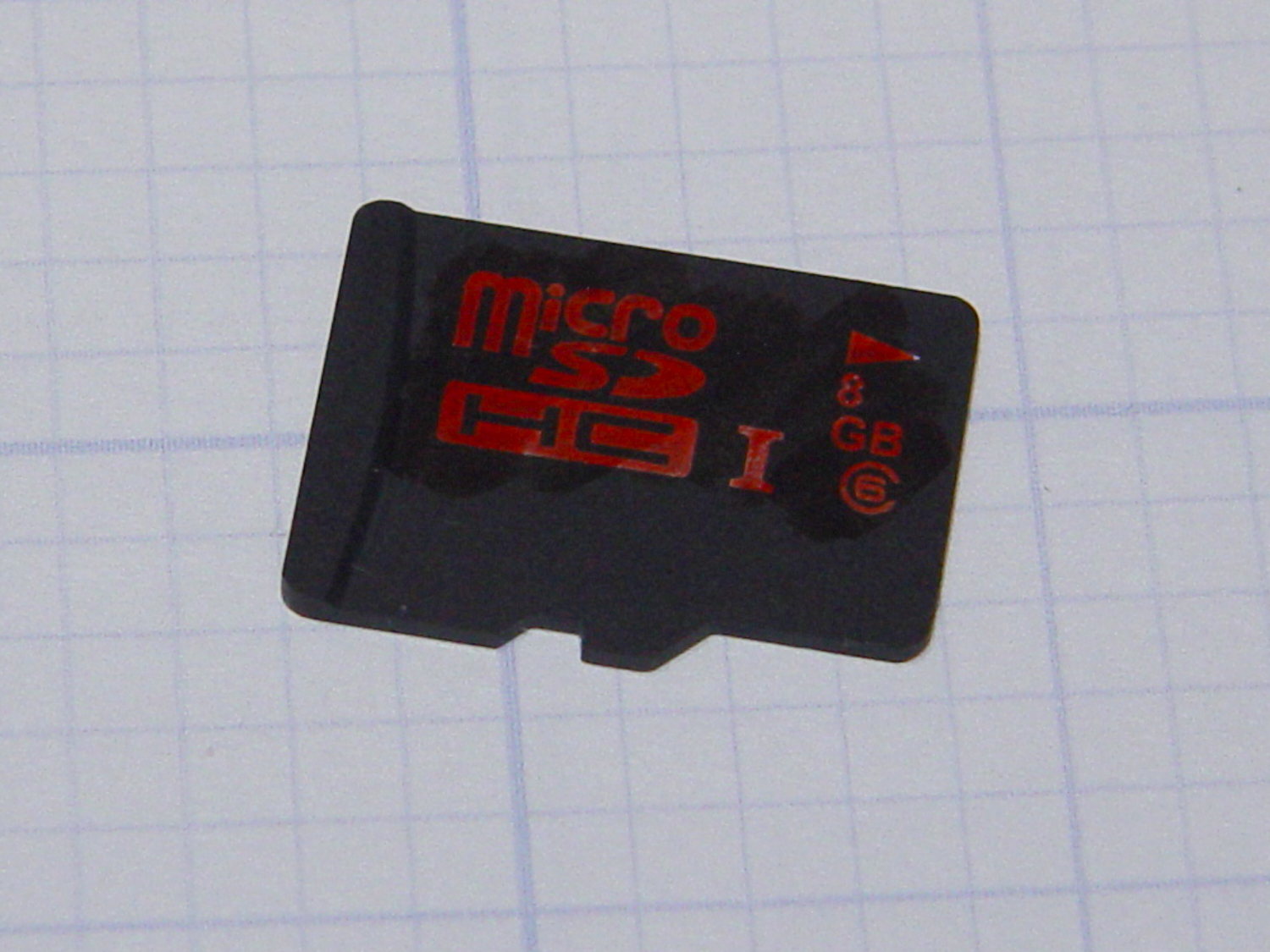
It turns out the card went read-only without warning, so I was displaying the contents of the file cache buffers after the edit, not the data stored on the card. Rebooting started with empty caches, read the previous file contents, and behaved accordingly.
The F3 utilities now live in the Ubuntu repository and no longer require compiling from source. The result:
sudo f3probe --time-ops /dev/sdb
F3 probe 6.0
Copyright (C) 2010 Digirati Internet LTDA.
This is free software; see the source for copying conditions.

WARNING: Probing normally takes from a few seconds to 15 minutes, but
         it can take longer. Please be patient.

Probe finished, recovering blocks... Done

Bad news: The device `/dev/sdb' is damaged

Device geometry:
	         *Usable* size: 0.00 Byte (0 blocks)
	        Announced size: 7.35 GB (15415296 blocks)
	                Module: 8.00 GB (2^33 Bytes)
	Approximate cache size: 0.00 Byte (0 blocks), need-reset=no
	   Physical block size: 512.00 Byte (2^9 Bytes)

Probe time: 164.4ms
 Operation: total time / count = avg time
      Read: 107.1ms / 4098 = 26us
     Write: 56.6ms / 2049 = 27us
     Reset: 0us / 0 = 0us
That card has been kicking around for a while and started out as a no-name generic in some random gadget. Of course, those fancy Sony MicroSD cards weren’t shining examples of durability, either.
I’m mildly astonished the streaming player worked perfectly with what amounts to a read-only filesystem, but that’s what caching is all about: there was no need to write the data to “disk”.
 The Smell of Molten Projects in the Morning
Comments
6 responses to “Read-Only MicroSDHC Card”
I’ve had this happen to two of my Raspberry Pis in the last two weeks. One was a Pi 1 Rev 2 Model B and the other was a Pi 3 Model B Rev 1.2. They were both running Raspbian Jessie.
That’s worrisome!
When I set the activity LED to indicate card accesses, it blinks very rarely: I assume, with little other evidence, Raspbian minimizes “disk” writes to improve card lifetime.
I’ve been buying Samsung and Sandisk MicroSD cards that seem to be stable for video recording; this anonymous junker may have been abused by the Fly6 rear camera for a while. One of the guys at Squidwrench simply buys the cheapest possible SD cards, uses them until they drop, and then moves on; he’s doing Android development and uses them by the handful.
One card was a Sandisk, the other a no-name.
I have two Pis that have been running Wheezy for a one to two years without a problem. I’m concerned that this might be a problem with Jessie.
There are projects like this to lock SD cards, I wonder if a tiny tweak to the software would unlock one. http://hackaday.com/2014/01/18/the-tiniest-sd-card-locker/
Sounds like the button does push-on / push-off locking. If I hadn’t tossed the card (and weren’t hip-deep in alligators right now) I’d gimmick up something with an Arduino along those lines just to see if the card had flipped its own bit. [sigh]
[…] This seemed familiar: […]