A friend had his Makergear M2 filament drive motor stop driving the filament; the problem turned out to be a severely worn pinion gear on the motor shaft. Perhaps Makergear got a pallet of bad motors, as the problem seems to affect a batch of printers made during the middle of 2013, more or less.
The motor on my printer came off the line in early 2013, if that’s really a date code:
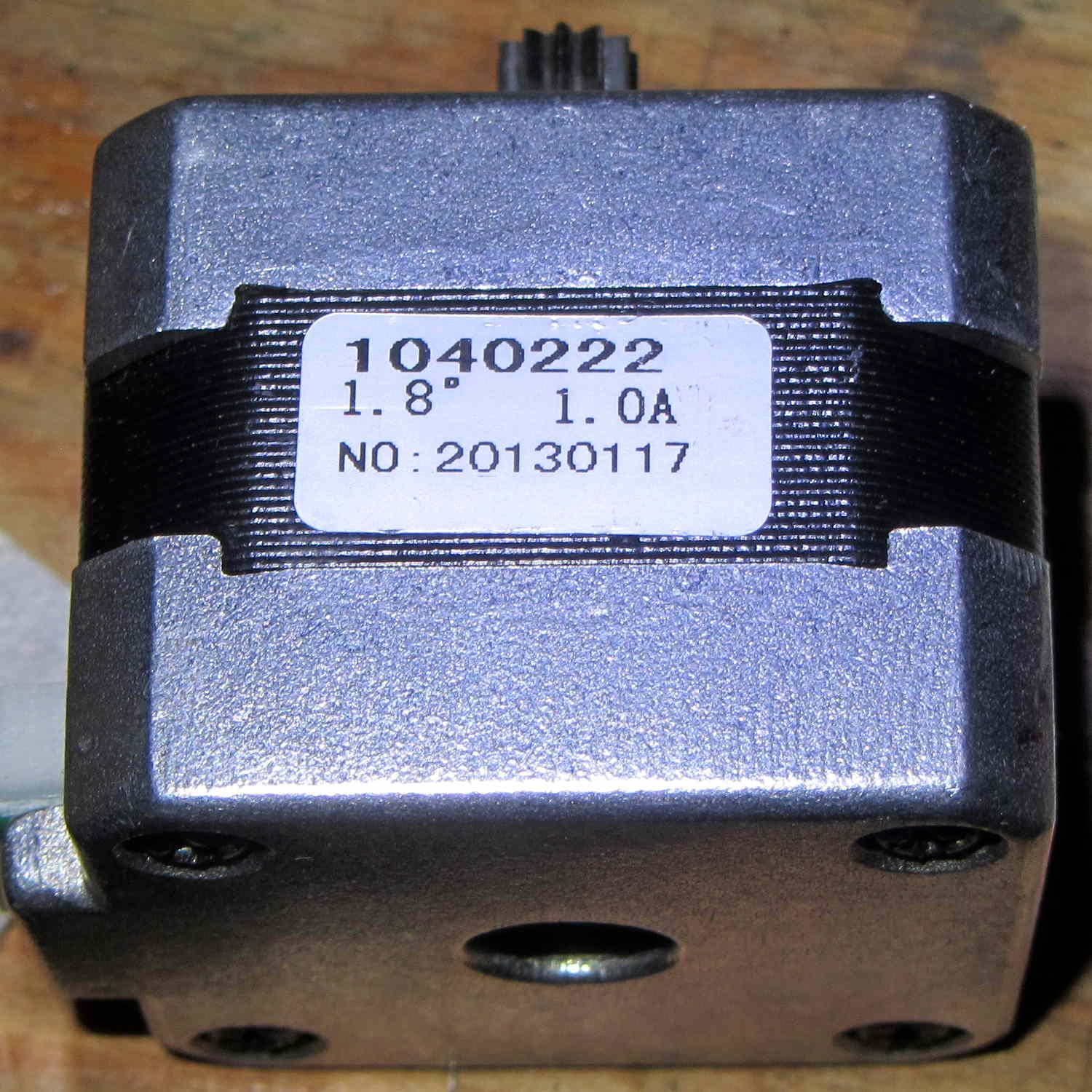
There’s no manufacturer, but the 104022 number matches up with a Kysan motor. The description doesn’t say anything about the interior of the gearbox, but that’s not surprising. The gear ratio is 5.2:1, not the 5:1 I’d been assuming, which gets compensated out later on.
The pinion gear is worn, but not severely, and the three planet gears are in fine shape:

Slather everything with lithium gear grease, stuff the parts back in place, and it’s all good.
The socket-head set screws may have a bit of threadlock, as they’re firmly set in place, and, as you’d expect, Harbor Freight hex wrenches are made of butter-soft steel that’s totally useless in sizes below about 2.5 mm. In fact, those screws rounded the end of an old Craftsman wrench, so maybe they’re slightly oversize.
 The Smell of Molten Projects in the Morning
Comments
2 responses to “Makergear M2 Filament Drive Motor: Status Check”
I wonder if a person could harden the Harbor Freight hex wrenches…
I’d expect the steel comes from melting all the unidentified scrap left over after extracting anything with known alloy content: low carbon, plenty of mystery elements, yet not quite radioactive enough to set off the cargo container monitors. [grin]