The Smell of Molten Projects in the Morning

Ed Nisley's Blog: Shop notes, electronics, firmware, machinery, 3D printing, laser cuttery, and curiosities. Contents: 100% human thinking, 0% AI slop.

Tag: Improvements

Making the world a better place, one piece at a time

  • Prusa MK4 Platform Protector

    Prusa MK4 Platform Protector

    While cleaning the bird’s nest off the extruder, the need for a protector over the steel build plate became obvious:

    Prusa MK4 - platform cover sheet
    Prusa MK4 – platform cover sheet

    Yes, it’s laser cut, which trivialized the two little holes for the locating screws in the back.

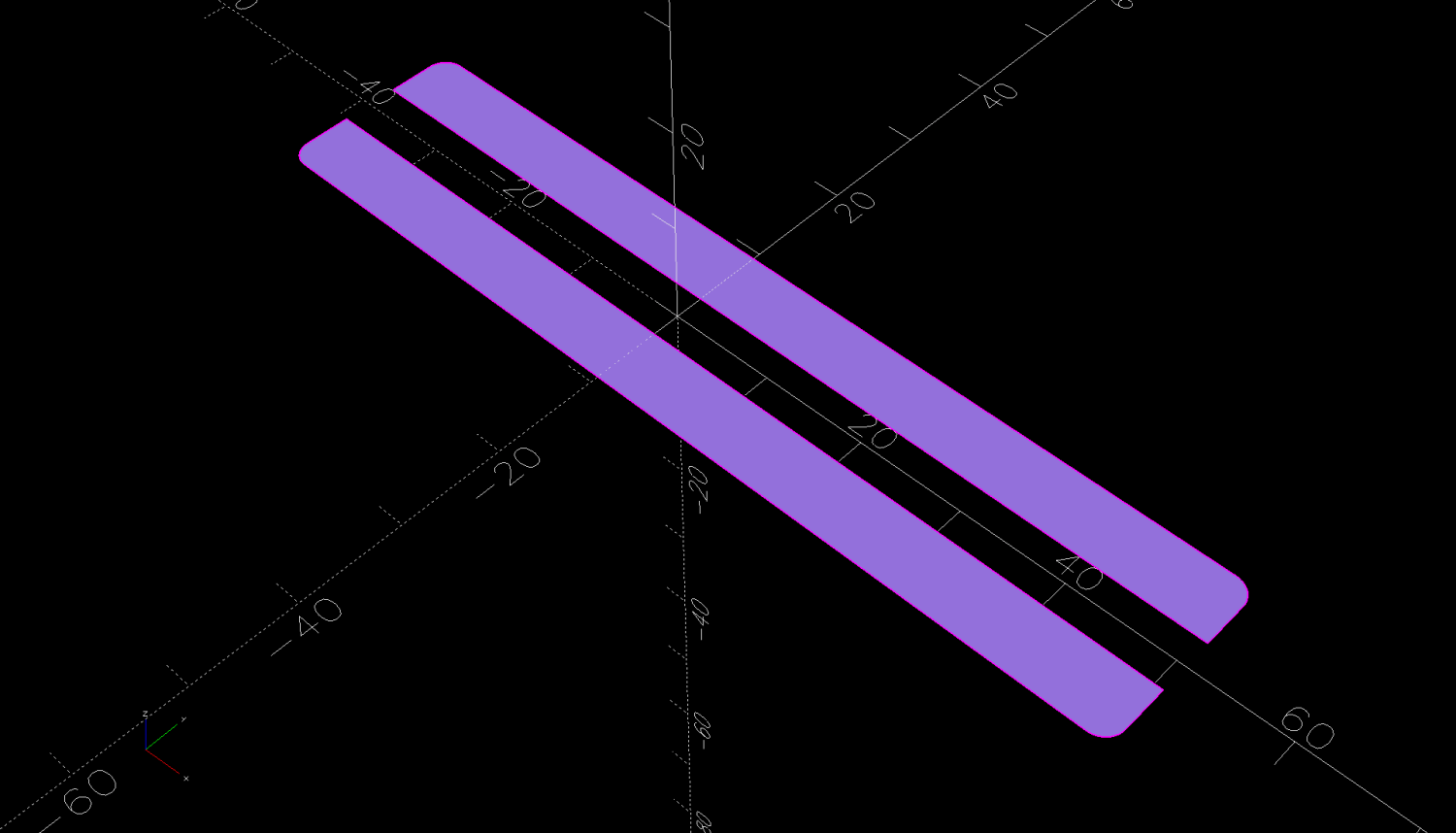
    Given the dimensions, it should take you five minutes, tops, to cut your own from some chipboard:

    Prusa MK4 Platform protector sheet doodles
    Prusa MK4 Platform protector sheet doodles

    The blobs along the front edge mark the magnets where you could add a bit of steel to snap the protector in place, if you’re inclined to remove the plate. I just let it sit there, which seems entirely sufficient.

    Long ago I made a similar corrugated cardboard sheet for the M2 that is still covering its glass platform today.

  • Cutting Board Shim

    Cutting Board Shim

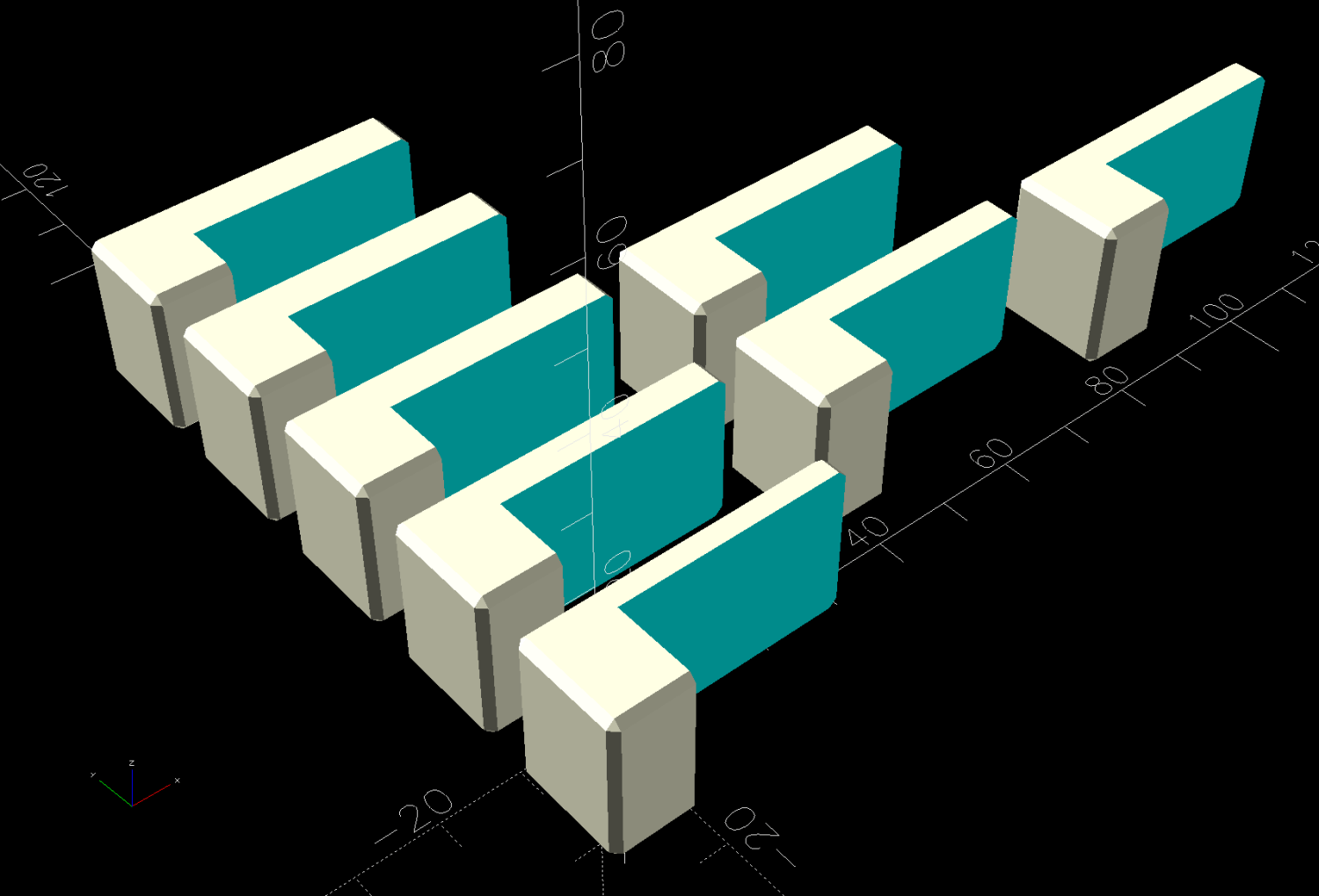
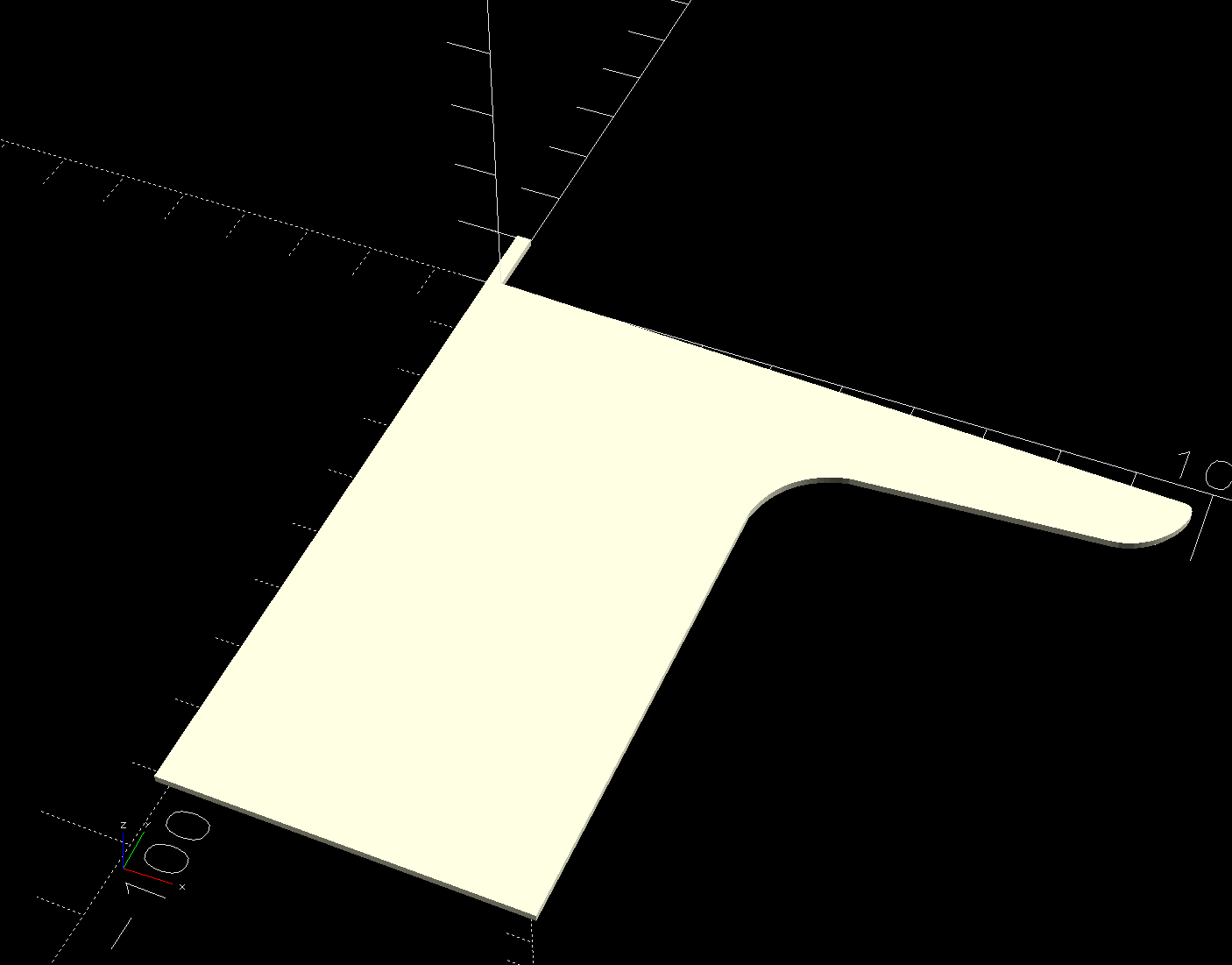
    The kitchen counter has only two useful places for the cutting board and the spot Mary favors puts a distinct swale under one corner. A bit of measuring and solid modeling produced a simple shim to make the answer come out right:

    Cutting Board shim - solid model
    Cutting Board shim – solid model

    The basic shape is union() of a trio of hull() operations forming the three sides, with the text label as a separate object to verify I understood how to build a multi-material object.

    Export it as a 3mf file, open it in PrusaSlicer, slice, print:

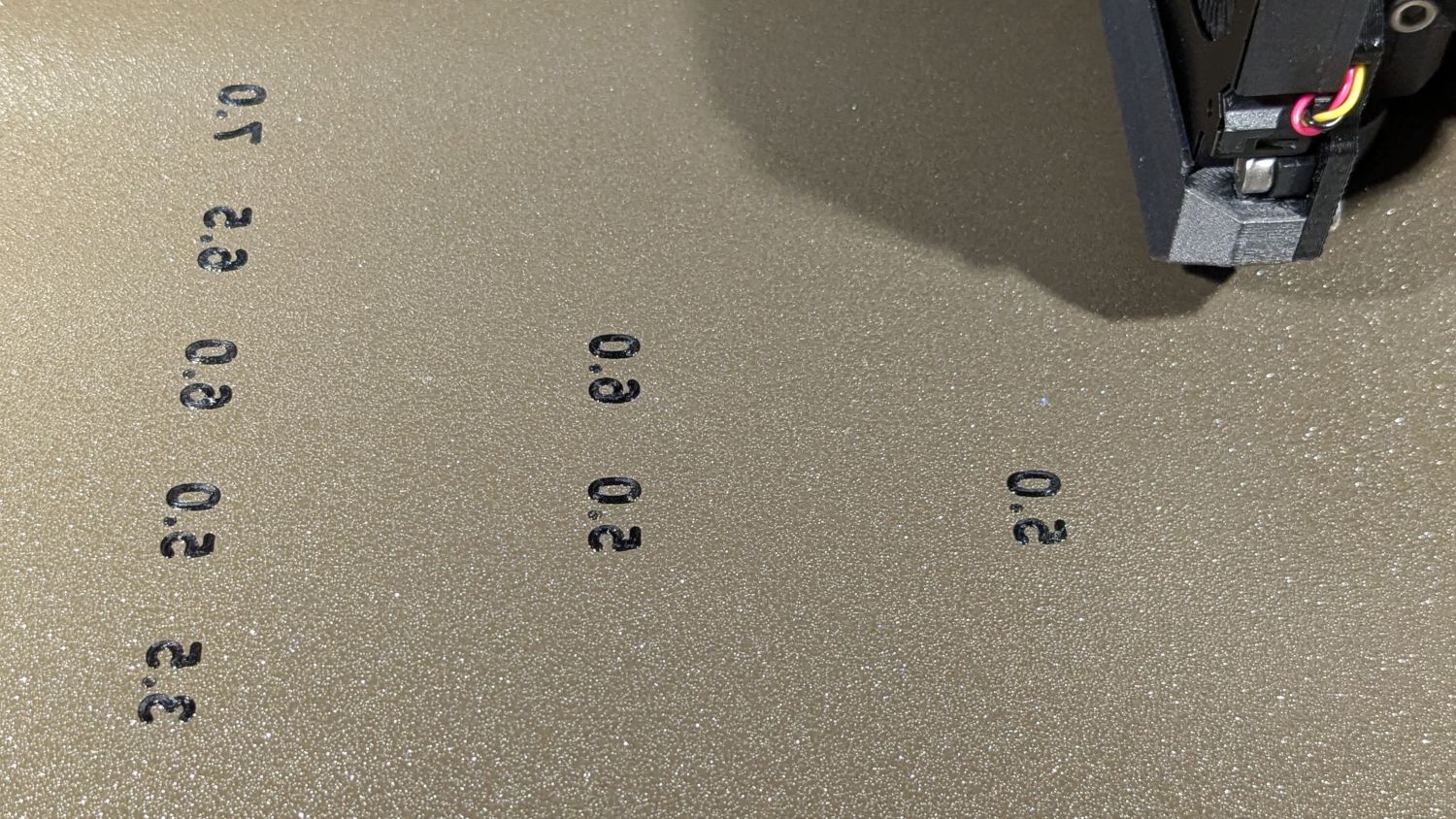
    Cutting Board shim - label
    Cutting Board shim – label

    Putting the label on the bottom surface takes advantage of the nubbly finish on the Textured Steel Sheet to make it look like it just grew in there.

    The label is just barely visible from the top, despite extending only 1/4 of the way through the 1.6 mm bottom slab:

    Cutting Board shim - top
    Cutting Board shim – top

    So white PETG needs more than 1.2 mm of thickness to hid a black feature. Today I Learned, etc.

    Multi-material printing produces a Wipe Tower to hold all the extruded junk during color changes:

    Cutting Board shim - wipe tower
    Cutting Board shim – wipe tower

    The curl under the nozzle comes from the final ramming used to shape the end of the filament into a point for reliable material / color changing.

    Although a shim is something of a nuisance, it works perfectly:

    Cutting Board shim - in use
    Cutting Board shim – in use

    Much easier than installing an L-shaped Corian slab with a sink cutout!

    The faded engraving dates back to the early days of the laser

    The OpenSCAD source code as a GitHub Gist:

    // Cutting Board alignment shim
    // Ed Nisley KE4ZNU – 2024-08-20
    //—–
    // Dimensions
    ShimThick = 1.6; // thickness of shim under board
    /* [Hidden] */
    ShimOA = [25.0,25.0,15.0]; // overall size of shim
    WallThick = 4.0;
    ShimRadius = WallThick/2;
    LabelThick = ShimThick/4;
    NumSides = 3*4;
    //—–
    // Build it
    union() {
    hull()
    for (i=[0,1])
    translate([i*(ShimOA.x – ShimRadius),0,0])
    cylinder(r=ShimRadius,h=ShimOA.z,$fn=NumSides);
    hull()
    for (j=[0,1])
    translate([0,j*(ShimOA.y – ShimRadius),0])
    cylinder(r=ShimRadius,h=ShimOA.z,$fn=NumSides);
    hull() {
    for (i=[0,1])
    translate([i*(ShimOA.x – ShimRadius),0,0])
    cylinder(r=ShimRadius,h=ShimThick,$fn=NumSides);
    translate([0,1*(ShimOA.y – ShimRadius),0])
    cylinder(r=ShimRadius,h=ShimThick,$fn=NumSides);
    }
    }
    color("Black")
    translate([ShimOA.x/3,ShimOA.y/3,LabelThick])
    rotate([180,0,90 + 45])
    linear_extrude(height=LabelThick,convexity=20)
    text(text=str(ShimThick),size=6,spacing=1.00,
    font="Arial:style:Bold",halign="center",valign="center");
  • Under-cabinet LED Light Brick Mounts

    Under-cabinet LED Light Brick Mounts

    Descending directly from the holders for the MPCNC power brick, slightly smaller brackets for the power bricks attached to the under-cabinet LED strip light in the kitchen:

    Kitchen Under-cabinet light power brick mounts - slicer view
    Kitchen Under-cabinet light power brick mounts – slicer view

    Made from black PETG (because they’re in the kitchen) they fit fine:

    Under-cabinet light - brick B
    Under-cabinet light – brick B

    Although the elegance depends on which way the brick points:

    Under-cabinet light - brick A
    Under-cabinet light – brick A

    They have the distinction of being the first “real” objects from the Prusa MK4. All my hard-won knowledge of forcing solid models into reality through a 3D printer is obsolete: the default slicer settings on a new printer work perfectly, with no fiddling required.

    The OpenSCAD source code as a GitHub Gist:

    // Power Supply Brick brackets
    // Ed Nisley KE4ZNU 2024-08-19
    Layout = "Show"; // [Show,Build]
    //– Extrusion parameters
    /* [Hidden] */
    ThreadThick = 0.20;
    ThreadWidth = 0.45;
    HoleWindage = 0.3; // enlarge hole dia by this amount
    function IntegerMultiple(Size,Unit) = Unit * ceil(Size / Unit);
    Protrusion = 0.1; // make holes look good and joints intersect properly
    //– Useful sizes
    ID = 0;
    OD = 1;
    LENGTH = 2;
    //– Bracket Dimensions
    Brick = [115.0,51.0,32.0]; // overall size, add details in module
    Socket = [20.0,10.0]; // binocular power socket
    Cable = [5.0,12.0]; // DC output cable ID=wire OD=strain relief
    //Socket = [30.0,24.0]; // IEC power socket
    //Cable = [6.0,15.0]; // DC output cable ID=wire OD=strain relief
    WallThick = 3.0; // default wall thickness
    BaseThick = 4.0;
    Screw = [5.1,10.0,3.0]; // screw size, more-or-less 10-32, OD & LENGTH for head
    NumSides = 3*4;
    //———————-
    // Useful routines
    module PolyCyl(Dia,Height,ForceSides=0) { // based on nophead's polyholes
    Sides = (ForceSides != 0) ? ForceSides : (ceil(Dia) + 2);
    FixDia = Dia / cos(180/Sides);
    cylinder(r=(FixDia + HoleWindage)/2,
    h=Height,
    $fn=Sides);
    }
    //———————-
    // Models
    module BrickMount(End="Both") {
    difference() {
    union() {
    hull() // main block
    for (i=[-1,1], j=[-1,1], k=[0,1])
    translate([i*(Brick.x/2 + WallThick – WallThick),
    j*(Brick.y/2 + WallThick – WallThick),
    k*(Brick.z + WallThick – WallThick)])
    sphere(r=WallThick,$fn=NumSides);
    hull() // screw flanges
    for (i=[-1,1], j=[-1,1])
    translate([i*(Brick.x/2 + WallThick – BaseThick),
    j*(Brick.y/2 + WallThick + 2*Screw[OD] – BaseThick),
    0])
    sphere(r=BaseThick,$fn=NumSides);
    }
    for (i=[-1,1], j=[-1,1]) // remove screw holes
    translate([i*(Brick.x/2 + WallThick – Screw[OD]),
    j*(Brick.y/2 + WallThick + Screw[OD]),
    -Protrusion])
    rotate(180/6)
    PolyCyl(Screw[ID],2*WallThick,6);
    translate([0,0,Brick.z/2]) // remove center part to leave ends
    cube([(Brick.x + 2*WallThick – 4*Screw[OD]),2*Brick.y,2*Brick.z],center=true);
    if (End == "Socket")
    translate([Brick.x/2,0,Brick.z/2]) // remove cable end to leave socket
    cube([(Brick.x + 2*WallThick – 4*Screw[OD]),2*Brick.y,2*Brick.z],center=true);
    if (End == "Cable")
    translate([-Brick.x/2,0,Brick.z/2]) // remove socket end to leave cable
    cube([(Brick.x + 2*WallThick – 4*Screw[OD]),2*Brick.y,2*Brick.z],center=true);
    translate([0,0,Brick.z/2 – Protrusion/2]) // remove power supply brick from interior
    cube(Brick + [0,0,Protrusion],center=true);
    translate([0,0,-Brick.z]) // remove below XY plane
    cube(2*Brick,center=true);
    translate([0,0,Brick.z/2]) // remove AC socket
    rotate([0,-90,0])
    rotate(90)
    linear_extrude(height=Brick.x,convexity=2)
    square(Socket,center=true);
    translate([0,0,Brick.z/2]) // remove DC cable
    rotate([0,90,0])
    rotate(180/8)
    PolyCyl(Cable[OD],Brick.x,8);
    translate([Brick.x/2,0,Brick.z/4 – Protrusion/2]) // … and wire slot
    cube([Brick.x,Cable[ID],Brick.z/2 + Protrusion],center=true);
    }
    }
    //———————-
    // Build it
    if (Layout == "Show")
    BrickMount("Both");
    if (Layout == "Build") {
    translate([5,0,Brick.x/2 + WallThick])
    rotate([0,90,0])
    BrickMount("Cable");
    translate([-5,0,Brick.x/2 + WallThick])
    rotate([0,-90,0])
    BrickMount("Socket");
    }
  • GripStic Shortening

    GripStic Shortening

    We’ve been using GripStic Bag Sealers on bags around the kitchen with good results, but the “XLarge” pink sticks far exceed the largest bags we have. While not the worst problem I’ve encountered in the last year, I can fix that:

    Gripstic - shortened assortment
    Gripstic – shortened assortment

    An elaborate latch aligns the yellow rod along the axis of the outer shell:

    Gripstic - rod end feature
    Gripstic – rod end feature

    I shortened the stick with Tiny Bandsaw™, cleaned up the ends, squirted hot melt glue into the shell, set it on a bench block, rammed the yellow rod into the glue, and paused for contemplation:

    Gripstic - shortened glue
    Gripstic – shortened glue

    Trim off the blob and it’s all good.

    The WordPress AI suggests “Additionally, including tips for handling the Tiny Bandsaw™ and hot melt glue would be beneficial.” So, as always, use your tools carefully, OK?

    Adding the preceding paragraph changed the AI suggestion to “To further improve the content, consider adding tips for handling the Tiny Bandsaw™ and hot melt glue for the readers’ benefit. Always prioritize safety when using tools.” I recommend not juggling Tiny Bandsaw™ and a hot melt glue gun, particularly went they’re running.

  • Laser-cut Paper Pad Hooks

    Laser-cut Paper Pad Hooks

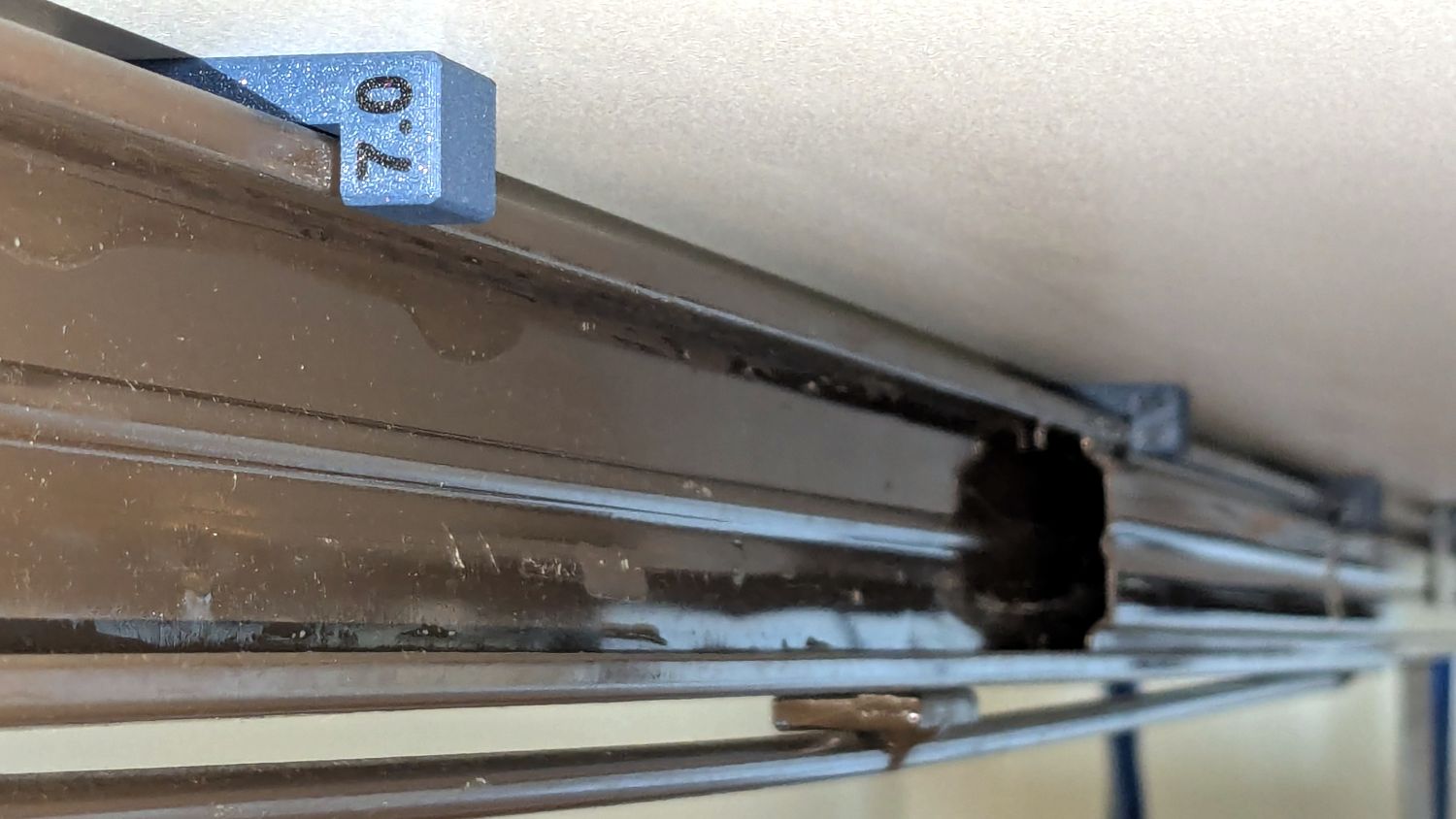
    Mostly because I could:

    Laser-cut MDF paper hooks
    Laser-cut MDF paper hooks

    Another pair of hooks support the far end of the sketch paper pad, all hanging on the end of the shelves holding laser materials & tooling.

    MDF isn’t particularly well-suited as a hook for anything weighing more than a dozen sheets of paper, but that pad is now out of the way where it won’t get curled.

    The shape comes from a bunch of rectangles welded together in LightBurn, with the obvious corners rounded off for stylin’.

  • Wheelbarrow Drain Holes

    Wheelbarrow Drain Holes

    Attacking a plastic wheelbarrow with a ¾ inch hole saw prevents it from becoming a mosquito breeding station:

    Wheelbarrow drain holes
    Wheelbarrow drain holes

    We had been storing it tipped to one side, resulting in the wheel filling up with water, which can’t be a Good Thing.

    If it must carry a load of sand, I’ll just duct-tape the holes.

    One of Mary’s friend looked at, but did not order, this wheelbarrow on Amazon. Shortly thereafter, she received a wheelbarrow in two packages: the handles and a box with everything else strapped into the barrow. After a discussion with Amazon’s support / help staff, she was told to just keep it at no charge.

    Over the next few weeks, she received five more wheelbarrows, each prompting a discussion and keeping them at no charge. Eventually, somebody figured out how to stop the stream.

    So half a dozen gardeners now have free wheelbarrows, courtesy of a glitch in The Machine.

    Makes you wonder, doesn’t it?

  • Anker A1215 PowerCore 13000 Power Banks: Five Years

    Anker A1215 PowerCore 13000 Power Banks: Five Years

    After five years of powering the action cameras on our Tour Easy recumbents, the pair of Anker A1215 PowerCore 13000 USB power banks have about 8 A·hr of capacity with a 2 A load after a full charge:

    Anker PowerCore 13000 - 20204-07-26
    Anker PowerCore 13000 – 20204-07-26

    It seems I did not test them on arrival, so I have no idea what their original capacity might have been, but I’m certain it wasn’t the 13 A·hr implied by their name.

    The sawtooth voltage output looks like the internal controller picks a constant boost (or buck) ratio based on the battery voltage, then adjusts it when the output voltage falls below the lower limit. You can imagine it desperately boosting the ratio as the battery voltage falls off a cliff near the end of the curve.

    I have no idea why the two packs behave so differently, although the voltages are certainly within ordinary USB limits.

    They’ll continue powering the camera on my bike for a while, after which I’m sure they’ll come in handy for something …