The Smell of Molten Projects in the Morning

Ed Nisley's Blog: Shop notes, electronics, firmware, machinery, 3D printing, laser cuttery, and curiosities. Contents: 100% human thinking, 0% AI slop.

Tag: Improvements

Making the world a better place, one piece at a time

  • Laser Cutter: Letter Page Fixture

    Laser Cutter: Letter Page Fixture

    Making 200×200 mm layered paper “pictures” involved cutting the square blanks from 8½×11 Letter sheets, putting those blanks in a fixture to hold them flat, then cutting the layer patterns:

    Layered Paper cutting fixture - in use
    Layered Paper cutting fixture – in use

    That worked well enough, but it occurred to me that I should cut the patterns directly into the Letter sheet, with a couple of tabs on each edge holding the square to the sheet so it didn’t fall free.

    A cardboard prototype showed this would actually work, at least after I fixed the tab width to keep them from just evaporating:

    Pyrotechnics - metallized paper fixture
    Pyrotechnics – metallized paper fixture

    The top and bottom strips of tape hold cardboard bars that flatten the slightly curled metallic paper. The tape on the sides holds the cardboard flat to the knife bars across the laser platform.

    A few adjustments later, I had an MDF version:

    Letter paper fixture - cardboard vs MDF
    Letter paper fixture – cardboard vs MDF

    Which fits atop the bars even better:

    Letter paper fixture - on knife bars
    Letter paper fixture – on knife bars

    Cutting colored paper definitely makes for cheerful chaff!

    The two bar magnets hold the fixture in place on the steel platform rim. The aluminum knife bars stand slightly proud of the steel, so there’s a 1.4 mm chipboard shim glued under the fixture to put it flat on the bars.

    The opening is 10 mm smaller than the Letter sheet to support it all around. The recess is 1 mm larger than the sheet to allow for slight size variations, with an MDF ring flattening the sheet:
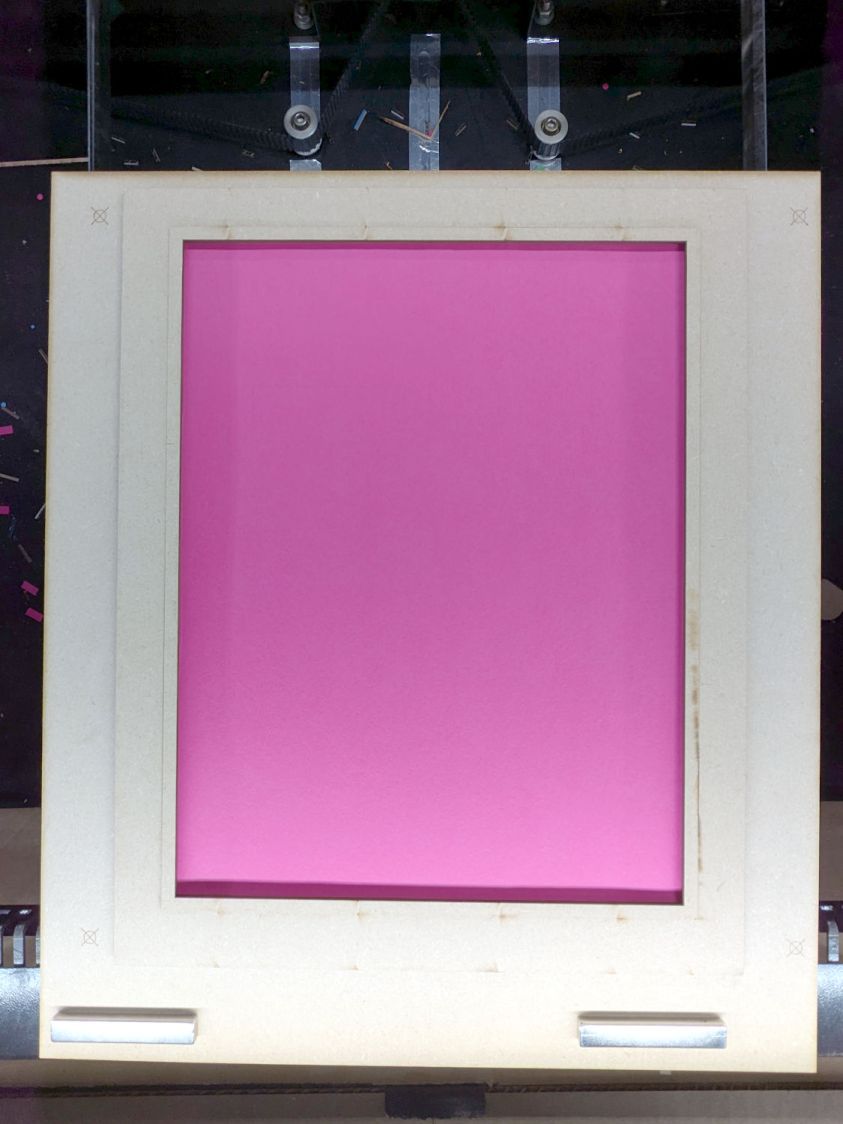
    Letter paper fixture - sheet in place
    Letter paper fixture – sheet in place

    The four targets in the corners correspond to targets in the LightBurn template suitable for Print and Cut alignment:

    Letter sheet template - LightBurn layout
    Letter sheet template – LightBurn layout

    The alert reader will note the fixture targets on the MDF fixture sit juuuust slightly to the right of where they are in the template. It turns out the targets cannot be grouped with anything else (or even each other), because when you select a target on the template for Print and Cut the center of the selection must match the location of the physical target on the fixture.

    However, it’s convenient to have the rest of the template grouped into a single lump, so it’s painfully easy to select and move only the template while leaving the targets behind. It seems while setting up to mark & cut the template, I managed to click-n-drag the group a few millimeters to the left.

    I eventually used Print and Cut to align the template and target with the corners of that MDF frame, re-engrave the targets at the correct locations, and scribble over the misplaced targets. If I don’t tell anybody, they’ll never know.

    The LightBurn SVG layout as a GitHub Gist:
    Loading
    Sorry, something went wrong. Reload?
    Sorry, we cannot display this file.
    Sorry, this file is invalid so it cannot be displayed.
  • Laser-Cut Vole Trap Boxes

    Laser-Cut Vole Trap Boxes

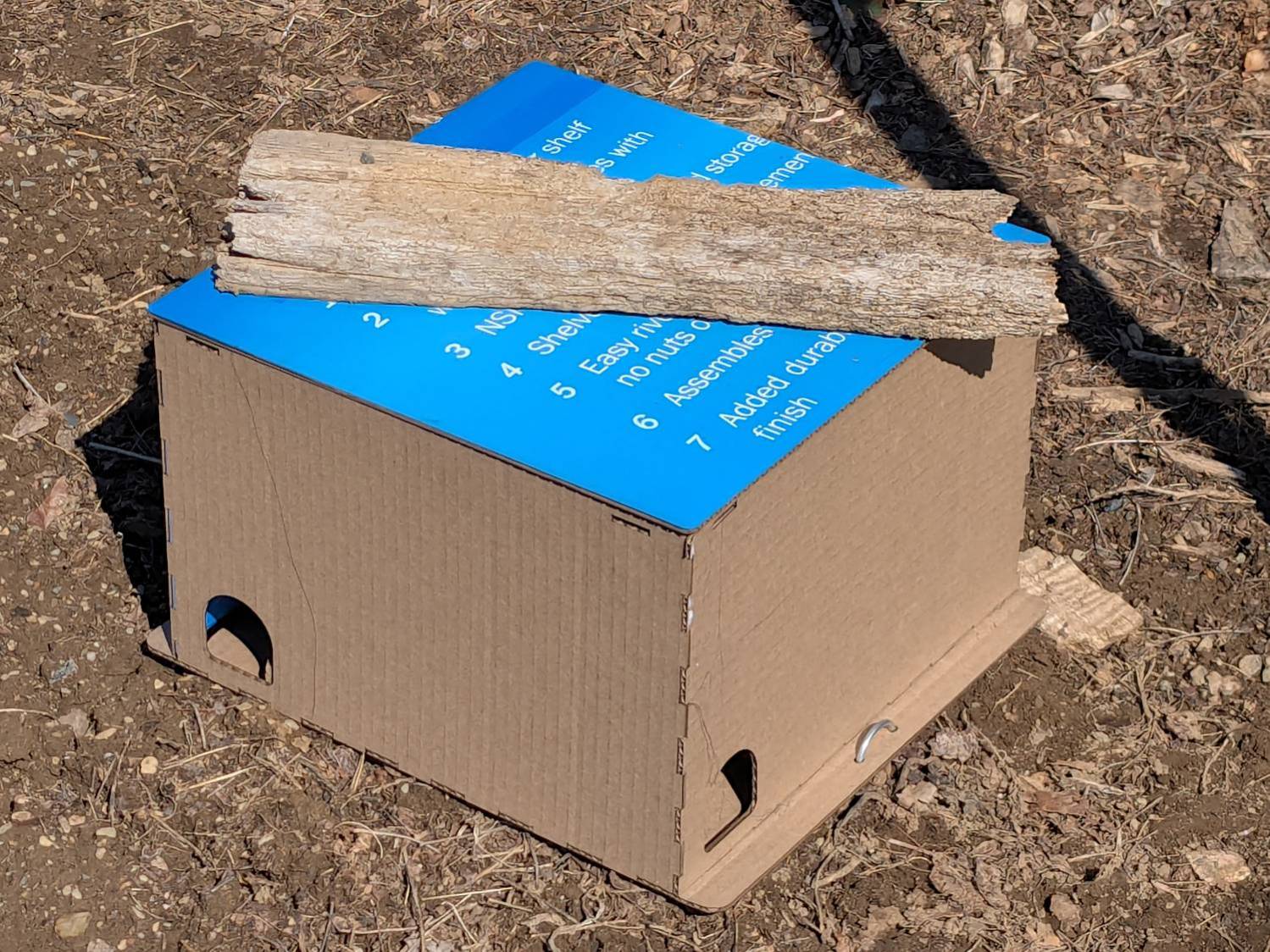
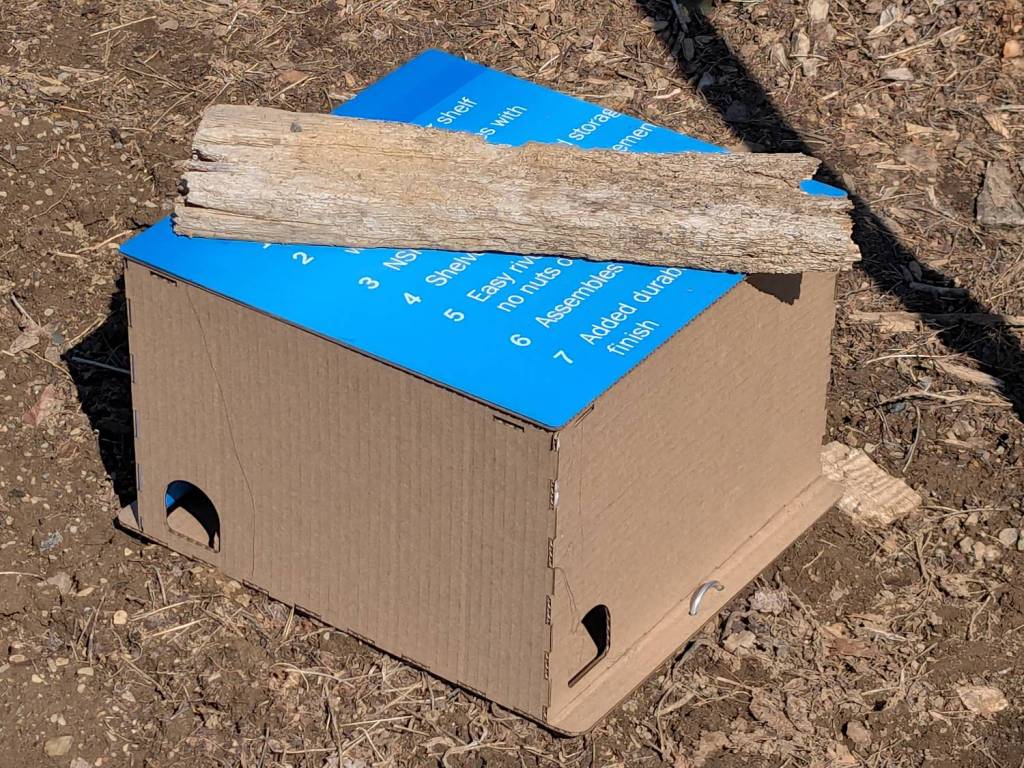
    We deployed low-effort vole trap boxes a few weeks ago, only to discover no voles checked in, most likely due to wintertime gardens consisting of bare earth. I had weighted the boxes with convenient rocks that pretty much crushed them flat during rainstorms.

    So I converted a few dozen square feet of cardboard into better-looking boxes and transferred the traps:

    Vole Finger Box - large
    Vole Finger Box – large

    That one has a rat trap inside.

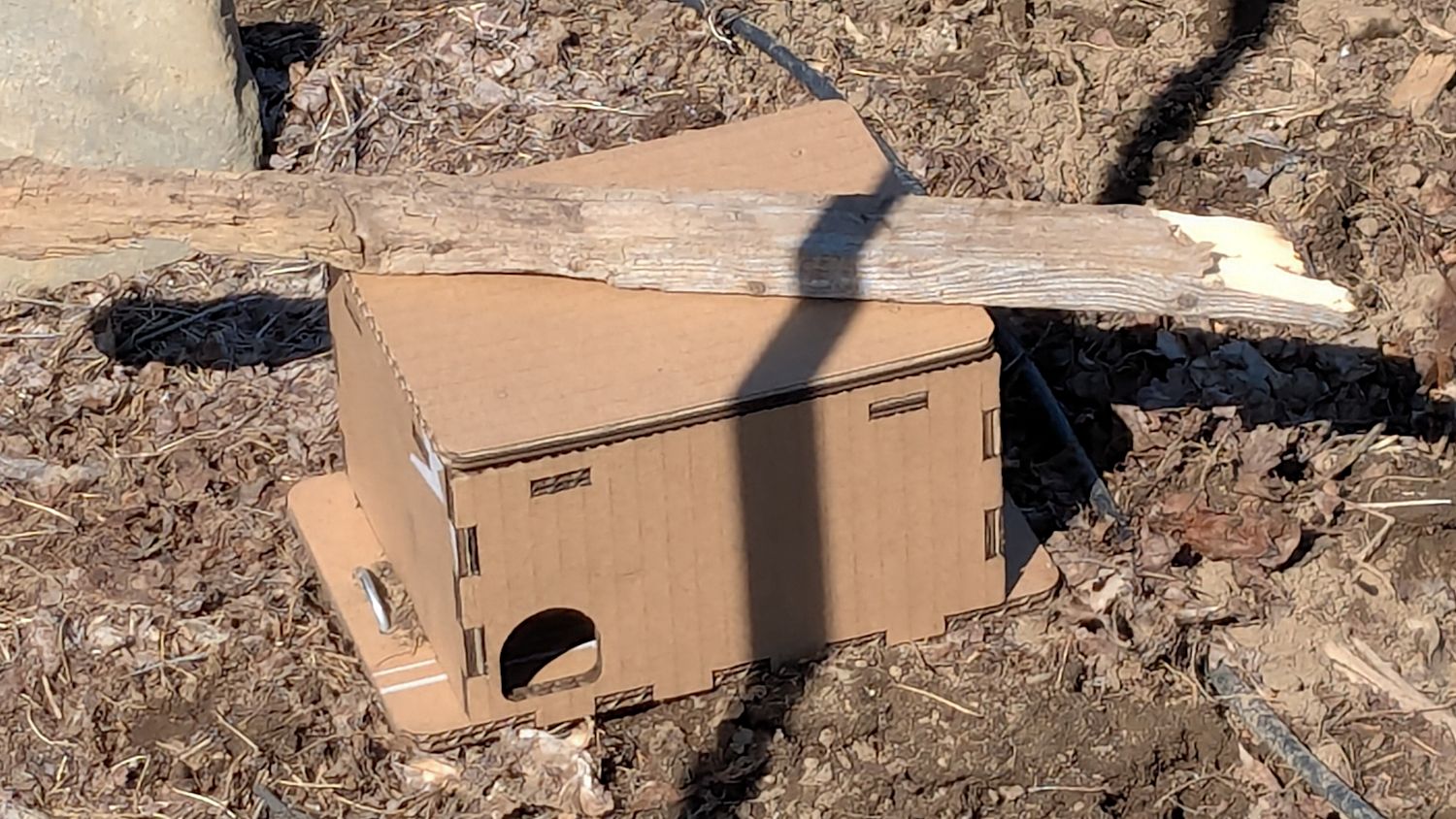
    Smaller boxes hold mouse traps:

    Vole Finger Box - small
    Vole Finger Box – small

    Two pairs of 4 mm holes on the bottom flanges fit some spare irrigation pipe holddowns to, yes, hold them down, with those rotten planks keeping their lids in place.

    They’re lightly customized “Electronics Boxes” held together by hot-melt glue. The jawbreaker URLs will get you started:

    Cardboard remains the wrong material, but my stockpile remains well-stocked.

  • LED Strip Lights: Window Moulding Mounts

    LED Strip Lights: Window Moulding Mounts

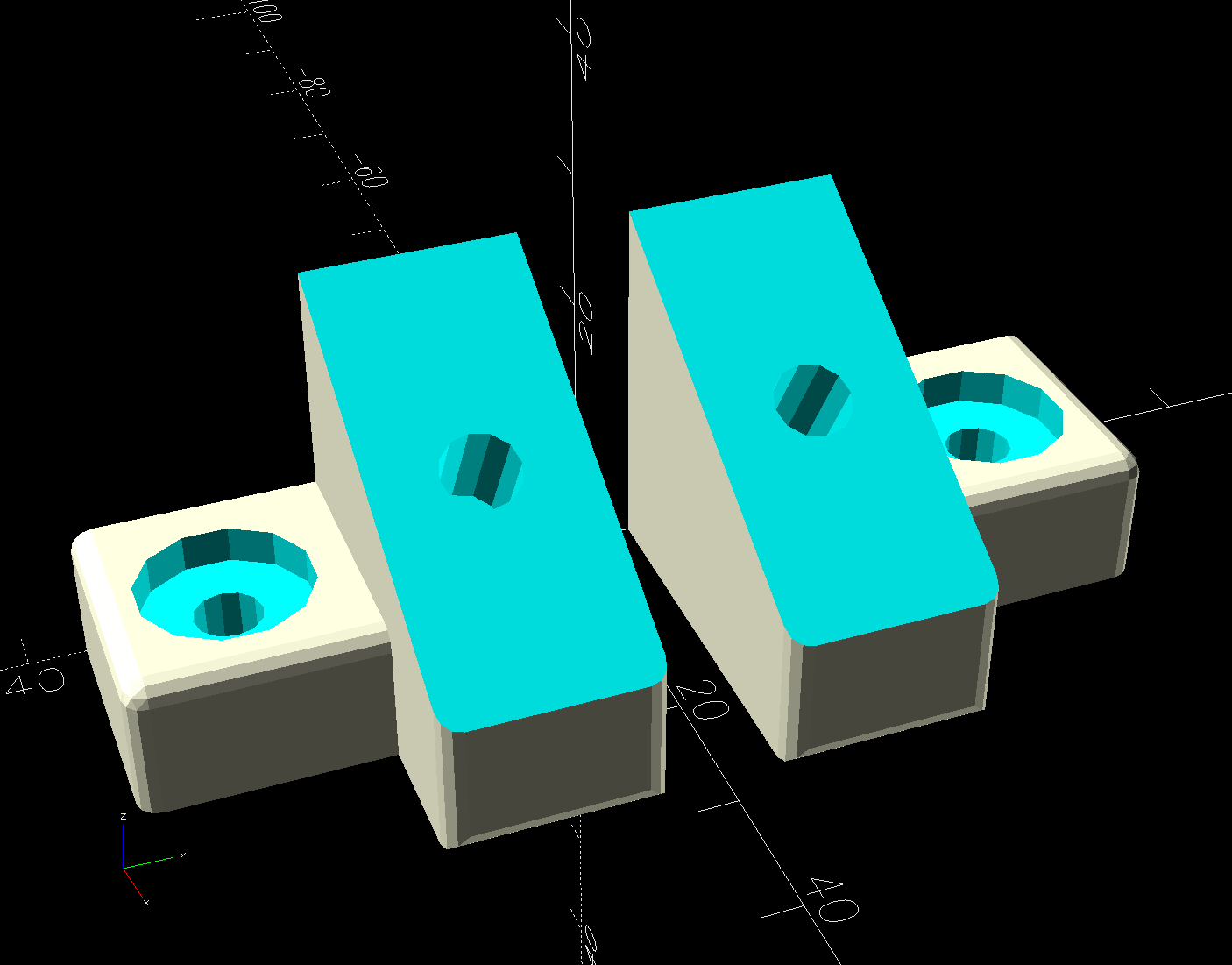
    The object of the game being to tilt the LED strip lights at (maybe) 30° to put more light higher on the wall and further out on the ceiling, with the overriding constraint of no visible holes. Given their eventual home atop the window moulding along the front wall of the Living Sewing Room, these seemed adequate:

    LED Bar Lamp Mount - solid model
    LED Bar Lamp Mount – solid model

    The hole on the angled part fits an M4 brass insert and the recessed holes capture the washer-like head of a sharp-point lath screw.

    Two pairs applied to the lights sitting atop the Fabric Cabinets served to verify the fit:

    LED strip light - moulding mount - on cabinet
    LED strip light – moulding mount – on cabinet

    They’re held firmly by the aluminum extrusion and don’t need a bigger footprint to remain stable.

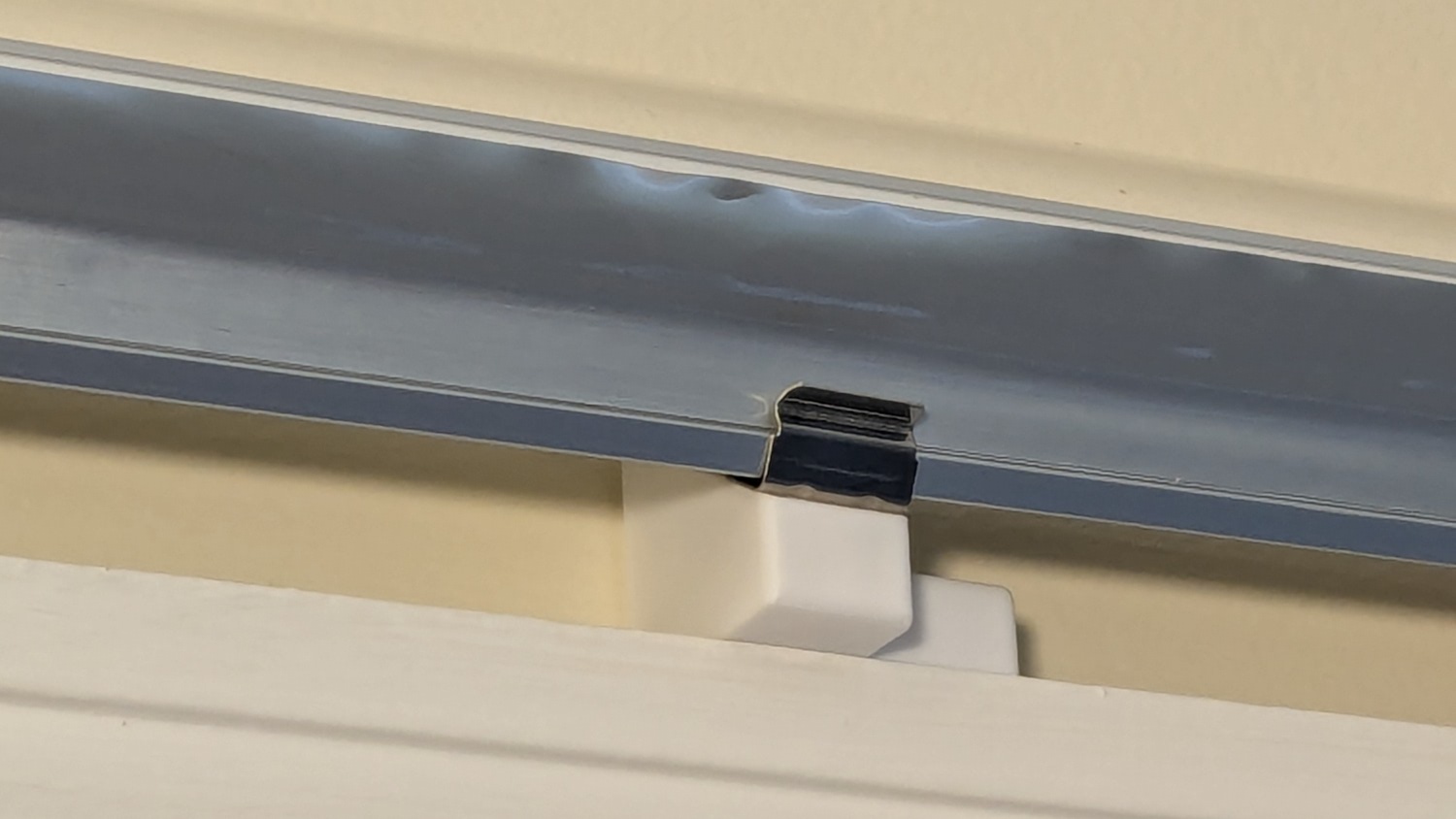
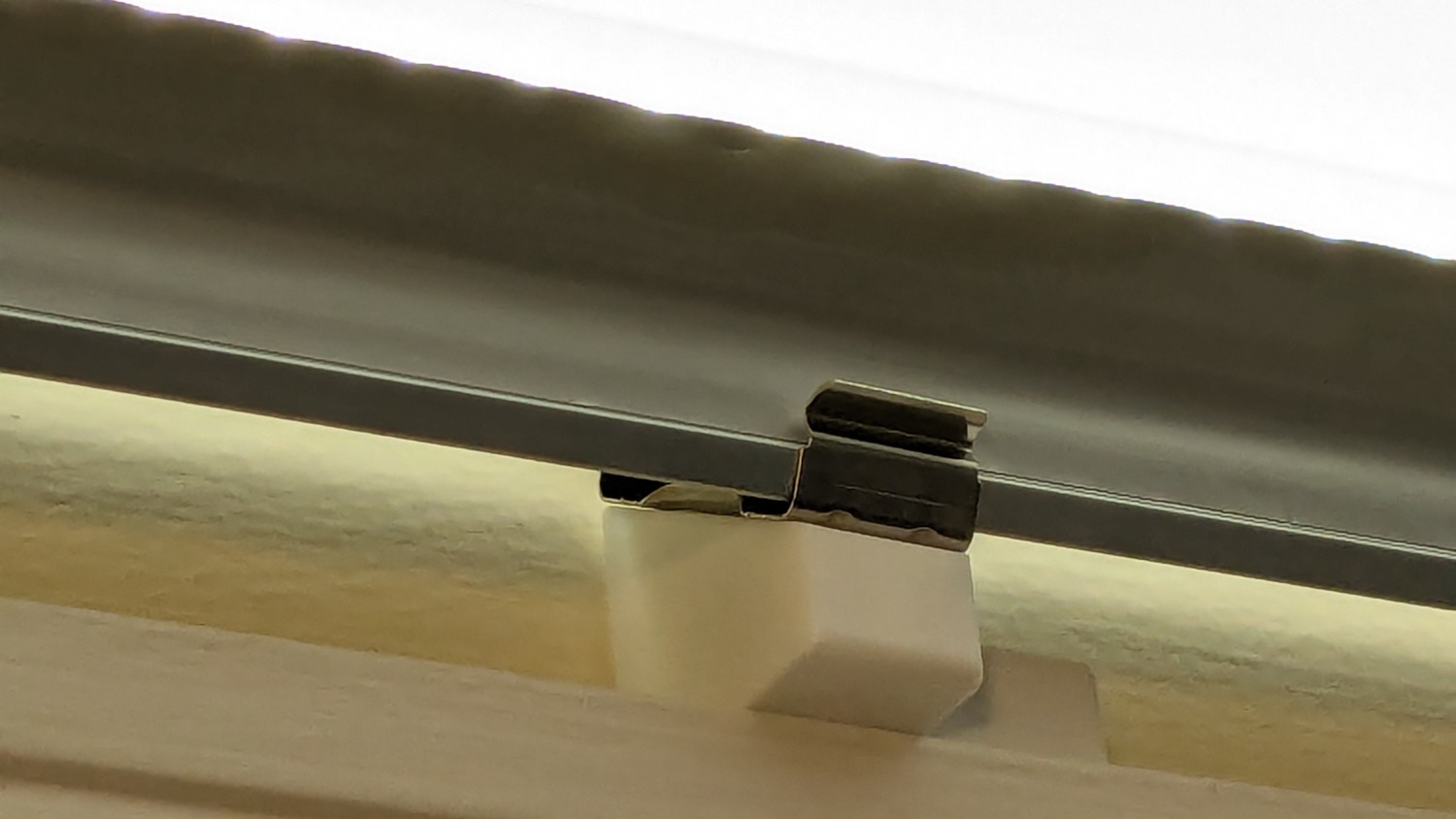
    So I made another six, stuck on ⅞ inch strips of aluminized Mylar (cut from a bag in much better condition), and drilled holes where they can’t be seen:

    LED strip light - moulding mount - installed
    LED strip light – moulding mount – installed

    It’s almost too bright in there with 3 × 40 W of LED lights washing the wall and ceiling:

    LED strip light - moulding mount - lit
    LED strip light – moulding mount – lit

    I don’t like the cold 6000 K color temperature, but Mary doesn’t mind it. They fill the Sewing Table with shadowless / glareless light, although that kind of light makes the place look like a store.

    I think moving the strip lower and away from the wall could hide the entire mount from view.

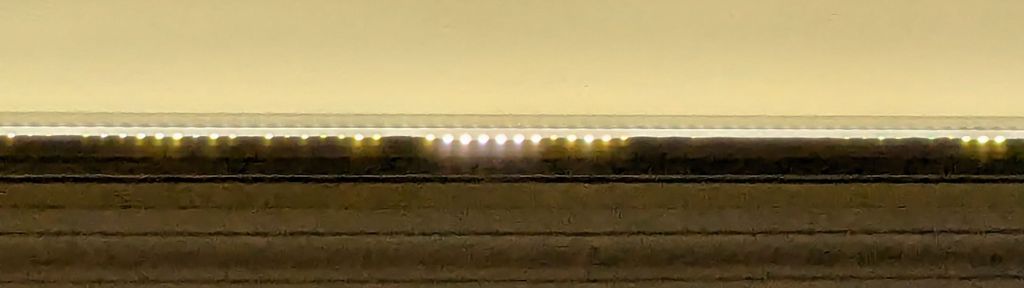
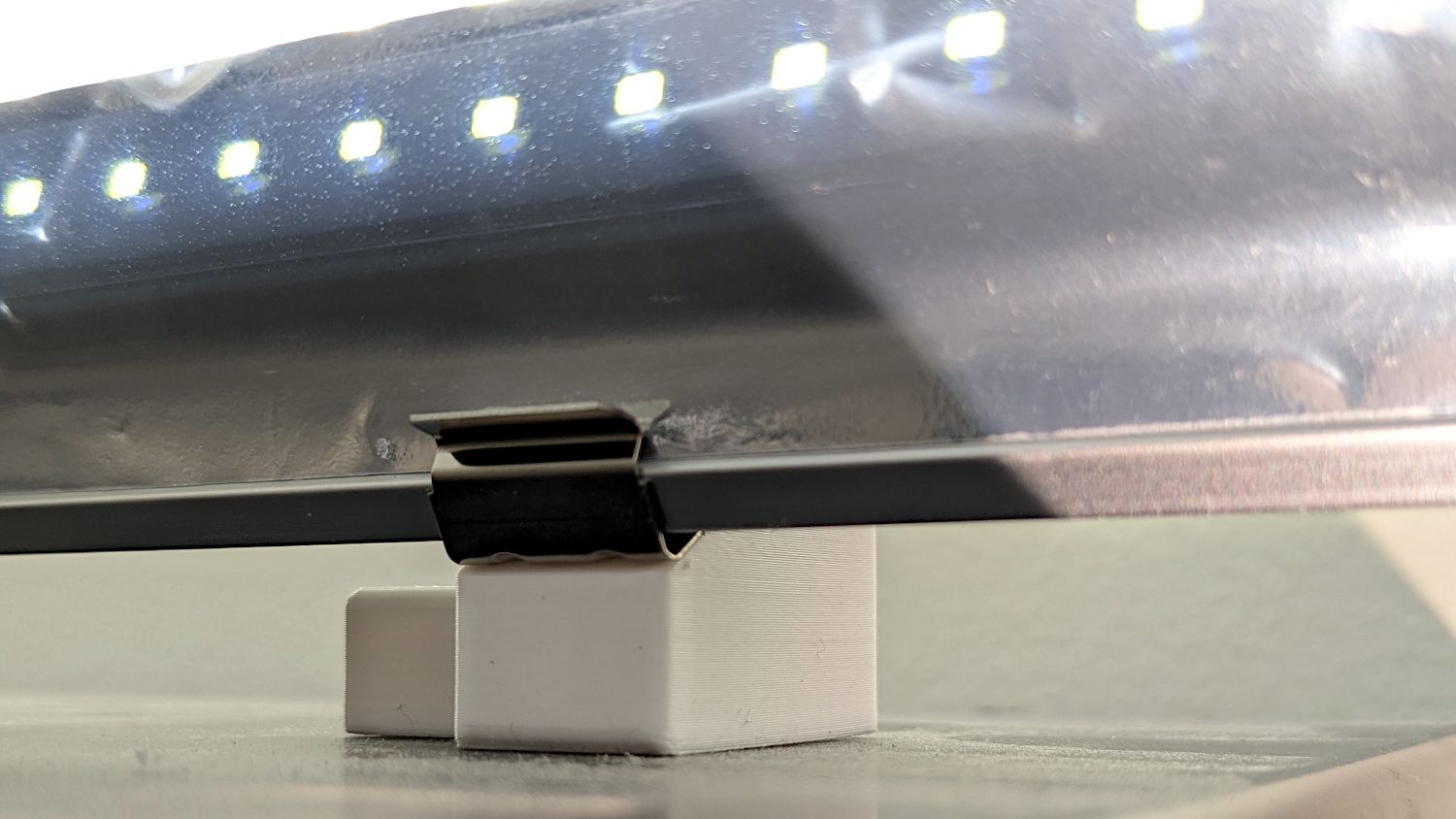
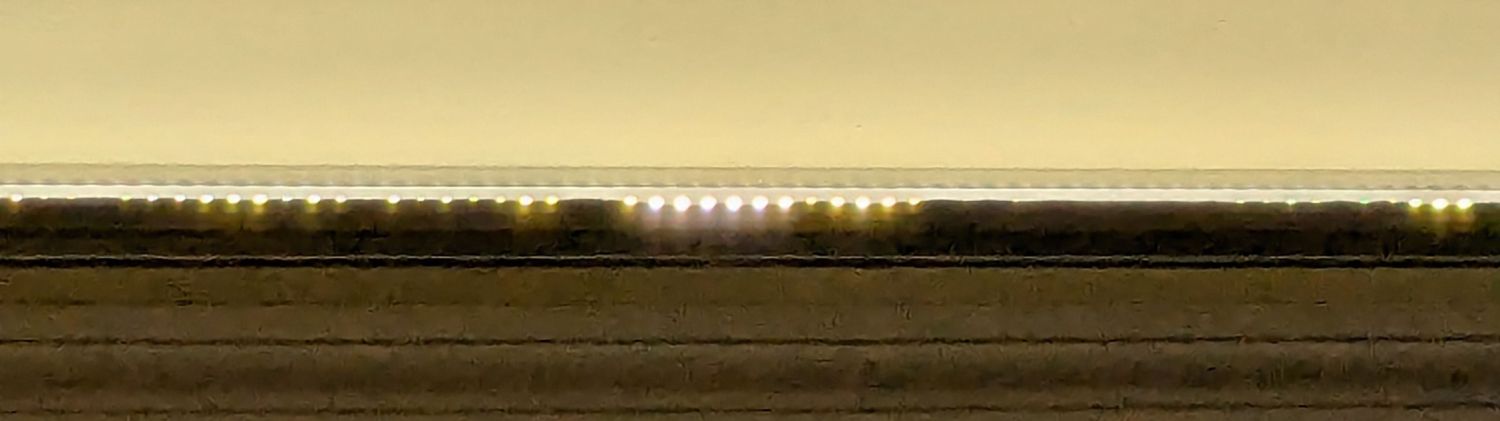
    Contrary to what I expected, the Mylar reflectors must be at least an inch tall to avoid Baily’s Beads seen from across the room:

    LED strip light - short reflector
    LED strip light – short reflector

    With all that in mind, we’ll run these for a while to shake out any other improvements.

    The OpenSCAD source code as a GitHub Gist:
    // LED light bar mounts
    // Ed Nisley – KE4ZNU
    // 2025-03-16
    include <BOSL2/std.scad>
    Layout = "Show"; // [Show,Build,ScrewMount,BarMount]
    BaseAngle = 30; // [0:50]
    /* [Hidden] */
    ID = 0;
    OD = 1;
    LENGTH = 2;
    Protusion = 0.1;
    NumSides = 3*4;
    Radius = 1.5;
    $fn = NumSides;
    MouldWidth = 18.0; // nominal (3/4) * INCH, but lots of paint slop
    MouldScrew = [4.7,12.0,2.6]; // clearance, head OD, head thick
    Insert = [4.0,5.5,6.0 + 3.0]; // heat-set brass without pilot end
    BarClip = [33.0,15.0,11.0]; // snaps around led base
    ScrewBlockOA = [MouldWidth,MouldScrew[OD] + 2*Radius + 2.0,10.0];
    BarBlockOA = [BarClip.x*cos(BaseAngle),15.0,BarClip.x*sin(BaseAngle) + 2*ScrewBlockOA.z];
    Gap = 2.0 + max(ScrewBlockOA.y,BarBlockOA.y);
    //———-
    // Define shapes
    module ScrewMount() {
    difference(){
    cuboid(ScrewBlockOA,anchor=BOTTOM,rounding=Radius,except=[FRONT,BOTTOM,LEFT]);
    up(ScrewBlockOA.z – MouldScrew[LENGTH])
    zrot(180/NumSides)
    cylinder(d=MouldScrew[OD],h=MouldScrew[LENGTH] + Protusion);
    down(Protusion)
    cylinder(d=MouldScrew[ID],h=2*ScrewBlockOA.z);
    }
    }
    module BarMount() {
    difference() {
    cuboid(BarBlockOA,anchor=CENTER,rounding=Radius,edges=RIGHT);
    yrot(BaseAngle)
    cube([3*BarBlockOA.x,2*BarBlockOA.y,BarBlockOA.z],anchor=BOTTOM);
    yrot(BaseAngle)
    cylinder(d=Insert[OD],h=2*Insert[LENGTH],anchor=CENTER);
    }
    }
    module Mount() {
    union() {
    right(ScrewBlockOA.x/2) back(ScrewBlockOA.y/2)
    ScrewMount();
    right(BarBlockOA.x/2) fwd(BarBlockOA.y/2) up(BarBlockOA.z/2)
    BarMount();
    }
    }
    //———-
    // Build things
    if (Layout == "ScrewMount")
    ScrewMount();
    if (Layout == "BarMount")
    BarMount();
    if (Layout == "Show")
    Mount();
    if (Layout == "Build") {
    yflip_copy(Gap) Mount();
    }

  • LED Strip Lights: Shade Adhesive

    LED Strip Lights: Shade Adhesive

    This is a quick-and-ugly test to see how well aluminized Mylar will work as a reflective shade for some LED light bars eventually washing the Living / Sewing room ceiling with enough light to brighten the Sewing Table:

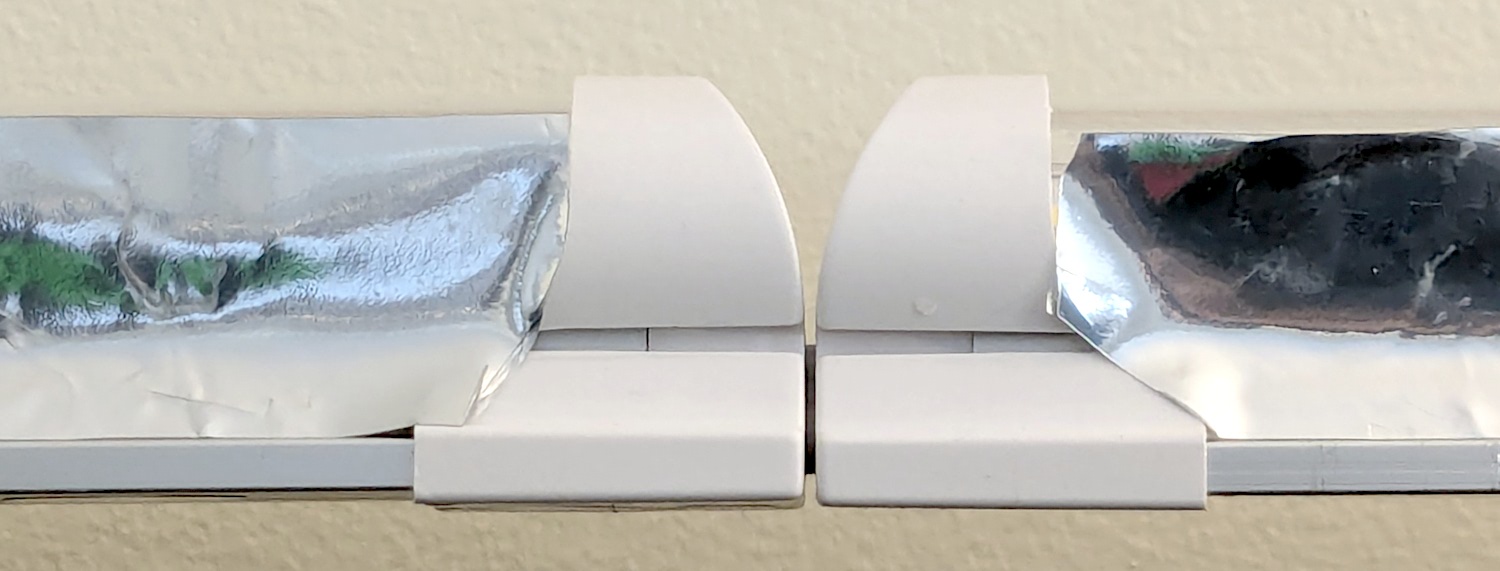
    LED strip light - Mylar reflector - ugly fit
    LED strip light – Mylar reflector – ugly fit

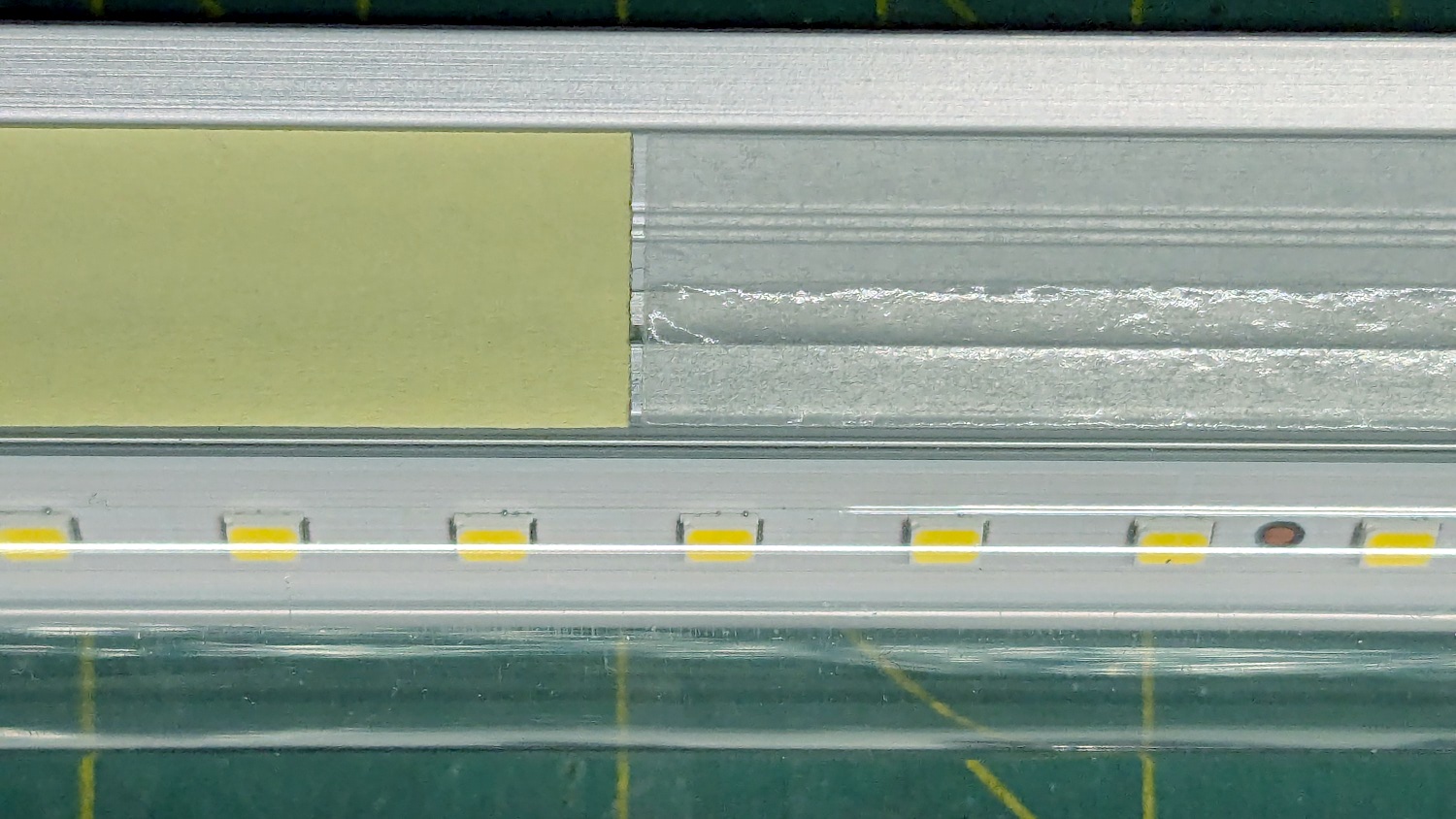
    The key question: how well adhesive adheres Mylar to the pleasantly warm aluminum extrusion serving as the heatsink for 40 W of LEDs:

    LED strip light - Mylar reflector - adhesive strips
    LED strip light – Mylar reflector – adhesive strips

    Perhaps surprisingly, those ½ inch strips come from an A4 sheet by way of a paper cutter.

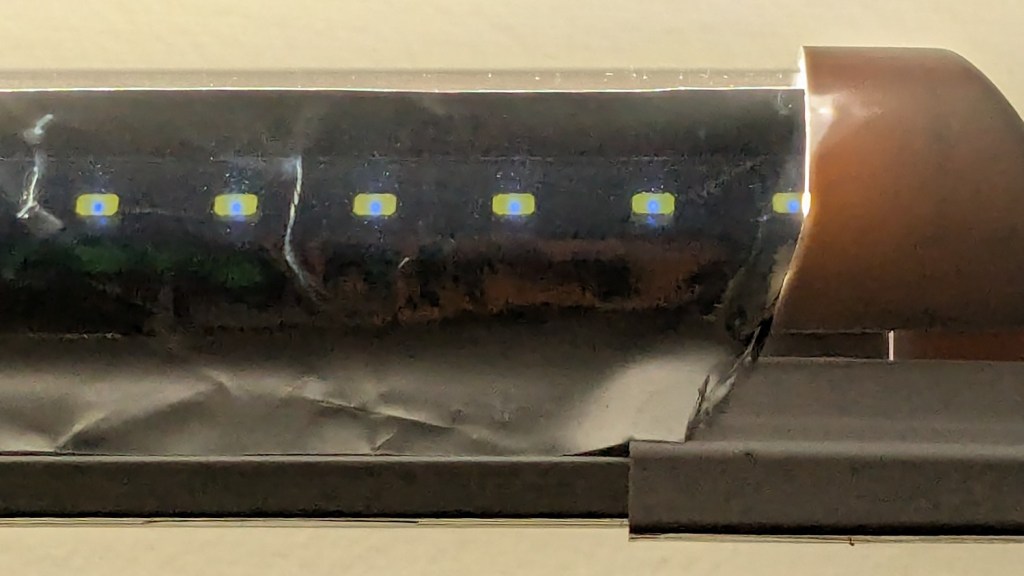
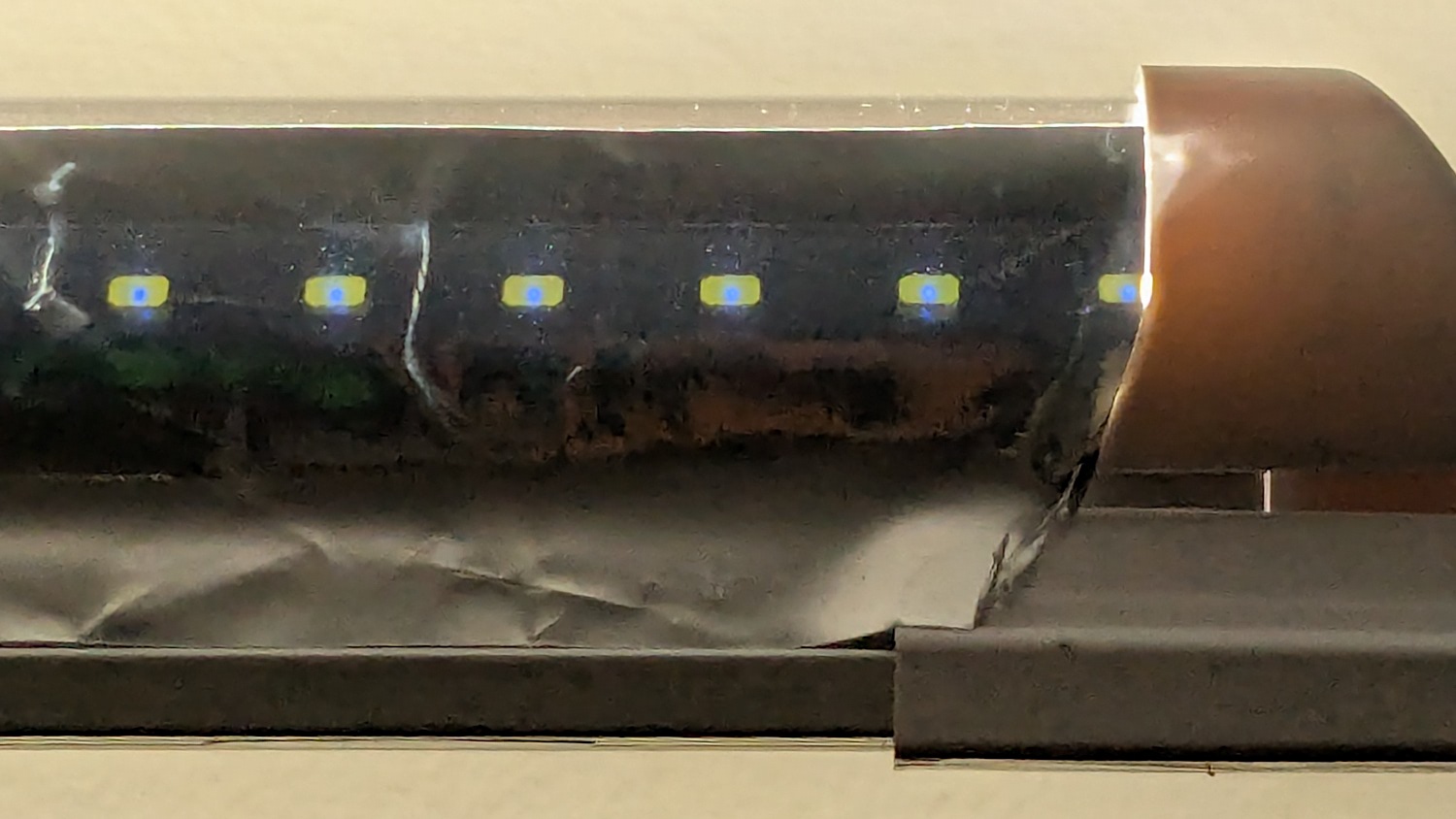
    As with the Mylar shades over the COB LED strips in the laser, the LEDs remain through the aluminized layer:

    LED strip light - Mylar reflector - overexposed
    LED strip light – Mylar reflector – overexposed

    The LED bars will be directly visible, so bouncing the direct light against the wall reduces glare and puts it to good use.

    The Mylar strips are 1 inch wide, cut with a utility knife against a straightedge, although ⅞ inch seems adequate. The last LED over on the right sits at the endcap, so I will (try to) tuck the Mylar ends under the caps for a cleaner fit.

    The bars have two 4 foot strips of LEDs in series, with a lump of circuitry buried in the aluminum extrusion that seems be a bridge rectifier and a small electrolytic capacitor. There’s not nearly enough capacitance to knock down the 120 Hz flicker and I have an uneasy expectation of stroboscopic effects on the sewing machines.

    This is a test. […] This is only a test.

    Now, to model angle brackets fitting the strips to the window moulding.

  • Wire Shelf Shims

    Wire Shelf Shims

    Another trivial laser cutter project:

    Wire Shelf Shim - top view
    Wire Shelf Shim – top view

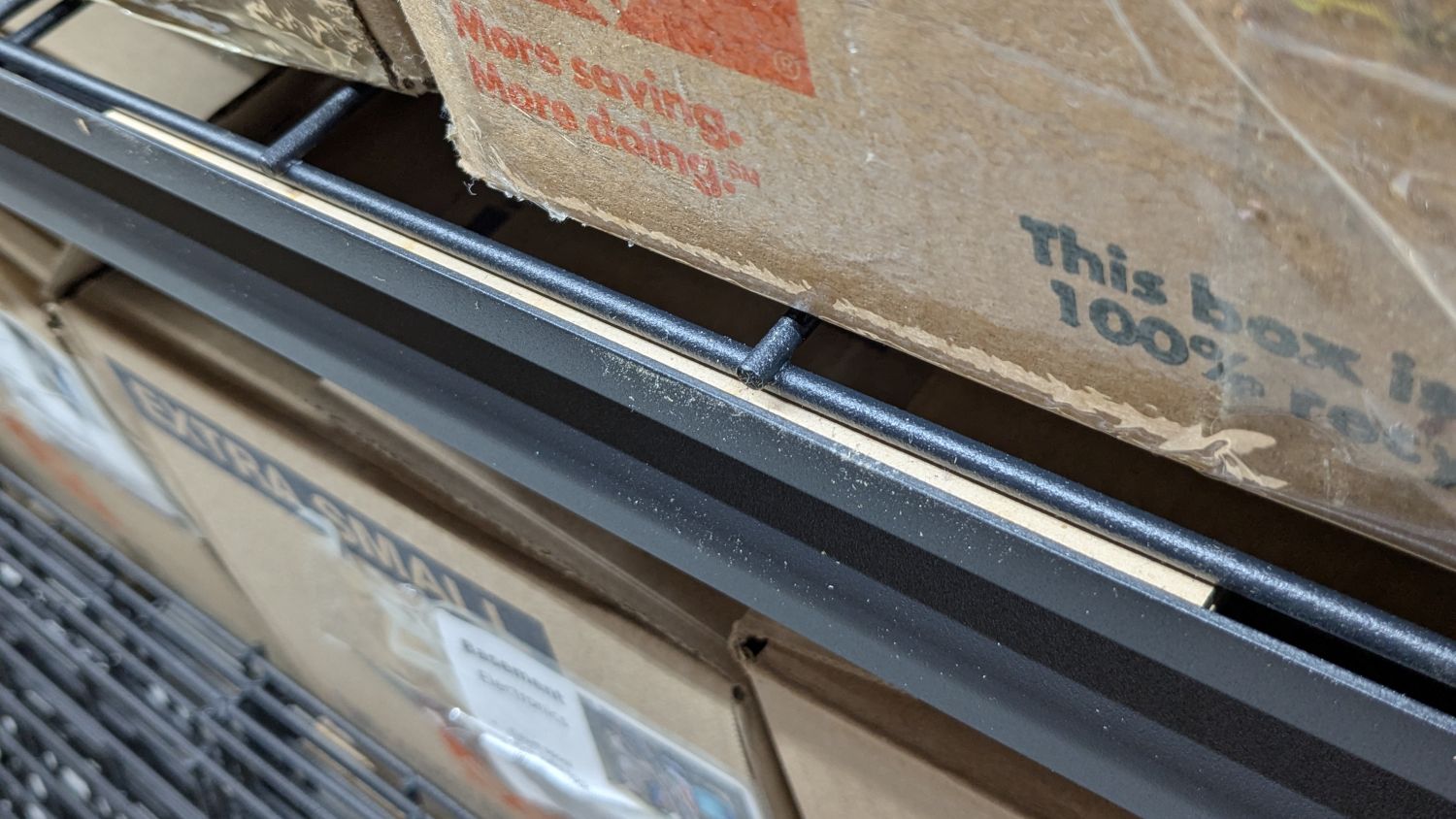
    I’m finally assembling the shelves for the last of the boxes cluttering the basement floor. Because the top of the wire shelf grid sits 4 mm below the top of the shelf rails, surely for some good reason, that pale strip is a 6 mm shim raising the grid just enough to let the boxes slide easily off without having to lift them over the rail.

    It’s a pair of 3 mm thick MDF strips stuck together with tapeless sticky (a thin adhesive layer on backing paper), with the same adhesive holding the shim to the rail while I lay them down and plunk the shelf grid on top:

    Wire Shelf Shim - side view
    Wire Shelf Shim – side view

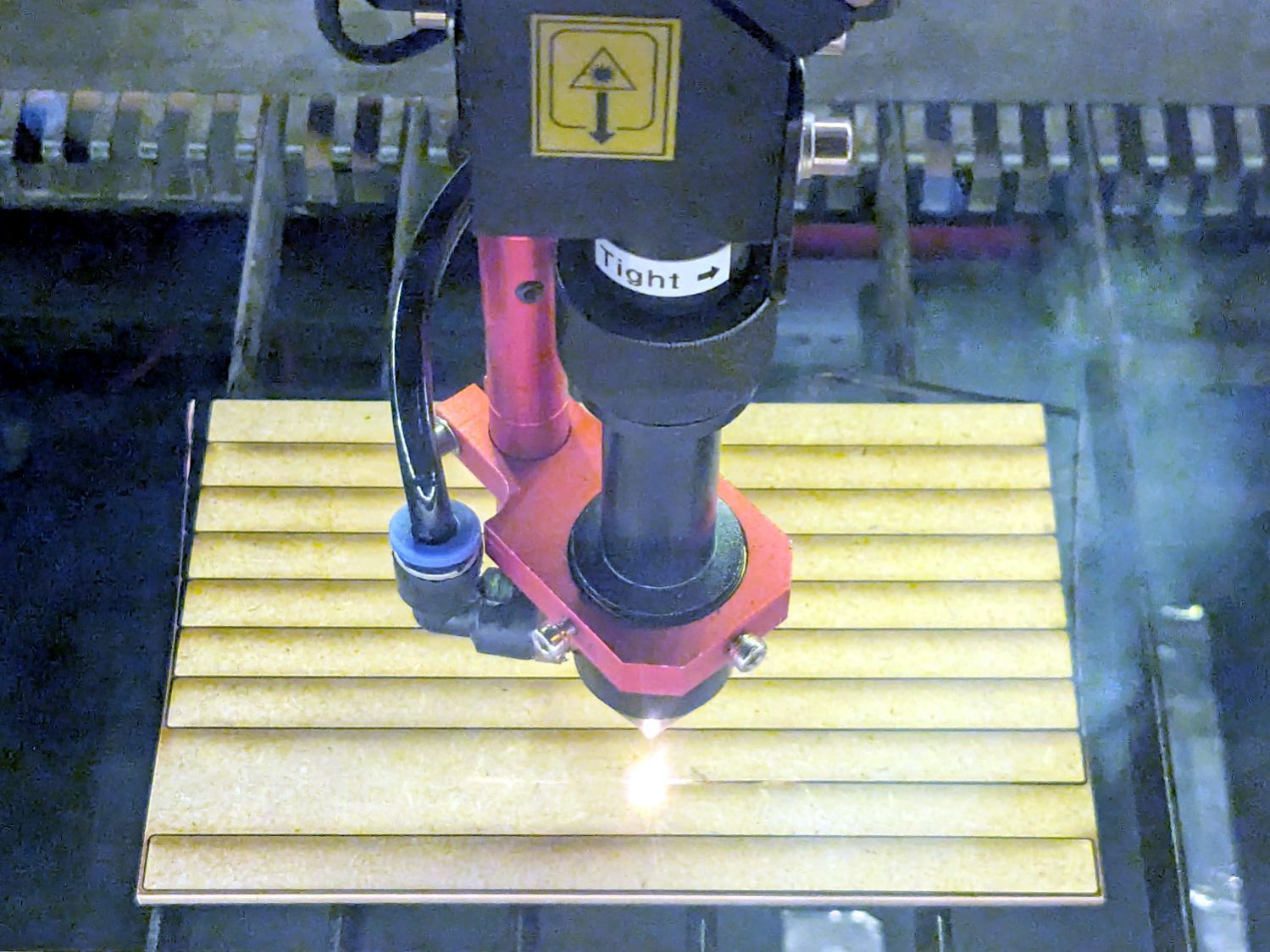
    I made two sets of shims to fit the support rod spacing, with lengths carefully chosen to match two stacks from my Big Box o’ MDF Cutoffs, all 10 mm wide to fit the shelf rails:

    Wire Shelf Shim - laser cutting
    Wire Shelf Shim – laser cutting

    Admittedly, not all of the neatly rounded corners came through, due to slight variations in MDF sizing / Print-and-Cut alignment / whatever, but it’s a nearly zero waste way to turn stock into strips.

    Each shelf needs 14 shims = 28 strips and I’m here to tell you if I had to bandsaw 140 little strips for each of three sets of shelves, well, I:

    • Probably wouldn’t ever get around to making them
    • Definitely would grumble about lifting those boxes, forever

    Watching that thing never gets old …

  • Human Lumbar Vertebrae

    Human Lumbar Vertebrae

    Having once again reawakened a back injury from long ago, I figured these were good for some comic relief:

    L4 L5 vertebrae - assembled
    L4 L5 vertebrae – assembled

    The full-scale L4-L5 vertebrae are from Printables and the ¾ scale L5 is from somewhere I cannot recall. A mother lode of anatomical models is on Thingiverse if you want some 3D printing challenges.

    The L4-L5 pair are part of an extensive human anatomic model locating all the pieces at their proper coordinates, so these two hovered about 800 mm above the XY plane. I ran them through the Grid:Tool mesh editor to center them at the XY origin, then put the bottom-most point at Z=0.

    Rotating them individually in PrusaSlicer and painting only the most essential support got them to this state:

    L4 L5 vertebrae - PrusaSlicer
    L4 L5 vertebrae – PrusaSlicer

    Each one take about three hours, so I ran them individually to reduce surface blemishes and maximize the likelihood of happy outcomes. Worked like a champ.

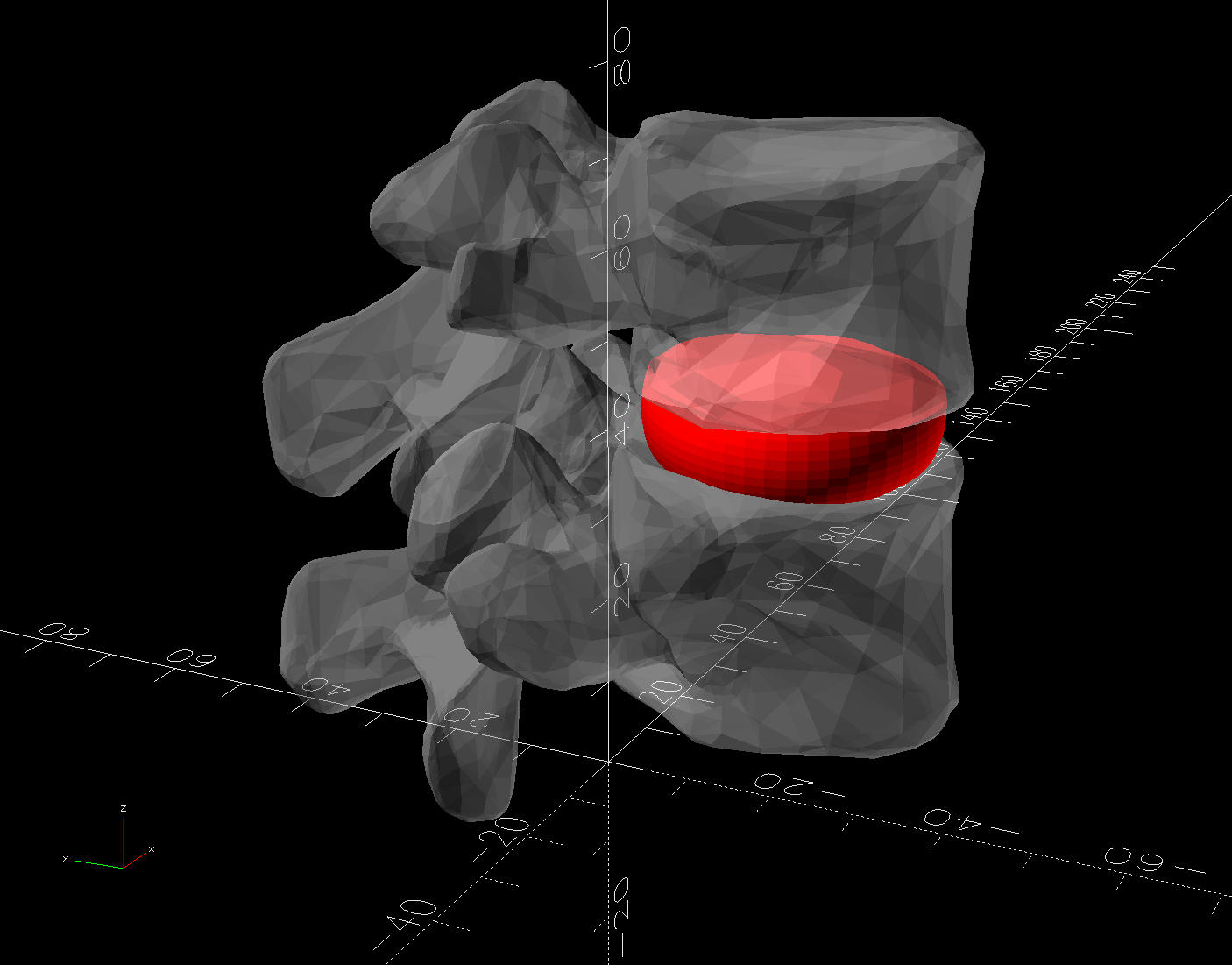
    The retina-burn orange disk is not anatomically correct, because the InterWebz apparently does not have a model for spinal cartilage:

    L4 L5 vertebrae - assembled - disk detail
    L4 L5 vertebrae – assembled – disk detail

    Instead, it’s a rounded cylinder resized into an oval, with its top and bottom surfaces formed by subtracting the vertebrae:

    L4 L5 vertebrae disk - solid model
    L4 L5 vertebrae disk – solid model

    The OpenSCAD code doing the heavy lifting:

    // Disk between L4 and L5 vertebrae
    // Ed Nisley - KE4ZNU
    // 2025-03-07
    
    Layout = "Show";    // [Show,Build]
    
    include <BOSL2/std.scad>
    
    module Disk() {
      color("Red")
        difference() {
          translate([9,-18,36])
            rotate(110)
            resize([33,45])
            cyl(d=50,h=14,$fn=48,rounding=7,anchor=BOTTOM);
          import("../Spine/human-spinal-column-including-cervical-thoracic-and-lumbar-vertebra-model_files/L4 L5 vertebrae stacked.stl",
            convexity=10);
        }
    }
    
    if (Layout == "Show") {
      Disk();
    
      color("White",0.3)
          import("../Spine/human-spinal-column-including-cervical-thoracic-and-lumbar-vertebra-model_files/L4 L5 vertebrae stacked.stl",
            convexity=10);
    
    }
    
    if (Layout == "Build") {
      Disk();
    
    }
    

    All of the magic numbers come from eyeballometric measurement & successive approximation.

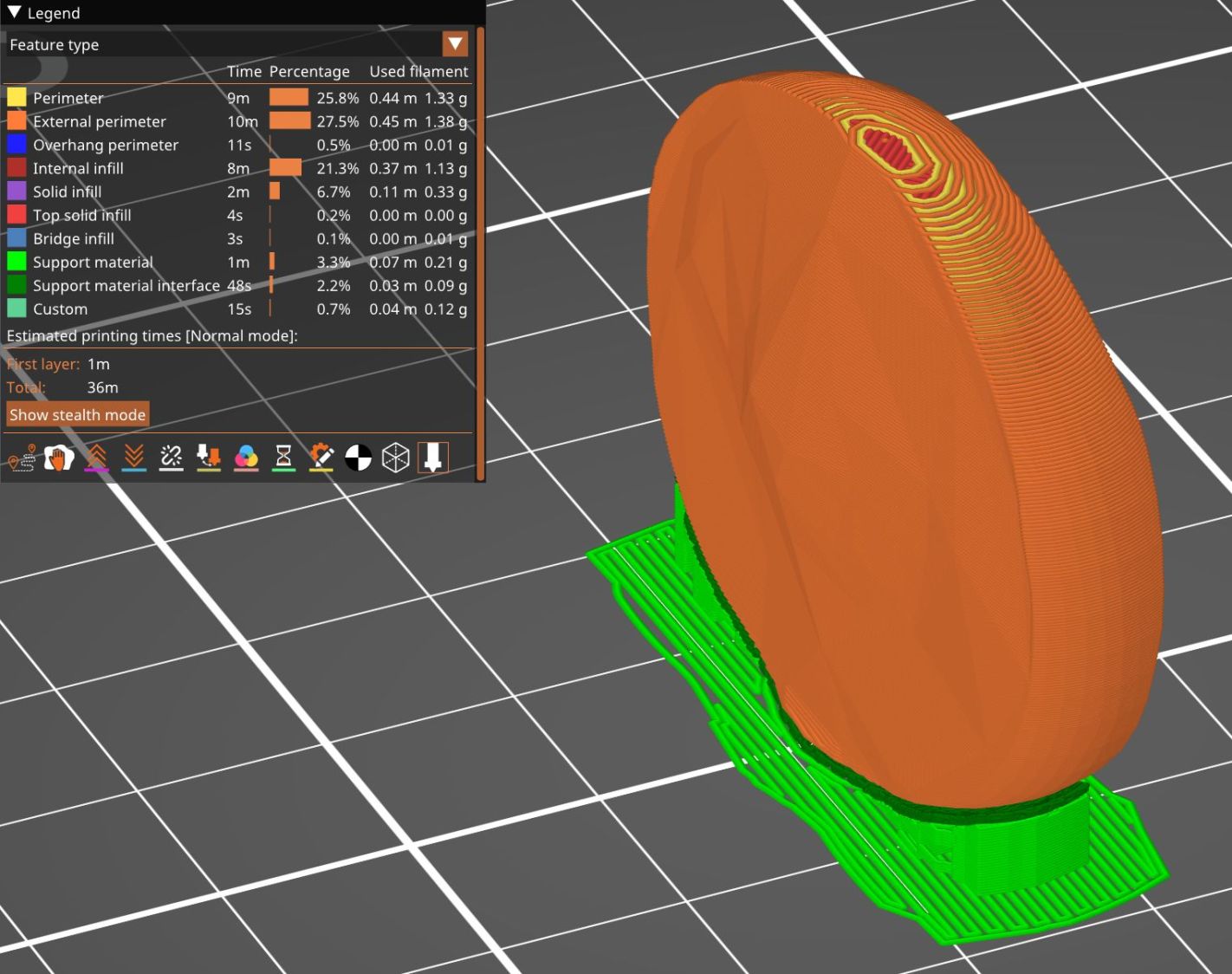
    The Build layout left the disk floating in space, whereupon I used PrusaSlicer to reorient it edge-downward on the platform with painted-on support for minimal distortion:

    L4 L5 vertebrae disk - PrusaSlicer
    L4 L5 vertebrae disk – PrusaSlicer

    Two dots of E6000+ adhesive hold everything together.

    All in all, it was a useful distraction. I’ve been vertically polarized for the last five days and it’s good to be … back.

  • Trivial Laser Projects

    Trivial Laser Projects

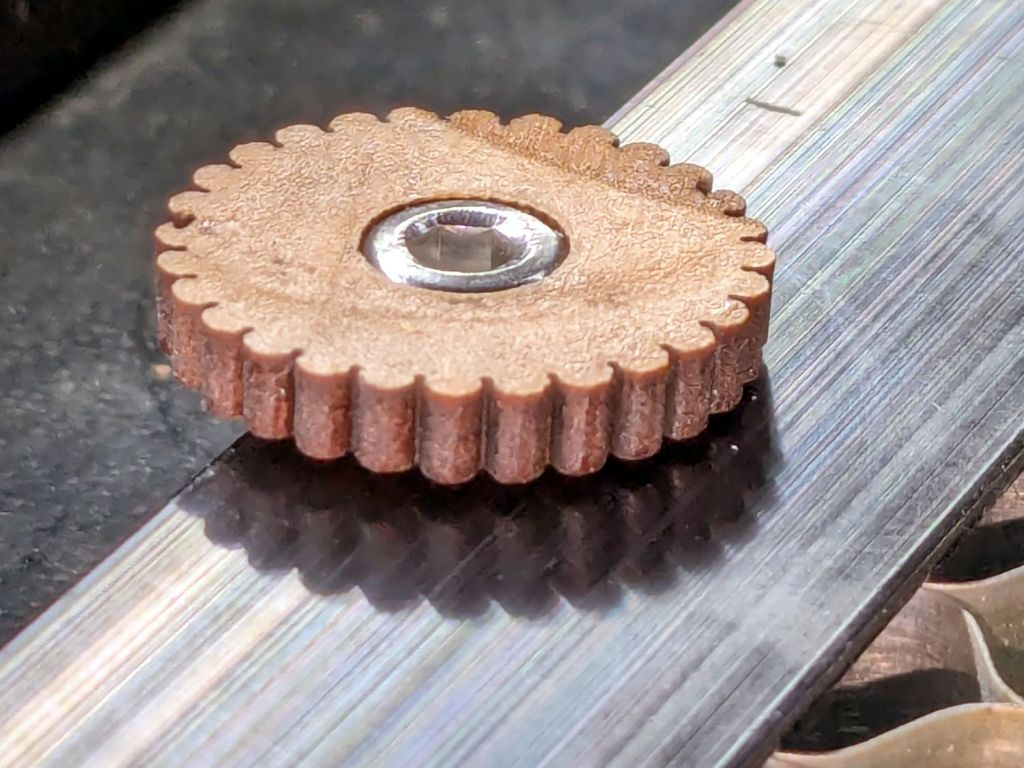
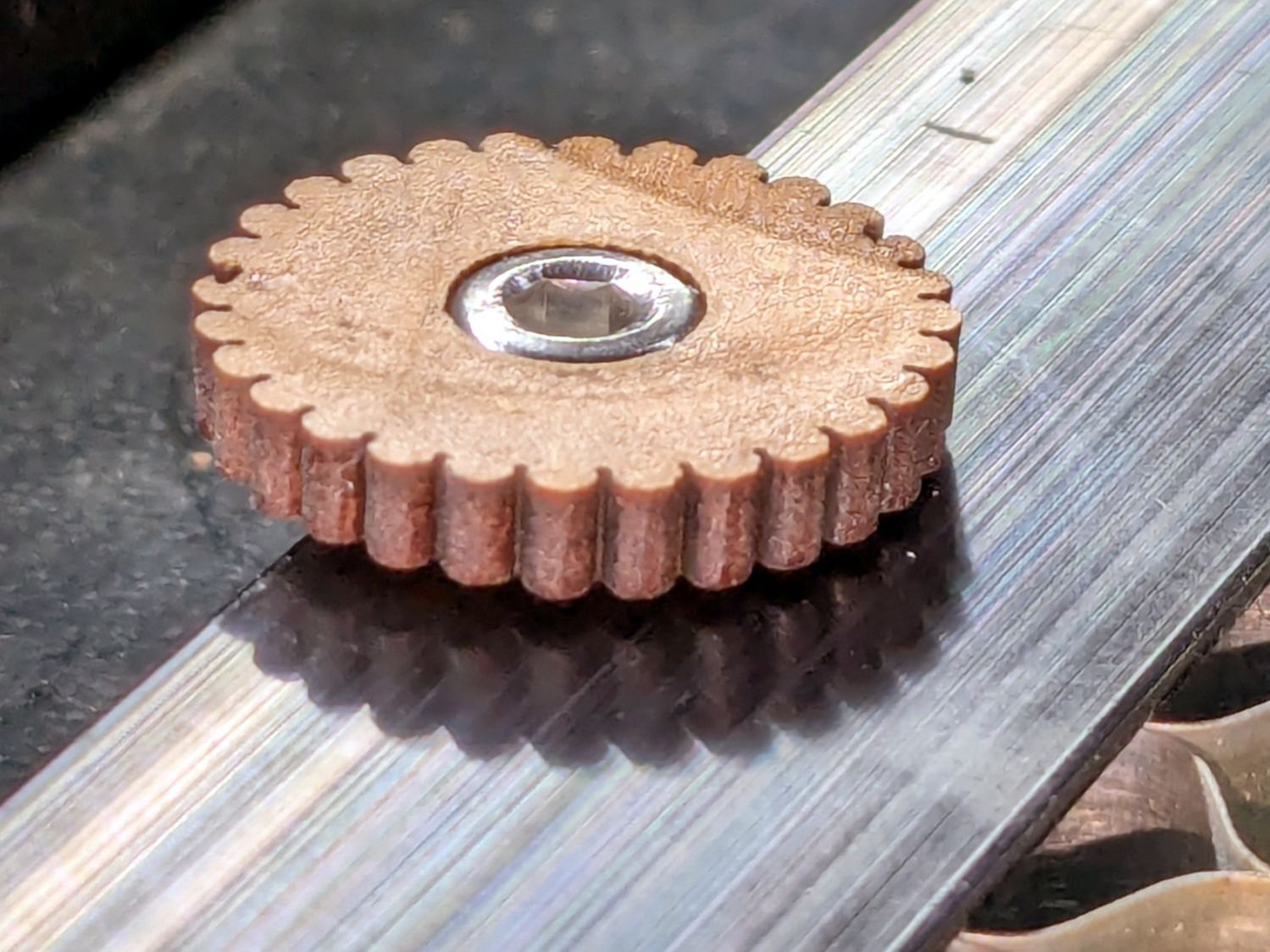
    A nubbly knob on the M4 screws securing the honeycomb to the laser’s platform:

    Honeycomb screw knob
    Honeycomb screw knob

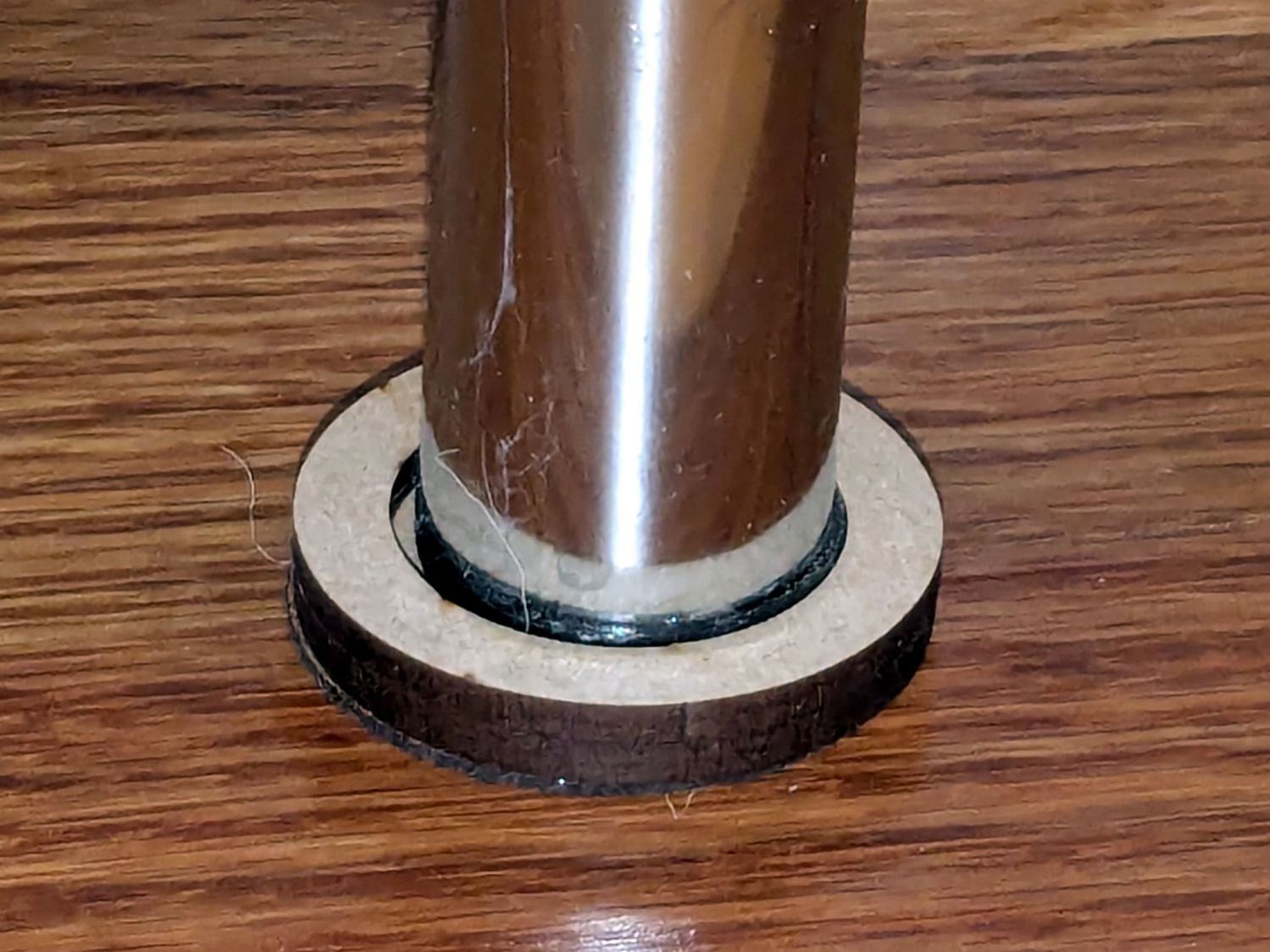
    Leveling feet for the HQ Sixteen long-arm machine’s table for the high side of the floor:

    HQ Sixteen - table leg leveler - short
    HQ Sixteen – table leg leveler – short

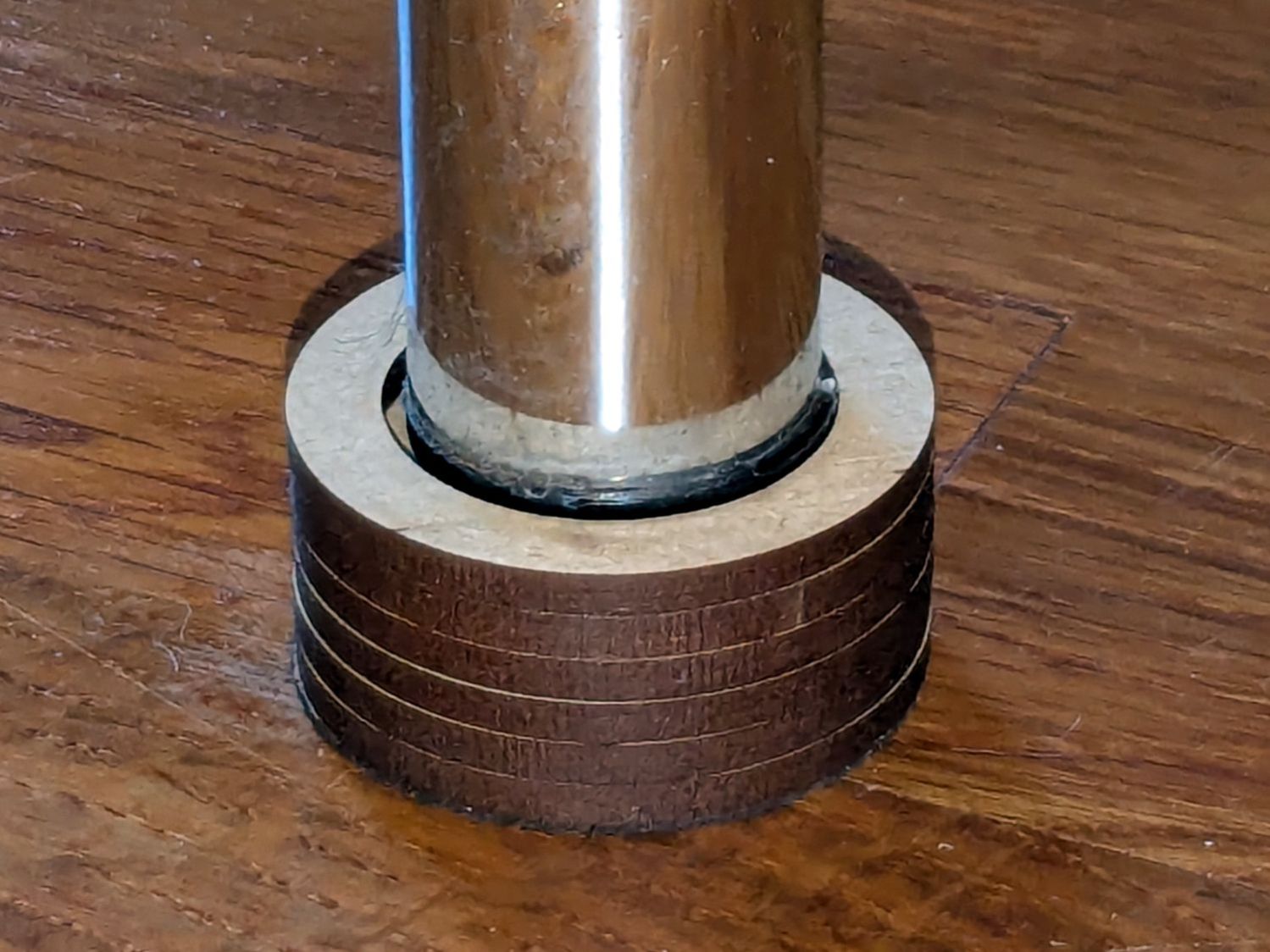
    And 12 mm taller on the low side:

    HQ Sixteen - table leg leveler - tall
    HQ Sixteen – table leg leveler – tall

    Both of those “projects”, which may be too grand a term, went from “I need a thing” to having one in hand over the course of a few minutes yesterday. Neither required a great deal of thought, having previously worked out the proper speed / power settings to cut 3 mm MDF and 1 mm cork.

    Other folks may lead you to believe lasers are all about fancy artwork and elaborate finished products. Being the type of guy who mostly fixes things, I’d say lasers are all about making small and generally simple parts, when and where they’re needed, to solve a problem nobody else has.

    Perhaps I should devote more attention to using fancy wood with a hand-rubbed wax finish, but MDF fills my simple needs.

    With a laser and a 3D printer, shop tools have definitely improved since the Bad Old Days!