The Smell of Molten Projects in the Morning

Ed Nisley's Blog: Shop notes, electronics, firmware, machinery, 3D printing, laser cuttery, and curiosities. Contents: 100% human thinking, 0% AI slop.

Tag: Improvements

Making the world a better place, one piece at a time

  • Converted OttLite Rebasing

    Converted OttLite Rebasing

    The OttLite I converted into a NisLite fell over again and, now having a way to make the long-promised base, this happened:

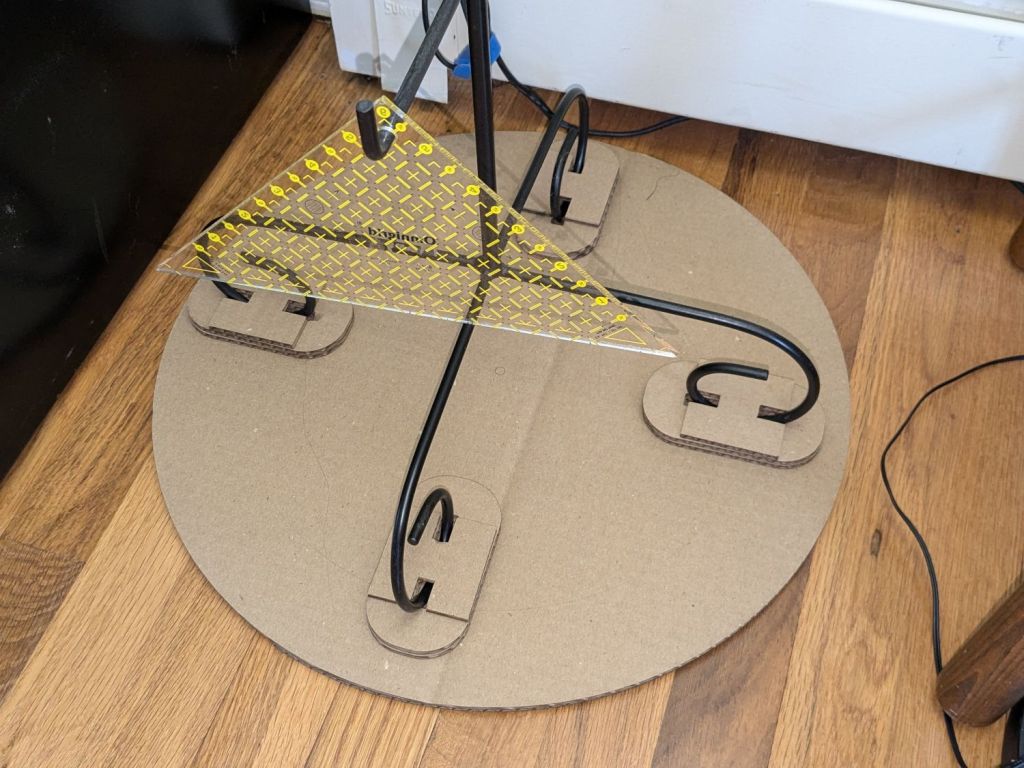
    Converted Ottlite - cardboard base
    Converted Ottlite – cardboard base

    It’s not particularly elegant, what with being cardboard, but it’s a proof of concept that will determine the final size.

    The top layer is a ring around the lamp pedestal for a bit of stabilization protecting the four M3 screws holding the base to the lamp. Those screws sit on a 60 mm square, offset 1 mm to the front of the lamp:

    NisLite Baseplate - LightBurn layout
    NisLite Baseplate – LightBurn layout

    Which explains why I typically make the first few versions of anything out of cardboard.

    For the record, those inserts look like this:

    Converted Ottlite - brass inserts
    Converted Ottlite – brass inserts

    A pair of very flat-head M3 screws hold the front inserts in place through holes match-drilled in the remains of the bosses I’d long ago epoxied in place. I pressed the rear inserts in place by misusing the drill press, as the lamp is much too tall for the heat setter.

    Then comes the iron base weight:

    Converted Ottlite - iron weight
    Converted Ottlite – iron weight

    And then the steel outer plate:

    Converted Ottlite - steel cover plate
    Converted Ottlite – steel cover plate

    The new base plate gets a ring around its perimeter for clearance under the four pan head M3 screws into the inserts.

    If the cardboard base is stable enough, we’ll do an acrylic version in cheerful primary colors.

    The LightBurn layout in SVG format as a GitHub Gist:

    Loading
    Sorry, something went wrong. Reload?
    Sorry, we cannot display this file.
    Sorry, this file is invalid so it cannot be displayed.
  • Simpleminded Photographic Light Box

    Simpleminded Photographic Light Box

    The general idea of a light box is (wait for it) a uniform background in a box full of bright light:

    Light Box - overview
    Light Box – overview

    Obviously, this is a low-budget light box, but it makes perfect sense if you already have an essentially unlimited supply of moving boxes, 11×17 inch plotter paper, and a couple of photo / video lights lying around.

    A two-layer cardboard ring glued to the top keeps the light from sliding off the box and stiffens the gaping hole letting the light shine through.

    You’d normally use a fabric background to get rid of those ugly gaps around the edges and a larger box would be better, so this is along the lines of a proof-of-concept.

    From the camera’s viewpoint, it looks better than my crusty desktop cutting mat:

    Light Box - gears overview
    Light Box – gears overview

    Those gears would not look out of place in Bowman’s bedroom in 2001: A Space Odyssey.

    In this day and age, you’d normally use a phone camera:

    Light Box - gears overview - DOF
    Light Box – gears overview – DOF

    The lens on my Pixel 6a has a fixed focal length (around 4.4 mm = 27 mm equivalent) and a fixed f/1.8 (-ish) aperture, producing a razor-thin depth of field at the rear of the front gears. Note the fuzzy gears in the background, all of three inches away, and the slightly fuzzy front edge of the front gears. The camera’s digital zoom doesn’t help matters in the least, despite the AI-powered interpolation.

    Keeping things close together helps, although the far end of the wipe towers and the rear of the gears lose detail:

    Light Box - gears stacked
    Light Box – gears stacked

    Looking from above also helps a little, but a top viewing port would reduce the skewed perspective:

    Light Box - gears detail - DOF
    Light Box – gears detail – DOF

    Shallow DOF keeps your attention on the foreground, which is why real photographers use it for portraits:

    Light Box - gears standing - DOF
    Light Box – gears standing – DOF

    The camera, an ancient Sony DSC-H5 with a zoom lens going down to f/8, still does nice work through a 2× macro adapter lens:

    Light Box - gear detail - top light
    Light Box – gear detail – top light

    The DOF is still narrow, but at least the entire front gear is in focus.

    Adding a front light picks out the knurling:

    Light Box - gears detail - front light
    Light Box – gears detail – front light

    The results definitely look better than before, but it’ll take a bit of getting used to traipsing to the Basement Laboratory for every photo …

  • Husky Workbench Caster Feet

    Husky Workbench Caster Feet

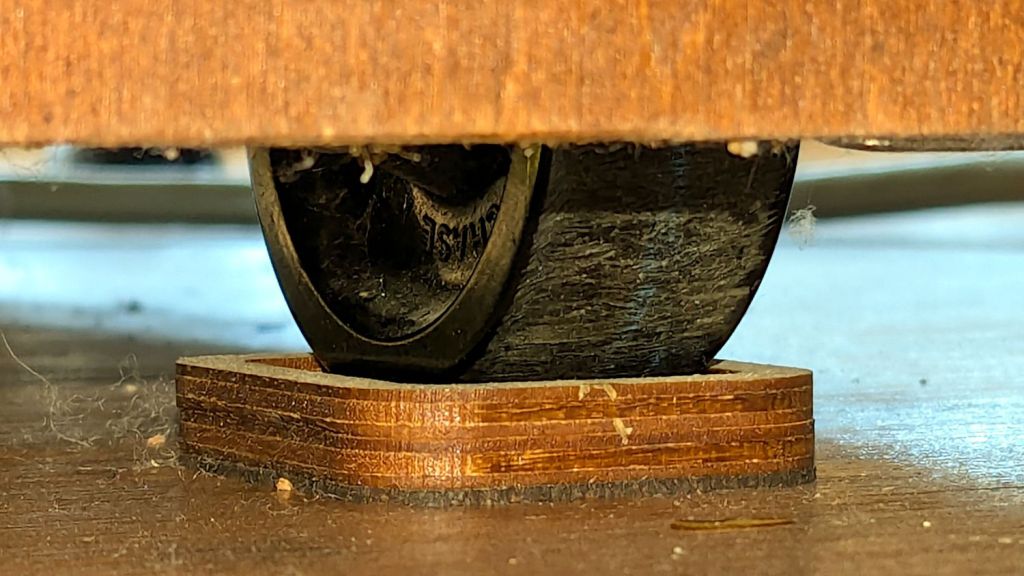
    The flat robot vacuum assigned to clean the floors around here would occasionally get stuck under the leg of my Husky workbench-as-desk and fail to complete its mission. Living in the future makes solving that problem a matter of minutes:

    Husky workbench caster feet - installed
    Husky workbench caster feet – installed

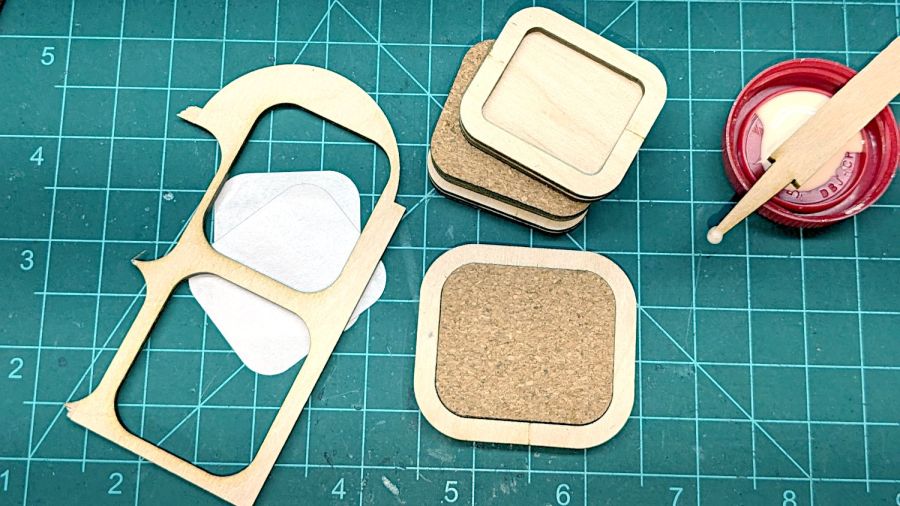
    The upper rim captures the locked-in-place wheel in a 35×25 mm recess atop the middle 45×35 mm slab, with a 2.5 mm cork layer on the bottom. Laser-cut, of course, glued with ordinary yellow wood glue, and clamped for about half of a Squidwrench remote meeting.

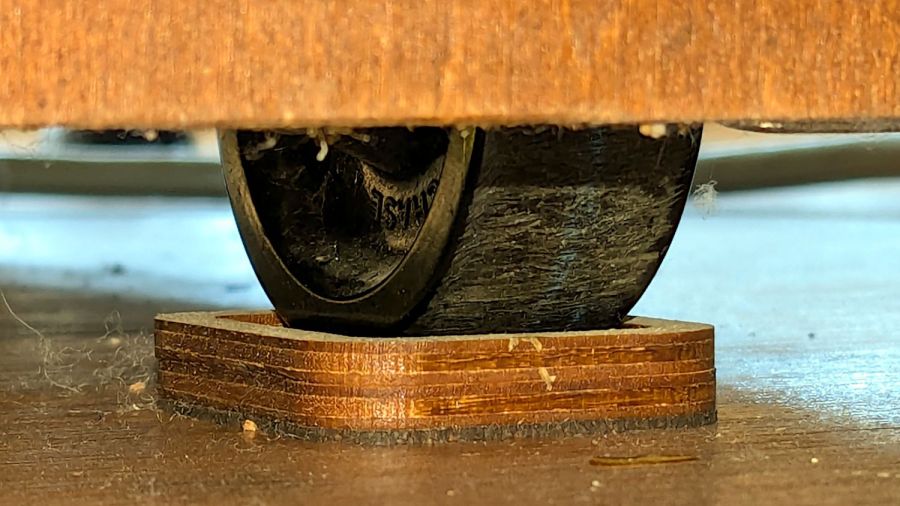
    Raising the desk by 5.5 mm gives the Flat One juuust enough clearance to scuttle under there:

    Husky workbench caster feet - vacuum clearance
    Husky workbench caster feet – vacuum clearance

    That was easy …

  • Revised Measuring Spoon Drainer

    Revised Measuring Spoon Drainer

    A small tweak to the venerable spoon drainer adds a configurable cutout adapting it to a slightly different dish drainer rack:

    Measuring Spoon Drainer - solid model
    Measuring Spoon Drainer – solid model

    Which lets it snuggle into the corner:

    Measuring spoon drainer - installed
    Measuring spoon drainer – installed

    Both the old and new racks had coated steel loops stuck into rubberoid feet perfectly suited to collect water and eventually rust the loops. Given a new rack, I figured potting the feet in JB PlasticBonder urethane adhesive would help forestall the rust:

    Rubbermaid dish drainer - foot potting
    Rubbermaid dish drainer – foot potting

    I wish it were white, rather than black, but the only other color choice is tan and I can’t wish nearly that hard.

    Along those lines, however, the gray JB Weld epoxy coating on the cheese slicer and the smaller repairs on the big knife are doing fine after years of use. JB Weld is good stuff!

  • Planetary Gear Bearing Fondletoy: M2 vs MK4

    Planetary Gear Bearing Fondletoy: M2 vs MK4

    It’s been about a decade since I made a batch of planetary gear fondletoys:

    Planetary Gear Bearing - black red natural
    Planetary Gear Bearing – black red natural

    So I loaded up the same STL in Prusaslicer and made three more:

    Planetary Gear Bearing - M2 vs MK4
    Planetary Gear Bearing – M2 vs MK4

    Both pictures show the same red bearing, done in PLA on the Makergear M2. The other bearings are PETG and PETG-CF on the Prusa MK4 + MMU3.

    The blue bearing has about 5 mm of axial play, a bit more than the red.

    The gray bearing is PETG-CF and has maybe 1 mm of axial play, which agrees with my original observation that an Extrusion Multiplier of 1.0 results in slightly overstuffed carbon fiber parts. It’s not much and, frankly, produces a better fit in this case, but it’s different than pure PETG. Which should come as no surprise, of course, given that it’s 15% carbon.

    The gray-and-orange bearing looks spectacular in person and has about 3 mm of axial play, roughly the same as the red bearing, which you’d expect from overstuffed PETG-CF and pure PETG.

    The single-color bearings print in about 1.5 hours and the two-color one weighed in over four hours. Multi-material objects are do-able, but you gotta want the results.

    I told Prusaslicer to wipe the orange filament into the gray infill during color changes (per the Wipe Tower doc), but those two gray parts have so little infill as to make no difference:

    Planetary Gear Bearing - PETG PETG-CF with wipe tower
    Planetary Gear Bearing – PETG PETG-CF with wipe tower

    The wipe tower in that posed photo has a nubbly texture because the filament just gets squirted without regard to anything other than maintaining the basic tower shape.

    Seeing things appear on the platform never gets old!

  • Double-faced DVD Coasters

    Double-faced DVD Coasters

    Given an essentially unlimited supply of scrap CDs / DVDs (rendered unreadable by scarring the label side with a Guilloche pattern) and the failure of foam backing, it seemed reasonable to try sticking two of them together:

    Double-faced DVD coaster - components
    Double-faced DVD coaster – components

    The fixture in the lower left is just an MDF square with a 15 mm post of more MDF glued in the middle to align the pieces. The white disk is the adhesive sheet, cut to 119 mm OD to leave half a millimeter clear around the outer edge, thus avoiding embarrassing stickiness.

    Peel one side of the adhesive sheet and drop it over the post sticky side up:

    Double-faced DVD coaster - adhesive sheet ready
    Double-faced DVD coaster – adhesive sheet ready

    Drop one of the DVDs over it, label side down:

    Double-faced DVD coaster - first disc on adhesive
    Double-faced DVD coaster – first disc on adhesive

    Lift it off, peel the other side of the adhesive sheet, put it over the post sticky side up, and drop the other DVD on top:

    Double-faced DVD coaster - finished
    Double-faced DVD coaster – finished

    The data side of the discs has a 0.3 mm raised rim just inside the track zone, so they don’t sit exactly flat on the table and expect a slightly concave lower surface on the mug / glass / cup. Neither of those seem like dealbreakers thus far, although I’m sure somebody will object.

    A ring or two of general-purpose glue, along the lines of E6000 urethane, would be significantly less fussy than cutting adhesive sheets.

  • Prusa MK4 vs. PETG-CF

    Prusa MK4 vs. PETG-CF

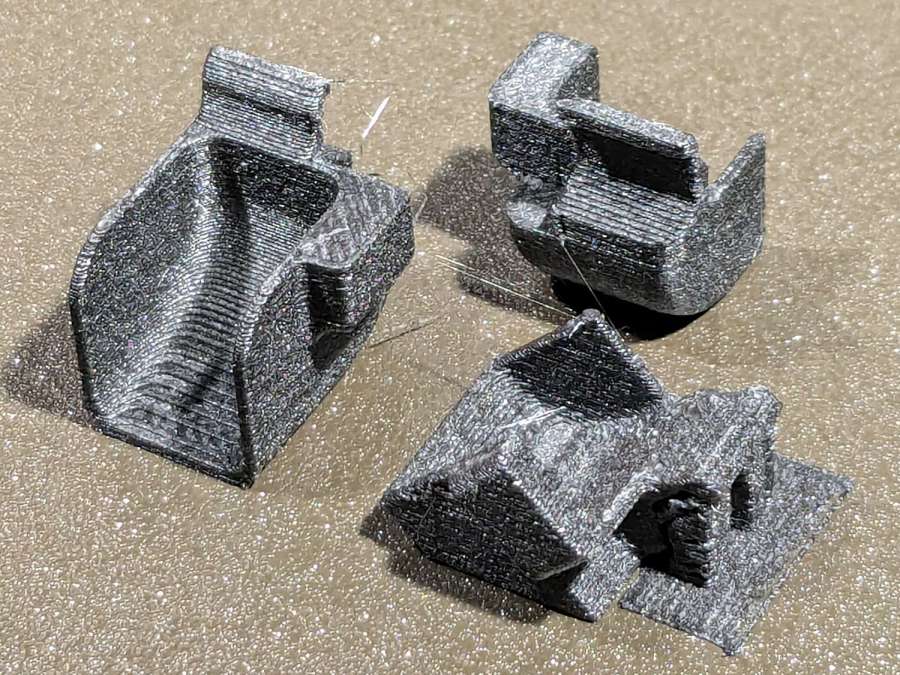
    Flushed with success after building a Keychain Pill Tube with orange PETG, I tried dark gray carbon-fiber PETG with the same settings:

    Pill Tube - first PETG-CF
    Pill Tube – first PETG-CF

    In real life, it’s a much darker gray.

    It’s not only furry, it’s overstuffed: the threads didn’t engage at all.

    Running a few single-thread calibration squares suggested an Extrusion Multiplier around 0.6 would produce the proper thread width. Making it so and trying again worked perfectly:

    Pill tube - PETG-CF adjustments
    Pill tube – PETG-CF adjustments

    Not only did the cap screw on easily enough, the exterior finish improved and most of the stringing went away.

    However, the Mighty Dragorn of Kismet (who nerd-sniped me into getting the MK4 in the first place) observed that he’d been running PETG-CF with stock PETG settings and getting good dimensional results without further tuning.

    After a few more gyrations, I did what I should have done first:

    Eryone PETG-CF Temperature Tower
    Eryone PETG-CF Temperature Tower

    The label on the spool suggests a 230 °C to 250 °C extrusion temperature and 235 °C seems like the sweet spot between overly stringy and terrible bridging, although I’d never expect PETG to cross that kind of gap without some support. The 35° overhangs on the left look surprisingly good at any temperature.

    With that set up, running solid calibration squares showed Dragorn was right: 1.0 EM works the way you’d expect and 0.65 EM produces under-filled surfaces:

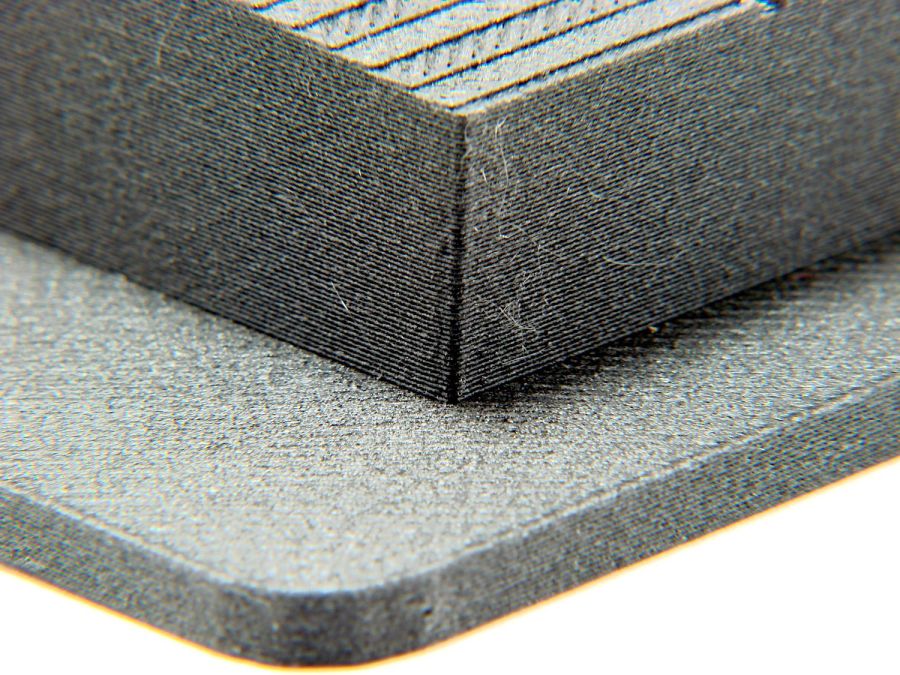
    MK4 Eryone PETG-CF 1.0 0.65 EM - top
    MK4 Eryone PETG-CF 1.0 0.65 EM – top

    The hand-knitted surface is more visible at a more oblique angle:

    MK4 Eryone PETG-CF 1.0 0.65 EM - edge
    MK4 Eryone PETG-CF 1.0 0.65 EM – edge

    The 0.2 mm layers look about the same on both squares.

    Comparing plain PETG at 1.0 EM with those:

    MK4 eSun PETG 1.0 EM - Eryone PETG-CF 1.0 0.65 EM
    MK4 eSun PETG 1.0 EM – Eryone PETG-CF 1.0 0.65 EM

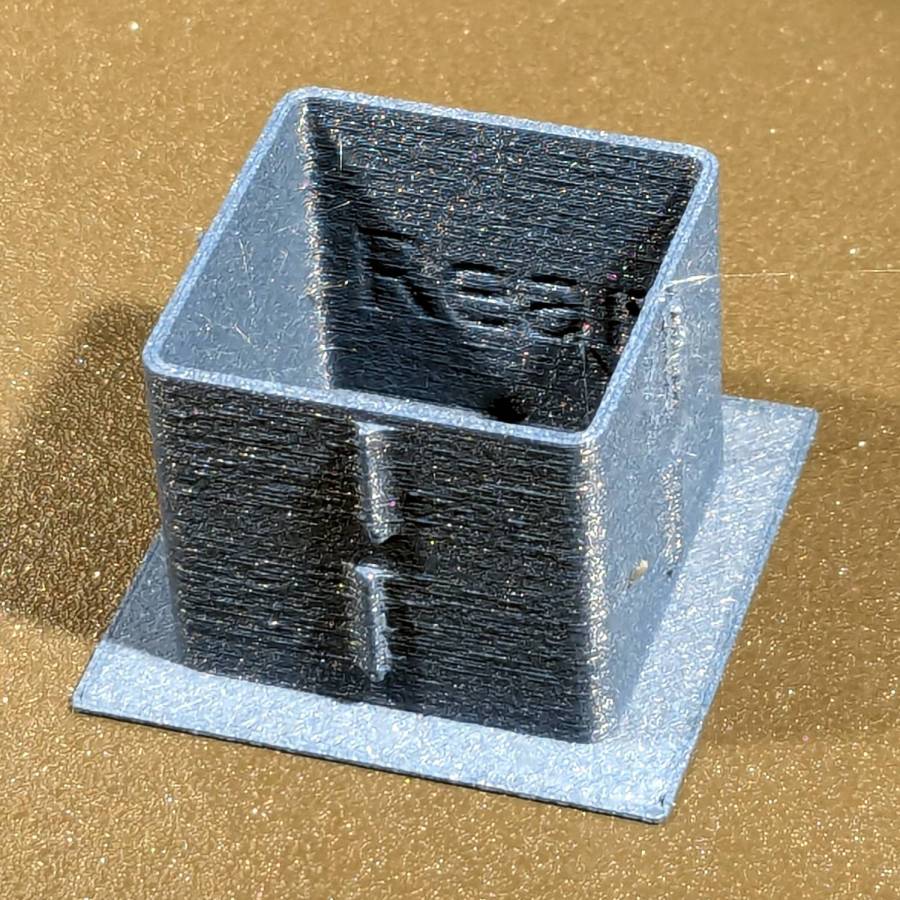
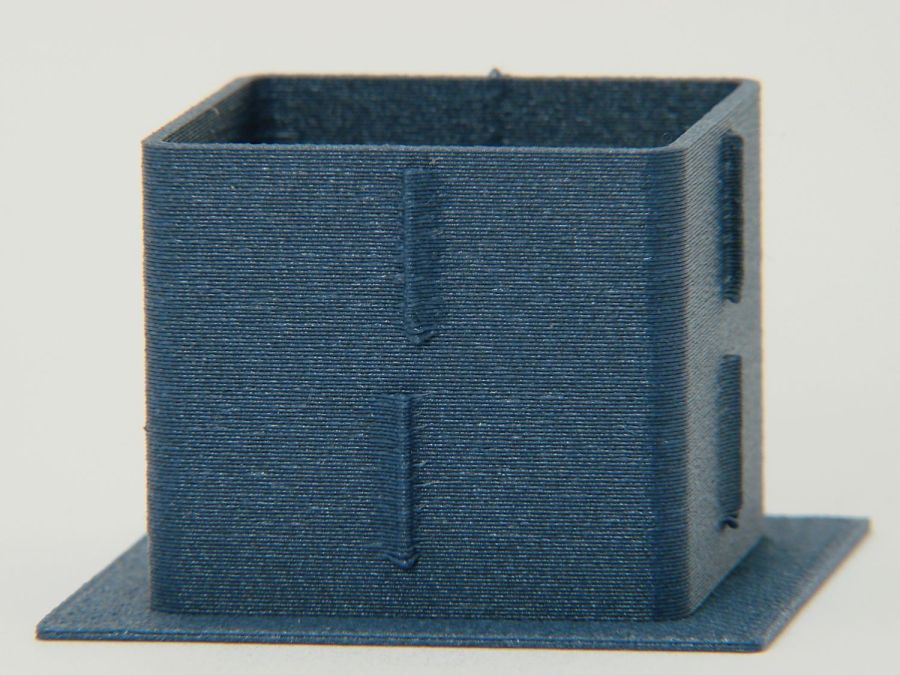
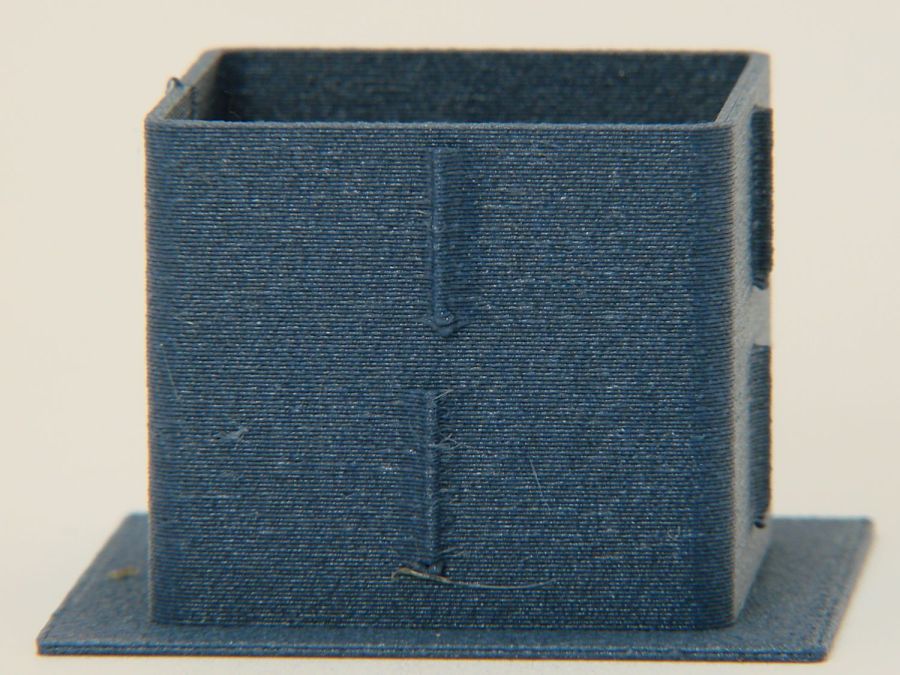
    Set up a square with walls three threads thick:

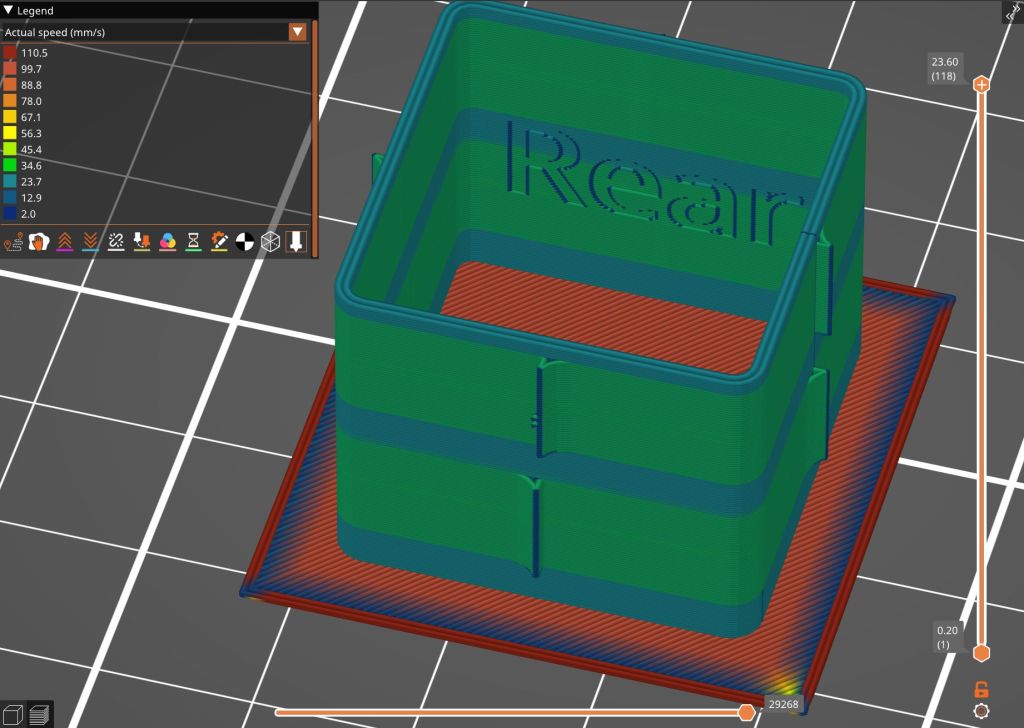
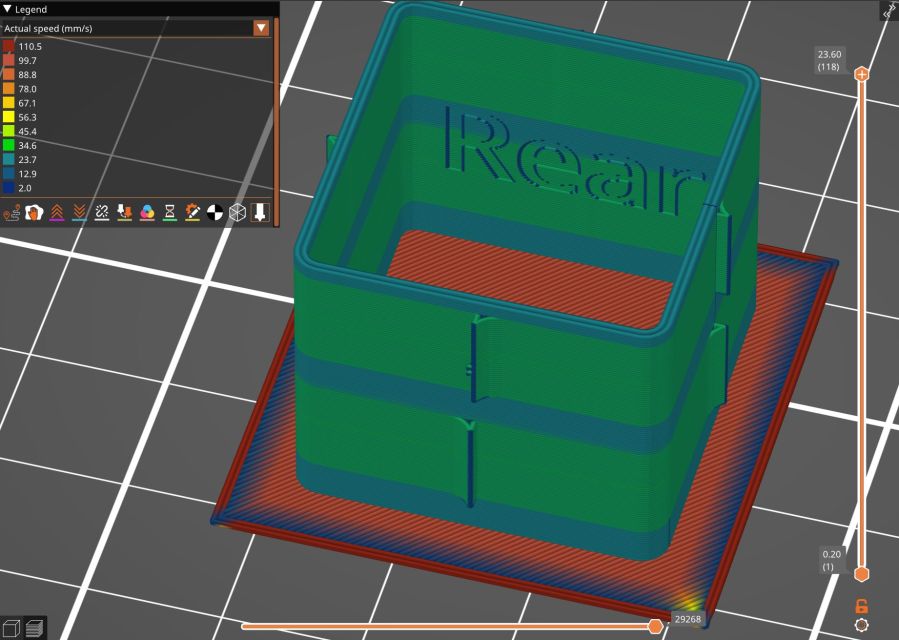
    Thinwall box - 3x 0.45 mm - slicer preview
    Thinwall box – 3x 0.45 mm – slicer preview

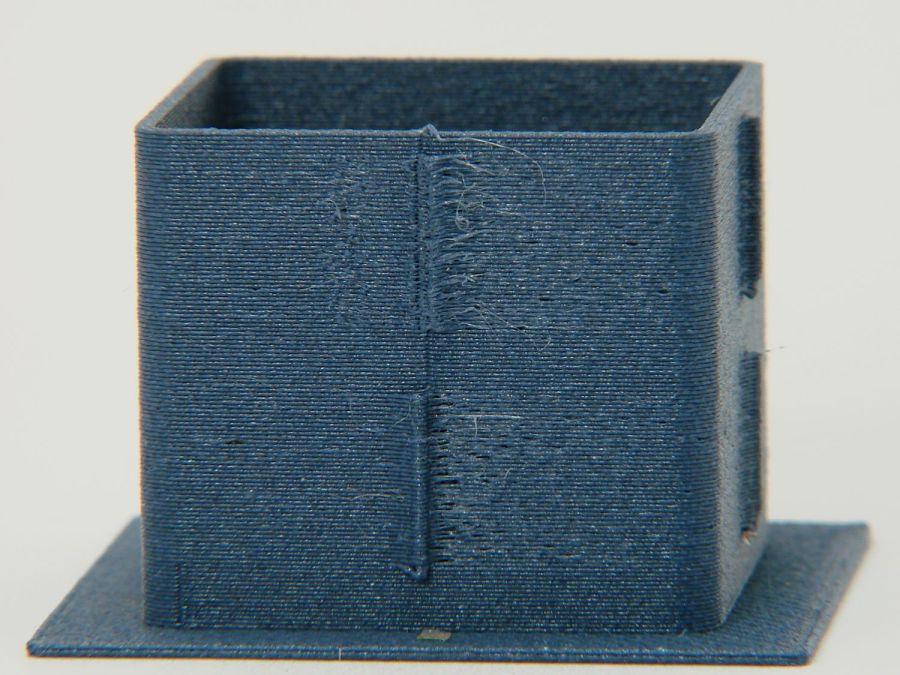
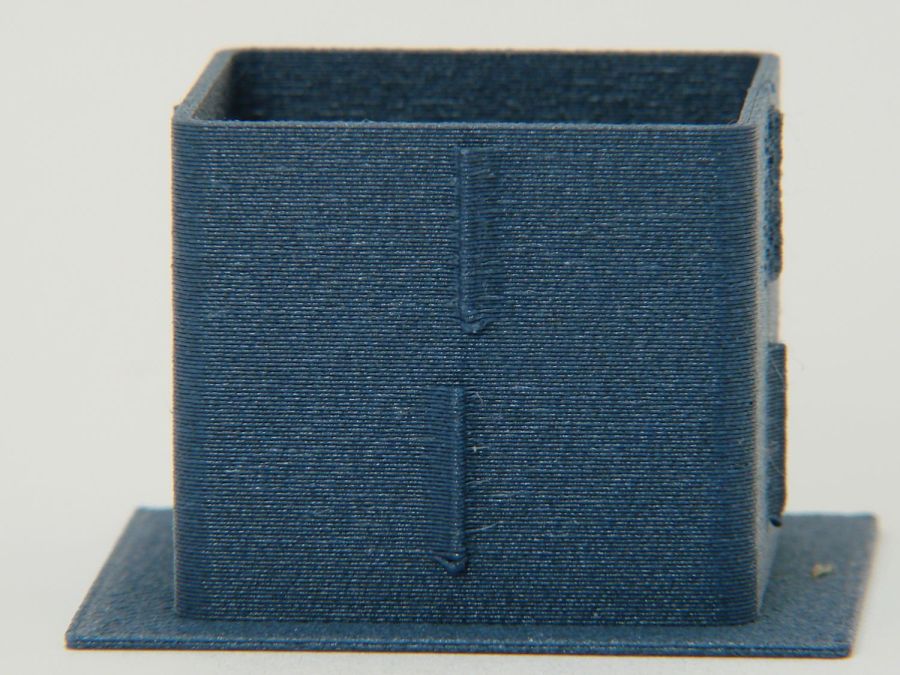
    With PrusaSlicer set to produce 0.45 mm thread widths, the walls should measure exactly 1.35 mm = 3×0.45 mm thick:

    • PETG = 1.30 mm (1.29 to 1.30)
    • PETG-CF = 1.40 mm (1.37 to 1.40)

    While I think you could tweak the EM for both materials, it’s unlikely to make any practical difference on typical objects.

    So it looks like a slightly lower temperature with 1.0 EM will produce good outside dimensions for the carbon fiber filaments, while models with precise thin sections will require careful tuning.