Ed Nisley's Blog: Shop notes, electronics, firmware, machinery, 3D printing, laser cuttery, and curiosities. Contents: 100% human thinking, 0% AI slop.
Tag: Improvements
Making the world a better place, one piece at a time
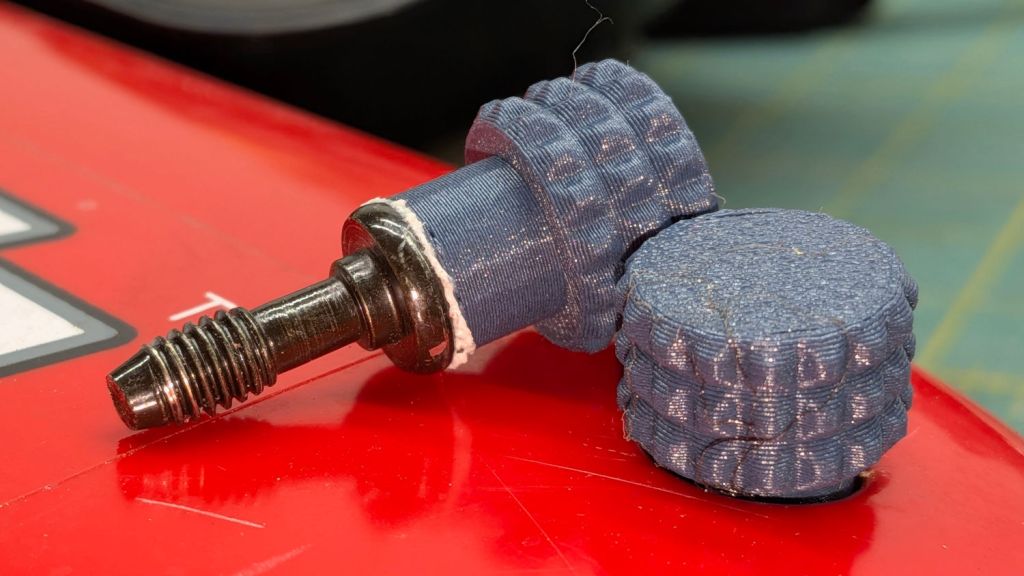
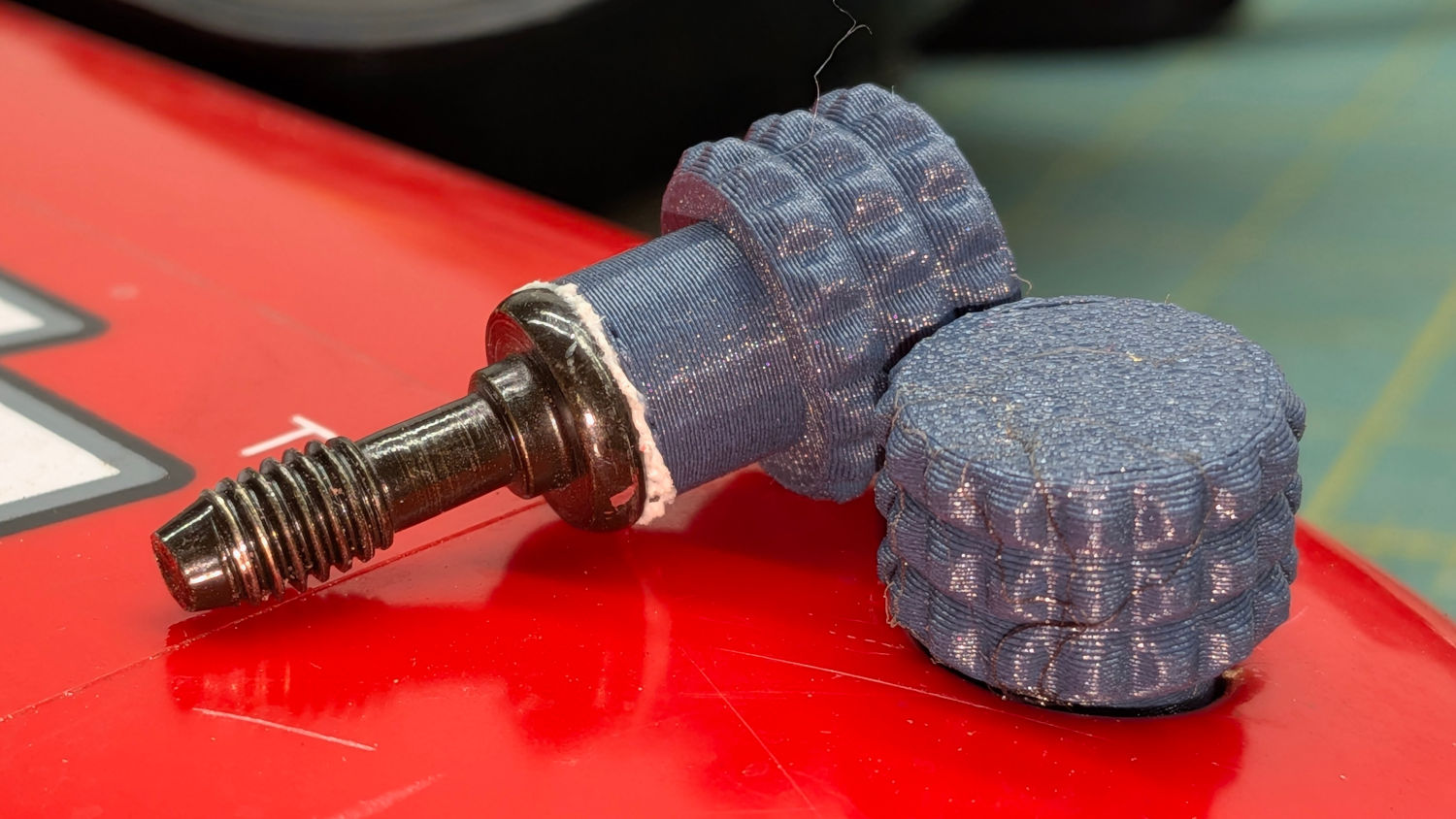
The latches holding the side cover of the portable generator in place work well enough that I never tighten the cover screws, but sometimes one will vibrate itself into place and require less than one turn of a screwdriver to release. Given that I put a knob on the air filter screw, a pair of knobs on the side cover screws makes sense:
Generator Cover Screw Knob – installed
Those are custom screws! The narrow neck keeps them captive in the cover, which is a Good Thing™.
These knobs obviously descend from the air filter knob, with less knurling and a short shaft to clear the recess in the cover:
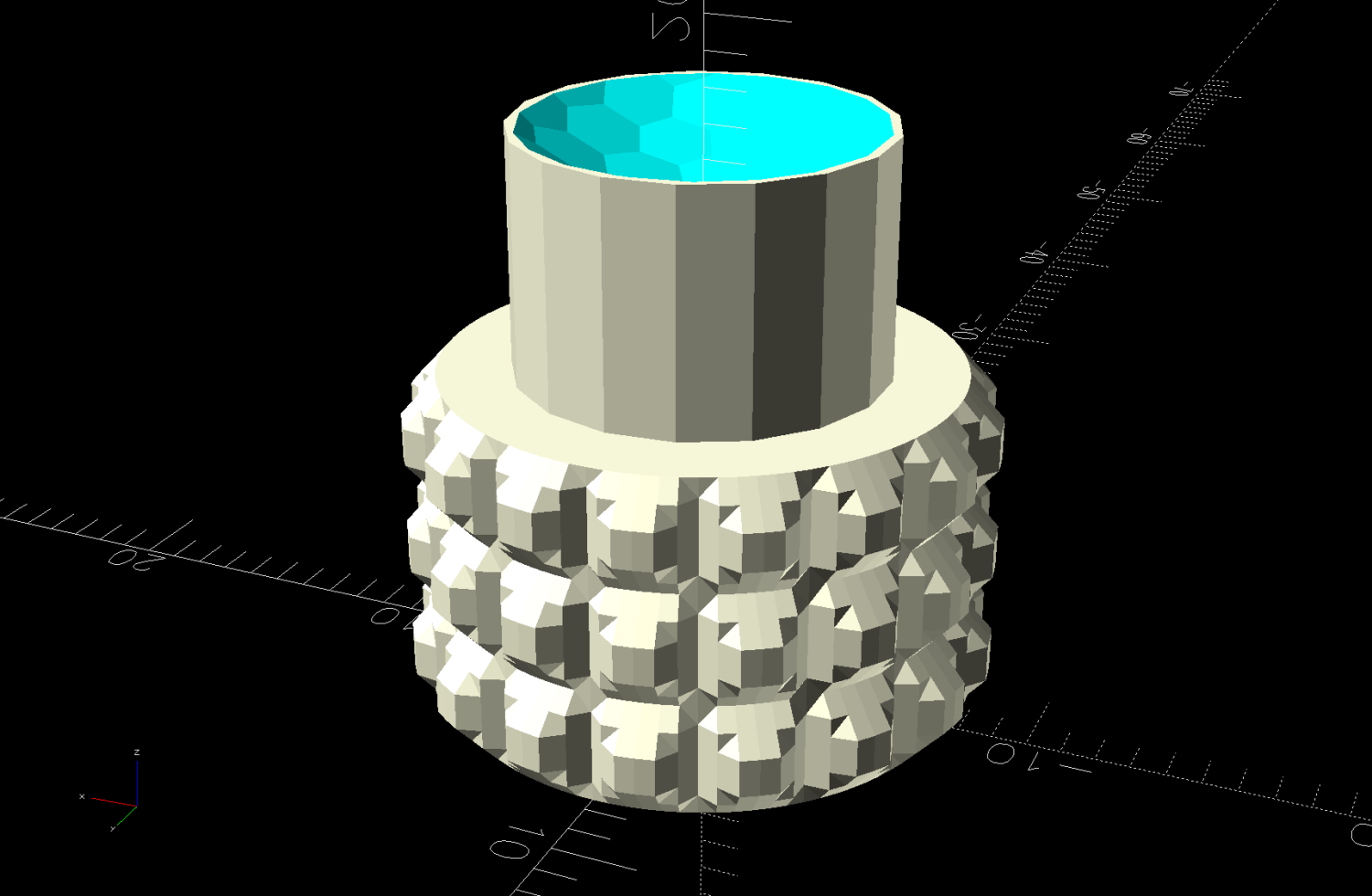
Generator Cover Screw Knob – solid model
Unlike the air filter knob, the double-sided tape gluing these to their screws isn’t continually compressed, so the knobs may eventually shake off. Should that happen, I’ll deploy epoxy.
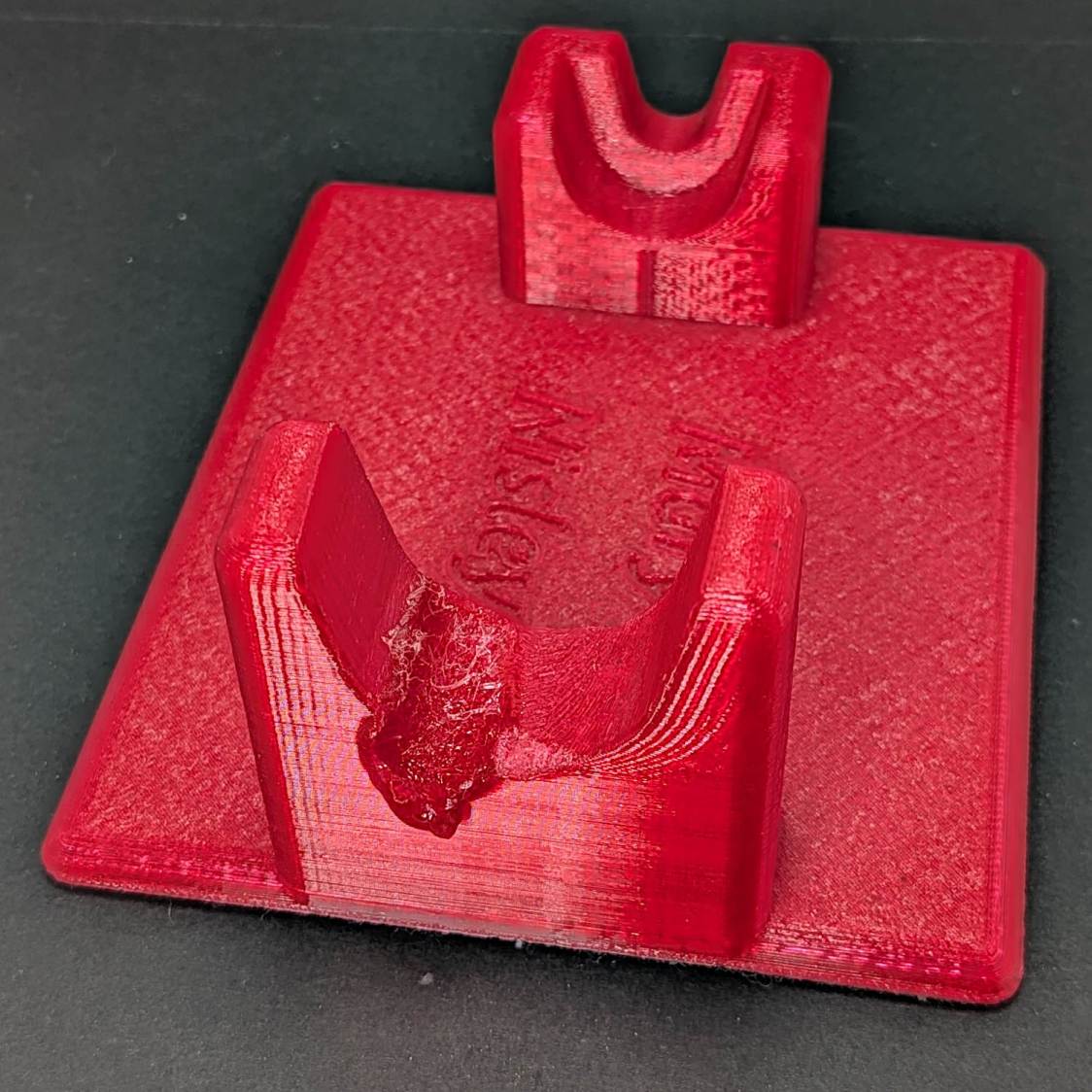
The 3D printed Clover Mini-Iron holder served well over the last decade (!), even after one of Mary’s buddies misplaced the iron during a quilting bee:
Clover MCI-900 Mini Iron holder – melted
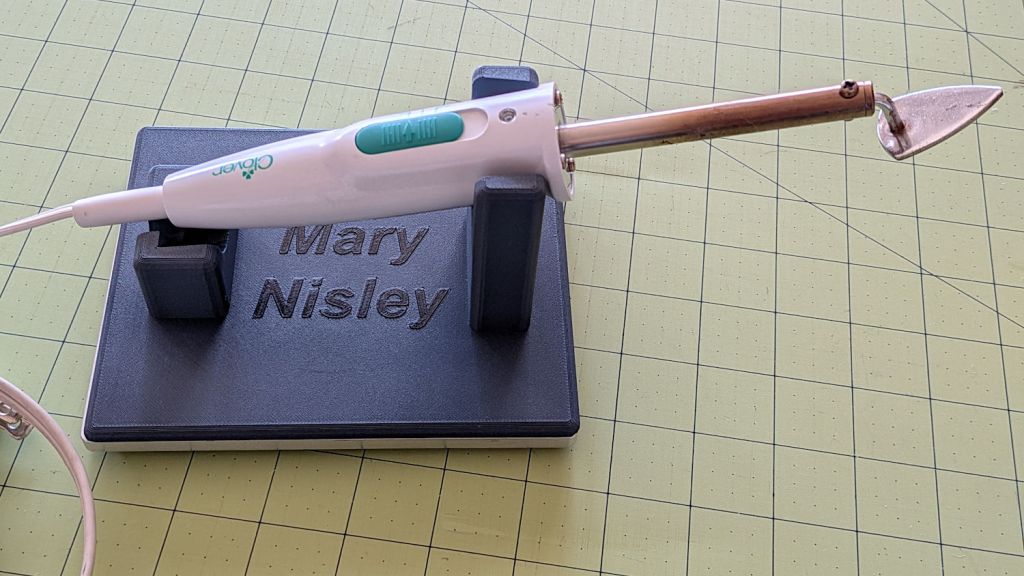
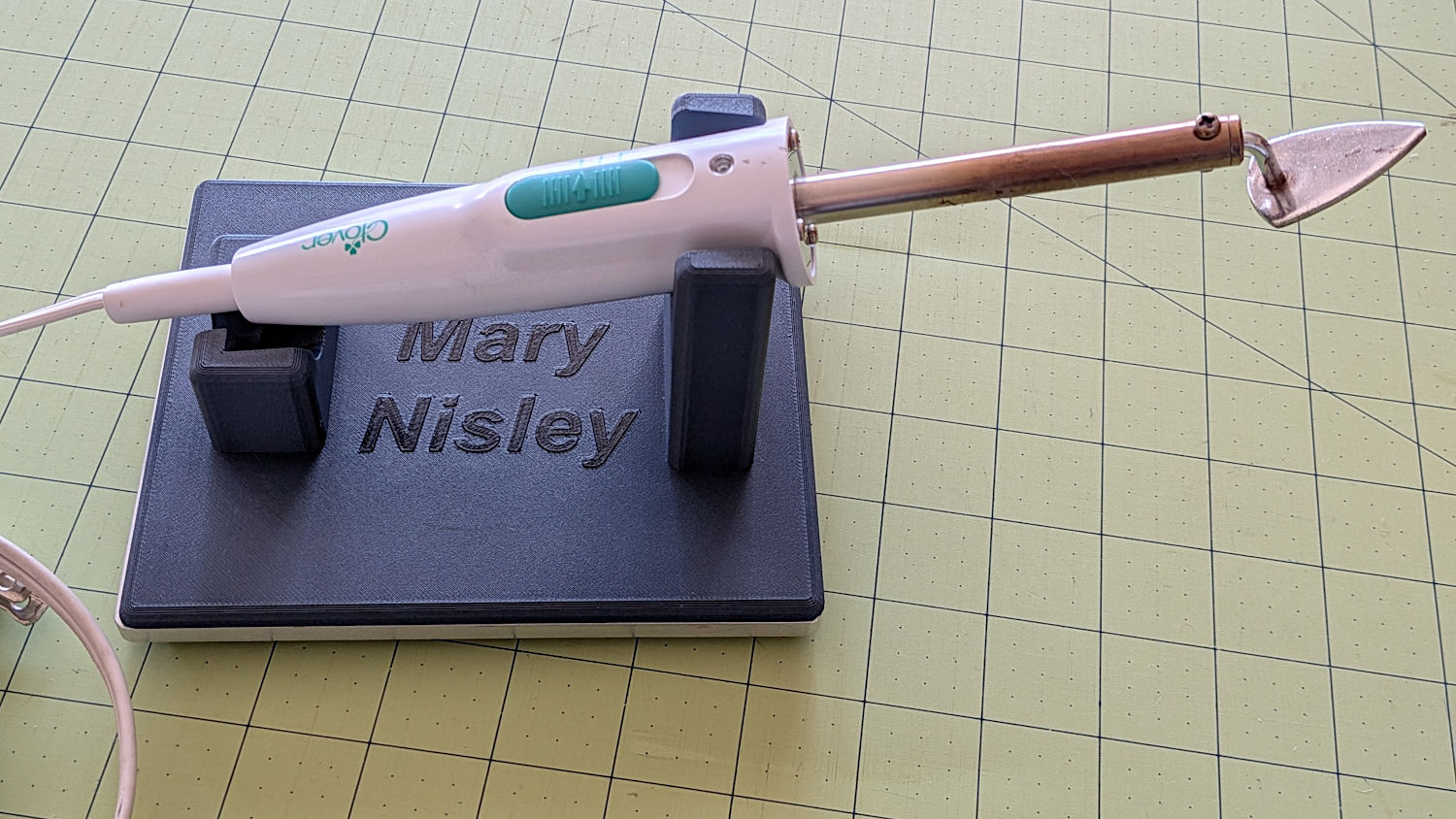
She asked for a new holder that put the iron at a higher angle for easier gripping, which required only slight tinkering to boot the OpenSCAD code into the current decade:
Clover MCI-900 Mini Iron holder – higher angle
The letters stand one layer proud of the surface just to see what that looked like. I think it’s a nice touch.
The alert reader will note the cord end isn’t quite snugged into its recess. In normal use, the cord hangs over the edge of the sewing table and pulls the iron into place.
I embiggened the base to fit an aluminum plate from the stockpile, because that same cord tends to pull the holder around on the table. The plate puts enough weight on the silicone rubber feet to hold it firmly in place.
A layer of good double-stick tape strips bonds the aluminum plate to the PETG iron holder, after I once again discovered that craft adhesive sheets do not bond to PETG.
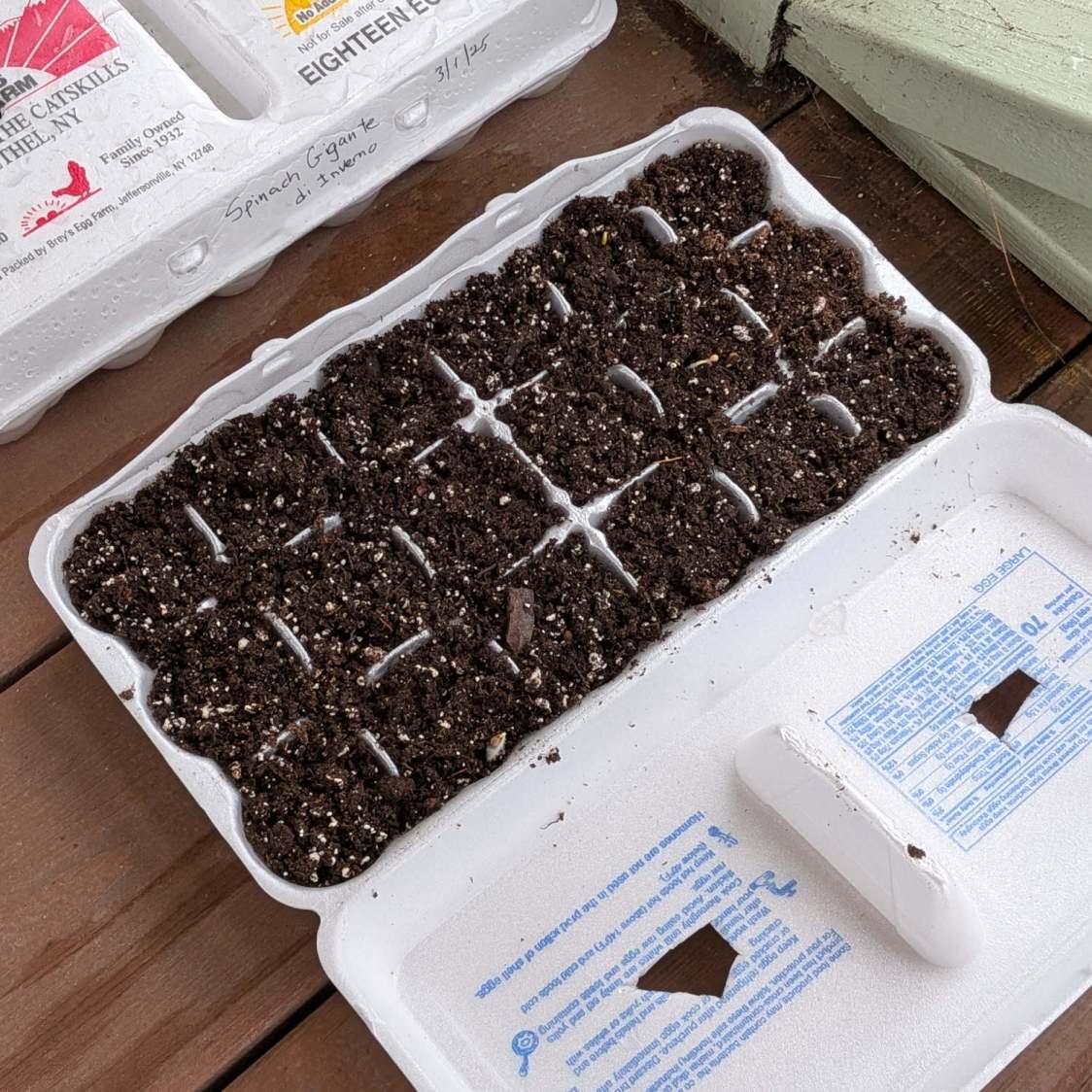
Mary has been using Styrofoam egg cartons to sprout seeds for this year’s garden veggies:
Egg carton sprouter – hand cut
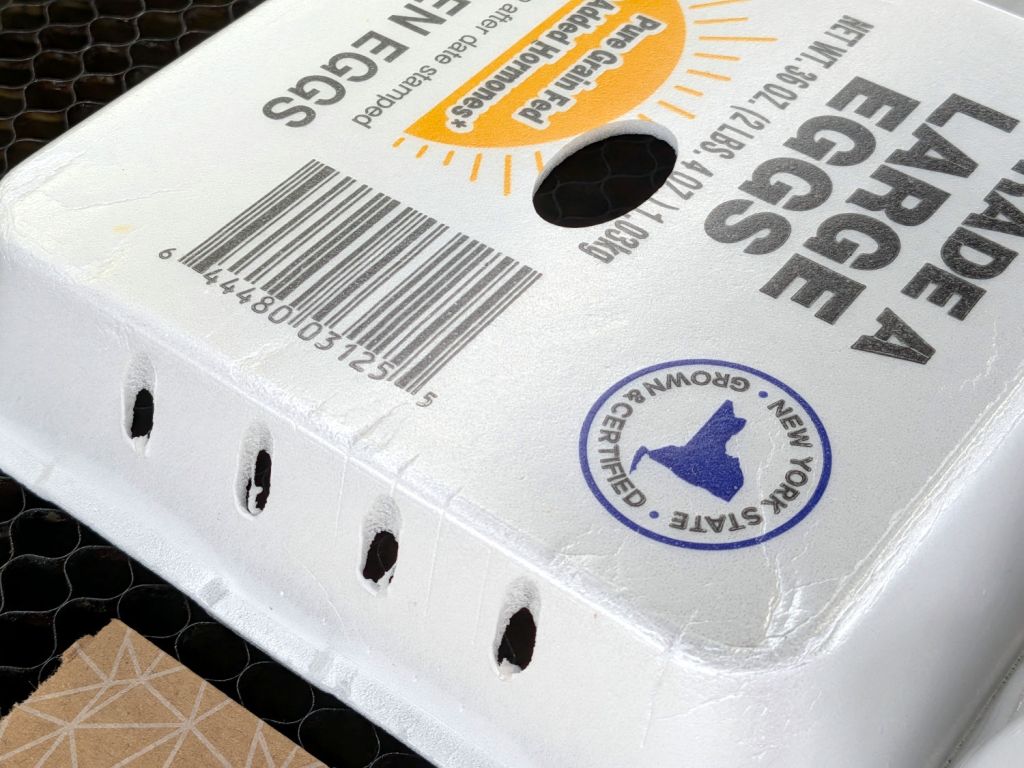
I looked at those artisanal holes and offered to make sprouters with precisely calibrated laser-cut holes.
After the laughter died down, this happened:
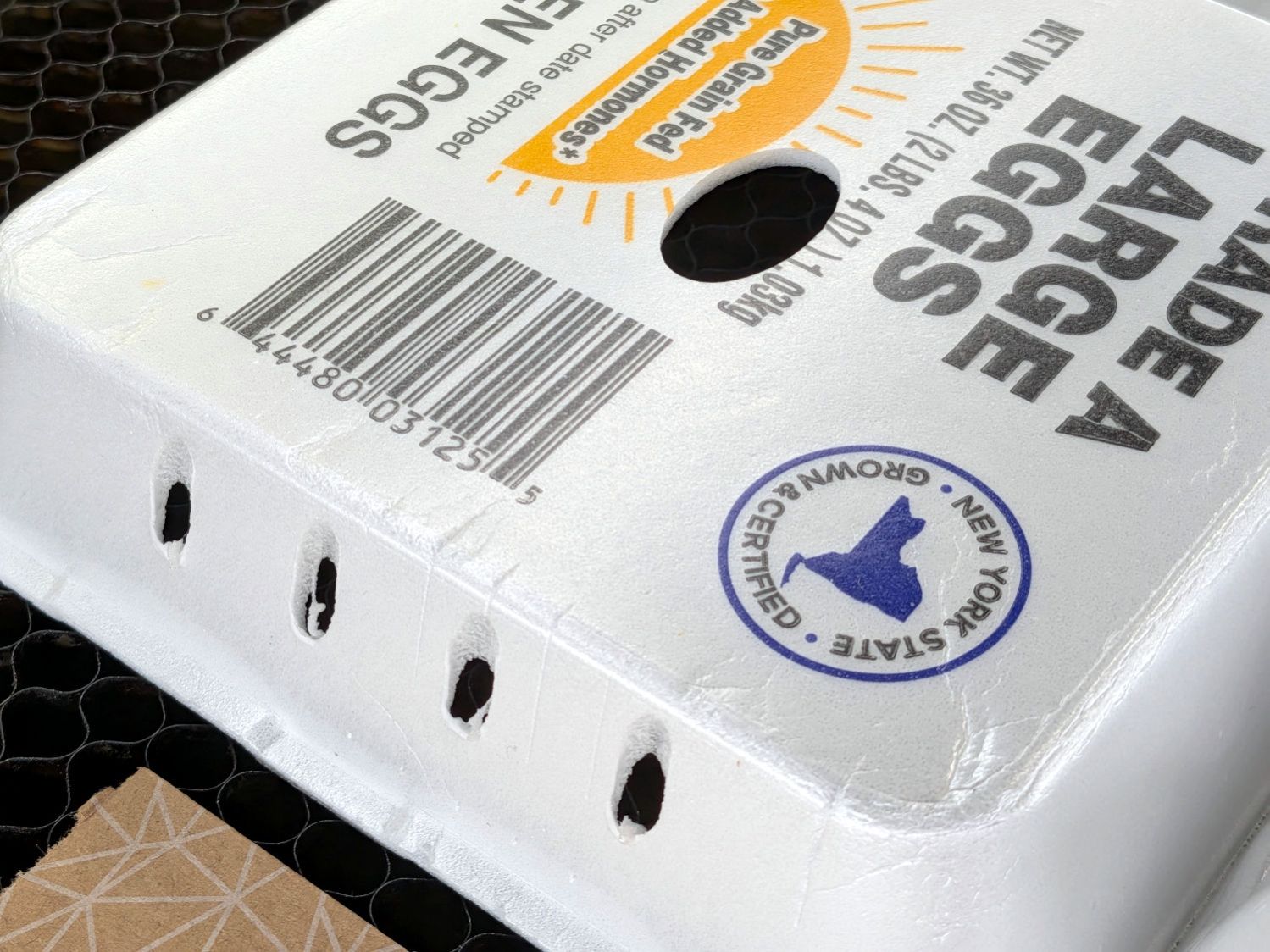
Egg carton sprouter – lid detail
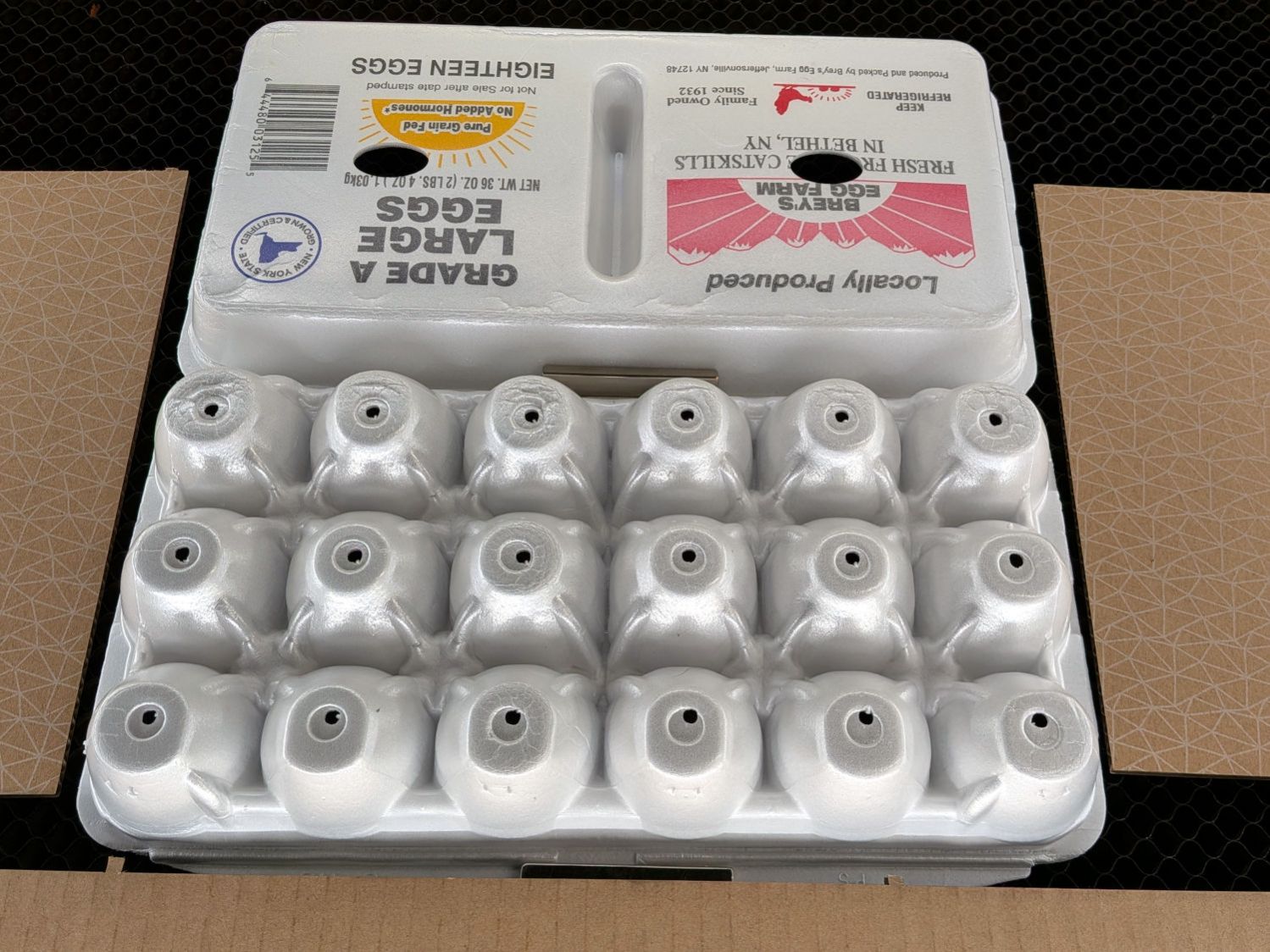
Each egg compartment has a drainage hole in the bottom:
Egg carton sprouter – on platform
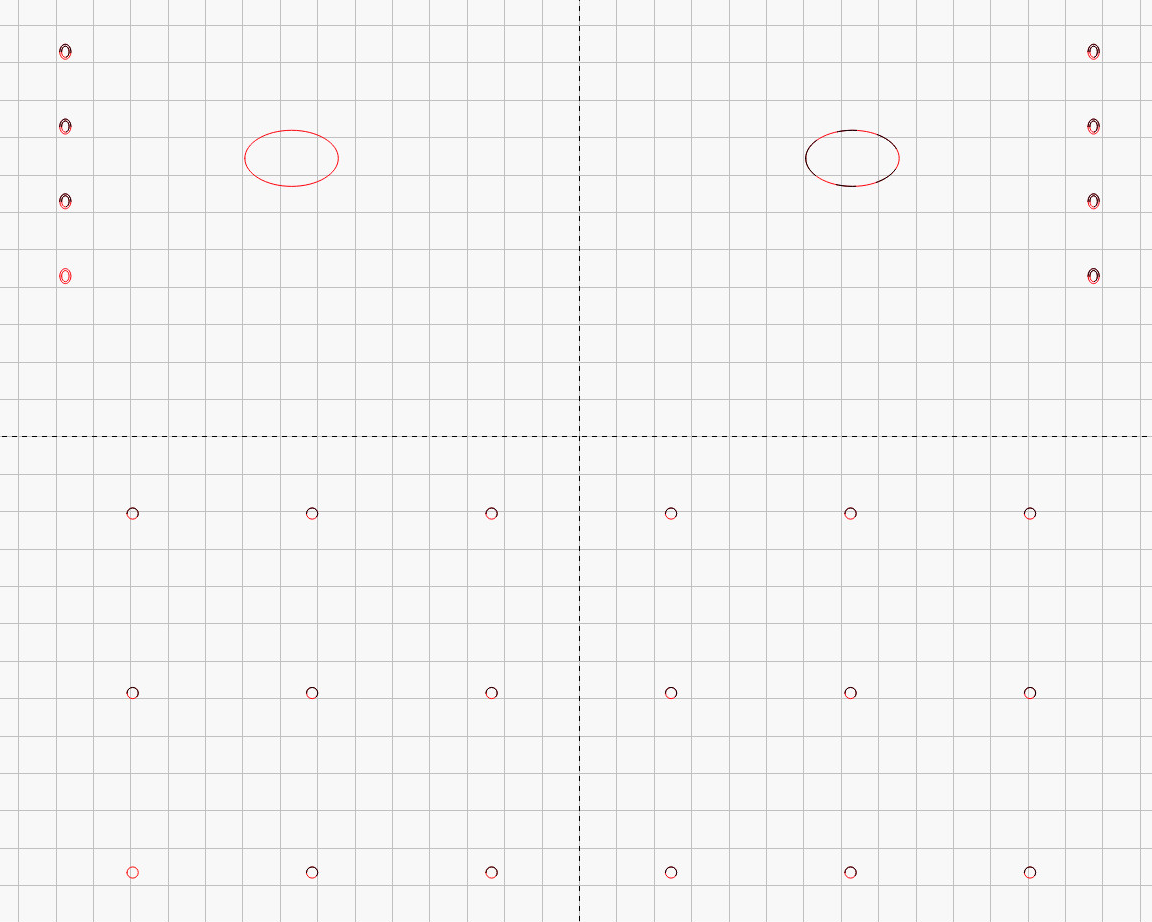
The LightBurn layout has four shapes in three virtual arrays:
Drain holes: 3 mm circle, 6×3 array
Top vents: 25×15 mm oval, 2×1 array
Side vents: concentric 3×4 & 2×3 mm ovals, 2×4 array
Which looks like this:
Egg Carton Sprouter – LightBurn layout
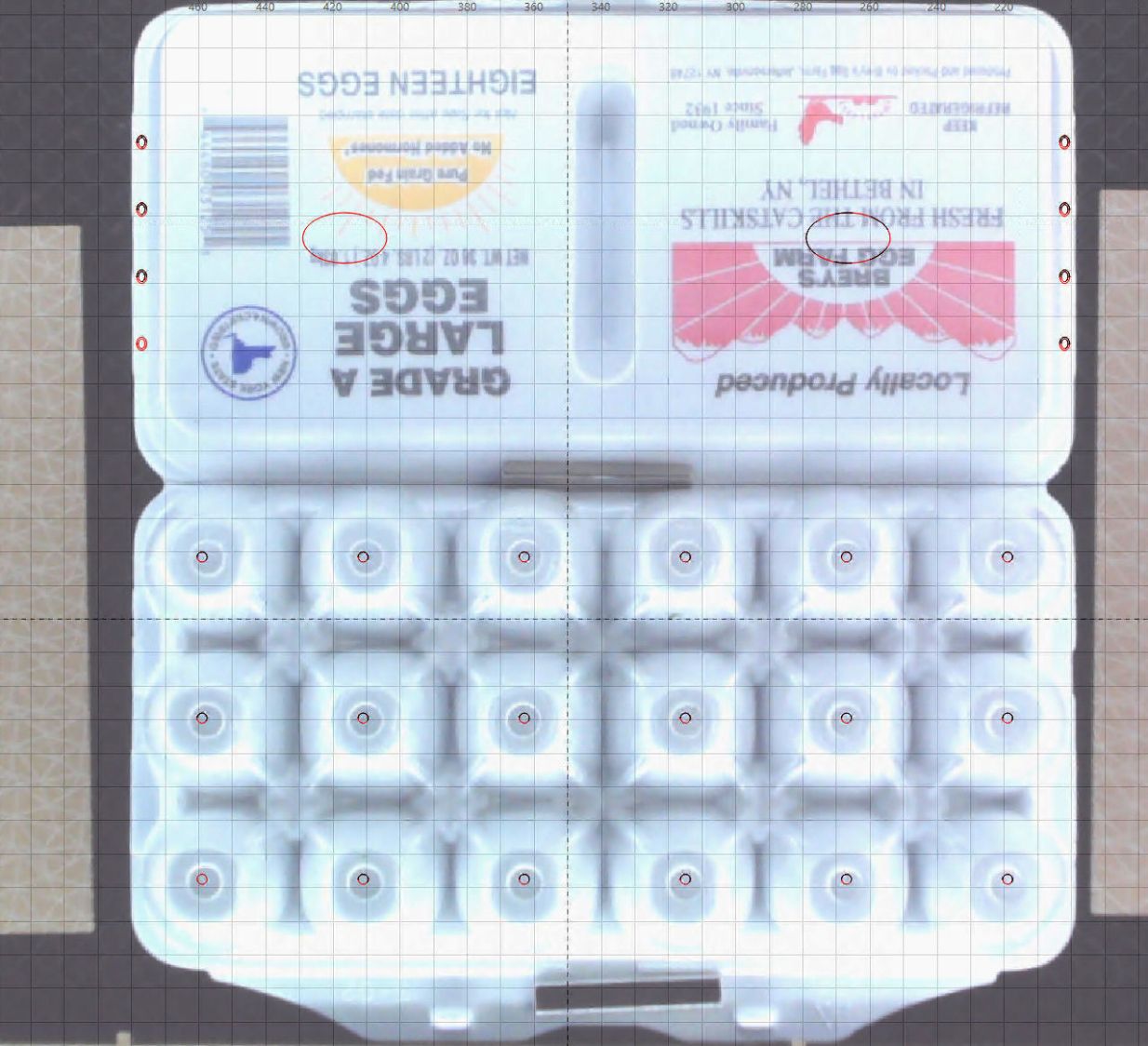
Because this isn’t a high-precision operation, I align the patterns to the carton using the camera:
Egg Carton Sprouter – LightBurn camera alignment
The two halves of the unfolded carton aren’t the same height, which means the top and bottom patterns have different focus levels and must be cut in two operations.
The OXO pepper mill replacing our worn-out pepper mill arrived filled with peppercorns and, during the ensuing nine months, we established its finest grind setting produced bigger pepper flakes than we prefer. I figured there had to be a way to get the ceramic stones just a little bit closer, even though it has no user-serviceable components inside.
So, we begin.
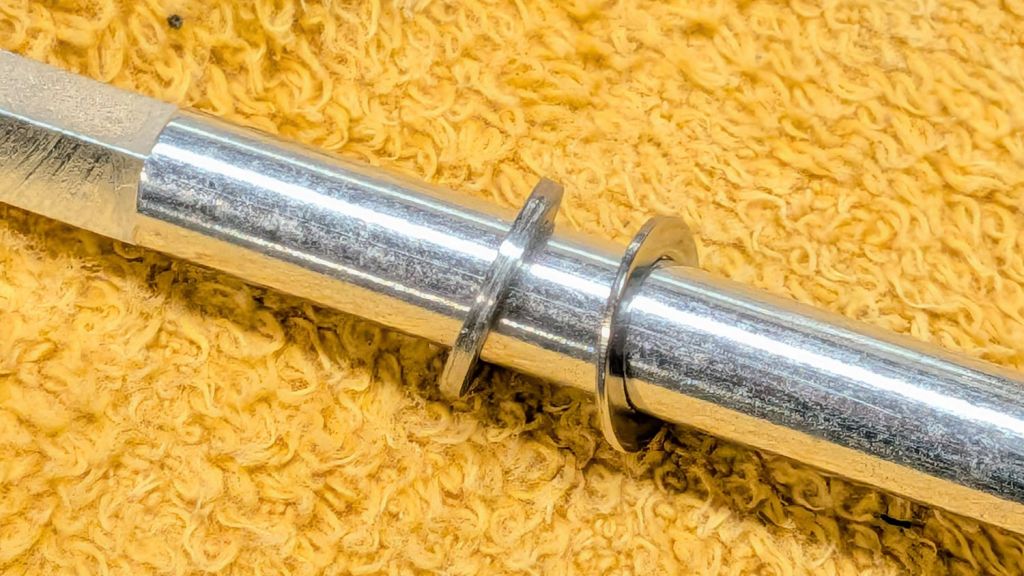
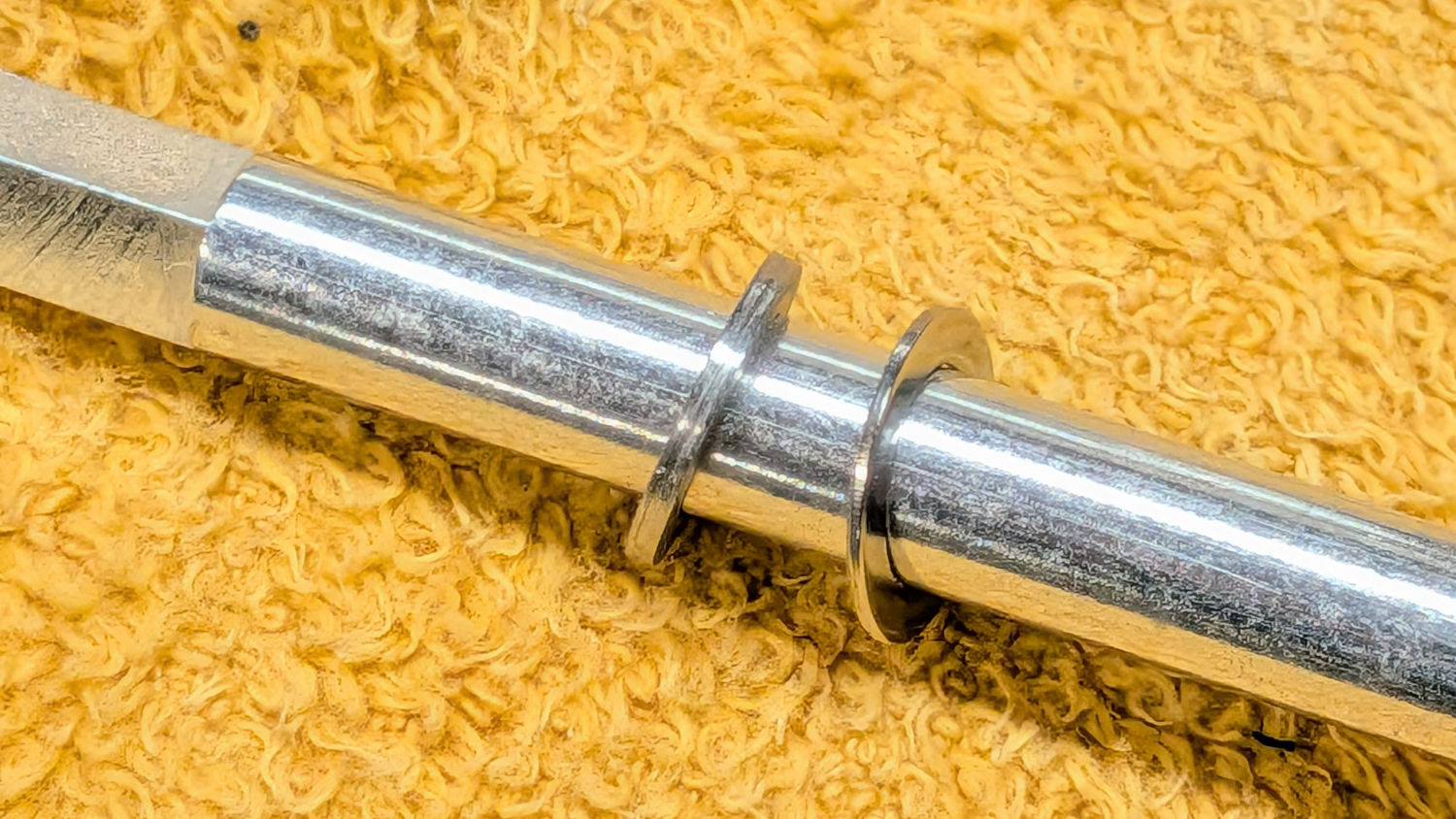
After rinsing out most of the pepper flakes (the remainder appearing in the pictures below) and determining the two obvious screws didn’t release the housing, the Jesus clip on the shaft extending through the peppercorn compartment came under consideration:
OXO Pepper Mill – E-clip on shaft
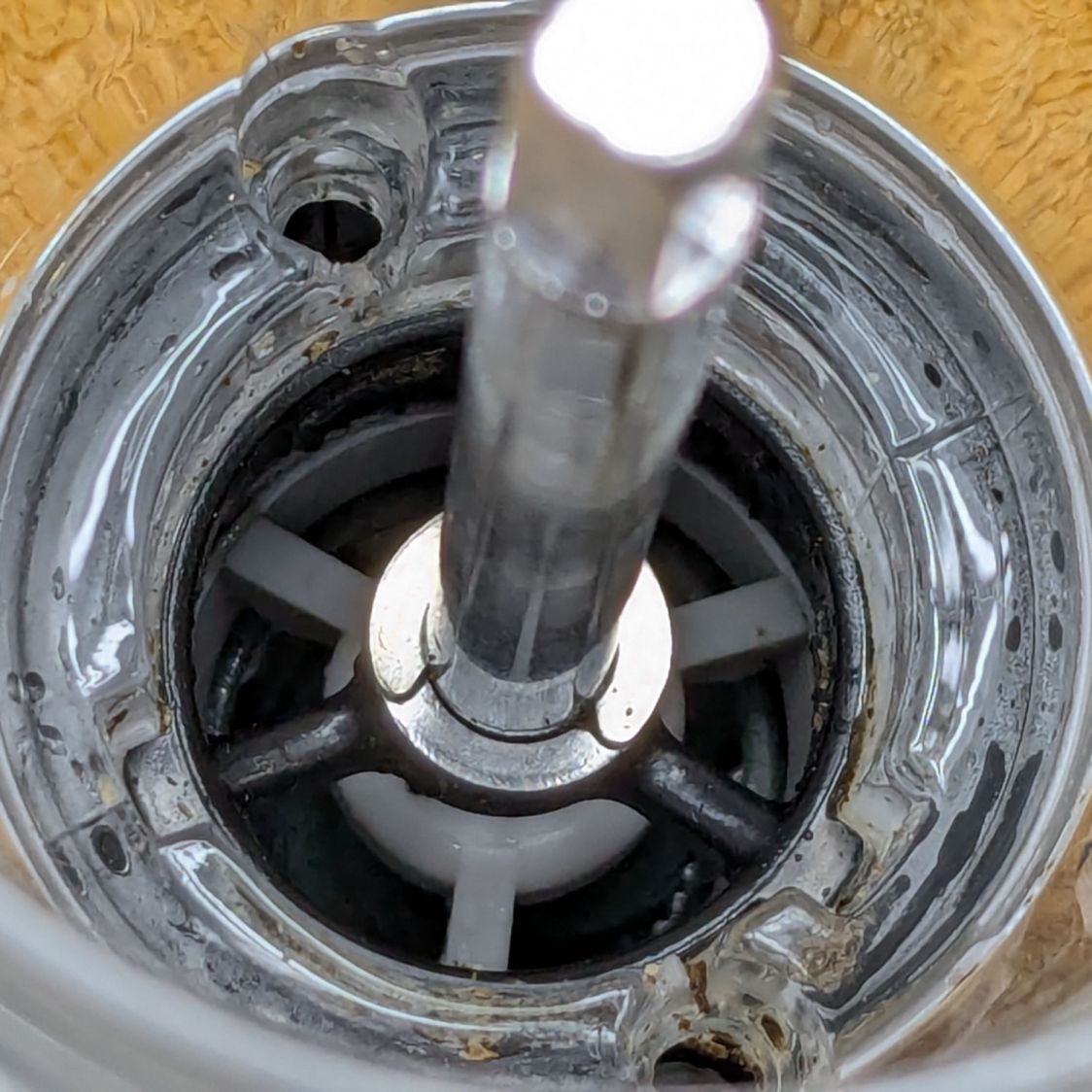
The washer beyond the clip bears on the black plastic spider. It turns out the thickness of that washer determines the distance between the grind stones at the minimum setting: making it thicker reduces the stone gap and produces a finer grind.
Knowing full well it would be impossible to get the clip back on the shaft in that position, I pried it off.
Spoiler: Don’t do that!
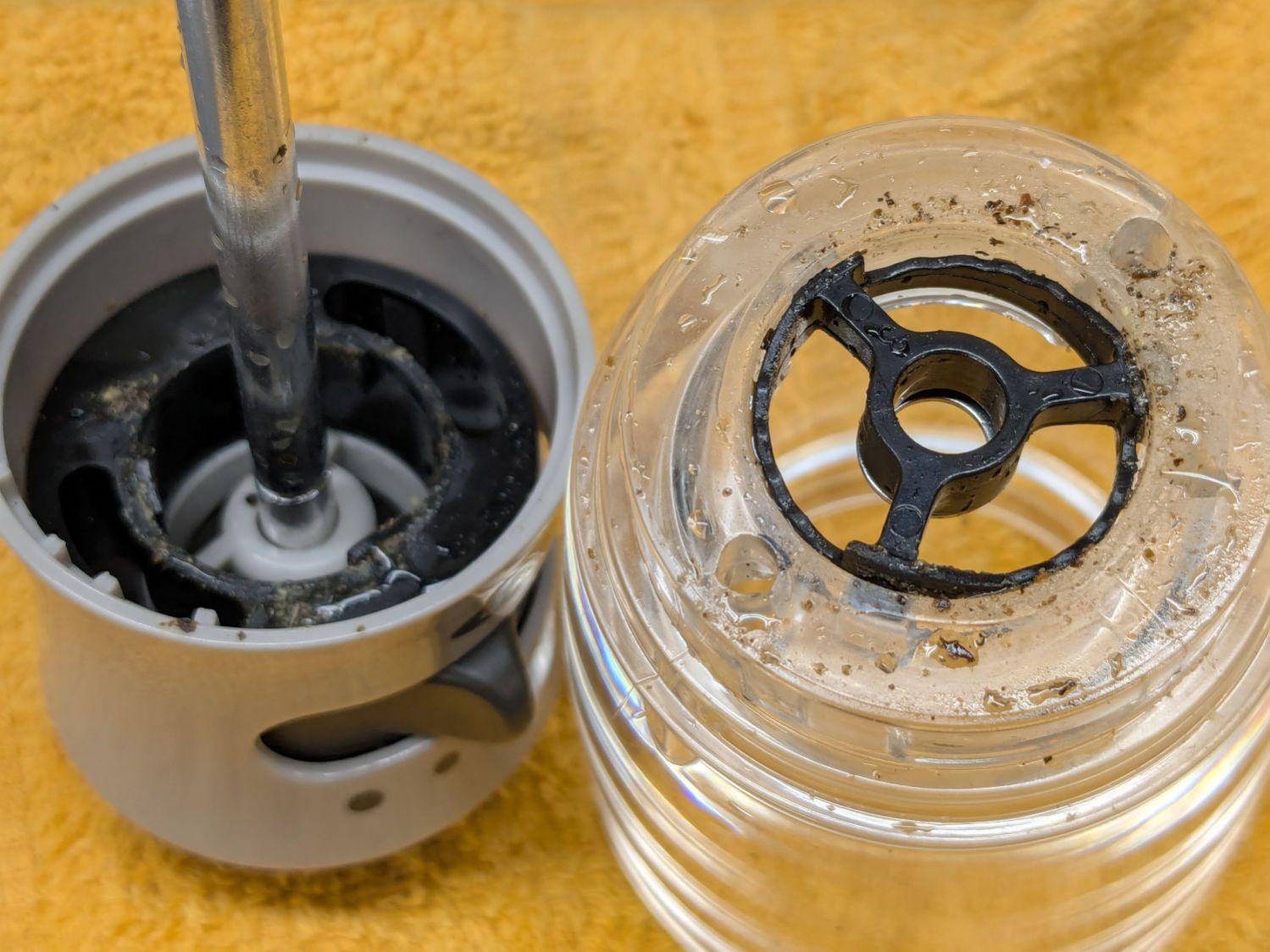
The grind adjustment lever turns the chunky black ring inside the gray housing:
OXO Pepper Mill – grind adjustment rings
Three protrusions on that ring step along notched ramps around the perimeter of the black spider in the clear housing on the right.
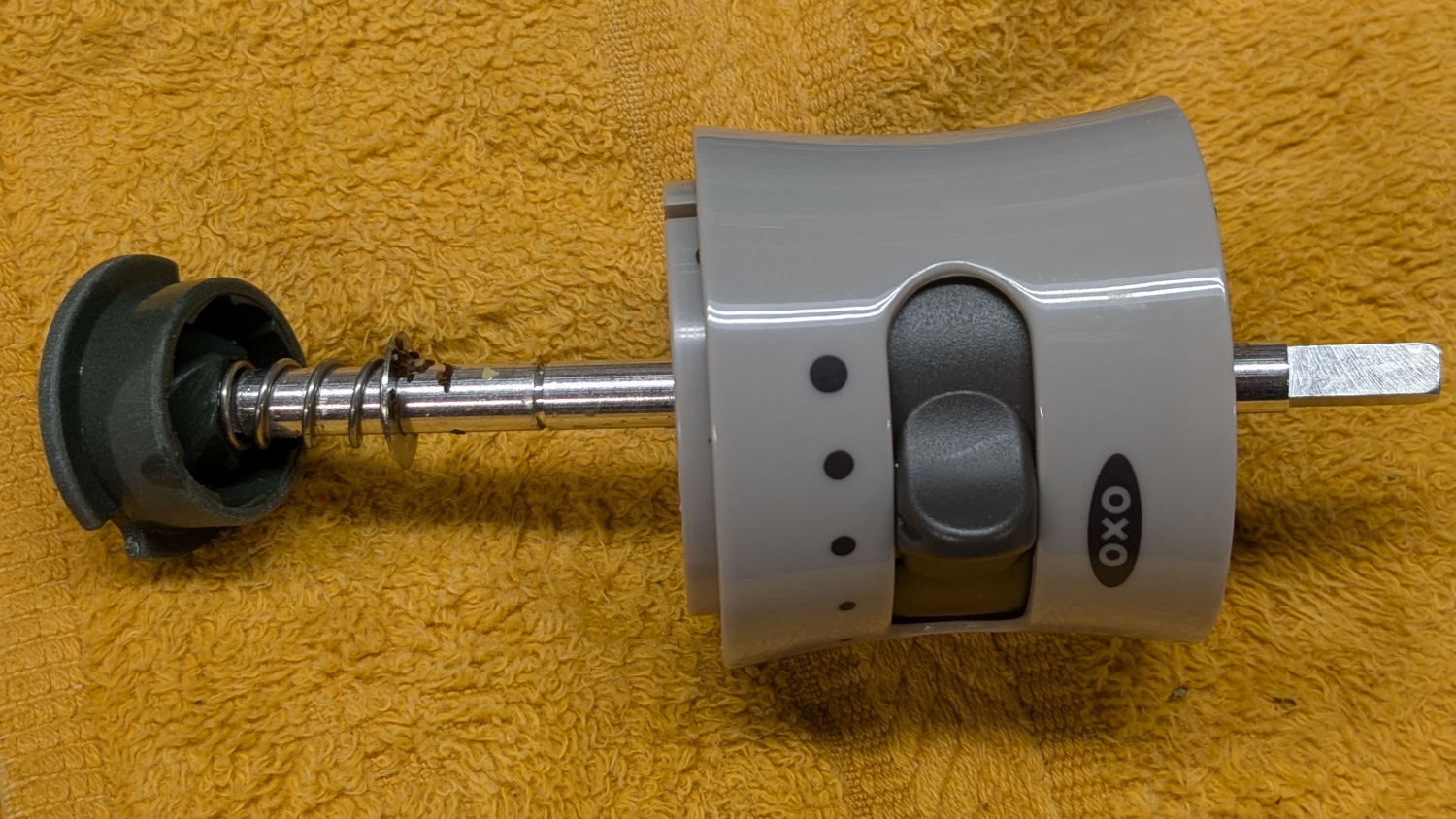
The shaft slides out to reveal the spring under the inner stone, with a second washer bearing against the bore of the gray plastic housing:
OXO Pepper Mill – upper shaft parts layout
As a result, the spring tries to push the shaft and inner stone out of the housing (toward the left). The protrusions on the grind adjustment control how far the shaft can move, with the washer + clip locking the shaft to the spider.
Gentle persuasion extracts the chunky black ring:
OXO Pepper Mill – grind adjust slider
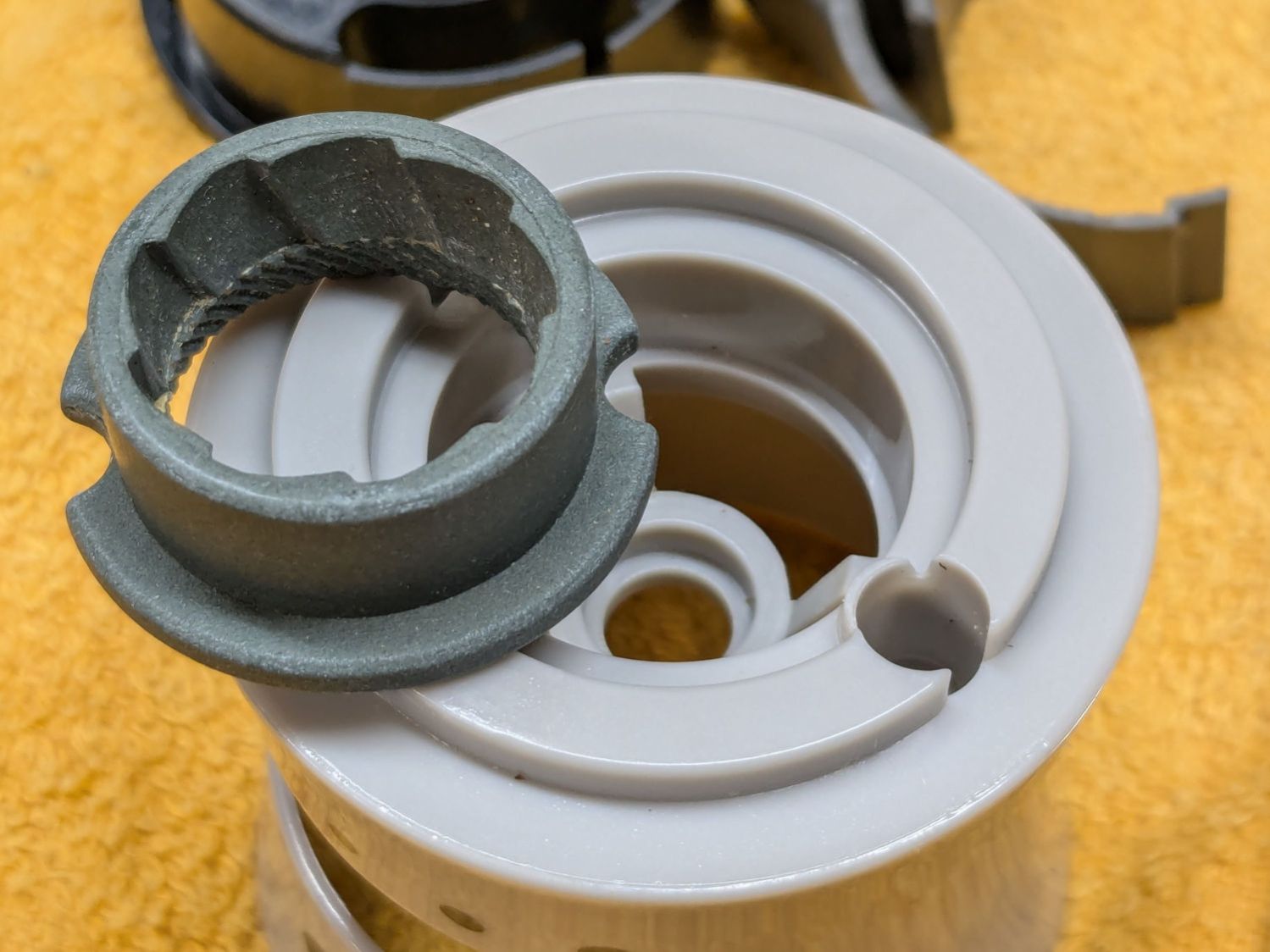
The outer stone fits into a recess in the gray housing:
OXO Pepper Mill – outer stone
One might 3D print a washer fitting under that stone to close the gap between it and the inner stone, but the two screw holes interrupt the ledge enough to suggest the washer would be in two parts divided. If I didn’t have a mini-lathe, that’d be the best way to go.
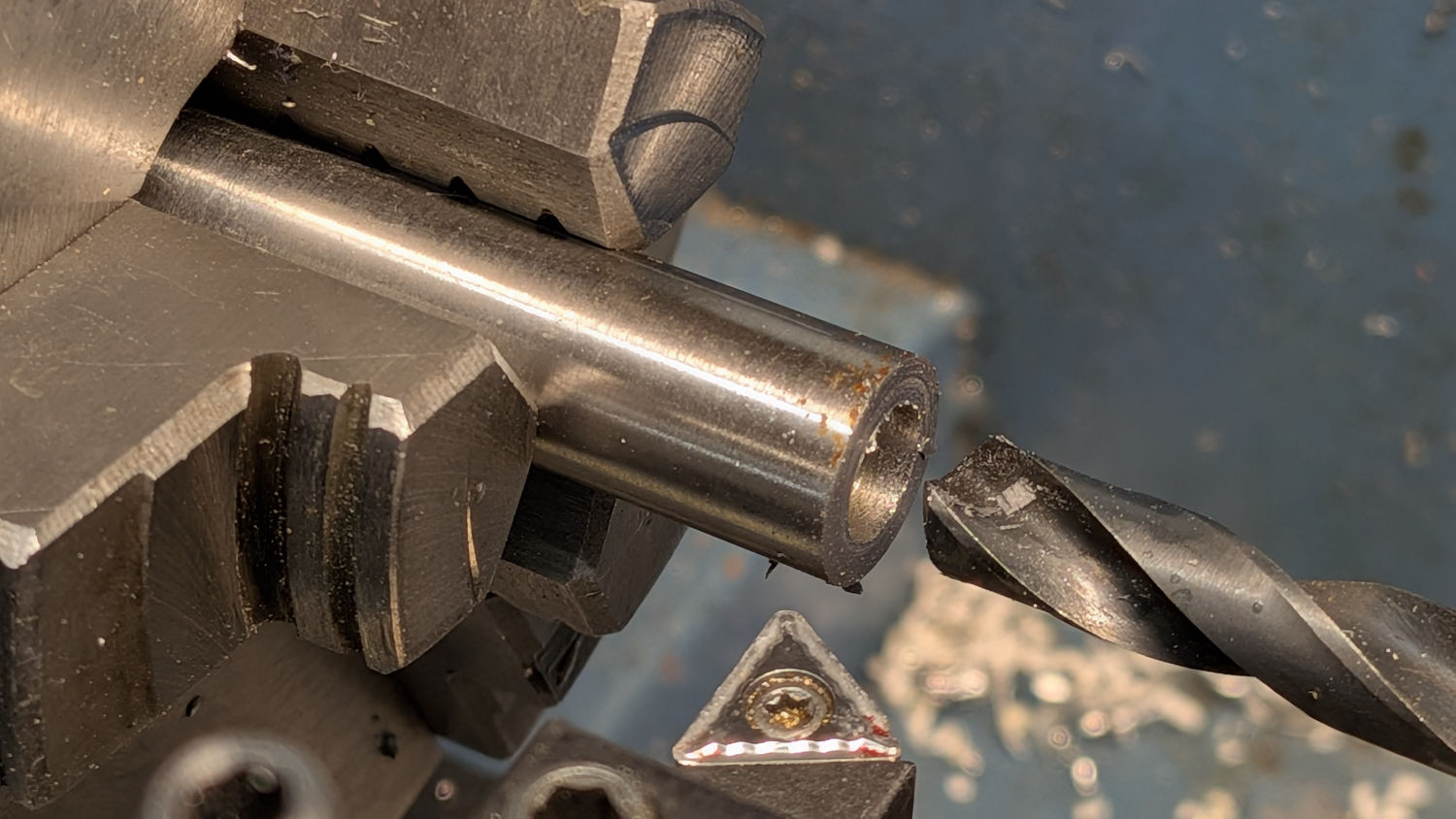
But I have a mini-lathe, so I made a steel washer slightly thicker than the OEM washer under the clip:
OXO Pepper Mill – turning new washer
The OEM washer:
ID 6.7 mm
OD 10.2 mm
Thick 0.6 mm
Not knowing the right answer, I made a 1 mm washer, which is visibly thicker:
OXO Pepper Mill – 1mm vs OEM washer
Which let me reassemble the pepper mill in reverse order, only to establish reinstalling the Jesus clip deep down inside the housing is, in fact, impossible.
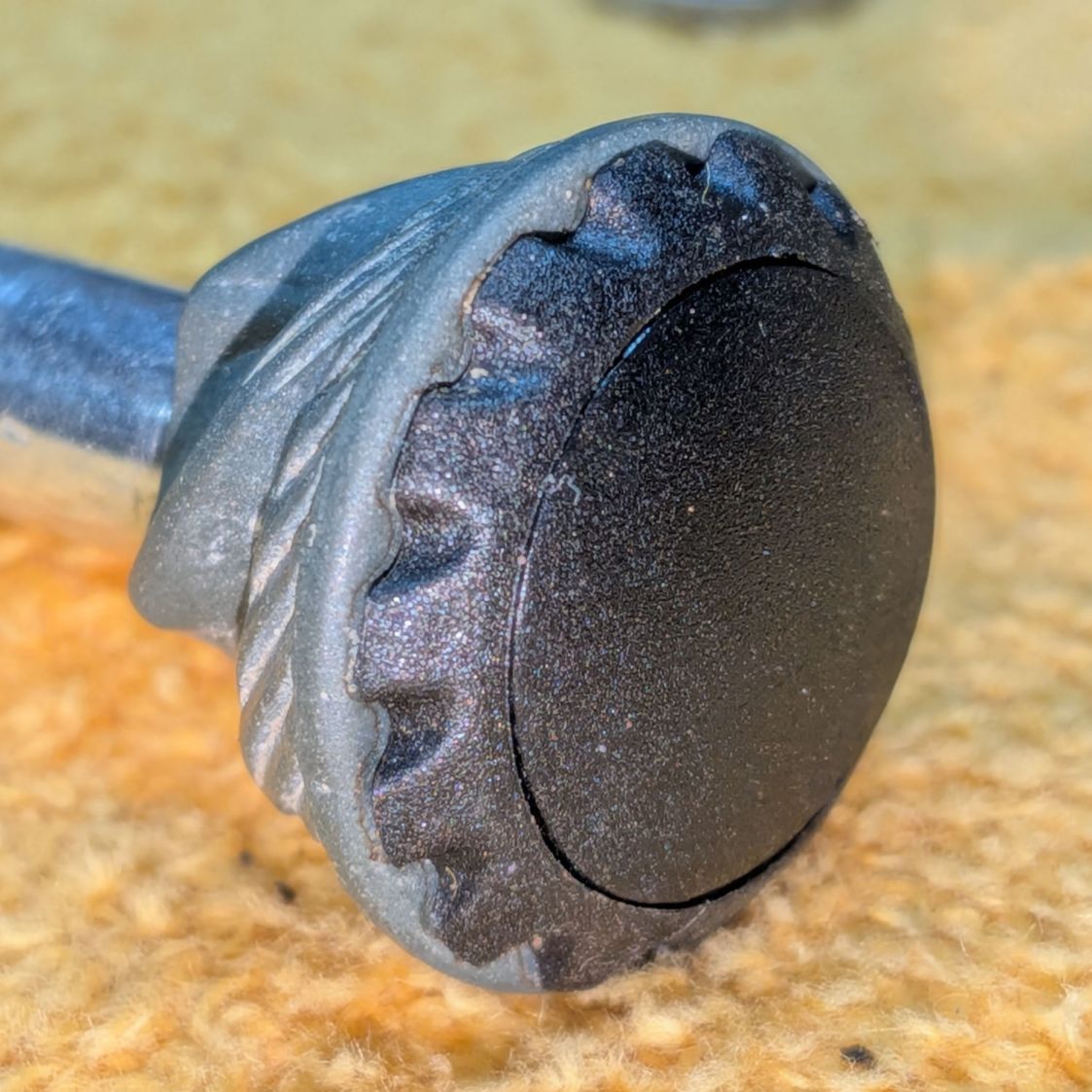
Taking everything apart again let me contemplate the inner stone on the shaft, leading to the discovery it could slide very slightly on the shaft. More pondering revealed a slight seam in what I had taken as a monolithic black cap:
OXO Pepper Mill – inner stone assembled
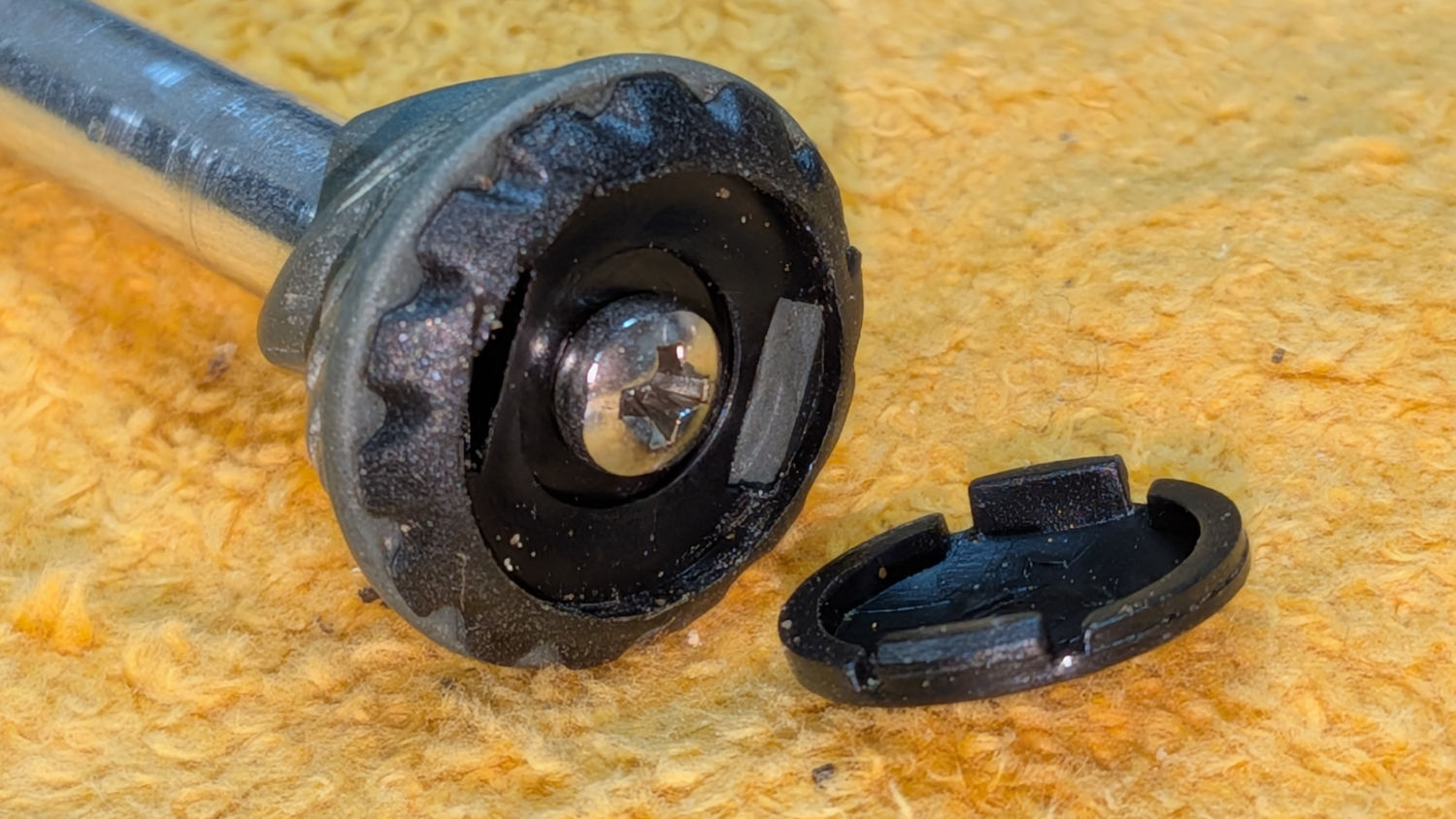
Applying gentle suasion between the stone and the cap with a plastic razor blade enlarged the seam into a gap. Much to my surprise, further prying popped the top off the cap:
OXO Pepper Mill – inner stone cap
Happy dance in full effect!
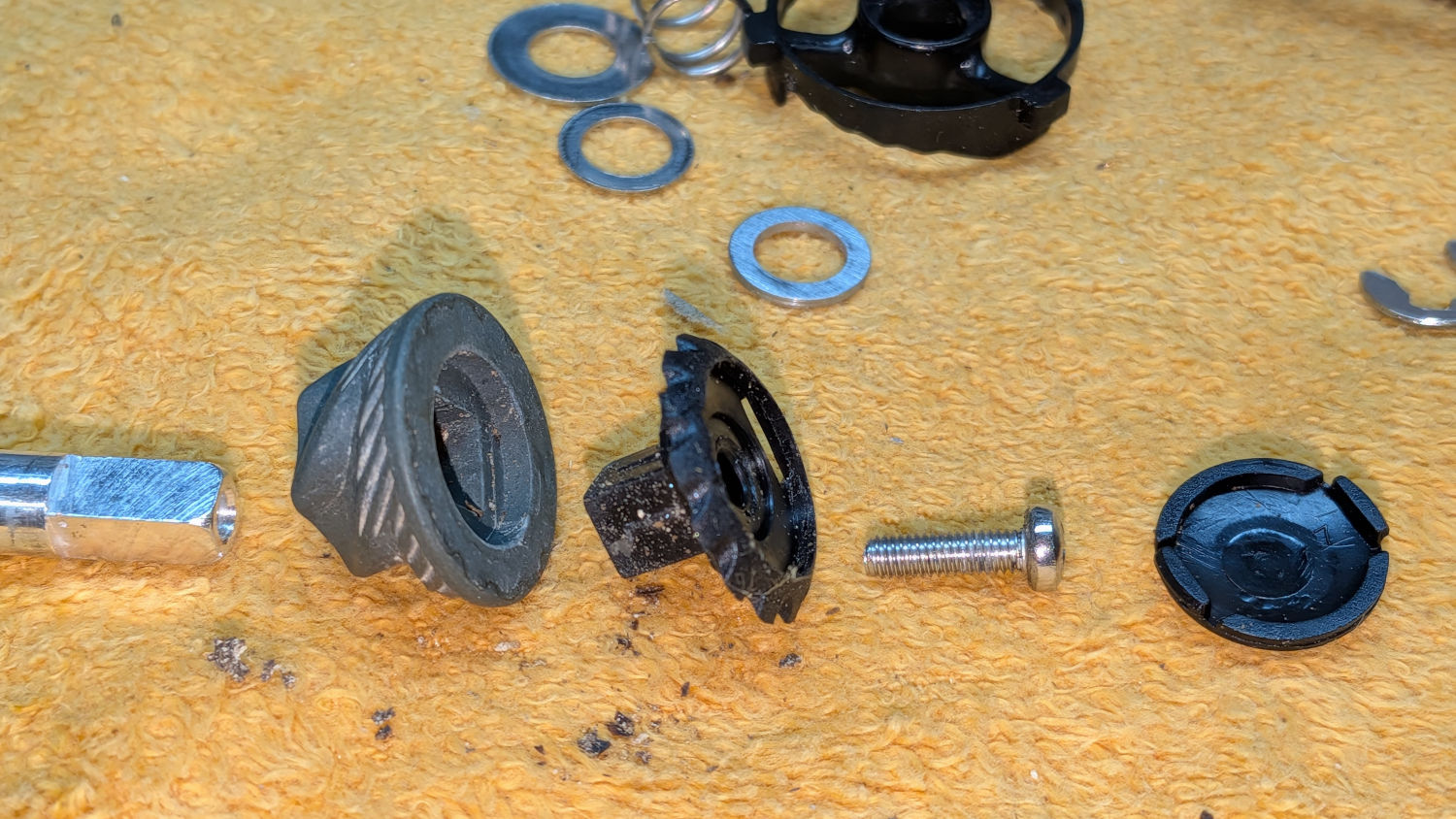
Removing the screw let everything slide off the top of the shaft:
OXO Pepper Mill – inner stone parts
Freeing that end of the shaft meant I could install the clip on the bench, add various parts while sliding the shaft through the housing, then tighten the screw to snug everything down.
As with most activities, it’s trivially easy when you know the trick.
Whereupon I discovered the new 1 mm washer jammed the two stones firmly together at the finest grind setting, so the correct washer will be somewhere between 0.6 and 1.0 mm thick:
Back to the lathe for a 0.8 mm thick washer
Dismantle pepper mill
Swap washers
Reassemble
Verify smooth turning at finest setting
Fill with peppercorns
Give it a twist
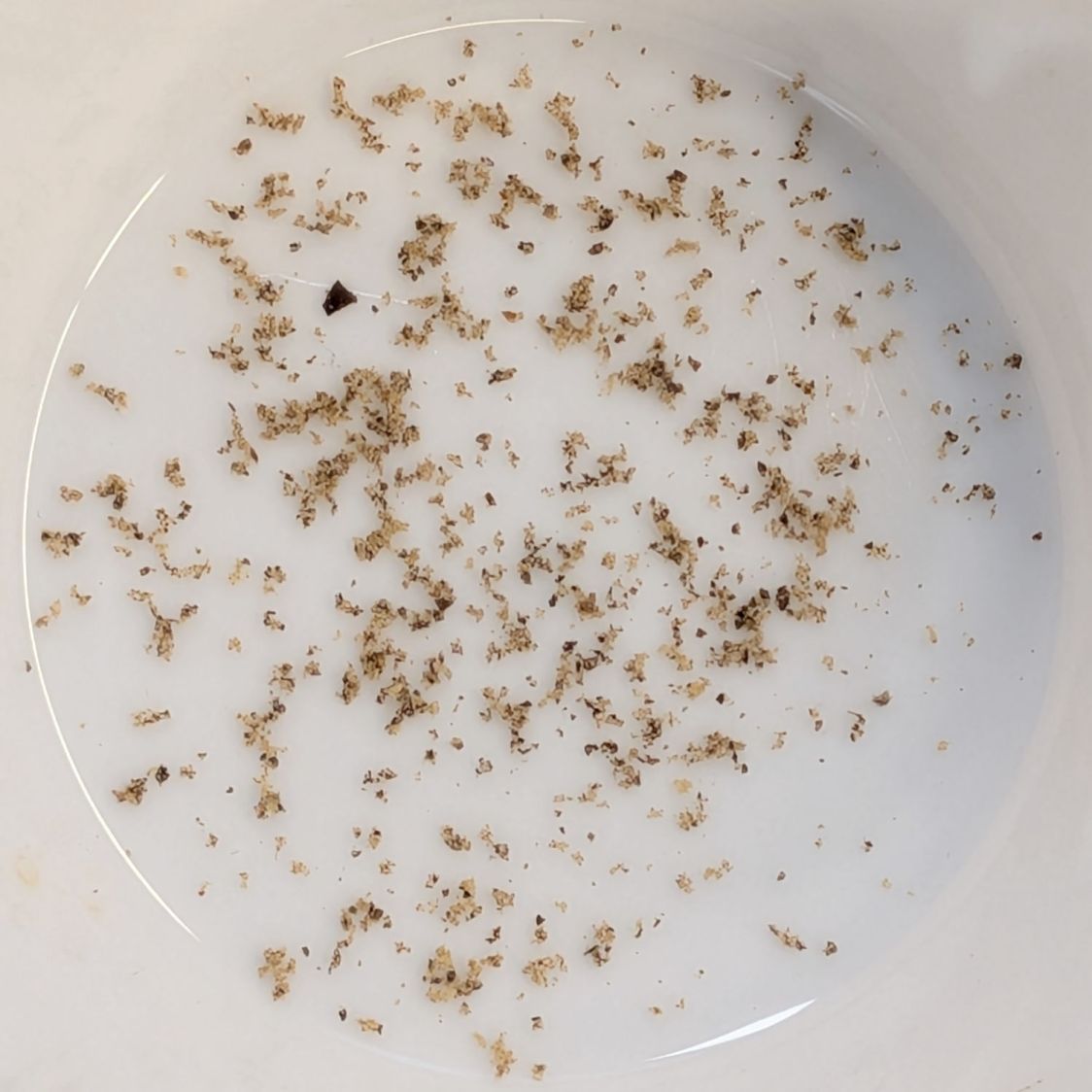
A shower of pepper flakes in a cup:
OXO Pepper Mill – finer grind
The mill undergoes a full qualification test tomorrow morning, but those flakes look much better.
Fun fact: the OXO pepper mill holds 2.0 oz of peppercorns, so we use 0.033 oz = 940 mg of pepper every day.
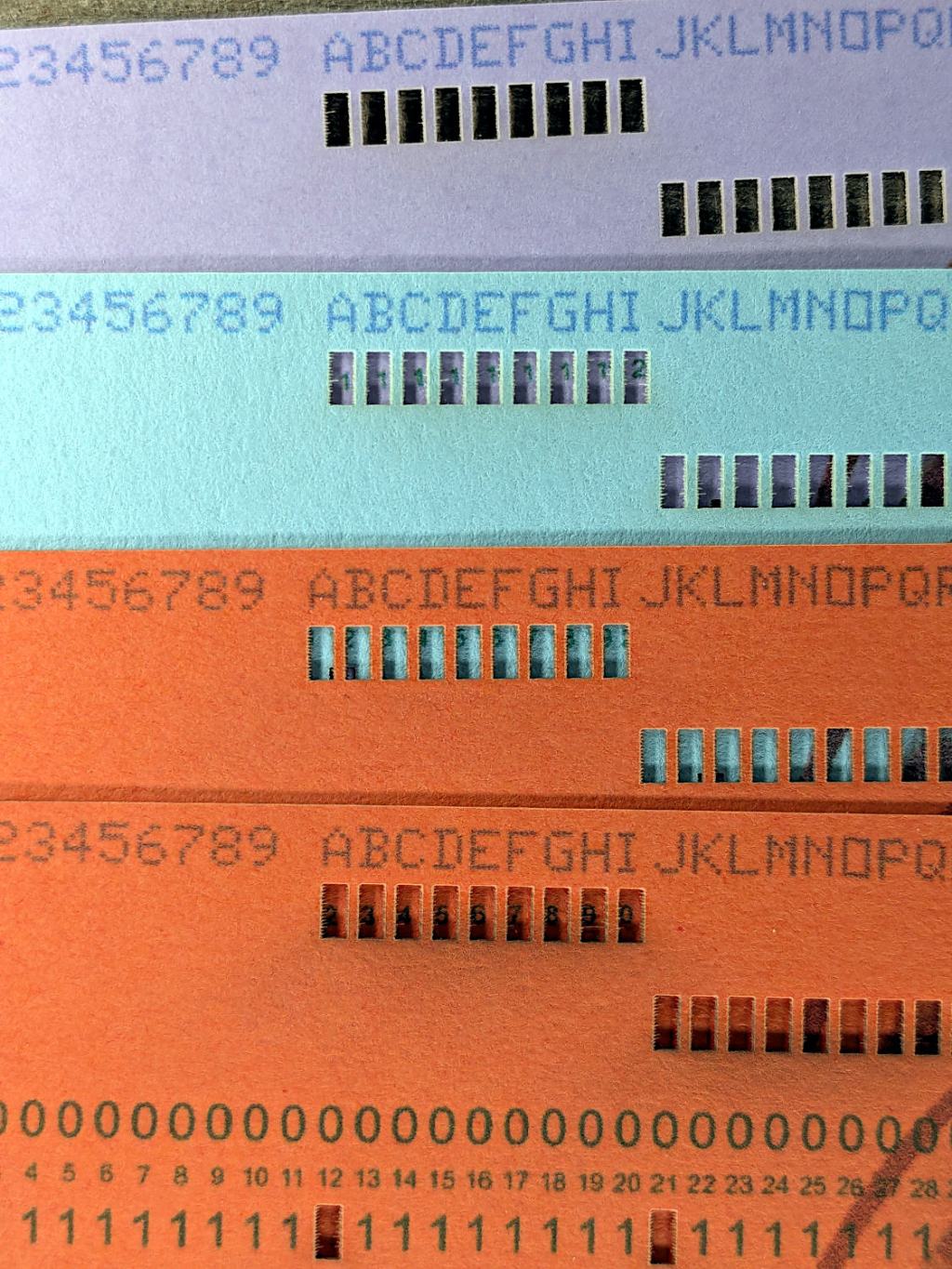
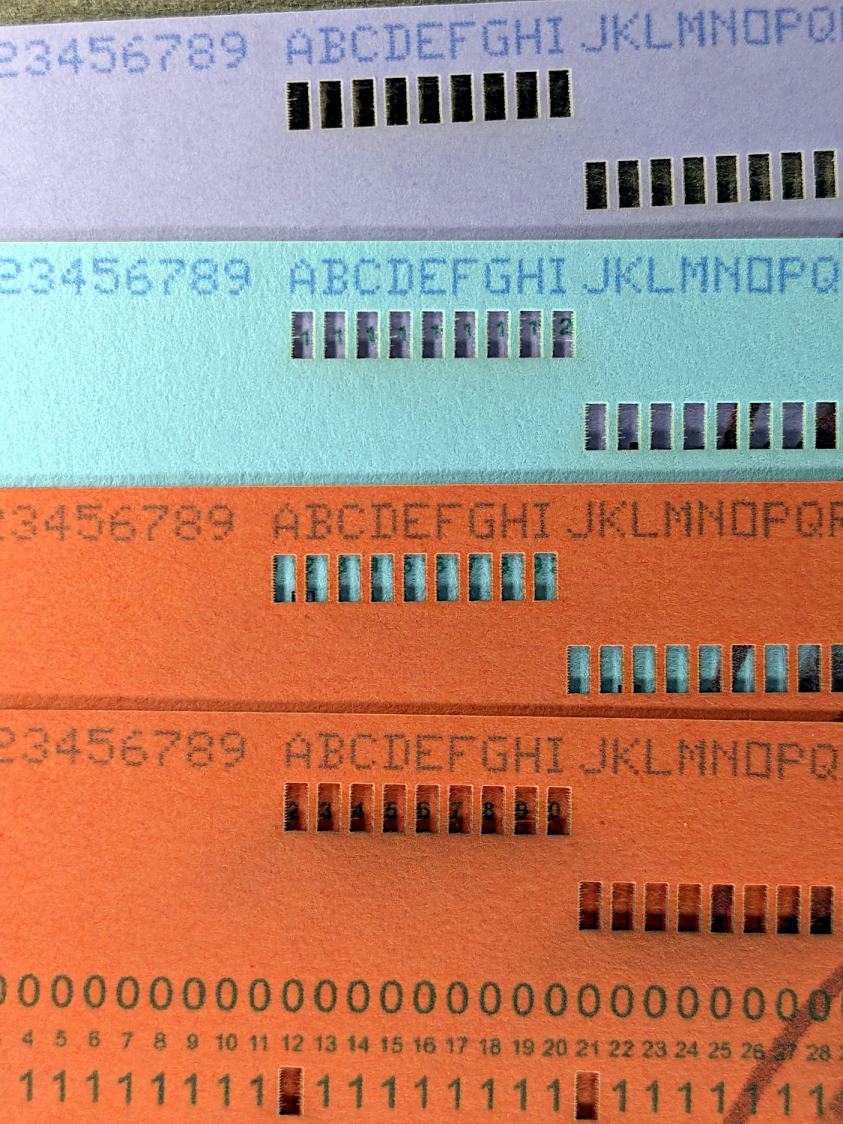
Using different card colors makes it easy to find your program deck in the Comp Center’s output bins:
Punched Cards – paper color vs smoke stains
The smoke stains on the bottom orange card came from the same LightBurn settings used with the purple (violet?) and blue (teal?) cards: 400 mm/s, 35% power, and assist air enabled.
The conventional wisdom is that you *do not* use assist air while engraving, to avoid pushing the smoke / soot down onto the material, and I’ve generally followed that rule. Apparently evaporating holes in the other colors doesn’t generate much smoke and I had no reason to notice the air was enabled.
The upper orange card differs from the lower one only in having the assist air turned off, so I have definitely learned my lesson!
Readers of long memory will recall the dual-path assist air setup that pushes 2 l/m through the nozzle when the LightBurn layer has AIR disabled, specifically to keep smoke out of the nozzle and away from the lens; that gentle breeze doesn’t push smoke into the paper.
FWIW, that’s why I run a set of test cards before I do anything fancy for the first time.