The Smell of Molten Projects in the Morning

Ed Nisley's Blog: Shop notes, electronics, firmware, machinery, 3D printing, laser cuttery, and curiosities. Contents: 100% human thinking, 0% AI slop.

Tag: Art-ish

They might be Art

  • CD/DVD Data Destruction: Mariner’s Compass Coasters

    CD/DVD Data Destruction: Mariner’s Compass Coasters

    Snap all the Mariner’s Compass inset layers together into a single LightBurn layout:

    Mariners Compass - stacked insets - LB layout
    Mariners Compass – stacked insets – LB layout

    Scale it to 120 mm OD, delete the innermost circles under 15 mm diameter, then go wreck yourself some CDs and DVDs:
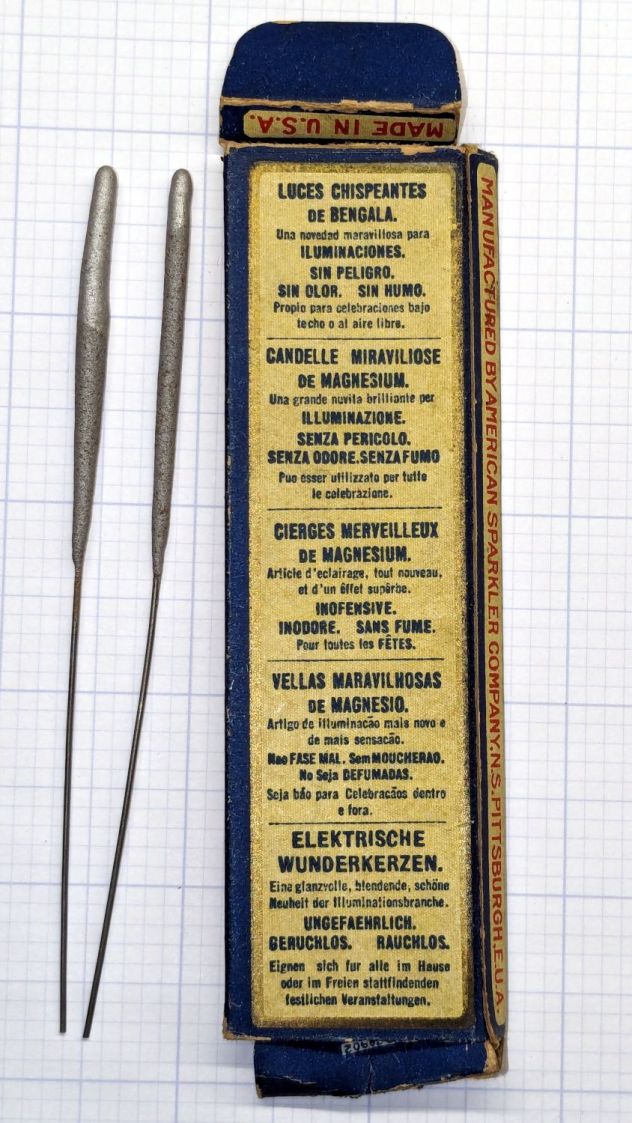
    Mariners Compass Coaster - CD DVD tests
    Mariners Compass Coaster – CD DVD tests

    Those were test pieces to figure out speeds and powers starting from the polycarbonate settings used for the Guilloché DVD now serving as a coaster atop the laser.

    When you’re looking to destroy the surface, then pretty doesn’t matter, but they come out surprisingly nice in a techie sort of way:

    Mariners Compass Coaster - CD clear side test
    Mariners Compass Coaster – CD clear side test

    That’s burned into the clear side of the CD before I figured out how to control the power at the starting points.

    This CD-R came out a nice silver, with the tracks burned into the data / label side:

    Mariners Compass Coaster - CD-R test
    Mariners Compass Coaster – CD-R test

    The polycarb tends to scorch & discolor at the starting point of each polygon, where the laser dwells momentarily after lighting up. Avoiding that requires setting the minimum layer power 1% below the Ruida controller’s minimum firing power. In this case, running the layer at 7% minimum with the controller set to fire at 8% completely eliminates the scorches.

    The maximum power is about 10% for the clear side. The data side requires only 10% for lightly coated CD-R / CD-RW and maybe 25% for the heavily inked labels of pressed CDs (like the Dell reinstallation CD in the first picture). It helps to start with a vast supply of unwanted discs.

    Suiting action to words:

    Mariners Compass Coaster - CD data side finished
    Mariners Compass Coaster – CD data side finished

    That’s a CD-R wrecked on the data side, stuck to an MDF disk with a cheap craft adhesive sheet and a cork disk wood-glued to the bottom. Carefully hidden here, the central hole sports a 15 mm chipboard disk contrasting horribly with the CD; it cannot be more than 1 mm thick to avoid having it stick up beyond the plastic surface and chipboard is what I have in that thickness.

    The advantages of wrecking the data side:

    • Leaving the clear side smooth, so crud won’t accumulate / grow in the grooves
    • Absolutely, positively, utterly destroying the data track

    The advantages of wrecking the clear side:

    • Maybe breaking the seal formed by condensation under the mug / glass / cup
    • Leaving the data side intact, so the coating won’t disintegrate and peel off the adhesive

    In either case, however, I’m sure the data is gone.

  • Tiled Einstein Coasters

    Tiled Einstein Coasters

    When life gives you a sheet of tiled einsteins:

    Einstein tiling
    Einstein tiling

    You can make coasters:

    Einstein tiled coasters
    Einstein tiled coasters

    They’re rattlecan colored chipboard atop MDF atop cork, with the tiles cut from half a dozen sheets of einsteins. The lighter colors suffered from ineffective tape masking during cutting, producing more smudging than I’d like, but overall they look pretty good.

    I was surprised at how dull the black surround turned out and how good the gray appears: rapid prototyping & iteration in full effect.

    Unlike the layered paper version, these require a great deal of fiddly handwork.

    I hope the MDF will prevent the premature warping afflicting the chipboard-on-cork coasters. Perhaps shooting the assembled coasters with a clearcoat would help, although you do want coasters to be a bit absorbent, lest they stick to wet cups / mugs / glasses in humid weather.

  • Layered Paper: Einsteins

    Layered Paper: Einsteins

    Go to the source and bring back a suitable number of tiled einsteins:

    Einstein tiling
    Einstein tiling

    Import the bitmap into LightBurn, fiddle with the tracing until it lays down two lines along each border, apply a 1 mm inset to all the tiles, then scale & crop & delete to fit a 170 mm square:

    Einsteins - LB paper - top layer
    Einsteins – LB paper – top layer

    Cut one of those sheets, tape it to a sheet of white paper, fire up a calculator, generate a random number, write the first digit in the upper-left tile, and iterate to fill in all the tiles.

    Duplicate that layout and delete all the tiles marked with a zero to get the next layer.

    Iterate for all ten layers:

    Einsteins - LB paper cuts
    Einsteins – LB paper cuts

    Set up the fixture, do the Print-and-Cut alignment, then cut all the layers with different colors:

    Layered Paper cutting fixture - in use
    Layered Paper cutting fixture – in use

    Assemble the layers with some stick adhesive:

    Layered Paper - Einsteins
    Layered Paper – Einsteins

    Frame it and admire:

    Layered Paper - Einsteins
    Layered Paper – Einsteins

    It’s way busier than the quilt blocks, but I like it.

  • Layered Paper: Mariner’s Compass Insets

    Layered Paper: Mariner’s Compass Insets

    Given the geometry of the Mariner’s Compass block:

    Mariners Compass - top level shapes - LB layout
    Mariners Compass – top level shapes – LB layout

    Applying increasing insets to that top level produces a beveled result:

    Layered Paper - Mariners Compass - offsets - detail
    Layered Paper – Mariners Compass – offsets – detail

    Seen from a distance, you need oblique light to make any sense of it:

    Layered Paper - Mariners Compass - offsets
    Layered Paper – Mariners Compass – offsets

    It’s made from random sketch paper, rather than cardstock, and we all know how much the paper matters.

  • Layered Paper: Cutting & Assembly Fixtures

    Layered Paper: Cutting & Assembly Fixtures

    Time spent making a fixture is never wasted time:

    Layered Paper cutting fixture - in use
    Layered Paper cutting fixture – in use

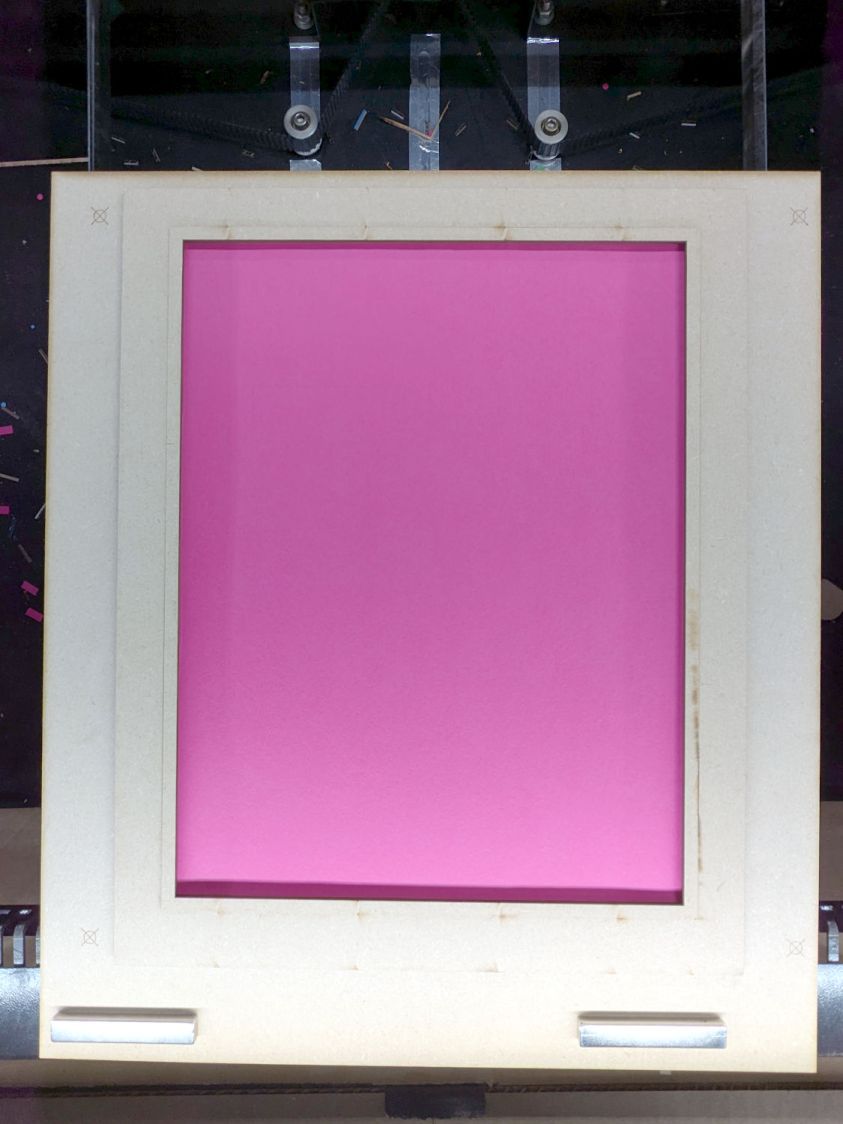
    The general idea: securely hold a piece of paper flat while cutting it, so that it cannot move or warp, while letting the cut pieces fall out without snagging on anything underneath. The sheet holder I made a while ago worked reasonably well, but those thin metal blades tend to warp while cutting small patterns in restricted areas and the pieces definitely don’t fall free.

    The simple fixture I use while assembling the paper layers consists of four rivnuts poking through a chipboard upper layer, with a craft paper layer around the rivnut washers on the bottom:

    Layered Paper - alignment fixture
    Layered Paper – alignment fixture

    The cutting fixture uses a similar layout around a hole for freely falling chips:

    Layered Paper cutting fixture - installed
    Layered Paper cutting fixture – installed

    Next time, I’ll remove those three bars across the hole, because the MDF doesn’t need any support. Nearly all the chips fell out, so the fixture worked as intended.

    I trimmed the flange off the rivnuts so they would sit flat on the MDF:

    Layered Paper cutting fixture - trimming rivnut flange
    Layered Paper cutting fixture – trimming rivnut flange

    That’s the kind of job chuck stops really simplify.

    The cutting fixture requires pre-cutting paper into 200 mm squares with four 5 mm corner holes, which can be done three-abreast on the platform bars, then putting each sheet in the fixture to cut the shapes. That’s not much of a disadvantage compared to messing up an unsupported sheet.

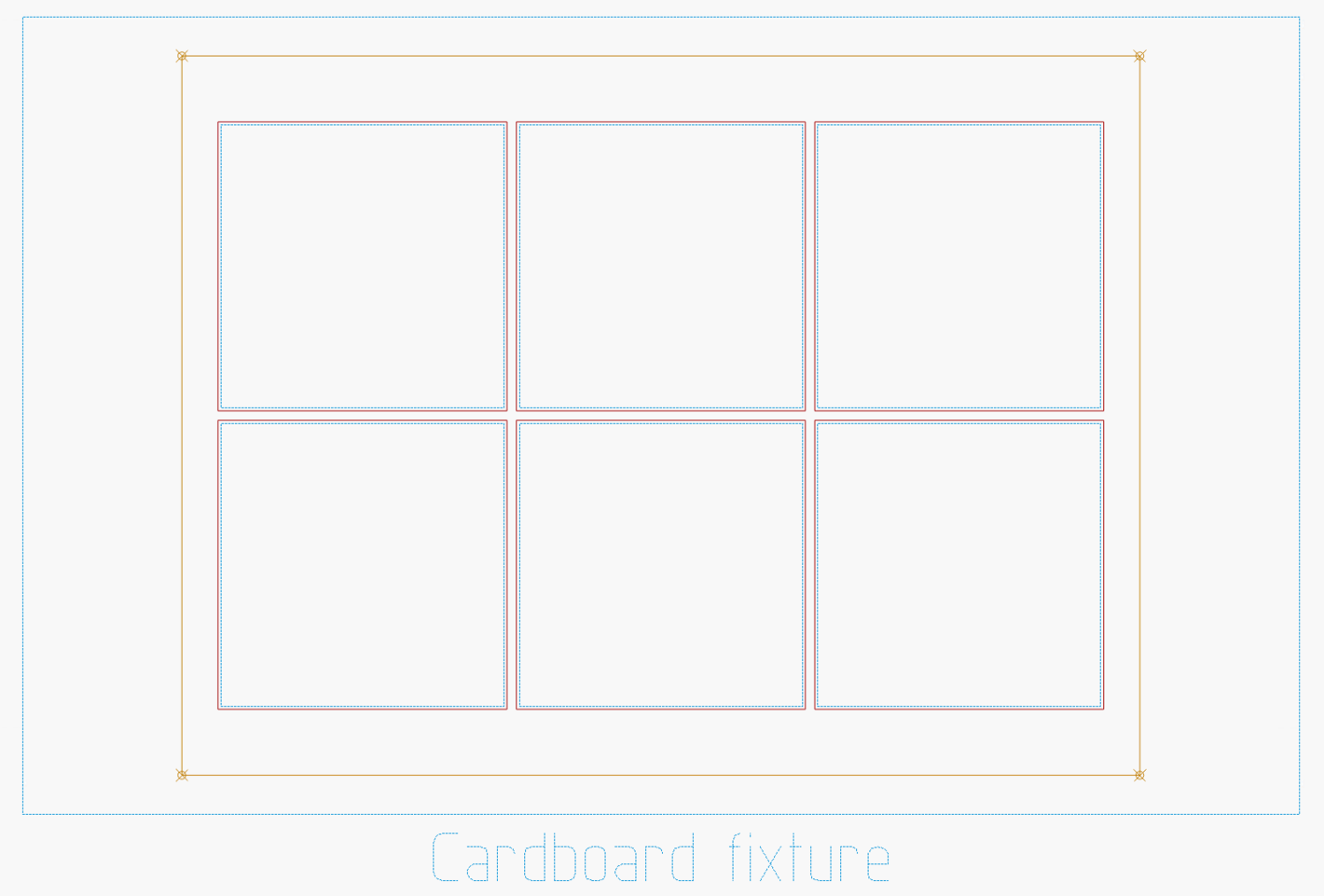
    The cutting fixture has crosshair targets to align a LightBurn template using Print-and-Cut, thus eliminating the need to precisely locate the fixture on the platform. The finger-crushingly strong neodymium bar magnets do a fine job of holding the MDF in place on the steel platform.

    The small cutout rectangle in the lower right corner frames the sheet number, done in binary code with 0 = 1 mm circle and 1 = 2 mm circle:

    Layered Paper cutting fixture - layer binary code
    Layered Paper cutting fixture – layer binary code

    That’s the underside view of a completed stack with the 5 mm lower-right fixture hole on the left and the code for layer 11 = 0b1011 reading backwards. The small 0 holes have two lobes showing the Print-and-Cut alignment was off by maybe 0.3 mm; the off-center hole was in the blank sheet.

    Obviously, cutting tiny circles with a big laser at 300 mm/s doesn’t produce perfect results. You can see small wiggles in larger shapes:

    Layered Paper cutting fixture - cut wobbles
    Layered Paper cutting fixture – cut wobbles

    Unless you’re trying hard to find a problem, you’ll never notice them.

  • Layered Paper: Chimney Swallows Block

    Layered Paper: Chimney Swallows Block

    The Chimney Swallows block from page 128 of Beyer’s book:

    Chimney Swallows - Beyer 128
    Chimney Swallows – Beyer 128

    The tool (blue & orange) and top cut (red) layers:

    Chimney Swallows - LB layout
    Chimney Swallows – LB layout

    The long radial blue tool lines simplified selecting them when mirroring / duplicating the cut polygons around their symmetries. The orange tool circles aligned various midpoints / vertices / features during construction.

    The inward curve along the outer edge started as a triangle with a node at about the middle of the curve. Deleting that node left the remaining two sides overlapped, but dragging one of them to match the curve worked OK. There’s probably a better way.

    That curve defines the outer edges of the shapes along it, so I drew polygons from the corner intersections and dragged the outer edge to match the curve at high zoom.

    The shape remains selected after dragging the side, which meant I could immediately apply a 1 mm inset to create the cut lines.

    To my surprise, the swallow bodies are straight-sided polygons!

    After taking advantage of all the symmetries, knock out the shapes defining each layer:

    Chimney Swallows - LB paper cuts
    Chimney Swallows – LB paper cuts

    The swallows look like F-117 Nighthawks to me:

    Layered Paper - Chimney Swallows - Beyer 128
    Layered Paper – Chimney Swallows – Beyer 128

    Maybe I have the colors wrong:

    Layered Paper - Chimney Swallows - Beyer 128
    Layered Paper – Chimney Swallows – Beyer 128

    Fly away!

  • Layered Paper: Pyrotechnics Block

    Layered Paper: Pyrotechnics Block

    Starting from the Pyrotechnics quilt block on page 132 of Beyer’s book:

    Pyrotechnics - Beyer 132
    Pyrotechnics – Beyer 132

    It looks more like flowers than fireworks to me, but there’s no accounting for taste.

    Deploy enough 2 mm circles to catch the flower’s radial symmetry:

    Pyrotechnics - LB layout
    Pyrotechnics – LB layout

    During the process of building the layout, a big circle positioned the cups at the base of the flowers, another delineated the joint between the cups and the petals, and more little circles caught the intersection of those circles with the petals. All that was for visualization and positioning, as you only draw one flower shape, then duplicate it around the pattern.

    Although the cups and petals are surely circular arcs, it’s easier to draw a closed line triangle around the intersections, then pull the midpoint of a line into an arc (Bezier curve!) matching the pattern Closely Enough™ at high zoom. Because the arcs end at the intersection points based on circular arrays of points, they’ll all match up when they’re duplicated around the pattern; in fact, you need only one side of one petal, mirror it around the midline, and away you go.

    Then the magic happens:

    Pyrotechnics - LB tool insets
    Pyrotechnics – LB tool insets

    Which is easier to see without the original shapes:

    Pyrotechnics - LB insets
    Pyrotechnics – LB insets

    Pick one of the closed shapes, apply the Offset tool to shrink it by 1 mm, duplicate as needed, and you get the outlines of the regions to cut with 2 mm between them. Plunk those shapes on a cutting layer, add the outer frame with locating holes for the fixture, and it’s ready to cut the top layer from black paper:

    Pyrotechnics - LB cuts
    Pyrotechnics – LB cuts

    Knock out the cuts for each sheet of paper in the stack:

    Pyrotechnics - LB paper cuts
    Pyrotechnics – LB paper cuts

    Then Fire The Laser™:

    Layered Paper - Pyrotechnics - Beyer 132
    Layered Paper – Pyrotechnics – Beyer 132

    That was a nearly random selection of colors, but it’s hard to go wrong.

    IMO, a frame makes it look even better:

    Layered Paper - Pyrotechnics - Beyer 132
    Layered Paper – Pyrotechnics – Beyer 132

    This could be Art.