-
MPCNC: Calculating Spring Rates
Calculate the spring rates for the drag knife, diamond engraver, and collet pen holders by measuring the downforce every 0.5 mm (or so):
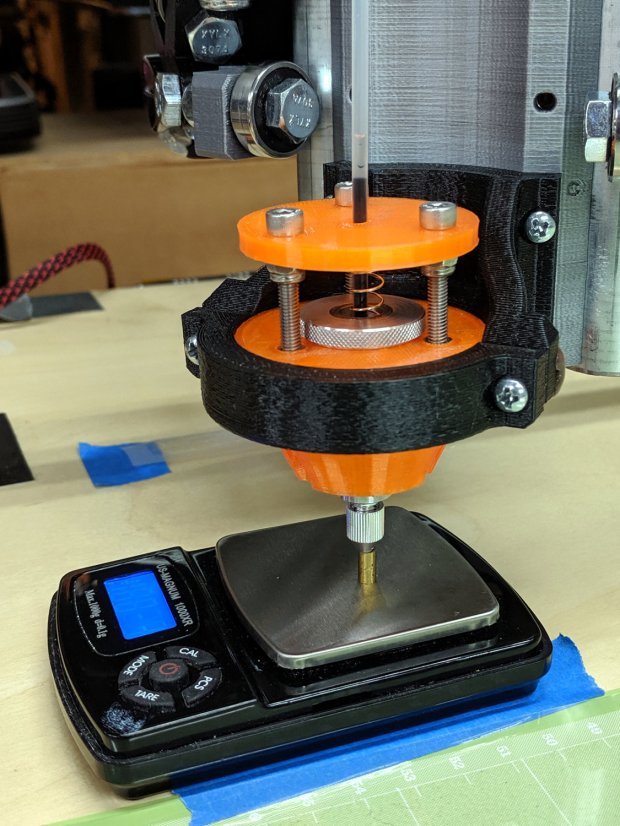
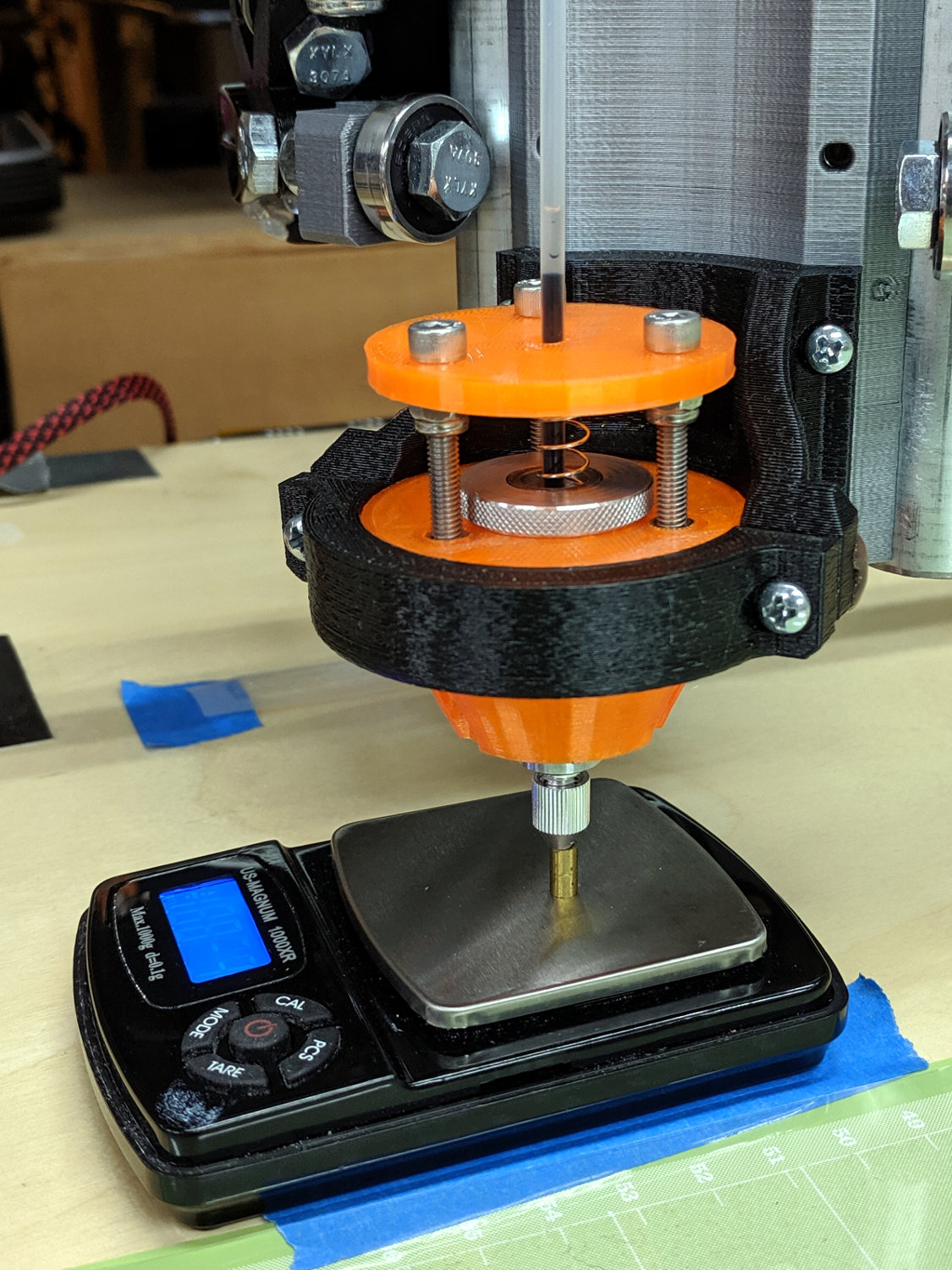
LM12UU Collet Pen Holder – spring rate test Then plotting the data points and eyeballing a straight-line curve fit:

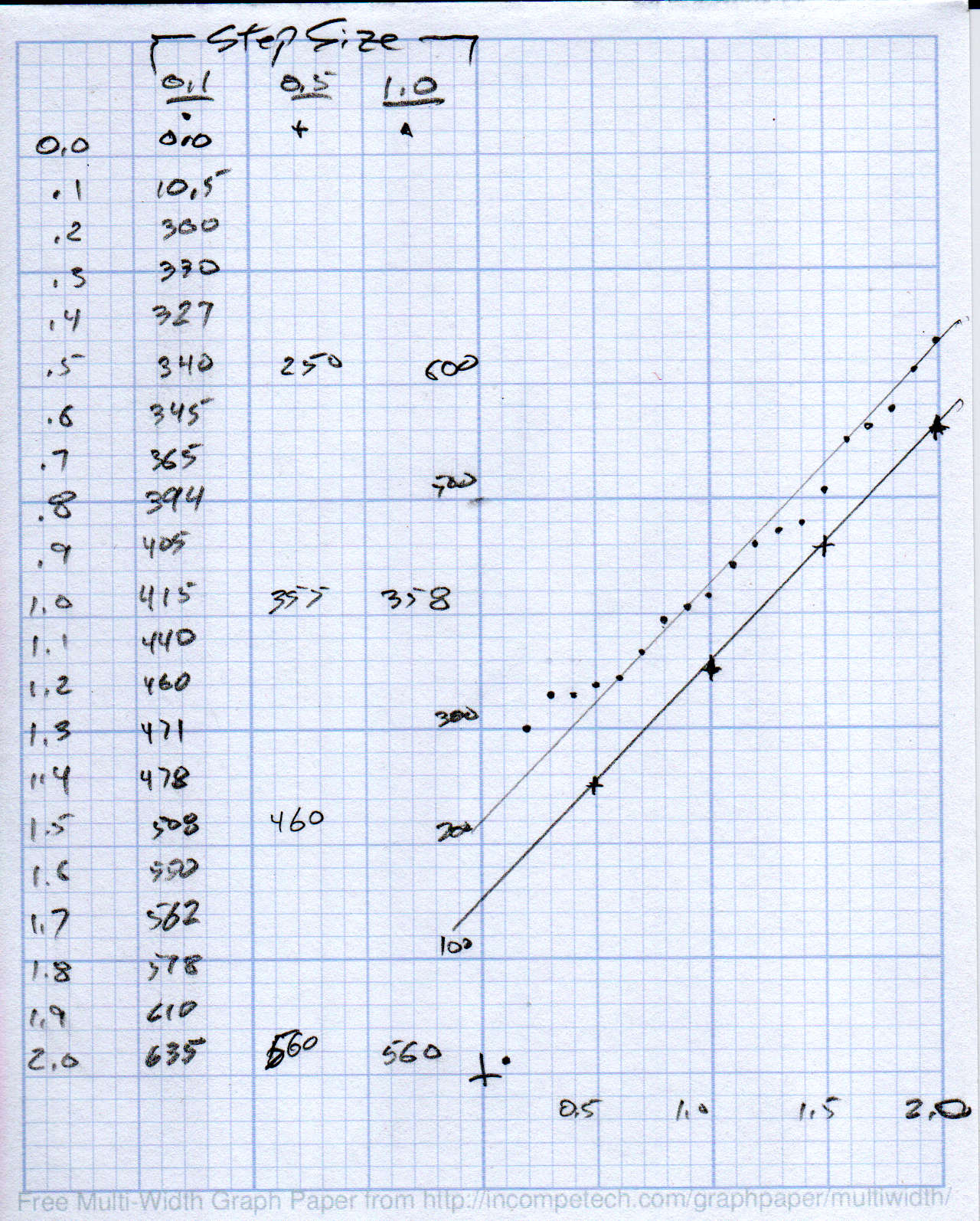
MPCNC – Drag Knife Holder – spring constant Doing it on hard mode definitely has a certain old-school charm. The graph highlights mis-measured data and similar problems, because, if you don’t see a pretty nearly straight line, something’s gone awry.
But we live in the future, so there’s an easier way:
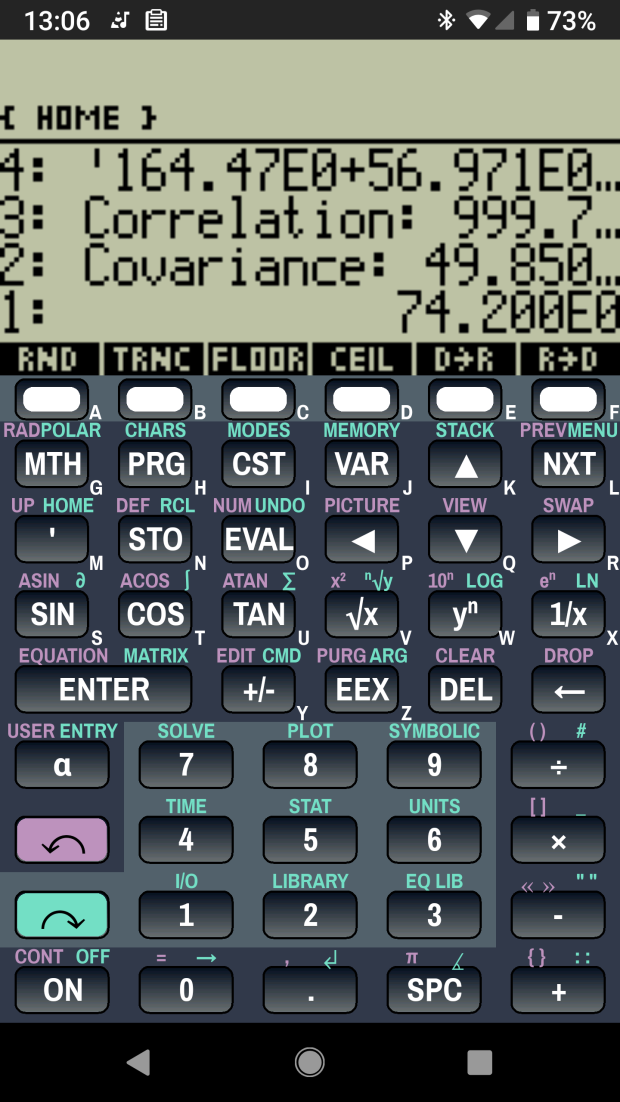
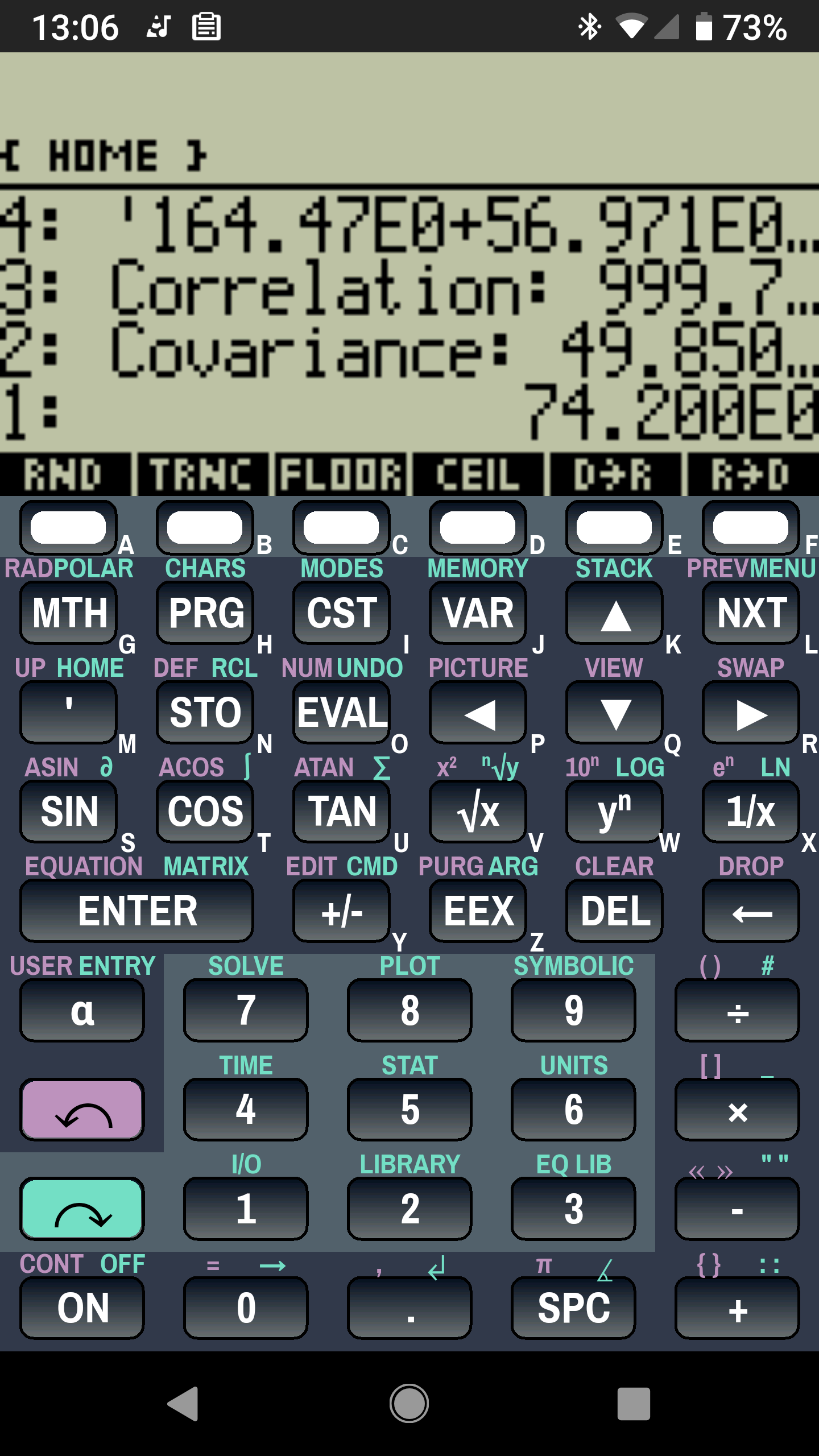
Droid48 – Spring Rate – Linear Fit coefficients Well, OK, it’s the future as of the early 1990s, when HP introduced its HP 48 calculators. I’m using the Droid48 emulator on my ancient Google Pixel: living in the past, right here in the future.
Start by firing up the STAT library (cyan arrow, then the 5 key), selecting Fit Data … from the dropdown list, then selecting the Linear Fit model:

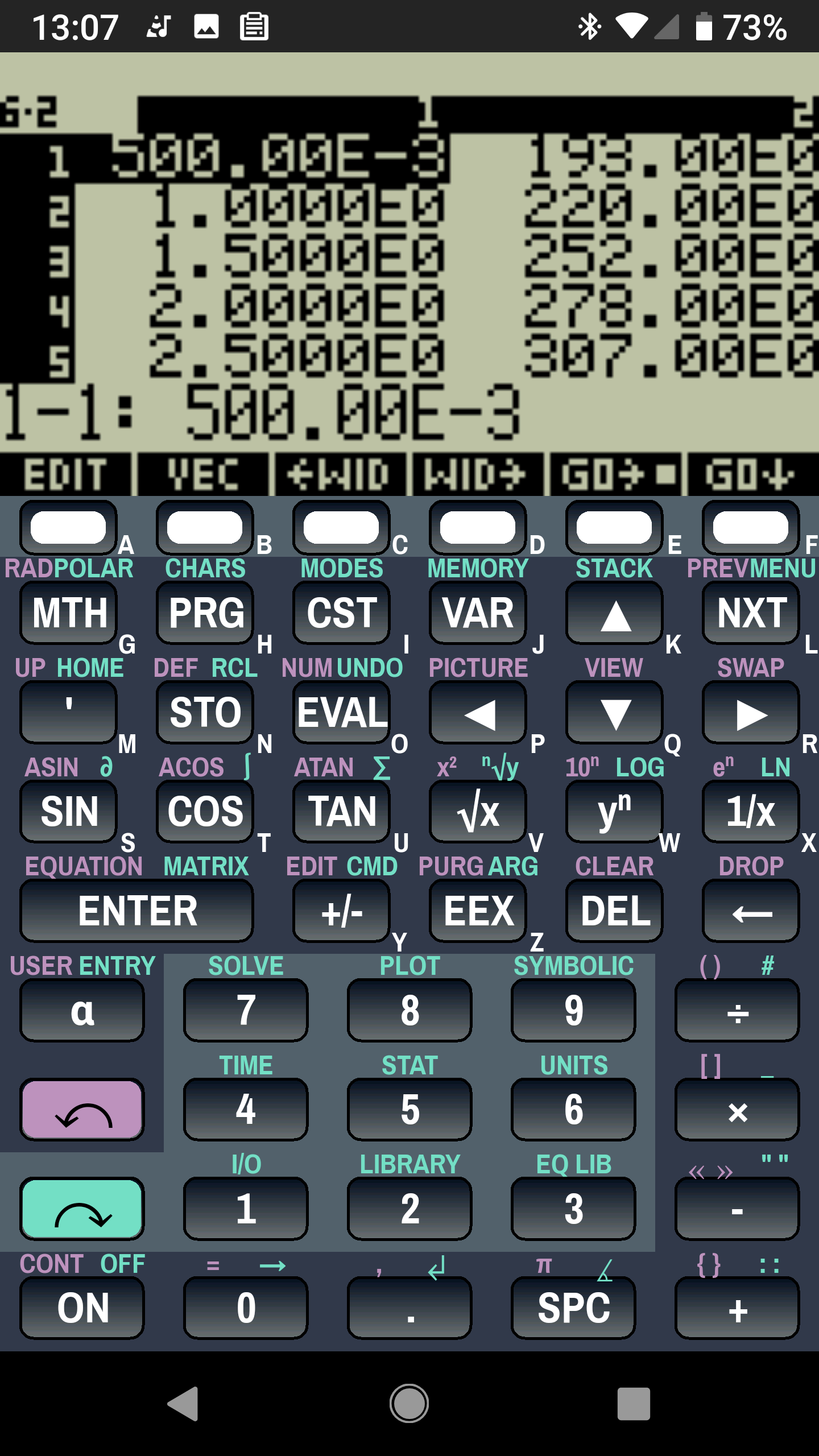
Droid48 – Spring Rate – Linear Fit screen Then tap EDIT and enter the data in a tiny spreadsheet:

Droid48 – Spring Rate – Linear Fit data My default “engineering mode” numeric display format doesn’t show well on the tiny screen. Tapping the WID→ key helps a bit, but shorter numbers would be better.
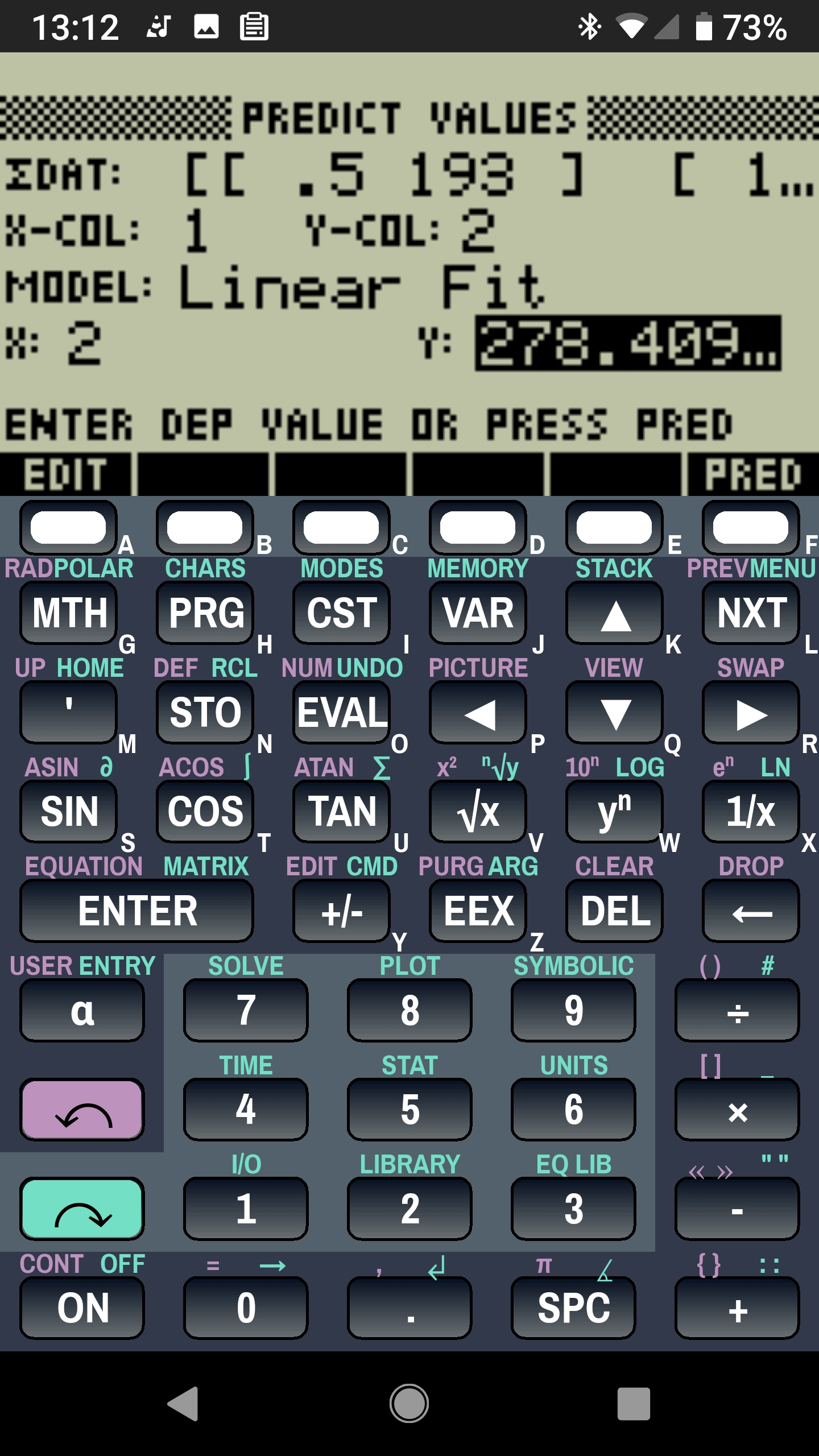
With the data entered, set an X value and tap the PRED key to get the corresponding Y value:

Droid48 – Spring Rate – Linear Fit prediction Tapping the OK button puts the line’s coefficients on the stack, as shown in the first picture. Write ’em on a strip of tape, stick to the top of the holder, and it’s all good:

LM12UU Collet Pen Holder – test plot – overview Works for me, anyhow.
HP still has the HP 48g manuals online. The (unofficial) HP Museum has a page on the HP 48S. More than you want to know about the 48 series.


-
Subscribe
Subscribed
Have a WordPress.com account? Log in now.

