Ed Nisley's Blog: Shop notes, electronics, firmware, machinery, 3D printing, laser cuttery, and curiosities. Contents: 100% human thinking, 0% AI slop.
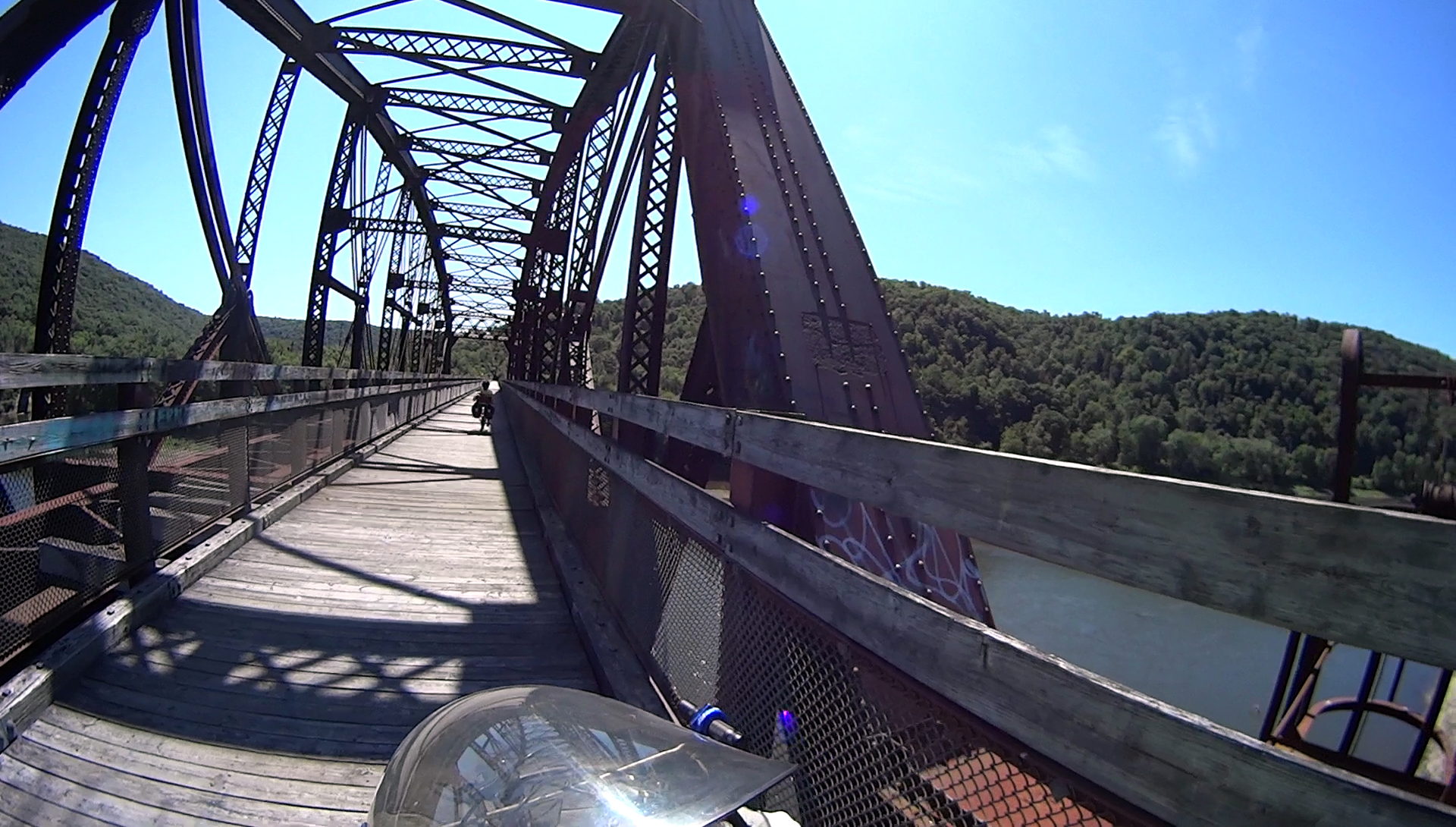
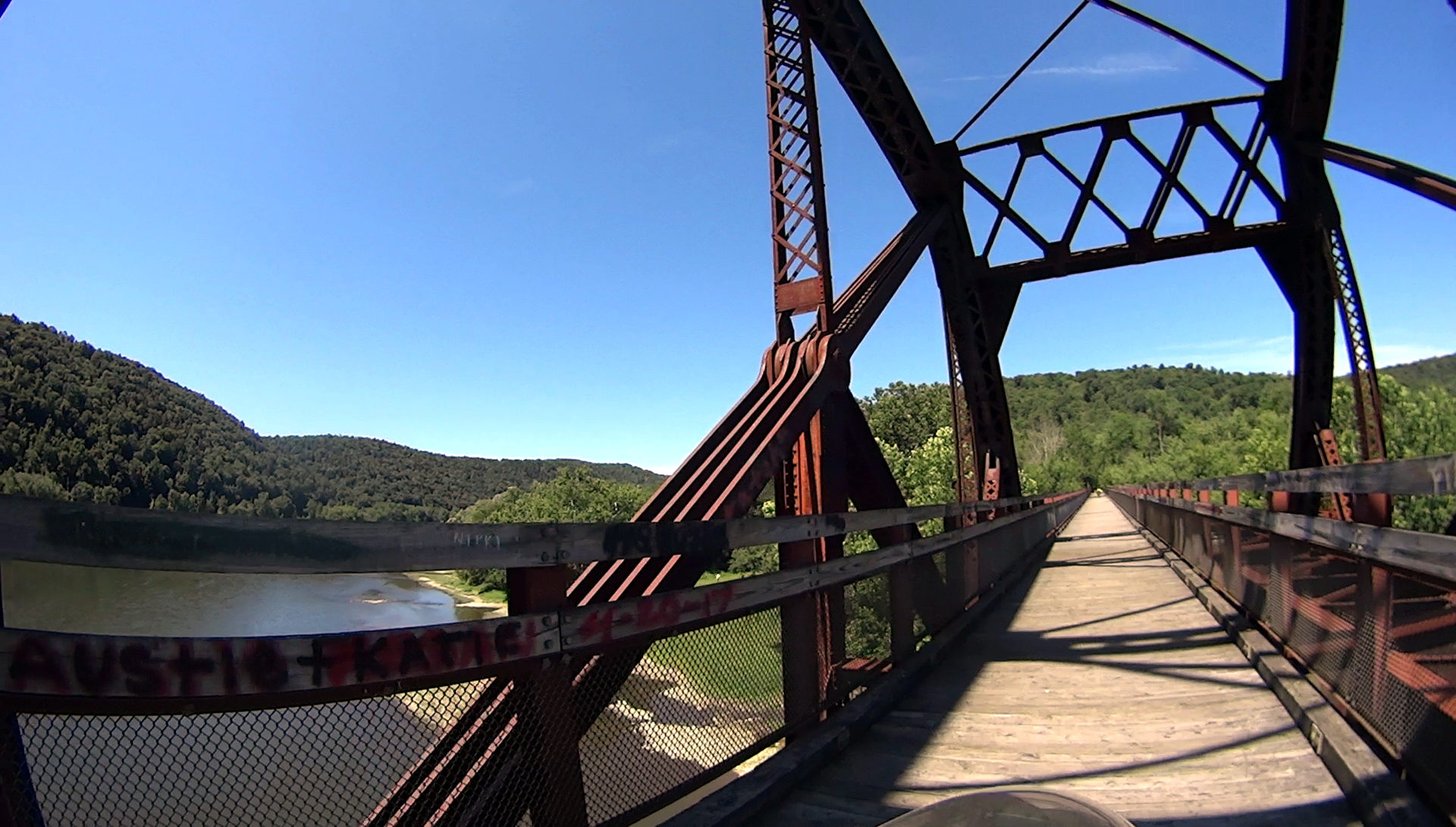
The gap in the rivets along the main truss show where someone pried off the bronze plaque surely commemorating the bridge. The scarred surface suggests a bronze-steel battery was in effect for quite some time.
It’s a look at engineering done in the days of slide rules and limited data, when overengineering wasn’t nearly as bad as ensuring the thing never, ever fell down.
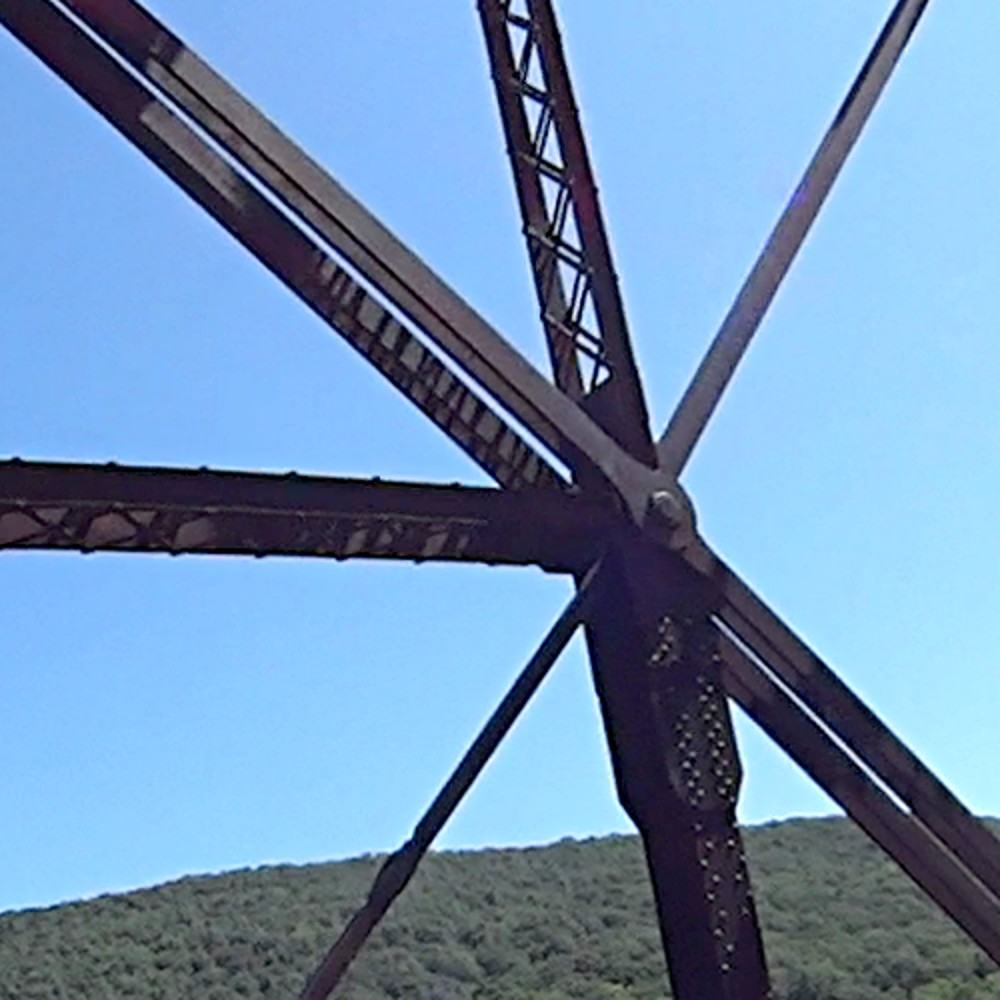
The bolts holding the beams and struts together show considerable confidence:
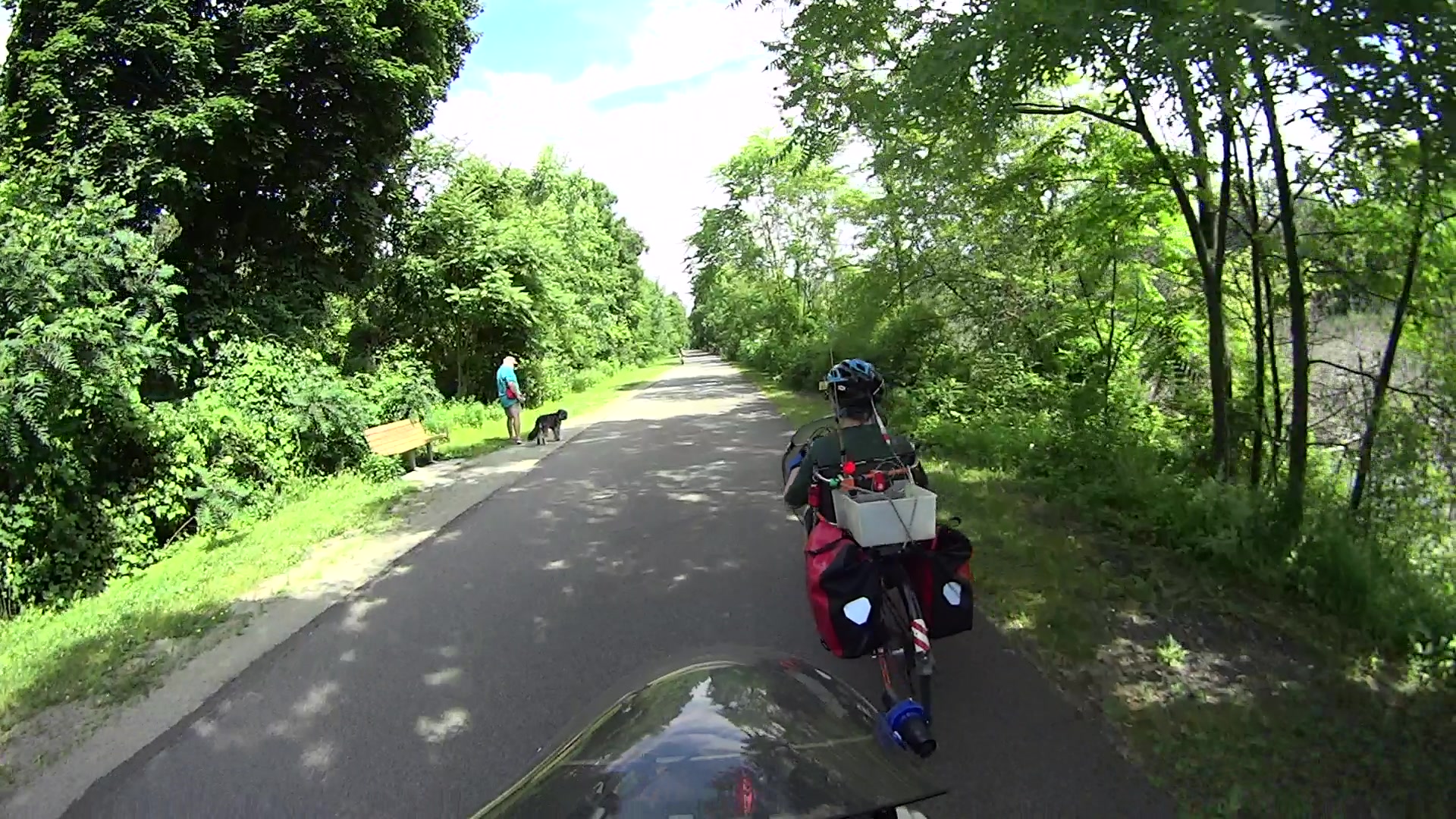
Although the pair of Ortlieb Back-Roller packs on Mary’s bike make her look like a long-distance tourist, we’re actually on our way to her garden plot:
AS30V-0285
The left-side pack suddenly seemed unusually floppy:
AS30V-0300
One second later:
AS30V-0360
Another second and it’s visible under my right hand:
AS30V-0420
The view from her bike at about the same time:
Ortlieb-0158
I’m expecting to fall to my right, but it’d have been better if I hadn’t kicked the bag:
Ortlieb-0169
The pack went under the rear wheel and out the far side:
Ortlieb-0185
Where it came to rest in the middle of the trail:
Ortlib pack drop – aftermath
Elapsed time from the first picture: just under 5 s.
Did you notice the other cyclist in the other pictures? She’s why I veered so hard to my right!
A pair of these latches hold the pack onto the rear rack:
Ortlieb pack drop – QL latch detail
When they’re properly engaged, they look like this:
Ortlieb pack drop – QL latch – secure
When they’re not, they look like this:
Ortlieb pack drop – QL latch – whoopsie
Which is obvious in the picture and inconspicuous in real life.
The strap emerging from the top of the latch serves as both a carrying handle and latch release: pull upward to open the latches and release them from the bar, lift to remove the pack, and carry it away as you go. Installing the pack proceeds in reverse: lower the pack onto the rack bar, release the handle, and the latches engage.
Unless the pack is empty enough to not quite fully open the latches as you carry it, in which case the closed latches simply rest on the bar. We’ve both made that mistake and I generally give her packs a quick glance to ensure sure they’re latched. In this case, the plastic drawer atop the racks (carrying seedling pots on their way to the garden) completely concealed the pack latches.
Tree roots have been creasing the asphalt along that section of the rail trail: the bike finally bounced hard enough to lift the drawer and fall off the rack rod.
Memo to Self: In addition to the visual check, lift the packs using the strap across the middle holding the rolled-down top in place. Remember, don’t check by lifting the carrying handle, because it just releases the latches; another easy mistake to make.
You get those by plugging everything in, running blkid, and sorting out the results.
The 64 GB MicroSD card from the Sony AS30V camera uses Microsoft’s proprietary exfat file system, which apparently doesn’t associate a UUID/GUID with the entire device, so you must use a partition label. The Official SD Card Formatter doesn’t (let you) set one, so:
exfatlabel /dev/sdd1 AS30V
It turns out you can include spaces in the partition label, but there’s no way to escape them (that I know of) in /etc/fstab, so being succinct counts for more than being explanatory.
One could name the partition in the Windows device properties pane, which would make sense if one knew it was necessary while the Token Windows Laptop was booted with the card in place.
I think this is easier then trying to persuade UDEV to create known device names based on the USB hardware characteristics, because those will depend on which USB card / device / reader I use. I can force the UUIDs to be whatever I want, because they’re just bits in the disk image.
With all that in place, you plug in All. The. Gadgets. and run the script (as seen below). The general idea is to verify the bulk video drive mounted OK, attempt to mount each memory card and fire off a corresponding rsync copy, wait until they’re all done, tidy the target filenames, then delete all the source files to get ready for the next ride.
Funneling all three copies to a single USB hard drive probably isn’t the smartest thing, but the overall write ticks along at 18 MB/s, which is Good Enough for my simple needs. If the drive thrashes itself to death, I won’t do it again; I expect it won’t fail until well outside the 1 year limited warranty.
If any of the rsync copies fail, then nothing gets deleted. I’m a little queasy about automagically deleting files, but it’s really just video with very little value. Should somethinghorriblehappen, I’d do the copies by hand, taking great care to not screw up.
After all, how many pictures like this do we need?
This file contains hidden or bidirectional Unicode text that may be interpreted or compiled differently than what appears below. To review, open the file in an editor that reveals hidden Unicode characters.
Learn more about bidirectional Unicode characters
This file contains hidden or bidirectional Unicode text that may be interpreted or compiled differently than what appears below. To review, open the file in an editor that reveals hidden Unicode characters.
Learn more about bidirectional Unicode characters
That’s with the card jammed into an Anker USB 3.0 adapter and both devices plugged into the two USB 3.0 “Super Speed” ports in the front of my desktop box. Plugging them both into the adjacent USB 2.0 ports drops the data rate to 18 MB/s.
The Sandisk card claims read-write speeds of “up to” 20 MB/s, so it’s the limiting factor.
Getting reliable performance numbers is surprisingly difficult:
dd bs=4M count=1000 status=progress if=/dev/urandom of=/mnt/part/random.bin
4177526784 bytes (4.2 GB, 3.9 GiB) copied, 214.064 s, 19.5 MB/s
1000+0 records in
1000+0 records out
4194304000 bytes (4.2 GB, 3.9 GiB) copied, 214.922 s, 19.5 MB/s
dd bs=4M count=1000 status=progress if=/dev/urandom of=/mnt/part/random2.bin
4194304000 bytes (4.2 GB, 3.9 GiB) copied, 217.08 s, 19.3 MB/s
1000+0 records in
1000+0 records out
4194304000 bytes (4.2 GB, 3.9 GiB) copied, 217.08 s, 19.3 MB/s
Obviously, prying bits out of the random number generator limits the overall write speed.
Zeros, however, are cheap and readily available:
dd bs=4M count=1000 status=progress if=/dev/zero of=/mnt/part/null.bin
4169138176 bytes (4.2 GB, 3.9 GiB) copied, 23.0091 s, 181 MB/s
1000+0 records in
1000+0 records out
4194304000 bytes (4.2 GB, 3.9 GiB) copied, 23.1775 s, 181 MB/s
dd bs=4M count=1000 status=progress if=/dev/zero of=/mnt/part/null2.bin
4093640704 bytes (4.1 GB, 3.8 GiB) copied, 25.031 s, 164 MB/s
1000+0 records in
1000+0 records out
4194304000 bytes (4.2 GB, 3.9 GiB) copied, 25.7781 s, 163 MB/s
But the caches take a while to drain, even after the command returns:
time ( dd bs=4M count=1000 status=progress if=/dev/zero of=/mnt/part/null3.bin ; sync )
4118806528 bytes (4.1 GB, 3.8 GiB) copied, 23.0004 s, 179 MB/s
1000+0 records in
1000+0 records out
4194304000 bytes (4.2 GB, 3.9 GiB) copied, 23.5305 s, 178 MB/s
real 0m35.887s
user 0m0.008s
sys 0m4.824s
Dividing 4 GB / 35.9 s says the mechanical write speed is close to 110 MB/s.
Reading proceeds a bit faster, while also running up against the effect of the many caches between the spinning platter and the screen:
time ( cp /mnt/part/random.bin /dev/null )
real 0m36.565s
user 0m0.048s
sys 0m1.712s
time ( cp /mnt/part/random.bin /dev/null )
real 0m29.157s
user 0m0.036s
sys 0m1.800s
time ( cp /mnt/part/random.bin /dev/null )
real 0m10.265s
user 0m0.028s
sys 0m1.040s
time ( cp /mnt/part/random.bin /dev/null )
real 0m0.608s
user 0m0.004s
sys 0m0.600s
time ( cp /mnt/part/random.bin /dev/null )
real 0m0.590s
user 0m0.008s
sys 0m0.580s
time ( cp /mnt/part/random2.bin /dev/null )
real 0m31.035s
user 0m0.056s
sys 0m1.816s
time ( cp /mnt/part/random2.bin /dev/null )
real 0m31.024s
user 0m0.052s
sys 0m1.860s
Unsurprisingly, copying a brace of 4 GB files in parallel takes twice as long as each cold-buffer read, so disk’s raw read speed seems to be around 130 MB/s.
The drive’s write speed won’t be the limiting factor while saving camera video data!
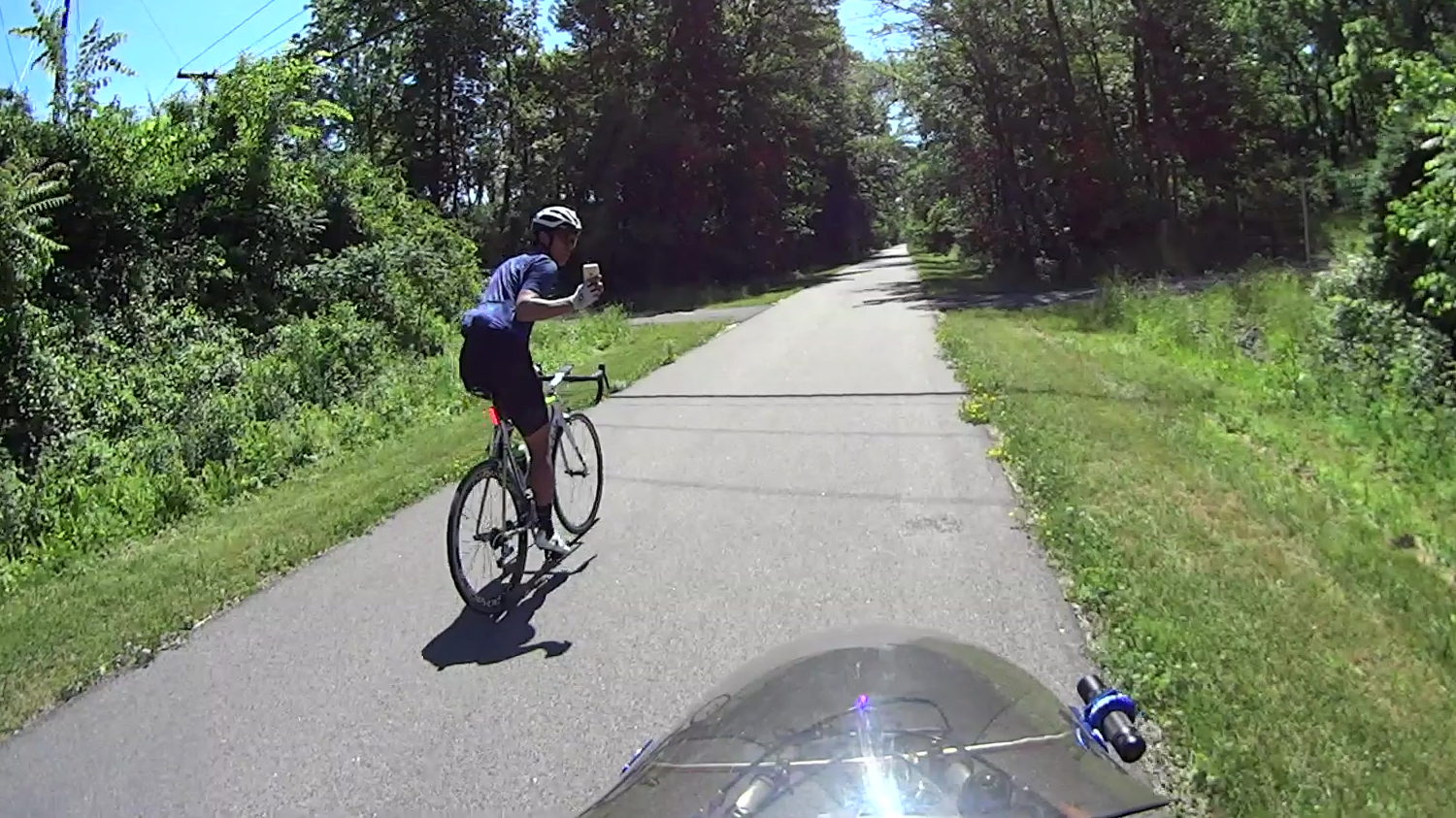
On the Dutchess Rail Trail, just north of Page Industrial Park:
Biggest Clown in the Parade – Photo Op – 2018-06-17
Ya gotta admire the confidence of anyone manipulating a kilobuck of slippery glass while looking backward over his shoulder. I’ll take a helmet camera any day, if only because it’s really conspicuous.
He’s leading a group of four riders, all on spendy carbon-fiber bikes:
Biggest Clown in the Parade – Peloton – 2018-06-17
Presumably they’re all smiling at the sight of a recumbent towing a trailer of garden tools topped with two bags of just-picked lettuce. I’m definitely the biggest clown in this particular parade!
We’re ticking along at 18 mph and, as it turned out, drafting a quintet of upright bikes is surprisingly easy. If I weren’t towing the trailer with Mary just out of sight ahead, I’d have had some fun until they decided they’d had enough.
It’s good to bring such happiness into the world …
We heard God’s Own Weedwhacker off to the right as we approached Jackson Drive on the way home:
Chopper over power lines – Vassar Rd near Jackson Dr – 2018-06-11
The chopper followed the power lines, just over the treetops, with the downdraft thrashing the leaves:
Chopper over power lines – Vassar Rd near Jackson Dr – rear camera – 2018-06-11
Long ago, I attended a talk about using choppers for power line inspection and maintenance. Apparently, someone with nerves of ice can replace insulator supports and aeolian dampers on high-tension lines while perched on a chopper hovering very very close to the conductors. Pilots with experience getting troops into and out of hot LZs are in high demand.
I’m sure they give the E911 call center a heads-up before taking off …