Ed Nisley's Blog: Shop notes, electronics, firmware, machinery, 3D printing, laser cuttery, and curiosities. Contents: 100% human thinking, 0% AI slop.
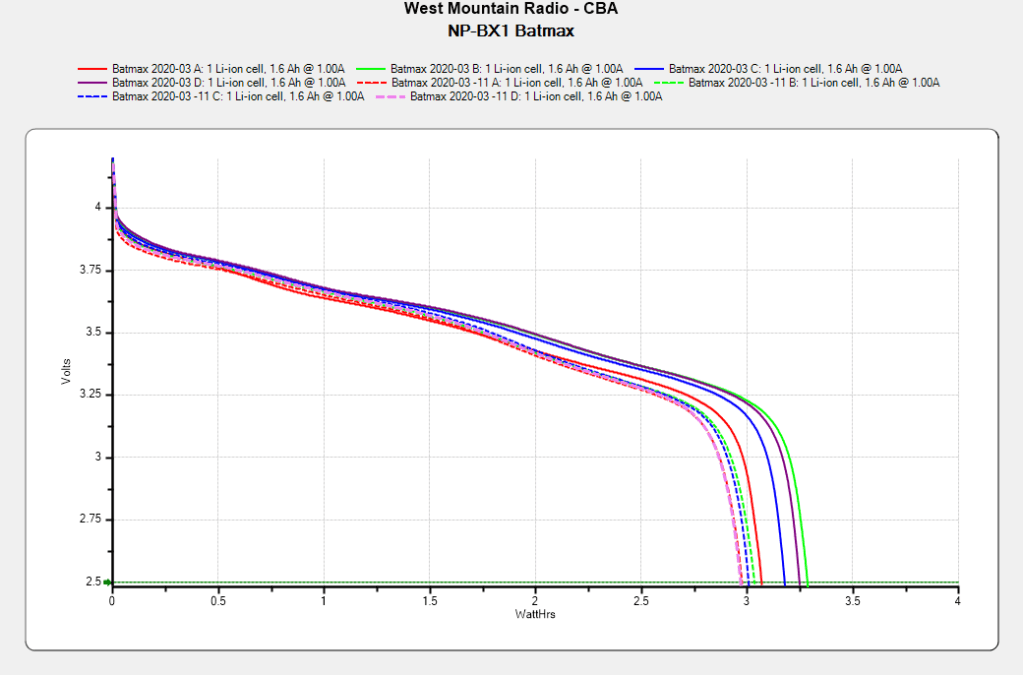
After powering my Sony HDR-AS30V helmet camera for nearly all of this year’s riding, the Batmax NP-BX1 lithium batteries still have roughly 90% of their original capacity:
Batmax NP-BX1 – 2020-11
Those are hot off the Official Batmax charger, which appears identical to other randomly named chargers available on Amazon.
They’re holding up much better after a riding season than the DOT-01 batteries I used two years ago:
Sony DOT-01 NP-BX1 – 2019-10-29
Empirically, they power the camera for about 75 minutes, barely enough for our typical rides. I should top off the battery sitting in the camera unused for a few days, although that hasn’t happened yet.
Of course, the Batmax NP-BX1 batteries I might order early next year for the new riding season have little relation to the ones you see here.
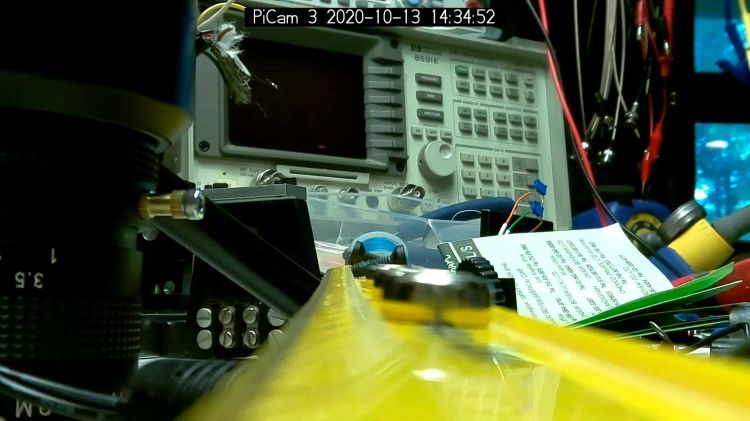
It Would Be Nice to turn the various Raspberry Pi camera boxen around here into more-or-less full-automatic IP streaming cameras, perhaps using RTSP, so as to avoid having to start everything manually, then restart the machinery after a trivial interruption. I naively thought video streaming was a solved problem, especially on an RPi, particularly with an Official RPi Camera, given the number of solutions found by casual searching with the obvious keywords.
As far as I can tell, however, all of the recommended setups fail in glorious / amusing / tragic ways. Some failures may be due to old configurations no longer applicable to new software, but I’m nowhere near expert experienced enough to figure out what’s broken and how to fix anything in particular.
Doing RTSP evidently requires the live555.com Streaming Media libraries & test suite. Compiling requires adding -DNO_SSL=1 to the COMPILE_OPTS line in the Makefile, then letting it bake it for a while.
The v4l2rtspserver code fetches & cleanly compiles its version of the live555 code, then emits various buffer overflow errors while streaming; the partial buffers clearly show how the compression works on small blocks in successive lines. Increasing various buffer sizes from 60 kB to 100 kB to 300 kB had little effect. This may have to do with the stream’s encoding / compression methods / bit rates, none of which seem amenable to random futzing.
Another straightforward configuration compiled fine, but VLC failed to actually show the stream, perhaps due to differences between the old version of Raspbian (“Stretch”) and the new version of Raspberry Pi OS (“Buster”).
Running the RPi camera through the Video4Linux2 interface to create a /dev/video0 device seems to work, but controlling the camera’s exposure (and suchlike) with v4l2_ctl behaves erratically. Obvious effects, like rotation & flipping, work fine, but not the fine details along the lines of auto exposure and color modes.
Attempting to fire raspivid through cvlc to produce an RTSP stream required installing VLC on a headless Raspberry Pi, plus enough co-requisite packages to outfit world+dog+kitchenSink. After all the huffing & puffing wound down, the recommended VLC parameters failed to produce an output stream. The VLC doc regarding streaming is, to me, impenetrable, so I have no idea how to improve the situation; I assume RTSP streaming is possible, just not by me.
Whenever any of those lashups produced any video whatsoever, the images suffered from tens-of-seconds latency, dropped frames, out-of-order video updates, and generally poor behavior. Some maladies certainly came from the aforementioned inappropriate encoding / compression methods / bit rates.
The least horrible alternative seems to be some variation on the original theme of using raspivid to directly create a tcp stream or firing raspivid into netcat to the same effect, then re-encoding it on a beefier PC as needed. I’m sure systemd can automagically restart raspivid (or, surely, a script with all the parameters) after it shuts down.
So far, this has been an … unsatisfactory … experience, but now I can close a dozen browser tabs.
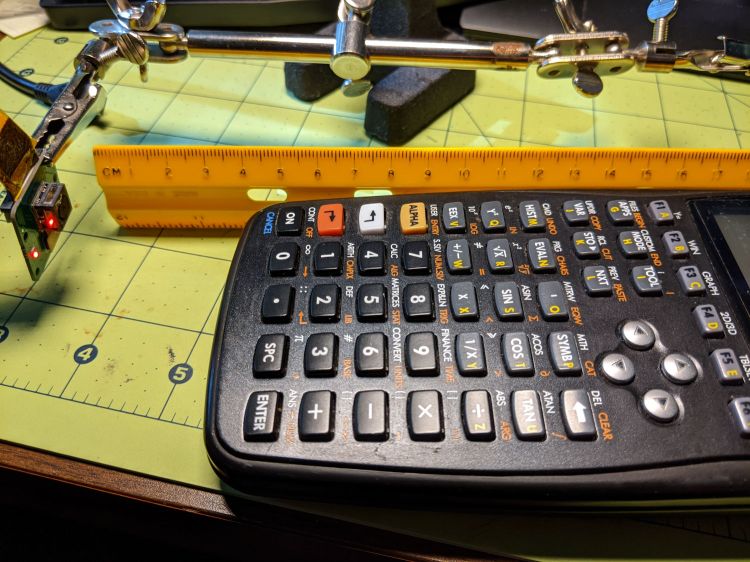
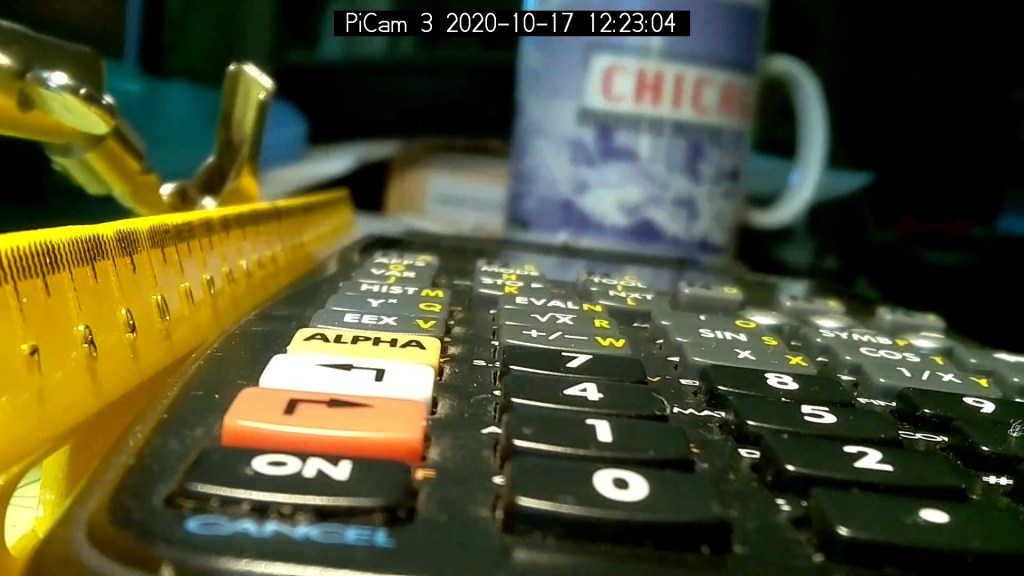
According to the Arducam doc, their Motorized Focus Camera has a 54°×41° field of view, (roughly) equivalent to an old-school wide(-ish) angle 35 mm lens on a 35 mm still camera. For my simple purposes, the camera will be focused on objects within maybe 200 mm:
Arducam Motorized Focus Camera – desktop test range
The numeric keys are 6.36 mm = ¼ inch tall, the function keys are 5.3 mm tall, and the rows are 10 to 11 mm apart.
The focusing equation converting distance to lens DAC values depends critically on my crude measurements, so the focus distance accuracy isn’t spot on. Bonus: there’s plenty of room for discussion about where the zero origin should be, but given the tune-for-best-picture nature of focusing, it’s good enough.
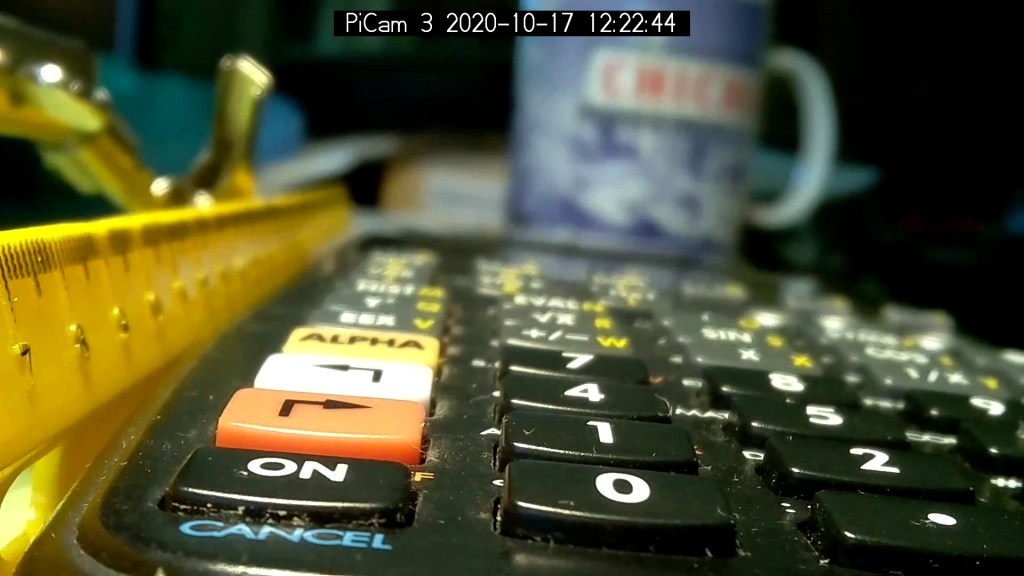
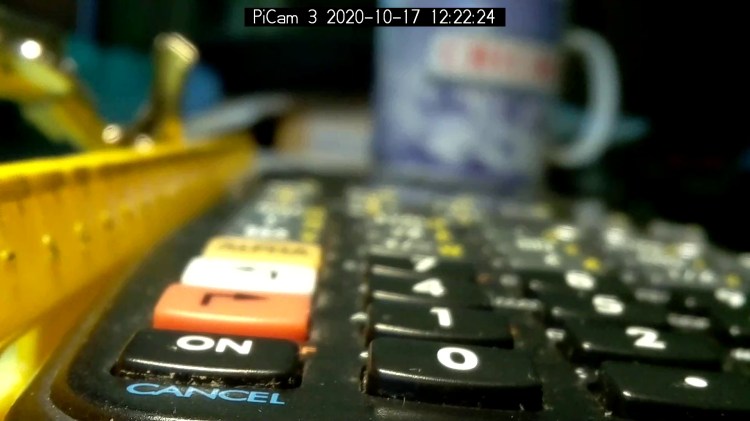
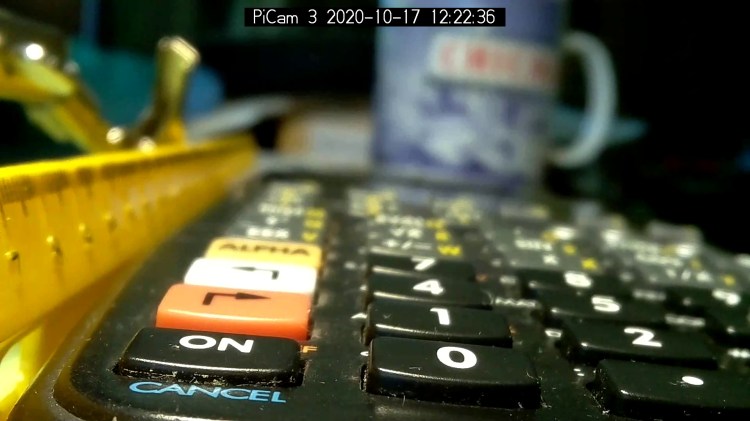
I set the CANCEL legend at 50 mm and it’s in good focus with the lens set to that distance:
Arducam Motorized Focus Camera – 50 mm
Focusing at 55 mm sharpens the ON key legend, while the CANCEL legend remains reasonably crisp:
Arducam Motorized Focus Camera – 55 mm
Adding another 5 mm to focus at 60 mm near the front of the second row shows the DoF is maybe 15 mm total:
Arducam Motorized Focus Camera – 60 mm
Focusing at 65 mm, near the middle of the second row, softens the first and fourth rows. Both of the middle two rows seem OK, making the DoF about 20 mm overall:
Arducam Motorized Focus Camera – 65 mm
Jumping to 100 mm, near the top of the first function row:
Arducam Motorized Focus Camera – 100 mm
At 150 mm, about the top of the far row just under the display:
Arducam Motorized Focus Camera – 150 mm
I think 200 mm may be the far limit of useful detail for a 5 MP camera:
Arducam Motorized Focus Camera – 200 mm
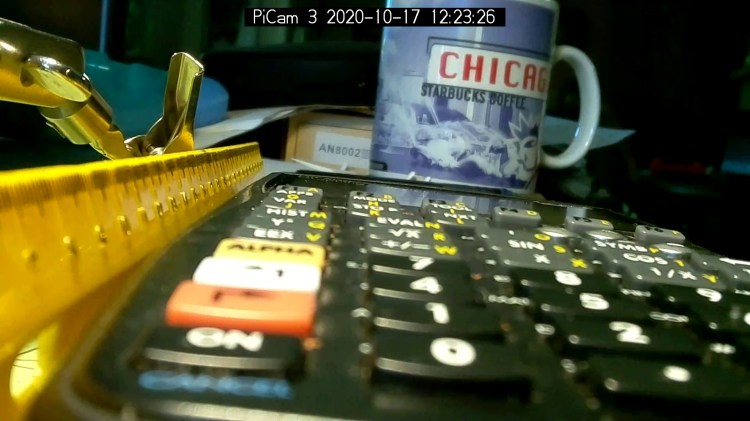
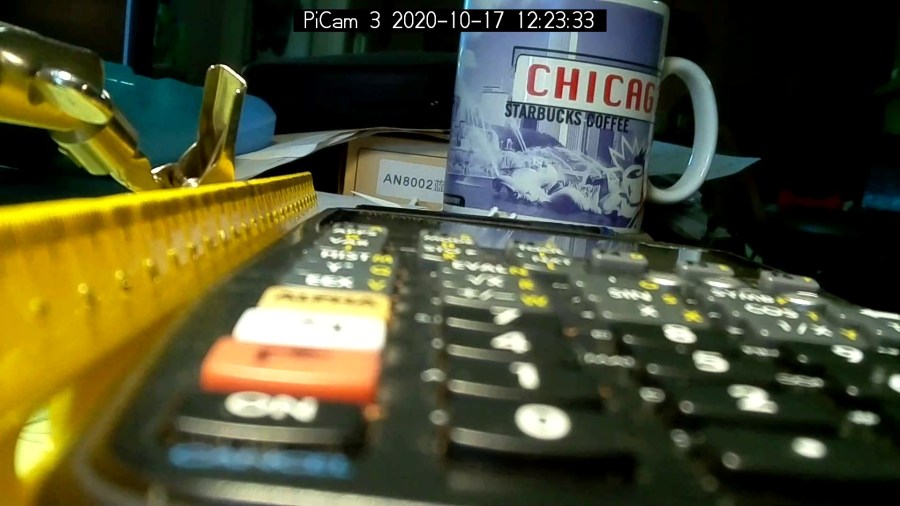
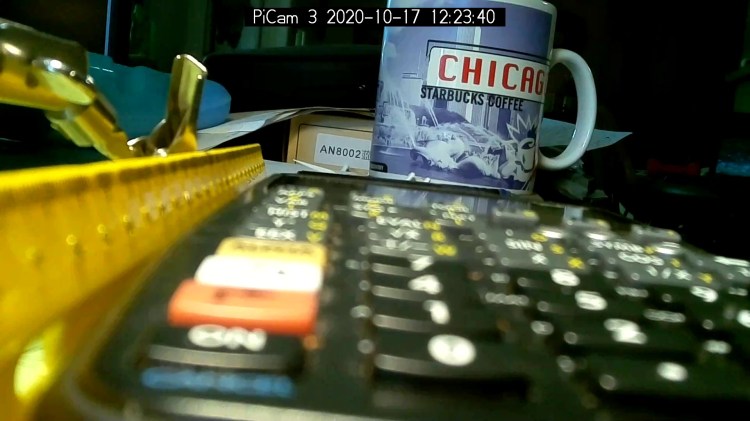
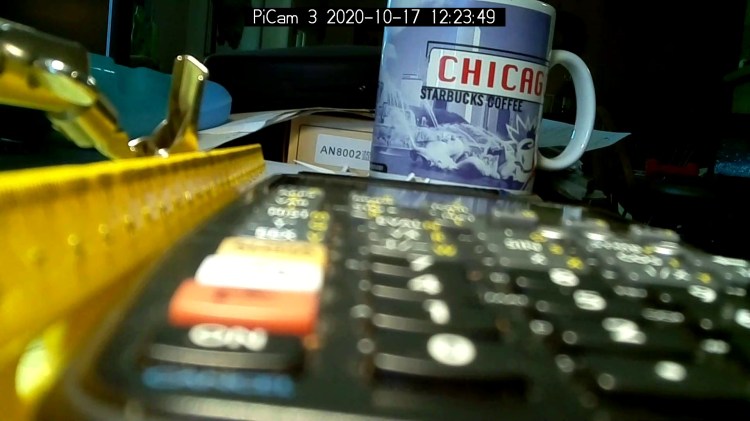
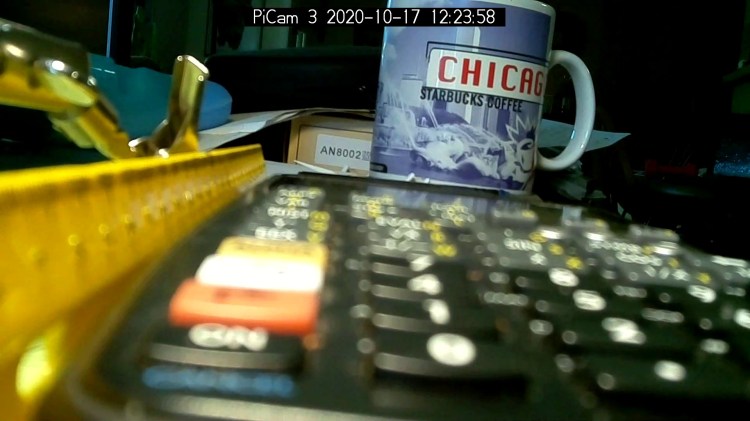
At 300 mm the DoF includes the mug at 600 mm, but the calculator keyboard is uselessly fuzzy:
Arducam Motorized Focus Camera – 300 mm
At 500 mm, the mug becomes as crisp as it’ll get and the text on the box at 750 mm is entirely legible:
Arducam Motorized Focus Camera – 500 mm
At 1000 mm, which is basically the edge of the desk all this junk sits atop, the mug and text become slightly fuzzy, so the DoF doesn’t quite reach them:
Arducam Motorized Focus Camera – 1000 mm
I limited the focus range to 1500 mm, which doesn’t much change the results:
Arducam Motorized Focus Camera – 1500 mm
I could focus-stack a set of still images along the entire range to get one of those unnatural everything-in-focus pictures.
Arducam Motorized Focus Camera – desktop test range
Run the test code:
# Simpleminded focusing test for
#  Arducam Motorized Focus Camera
# Gets events through evdev from rotary encoder knob

# Ed Nisley - KE4ZNU
# 2020-10-20

import sys
import math
import evdev
import smbus

# useful functions

def DAC_from_distance(dist):
    return math.trunc(256*(10.8 + 2180/dist))

# write DAC word to camera I2C bus device
#  and ignore the omnipresent error return

def write_lens_DAC(bus,addr,val):
    done = False
    while not done:
        try:
            bus.write_word_data(addr,val >> 8,val & 0xff)
        except OSError as e:
            if e.errno == 121:
#                print('OS remote error ignored')
                done = True
        except:
            print(sys.exc_info()[0],sys.exc_info()[1])
        else:
            print('Write with no error!')
            done = True

# set up focus distances

closest = 50            # mm
farthest = 500
nominal = 100           # default focus distance

foci = [n for n in range(closest,nominal,5)] \
     + [n for n in range(nominal,250,10)]  \
     + [n for n in range(250,1501,25)]

# compute DAC equivalents for each distance

foci_DAC = list(map(DAC_from_distance,foci))

focus_index = foci.index(nominal)

# set up the I2C bus

f = smbus.SMBus(0)
lens = 0x0c

# set up the encoder device handler
# requires rotary-encoder dtoverlay aimed at pins 20 & 21

d = evdev.InputDevice('/dev/input/by-path/platform-rotary@14-event')
print('Rotary encoder device: {}'.format(d.name))

# set initial focus

write_lens_DAC(f,lens,foci_DAC[focus_index])

# fetch I2C events and update the focus forever

for e in d.read_loop():
#    print('Event: {}'.format(e))

    if e.type == evdev.ecodes.EV_REL:
#        print('Rel: {}'.format(e.value))

        if (e.value > 0 and focus_index < len(foci) - 1) or (e.value < 0 and focus_index > 0):
            focus_index += e.value

        dist = foci[focus_index]
        dac = foci_DAC[focus_index]

        print('Distance: {:4d} mm DAC: {:5d} {:04x} i: {:3d}'.format(dist,dac,dac,focus_index))

        write_lens_DAC(f,lens,dac)
Because the knob produces increments of ±1, the code accumulates them into an index for the foci & foci_DAC lists, then sends the corresponding entry from the latter to the lens on every rotary encoder event.
And then It Just Works!
The camera powers up with the lens focused at infinity (or slightly beyond), but setting it to 100 mm seems more useful:
Arducam Motorized Focus Camera – 100 mm
Turning the knob counterclockwise runs the focus inward to 50 mm:
Arducam Motorized Focus Camera – 50 mm
Turning it clockwise cranks it outward to 1500 mm:
Arducam Motorized Focus Camera – 1500 mm
The mug is about 300 mm away, so the depth of field extends from there to infinity (and beyond).
It needs more work, but now it has excellent upside potential!
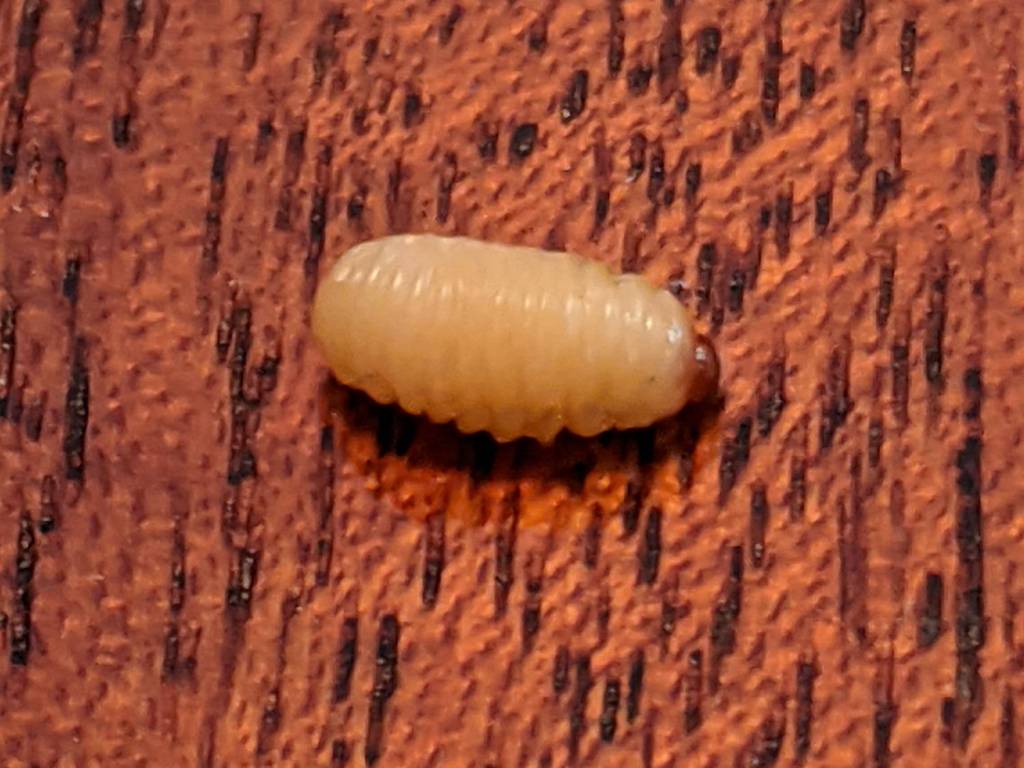
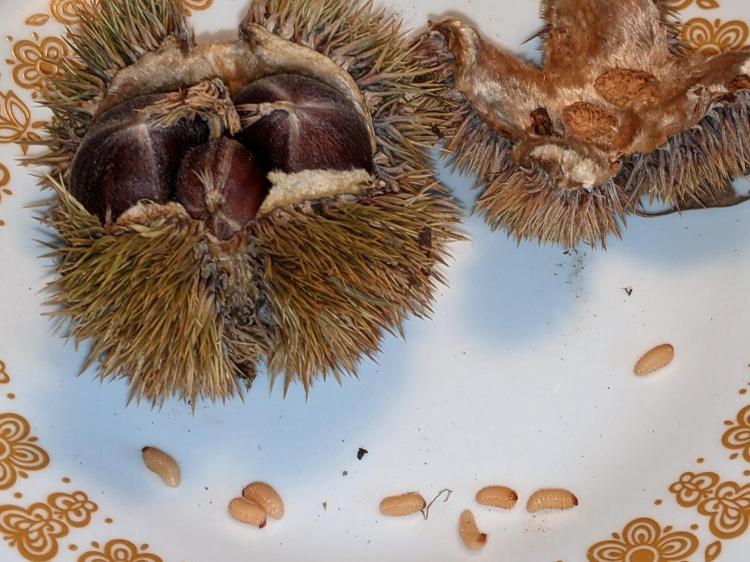
I spotted this little gadget chugging steadily across a table in the living room:
Chestnut parasite larva – detail
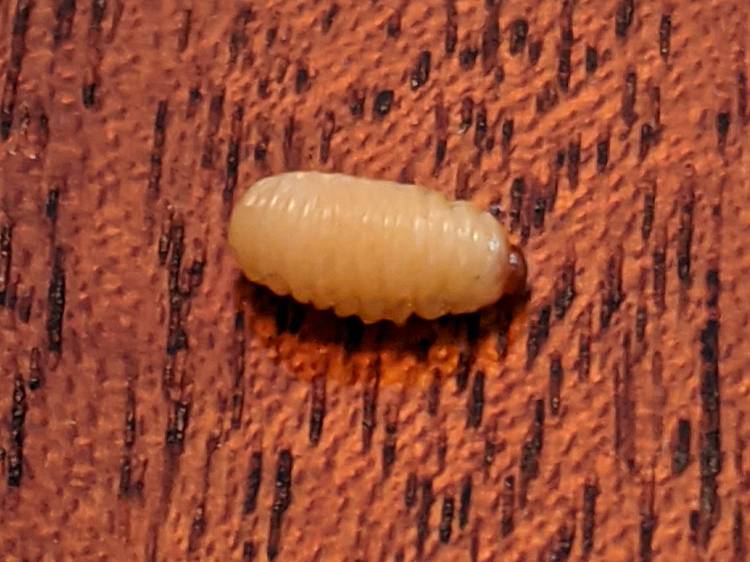
Nearby, two of its friends / siblings / clones remained near their landing craft:
Chestnut parasite larvae – overview
They’re about 5 mm long and, although there are no larva-size holes visible in the chestnuts tucked inside the burr, that’s definitely where they started their journey.
A few hours later, the rest of the crew bailed out:
Chestnut parasite larvae – irruption
The exit hole must be on a nut under the curve of the husk, but they’re sufficiently squishy to wriggle their way out. The little brown dot over on the left belongs to the top larva of a pair queued in the exit corridor:
Chestnut parasite larvae – exiting husk
I lost count at 18. There’s surely more where they came from, so I replaced the plate with a bowl to reduce the quantum tunneling probability.
In an ideal world, they’d grow up to be chestnut weevils, but I put them out near the suet feeder and, a few hours later, my offering was accepted.
The values written to the I²C register controlling the Arducam Motorized Focus Camera lens position are strongly nonlinear with distance, so a simple linear increment / decrement isn’t particularly useful. If one had an equation for the focus value given the distance, one could step linearly by distance.
So, we begin.
Set up a lens focus test range amid the benchtop clutter with found objects marking distances:
The camera defaults to a focus at infinity (or, perhaps, a bit beyond), corresponding to 0 in its I²C DAC (or whatever). The blue-green scenery visible through the window over on the right is as crisp as it’ll get through a 5 MP camera, the HP spectrum analyzer is slightly defocused at 80 cm, and everything closer is fuzzy.
Experimentally, the low byte of the I²C word written to the DAC doesn’t change the focus much at all, so what you see below comes from writing a focus value to the high byte and zero to the low byte.
For example, to write 18 (decimal) to the camera:
i2cset -y 0 0x0c 18 0
That’s I²C bus 0 (through the RPi camera ribbon cable), camera lens controller address 0x0c (you could use 12 decimal), focus value 18 * 256 + 0 = 0x12 + 0x00 = 4608 decimal.
Which yanks the focus inward to 30 cm, near the end of the ruler:
Arducam Motorized Focus test – focus 30 cm
The window is now blurry, the analyzer becomes better focused, and the screws at the far end of the yellow ruler look good. Obviously, the depth of field spans quite a range at that distance, but iterating a few values at each distance gives a good idea of the center point.
A Bash one-liner steps the focus inward from infinity while you arrange those doodads on the ruler:
for i in {0..31} ; do let h=i*2 ; echo "high: " $h ; let rc=1 ; until (( rc < 1 )) ; do i2cset -y 0 0x0c $h 0 ; let rc=$? ; echo "rc: " $rc ; done ; sleep 1 ; done
Write 33 to set the focus at 10 cm:
Arducam Motorized Focus test – focus 10 cm
Then write 55 for 5 cm:
Arducam Motorized Focus test – focus 5 cm
The tick marks show the depth of field might be 10 mm.
Although the camera doesn’t have a “thin lens” in the optical sense, for my simple purposes the ideal thin lens equation gives some idea of what’s happening. I think the DAC value moves the lens more-or-less linearly with respect to the sensor, so it should be more-or-less inversely related to the focus distance.
Take a few data points, reciprocate & scale, plot on a doodle pad:
Arducam Motorized Focus RPi Camera – focus equation doodles
Dang, I loves me some good straight-as-a-ruler plotting action!
The hook at the upper right covers the last few millimeters of lens travel where the object distance is comparable to the sensor distance, so I’ll give the curve a pass.
DAC MSB = 10.8 + 218 / (distance in cm)
        = 10.8 + 2180 / distance in mm)
Given the rather casual test setup, the straight-line section definitely doesn’t support three significant figures for the slope and we could quibble about exactly where the focus origin sits with respect to the camera.
So this seems close enough:
DAC MSB = 11 + 2200 / (distance in mm)
Anyhow, I can now tweak a “distance” value in a linear-ish manner (perhaps with a knob, but through evdev), run the equation, send the corresponding DAC value to the camera lens controller, and have the focus come out pretty close to where it should be.


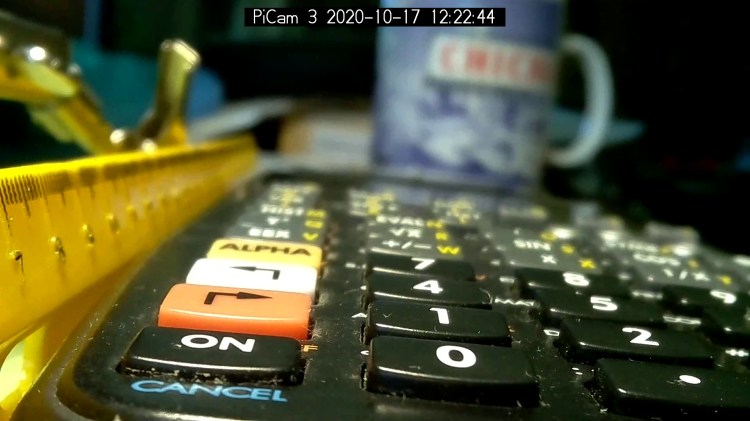
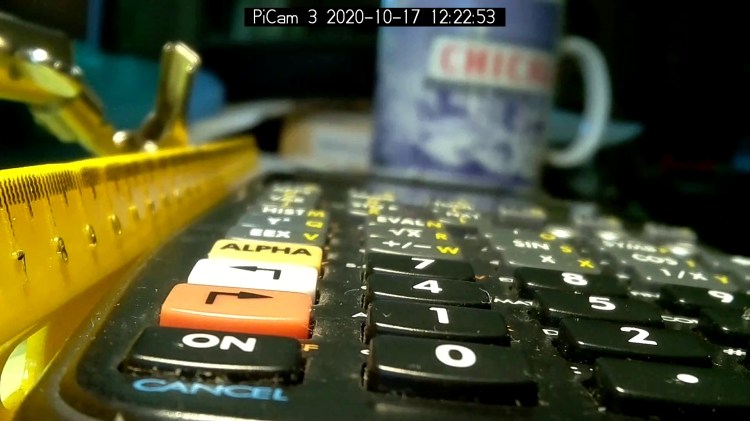
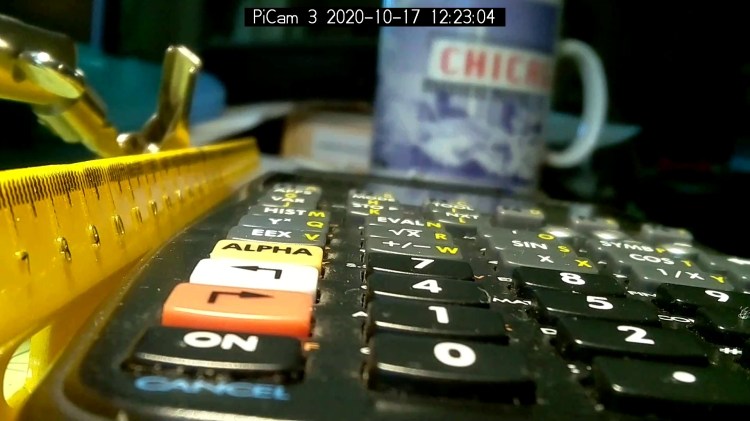
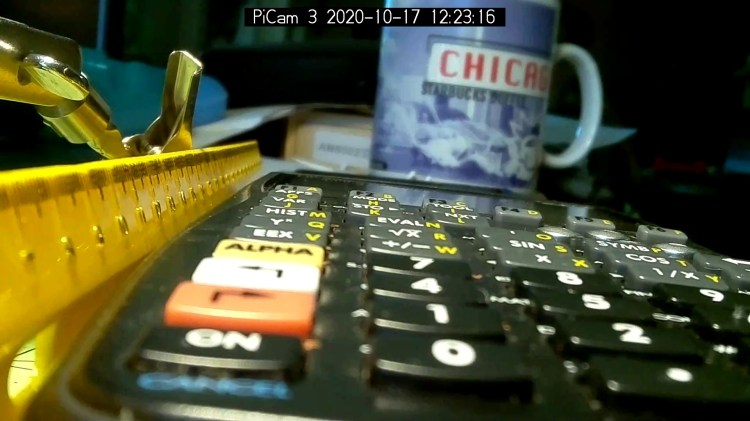





 The Smell of Molten Projects in the Morning