Ed Nisley's Blog: Shop notes, electronics, firmware, machinery, 3D printing, laser cuttery, and curiosities. Contents: 100% human thinking, 0% AI slop.
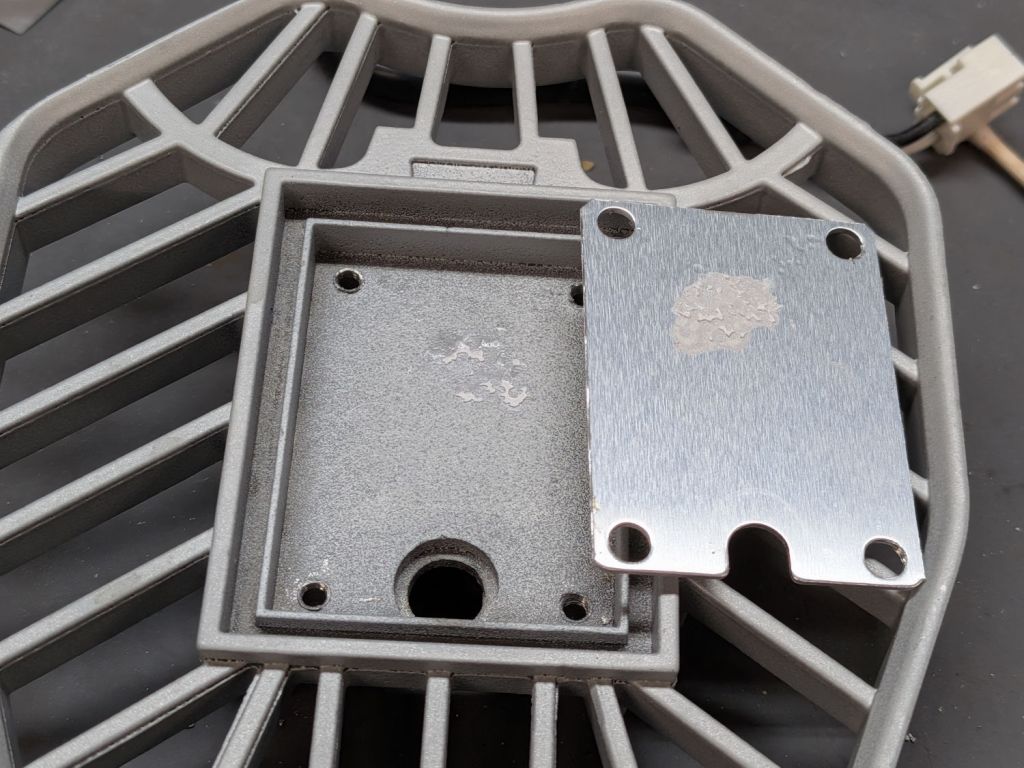
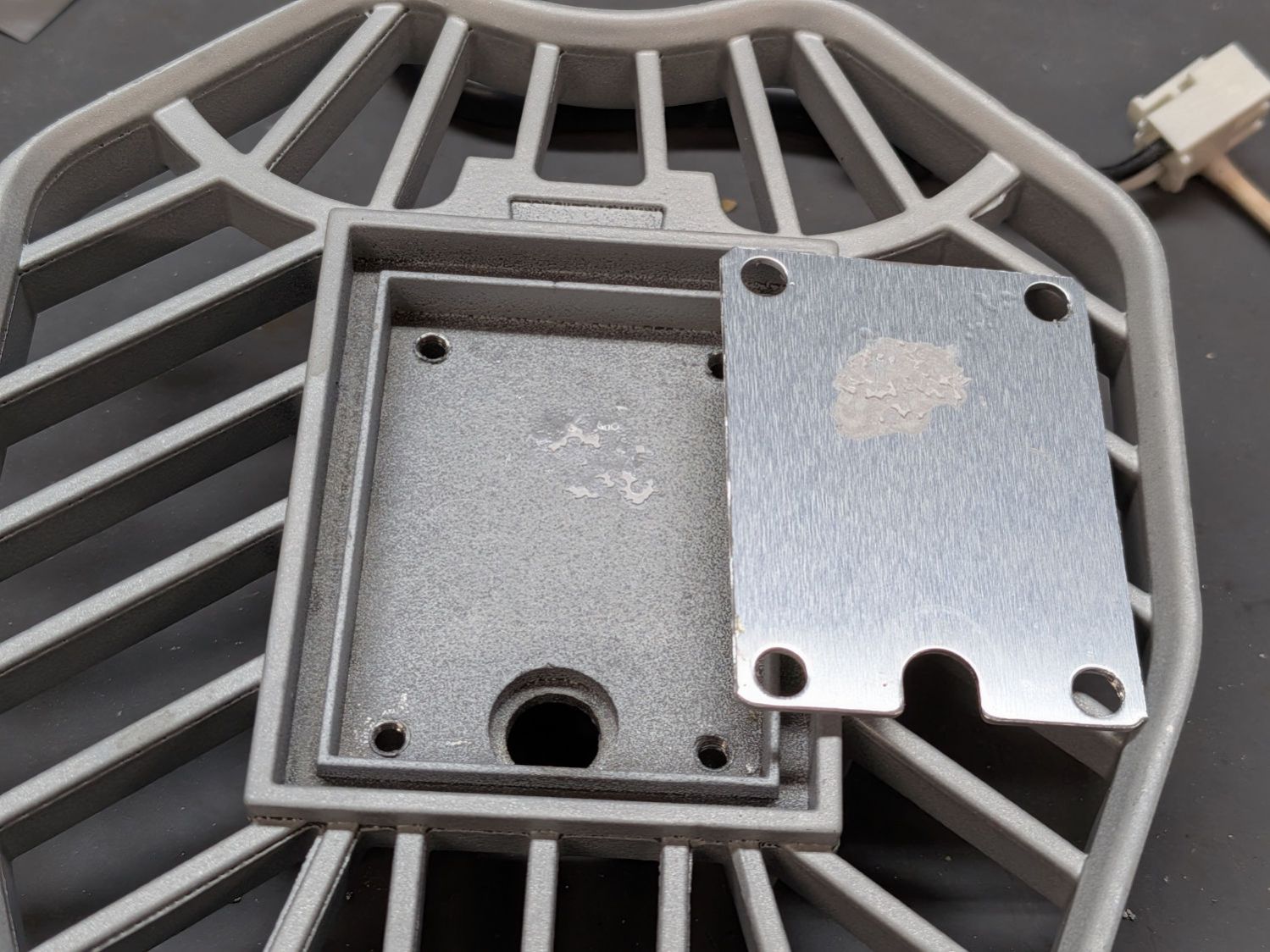
The hidden part of all three LED arrays in the dead garage light looked like this:
LED Garage Light – inadequate heatsink compound
Although the compound was still gooey, there wasn’t nearly enough of it. The few tendrils on the heatsink suggest the LED array had bowed upward, pulled away from the cast aluminum, and eliminated any direct conduction.
A bit of probing showed each LED array had 16 series groups of 4 parallel LEDS, with one group in each array failed open. That group was toward the end away from the inadequate heatsink compound: the LEDs died from heatstroke brought on by neglect.
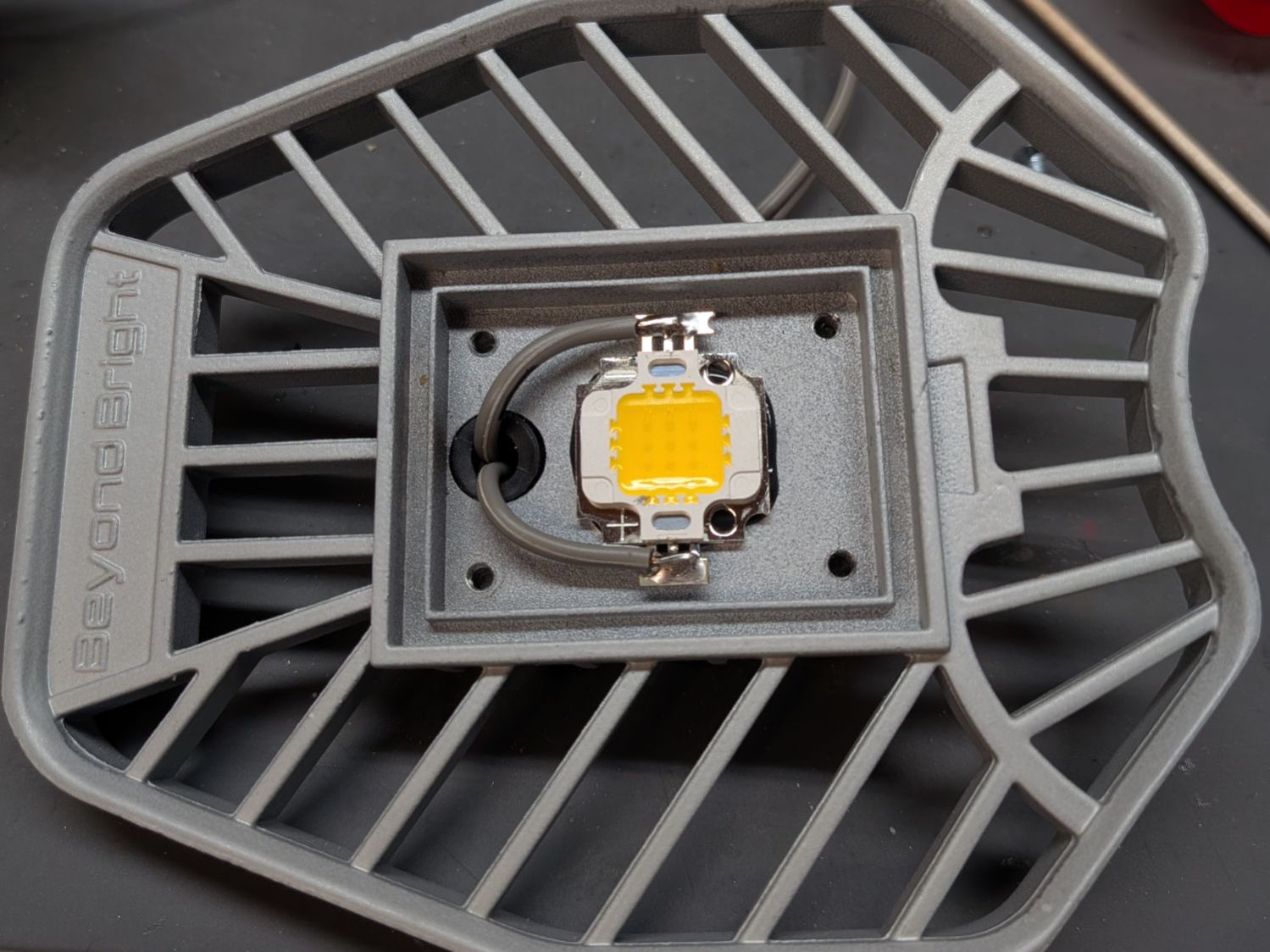
The Drawer o’ LED Arrays disgorged a bag of surplus LEDs labeled “10 W 9-12 V 750 mA”:
LED Garage Light – epoxy replacement
It’s sitting on a generous blob of steel-filled JB Kwik epoxy that should do a great job of conducting heat. A bag of cheap constant-current supplies is on order.
Amazon has similar “10 W 9-12 V 350-450 mA” arrays.
Try as I might, I can’t get 10 W from those numbers, but I’ve never understood advertising math.
The last three boxes had 50 g of activated alumina and got fresh doses from the same bottle.
The other boxes had 50 g from the original bottle of silica gel beads and now have regenerated (and likely damaged) silica gel beads.
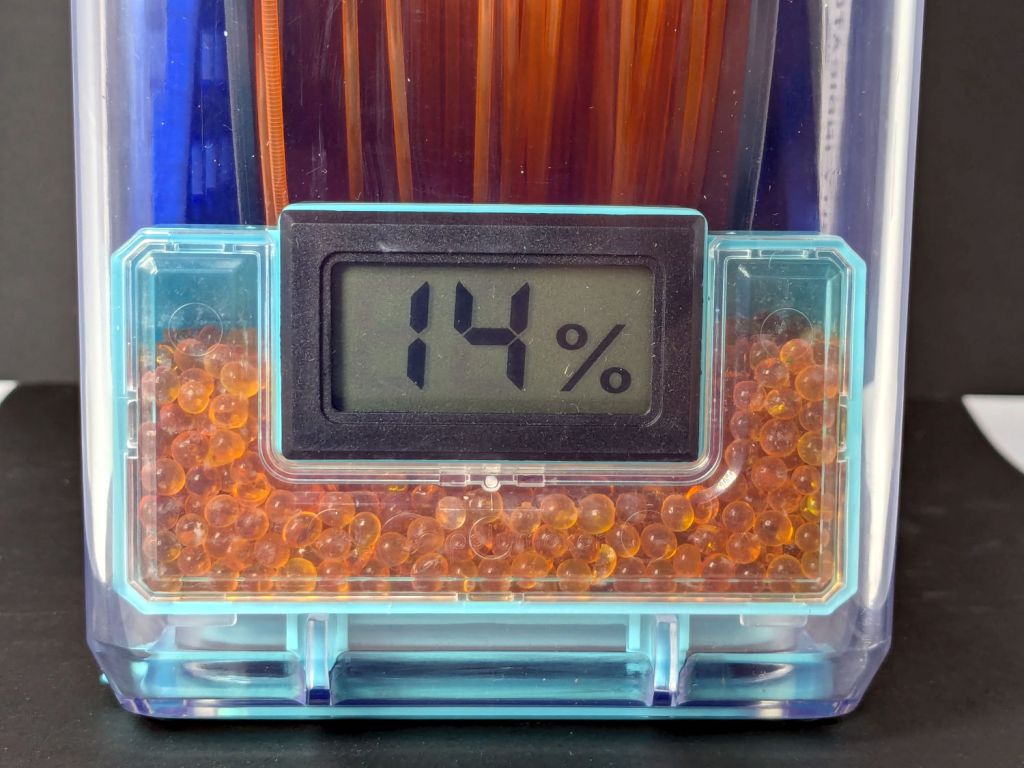
AFAICT, the meter in the orange PETG PolyDryer box isn’t working right, because the humidity indicator card in there has blue spots all the way down to 10%, just like the other boxes. Color differences for meter readings in the teens may be too subtle for my eyes.
The OXO pepper mill replacing our worn-out pepper mill arrived filled with peppercorns and, during the ensuing nine months, we established its finest grind setting produced bigger pepper flakes than we prefer. I figured there had to be a way to get the ceramic stones just a little bit closer, even though it has no user-serviceable components inside.
So, we begin.
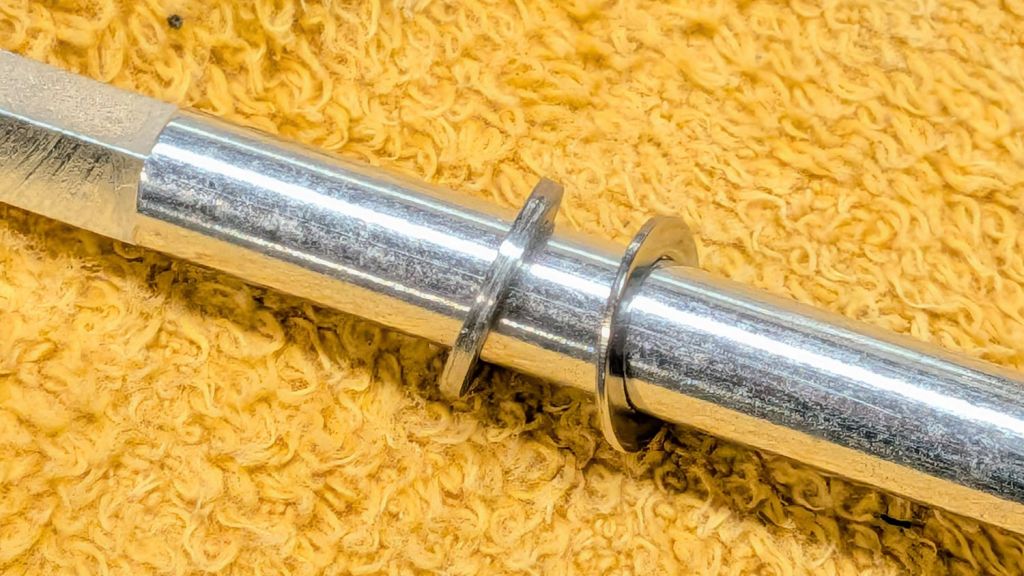
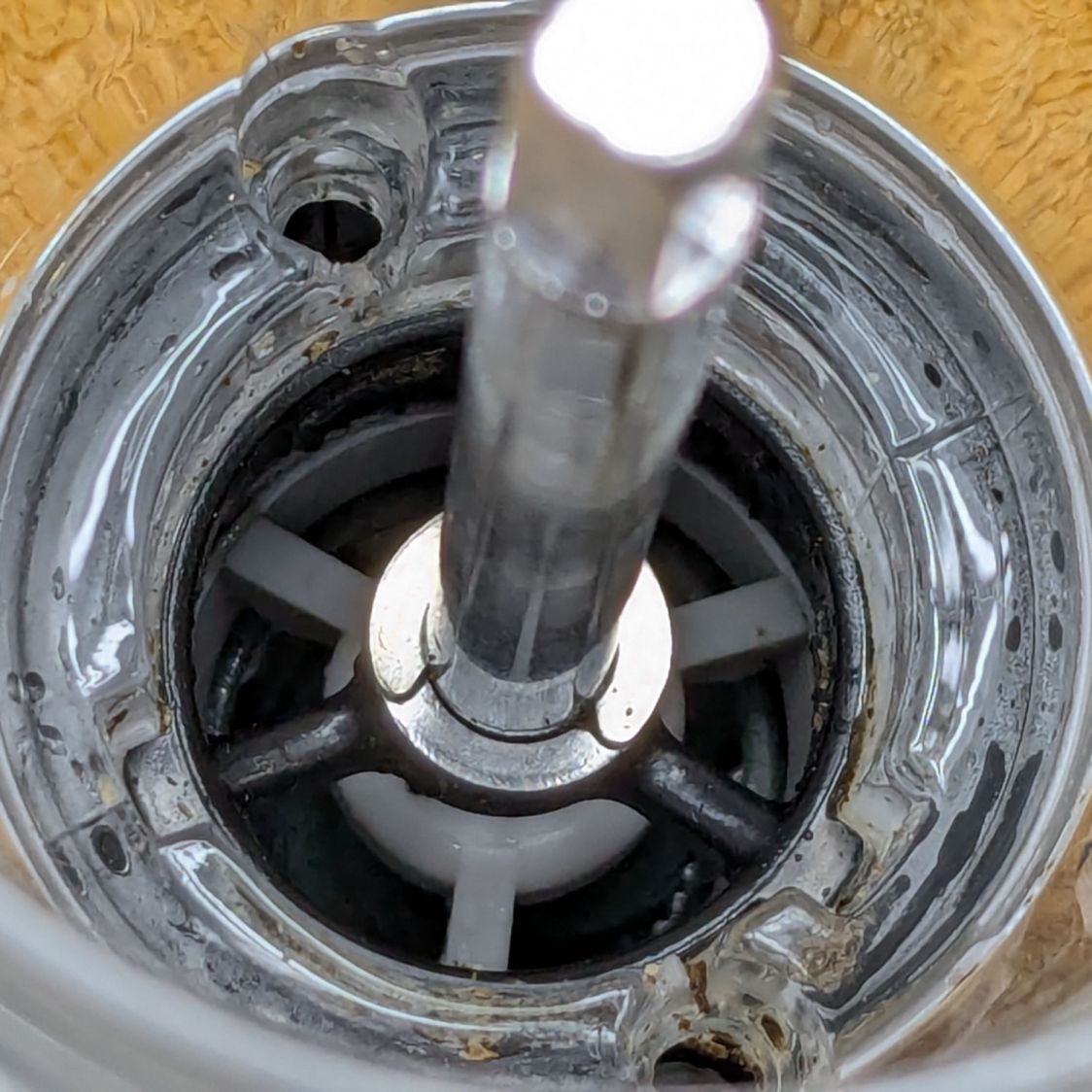
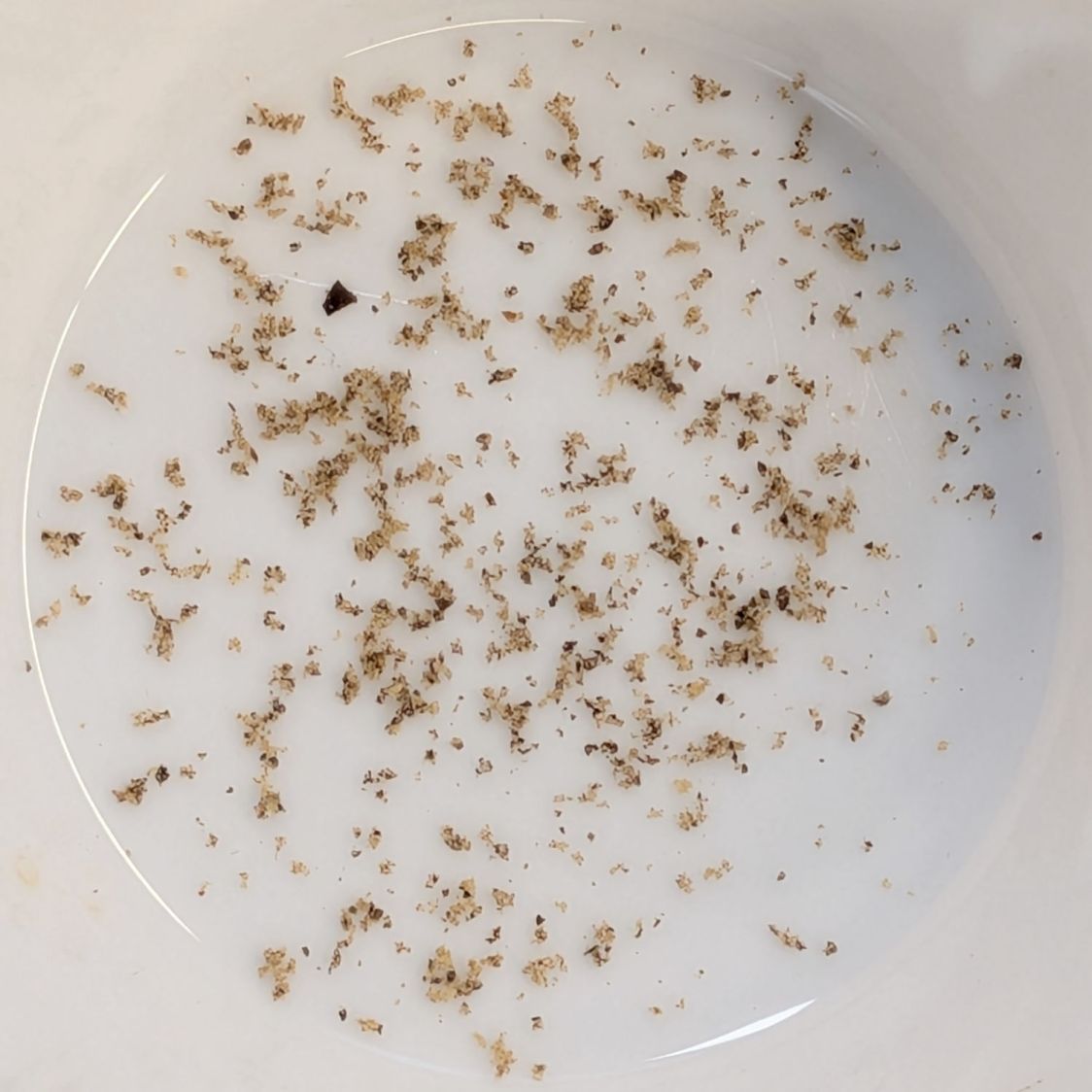
After rinsing out most of the pepper flakes (the remainder appearing in the pictures below) and determining the two obvious screws didn’t release the housing, the Jesus clip on the shaft extending through the peppercorn compartment came under consideration:
OXO Pepper Mill – E-clip on shaft
The washer beyond the clip bears on the black plastic spider. It turns out the thickness of that washer determines the distance between the grind stones at the minimum setting: making it thicker reduces the stone gap and produces a finer grind.
Knowing full well it would be impossible to get the clip back on the shaft in that position, I pried it off.
Spoiler: Don’t do that!
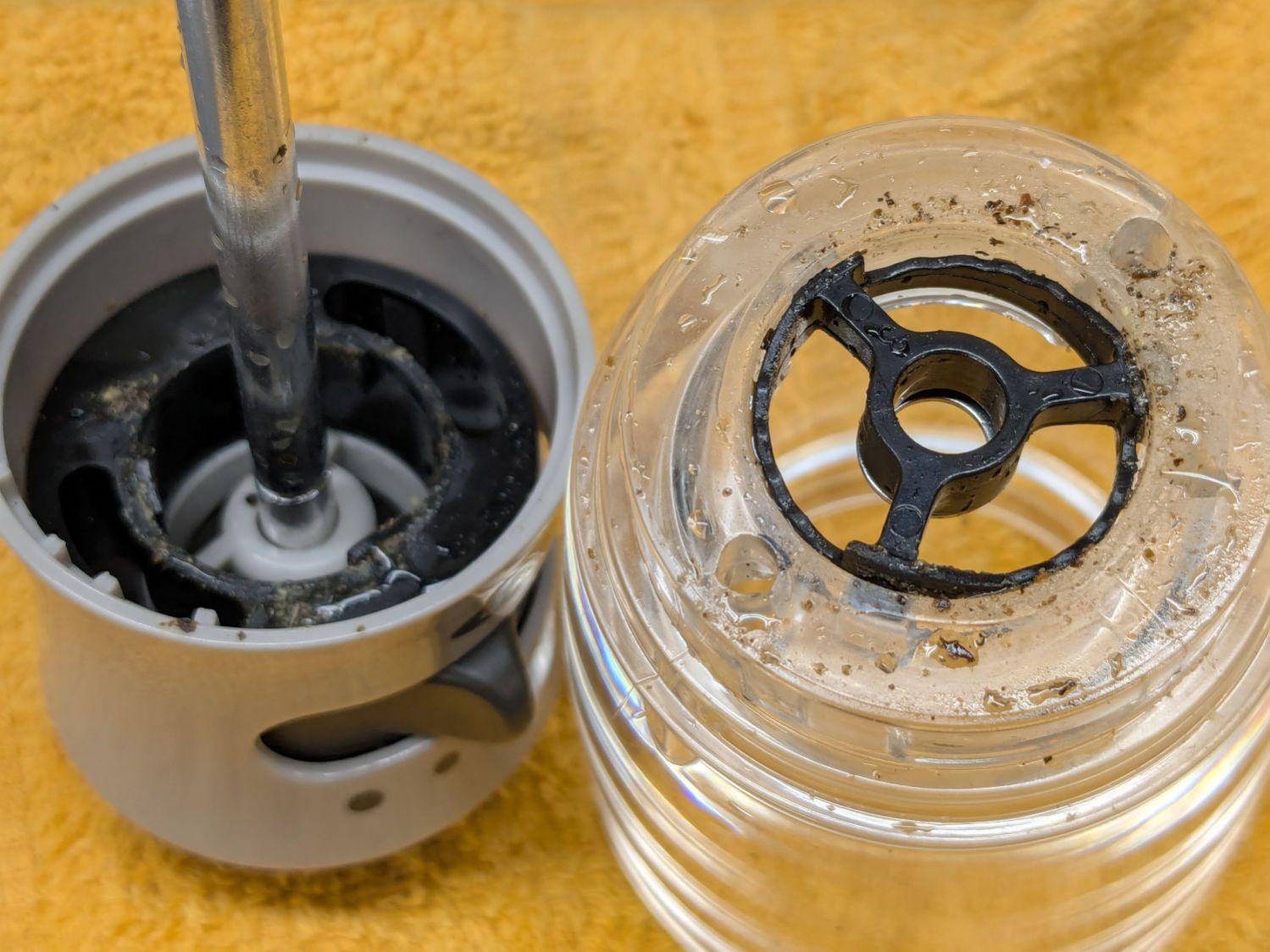
The grind adjustment lever turns the chunky black ring inside the gray housing:
OXO Pepper Mill – grind adjustment rings
Three protrusions on that ring step along notched ramps around the perimeter of the black spider in the clear housing on the right.
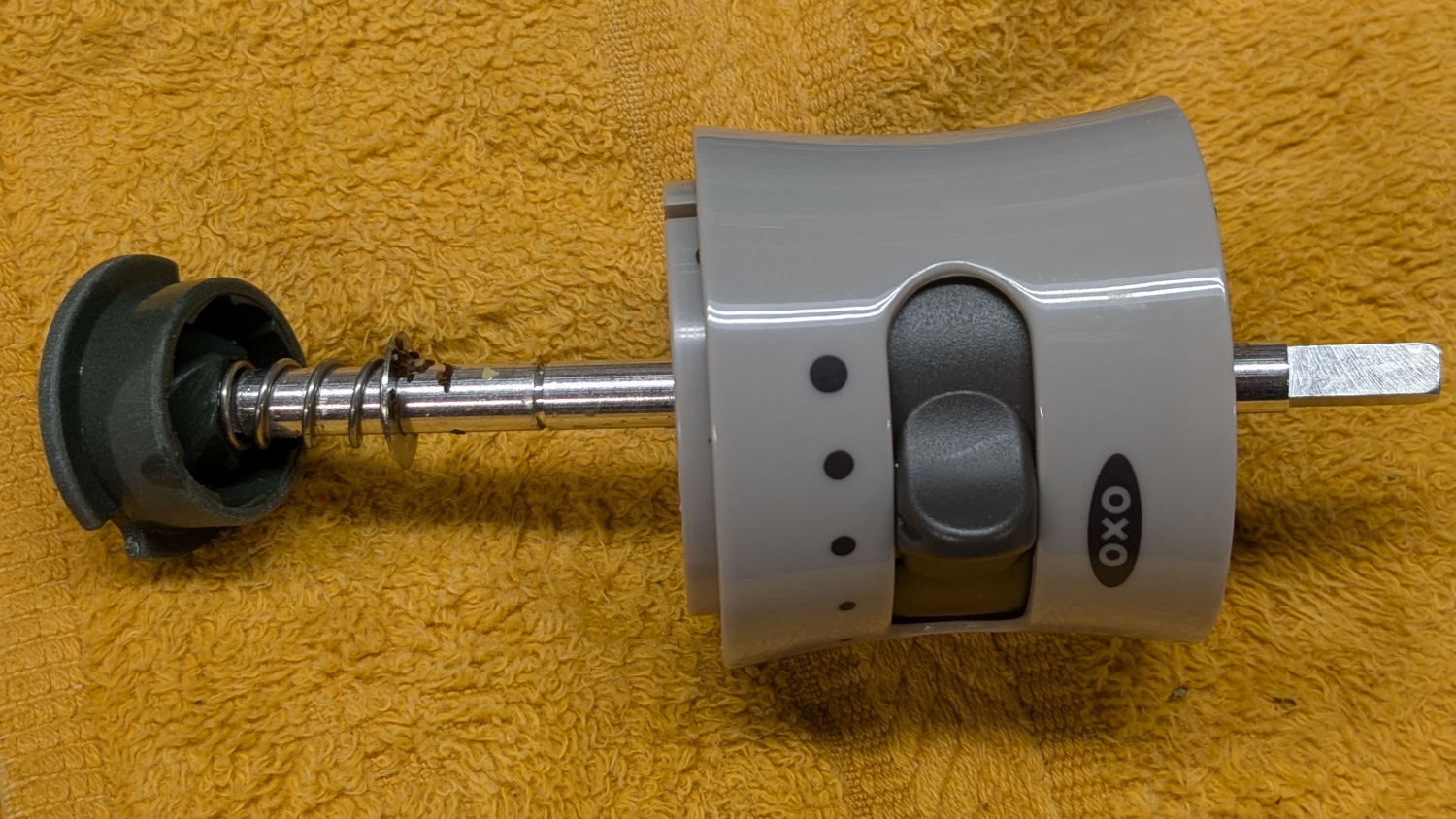
The shaft slides out to reveal the spring under the inner stone, with a second washer bearing against the bore of the gray plastic housing:
OXO Pepper Mill – upper shaft parts layout
As a result, the spring tries to push the shaft and inner stone out of the housing (toward the left). The protrusions on the grind adjustment control how far the shaft can move, with the washer + clip locking the shaft to the spider.
Gentle persuasion extracts the chunky black ring:
OXO Pepper Mill – grind adjust slider
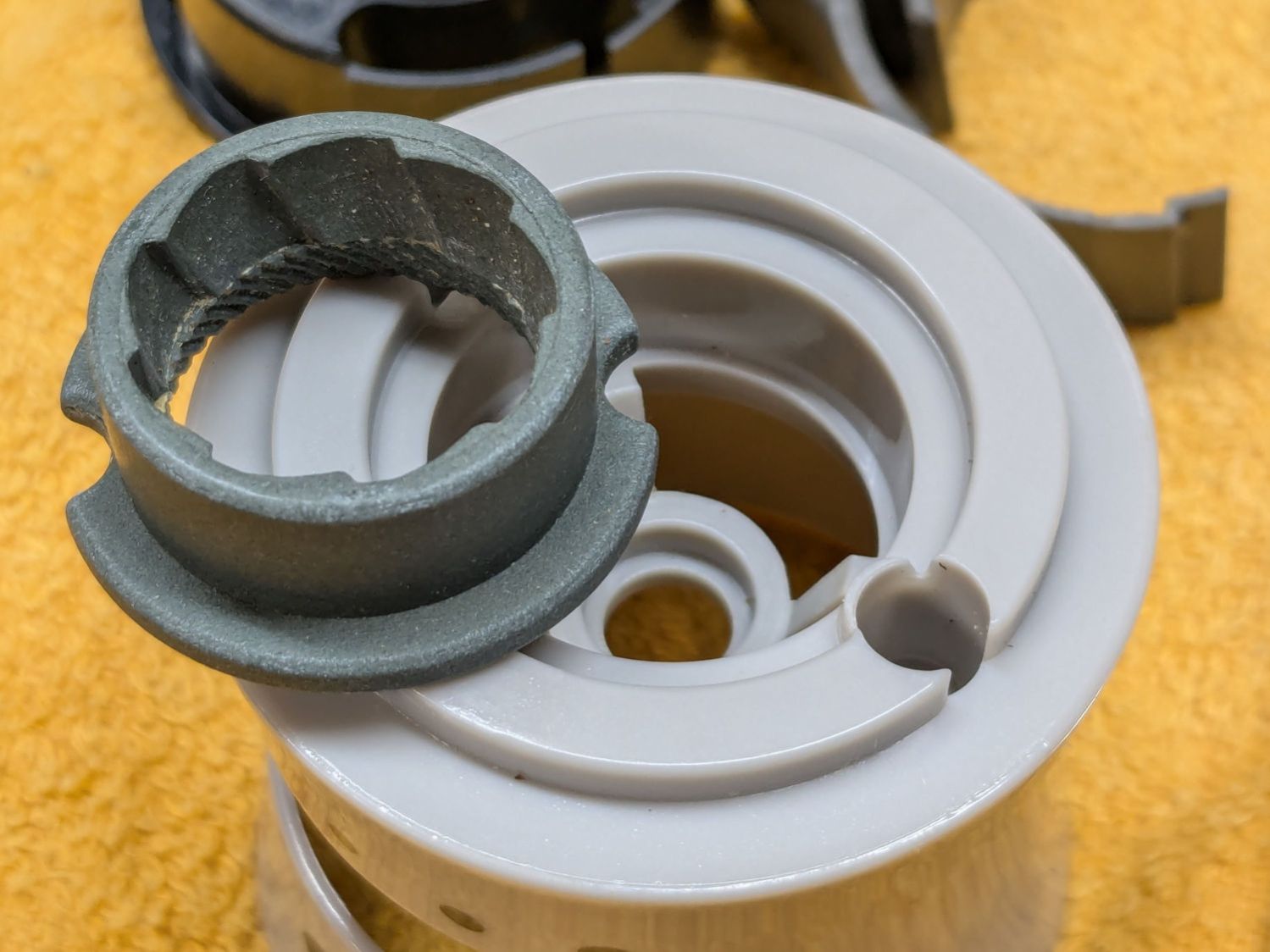
The outer stone fits into a recess in the gray housing:
OXO Pepper Mill – outer stone
One might 3D print a washer fitting under that stone to close the gap between it and the inner stone, but the two screw holes interrupt the ledge enough to suggest the washer would be in two parts divided. If I didn’t have a mini-lathe, that’d be the best way to go.
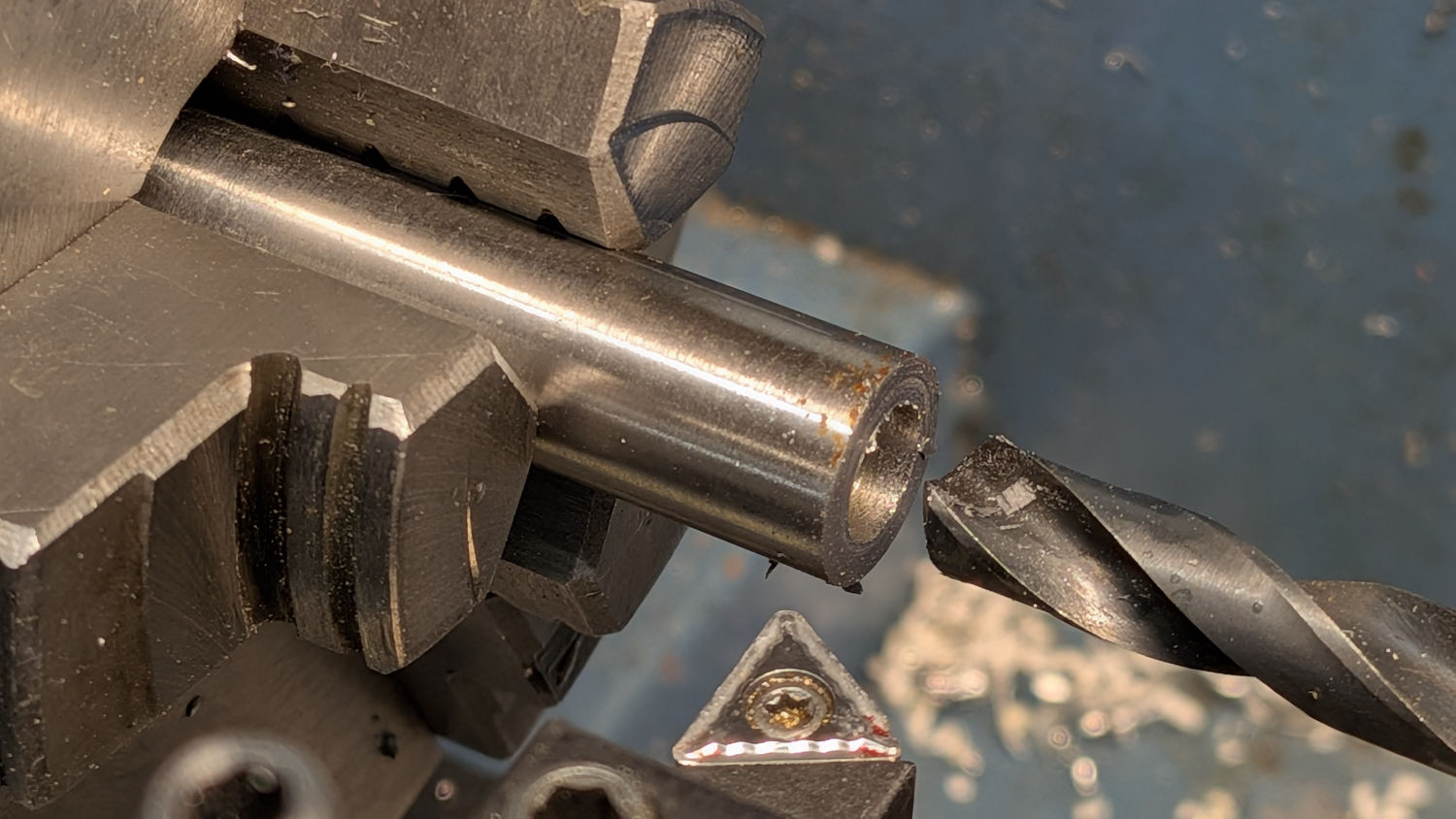
But I have a mini-lathe, so I made a steel washer slightly thicker than the OEM washer under the clip:
OXO Pepper Mill – turning new washer
The OEM washer:
ID 6.7 mm
OD 10.2 mm
Thick 0.6 mm
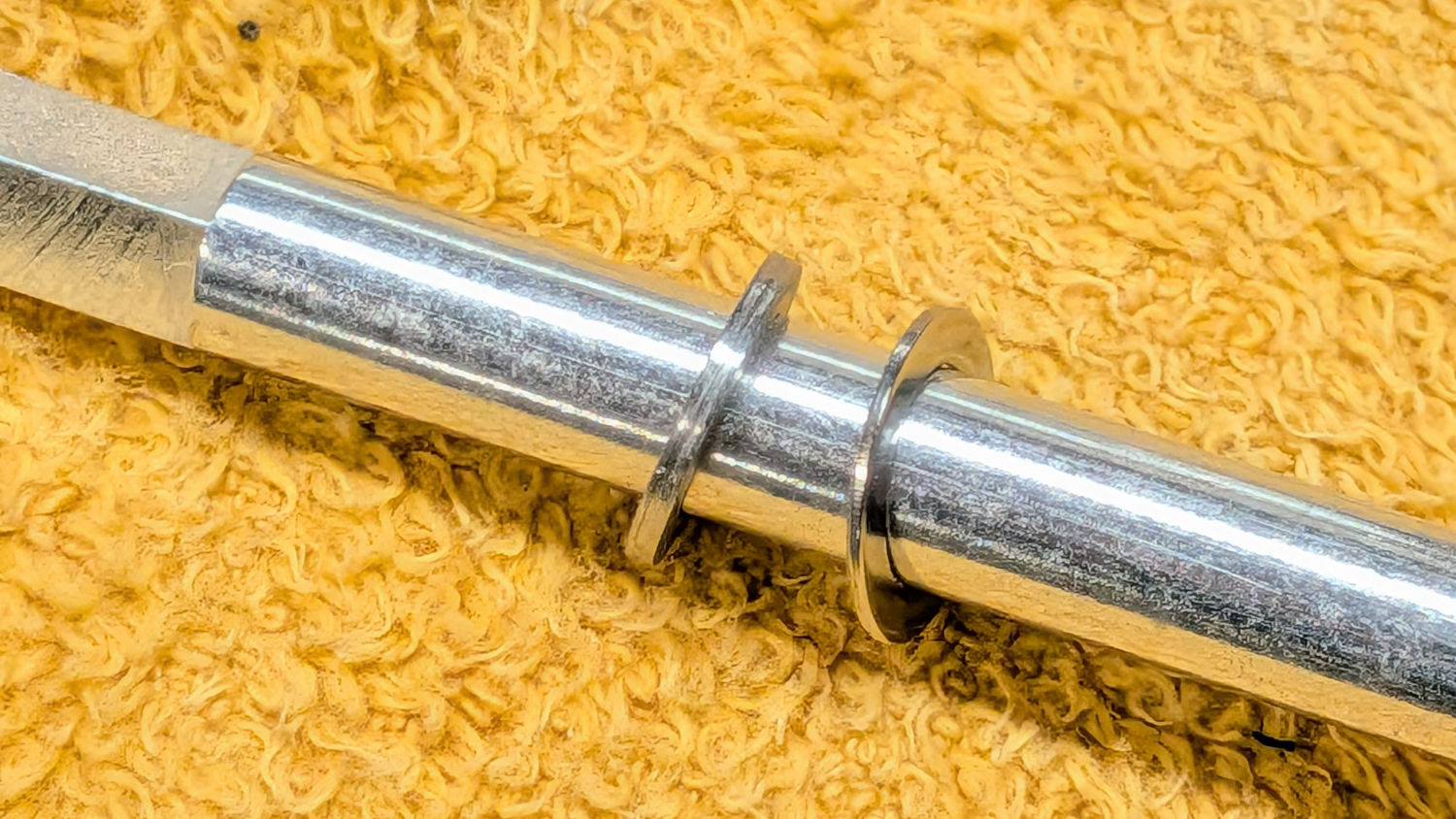
Not knowing the right answer, I made a 1 mm washer, which is visibly thicker:
OXO Pepper Mill – 1mm vs OEM washer
Which let me reassemble the pepper mill in reverse order, only to establish reinstalling the Jesus clip deep down inside the housing is, in fact, impossible.
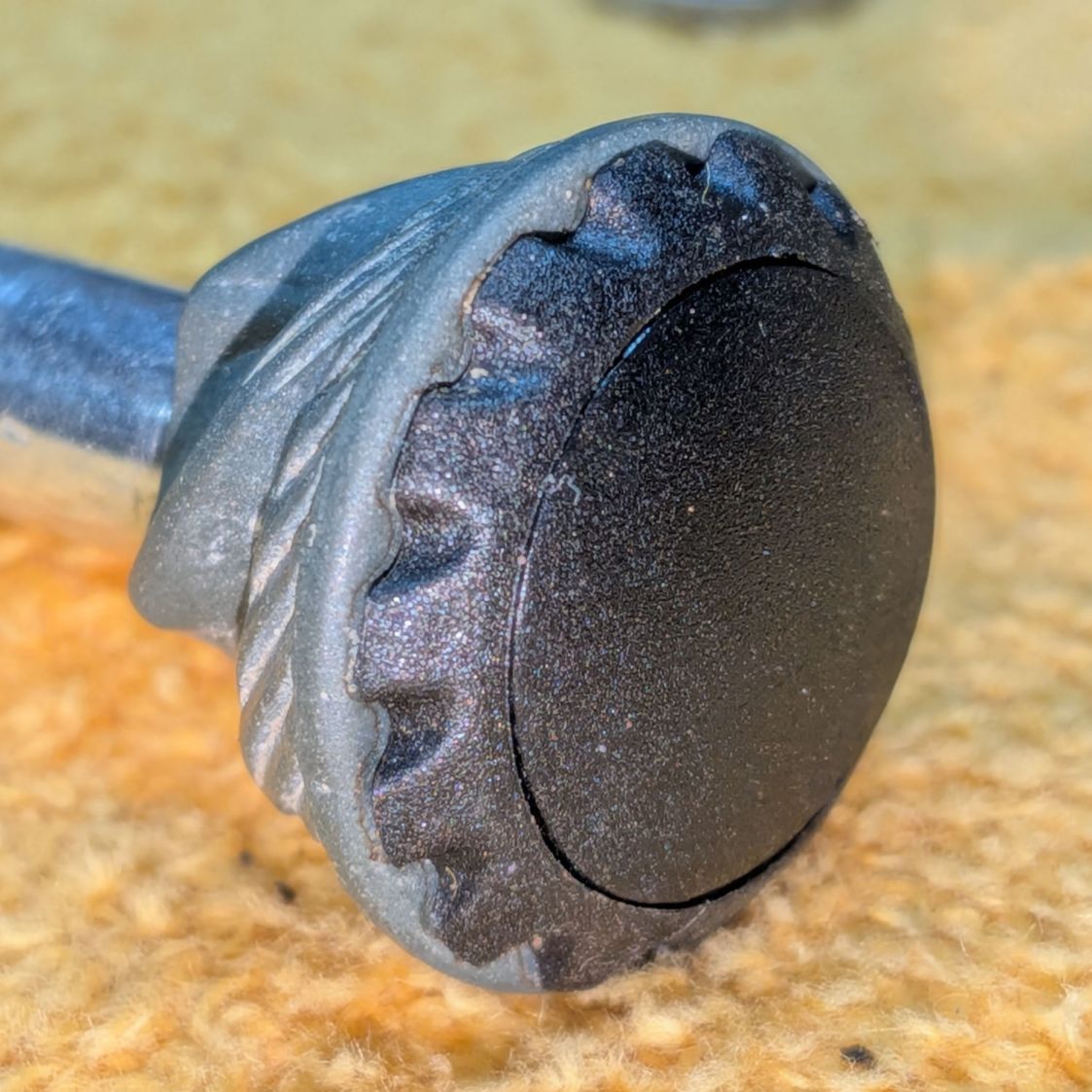
Taking everything apart again let me contemplate the inner stone on the shaft, leading to the discovery it could slide very slightly on the shaft. More pondering revealed a slight seam in what I had taken as a monolithic black cap:
OXO Pepper Mill – inner stone assembled
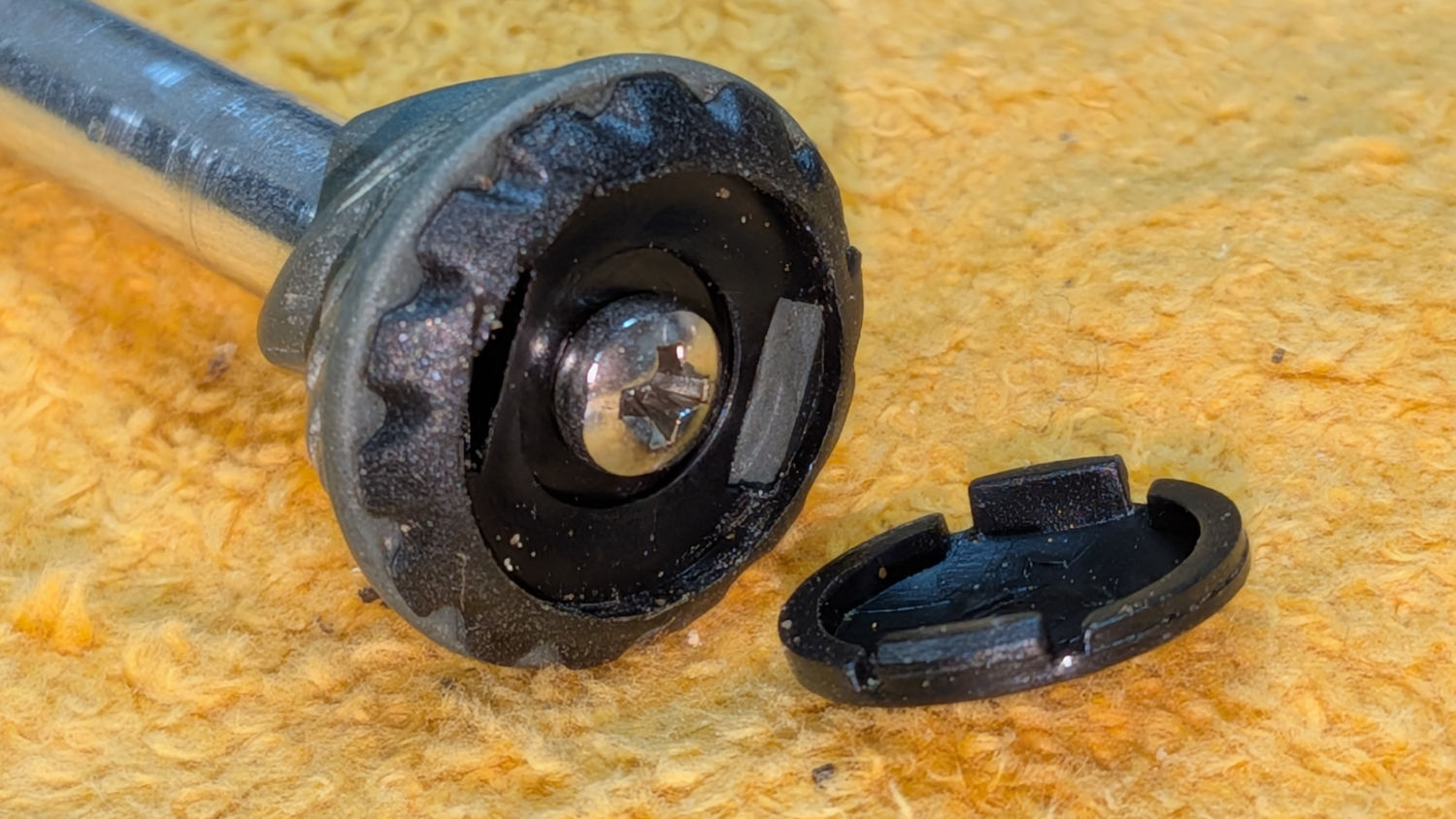
Applying gentle suasion between the stone and the cap with a plastic razor blade enlarged the seam into a gap. Much to my surprise, further prying popped the top off the cap:
OXO Pepper Mill – inner stone cap
Happy dance in full effect!
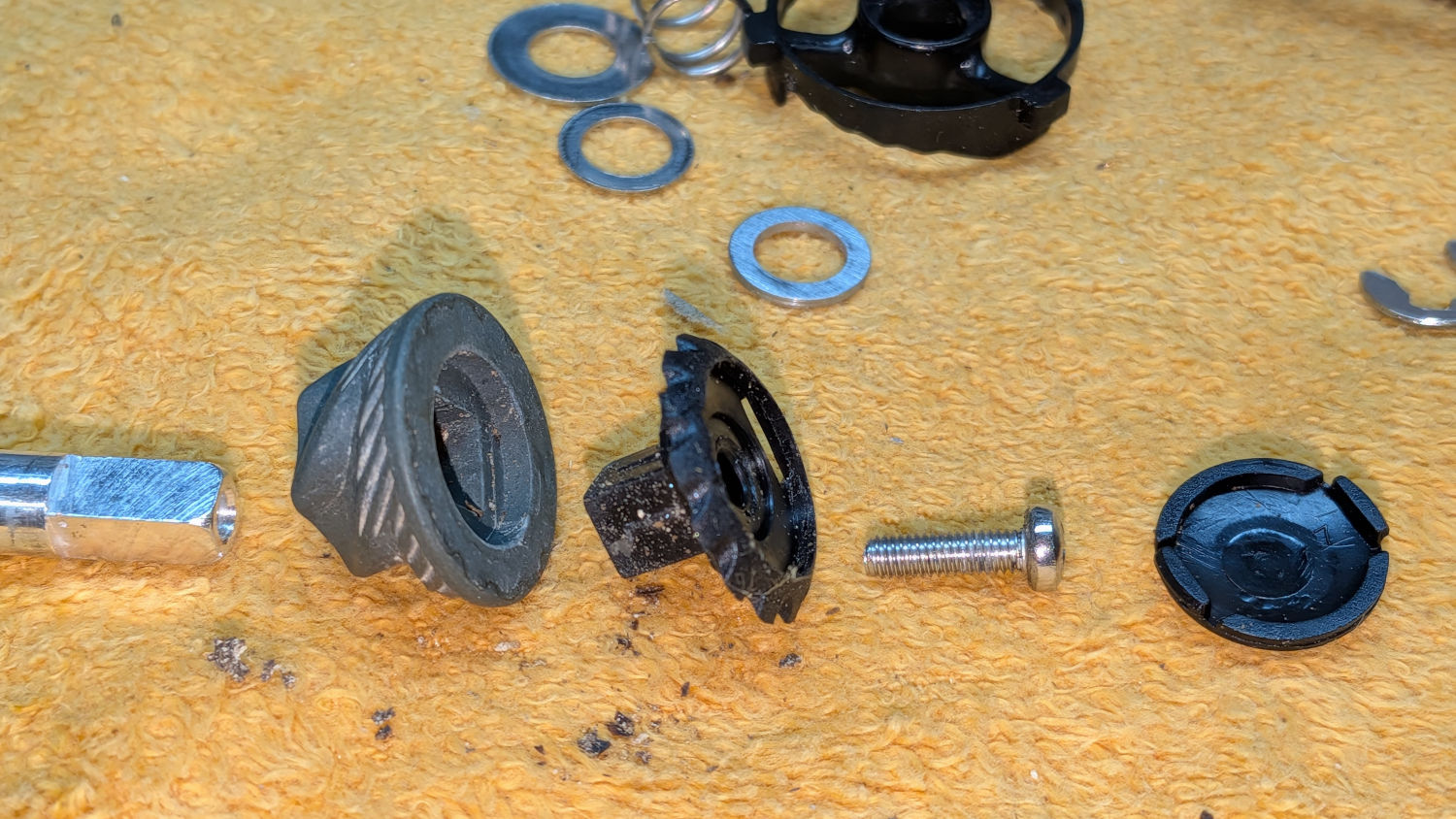
Removing the screw let everything slide off the top of the shaft:
OXO Pepper Mill – inner stone parts
Freeing that end of the shaft meant I could install the clip on the bench, add various parts while sliding the shaft through the housing, then tighten the screw to snug everything down.
As with most activities, it’s trivially easy when you know the trick.
Whereupon I discovered the new 1 mm washer jammed the two stones firmly together at the finest grind setting, so the correct washer will be somewhere between 0.6 and 1.0 mm thick:
Back to the lathe for a 0.8 mm thick washer
Dismantle pepper mill
Swap washers
Reassemble
Verify smooth turning at finest setting
Fill with peppercorns
Give it a twist
A shower of pepper flakes in a cup:
OXO Pepper Mill – finer grind
The mill undergoes a full qualification test tomorrow morning, but those flakes look much better.
Fun fact: the OXO pepper mill holds 2.0 oz of peppercorns, so we use 0.033 oz = 940 mg of pepper every day.
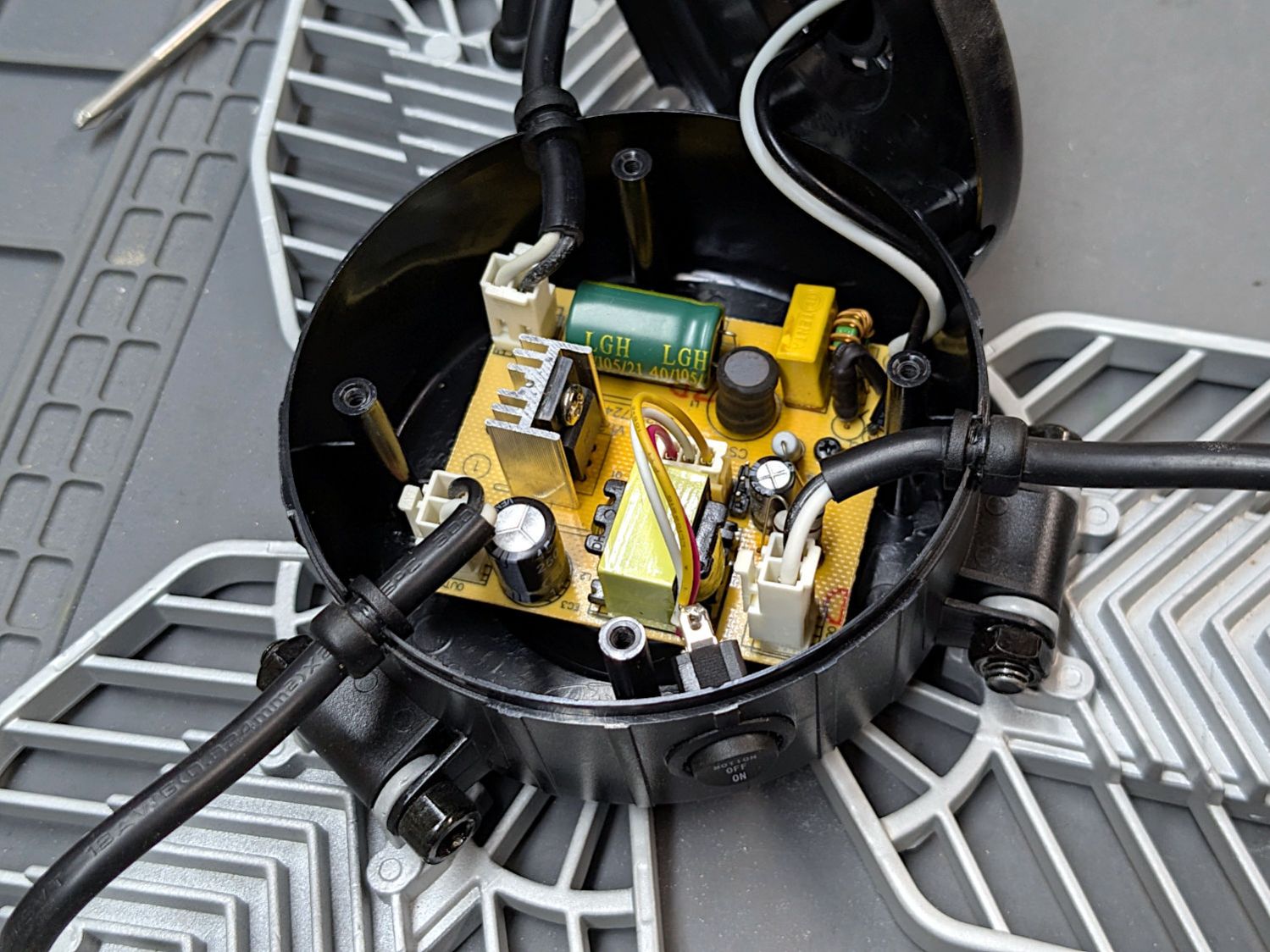
A three-wing garage light Came With The House in the basement, where it served to light up the foot of the stairs. One of the 48 LEDs in one of the three LED panels began flickering brightly and, over the course of a few days, that panel went dark. The next time I turned on the basement lights, all three panels were dark.
Removing the screw-in lamp base:
LED Garage Light – overview
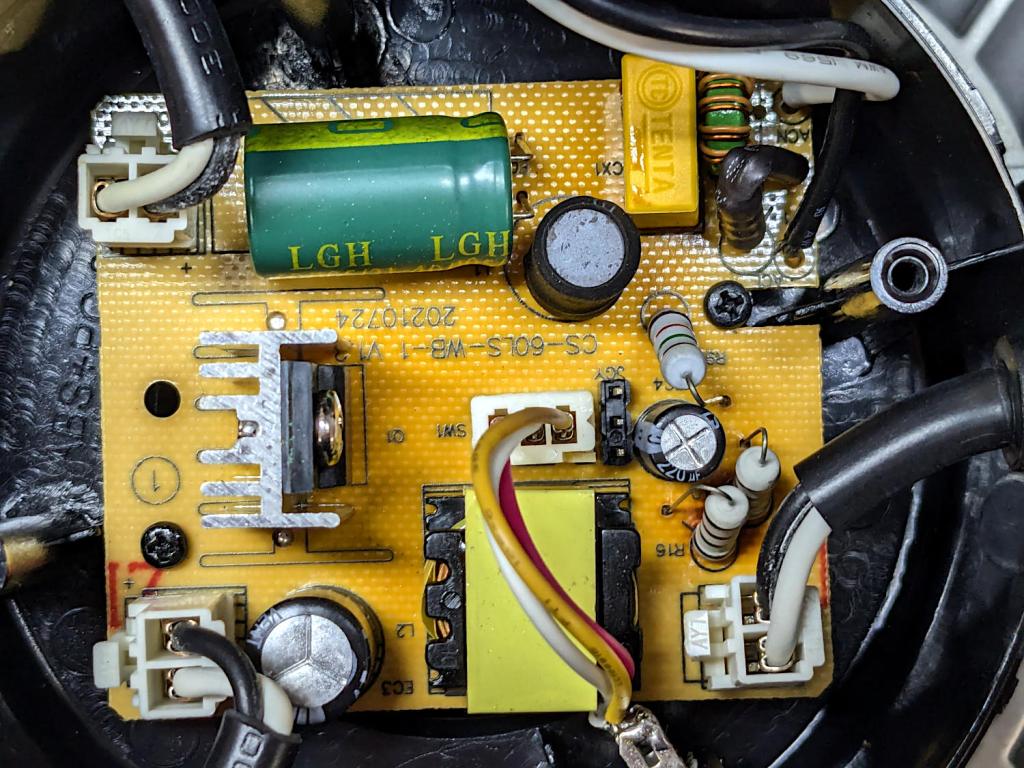
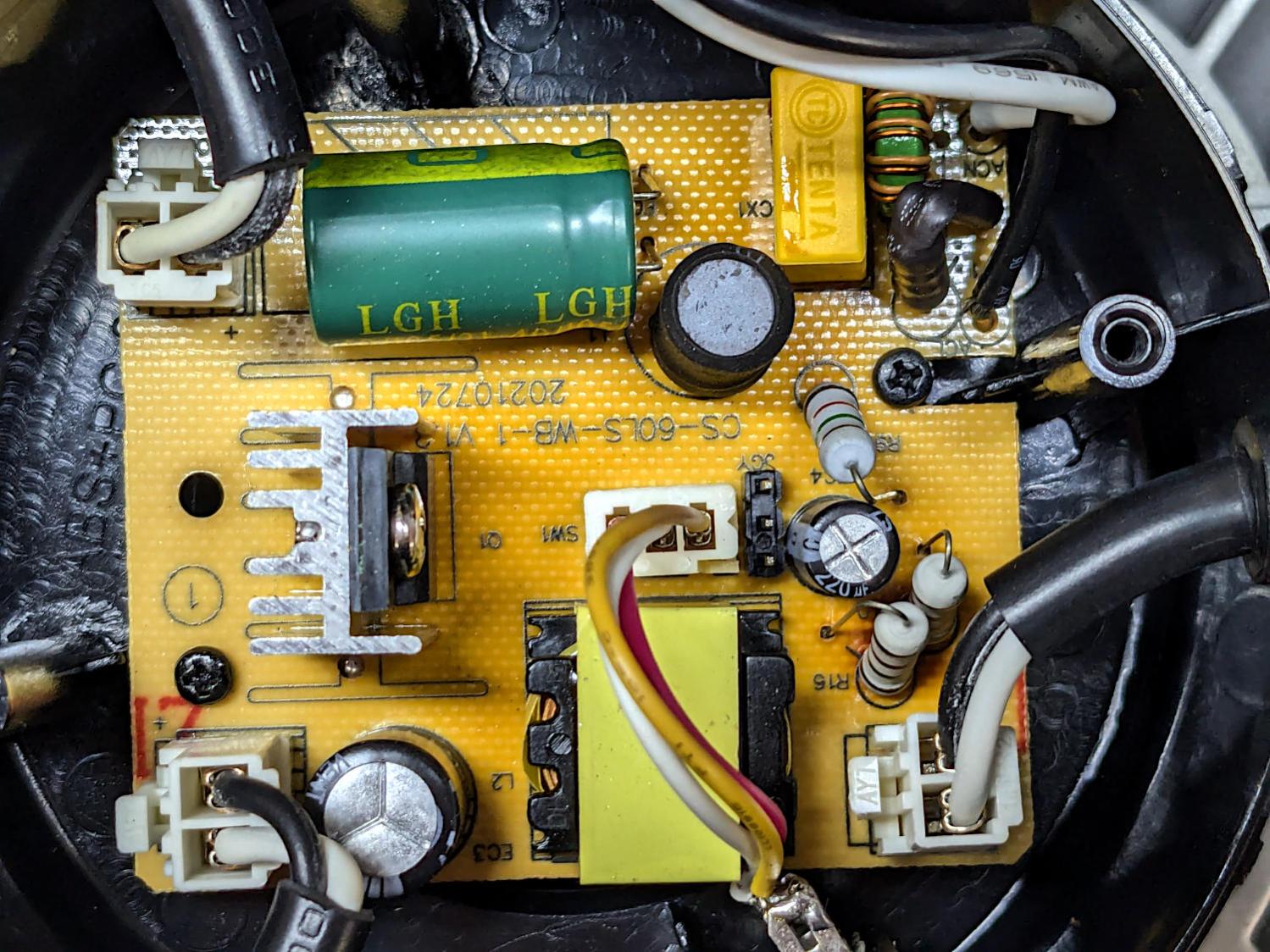
A closer look inside:
LED Garage Light – detail
The middle of the PCB is darker than the perimeter, with the darkest area around the black inductor standing up near the green filter cap. A blackened lump on the solder side that may have once been an SMD resistor evidently served as a fuse.
All three panels are in wired parallel, so the failed panel reduced the load on the supply, thus increasing the voltage on the remaining two panels enough to kill them off, too.
Worth noting: the black wire goes to the positive side of the LED panel. You can just see the + mark near the two connectors on the left side.
I wired each panel to a lashed-up bridge rectifier with a widowmaker extension cord from a variable transformer controlling the voltage, but none of them responded to the 150 VDC peaks: they’ve suffered Real Death.
The electronics landed in the recycling box and the three heatsinks are now in the Big Box o’ Heatsinkery, where they will surely come in handy for something.
The surprisingly readable 09/21 date code on the case says it’s just over four years old. Similar garage lights now run around ten bucks each and I wouldn’t expect them to last more than a couple of years.
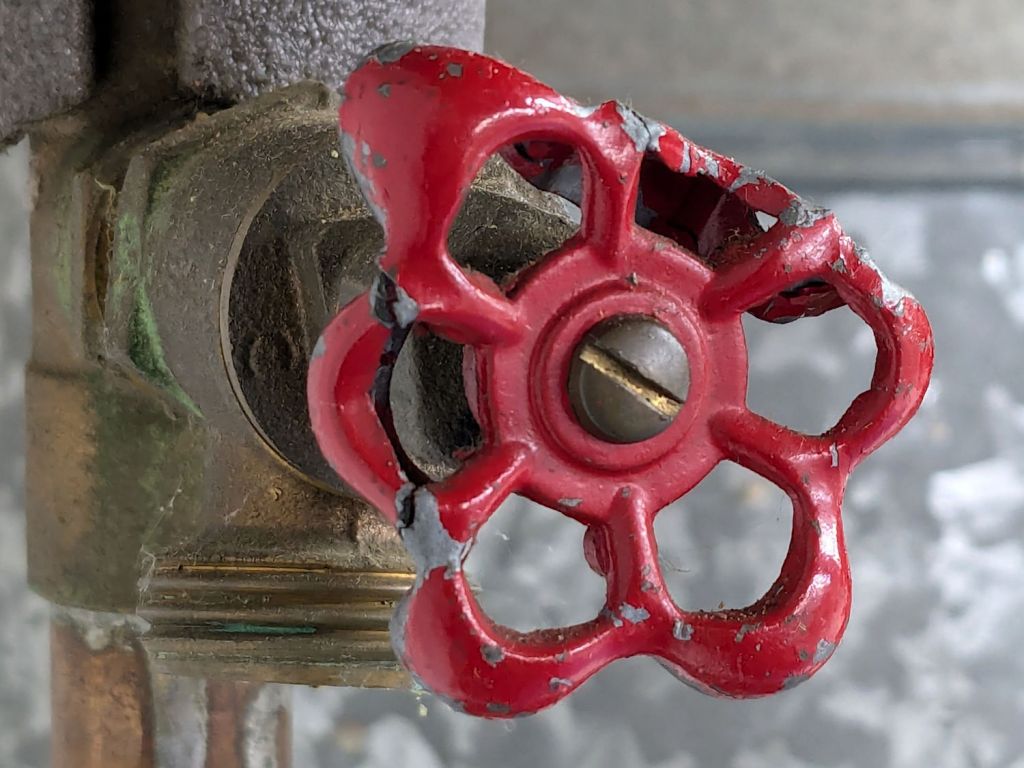
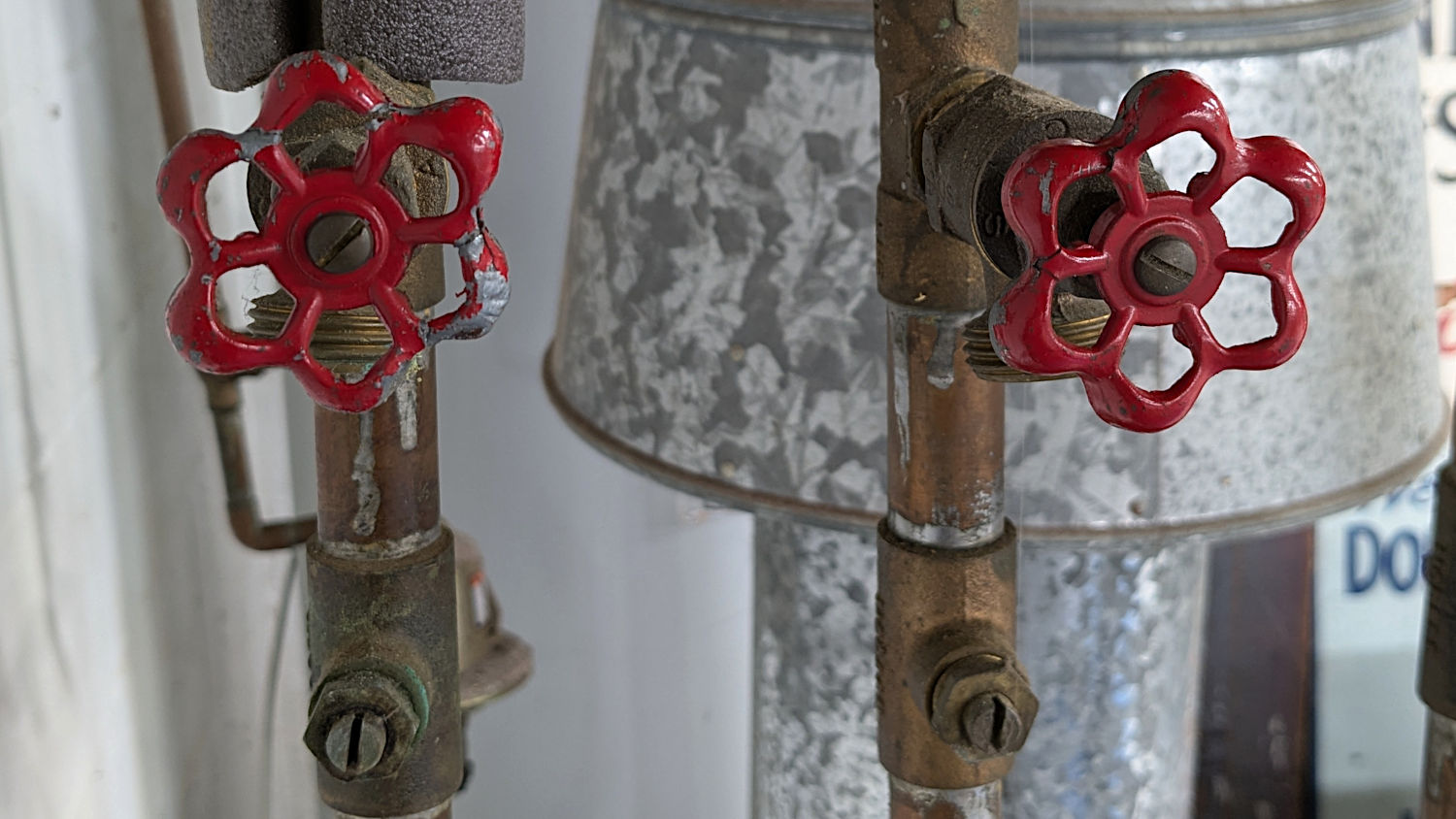
For reasons long lost in our house’s history, two of the zone drain valves on the furnace apparently had something heavy fall on them from a great height:
Furnace zone drain valve – bashed knob
I was certain those knobs were made of brittle pot metal and would snap when I tried to un-bend them.
My weight bench being next to the furnace, I had plenty of opportunities to contemplate conjuring a 3D printed knob similar to the dumbbell nuts, but with the undamaged central part of the metal knob engaging the valve stem to avoid thermoplastic shapes around hot metal.
One can, of course, buy replacement knobs, but where’s the fun in that?
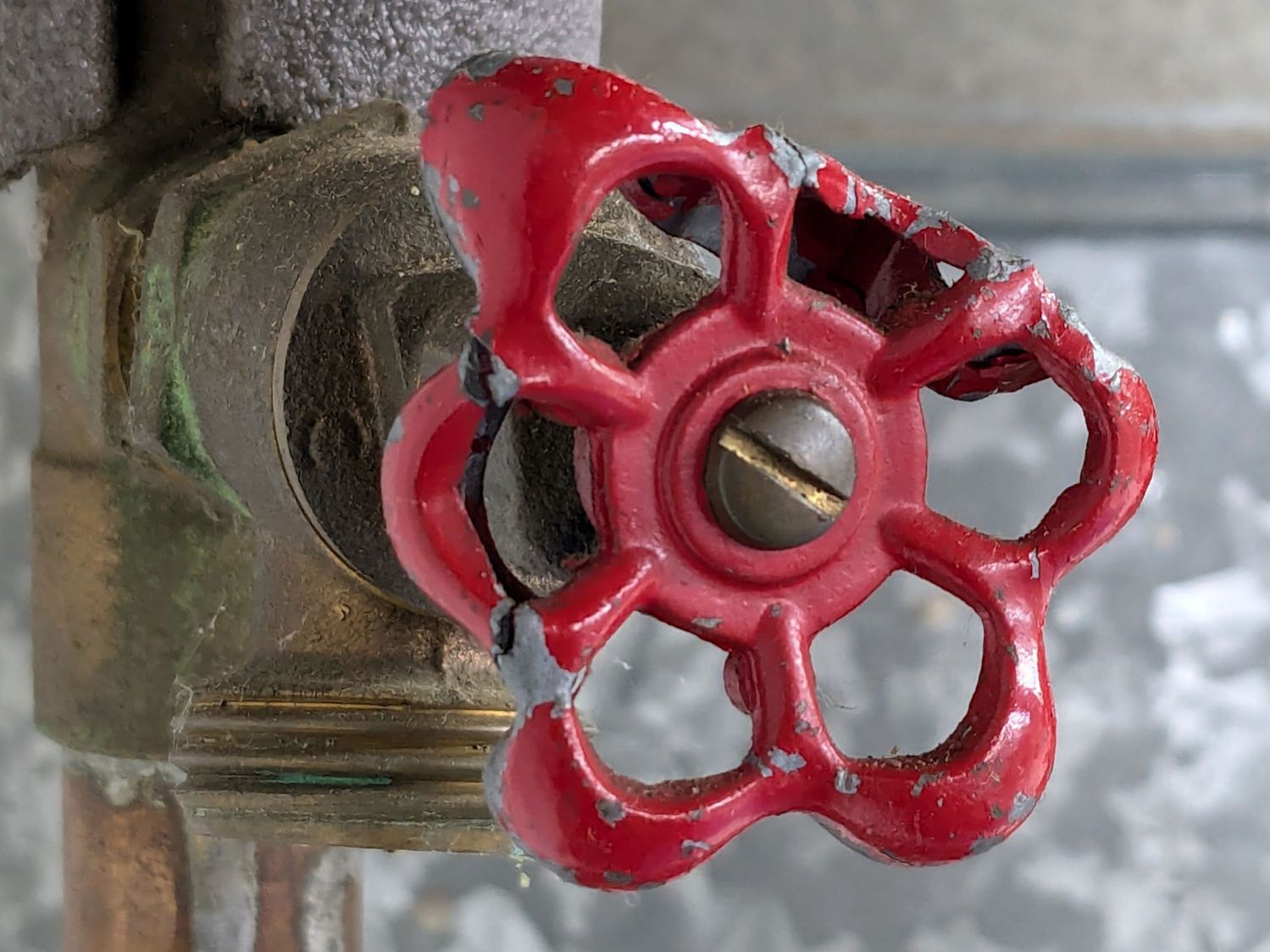
Expecting to cut most of the knob away, I applied needle-nose pliers to the rim and, mirabile dictu, not only did it not immediately snap, I managed to un-bend it into a reasonable facsimile of its original shape.
It wasn’t just beginner’s luck, because I did it again:
Furnace zone drain valve – unbent knobs
Both of those knobs have obvious fractures and aren’t the prettiest things you’ll ever see, but they don’t get a lot of use. I can say, without fear of contradiction, they’re in fine shape.
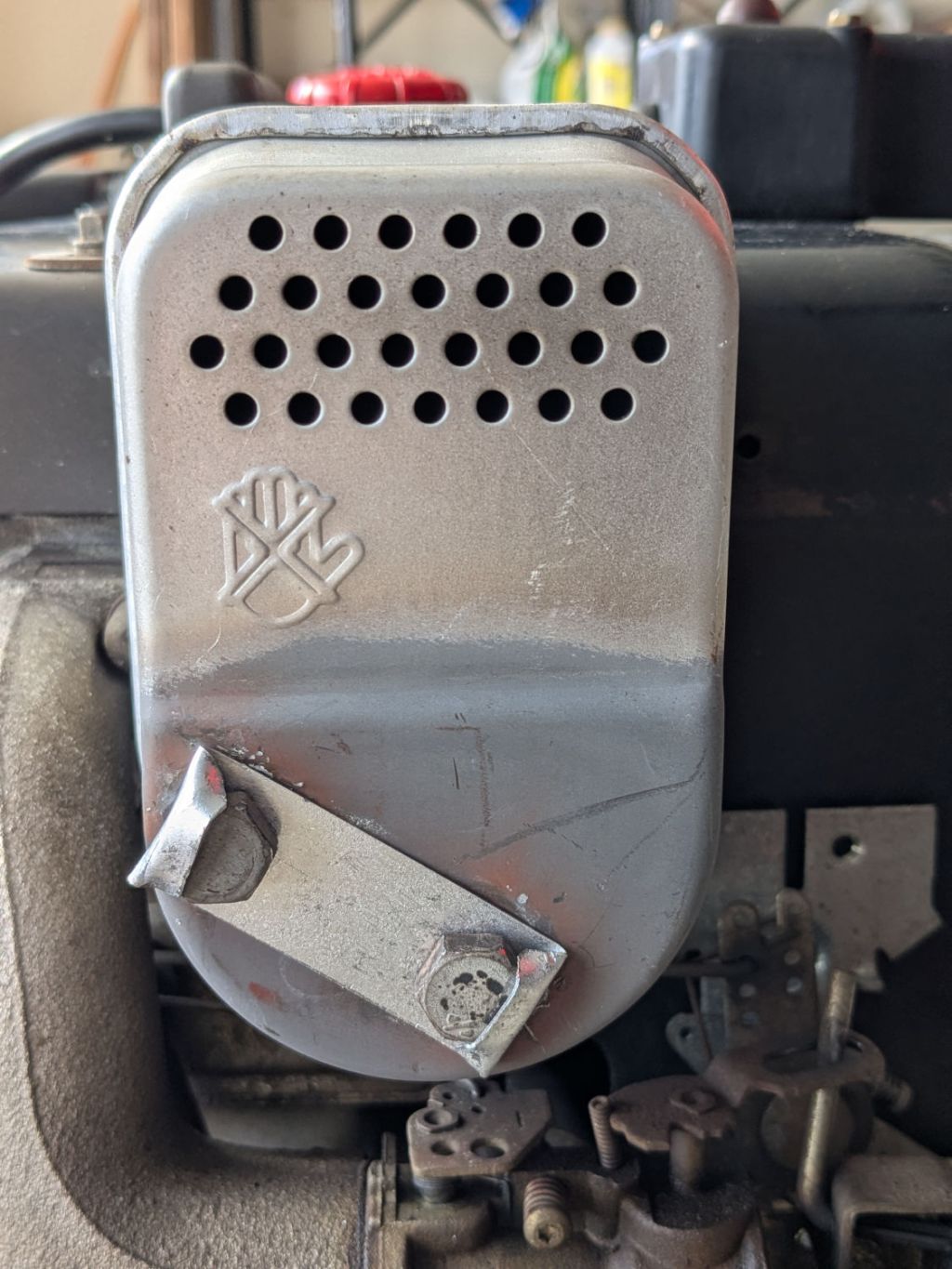
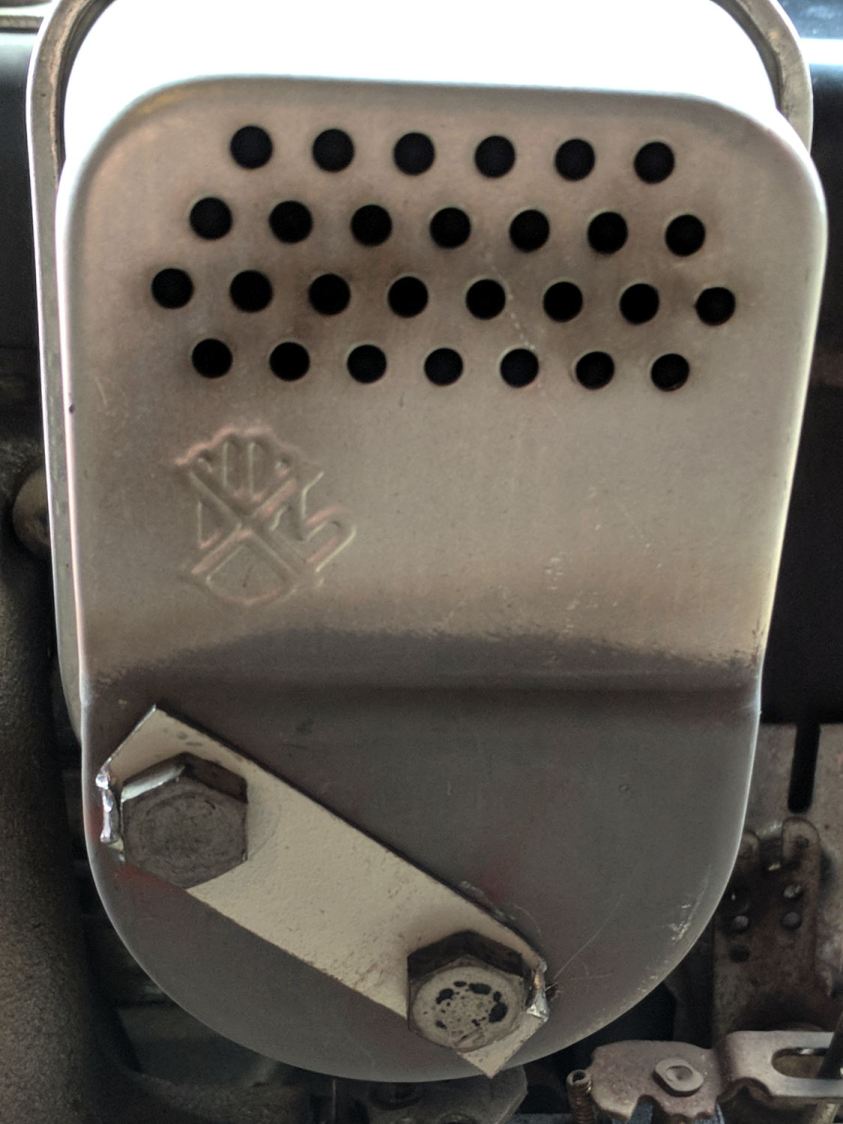
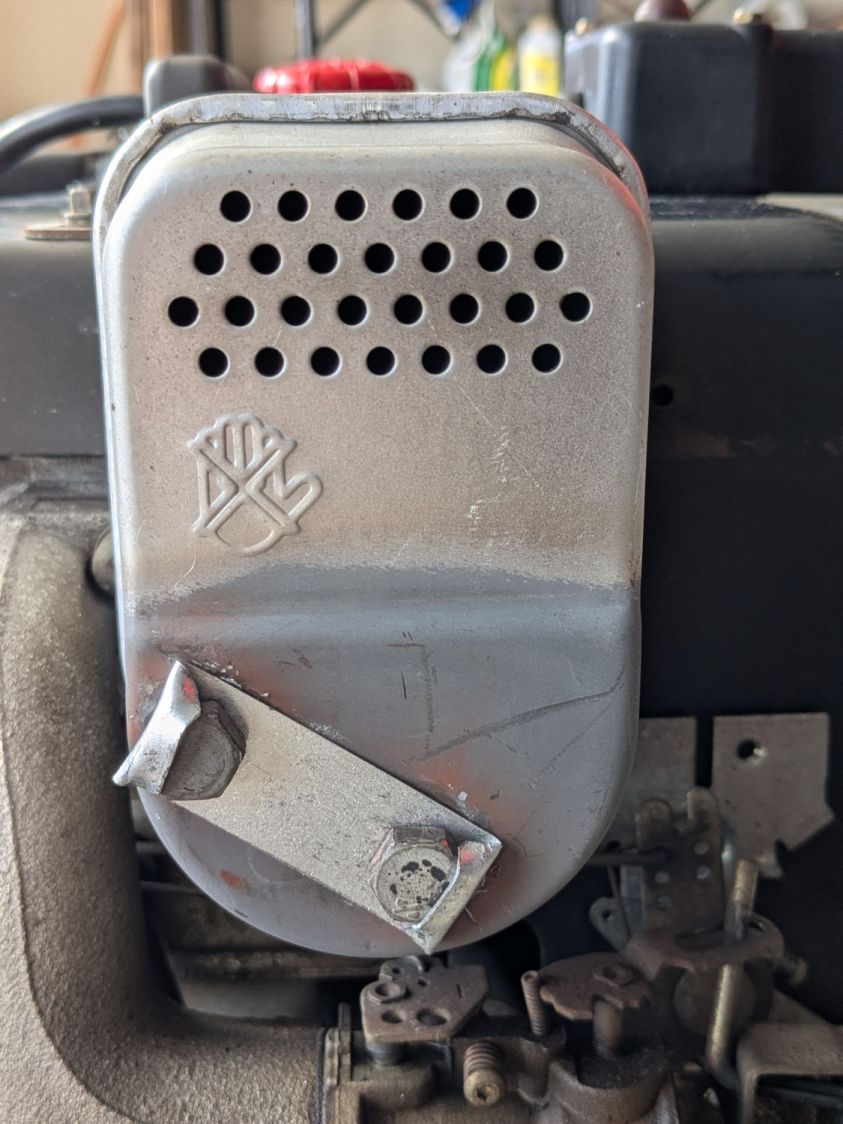
Well, it happened again, with the top bolt working its way out, so those little crimps weren’t enough. As before, I watched it happen and saw the bolt fall sizzling into the snow.
Verily it is written: When brute force isn’t working, you’re not using enough of it:
MTD Snowblower muffler
I renewed the Never-Seez on both bolts and, for good measure, dabbed some on the third bolt securing the muffler bracket atop the engine block.
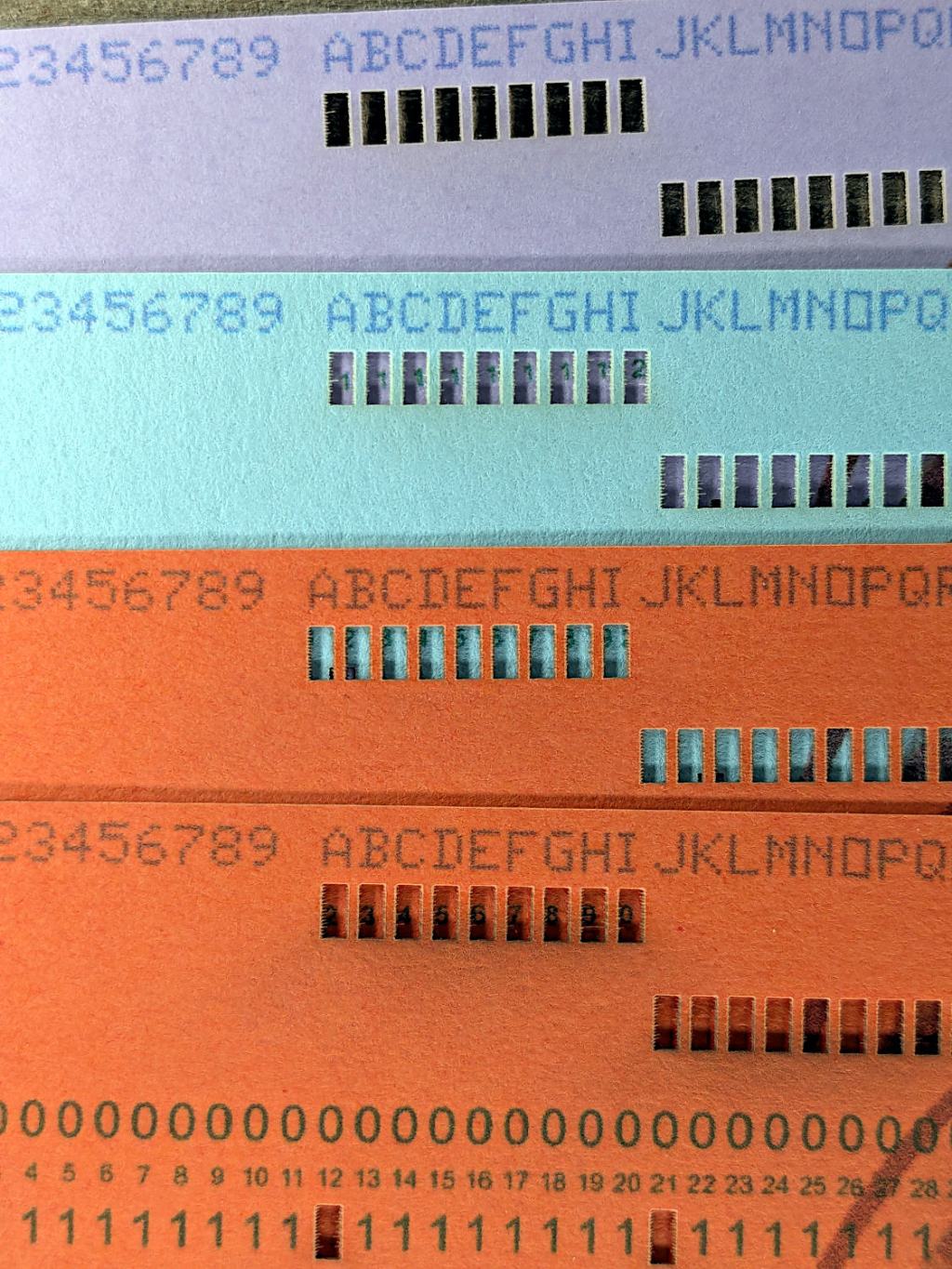
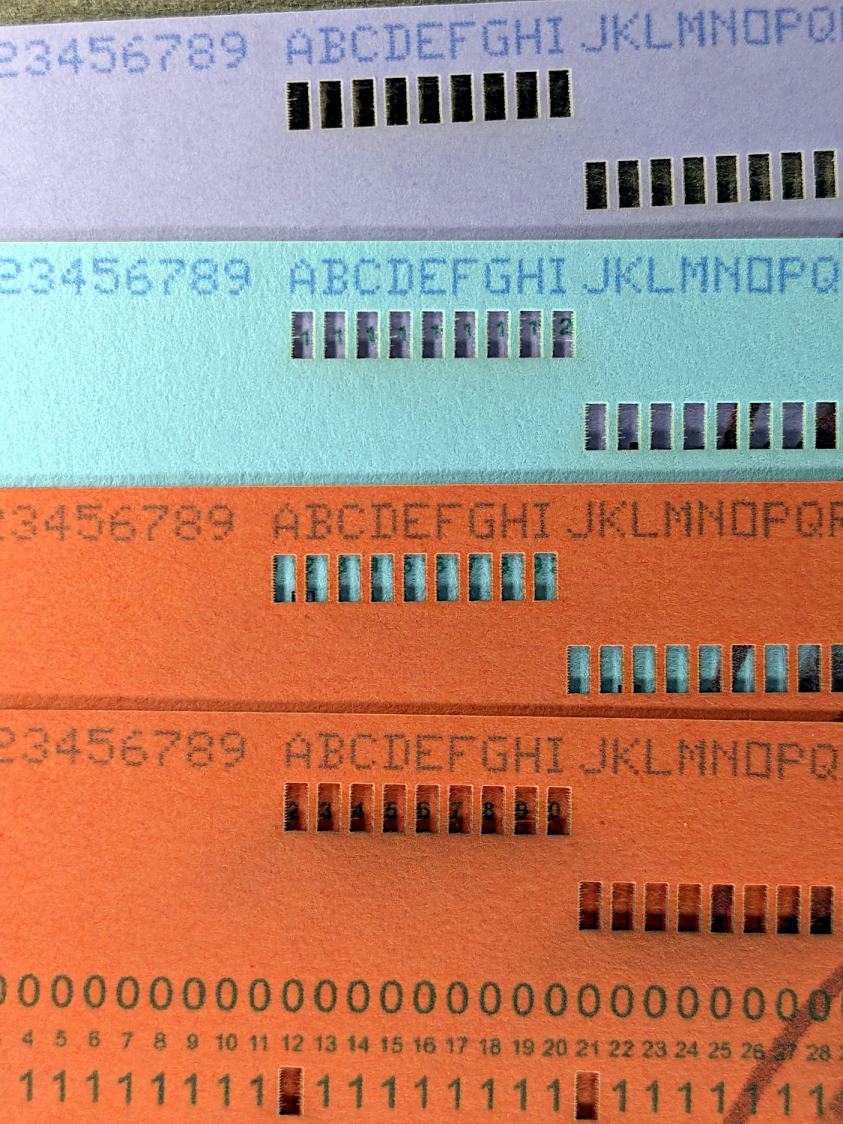
Using different card colors makes it easy to find your program deck in the Comp Center’s output bins:
Punched Cards – paper color vs smoke stains
The smoke stains on the bottom orange card came from the same LightBurn settings used with the purple (violet?) and blue (teal?) cards: 400 mm/s, 35% power, and assist air enabled.
The conventional wisdom is that you *do not* use assist air while engraving, to avoid pushing the smoke / soot down onto the material, and I’ve generally followed that rule. Apparently evaporating holes in the other colors doesn’t generate much smoke and I had no reason to notice the air was enabled.
The upper orange card differs from the lower one only in having the assist air turned off, so I have definitely learned my lesson!
Readers of long memory will recall the dual-path assist air setup that pushes 2 l/m through the nozzle when the LightBurn layer has AIR disabled, specifically to keep smoke out of the nozzle and away from the lens; that gentle breeze doesn’t push smoke into the paper.
FWIW, that’s why I run a set of test cards before I do anything fancy for the first time.

 The Smell of Molten Projects in the Morning