Ed Nisley's Blog: Shop notes, electronics, firmware, machinery, 3D printing, laser cuttery, and curiosities. Contents: 100% human thinking, 0% AI slop.
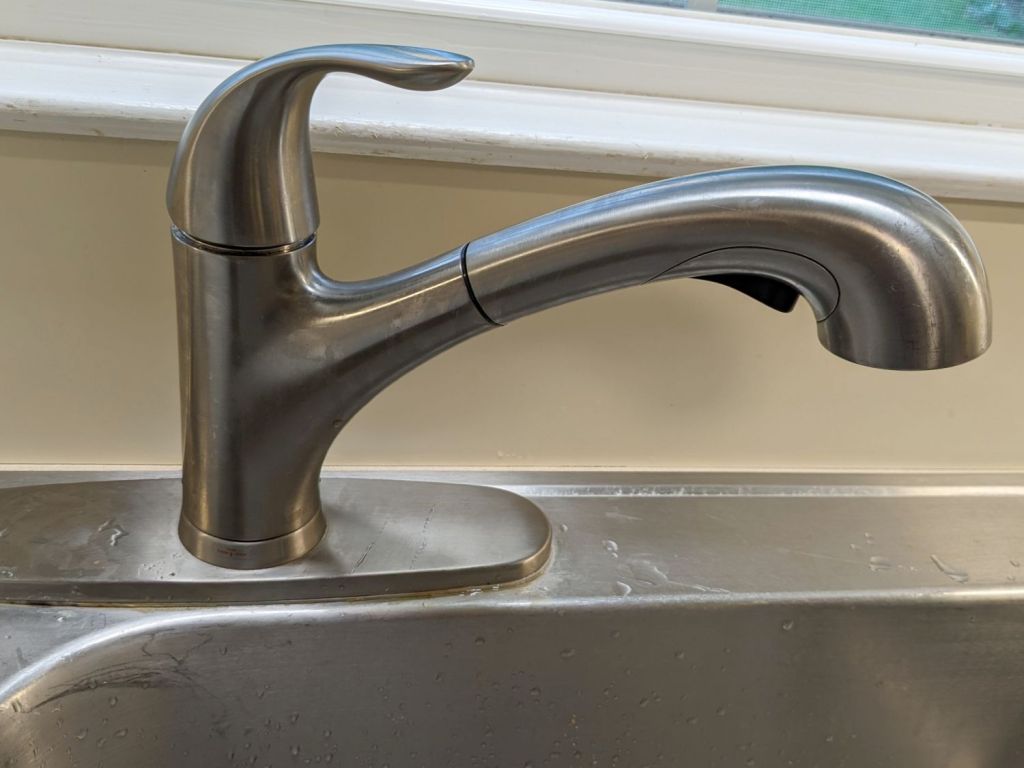
A “FastMount” push-and-turn nut secures the central pillar to the deck, although it had worked loose since it was installed some years ago. After retightening the nut, however, the faucet spout and handle remained loose, which I eventually figured out was due to the central pillar having worked loose from the plastic body inside the spout.
The solution involved releasing the FastMount nut, pulling the whole affair out of the deck, and tightening the threaded pillar into the body. After a few false starts, I applied a pair of grippy leather gloves and a firm grasp to twist the pillar another quarter turn into the body, after which it installed properly:
HD Glacier Bay kitchen faucet – realigned
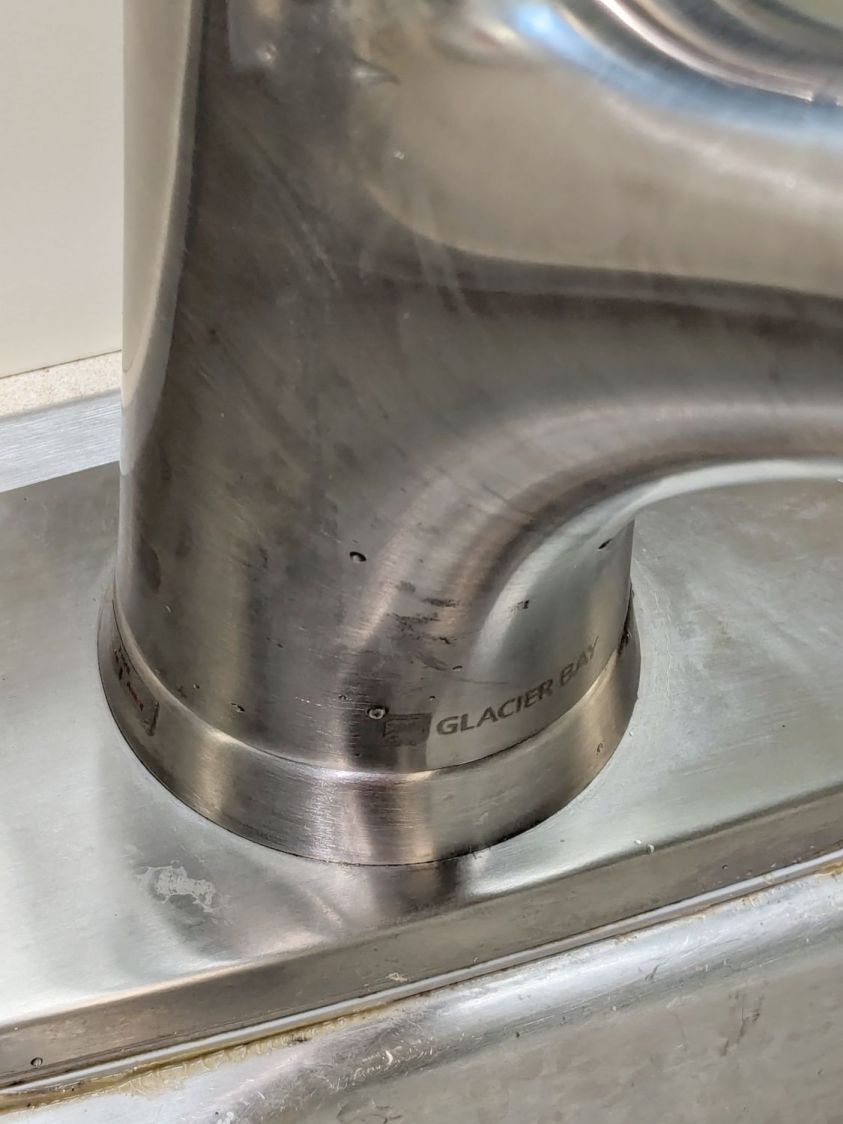
The mark on the far left shows how much I twisted the pillar:
HD Glacier Bay kitchen faucet – misaligned front mark
If I don’t tell anybody, they’ll never notice.
I fear this will not be permanent, in which case I must disconnect all the plumbing, take the faucet into the Basement Shop, and have my way with it. Most likely this will involve thread locking compound applied to parts that aren’t visible without a complete disassembly.
For the record, the setscrew securing the faucet handle to the valve fits a 2.5 mm hex wrench, aligned just about parallel to the handle rather than perpendicular to the rear surface:
HD Glacier Bay kitchen faucet – handle setscrew alignment
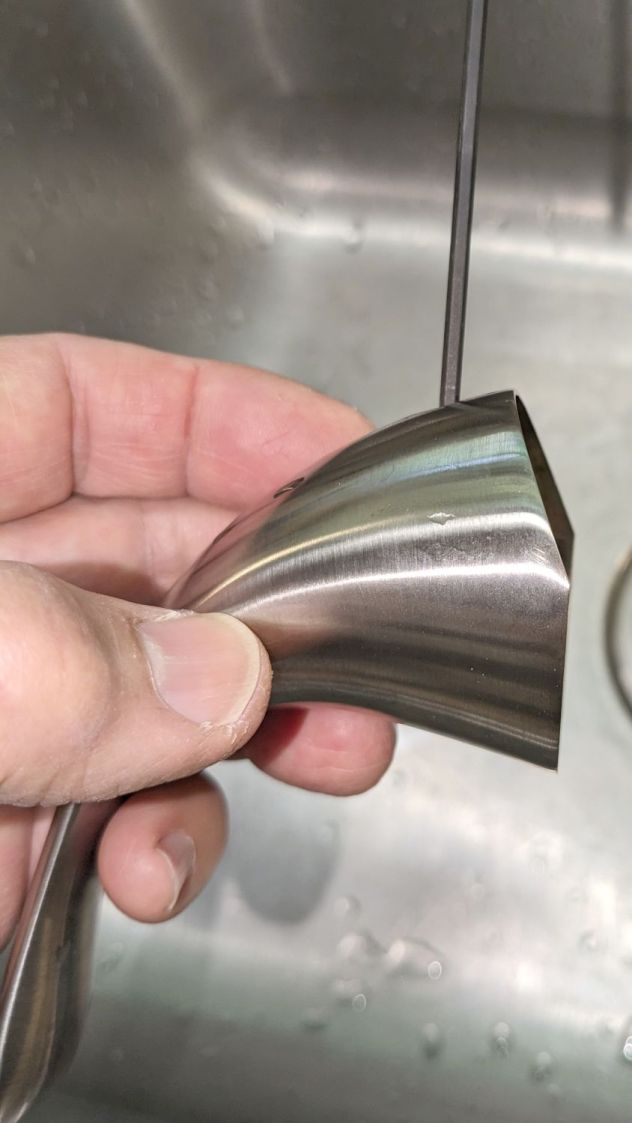
In comparison to the never-sufficiently-to-be-damned American Standard faucet in our previous kitchen, the spout does not depend on rotating O-ring seals, because the valve sends water to the integral sprayer through a flexible hose. Although the spout does have an O-ring at the bottom, it serves to keep casual splashes out, rather than pressurized water in.
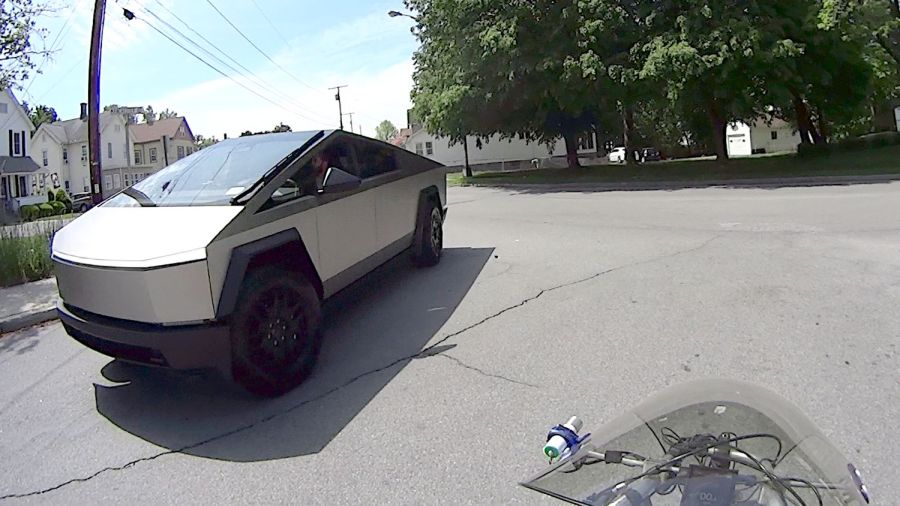
What I do not understand is the lack of a license plate on that front bumper, here in New York State where front license plates are mandatory. I’ve noticed several Tesla vehicles (in their S3XY automotive series, among which I cannot distinguish) without front plates, so it must be a Tesla owner thing.
The WordPress AI image for this post gets the angular aspect right, along with the missing plate:
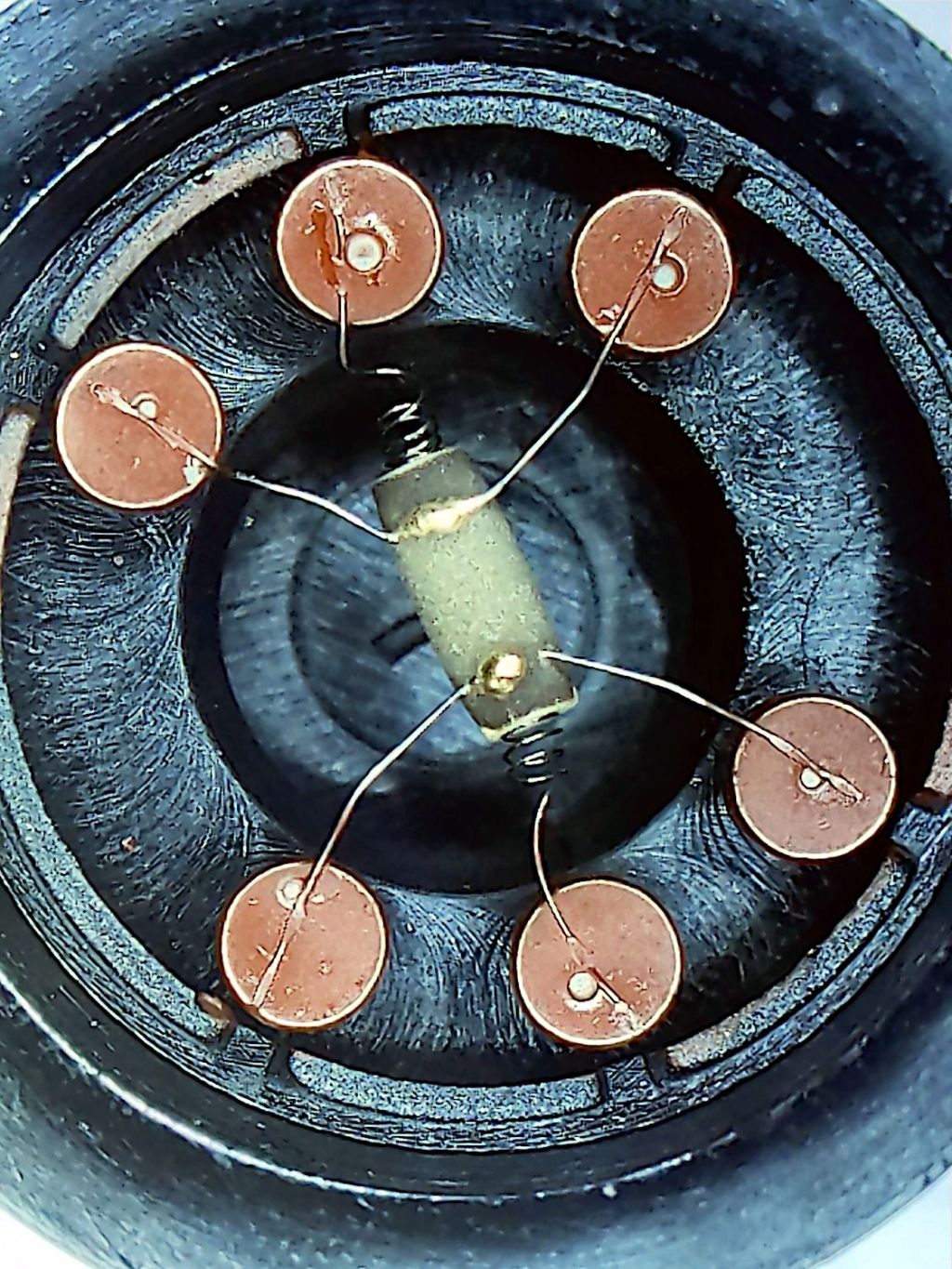
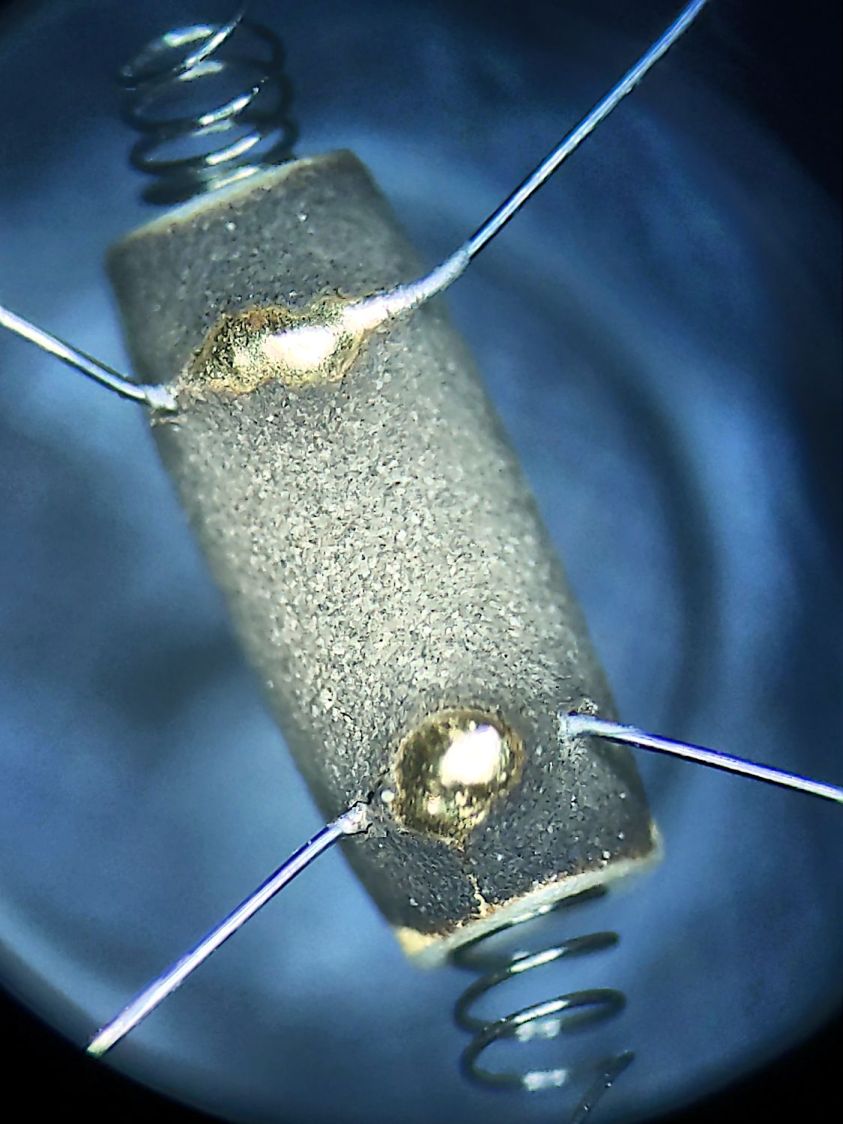
The granular surface does not get along well with the 5× digital zoom required to fill the phone’s sensor, but you get the general idea:
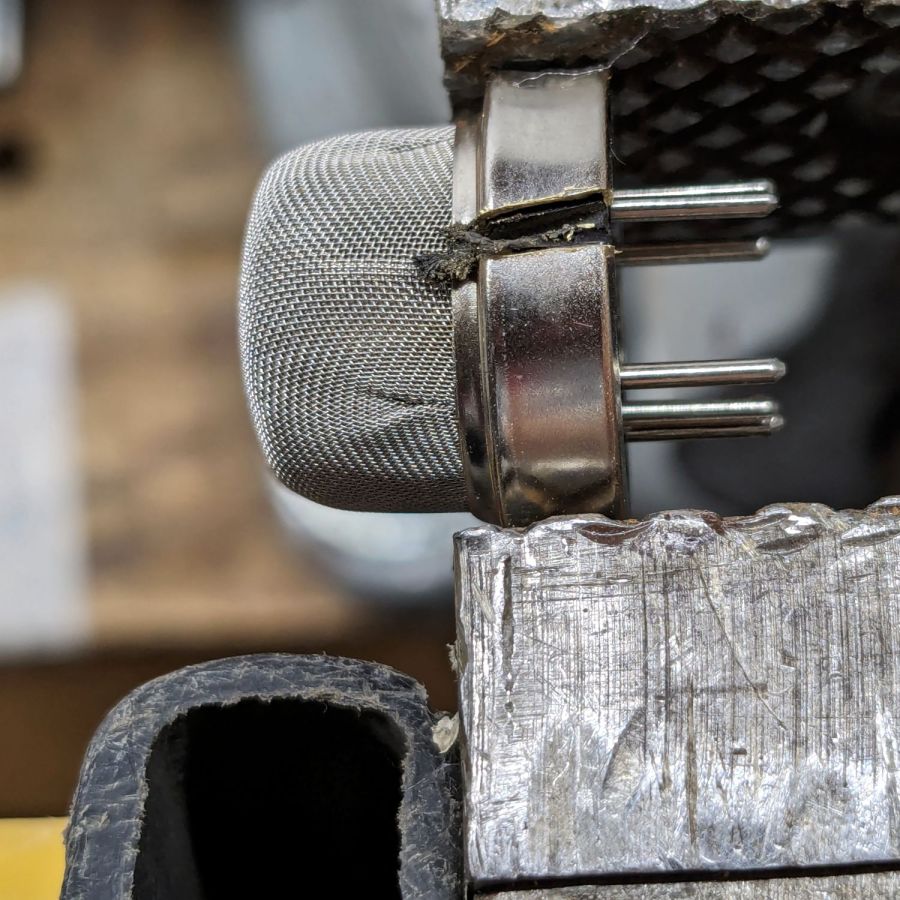
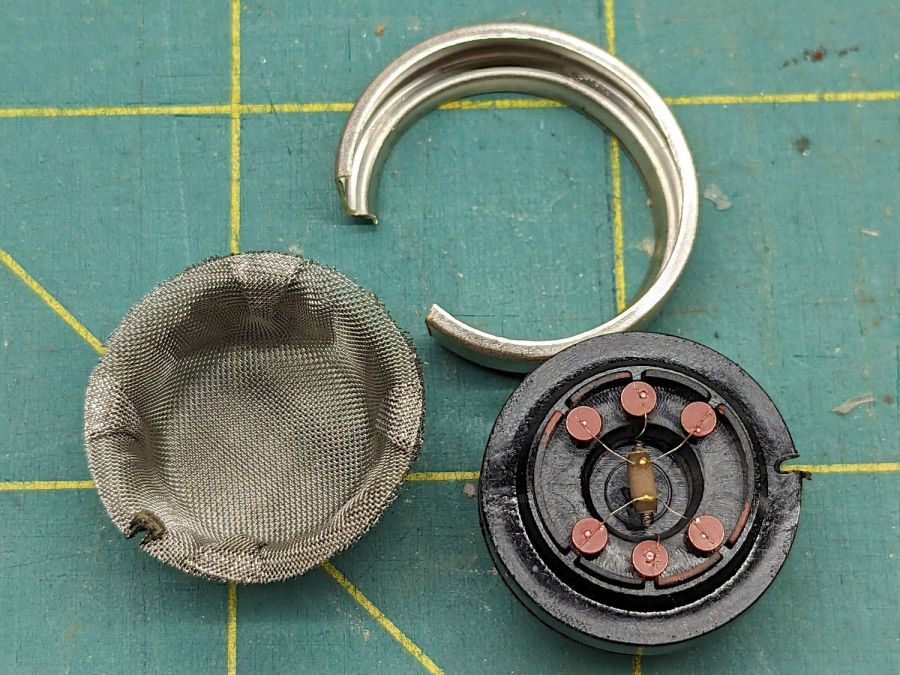
Figaro TGS880 – element detail
The heater measured 30 Ω on the dot and the sensor was an open circuit on the 100 MΩ range. Connecting the heater to a 5 V supply dropped the sensor resistance to 800 kΩ @ 50 %RH and a warm breath punched it to about 2 MΩ. That’s with an ohmmeter because I haven’t yet unpacked the Electronics Bench, but seems far above the spec of 20-70 kΩ in air.
So it’s still a sensor, even if it’s not within spec.
The WordPress AI-generated image for this post is … SFnal:
Figaro TGS-880 Gas Sensor – AI generated image
My pictures apparently aren’t up to contemporary blog standards …
The Samsung over-the-range microwave (ME18H704SFS, should you care) that Came With The House™ coughed up a C-11 error code resolving to “replace the gas / humidity sensor”. Replacement DE32-60013A sensors are readily available, although if you’re expecting a Genuine Samsung Part from Amazon, that is not the universe I live in.
You can remove the upper front bezel from the microwave to reveal the slotted front cover of the compartment containing the sensor, but you cannot replace the sensor without extracting the microwave from above the stove and removing its shell. The bottom of the microwave sits about 18 inches above the stove, so I put a 16 inch cubical moving box (of which we have a near-infinite supply) on the stove to reduce the risk of dropping the mumble thing while removing it.
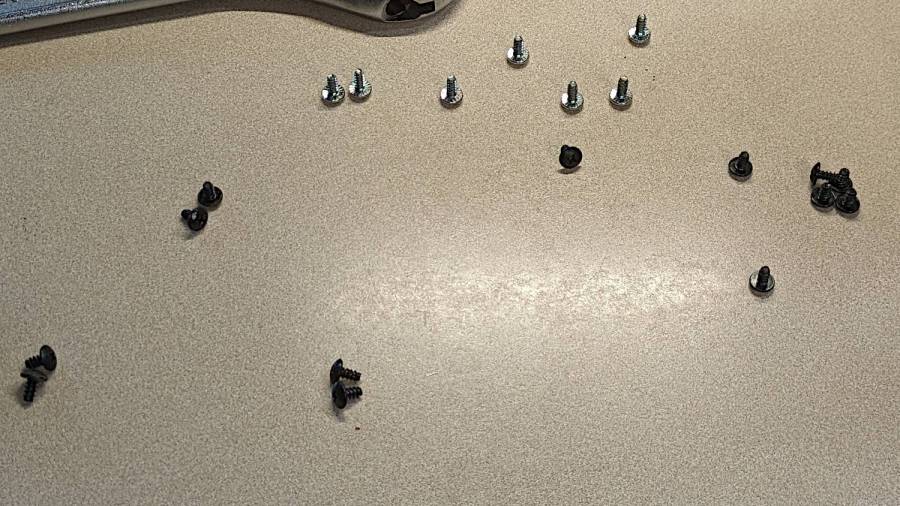
A total of 20 screws, here laid out in roughly geographic order, hold the shell to the inner frame:
Samsung microwave – cabinet screws
With all the screws out, slide the shell toward the rear by more than you might think to clear the latches along both sides. The latches along the front of the right side look like this:
Samsung microwave – shell side latches
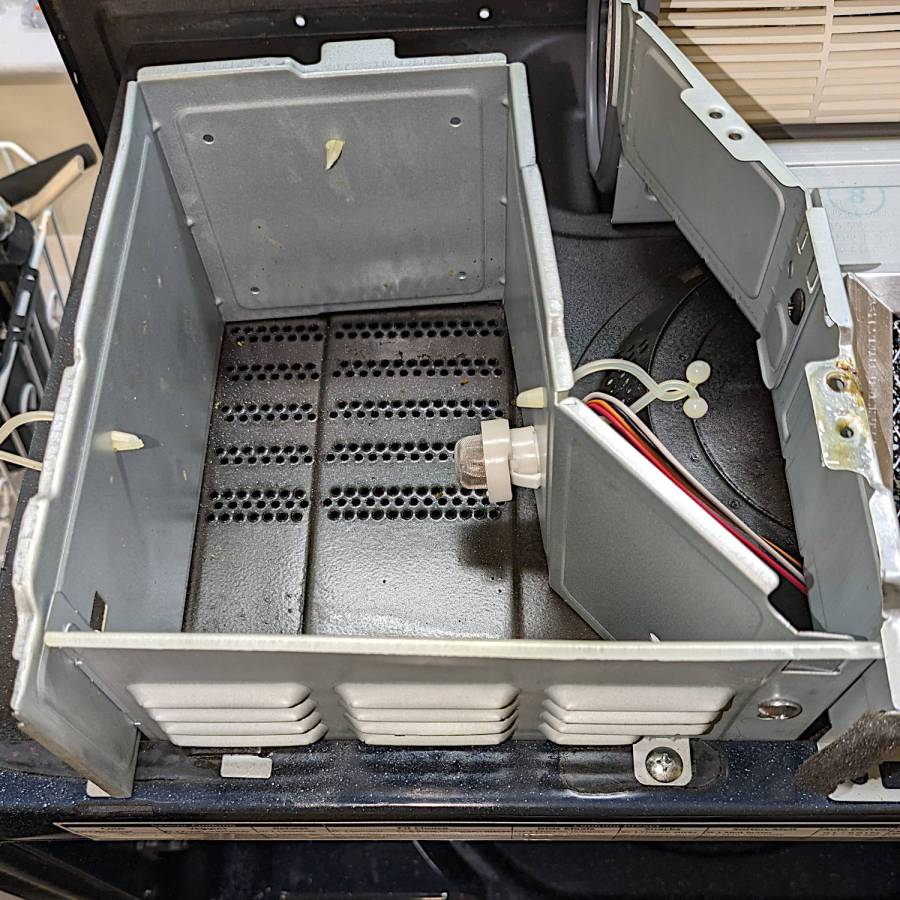
With the shell off, the sensor compartment on the top of the microwave enclosure is revealed:
Samsung microwave – TGS880 enclosure
Although you might think removing those two screws would grant access to the sensor compartment and let you replace the sensor (if you have very long fingers), that is not the case: the small tab toward the left side of the louvered front plate prevents you from sliding it and the plate is not hinged along its left side.
The sensor is held into the socket by a clip snapping into the arms that, in turn, hold the socket into the side wall:
Samsung microwave – TGS880 mount detail
A small screwdriver will assist in releasing the latches on the clip arms; squeezing them in the obvious way didn’t get the job done.
The old sensor then unplugs and the new one plugs in the obvious manner; it is not polarized and either orientation works.
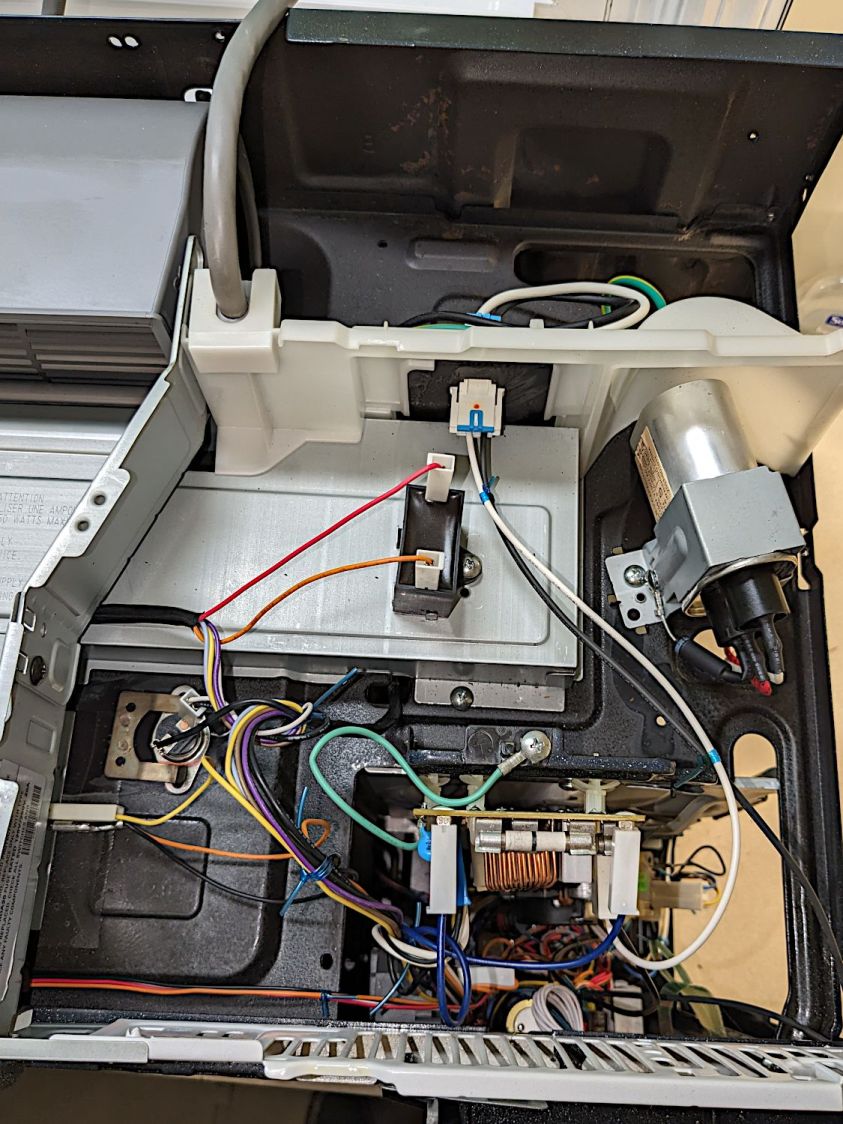
For completeness, the top of the electronics bay:
Samsung microwave – top interior
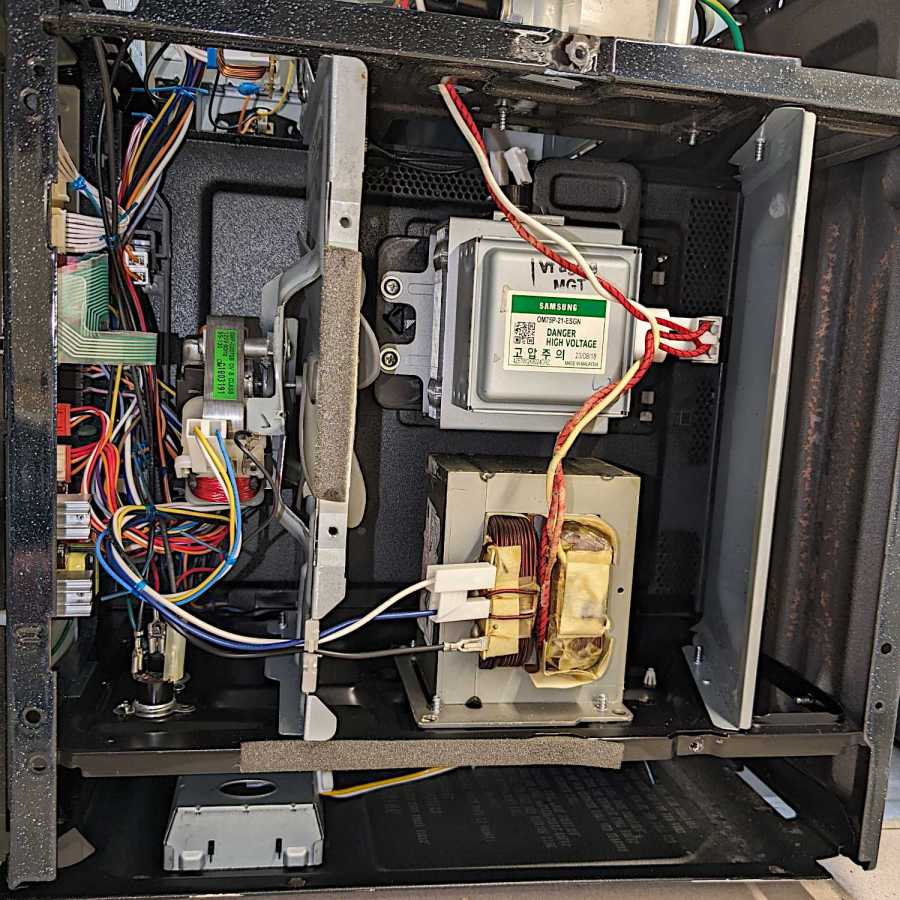
The magnetron and HV transformer live on the right side:
Samsung microwave – left interior
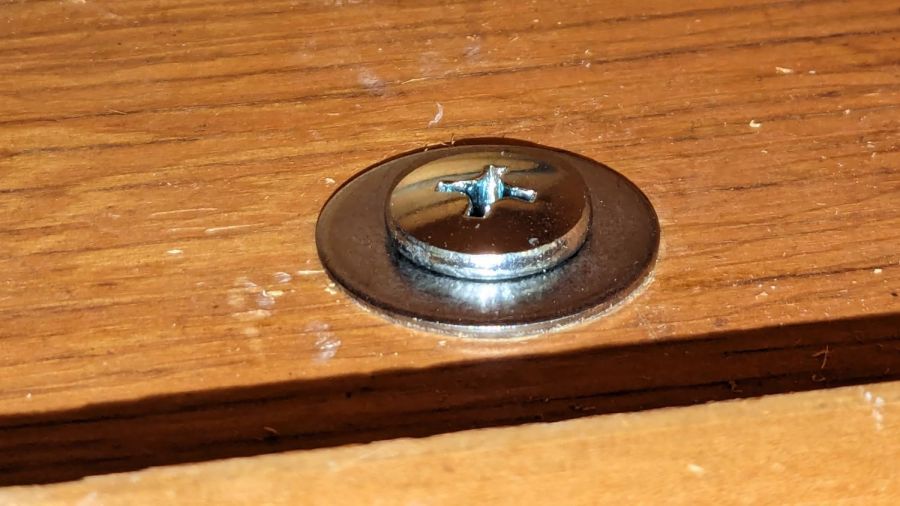
Then you reassemble in reverse order, heave the microwave atop the 16 inch cubical box, hoist it onto the rail along the back, and install the two loooong screws from the top while holding the front upward with one knee. I took the liberty of replacing the janky steel plates pretending to be washers with actual fender washers:
Samsung microwave – mounting screw
And now it works the way it should.
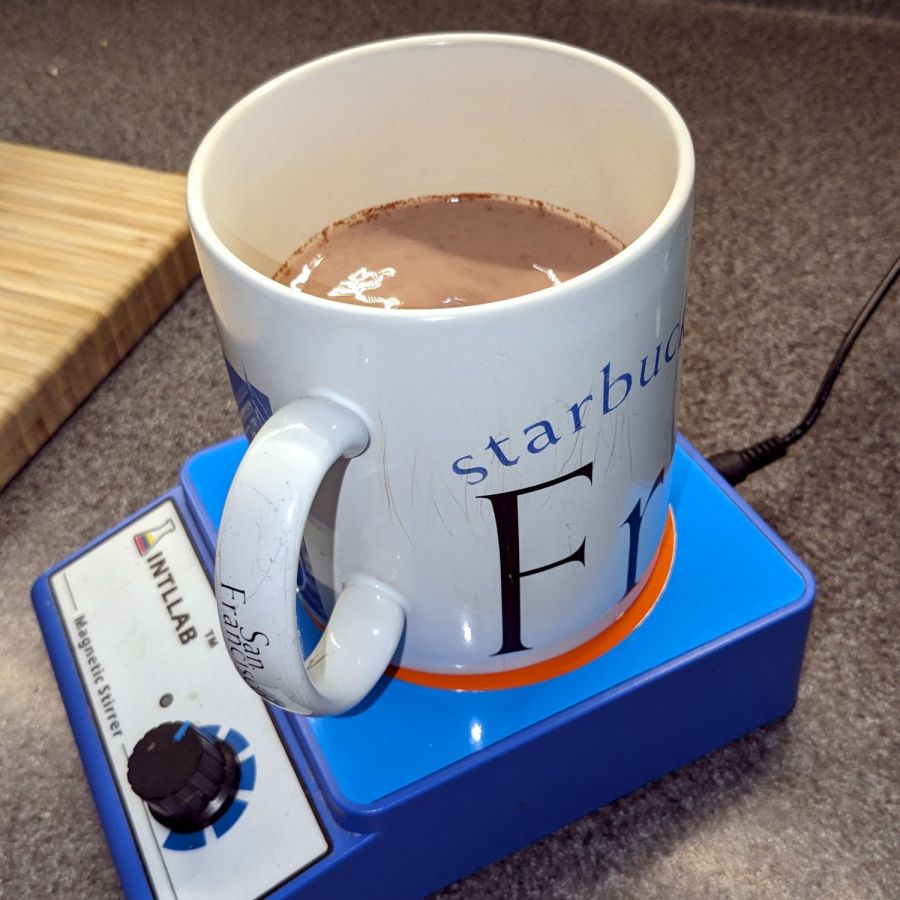
Of course, the microwave’s “beverage” mode assumes you’re drinking a piddly 8 ounces, rather than sipping from a manly 20 ounce mug:
Magnetic stirrer – vinyl surface
It heats 9 ounces of milk + cocoa just fine, but those 18 ounces of water for tea become just barely tepid.
WordPress has gone full-frontal AI and suggested I use this AI creation as the Featured Image:
The WordPress AI generated this evaluation of my writing:
The content provides a detailed guide on replacing the gas/humidity sensor in a Samsung over-the-range microwave. Consider adding subheadings to break down the process for easier reading. Additionally, including a brief introduction and a conclusion summarizing the key points would enhance the post. The technical details and images greatly support the instructions. Great job!
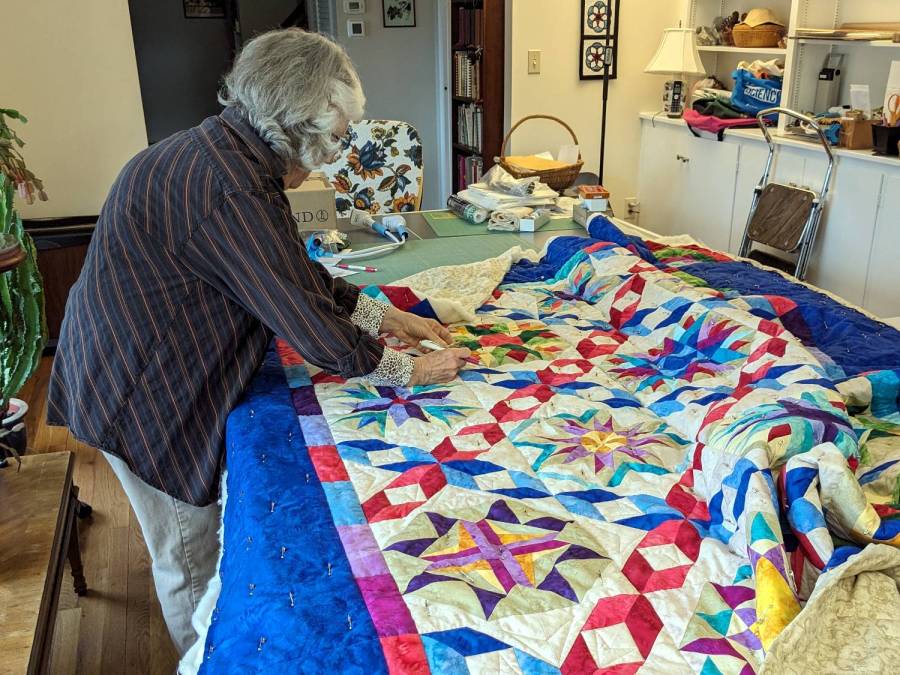
Mary redesignated the Prince Tournament 6800 ping-pong table that Came With The House™ as her quilting layout table, so it now fills much of the Sewing Room (f.k.a. the Living Room):
Mary with quilt on ping-pong table
For reasons lost in the table’s history, the two halves of the top surface weren’t quite flush on one side, by a matter of a few millimeters. This bothered me far more than it did her, so the delay until I finally fixed it wasn’t critical:
Prince ping-pong table leveler
That’s 3 mm plywood + 1.5 mm Trocraft Eco pushing the surface upward just enough to almost make the joint (visible near the bottom of the picture) flush within +2 -1 mm across the table width, making it obvious that neither piece is exactly planar.
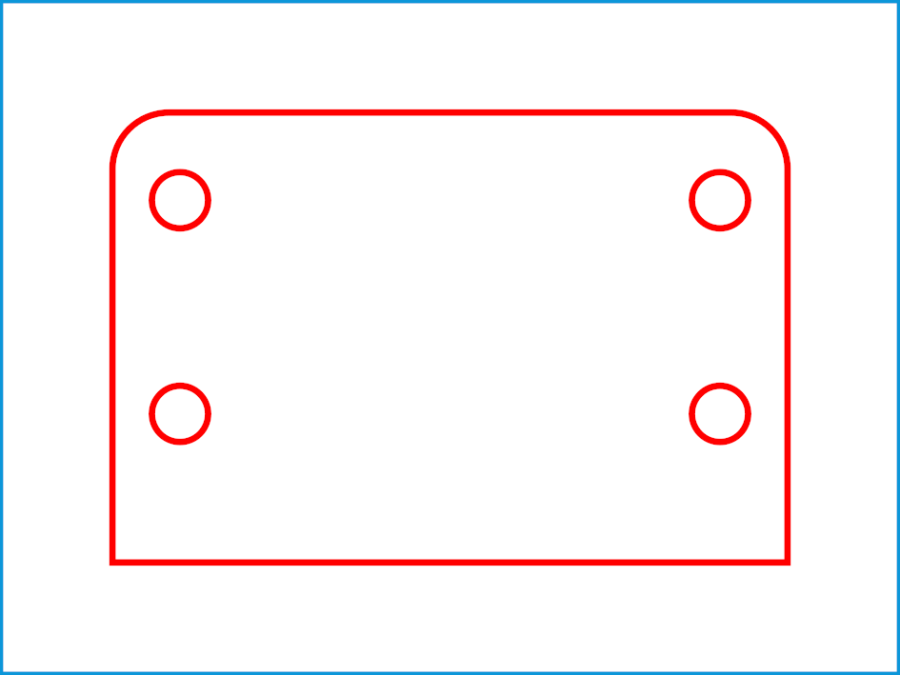
The shape has mixed metric and inch dimensions, for no reason I know:
Prince ping-pong table leveler
If you ever need such a thing, remember to use screws about 4 mm longer than the ones you took out.
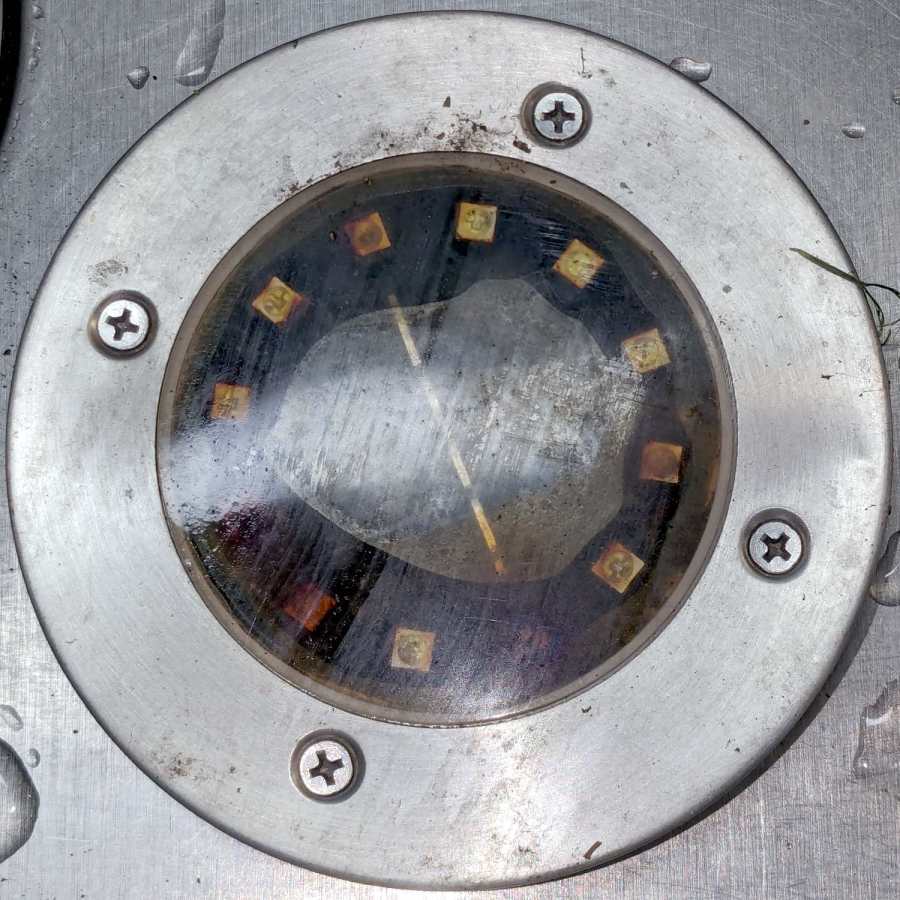
A solar yard / walkway light appeared in the far back reaches of the yard while mowing:
Solar yard light – bubble
Yes, that’s an air bubble in the middle, so you know the light hasn’t been staying in its Happy Place™.
As the djinn in the bottle put it, “Pop the top and let’s get started”:
Solar yard light – cover off
Those light emitting diodes around the photovoltaic cell in the middle can’t light up any more.
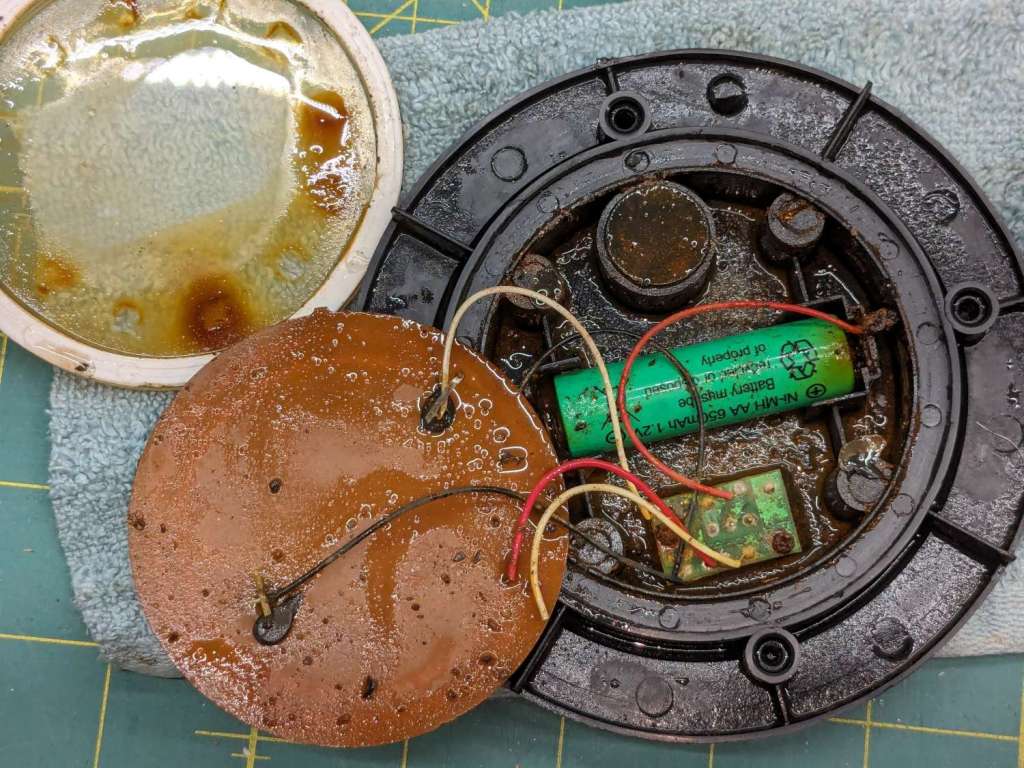
A little more effort with the Designated Prydriver reveals the guts:
Solar yard light – components
That’s an NiMH cell, so the light has been abandoned out there for quite a few years.
The photovoltaic element still worked, but the LEDs were defunct. The corpse will be a guest of honor at the next electronics recycling event down the road from here.
Someday, our great-to-the-nth grandchildren will curse our ways …
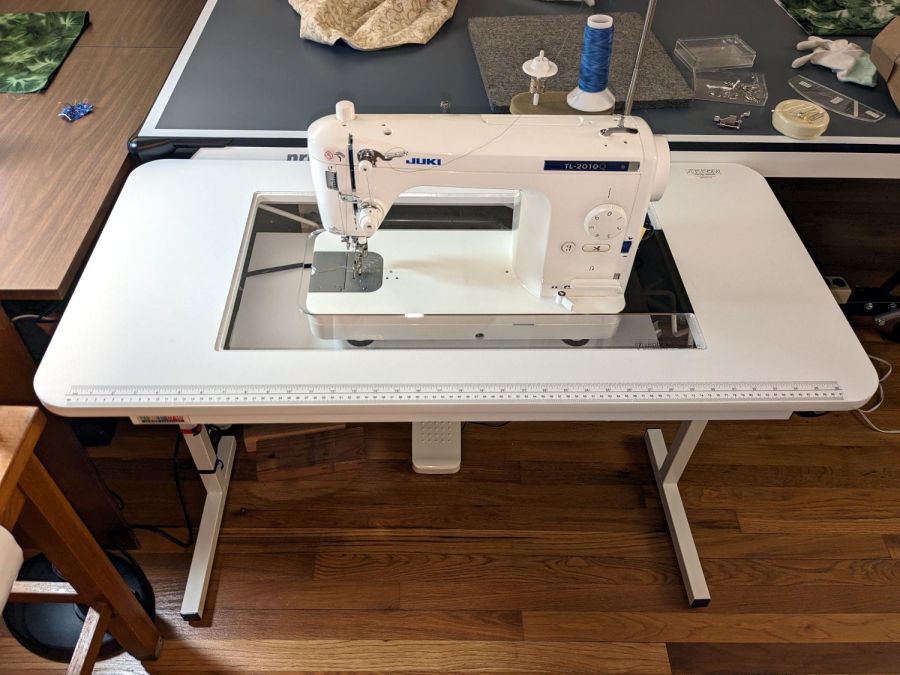
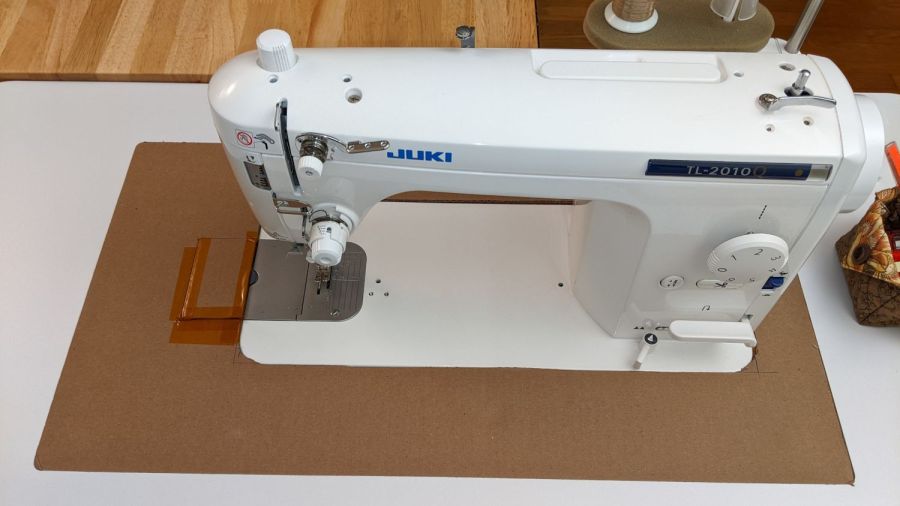
Although it may not be obvious from the picture, unlike my cardboard insert, the acrylic insert does not fill the tabletop hole to the immediate right of the machine:
Custom Inserts are U-shaped, designed to fit around all 3 sides of your sewing machine
Shortly after the insert arrived I hacked a temporary filler, for which no pictures survive, to keep pins / tools / whatever from falling to their doom. This turned out to be a blessing in disguise, because she wanted the machine positioned an inch to the right of its intended spot to leave enough space for a finger to reach the bobbin hatch latch.
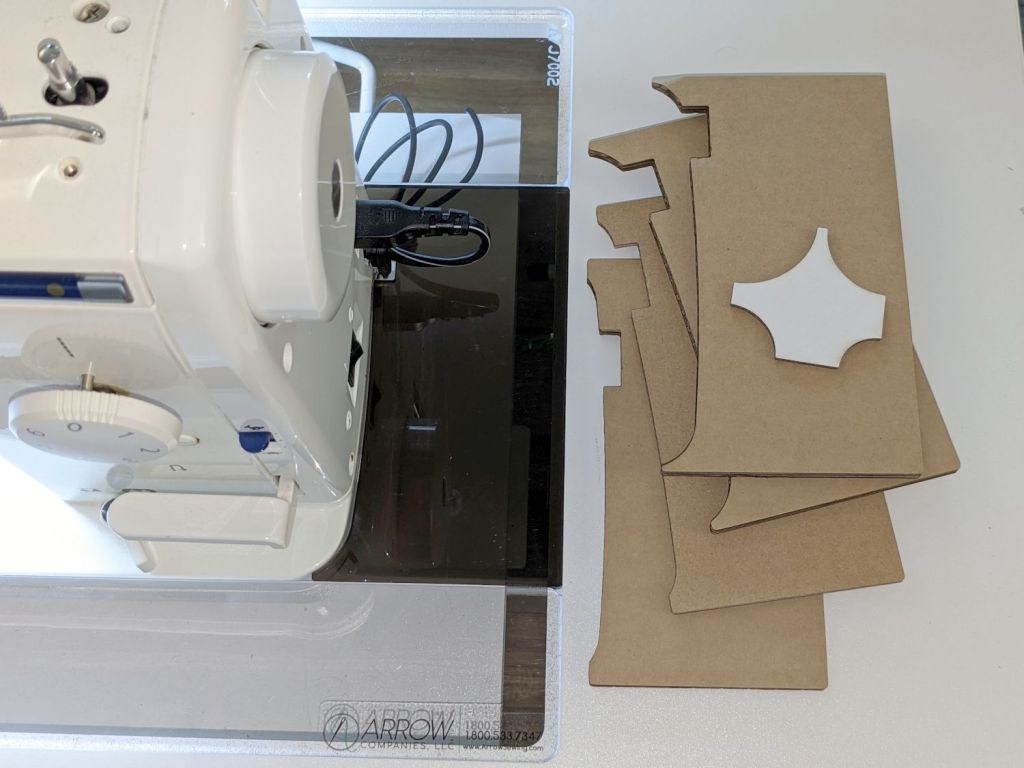
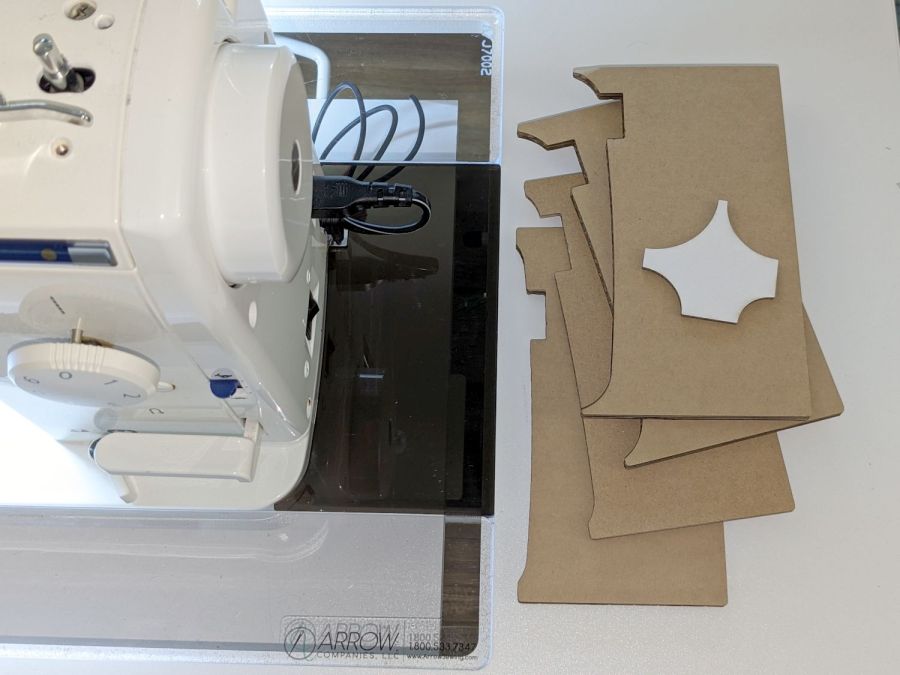
I then promised to replace the ugly cardboard filler with a less awful acrylic filler and finally got it done:
Juki TL-2000Q in Gidget II table – insert filler
The stack of cardboard prototypes show iterative fit-and-finish improvements, with the odd shape on the top serving to measure the machine’s 25 mm corner radius by comparison with known circles.
The insert filler is made from smoked gray acrylic, because I have yet to unpack the acrylic stockpile and may not, in fact, have any clear 6 mm acrylic, so we’ll regard this as a final prototype pending further developments. It did, however, confirm the laser survived the move, which was pretty much the whole point.
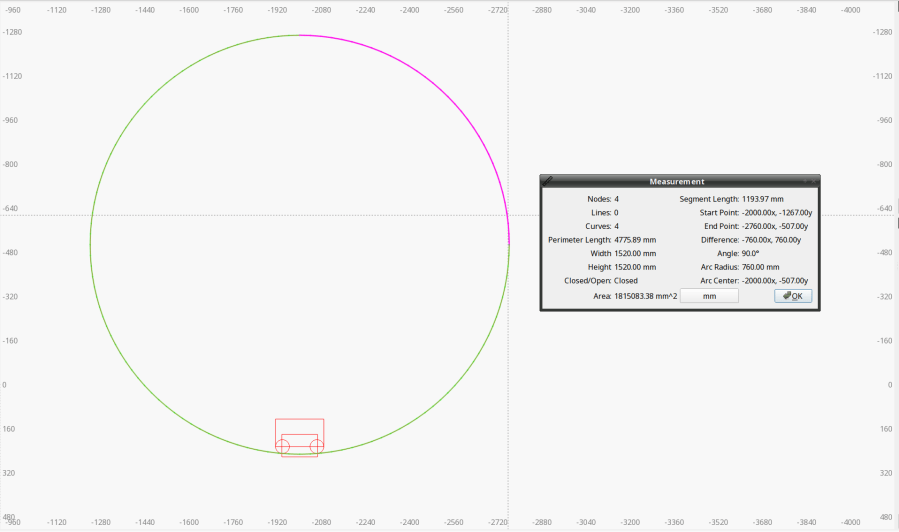
The end of the machine is not a straight line. Part of the iteration was measuring the curve’s chord height to calculate the circle’s radius, which turned out to be 760 mm:
Juki Insert Filler – end chord circle
With that in hand, a few Boolean operations produced the filler shape:
Juki Insert Filler
A pair of silicone bumper feet stuck to the side of the Juki hold the left edge of the filler at the proper level.
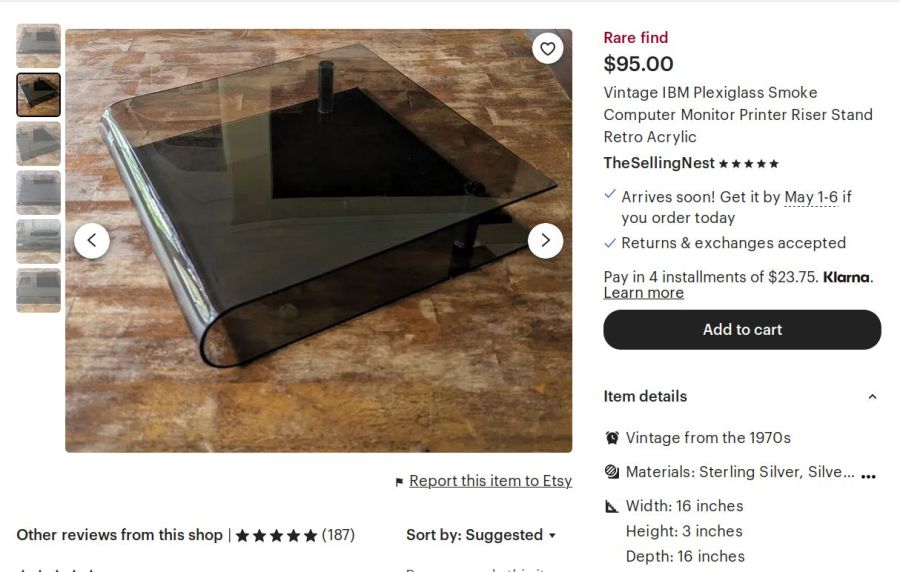
For the record, the smoked acrylic came from a fragment of a Genuine IBM Printer stand I’ve had in the scrap pile since The Good Old Days:
















 The Smell of Molten Projects in the Morning
