The Smell of Molten Projects in the Morning

Ed Nisley's Blog: Shop notes, electronics, firmware, machinery, 3D printing, laser cuttery, and curiosities. Contents: 100% human thinking, 0% AI slop.

Author: Ed

  • bCNC Rounding vs. G-Code Arcs: GRBL Error 33

    bCNC Rounding vs. G-Code Arcs: GRBL Error 33

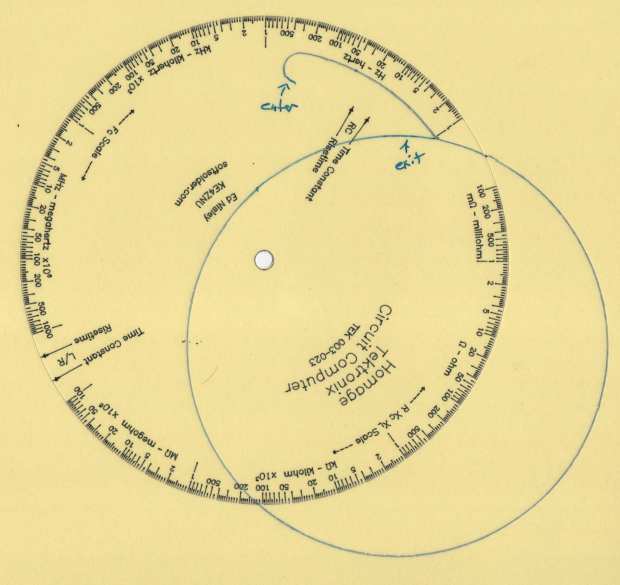
    While cutting the top deck of the Pickett-flavored Tek Circuit Computer on the MPCNC, this happened:
    Tek CC - top deck - failed arcs
    Tek CC – top deck – failed arcs

    I traced the off-center circle with a marker to make it more visible, as it’s the drag knife cut that should have been the exit move after completing the window.

    Huh. It never did that before …

    The bCNC plot looked fine, but the Terminal log showed three Error 33 reports:

    Failed arc command - bCNC screen - terminal and plot
    Failed arc command – bCNC screen – terminal and plot

    The GRBL doc has this to say about Error 33:

    The motion command has an invalid target. G2, G3, and G38.2 generates this error, if the arc is impossible to generate or if the probe target is the current position.

    The error messages don’t occur immediately after the failing G2/G3 command, because bCNC sends enough commands to keep the GRBL serial input buffer topped off. After GRBL sends the error message, it continues chewing its way through the buffer and, when bCNC notices the first error, it stops sending more G-Code commands and shudders to a stop.

    The great thing about Free Software is that when it breaks, you have all the pieces. Looking into the GRBL source code provides a definition of Error 33:

    // [G2/3 Offset-Mode Errors]: No axis words and/or offsets in selected plane. The radius to the current
    //   point and the radius to the target point differs more than 0.002mm (EMC def. 0.5mm OR 0.005mm and 0.1% radius).

    Which doesn’t quite match the code, but it’s close enough:

    // Compute difference between current location and target radii for final error-checks.
                float delta_r = fabs(target_r-gc_block.values.r);
                if (delta_r > 0.005) {
                  if (delta_r > 0.5) { FAIL(STATUS_GCODE_INVALID_TARGET); } // [Arc definition error] > 0.5mm
                  if (delta_r > (0.001*gc_block.values.r)) { FAIL(STATUS_GCODE_INVALID_TARGET); } // [Arc definition error] > 0.005mm AND 0.1% radius
                }

    I’ve drag-knifed maybe a dozen top decks with no problem, so figuring out what broke took a while.

    The key turned out to be in the Terminal log, where all coordinates in the G-Code commands had, at most, two decimal places. The GCMC program producing the G-Code emits three decimal places, so bCNC rounded off a digit before squirting commands to GRBL.

    After more searching, it seems I’d told bCNC to do exactly that:
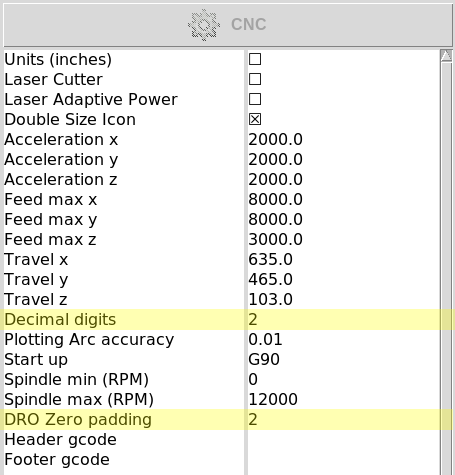
    bCNC Config - Round 2 digits - highlighted
    bCNC Config – Round 2 digits – highlighted

    Perhaps I’d mistakenly set “Decimal digits” instead of “DRO Zero padding” when I reduced the DRO resolution from three decimals to two? It’s set to “2” in the CNC 3018XL configuration, so this seems like a typical one-off brain fade.

    GRBL doesn’t execute invalid commands, so the tool position remains at the end of the window’s outer perimeter while the next two arc commands fail, because their center offsets produced completely invalid radii.

    The three failed arc commands should have cut the right end of the window, the inner side, and the left end, but left the tool position unchanged. The final arc command should have withdrawn the blade along the outer side of the window, but became a complete circle, with the commanded end point equal to the leftover starting point at the same radius from the deck center.

    The same G-Code file fails consistently with Decimal digits = 2 and runs perfectly with Decimal digits = 3, so at least I know a good fix.

    Protip: Keep your hands away from moving machinery, because you never know what might happen!

    This seems sufficiently obscure to merit becoming a Digital Machinist column. More analysis is in order …
  • Monthly Image: Albino Squirrel

    Monthly Image: Albino Squirrel

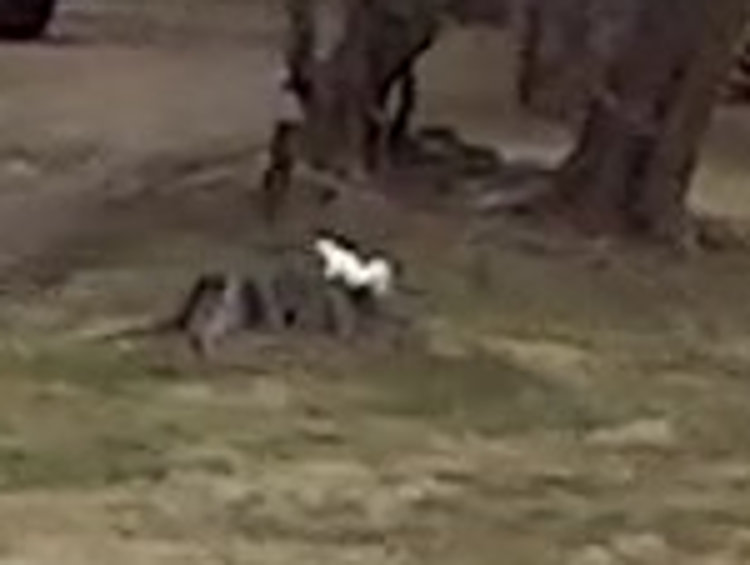
    We’re riding home with groceries when a small white shape scampered across a yard and jumped onto a stump:

    Albino Squirrel 2020-03-03 - 680 crop
    Albino Squirrel 2020-03-03 – 680 crop

    If you’ve ever seen a gray squirrel, you’ll recognize the shape, even in this gritty enlargement:

    Albino Squirrel 2020-03-03 - 680 - detail crop
    Albino Squirrel 2020-03-03 – 680 – detail crop

    Wikipedia says this one is likely a leucistic white squirrel, rather than a true albino squirrel. There is, of course, a website. tracking “white squirrel” sightings.

    The relevant coordinates, for science:

    41°41'39.9"N 73°52'56.6"W
    41.694410, -73.882374

    Can’t say if this one had black or pink eyes, but it was pure white!

  • Garden Mole: End of Life

    Garden Mole: End of Life

    One of the moles aerating the ground around here ran out of steam beside the garden:

    Mole - dorsal
    Mole – dorsal

    It has wonderfully soft velvety fur!

    Flipping it over:

    Mole - ventral
    Mole – ventral

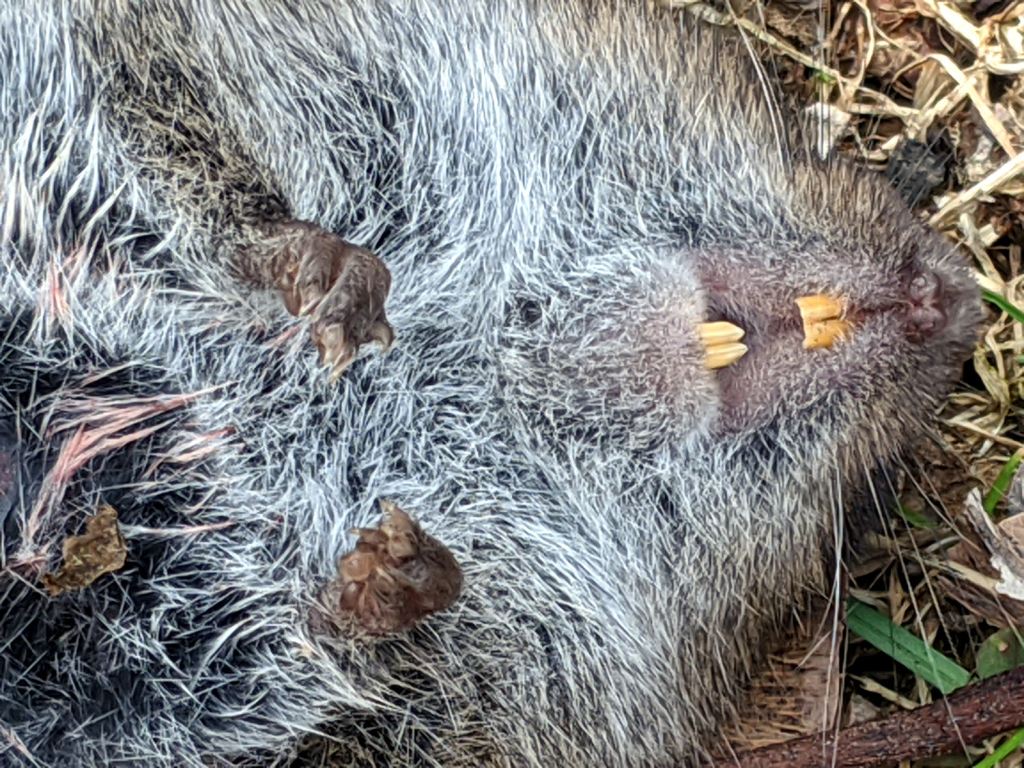
    A closeup of its digging paws and gnawing teeth:

    Mole - ventral paws - teeth
    Mole – ventral paws – teeth

    Those choppers seem overqualified for a diet of earthworms, but I suppose they know what they’re doing.

    We left it in as-found condition, ready for recycling …

    [Update: The consensus seems to be it’s a vole or shrew, not a mole. It’d be the biggest vole I’ve ever seen and “large shrew” seems oxymoronic, but the teeth are diagnostic. ]

  • Craftsman Hedge Trimmer: Laying on of Hands Repair

    Craftsman Hedge Trimmer: Laying on of Hands Repair

    It being the season for hacking down decorative grasses, our ancient Craftsman Hedge Trimmer woke up dead, a decade after I fixed its switch and predicted it’d be good for another decade.

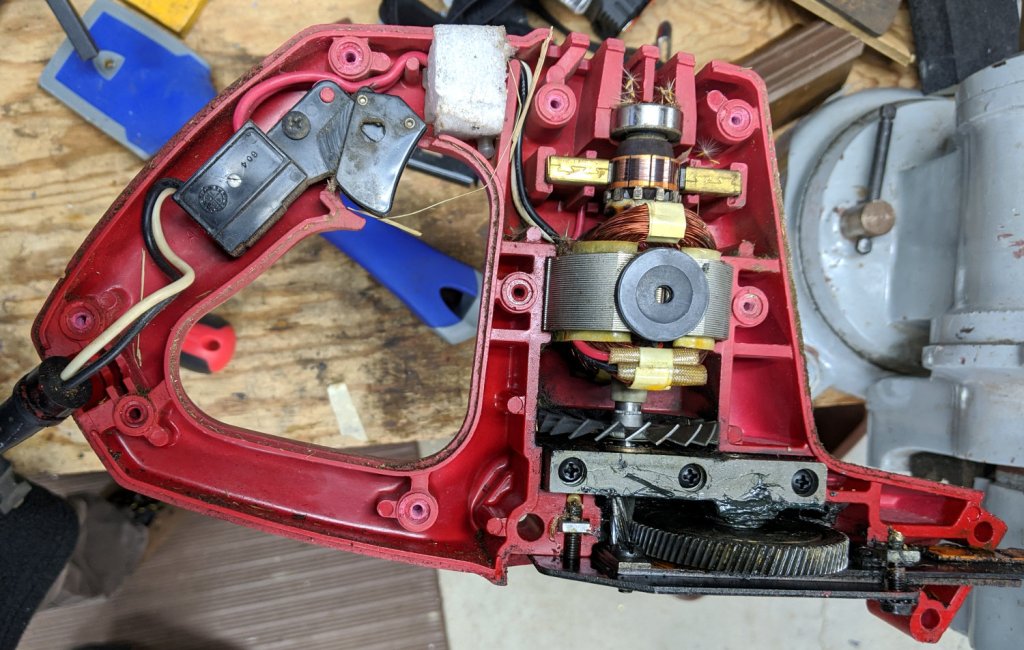
    After verifying the failure isn’t in the wall outlet or the extension cord, haul it to the Basement Laboratory Repair Wing, clamp the blade in the bench vise, remove a myriad screws, and pop the top:

    Craftsman Hedge Trimmer - innards exposed
    Craftsman Hedge Trimmer – innards exposed

    I should have removed the screw in the extreme lower right corner and loosened the similar screw at the rear of the bottom plate; they’re two of the three machine screws engaging nuts embedded in the shell. Everything is greasy enough to let the nuts slide right out of the plastic and no harm was done, but that need not be so.

    After poking around a bit and finding nothing obvious, I checked the resistance across the plug: open-circuit with the switch OFF and nearly shorted with the switch ON.

    Huh.

    Put the case back together with just enough screws to prevent heartache & confusion, unclamp the blade, plug into the bench outlet, discover it works fine again, reinstall the rest of the screws, and continue the mission:

    Decorative grass bunches - early spring clearcut
    Decorative grass bunches – early spring clearcut

    We moved the Praying Mantis oothecae to nearby bushes for science!

  • Homage Tek Circuit Computer: Yellow Variation

    Homage Tek Circuit Computer: Yellow Variation

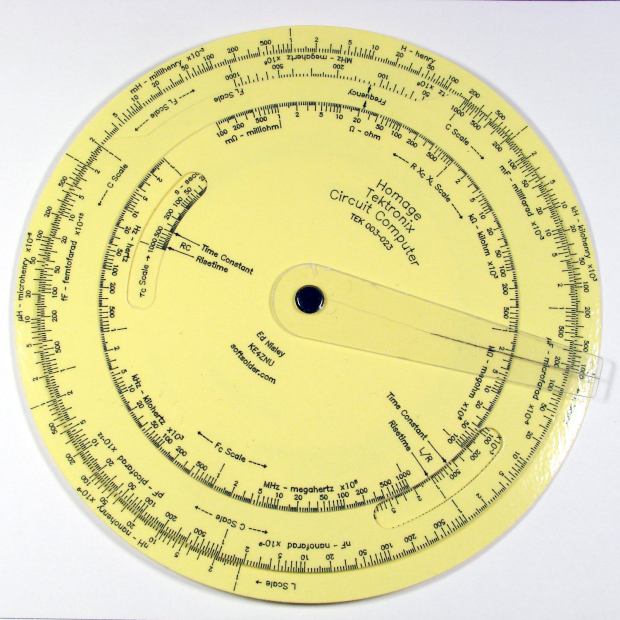
    An on-sale pack of yellow Astrobrights card stock tempted me:

    Homage Tek CC - Yellow Astrobrights paper
    Homage Tek CC – Yellow Astrobrights paper

    The somewhat wrecked cursor comes from my collection of discards, because I haven’t yet figured out how to mill the outline and engrave the hairline on raw stock.

    The paper isn’t quite the same color as my Genuine Pickett Model 110-ES circular slide rule:

    Homage Tek CC vs Pickett 110ES colors
    Homage Tek CC vs Pickett 110ES colors

    Nor, of course, are the ticks and legends nearly as fine as you get with real engraving, but it’s probably Close Enough™ for anybody other than a Real Collector™.

    The Pilot V5RT ink bleeds less on Astrobrights card stock than on the previous, somewhat coarser, card stock:

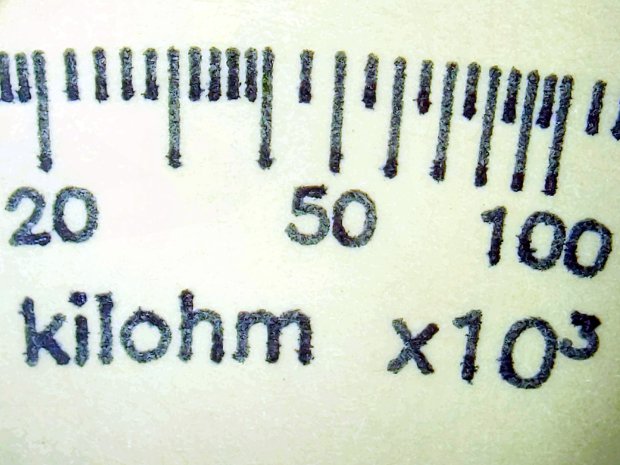
    Tek CC - Yellow Astrobrights paper - bare
    Tek CC – Yellow Astrobrights paper – bare

    An automagic color adjustment bleaches the yellow and makes the black ink much more visible.

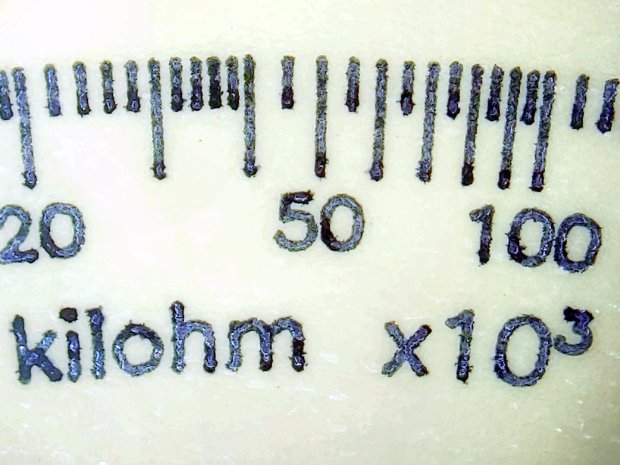
    Laminating the paper crisps the contrast a bit, although it’s more obvious in person:

    Tek CC - Yellow Astrobrights paper - laminated
    Tek CC – Yellow Astrobrights paper – laminated

    You can see tiny air bubbles over the darkest part of the ticks and letters.

  • Batmax NP-BX1 Batteries

    Batmax NP-BX1 Batteries

    Having recently lost one of the year-old DOT-01 batteries, a quartet of Batmax NP-BX1 batteries for the Sony HDR-AS30V helmet camera just arrived:

    Batmax DOT-01 Wasabi NP-BX1 - 2020-04
    Batmax DOT-01 Wasabi NP-BX1 – 2020-04

    The orange curve is the last surviving (“least dead”) Wasabi battery from the 2017-08 batch and the dark green curve just above it is another DOT-01 from 2019-02. The problem is not so much their reduced capacity, but their grossly reduced voltage-under-load that triggers a premature camera shutdown.

    The Batmax batteries measure better than the craptastic Wasabi batteries, worse than the STK batteries, and should survive the next year of riding. As before, I have zero belief that Amazon would send me a “genuine” Sony NP-BX1 battery, even at six times the nominal price, nor that it would perform six times better.

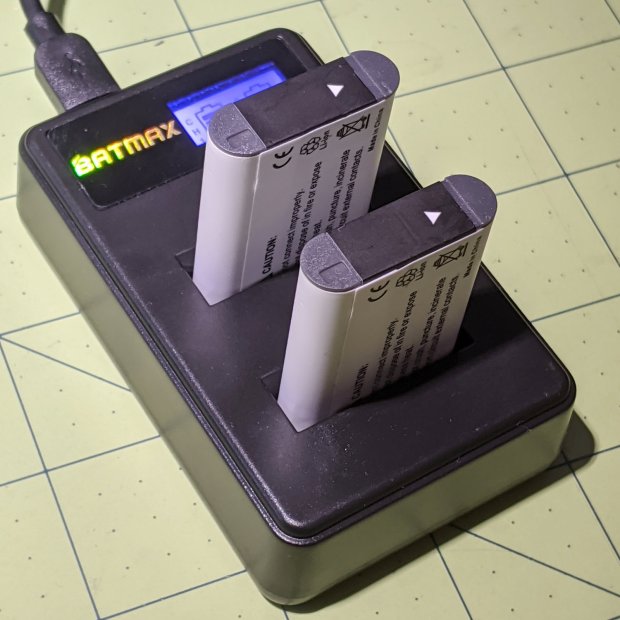
    Batmax is one of many randomly named Amazon Marketplace sellers offering seemingly identical NP-BX1 batteries: Newmowa, Miady, Powerextra, Pickle Power, LP, Enegon, and so forth. Mysteriously, it’s always cheaper to get a handful of batteries and a charger, rather than just the batteries, so I now have a two-socket USB charger:

    Batmax NP-BX1 - USB dual charger
    Batmax NP-BX1 – USB dual charger

    Despite the “5 V 2 A – 10 W” and “4.2 V 0.6 A – 5 W” label on the back, charging a pair of batteries after a ride started at 700 mA from a USB 3.0 port. The charger makes no claims about USB 3 compliance, so I’d expect it to top out around 1 A from a generously specified port.

  • Diamond-Drag Styrene Engraving: Scraped Enamel

    Diamond-Drag Styrene Engraving: Scraped Enamel

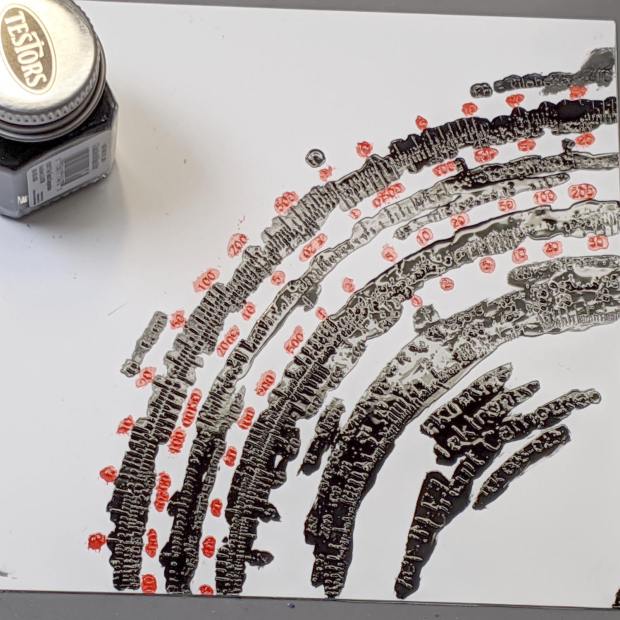
    For the first time in a loooong time, I applied Testors Gloss Enamel paint to styrene plastic:

    Engraving Testpiece D - Testors Enamel - red
    Engraving Testpiece D – Testors Enamel – red

    Two coats of black paint produced the larger areas along the inner scales and completely filled those engraved lines:

    Engraving Testpiece D - Testors Enamel - red black applied
    Engraving Testpiece D – Testors Enamel – red black applied

    With exactly the correct paint on exactly the correct material, it cured into a non-removable layer. Being enamel, however, the last coat requires two or three days for a full cure, so this isn’t a short-attention-span project.

    It’s “non-removable” unless you’re willing to abrade the surface:

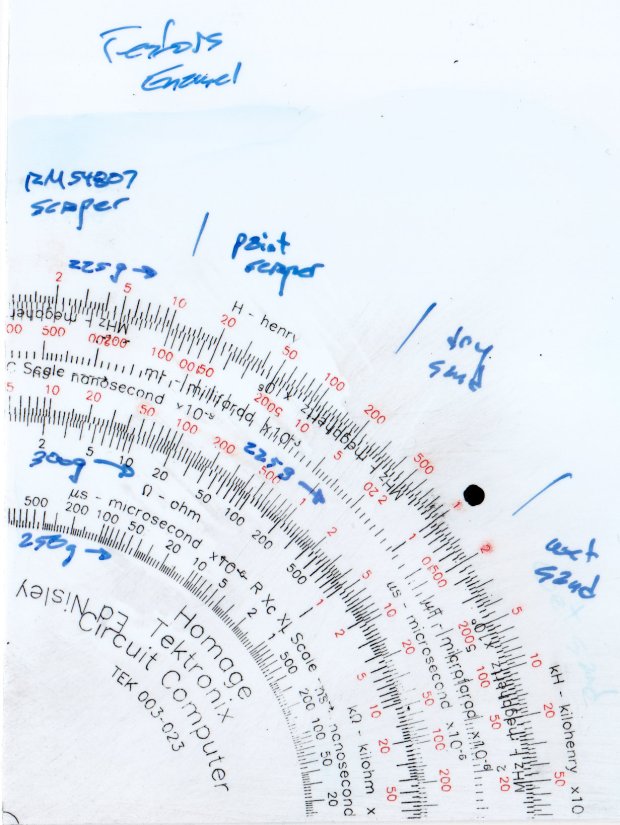
    Engraving Testpiece D - Testors Enamel - scrape sand - overview
    Engraving Testpiece D – Testors Enamel – scrape sand – overview

    Sanding tends to remove too much plastic, particularly when confronted with raised walls & suchlike along the grooves. The darkest scale down the middle was engraved with 300 g downforce and is deep enough to retain all its paint:

    Engraving Testpiece D - Testors Enamel - sanded - 250 300 g - detail
    Engraving Testpiece D – Testors Enamel – sanded – 250 300 g – detail

    As expected, paint scrapers produce better results:

    Engraving Testpiece D - Testors Enamel - scrape - 250 300 g - detail
    Engraving Testpiece D – Testors Enamel – scrape – 250 300 g – detail

    There’s not much visible difference between the 250 g and 300 g scales.

    All the scraped lines are over 0.1 mm wide, with the heavier downforce producing maybe 0.12 mm.

    The double-coated lines are flush with the (scraped) surface and visibly matte. The single-coated regions have the usual glossy enamel finish remaining deep in the lines & numbers, with a thin matte outline flush with the surrounding surface. It’s basically impossible to photograph those features, at least for me.

    The colors are crisp & vivid: enamel paint is the way to go!

    The next testpiece should run downforce variations from 300 through 500 g and speeds from 1000 to 2400 mm/min. Scraping off the raised plastic before painting should deliver a better ahem painting experience without much surface damage; the trick will be clearing all the debris from the engraved lines.