Ed Nisley's Blog: Shop notes, electronics, firmware, machinery, 3D printing, laser cuttery, and curiosities. Contents: 100% human thinking, 0% AI slop.
Mary reported a problem unplugging the USB charger powering the light pad (the successor to the pad I repaired) she uses for quilting layouts:
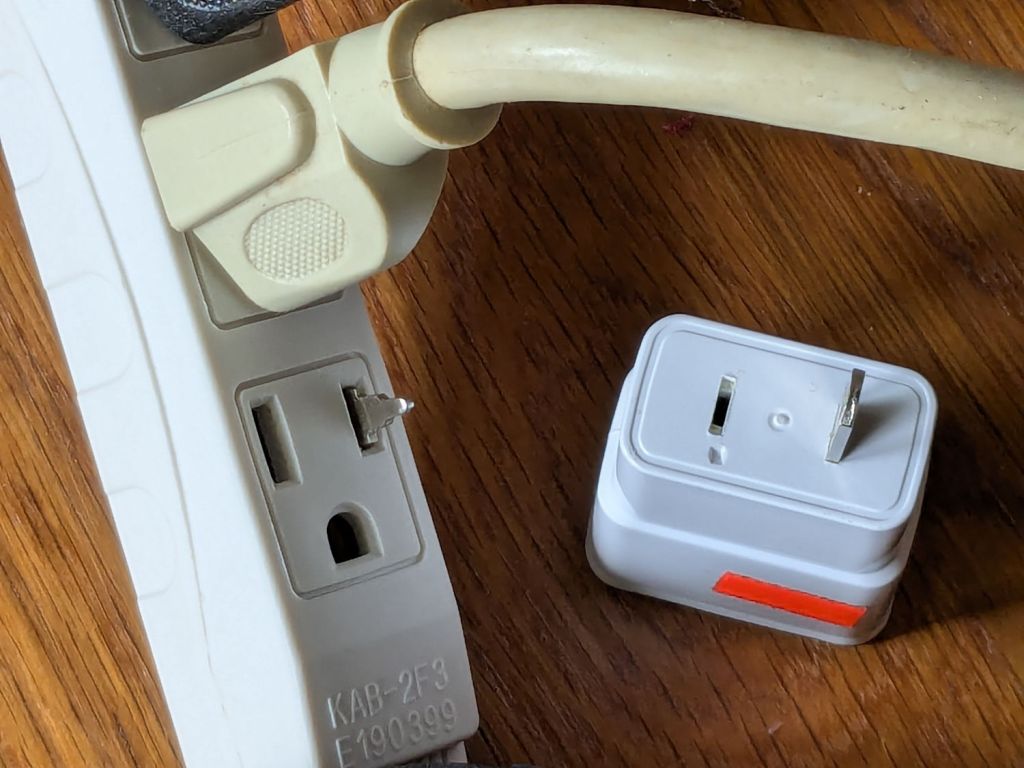
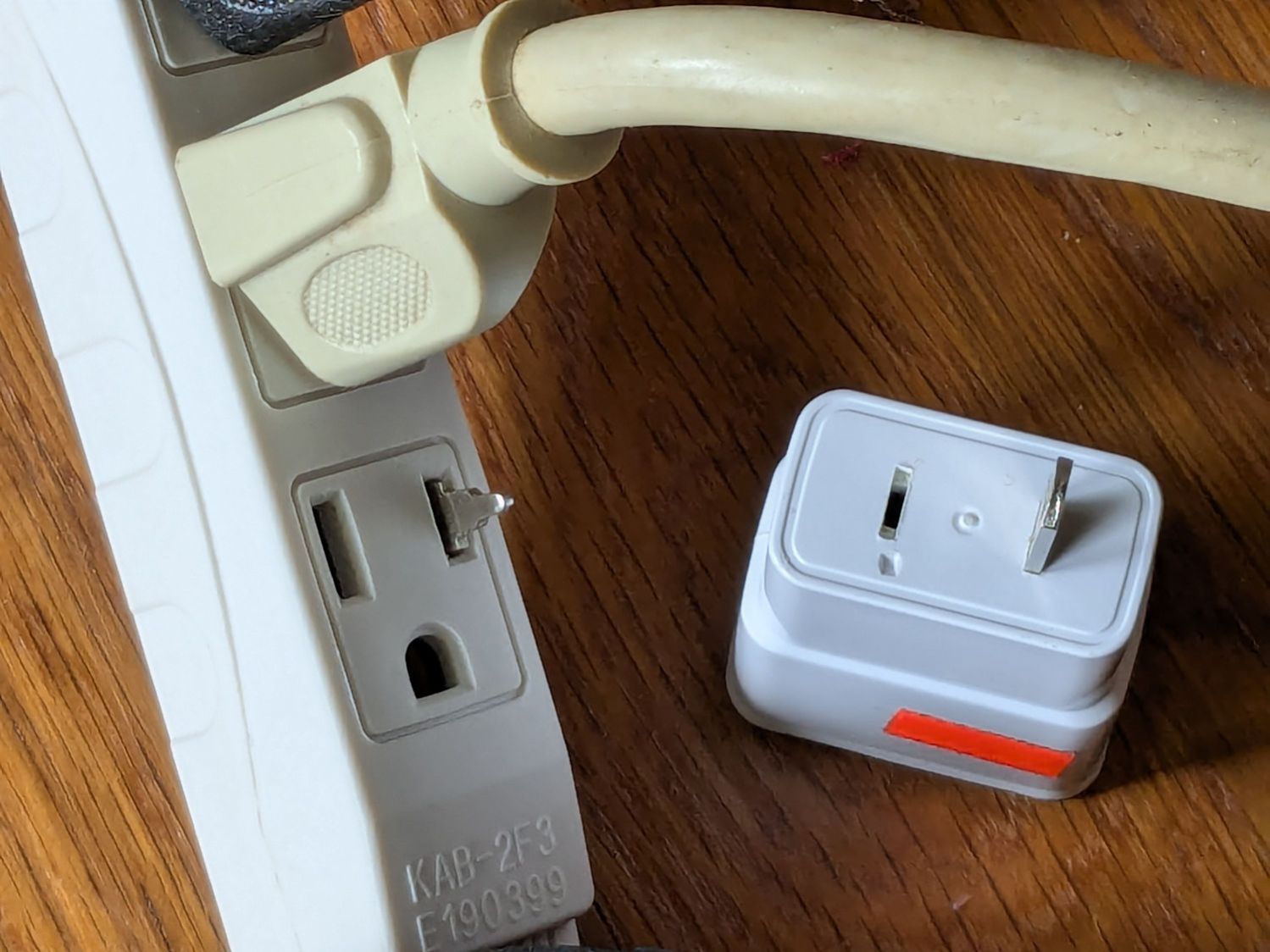
USB Charger – as found
Yes, that blade is sticking out of the hot (“Line”) side of the outlet.
The only way into the charger was through its other end:
USB charger – interior top
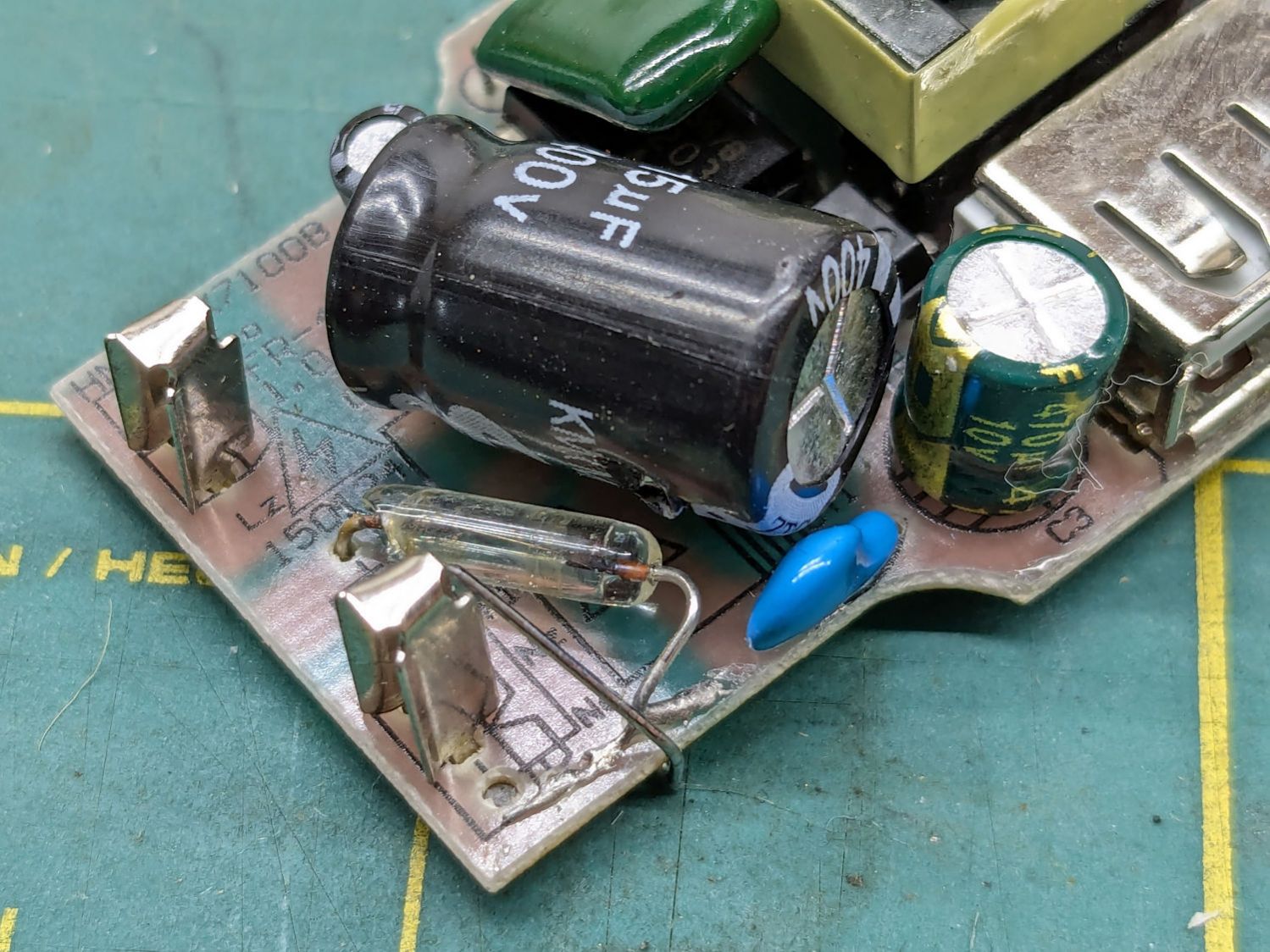
Because I had no intention of returning it to service, I tried pushing the errant blade back in place, only to have it overshoot the mark and bulldoze various parts aside:
USB charger – PCB blade contacts
The two upright shapes contact the blades, but do not lock them in place. The PCB pulled easily out of the case, with no objection from the remaining (“Neutral”) blade.
The blades are simple steel bars press-fit into the plastic case, without holes / dimples / notches to lock them into the plastic. As far as I could tell, they were not molded in place.
I tossed the corpse into the e-waste box, extracted another USB charger from the Box o’ USB Chargers and returned the light pad to service.
I do have a few Genuine UL Listed USB chargers, but these are not among them.
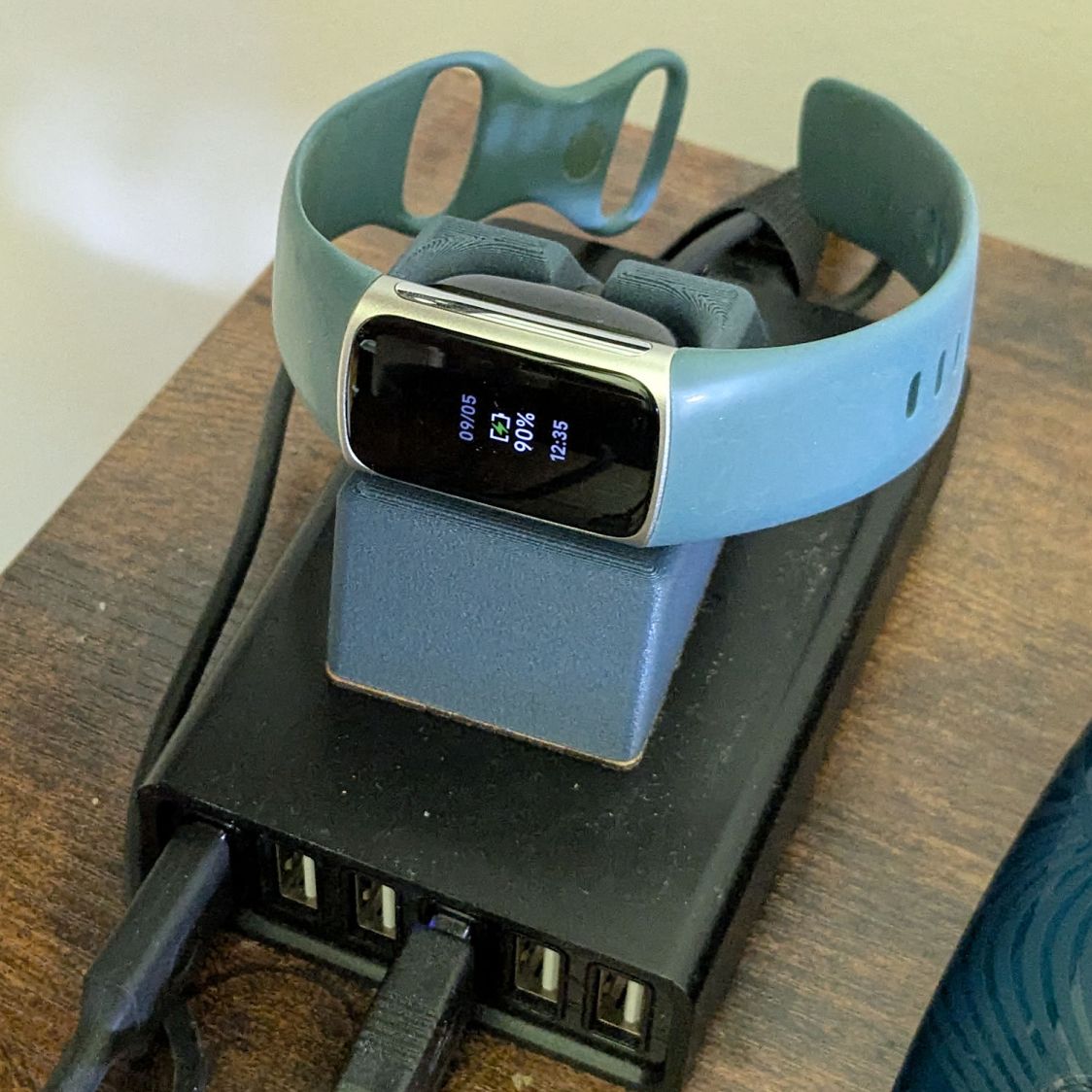
My Fitbit Charge 5 has become fussy about its exact position while snapped to its magnetic charger, so I thought elevating it above the usual clutter might improve its disposition:
FitBit Charge 5 stand – installed
The Charge 5 now snaps firmly onto its charger, the two power pins make solid contact, and it charges just like it used to.
Three weeks, more or less, from my exposure to clearing the hurdle. Mary, being tougher than I, got it done in two.
For the better part of the first two weeks I was in bed ten hours every night, plus an hour or two of afternoon nap (no milk & cookies, drat), plus dragging around the house getting nothing done.
No major health problems, good blood oxygen levels throughout, no loss of smell apart from what you’d expect during three days of complete nasal blockage, and we’re both feeling OK-ish now.
However, we are making more than the usual number of stupid mistakes, which is one way we know we’re not really OK yet.
Back to the Basement Shop, with considerable caution …
Memo to Self: That was the first time in four years you didn’t wear a mask in close quarters. Don’t ever do that again.
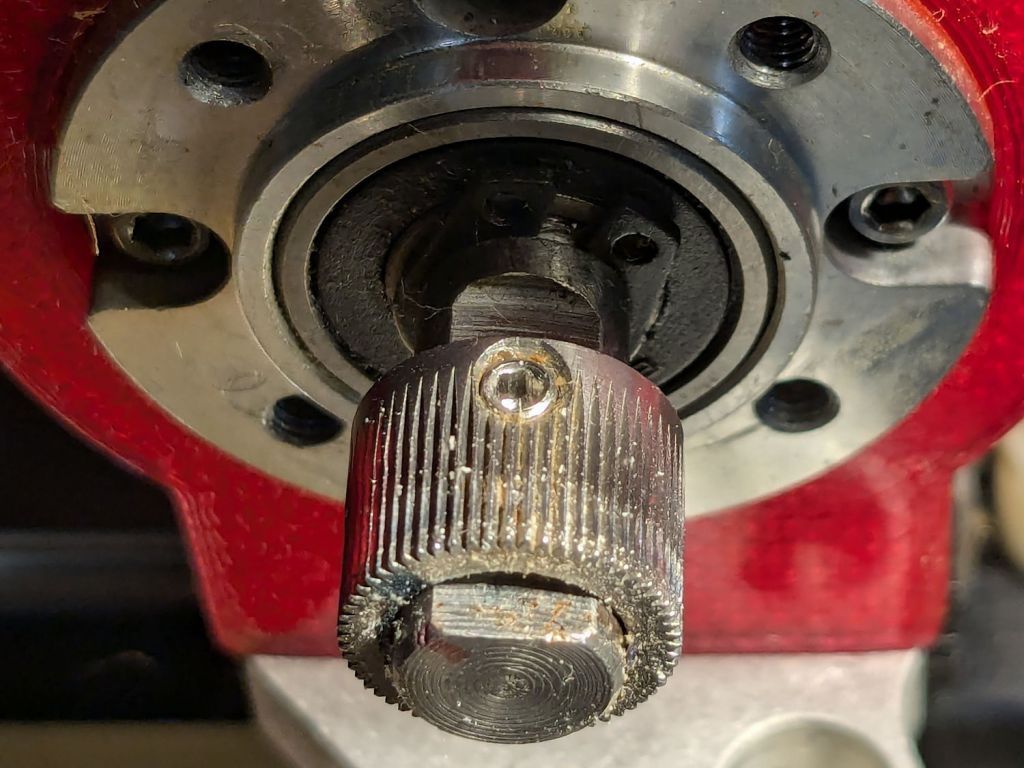
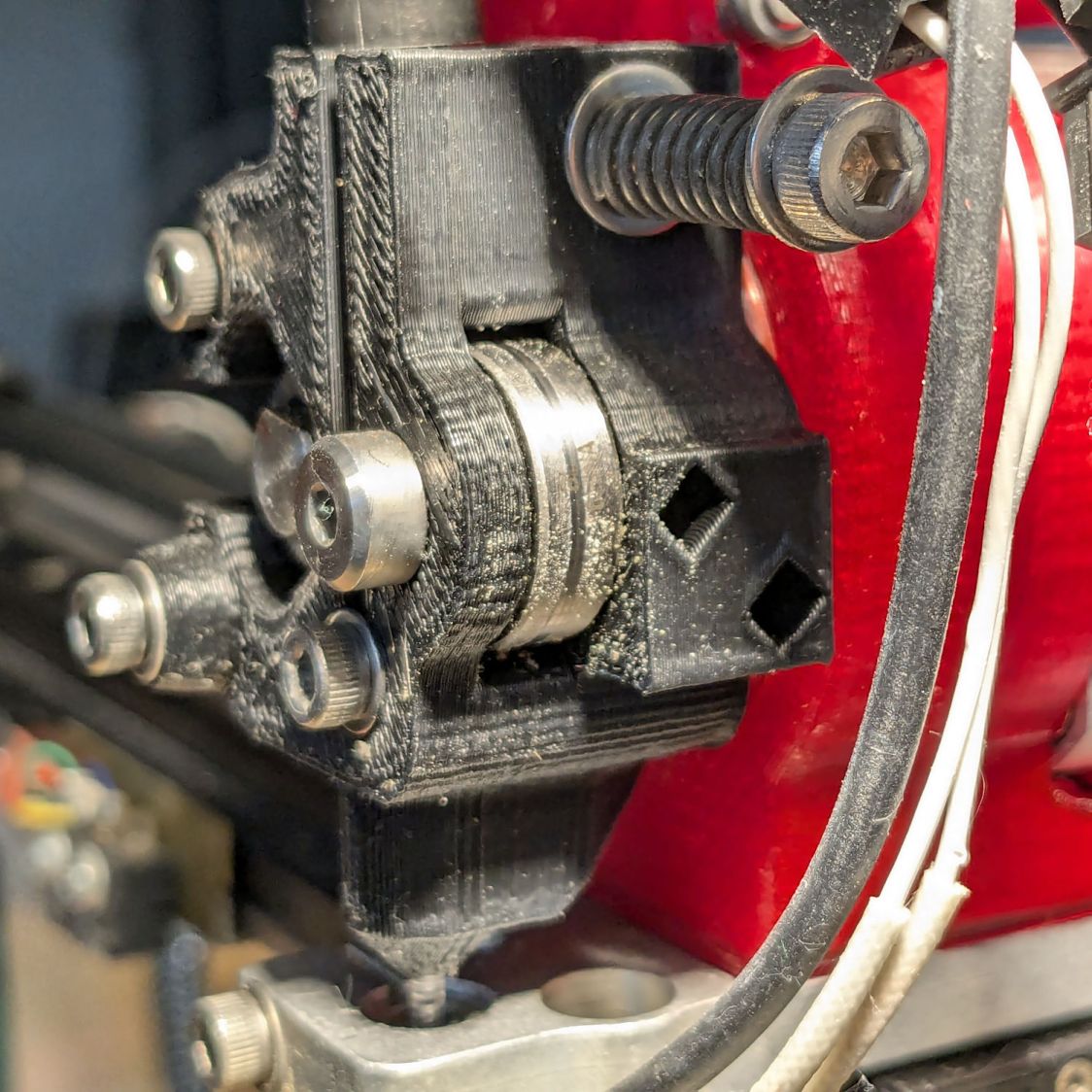
AFAICT, the Makergear M2’s filament drive gear has been in the same place on the motor shaft since I set it up nearly five years ago:
Makergear M2 – original filament drive pulley position
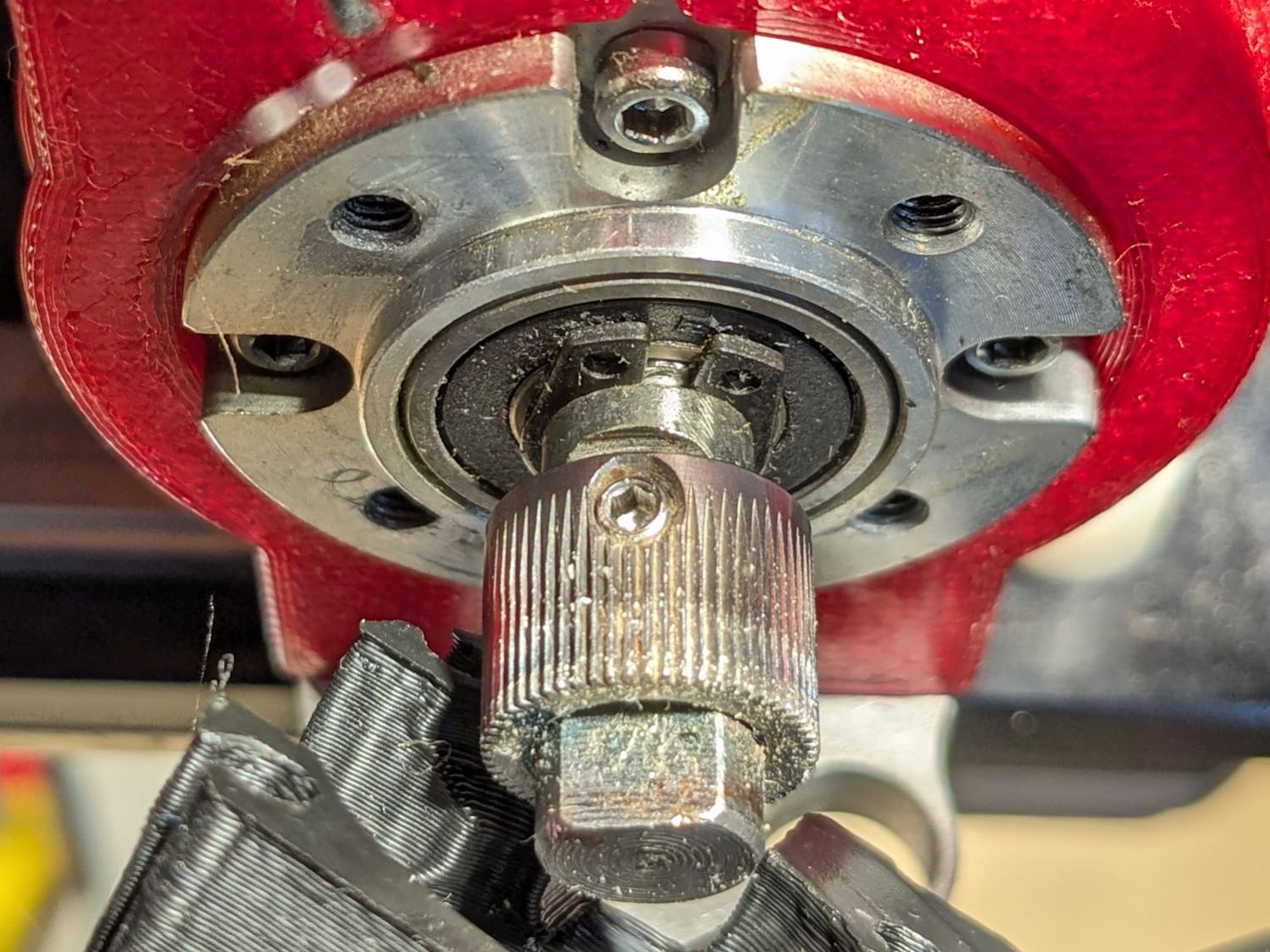
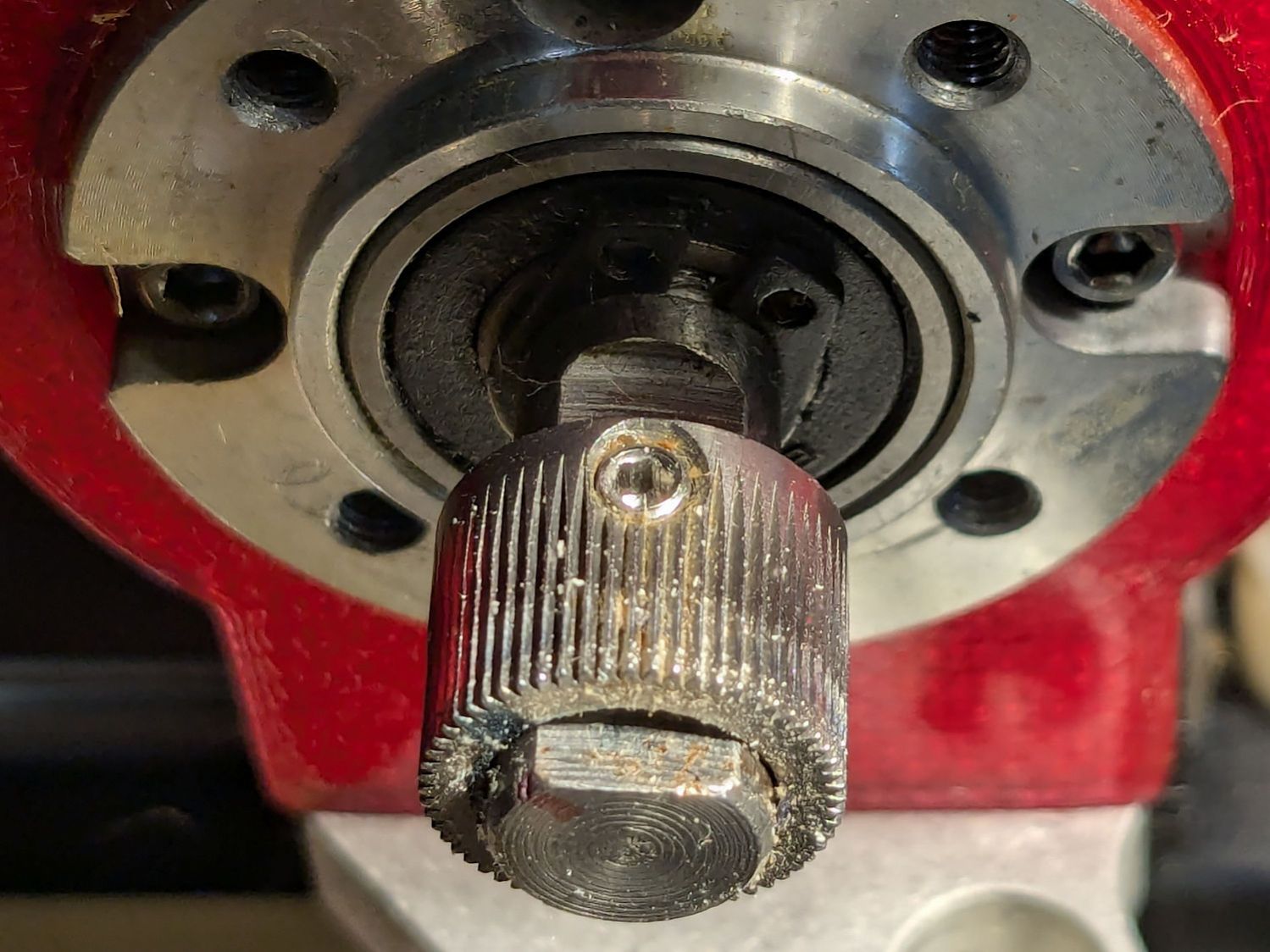
The filament rides along the white trail close to the front of the gear. This worked fine with PETG, but TPU occasionally squeezed out through the small gap toward the front of the extruder, so I moved the gear a few millimeters forward:
Makergear M2 – improved filament drive pulley position
The track on the idler bearing shows the filament is neatly centered where it should be:
Makergear M2 – filament idler bearing position
I haven’t adjusted the spring pressure on the idler, but it’s probably too high for TPU. If it continues to work, I’ll continue to do nothing.
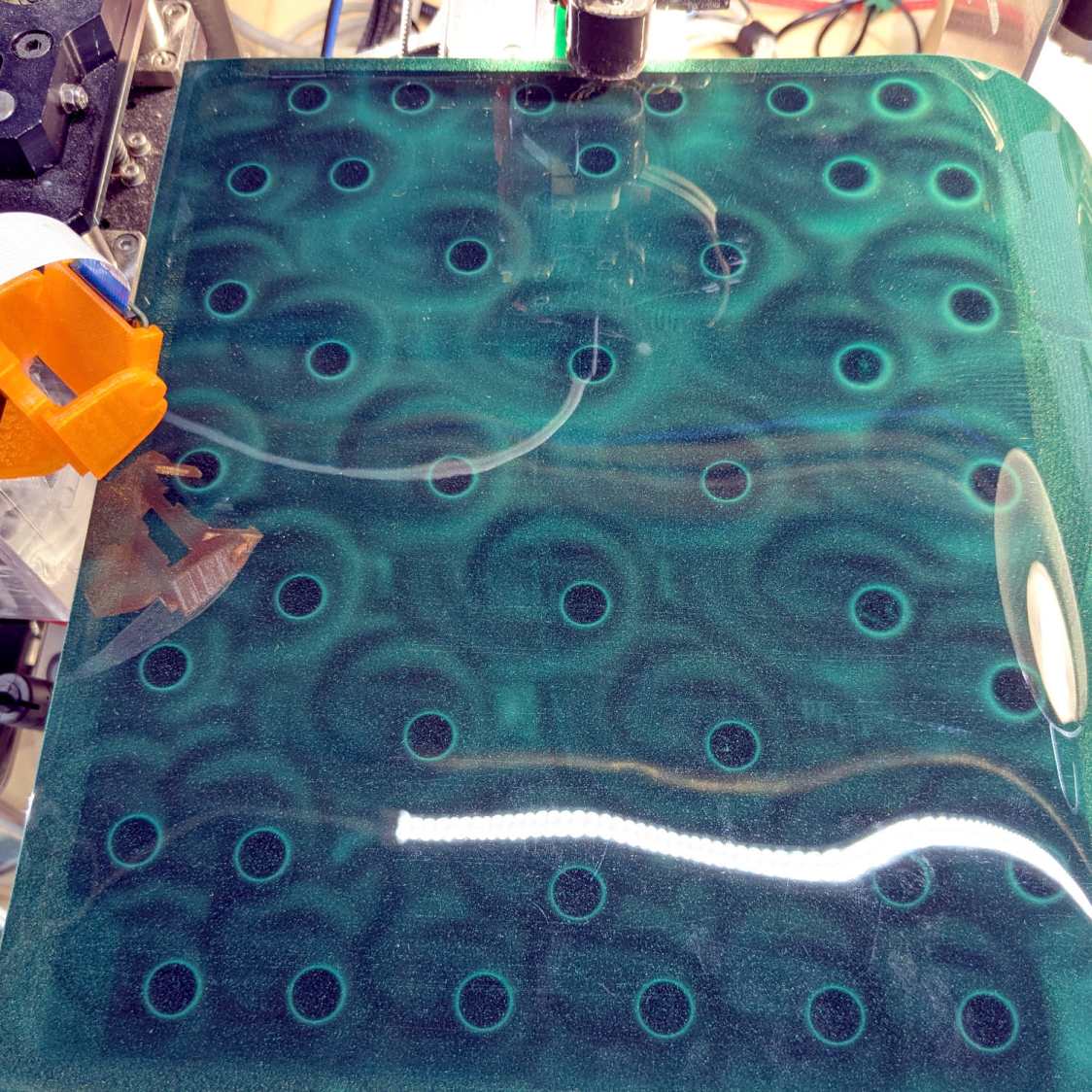
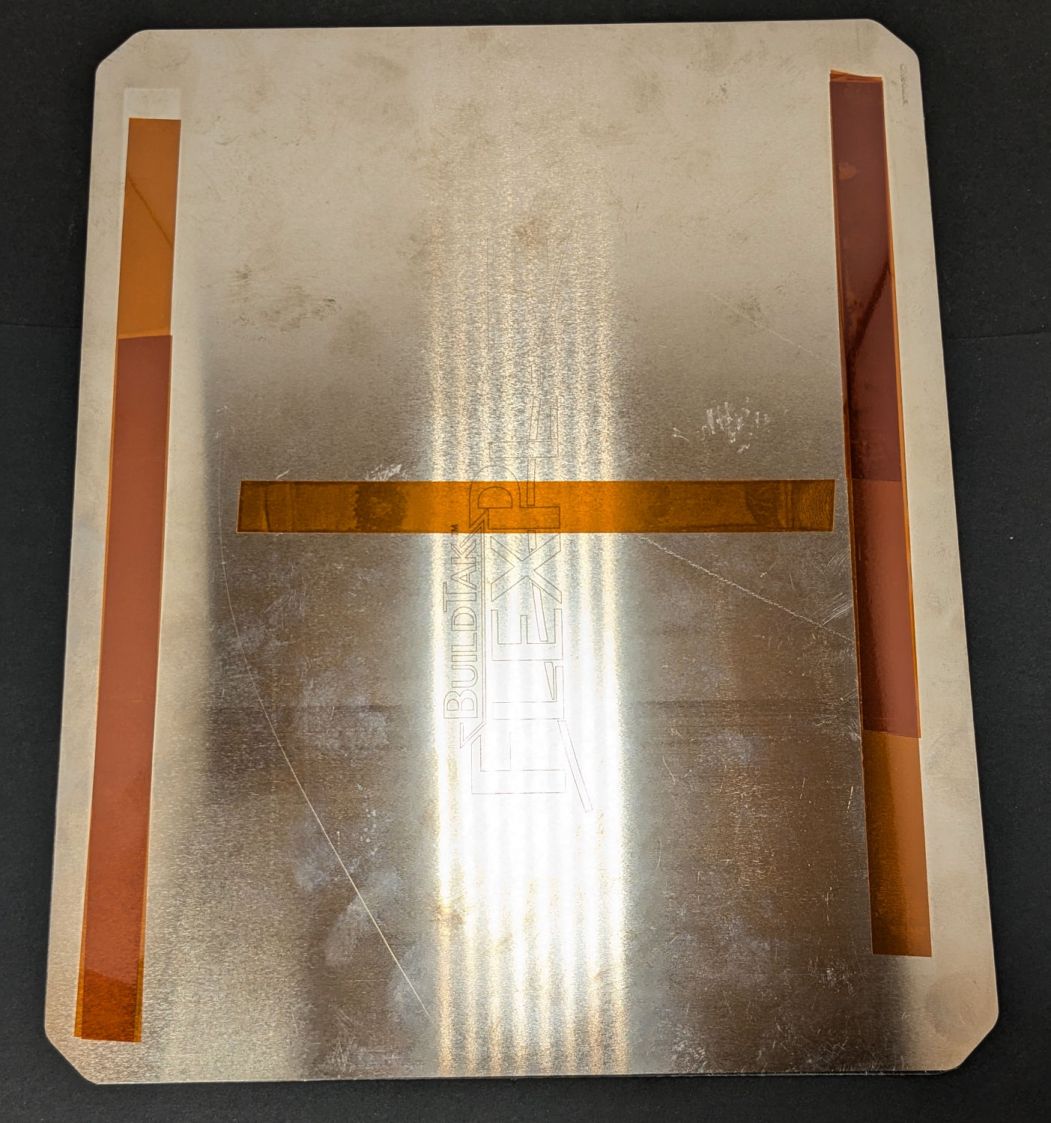
I wanted to align the magnetic base plate first, but it has a lot of magnets and steel tools just weren’t going to work:
MakerGear M2 BuildTak – FlexPlate magnets
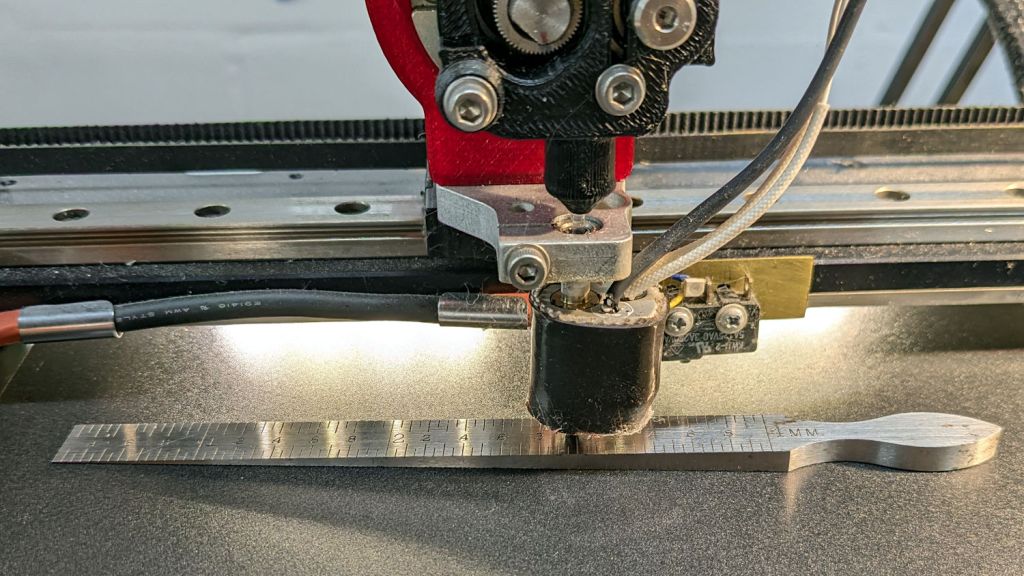
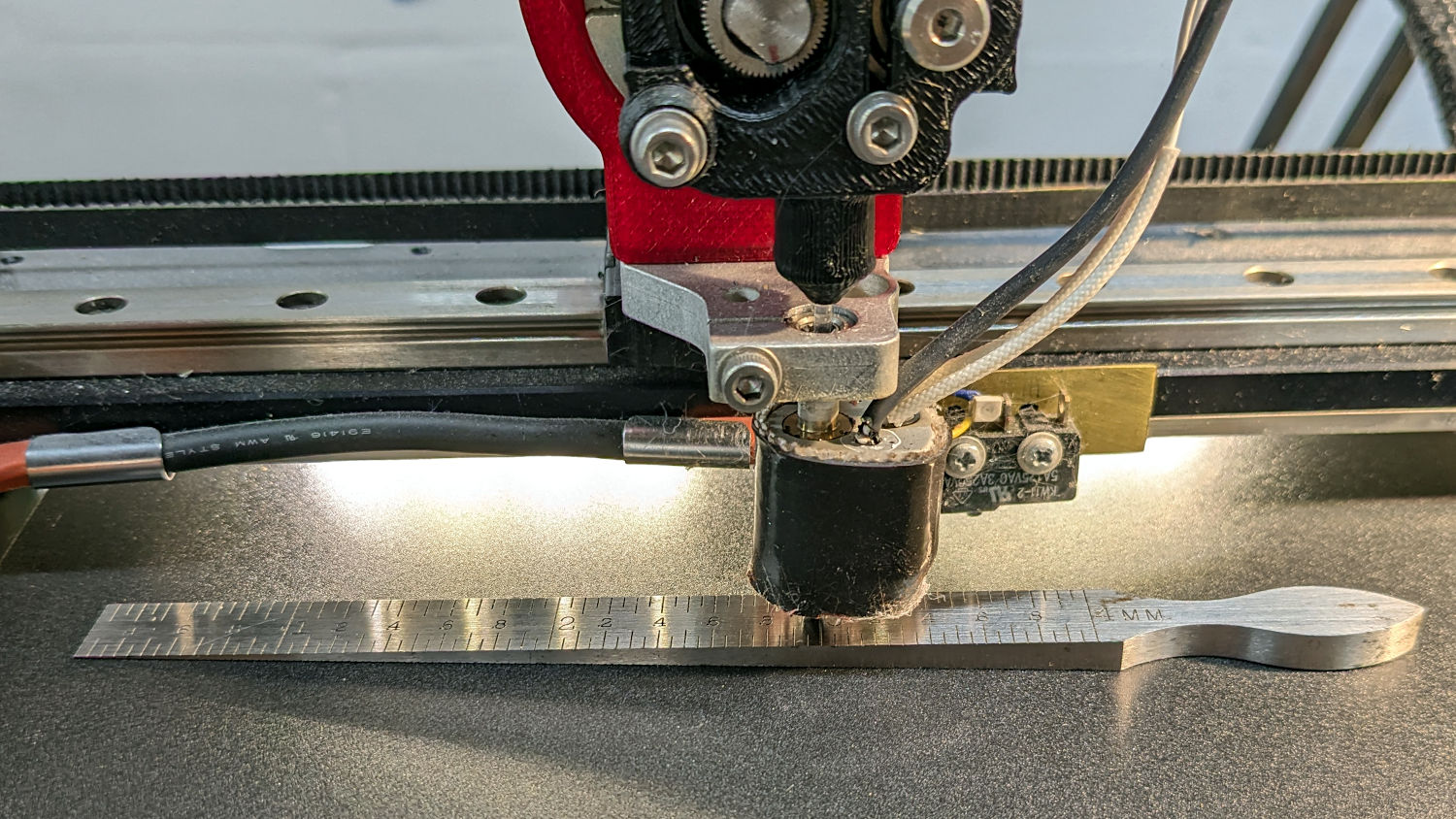
So I put the BuildTak FlexPlate on top and deployed the taper gauge, with all the magnetic fields held safely inside the steel sheet below the surface:
MakerGear M2 BuildTak – taper gauge
The plate turned out to be mostly flat, with two high spots at the center front and back. A few strips / layers of Kapton tape raised the lowest spots along the sides and middle enough to get the whole surface Close Enough™:
MakerGear M2 BuildTak – FlexPlate shims
That’s really thick 4 mil = 0.1 mm tape, not puny 1 mil stuff. Two layers added enough height to very slightly warp the steel plate when held down by all those magnets.
The final result was flat within ±0.05 mm across the entire plate, with those two high spots reduced to +0.2 mm.
The high spots lie outside the skirt at the front & rear of the plate, where they should be easy to avoid with most models I can imagine building in TPU. Stipulated: I have a stunted imagination.
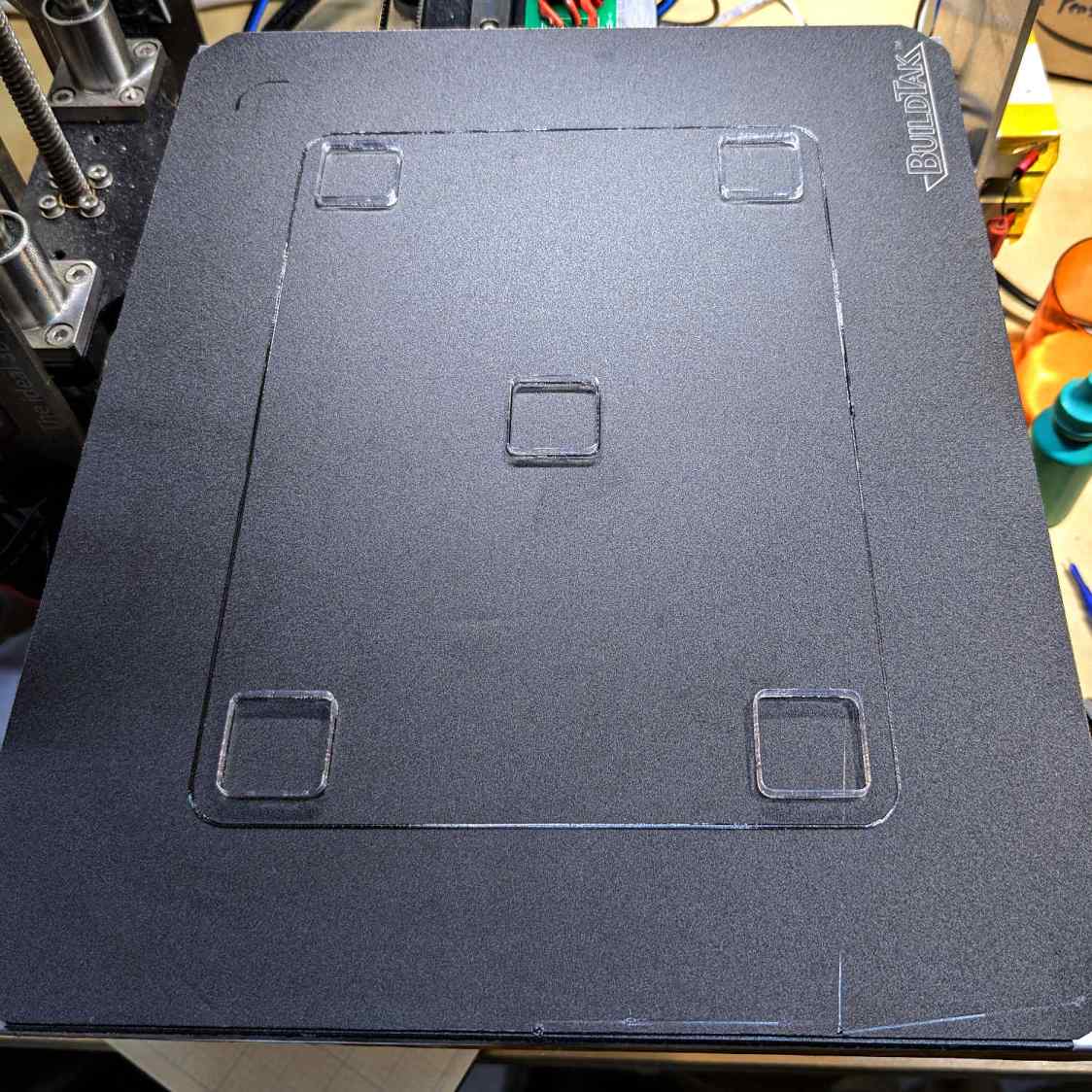
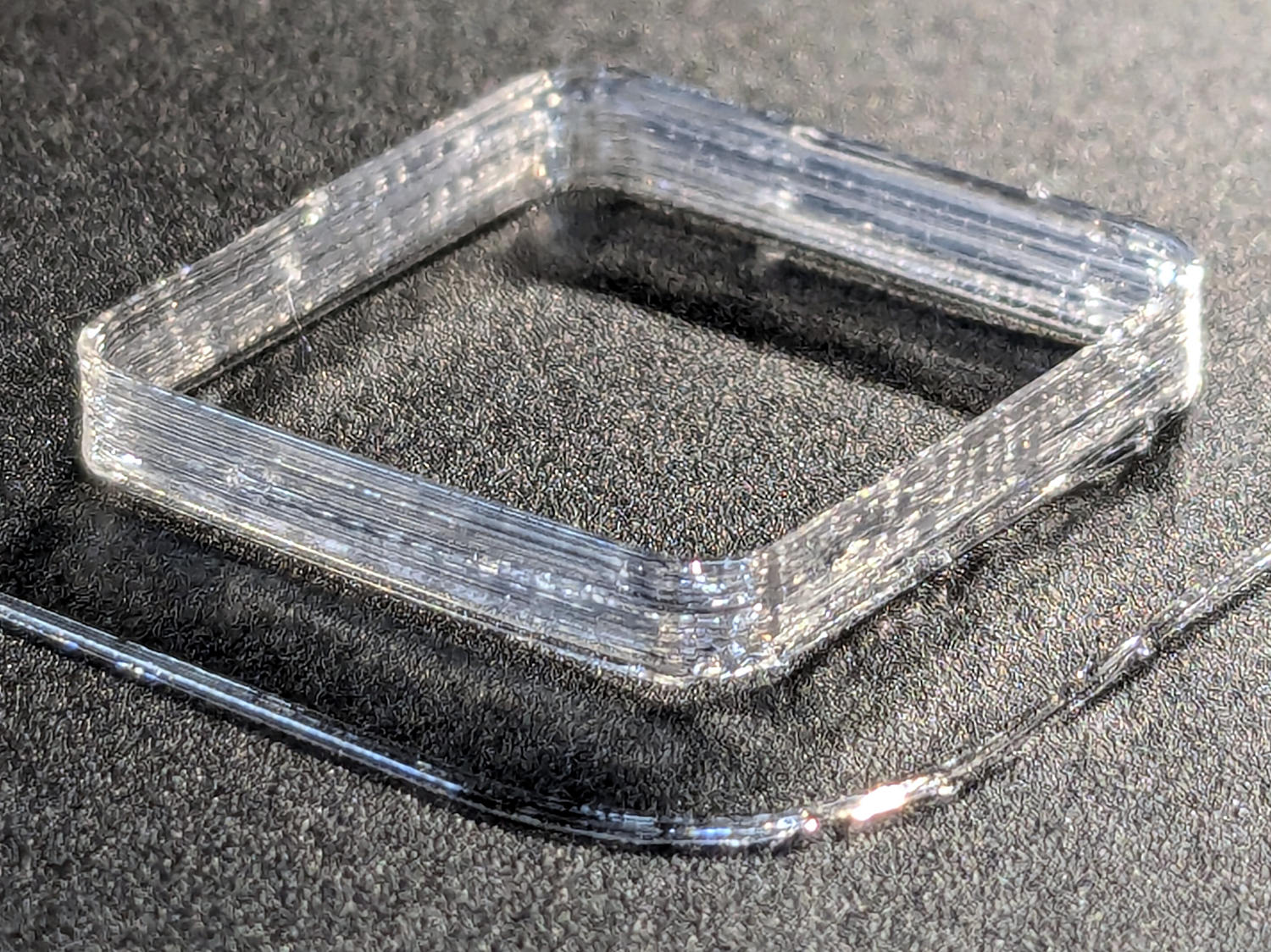
TPU boxes are bendy little things with 0.45 mm walls:
MakerGear M2 BuildTak – test square
After I got the plate flattened, even a single-thread wall of TPU sticks to BuildTak like it was glued there.
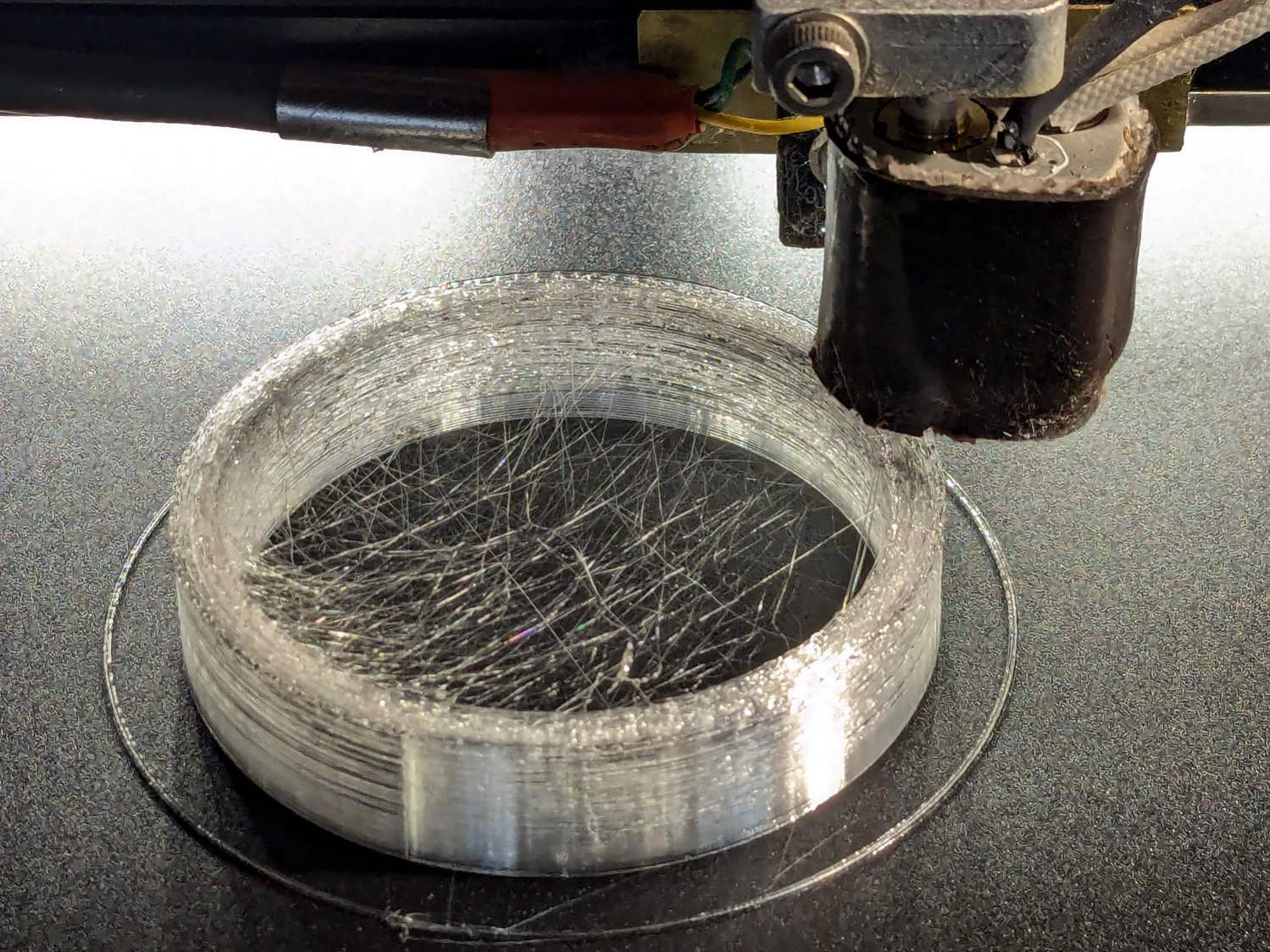
I had PrusaSlicer print them sequentially to avoid excessive back-and-forth, although combining 2 mm Retraction with Avoid crossing perimeters has eliminated much of the previous stringing:
Terracycle Chain Idler Tire – TPU stringing
I modified the startup G-Code to purge & wipe the nozzle at the right-front corner of the plate:
MakerGear M2 BuildTak – nozzle cleaning
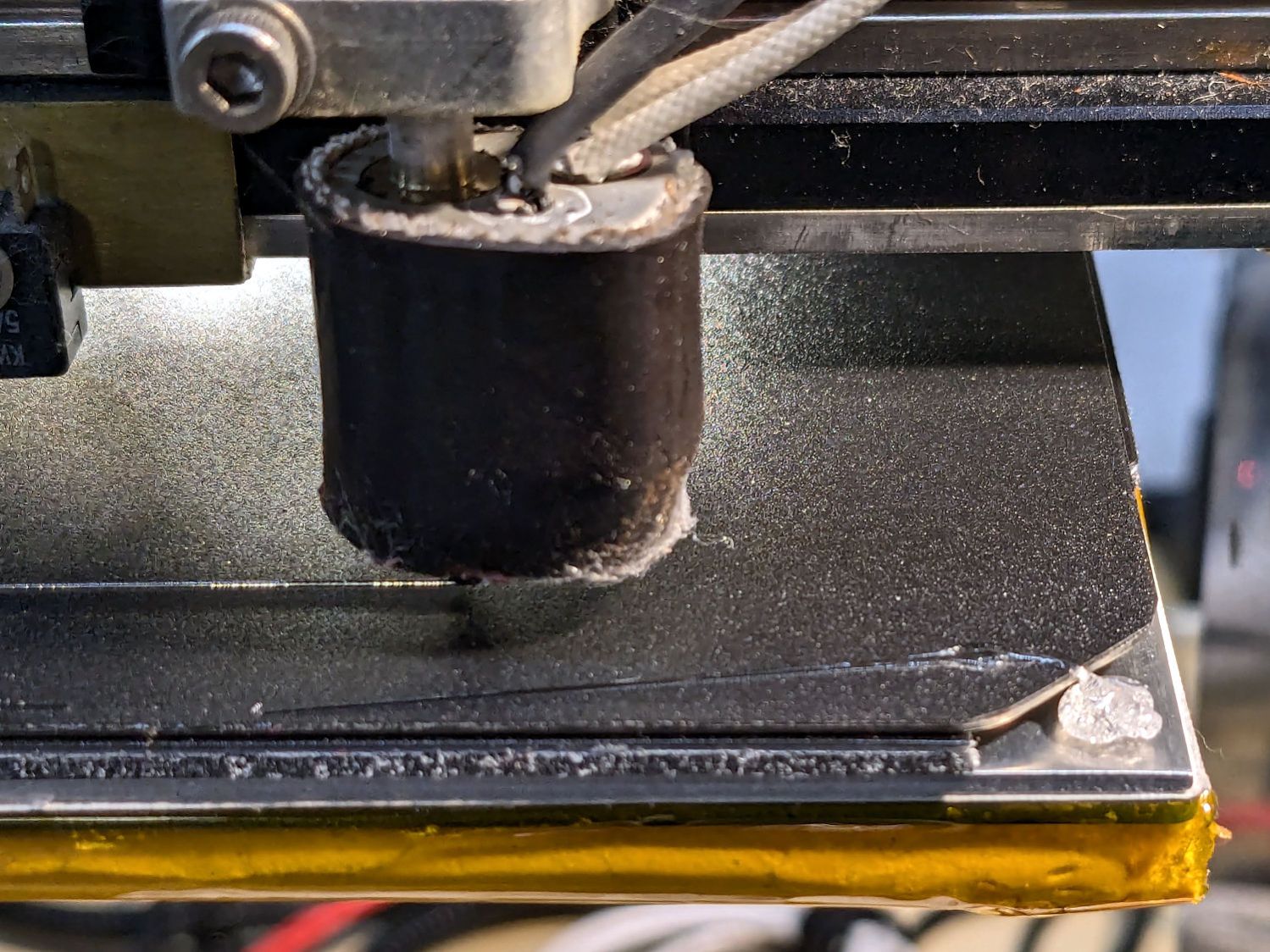
If I’d done that at the start, the BuildTak surface wouldn’t have a small divot melted into the center front edge where the previous G-Code paused the nozzle at the edge of the glass plate while heating. Pausing a millimeter off the diagonal seems to isolate the hot nozzle from the plastic surface.
The revised startup G-Code, with the earlier clearing motions commented out:
;-- PrusaSlicer Start G-Code for M2 starts --
; Ed Nisley KE4NZU
; Makergear V4 hot end
; Origin at platform center, set by MANUAL_X_HOME_POS compiled constants
; Z-min switch at platform, must move nozzle to X=135 to clear
; 2025-08-29 tweak priming spot to avoid scorching BuildTak surface
G90                                      ; absolute coordinates
G21                                      ; millimeters
M83                                      ; relative extrusion distance
M104 S[first_layer_temperature]          ; start extruder heating
M140 S[first_layer_bed_temperature]           ; start bed heating
M17                                      ; enable steppers
G4 P500                                  ; ... wait for power up
G92 Z0                        ; set Z to zero, wherever it might be now
G0 Z10 F1000                  ; move platform downward to clear nozzle; may crash at bottom
G28 Y                         ; home Y to clear plate, offset from compiled constant
G28 X                         ; home X, offset from M206 X, offset from compiled constant
G0 X135 Y0 F15000             ; move off platform to right side, center Y
G28 Z                         ; home Z to platform switch, offset from M206 Z measured
G0 Z2.0 F1000                 ; get air under switch
;G0 Y-126 F10000               ; set up for priming, zig around corner
;G0 X0                         ; center X
;G0 Y-125.5                    ; just over platform edge
G0 Y-121 F15000               ; set up for priming
G0 X96                        ; diagonally beyond trimmed corner of BuildTak plate
G0 Z0 F500                    ; exactly at platform
M190 S[first_layer_bed_temperature]   ; wait for bed to finish heating
M109 S[first_layer_temperature]       ; set extruder temperature and wait
G1 E25 F200                           ; prime to get pressure, generate blob on edge
;G0 Y-123 F5000          ; shear off blob
;G0 X15 F15000           ; jerk away from blob, move over surface
;G4 P500                 ; pause to attach
;G1 X45 F500             ; slowly smear snot to clear nozzle
G0 X94 Y-119 F5000      ; shear off blob
G0 X90 F15000           ; jerk away
G4 P500                 ; pause
G1 X50 Y-124 F500       ; smear snot
G1 Z1.0 F2000           ; clear bed for travel
;-- PrusaSlicer Start G-Code ends --
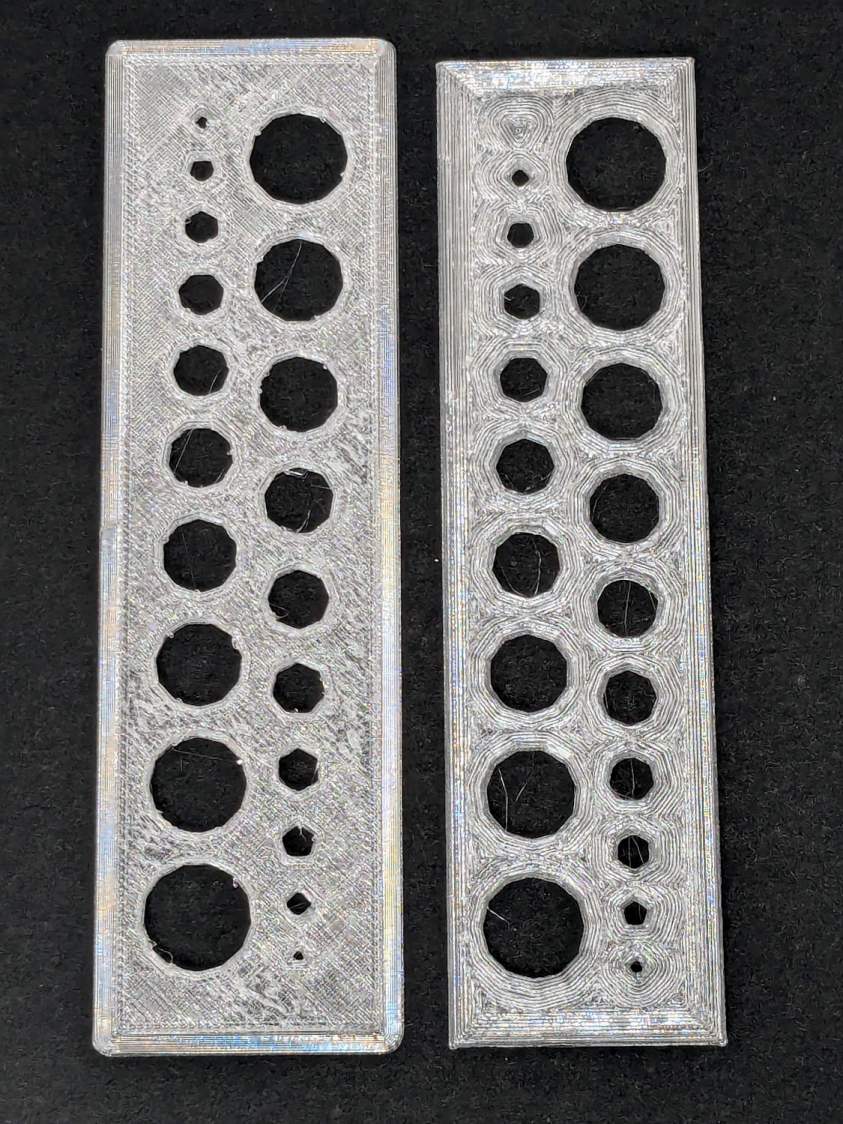
The one on the left came from the M2’s glass plate (with a brim barely improving its adhesion) and the one on the right was on BuildTak after all the fussing; I just noticed I laid them out in opposite directions.
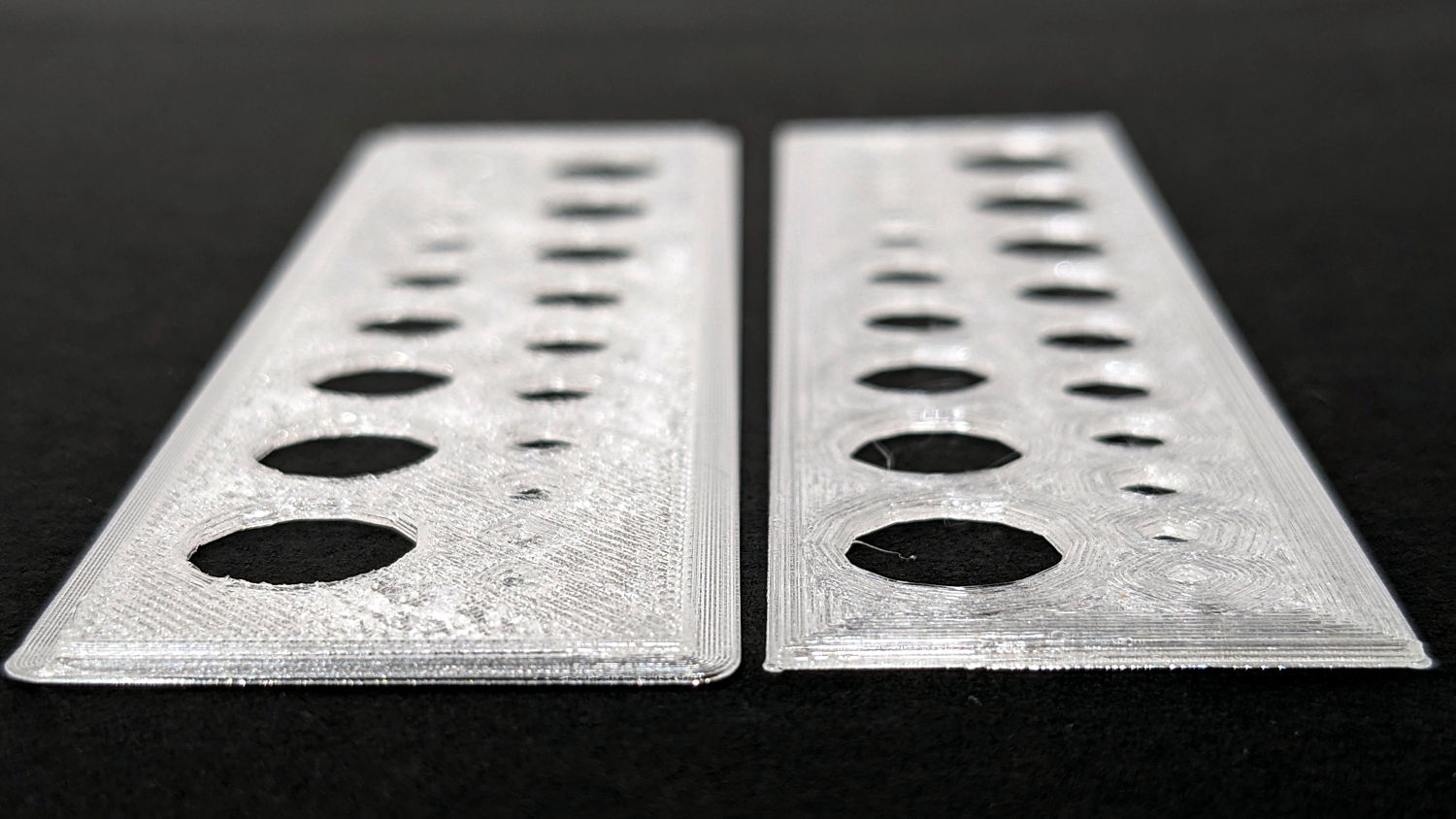
An edge view shows the fuzzy surface on the left:
Makergear M2 BuildTak – small holes – edge
The tiniest holes in both are undersized, but AFAICT you could ram a screw through that bendy sheet without much effort.
The BuildTak sheet works well enough that I have not tried the PEI-covered FlexPlate, which I’m sure will require similar shimming to get a level surface.
And, no, I am not going to install a surface probe on the M2’s hot end.
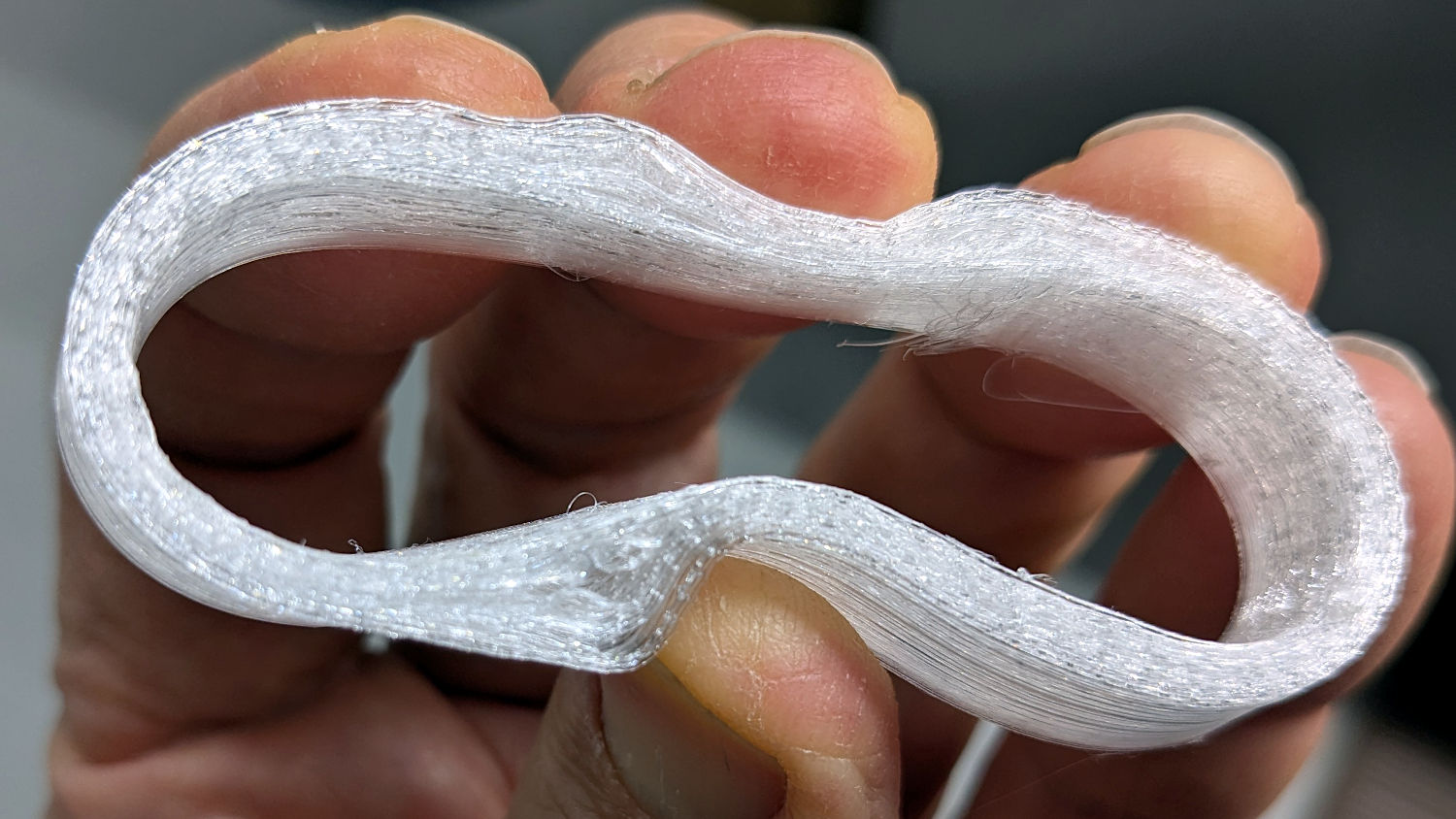
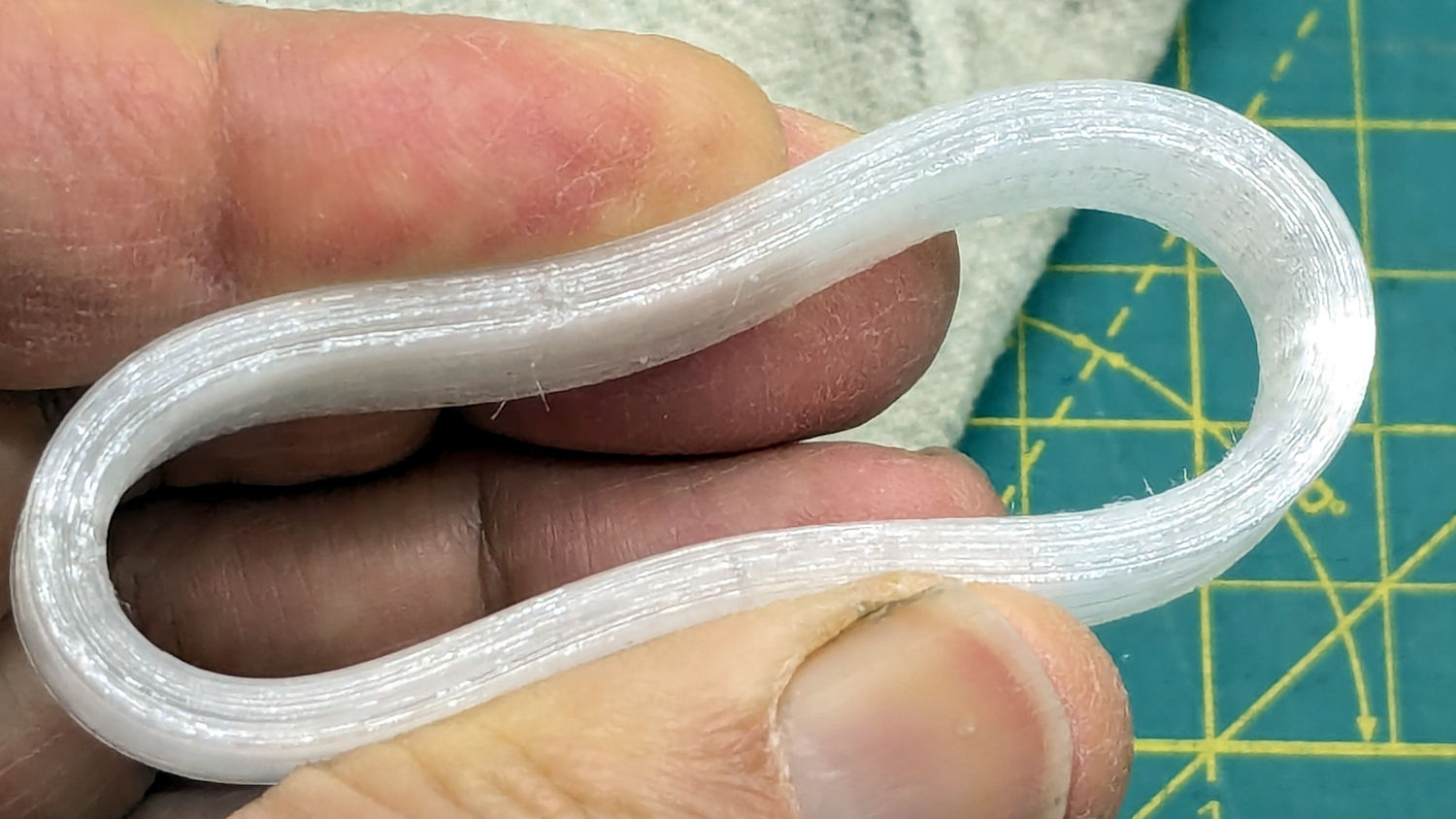
Based on someearlieritems, I’d been printing TPU at 220 °C, but 230 °C fuses the threads together:
Terracycle Chain Idler Tire – correct settings
The filament turned out to be 1.79 mm diameter, rather than the nominal 1.75 mm, and a few iterations showed a 0.95 Extrusion Multiplier worked much better.
Those were printed at 30 mm/s with 0.25 mm layer height.
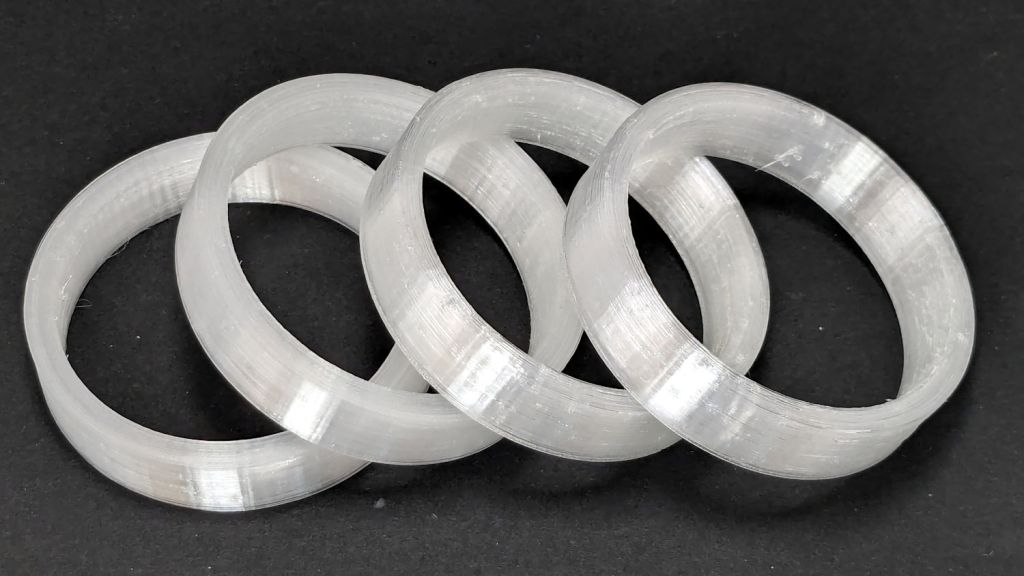
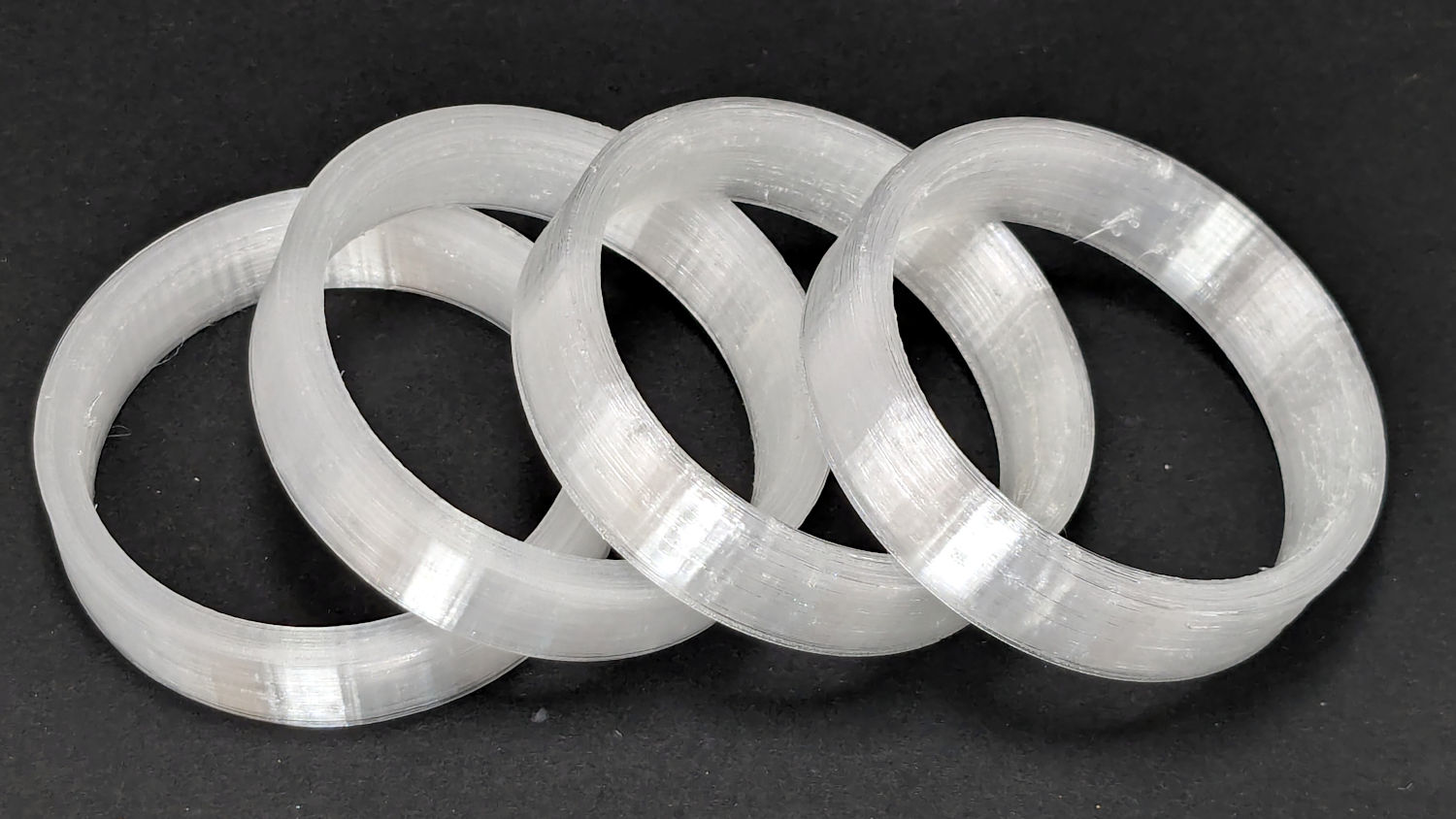
I now have a good stock of spare tires, each slightly different than all the others:
Terracycle Chain Idler Tire – spares
The first two slightly delaminated printed tires will remain in service until they show signs of falling apart, because I’d rather ride the bike than fiddle with it.



 The Smell of Molten Projects in the Morning