The Punched Card.py program can generate a set of test cards to simplify tweaking the rest of the process:
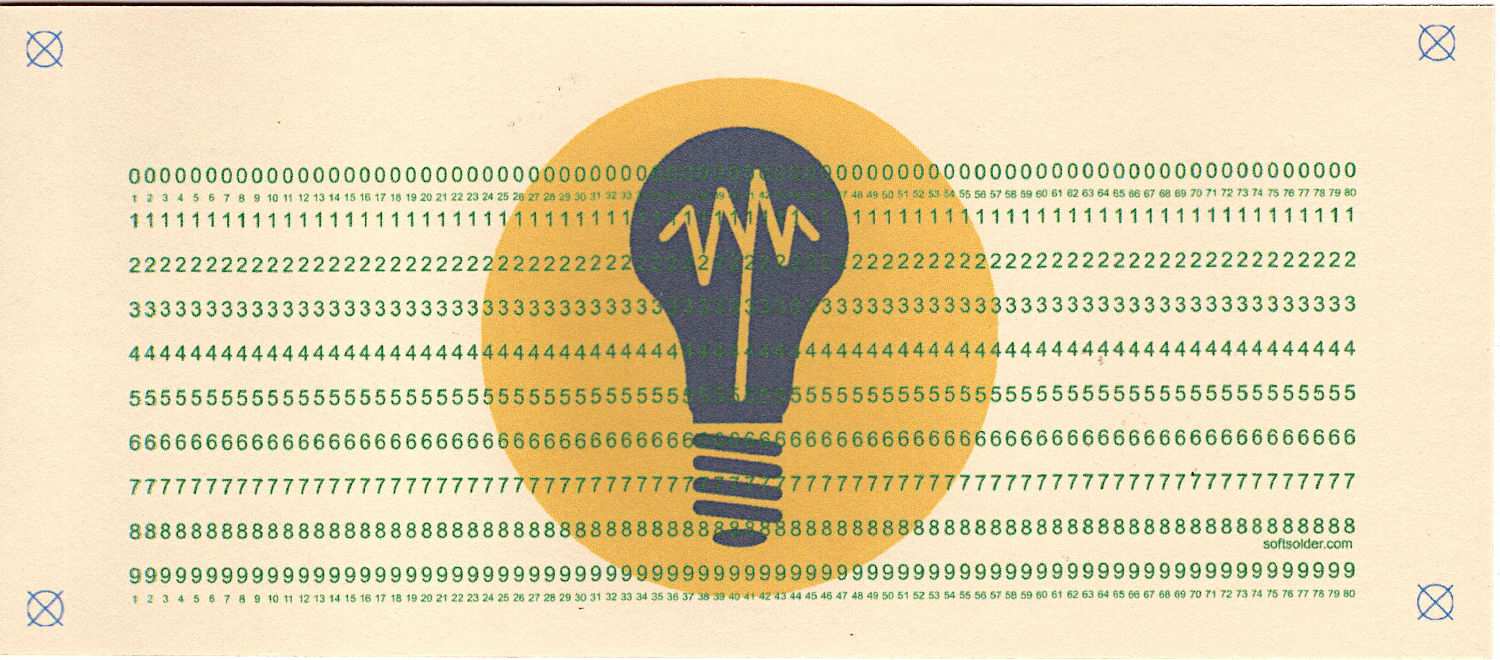
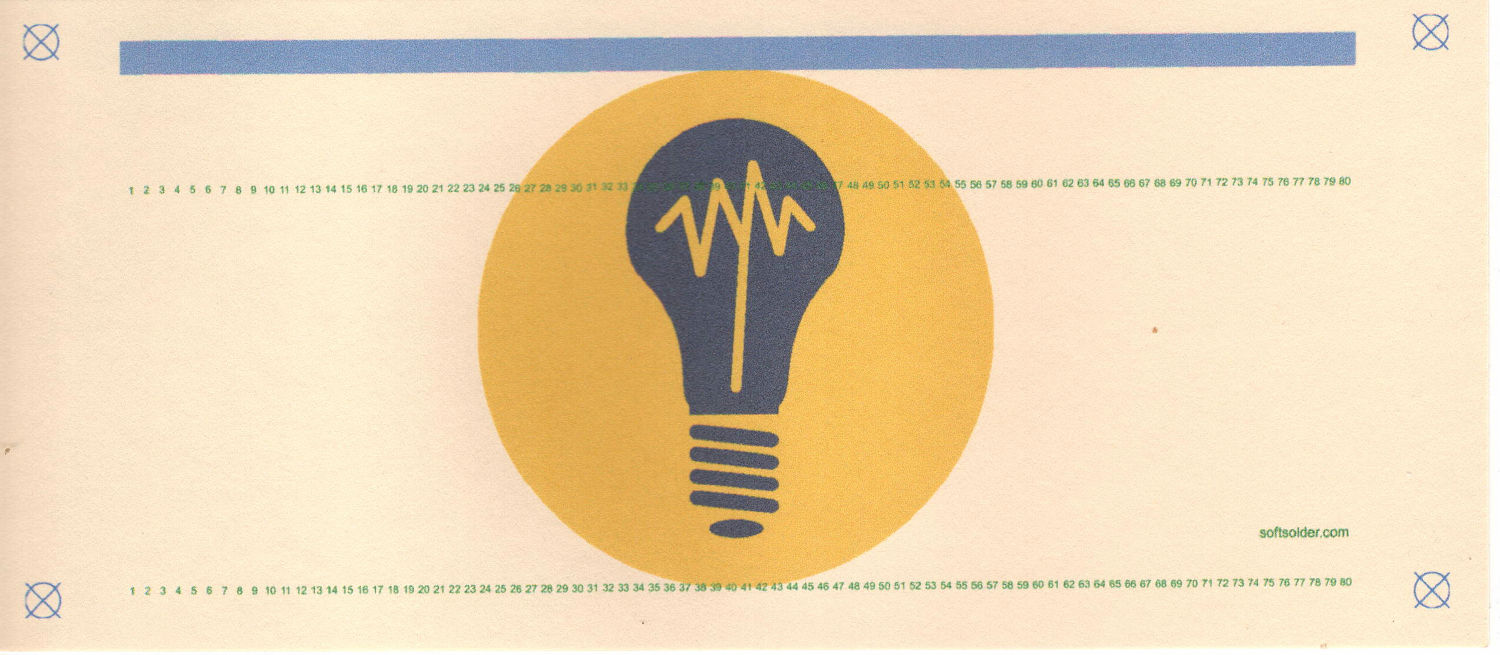
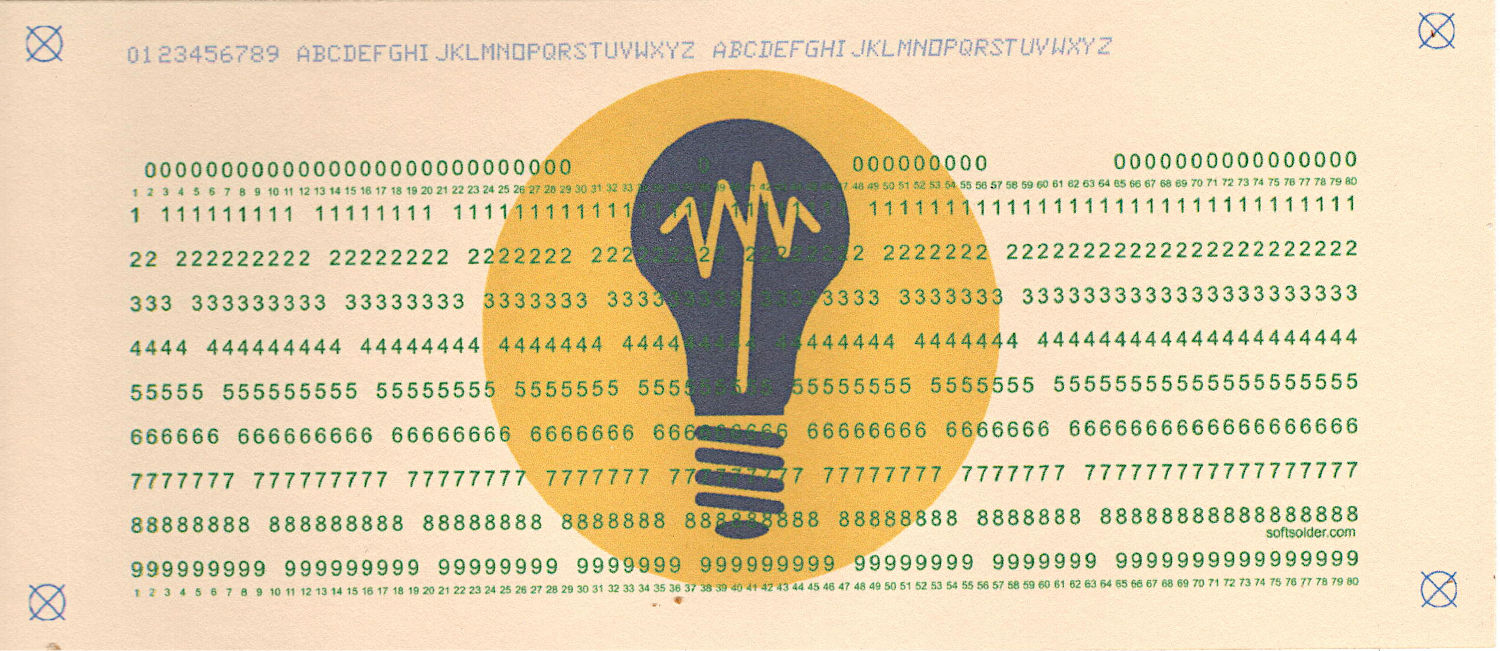
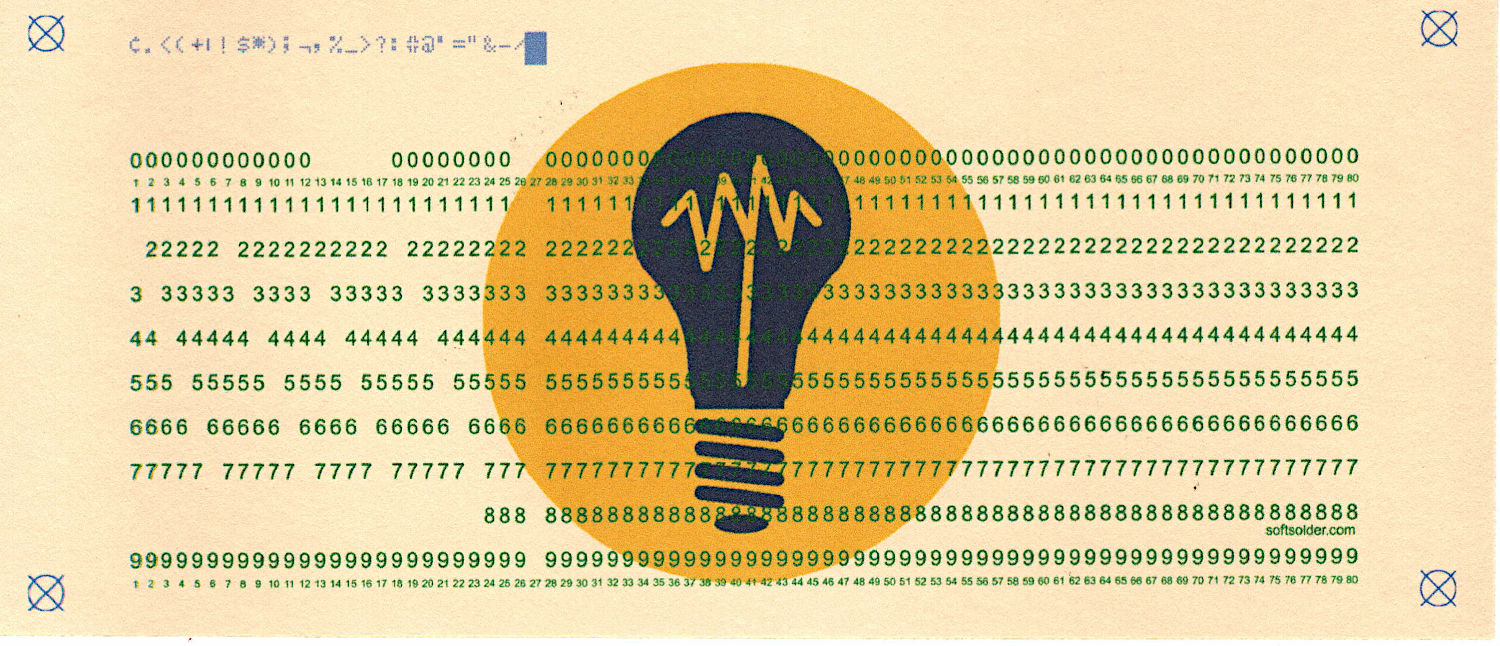
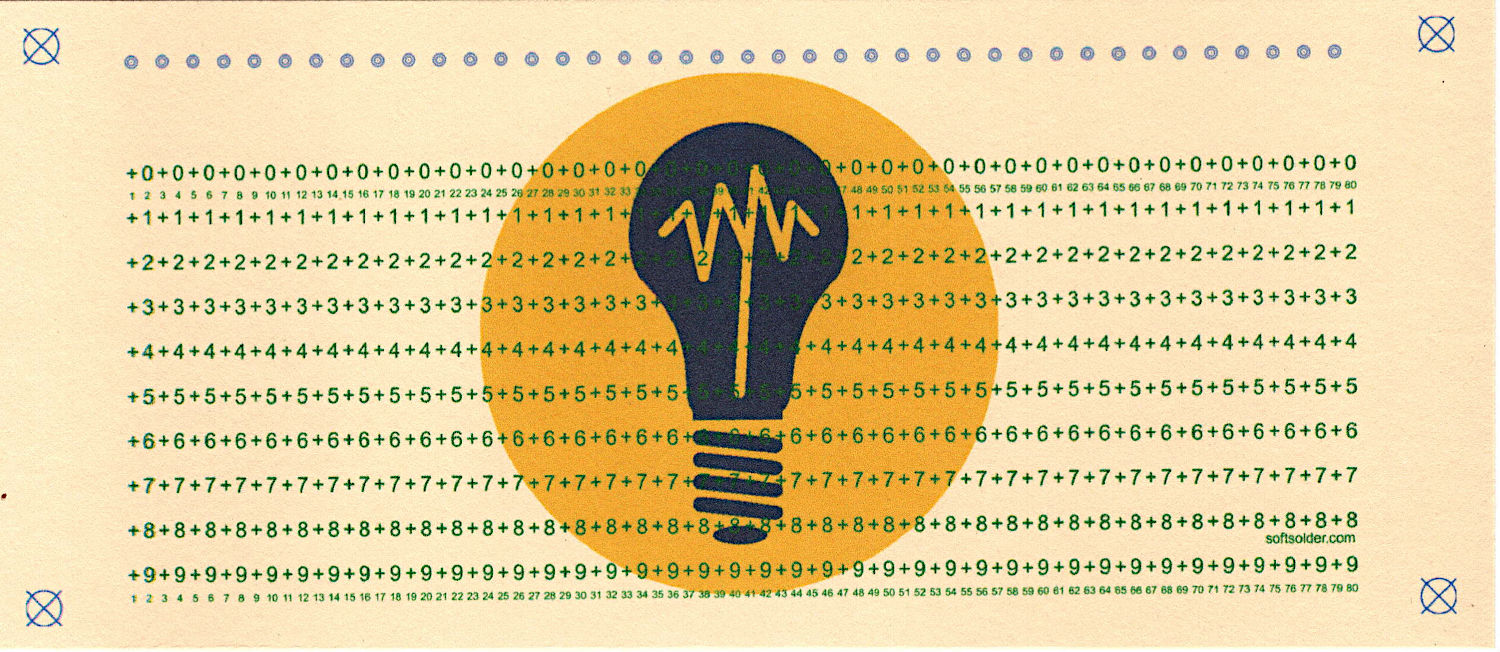
The Bash script calls the Python program twice to generate the two SVG files for printing and punching each card, which seemed simple enough.
Unfortunately, sending the SVG file directly to the printer demonstrated my lack of understanding of that whole process, so the script now:
- Converts the SVG to a PNG file
- Composites the logo image into a first blank-card sized PNG image
- Composites the logo underneath the card PNG to a second PNG
- Composites that PNG onto a Letter page in the proper position to hit a 1/3 Letter blank card to a third PNG
Which goes a little something like this:
#/usr/bin/bash
outdir="Cards/Tests/"
prefix="test"
for i in $(seq 5)
do
    printf "Test pattern %s: print" ${i}
    python Punched\ Card.py --layout print --test $i --seq 0 > ${outdir}test-${i}-pr.svg
    printf ", punch"
    python Punched\ Card.py --lbsvg --layout laser --test $i --seq 0 > ${outdir}test-${i}-lb.svg

    tf1=$(mktemp --suffix=.png ${prefix}-XXXX)
    printf ", Inkscape → PNG"
    inkscape --actions="select-all; page-fit-to-selection; export-dpi:300" --export-filename=$tf1 ${outdir}${prefix}-${i}-pr.svg

    printf ", Imagemagick → logo"
    tf2=$(mktemp --suffix=.png ${prefix}-XXXX)
    magick composite ${outdir}"Card logo.png" -gravity center -geometry "x880+0+20" -size 2421x1004 canvas:white $tf2

    printf ", Imagemagick → page"
    tf3=$(mktemp --suffix=.png ${prefix}-XXXX)
    magick composite $tf1 $tf2 $tf3
    magick composite -density 300 -gravity east -geometry "97.0%x97.9%+100-50" $tf3 -size 3300x2550 canvas:white ${outdir}${prefix}-${i}-lt.png

    #printf ", PNG → printer"
    #lp -d EPSON_ET-3830_Series -o media=TLetter ${outdir}${prefix}-${i}-lt.png

    rm $tf1 $tf2 $tf3
    printf ", done\n"
done
Although the script could print the final PNG for each card as it’s generated, I prefer to print them after eyeballing the results to fix the inevitable bloopers:
lp -d EPSON_ET-3830_Series -o media=TLetter Cards/Tests/test-?-lt.png
Using ImageMagick to slam PNG images around was significantly less complex and more direct than trying to contort the SVG file to produce the same result. In particular:
- Uniformly scaling the logo image to fit the card height actually worked, as opposed to specifying the logo file as an image in SVG file.
- Scaling the card PNG while compositing it onto the final page PNG worked much consistently, which counts for a lot.
- Hitting the middle of a 1/3 Letter blank fed from the printer’s paper tray required tedious trial-and-error.
The Cards/Tests/ output directory lives in the Programs directory with the Bash and Python programs, which made sense at the time.
The Card logo.png file also lives in Cards/Tests/ so I can have a different logo for each set of cards. A symlink to the appropriate logo file in Logos simplifies changing the artwork.
None of the constants will match your setup, so have fun.
 The Smell of Molten Projects in the Morning
Spam comments get trashed, so don’t bother. Comment moderation may cause a delay.