Some time ago I made a simple guide / carrier to help select & arrange smashed glass fragments to fit within a given diameter:

The laser-engraved guide lines confused GIMP’s edge detection to no end.
It came from a large sheet of 1 mm acrylic, formerly a poster cover, bearing scars of its long history in the “might be useful someday” stash. I wondered if I could remove enough scratches and scuffs to ease GIMP’s workload.
Stipulated: I am a cheapskate.
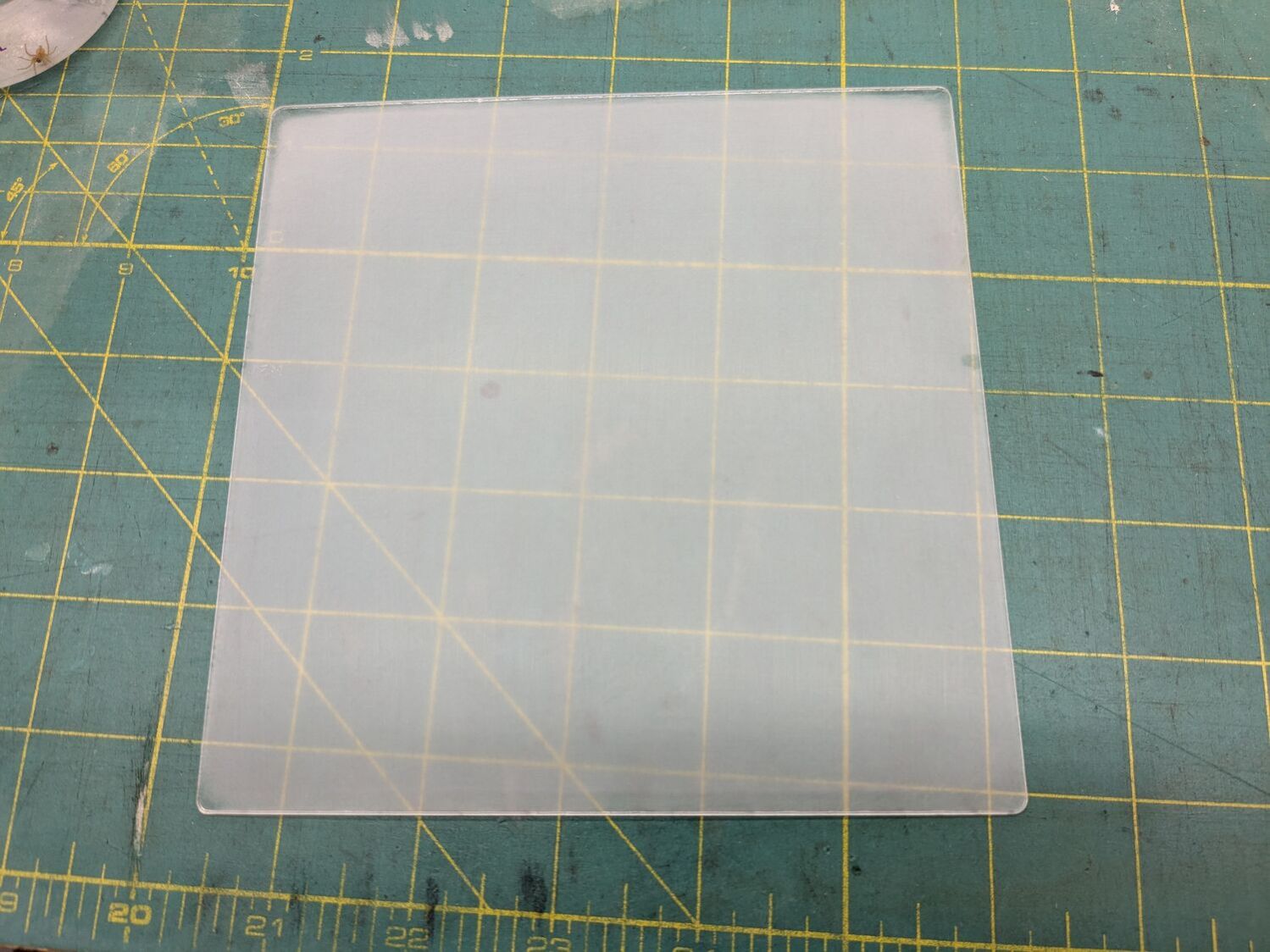
Laser-cut a suitable sheet and sand both sides with 220 grit paper to what looked like a uniform surface:
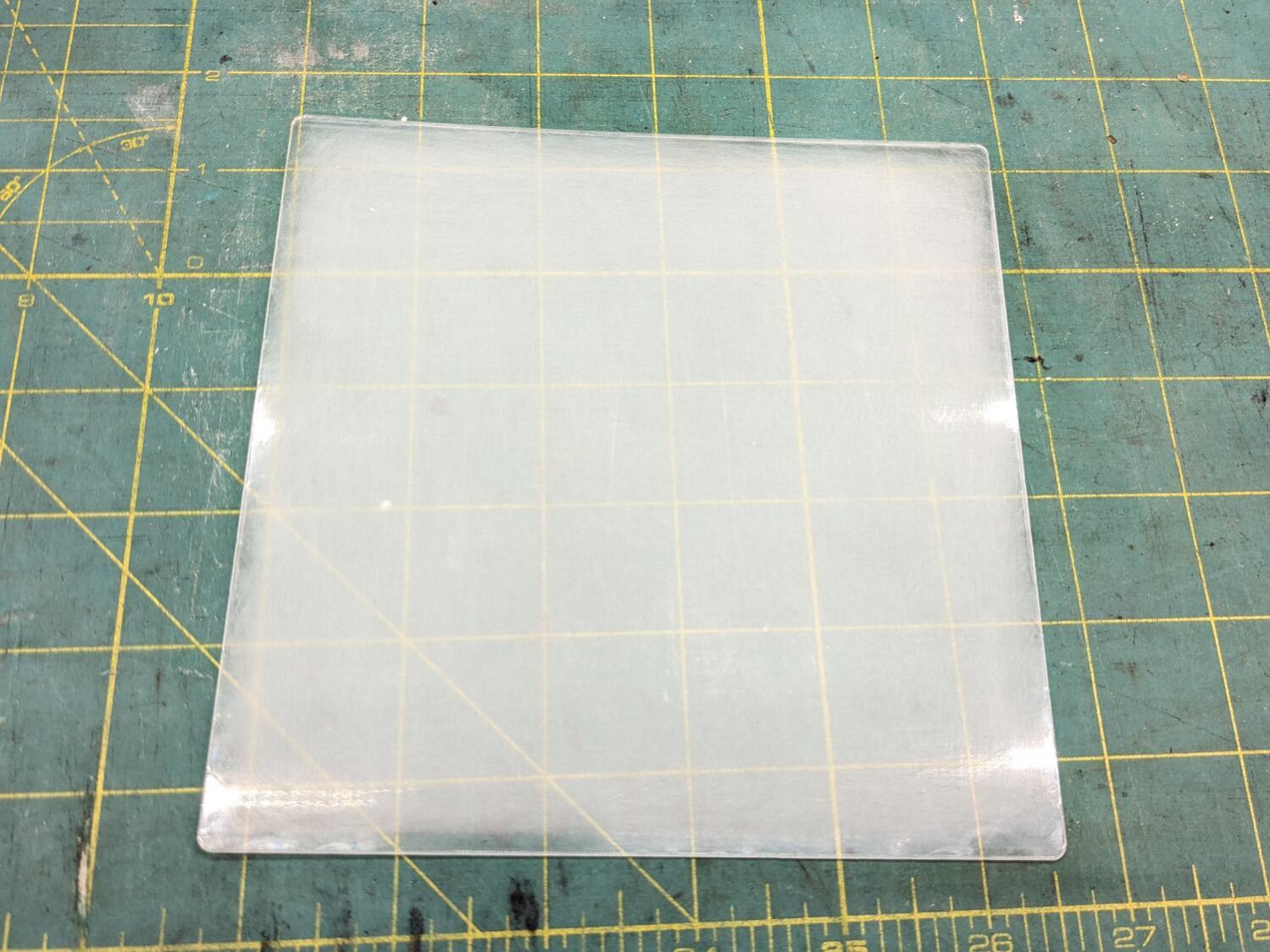
Continue scrubbing with 400, 800, 1000, 1500, and 3000 grit papers:
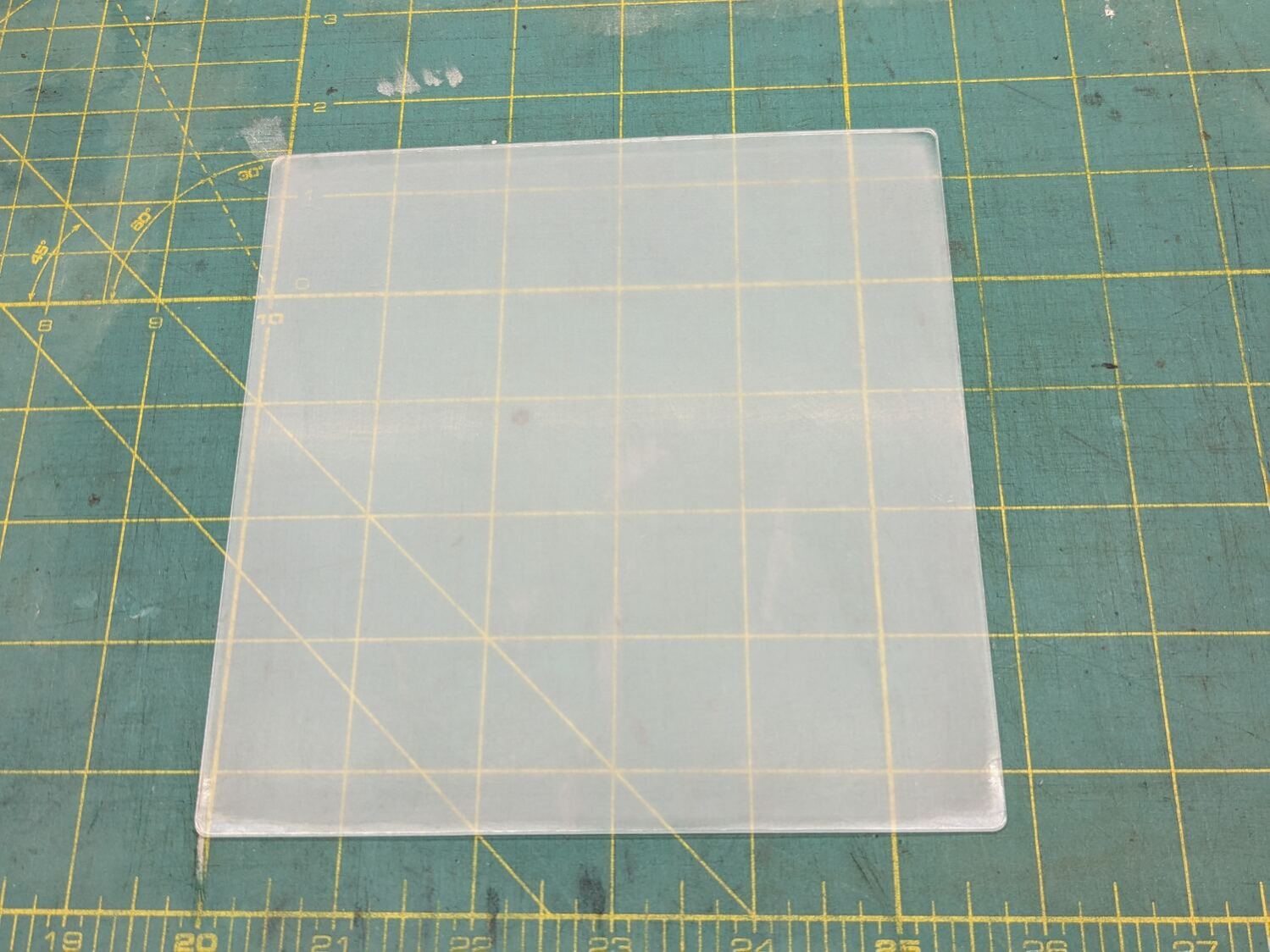
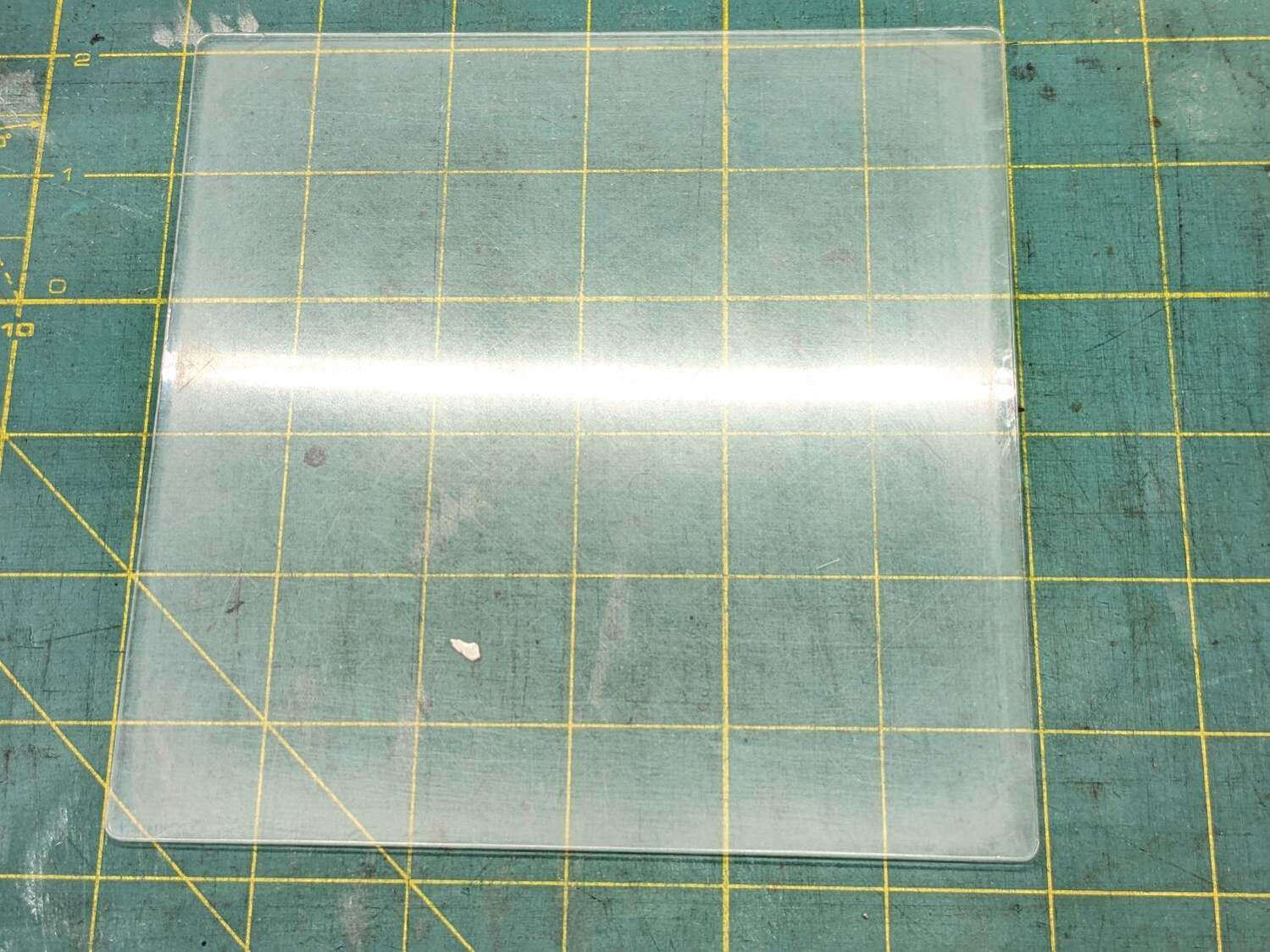
Massage it with Novus Polish 3, 2, and 1:

At best, it’s more translucent than transparent and definitely not an optical-quality polishing job:

Fortunately, I need not care about the edges, because it goes in a square frame with a circular cutout.
Tape it into that cardboard frame, scan it against a black background, and blow out the contrast to show I should have started with 100 grit paper and paid more attention to that “uniform surface” thing:

In use, though, it doesn’t look all that bad:

Come to find out those glittery cracks between all the cuboids still confuse GIMP’s edge detection, but at least hand-tracing the outline is easier without all the lines.
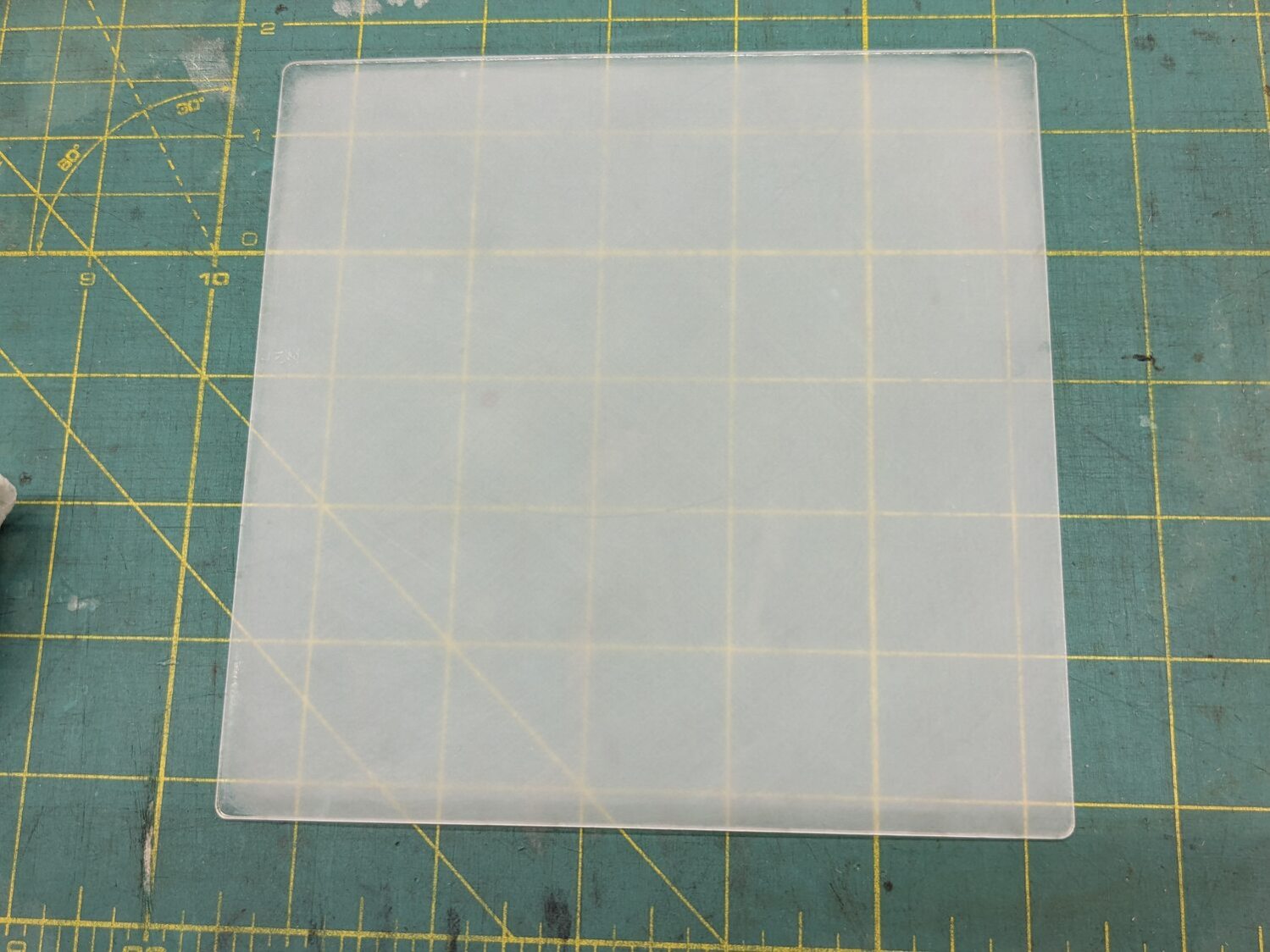
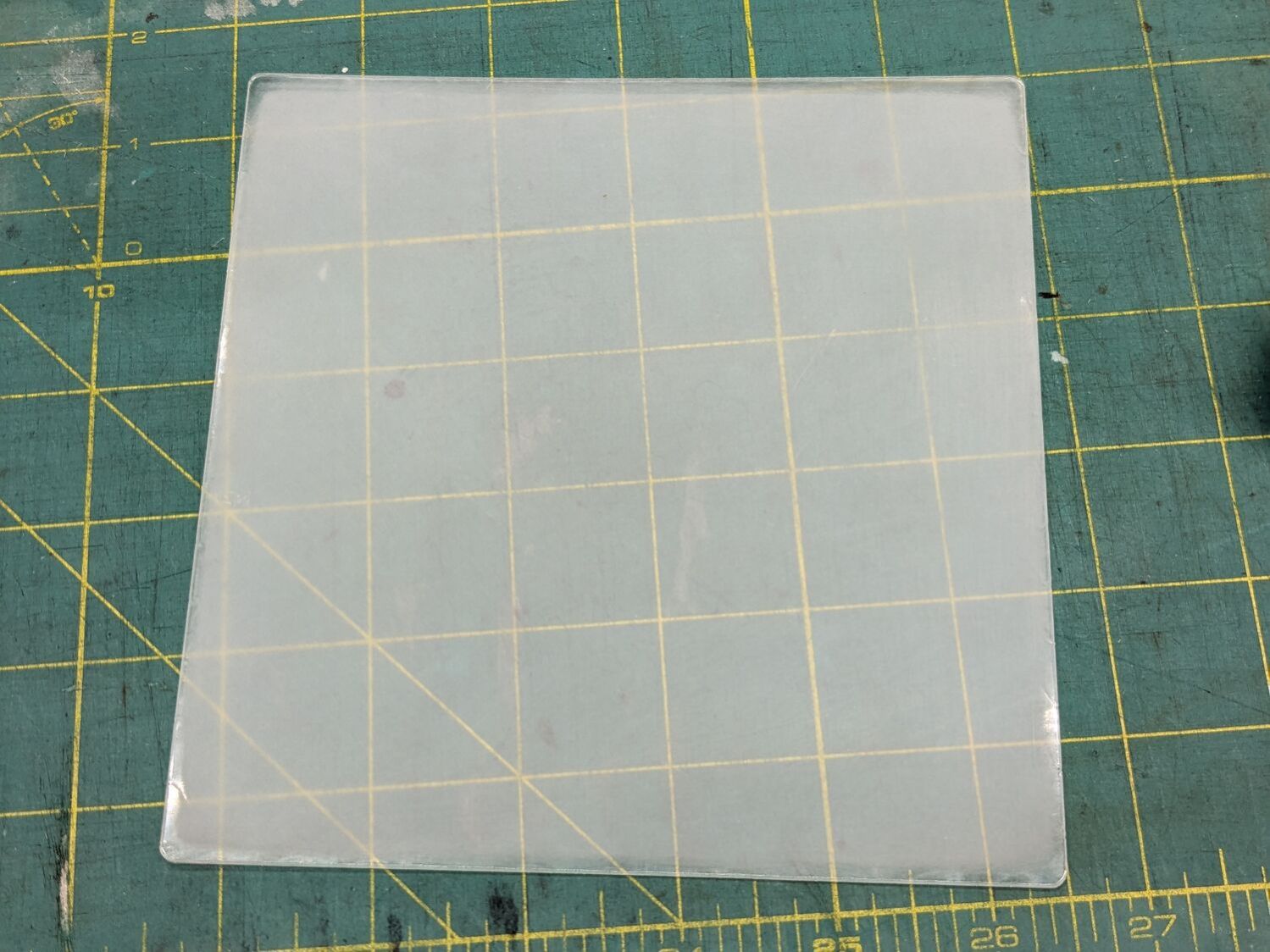
The entire “polishing” series as a slideshow for your amusement:


FWIW, those fragments turned out nicely:
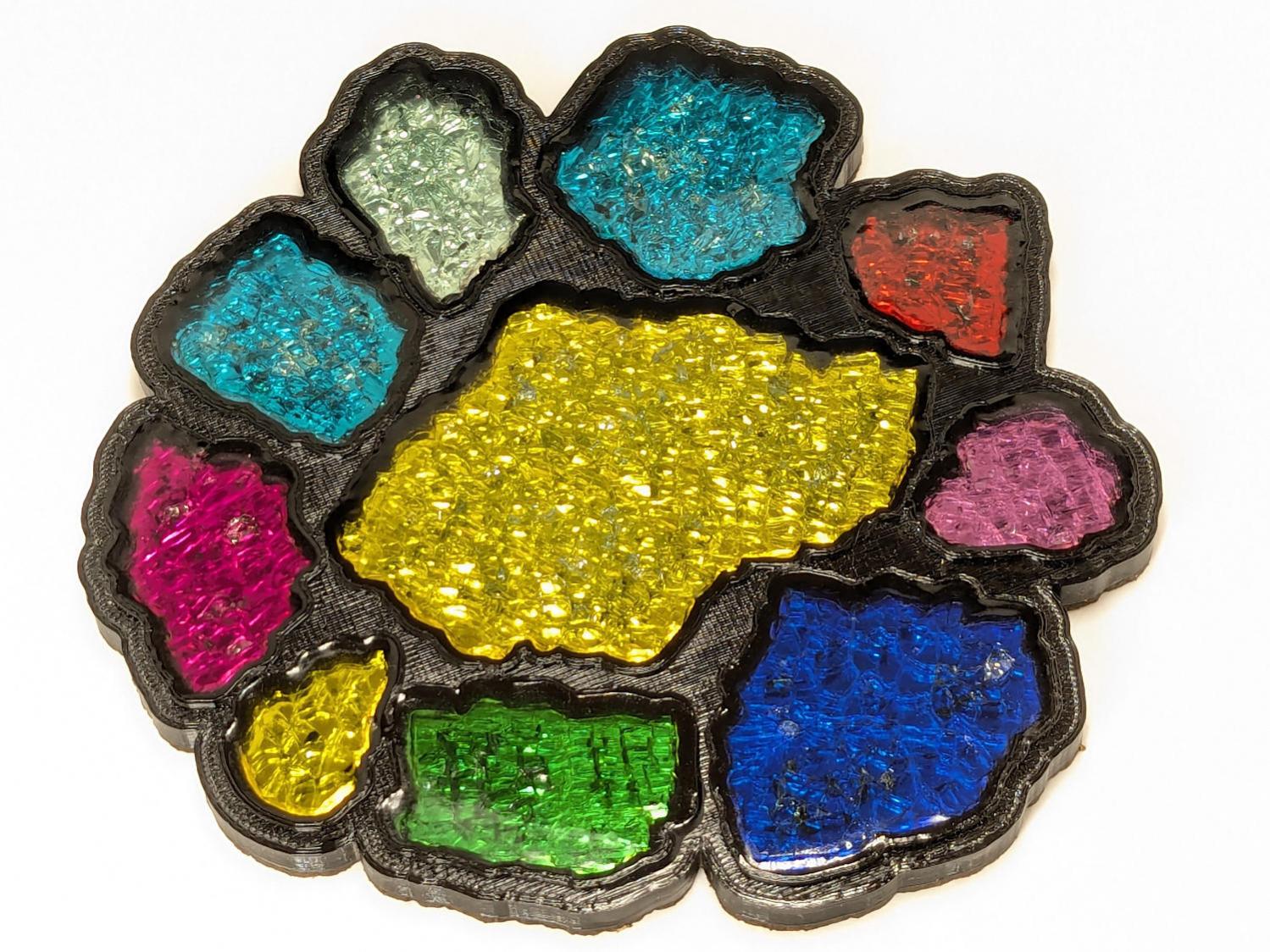
More on that later …
 The Smell of Molten Projects in the Morning
Comments
2 responses to “Mostly Removing Acrylic Scratches”
Ooh, I like the free-form edges.
Looks a little odd under the mug, but you can get used to it: