The release notes for PrusaSlicer 2.9 mention the addition of scarf joints on outer perimeters. Smooth joints seem like a Good Idea™, so I turned it on for comparison with a recent object:
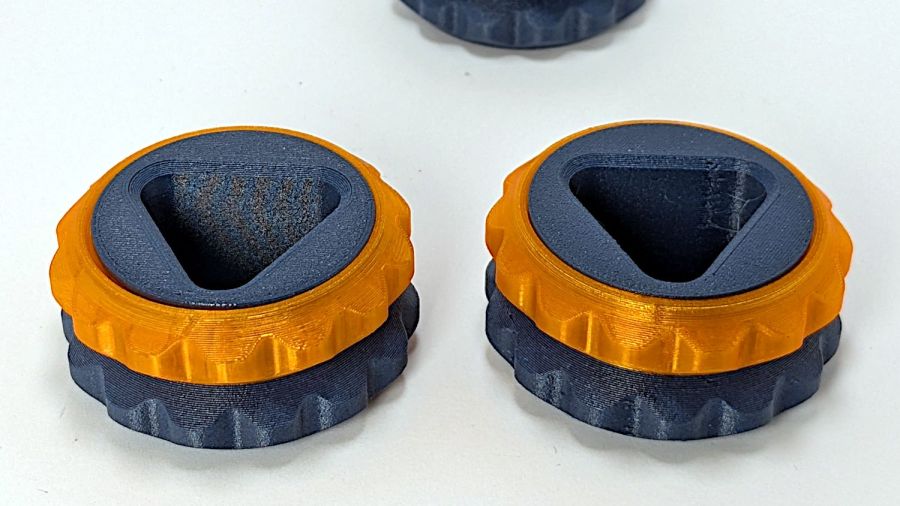
Those are flipped from the as-printed orientation: the orange ring builds upward, starting with two concentric threads on the platform.
The normal aligned joint is on the right above, with a closer look here:
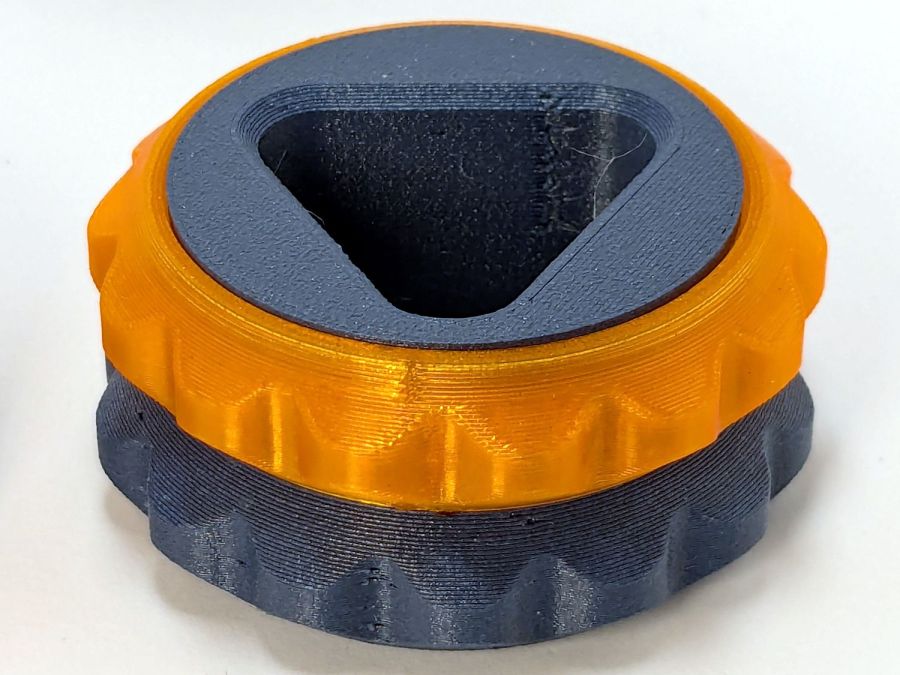
The scarf joint has a offset between layers:

The PrusaSlicer visualization shows the effect, looking up from below the platform:

The blue PETG-CF parts have no visible seams anywhere with either setting, probably because the stuff swells slightly and obliterates any subtle differences.
Scarf joints don’t make much difference for a fidget toy, but should improve the outcome for more critical circular / spherical models.
 The Smell of Molten Projects in the Morning
Comments
One response to “PrusaSlicer Scarf Joints”
[…] sides, thus giving the thread less surface to drag across. I have PrusaSlicer set to produce scarf joints around the perimeter and the edges came out surprisingly smooth, with only one rough spot requiring […]