I want to put the HLP-200B Laser Power Meter at the tube’s exit, just upstream from Mirror 1, where it can measure the laser’s power output before the mirrors get into the act. Reaching the Pulse button on the machine console requires much longer arms than any normal human can deploy, plus a certain willingness to lean directly over a laser tube humming with 15 kV at one end.
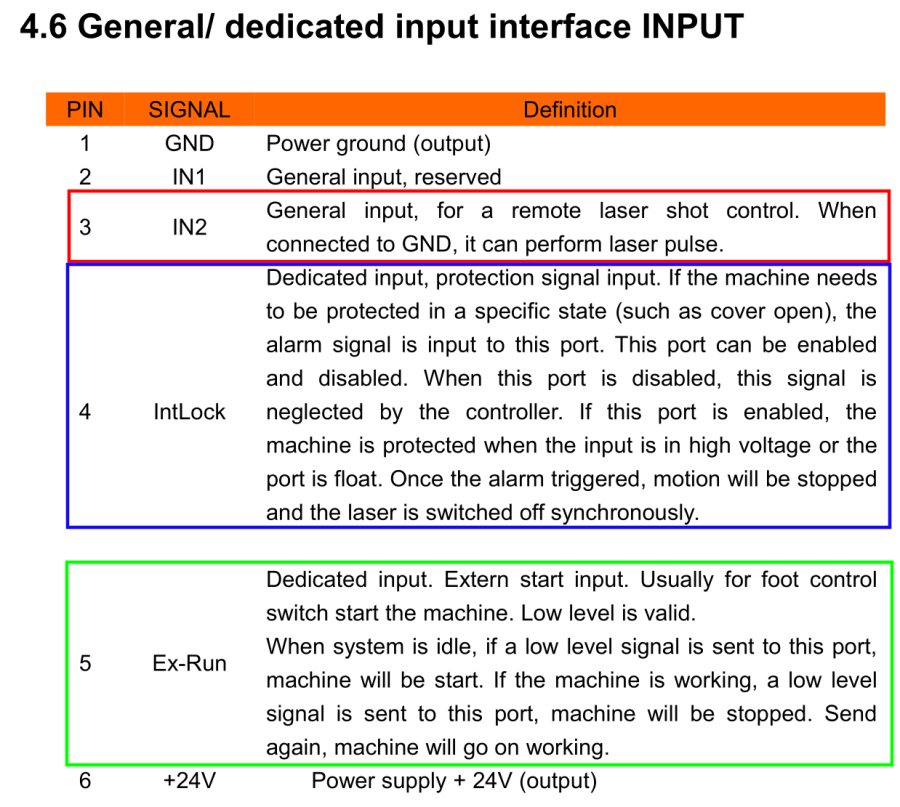
Perusing the KT332N doc brings up a hint, blocked in red so you can make some sense of it:
A few minutes with boxes.py produces a simple two-compartment box and a few minutes with LightBurn adds two holes:
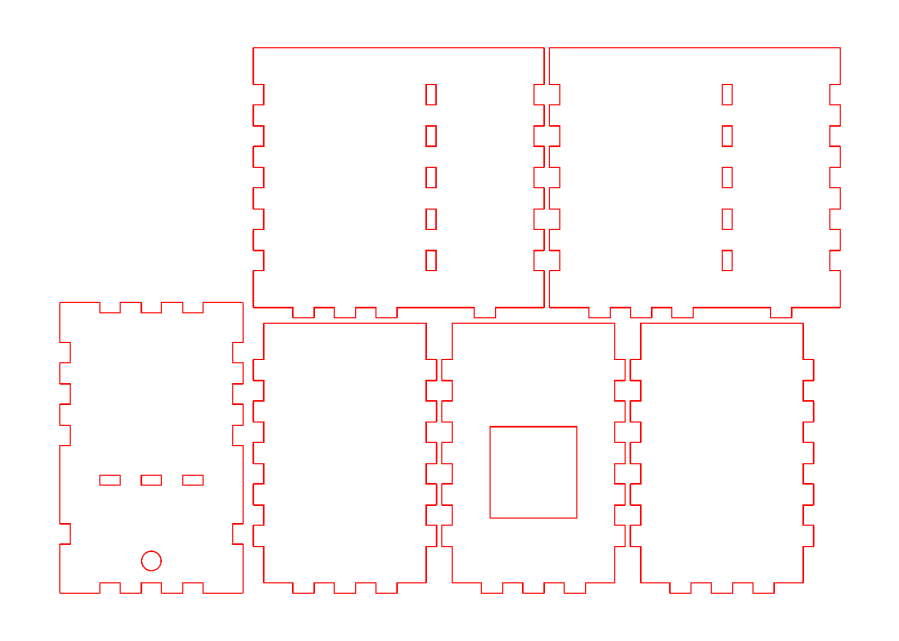
Another few minutes produces the box from Trocraft Eco, which is not quite thin enough for the switch (from my Box o’ Clicky Buttons) to snap into place, but a few dabs of hot melt glue hold it down:
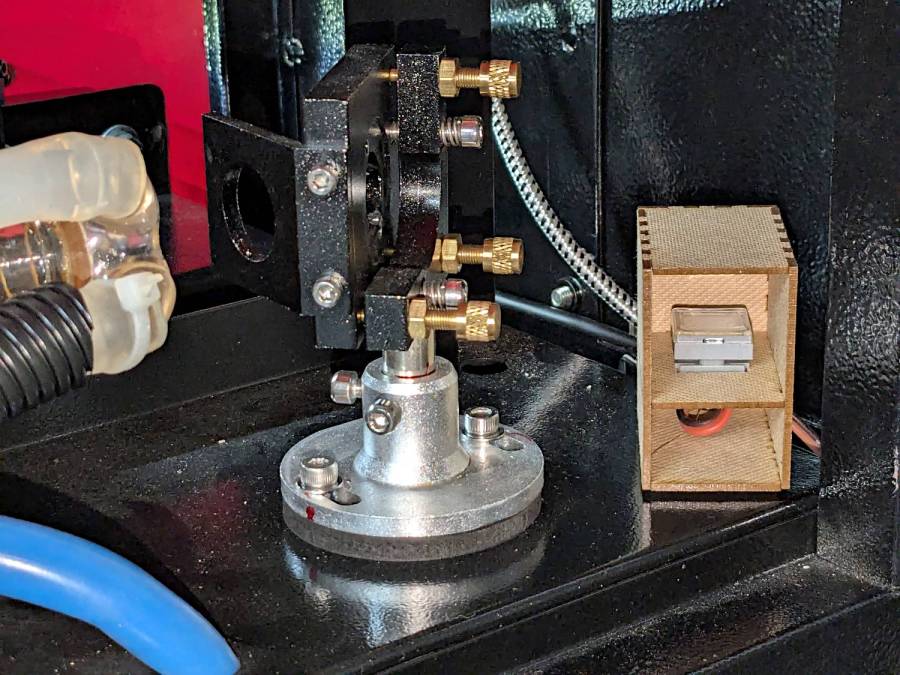
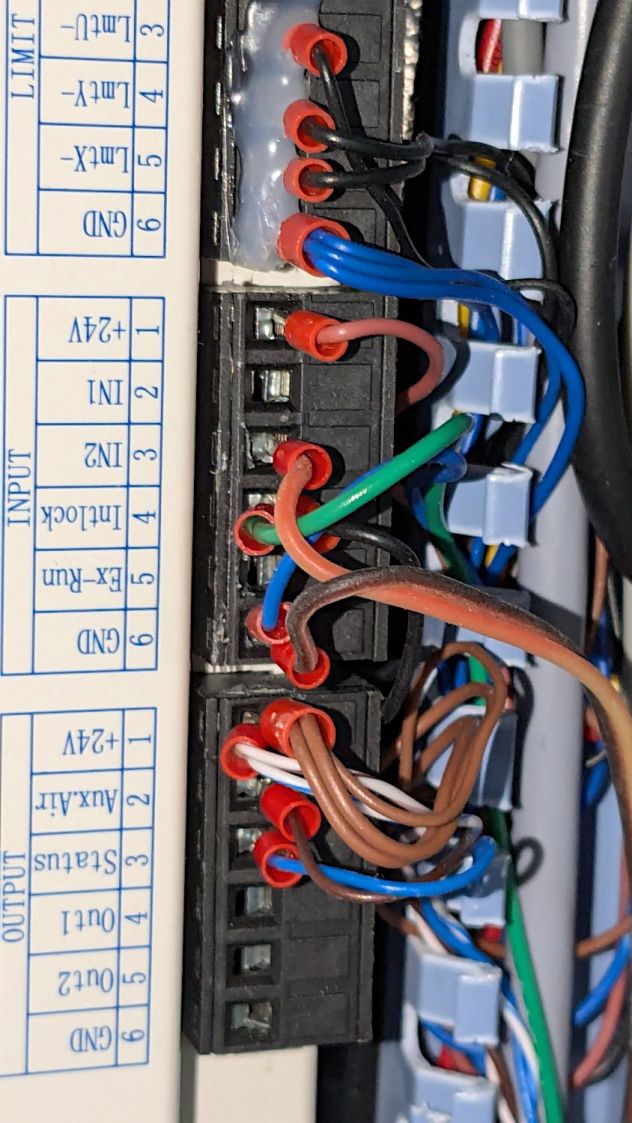
Double-sided foam tape sticks the box to the laser frame and the red-n-black cable snakes all the way across the back of the machine and through the electronics bay to the IN2 and GND terminals of the KT332N INPUT block:
With the laser head parked at a safe spot and all interlocks happy, it works:
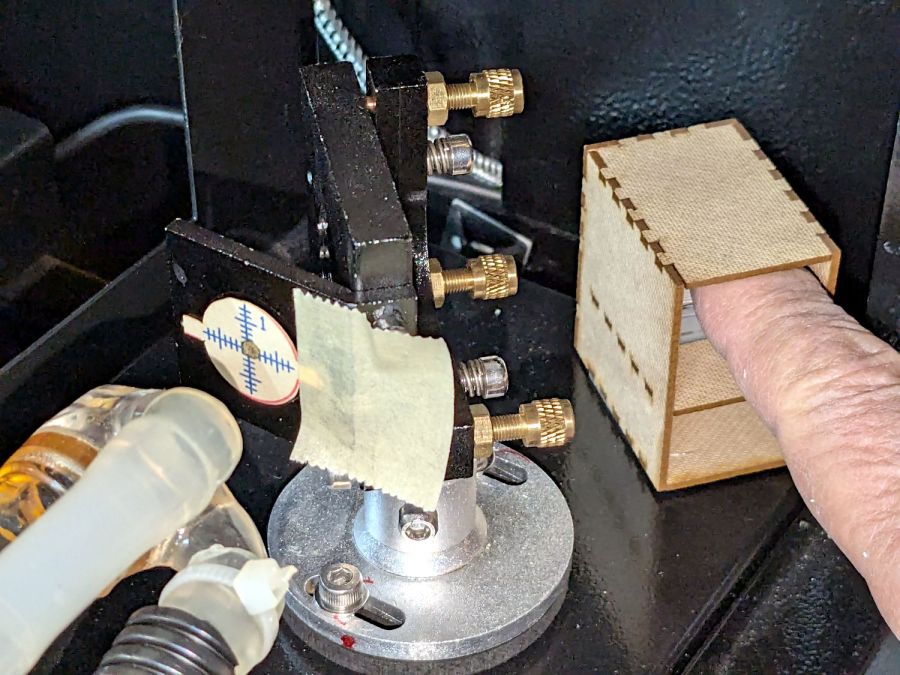
That is a re-enactment, because I lack sufficient dexterity to handle a phone with my left hand, poke the button with my right finger, and not damage anything important.
The general idea is to make it very difficult to inadvertently press that button: you must want to fire the laser with the tube compartment hatch up (it has no interlocks) and the control panel out of sight on the top-front of the machine.
Setting the power to 30% and putting the meter in harm’s way:
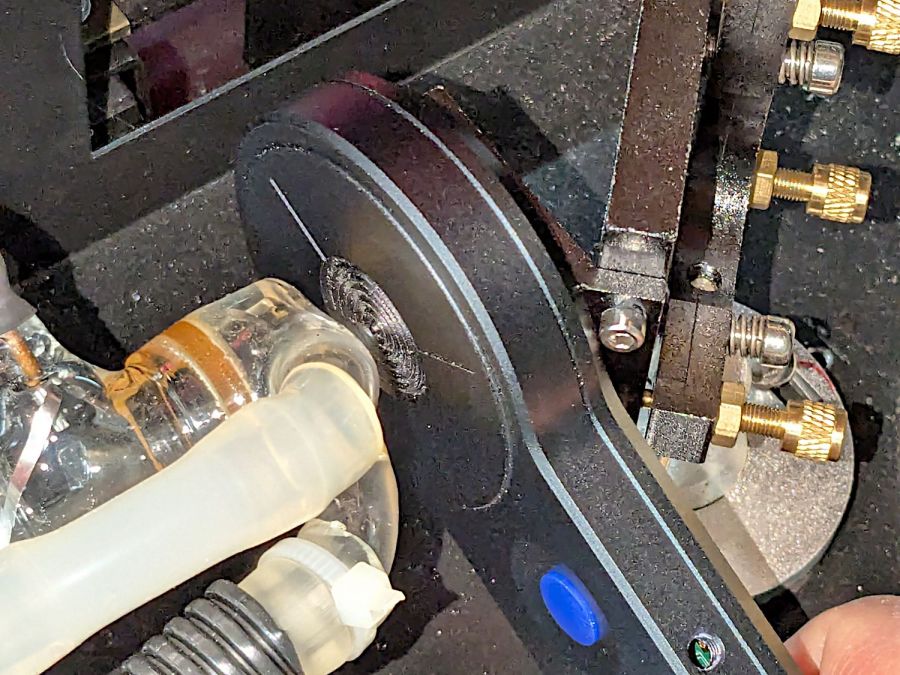
Again, a reenactment based on actual events.
Five pulses later:
| 40.8 | W |
| 42.4 | |
| 42.3 | |
| 41.2 | |
| 40.7 | |
| 41.5 | W avg |
| 0.82 | W std dev |
For the record, those five pulses dumped about 5 × 42 W × 10 x ≅ 2000 W·s = 2 kJ into the meter, raising it from “chilly basement ambient” to “be careful where you hold it”, thus making the meter’s aluminum case the least-efficient handwarmer in existence.
The 30% PWM measurements at the center of the platform came out slightly lower: 38.5 W average with a sample standard deviation of 2.2 W.
The large standard deviations prevent firm conclusions, but, yeah, the power at the tube exit seems about right, before two mirrors and ≅800 mm of path length take their toll.
The LightBurn SVG layout as a GitHub Gist:
 The Smell of Molten Projects in the Morning

Comments
2 responses to “OMTech 60 W Laser: Manual Pulse Button”
[…] Which will be especially valuable while I’m bypassing safety interlocks and poking around inside the cabinet. […]
[…] the manual laser pulse button in place, I measured the beam power at the entry and exit planes of Mirror 1 and Mirror 2, with the […]