Go to the source and bring back a suitable number of tiled einsteins:

Import the bitmap into LightBurn, fiddle with the tracing until it lays down two lines along each border, apply a 1 mm inset to all the tiles, then scale & crop & delete to fit a 170 mm square:
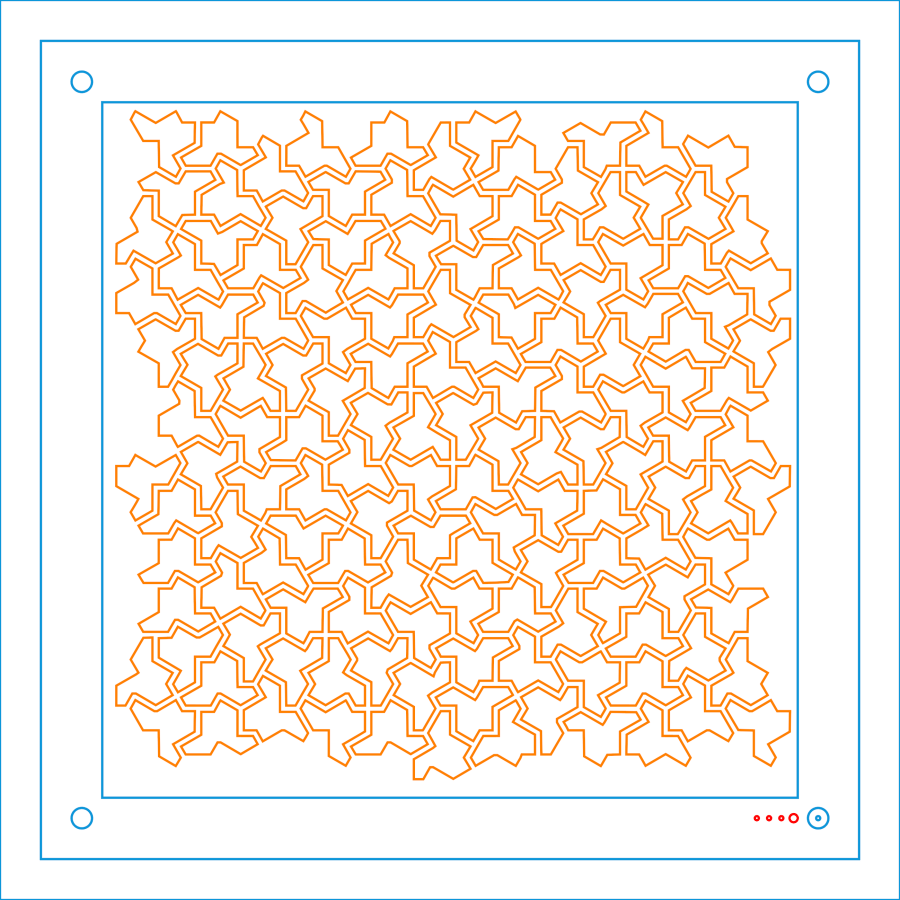
Cut one of those sheets, tape it to a sheet of white paper, fire up a calculator, generate a random number, write the first digit in the upper-left tile, and iterate to fill in all the tiles.
Duplicate that layout and delete all the tiles marked with a zero to get the next layer.
Iterate for all ten layers:

Set up the fixture, do the Print-and-Cut alignment, then cut all the layers with different colors:

Assemble the layers with some stick adhesive:

Frame it and admire:
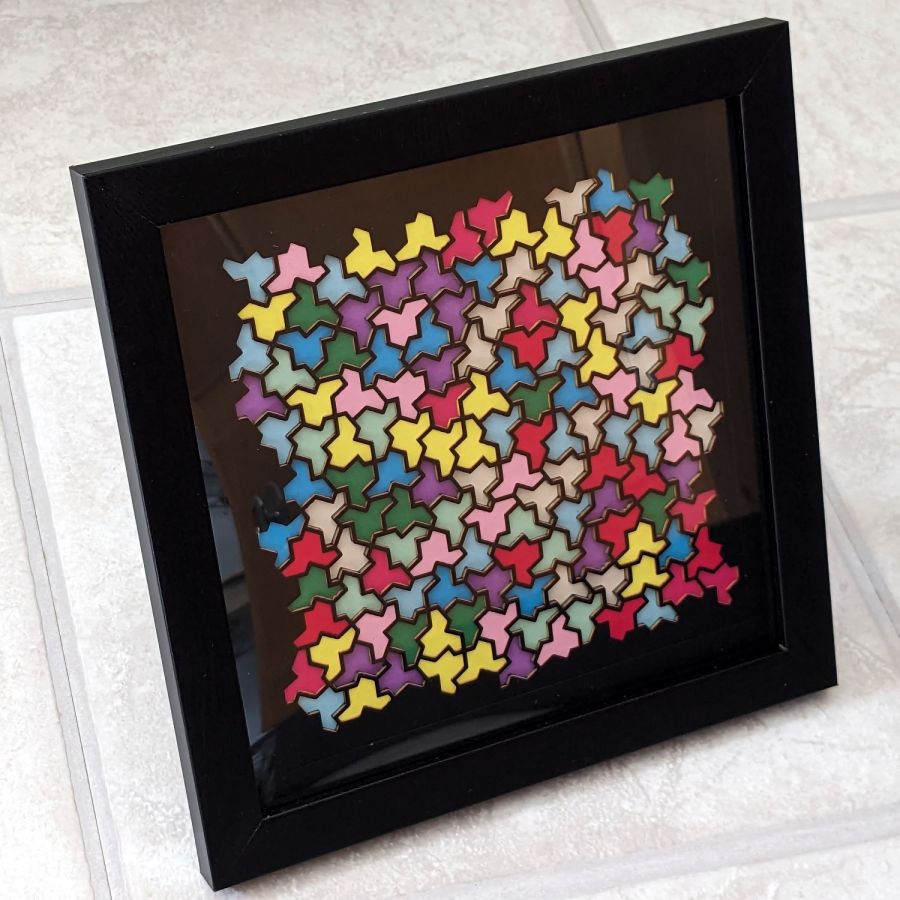
It’s way busier than the quilt blocks, but I like it.
 The Smell of Molten Projects in the Morning
Comments
One response to “Layered Paper: Einsteins”
[…] When life gives you a sheet of tiled einsteins: […]