The Smell of Molten Projects in the Morning

Ed Nisley's Blog: Shop notes, electronics, firmware, machinery, 3D printing, laser cuttery, and curiosities. Contents: 100% human thinking, 0% AI slop.

Tag: Sewing

Fabric arts and machines

  • HQ Sixteen: Padded Table Shims

    HQ Sixteen: Padded Table Shims

    The HQ Sixteen has been running at higher speeds as Mary practices using its stitch regulator and the vibrations shook several of the table shims (blocks, whatever) onto the floor. I hope a layer of EVA foam provides enough compliance to keep them in place:

    HQ Sixteen - padded table shim - installed
    HQ Sixteen – padded table shim – installed

    The foam is 2 mm thick, so subtracting that from the nominal thickness makes the new blocks come out right.

    A short module extracts the footprint for export as an SVG image to laser-cut both the foam and the adhesive sheet required to stick it in place:

    module ShimPad(Thickness = PadThick) {
    
        if (Thickness)
            linear_extrude(height=Thickness)
                projection(cut=true)
                    ShimBlock();
        else
            projection(cut=true)
                ShimBlock();
    
    }
    

    It turns out linear_extrude() chokes on a zero height.

    When handed a nonzero Thickness, the code generates a simulated foam sheet:

    HQ Sixteen - table shims - solid model - padded
    HQ Sixteen – table shims – solid model – padded

    The footprint looks about like you’d expect:

    HQ Sixteen - table shims - solid model - pad outline
    HQ Sixteen – padded table shim – installed

    Import into LightBurn, duplicate it sufficiently, set the speed & power & kerf for EVA foam, then cut ’em out:

    HQ Sixteen - table shims - padding cuts
    HQ Sixteen – table shims – padding cuts

    Ditto for the adhesive, stick together, and upgrade the fleet.

    If these shake loose, snippets of adhesive film will stick them firmly to the underside of the table panels.

    Update: Yeah, they needed sticky snippets. Whole lotta shakin’ goin’ on with that machine!

  • HQ Sixteen: Stitch Regulator

    HQ Sixteen: Stitch Regulator

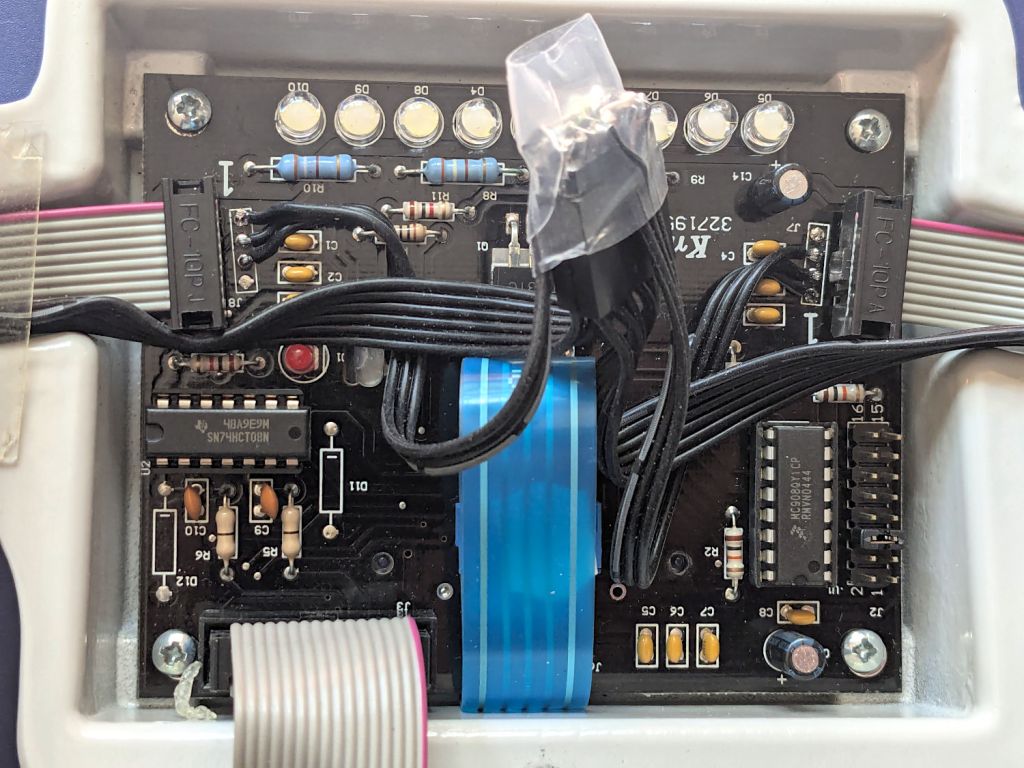
    The stitch regulator on our Handi-Quilter HQ Sixteen uses a pair of encoder wheels running along the tracks supporting the machine:

    HQ Sixteen - stitch regulator sensor - rear
    HQ Sixteen – stitch regulator sensor – rear

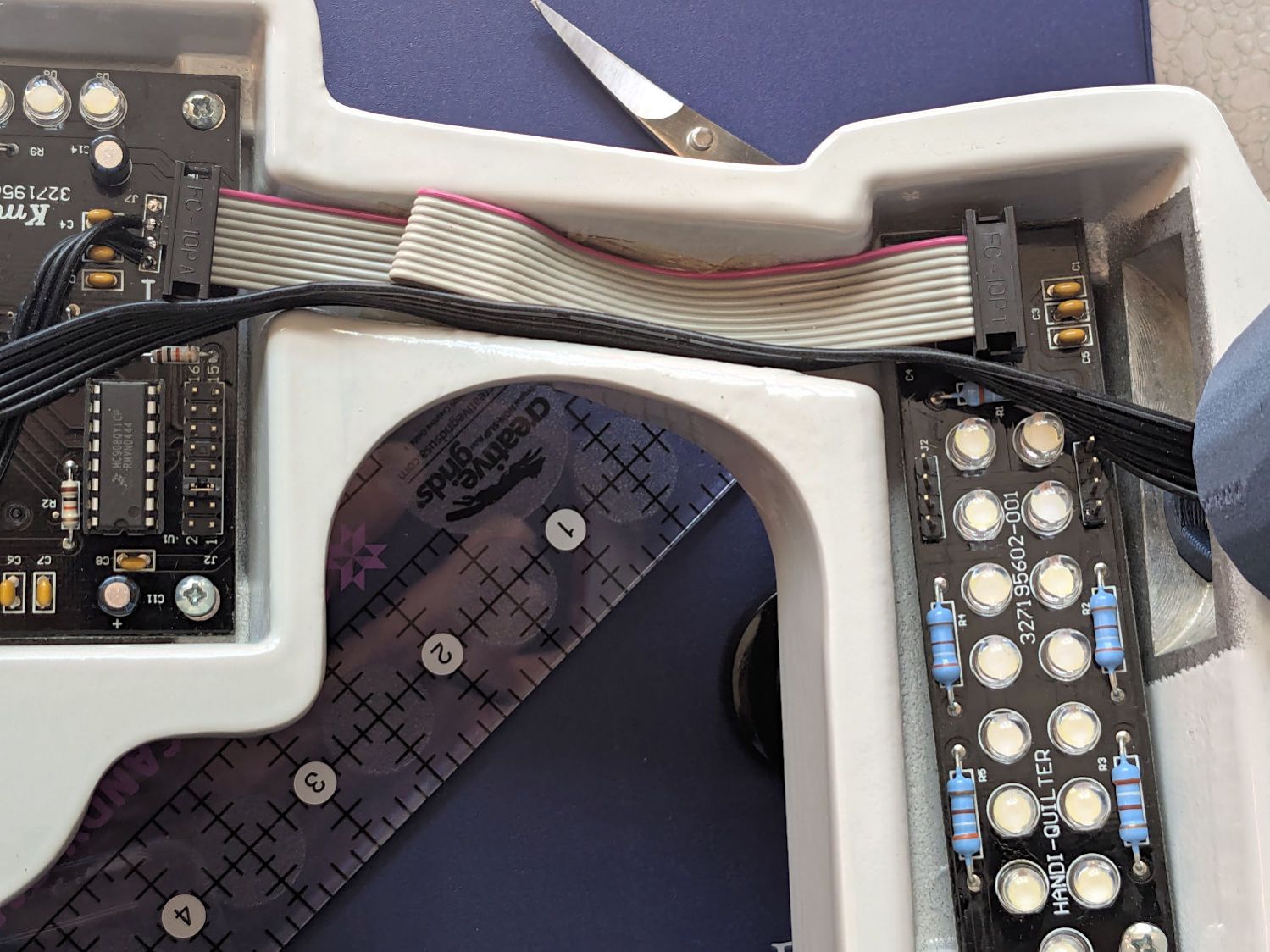
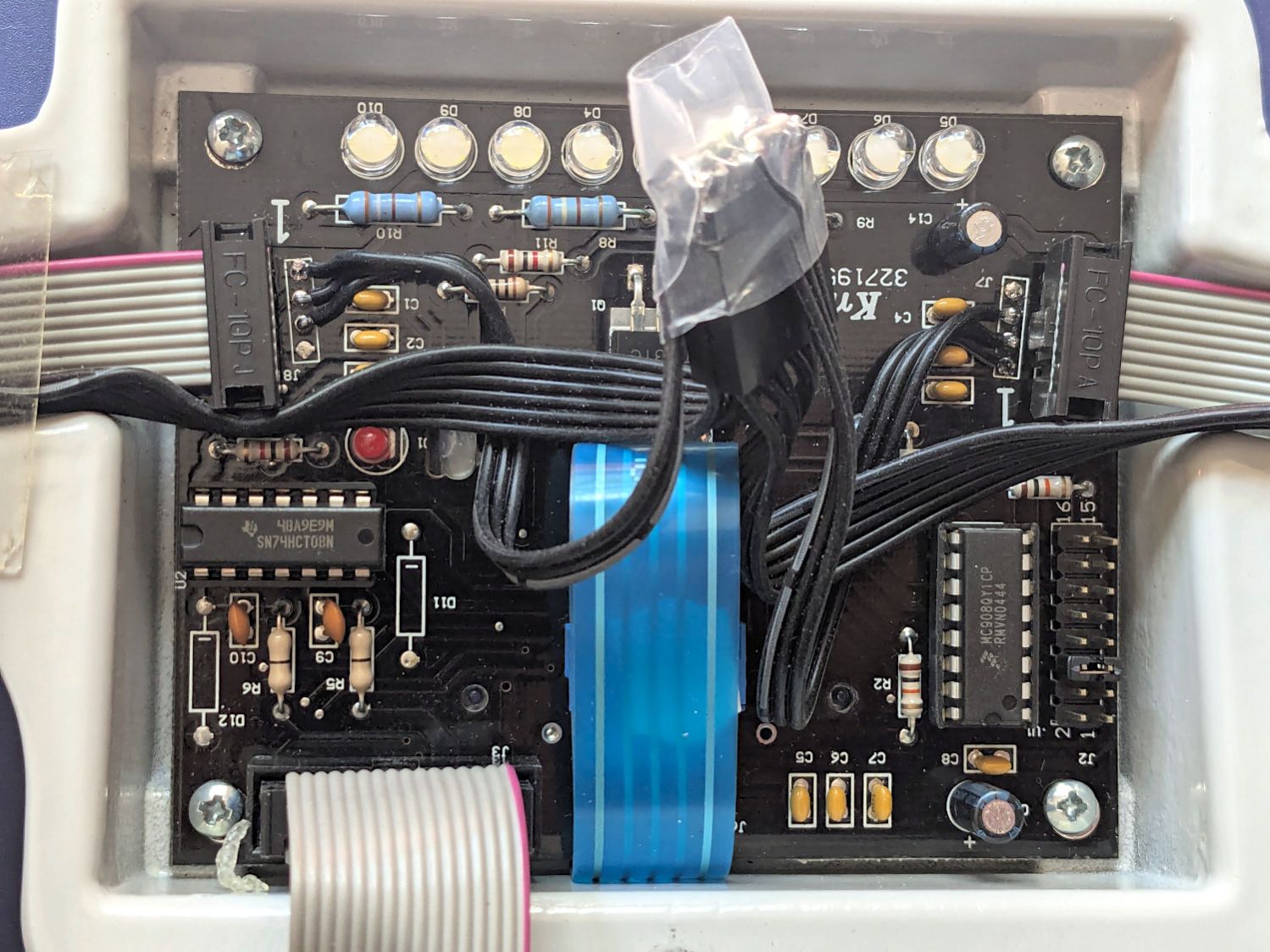
    This must be HandiQuilter’s very first encoder version, because a ribbon cable connects the encoders to the control pod:

    HQ Sixteen - stitch regulator sensor - front
    HQ Sixteen – stitch regulator sensor – rear

    I stuck an adhesive cable clamp under the machine to rein in some of the slack, but the jank is strong with that arrangement and I must figure out a better arrangement with supple cable and better support. We’ll run this lashup for a while.

    Anyhow …

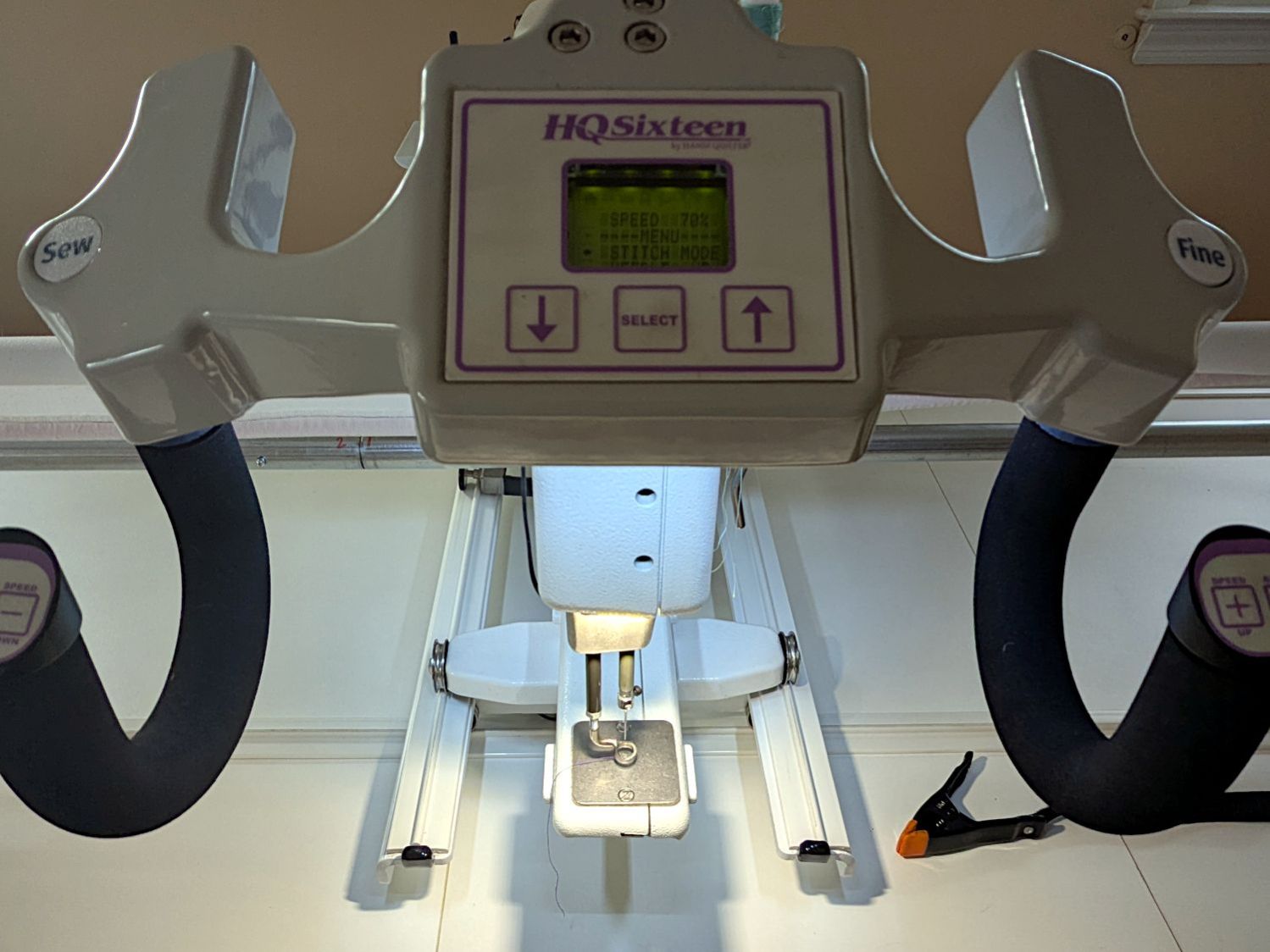
    The stitch regulator uses signals from the wheels to measure the distance the machine travels across the fabric and controls the motor speed to produce a fixed number of stitches per inch at that travel speed, as set in the control panel:

    HQ Sixteen - display - stitch mode
    HQ Sixteen – display – stitch mode

    Close inspection shows the LCD module came from an early 2000s mobile phone, but there’s no shame in repurposing cheap & readily available hardware.

    When the stitch regulator is not active, the machine runs at a fixed speed set on the control panel:

    HQ Sixteen - display - speed mode
    HQ Sixteen – display – speed mode

    The controller can set the speed between 100% to 10% of the motor’s 1500 stitch/min full speed, with 1% steps that seem too large on the low end and too small for the high end. Aiming my laser tachometer at a retroreflective tape snippet on the handwheel shows the machine runs at the correct fractions of its actual 1492 stitch/min = RPM.

    The stitch regulator uses the same motor speed range, which sets corresponding limits on the maximum and minimum speeds across the fabric, with the ratio set by the stitch/inch value.

    At the 10 stitch/inch setting Mary has been using, the travel speed range is:

    • 15 inch/min = (150 stitch/min) / (10 stitch/inch)
    • 150 inch/min = (1500 stitch/min) / (10 stitch/inch)

    When you stop moving the machine, the controller will shut off the motor after a few stitches in the same place, which turns out to be convenient for tying off the end of a stitched line on a quilt. When you move too fast, the machine will top out at 1500 stitch/min while producing too-long stitches until the travel speed drops below 150 inch/min.

    What’s not obvious is how slow those speeds are:

    • 0.25 inch/s = 15 inch/min
    • 2.5 inch/s = 150 inch/min

    As an exercise, fire up the metronome app on your phone at one tick per second, then try drawing intricate patterns within those speed limits. You will inevitably move too fast, even without the soundtrack of a frantically accelerating motor topping out at 1500 RPM.

    We think the surprisingly low upper speed limit accounts for much of the trouble Mary’s compadres report while using the stitch regulator.

    After laying down a few square yards of practice quilt patterns while measuring the results and becoming accustomed to the sound and feel of the machine running at high speeds, Mary’s producing good results:

    HQ Sixteen - stitch regulator - counting stitches
    HQ Sixteen – stitch regulator – counting stitches

    I definitely hit the knees in gratitude when the stitch regulator Just Worked™ after plugging it in, because that ribbon cable did not inspire any confidence whatsoever.

  • Wrights SideWinder Bobbin Winder: Laying On Of Hands

    Wrights SideWinder Bobbin Winder: Laying On Of Hands

    Mary attempted to wind a bobbin using the Wrights SideWinder Bobbin Winder she got from a friend:

    Sidewinder bobbin winder - top
    Sidewinder bobbin winder – top

    The URL in the instructions is dead, but the Sidewinder lives on as the Simplicity SideWinder Portable Bobbin Winder:

    Simplicity Sidewinder Bobbin Winder
    Simplicity Sidewinder Bobbin Winder

    Looks kinda pallid to me, too, although hardcore BarbieCore is also most definitely not our thing.

    Anyhow, the motor didn’t even twitch when pressing the button, so after I verified the two AA alkaline cells were Just Fine, I laid it on the Electronics Bench and popped the top to see what was the matter:

    Sidewinder bobbin winder - interior wiring
    Sidewinder bobbin winder – interior wiring

    For the record, the red and black wires at the battery compartment are exactly reversed from what you might expect based on, say, the colors of your multimeter probes. I know better, but it comes as a surprise every time.

    The pushbutton switch pulls in the relay (red block in the middle), which latches on until the bobbin fills and the accumulated thread lifts the finger riding on the bobbin to rotate the white cam (under the motor), thus opening the switch (black block), releasing the relay, and shutting off the motor.

    Which, of course, worked perfectly after I stuck the alkalines back in place on the bench and poked the button to watch the proceedings.

    It’s all back together again and continues to run, so I’ll declare victory until the next time she fills a bobbin and, predictably, it doesn’t start.

  • Juki TL-2010Q Bottom Cover

    Juki TL-2010Q Bottom Cover

    Mary gave her Juki TL-2010Q sewing machine a deep cleaning & oiling, deputizing me to remove & replace the covers.

    For the record, standing the machine on its left end is the least-awful way to get the bottom cover off and on:

    Juki TL2010Q - bottom cover on end
    Juki TL2010Q – bottom cover on end

    You must remove all six of those husky screws; the black feet remain firmly stuck in their recesses. It’s not particularly stable in that orientation, so keep a firm hand on the top to prevent an expensive fall.

    I laid it down for the rest of the session:

    Juki TL2010Q - interior cleaning
    Juki TL2010Q – interior cleaning

    She was unenthusiastic about wearing my headband light. Maybe next time.

    It reassembled in reverse order and, after a brief tussle with the bobbin winder finger in the upper covers, runs smoothly.

  • LED Strip Lights: Window Moulding Mounts

    LED Strip Lights: Window Moulding Mounts

    The object of the game being to tilt the LED strip lights at (maybe) 30° to put more light higher on the wall and further out on the ceiling, with the overriding constraint of no visible holes. Given their eventual home atop the window moulding along the front wall of the Living Sewing Room, these seemed adequate:

    LED Bar Lamp Mount - solid model
    LED Bar Lamp Mount – solid model

    The hole on the angled part fits an M4 brass insert and the recessed holes capture the washer-like head of a sharp-point lath screw.

    Two pairs applied to the lights sitting atop the Fabric Cabinets served to verify the fit:

    LED strip light - moulding mount - on cabinet
    LED strip light – moulding mount – on cabinet

    They’re held firmly by the aluminum extrusion and don’t need a bigger footprint to remain stable.

    So I made another six, stuck on ⅞ inch strips of aluminized Mylar (cut from a bag in much better condition), and drilled holes where they can’t be seen:

    LED strip light - moulding mount - installed
    LED strip light – moulding mount – installed

    It’s almost too bright in there with 3 × 40 W of LED lights washing the wall and ceiling:

    LED strip light - moulding mount - lit
    LED strip light – moulding mount – lit

    I don’t like the cold 6000 K color temperature, but Mary doesn’t mind it. They fill the Sewing Table with shadowless / glareless light, although that kind of light makes the place look like a store.

    I think moving the strip lower and away from the wall could hide the entire mount from view.

    Contrary to what I expected, the Mylar reflectors must be at least an inch tall to avoid Baily’s Beads seen from across the room:

    LED strip light - short reflector
    LED strip light – short reflector

    With all that in mind, we’ll run these for a while to shake out any other improvements.

    The OpenSCAD source code as a GitHub Gist:

    // LED light bar mounts
    // Ed Nisley – KE4ZNU
    // 2025-03-16
    include <BOSL2/std.scad>
    Layout = "Show"; // [Show,Build,ScrewMount,BarMount]
    BaseAngle = 30; // [0:50]
    /* [Hidden] */
    ID = 0;
    OD = 1;
    LENGTH = 2;
    Protusion = 0.1;
    NumSides = 3*4;
    Radius = 1.5;
    $fn = NumSides;
    MouldWidth = 18.0; // nominal (3/4) * INCH, but lots of paint slop
    MouldScrew = [4.7,12.0,2.6]; // clearance, head OD, head thick
    Insert = [4.0,5.5,6.0 + 3.0]; // heat-set brass without pilot end
    BarClip = [33.0,15.0,11.0]; // snaps around led base
    ScrewBlockOA = [MouldWidth,MouldScrew[OD] + 2*Radius + 2.0,10.0];
    BarBlockOA = [BarClip.x*cos(BaseAngle),15.0,BarClip.x*sin(BaseAngle) + 2*ScrewBlockOA.z];
    Gap = 2.0 + max(ScrewBlockOA.y,BarBlockOA.y);
    //———-
    // Define shapes
    module ScrewMount() {
    difference(){
    cuboid(ScrewBlockOA,anchor=BOTTOM,rounding=Radius,except=[FRONT,BOTTOM,LEFT]);
    up(ScrewBlockOA.z – MouldScrew[LENGTH])
    zrot(180/NumSides)
    cylinder(d=MouldScrew[OD],h=MouldScrew[LENGTH] + Protusion);
    down(Protusion)
    cylinder(d=MouldScrew[ID],h=2*ScrewBlockOA.z);
    }
    }
    module BarMount() {
    difference() {
    cuboid(BarBlockOA,anchor=CENTER,rounding=Radius,edges=RIGHT);
    yrot(BaseAngle)
    cube([3*BarBlockOA.x,2*BarBlockOA.y,BarBlockOA.z],anchor=BOTTOM);
    yrot(BaseAngle)
    cylinder(d=Insert[OD],h=2*Insert[LENGTH],anchor=CENTER);
    }
    }
    module Mount() {
    union() {
    right(ScrewBlockOA.x/2) back(ScrewBlockOA.y/2)
    ScrewMount();
    right(BarBlockOA.x/2) fwd(BarBlockOA.y/2) up(BarBlockOA.z/2)
    BarMount();
    }
    }
    //———-
    // Build things
    if (Layout == "ScrewMount")
    ScrewMount();
    if (Layout == "BarMount")
    BarMount();
    if (Layout == "Show")
    Mount();
    if (Layout == "Build") {
    yflip_copy(Gap) Mount();
    }

  • LED Strip Lights: Shade Adhesive

    LED Strip Lights: Shade Adhesive

    This is a quick-and-ugly test to see how well aluminized Mylar will work as a reflective shade for some LED light bars eventually washing the Living / Sewing room ceiling with enough light to brighten the Sewing Table:

    LED strip light - Mylar reflector - ugly fit
    LED strip light – Mylar reflector – ugly fit

    The key question: how well adhesive adheres Mylar to the pleasantly warm aluminum extrusion serving as the heatsink for 40 W of LEDs:

    LED strip light - Mylar reflector - adhesive strips
    LED strip light – Mylar reflector – adhesive strips

    Perhaps surprisingly, those ½ inch strips come from an A4 sheet by way of a paper cutter.

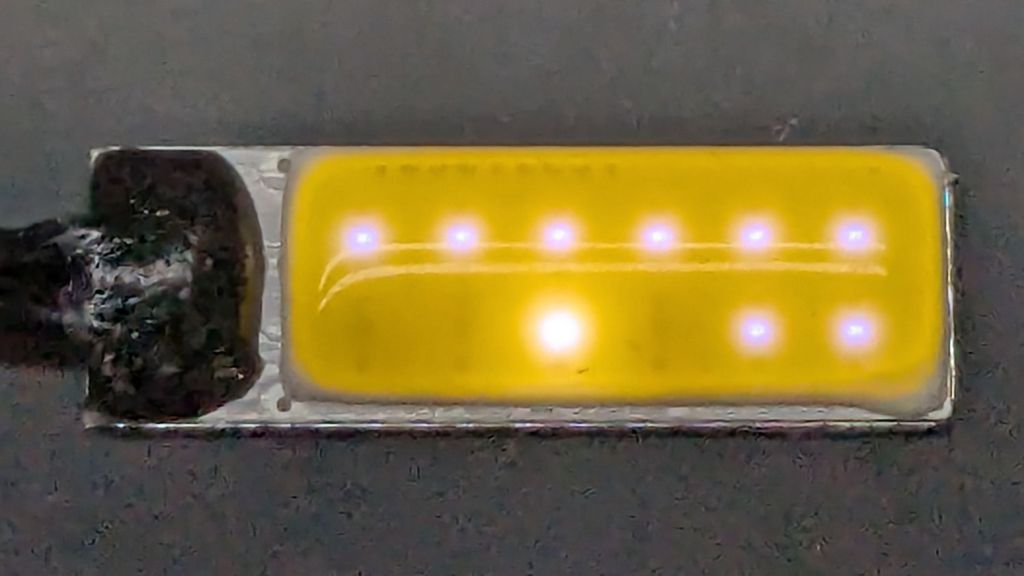
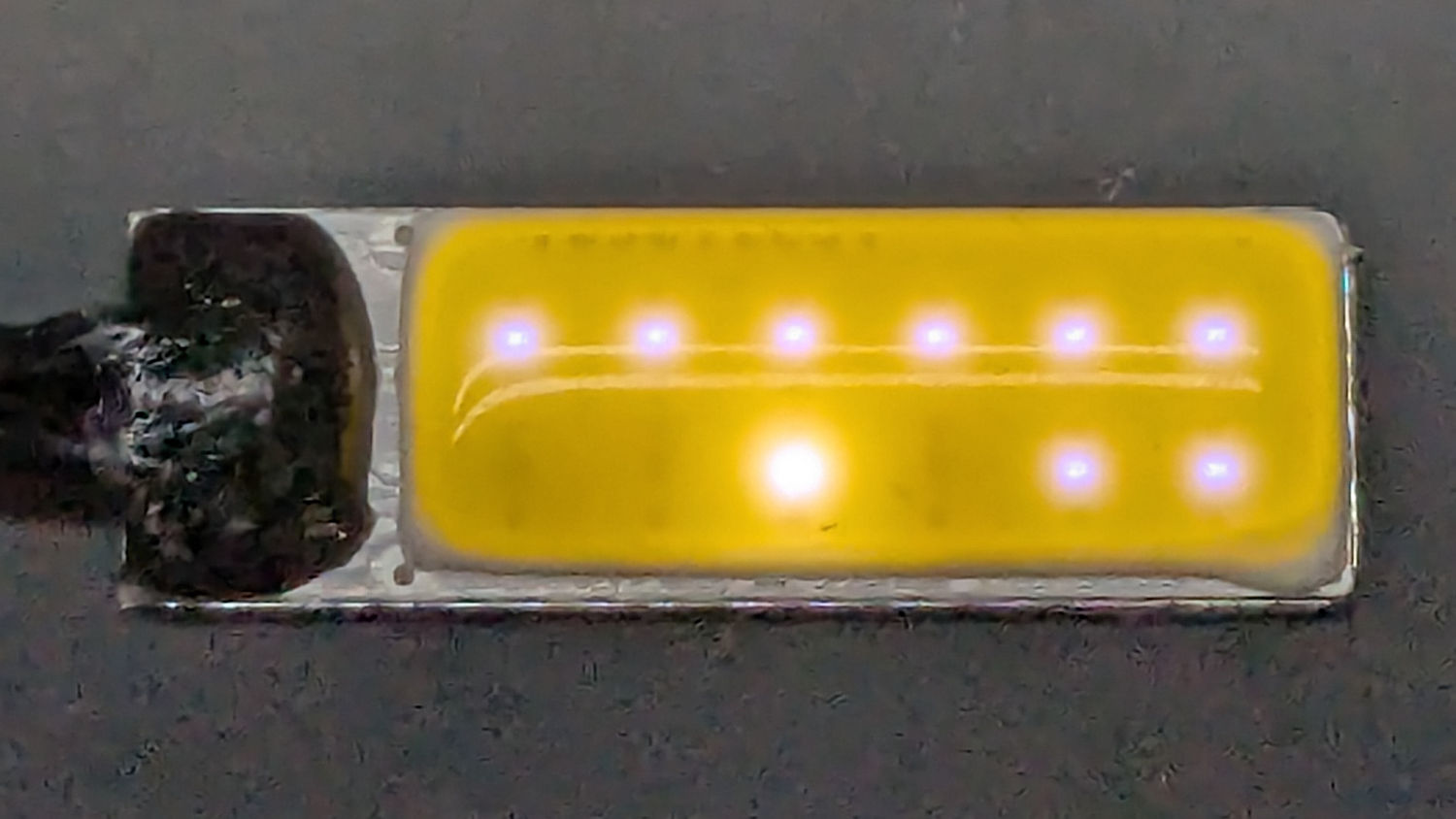
    As with the Mylar shades over the COB LED strips in the laser, the LEDs remain through the aluminized layer:

    LED strip light - Mylar reflector - overexposed
    LED strip light – Mylar reflector – overexposed

    The LED bars will be directly visible, so bouncing the direct light against the wall reduces glare and puts it to good use.

    The Mylar strips are 1 inch wide, cut with a utility knife against a straightedge, although ⅞ inch seems adequate. The last LED over on the right sits at the endcap, so I will (try to) tuck the Mylar ends under the caps for a cleaner fit.

    The bars have two 4 foot strips of LEDs in series, with a lump of circuitry buried in the aluminum extrusion that seems be a bridge rectifier and a small electrolytic capacitor. There’s not nearly enough capacitance to knock down the 120 Hz flicker and I have an uneasy expectation of stroboscopic effects on the sewing machines.

    This is a test. […] This is only a test.

    Now, to model angle brackets fitting the strips to the window moulding.

  • HQ Sixteen: Crud on the Tracks

    HQ Sixteen: Crud on the Tracks

    Having devoted considerable effort to smoothing the HQ Sixteen’s path across the table, with commensurate improvement, Mary reported the machine suddenly developed a severe hitch in its left-to-right git-along. Given that she is moving fifty pounds of machine with fingertip pressure, anything interrupting its progress is a problem.

    We found a spot where the machine abruptly and repeatably stopped rolling, but none of the four wheels had a visible problem and both tracks were smooth. The stitch regulator wheel sat directly above a table surface joint on the track base, but lifting it didn’t change the glitch. Rolling the machine while lifting the rear wheels off the track, which is significantly more difficult than it may seem, still encountered the bump.

    Rolling while lifting the front wheels went smoothly, so something was wrong with one of the front wheels. I put the machine back at the worst spot, marked the bottom of both wheel rims, lifted-and-rotated the left wheel half a turn, and found the glitch happened with the right wheel’s mark downward.

    I lifted the machine off the carriage, took the carriage to the Basement Shop, and discovered what we could not see in situ:

    HQ Sixteen - wheel crud
    HQ Sixteen – wheel crud – detail

    For scale, the wheels are 8 mm across the flanges.

    That thing looks like this up close:

    HQ Sixteen - wheel crud - detail
    HQ Sixteen – wheel crud – detail

    The fibers were almost invisible in my palm as I carried it upstairs to show it off.

    Apparently, a few millimeters of plastic fiber dropped from space directly onto the track and got mashed into the wheel as it rolled along. Given the vast expanses of fabric & batting going into projects on a long-arm sewing machine, that crud could have come from anywhere.

    As we now realize just how much trouble can come from a tiny bit of crud, finding the next hitch in the git-along will be easier.