Ed Nisley's Blog: Shop notes, electronics, firmware, machinery, 3D printing, laser cuttery, and curiosities. Contents: 100% human thinking, 0% AI slop.
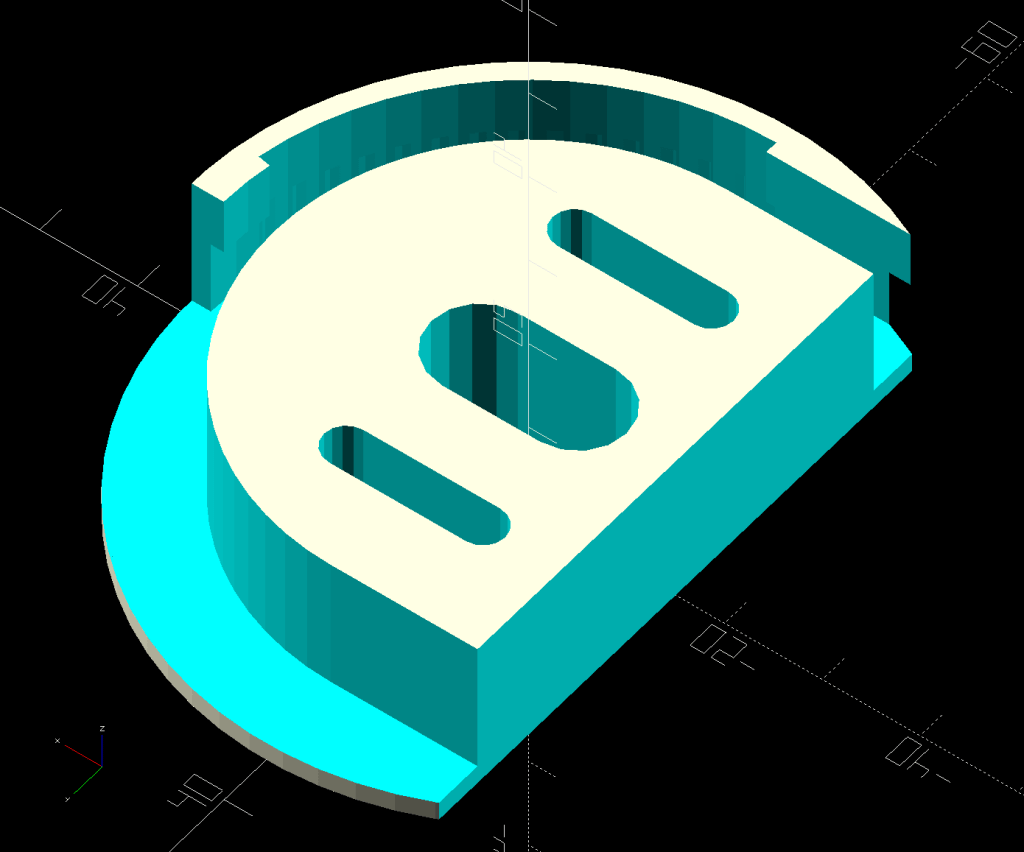
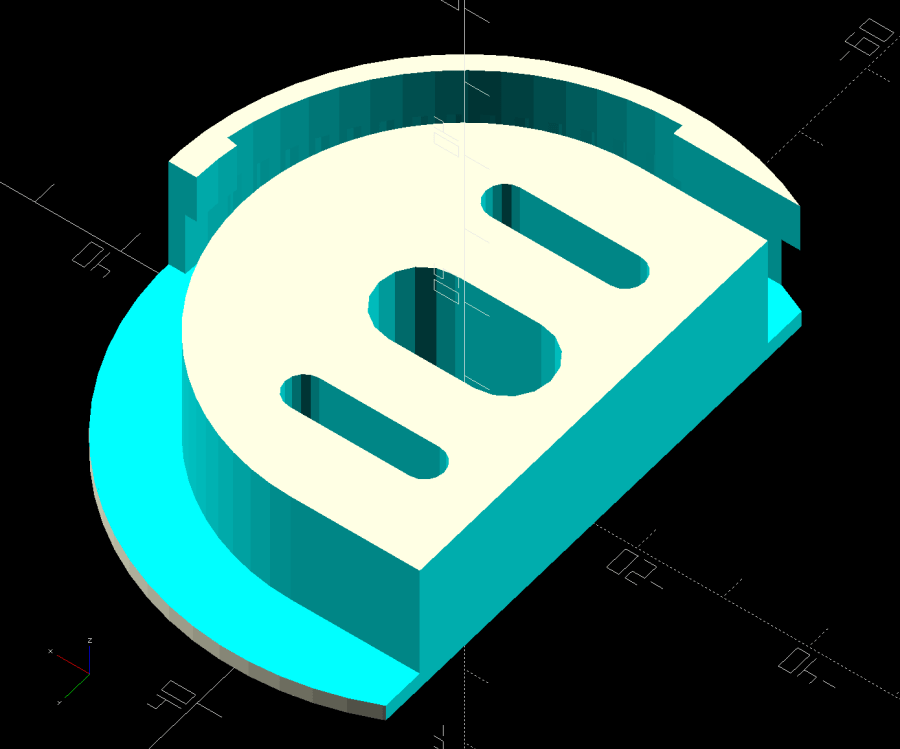
A small tweak to the venerable spoon drainer adds a configurable cutout adapting it to a slightly different dish drainer rack:
Measuring Spoon Drainer – solid model
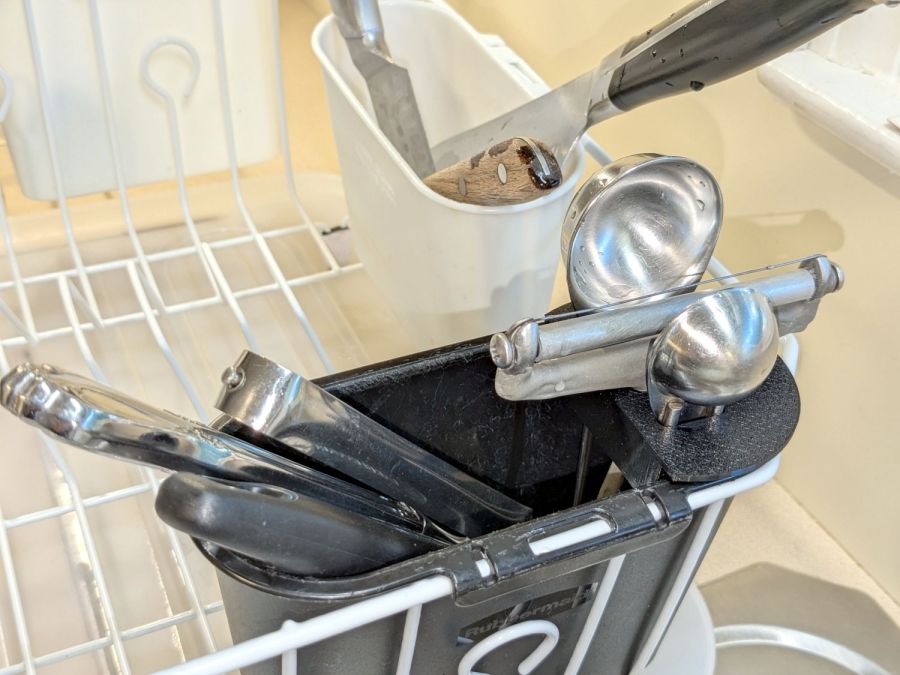
Which lets it snuggle into the corner:
Measuring spoon drainer – installed
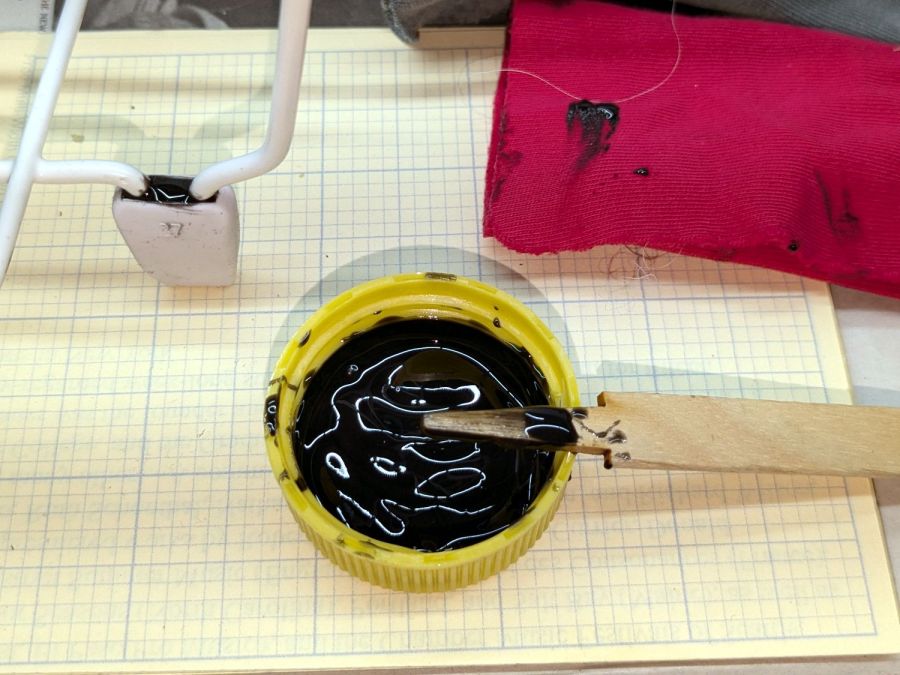
Both the old and new racks had coated steel loops stuck into rubberoid feet perfectly suited to collect water and eventually rust the loops. Given a new rack, I figured potting the feet in JB PlasticBonder urethane adhesive would help forestall the rust:
Rubbermaid dish drainer – foot potting
I wish it were white, rather than black, but the only other color choice is tan and I can’t wish nearly that hard.
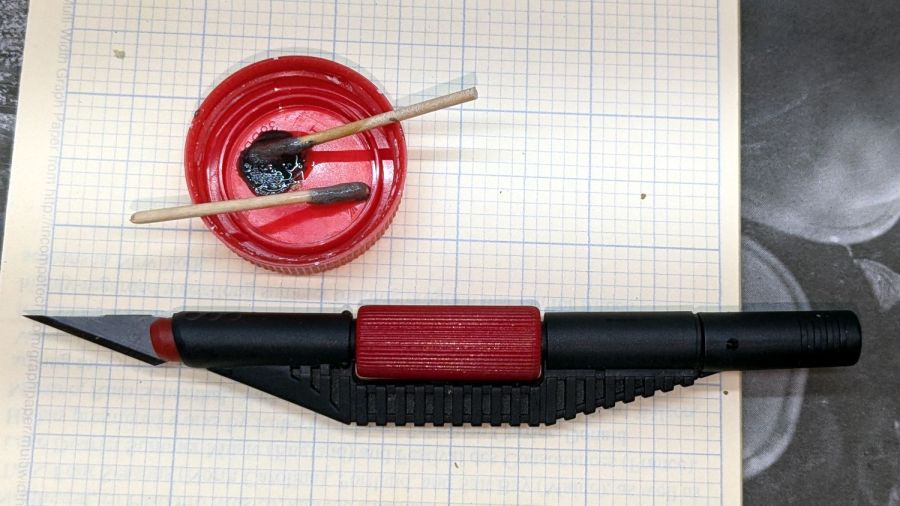
In the process of fixing something else, I discovered my favorite desktop razor knife had a loose blade. There being nothing like a new problem to take one’s mind off all one’s previous problems, I obviously had to fix it before proceeding:
Razor Knife – broken collet thread
Come to find out the plastic screw tightening the blade collet had snapped. The remaining stub stuck out from the red ribbed nut just far enough to prevent sliding the nut out of the black plastic body, but jamming a small screwdriver through the body got enough traction to unscrew the stub. It’s threaded 8-32, despite being old enough to be Made in Taiwan.
The red plastic feels like HDPE or a similar un-glue-able material, so it was going to need a mechanical splice. A tiny 2-56 setscrew falls in the class of things my buddy Eks describes as “If your design needs those, you’re doing it wrong”, but sometimes you gotta do what you gotta do.
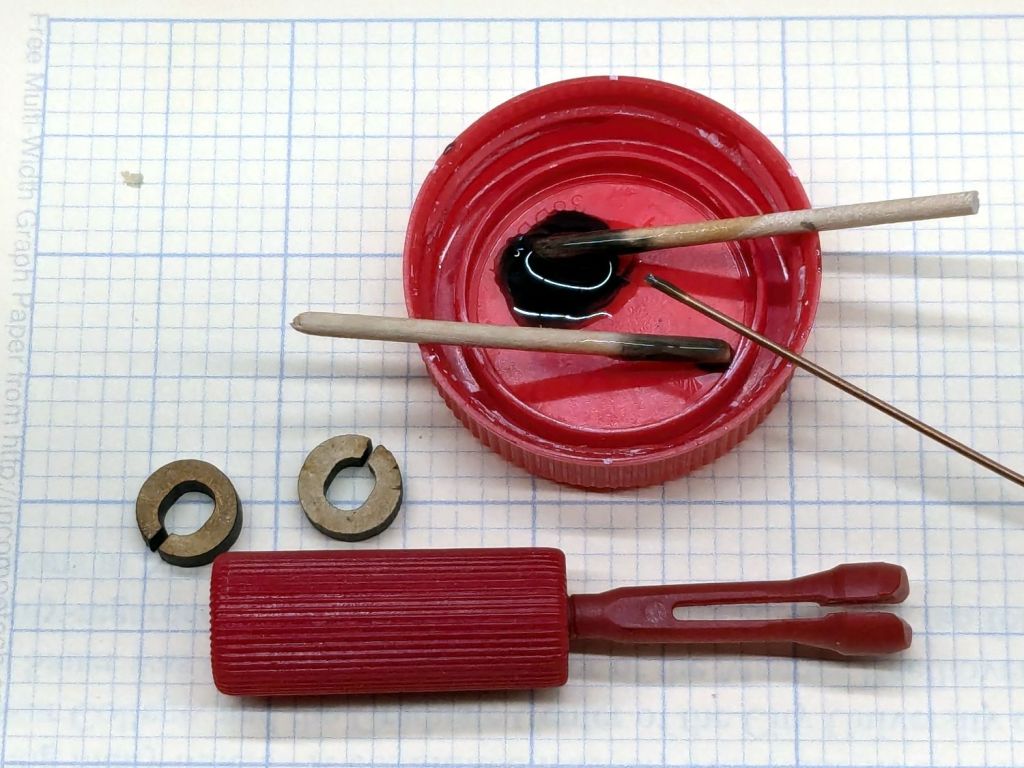
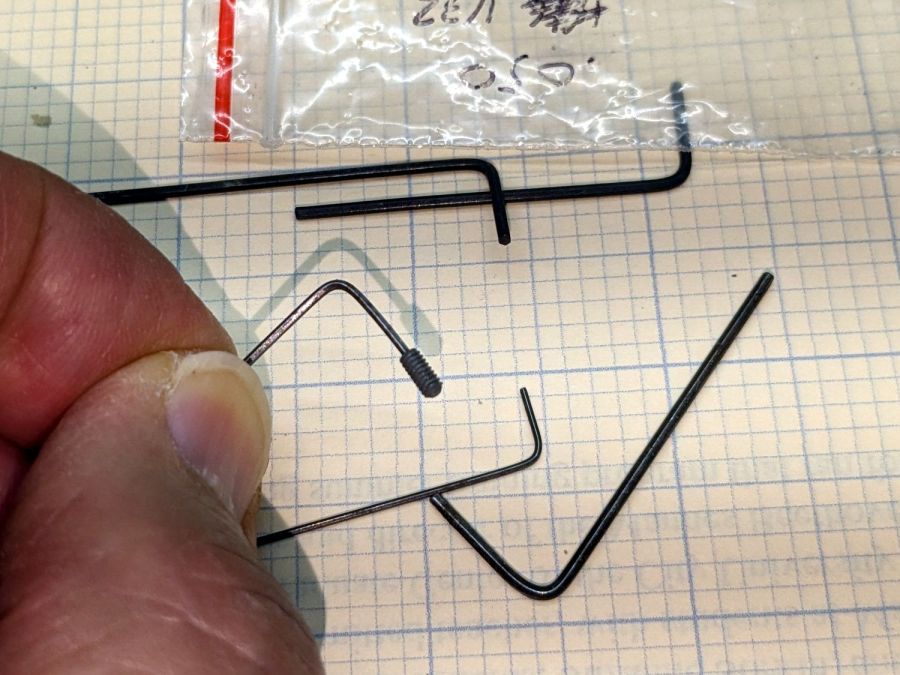
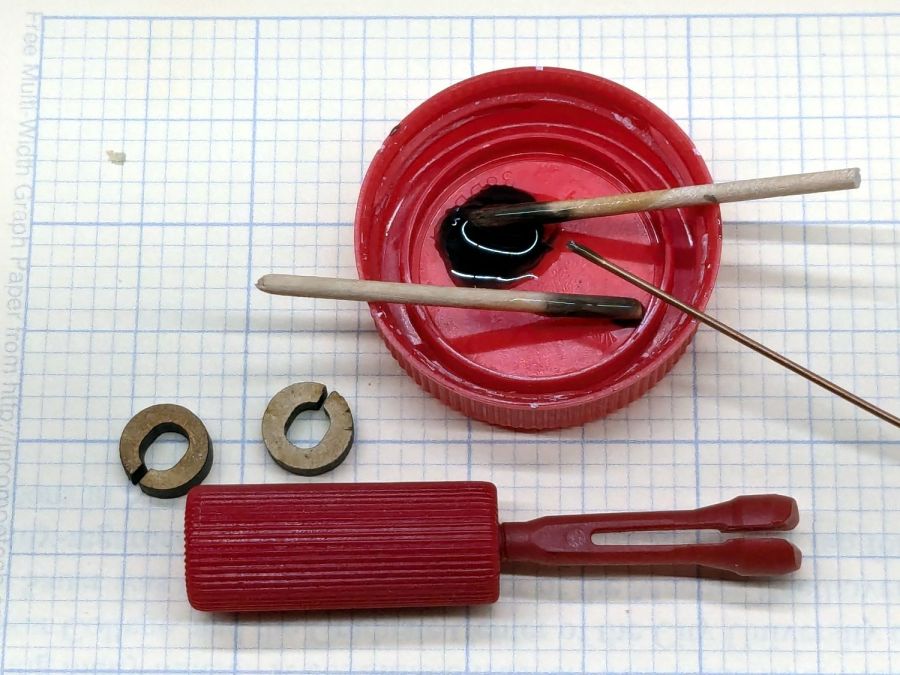
The little wrench in the background measures 28 mils for 0-80 setscrews, of which I have none and don’t expect to get any.
Anyhow, facing, drilling, and tapping the stub proceeded handily:
Razor Knife – setscrew in thread stub
You’d think I hadn’t faced off the end, but you’d be wrong. As far as I can tell, the end of the screw would be happy to break for as long as I’d be willing to try cutting it. Perhaps this indicates why it broke and suggests this repair will be temporary, at best.
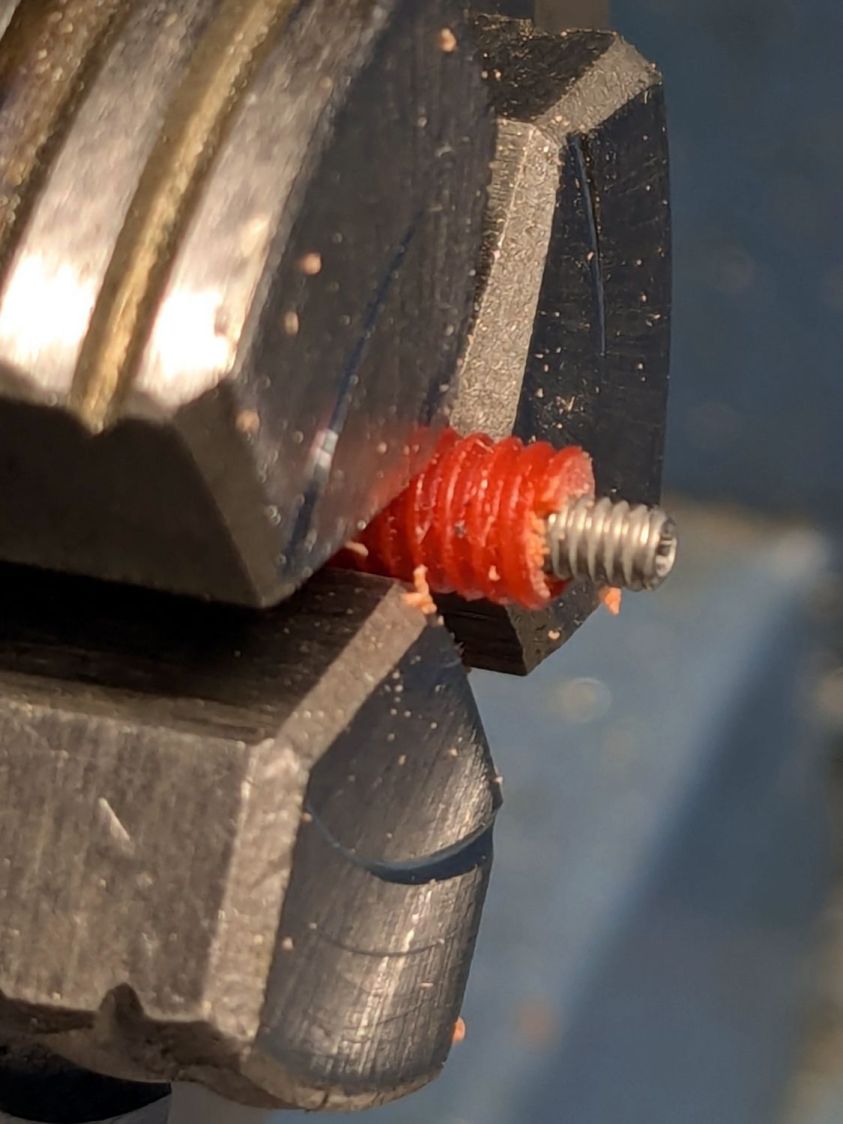
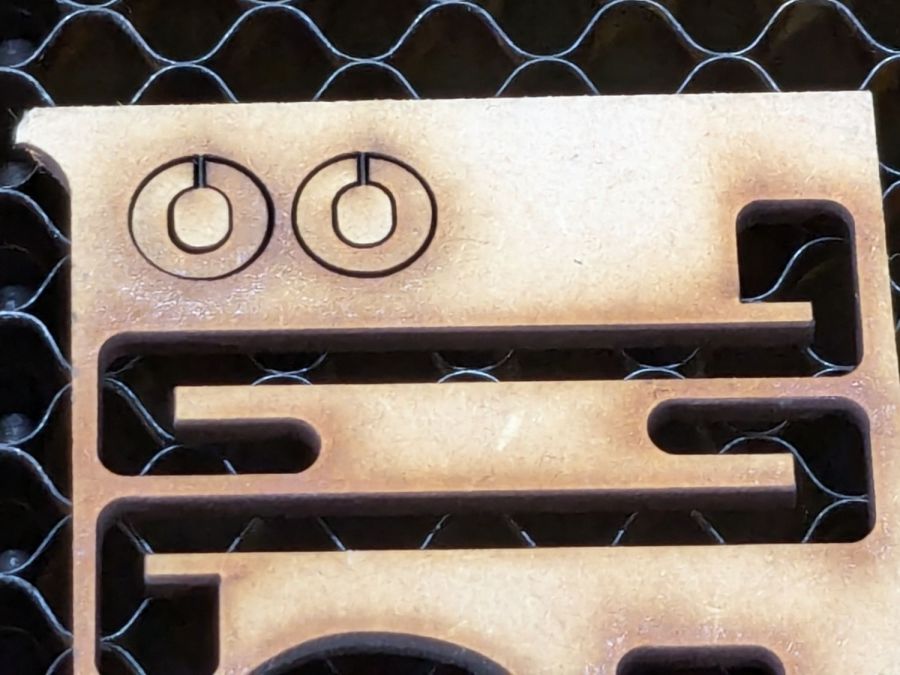
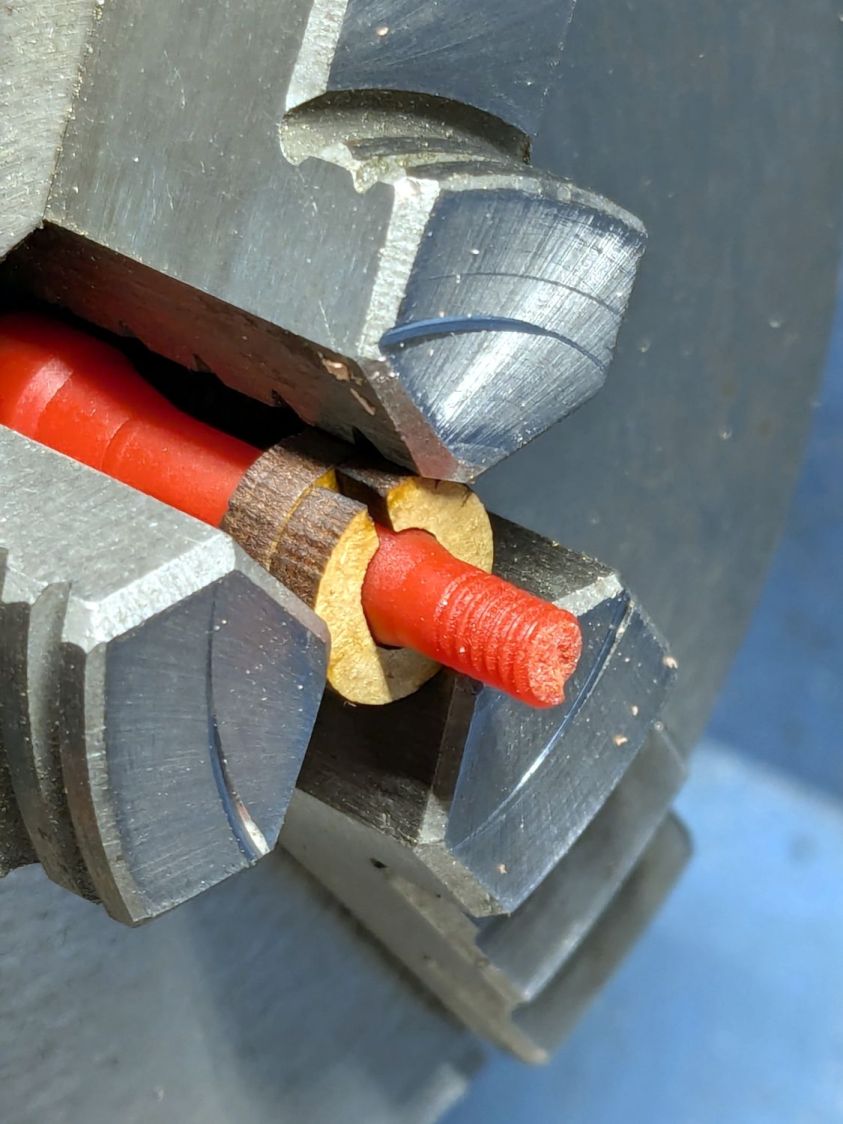
Doing the same to the collet required a clamp to fit its slightly oblong body:
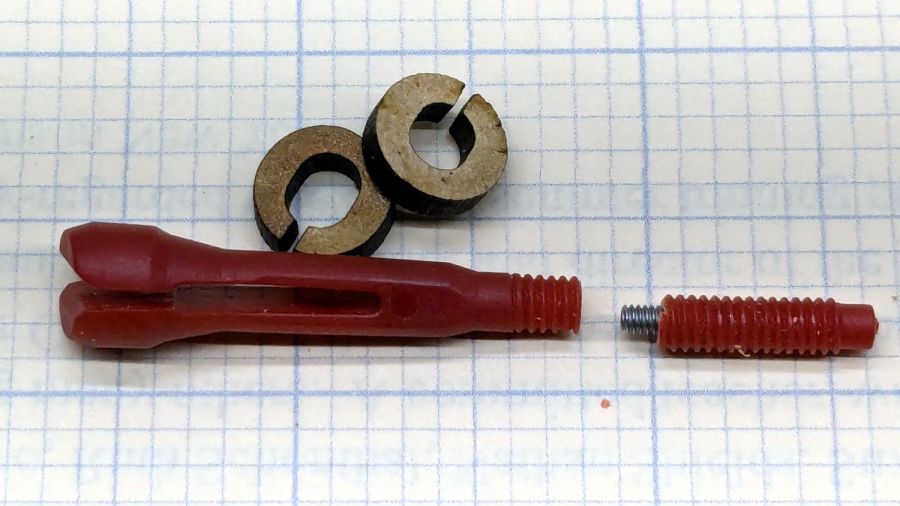
That’s aggressive stick-out for a little plastic rod, but sissy cuts saved the day; it faced / drilled / tapped easily enough:
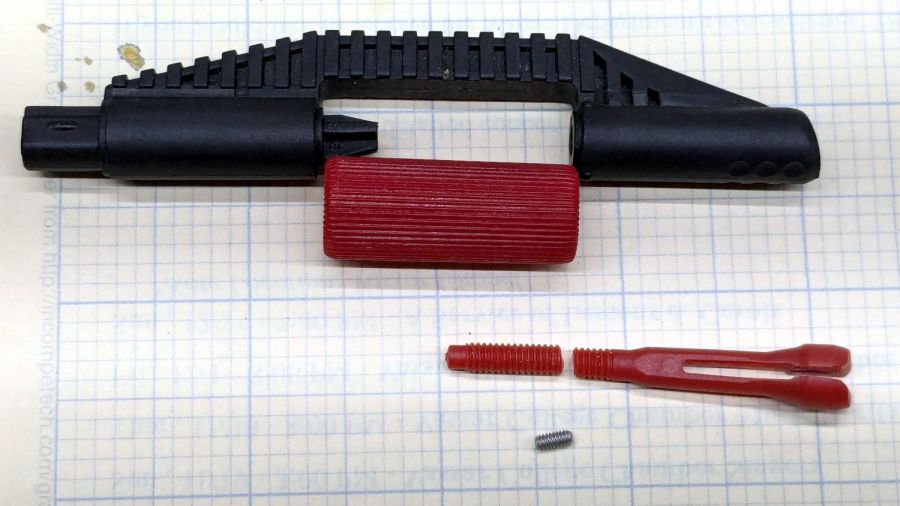
Razor Knife – collet repair parts
Despite the non-glue-able plastic, I tucked some JB PlasticBonder into the recesses, screwed everything together, and coerced the 8-32 threads into alignment inside the plastic nut:
Razor Knife – collet thread alignment
Reassemble in reverse order after the adhesive set up:
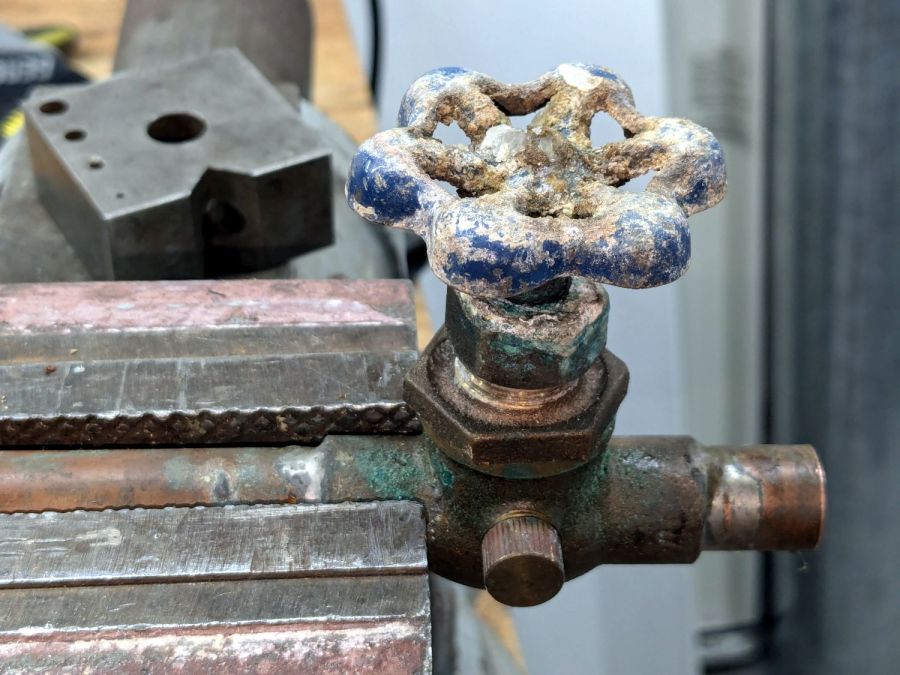
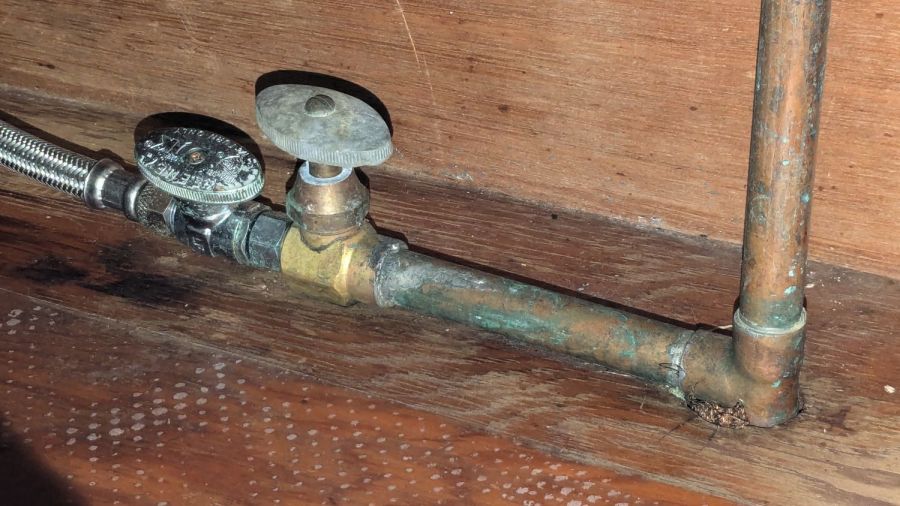
The shutoff valve for the hose bib in the front of the house, mounted knob-downward, has been dripping quietly for many many years before I replaced it:
Hose valve shutoff – knob corrosion
I’d turned the valve off to no avail, so this was no surprise:
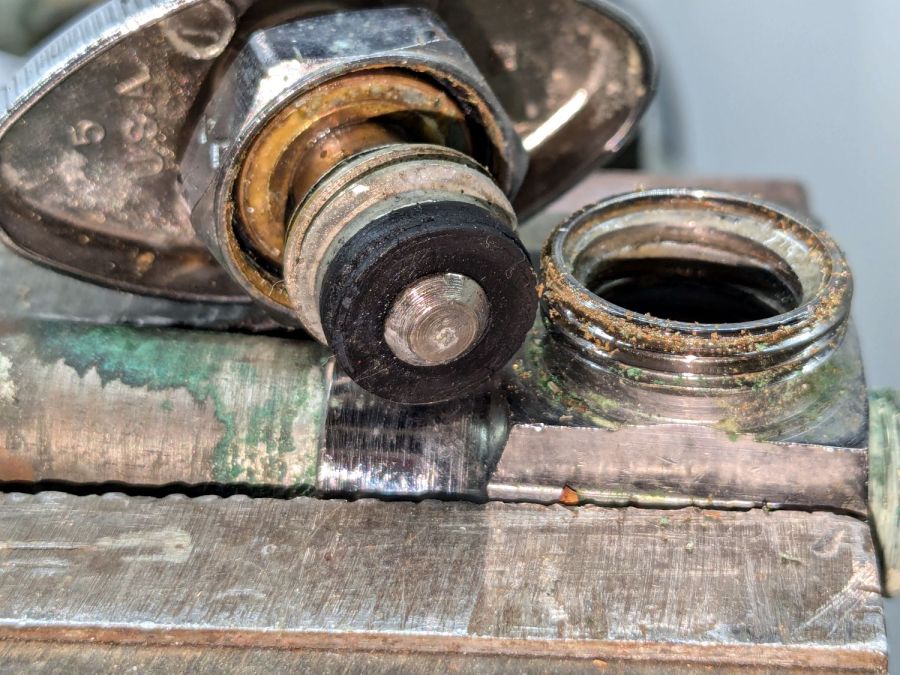
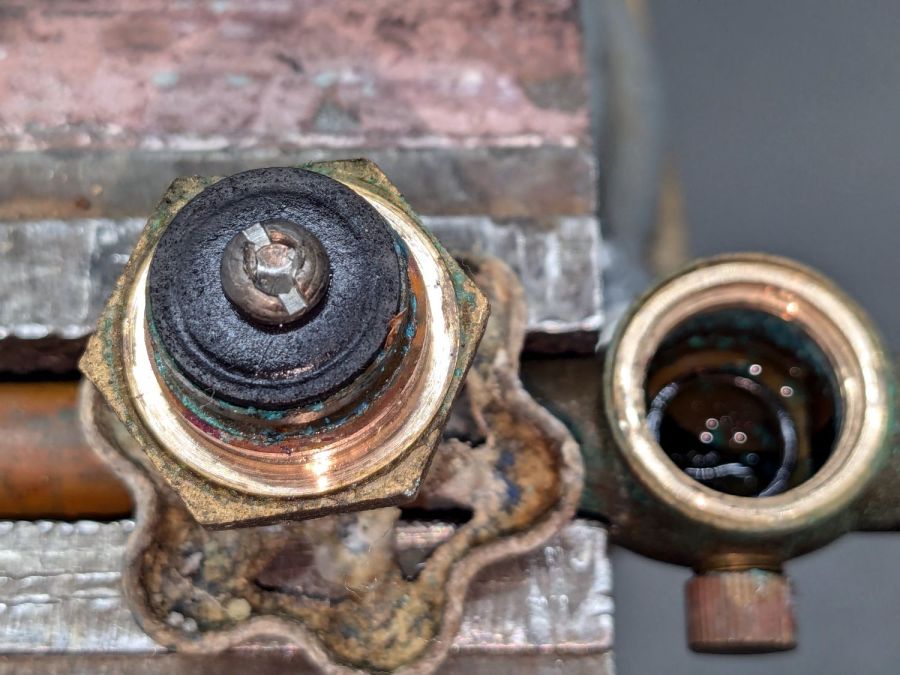
Hose valve shutoff – washer
While it is theoretically possible to replace those washers, even the professionals know better than to disturb a sleeping valve:
Dishwasher valve doubling
The tandem valve was likely installed half a decade ago, along with the dishwasher it services. Perhaps the washer inside remains soft.
The kitchen faucet worked its way loose again. Attempting to shut off the water revealed a pair of leaky valves under the sink, so I shut off the house water in the basement, cut the valve pipes below the solder drips, and installed a pair of push-connect shutoffs:
Kitchen faucet shutoff valve – push connection
I loves me some good push-connect fitting action, which is new news to me. Back in the Bad Old Days™, I’d be under the sink with a propane torch, trying to solder a pair of wet pipes and failing miserably.
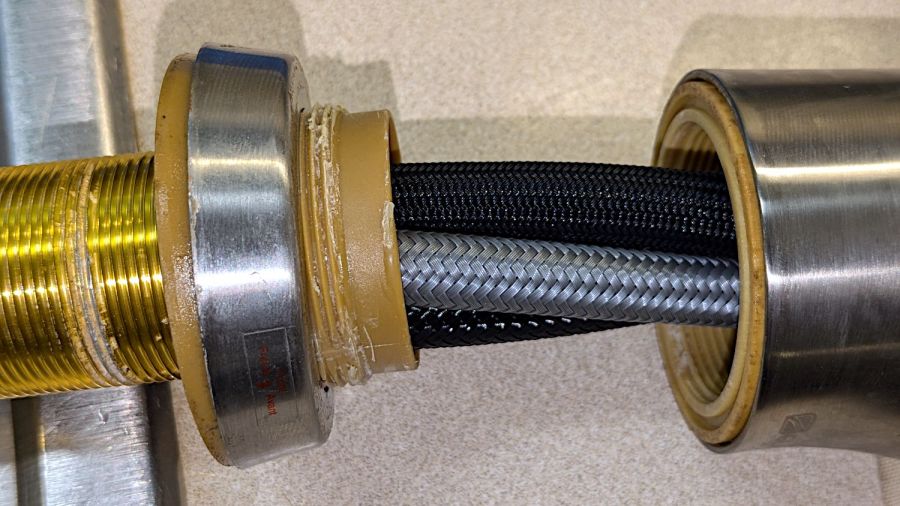
With that out of the way and the faucet dismantled for the first time (by my hands, anyway), the threads holding the base to the spout column may have been damaged during factory assembly:
HD Glacier Bay kitchen faucet – damaged threads
I thought the gunk was thread lock compound, but it’s shredded plastic from the base fitting threads. The corresponding female threads inside the spout column are undamaged, so I think somebody tried screwing it together with the threads misaligned, backed off, then muscled it together.
It’s worth noting there are no keys or stops fixing the correct orientation of any of these parts. In particular, the trim ring bearing the small Front label (facing you in the picture) has no fixed orientation: whoever assembles the faucet in the factory must position it correctly on the fly as the base screws into the column and jams tight.
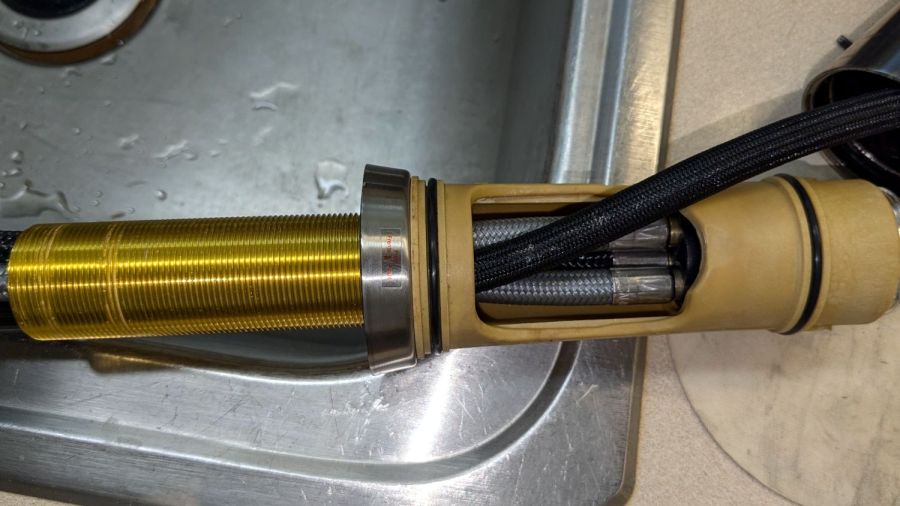
So I cleaned up the damaged threads as best I could, flipped the threaded brass tube end-for-end to put the cleanest part into the base, and reassembled everything with careful attention to starting the threads correctly:
HD Glacier Bay kitchen faucet – flipped brass tube
Tightening the base fitting into the column is much easier with everything on the kitchen counter, although centering the label on the molded opening required several tries.
Protip: a pair of grippy gloves and rubber sheets help a lot.
I want to find out how secure the original design, properly tightened and aligned, will be, so I did not apply any threadlocker.
I finally got around to replacing the Forester’s taillight bulbs:
Subaru Forester taillight bulbs
The clear bulbs don’t have the same thermal damage as the headlights I replaced a year ago, but the new bulbs should be much brighter.
Subaru calls them W21/5W and WY21W, respectively, but the rest of the world says 7443 and 7440NA (or 7440A).
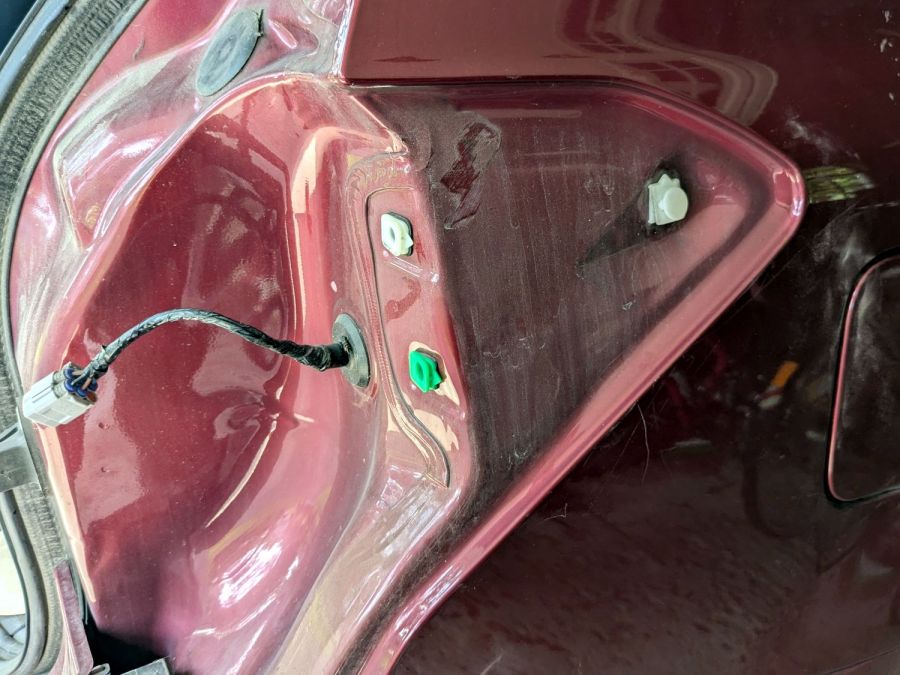
For the record, the taillight assembly comes off (after removing the obvious pair of screws not shown here) by pulling straight back with grippy gloves:
Subaru Forester taillight mount
Aligning the locating pins with those two latching sockets (why is one green?) requires a flashlight and a bit of dexterity, but easing the slot over the white post first helps a lot. Practice makes perfect: it’s easier on the other side of the car.
A glass-top patio table came with our house and, similar to one of the patio chairs, required some repair. The arched steel legs fit into plastic brackets / sockets around the steel table rim under the glass top:
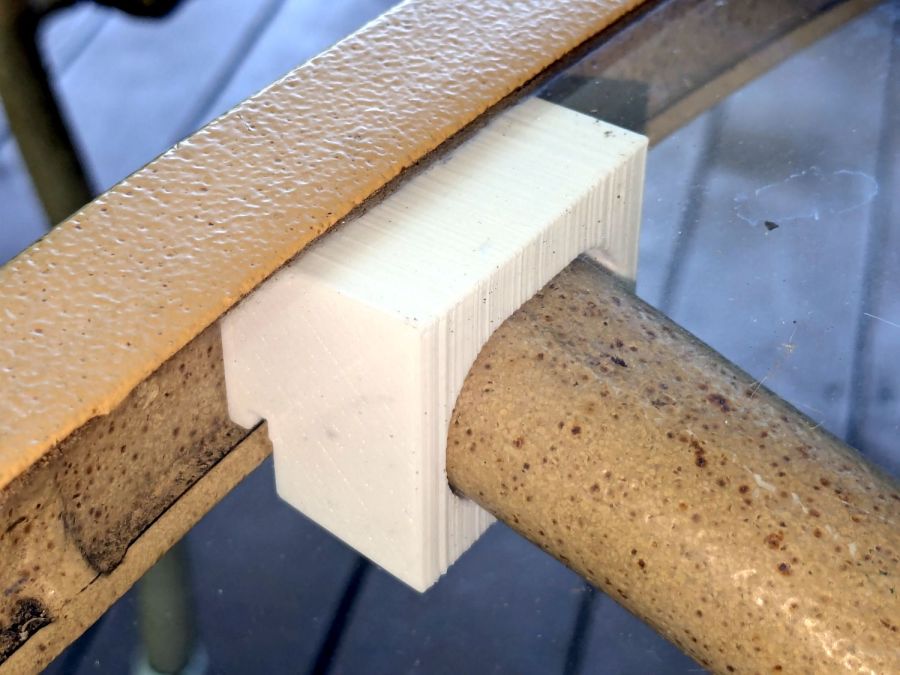
Glass patio table – new brackets installed
The four glaringly obvious white blocks are the new brackets.
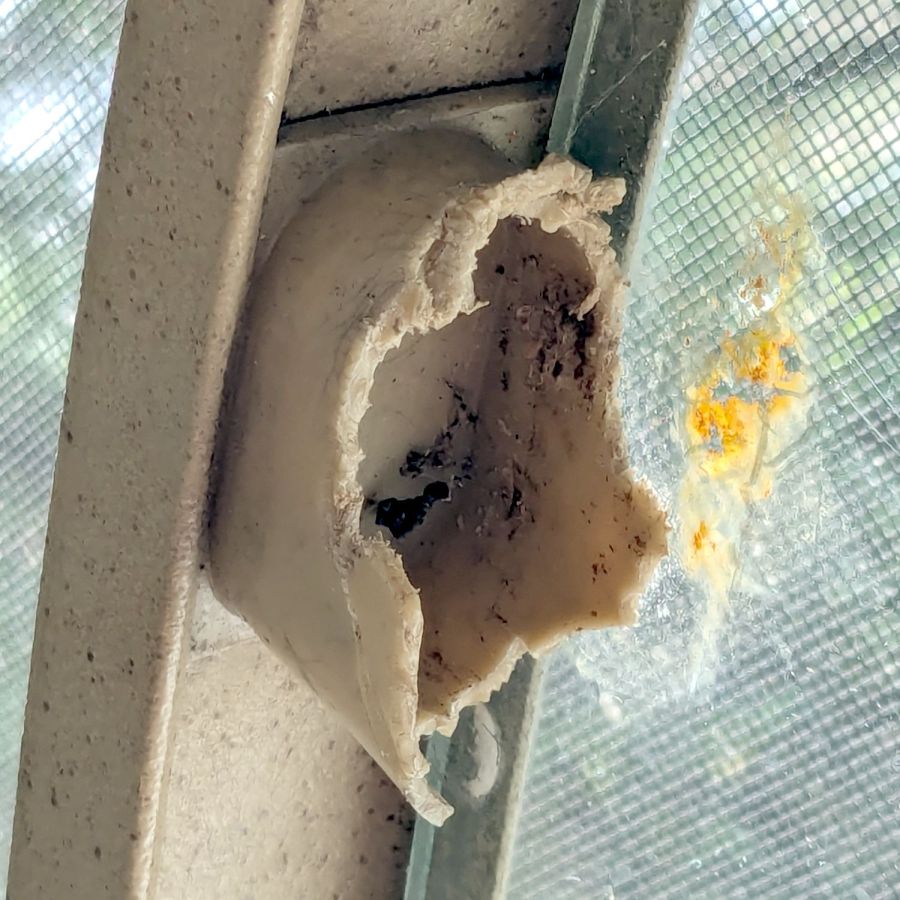
The original brackets had, over uncounted years, deteriorated:
Glass patio table – failed OEM bracket
Perhaps disintegrated would be a better description:
Glass patio table – crumbled OEM bracket
Each leg has a pair of rusted 1-½ inch ¼-20 screws holding it to the central ring. As expected, seven of the eight screws came out easily enough, with the last one requiring an overnight soak in Kroil penetrating oil plus percussive persuasion:
Glass patio table – jammed screw
The four legs had three different screws holding them to the brackets, so I drilled out the holes and squished M5 rivnuts in place:
Glass patio table – M5 rivnut installed
Although it’s not obvious, the end of that tube is beveled with respect to the centerline to put both the top and bottom edges on the table rim inside the bracket. In addition, the tube angles about 10° downward from horizontal, which I did not realize amid the wrecked fittings, so the first bracket model failed instantly as I inserted the leg:
Glass patio table – first bracket test
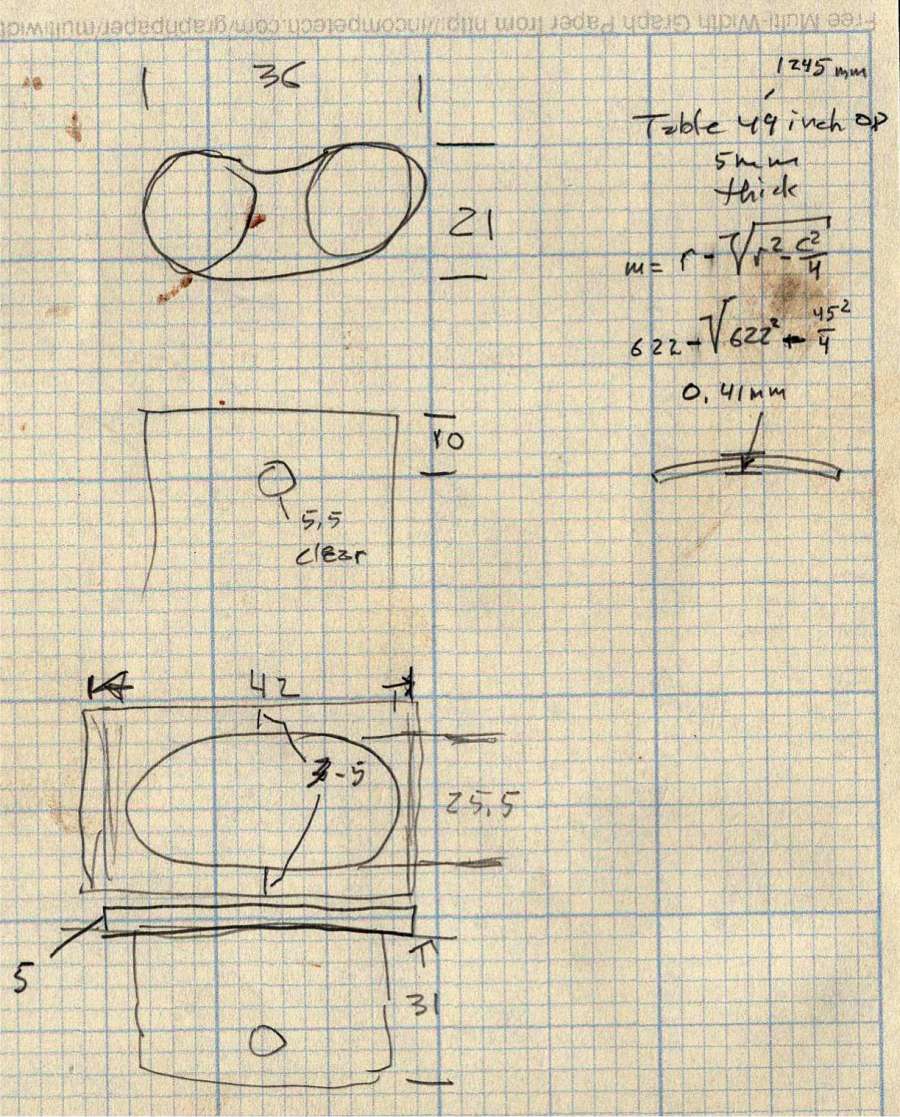
The top & bottom walls of that poor thing were breathtakingly thin (to match the original bracket) and cracked when confronted with the angled tube. I could not measure all the sizes & angles without assembling the table on trial brackets, so getting it right required considerable rapid prototyping:
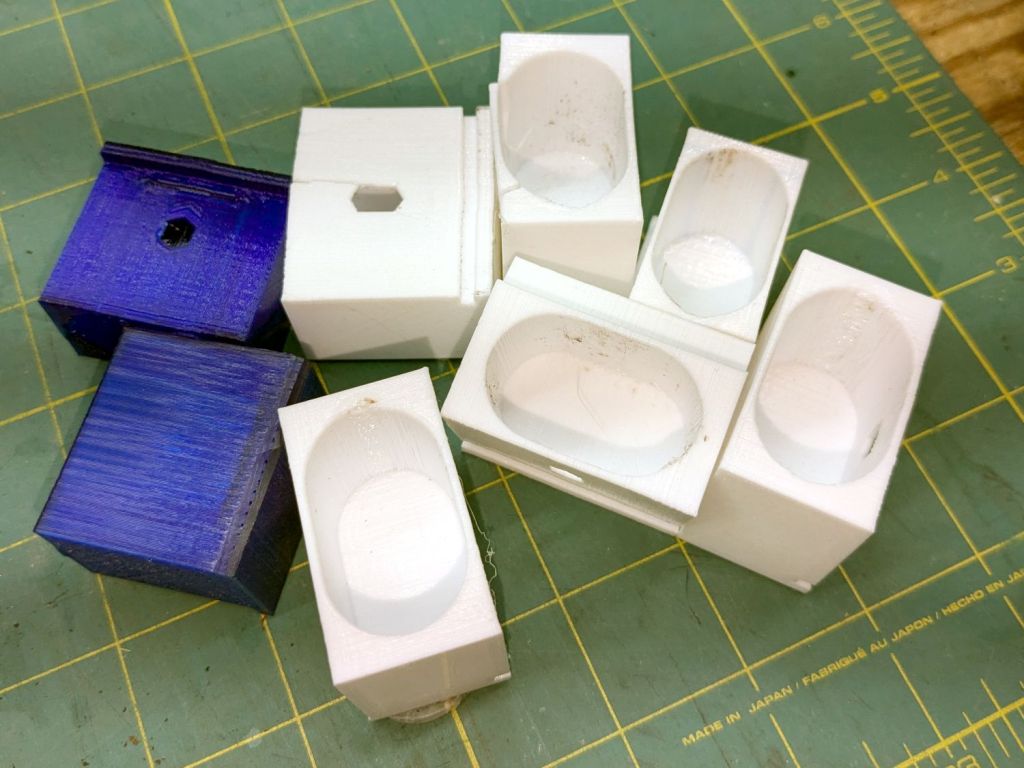
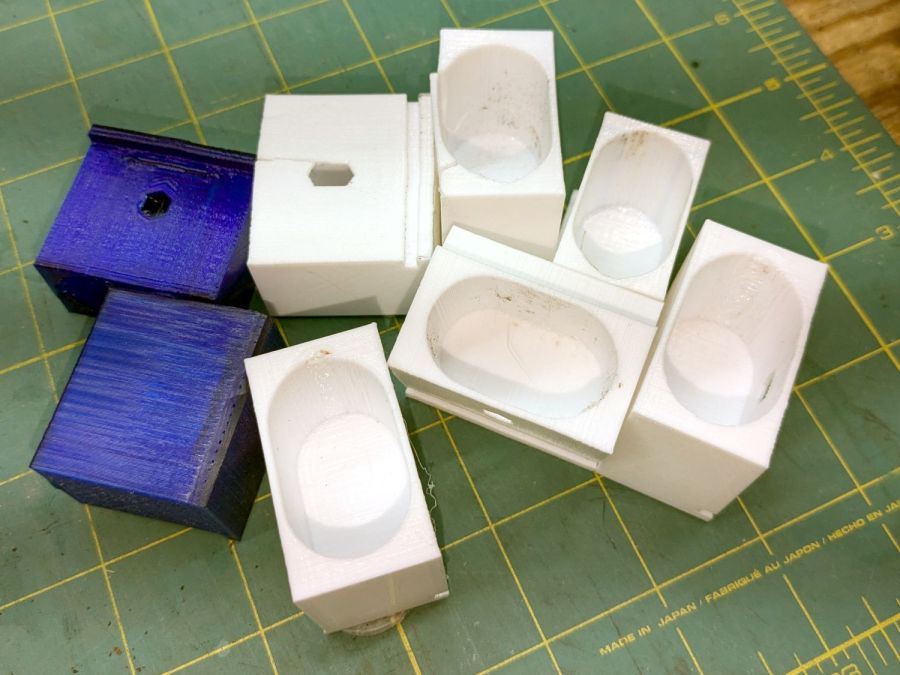
Glass patio table – failed brackets
Some trigonometry produced a solid model with features rebuilding themselves around the various sizes / angles / offsets:
Glass Top Table – leg bracket – solid model
A sectioned view shows the angled tube position and end chamfer:
Glass Top Table – leg bracket – section view
The OpenSCAD code can produce a sectioned midline slice useful for laser-cut MDF pieces to check the angle:
That eliminated several bad ideas & misconceptions, although trying to balance the leg on a 3 mm MDF snippet was trickier than I expected. In retrospect, gluing a few snippets together would be easier and still faster than trying to print a similar section from the model.
The slightly elongated slot for the M5 screw shows that the original screw holes were not precisely placed or that the tubes were not precisely cut, neither of which come as a surprise. I finally built some slop into the design to eliminate the need for four different blocks keyed to four different legs.
The outer rim, the notch on the bottom, and the tab on the top curve to match the four foot OD glass tabletop, with the inward side & ends remaining flat:
Glass patio table – chunky bracket installed – top
The sector’s difference from a straight line amounts to half a millimeter and improved the fit enough to justify the geometric exercise. The bracket snaps into position with the notch over the table rim and the tab locked in the gap between the glass disk & the rim, although I suspect the weight of the tabletop would keep everything aligned anyway.
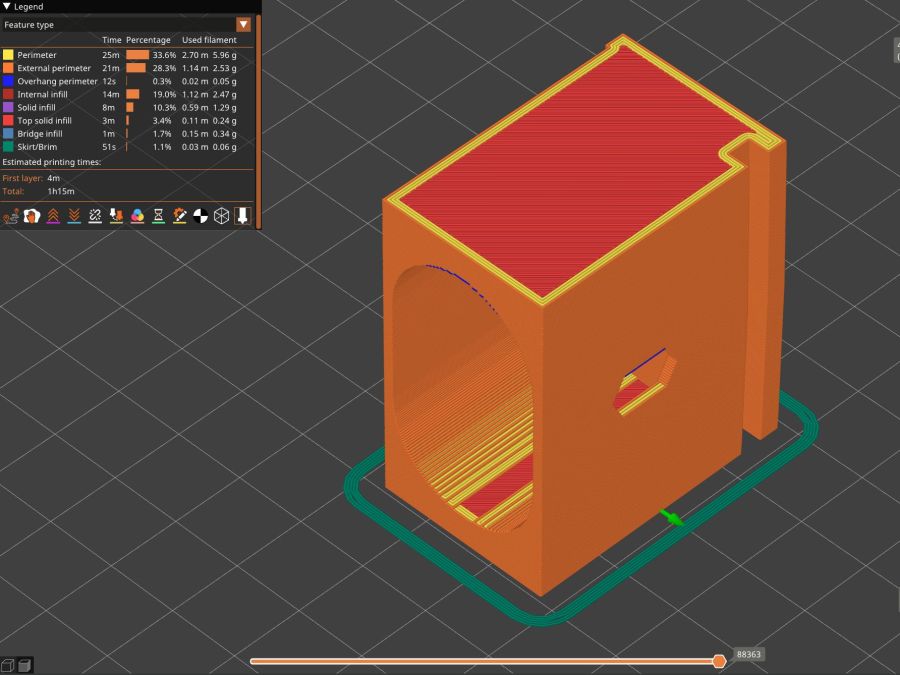
The walls are now at least 4 mm thick and, printed in PETG, came out strong enough to survive assembly and some gentle testing. They’re arranged to print on their side to eliminate support under those slight curves and to align the layers for best strength vertically in the finished bracket:
Glass Top Table – leg bracket – slicer preview
The leg cavity and screw hole built well enough without internal support.
They’re relentlessly rectangular and I’m not going to apologize one little bit.
Now to see how they survive out there on the screened porch.
Update: This post seems strangely popular, so the GitHub Gist now includes the STL file in ASCII format. Your library / makerspace / friend can print it, but it probably won’t fit your table, because all tables are slightly different. Print it in TPU and maybe it’ll flex to fit, but ideally you should use the source: install OpenSCAD, tweak the dimensions to suit your table, and get an exactly matching solid model.
This file contains hidden or bidirectional Unicode text that may be interpreted or compiled differently than what appears below. To review, open the file in an editor that reveals hidden Unicode characters.
Learn more about bidirectional Unicode characters
After five years and one cleaning, the PTT button on Mary’s Tour Easy became increasingly intermittent, both failing to activate solidly and sticking closed (there being nothing quite like a hot mic during a good hill climb), so it’s time for an autopsy:
Failed PTT Switch – as extracted
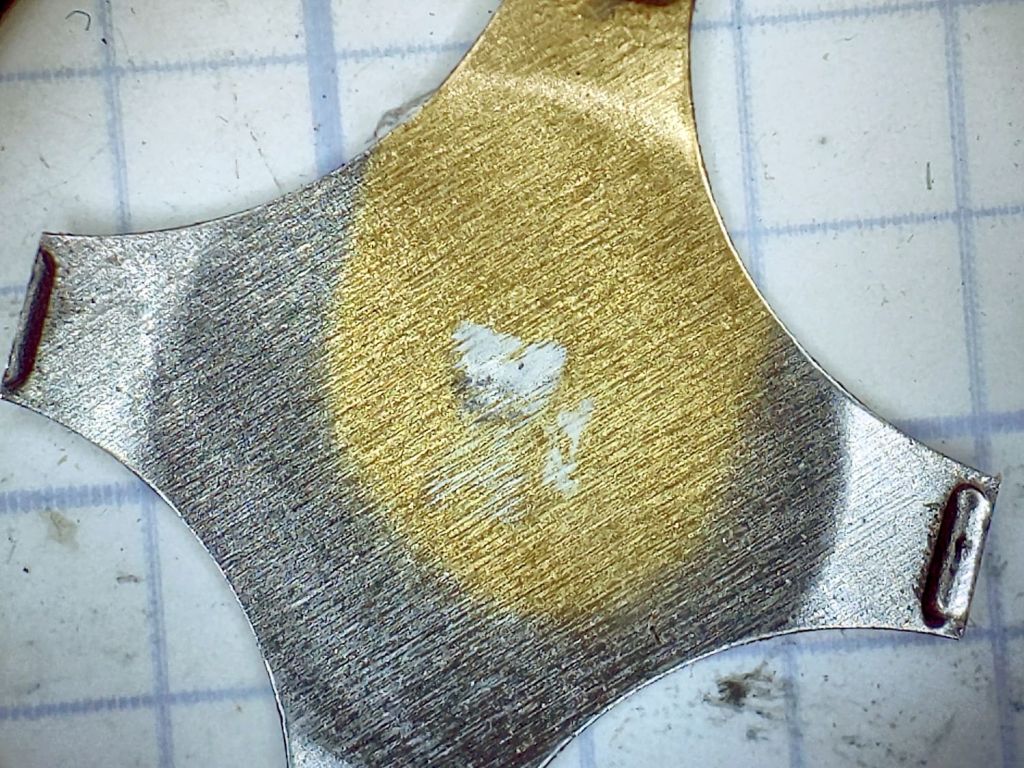
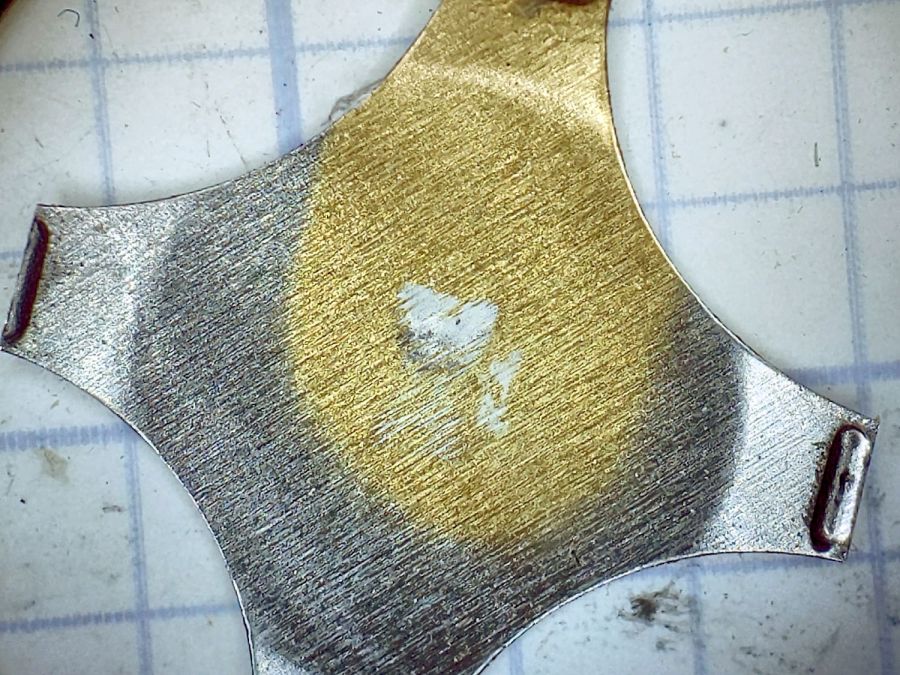
The snap dome is much more scarred at the central contact:
Failed PTT Switch – snap plate
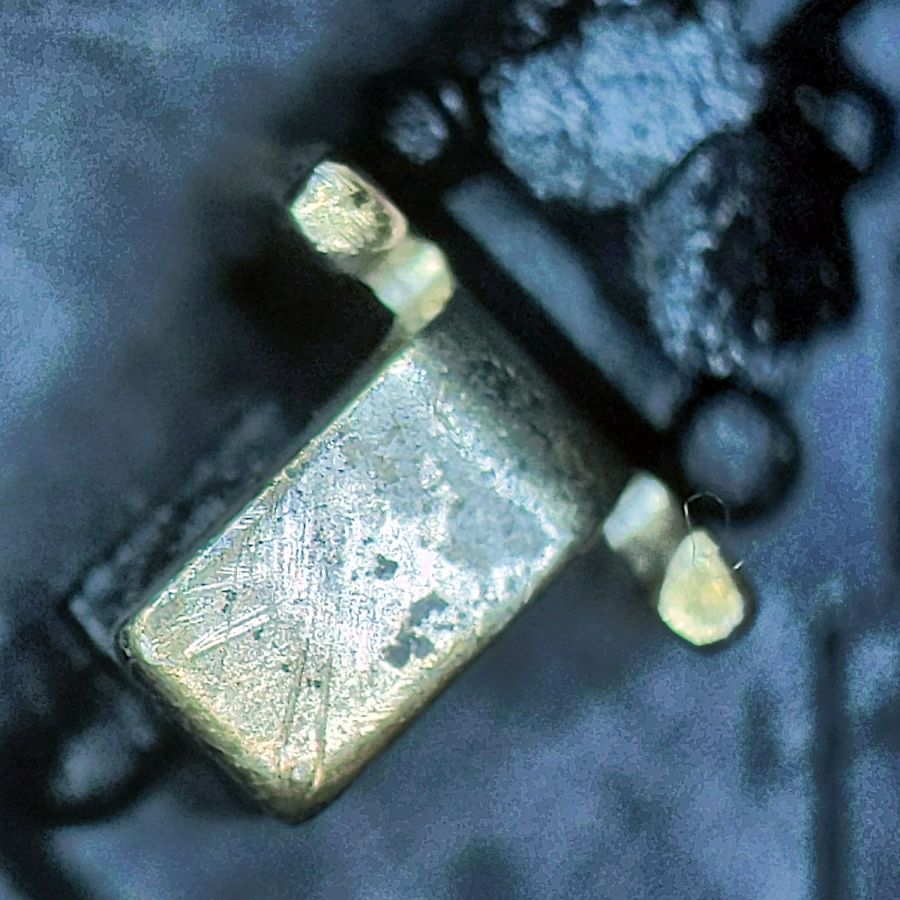
That might be a gold flash coating, but it’s pretty well worn away where it hits the central contact:
Failed PTT Switch – center contact
Those scratches surely happened during the previous cleaning pass, as I don’t see any way for the dome to create them.
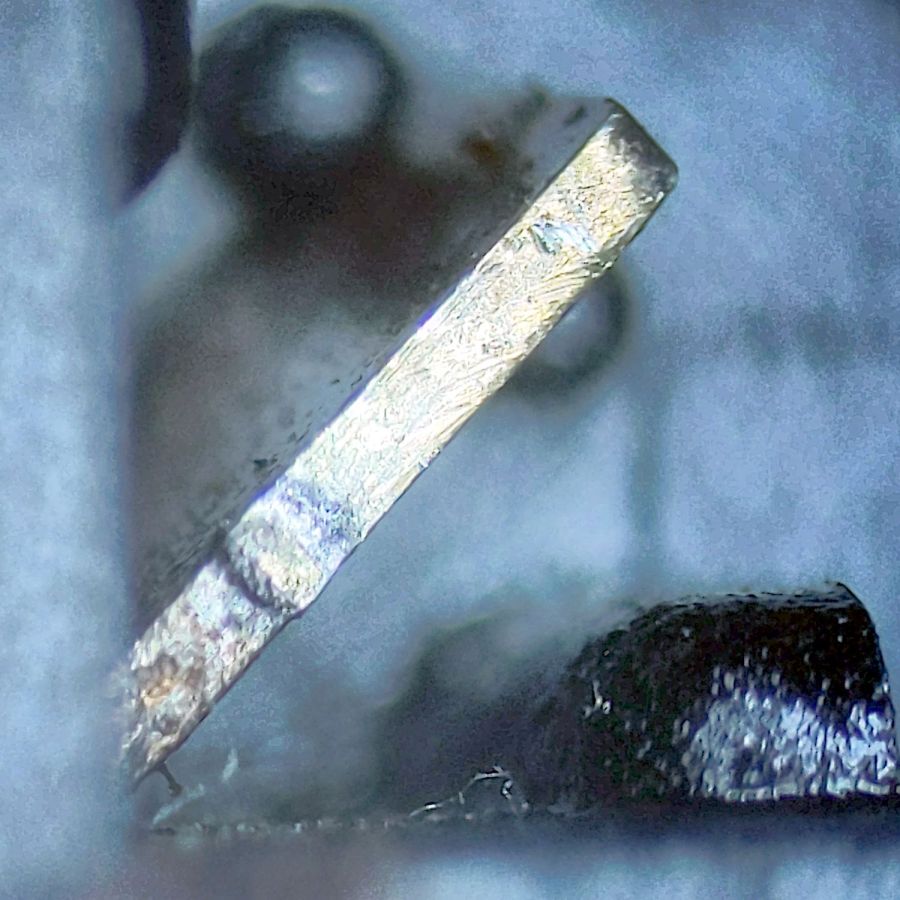
The corner contact also shows some scuffs, along with a scar where the dome corner pivots:
Failed PTT Switch – edge contact
All in all, though, it worked quite well.
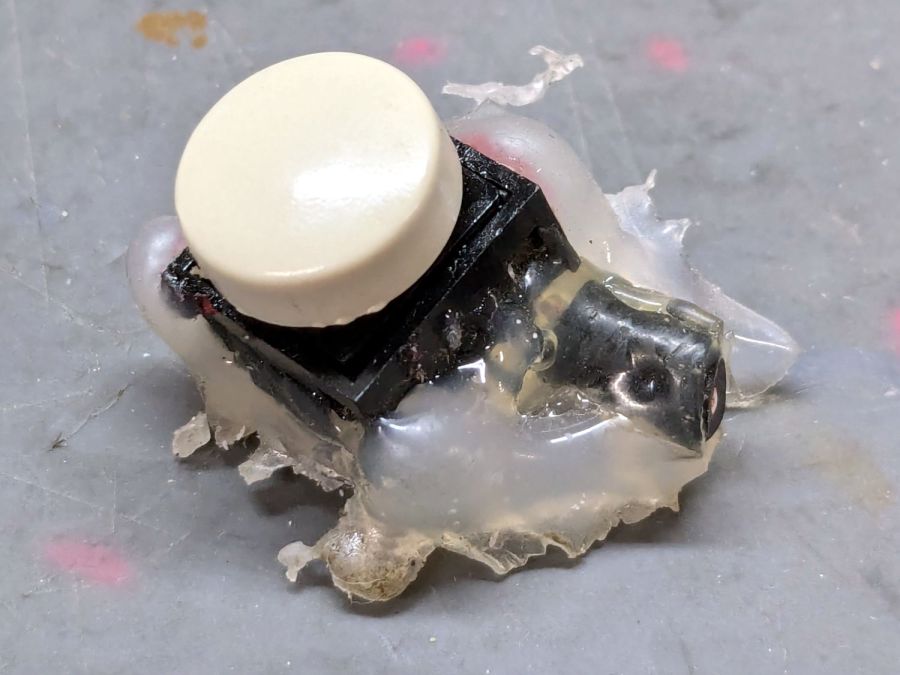
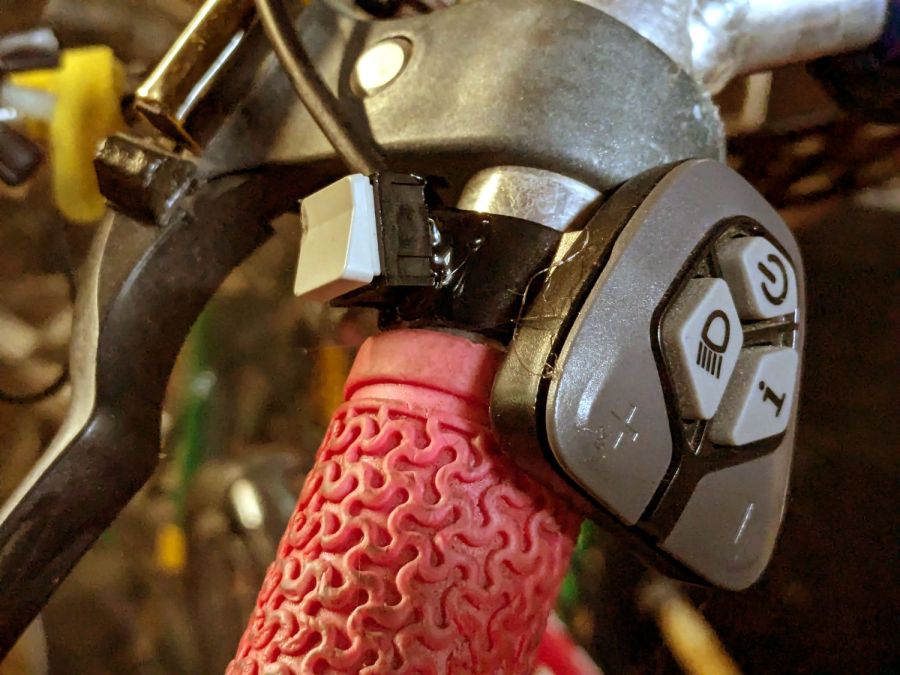
The replacement switch, also intended for indoor use on a keypad or some such device, pivots around the front edge and may be easier for her fingertip to activate:
New PTT Switch – installed
Hot melt glue seems vastly underrated for how wonderful a structural material it is.
If this one lasts five years, I’ll be perfectly happy.