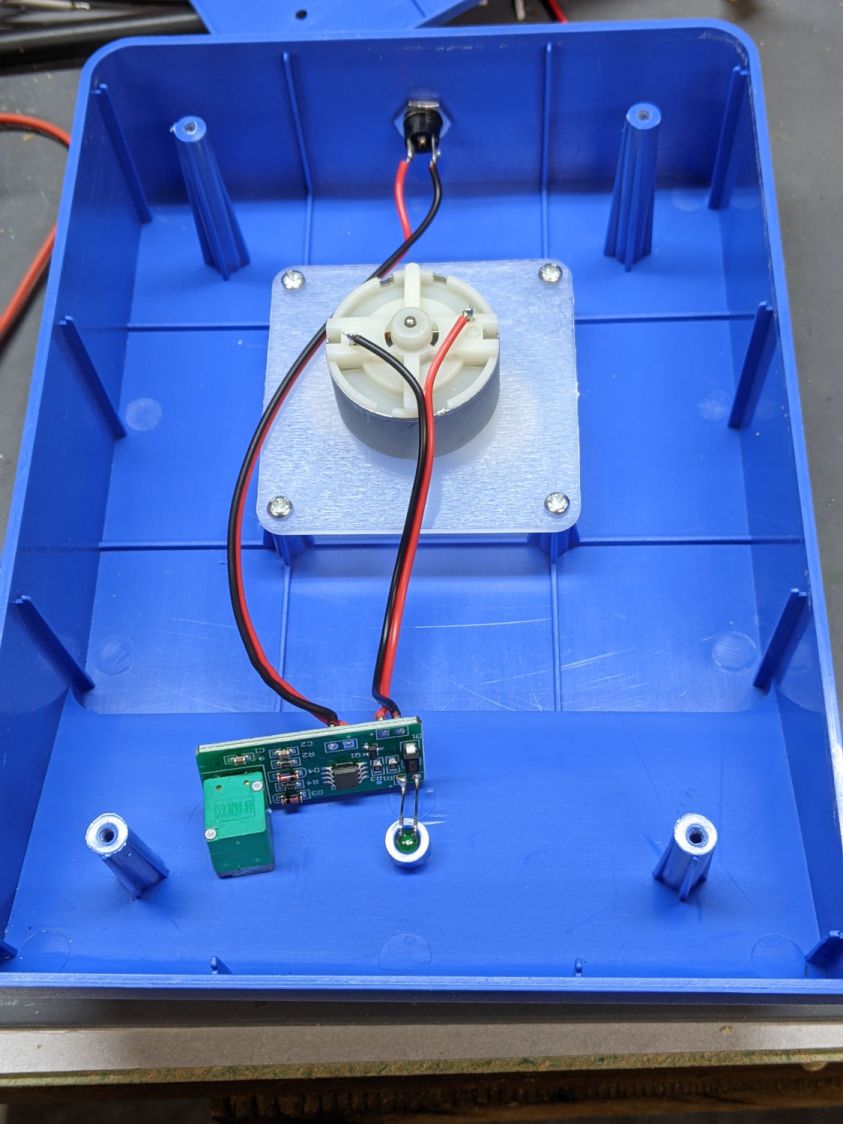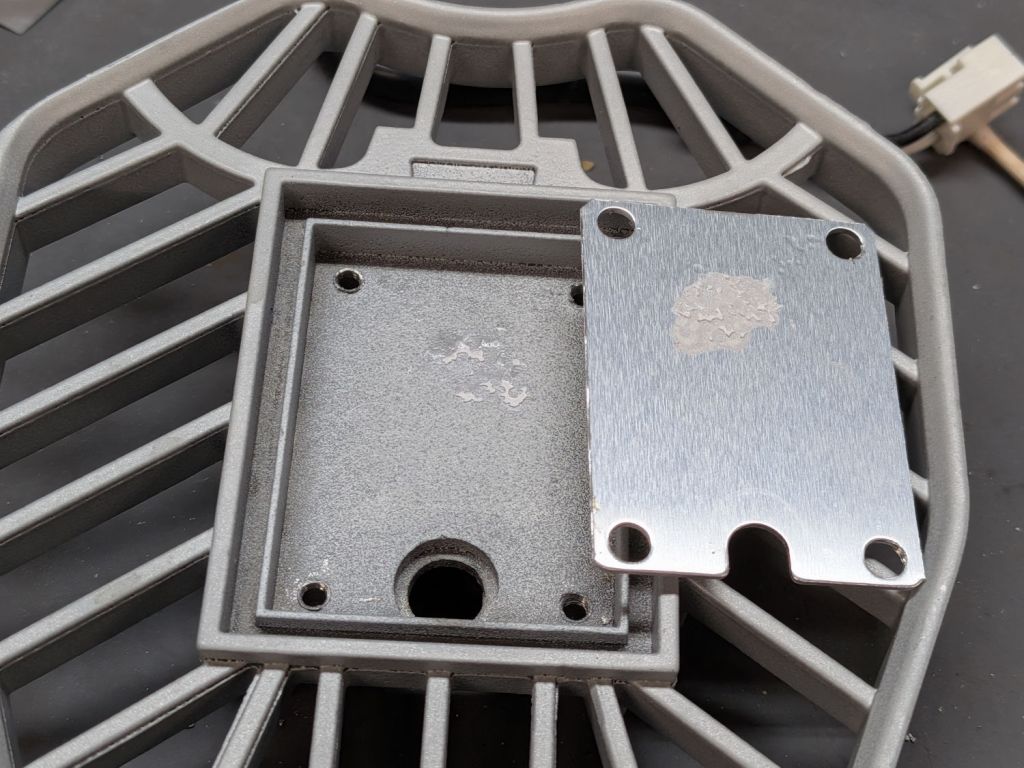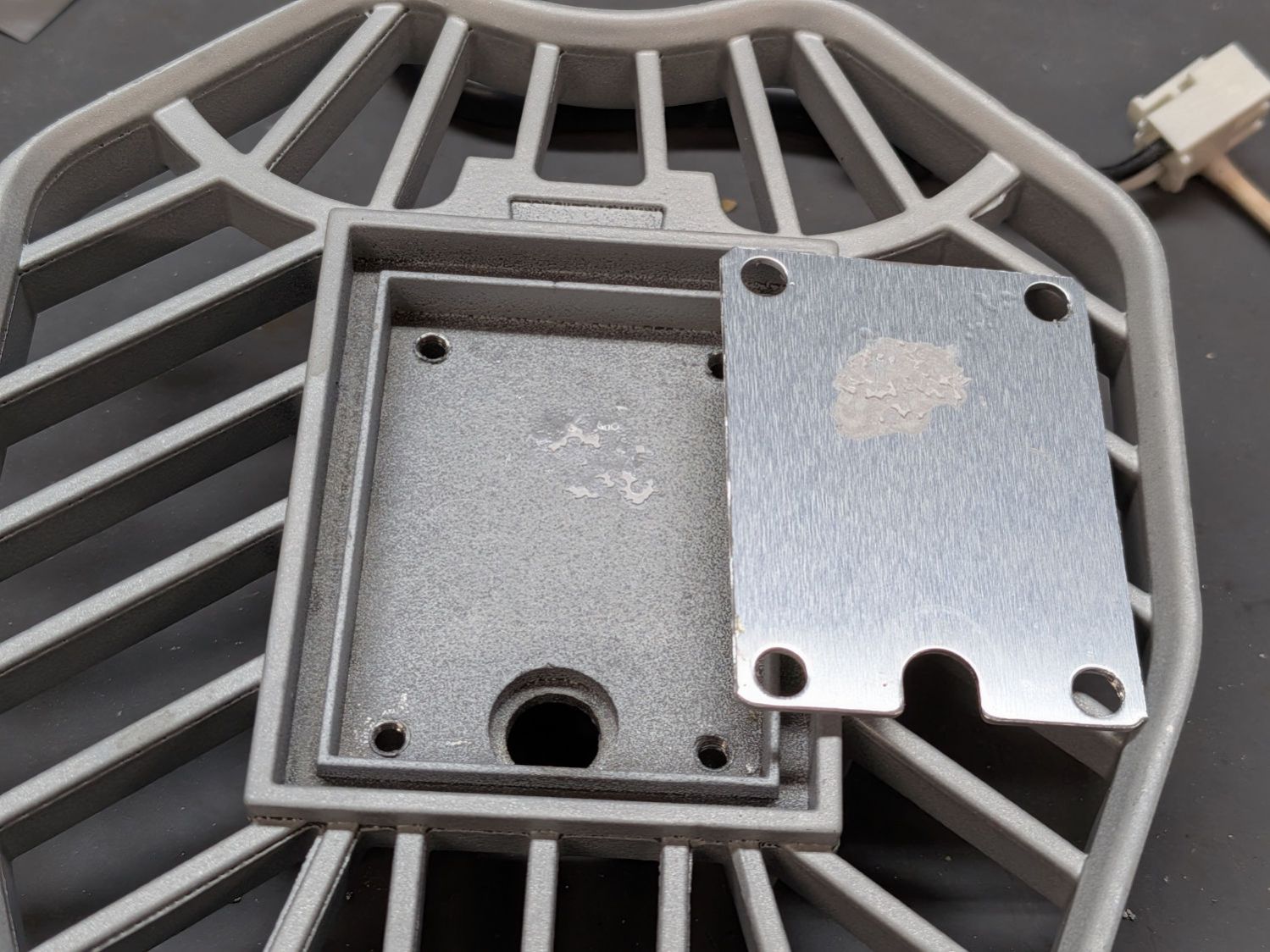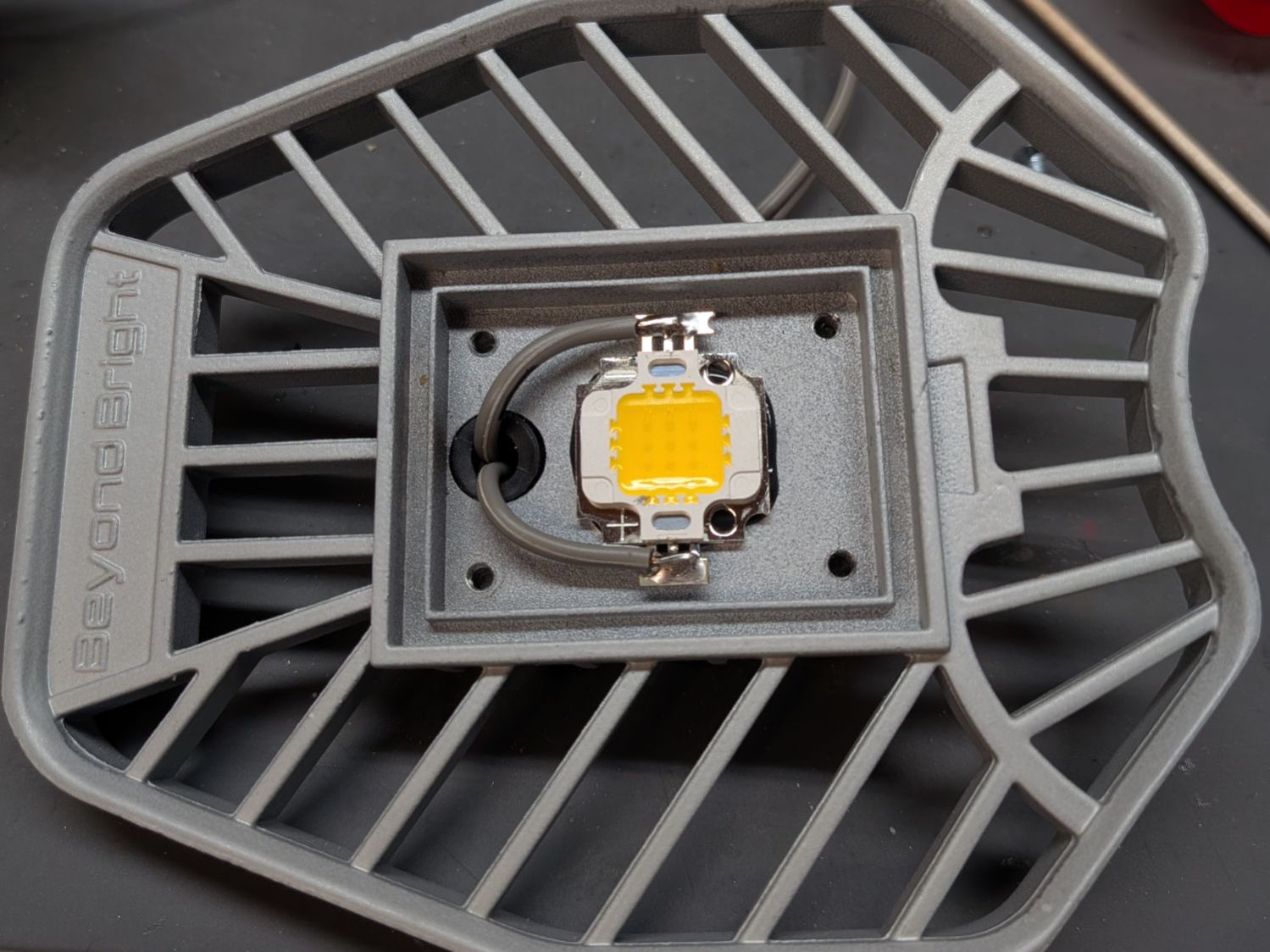
Obviously, I haven’t popped the top on this PC for a while:

Some fuzz made it past the grille:

PSA: In the unlikely event you still use a desktop PC, it’s time to pop the top on yours, too.
The Smell of Molten Projects in the Morning
Ed Nisley's Blog: Shop notes, electronics, firmware, machinery, 3D printing, laser cuttery, and curiosities. Contents: 100% human thinking, 0% AI slop.
If it used to work, it can work again

Obviously, I haven’t popped the top on this PC for a while:

Some fuzz made it past the grille:

PSA: In the unlikely event you still use a desktop PC, it’s time to pop the top on yours, too.

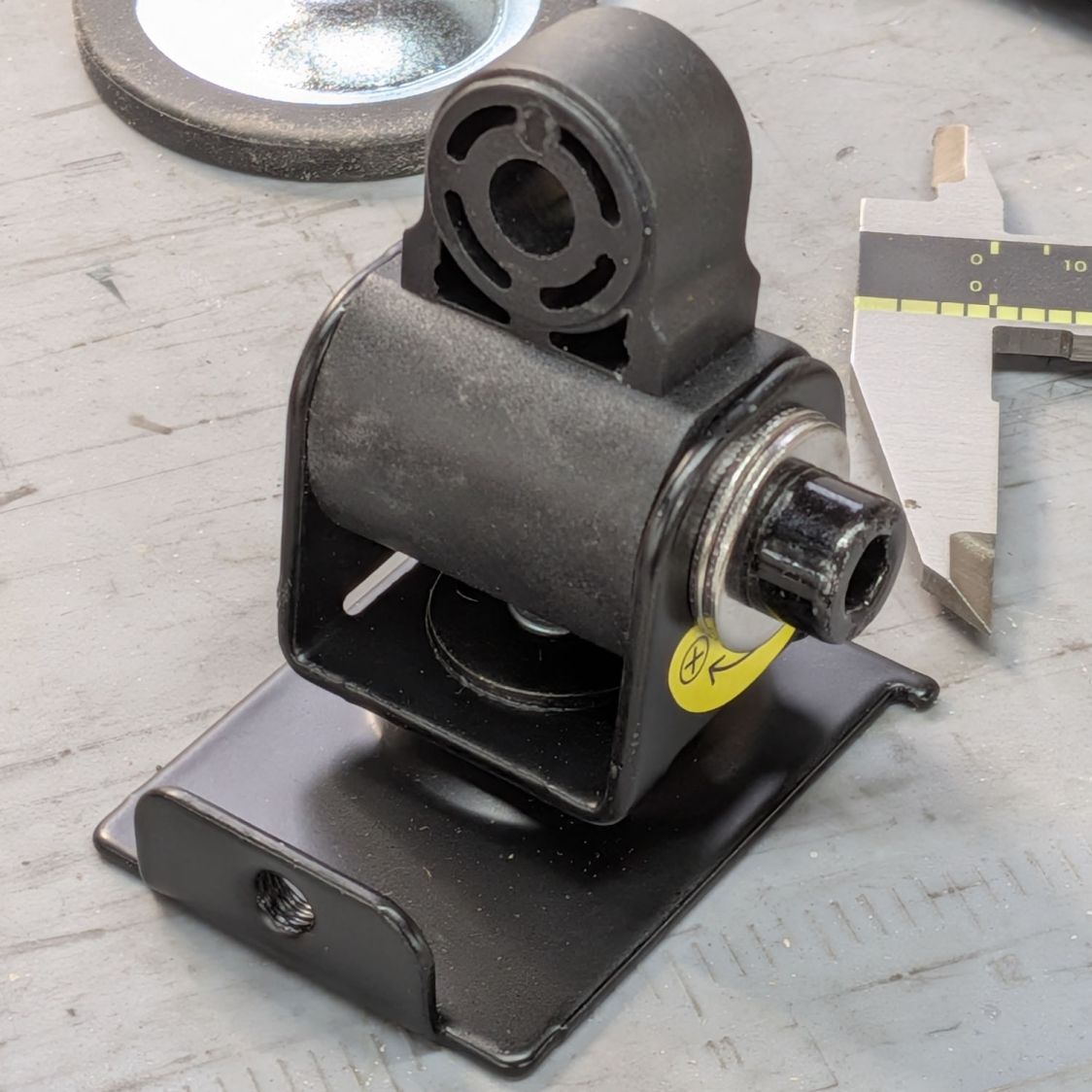
I have unfairly maligned the TPU snout, because the PETG snout failed the same way:

Seen with the shock cord in place, it’s obvious that combining moderately high temperature with steady compression sufficed to bend the PETG enough to pop those tabs loose from the vent.
So the OpenSCAD model now produces a stiffening ring to be laser-cut from acrylic:

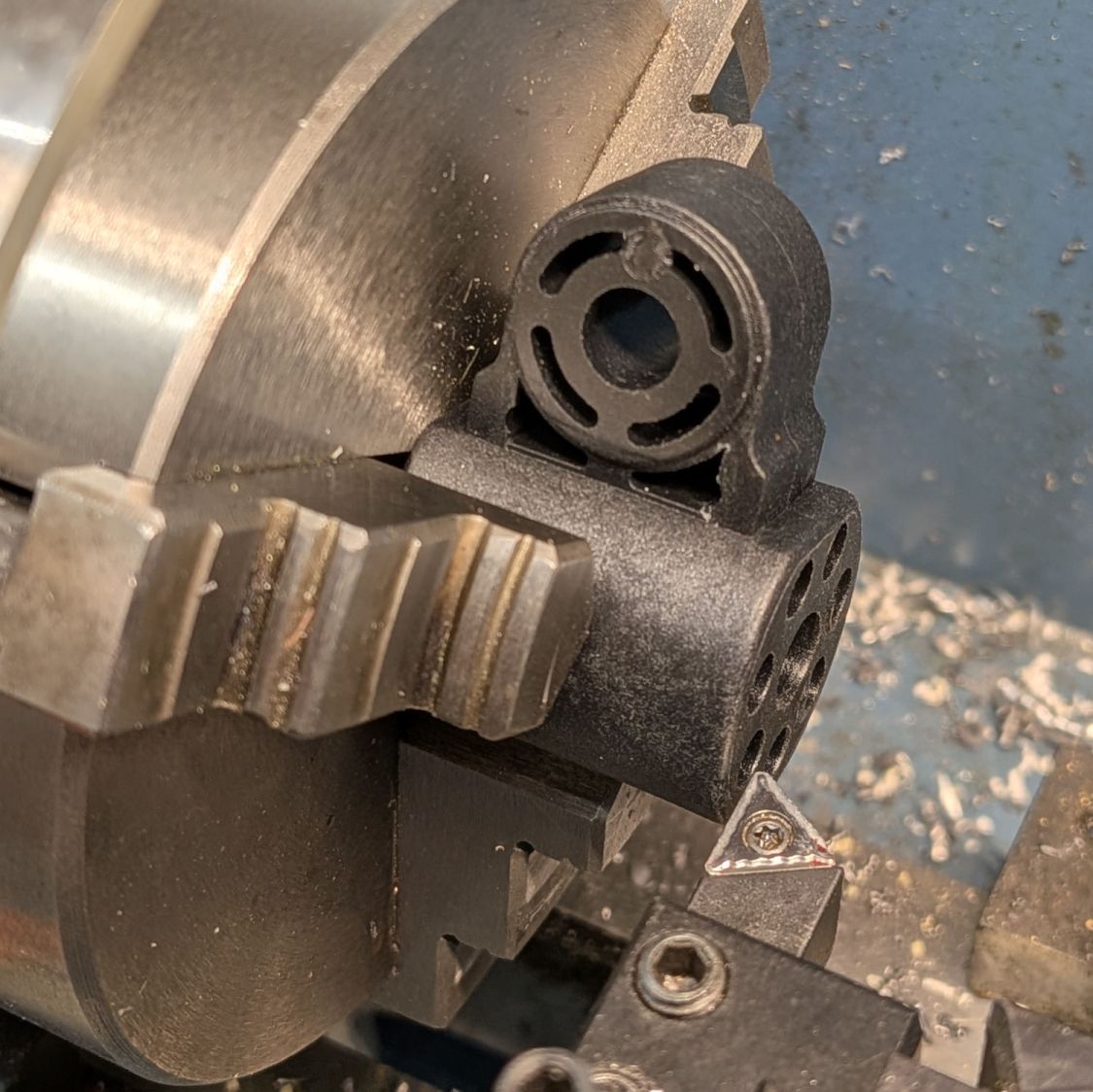
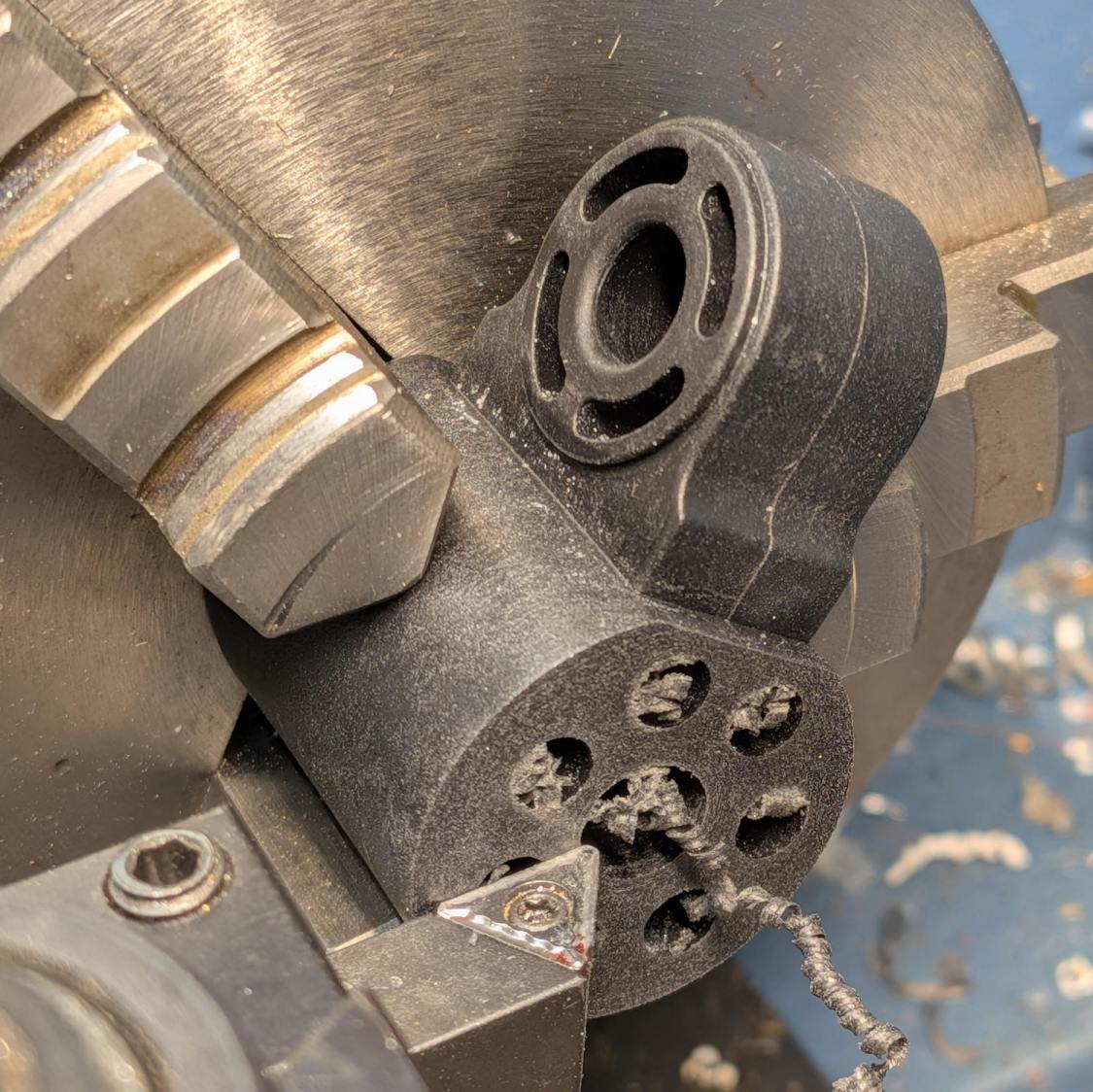
The whole snout builds as a single unit in the obvious orientation:

Because the part of the snout with the tabs is 7 mm tall, I glued a 4 mm acrylic ring to a 3 mm ring, with both of them glued to the snout:

That’s “natural” PETG, which I expected to be somewhat more transparent, but it’s definitely not a dealbreaker.
Mary will sew up another cheesecloth filter and we’ll see what happens to this setup.
As the saying goes, “Experience is what you get when you don’t get what you want.”
Fortunately, living in the future makes it easy to iterate on the design & implementation until experience produces what should have been obvious at the start.

It turned out those window screen splines lasted a dozen years until this happened:

Some rummaging in the Big Box o’ String produced the spool of 1000 pound test Kevlar cord most recently applied to the seat back on Mary’s bike, so this happened:

Having re-confirmed that frayed Kevlar cannot be melted into a blob, another UV-stabilized cable tie at each end will control those tufts.
Those cords should last forever …

The cart in Mary’s Vassar Farm plot returned in need of repair:

Those fractures near the end of the axle let the axle erode the side wall:

This will obviously require some sort of reinforcement on the body holding the axle, but the first challenge involved getting the wheels off the axle:

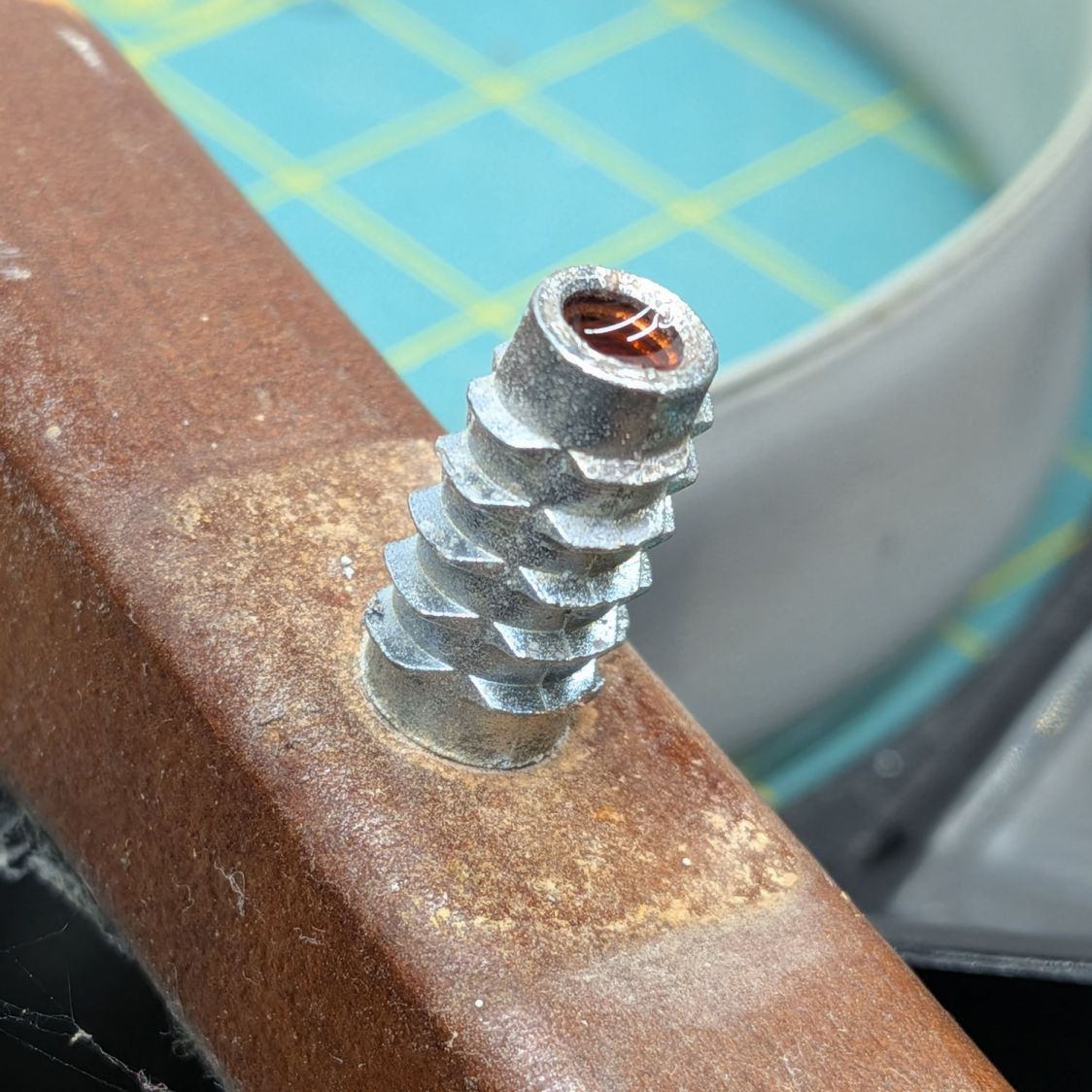
Some brute force revealed the hub covers snapped over an install-only locking fastener:

More brute force cut those fasteners (a.k.a. star-lock washers) to get the wheels off the axles.
While contemplating the situation, a box of 606 bearings (as used in the PolyDryer auto-rewind spindles) failed to scamper out of the way and produced a victim fitting perfectly on the 8 mm axle:

I regard such happenstance as a message from the Universe showing I’m on the right track. The alert reader will note the axle should not rotate, but does sport scars showing it’s done some turning in the recent past, so the bearing may not be a completely Bad Idea™.
Finding a Lexan snippet exactly as thick as the bearing suggested bolting a plate across the side of the body to support the bearing, like this:

Some layout work in LightBurn produced a template to mark the body for hand-drilling the holes:

In retrospect, that was a mistake. I should have:
Instead, three of the holes in that nice Lexan sheet ended up slightly egg-shaped to adjust for mis-drilled holes in the body.
Lexan does not laser-cut well at all, so that sheet was drilled to suit after using the template to mark the holes:

Then it got bandsawed / belt-sanded into shape.
I squeezed 5 mm rivnuts into whatever fiber-reinforced plastic they used for the body, which worked better than I expected. They’re intended for sheet metal, so I set the tool for 5 mm compression and they seem secure. I hope using plenty of screws across a large plate will diffuse the stress on each screw.
Then I threaded the axles and used acorn nuts:

In this situation, I regard JB KwikWeld epoxy as “removable with some effort”, as opposed to the destruction required with those star-lock washers. High-strength Locktite might also be suitable, but I do not anticipate ever having to remove these again for any reason and do not want the nuts to fall off in the garden.
The re-replaced seat conjured from a cafeteria tray continues to work fine, as do its 3D printed hinges.
It’ll reside in the shed until Spring rolls around …

In the midst of the humidification season, I spotted this while refilling one of the ancient Sears Humidifier bottles:

While it’s possible to buy replacement caps, this seemed more appropriate:

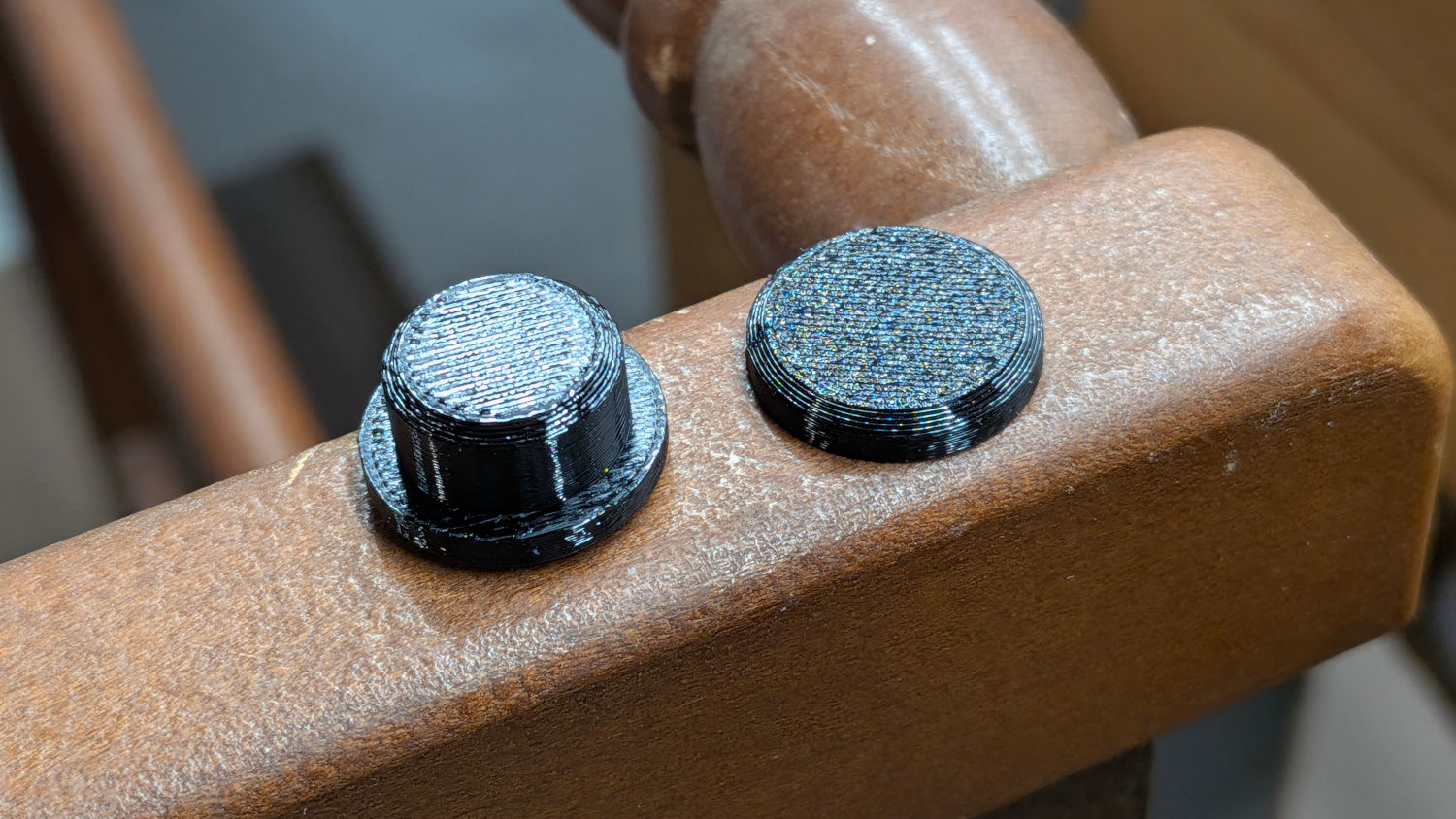
It’s PETG-CF, of course:

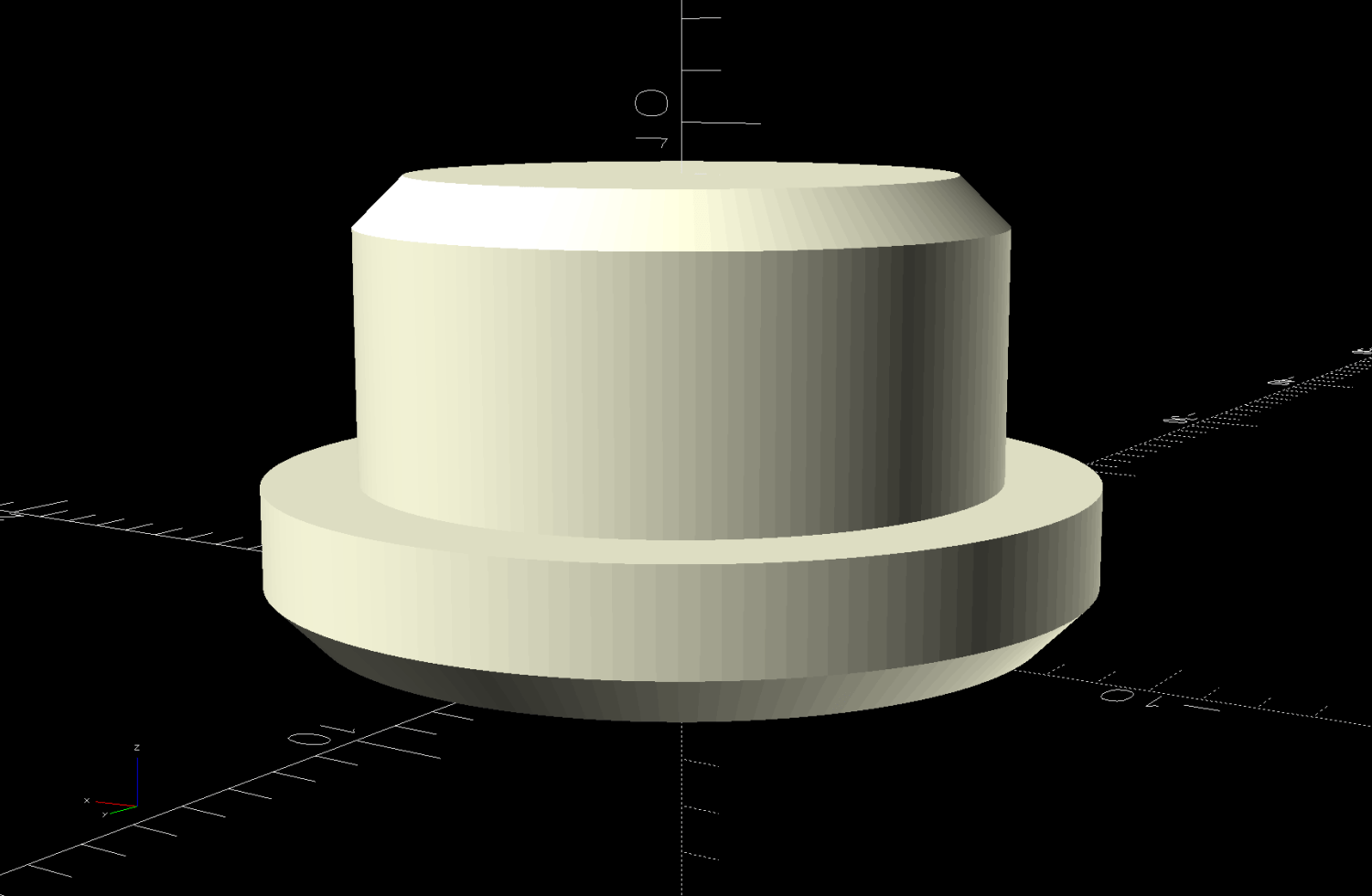
The shape is a ring with a simplified model of the cap removed from the middle:

It fits snugly over the cap atop a thin layer of JB PlasticBonder that should hold it in place forevermore:

The other side shows the crack over on the right:

Close inspection showed a few smaller cracks, so that cap was likely an original.
I made another ring for the other cap, only to find it was slightly larger with a black washer inside: apparently a previous owner had replaced one of the caps. The OpenSCAD program has measurements for both, not that you have either.
The OpenSCAD source code as a GitHub Gist:
| // Humidifier bottle cap reinforcement | |
| // Ed Nisley – KE4ZNU | |
| // 2025-11-29 | |
| include <BOSL2/std.scad> | |
| Layout = "Show"; // [Show,Build,Cap] | |
| /* [Hidden] */ | |
| Protrusion = 0.1; | |
| //—– | |
| // Bottle cap/valve | |
| // Collects all the magic numbers in one place | |
| Left = false; // the caps are different, of course | |
| CapODs = Left ? [43.0,42.1] : [43.1,42.9]; // [0] = base of cap | |
| CapHeight = 10.0; | |
| Notch = [0.6,2.0,8.5 + Protrusion]; // Z + hack for slight angle | |
| NumRibs = 24; | |
| RibAngle = 90 – atan(CapHeight/((CapODs[0]-CapODs[1])/2)); | |
| echo(RibAngle=RibAngle); | |
| $fn=2*NumRibs; | |
| module Cap() { | |
| difference() { | |
| cyl(CapHeight,d1=CapODs[1],d2=CapODs[0],anchor=BOTTOM); | |
| for (a=[0:NumRibs-1]) | |
| zrot(a*360/NumRibs) | |
| right(CapODs[1]/2) down(Protrusion) | |
| yrot(RibAngle) | |
| cuboid(Notch,anchor=RIGHT+BOTTOM); | |
| } | |
| } | |
| //—– | |
| // Reinforcing ring | |
| RingThick = 3.0; | |
| module Ring() { | |
| render() | |
| difference() { | |
| tube(CapHeight,od=CapODs[0] + 2*RingThick,id=CapODs[1] – 2*Notch.x,anchor=BOTTOM); | |
| Cap(); | |
| } | |
| } | |
| // Build things | |
| if (Layout == "Cap") | |
| Cap(); | |
| if (Layout == "Build" || Layout == "Show") | |
| Ring(); | |

The common fate of all “soft touch” silicone handles is to become sticky and gooey. While some goo may be removable, I’ve found that wrapping self-bonding silicone tape around the mess both encapsulates it and maintains the grippiness of the original silicone.
The most recent casualty is the decade-old ceramic crysknife I returned to service while the rest of the knives were being sharpened:

While I was at it, I added griptivity to the leaf blower handle:

Long years ago, before getting transparent silicone tape, I’d wrapped a kitchen slotted spoon:

Stipulated: Butt-ugly and built to stay that way.
Oddly, the handle on the matching spatula / scraper remains non-gooey to this day.
Should you care more about form than function, this repair is not the one you seek …

A few weeks ago, the house seemed unusually warm when I crawled out of bed. Checking the heat pump thermostat woke me right up:

This, as they say, is not a nominal outcome.
A pair of AA alkaline cells powers the thermostat and, due to its wireless communication link to the heat pump’s air handler in the attic, it chews through two pairs a year. As you’d expect, it displays a “Battery Low” message for at least few days at the end of their lifetime, which was not the case for this failure.
After replacing the cells, the thermostat reported that, yes indeed, the house was much warmer than usual:

A temperature monitor showed the heat had jammed on in the deep of the night:

The heat pump exhaust temperature showed a similar event:

One of the AA cells showed about 1.3 V, but the other was around 0.25 V, suggesting an abrupt failure, rather than the normal gradual voltage decrease with plenty of time to replace the cells.
It’s reasonable to jam the heat on when the thermostat isn’t communicating, rather than let the house gradually freeze, but it did come as a surprise. I don’t know how the heat pump reacts to a battery failure during the cooling season; not refrigerating the house would be perfectly fine in most circumstances.
The Amazon Basics AA cells I’ve been using have worked as well as the Name Brand ones, so I was willing to write one off as happenstance.
However, during the recent Daylight Saving Time dance, I discovered the clock in Mary’s Long Arm Sewing Room had stopped, with an Amazon Basics AA alkaline cell from the same lot inside:

The date shows I’d replaced it in March, with the previous cell lasting an amazing 3-½ years. This one was completely dead, reading barely 0.1 V, after seven months. Mary hasn’t had a quilting project at the long-arm stage in recent months, so the clock may have been stopped for quite a while.
Perhaps something has gone badly wrong with Amazon’s battery supplier QC.
As the saying goes: Once is happenstance. Twice is coincidence. Three times is enemy action.