Ed Nisley's Blog: Shop notes, electronics, firmware, machinery, 3D printing, laser cuttery, and curiosities. Contents: 100% human thinking, 0% AI slop.
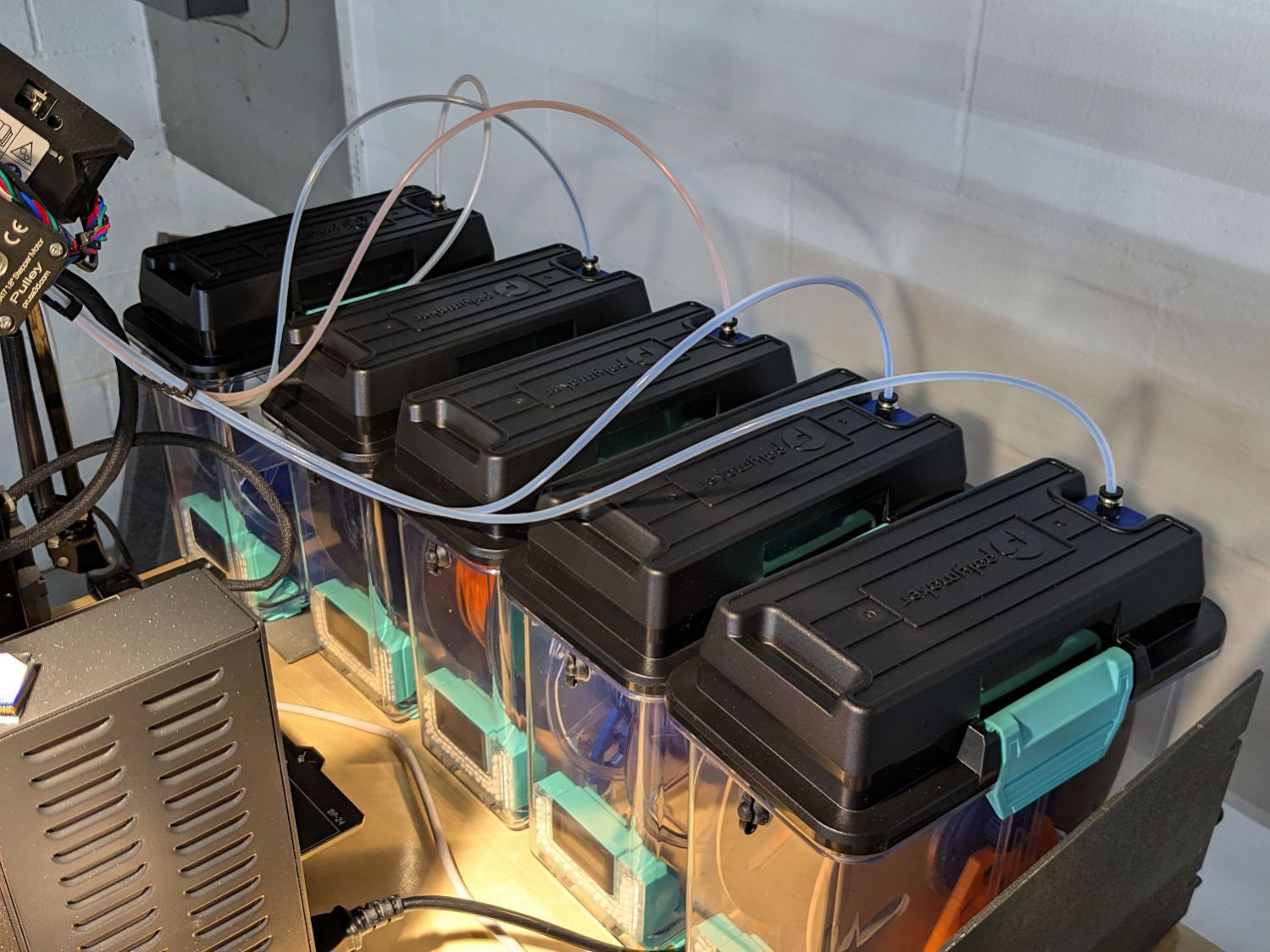
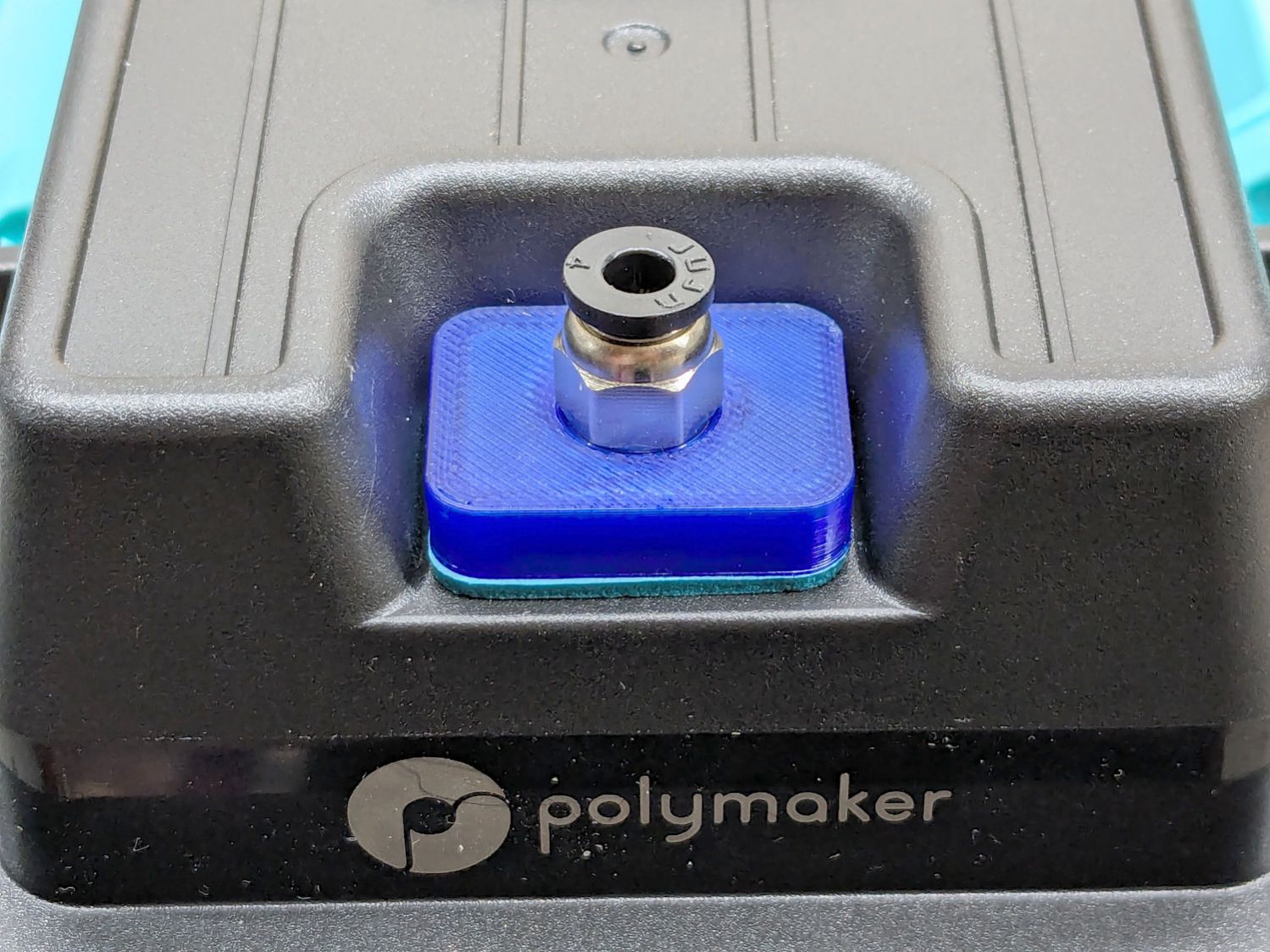
Their rubbery port covers work best with 6 mm OD PTFE tubes, but let the MMU3’s 4 mm tubes slide into / out of the boxes under normal filament extrusion / retraction forces, so I conjured an adapter for PC4-M10 pneumatic fittings:
PolyDryer PC4 Fitting – installed
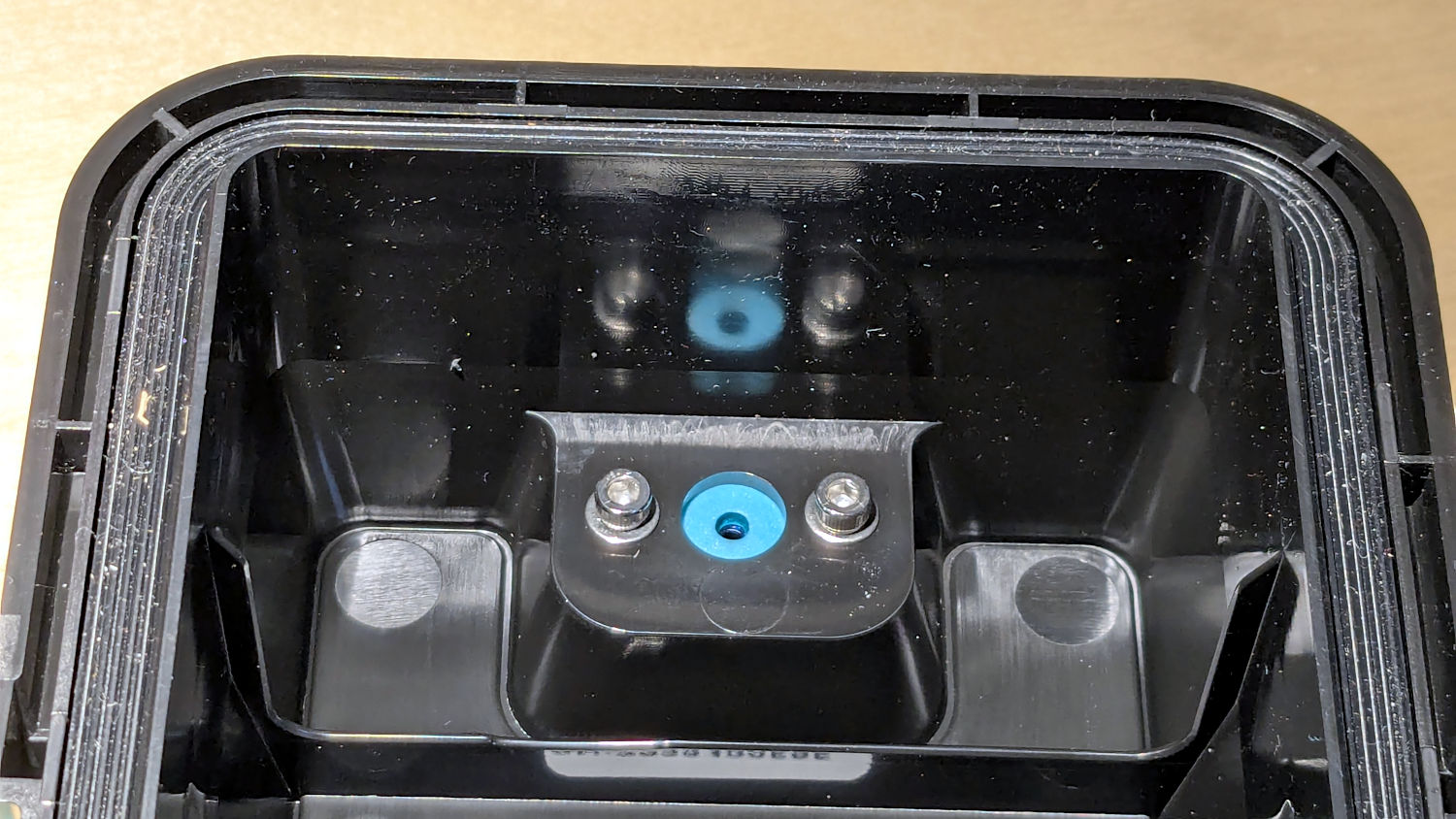
A pair of M3 screws hold the adapter plate in place, with an EVA foam gasket sealing against the cover:
PolyDryer PC4 Fitting – interior view
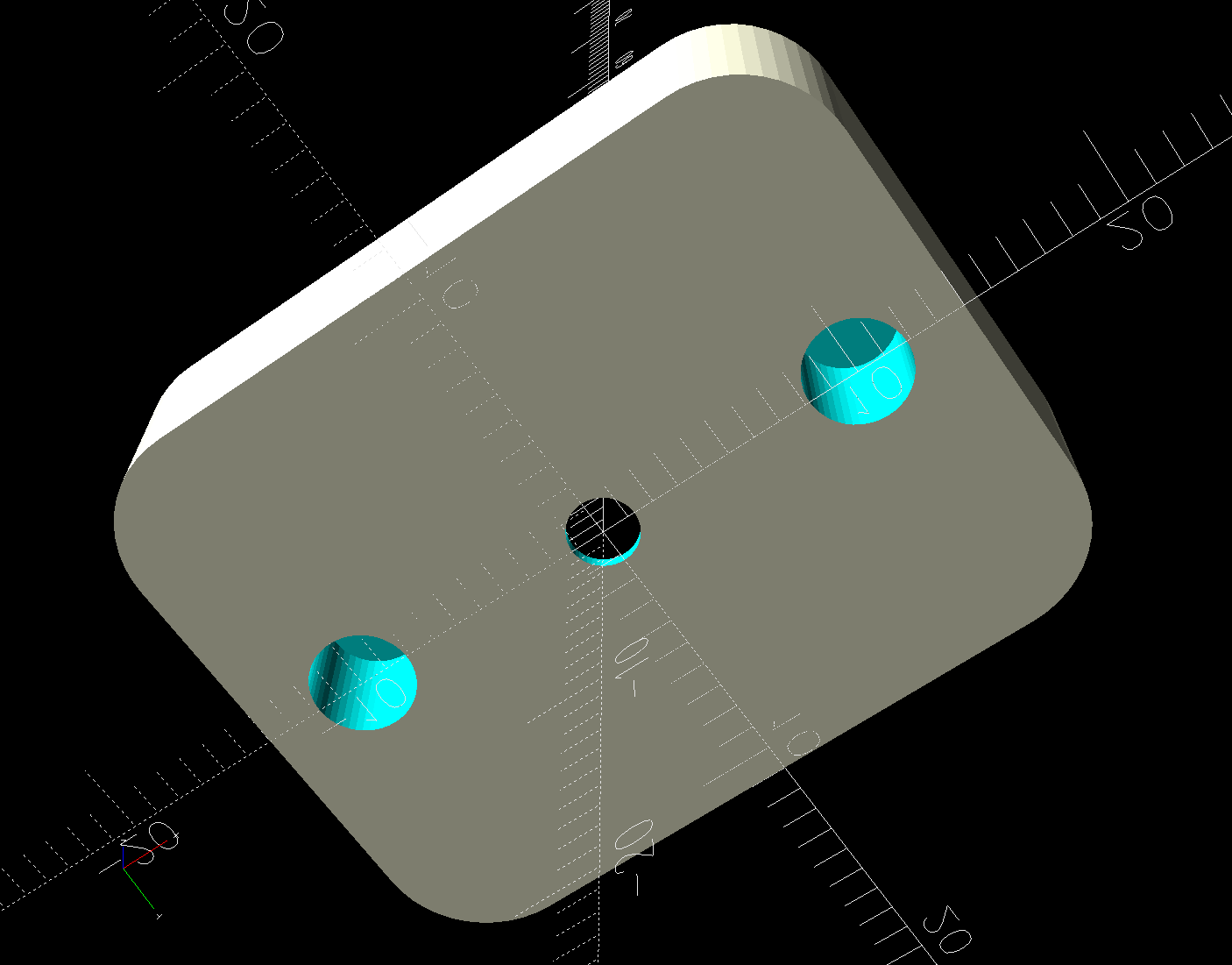
The PC4-M10 fittings let the 4 mm tubing slide right through, so the adapter has a 0.5 mm bottom sheet to block the tube, with a small hole for the filament:
PC4 Fitting Plates – bottom – solid model
You could use PC4-M6 fittings to block the tubing, but the 2 mm lumen on the fittings I have barely pass 1.75 mm nominal filament. Comments found elsewhere suggest identical PC4-M6 fittings have smaller lumens that snag the filament as it moves in one direction or the other.
The two blind holes get heat-staked 4×4mm M3 brass inserts.
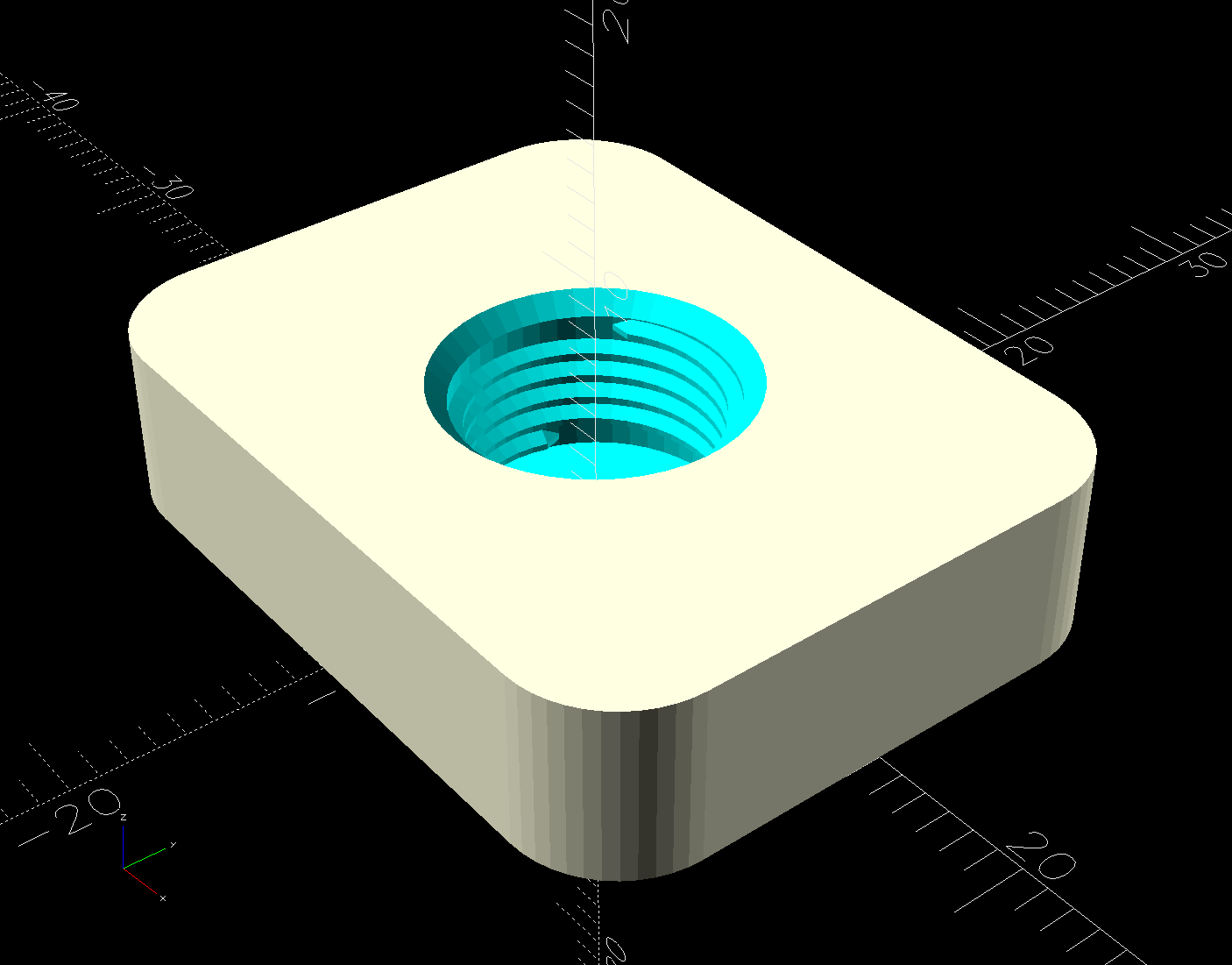
The top has a threaded hole for the fitting:
PC4 Fitting Plates – top – solid model
Despite what the description says, the thread is not an M10 metric straight thread: it is a tapered pipe thread used for gas- and liquid-tight fittings. Considerable measurement & searching suggested a ⅛BSP-28 thread, because:
British Standard Pipe threads are used everywhere in the world except the USA
Both my metric tap sets have a ⅛BSP-28 tap along with all their hard-metric straight taps
The thread is painfully close to ⅛NPT-27, which would probably work in a pinch if it was the only tap you had.
Those PC4-M6 fittings might sport 1/16BSP-28 threads, but you’re on your own.
Further searching suggests nobody uses the corresponding tapered female pipe threads and everybody goes with a straight internal thread, so I conjured a stumpy threaded rod using the BOSL2 library and removed it from the adapter plate:
The 9.7 mm diameter is the ⅛BSP-28 “major diameter”, rather than its “gauge diameter”, simply because it produced a good fit. The beveled top guides the fitting into the hole, but I still managed to cross-thread one.
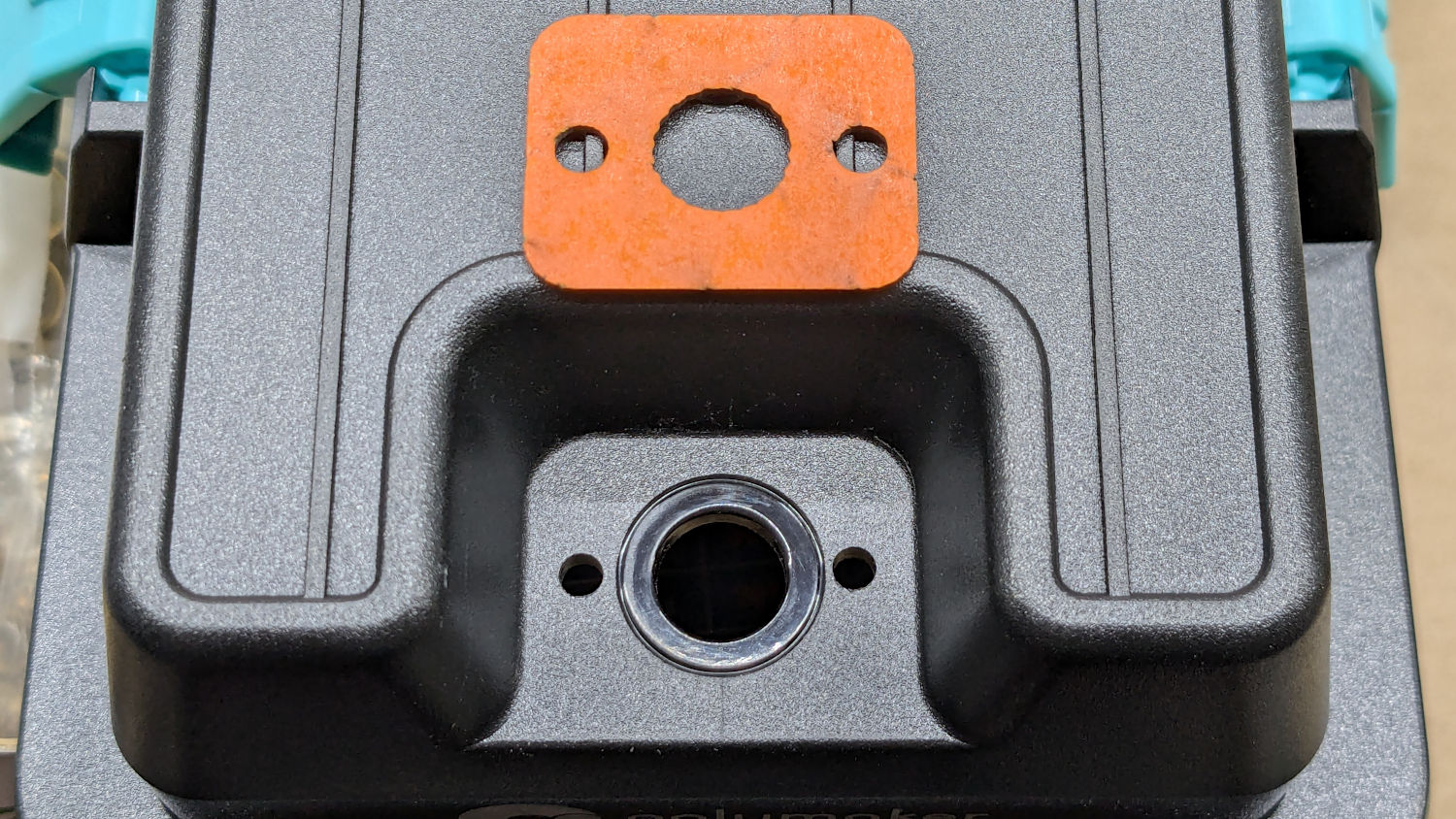
The OpenSCAD code also produces SVG files to laser-cut the foam gasket and a drill template:
PolyDryer PC4 Fitting – drill template
The holes were step-drilled to ⅛ inch (which has a historic relation to the ⅛BSP-28 size, because iron pipe) for a generous fit around the M3 screws.
That was way more complicated than I expected and I’m really glad to live in the future where this is a 3D printer project, not a metalworking project involving an actual tap in, say, steel.
This file contains hidden or bidirectional Unicode text that may be interpreted or compiled differently than what appears below. To review, open the file in an editor that reveals hidden Unicode characters.
Learn more about bidirectional Unicode characters
The switch on the Anker LC-40 flashlight serving as a running light on my Tour Easy became slightly intermittent before I replaced it with a 1 W amber LED, but it was still good enough to become the troubleshooting flashlight in the tray next to the Prusa Mk 4 printer. Eventually, of course, it failed completely and Something Had To Be Done.
Although I knew an exact replacement switch had to be available from the usual sources, I could not come up with a set of keywords capable of pulling them out of the chaff.
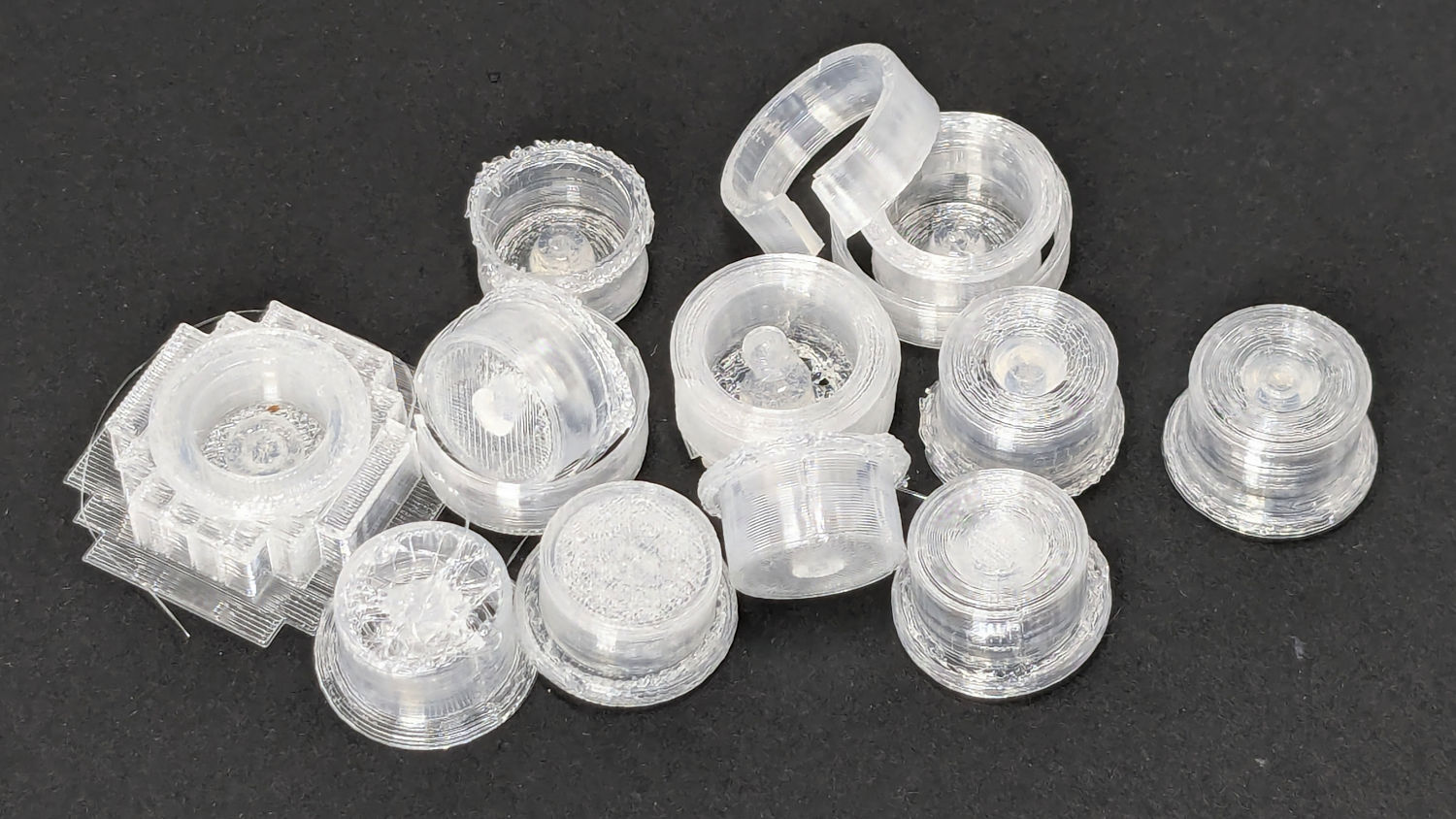
Which turned into a multi-dimensional search over cap geometry, TPU extrusion speeds & feeds, and various impossible-to-directly-measure sizes:
Anker LC-40 Flashlight – TPU cap iterations
The squarish block over on the left is PrusaSlicer’s version of a support structure wrapped around the first cap version; if human lives depended on it, I could surely extract the cap, but it would take a while.
The remaining debris samples occured while discovering:
An extruder temperature of 230 °C, not 250 °C, works well
A conical shape of the lip around the open end to eliminate the support structure
TPU doesn’t bridge well, so the closed end must be down
Length of the central pillar to barely touch the switch stem when released
Cap length and wall thickness so the TPU shell can collapse enough to actuate and release the switch stem
Because I expected this would be an easy job, I used snap ring pliers to unscrew and rescrew the threaded retaining ring holding the switch PCB in place. Because the pliers didn’t have a stable grip on the ring, the threads eventually became just a bit goobered.
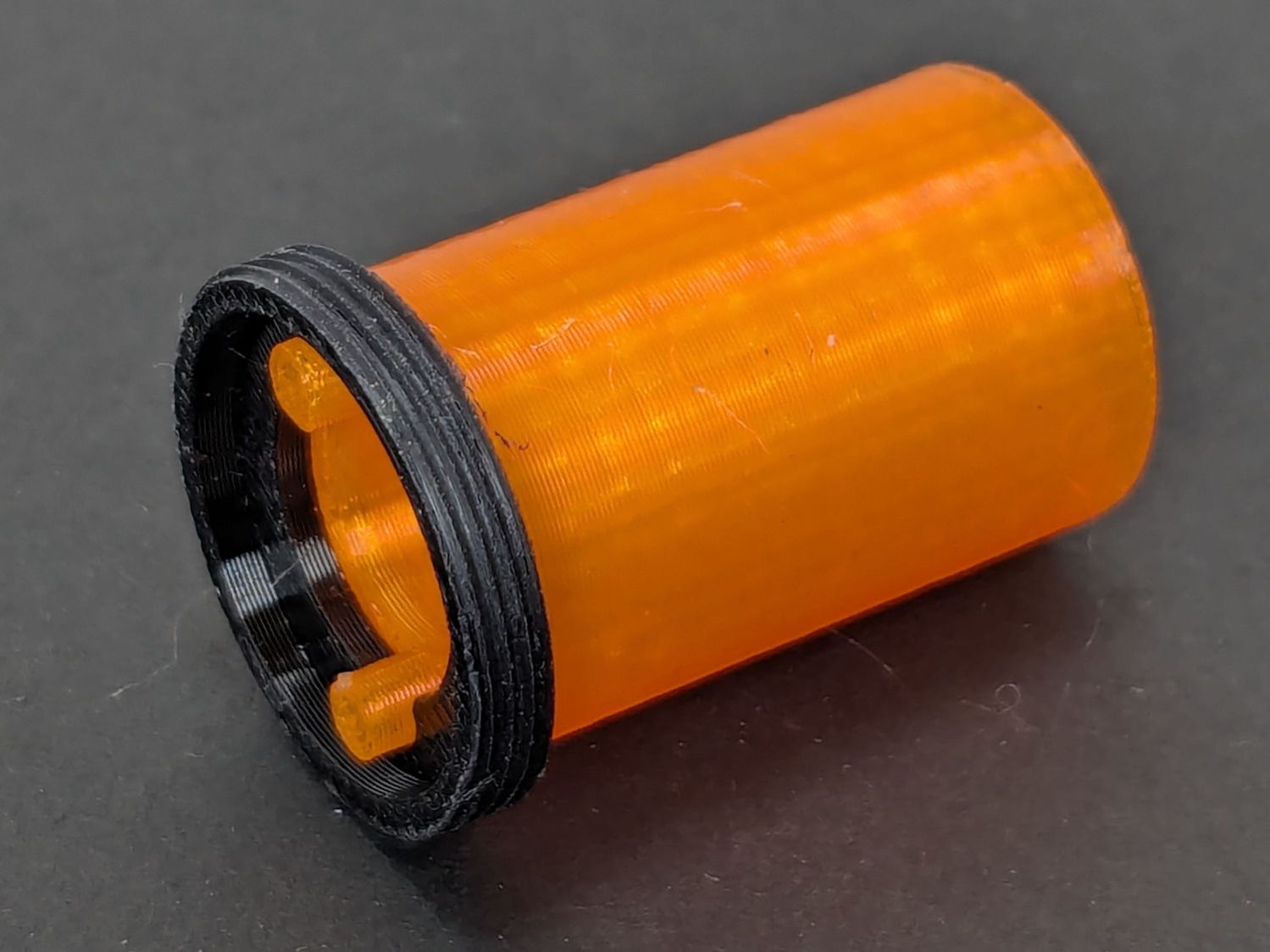
This was not a problem, because I have a(nother) 3D printer:
Anker LC-40 Flashlight Retainer – show view
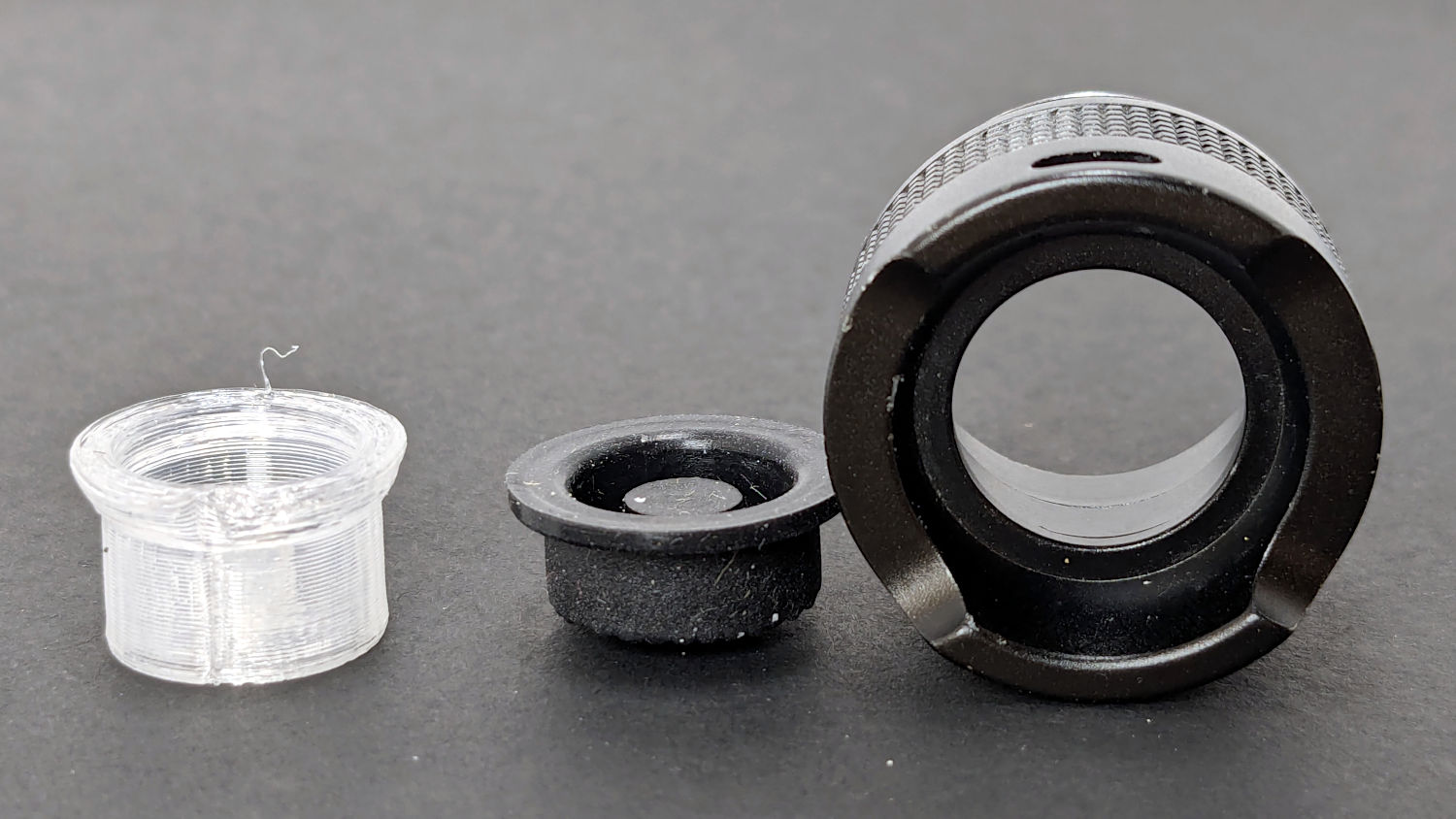
The gray thing on the right is a simple pin wrench fitting both the original and the replacement retaining rings, so I can orient the rings properly while unscrewing & rescrewing:
Anker LC-40 Flashlight – pin wrench in place
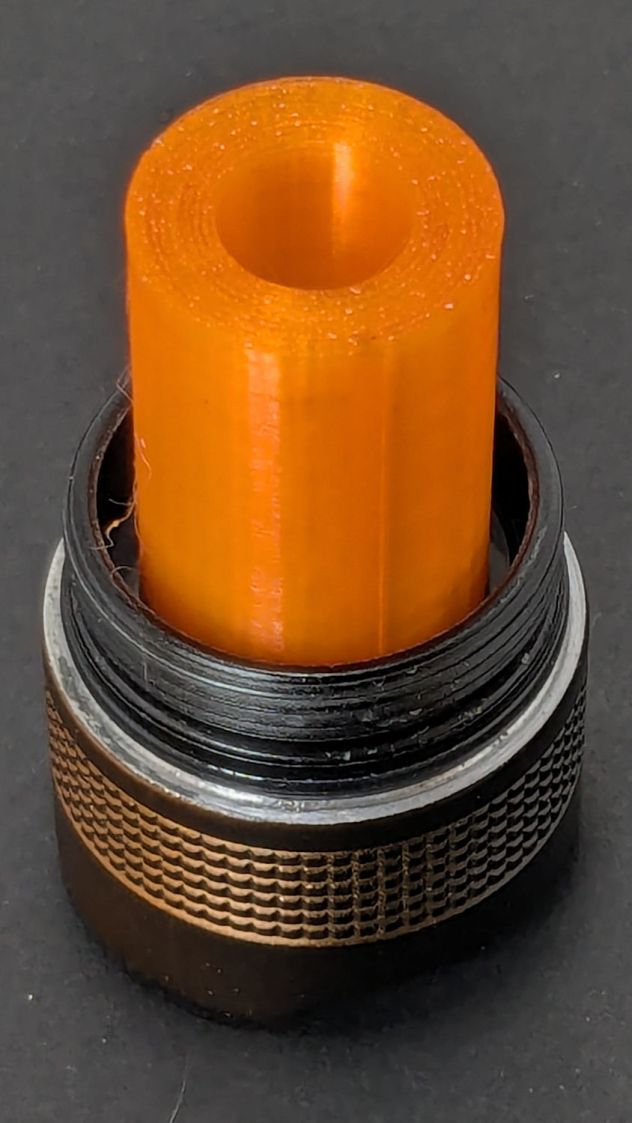
The threads have a 0.75 mm pitch and, while it’s possible to print screw threads, even a tedious 0.1 mm layer height would define each turn of the thread with only 7-½ layers.
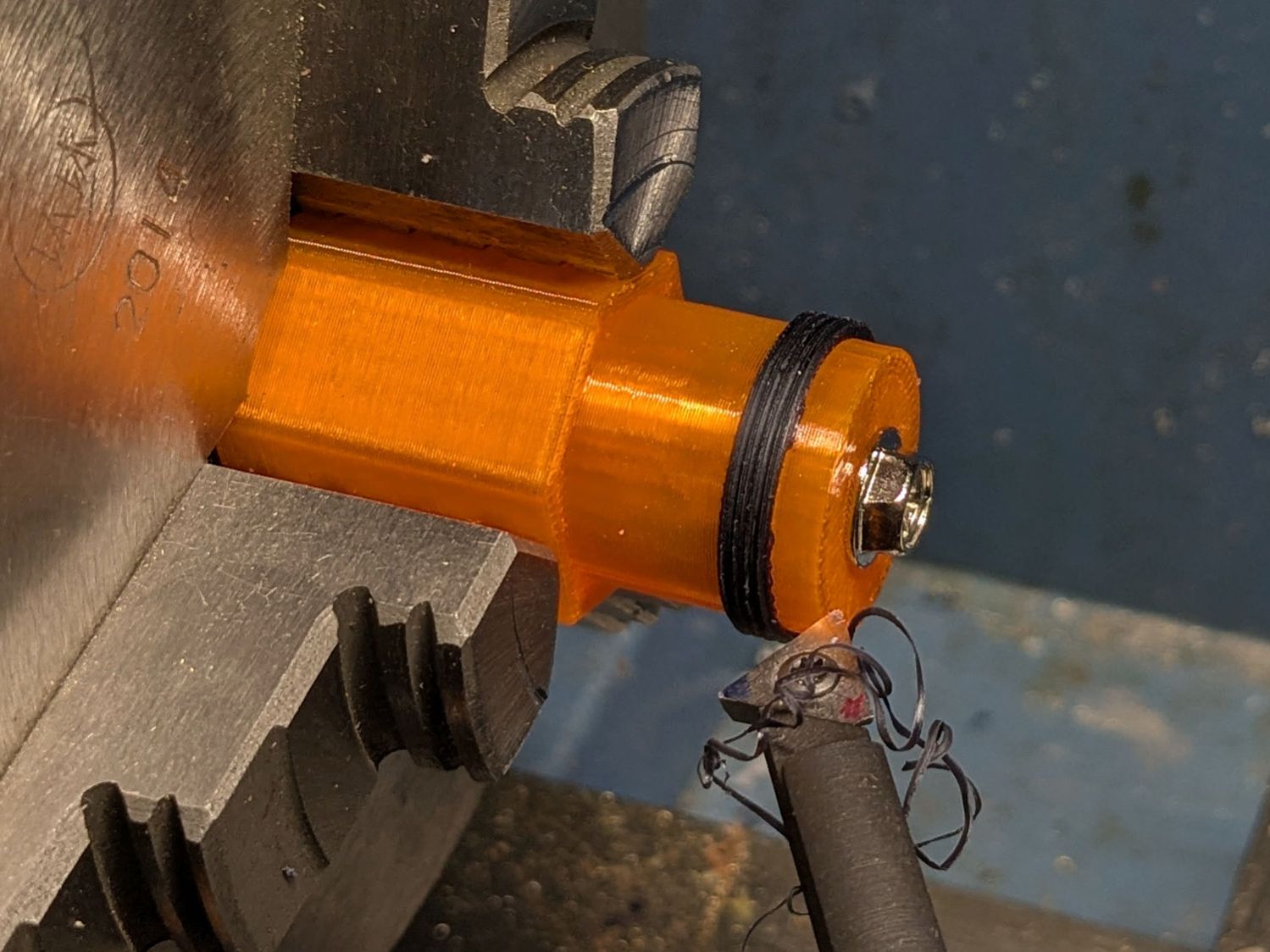
This was not a problem, because I have a mini-lathe:
Anker LC-40 Flashlight – thread cutting
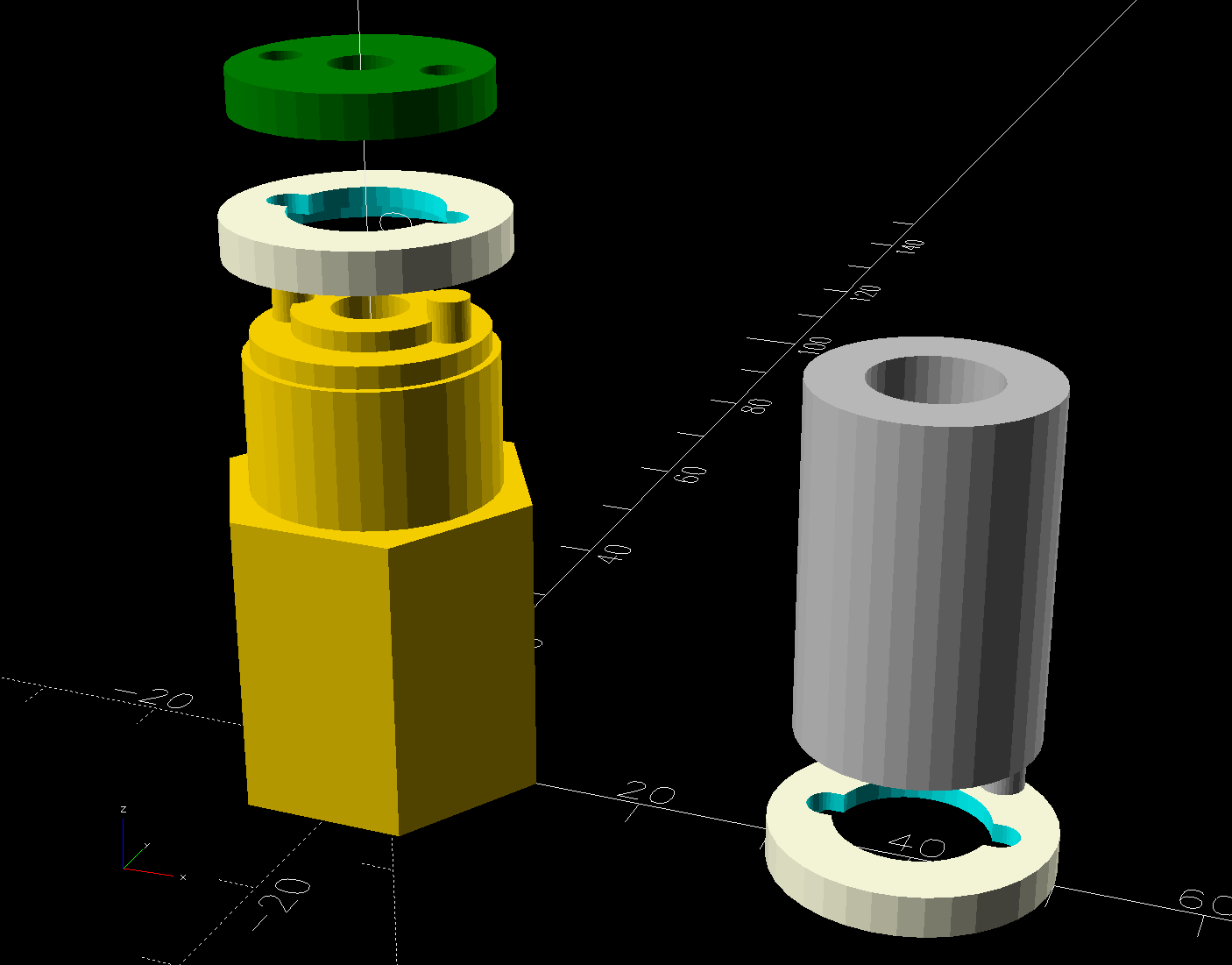
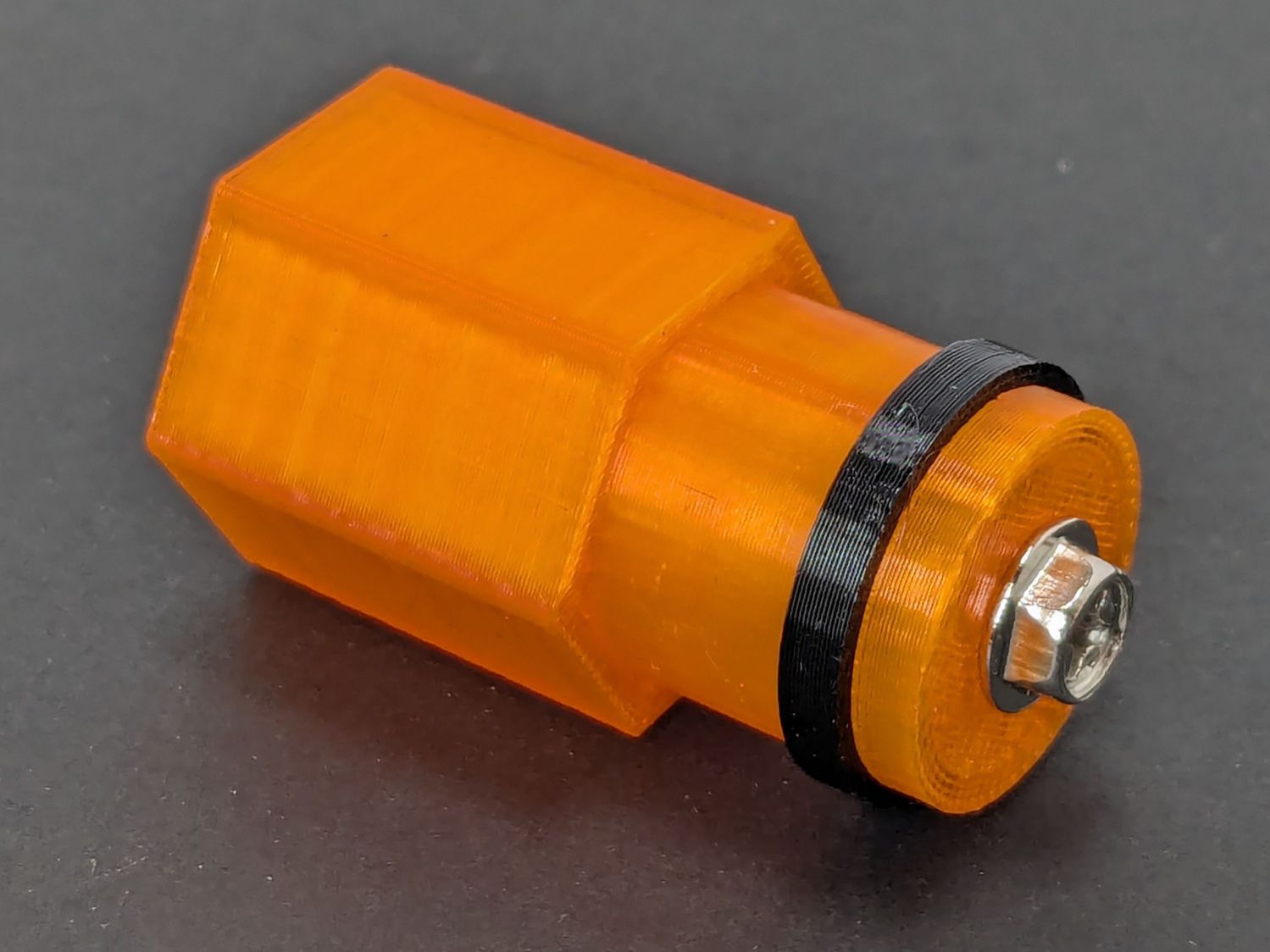
The yellow & green things on the left of those solid models are the fixture holding a retaining ring for threading and the washer applying pressure to keep the ring in place:
Anker LC-40 Flashlight – lathe fixture – detail
The alert reader will note that washer lacks holes for the alignment pins I added after seeing the washer sit not quite concentric on the fixture. I could call it continuous product improvement, although I doubt I’ll print another one.
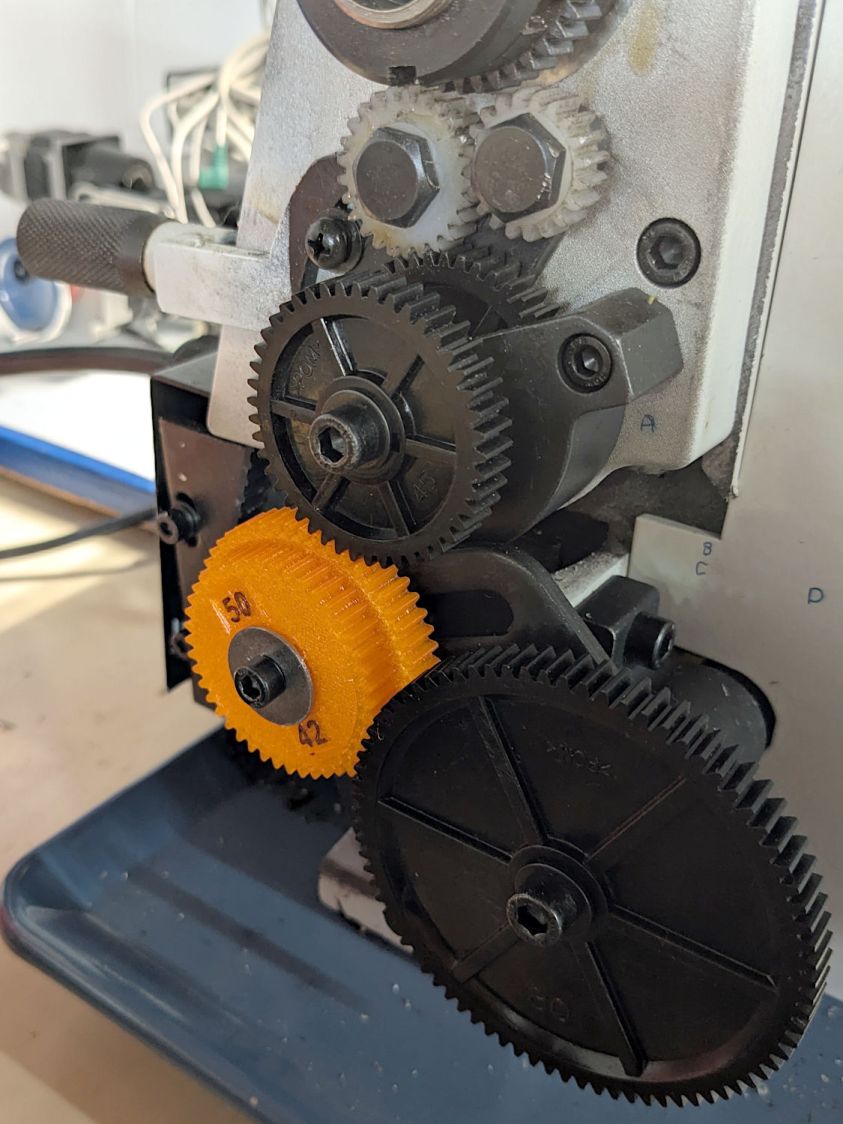
Setting up the lathe involved finding the proper set of change gears, including the vital 42-50 stacked gear I made a while ago to print metric threads on a hard-inch lathe:
Anker LC-40 Flashlight – lathe change gear train
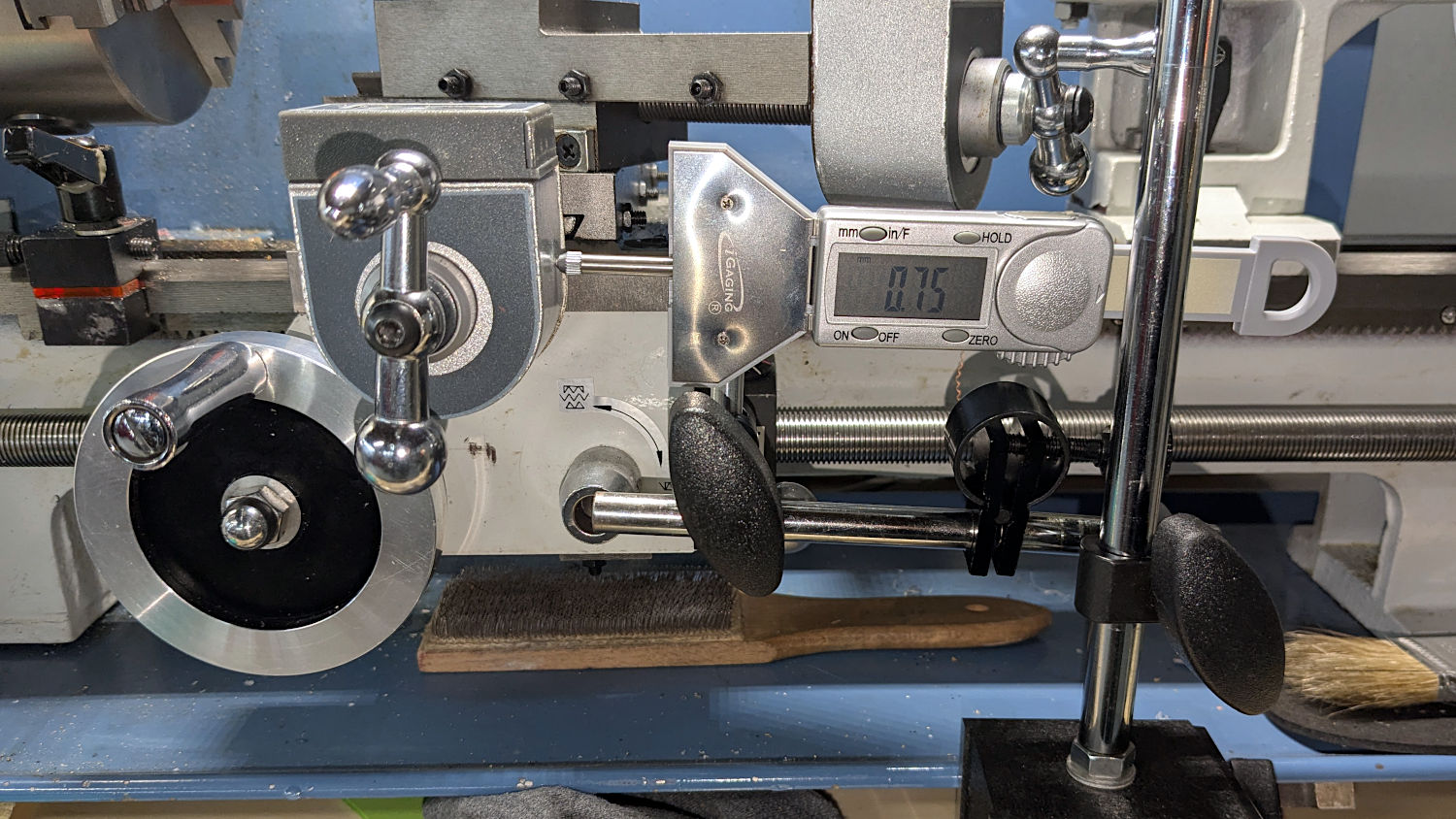
Although you’re supposed to measure the thread spacing on a skim pass, I find it’s easier to just measure the carriage movement for one spindle rotation:
Anker LC-40 Flashlight – lathe gear check
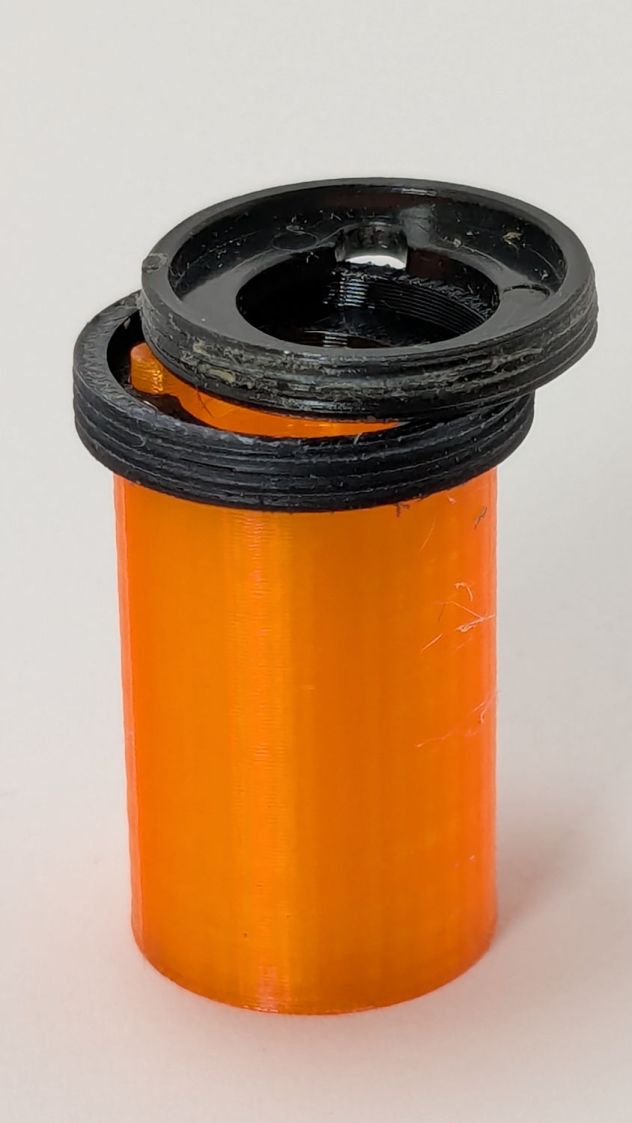
A few passes produced a fine retaining ring:
Anker LC-40 Flashlight – OEM vs lathe-cut threads
Sporting much nicer looking threads than the goobered original:
Anker LC-40 Flashlight – OEM vs lathe-cut threads
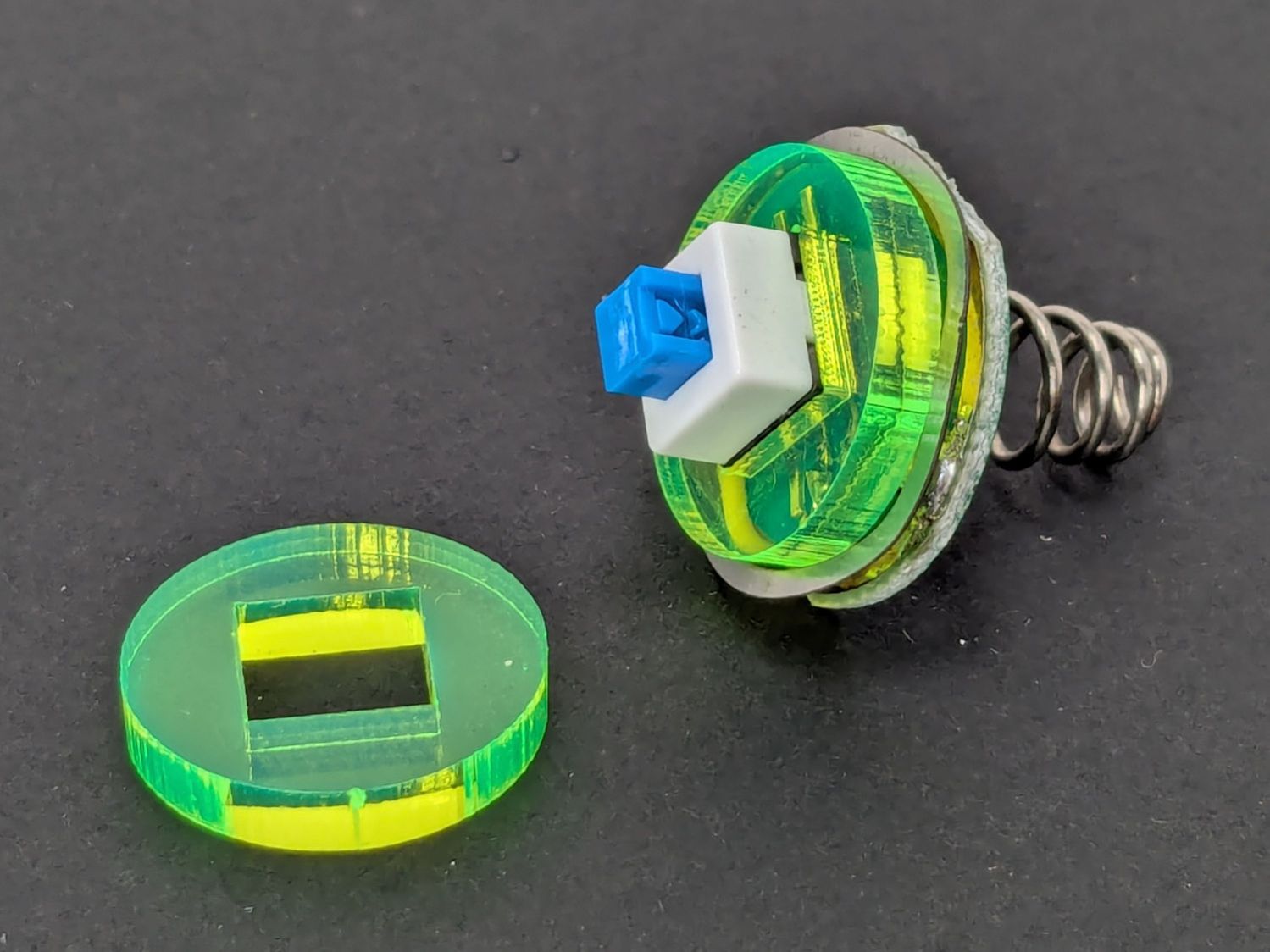
The original switch had a stabilizing ring around the body to prevent it from wobbling under the original rubber cap.
This was not a problem, because I have a laser cutter:
Anker LC-40 Flashlight – new switch in stabilizer
Those came from a scrap of fluorescent acrylic.
The wave washer behind the acrylic stabilizer improves the contact between the PCB trace around the rim and the flashlight tailcap, with the current passing through the body to the “light engine” up front. The retaining ring provides enough pressure to compress the wave washer, which is why it’s so easily goobered without a close-fitting pin wrench.
With everything assembled in reverse order, the flashlight worked pretty much as it did back when it was new:
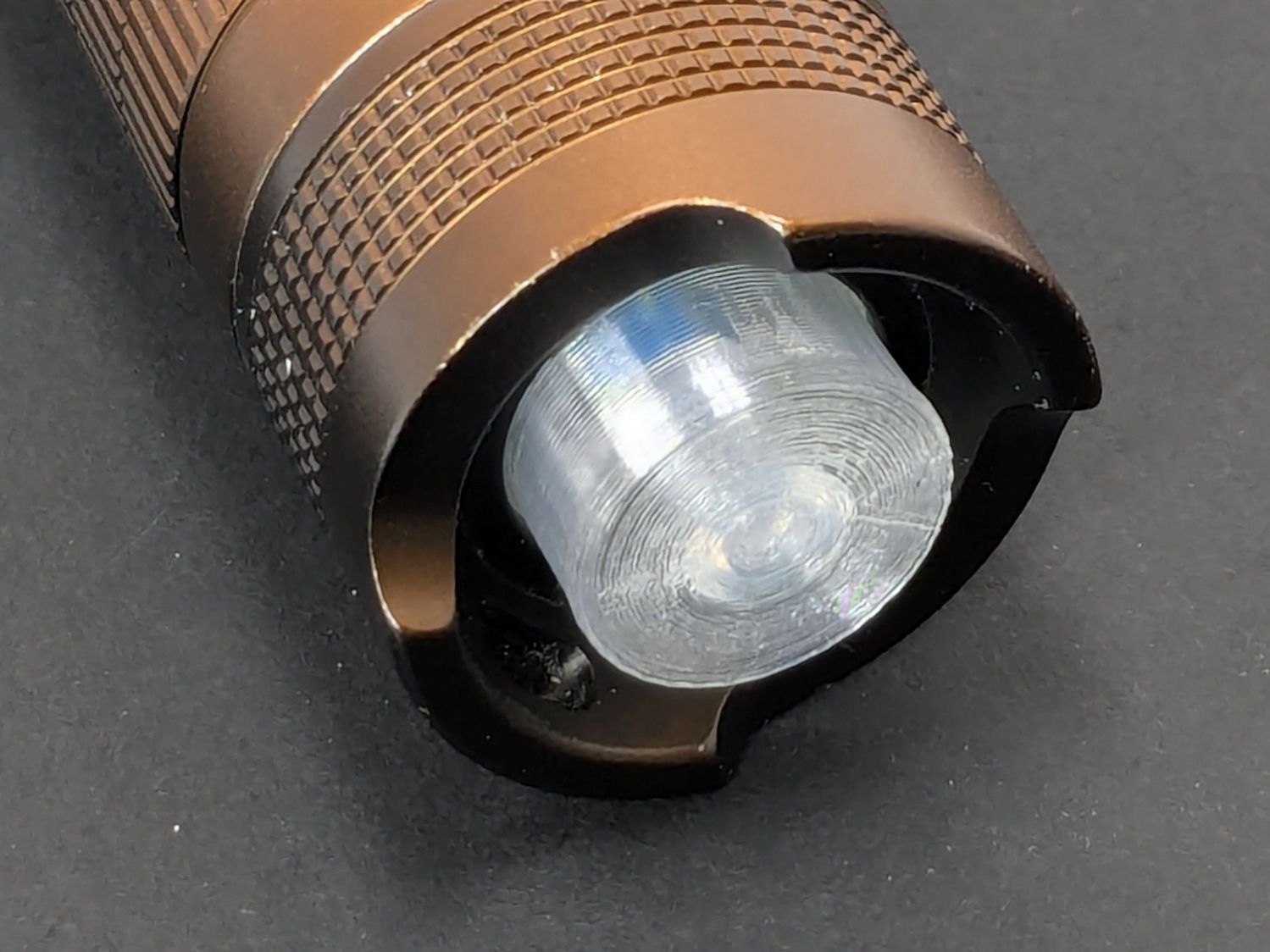
Anker LC-40 Flashlight – TPU cap installed
However, after describing this during a recent SquidWrench meeting, I discovered that adding “latching” to my keywords surfaced a bodacious assortment of flashlight switches, so (a few days later) I removed the not-quite-right switch and replaced it with an identical twin of the OEM switch requiring just a little lead forming to fit the PCB.
Even better, using the 3D printed pin wrench to screw the original retaining ring into the flashlight’s aluminum threads a few times re-formed (unrelated to recent electrolytic capacitor reforming) its goobered threads well enough to fit and work perfectly again.
So I have:
… reassembled the flashlight with more-or-less original components
… a repair tool kit ready when another LC-40 fails
… re-learned the lesson that any time spent making a fixture or a special tool is not deducted from one’s allotment
This file contains hidden or bidirectional Unicode text that may be interpreted or compiled differently than what appears below. To review, open the file in an editor that reveals hidden Unicode characters.
Learn more about bidirectional Unicode characters
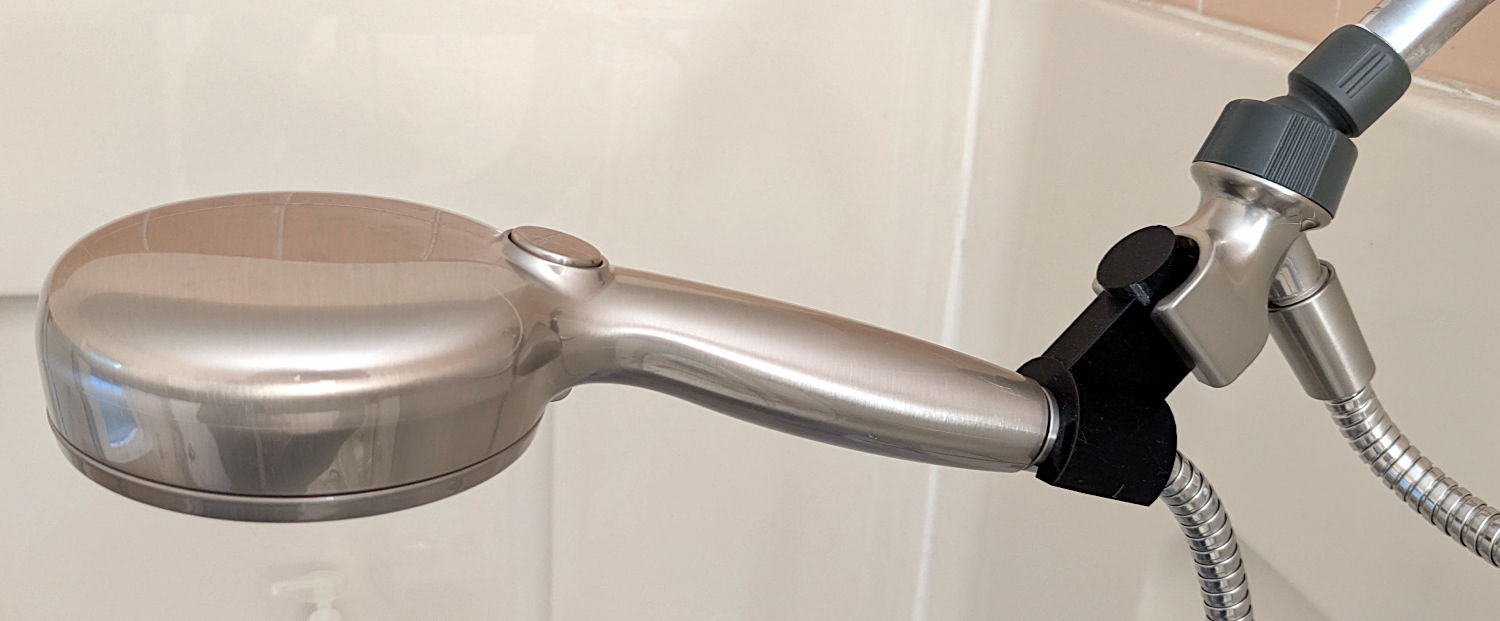
The original shower head being too far overhead for Mary’s reach, I installed a Delta ProClean Shower Head which would also be too high. It has a hose, which means I can adjust the height:
Delta shower head holder extension – installed
The InterWebs offer several 3D-printable versions of such a thing, but Delta offers many different shower heads, some of which are visually (to my eyes, anyway) indistinguishable from the 75740SN you see here. The model I tried did not fit the holder I have, so I conjured one from the vasty digital deep:
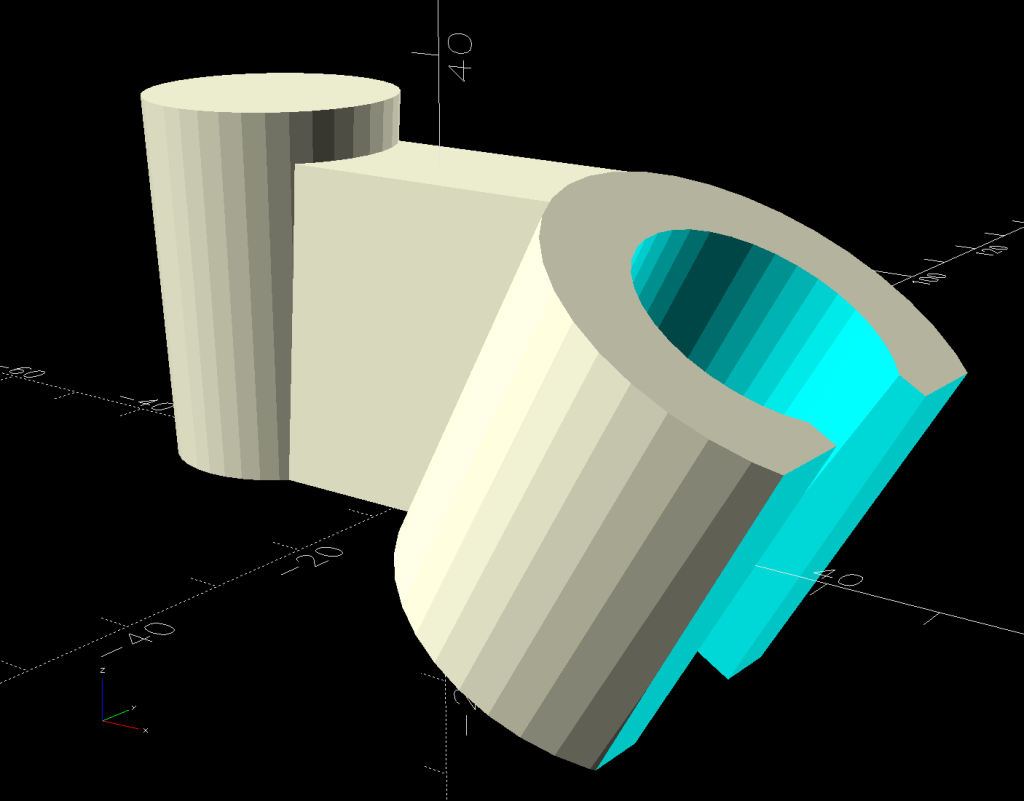
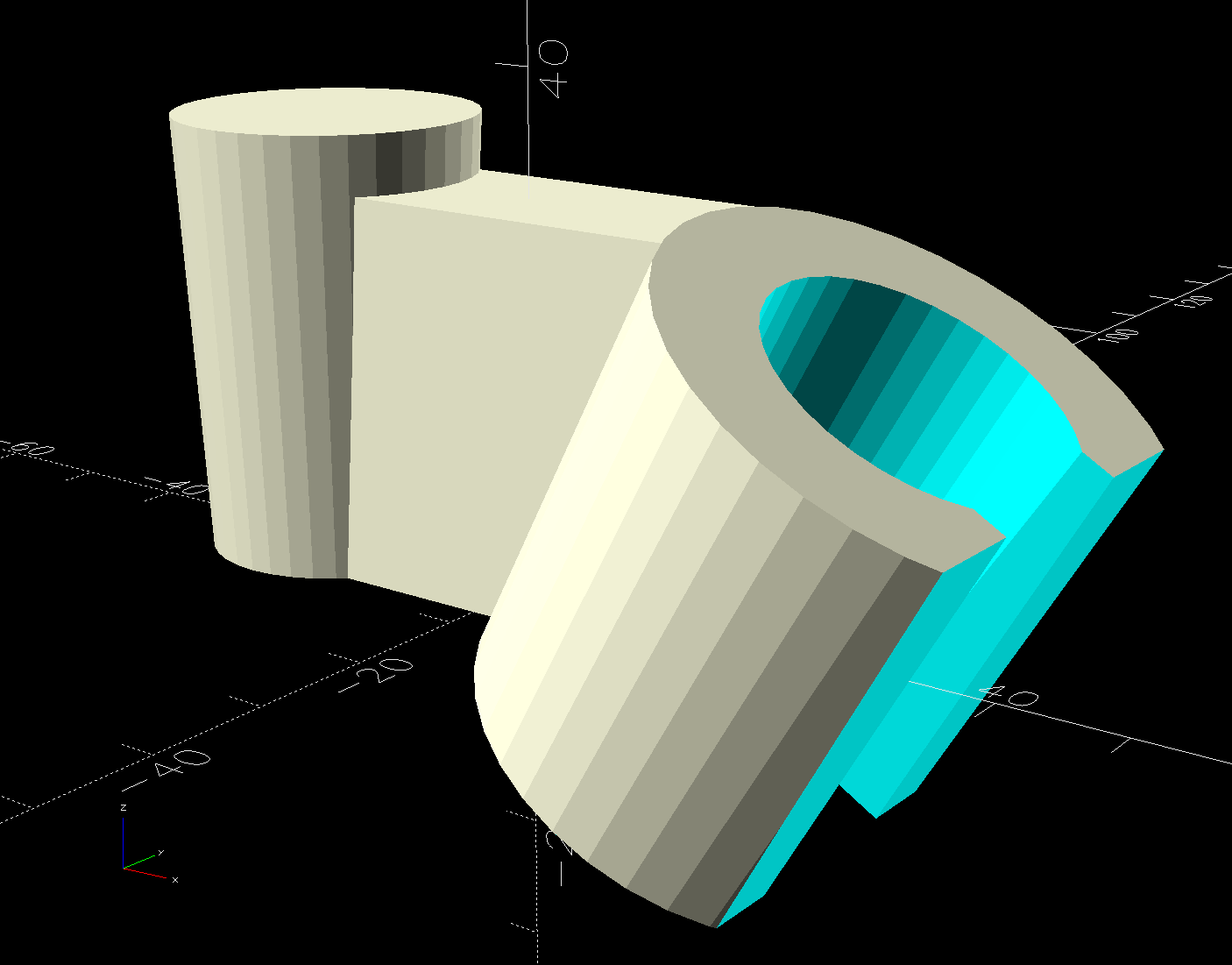
Delta shower head holder extension – solid model
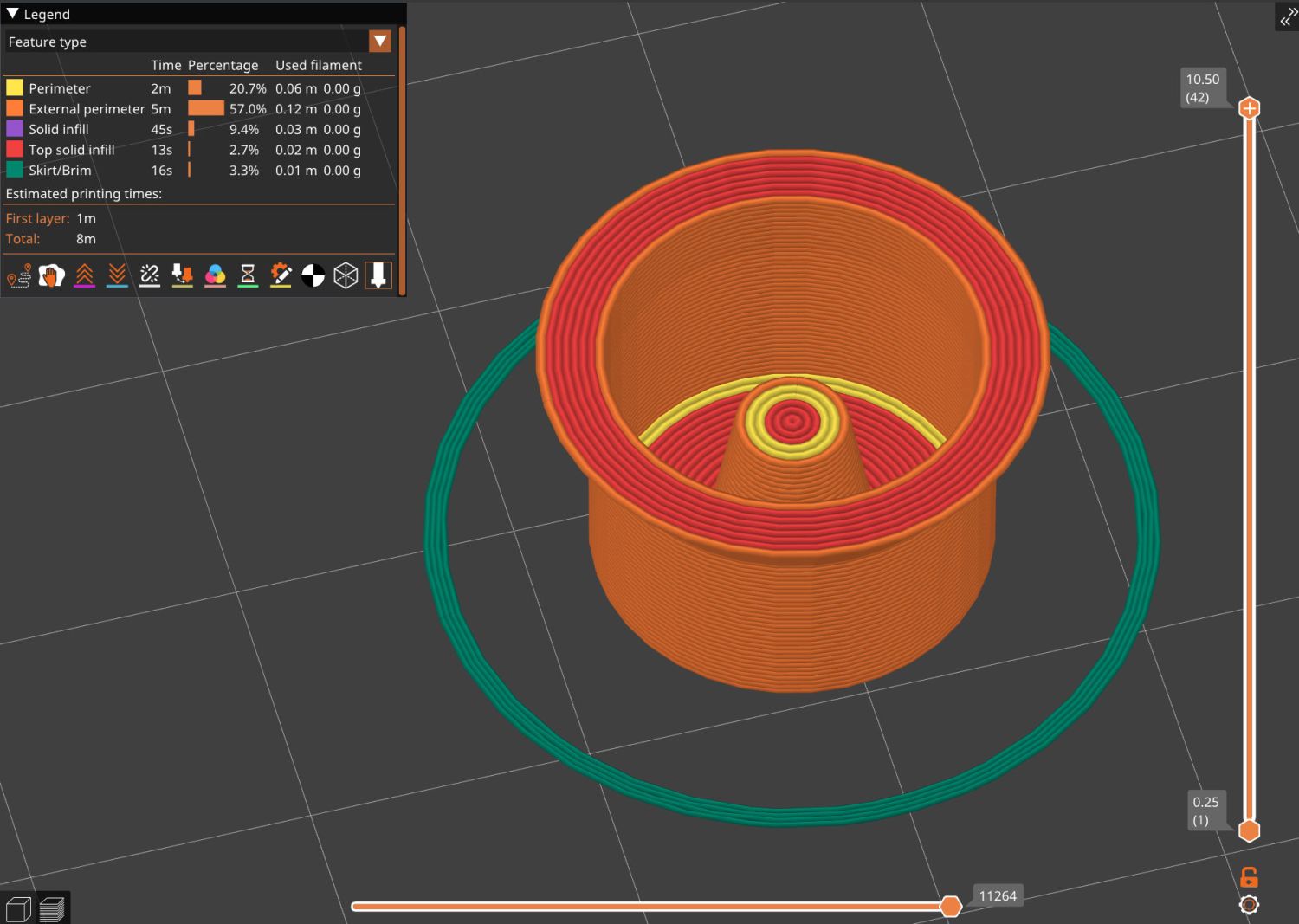
It builds standing on that tidy cutoff:
Delta shower head holder extension – PrusaSlicer warning
Despite PrusaSlicer’s kvetching about the “collapsing overhang” inside the socket, it came out fine.
The shower head is still slightly too high for her, but now I can print another one with a longer offset and a slightly smaller plug to fit deeper in the OEM socket.
Worst case, there’s a wall-mounted holder to put the shower head at shoulder height.
This file contains hidden or bidirectional Unicode text that may be interpreted or compiled differently than what appears below. To review, open the file in an editor that reveals hidden Unicode characters.
Learn more about bidirectional Unicode characters
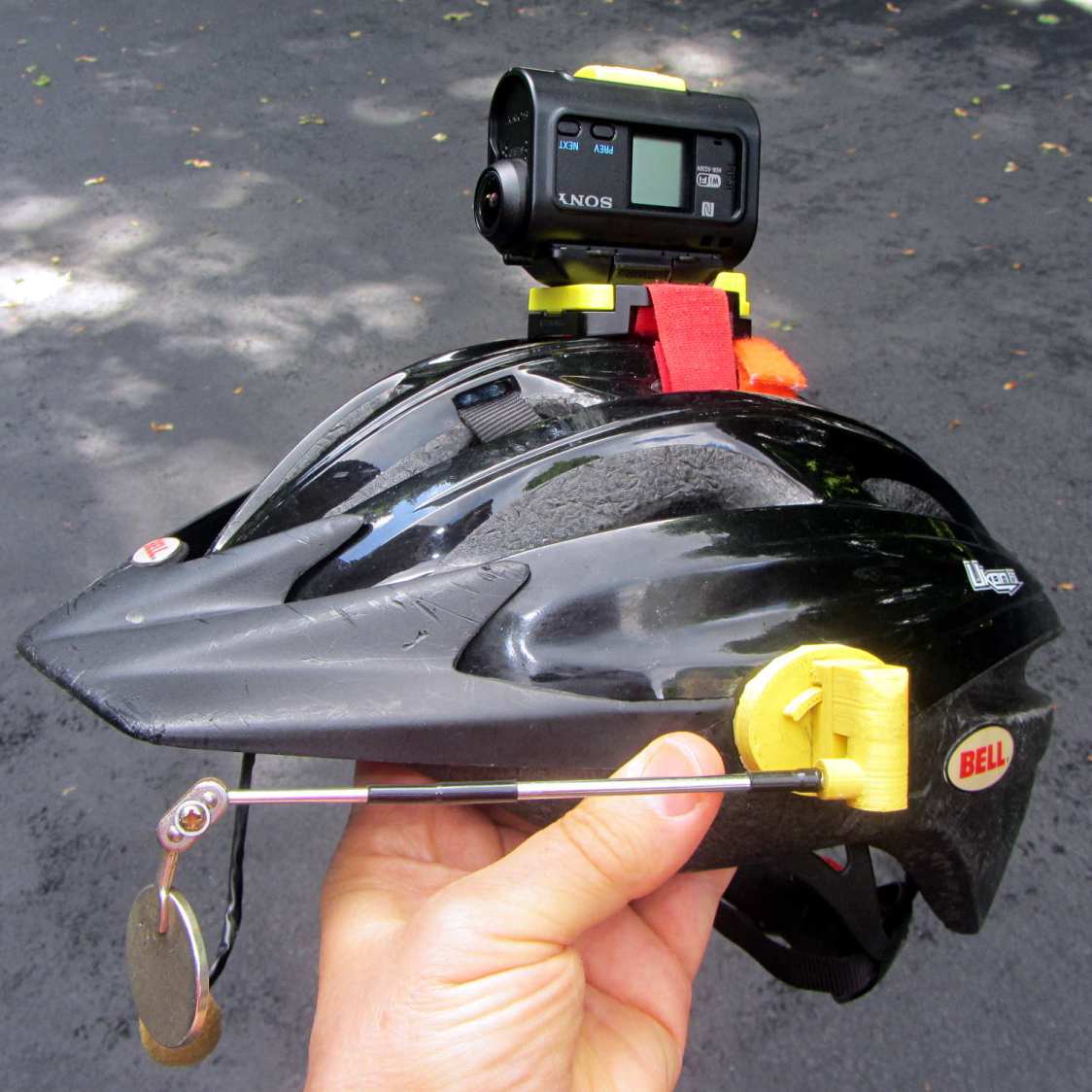
Last week a wind gust blew my Tour Easy over while resting on its kickstand at Mary’s garden; I rarely depend on the kickstand for that very reason, but some days are like that. Anyhow, the mount for the Sony AS30V helmet camera did exactly what it should by releasing the camera, rather than grinding it into the ground.
I was still using that helmet, albeit with a better mirror mount, but it was getting rather crusty and the hook-n-loop straps were definitely sun-faded, so I built a better mount with an adapter plate matching a new-old-stock helmet from the stash:
Sony AS30V Helmet mount – side view
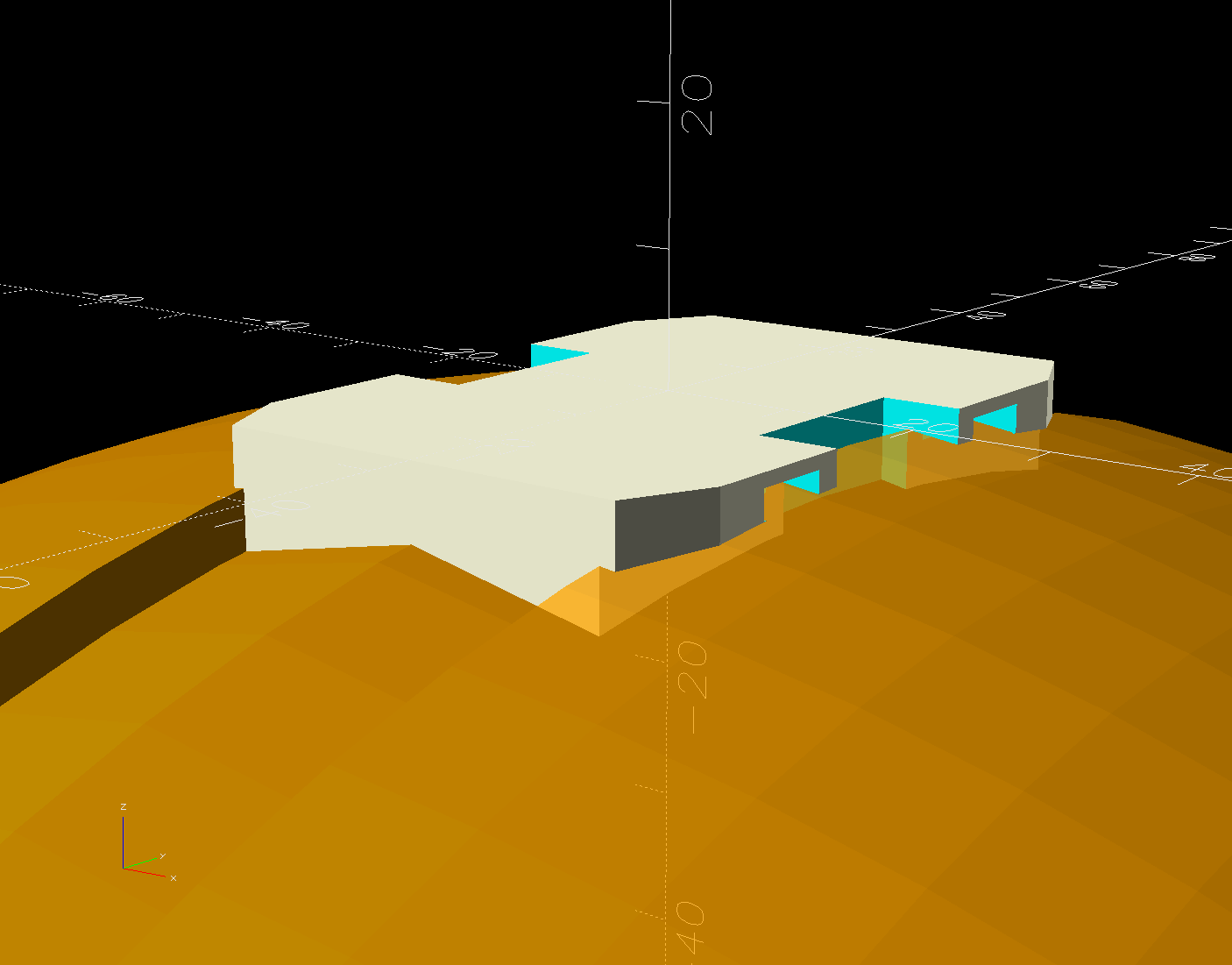
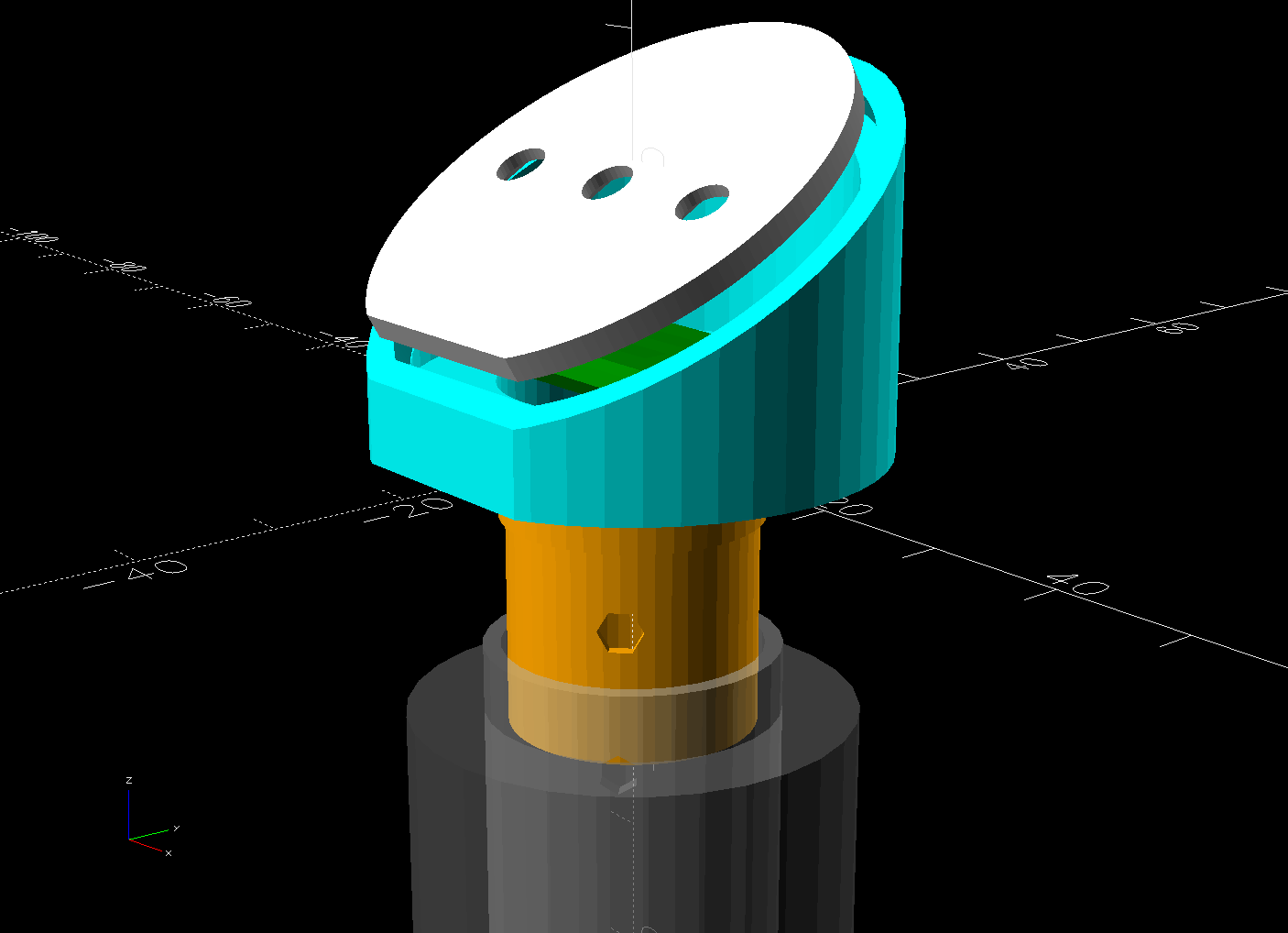
The white slab atop the helmet curves to match the helmet contour, with the ridge fitting into the vent slot:
AS30 helmet mount – solid model – show view
OK, the helmet isn’t orange, but you get the idea. The sphere has a 153 mm radius, calculated from the Official Sony helmet mount’s bottom curve, minus a ring shaping the central groove:
AS30 helmet mount – solid model – tab ring
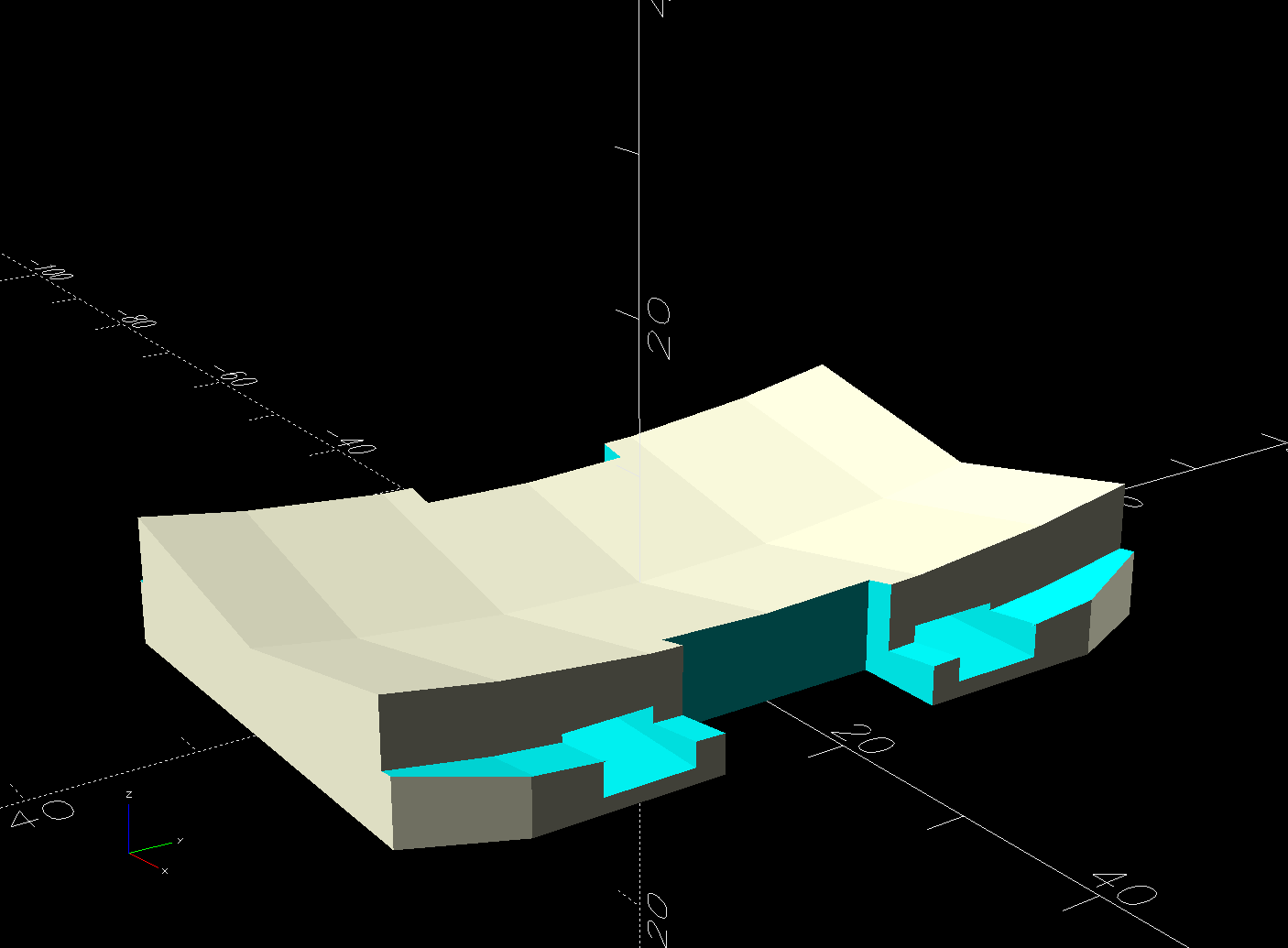
This upside-down view shows the interesting parts:
AS30 helmet mount – solid model
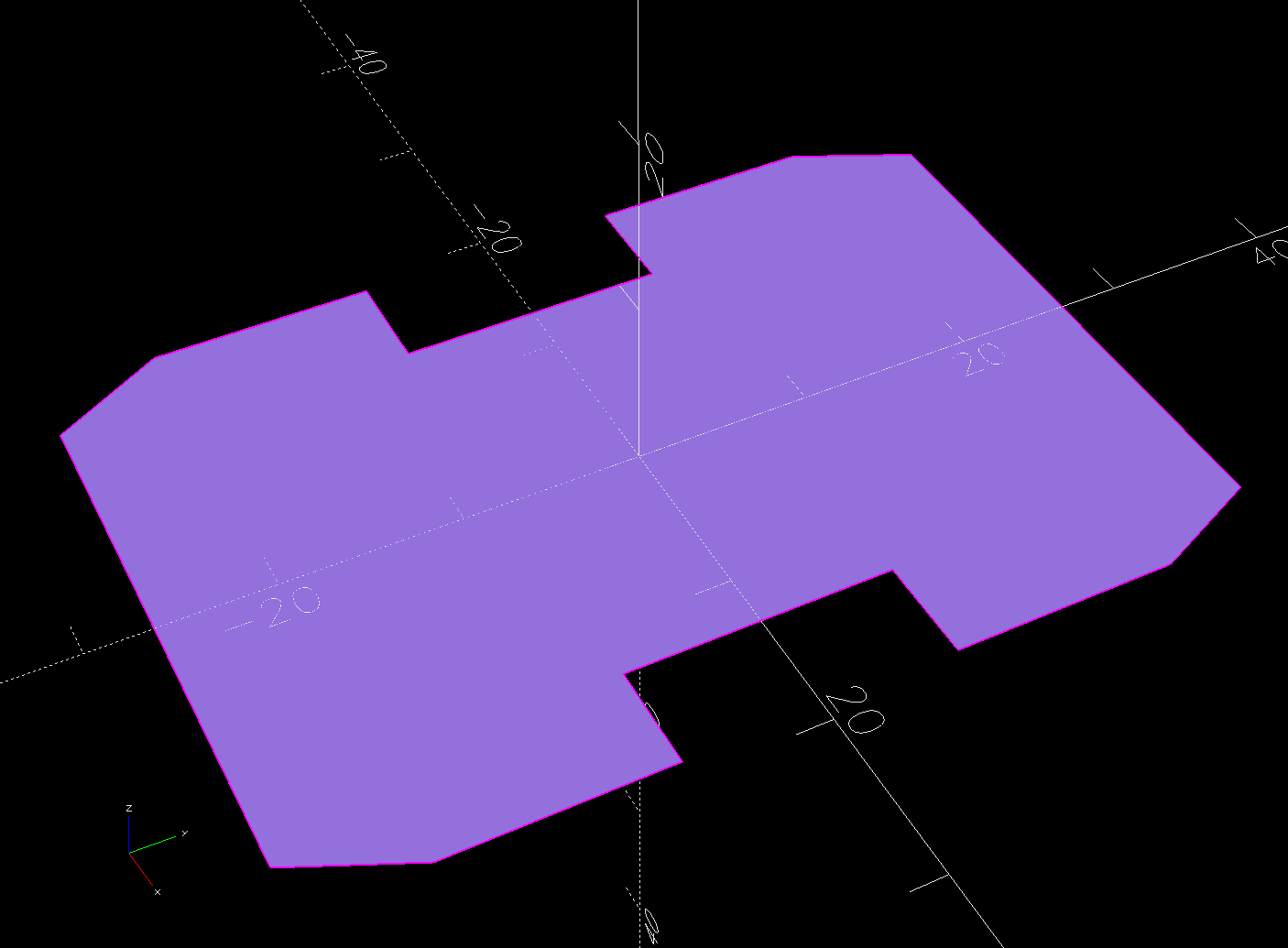
The flat side sticks to the camera’s holder with a custom-cut sheet of craft adhesive shaped like this:
AS30 helmet mount – glue
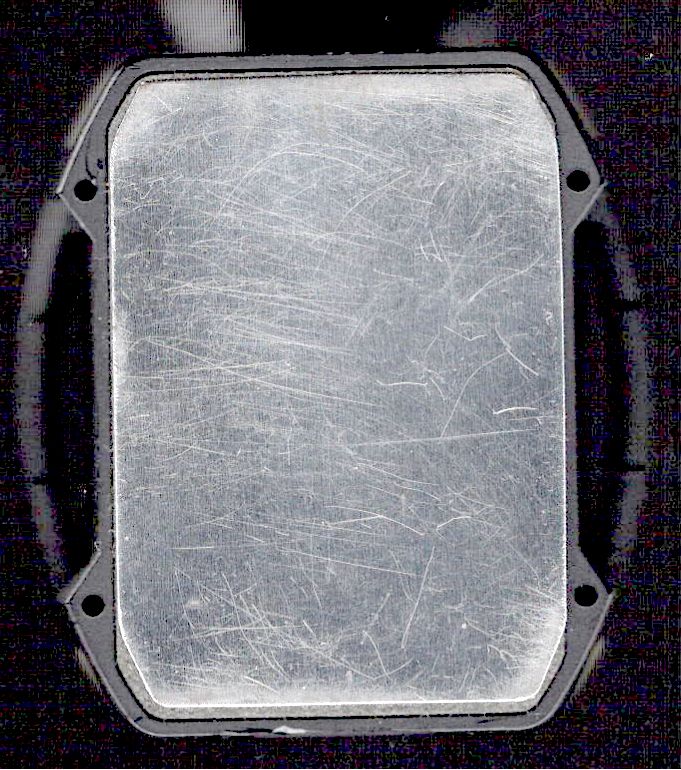
The overall outline of those things comes from a scan of the bottom of the Sony camera holder, passed through Inkscape and LightBurn to generate the curves:
AS30 Baseplate scan
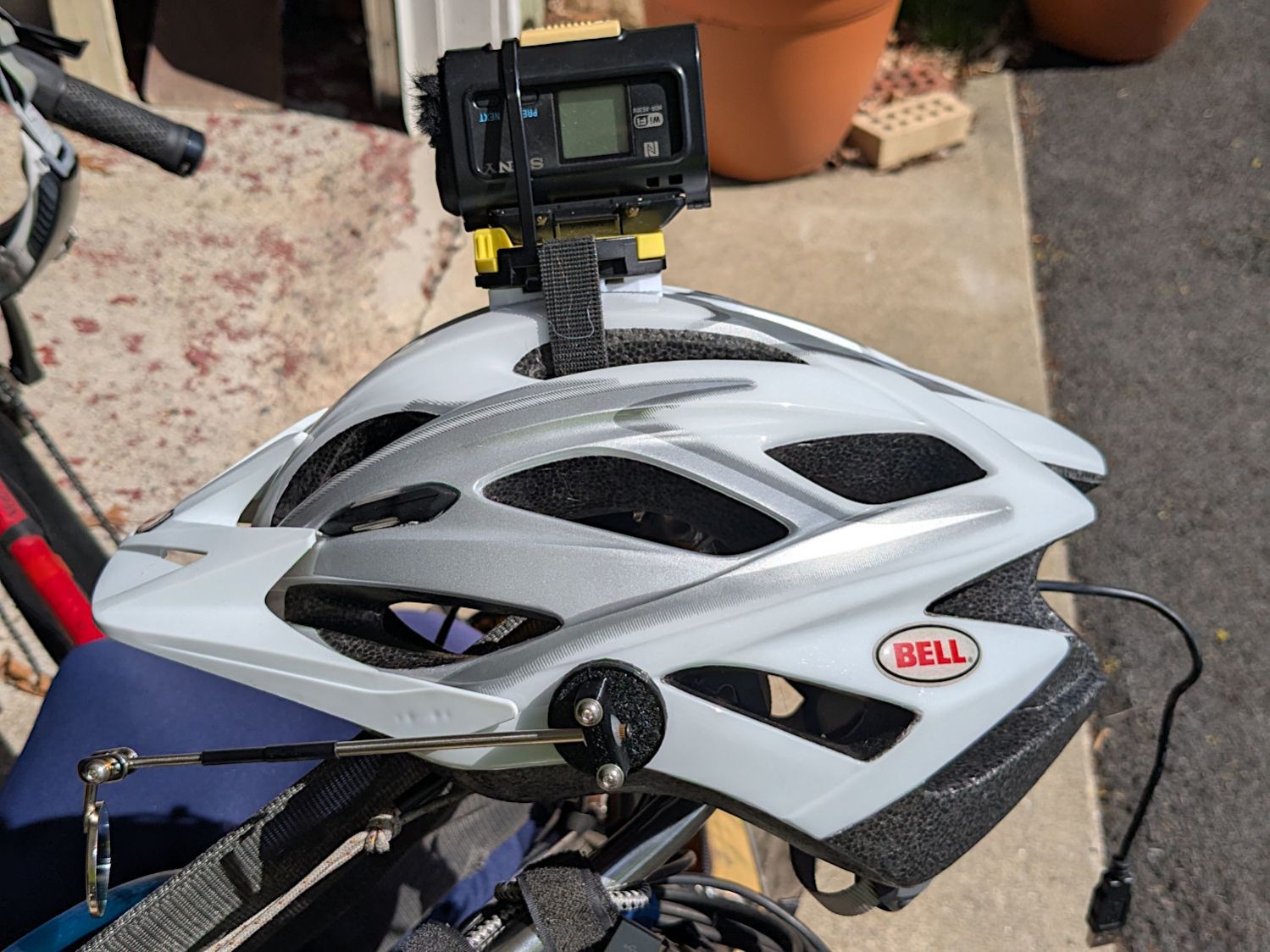
The large notches in the sides pass hook-n-loop straps intended to break away when the helmet hits the ground again. The front tunnel (of two, because symmetry) passes a cable tie preventing the camera from parting company with the mount during normal riding and holding the yellow latch in the Locked position:
Sony AS30V Helmet mount – rear view
It is just barely possible to slide the cable tie over the front of the camera to release the latch.
The camera rides upside-down to protect the lens from scuffs and scrapes. Fortunately, there’s a setting to invert the picture.
For completeness, the front view:
Sony AS30V Helmet mount – front view
The furry patch covers the microphone pores to kill (most of) the wind noise.
The sharp ventral angle matches the helmet’s midline ridge in the back, but obviously isn’t needed over the vent hole in the front. I decided to not bother making a comprehensive model of the hole, not least because I didn’t really know the camera’s exact front-to-back location.
The OpenSCAD source code and baseplate shape as a GitHub Gist:
This file contains hidden or bidirectional Unicode text that may be interpreted or compiled differently than what appears below. To review, open the file in an editor that reveals hidden Unicode characters.
Learn more about bidirectional Unicode characters
This file contains hidden or bidirectional Unicode text that may be interpreted or compiled differently than what appears below. To review, open the file in an editor that reveals hidden Unicode characters.
Learn more about bidirectional Unicode characters
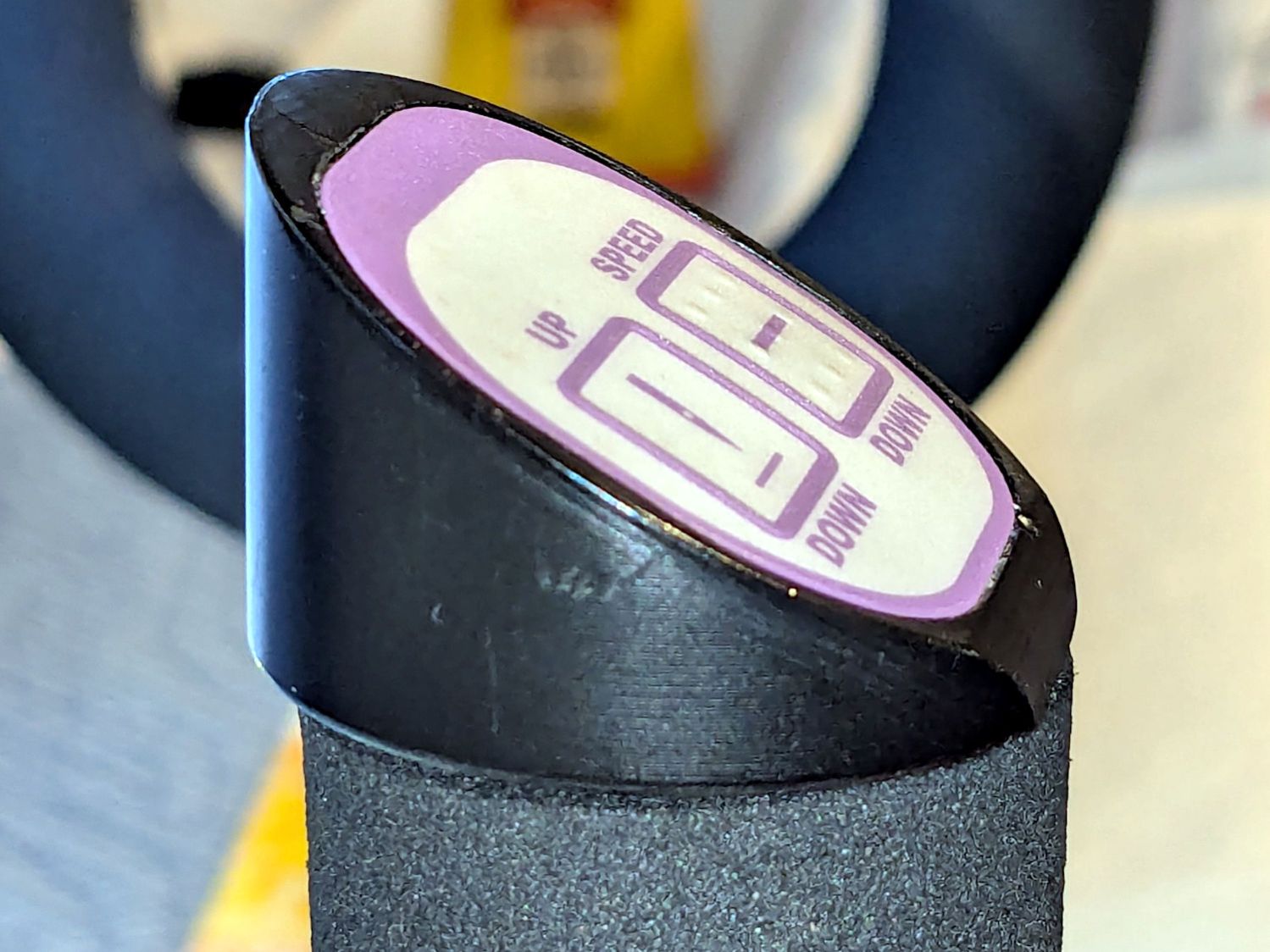
Each of the HQ Sixteen’s handlebars has a cap with control buttons:
HQ Sixteen control caps – side view
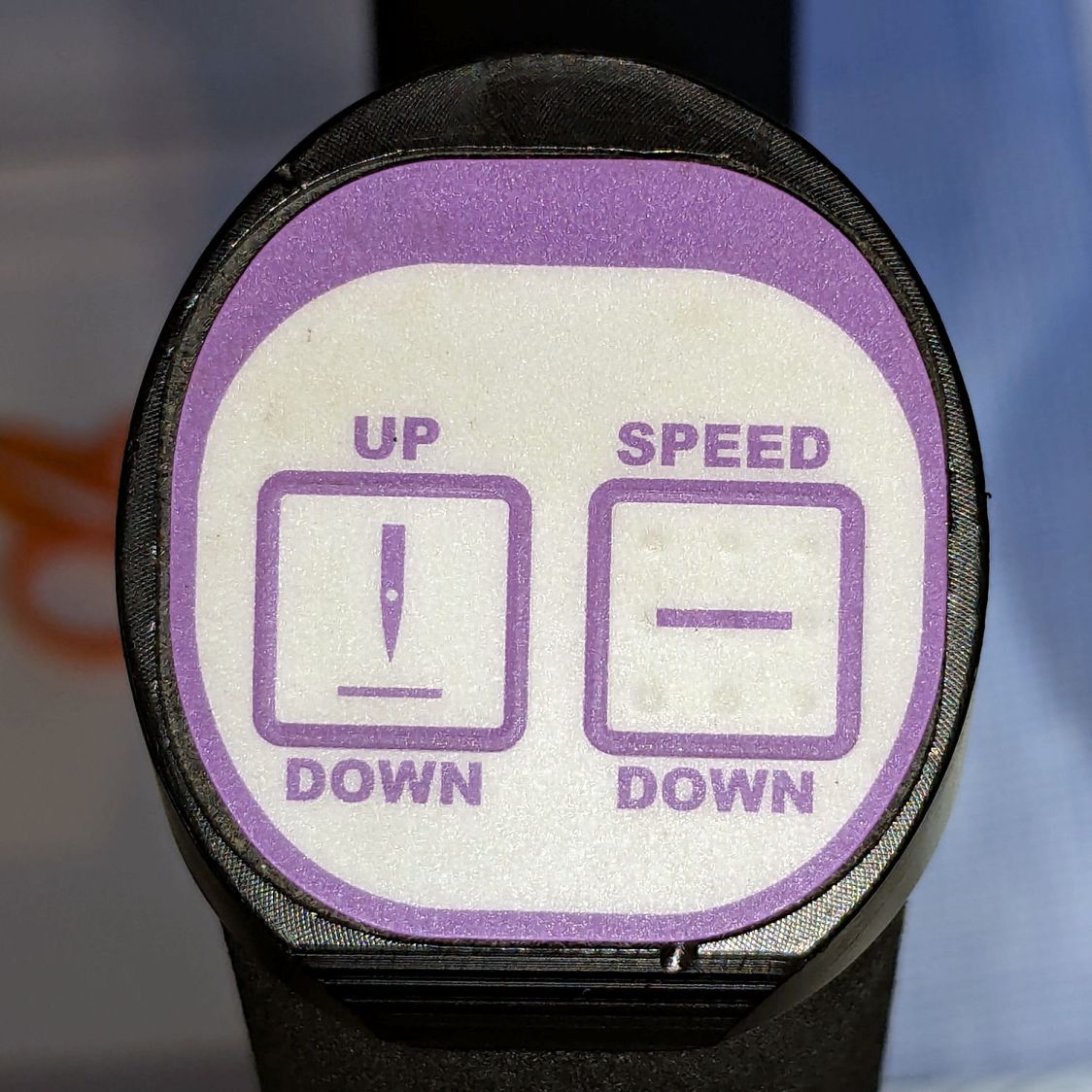
The left cap:
HQ Sixteen control caps – left
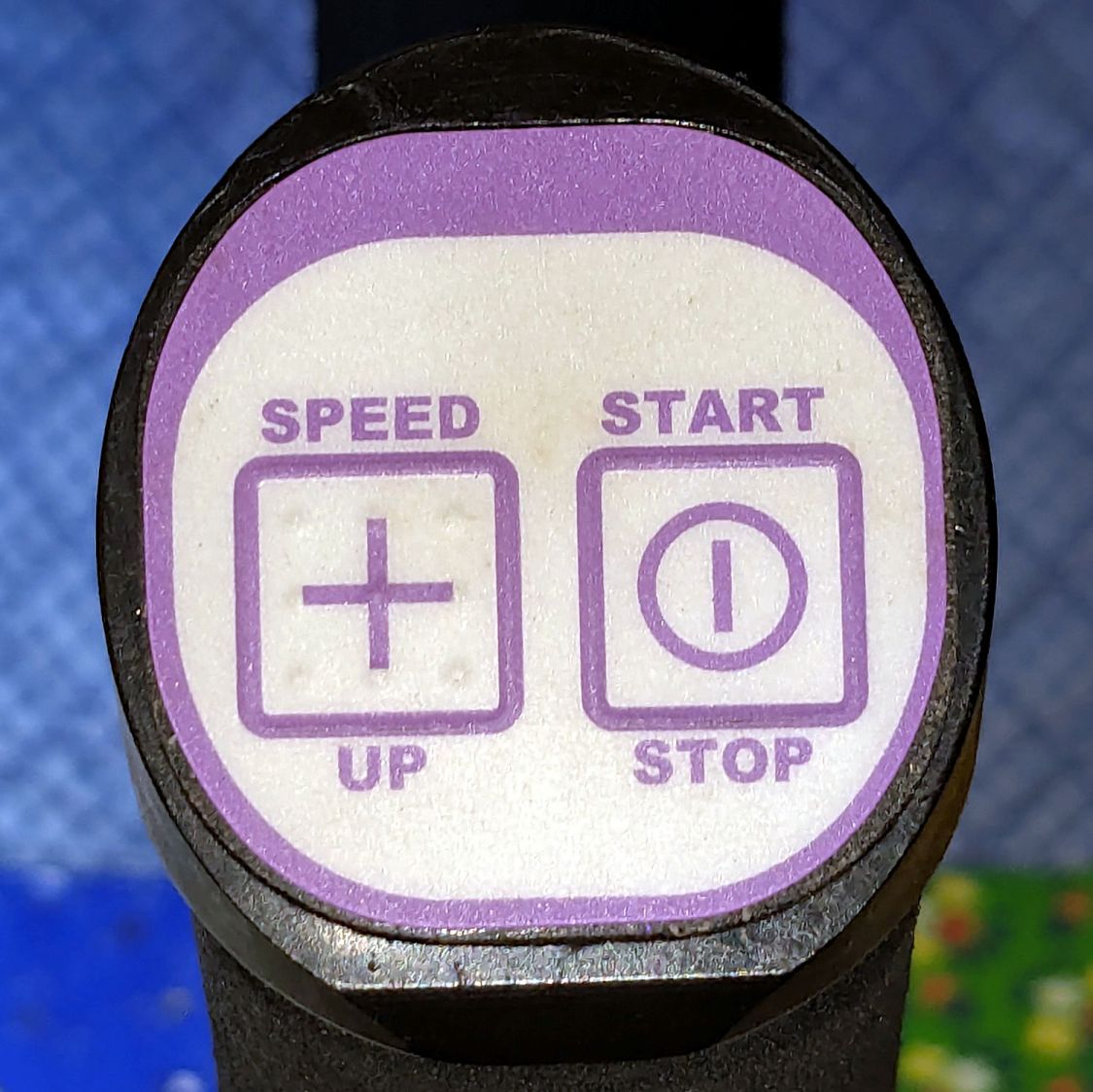
The right cap:
HQ Sixteen control caps – OEM right
The membrane switch overlay has textured bumps, although both of us have trouble finding them.
The Start / Stop switch gets the most use and, as you’d expect, has become intermittent after two decades of use.
Mary thinks a Start / Stop switch on both caps would be an improvement, letting her position quilting rulers with her right hand and run the machine with her left hand & thumb. I don’t know how the switches are wired, but the wiring suggests either simple single-bit inputs or a small matrix.
She also finds membrane switches difficult to press, so I’m in the process of replacing the control caps with something more to her liking.
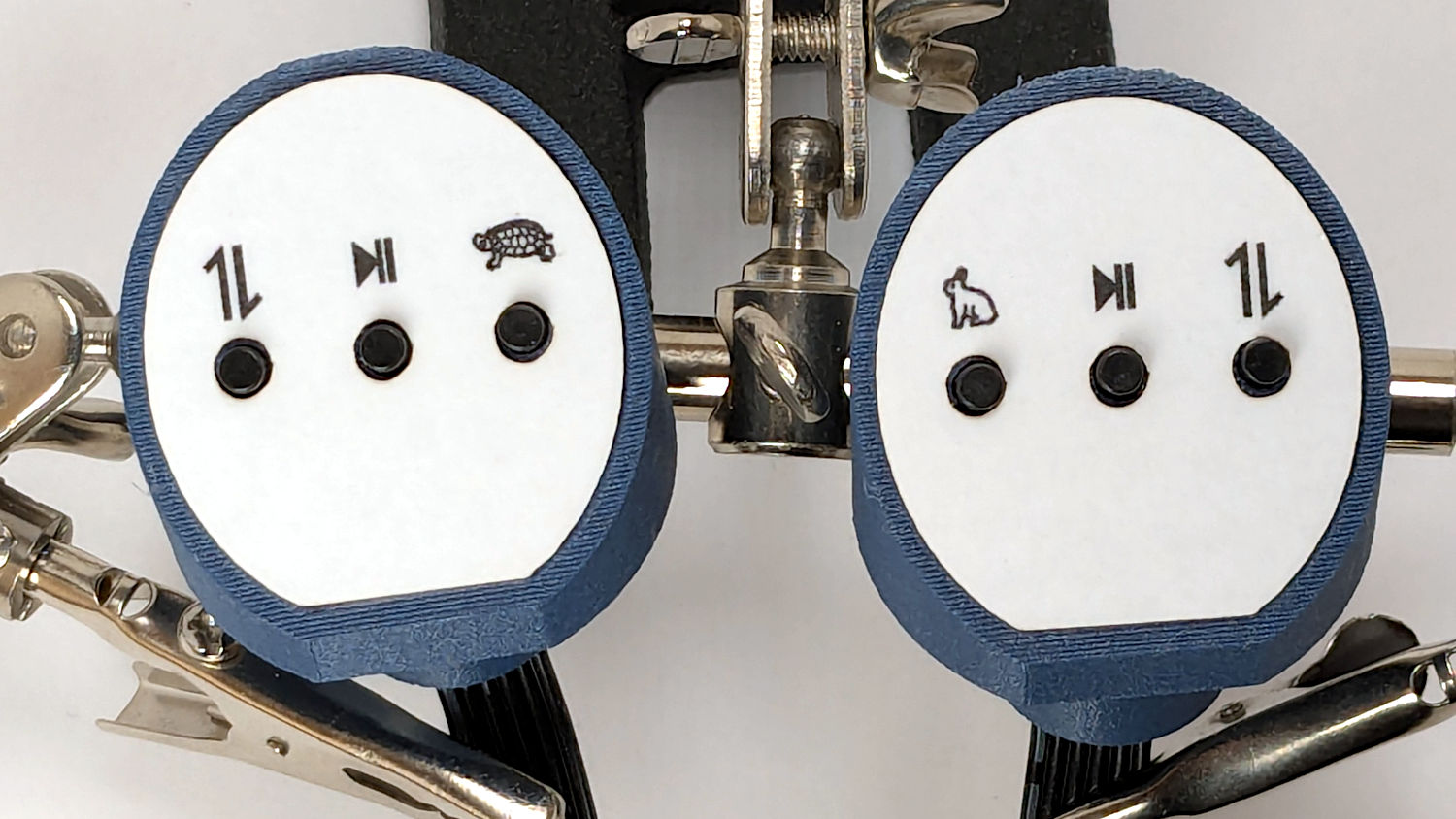
The current concept goes a little something like this:
They’re easy to locate by touch, with a stem length chosen to “feel right” when pushed.
They have been grievously misapplied:
HQ Sixteen control caps – switches
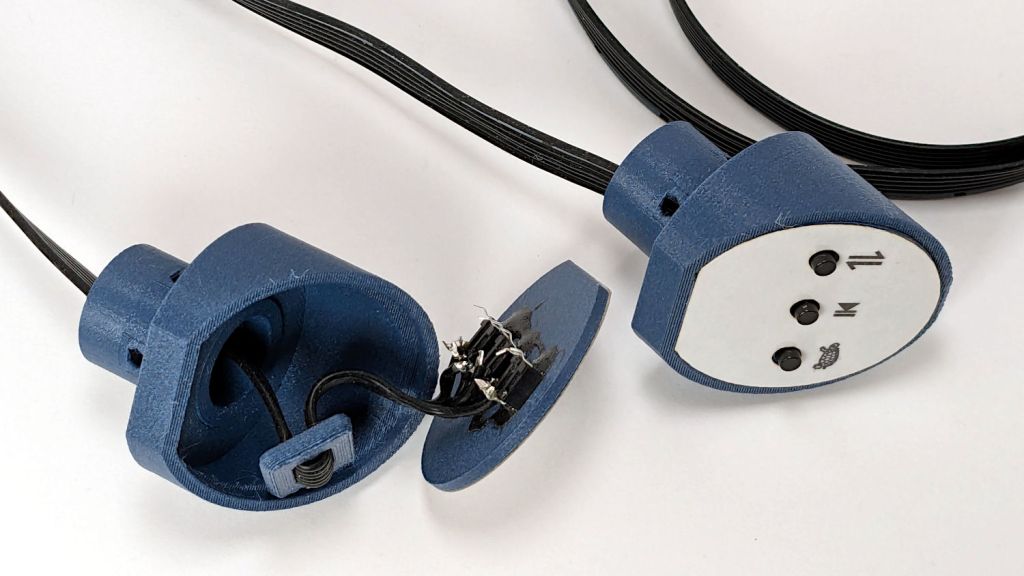
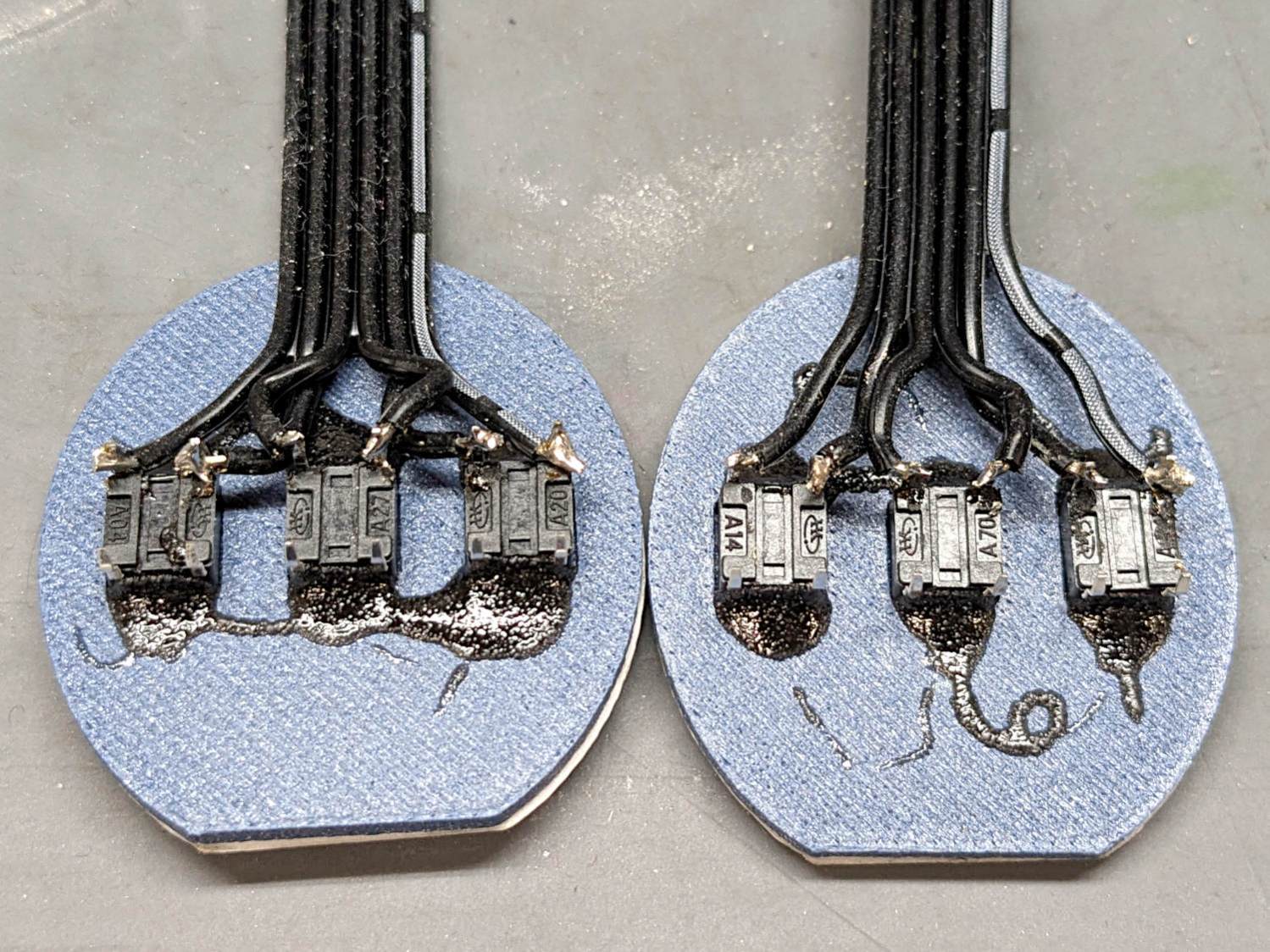
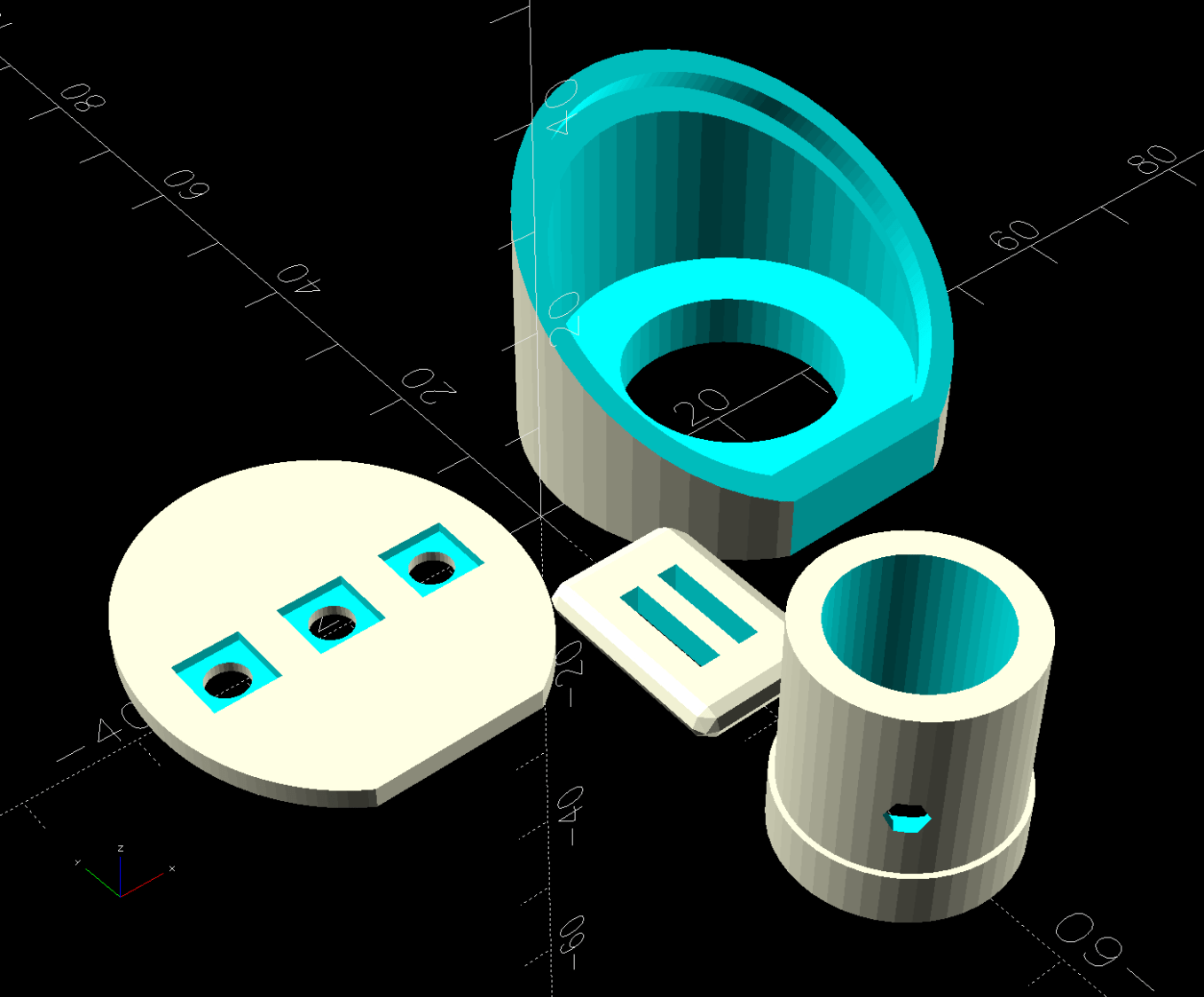
The solid model has three main pieces and a lock for the ribbon cable:
Control Button Caps – solid model – build view
Those pockets keep the switches oriented while the glue cures.
Two screws through the handlebar secure each cap. Handi-Quilter drove sheet metal screws into their OEM caps, distorting them enough to jam solidly into the handlebars. I’ve been reluctant to apply enough force to loosen them, so they remain frozen in place until the current quilt is done.
The new plugs have recesses for M3 square nuts to make them easily removable. As with the handlebar angle adapters, I’ll glue the plugs into the caps.
A slightly exploded view shows how the pieces fit together:
Control Button Caps – solid model – show view gapped
The switch plate sits recessed into the cap to allow room for the label (about which, more later):
Control Button Caps – solid model – show view assembled
This file contains hidden or bidirectional Unicode text that may be interpreted or compiled differently than what appears below. To review, open the file in an editor that reveals hidden Unicode characters.
Learn more about bidirectional Unicode characters
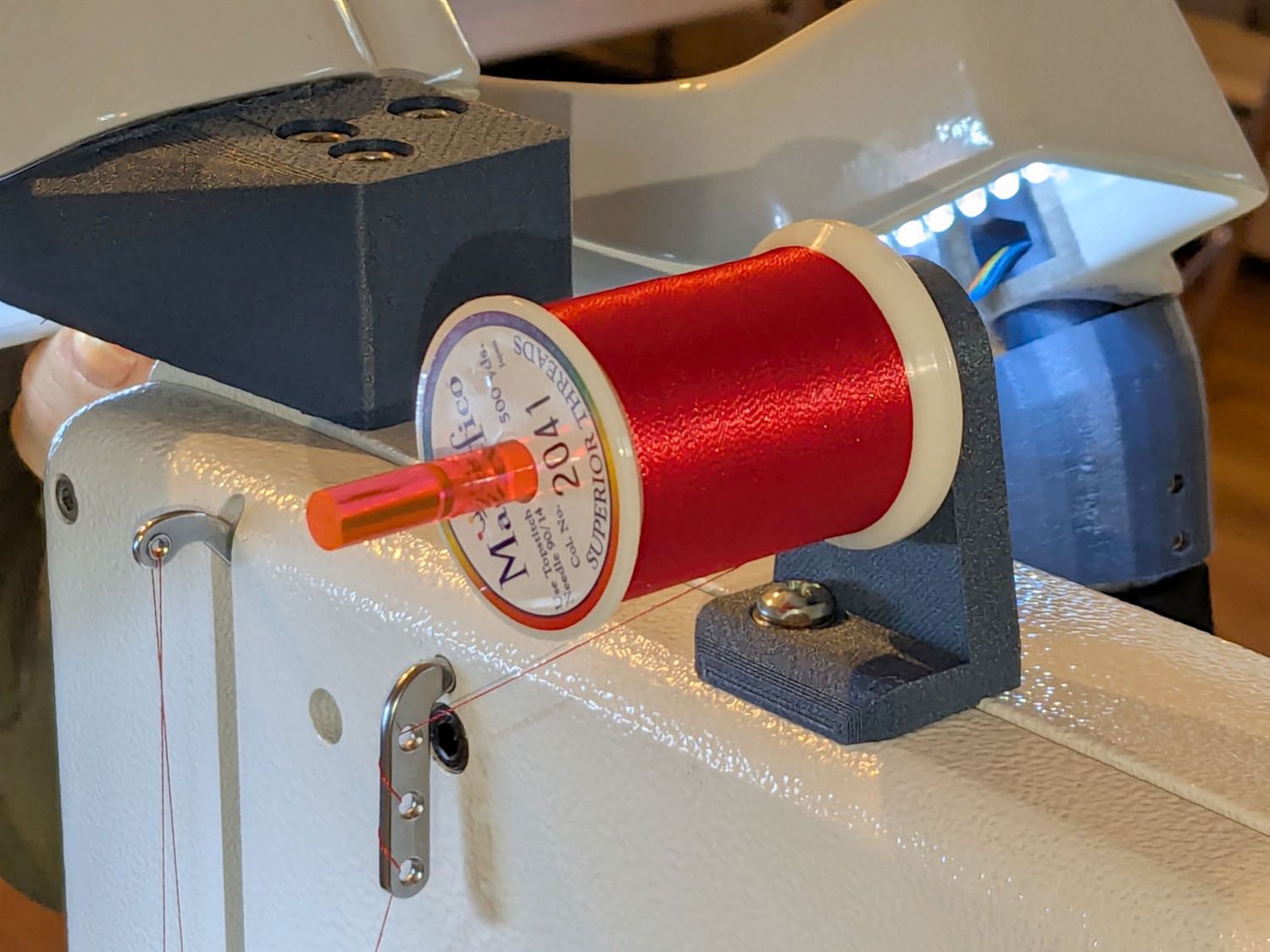
Mary wanted a horizontal spool adapter mounted closer to the front of her HQ Sixteen, in the M5 threaded hole where the Official Horizontal Adapter would go:
HQ Sixteen – front spool adapter – installed
Yes, the pin through the spool is fluorescent edge-lit orange acrylic that looks wonderful in sunlight and is much more amusing than the black rod in the adapter atop the power supply pod.
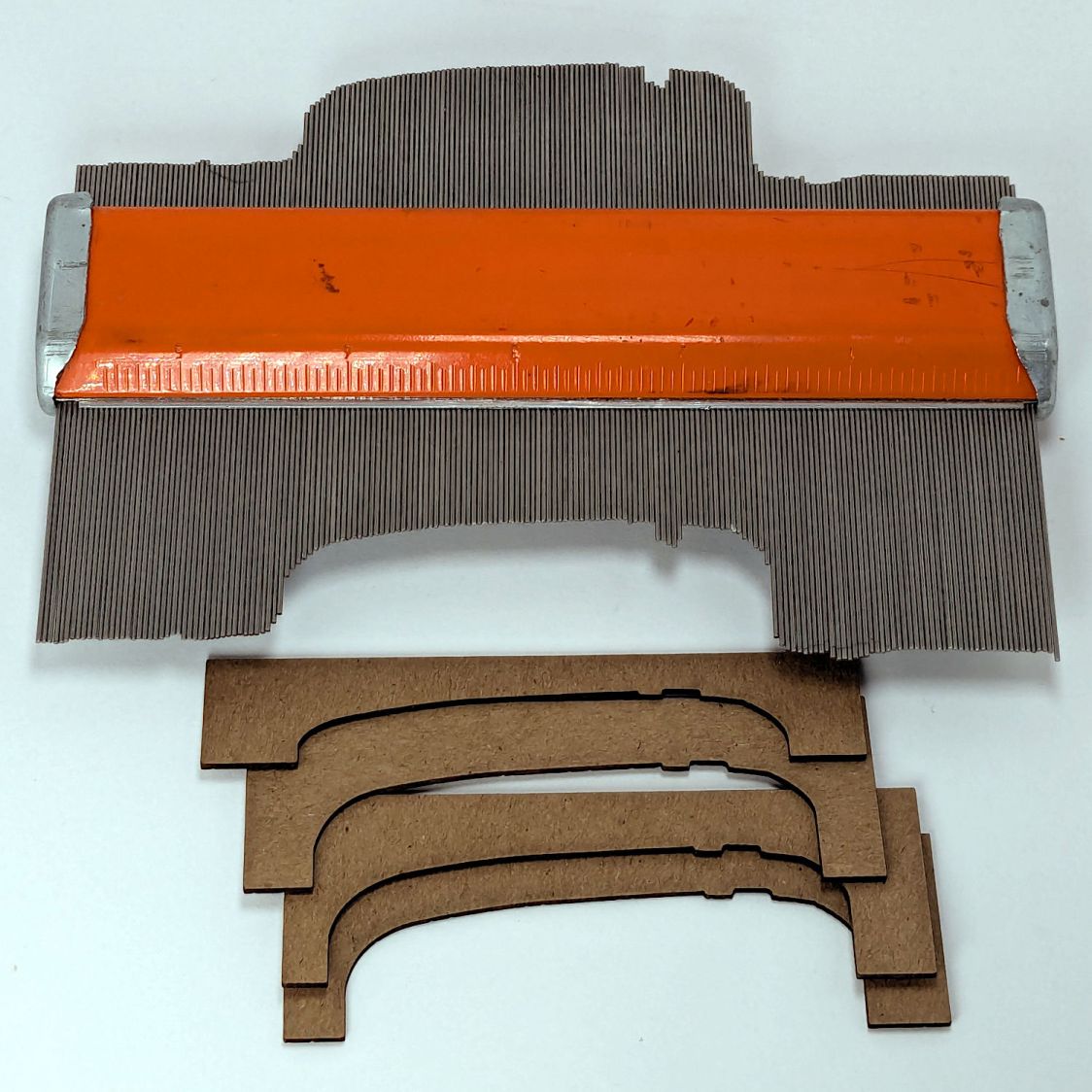
The top of the machine case is not flat, level, or easy to model, so I deployed the contour gauge again, with some attention to keeping the edge pins parallel & snug along the machine sides:
HQ Sixteen – machine profile measurement
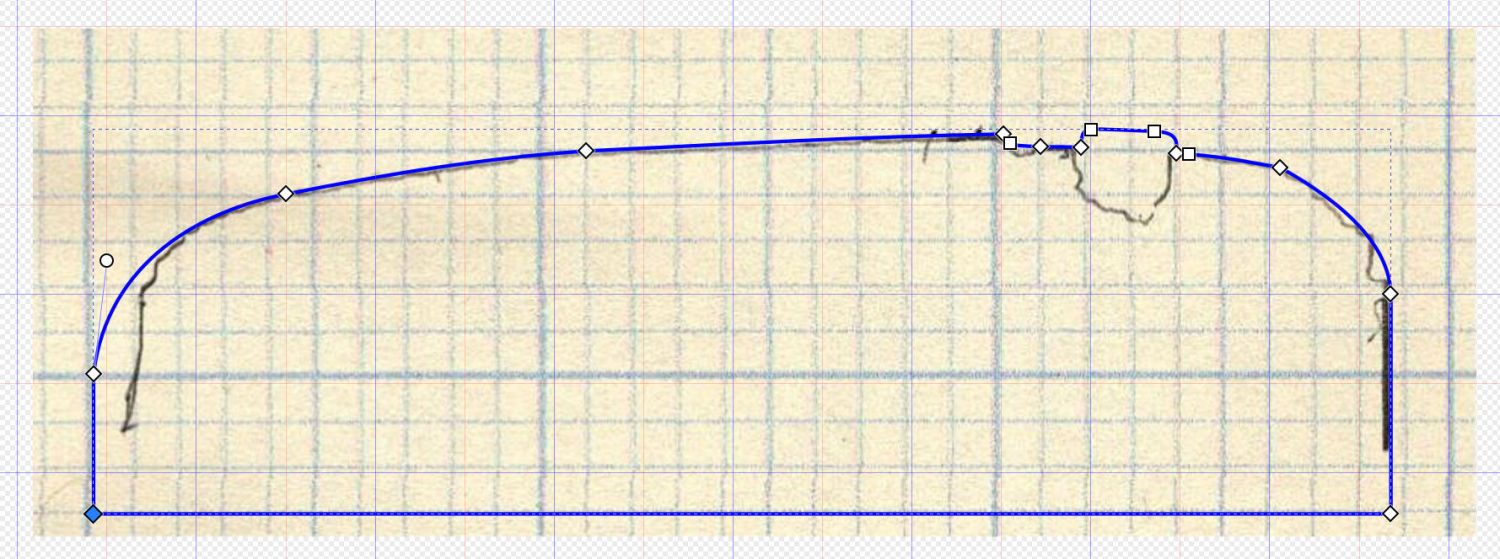
Tracing the edge of the pins onto paper, scanning, and feeding it into Inkscape let me lay a few curves:
HQ Sixteen – top profile curve – Inkscape fitting
The laser-cut chipboard test pieces show the iterations producing closer and closer fits to the machine.
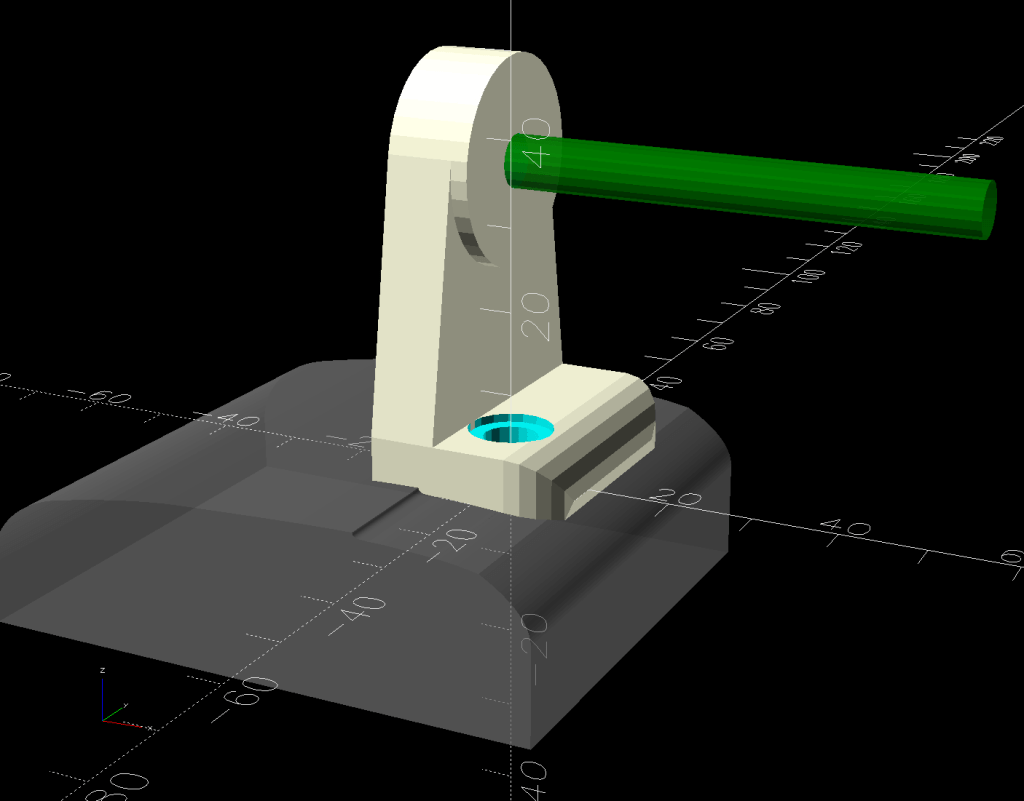
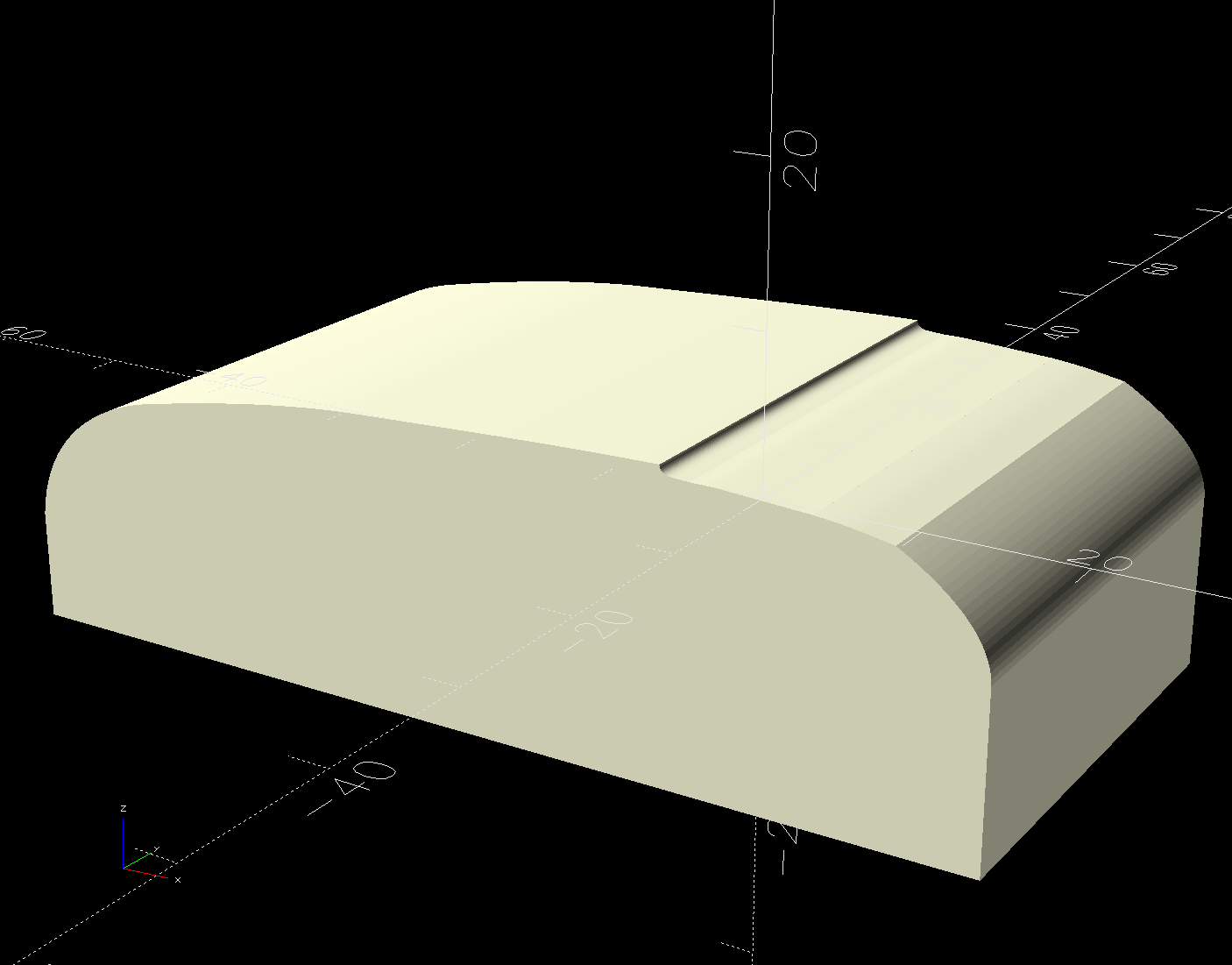
Importing the final SVG image into OpenSCAD and extruding it produced a suitable solid model of the machine’s case:
HQ Sixteen – machine solid model
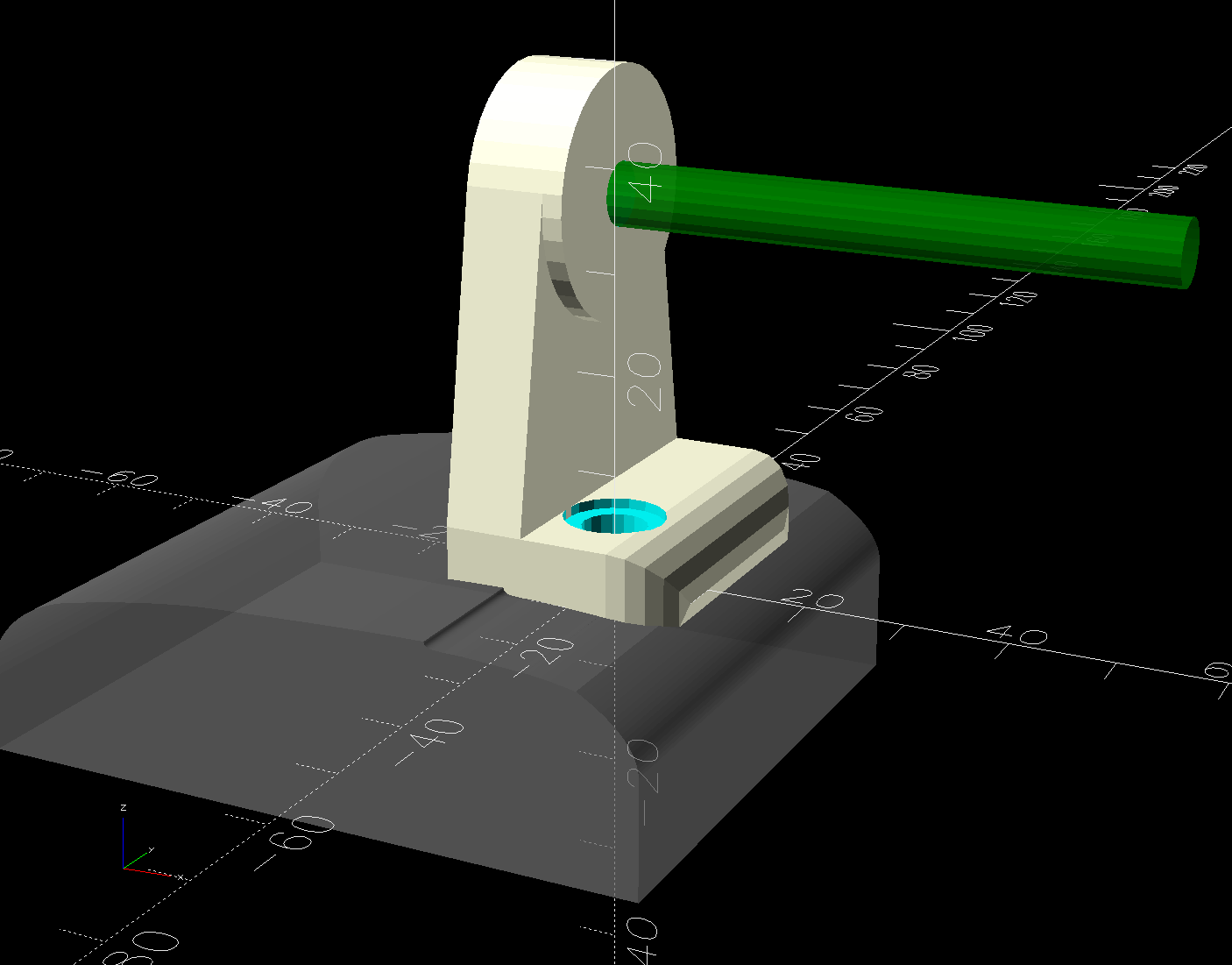
Subtract that shape from the bottom of the adapter to get a perfect fit atop the machine:
HQ Sixteen – horizontal thread spool adapter – front pin – solid model – show
Early results are encouraging, although the cheap polyester thread Mary got from a friend’s pile and is using for practice untwists itself after passing through the tension disks on its way to the needle. She’ll load much better thread for the real quilt.
The OpenSCAD source code and SVG of the HQ Sixteen’s top profile as a GitHub Gist:
This file contains hidden or bidirectional Unicode text that may be interpreted or compiled differently than what appears below. To review, open the file in an editor that reveals hidden Unicode characters.
Learn more about bidirectional Unicode characters
The HQ Sixteen has been running at higher speeds as Mary practices using its stitch regulator and the vibrations shook several of the table shims (blocks, whatever) onto the floor. I hope a layer of EVA foam provides enough compliance to keep them in place:
HQ Sixteen – padded table shim – installed
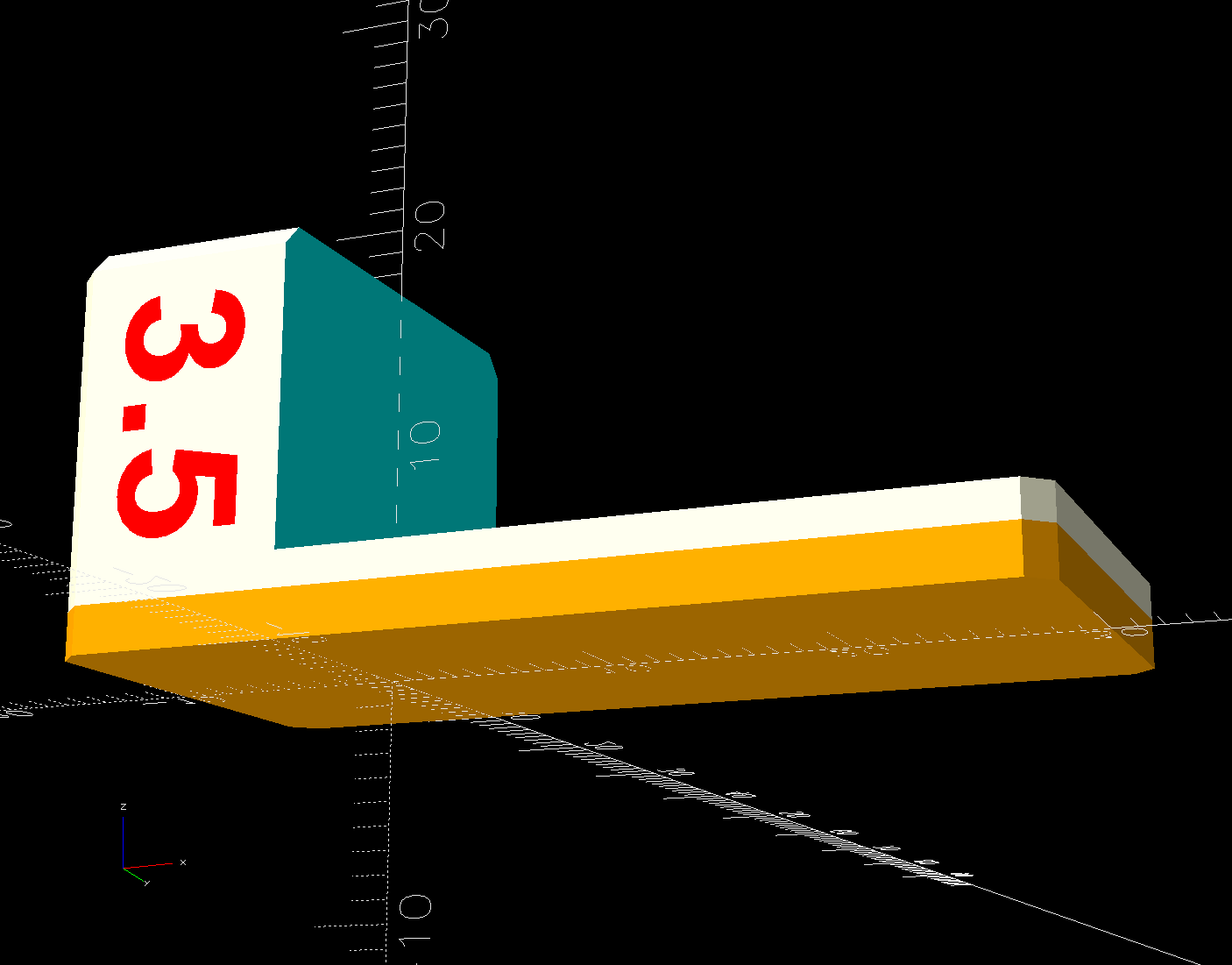
The foam is 2 mm thick, so subtracting that from the nominal thickness makes the new blocks come out right.
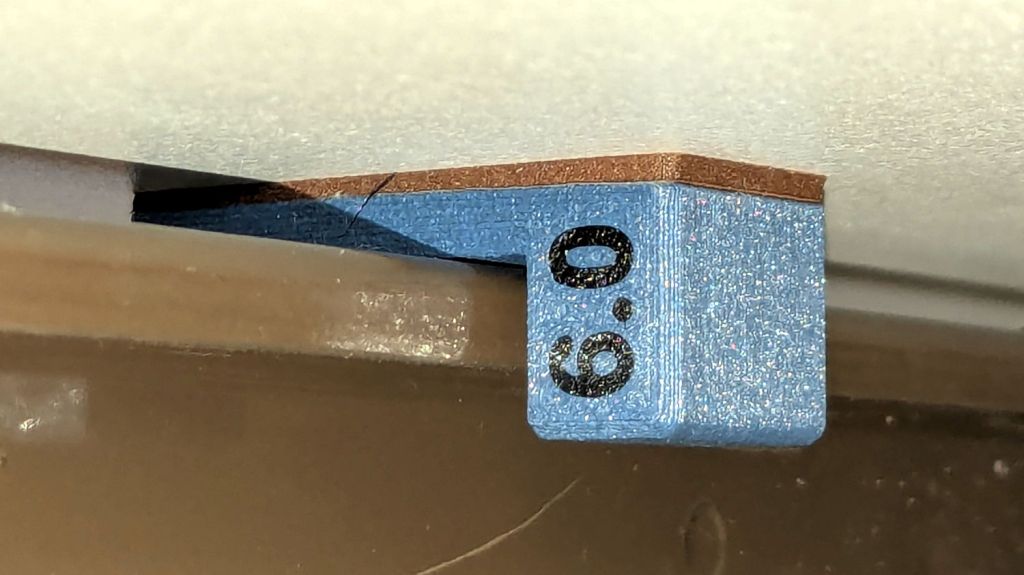
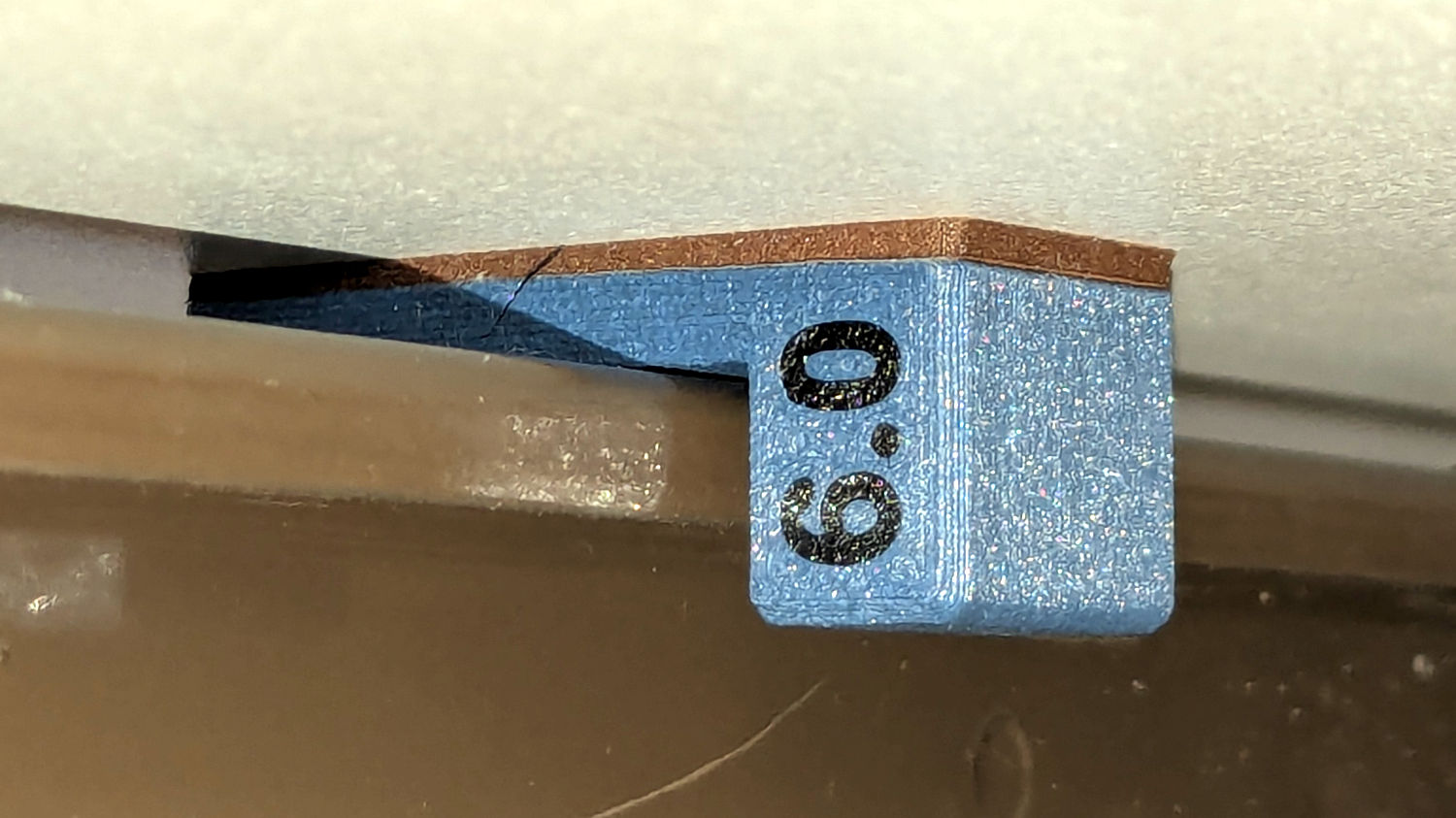
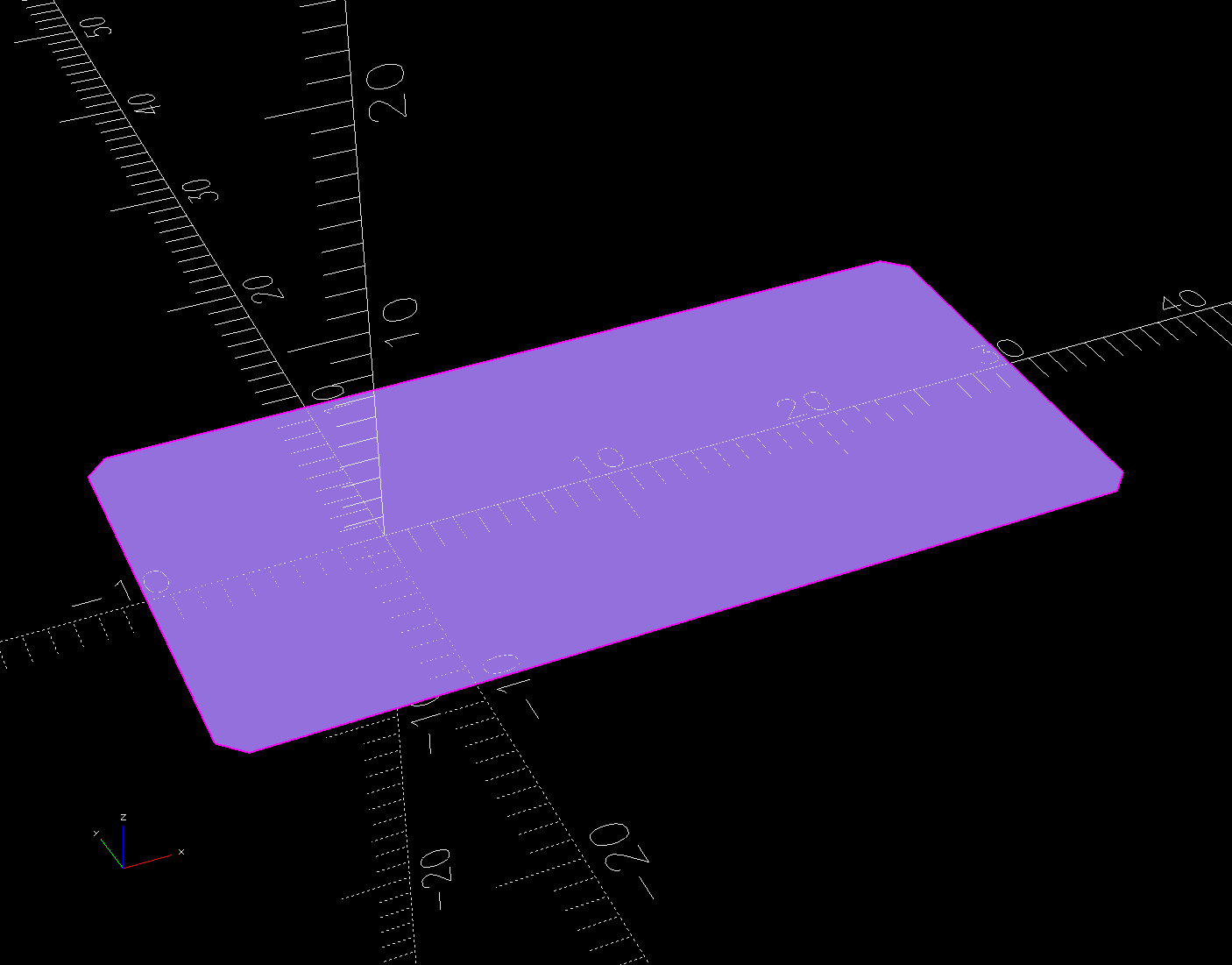
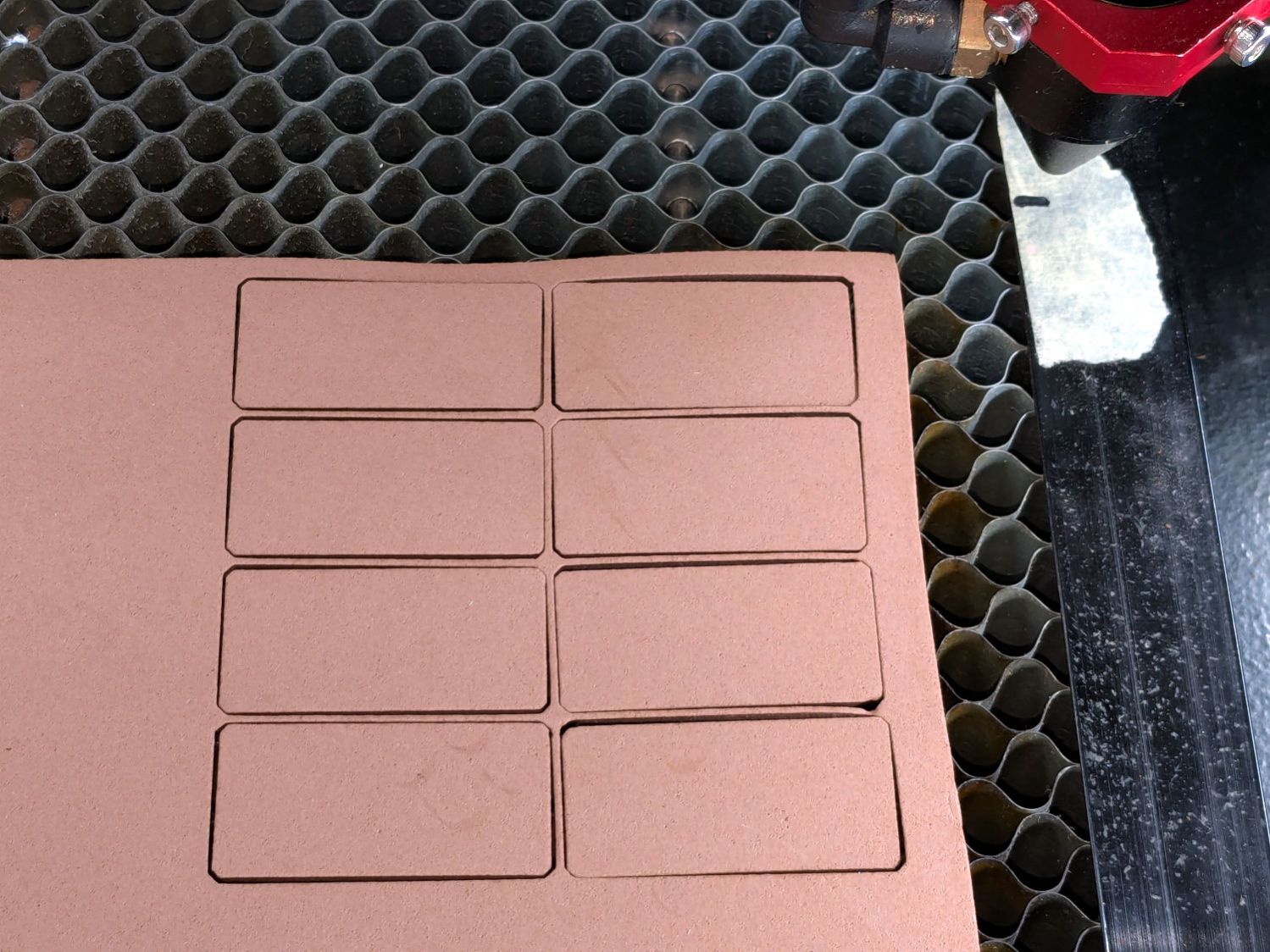
A short module extracts the footprint for export as an SVG image to laser-cut both the foam and the adhesive sheet required to stick it in place:









 The Smell of Molten Projects in the Morning
