The Smell of Molten Projects in the Morning

Ed Nisley's Blog: Shop notes, electronics, firmware, machinery, 3D printing, laser cuttery, and curiosities. Contents: 100% human thinking, 0% AI slop.

Tag: Improvements

Making the world a better place, one piece at a time

  • Quilting Ruler Rack: Expedient Base

    Quilting Ruler Rack: Expedient Base

    Mary is at least the third owner of a steel rack, originally intended to hold packages of retail stuff, which now holds (much of) her collection of quilting rulers:

    Quilting Ruler Rack Base - overview
    Quilting Ruler Rack Base – overview

    Obviously, it was never intended to hold heavy acrylic sheets, but it worked surprisingly well, right up to the point where too many of the rulers collected on two adjacent columns of pegs and overbalanced the whole affair atop her while she attempted to remove a ruler.

    Subsequent accident recreation showed the rack toppled when the weight of the rulers on the two adjacent columns of hooks moved the center of mass outward, just inside the line between those feet, whereupon the slightest tug on a ruler pulled it over.

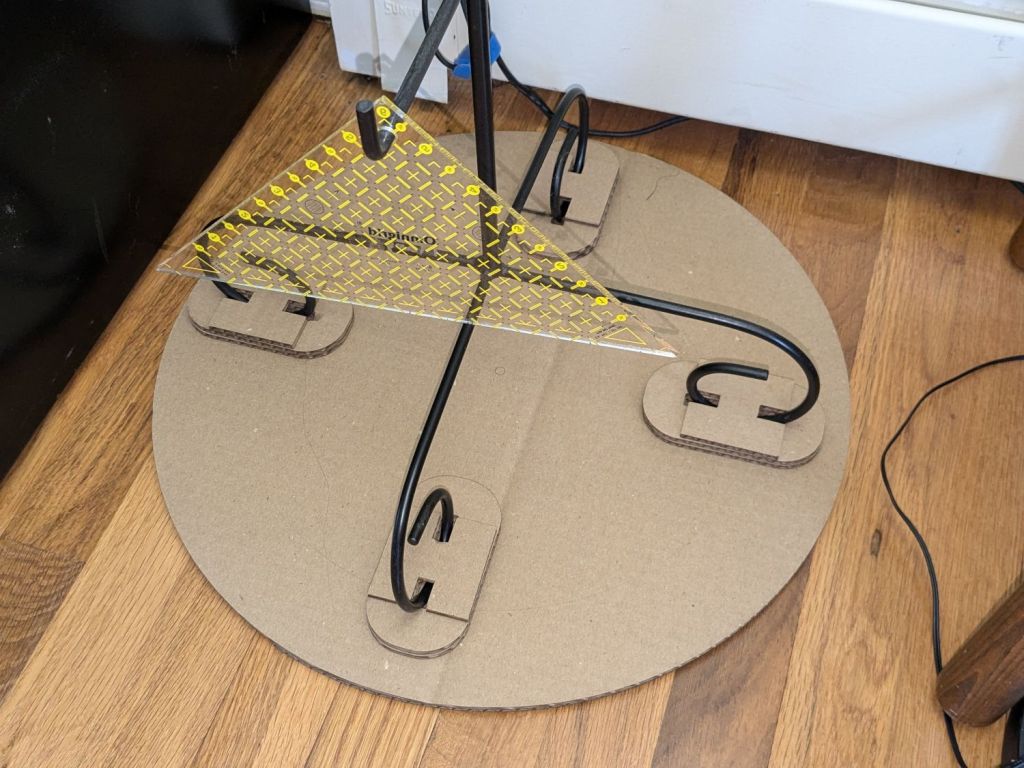
    Measurements revealed the four legs do not sit on a square contact patch, are not parallel to the radii from the center point, and are not uniformly distant from the center. Rather than committing to a finished product, I made a cardboard prototype to verify a bigger base would solve the problem and I could capture all those feet.

    You don’t have such a rack, so the exact dimensions don’t matter, but the LightBurn layout looks like this:

    Quilting Ruler Rack Base
    Quilting Ruler Rack Base

    The disk is two cross-laid sheets for stiffness, with marks burned on the top to help align the feet more-or-less around the center point.

    The oblong rings fit around the feet to capture them, so cut eight or twelve to make four stacks a bit taller than the wire diameter.

    The H shape then glues atop the rings to hold the feet in place. They’re not removable, but a razor knife will eventually solve that problem.

    I slobbered hot melt glue across the cardboard disks to hold them together, glued and aligned the rings where the feet dented the disks, stood the rack in the rings, and glued the H plates.

    About an hour elapsed from the sound of the crash to the rack once again standing quietly beside the fabric cabinets.

    We’ll run this for a while and eventually replace it with a plywood disk and screwed-in-place clamps for the feet, which will surely call for wood surface preparation / stain / seal treatment.
  • Prusa MK4 Input Shaper: Accelerometer Tuneup

    Prusa MK4 Input Shaper: Accelerometer Tuneup

    After adding bling to the Prusa MK4, I touched up the belt tensions and re-measured the axis resonances with the Prusa Accelerometer gadget to update the Input Shaper settings.

    The Prusa belt tension guide pretty much explains that subject, with their Belt Tuner making up for my utter tone deafness. FWIW, if the Belt Tuner produces inconsistent results differing by an octave, either up or down from the correct value, the belt is way too loose: give the axis belt tension screw a turn or two to drag the results into the right time zone, then fine-tune from there.

    While it is possible to reach both tensioning screws without too much trouble, they’re definitely not convenient.

    The accelerometer fits on the hot end:

    Prusa MK4 Accelerometer - on hot end
    Prusa MK4 Accelerometer – on hot end

    Then under the steel sheet, where it’s clamped by the platform magnets:

    Prusa MK4 Accelerometer - on platform
    Prusa MK4 Accelerometer – on platform

    The MK4 firmware measures the resonant frequencies while prompting you to put the accelerometer in the proper locations, then computes the best shaper values.

    For reference, the stock OEM values:

    • X = MZV 50 Hz
    • Y = MZV 40 Hz

    Just after I got the accelerometer and without doing anything to prep the MK4, these results popped out:

    • X = MZV 56 Hz
    • Y = MZV 42 Hz

    Now, with bling and properly tensioned belts:

    • X = MZV 59 Hz
    • Y = MZV 45 Hz

    The most recent values were also the most stable, once again pointing out the value of careful assembly and maintenance.

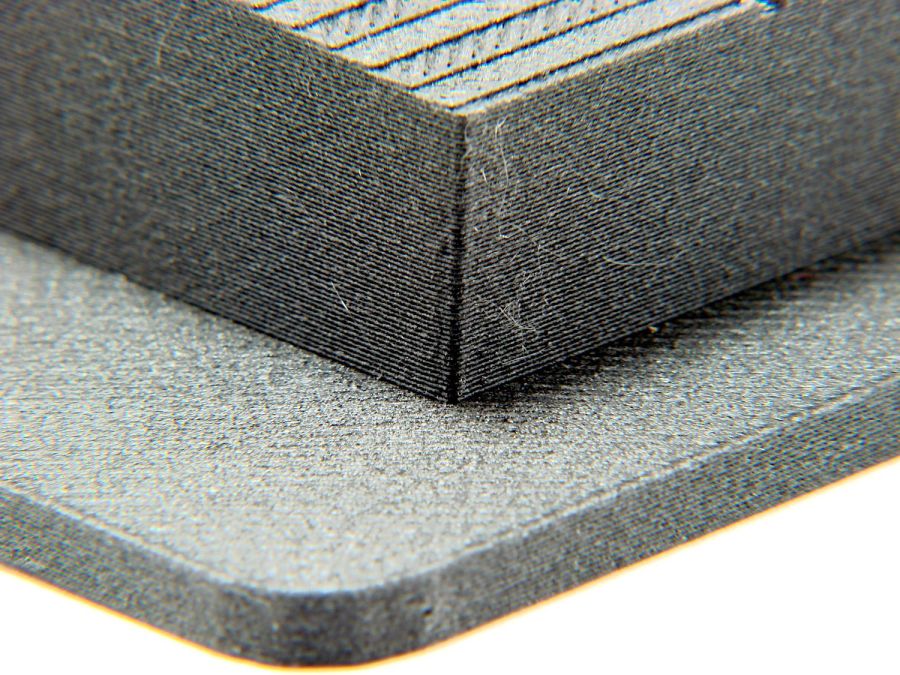
    With that in mind, though, I built the laser ramp focus fixture shortly after doing the first recalibration and it has no visible ripples on any of its walls:

    Ramp Test Fixture - corner detail
    Ramp Test Fixture – corner detail

    That’s a square corner perpendicular to the sloped top surface at the default 45 mm/s. It’s not as difficult a test as some you’ll see, but it suffices for my simple needs. The MK4 definitely behaves better around corners than the Makergear M2.

  • Prusa MK4 Bling

    Prusa MK4 Bling

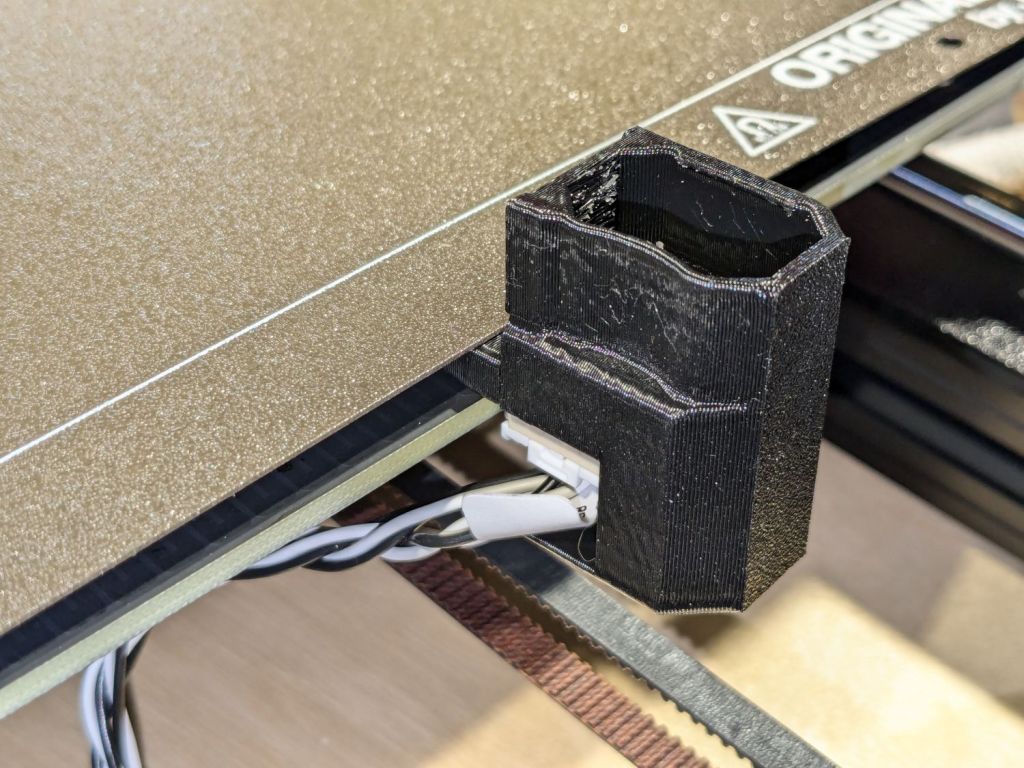
    While figuring out an X Axis homing problem (about which, more later), I printed a bunch of add-ons for the Prusa MK4, all from printables.com.

    Stipulated: Using something other than black PETG and PETG-CF would make them more like bling.

    The heatsink fan gets a scoop inlet to keep fingers and tools farther from the blades:

    Prusa MK4 - fan cover - fan duct
    Prusa MK4 – fan cover – fan duct

    The small upward duct on the right side directs the exhaust air away from the platform. This is apparently critical for very high-temperature plastics like ABS and PC, but I did have one print fail due to excessively cold breezes on the platform.

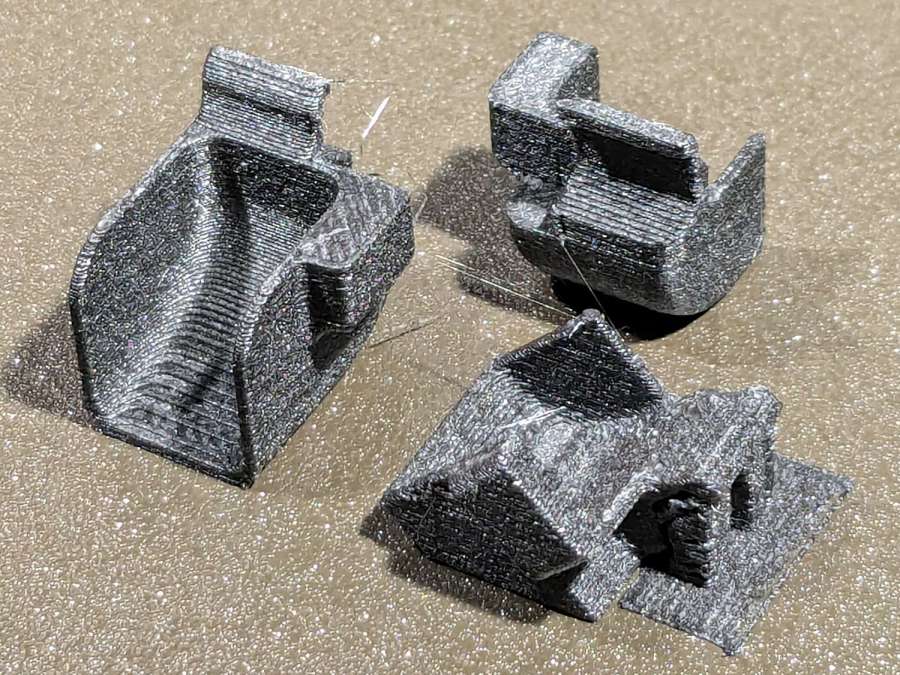
    I made three different ducts in case I break one:

    Prusa MK4 - fan ducts on platform
    Prusa MK4 – fan ducts on platform

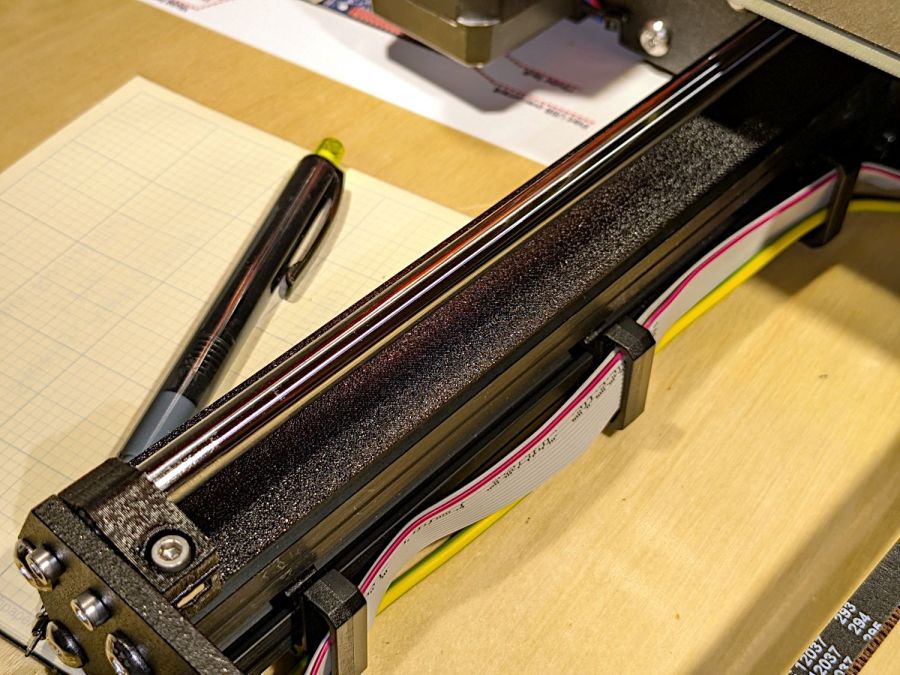
    The aluminum extrusions now have dust covers:

    Prusa MK4 - Extrusion cover - front
    Prusa MK4 – Extrusion cover – front

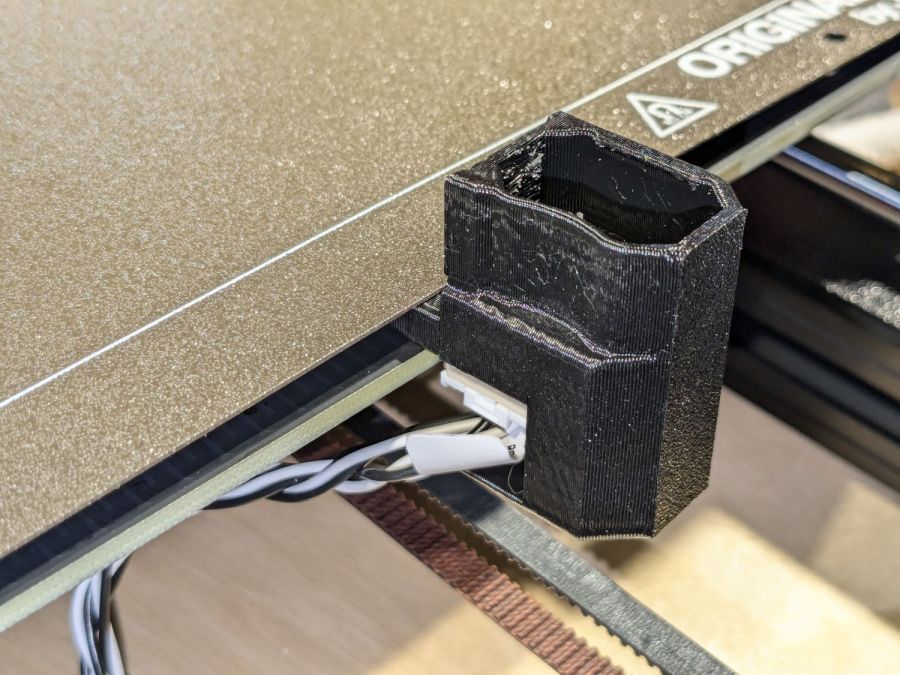
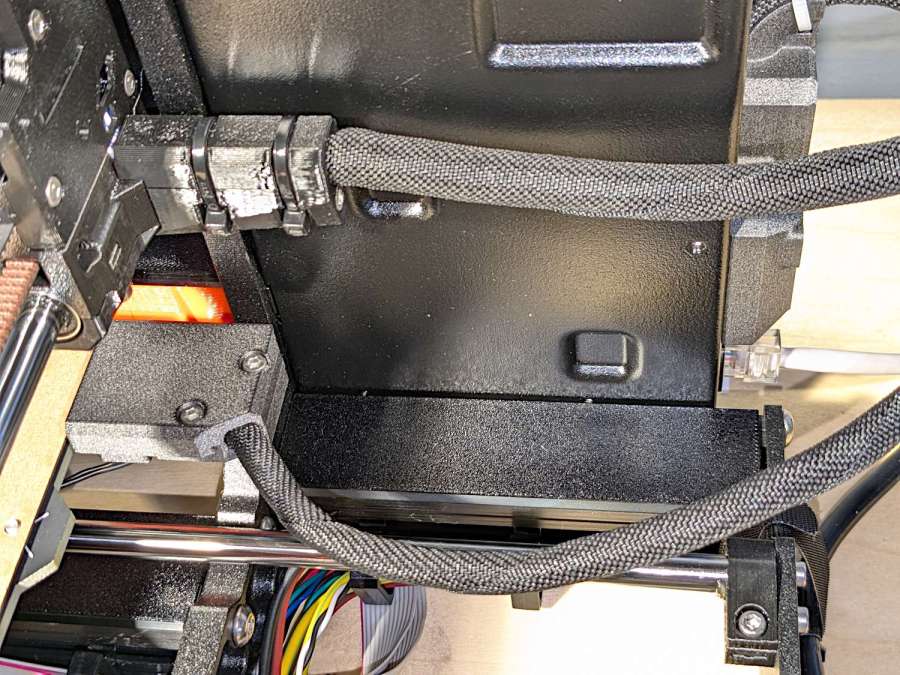
    There’s also an angled heater cable connector cover, with a matching cover on the electronics box routing the cable rearward to dress it away from the hulking extruder cable:

    Prusa MK4 - Extrusion cover - rear
    Prusa MK4 – Extrusion cover – rear

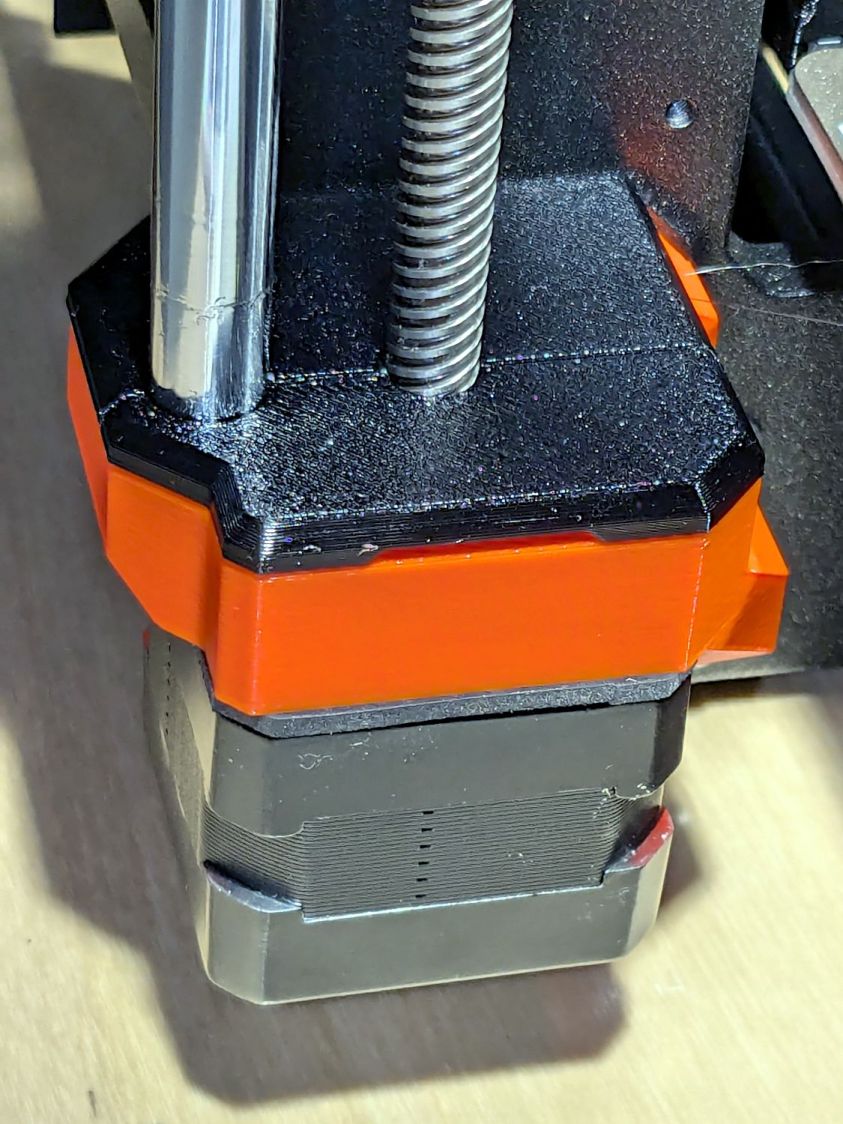
    And the Z axis stepper mounts have tidy dust covers:

    Prusa MK4 - Z axis motor cover
    Prusa MK4 – Z axis motor cover

    None of which are necessary, but they’re all easy to print while thinking of other things.

  • Sears Sewing Table: Caster Pads

    Sears Sewing Table: Caster Pads

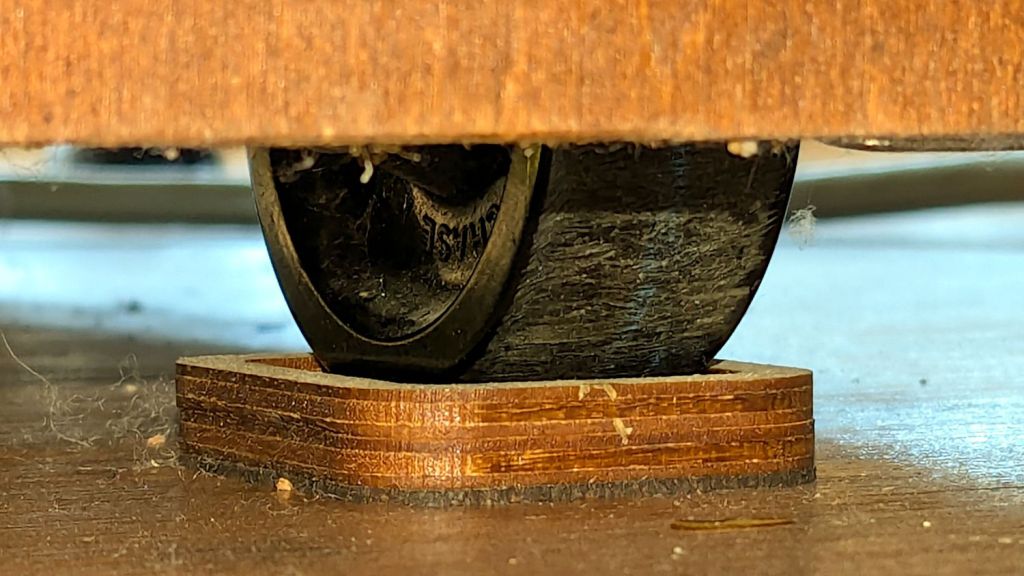
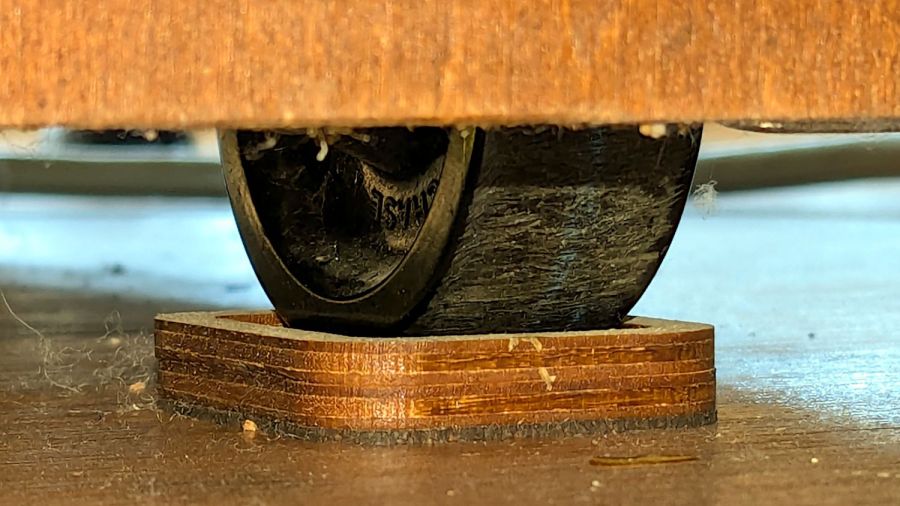
    Mary’s much-improved / -repaired Sears Sewing Table wanted to move around on the wood floor in the Sewing Room, so I captured its casters in little pads:

    Sears Sewing Table caster pad - installed
    Sears Sewing Table caster pad – installed

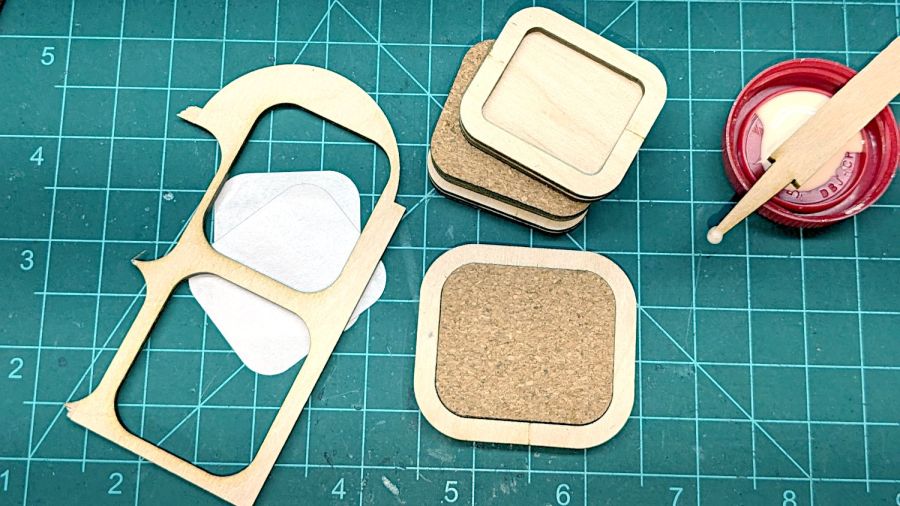
    A layer of 1 mm cork with PSA adhesive provides griptivity against the floor, a solid layer of 3 mm plywood spreads the wheel force over the cork, and a top ring of 3 mm plywood captures the wheel.

    Which looked like this during gluing:

    Sears Sewing Table caster pad - gluing fixtures
    Sears Sewing Table caster pad – gluing fixtures

    The scrap on the left served to align cork & plywood; it came from the plywood contributing the shapes. The ring around the cork is a glued-up pair of plywood rings (4 mm wide, outset from the perimeter of the pads) serving to align the two plywood layers.

    Verily: time spent making a fixture is never wasted!

    And having a laser cutter makes fixtures trivially easy, at least for simple fixtures like those.

  • Laser Cutter: Fourth Corner Fix Summary

    Laser Cutter: Fourth Corner Fix Summary

    A discussion on the LightBurn forum about a large-format machine with a misaligned beam prompted me to think through the whole “Fourth Corner” problem and come up with this summary based on my beam realignment adventure:

    Here’s what I think is going on, referring to the 4×8 foot (!) machine in that discussion and lightly edited to improve readability & fix minor errors …

    Mirror 1 alignment gets the beam parallel to the Y axis, averaged over the gantry travel between front and rear. The path length variation on your machine is four feet.

    Mirror 2 alignment gets the beam parallel to the X axis, averaged over the laser head travel from left to right. The path length variation on your machine is eight feet.

    When the laser head is in the left rear corner, the total path length is maybe a foot or two. When it’s in the front right corner, the total path length is upwards of twelve feet.

    The “Fourth Corner” problem comes from a slight angular misalignment of Mirror 1, because you (and I and everybody) must set it with a maximum path length around four feet (Mirror 1 to Mirror 2 with the gantry at the front end of the machine). But with the laser head in the right front corner, the path length (Mirror 1 to Mirror 3) is three times longer, so the error due to a slightly mis-set angle at Mirror 1 is correspondingly larger.

    A tiny tweak to Mirror 1 changes the spot position at Mirror 2 by very little, but moves the spot at Mirror 3 by much more due to the longer path length.

    Tweaking Mirror 1 cannot compensate for a warped machine frame, but it will get the beam alignment as good as it can be made.

    The next point of contention was my “middle of the mirror” suggestion. AFAICT, the spot burned into the target at each mirror marks only the useful part of the beam with stray energy in a halo around it. Centering the spot keeps that stray energy away from the mirror mounts, so it doesn’t cause unnecessary heating. This will be particularly important with a high-power laser.

    Angular adjustment of each mirror puts the beam parallel to the axes, but cannot also center it on the mirrors. After it’s aligned, the path from the laser tube through the nozzle depends on the position of the tube relative to the nozzle: moving the tube up/down and front/back moves the beam position on the mirrors and through the nozzle, but (in an ideal world) doesn’t change the angular alignment.

    So after aligning the beam parallel to the axes, you must move the laser tube, the mirrors (up/down left/right front/back), and maybe the laser head to center the beam in the mirrors and also in the nozzle. Because we don’t live in an ideal world, moving any of those pieces wrecks their angular alignment, so it’s an iterative process.

    The goal is to reach this point:

    Beam Alignment - Mirror 3 detail - 2023-09-16
    Beam Alignment – Mirror 3 detail – 2023-09-16

    Those are five separate pulses, one each at the four corners and center of the platform.

    The beam then goes pretty much through the center of the laser head and lens:

    Beam Alignment - Focus detail - 2023-09-16
    Beam Alignment – Focus detail – 2023-09-16

    Works for me, anyhow.

  • Layered Paper: Mariner’s Compass in Colors

    Layered Paper: Mariner’s Compass in Colors

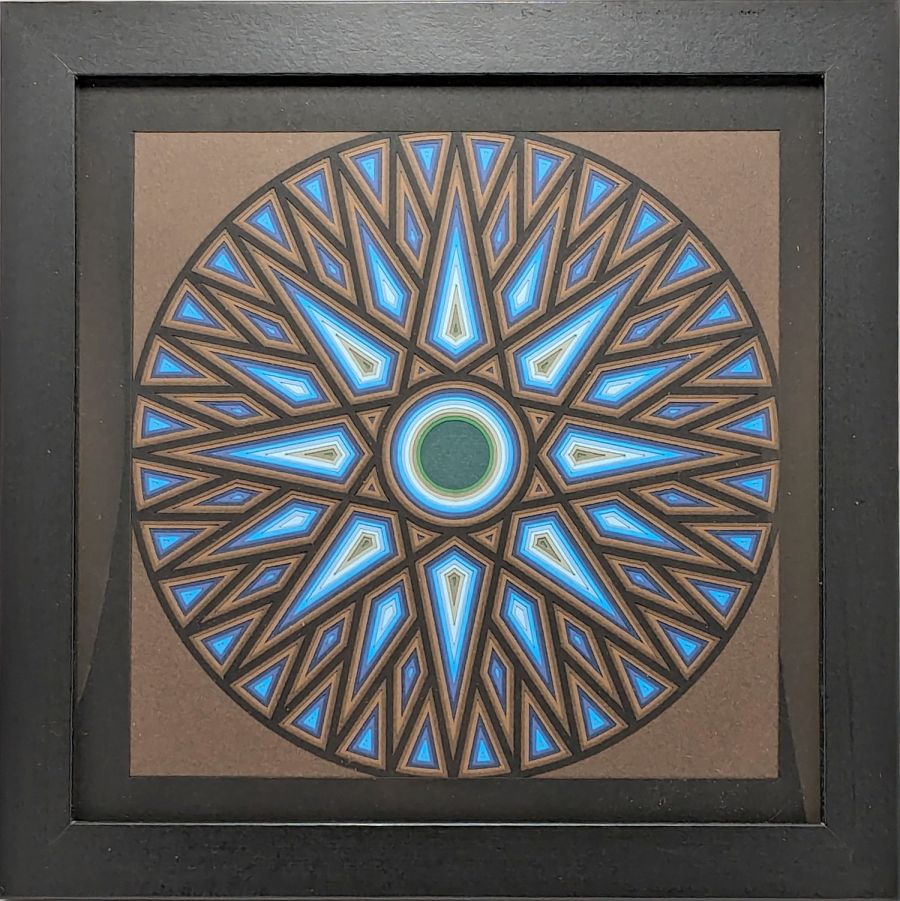
    Having recently shotgunned Amazon’s selection of colored art paper, this becomes possible:

    Mariners Compass - inset browns
    Mariners Compass – inset browns

    It’s the same geometry as the plain white layered version, with somewhat more attention to detail, and consists of a dozen layers glued and stacked on an assembly fixture.

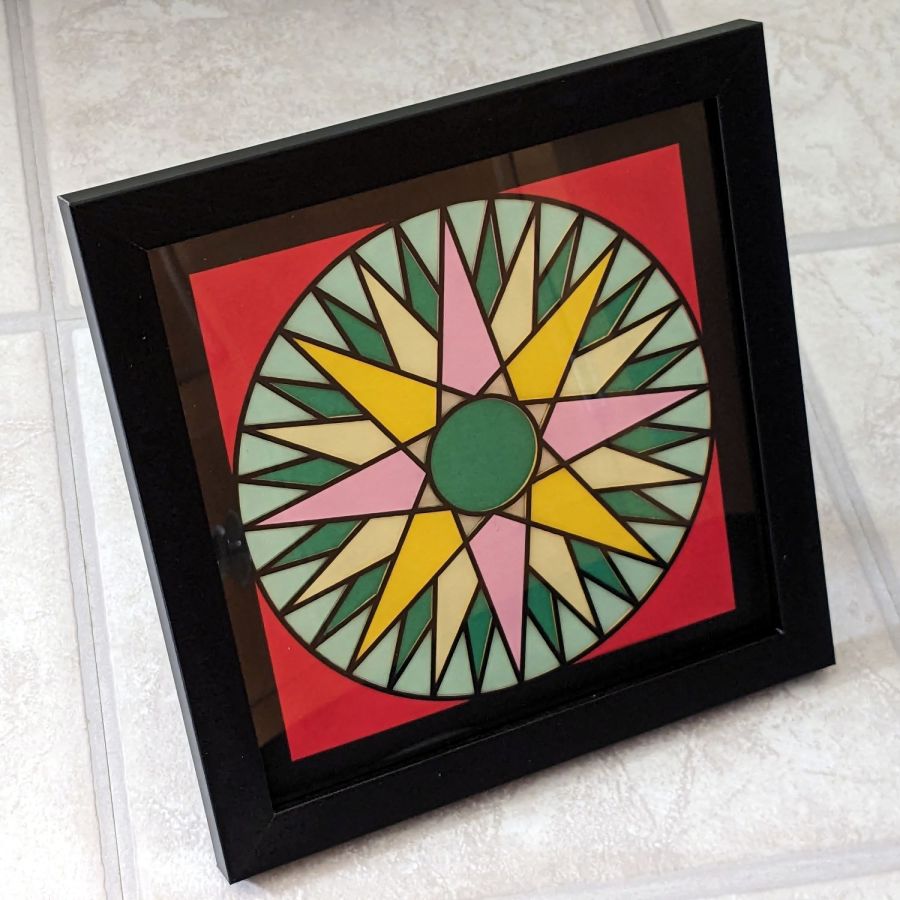
    The quilt-block version uses simple layering:

    Layered Paper - Mariners Compass - Beyer 133
    Layered Paper – Mariners Compass – Beyer 133

    No commercial potential, but I like the effect.

  • The Good Old Days Weren’t: Arsenical Poisons

    The Good Old Days Weren’t: Arsenical Poisons

    An entry from The New Garden Encylopedia, copyright 1936 through 1946, gives recommendations for using arsenical poisons in your garden:

    Arsenical poisons
    Arsenical poisons

    My father always said anybody who talks fondly of The Good Old Days wasn’t alive back then. He was and thought things had definitely improved since then.

    Words to live by.