Ed Nisley's Blog: Shop notes, electronics, firmware, machinery, 3D printing, laser cuttery, and curiosities. Contents: 100% human thinking, 0% AI slop.
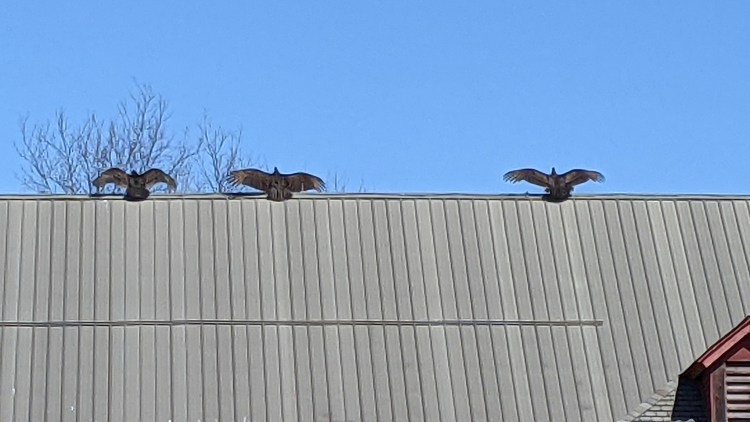
Spotted after pre-season prep at Mary’s Vassar Farms garden:
Vultures sunning
It must feel really good up there atop the old barn, even if they’re sunning themselves to kill off parasites.
Taken with the Pixel 3a zoomed all the way in at 7× from a bit over 200 feet:
Vultures sunning – photo range
Then cropped and sharpened just a smidge. Not a great picture, but good enough for practical purposes; the Good Camera + Big Glass takes better pix and is too awkward to carry in my pocket.
Reddit’s New Hotness has a half-life well under a day, although a steady trickle of incoming traffic will continue forever: The Internet Never Forgets.
Protip: forcing Reddit URLs to old.reddit.com eliminates the user-hostile site layout. Manual tweaking suffices for my very few visits; you can find browser extensions for on-the-fly rewriting.
Spotted at the corner gas station on a recent walk:
Gas pump barrier – smashed
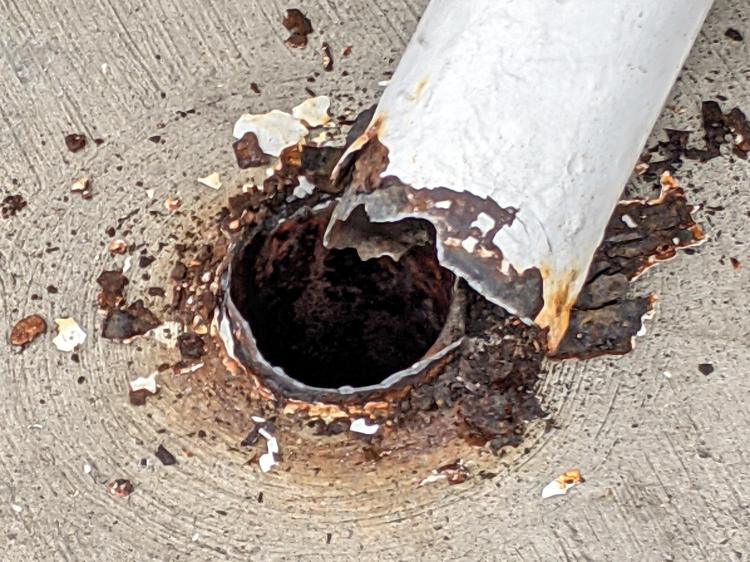
Judging from the tire tracks and extrapolating from recent weather, a snowplow driver misjudged the truck’s right-side clearance while backing.
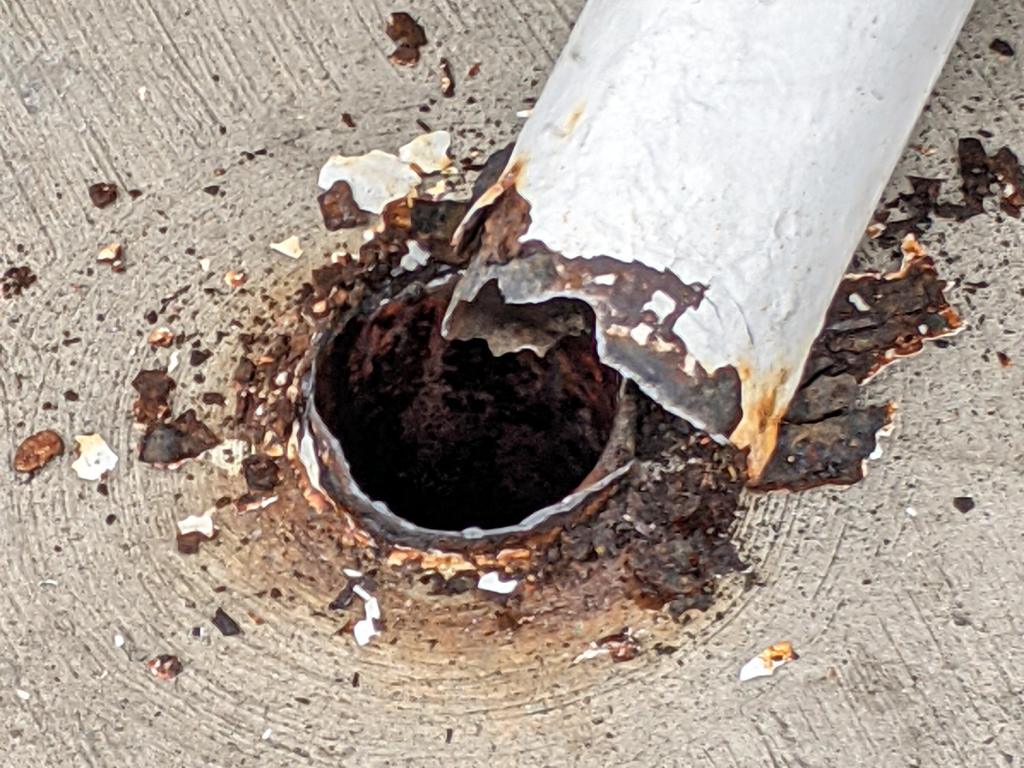
That big steel tube didn’t put up nearly as much resistance as the architect figured after consulting the relevant building codes:
Gas pump barrier – right base
The paint seems to have been the only thing holding the other side together:
Gas pump barrier – left base
Google Streetview suggests the barriers were new-ish in May 2009:
Gas pump barrier – newish 2009-05
Steel is a great construction material, but it doesn’t fare well when installed at grade (or above) where it’s exposed to water and salt. On the other paw, they got over a decade out of it, so maybe it’s as good as it needs to be.
The Aluminum Black package directions tell you to apply it with a swab, rinse, and repeat, which seemed like a lot of work for a handful of pins. Instead, I poured a little into a pill bottle, dumped the pins in, and gave it a good shake to coat the pins, whereupon the cap blew off as the contents proceeded to boil merrily. A quick cold-water rinse calmed things down, with no particular harm done, although I had to chase the threads with a tap to get the black powder out. A layer of oil prettied them up nicely.
Today I Learned: the reaction between selenium dioxide and bare aluminum is strongly exothermic.
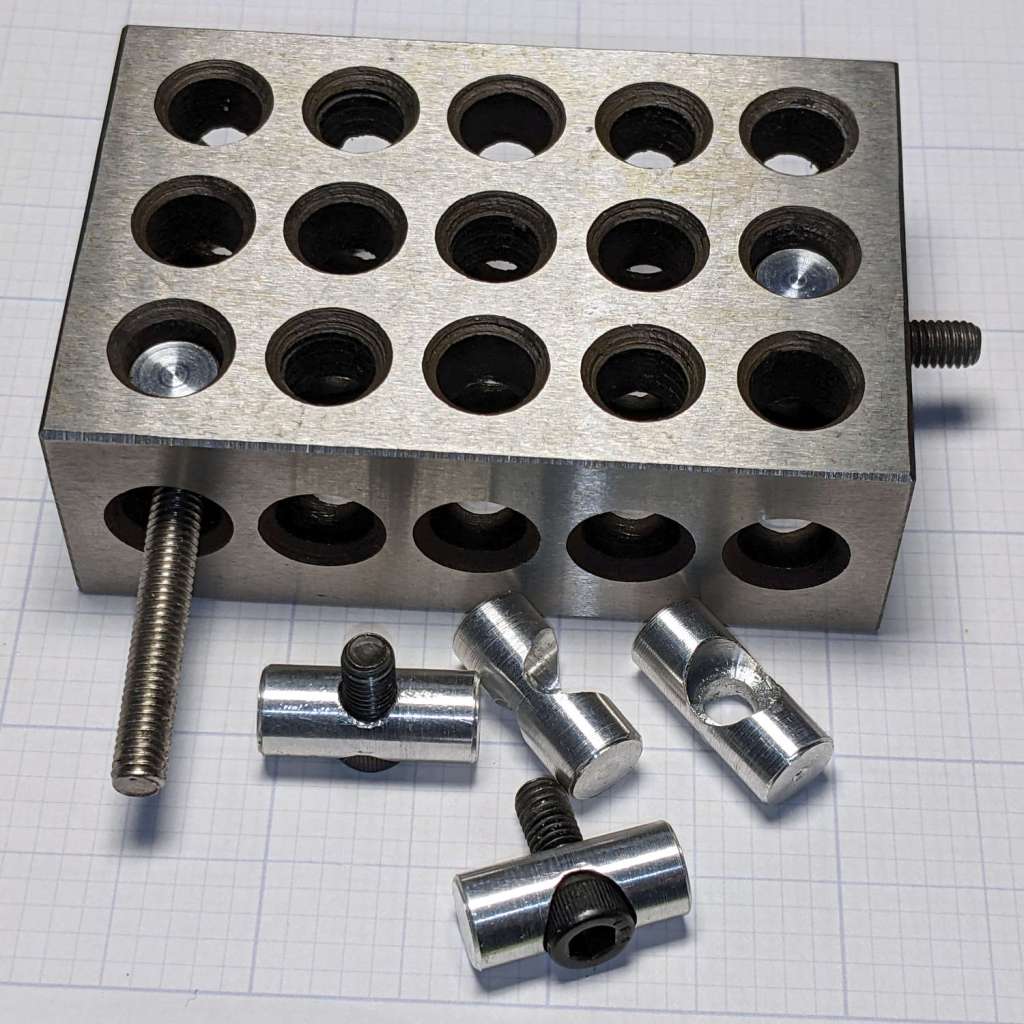
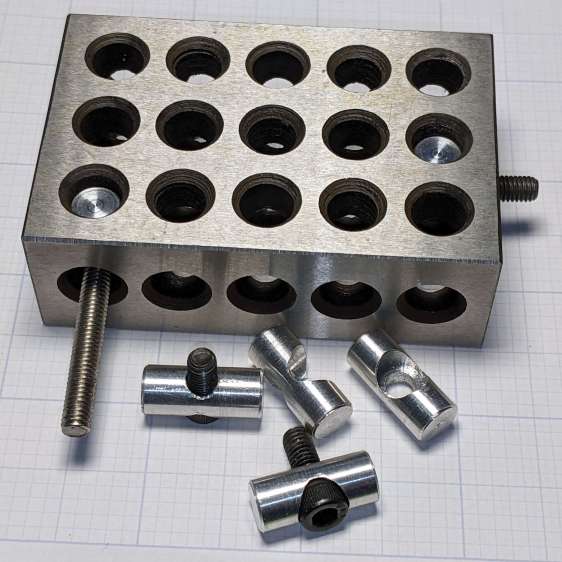
Contemplating a project using a small saw in the Sherline suggested that attaching the workpiece to the side of a 123 block would simplify the machining. My blocks have a centered quintet of 3/8-16 tapped holes through the 2×3 side, all the remaining holes are untapped, and it has no smaller holes. The hole spacing doesn’t match the Sherline tooling plate, but the T-nut slots in the underlying table would suffice.
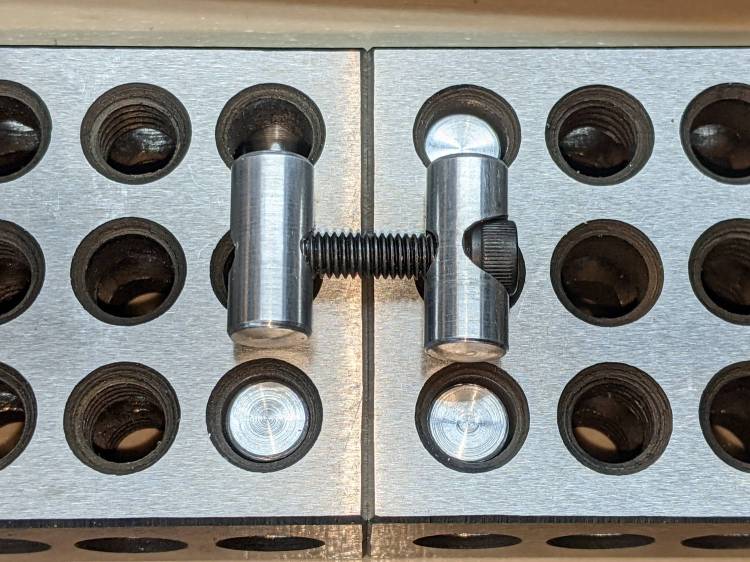
Rather than run long 10-32 screws through the entire block, It Would Be Nice to use short screws from, say, the nearest holes:
123 Block Links – assembled
I cannot possibly be the first person to have this idea, but the obvious keywords don’t produce any useful results on The Intertubes, other than a link to a different (and far more complex) block with counterbored holes of various sizes.
The holes through the blocks probably came from a 5/16 inch drill, the 75% thread depth diameter for the 3/8-16 taps used on the threaded holes. They’re distorted, full of debris, and hardened enough to kill a file, so I eventually settled on 8.2 mm pins that pass through most of the holes.
The socket head screws seat at the pin axis, because the pin diameter is scary close to the counterbore diameter and I didn’t see much point in finesse. I started with a half-inch aluminum rod and peeled it to size, because it simplified the clamping and I have a bunch of them.
The pins are 3/4 inch long to leave a little space on either side of the 1 inch deep holes. I started with comfort marks along the length of the rod:
123 Block Links – laser alignment
Center-drill so the clearance drill doesn’t skitter off the top:
123 Block Links – center drilling
The counterbore calls for a 0.204 inch = #6 drill, just slightly larger than the #7 clearance drill for a 10-32 screw:
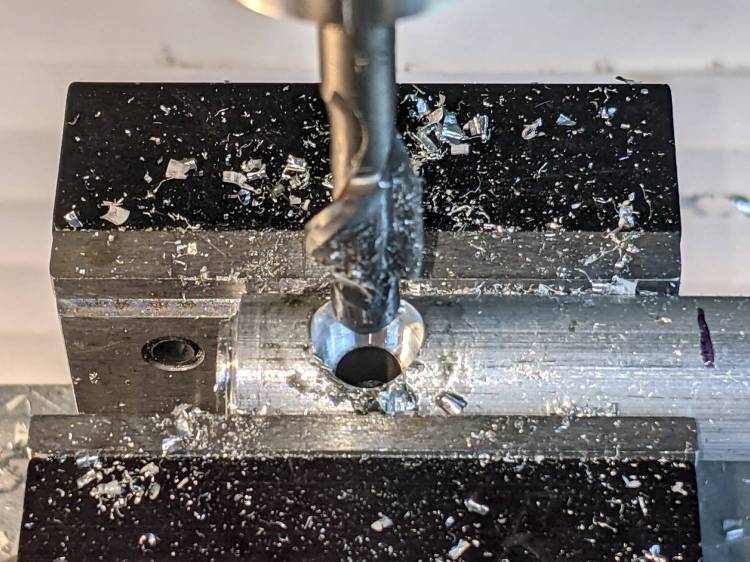
123 Block Links – counterbore
I touched off the counterbore flutes on the sides of the hole, then drilled downward half the 12.8 mm actual rod diameter:
123 Block Links – 10-32 SHCS test fit
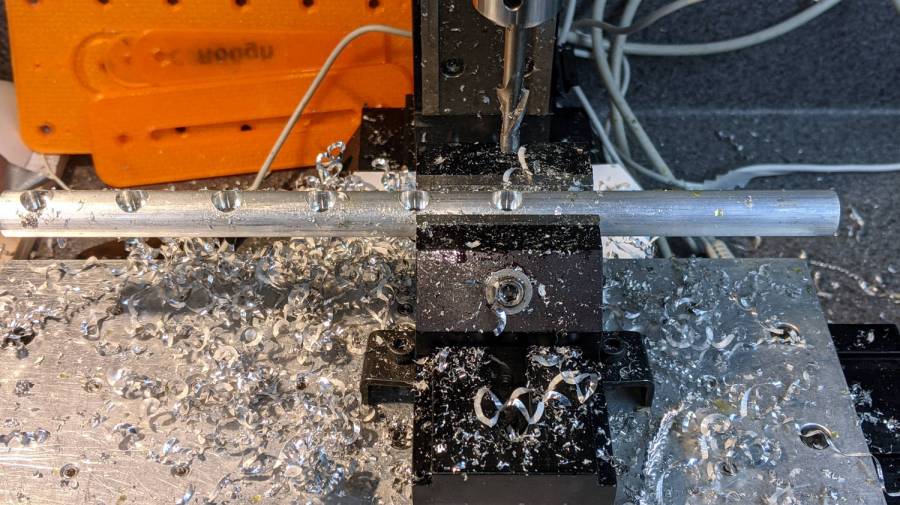
Lower the counterbore into the hole again, relax the vise enough to let the rod slide, jog the spindle to X = -25.4 mm, and tighten the vise again:
123 Block Links – index setup
I figured I needed four pins, tops, so make half a dozen to be sure:
123 Block Links – all c-bored
Stick the rod in the mini-lathe chuck, add some comfort marks, and prepare to peel it down to 8.2 mm:
123 Block Links – lathe setup
Having done the lathe work during a Squidwrench remote meeting, I have no pictures of the process, but it goes a little something like this:
Peel off 0.5 mm at a time, stopping just beyond the mark on the left
Mark 3/8 inch on each side of the hole center
Face the end
Chamfer the rim with a file
Clean up the body hole and counterbore
Part the pin off a bit to the left of the mark
Remove the rod
Chuck the pin with the cut off end outward
Face to the mark
Chamfer
Repeat for all six pins
Done!
It’s tedious, but not particularly difficult.
Futher doodling suggested the need for threaded pins to join two blocks together.