The Smell of Molten Projects in the Morning

Ed Nisley's Blog: Shop notes, electronics, firmware, machinery, 3D printing, laser cuttery, and curiosities. Contents: 100% human thinking, 0% AI slop.

Category: Machine Shop

Mechanical widgetry

  • Pepper Mill: End of Life

    Pepper Mill: End of Life

    So I finally took our pepper mill apart to see why it was having trouble grinding peppercorns:

    Pepper mill wear
    Pepper mill wear

    It was a wedding present and, nigh onto half a century later, it’s all worn out.

    Its replacement surely won’t survive so long, even with ceramic innards, but I may not notice.

  • Shower Head Hose Clamp

    Shower Head Hose Clamp

    The new shower head’s hose dangled directly in front of the faucet knob, so I conjured a simple clamp to pull the down-going half over to the side of the stall and keep the up-going half away from the faucet:

    Shower head hose clamp - installed
    Shower head hose clamp – installed

    The black nylon M6 screw goes into a hole tapped in the plastic cap atop the aluminum extrusion; I was mildly surprised that worked as well as I hoped. It’s basically invisible from outside the shower stall.

    Stipulated: laser-cut 3 mm acrylic probably isn’t the right material for the job, but it’s a quick & easy way to discover if that’s the right place to clamp the hose.

    While installing those two pieces, it occurred to me the result would be much stronger if the two “jaws” overlapped and had a pair of screws holding them together, so the LightBurn layout includes that idea for the next time:

    Shower Head Hose Clamp - LightBurn layout
    Shower Head Hose Clamp – LightBurn layout

    The Hole Template simplified getting the hole dead center in the plastic cap, because drilling it required an awkward reach across the end of the vanity.

    There is zero chance this will fit your shower & hose, but now you have the general idea.

  • PolyDryer Humidity vs. Spool Fill

    PolyDryer Humidity vs. Spool Fill

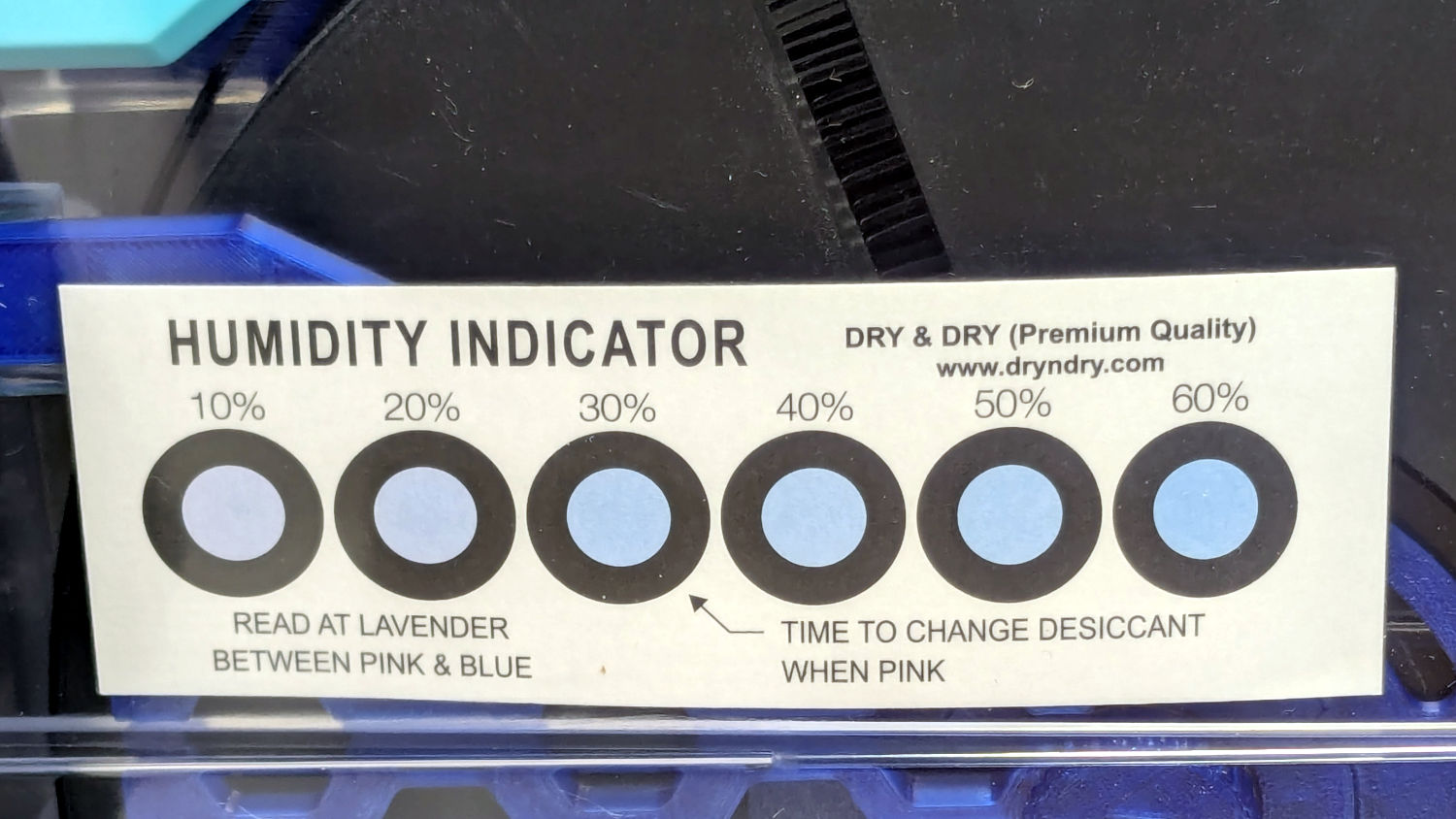
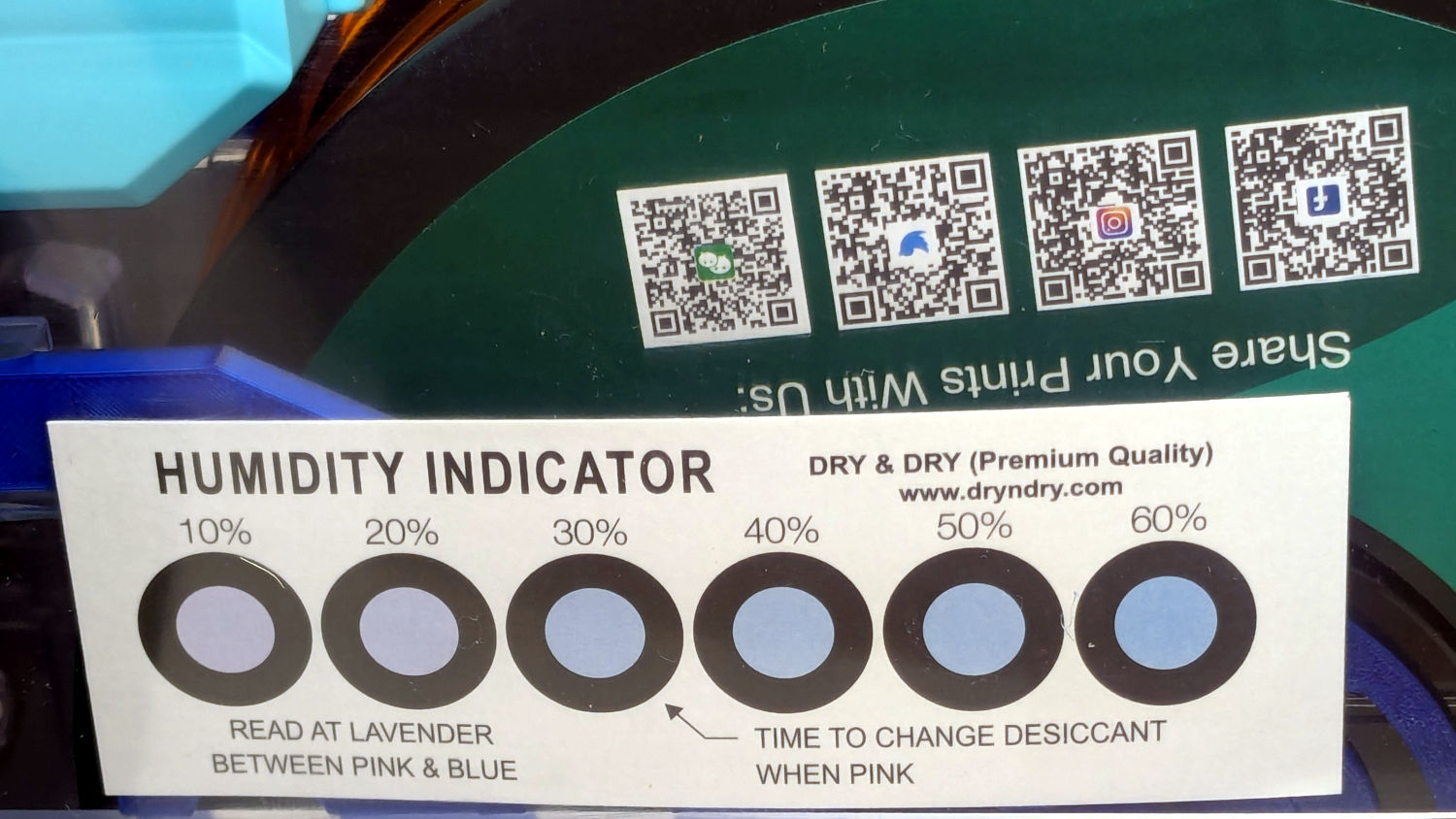
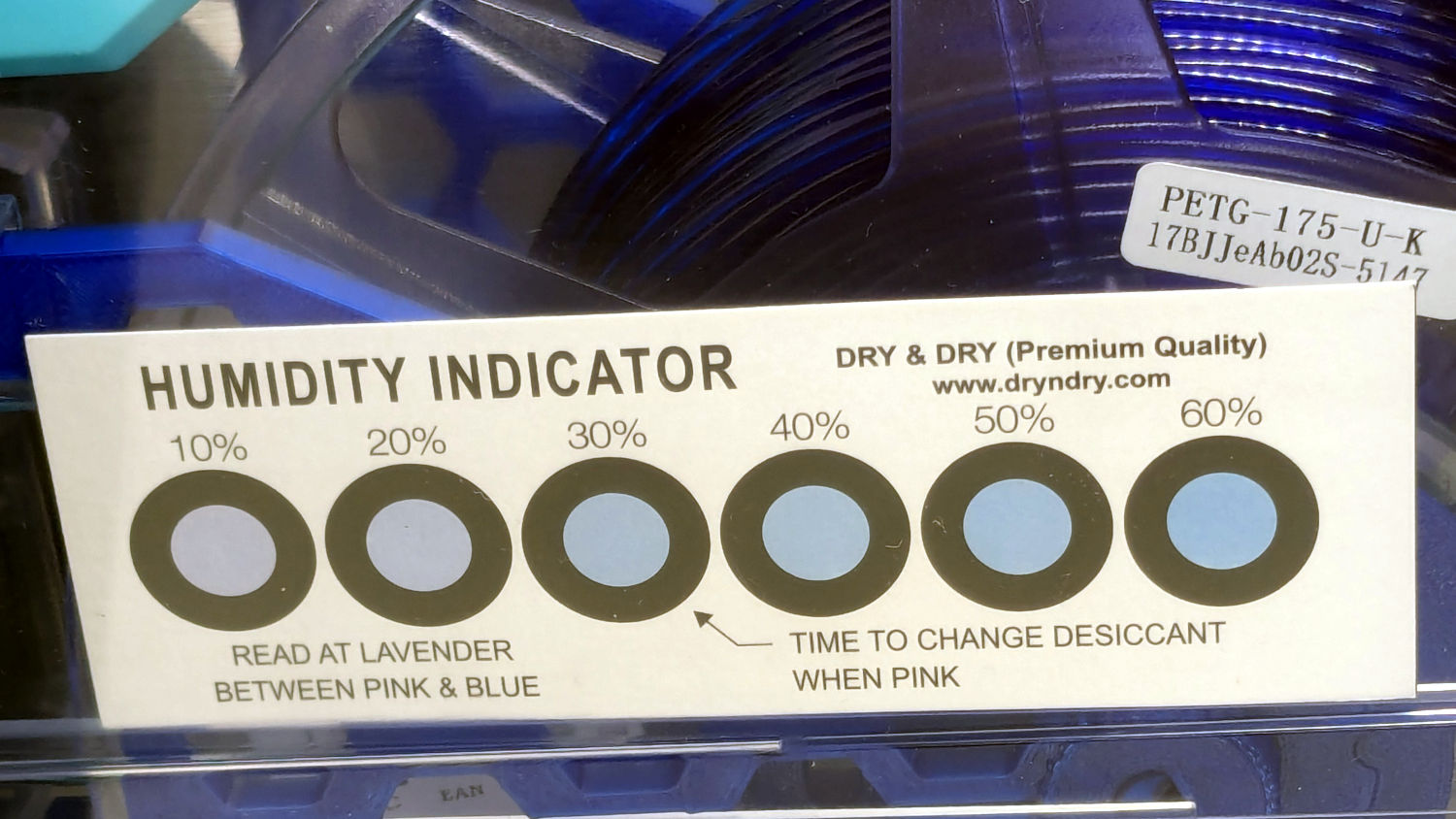
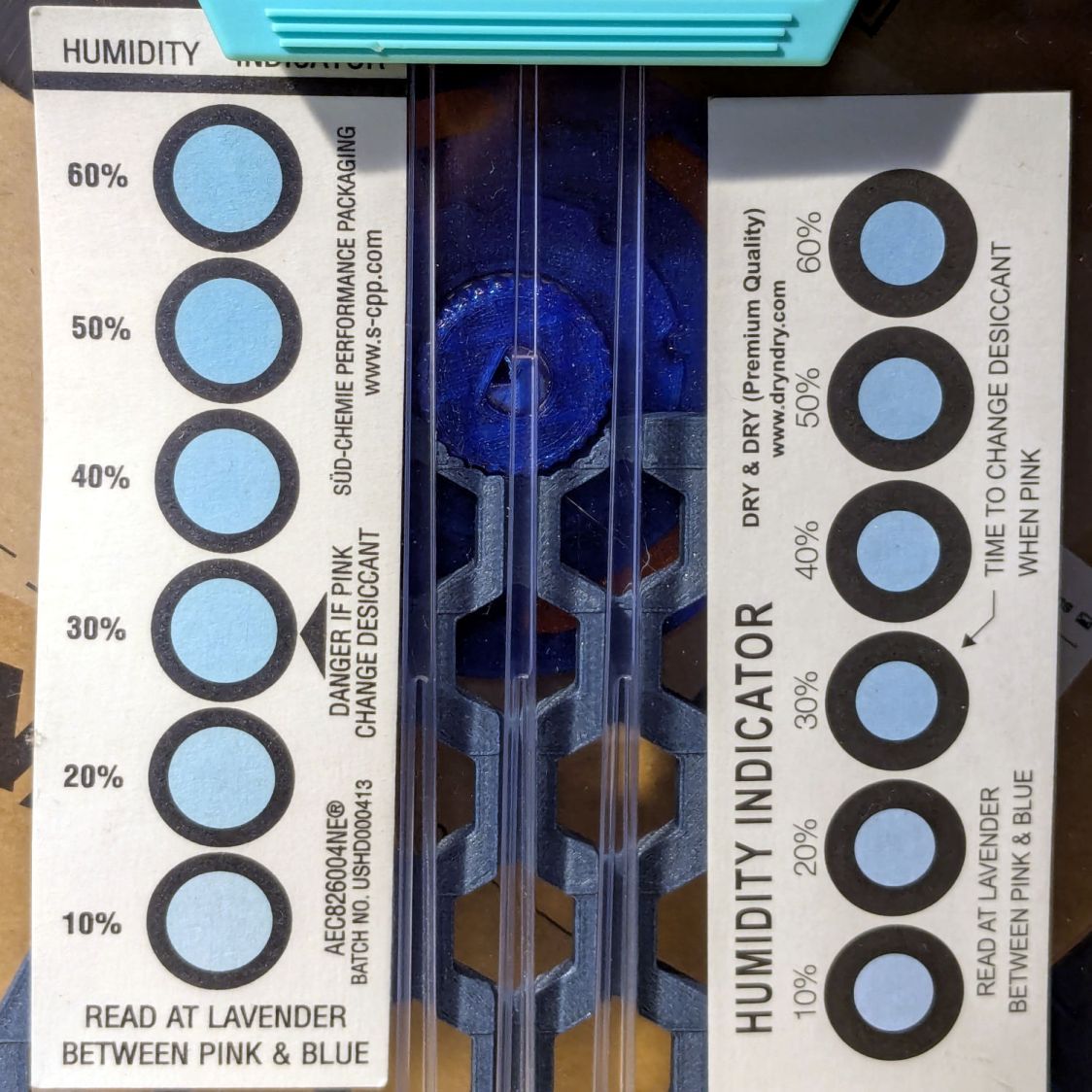
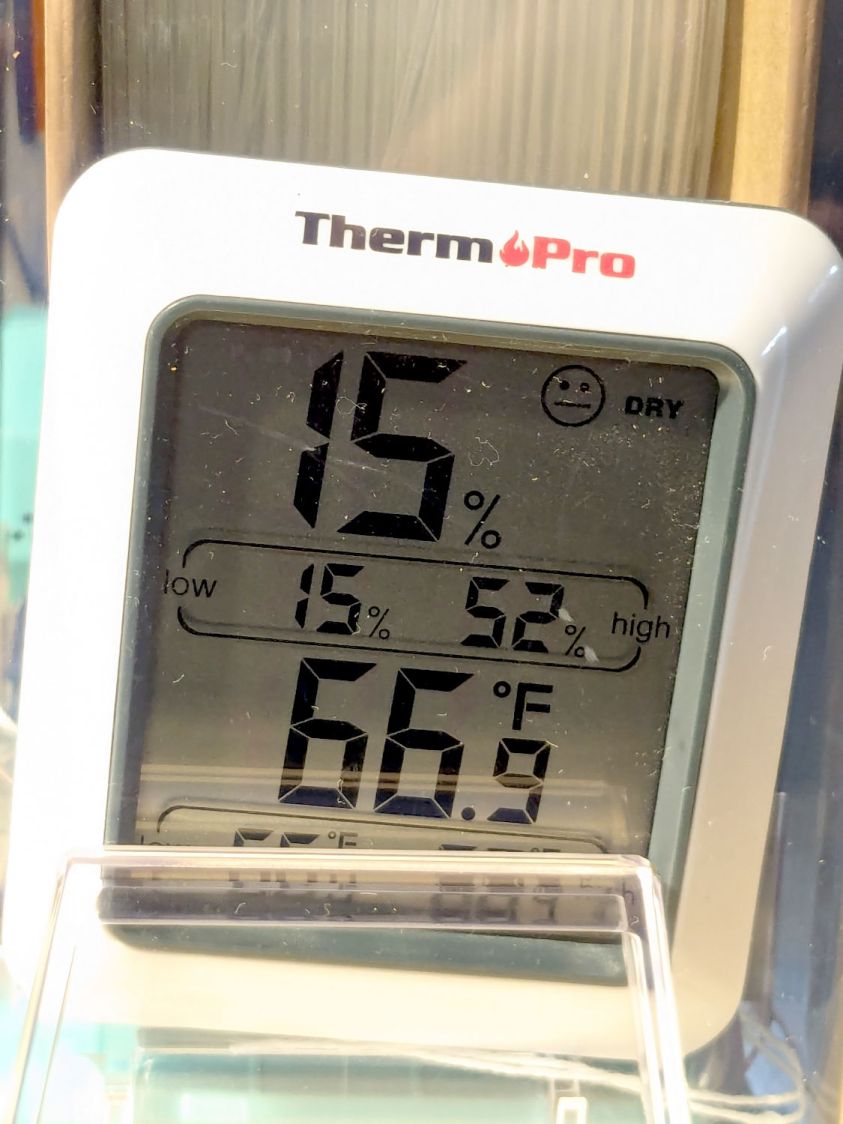
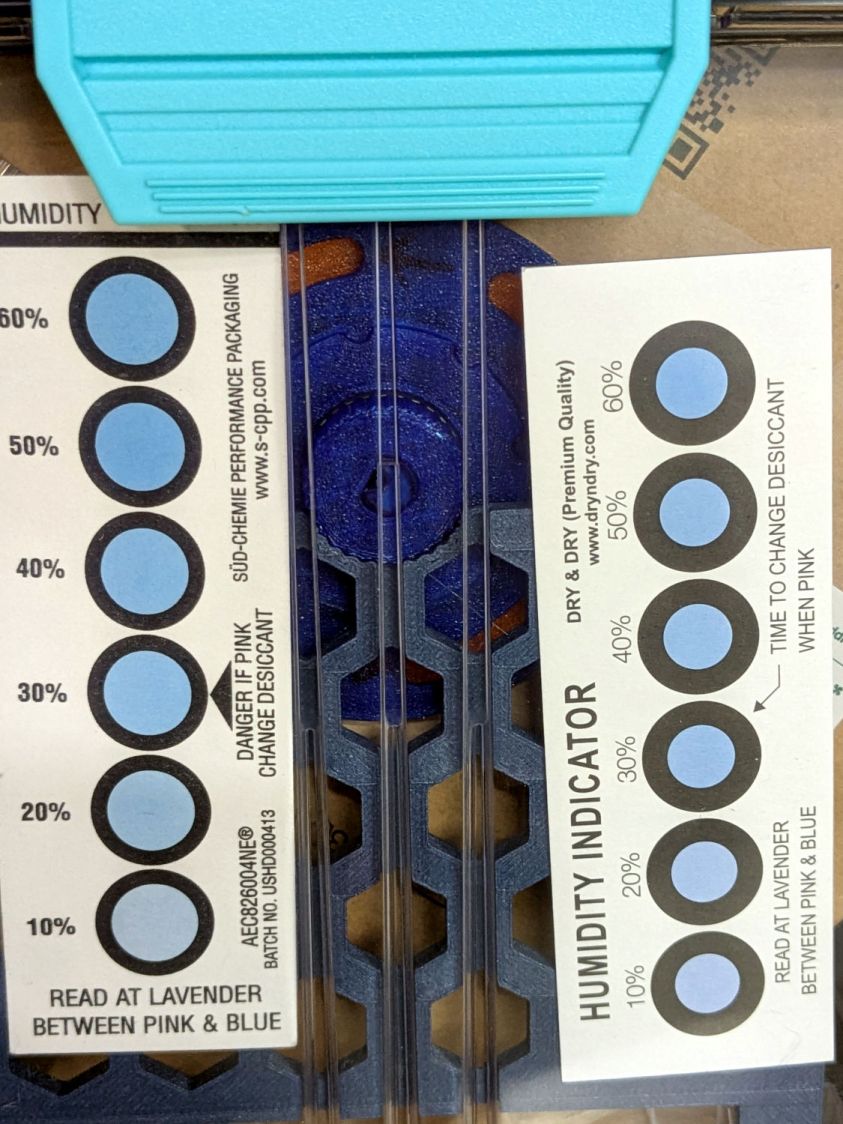
    The Basement Shop has 50±5% relative humidity, with the top held down by a hulking dehumidifier (plus a box fan stirring the air) and the bottom supported by being a basement. As a result, the 3D printer filament stabilized at about 50% RH, which seemed to work well enough for PETG.

    Adding TPU to the stable called for better humidity control, so I set up a bunch of PolyMaker PolyDryer boxes with Auto-rewind spindles.

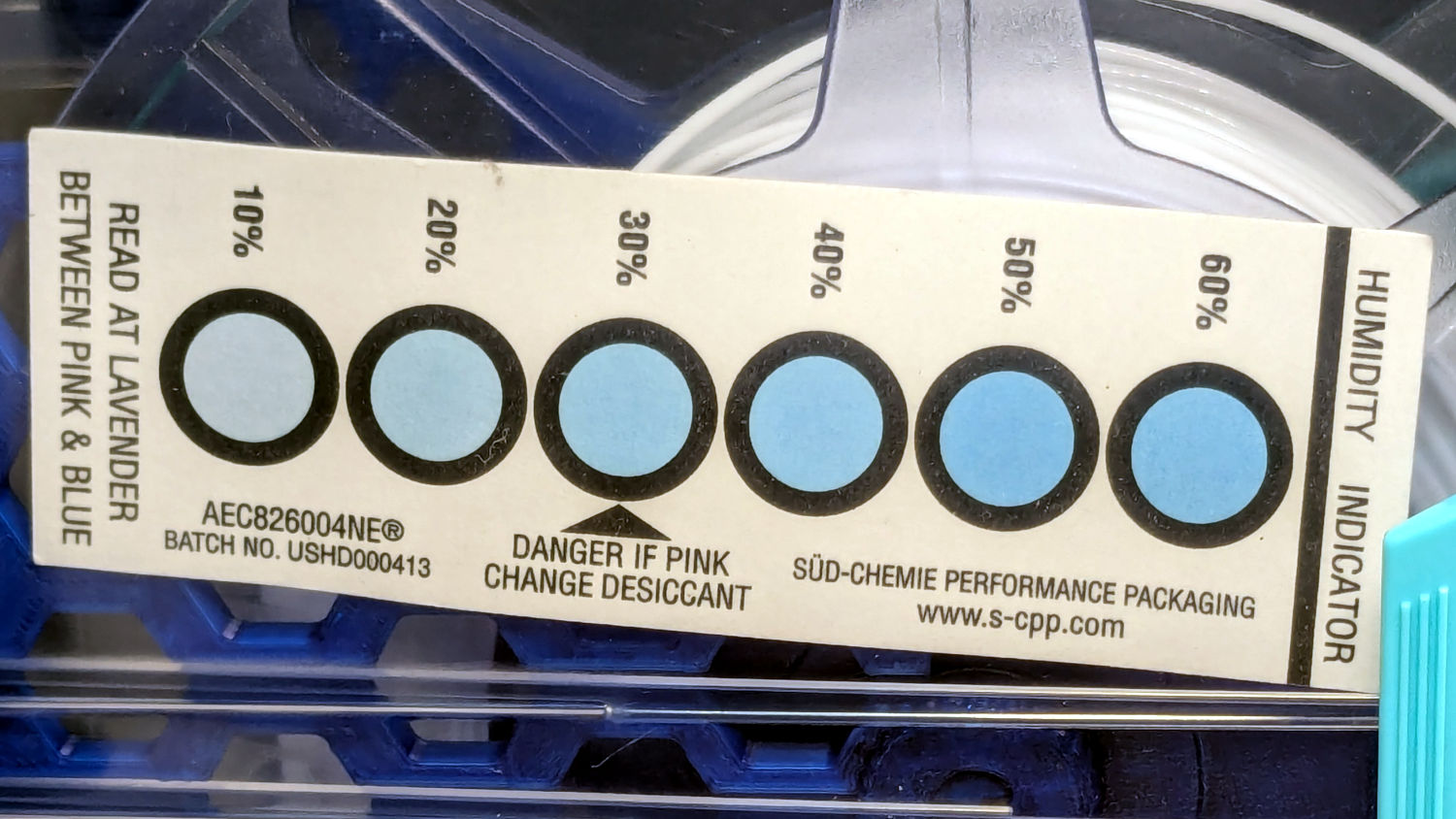
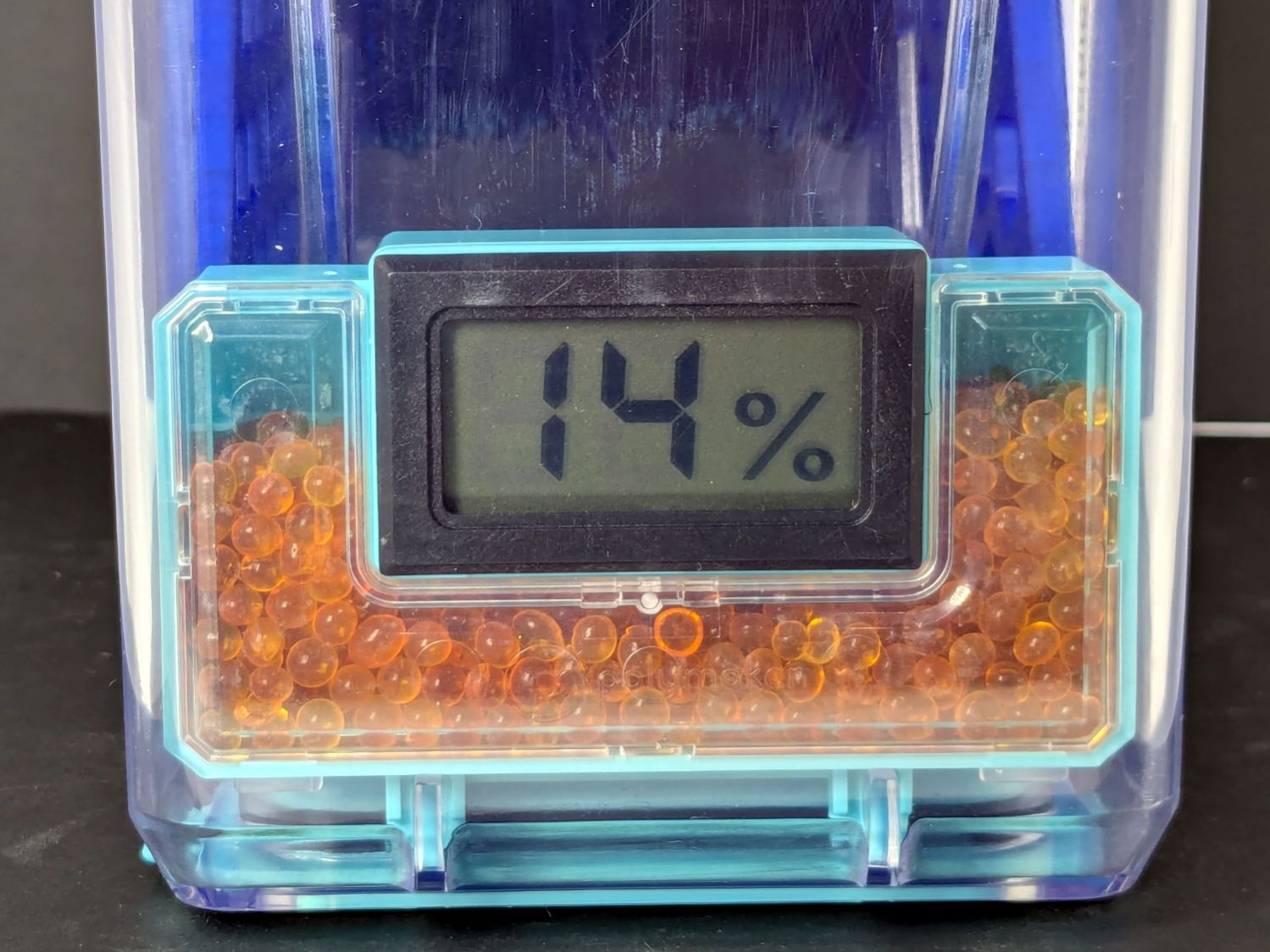
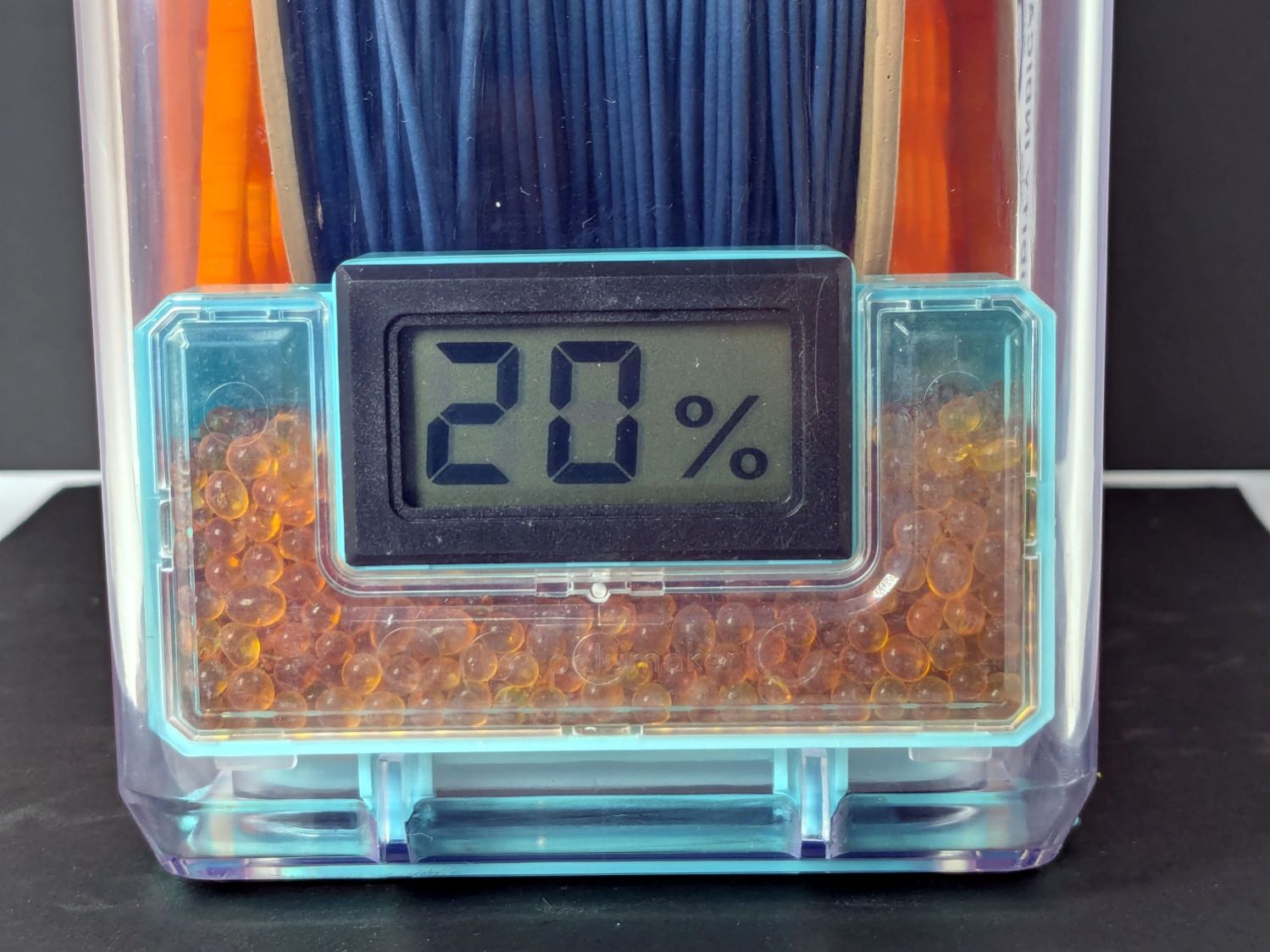
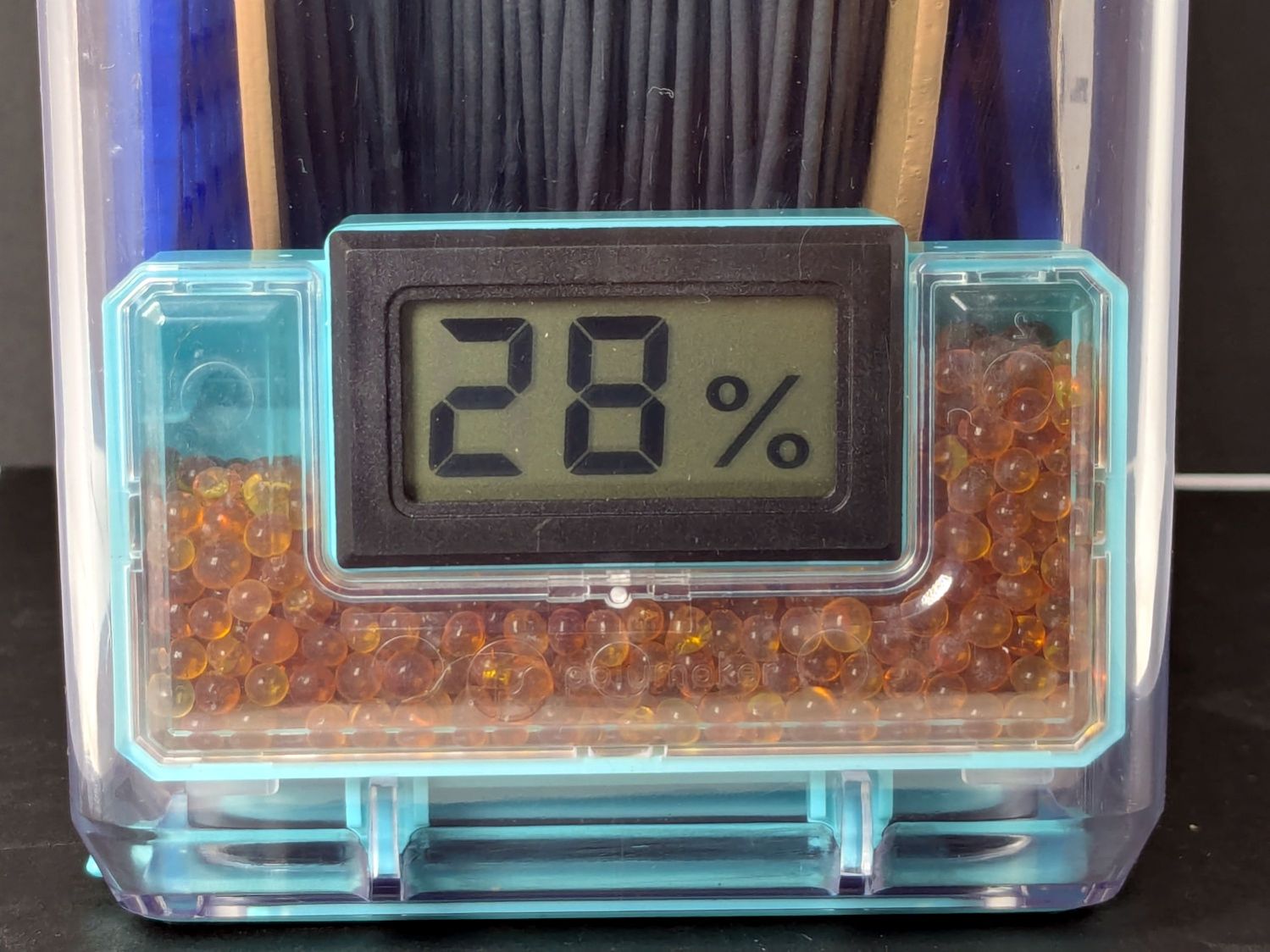
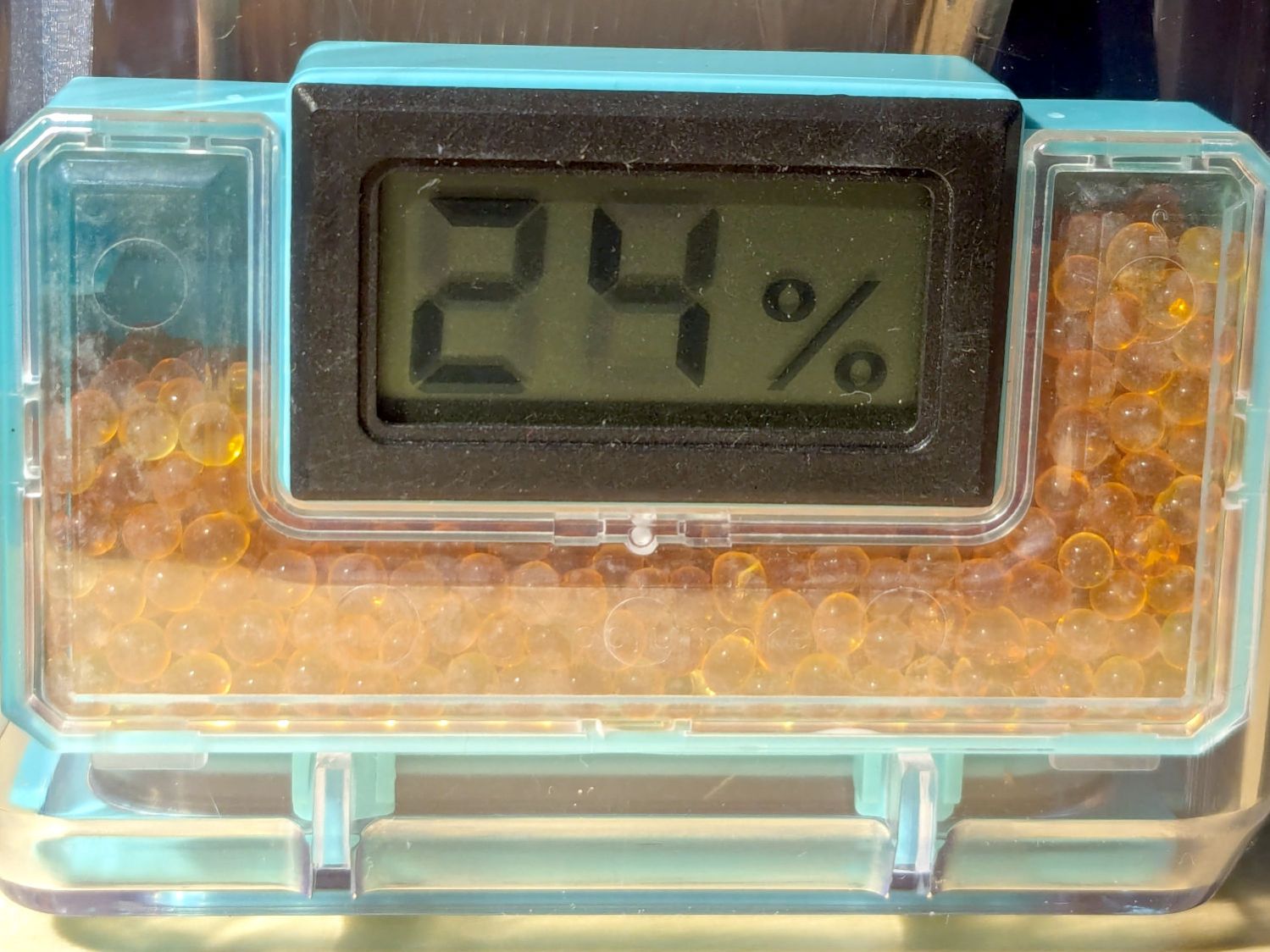
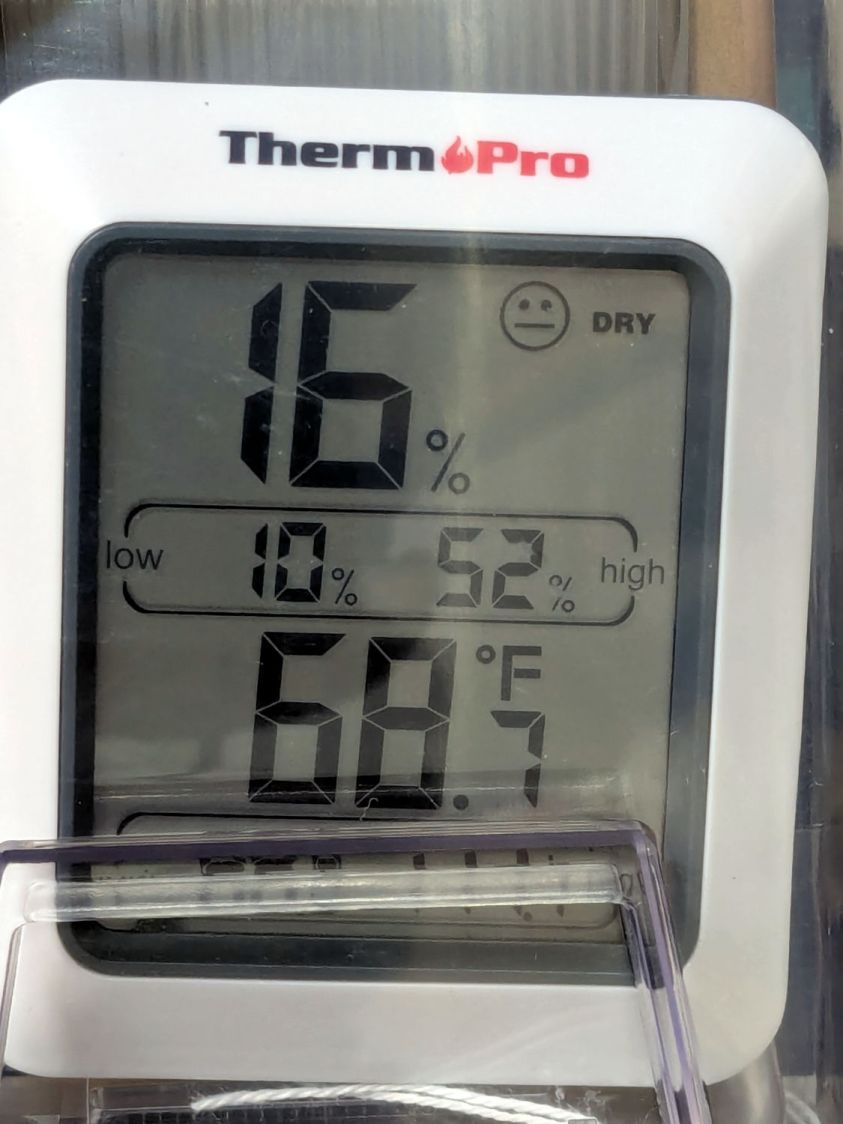
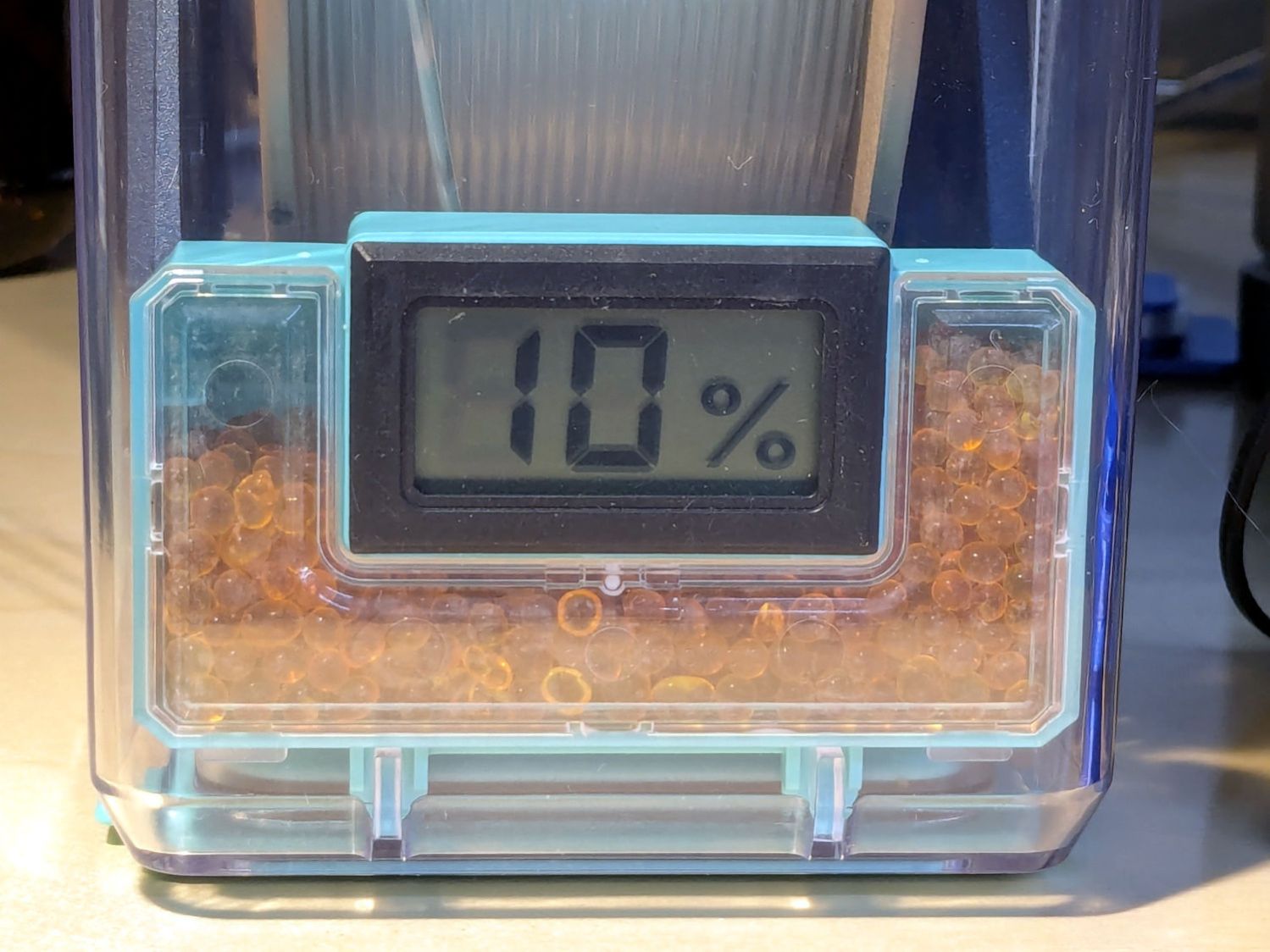
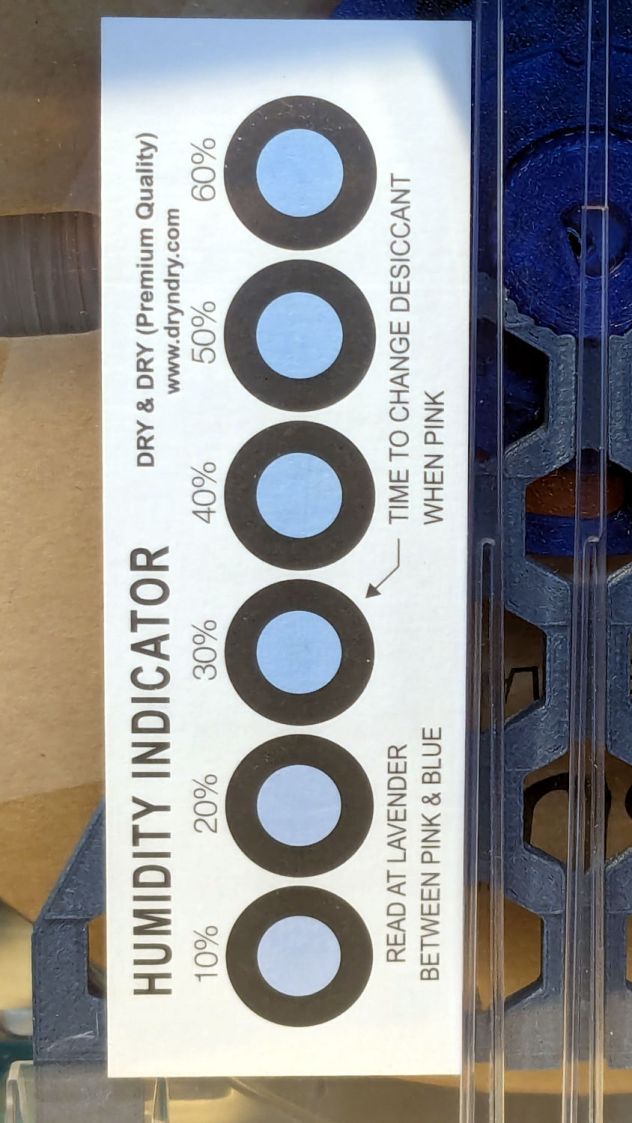
    After a few weeks, though, I didn’t expect this:

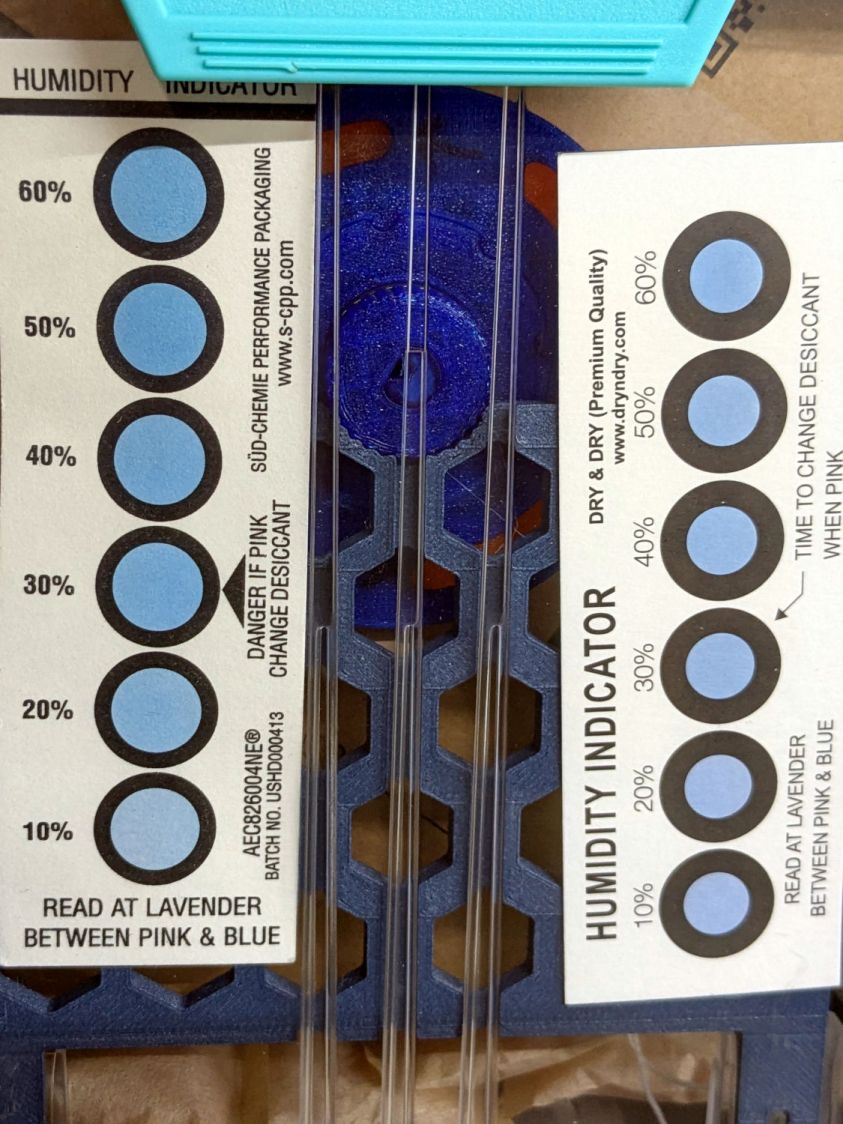
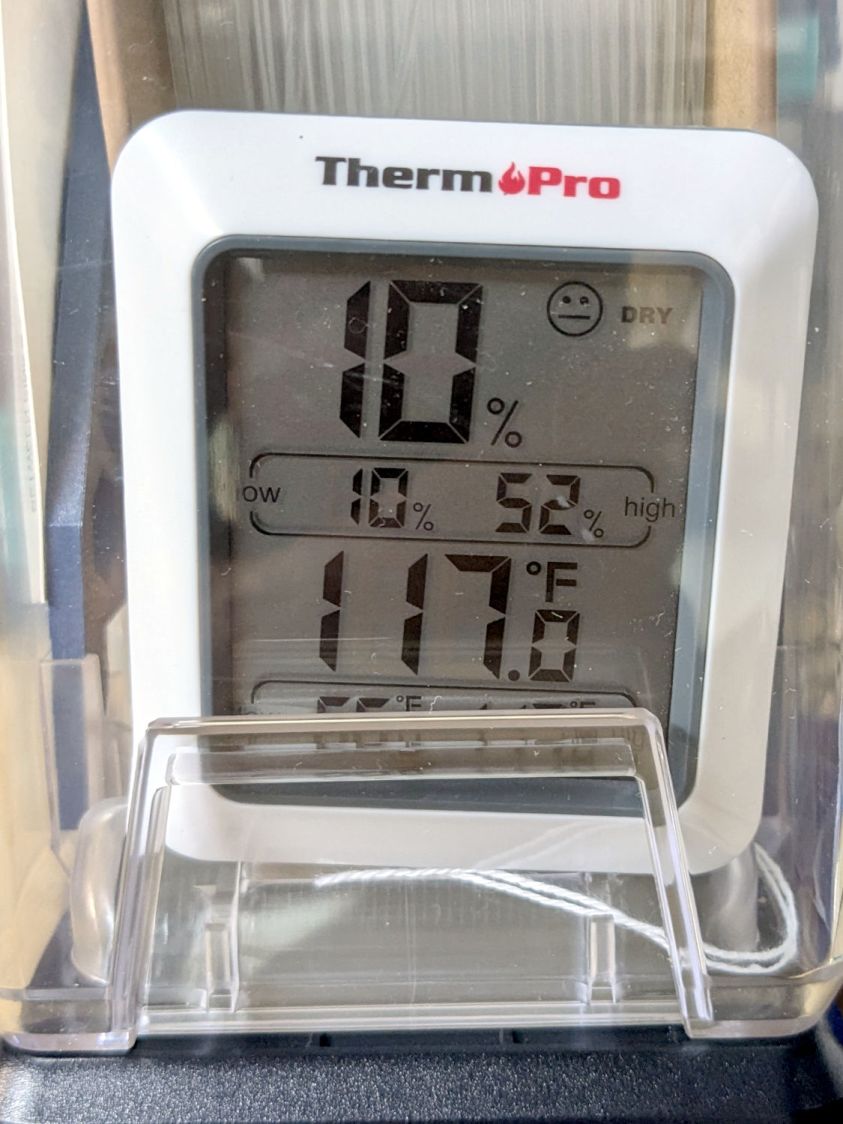
    PolyDryer humidity vs spool fill
    PolyDryer humidity vs spool fill

    That’s activated alumina desiccant, mostly because it’s reputed to have more capacity and a lower ultimate humidity than silica gel, but it likely doesn’t make much difference.

    In addition to 25 g of desiccant in the PolyDryer meter case, I dropped five teabags holding 10 g each in the bottom of the box for more capacity. I measure the desiccant by putting 75.0 g into a cup, putting 25.0 g in the PolyDryer meter box (aided by a Polydryer Desiccant Funnel), 10.0 g into four teabags, and whatever’s left into the fifth teabag, thus eliminating rounding errors in the smaller quantities.

    The stabilized humidity inside the boxes seems to depend on the amount of filament on the spool:

    • Nearly full → 25% to 30% RH
    • Half full → 20%-ish RH
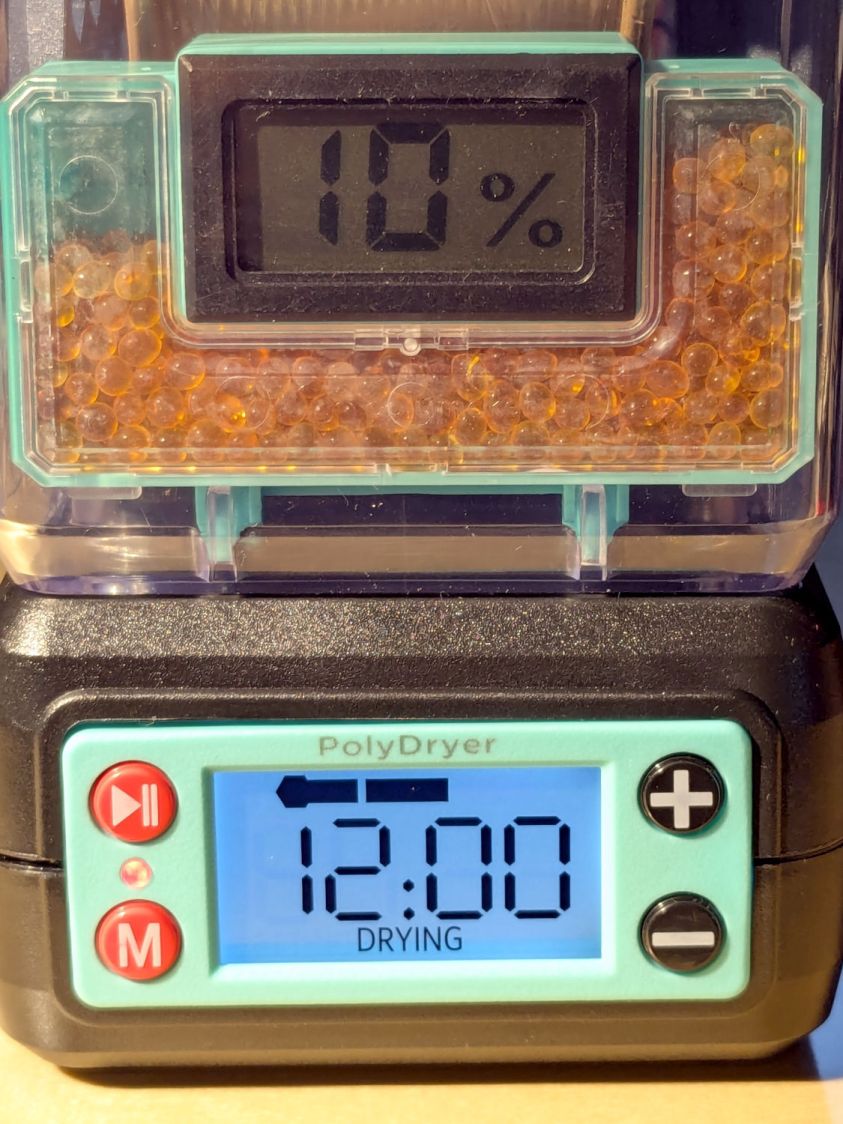
    • Nearly empty → 10% to 15% RH

    I think the humidity level comes from the filament outgassing water vapor through its (limited) surface area on the outer layer around the spool. The difference between that rate and the desiccant’s ability to remove water vapor from the (unmoving) air in the box sets the stable humidity: more surface area → more water vapor → higher humidity.

    After the filament eventually dries out, the humidity should decrease, but diffusion is a slow process. More likely, the humidity will remain stable as the printer pulls filament from the outer layer and exposes the somewhat wetter plastic within.

    The heater and fan inside the PolyDryer base unit circulates hot air through the box around the spool, but depends on the desiccant to remove water vapor. Running the base unit for 6 or 12 hours makes little difference in the stabilized humidity, so I think the desiccant is doing the best it can as the filament outgasses more water vapor.

    Using Air Exchanger vents seems to make no difference, likely because the desiccant must then pull more water vapor out of the incoming 50% RH basement air. A psychrometric chart says 50% RH air at 60 °F becomes 10% RH air at 120 °F, but moisture in the filament wrapped around the spool can’t escape any faster.

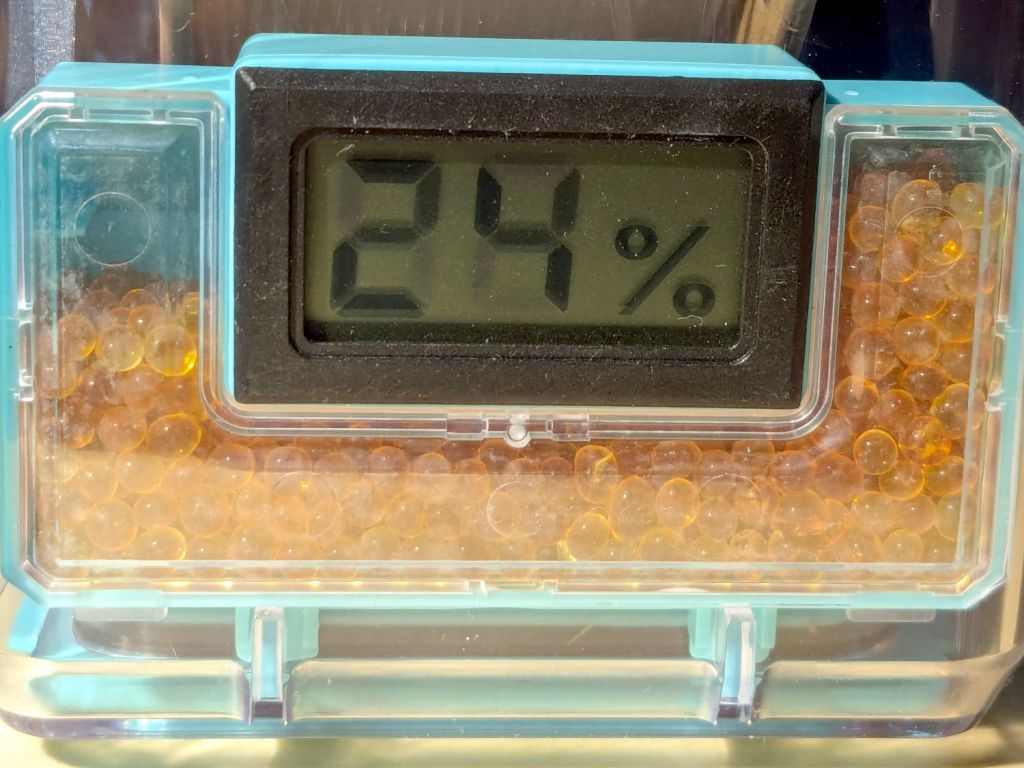
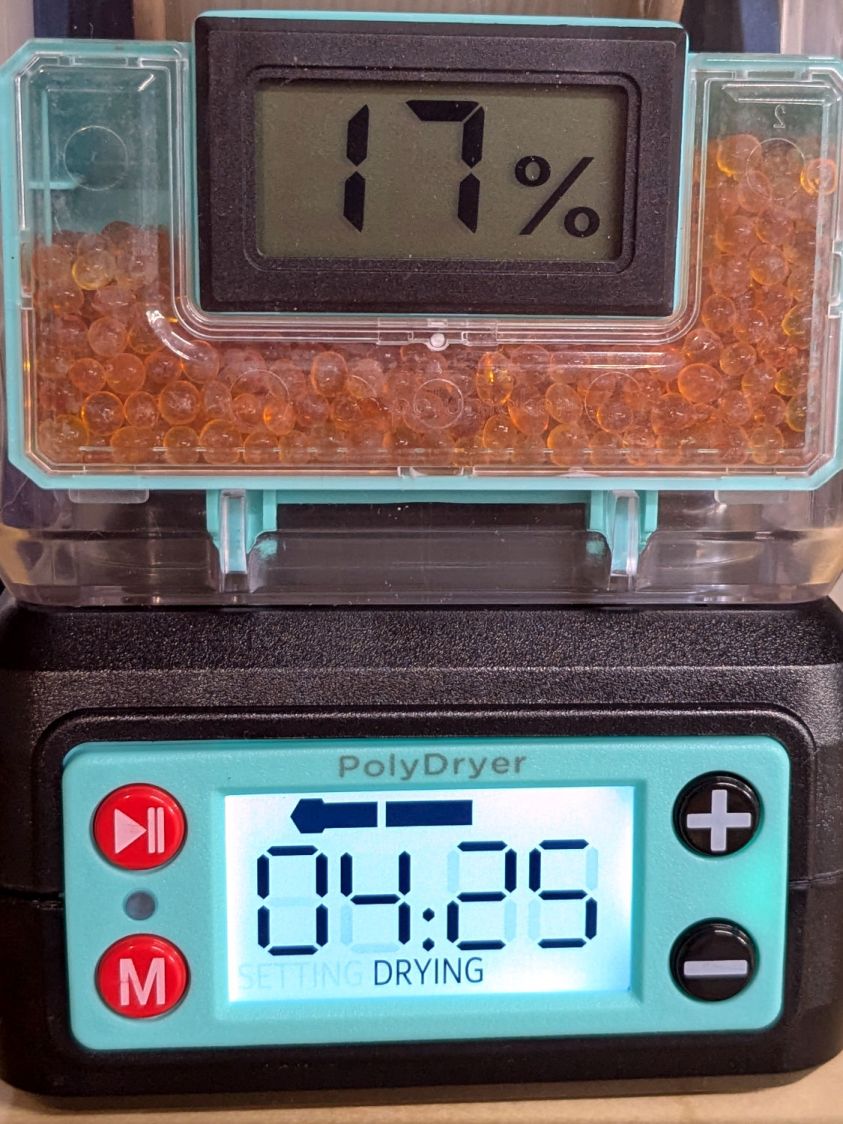
    So, for example, a full spool of TPU starting at 25% RH:

    PolyDryer humidity - TPU start
    PolyDryer humidity – TPU start

    Six hours of drying pulls it down to 22%:

    PolyDryer humidity - TPU finish
    PolyDryer humidity – TPU finish

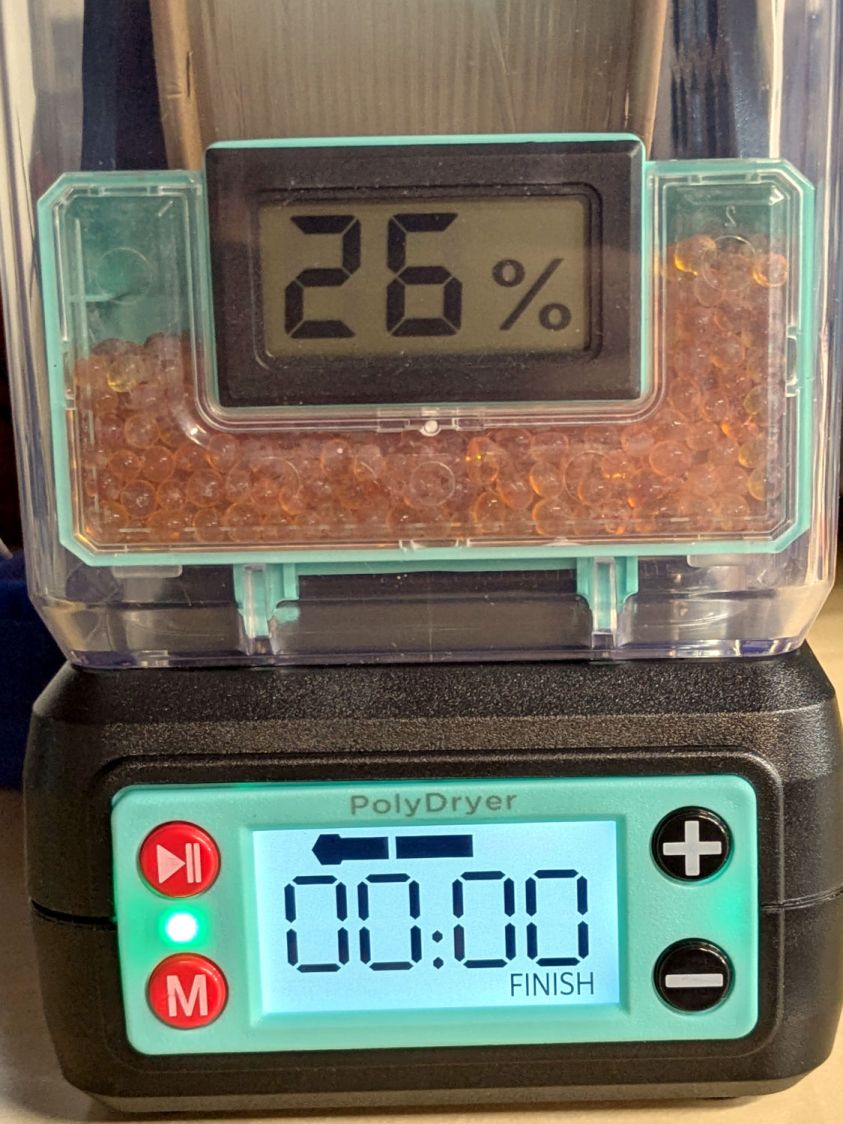
    After sitting overnight it’s back at 25%:

    PolyDryer humidity - TPU after 14 hr
    PolyDryer humidity – TPU after 14 hr

    Admittedly, that was with the vents in place, but the closed box started at 25% RH after sitting around for a week or so following a similar drying cycle.

    The desiccant had absorbed 4 g of water since I put it in, so it hasn’t been entirely idle.

    Which suggests 75 g of activated alumina desiccant is workin’ hard and doin’ swell in there, with the filament acting as an essentially infinite reservoir of water vapor.

    I haven’t noticed any particular difference in PETG print quality and the TPU hasn’t gotten enough mileage to notice much trouble, but reducing the MMU3 buffer clutter was totally worth the effort.

  • HQ Sixteen: Nose Ring Lights

    HQ Sixteen: Nose Ring Lights

    We don’t know what the proper term might be for this part of the machine, but it looks sorta like a nose and the lights form most of a ring around it, so I’m going with “Nose Ring Lights”:

    HQ Sixteen Nose Ring lights - front view
    HQ Sixteen Nose Ring lights – front view

    The general idea is to put more light on the quilt than the Chin Light, which looked pretty good until the COB LED strip started flickering as the LEDs failed.

    Handi-Quilter sells a ring light for machines manufactured a decade later than ours, but it uses a built-in USB jack this machine lacks.

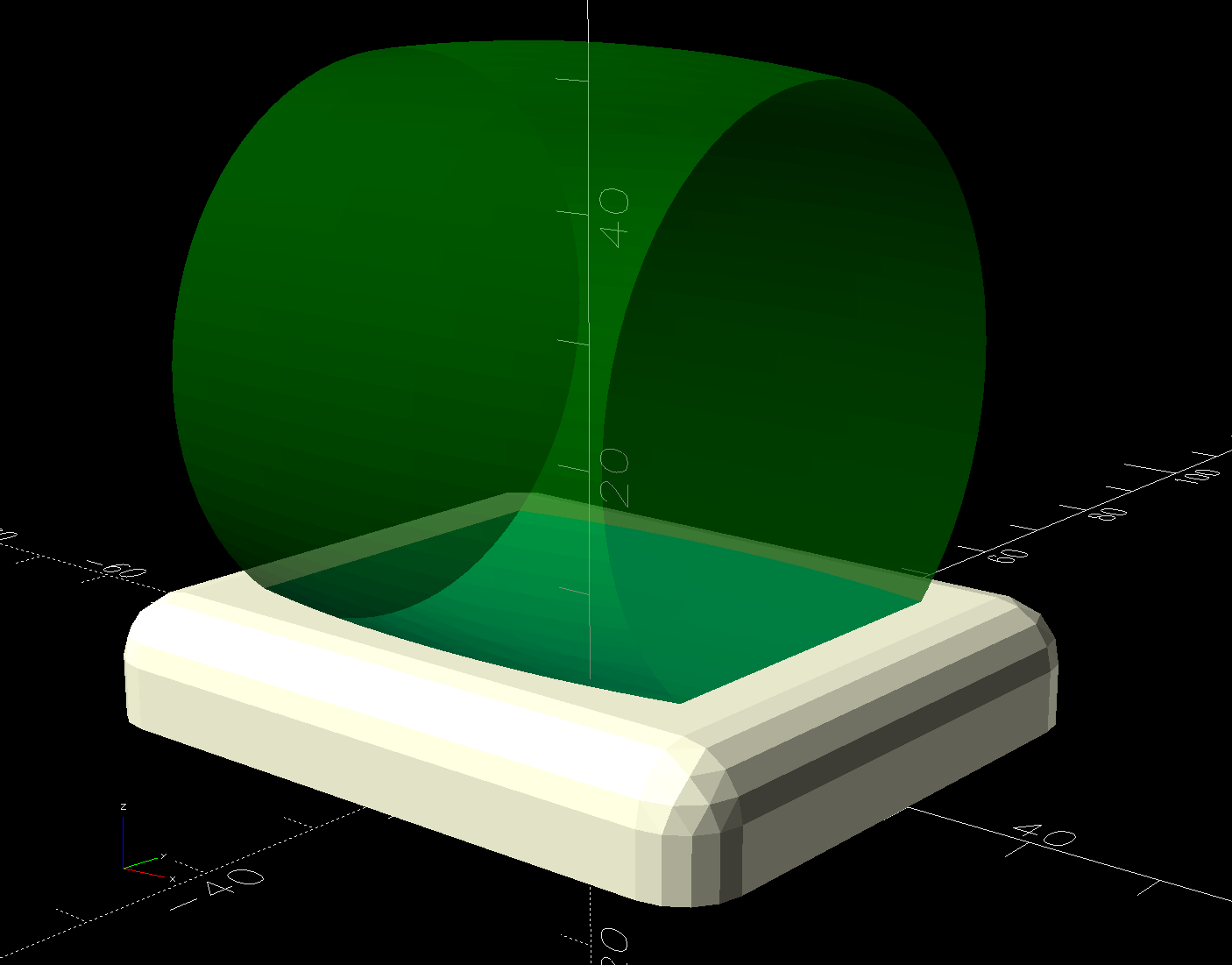
    One of two (apparently) unused M4 holes on the left side of the machine frame suggested a mounting point for a 3D printed bracket:

    HQ Sixteen Nose Ring Lights - solid model
    HQ Sixteen Nose Ring Lights – solid model

    The ramp matches the 3° (-ish) mold draft of the machine frame, which I initially ignored by angling the tab, but a tilted frame looked awful; it’s now aligned with local horizontal..

    A few iterations got all the pieces & holes in their proper places:

    HQ Sixteen Nose Ring lights - iterations
    HQ Sixteen Nose Ring lights – iterations

    The smaller (rampless) bracket has three LED strips, but a quick test showed more light would be better:

    HQ Sixteen Nose Ring lights - bottom view
    HQ Sixteen Nose Ring lights – bottom view

    The lack of a transparent-ish cover is obviously unsuitable for a commercial product, but the key design goal is to not interfere with spreading as much light as possible across as much of the quilt as possible. The black JB Weld Plastic Bonder blobs keep the 24 VDC supply out of harm’s way, which is as good as it needs to be for now.

    The bracket has three sides, because the right side of the machine has all the thread guide hardware. Putting anything over there seemed likely to interfere with either thread movement or fingers making adjustments.

    Fortunately, the wider bracket doesn’t stick out too far beyond the machine frame and the doubled LED strips create a much smoother light pool:

    HQ Sixteen Nose Ring lights - left front view
    HQ Sixteen Nose Ring lights – left front view

    Yes, the quilt is focused and the LED frame is blurred.

    The larger light-emitting area reduces the shadow under the left rod (supporting the ruler foot) enough to be unobjectionable.

    A 0.2 mm layer thickness transforms the smooth ramp into stair steps:

    HQ Sixteen Nose Ring Lights - PrusaSlicer
    HQ Sixteen Nose Ring Lights – PrusaSlicer

    They’re inconspicuous after the bracket is installed.

    The Chin Light ran on 12 V and these strips require 24 V, so the OpenSCAD code creates a pair of endcaps for the new supply, which is of course completely different than the old supply. Setting that up must await quilt completion.

    The OpenSCAD source code as a GitHub Gist:

    // HQ Sixteen Nose Ring Lights
    // Ed Nisley – KE4ZNU
    // 2025-05-23
    include <BOSL2/std.scad>
    Layout = "Show"; // [Show,Build,NosePlan,PowerCap]
    // Number of side-by-side LED strips
    Strips = 2;
    /* [Hidden] */
    HoleWindage = 0.2;
    Protrusion = 0.1;
    NumSides = 3*3*4;
    $fn=NumSides;
    ID = 0;
    OD = 1;
    LENGTH = 2;
    Gap = 5.0;
    WallThick = 5.0; // default thickness for things
    NoseRadius = 6.0; // corner roundoff
    NoseOA = [44.0,36.5]; // overall nose size
    NoseAngles = [87,87]; // front & rear inward angles wrt left side
    NoseCenters = [ // centers of circles defining the nose corners
    [NoseRadius, NoseOA.y/2 – NoseRadius],
    [NoseRadius,-(NoseOA.y/2 – NoseRadius)],
    [NoseOA.x – NoseRadius, NoseOA.y/2 – NoseRadius – (NoseOA.x – 2*NoseRadius)*tan(90 – NoseAngles[0])],
    [NoseOA.x – NoseRadius,-(NoseOA.y/2 – NoseRadius – (NoseOA.x – 2*NoseRadius)*tan(90 – NoseAngles[1]))],
    ];
    LEDMargin = 1.0;
    LEDStrip = [41.5 + LEDMargin,8.0 + LEDMargin,1.8 + 0.2]; // 24 V COB LED strip unit + windage
    LEDBaseOA = [LEDStrip.x + Strips*LEDStrip.y,NoseOA.y + 2*Strips*LEDStrip.y,WallThick]; // LED mount
    DraftAngle = 3.0; // angle of frame wrt horizontal at right end of nose
    DraftWedge = [NoseOA.x,NoseOA.y + 2*LEDStrip.y,NoseOA.x*tan(DraftAngle)];
    HoleOffset = [-10.0,5.5,DraftWedge.z + 10.0]; // from left front corner of nose
    HolePosition = HoleOffset + [0,-NoseOA.y/2,WallThick]; // absolute coordinates from origin
    Screw = [4.0 + HoleWindage,9.0,2.0]; // LENGTH=button head
    Bracket = [WallThick,Screw[OD] + 4.0,HoleOffset.z + Screw[OD/2] + 2.0 + WallThick];
    Supply = [46.0,30.0,21.0]; // 24 VDC power supply
    SupplyScrewOffset = 5.0; // … M4 screw hole from end of supply case
    CapWall = 3.0;
    CapRadius = CapWall – 1.0;
    CapInset = 1.0;
    CapOA = [20.0,Supply.y + 2*CapWall,Supply.z + CapWall]; // x & y to cover existing holes
    //———-
    // Define Shapes
    //—– 2D outline of nose piece just under frame casting
    module NosePlan() {
    hull()
    for (p = NoseCenters)
    translate(p) circle(r=NoseRadius);
    }
    //—– LED mounting plate
    module Mount() {
    union() {
    difference() {
    union() {
    right(LEDBaseOA.x/2 – Strips*LEDStrip.y)
    cuboid(LEDBaseOA,rounding=WallThick/2,except=BOTTOM,anchor=BOTTOM);
    up(LEDBaseOA.z) left(-HoleOffset.x/2)
    yrot(DraftAngle)
    cuboid(DraftWedge,rounding=WallThick/2,edges="Z",anchor=LEFT+BOTTOM);
    }
    down(Protrusion)
    linear_extrude(LEDBaseOA.z + DraftWedge.z + Protrusion)
    NosePlan();
    if (Strips > 1)
    translate([HolePosition.x – Bracket.x/2,HolePosition.y – Bracket.y,-Protrusion])
    cyl(LEDBaseOA.z + 2*Protrusion,d=4.0,anchor=BOTTOM);
    }
    difference() {
    union() {
    translate([HolePosition.x,HolePosition.y,(Bracket.x/2)*sin(DraftAngle)])
    left(Bracket.x)
    cuboid(Bracket,rounding=WallThick/2,edges=LEFT,anchor=BOTTOM+LEFT);
    translate([HolePosition.x – Bracket.x/2,HolePosition.y,0]) // rounding filler
    cuboid([LEDStrip.y,Bracket.y,WallThick],anchor=BOTTOM+LEFT);
    }
    translate(HolePosition)
    xrot(180/6) xcyl(l=NoseOA.x,d=Screw[ID],$fn=6);
    }
    }
    }
    //—– Endcap for power supply
    module EndCap() {
    difference() {
    cuboid(CapOA,rounding=CapRadius,except=BOTTOM,anchor=LEFT+BOTTOM);
    right(CapOA.x – CapWall) down(Protrusion)
    cuboid(Supply + [0,0,Protrusion],anchor=RIGHT+BOTTOM);
    right(CapInset + SupplyScrewOffset)
    zcyl(l=2*CapOA.z,d=Screw[ID],$fn=6,anchor=BOTTOM);
    }
    }
    //———-
    // Build things
    if (Layout == "NosePlan") {
    NosePlan();
    }
    if (Layout == "PowerCap") {
    EndCap();
    }
    if (Layout == "Show") {
    Mount();
    ctr = 80;
    ofs = Supply.x/2 – CapInset;
    left(ctr – ofs)
    EndCap();
    left(ctr + ofs)
    xflip()
    EndCap();
    color("Silver",0.6)
    left (ctr)
    cuboid(Supply,anchor=BOTTOM);
    }
    if (Layout == "Build") {
    Mount();
    back((LEDBaseOA.y + CapOA.y)/2 + Gap) right(Gap) up(CapOA.z) zflip()
    EndCap();
    back((LEDBaseOA.y + CapOA.y)/2 + Gap) left(Gap) zrot(180) up(CapOA.z) zflip()
    EndCap();
    }

  • Sears Humidifier: Lid Hinge Re-repair

    Sears Humidifier: Lid Hinge Re-repair

    The longsuffering Sears Humidifier that Came With The House once again has functioning hinges:

    Sears Humidifier - lid hinge gluing setup
    Sears Humidifier – lid hinge gluing setup

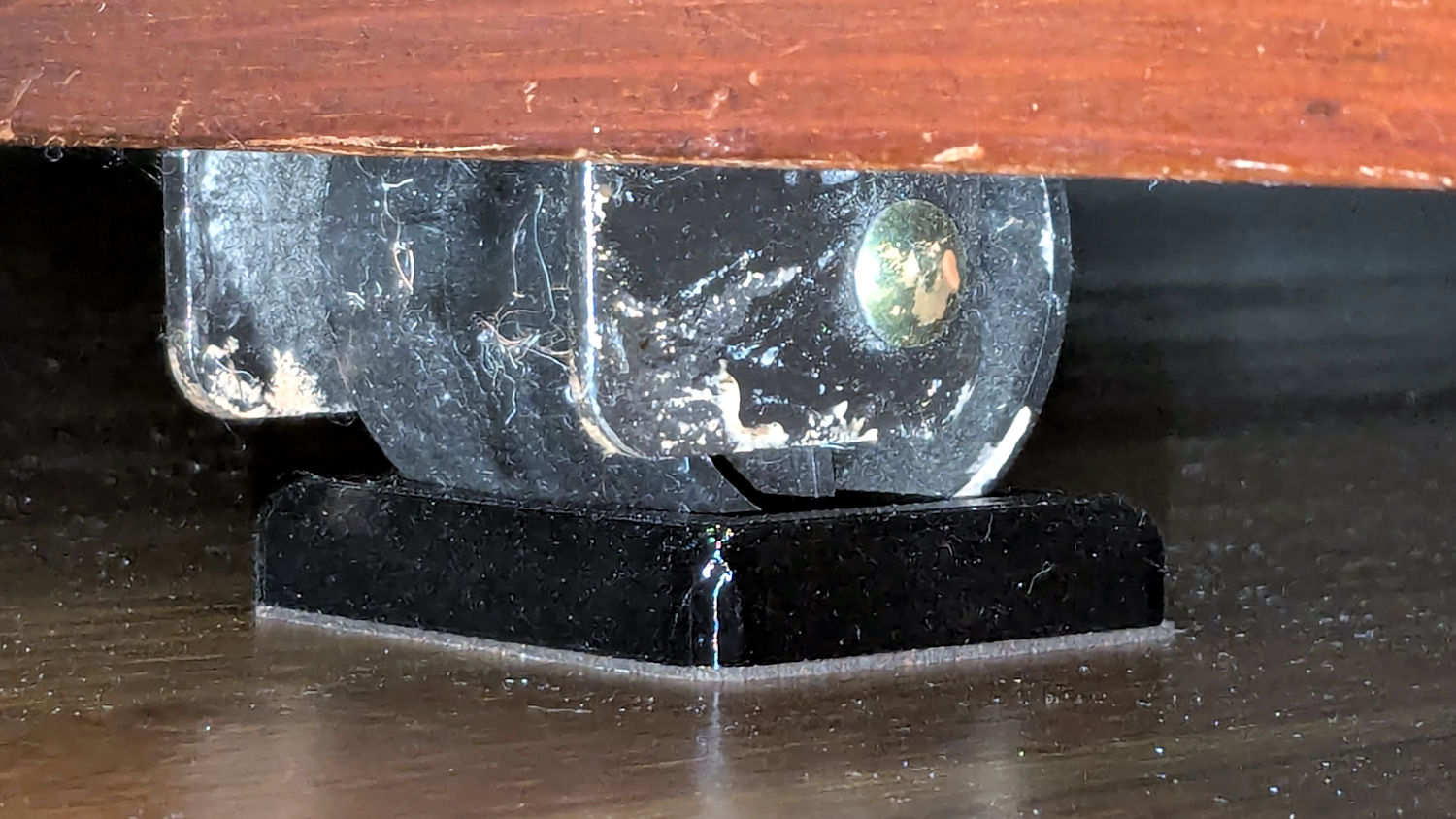
    That’s the gluing “fixture” with enough steel piled on the lid to keep it from moving and machinist vises pushing / holding the hinge fragments in place.

    I used the same technique as before, with duct tape aligning the loose pieces and JB Plastic Bonder sticking them together:

    Sears Humidifier - right hinge outboard
    Sears Humidifier – right hinge outboard

    The other side of that hinge shows the broken section at the end of the molded void:

    Sears Humidifier - right hinge inboard
    Sears Humidifier – right hinge inboard

    The other hinge has a 3D printed replacement end:

    Sears Humidifier - left hinge inboard
    Sears Humidifier – left hinge inboard

    The other side shows there’s not much of the original hinge left:

    Sears Humidifier - left hinge outboard
    Sears Humidifier – left hinge outboard

    I very carefully installed the lid on the newly cleaned humidifier in the Basement Shop, where it flips up and down like anything.

    At the start of this year’s humidification season, I will very carefully carry the lid up the basement stairs to the Sewing Room and we’ll see how long it survives in actual use.

  • Dripworks Micro-flow Valve Knob Crack

    Dripworks Micro-flow Valve Knob Crack

    One of the Dripworks Micro-flow valves in Mary’s garden blew a fan-shaped spray into the air when she turned the water on for the first time this season. Fortunately, the main valve is far away and she didn’t get hosed down.

    I replaced the deader from my Bag o’ Prepared Spares and autopsied it:

    Dripworks Micro-flow valve - knob crack
    Dripworks Micro-flow valve – knob crack

    The poor thing may have frozen and cracked during the winter. Seeing as how this would have been its fifth year in the garden, we can’t kvetch too much.

  • Lamp Socket Adapter: Weld Failure

    Lamp Socket Adapter: Weld Failure

    The basement came with several LED bulbs screwed into old-school ceramic sockets with pull-chain switches. This adapter had an LED bulb in its socket and another LED fixture plugged into an outlet:

    Lamp socket adapter - failed weld
    Lamp socket adapter – failed weld

    The fixture began flickering some days ago, which I attributed to a problem with its power supply. When both the bulb and the fixture went dark, I had enough of a clue to locate the real cause.

    The scorched plastic near the discolored weld nugget on the threaded shell suggests something ran overly hot in there for a while.

    Peeling the aluminum shell off reveals the problem:

    Lamp socket adapter - detail
    Lamp socket adapter – detail

    Looks to me like the weld started out weak and gradually fell apart as the socket heated / cooled in use, with increasing resistance producing more heat every time.

    The LED lamp + fixture added up to 100 W, so about 1 A is all it takes.