Ed Nisley's Blog: Shop notes, electronics, firmware, machinery, 3D printing, laser cuttery, and curiosities. Contents: 100% human thinking, 0% AI slop.
The longer traces show their original capacity, back in the day.
Whacking a chisel into the obvious split lines broke the solvent glue bonds holding the case sections together, after which some slow prying defeated the double sticky foam tape on the cells:
Baofeng BL-5 battery pack – innards
A closer look at the (dis)charge controller PCB:
Baofeng BL-5 battery pack – protection PCB
The other side of the PCB has no components, so what you see is what you get. The larger IC proclaims FS8205A EP050C, which may indicate a vague relation to an S8205 protection IC. The datasheet shows a 16 pin TSSOP package containing an IC for four or five cell batteries, completely unlike the 8 pin package on the PCB, but when you buy enough of anything, you can get anything you want.
In common with all cheap lithium batteries around here, the “thermistor” terminal connects to a 10 kΩ SMD resistor steadfastly maintaining its resistance in the face of all temperature variations.
Some probing shows one feeble cell in each pack. Perhaps a Frankenbattery built from the debris will have enough capacity for a standard ride around the block.
I have often asserted, in public, in writing, that you can’t change the speed of a fan’s BLDC motor by varying its voltage, because the fan controller generates the waveforms responsible for the motor speed based on its internal timing.
A pair of BLDC blowers recently arrived and a quick test showed I’m pretty much completely wrong:
BLDC Blower – RPM I P vs V
The data points come from this blower:
Blower label – 24V 0.2A
The blower specs from the eBay listing:
75MM 24V Brushless DC Blower Cooling Fan Exhaust Fan
Dimension:75(L)x75(W)x30(H)mm
Connector:2Pin-PH2.0
Rated Voltage: DC24V
Rated Current: 0.2±10% Amp
Rated Speed: 3800±10%rpm
Air flow:1.8CFM
Noise: 23±10%dBA
Bearing Type: Sleeve
Life: 35000 hours
Cable Lenght: 32cm(12.5in)
Weight: 75g/pcs
The case is about 75 mm × 75 mm × 30 mm, so the generic part number seems to be 7530, with many variations. However, they all seem to resolve to the same blower with different models drawing different current at specific voltages (clicky for more dots, JPG blurriness in original):
GDT7530S12B BLDC blower parameter table
The blower in hand roughly corresponds to the bottom line of the 24 V section:
0.21 A
4000 RPM
16.3 CFM
1.1 inch H2O pressure
43 dBA
There’s a gross discrepancy between the eBay 1.8 CFM and the chart 16.3 CFM, but the other parameters seem within handwaving distance and, yo, it’s from eBay. ‘Nuff said.
The graph up top shows the results with an unrestricted output opening.
For more realistic results with some resistance to air flow, I taped a small anemometer to the blower output:
Blower air flow test
Which produced:
BLDC Blower – RPM Flow vs V – anemometer
In very round numbers, the anemometer aperture is 400 mm², so the 9 m/s air flow at 24 V works out to 3.6×10⁻³ m3/s = 0.13 CFS = 7.6 CFM. Which is maybe half the 16.3 CFM spec, but they’re surely using a fancier anemometer with much lower back pressure. Close enough, anyway. Fer shure, 1.8 CFM is wrong.
Completely blocking the inlet with a plastic sheet to simulate the blower pulling air from, e.g., a vacuum table:
BLDC Blower – RPM vs V – blocked inlet
The RPM varies more linearly with voltage when the blower isn’t accelerating any air.
Some current waveform show why you really shouldn’t run fans in series to “split the power supply”, as seems common in 3D printers with 24 VDC power supplies.
From a 24 V supply, the current drops to 50 mA every 75 ms (200 mA/div):
BLDC 24V Blower – 24 V – 200mA-div
From a 12 V supply, even weirder things happen (50 mA/div):
BLDC 24V Blower – 12 V – 50mA-div
Note that you can’t reduce the fan’s supply voltage by applying PWM to the current, as happens in essentially all 3D printers for “speed control”. Basically, PWM turns the fan off several hundred times every second, which does not modulate the voltage.
I have no way to measure pressure, but if the 1.1 inch H2O number comes close to reality, the blower can produce 1.5 lb of clamping force per square foot. Which isn’t a lot, granted, but it might suffice for paper and vinyl cutting.
Yes, the SSR negative output goes to the Protoneer + Power Input.
I should drive the SSR from the Motor Enable output (in the external motor control header), rather than +5 V, to let GRBL control the motors, with a manual E-Stop override. The A4988 drivers require -Enable, so:
-Enable to SSR -Control input (replaces GND)
+5 V to BRS to SSR +Control input (as before)
The SSR Control input draws 13 mA at 5 V, suggesting I should drive the AC SSR (for the spindle motor) from the DC SSR output, rather than paralleling the two on a single Arduino output pin.
I belatedly recognized the E-Stop BRS as an instantiation of an SCP-001-JKeter-class anomaly; it is now appropriately labeled:
MPCNC EStop as SCP-001-J
I can attest to its effect on rational thought; a molly-guard may be required.
After a year of fairly light use, the lens holder (and “attack ring”) of my J5-V2 flashlight worked loose and began to rattle. The ring holding the lens in place turned out to be finger-loose, but that wasn’t the entire problem, so I removed it and looked inside:
The aluminum ring holding the LED assembly in place was also finger-loose, so I unwound it to take the whole front end apart:
J5-V2 Flashlight – front parts
Reassembly with a few dabs of Loctite in appropriate places should prevent future rattles.
Given the number of … issues … accompanying this thing, I’d say it’s not been a good cost performer. The Anker LC40 and LC90 flashlights work much better.
So I intended to shrink the Autolevel probe with 1/8 inch drill rod and a tactile membrane switch:
MPCNC – Simple Z probe – pogo tactile switch
Unfortunately, it didn’t work nearly as well as I expected, because the switch membrane requires slightly less than the 180 g of pressure that pushes the P100 pogo pin entirely into its housing, leaving no overtravel worth mentioning. The membrane switch mechanism itself has much less than 1 mm of overtravel after the dome snaps, which left me with an uncomfortable feeling of impending doom.
I managed to figure that out before completely assembling the thing, saving me a bit of time.
The end of the pogo pin initially sported a dot of epoxy to spread the load over the switch dome:
Pogo pin with epoxy switch-pusher drop
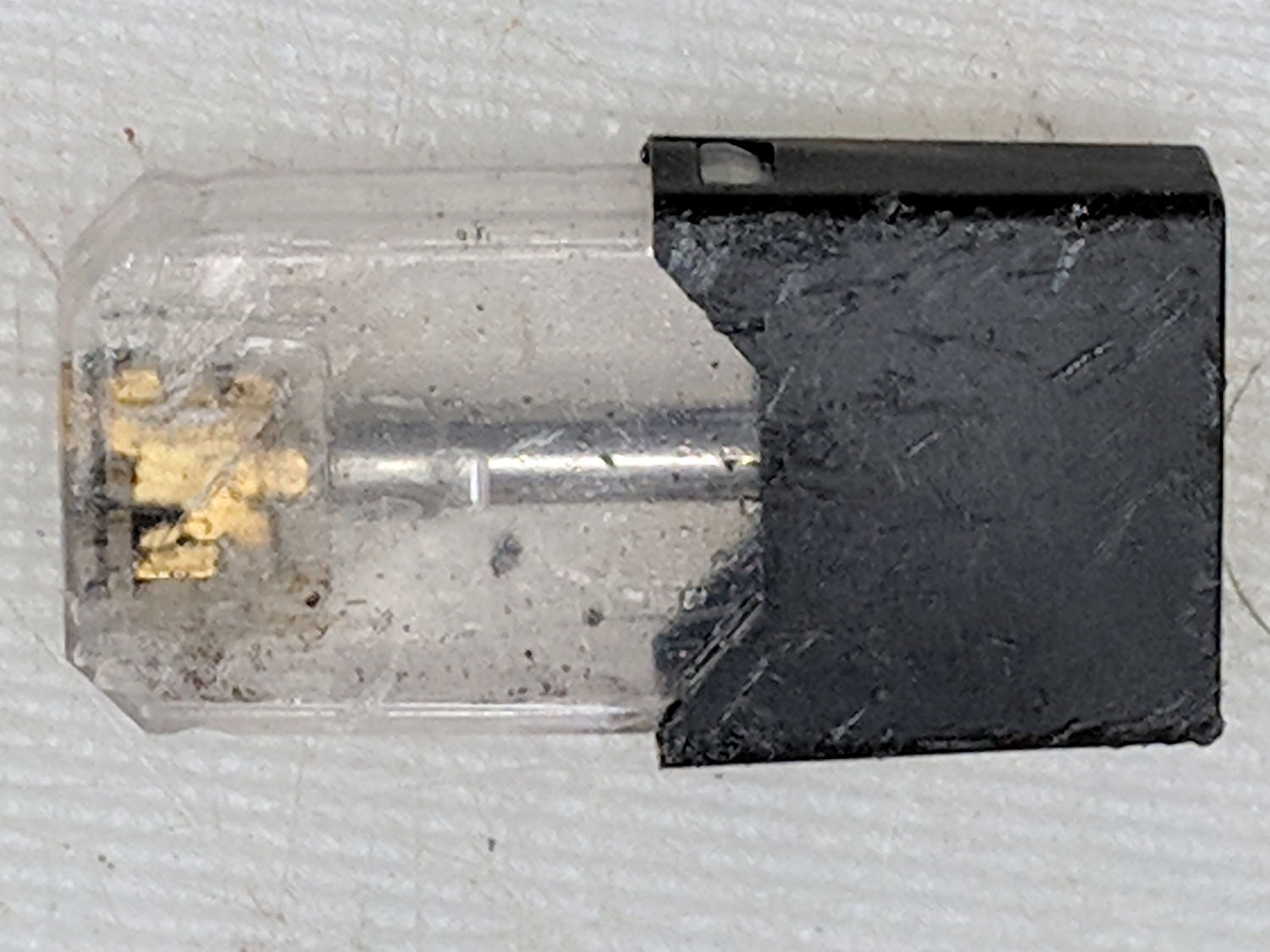
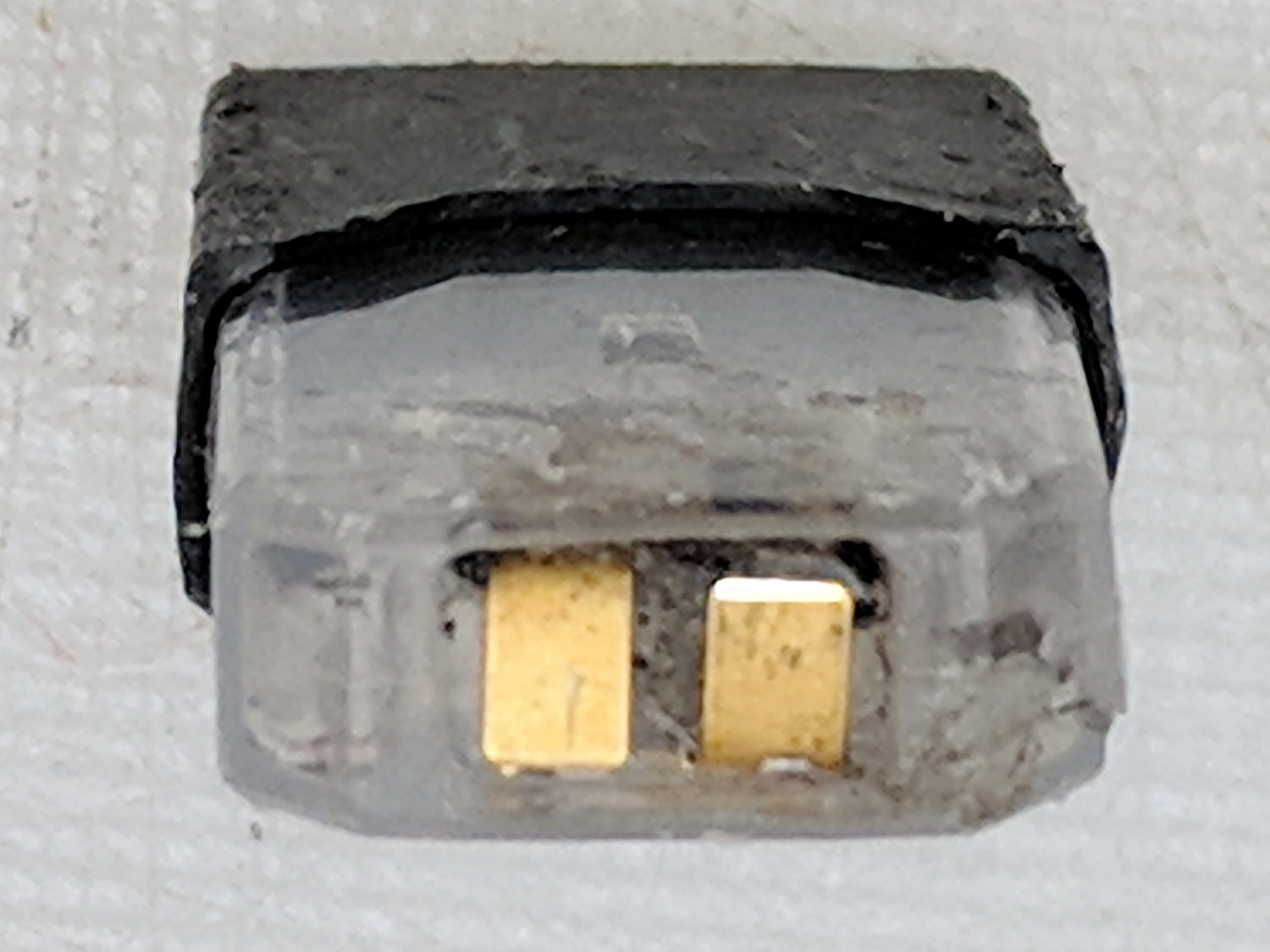
I dismantled the pogo pin to see whether I could substitute a more forceful spring how it worked. As expected, a teeny spring drives the probe up against a trio of indentations in the brass housing. I didn’t expect the probe to have such an intricate shape, but it’s obvious in retrospect.
The OpenSCAD code for the housing required minimal tweakage from the larger version, so it’s not worth immortalizing.
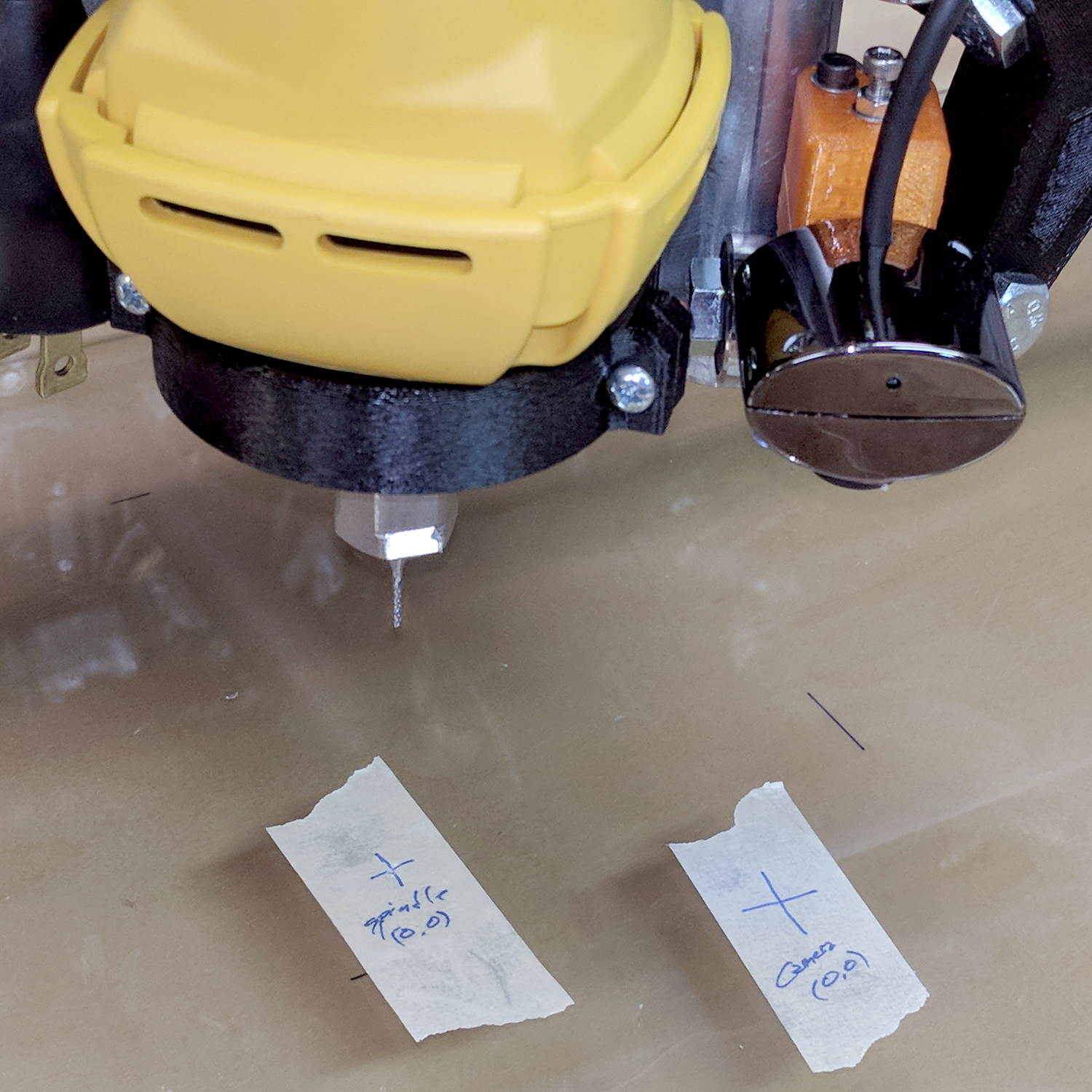
The bCNC doc shows a camera mount made from acrylic and aluminum, but the MPCNC tool carrier lacks anywhere to secure such a thing. The camera should be reasonably close to the spindle axis, high enough to clear the work, and stable enough to hold its alignment. There’s a tiny flat spot next to the outer-lower Z-axis bearing supports (along the bottom of the picture), so that’s where it must go:
MPCNC – Central Assembly – detail
At least for now, anyway.
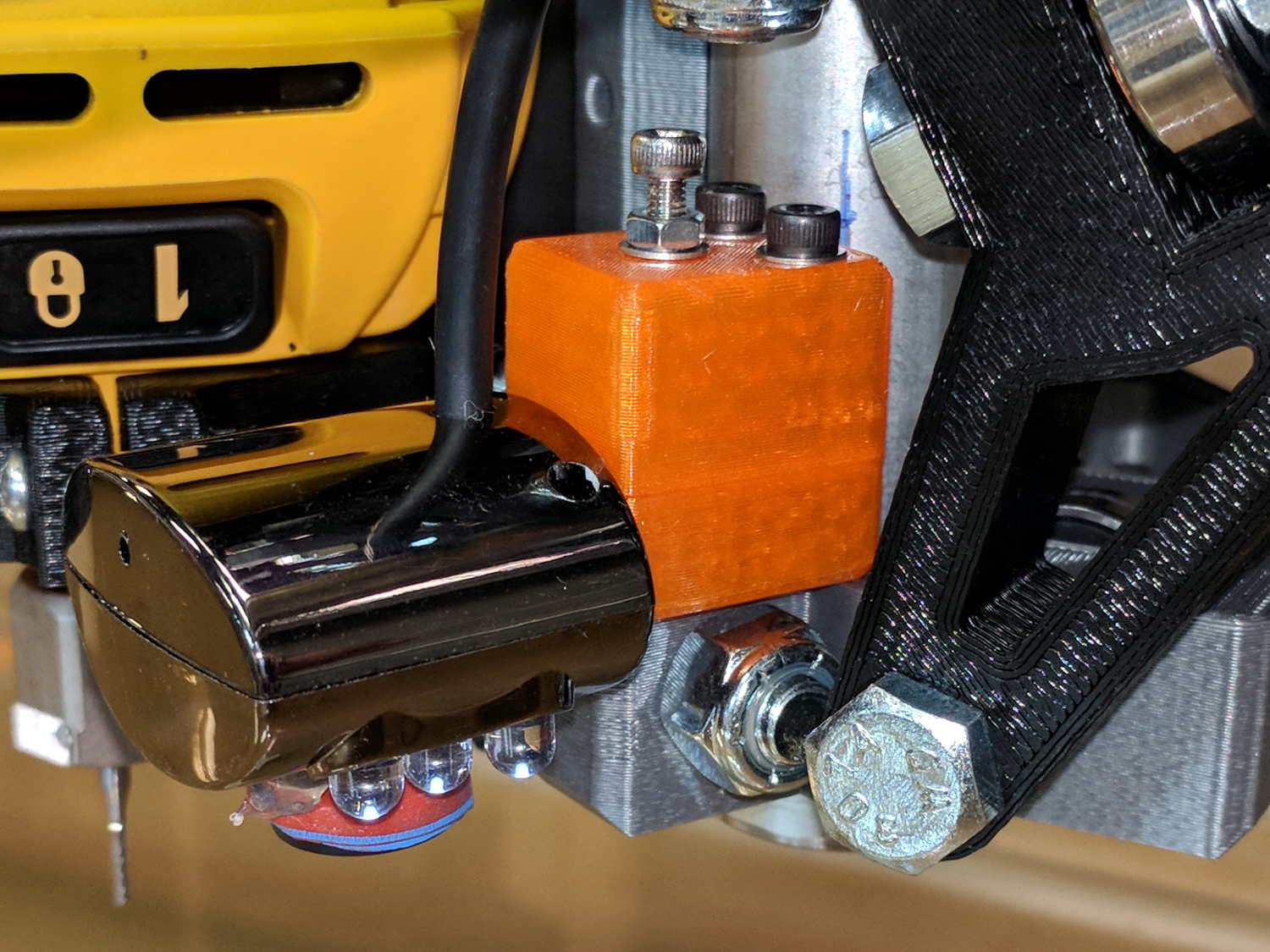
The USB camera originally mounted on a spring clip, with a 10 mm ball at the end of a 6 mm OD × 6 mm long stalk. Because we live in the future, building a matching ball socket isn’t particularly difficult:
MPCNC – USB Camera mount – Slic3r
3D printing FTW!
The stalk opening slants downward by 5°, because the camera PCB isn’t quite aligned with the stalk and I couldn’t get the first version to aim the lens directly downward.
A pair of brass inserts anchor the two M3 SHCS. The clamping force seems barely adequate to the task, but I’ll wait to see what else I don’t like before complexicating the situation.
The MPCNC bearing bracket doesn’t provide much surface area for the foam and it’s a bit more flexy than I’d like, but good practice probably requires verifying the spindle-to-camera offset before trusting the results, so we’ll see how it works.
The initial camera alignment consists of putting a mirror flat on the (pretty much level) platform:
MPCNC USB Camera – mirror alignment
Then you adjust the camera so its lens looks squarely at itself in the middle of the image:
bCNC – Camera – Mirror Alignment – first mount
The picture shows the camera aligned left-to-right (because the ball can rotate around the shaft axis), but the first mount didn’t allow the stalk to have enough downward tilt to center the lens image on the horizontal crosshair, thus the -5° tilt appearing in the second version.
With the camera lens centered on its reflection, you know the optical axis is perpendicular to the mirror. Because the mirror is flat on the bench, the optical axis must be perpendicular to the bench, which is parallel to the XY plane. Because we assume the MPCNC Z-axis moves perpendicular to the bench = XY plane, the distance between the spindle axis and the camera axis will remain constant, regardless of the Z-axis position.
This file contains hidden or bidirectional Unicode text that may be interpreted or compiled differently than what appears below. To review, open the file in an editor that reveals hidden Unicode characters.
Learn more about bidirectional Unicode characters
The bCNC doc shows how to use a USB camera for XY alignment and I want to try it out. The Box o’ USB Cameras emitted a likely candidate with a focusing lens, six (!) white LEDs, and a ball mount attached to an aggressive spring clip, but its thick USB cable included a lumpy brightness pot for the LEDs and sprouted a mic plug (apparently, it predated cheap USB audio):
USB Camera – OEM wiring
The Box o’ USB Cables emitted a surprisingly long cable amputated from some random hunk of consumer electronics.
The LED brightness won’t need much adjustment after the first few minutes. I found a little 2 kΩ trimpot to fit the PCB holes:
USB Camera – inside – brightness pot
Miracle of miracles, the dial ended up almost centered behind the original mic pore. A few minutes of gentle filing embiggened the pore and moved it over the trimpot:
USB Camera – front with brightness pot
Yeah, the hole may need a plug or tape to keep the dust out, but there’s an even bigger gap around the lens.
It produces a 640×480 picture with pretty much the expected quality, which should suffice for its intended purpose.