Ed Nisley's Blog: Shop notes, electronics, firmware, machinery, 3D printing, laser cuttery, and curiosities. Contents: 100% human thinking, 0% AI slop.
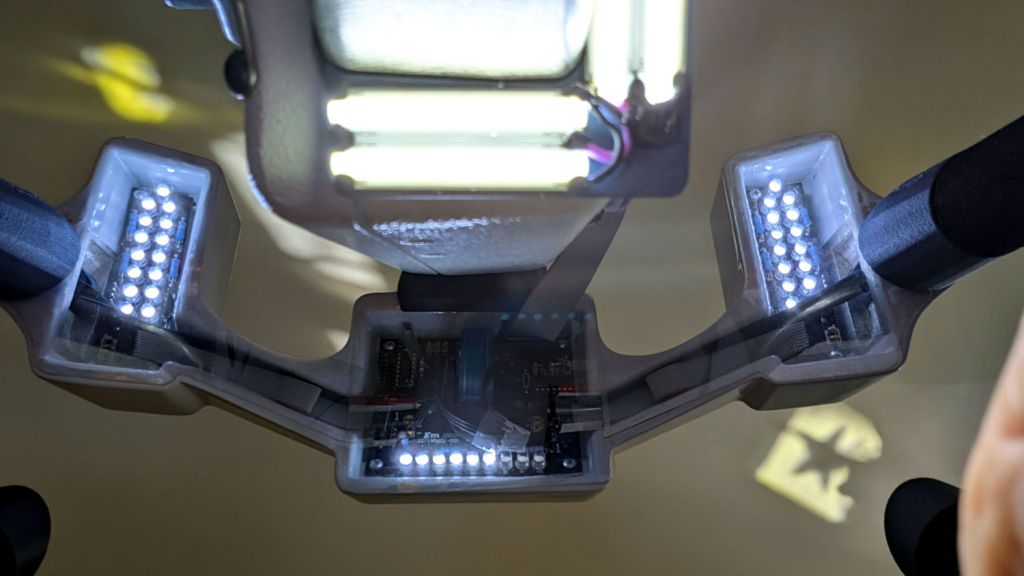
A three-LED string in the central control panel of the front handlebars has gone dark a year-and-a-half after I replaced all of them. Of course, that’s what I get for using new-old-stock surplus parts, but … the COB LEDs in the nose ring lights are still going strong, so there’s plenty of light where it matters.
The star pattern on the ceiling (lower right) comes from sunlight reflecting off one of the salvaged star quilting rulers. I think the oblong patterns (upper left) come from other rulers.
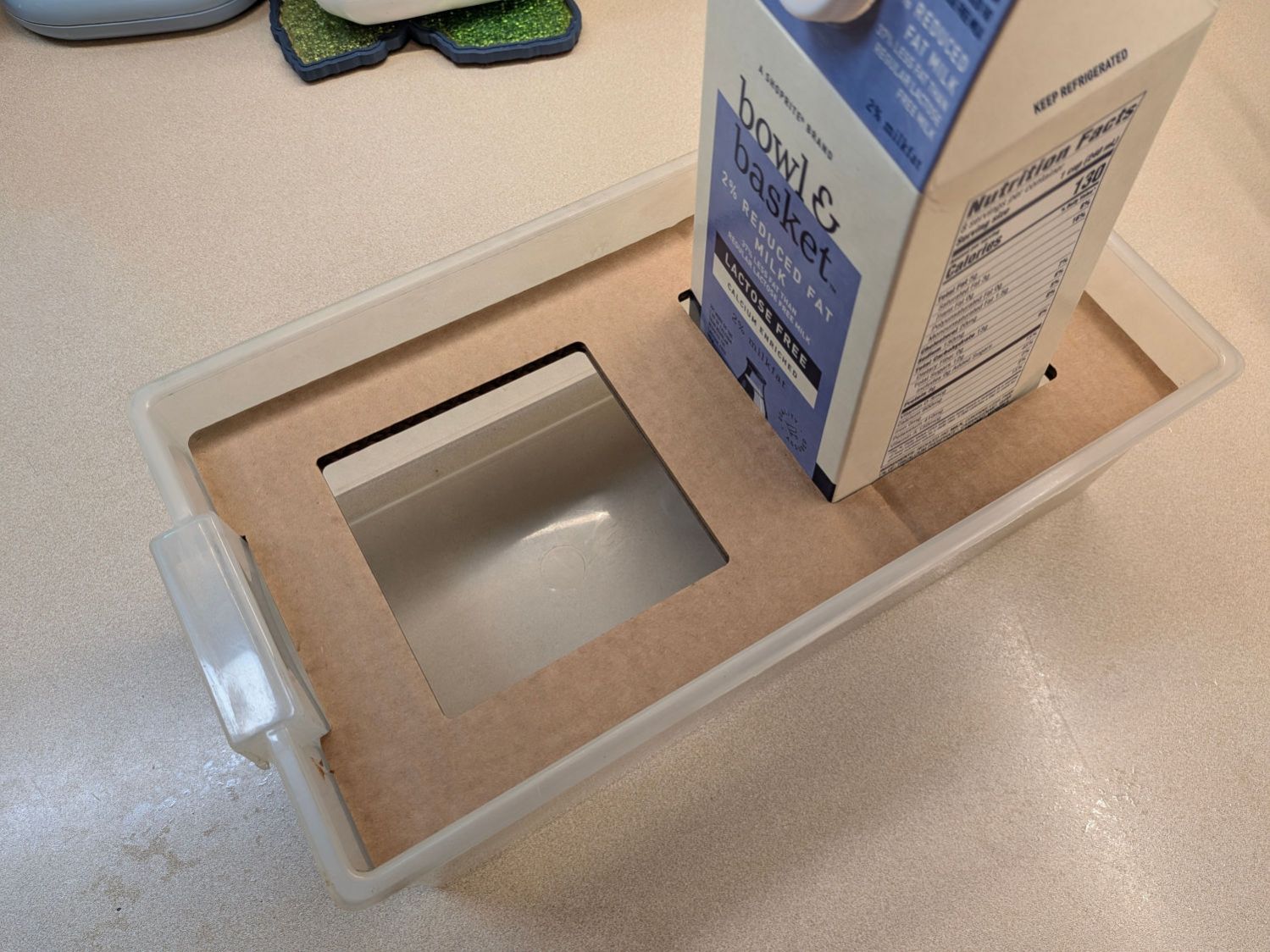
Mary wanted to haul seedlings started in half-gallon milk bottles to their destination and I figured they shouldn’t slide around while being transported:
Milk bottle seedling starter carrier
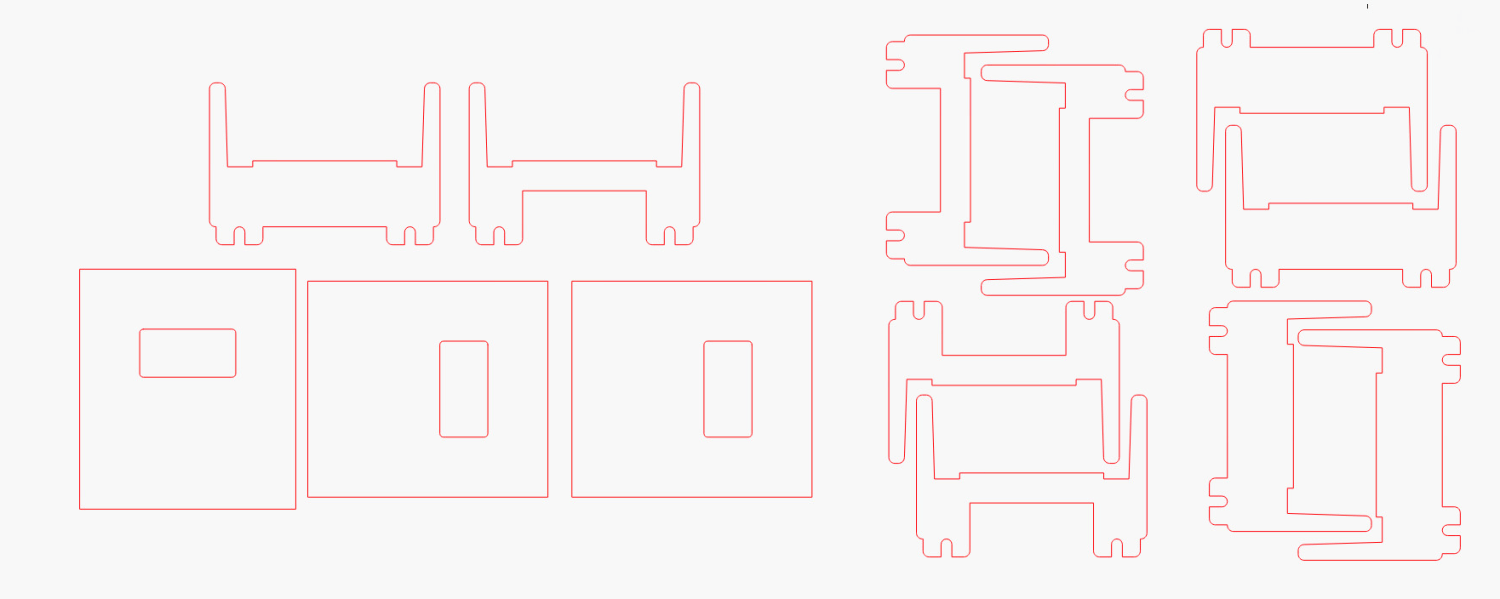
That’s a half-width drawer from the same salvaged collection that produced the Bike Rack Tray Holder and a few minutes with LightBurn adapted the wider cardboard bike rack mount to fit the narrower drawer:
Bike Rack Tray Holder – small – LightBurn layout
Basically, use Node Edit to delete the horizontal lines, move the sides inward by half the difference of the drawer widths, then draw a few short lines to close the gaps.
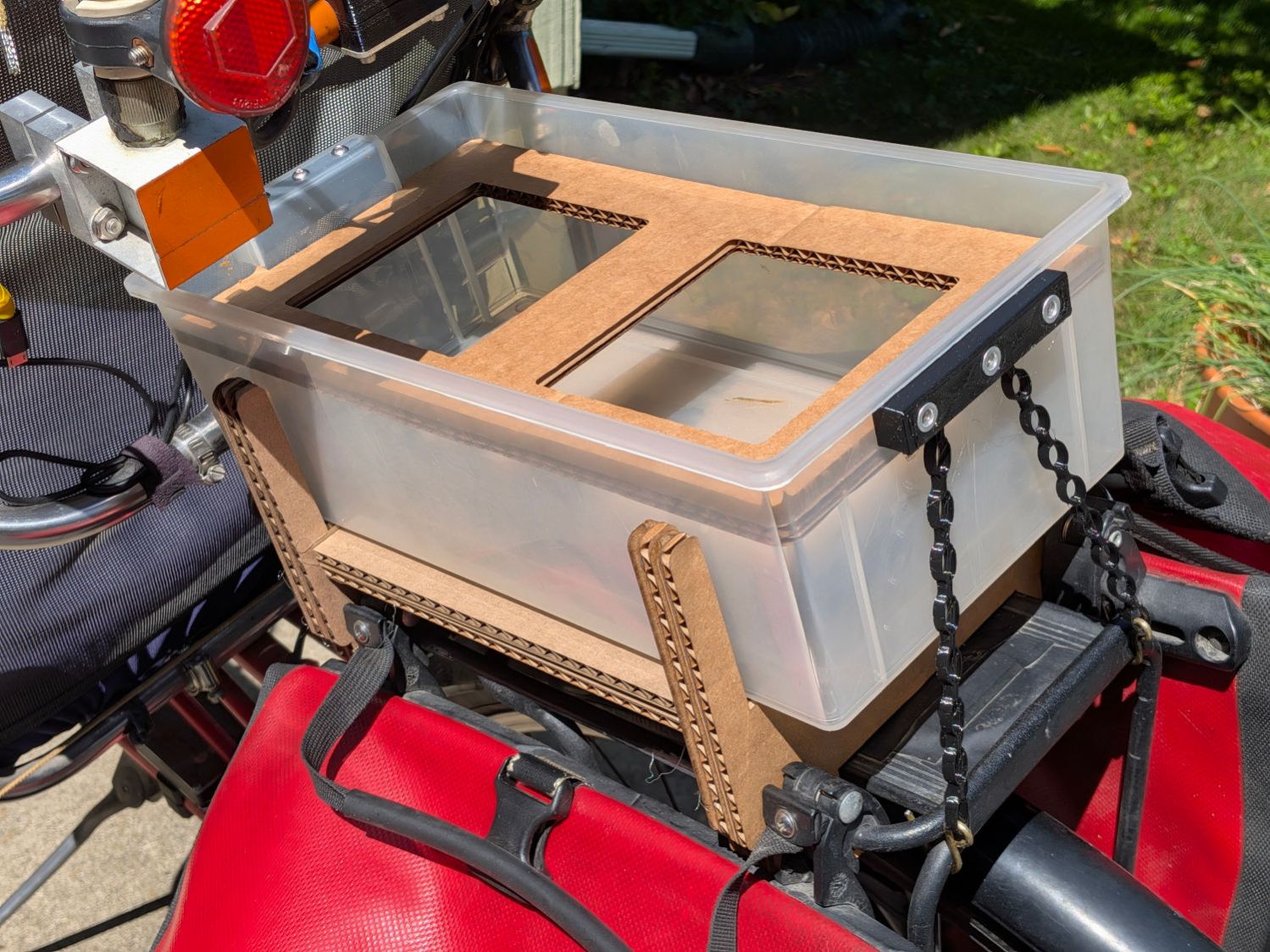
Hot-melt gluing four layers of cardboard with crossed corrugations, plus three flat bottom layers, got it done:
Bike Rack Tray Holder – small drawer – installed
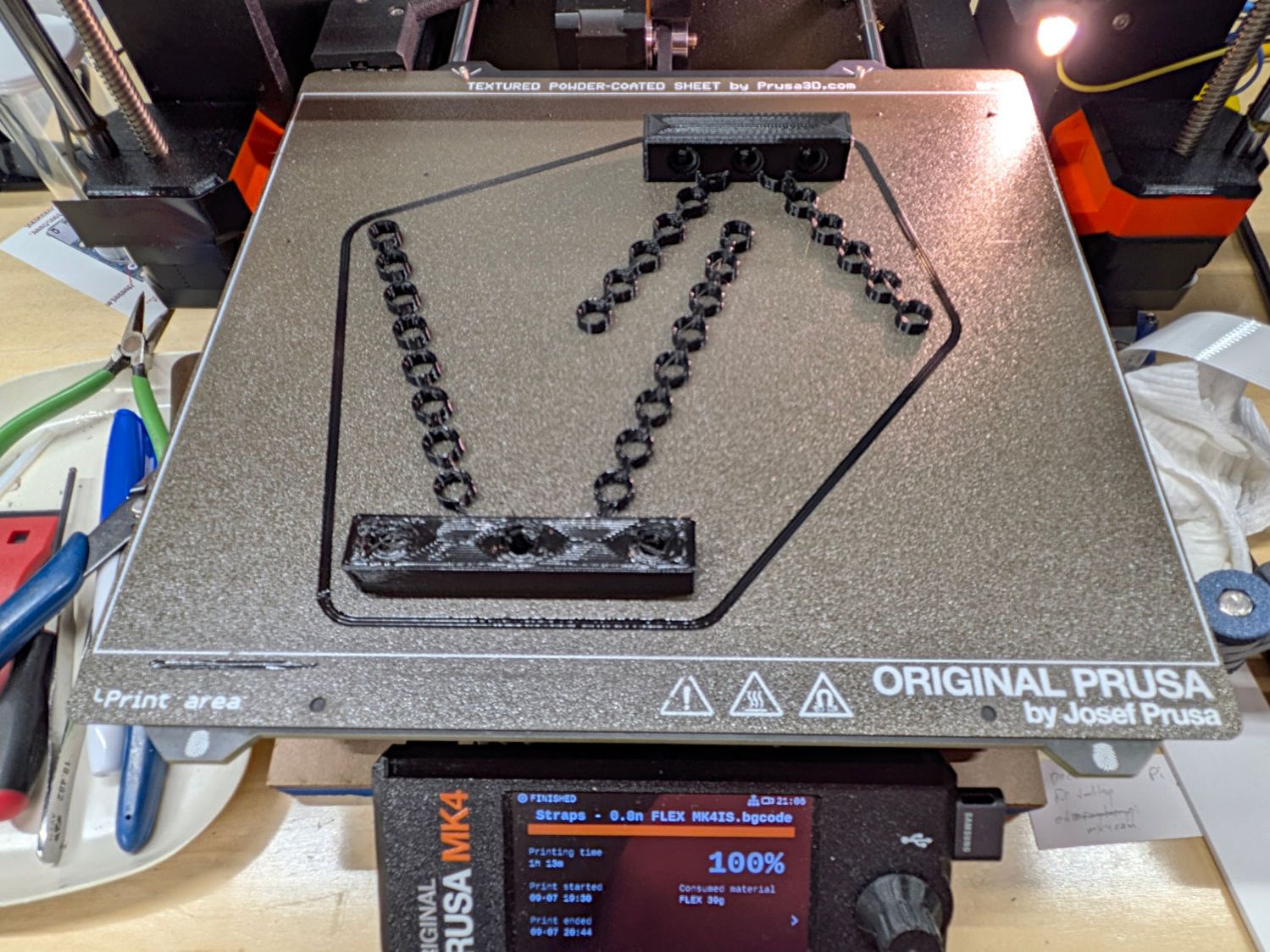
Those are the same stretchy TPU straps, with an additional link on each rear chain to compensate for the slightly higher block mount and a slightly narrower front block to fit in the slightly narrower drawer handle:
Bike Rack Tray Holder – half-width drawer straps
Of course, the only way to know what didn’t fit was to make a pair of the original ones, try them on for size, then adapt the OpenSCAD code accordingly.
Having a mild allergy to whatever plant pollen has begun drifting around these days, I’m trying cheap “nasal strips” intended to hold my nose open overnight, which seem less awful than any of the variety of decongestant / allergy relief pills or potions.
However, while the strips have an adhesive layer strong enough to stick overnight to a slightly oily nose, the skin on the bridge of my nose is fragile enough to hurt after peeling the strip off in the morning. As I see it, the strips need adhesive only on their ends, where they pull outward on my nose, because the center part pushes inward on the bridge.
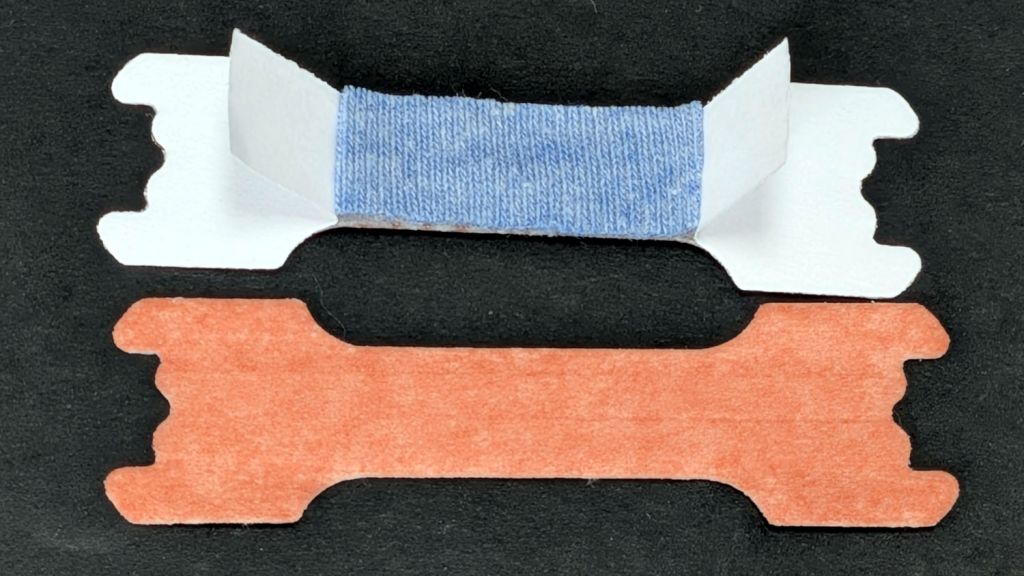
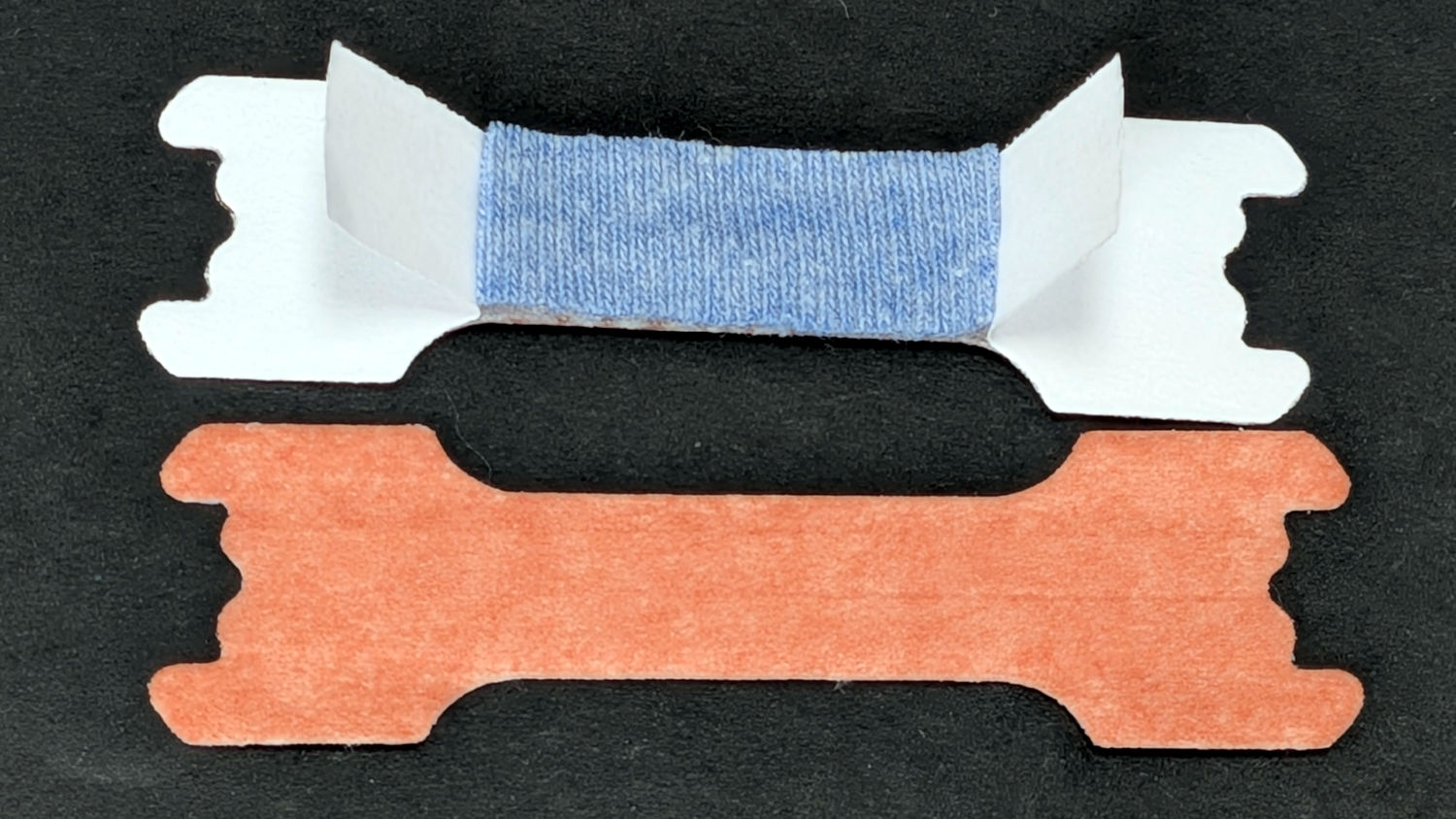
A few minutes with a rotary cutter and scrap fabric produced dozens of small cushions:
Nasal Strip cushion
Quite inadvertently, the blue fabric looks downright medical.
Your mileage will vary, but the exposed adhesive on the ends sticks firmly to the sides of my nose and, with the cloth protecting the bridge, the strip peels off without injury.
Despite converting other scrap fabric into shop wipes, these tiny cushions are unsuited for laser cuttery, as waking up in the middle of the night with even the faintest campfire smell in my nose would be … triggering.
Although I’d sealed the cracks around the front door after the previous Yellowjacket encounter, a cloud of Yellowjackets revealed their queen had set up housekeeping between two plants in front of our house. I donned my beekeeper suit, sprayed the obvious entrances with wasp killer, then repeated the dose over the next several days until, as Khruschev apparently didn’t say, the survivors envied the dead.
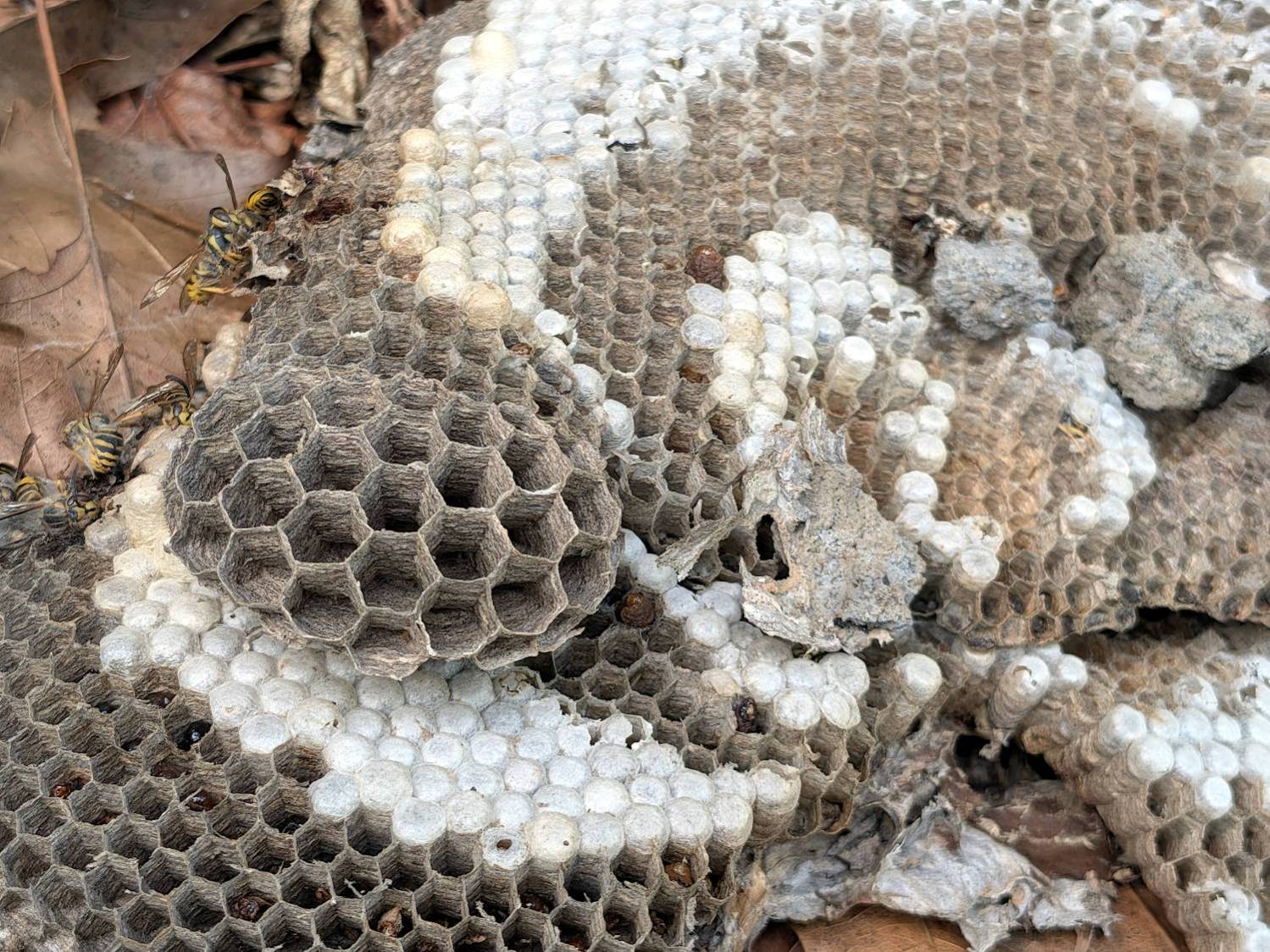
The nest was about a foot in diameter, with the top slightly above ground level and bonded into the leaf / mulch layer:
Yellowjacket wasp nest – top overview
It had two active layers below the top (positioned upside-down here):
Yellowjacket wasp nest – side view
The bottom view gives a better idea of its extent:
Yellowjacket wasp nest – bottom overview
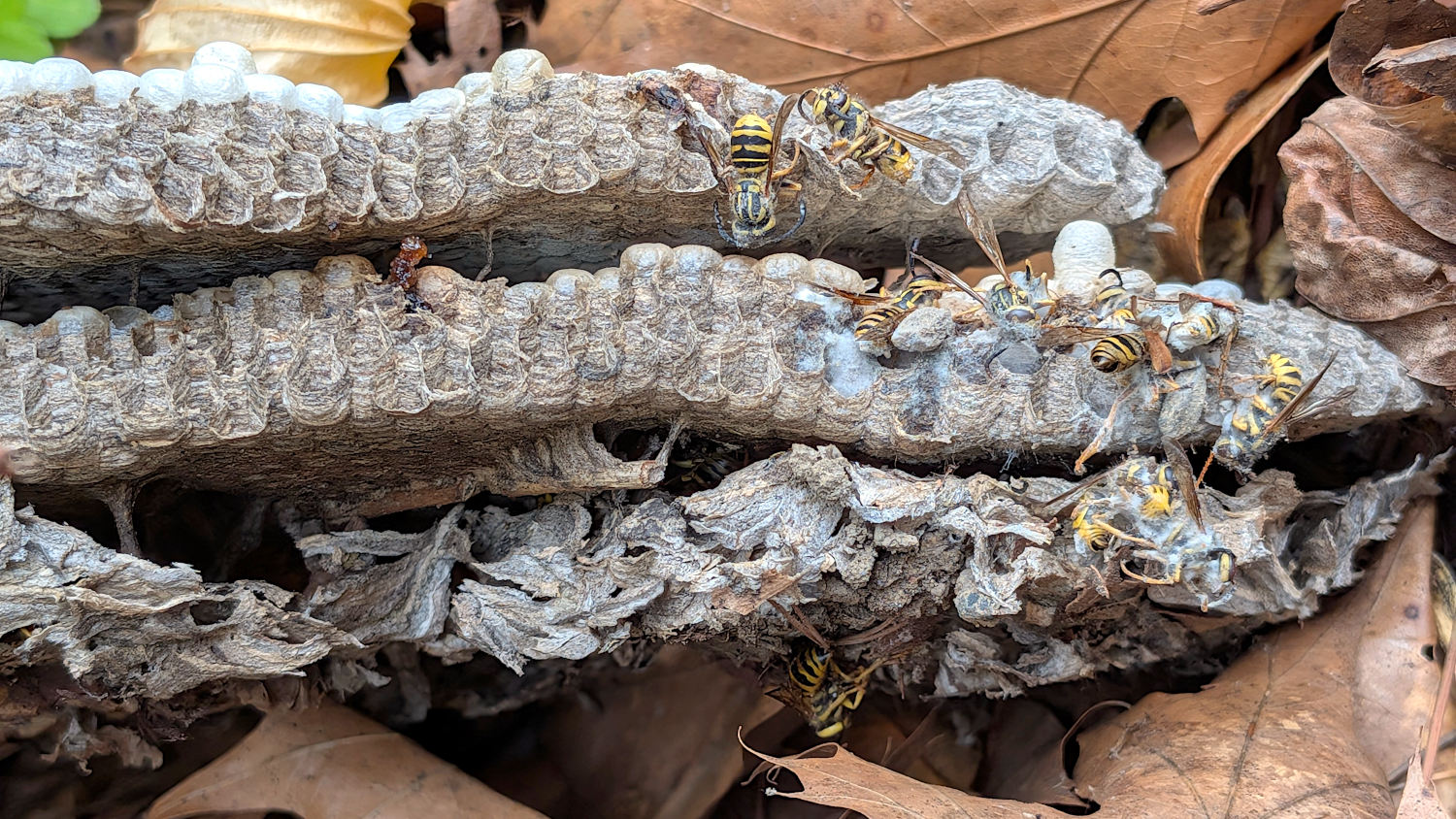
I know nothing of wasp nest building, but if they’re similar to honeybees, then the much larger cells in the disk were intended to raise overwintering queens to start new nests next spring:
Yellowjacket wasp nest – new cell structure
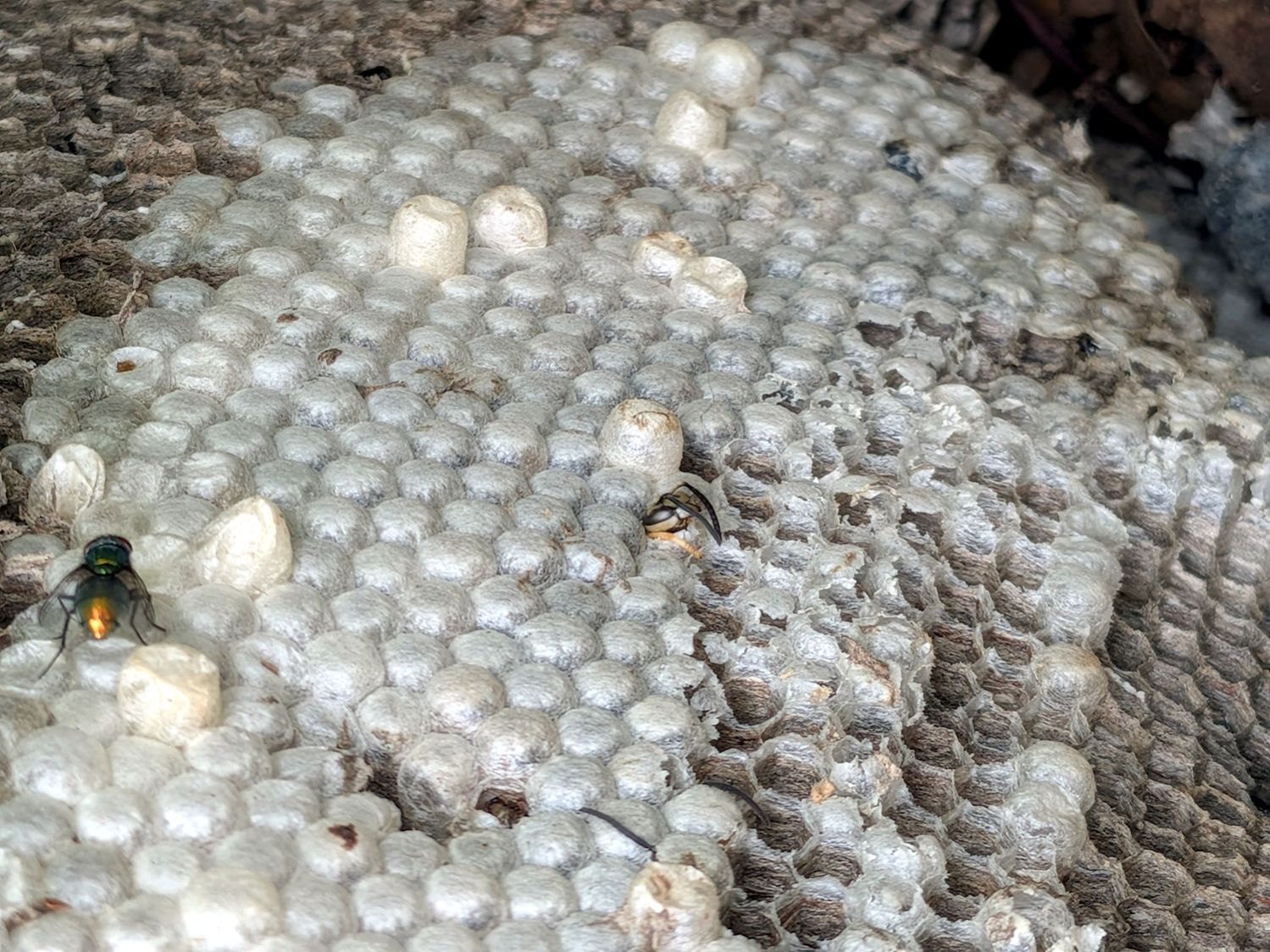
The longer capped cells sticking out beyond the others may raise the few drones required to mate with queens from other nests:
Yellowjacket wasp nest – capped cells
That’s a fly over on the left; the scavengers wasted no time getting in there for the (perhaps still poisonous) goodies.
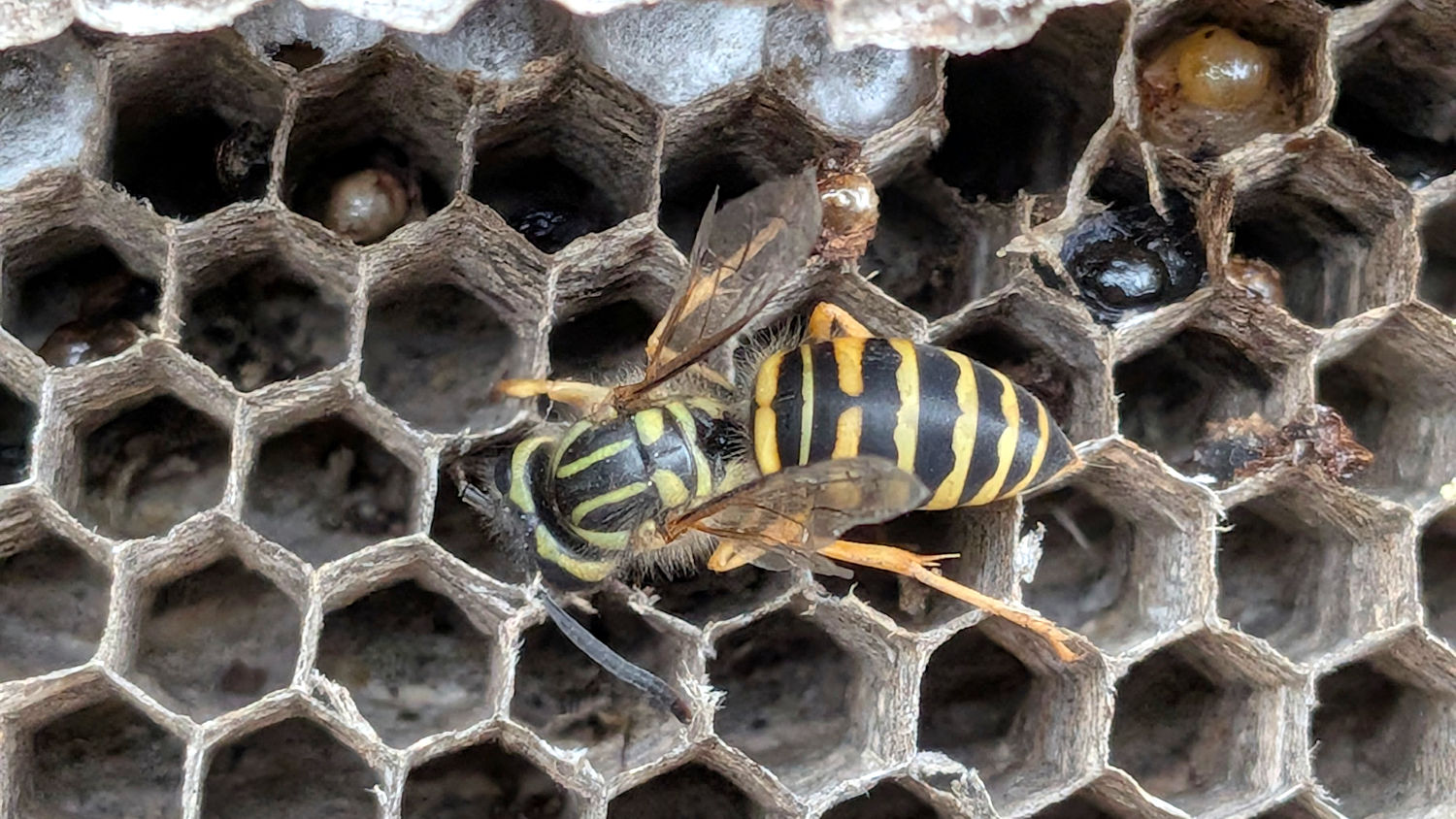
My wasp identification skillz are weak, but this looks like an American Yellowjacket:
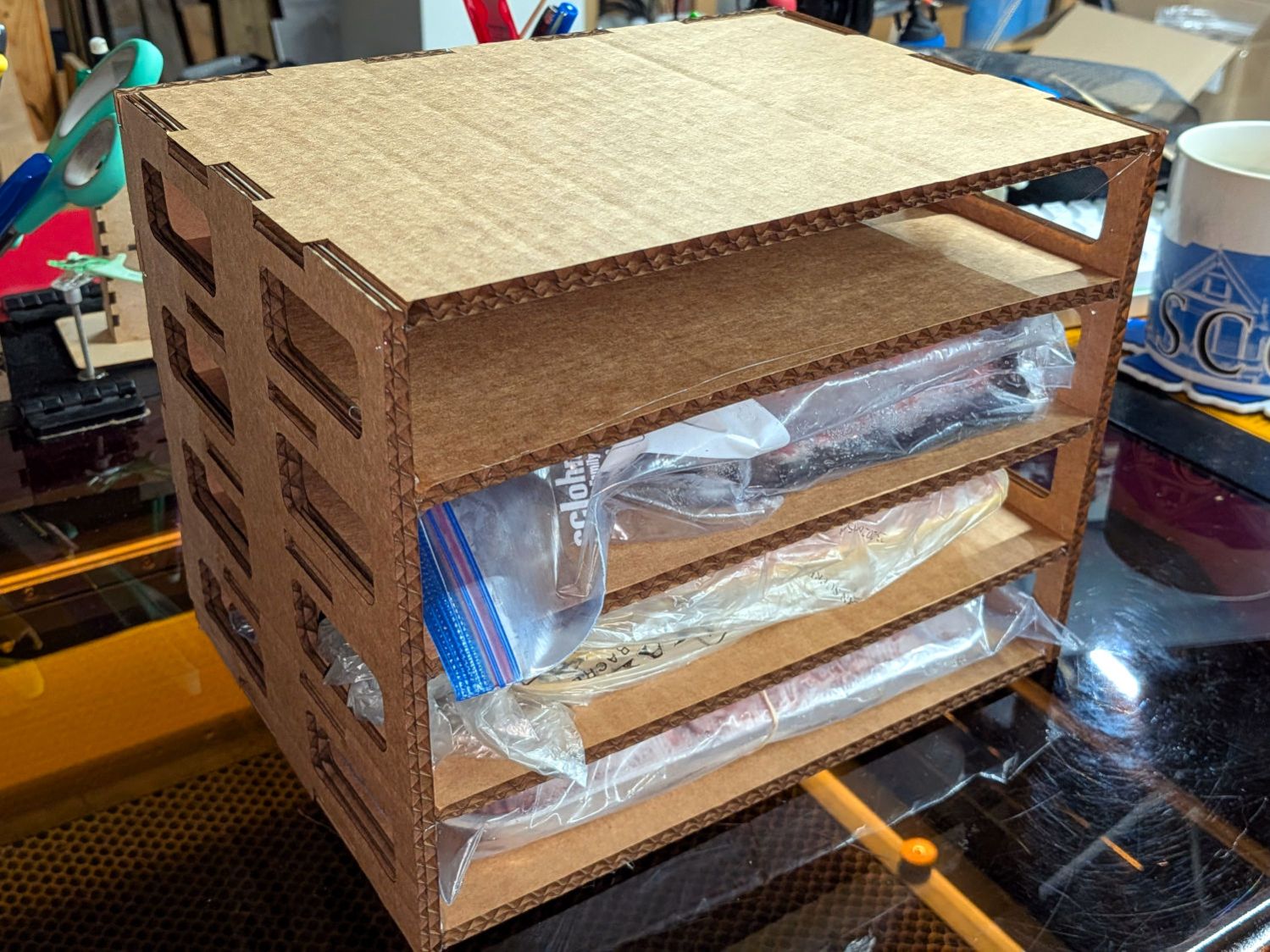
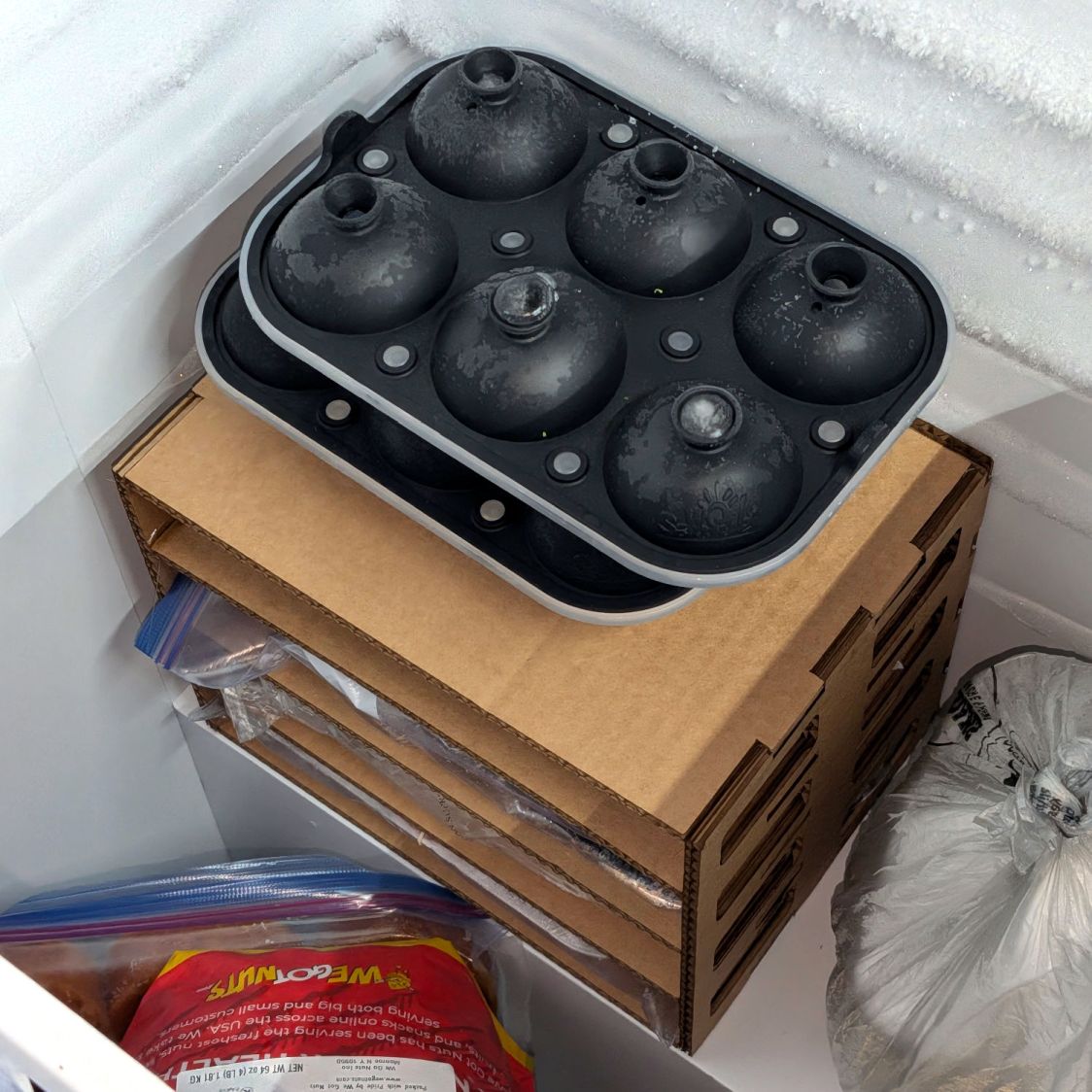
The new chest freezer’s interior has a rectangular lump on the right side over the compressor, atop which we’d been stacking foam trays of ground meat. To forestall a tragic landslide, I made a quick-n-easy rack held together with hot-melt glue:
Freezer Tray Rack – test fit
It doesn’t look like it grew there, but it’ll suffice:
Freezer Tray Rack – installed
The weird black things are silicone molds for 4 fl. oz. ice balls (known in these parts as “iceteroids”) suited for chilling the water used to quench veggies after steaming / blanching, prior to freezing.
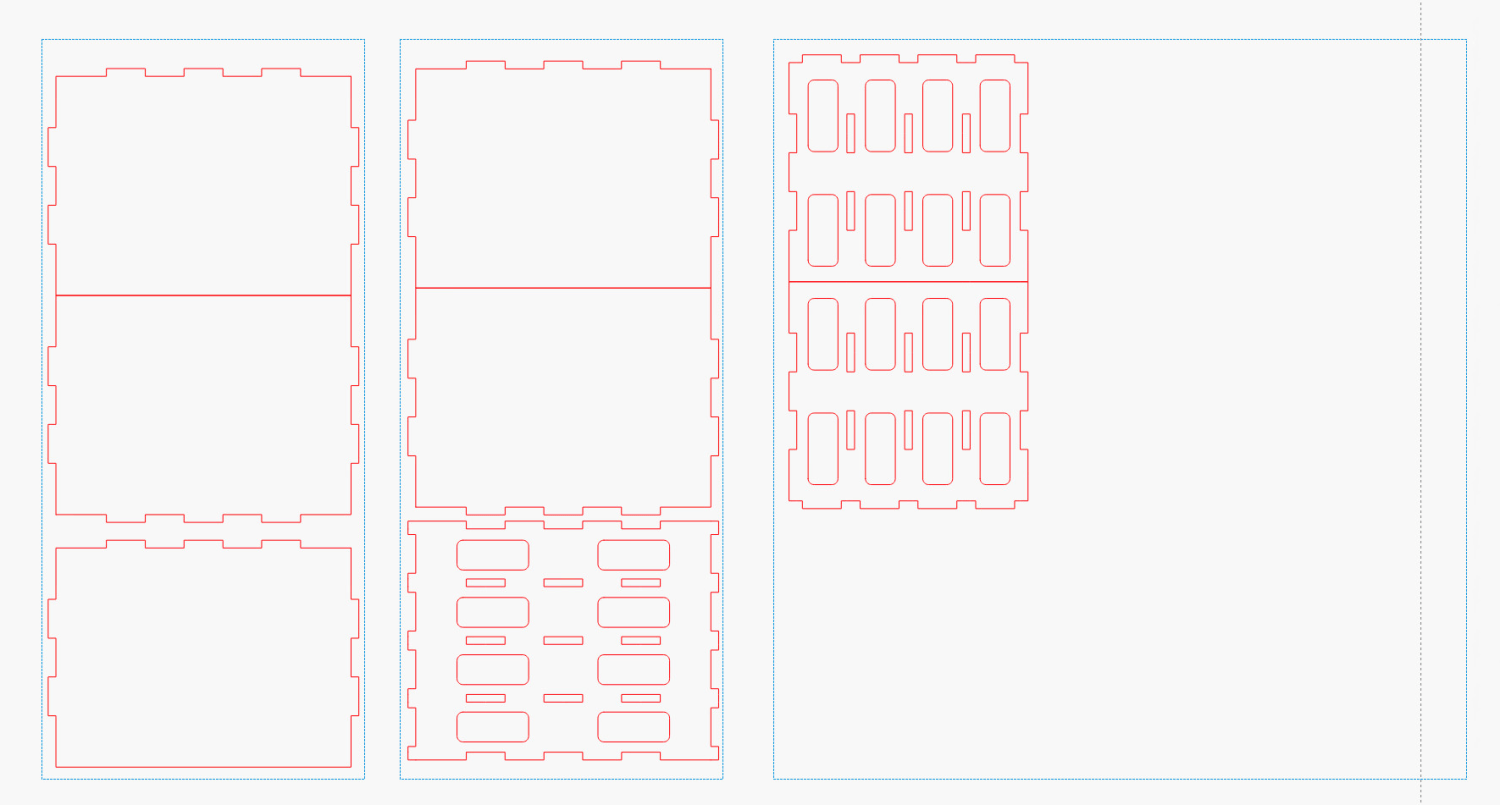
The LightBurn layout arranges the parts in tool-layer rectangles matching a shipping box of 6.5 mm cardboard rugged enough for at least a prototype:
Freezer Tray Rack – LightBurn layout
The jawbreaker boxes.py URL adds 5 mm to the shelf height for a little more clearance. You’ll likely have different cardboard in your stockpile, so tweak as needed, add vent holes in the sides & back, and Fire The Laser.
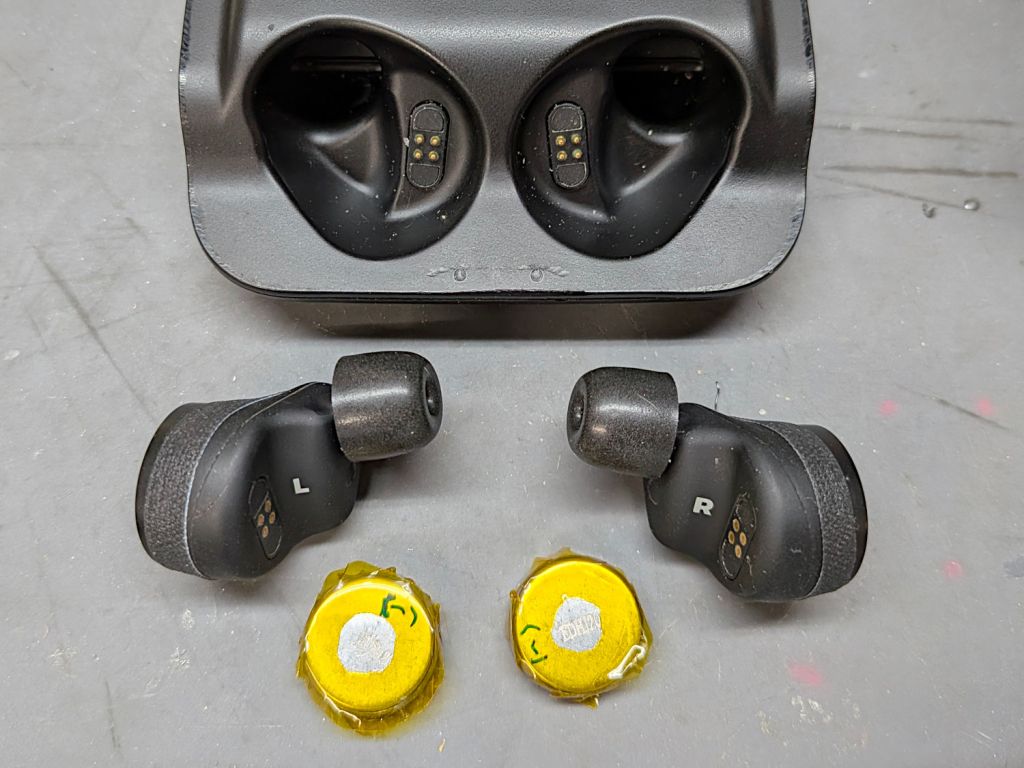
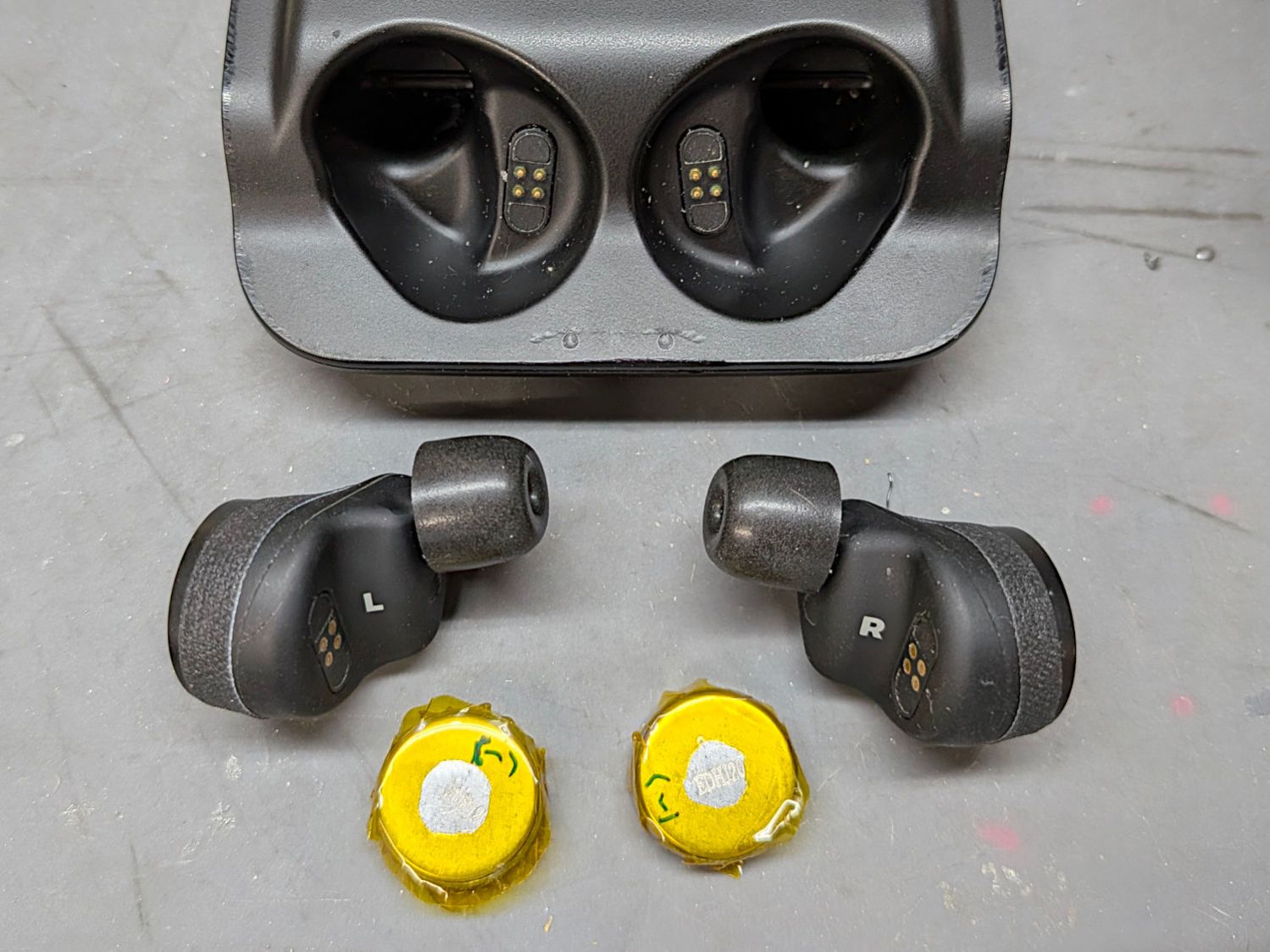
A friend with declining hearing asked for my experiences with the Nuheara IQbuds² MAX I’ve been re-batterying for quite some years:
Nuheara IQBudsMax2 – battery replacement
Given that other folks may have the same issue, herewith a lightly edited version of the email I sent:
Do you use conventional hearing aids?
Nope, because when I was looking around, maybe six years ago, dropping $500 on Nuheara rather than $5000 on real hearing aids seemed like a good first step. Five Benjamins would be lost in the roundoff should I get something seriously exceedingly much more definitely better.
They are now $200 from Amazon. Nuheara had licensed the design to HP and stopped selling them in the US, which is what you’ll find on their website, so maybe the Amazon seller isn’t entirely legit.
My decision was partially based on an audiologist measuring my ears and stating my loss was “not aidable”, which meant it wasn’t severe enough to justify hearing aids. I interpreted that to mean her experience with similar folks showed insufficient return for the sales effort involved.
Before OTC hearing aids were legit, Nuheara was rated very near the top of the “not really hearing a hearing aid” pack. The better ones cost about half the price of real hearing aids, so IMO it was the best cost-performer.
Every time the question has come up since then, the crux is “Would real hearing aids be that much better than the Nuheara buds” and the answer has been “Nope”.
I’ve done occasional test sessions with various “hearing instrument specialists” and the results show I have essentially no hearing above 1 kHz, thus reducing female voices to mumbles. They are unwilling to test my hearing while wearing the Nuheara buds, for obvious reasons.
Do you use Nuheara instead?
Pretty much whenever Mary is around, because that’s the only way I’ll understand what she’s saying unless we’re face-to-face in the same room.
The noise reduction (see below) works wonderfully well in the car, eliminating all the road noise and isolating her voice.
experience and any advice
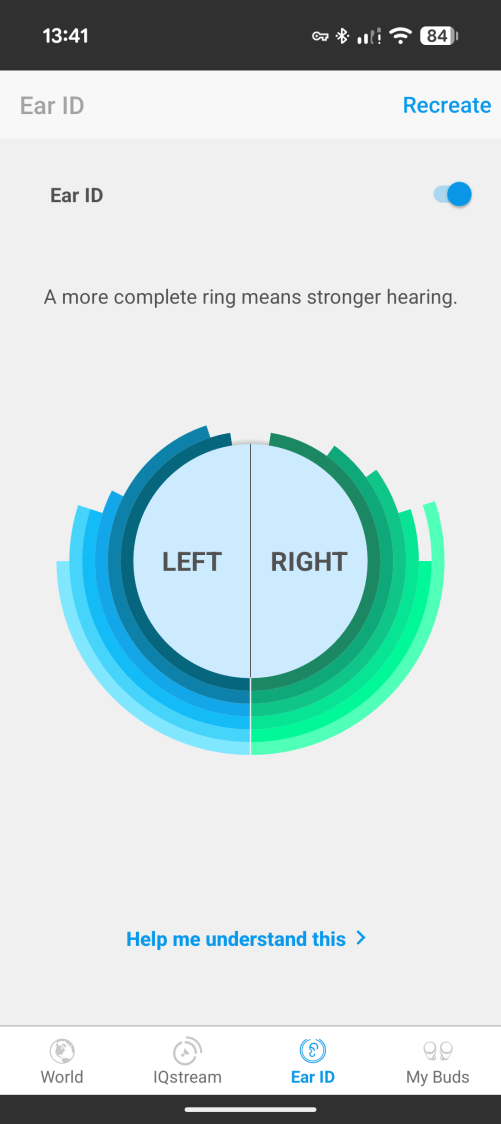
Unlike simple “personal sound amplifiers”, Nuheara has a six-band equalizer with settings based on an automated “Tap when you hear the tone” test done in the app. It does not, much to my frustration, display a line graph or export the numbers, but the circular diagram shows I don’t have much hearing above the lowest two channels:
Nuheara Ear ID – 2026-0811
I think the lower quarter of each side the rings is cosmetic filler, given the silence I hear when the test is surely presenting the higher frequency tones. If there’s a lower score than what I get, I cannot imagine what it might be for.
The buds have a high/low cut filter to reduce background sounds that works wonderfully on the ubiquitous 120 Hz hum anywhere in North America. I obviously don’t have much use for the high-cut filter setting.
The “Speech in Noise Control” applies DSP magic to reduce general background sound and emphasize speech, which is more complex than a simple frequency filter: SINC is astonishingly effective. What comes through the DSP magic isn’t audiophile quality, but it’s comprehensible and that’s what counts.
The downside: I hear nothing other than speech while it’s engaged. When we have supper on the screened porch, there is no background sound other than occasional traffic until I disable the filter and SINC, whereupon I can hear the breeze rustle the leaves / birds chirping / Vassar carillon chimes / stuff like that. Fair tradeoff, IMO.
The DSP monitors ambient sound and adjusts the overall gain to reduce the in-ear volume. My normal settings turn the water stream from the kitchen faucet into deafening white noise, but the gain drops after a few seconds and I’m effectively deaf. This also applies when we’re walking outdoors, with any wind noise in the microphones turning the gain down enough that I hear just as poorly with the buds as I do without them.
The buds can stream audio from the phone and the equalizer applies to phone calls / music / whatever. Real hearing aids tend to not stream audio, because Bluetooth requires bigger batteries. Getting phone calls with adjusted audio in both ears is wonderful.
The buds also have “tap” controls to start / stop streaming, raise / lower volume, and (most importantly) enable / disable “world audio” = I can mute the sound before I start doing something noisy. The “world off” = active noise cancellation isn’t perfect, but it’s Good Enough for most purposes.
I wear them under Peltor 28 dB hearing protectors (which cost 25 bucks two years ago sold by Amazon, so beware scalpers) while mowing: the muffs knock down all sounds and the buds remove what’s left. I can then stream music at reasonable volume to make mowing easier.
Those big batteries make the buds heavy in the ear, but it seems the same batteries appear in audio-only buds, so they may be the smallest ones that get the job done.
A good ear canal seal is essential and I’ve gone through several different “brands” on Amazon before finding effective foam tips.
Bottom line: I have no experience with their competition, but the Nuheara buds do everything I have ever read other buds / real hearing aids can do. Color me satisfied.
Slightly modify the OpenSCAD code to suit thinner chipboard:
include <BOSL2/std.scad>

fn = "Printed Fragment Coaster - 5 in Set B - Inkscape paths.svg";

FragmentThick = 0.8;

BaseThick = 2.0;
RimHeight = 0.4;

union() {


  linear_extrude(h=BaseThick)
    import(fn,id="Perimeter");

  color("Green")
    up(BaseThick)
      linear_extrude(h=FragmentThick)
        difference() {
          import(fn,id="Perimeter");
          import(fn,id="Recesses");
        }

  color("Red")
    up(BaseThick + FragmentThick)
    linear_extrude(h=RimHeight)
      difference() {
        import(fn,id="LipOut");
        import(fn,id="LipIn");
        import(fn,id="Island");
      }

}
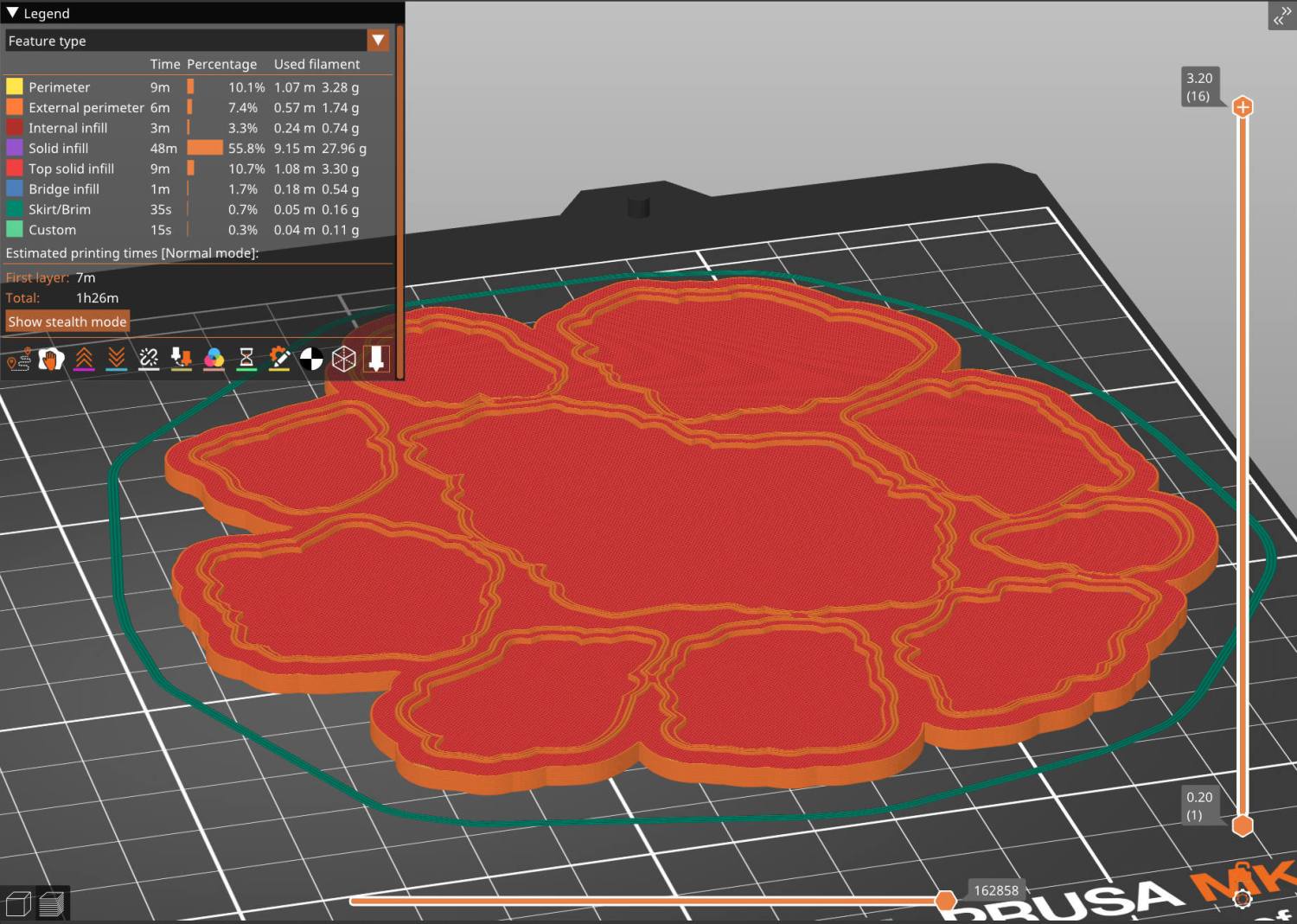
Run the solid model through PrusaSlicer:
Chipboard Fragment Coaster B – slicer preview
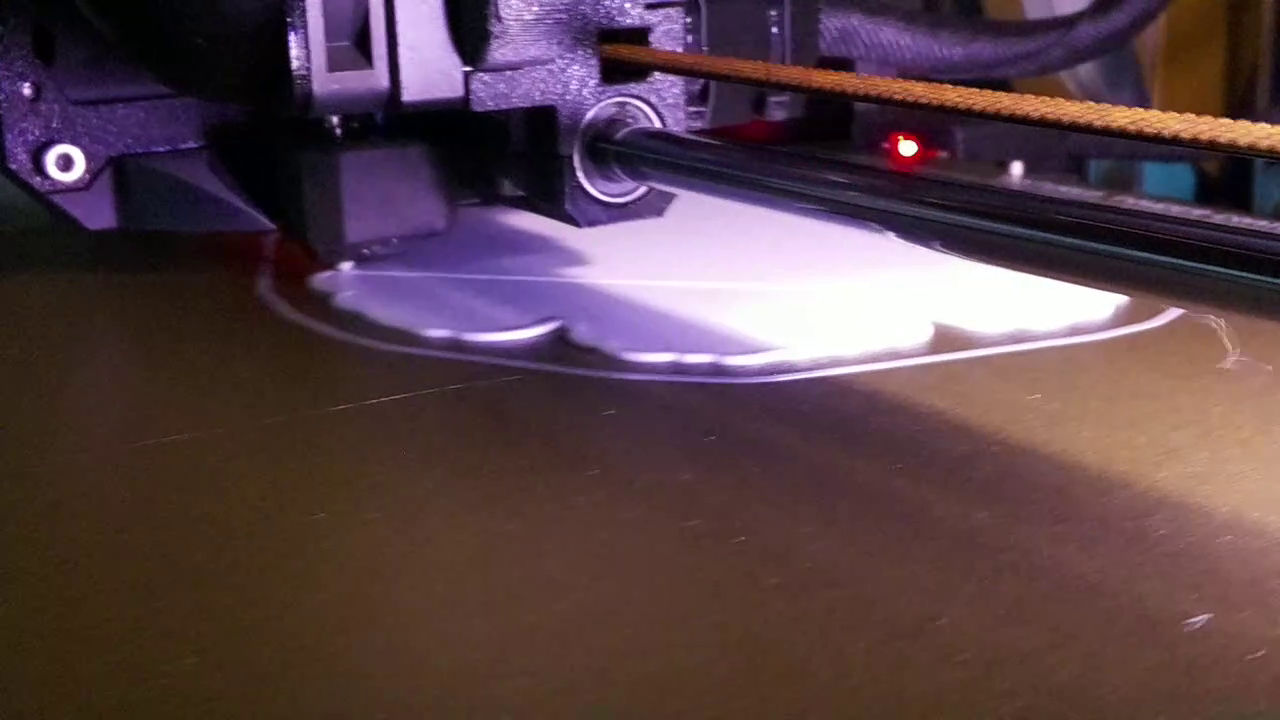
And have a baseplate an hour later:
Coaster Printing – in progress
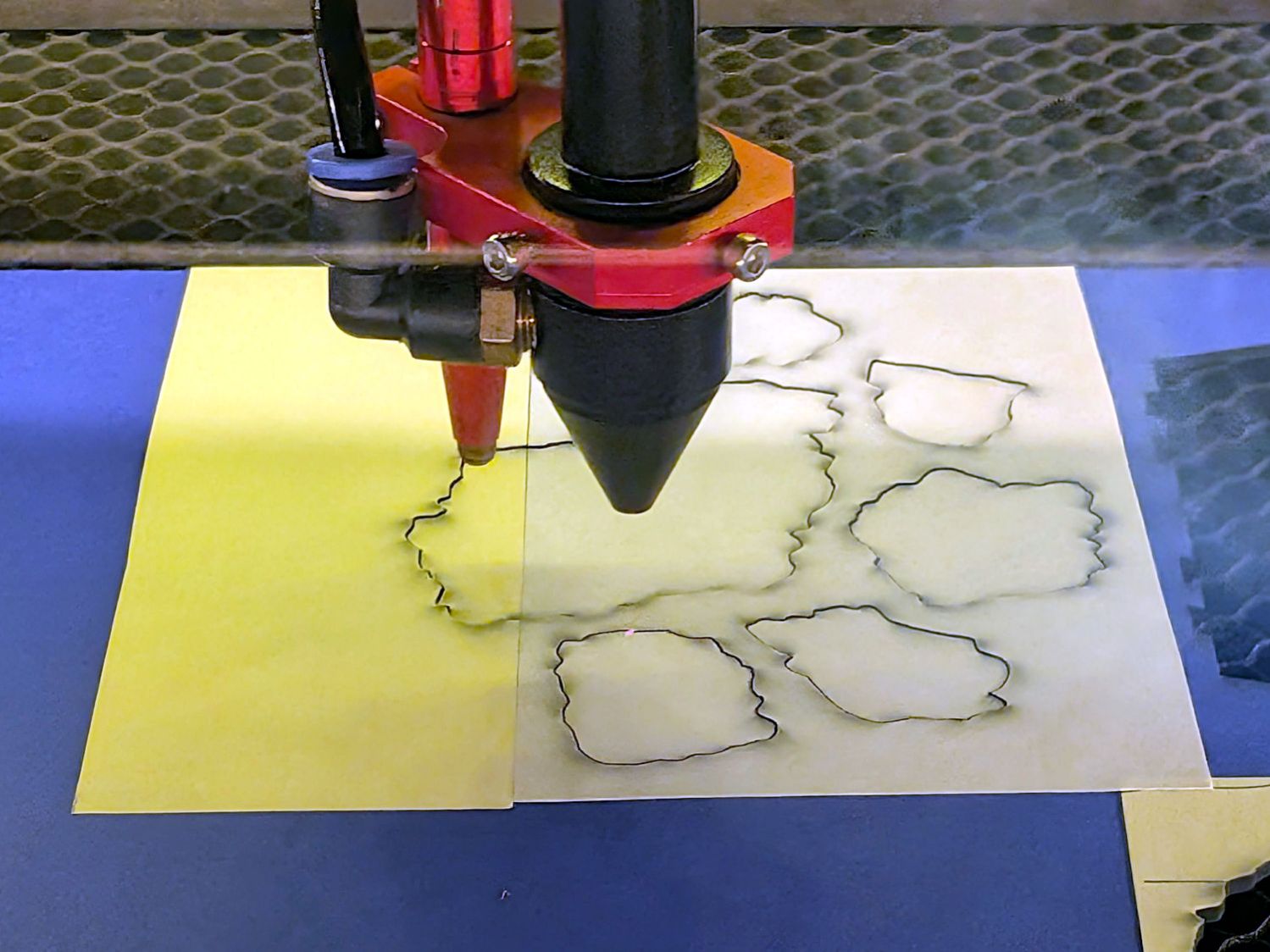
While that’s buzzing away, tell LightBurn to cut chipboard instead of metallized paper, stick some craft adhesive sheet on the chipboard, and Fire The Laser:
Chipboard Fragment Coaster – chipboard cutting
Remember to mirror the fragments, because you’re cutting them bottom-up.
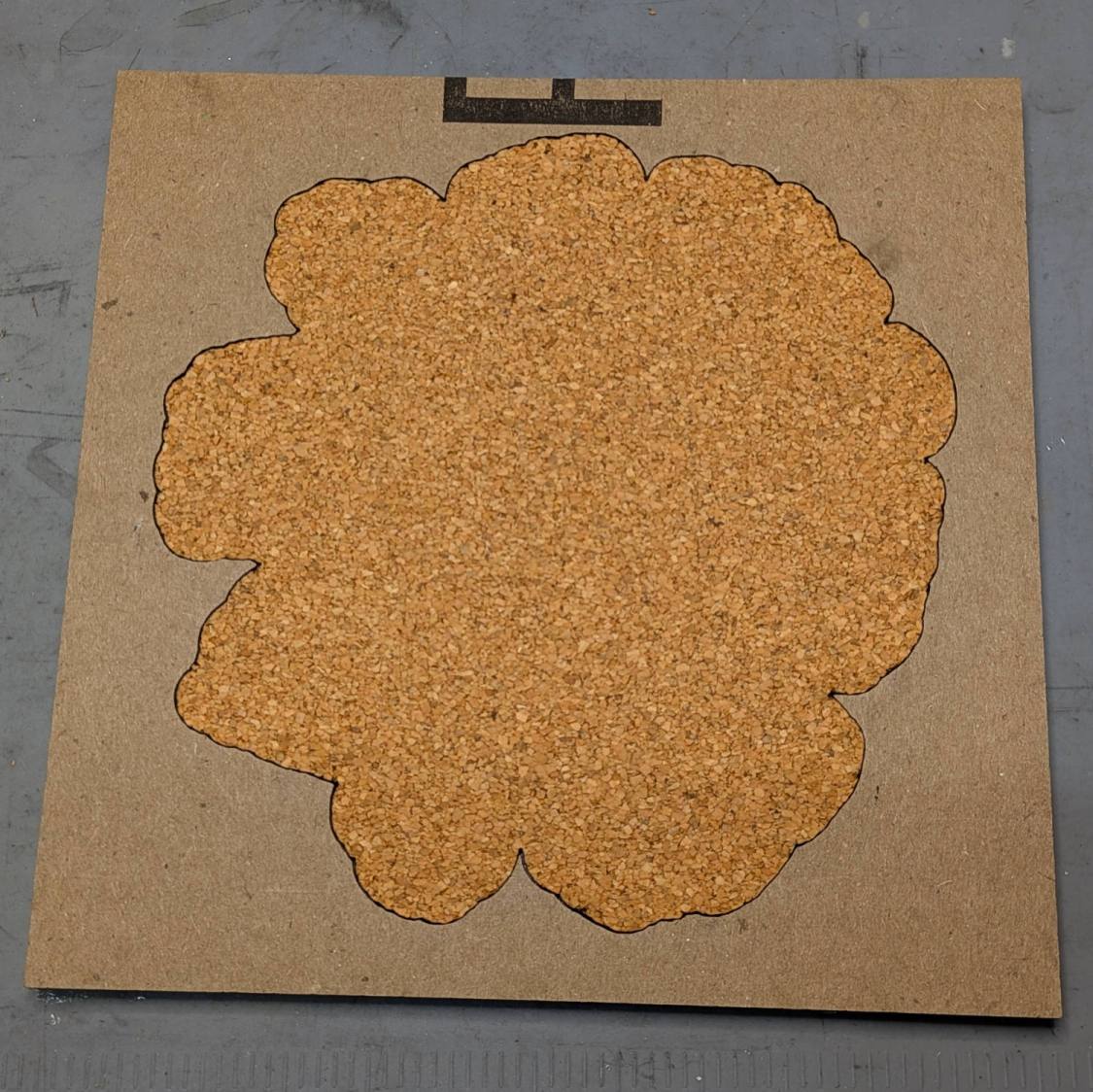
Do the same for the cork sheet going on the bottom, which does not require mirroring.
I tossed the cardboard alignment fixtures I used to stick the cork onto the 3D printed baseplate, so make another one for each coaster.
The top layer holds the baseplate:
Chipboard Fragment Coaster – cork fixture – top
The cork + adhesive sheet is inset 0.5 mm from the edge of the baseplate, so the outline cut in the bottom layer of cardboard is just that much smaller:
Chipboard Fragment Coaster – cork fixture – bottom
Although the time used to make a fixture isn’t deducted from your allotment, I’m not sure about making two identical fixtures, so I’m saving these for the next time.
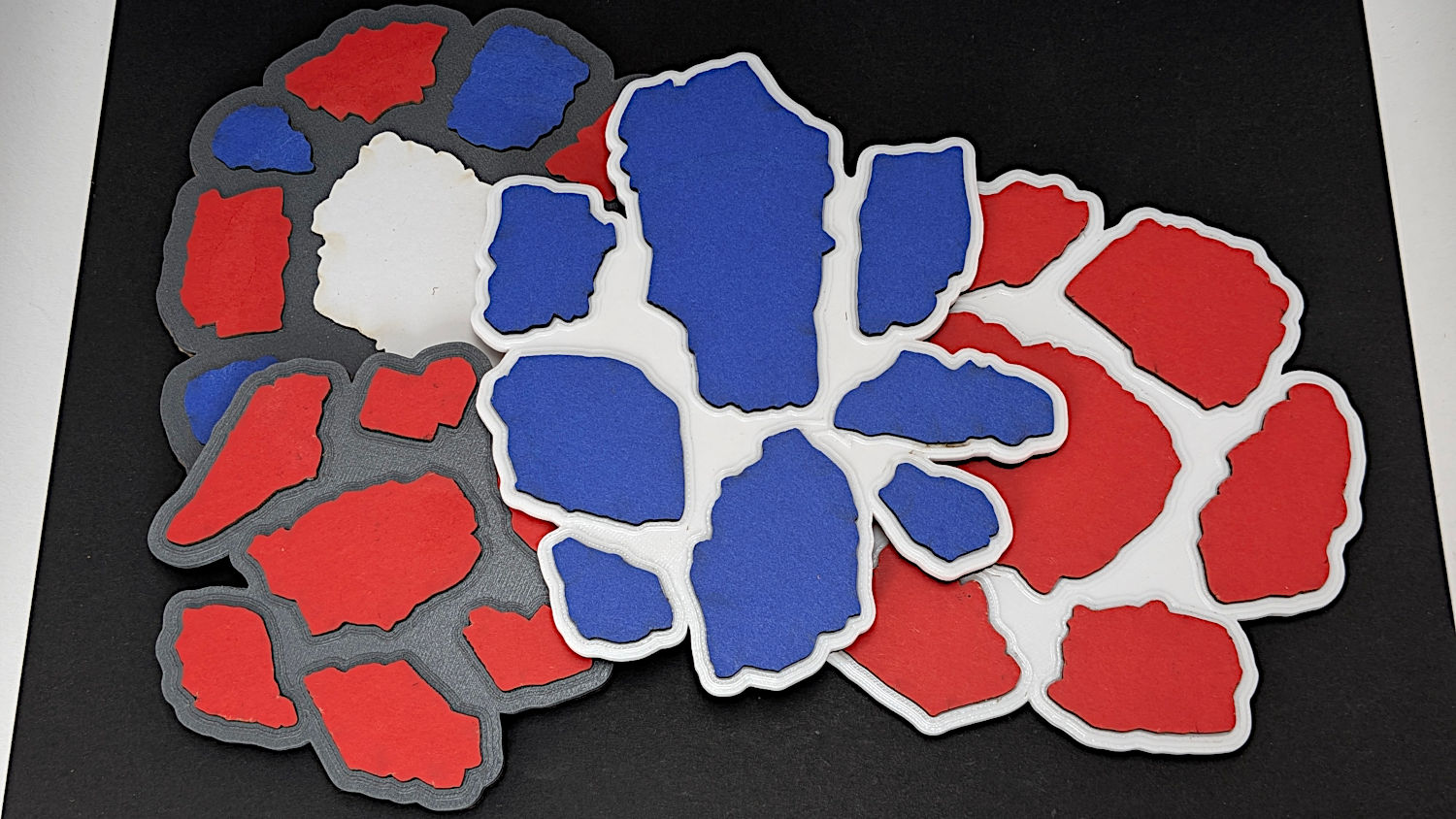
Then peel-n-stick the chipboard fragments in their recesses:
Chipboard Fragment Coaster – variety
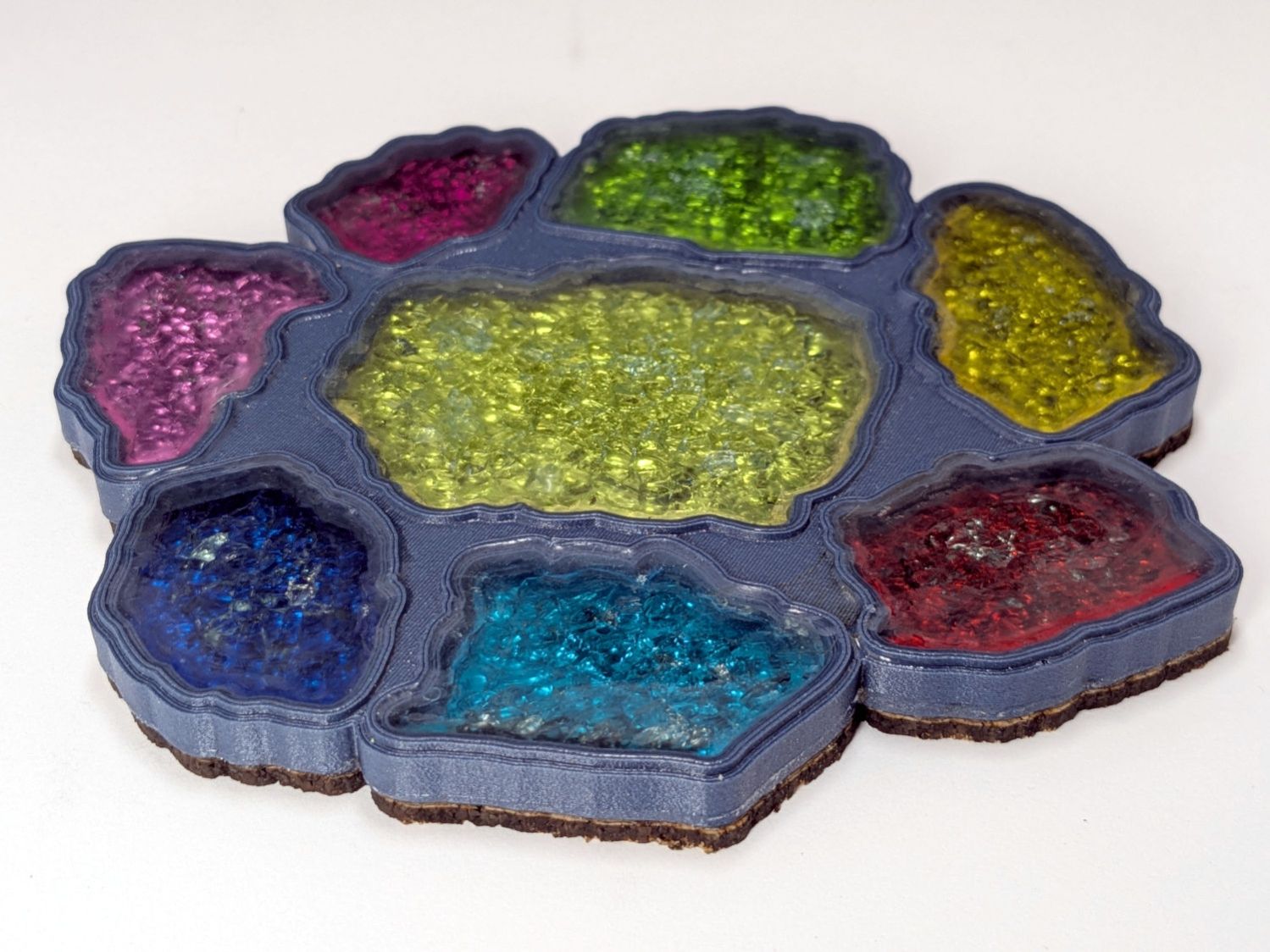
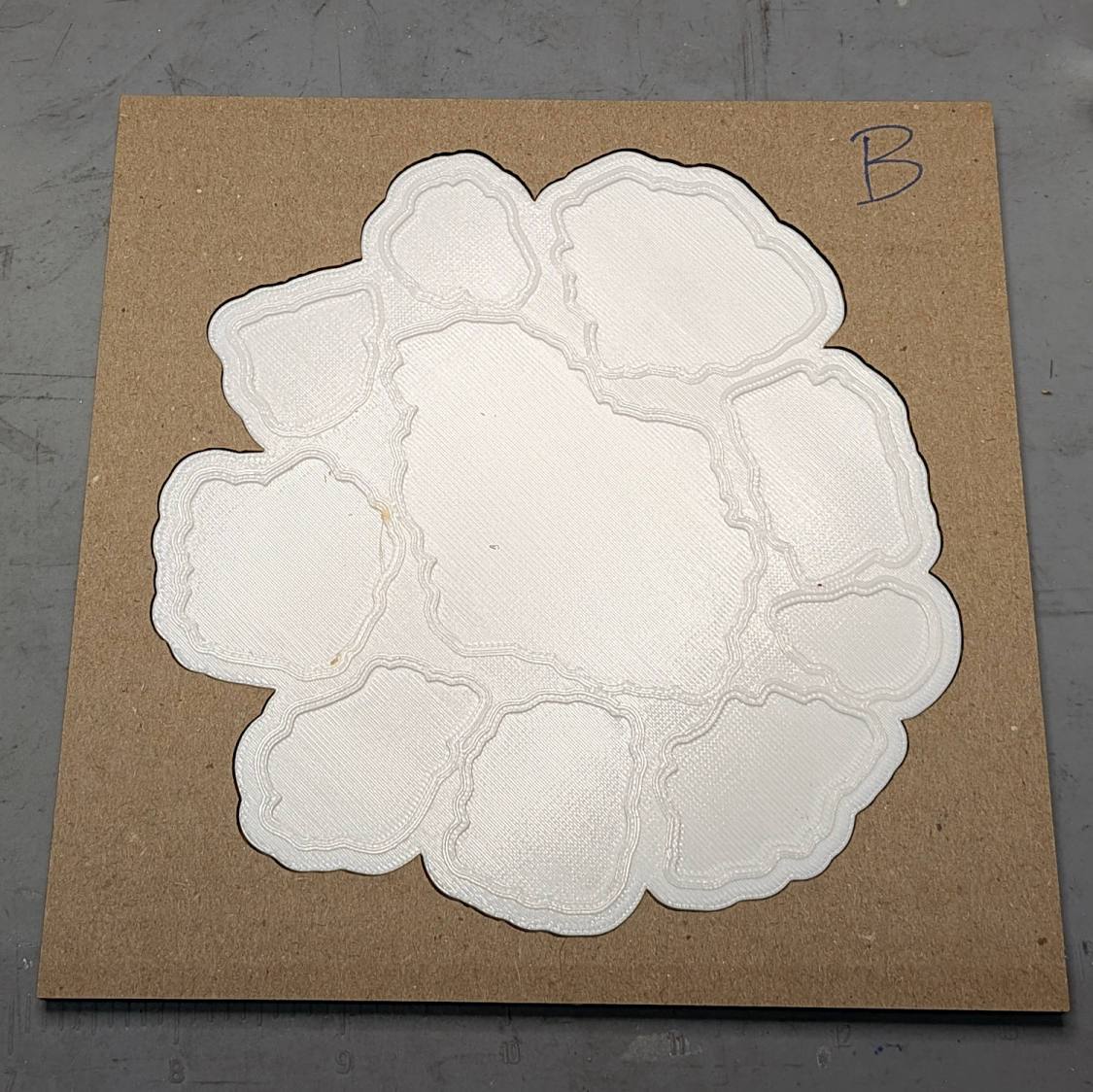
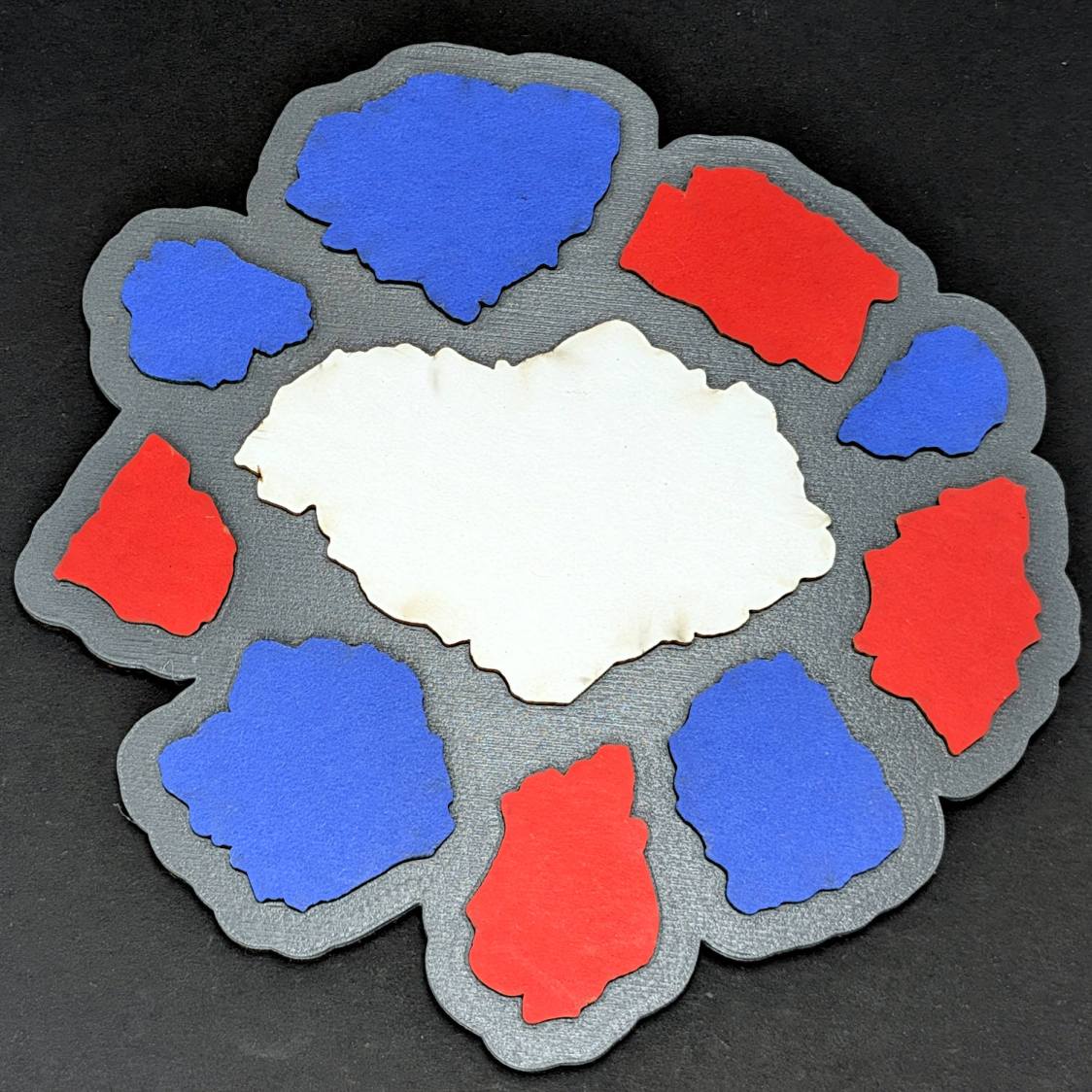
The first baseplate didn’t have raised rims around the fragments (because there’s no need to retain any epoxy), but the result looked kinda … flat:
Chipboard Fragment Coaster – flat top
Fixing that was a matter of not setting the rim height to zero in the OpenSCAD code.
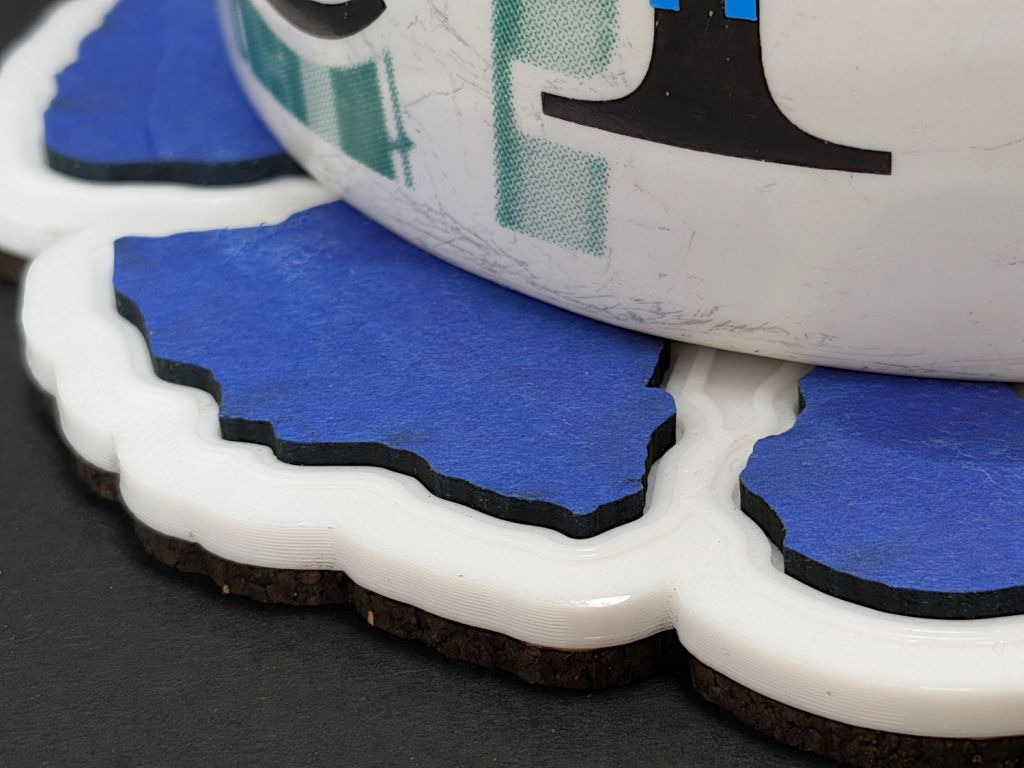
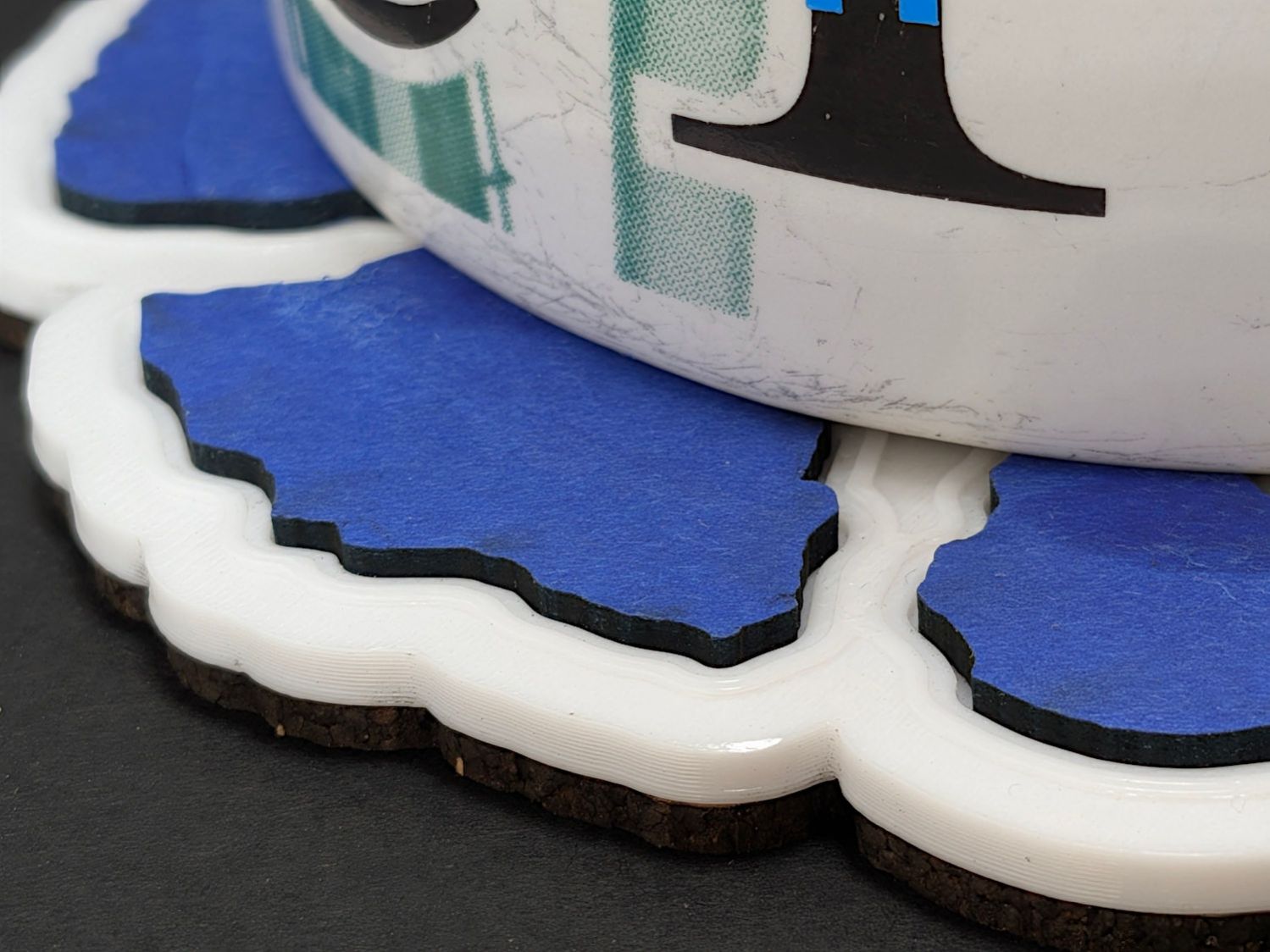
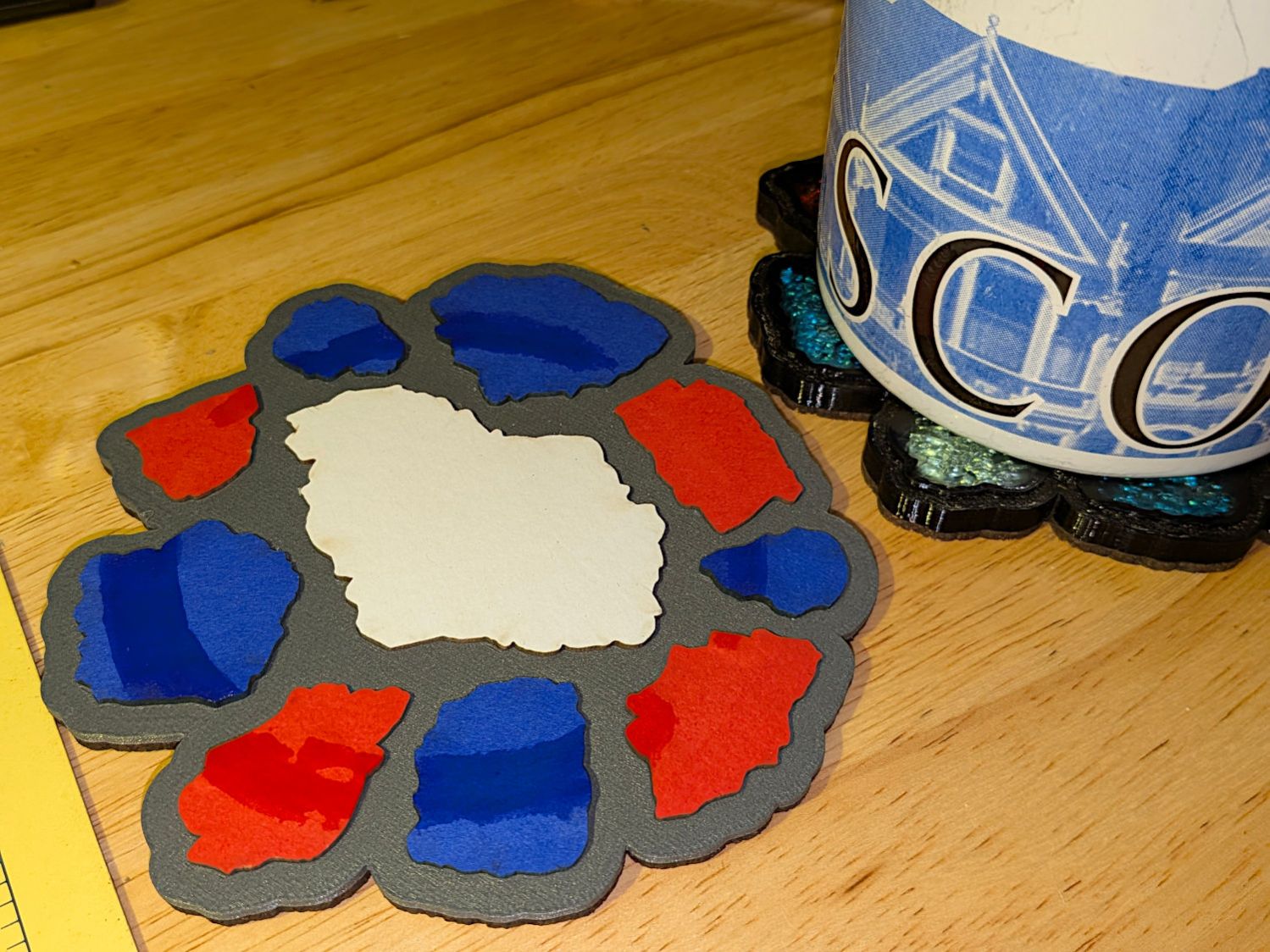
It’s perfectly functional even without a rim:
Printed Coaster – chipboard inserts – sweaty mug
Protip: White chipboard is a Terrible Idea™ in a quick-n-easy laser cuttery project. All the rest have only red or blue fragments for a good reason.
Conversely, white PETG makes a nice contrast to the deep red and blue.