Ed Nisley's Blog: Shop notes, electronics, firmware, machinery, 3D printing, laser cuttery, and curiosities. Contents: 100% human thinking, 0% AI slop.
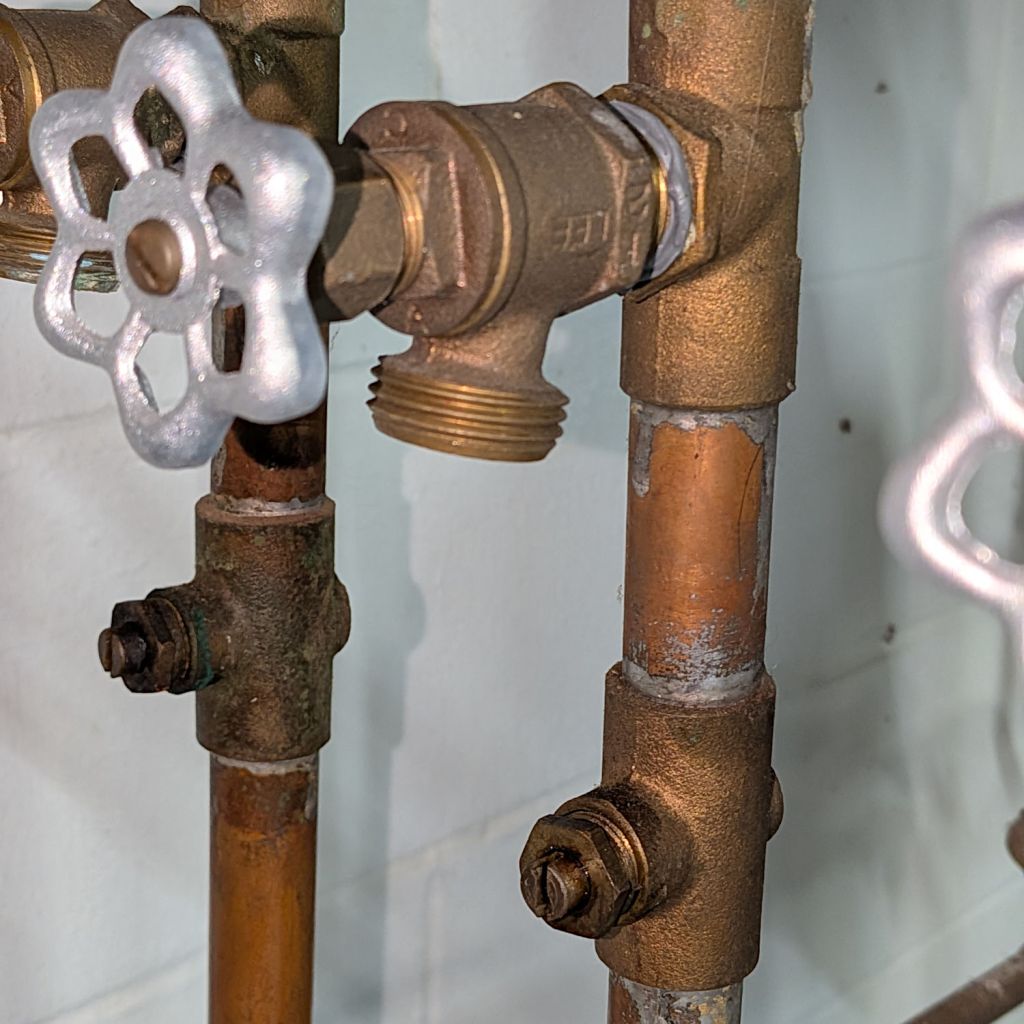
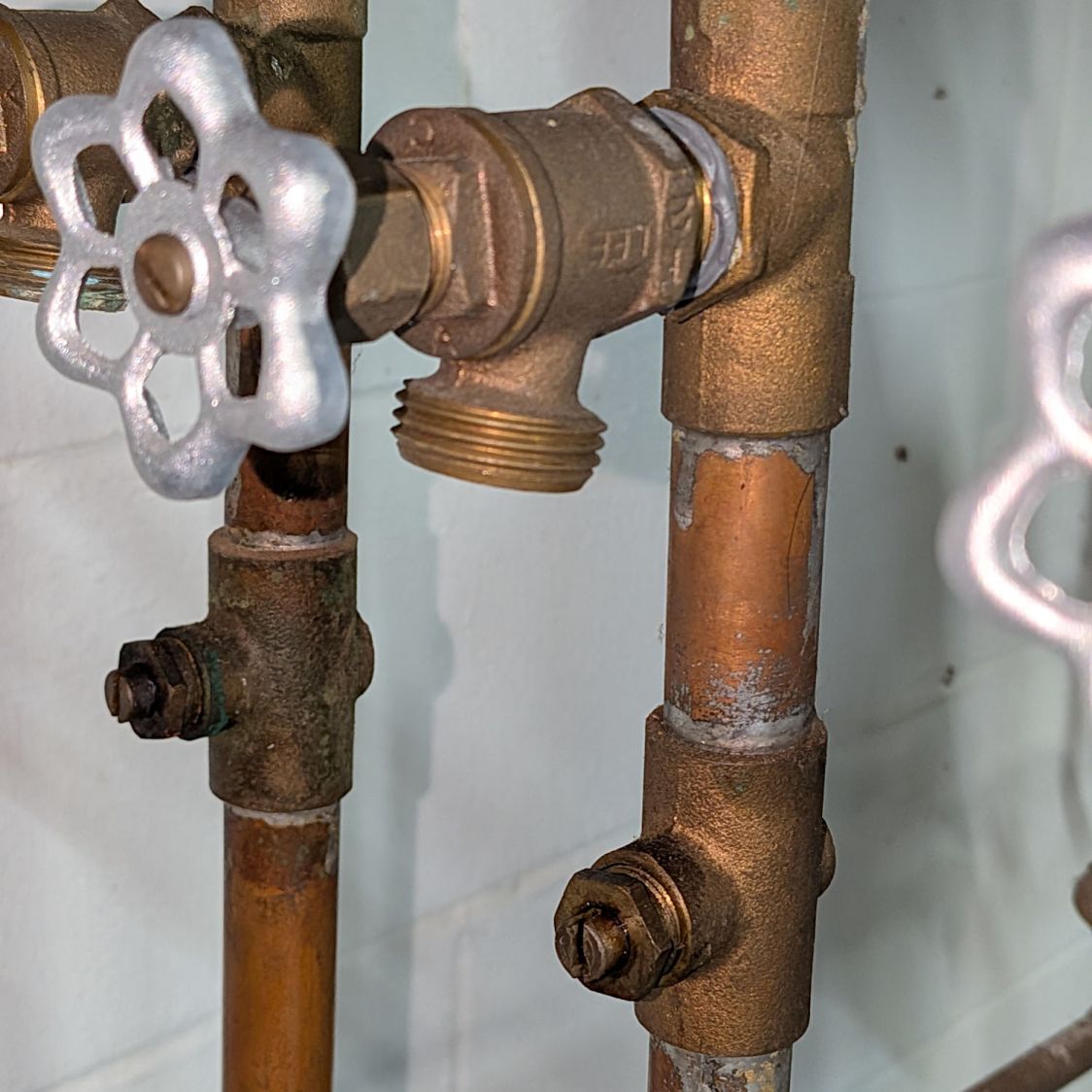
The upstairs baseboard heating loop collected enough air to frustrate the circulator pump, so I had to close the zone shutoff valve and open the drain valve to flush enough water through the plumbing to get the bubbles out:
Furnace zone drain and shutoff valves
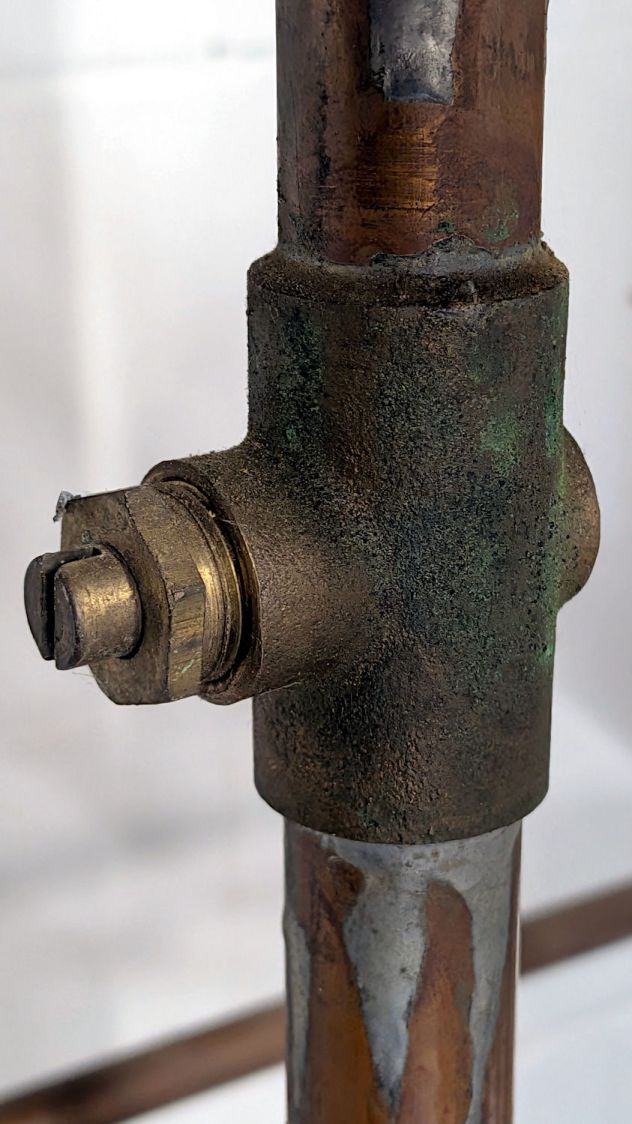
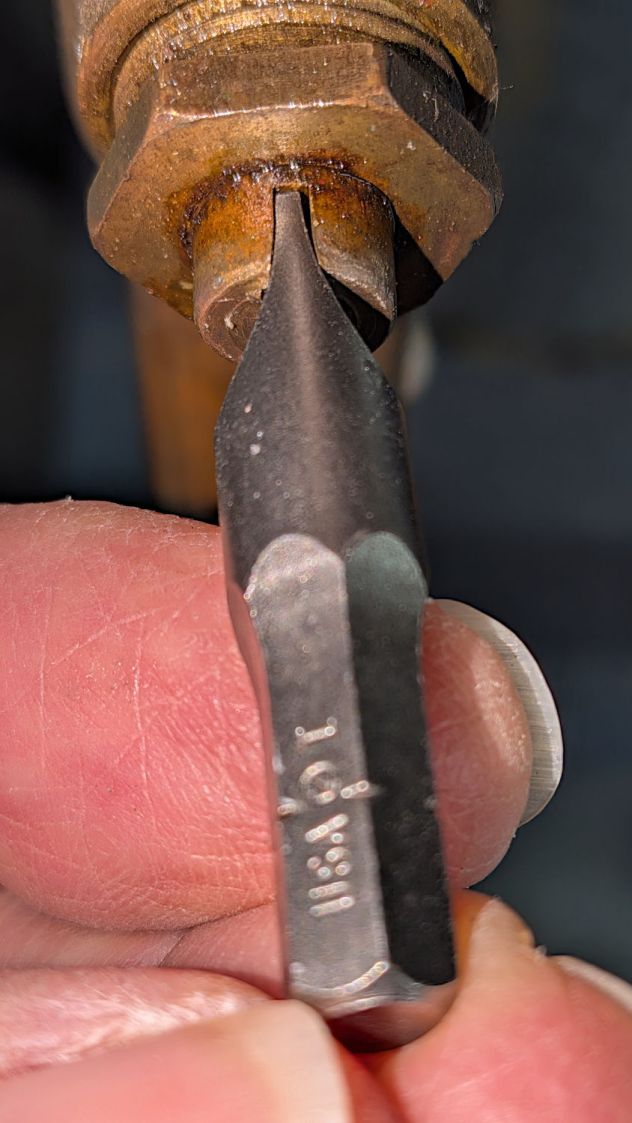
Except: turning that little slotted stem required more torque than I was willing to apply. It may have last been turned a decade ago, during the final furnace servicing on record, but we’ll never know its story.
Furnace zone shutoff valve
Three days of dripping Kroil penetrating oil onto the shutoff valve stems and, just in case, their pipe threads, along with applying the maximum torque I was willing to apply, did the trick, albeit with a distressing amount of squeaking.
A hose from the drain valve to the sump pump pit took care of the outgoing water, flushing proceeded uneventfully, a test firing put hot water into the baseboard, and I could declare victory for the oncoming heating season.
You can reconcile the 1/7.5 reduction in “Serving size” with the 4.7 increase in “Servings per container” by noting the latter matches the 14/3 per-serving weight ratio, not the volume ratio everybody uses. Both bags contain 5 lb of cocoa and have about the same volume; if anything, the newer bag is slightly bulkier.
However, slashing the amount of cocoa in their recipe by a factor of 3 guarantees a truly bland result. Maybe it’s just a missing “b”, a typo that could happen to anyone?
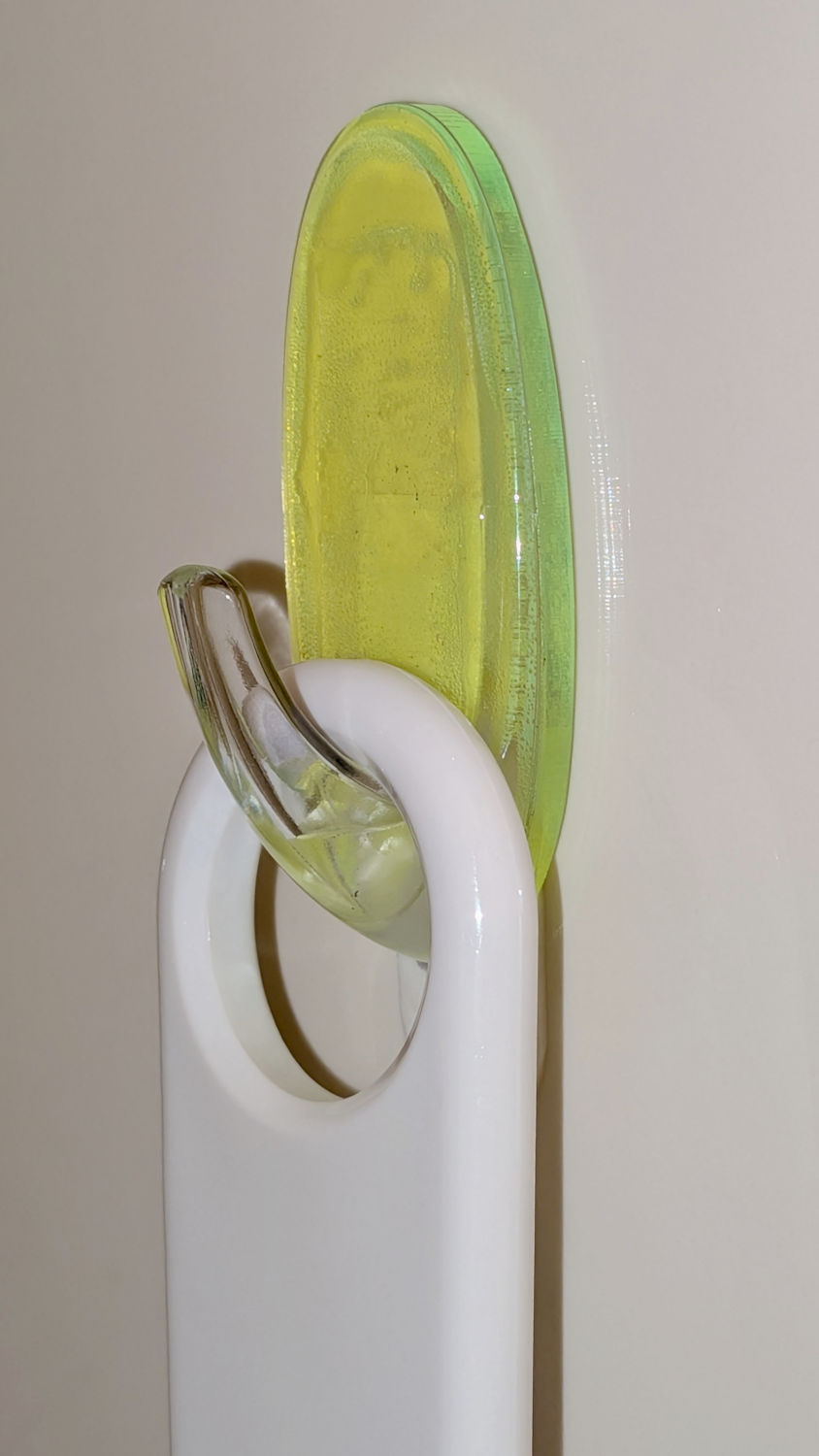
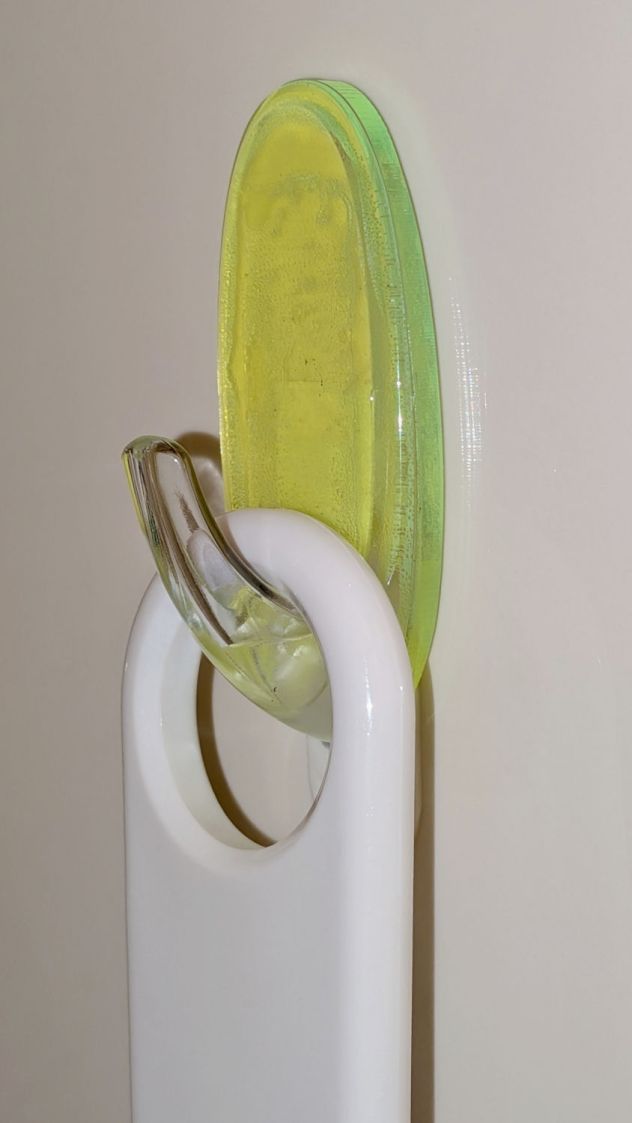
Perhaps a 3 mm spacer behind the Command Hook holding the shower squeegee to the stall will let the blade dry out between uses:
Shower Squeegee Hanger – installed
It’s fluorescent green acrylic, because why not?
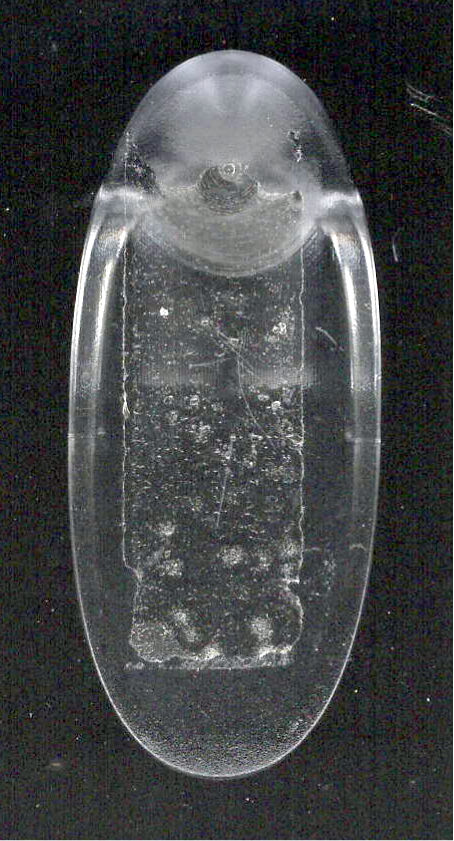
As with all such things, start with a scan of the base:
Command Hook – base scan
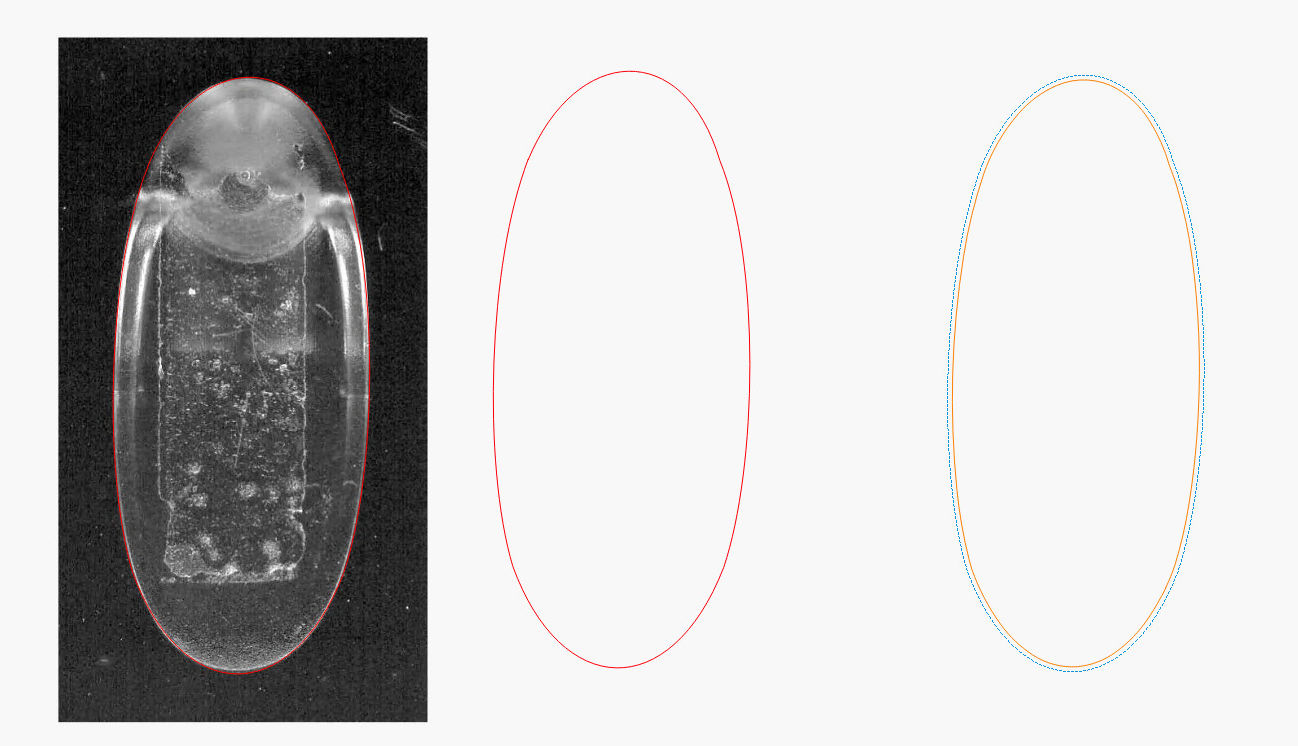
Then:
Import into LightBurn
Draw a rectangle fitting the base
Convert to a path
Node Edit to put the corner nodes on the perimeter
Tweak node handles to match curves to perimeter
Fire The Laser
Contrary to what I expected, the base is not symmetric.
The layout includes another, slightly inset, path to cut a matching shape of 3M 300LSE adhesive to stick the Command Hook onto the acrylic:
Shower Squeegee Hanger – spacer plate
You could stick a rectangle of 300LSE to the acrylic and cut both in one operation, but making the sheet slightly smaller prevents sticky edges, at the cost of aligning the cut sheet on the fly.
The Command Hook’s base is not flat, even after mostly removing the remainder of the previous Hook adhesive, so the 300LSE didn’t bond across the whole thing. If water weakens the bond and it falls off the wall (surely in the middle of the night), the next time around I’ll sand the base flat.
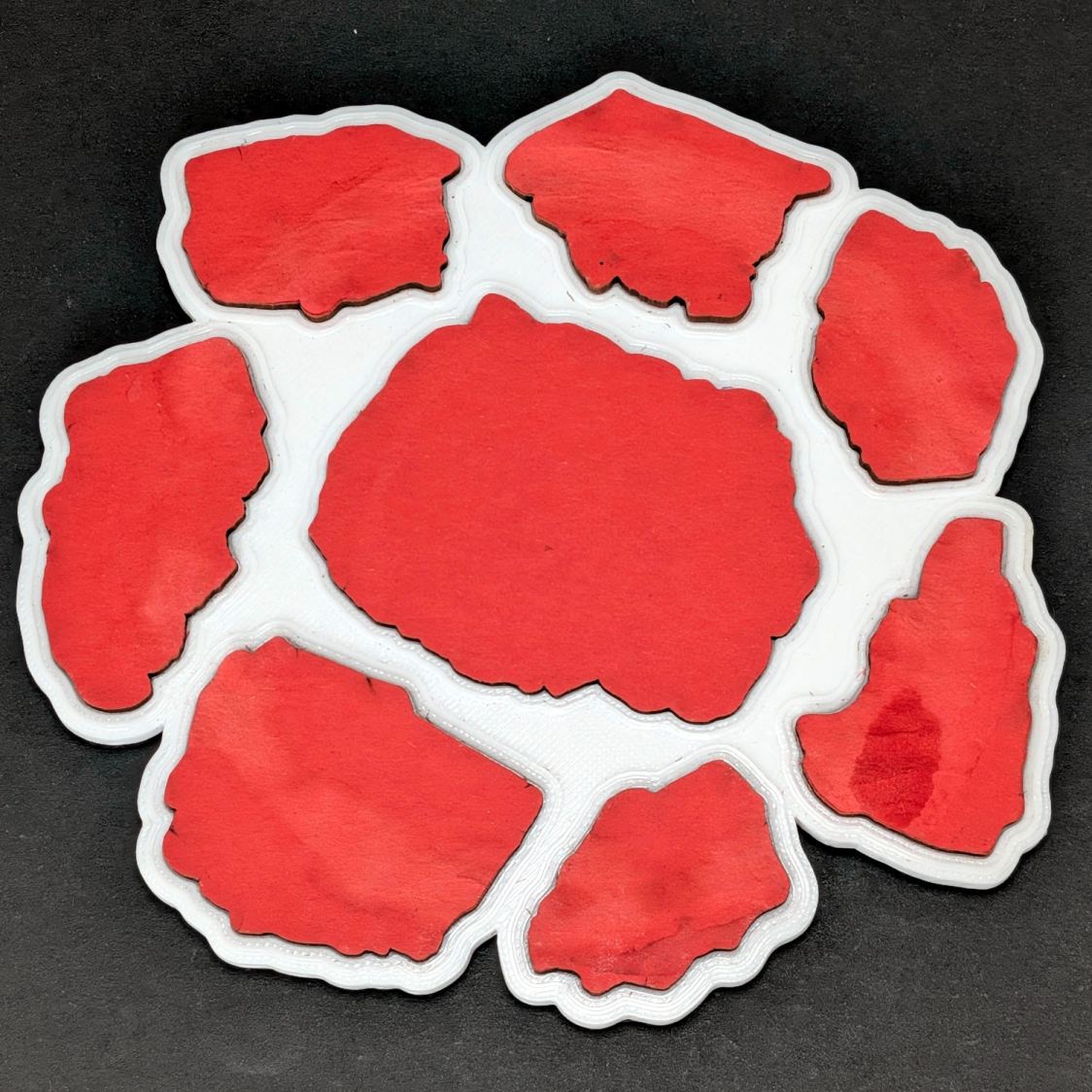
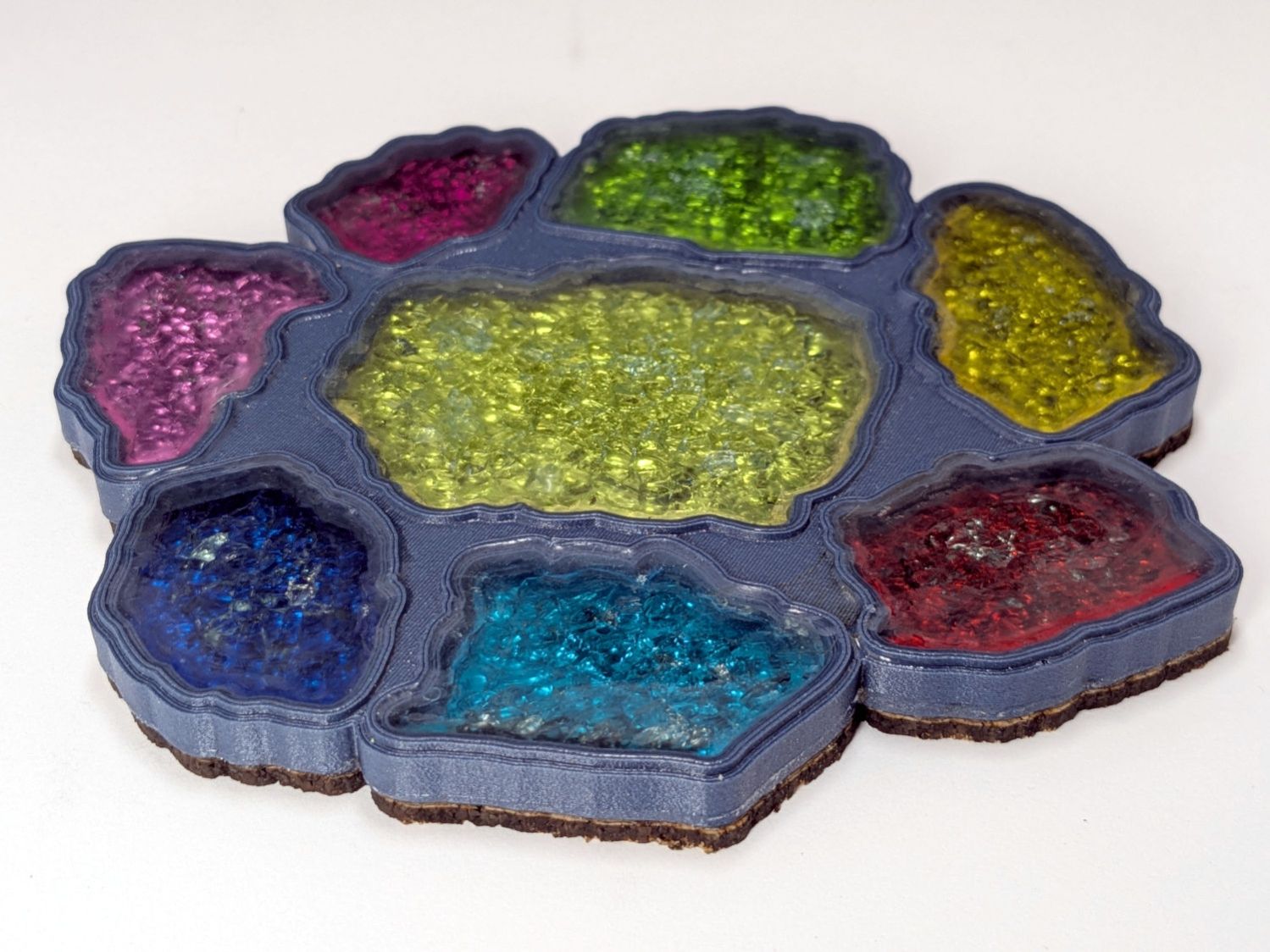
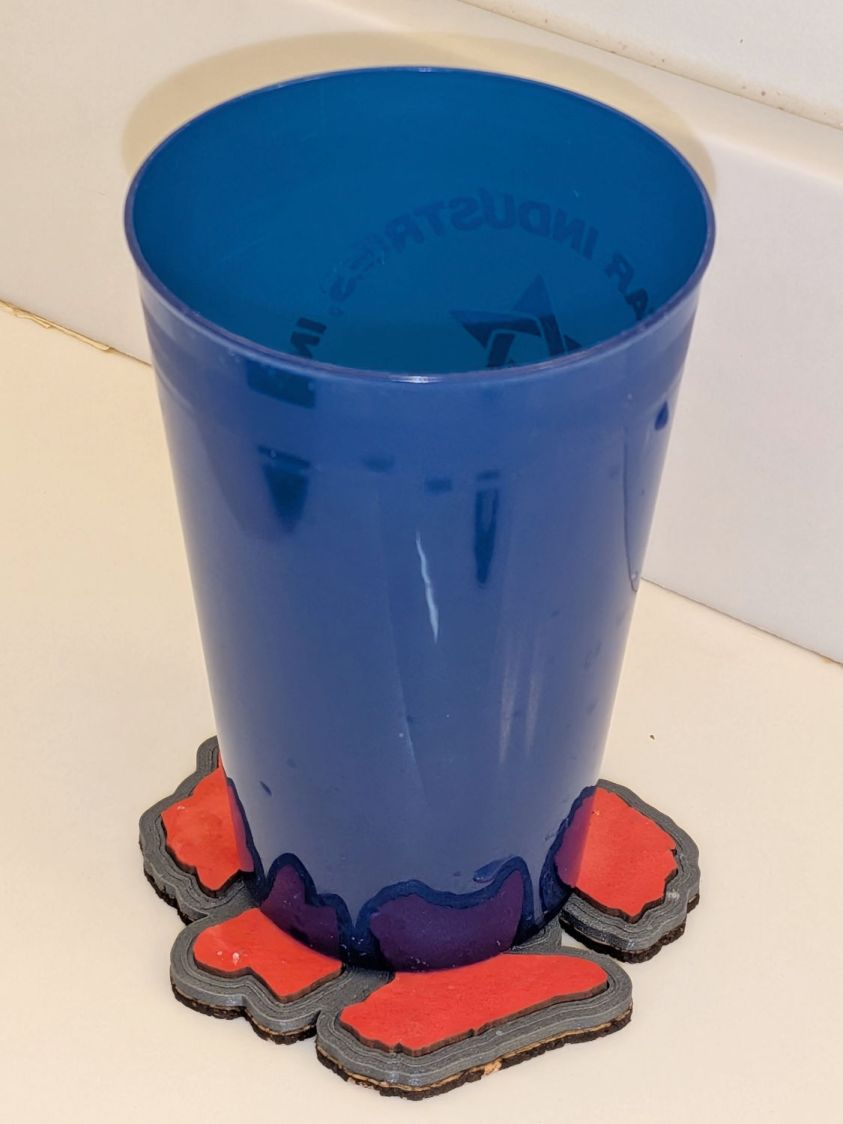
Although “chipboard” is also known as “beer mat”, it’s not intended for long-term use under sweaty mugs. After a few weeks of daily use, this is obviously out of spec:
Printed Fragment Coaster – moisture damage
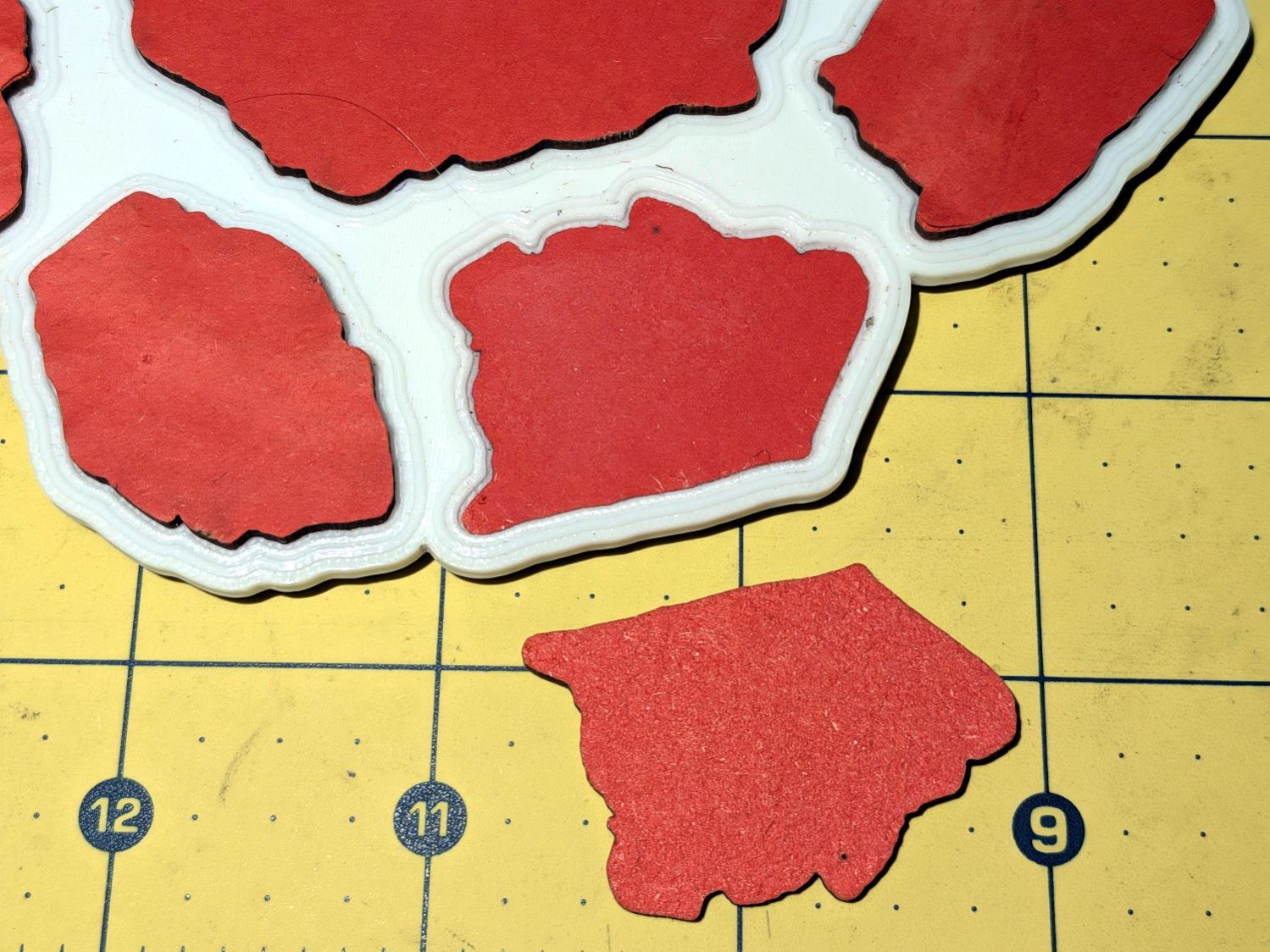
The aforementioned sweaty mug lifted part of a fragment off the coaster:
Printed Fragment Coaster – delamination
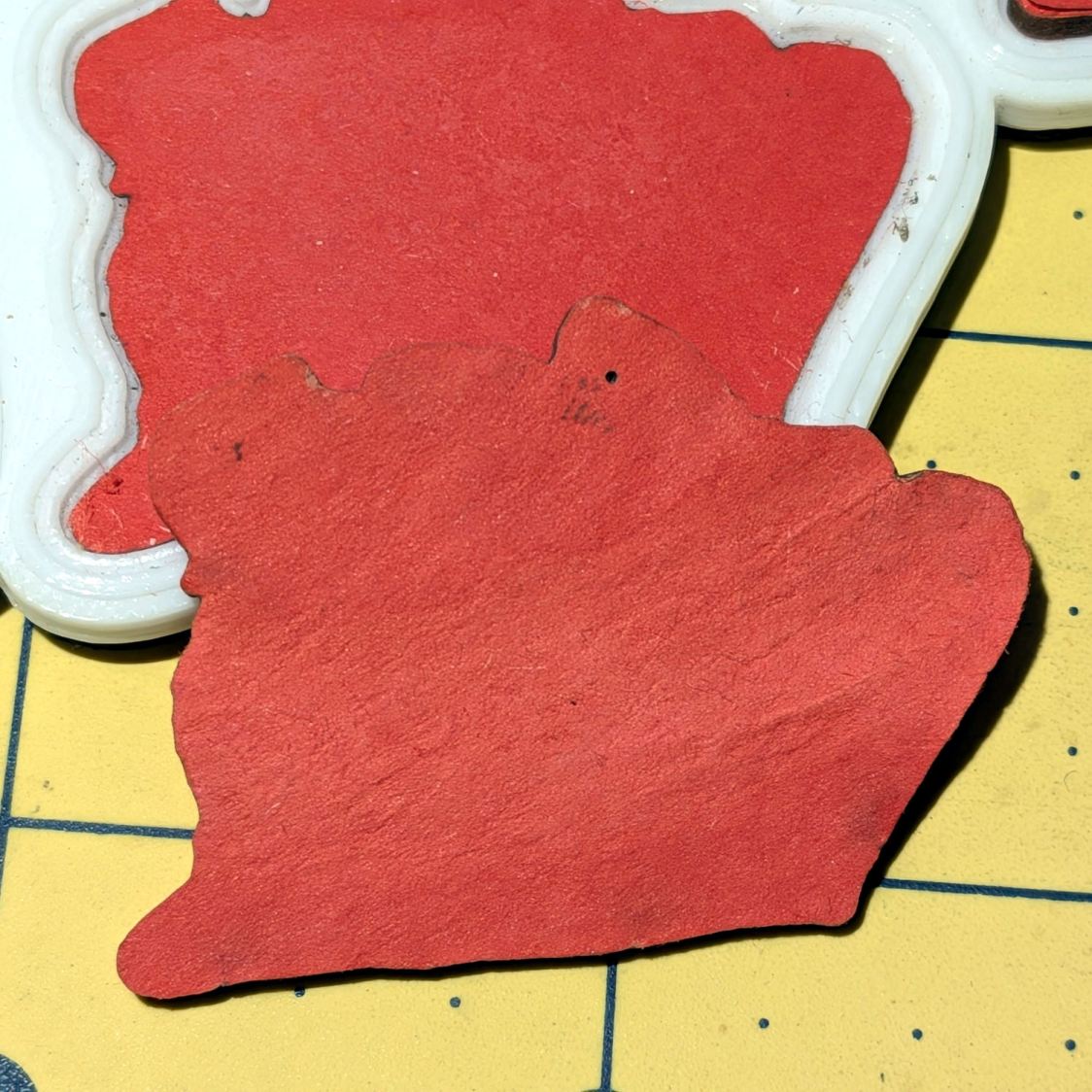
The chipboard is Quickboard from Makerstock, which is basically recycled-fiber chipboard with the advantage of being through-dyed in cheerful colors. It’s described as “2 mm-thick, three-layered board” and it looks like the core delaminated from the bottom layer.
Seeing as how it’s near the end of Sweaty Mug season, I smeared Elmer’s Glue Stick PVA adhesive over the fragment, stuck it back in place, and declared victory.
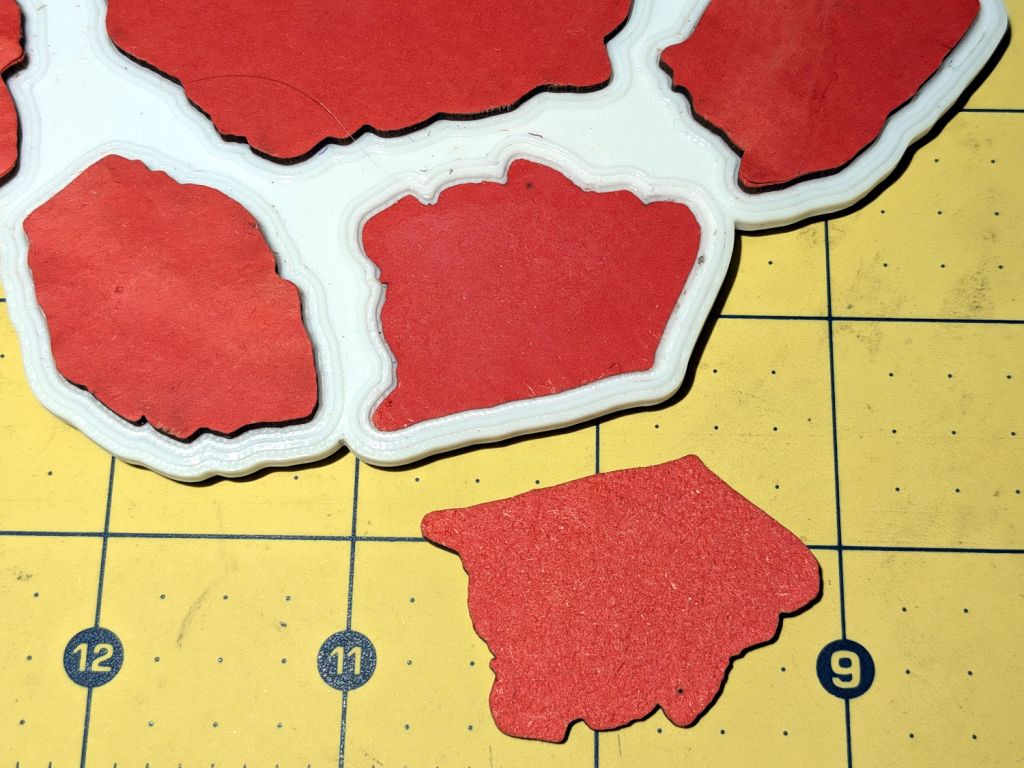
Going back to the original GIMP tracing (storage being cheap, never delete anything), I missed a pixel:
Printed Fragment Set C – GIMP selection – errant pixel
Surely you can see it, particularly because you know exactly where it is. Right?
The (degenerate) path around that pixel becomes a tiny vector in LightBurn:
Printed Fragment Coaster – Set C – orphan vector
It’s easier to see there. Right?
Whereupon LightBurn dutifully punched a pinhole through the chipboard, because that’s what I asked it to do. It also punched that pinhole into the metallized paper reflector under the smashed glass fragment, but I didn’t notice it then, either.
Shrinking the GIMP selection by one pixel width, then growing it by one pixel would eliminate single-pixel selections: just another item on the to-do list while tracing fragments.
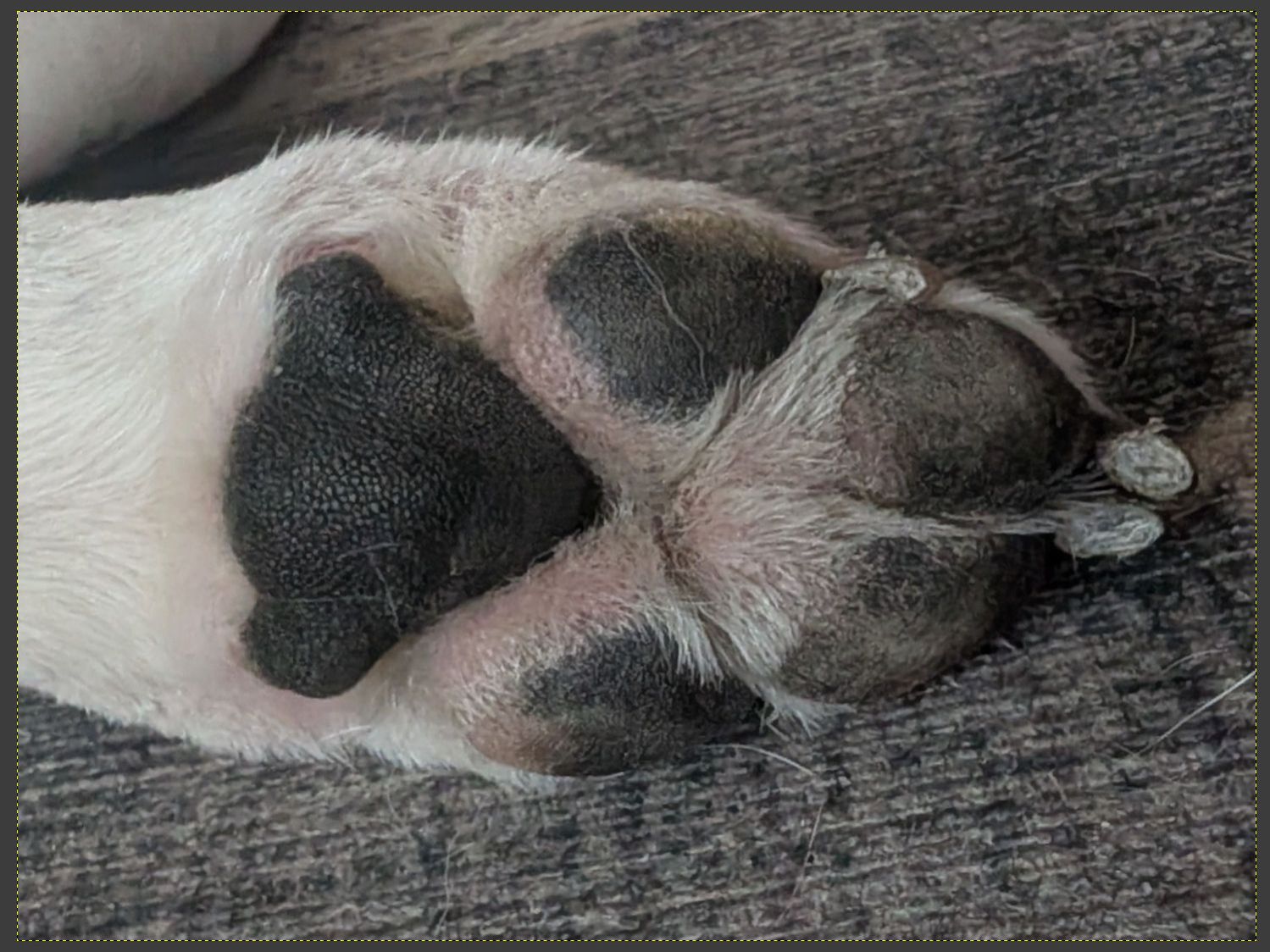
Rescale the paw to about 100 mm vertically to properly fit a normal-size glass / tumbler / mug. This may be considerably larger than life, but dog owners always want more dog, so it’ll work.
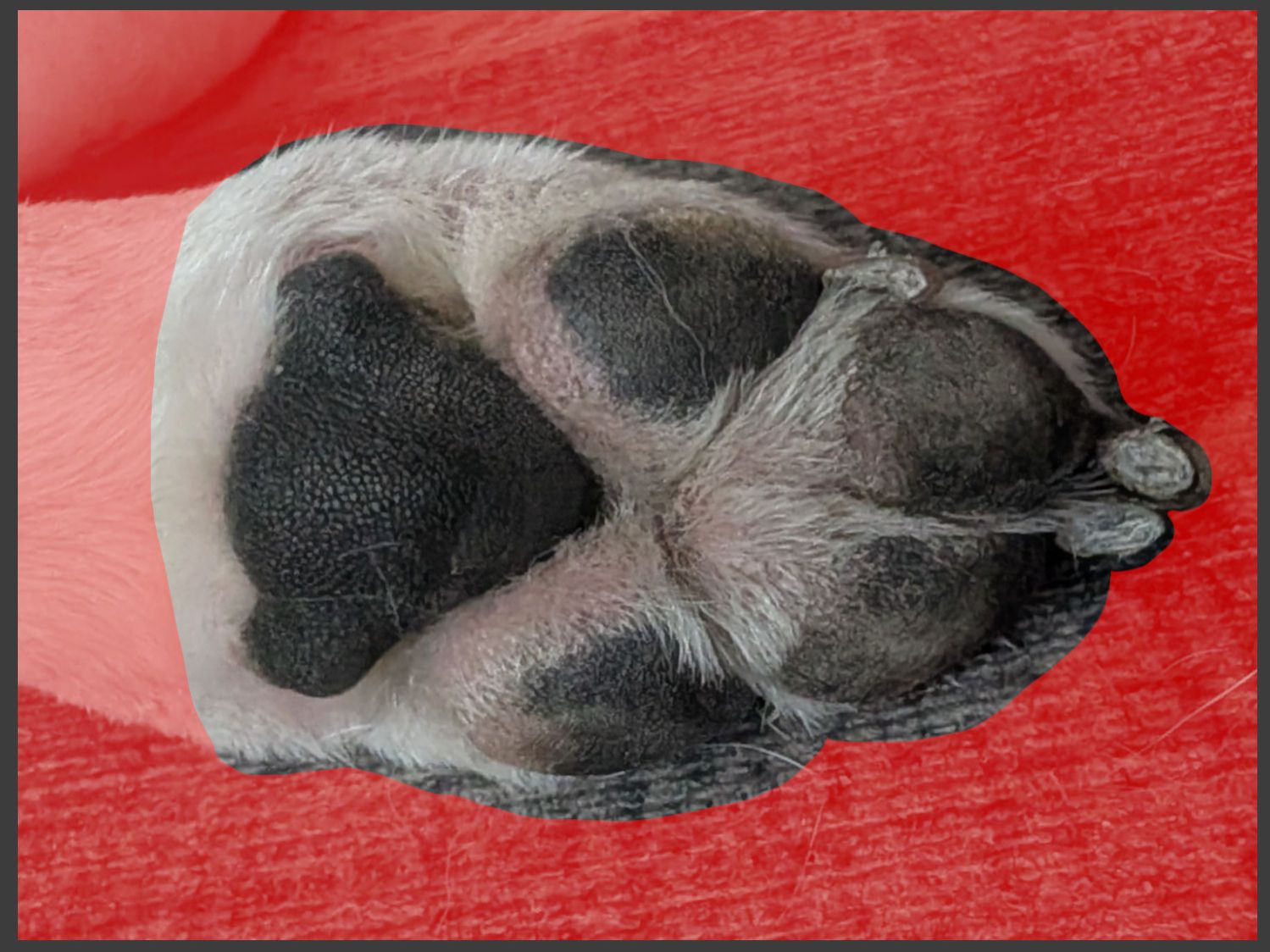
Generate an outline mask in GIMP:
Dog Paw Coaster – paw mask
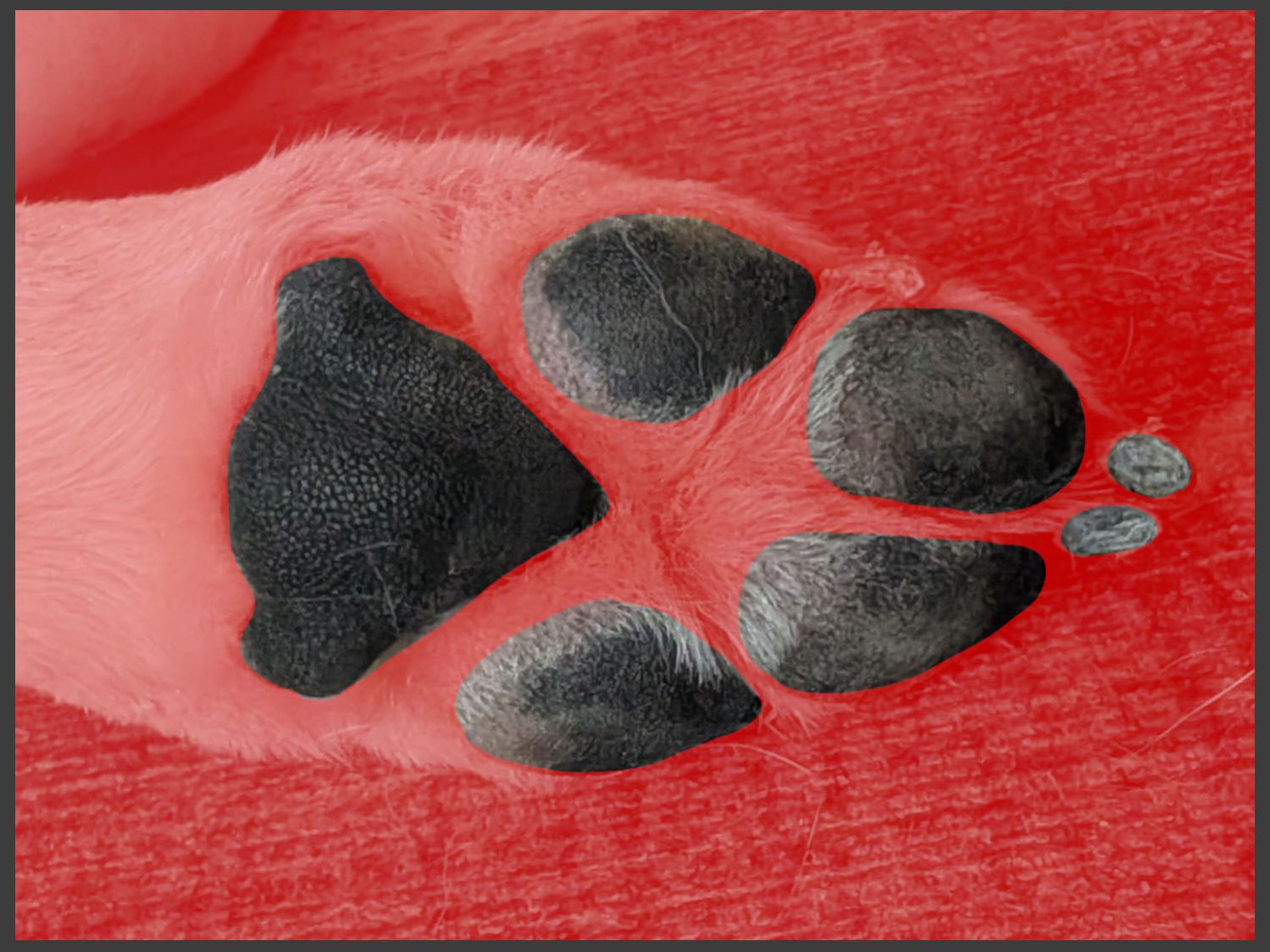
Generate another mask for the pads & toenails:
Dog Paw Coaster – pad mask
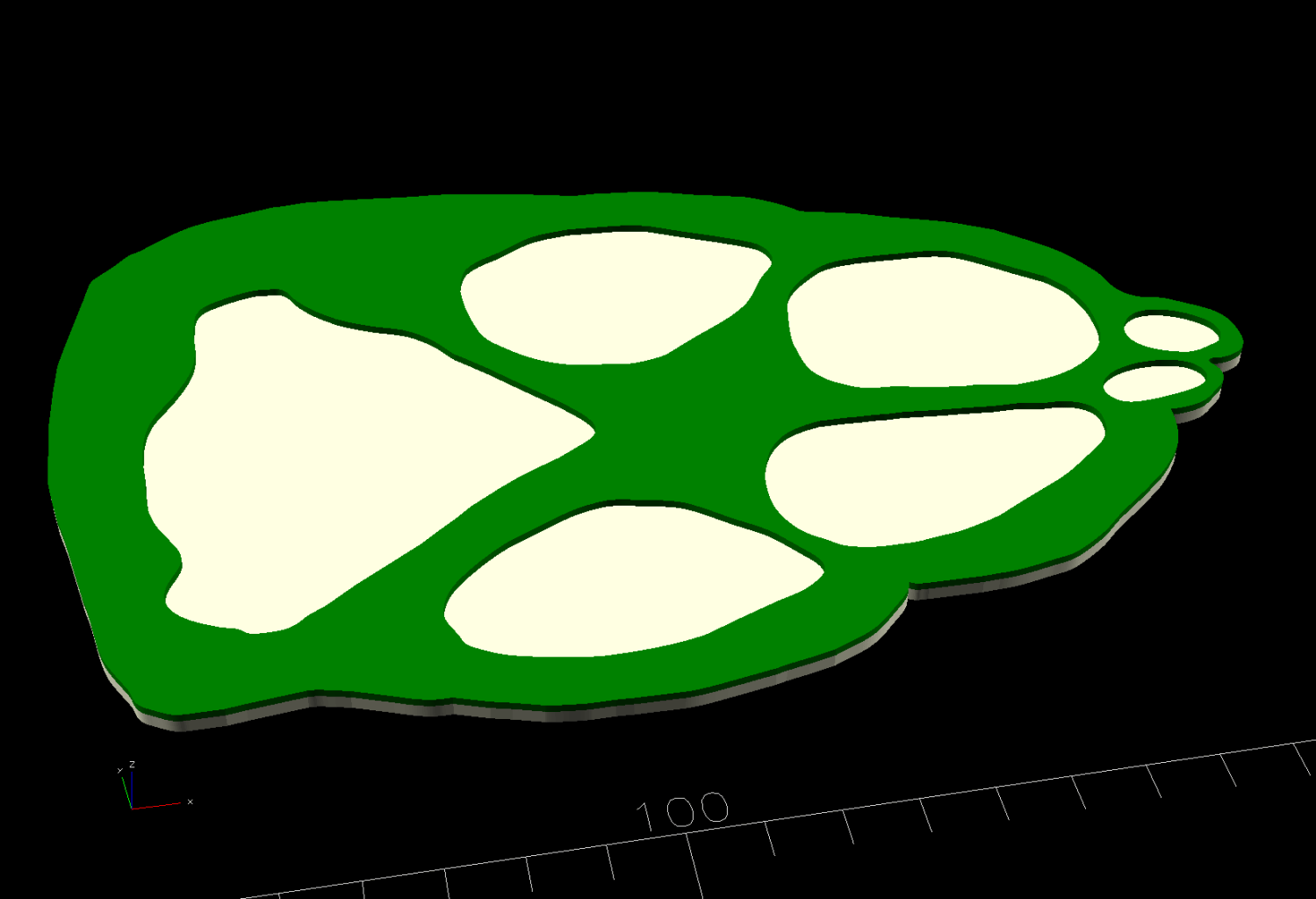
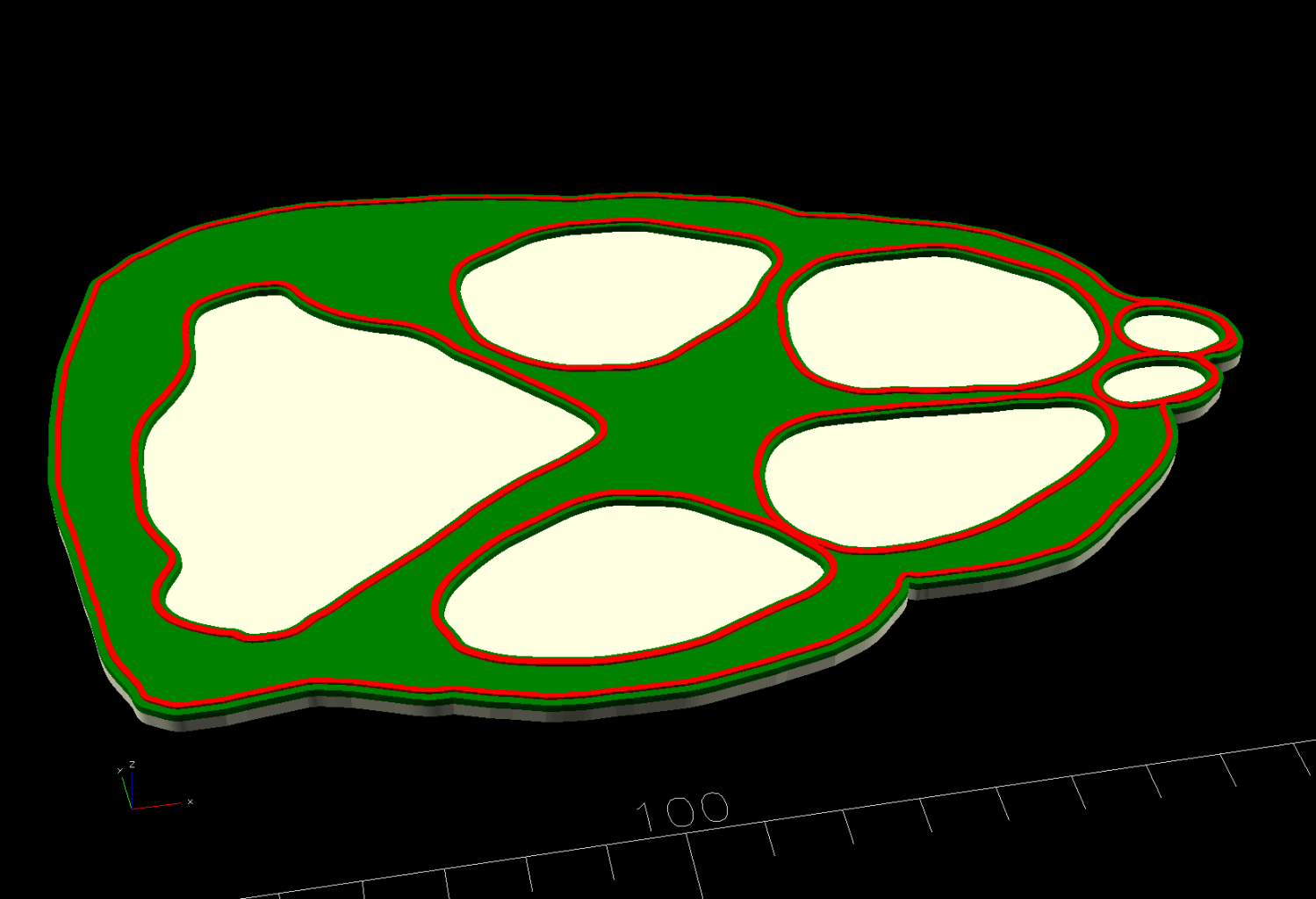
Convert those into paths, save them as SVG files, and hand them to OpenSCAD:
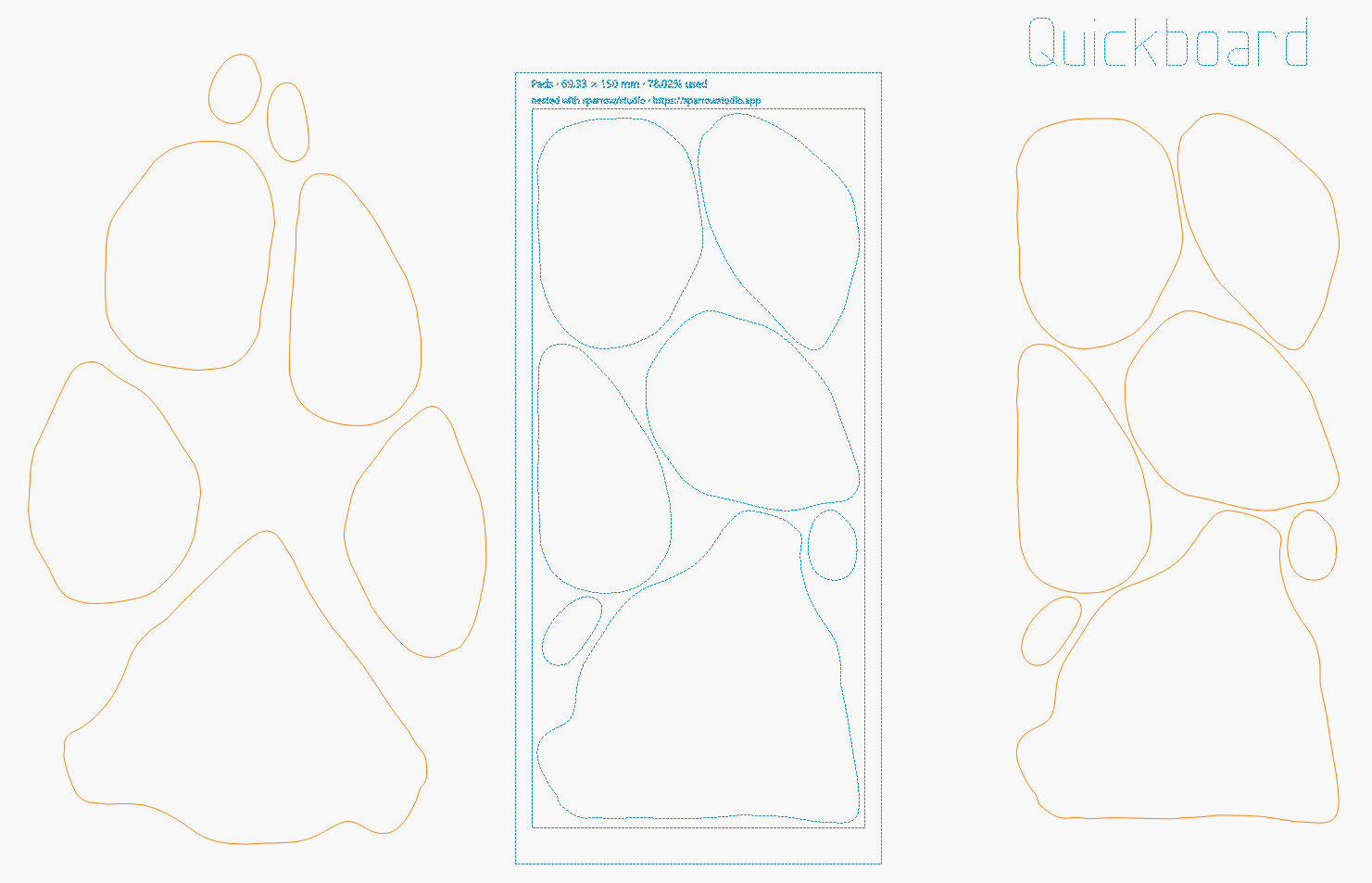
Run the solid model through PrusaSlicer, send it to the MK4, and, while the printer is buzzing away, run the pads through an online nesting program to see how well that works:
Dog Paw Coaster – Pads nesting – LightBurn layout
While nesting didn’t save much material, it might come in handy for something more intricate and now I’ll be able to find it again.
Then get busy:
Stick adhesive sheet to the chipboard
Mirror the pads to cut adhesive side up
Cut the pads, rescue a toenail from the chip tray
Import the paw outline SVG
Offset 0.75 mm inward
Stick adhesive sheet on the cork
Cut paw outline (adhesive up, but not mirrored!)
Peel & stick
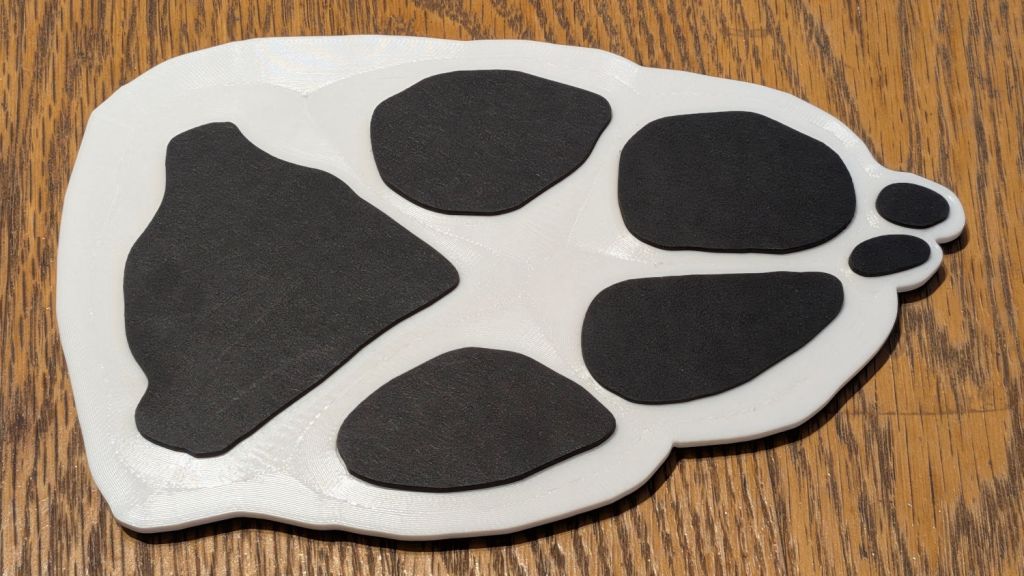
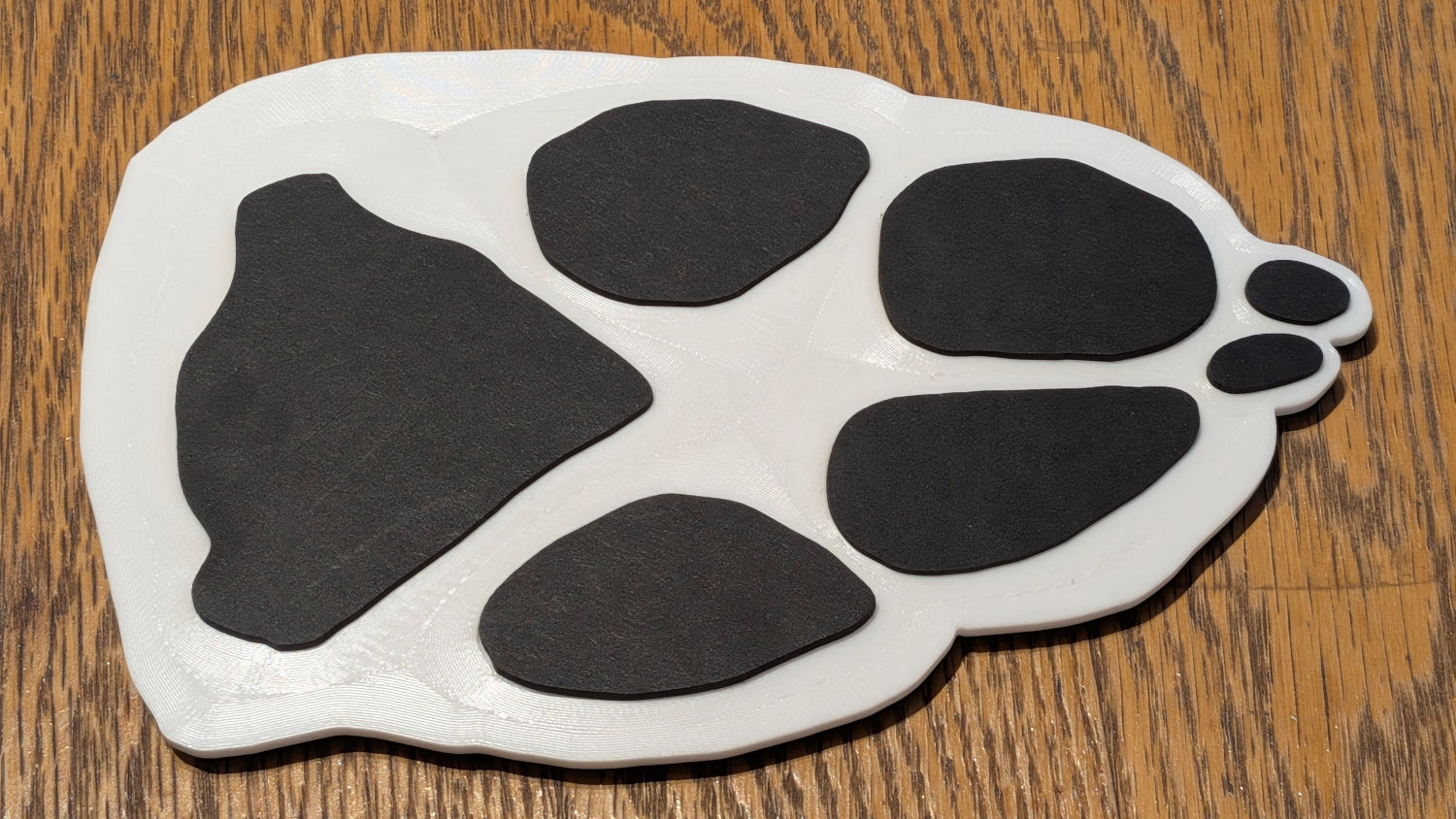
Which turned out pretty good:
Dog Paw Coaster – assembled
I used Concentric infill on the top to resemble the fur pattern, but it came out way too subtle.
The owner liked it, though, which made it all worthwhile.
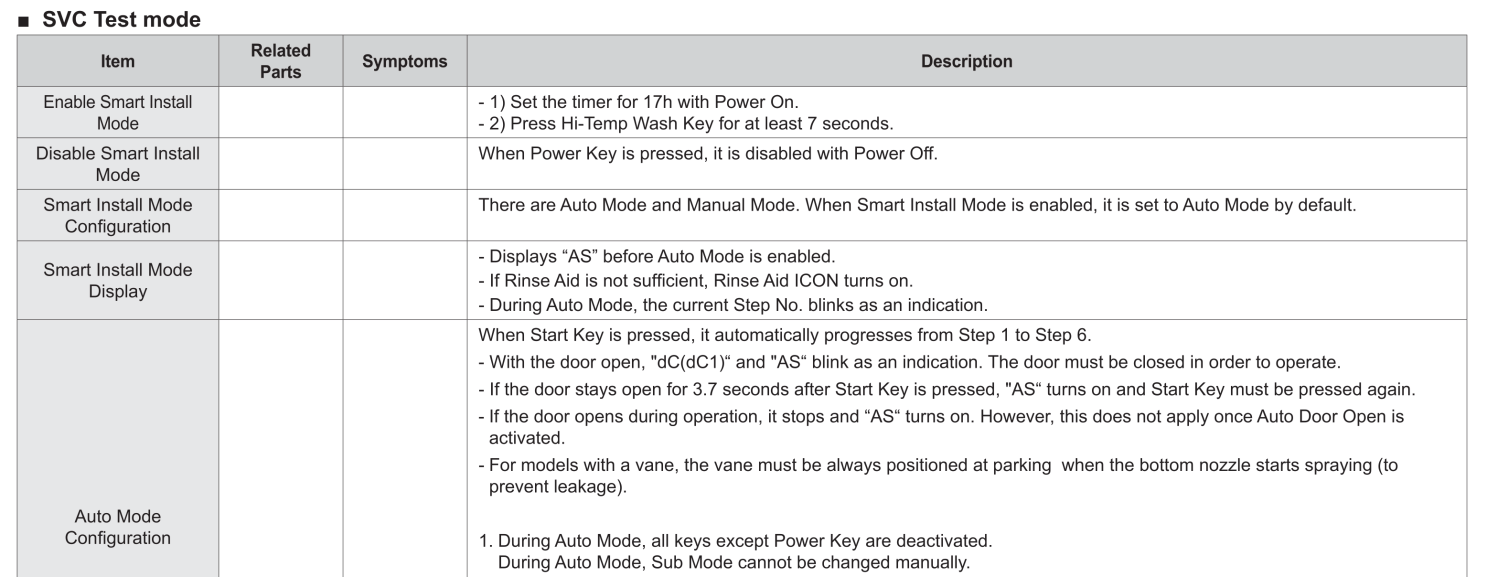
Replacing the drying fan didn’t prevent the Samsung dishwasher from crashing when the drying cycle starts, so I eventually figured out how to run the “Smart Install” test sequence:
Samsung Dishwasher – DW80K7050US – p 37 – Service Test Mode
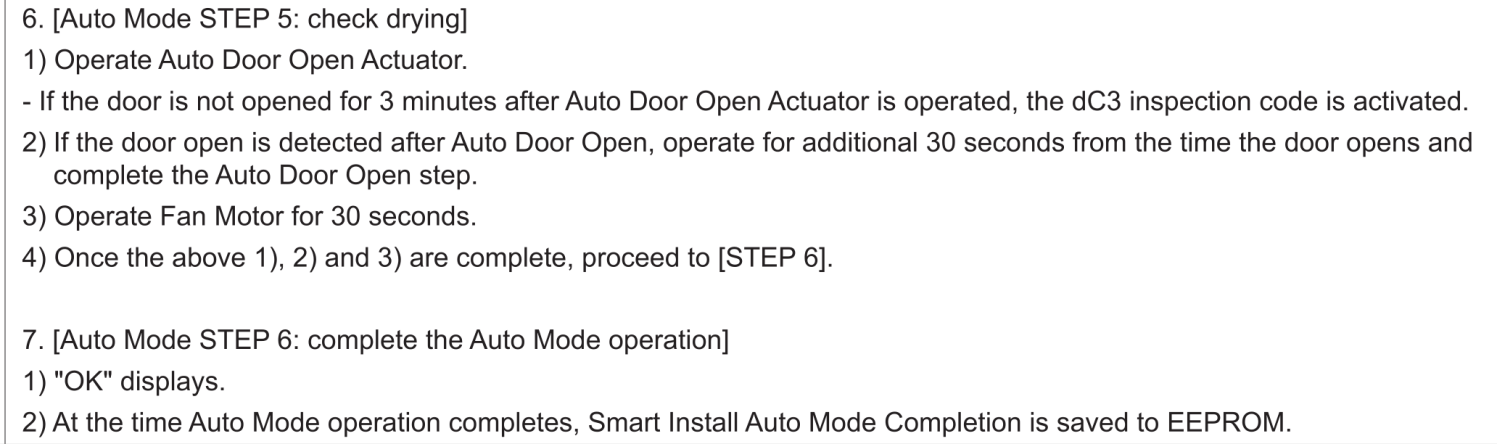
Which ticked through everything right up to the start of the “Check Drying” step:
Samsung Dishwasher – DW80K7050US – p 39 – Check Drying
Whereupon all the control panel LEDs went dark and a little red status LED on the PCB began blinking what must be an error code: long / pause / long-short-short. Of course, I cannot find any doc for that LED’s code.
The “Auto Door Open Actuator” is a wax motor, a device I had never encountered before. It opens the door through a whippletree pushing two tabs against the door:
Samsung dishwasher – door auto-open mechanism
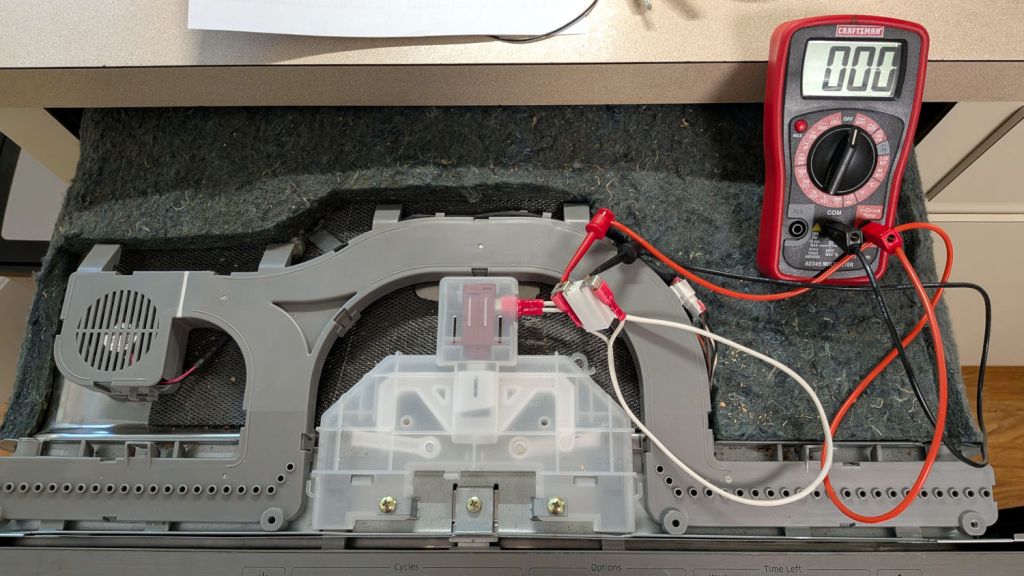
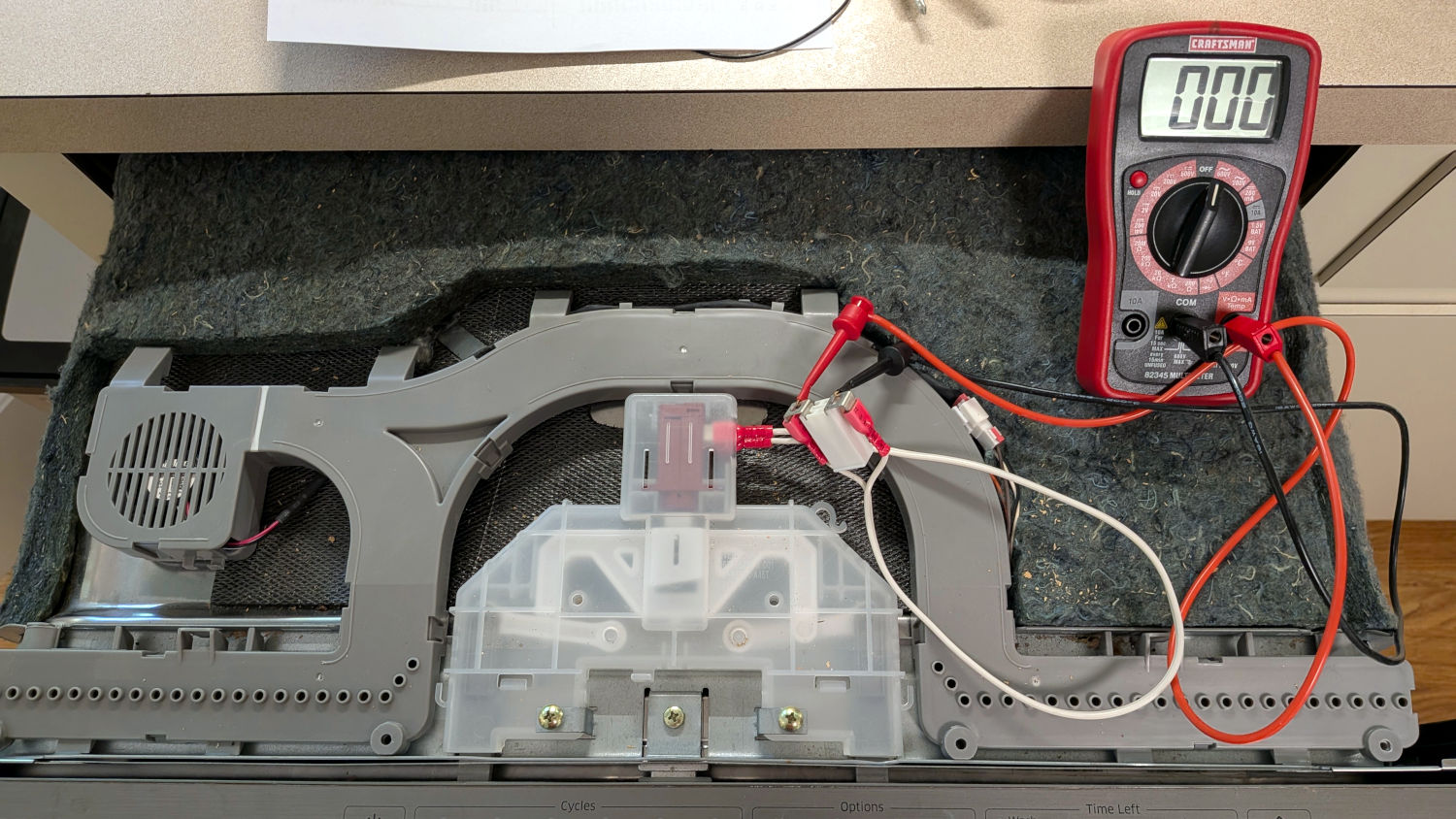
The meter measures the voltage across the wax motor Auto Door Open Actuator through improvised widowmaker jumpers jammed onto the quick-disconnect fittings. As you might expect, the meter showed 000 VAC before, during, and after the crash, suggesting something is wrong with the relay intended to activate the motor.
Because the test sequence activates the drying fan after opening the door, the fan never even twitched.
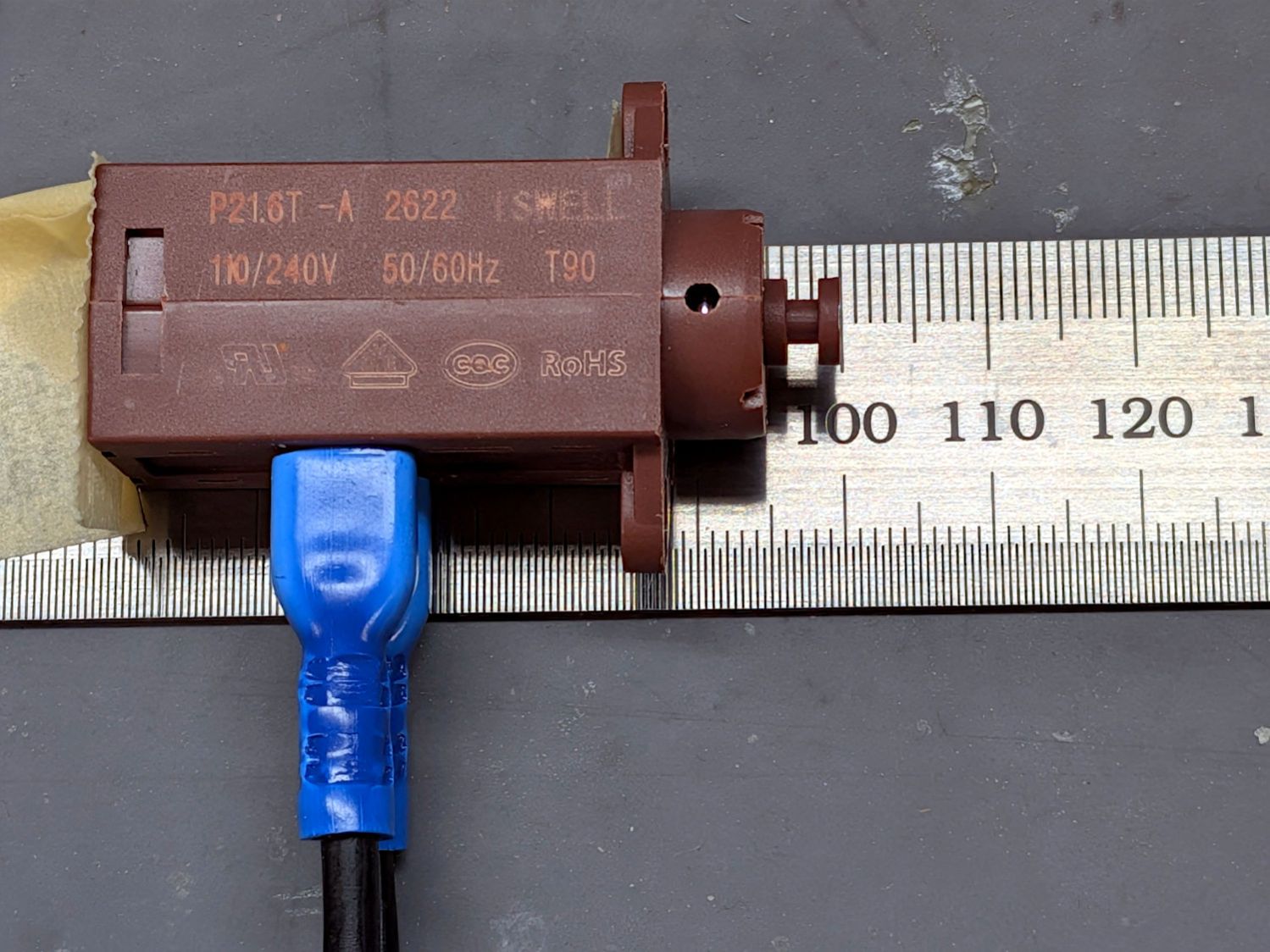
For twelve bucks (spend up to $150 if you prefer), I had a generic DD66-00089A actuator in hand before dragging the dishwasher out of its lair and, being me, had to measure what it did:
Samsung Dishwasher – Door Actuator wax motor – test layout
It’s about 1.8 kΩ across the terminals and, not being fussy about its input voltage, will dissipate anywhere from 6 to 32 W in operation. Because the “motor” works by the force generated by expanding liquid wax, the response time obviously goes down as the voltage goes up.
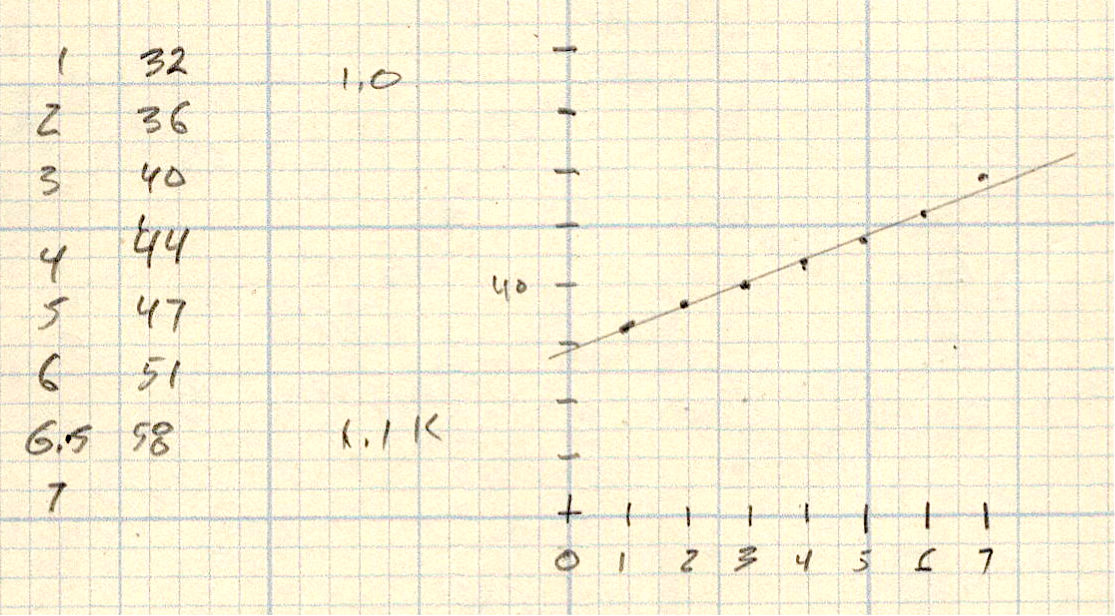
After a few cycles to figure things out, plotting elapsed time against piston displacement is surprisingly linear right out to the 6.5-ish mm maximum stroke:
Wax Motor – time vs. displacement
It take much longer from a cold start, which is how it’s normally used, so the 30 s intercept at 0 mm is definitely on the low side.
Samsung no longer manufactures the DD82-01337A7050 control board, the usual aftermarket suppliers report it’s out of stock, and, given the lack of doc, I am loathe to pull it out of the dishwasher for failure analysis / repair. The one-hour cycle gets the dishes clean and a 46 minute countdown timer reminds me to open the door for drying, so the failure seems survivable for the immediate future.