The Smell of Molten Projects in the Morning

Ed Nisley's Blog: Shop notes, electronics, firmware, machinery, 3D printing, laser cuttery, and curiosities. Contents: 100% human thinking, 0% AI slop.

Category: Electronics Workbench

Electrical & Electronic gadgets

  • Fairchild and Stoddard RF Current Probes / EMC Field Sniffers

    I’ve always wondered how noisy those Arduino + fake Neopixel lamps might be and these RF sniffers might come in handy:

    Fairchild MFC-25 and Stoddart 91550-1 Current Probes
    Fairchild MFC-25 and Stoddart 91550-1 Current Probes

    Even though they’re long obsolete, RF fields haven’t changed much in the intervening decades.

    Fairchild Electronics may have become Electro-Metrics before they vanished in turn; the single useful search result offers a limited spec sheet that describes it as part of a set of three “loop probes covering the frequency range 10kHz-230MHz designed to search for RF magnetic leaks, especially in cabinets and shielded enclosures”. This one, with the blue coating, has a bandwidth of 22 MHz to 230 MHz. It has a TNC connector that now sports a cheap BNC adapter; note that it has standard polarity, not the reverse polarity required by FCC regulations that don’t take Amazon Prime into consideration.

    Stoddard Aircraft Radio Co, Inc passed the 91550-1 baton to ETS-Lindgren, which (as of right now, anyway) offers a datasheet for a gadget that looks remarkably similar. The 30 Hz lower limit on the data plate suggests it’s roughly equivalent to ETS-L’s contemporary 20 Hz 91550-1L probe, but I doubt that makes much practical difference for my simple needs. The adapter takes the probe’s N connector to BNC.

    The Word According to Mad Phil: If you can get to BNC, you can get to anything.


  • Vacuum Tube LEDs: Bowl of Fire Floodlight

    Although I didn’t plan it like this, the shape of the first doodad on the mini-lathe reminded me that I really wanted something more presentable than the (now failed) ersatz Neopixel inside the ersatz heatsink atop that big incandescent bulb.

    So, drill a hole in the side:

    Ersatz aluminum heatsink - drilling
    Ersatz aluminum heatsink – drilling

    Epoxy a snippet of brass tubing from the Bottomless Bag o’ Cutoffs into the hole:

    Ersatz aluminum heatsink - tubing trial fit
    Ersatz aluminum heatsink – tubing trial fit

    Recycle the old wire and PET loom, solder to another fake Neopixel, blob epoxy inside to anchor everything, and press it into place:

    Ersatz aluminum heatsink - epoxying LED
    Ersatz aluminum heatsink – epoxying LED

    Cutting the failed LED & plastic heatsink off the wire left it a bit too short for that tall bulb, but some rummaging in the heap produced a 100 W incandescent floodlight with a nicely pebbled lens:

    Reflector floodlight - overview
    Reflector floodlight – overview

    A thin ring of clear epoxy secures the ersatz heatsink to the floodlight:

    Reflector floodlight - finned LED holder
    Reflector floodlight – finned LED holder

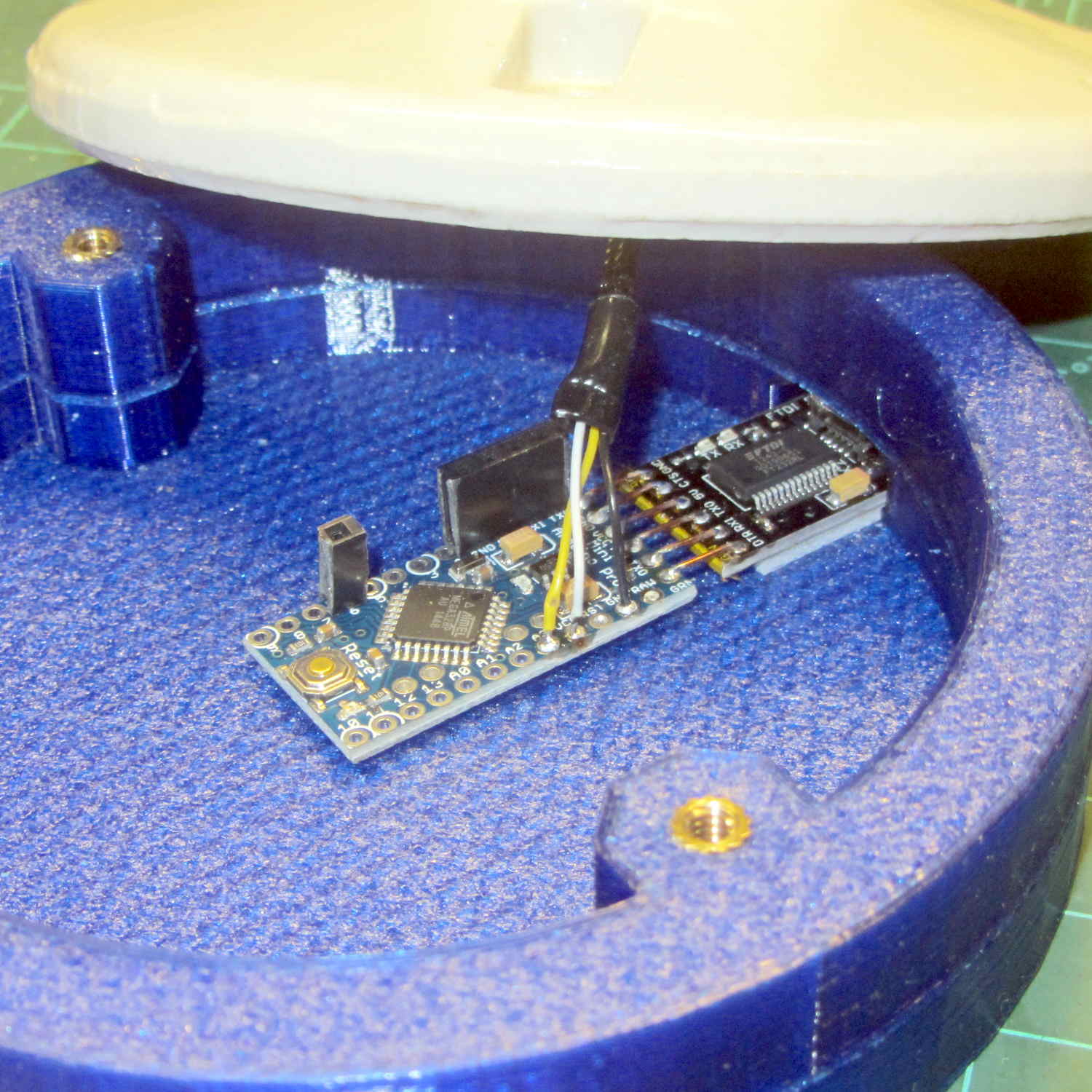
    This time, I paid more attention to centering it atop the General Electric logo ring in the middle of the lens, which you can just barely see around the perimeter of the aluminum fin. By pure raw good fortune, the cable ended up pointed in the general direction of the socket’s pull-chain ferrule; you can’t unscrew the bulb without tediously unsoldering the wires from connector atop the knockoff Pro Mini inside the base and squeezing them back out through the ferrule.

    With the firmware set for a single fake Neopixel on pin A3 and a 75 ms update rate, the floodlight bowl fills with color:

    Reflector floodlight - purple phase
    Reflector floodlight – purple phase

    It puts a colored ring on the ceiling and lights the whole room far more than you’d expect from 200 mW of RGB LEDs.

    Pretty slick, even if I do say so myself …

  • Inspiron Mini 10 as a 3D Printer Controller

    It turns out that the dual-core Intel Atom Inside an old Dell Mini 10 isn’t up to the demands of rendering modern web design; disk I/O speed has nothing to do with the CPU’s (lack of) ability to chew through multiple layers of cruft adorning what used to be straightforward static HTML.

    So, equipped with Linux Mint / XFCE, it’s now found a new purpose in life:

    SnowWhite back in action
    SnowWhite back in action

    In truth, an Atom isn’t quite up to the demands of modern 3D printing, either, at least in terms of processing a huge G-Code file into a layer-by-layer path preview. Fortunately, Pronterface doesn’t generate the preview until you ask for it: arranging the UI to put the preview on a separate tab eliminates that problem.

    The Mini 10 can dribble G-Code into the printer just fine and looks much cuter than the hulking laptop in the background.

  • Recommended Stubby Multi-Driver

    This recently acquired Klein 32561 Stubby Multi Driver is definitely better than the others in my collection:

    Klein Stubby Multi Driver
    Klein Stubby Multi Driver

    The steel shaft has a 1/4 inch hex socket on one end, a 5/16 hex socket on the other, the two hex bits handle the usual screws, and it’s smaller than it looks.

    You must figure out what to do with the loose driver bit while using a socket.

    No ratchet, but you won’t miss it.

    Available from the usual online sources for about ten bucks; accept no substitutes…

  • Monthly Science: Chrysalid Engineer

    So then this happened:

    Karen - canonical tiger paw graduation picture
    Karen – canonical tiger paw graduation picture

    Yeah, tanker boots and all; not the weirdest thing we saw during RIT’s graduation ceremonies.

    This summer marks her fourth of four co-op semesters with Real Companies Doing Tech Stuff and her final classes end in December; RIT holds one ceremony in the spring and being offset by a semester apparently isn’t all that unusual. She (thinks she) has a job lined up after graduation and doesn’t need her doting father’s help.

    But, hey, should you know someone with a way-cool opportunity (*) for a bright, fresh techie who’s increasingly able to build electronic & mechanical gadgets and make them work, drop me a note and I’ll put the two of you in touch. [grin]

    (*) If that opportunity should involve 3D printed prosthetics with sensors and motors, she will crawl right out of your monitor…

  • APRS/GPS + Voice Interface: Improved PTT Button Cap

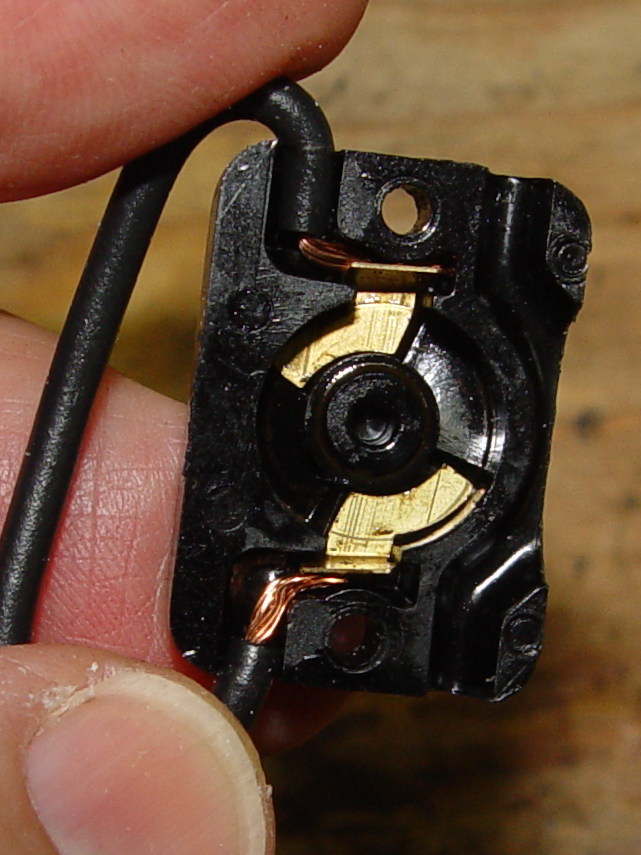
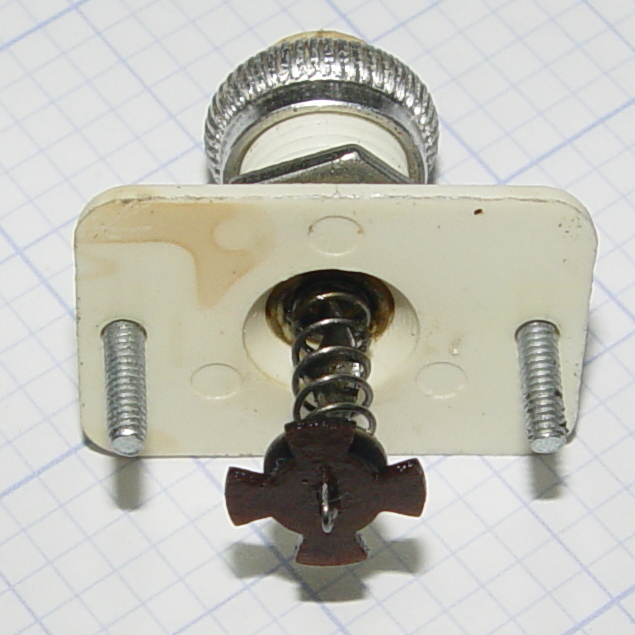
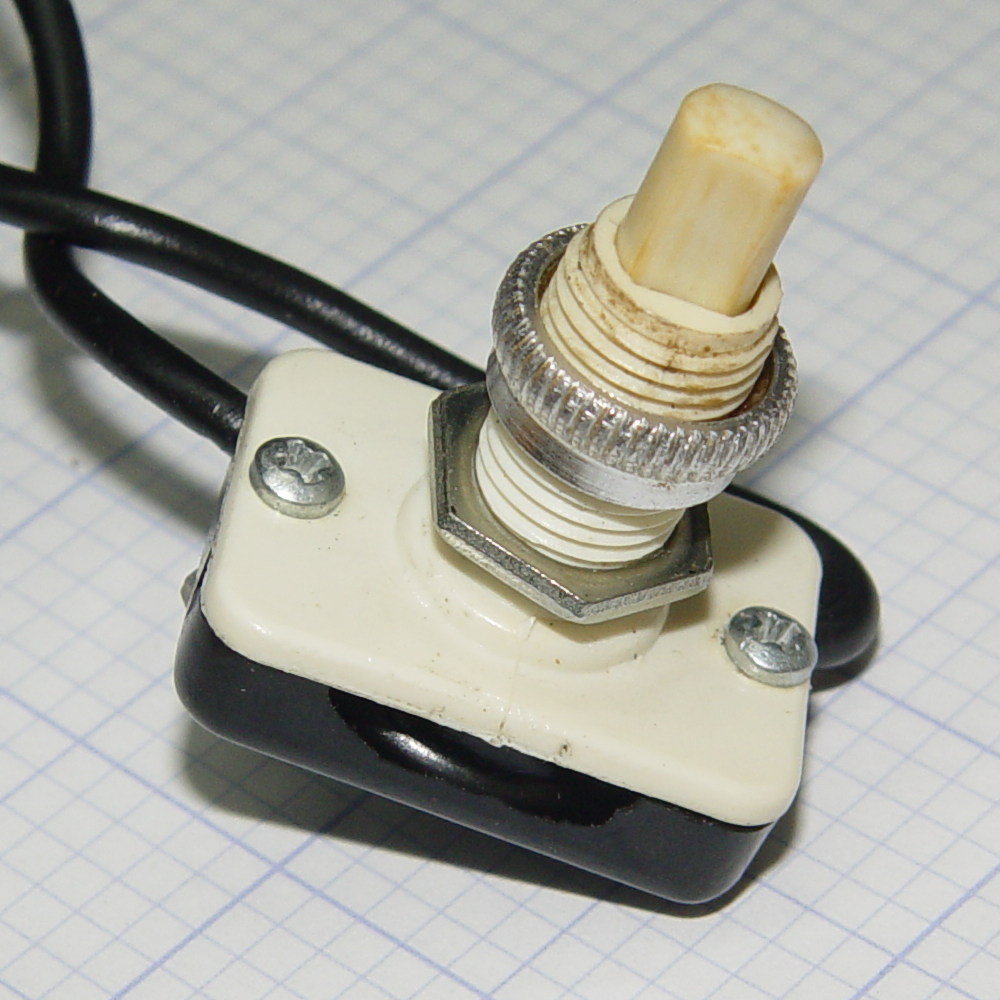
    Long ago, Mary picked out a PTT switch with a raised, square post that provided a distinct shape and positive tactile feedback:

    PTT Button - bare post
    PTT Button – bare post

    Time passes, she dinged her thumb in the garden, and asked for a more rounded button. I have some switches with rounded caps, but replacing the existing switch looked a lot like work, sooooo:

    PTT Button Cap - Slic3r preview
    PTT Button Cap – Slic3r preview

    As with all small objects, building them four at a time gives the plastic in each one time to cool before slapping the next layer on top:

    PTT Button - on platform
    PTT Button – on platform

    The hole in the cap is 0.2 mm oversize, which results in a snug press fit on the small ridges barely visible around the post in the first image:

    PTT Button - rounded cap
    PTT Button – rounded cap

    Rather than compute the chord covering the surface, I just resized a sphere to twice the desired dome height (picked as 6 threads, just for convenience) and plunked it atop a cylinder. Remember to expand the sphere diameter by 1/cos(180/sides) to make it match the cylinder and force both to have the same number of sides.

    If it falls off, I have three backups.

    The OpenSCAD source code as a GitHub Gist:

    // PTT Button cap
    // Ed Nisley KE4ZNU – June 2016
    //- Extrusion parameters – must match reality!
    ThreadThick = 0.20;
    ThreadWidth = 0.40;
    Protrusion = 0.1;
    HoleWindage = 0.2;
    //——
    // Dimensions
    Post = [3.8,3.8,3.0];
    OD = 0;
    HEIGHT = 1;
    DOMEHEIGHT = 2;
    Button = [12,0+Post[2],6*ThreadThick];
    NumSides = 8*4;
    //———————-
    //- Build it
    difference() {
    union() {
    translate([0,0,Button[HEIGHT]])
    resize([0,0,2*Button[DOMEHEIGHT]])
    sphere(d=Button[OD]/cos(180/NumSides),$fn=NumSides);
    cylinder(d=Button[OD],h=Button[HEIGHT],$fn=NumSides);
    }
    translate([0,0,Post[2]/2 – Protrusion])
    cube(Post + [HoleWindage,HoleWindage,Protrusion],center=true);
    }
  • Nothing Exceeds Like Excess: Tektronix CT-5 Current Transformer Probe

    When a 100 A current probe won’t do the job, another order of magnitude can make all the difference:

    Tek CT-5 A6302 Current Probe - 500 W bulb
    Tek CT-5 A6302 Current Probe – 500 W bulb

    That’s a Tektronix CT-5 current transformer, rated for 1 kA between -3 dB points at 0.5 Hz and 20 MHz, with an A6302 20 A probe snapped around its 1000:1 output winding.

    The eBay deal didn’t include the 015-0190-00 1000:1 bucking coil that lets you measure small AC signals against high DC current; if you happen to find one for considerably less than the $100 I was unwilling to pay, let me know. I doubt I’ll ever need it, but ya never know.

    Lacking a calibrated current source with sufficient moxie to exercise the thing, I settled for a 500 W incandescent bulb: 514 W and 4.38 A rms, according to a Kill-A-Watt meter off to the left.

    The 1000:1 output, seen through the A6302 probe at 2 mA/div = 2 A/div:

    Tek CT-5 A6302 - 2 mA div 1000 ratio - 514 W 4.38 A
    Tek CT-5 A6302 – 2 mA div 1000 ratio – 514 W 4.38 A

    The 22.22 mVrms corresponds to 4.4 A = (22.22 / 10) * 0.002 * 1000.

    Moving the probe to the 20:1 output at 100 mA/div = 2 A/div:

    Tek CT-5 A6302 - 100 mA div 20 ratio - 514 W 4.38 A
    Tek CT-5 A6302 – 100 mA div 20 ratio – 514 W 4.38 A

    Again, the scope’s 21.67 mVrms works out to 4.3 A = (21.67 / 10) * 0.1 A * 20.

    Close enough, methinks.