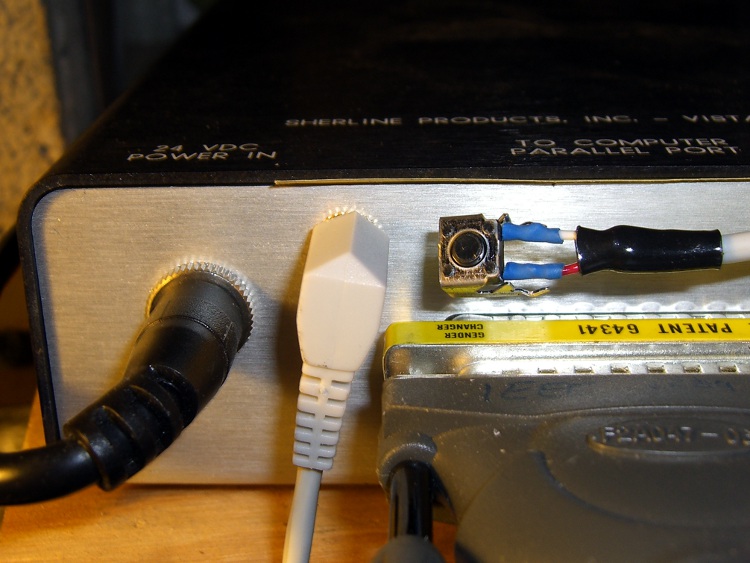
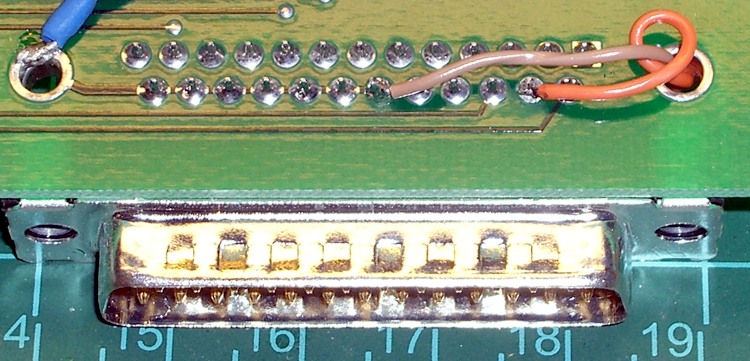
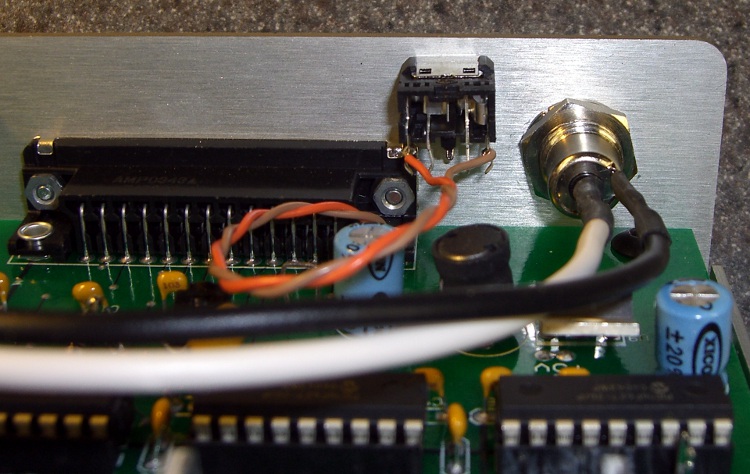
Having hacked a jack in the Sherline motor driver box, this is what goes on the other end of the cable: the simplest possible tool length switch.
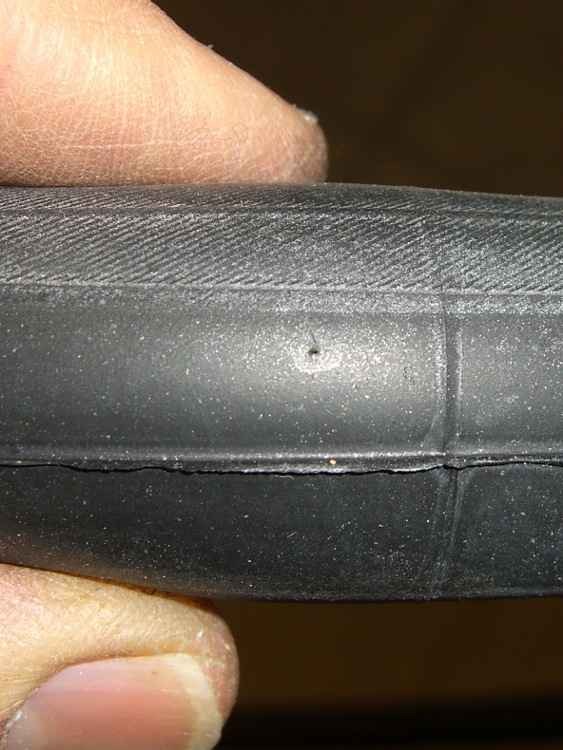
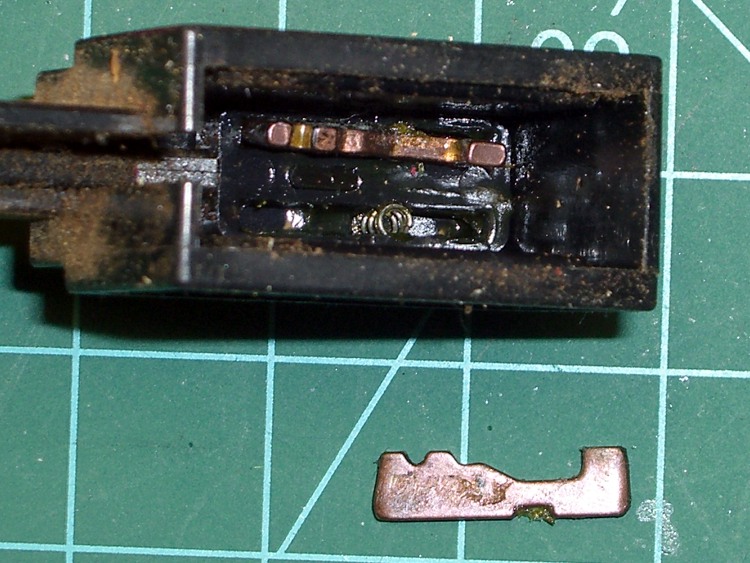
I’ve seen all manner of exceedingly fancy and painstakingly constructed tool length switch stations, but it seems ordinary snap-action / tactile-feedback switches are repeatable enough for most purposes. I selected a switch from my stash with these qualifications:
- physically small — fits on Sherline table
- plastic button — avoid nicking the cutters
- many more in the stash — not a special-order item
- cheap – ’nuff said
A few snippets of heat stink shrink tubing later…

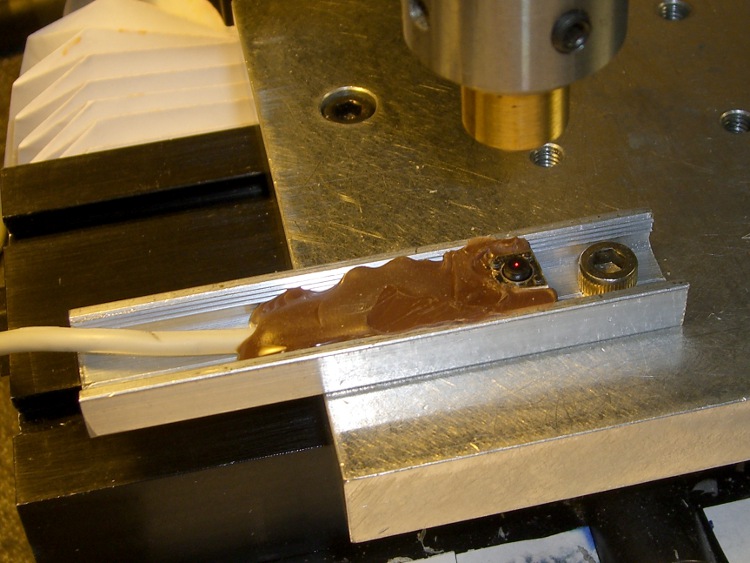
After puzzling over the mounting, I snagged a chunk of aluminum U-channel from the heap, poked a 10-32 clearance hole in one end, and held the switch in place while slobbering brown hot-melt glue over it. The glue is rigid when cool, so the switch isn’t going anywhere, but it’s mounted with some air space below to allow crushing when the probe routine screws up.
The button stands slightly proud of the U-channel, so even wide tools have side clearance. If the tool doesn’t stop when the switch trips (it could happen!), the entire switch will bend downward until the Z-axis drive stalls as the tool crushes the rubble or snags on the side of the U-channel.
At which point I just cut the cable, hammer the hot-melt glue and switch rubble out of the U-channel, solder up another switch, blob it in place, and continue the mission… from scratch, though, because the stored tool height reference value will be kaput.
The U-channel can be screwed down to a T-nut, clamped directly to the table, or affixed wherever it’s needed. If the Sherline had home switches, it’d be better to mount the probe switch in a fixed location somewhere, then use a fixture offset for the part, but I’m not there yet.
The switch doesn’t have much overtravel: when the contacts activate with a tactile click, the button is pretty much bottomed out. However, unless you’re driving the tool into the switch at a dead run, it ought to stop moving fairly quickly.
Back of the envelope: I have the Z axis acceleration set to (a sluggish) 3.0 in/s/s. Approaching the switch at 12 in/min = 0.2 in/s , it’ll screech to a halt in 67 ms = (0.2 in/s)/(3.0 in/s/s). Assuming the average velocity while stopping is 0.1 in/s, the distance works out to 7 mils, which shouldn’t pose a problem.
Then drive up off the switch enough to clear the backlash and drive down at nose-pickin’ speed, so the axis stops pretty much instantly when the switch clicks.
Some not-very-exhaustive testing suggests the repeatability for a single tool is well within 0.03 mm, about 0.001 inch, which is entirely satisfactory for my purposes.
[Update: It’s pretty good, all things considered. A simple experiment is there.]
The overall procedure:
- Laser align XY to the part origin, home X&Y axes
- Execute G49 to clear any existing tool length compensation
- Insert first tool, align to Z=0 on part, home Z axis
- Eyeball align XY to the switch with the tool just above
- Jog Z comfortably high, execute G30.1 to set tool change location
- Fire up your program!
The program probes the first tool length and saves that as the reference length. Each subsequent tool change gets probed and the tool offset becomes the difference between the new length and the reference length.
The initial probing routine:
O<Probe_Init> SUB

G49					( clear tool length compensation)
G30					( to probe switch)
G91					( relative mode for probing)

G38.2 Z-90 F300		( trip switch on the way down)
G0 Z1				( back off the switch)
G38.2 Z-10 F10		( trip switch slowly)

#<_ToolRefZ> = #5063	( save trip point)

G90					( absolute mode)
G30					( return to safe level)

O<Probe_Init> ENDSUB
Note that the G30 coordinates are stored in native units, which are inches for my Sherline mill. To get to that Z height (for safety, before moving) while using metric units:
G0 Z[#5183 * 25.4]
The G38.2 coordinates are stored in whatever units the G20/G21 mode calls for, so they can be applied directly to tool length compensation. That seems odd, as EMC assumes the tool table uses native units.
There does not seem to be any way to determine which unit mode is active, although the probe speed depends on that setting. although I suppose I could set a global variable to the desired probe speed and leave it up to the G-Code program(mer) to get it right. Yeah, like that’ll work…
Anyhow, each subsequent tool gets probed thusly:
O<Probe_Tool> SUB

G49					( clear tool length compensation)
G30					( to probe switch)
G91					( relative mode for probing)

G38.2 Z-90 F300		( trip switch on the way down)
G0 Z1				( back off the switch)
G38.2 Z-10 F10		( trip switch slowly)

#<_ToolZ> = #5063				( save new tool length)

G43.1 K[#<_ToolZ> - #<_ToolRefZ>]	( set new length)

G90					( absolute mode)
G30					( return to safe level)

O<Probe_Tool> ENDSUB
With those two routines in hand, this demo code shows how it’s done…
G21					( metric units)

(msg,Verify origin at proper location, hit Resume)
M0
(msg,Verify G30.1 at tool change switch, hit Resume)
M0
(msg,Verify first tool installed, hit Resume)
M0

O<Probe_Init> CALL

G0 X0 Y0 Z0
(msg,Verify return to origin, hit Resume)
M0

M6 T2
O<Probe_Tool> CALL

G0 X0 Y0 Z0
(msg,Verify return to origin, hit Resume)
M0

M6 T3
O<Probe_Tool> CALL

G0 X0 Y0 Z0
(msg,Verify return to origin, hit Resume)
M0

M6 T4
O<Probe_Tool> CALL

G0 X0 Y0 Z0
(msg,Verify return to origin...)
M2
The M6 Tx commands make use of a
TOOL_CHANGE_AT_G30 = 1
line in Sherline.ini, which tells the Axis automagic manual tool changer routine to traverse to the G30 position and pop up a prompt to (manually) change the tool. When you click OK, the subsequent CALL command invokes the tool length probe routine and away it goes.
This whole lashup doesn’t have a lot of power-on hours, but I really like how it works!
A tip o’ the cycling helmet to the folks behind EMC2…





 The Smell of Molten Projects in the Morning