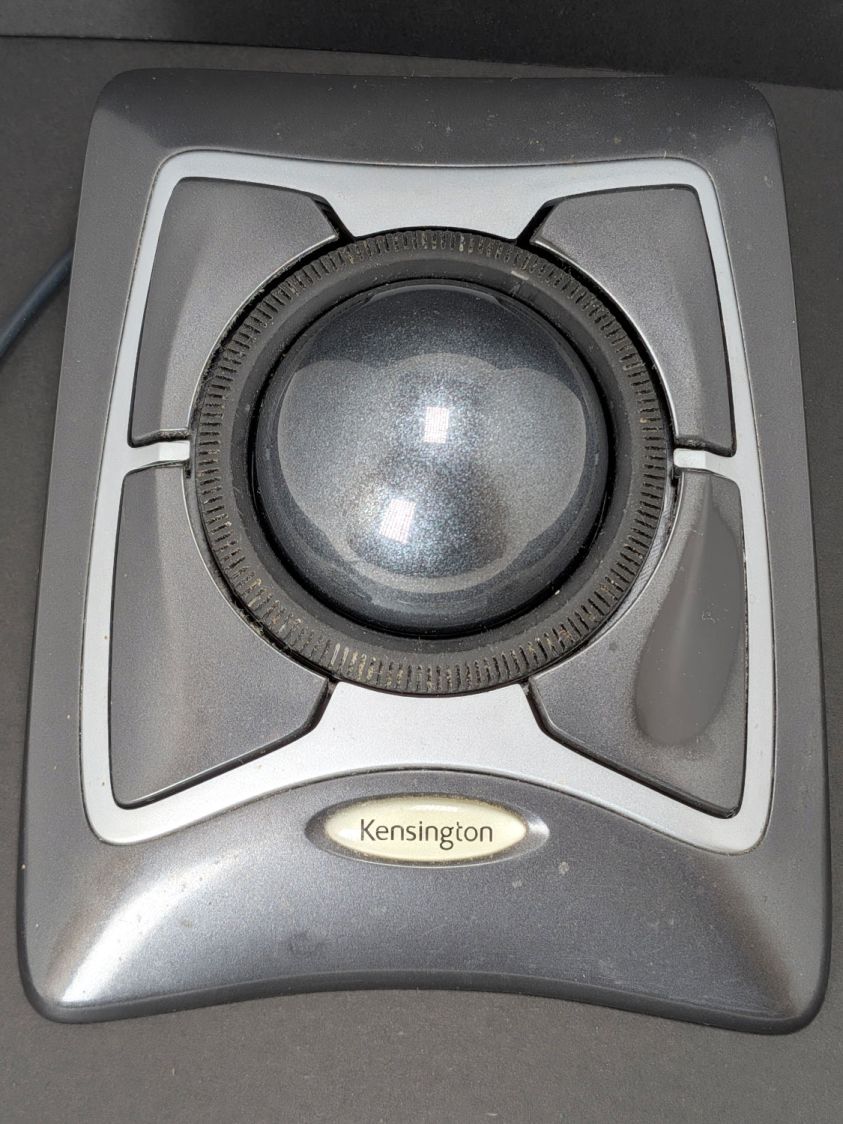
All of my Kensington Expert Mouse Trackballs have worked fine for the last several years, despite their previous history of scroll ring troubles, until the main button on the trackball at my left hand stopped responding to thumb pressure.
You can tell that button has done a lot of clicking:
The switch layout comes as no surprise:
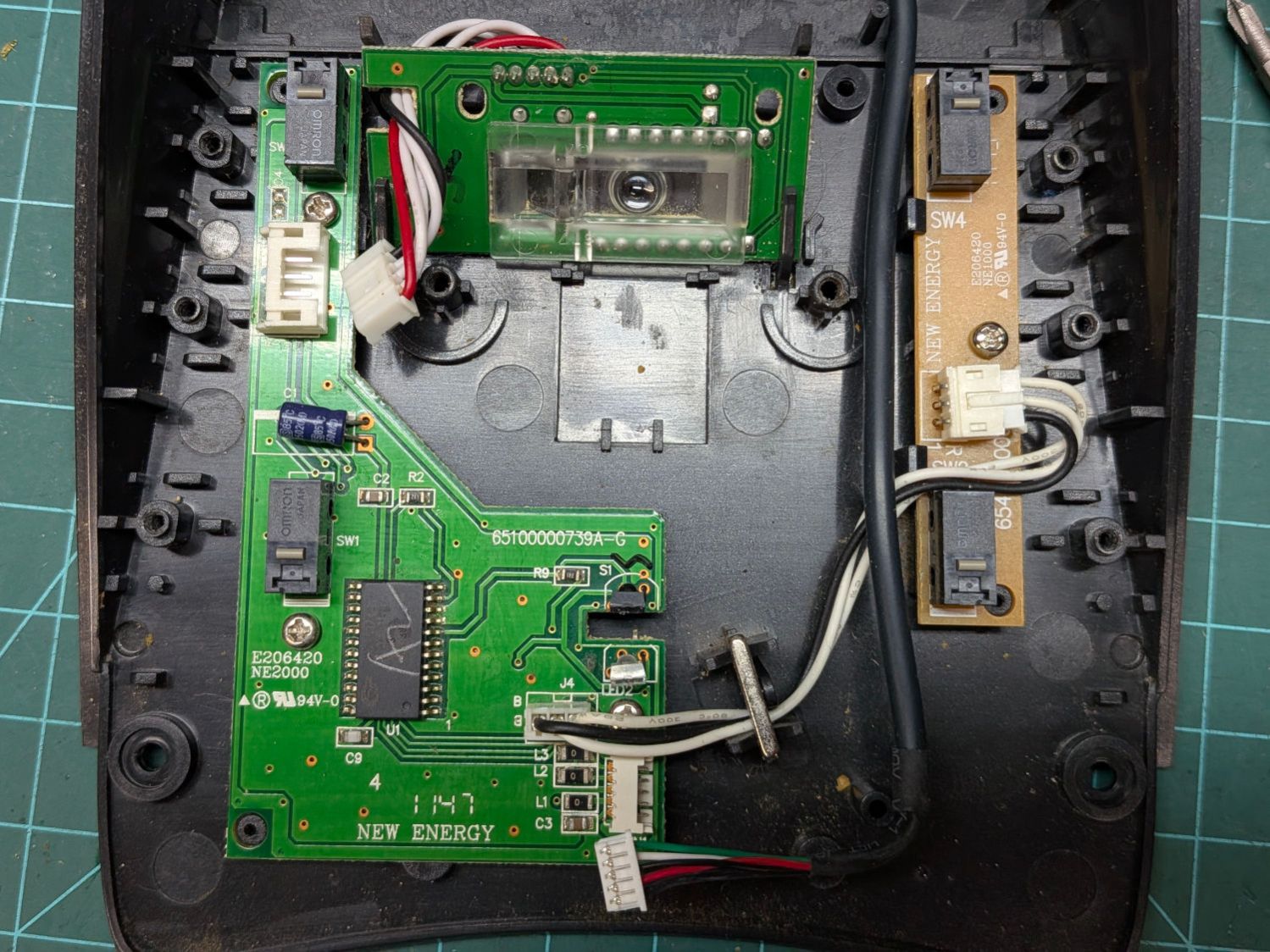
Those are Genuine Omron D2F-01 SPDT switches and the replacements are Genuine Anonymous D2F-01F. While I had the cover off, I replaced all four switches.
Protip: The black cable on the right must go under the three wires between the PCBs. Arranged as shown, the scroll ring will drag on the cable.
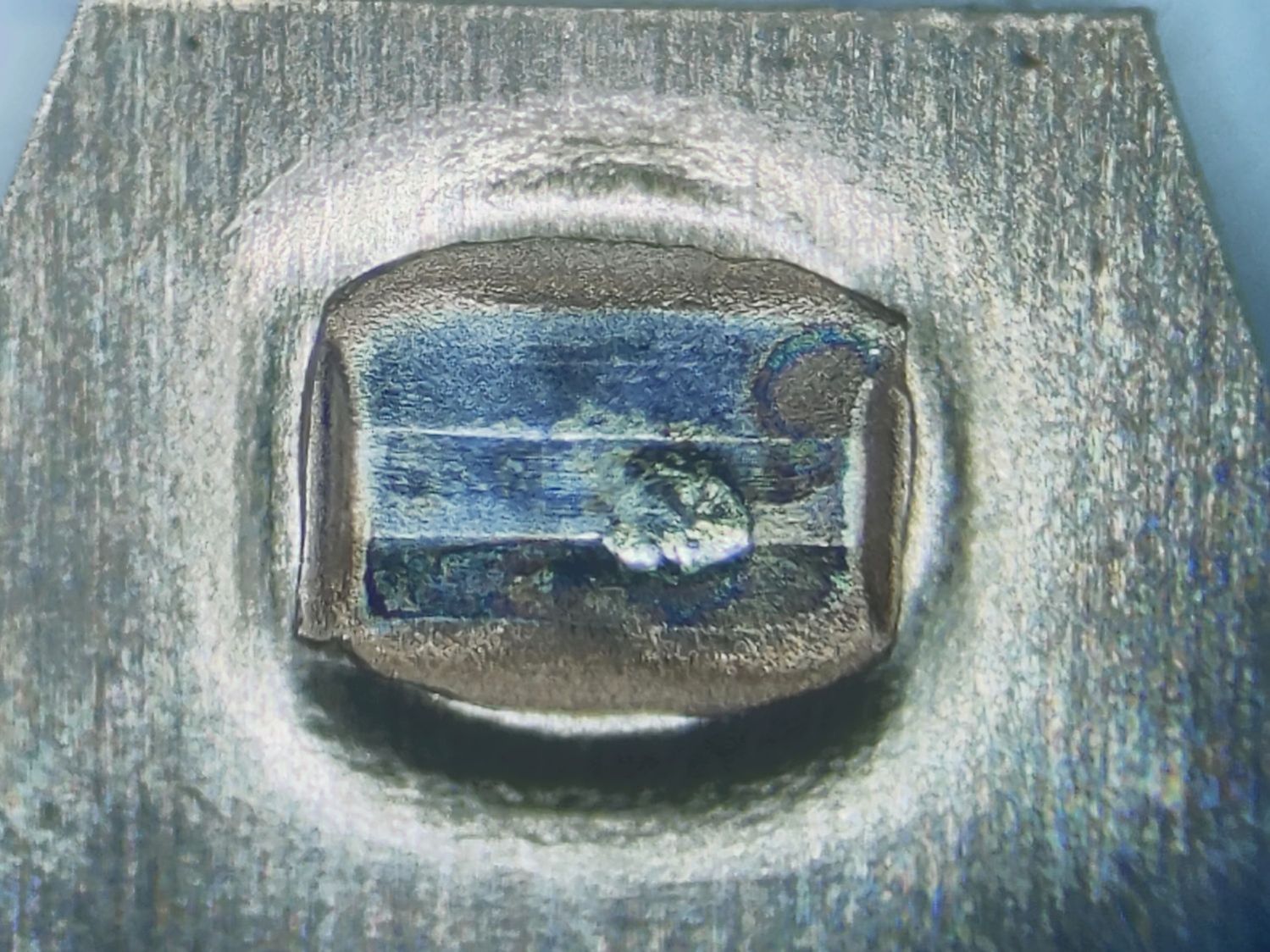
I dismantled the switches and put their Common bar under the microscope. I believe these contacts rest on the Normally Closed switch terminal, which is electrically inert:
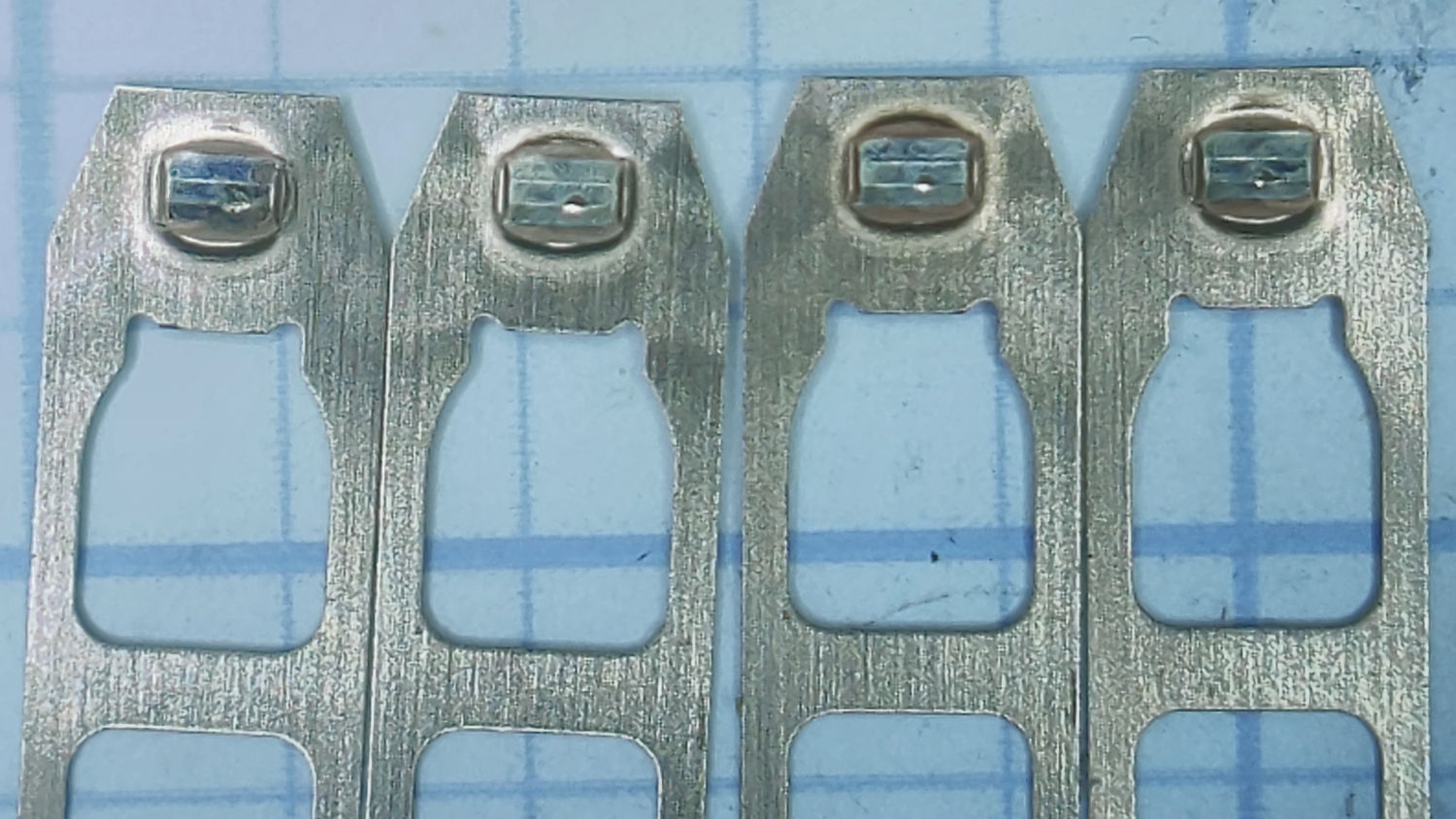
Three of them have about the same amount of wear:
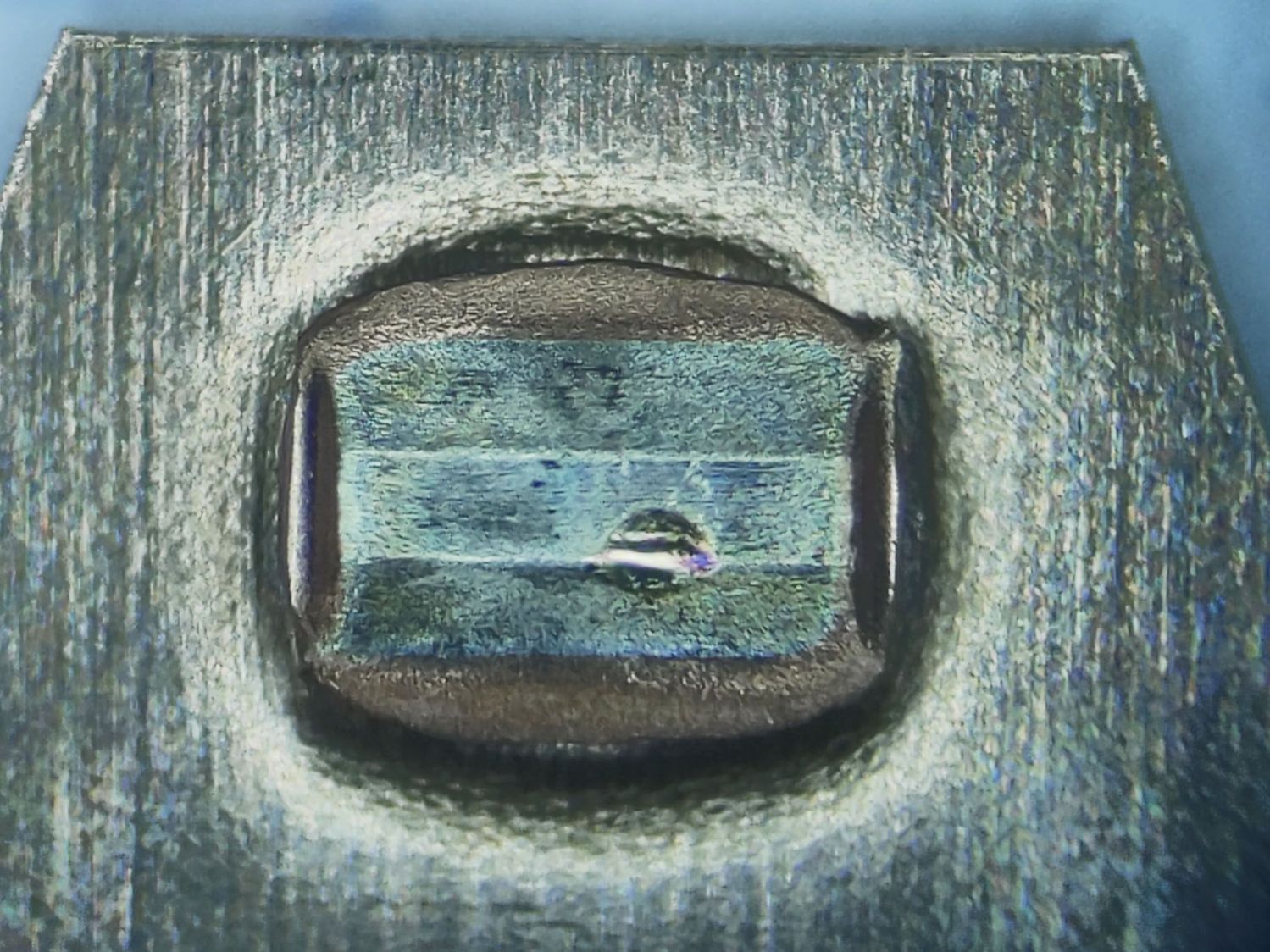
The leftmost one looks worse:
Flipping them over (in the same order) exposes what I think are their Normally Open contacts responsible for all the button action:
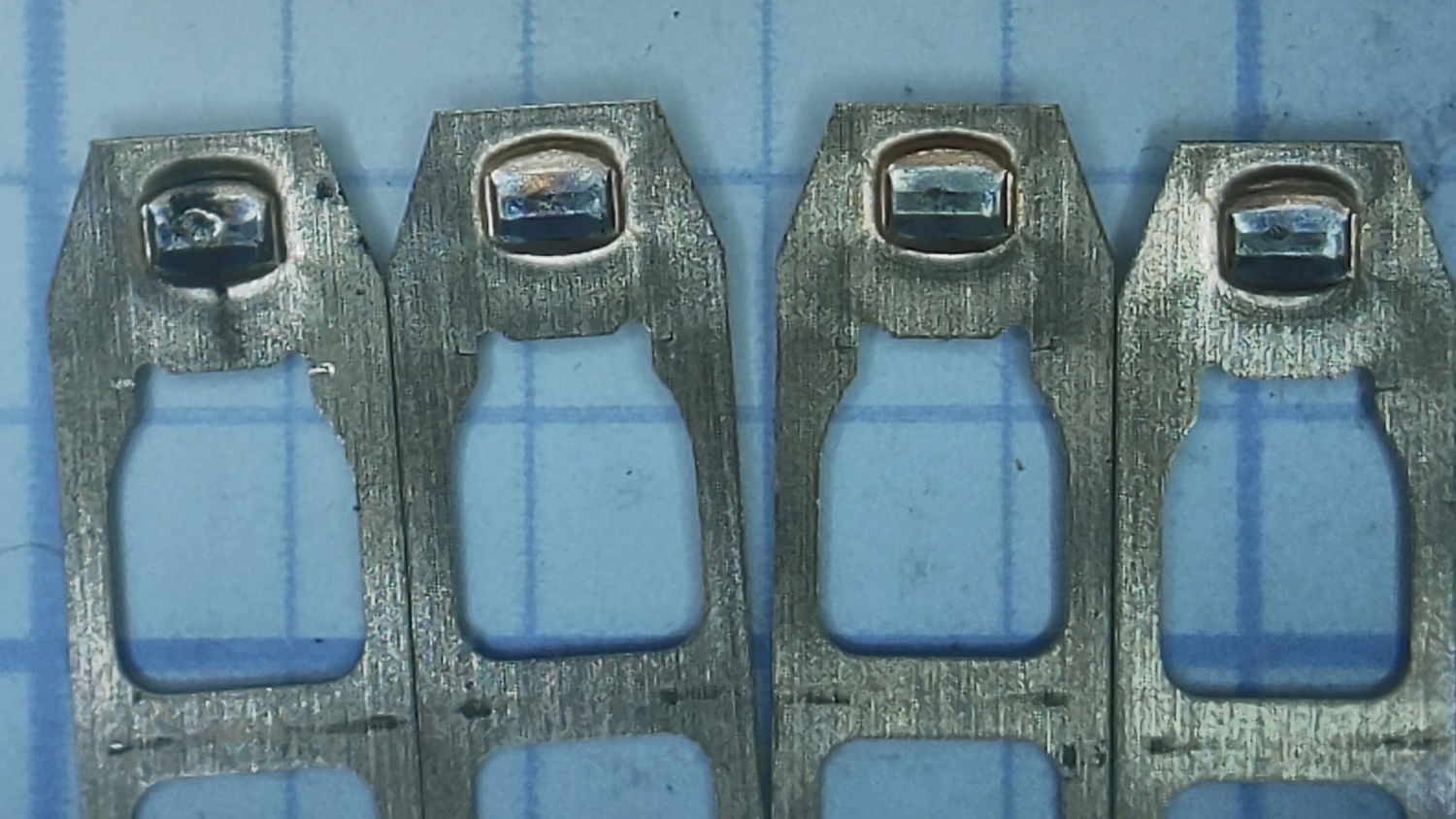
Again, the rightmost three look about the same and the contact on the left shows more wear, plus what looks like a soot streak:
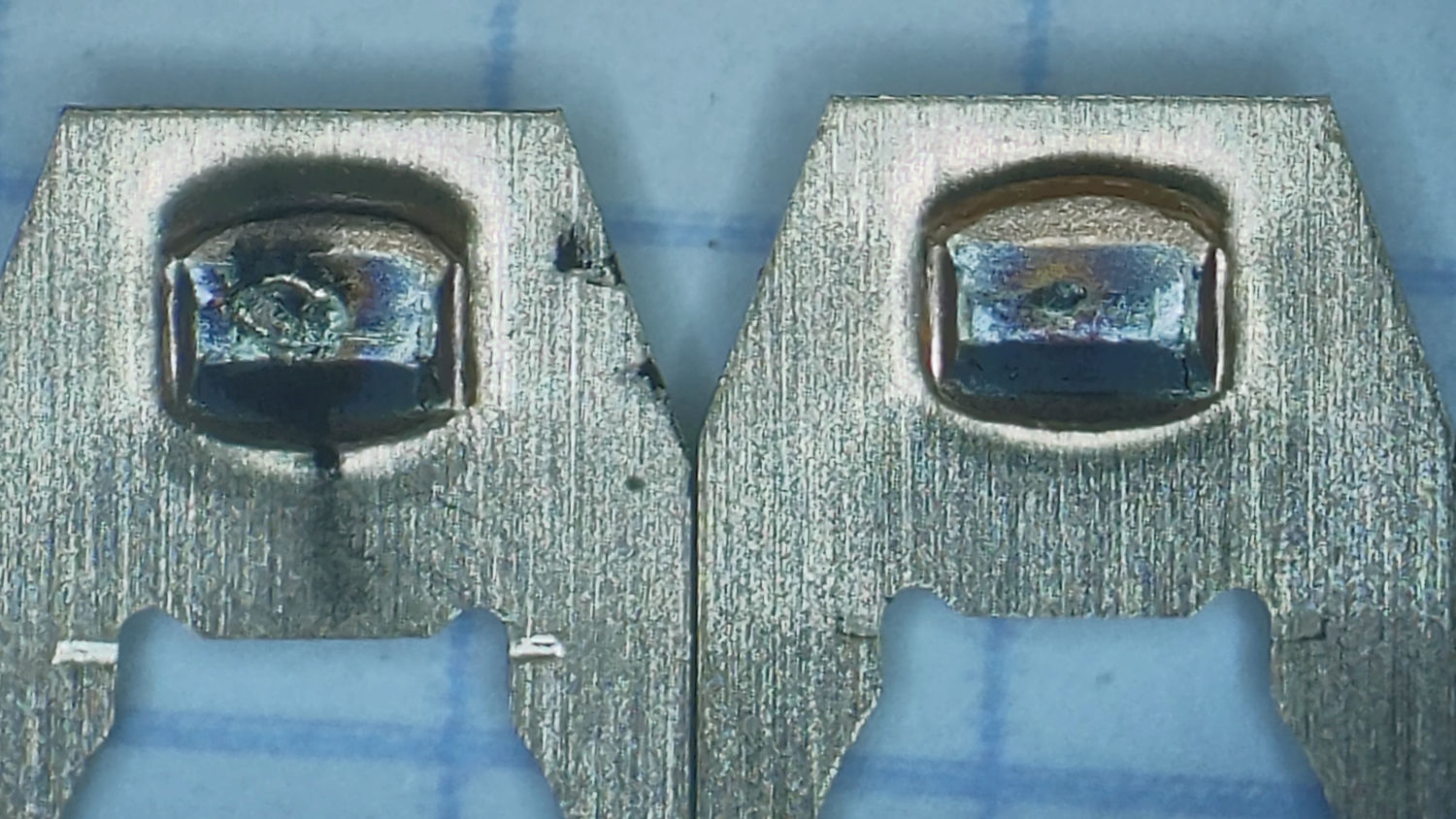
A closer look:
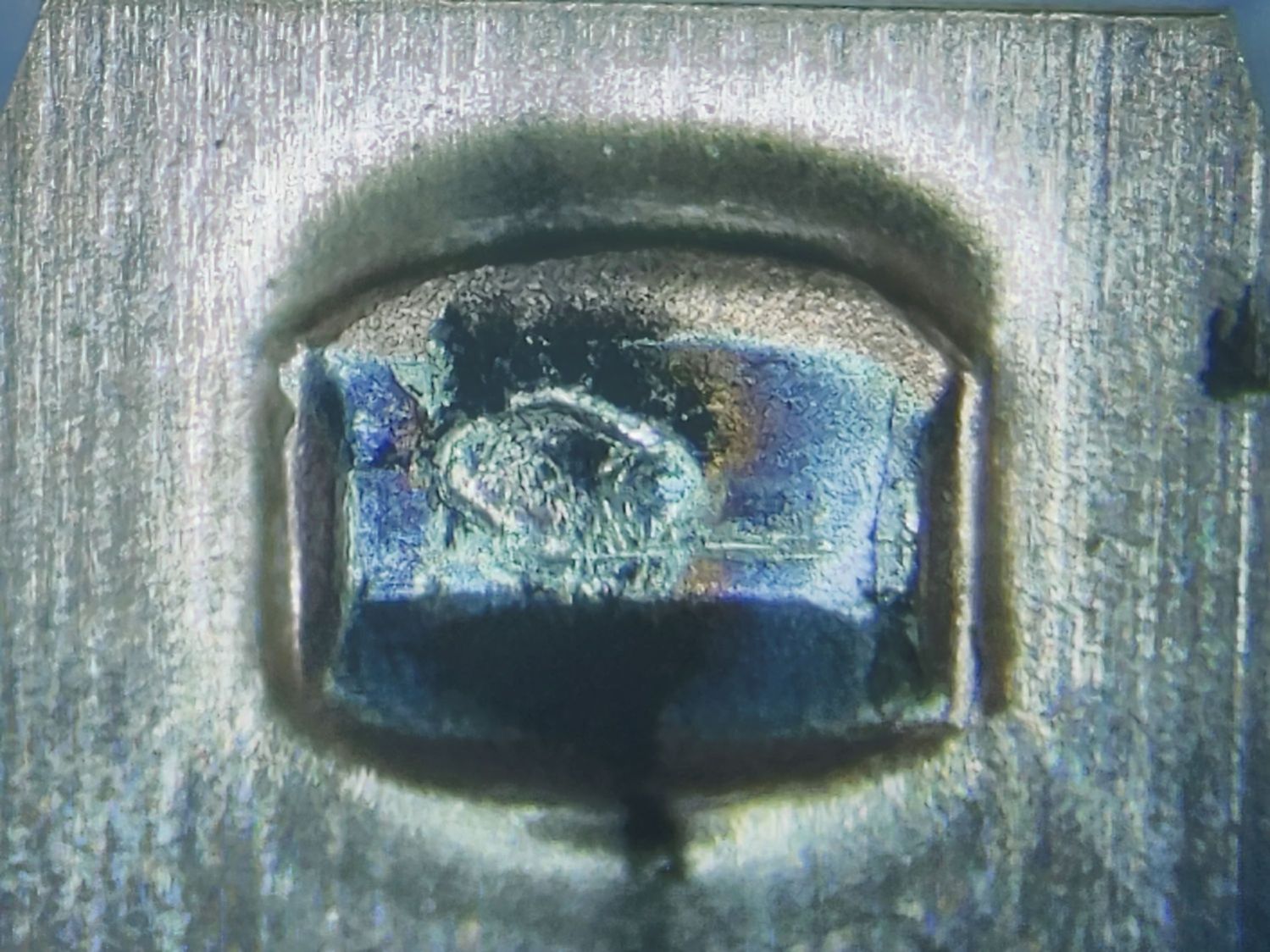
These things operate at logic levels, so most of the damage surely comes from mechanical erosion and the soot is pulverized metal.
While waiting for the switches to arrive, I deployed an Expert Mouse Trackball from a PC in the Basement Shop. The repaired unit went down there, so its new switches should survive longer even if they’re of mediocre quality.

