This happened while focusing the laser before cutting the cardboard fixture for the chuck rotary:

The autofocus “pen” = switch did not operate when the rising platform pushed the cardboard against its tip, so the controller continued raising the platform. Seconds later, the platform rammed the cardboard against the laser head and I slapped the Big Red Button.
Those indentations match the focus pen and the nozzle:
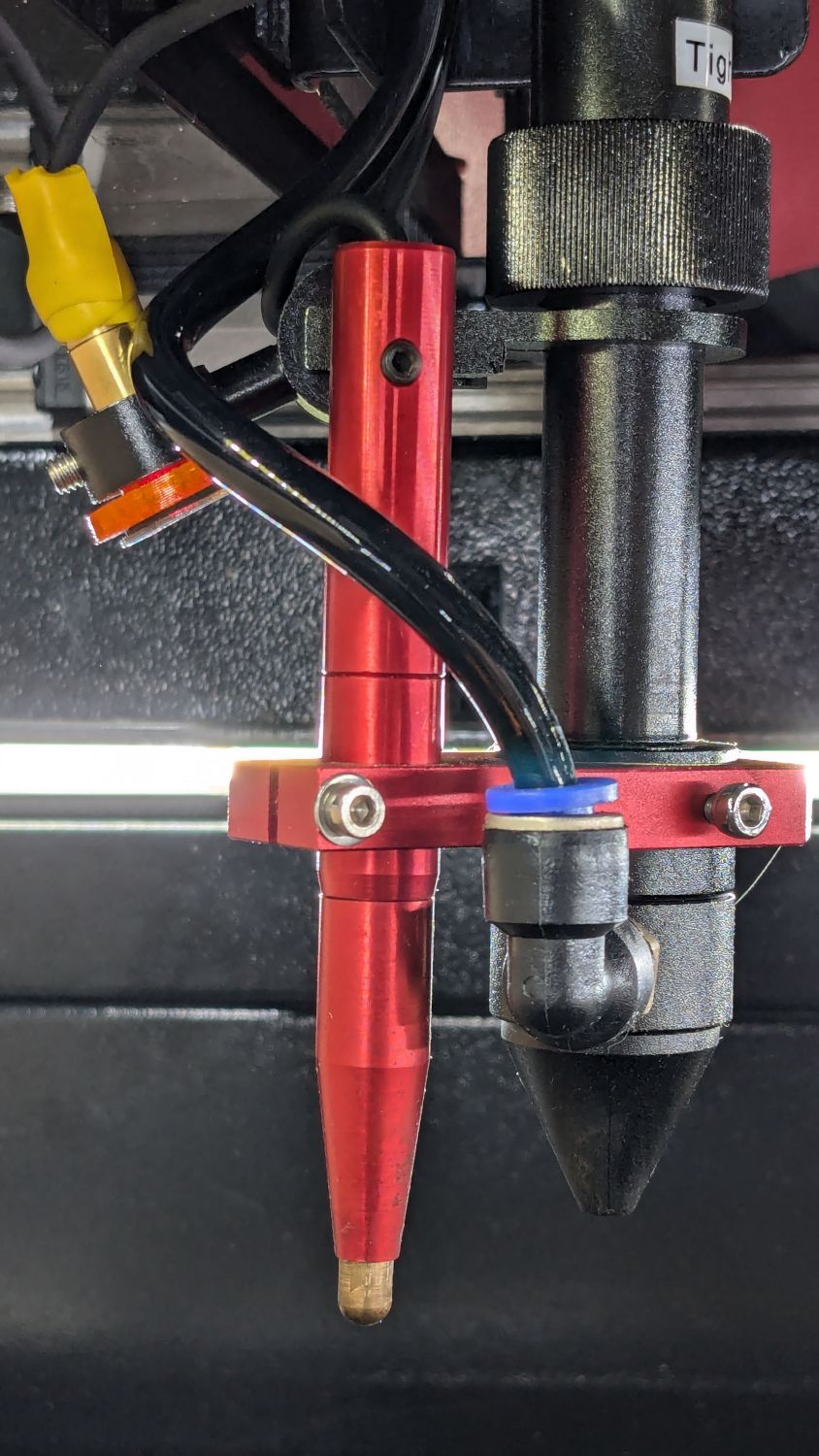
Yeah, the platform shoved that pen straight up through its clamp until both punched through the cardboard.
The pen has a red LED (barely visible through the opening around the cable when you’re looking down into it) that did not light up when I manually triggered the switch: either the switch was dead or it wasn’t getting 24 V power.
Having spent considerable time diagnosing similar problems on the LightBurn forum, I was pretty sure the PVC-insulated wire connecting the pen to the controller had failed somewhere in the drag chain.
Update Yup, the 24 V wire was broken:
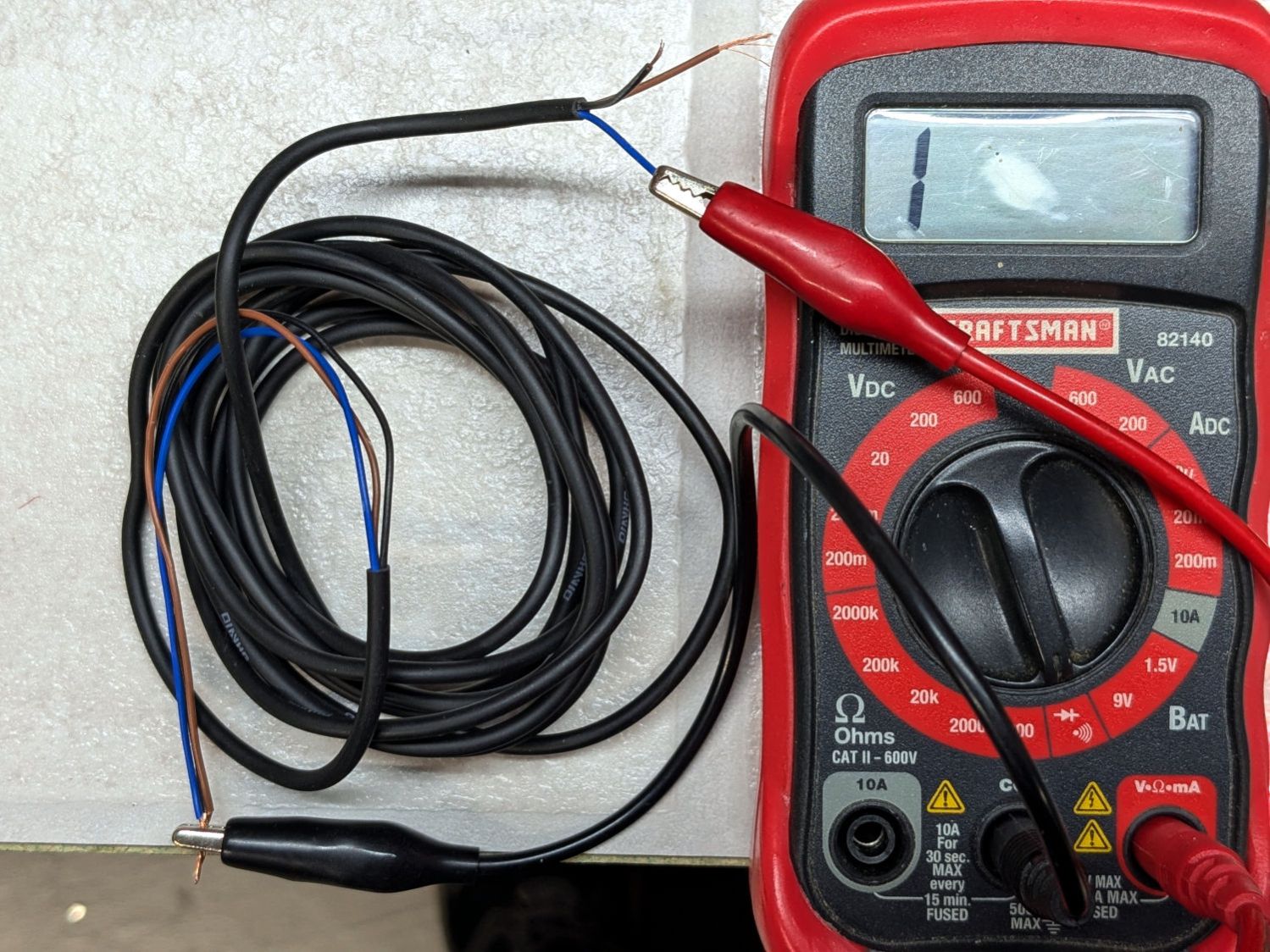
Another discussion there showed how to dismantle the pen, so I (turned off the power and) cut the cable a few inches from the top of the pen body.
The pen body has three parts screwed together with generous application of threadlock. After demonstrating I lack enough grip strength to break the bonds, I deployed a pair of lathe chucks designed for a death grip on cylindrical objects:
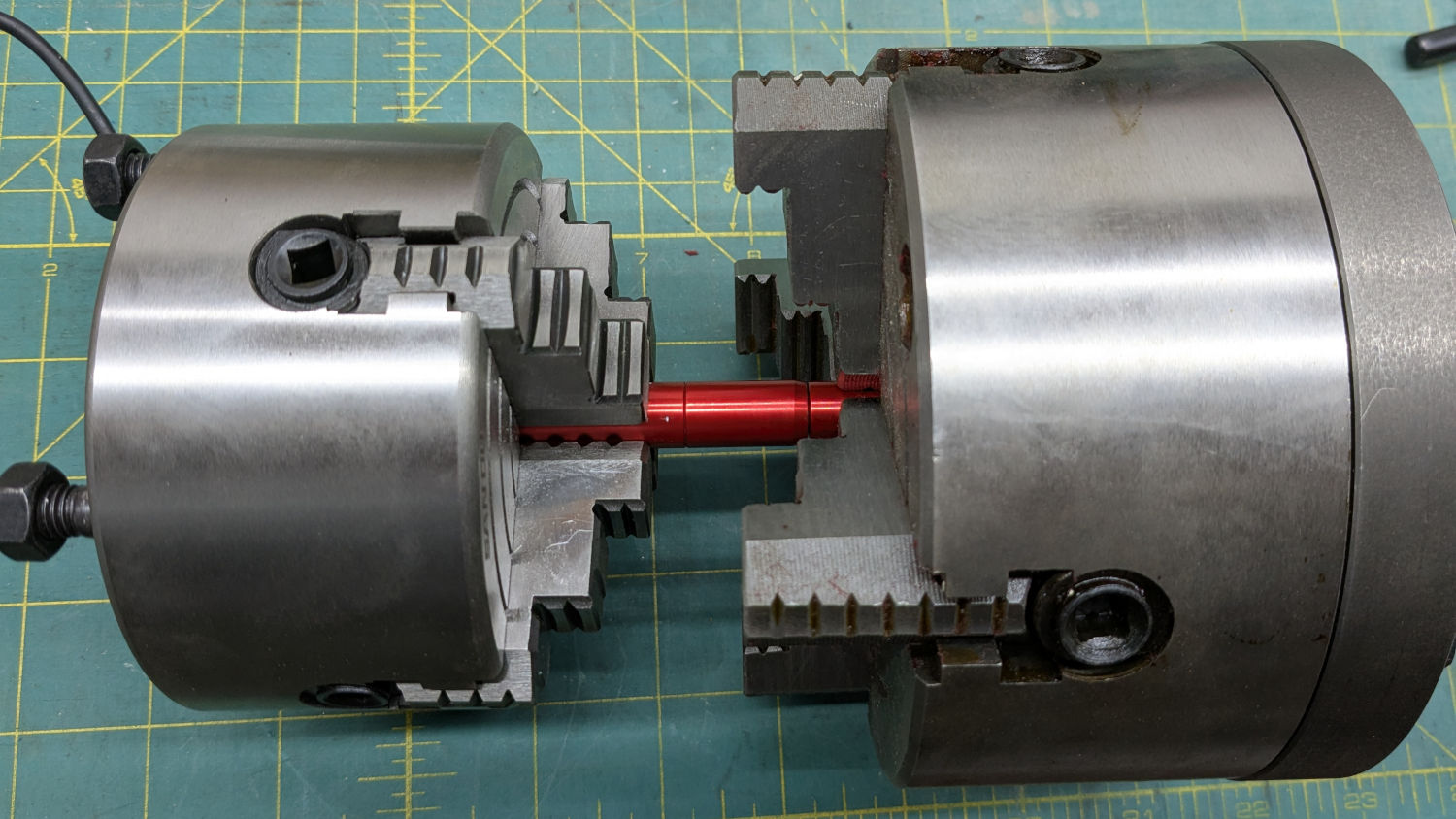
The tip came off readily enough:
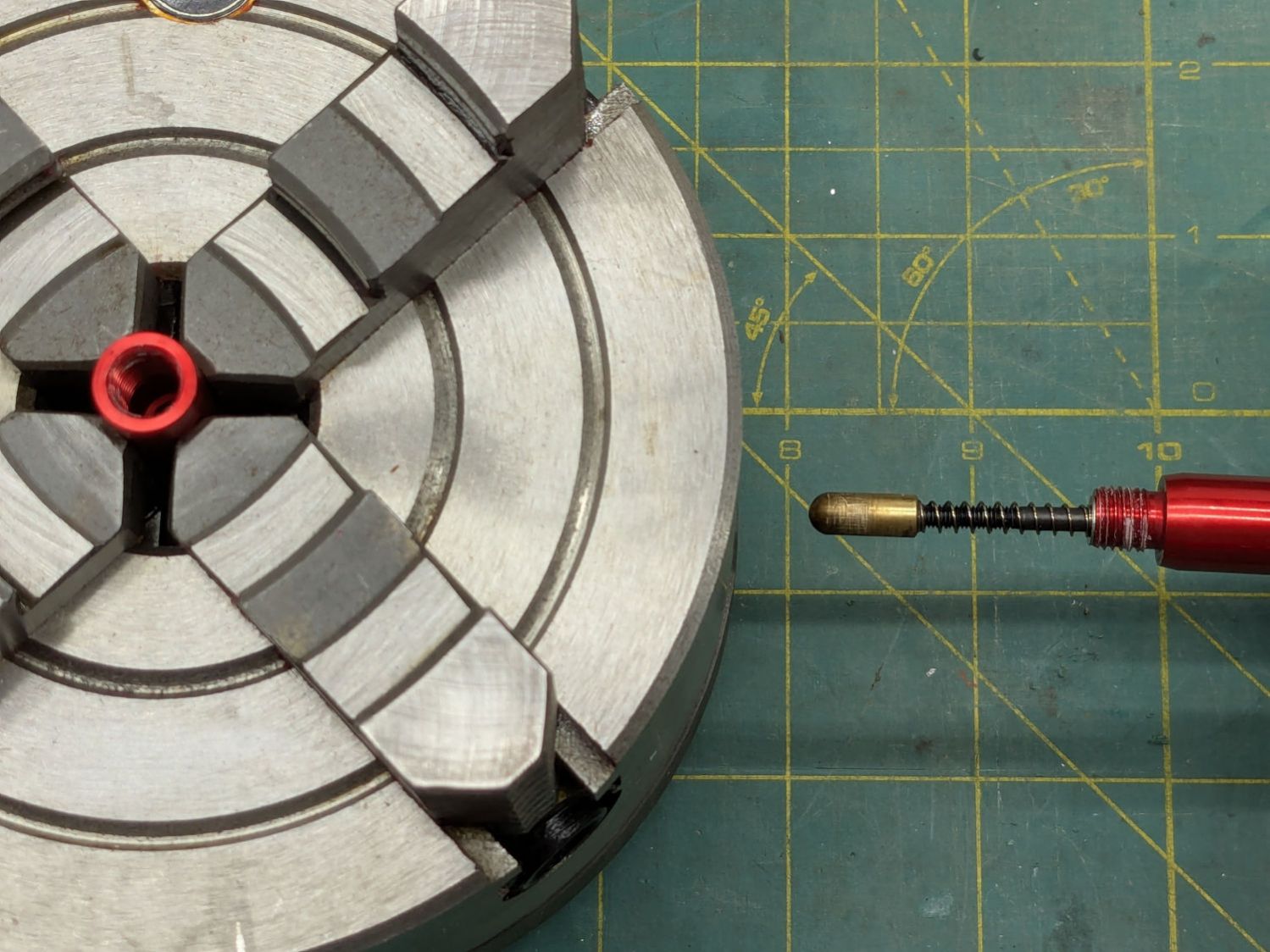
The upper joint was more reluctant, to the extent I needed witness marks to show progress:
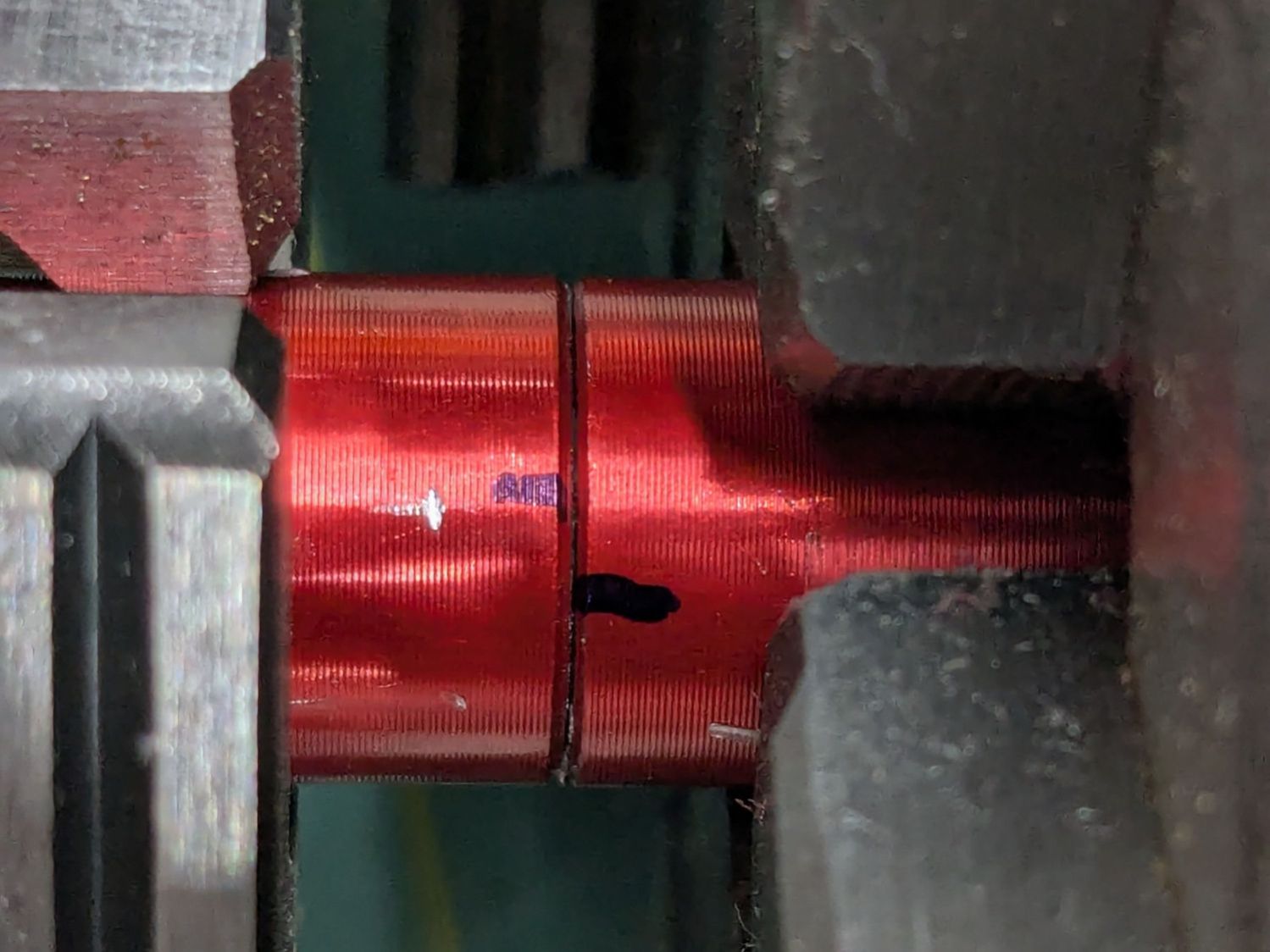
Dripping Kroil into the slightly loosened joint while twisting it back and forth eventually separated the parts:
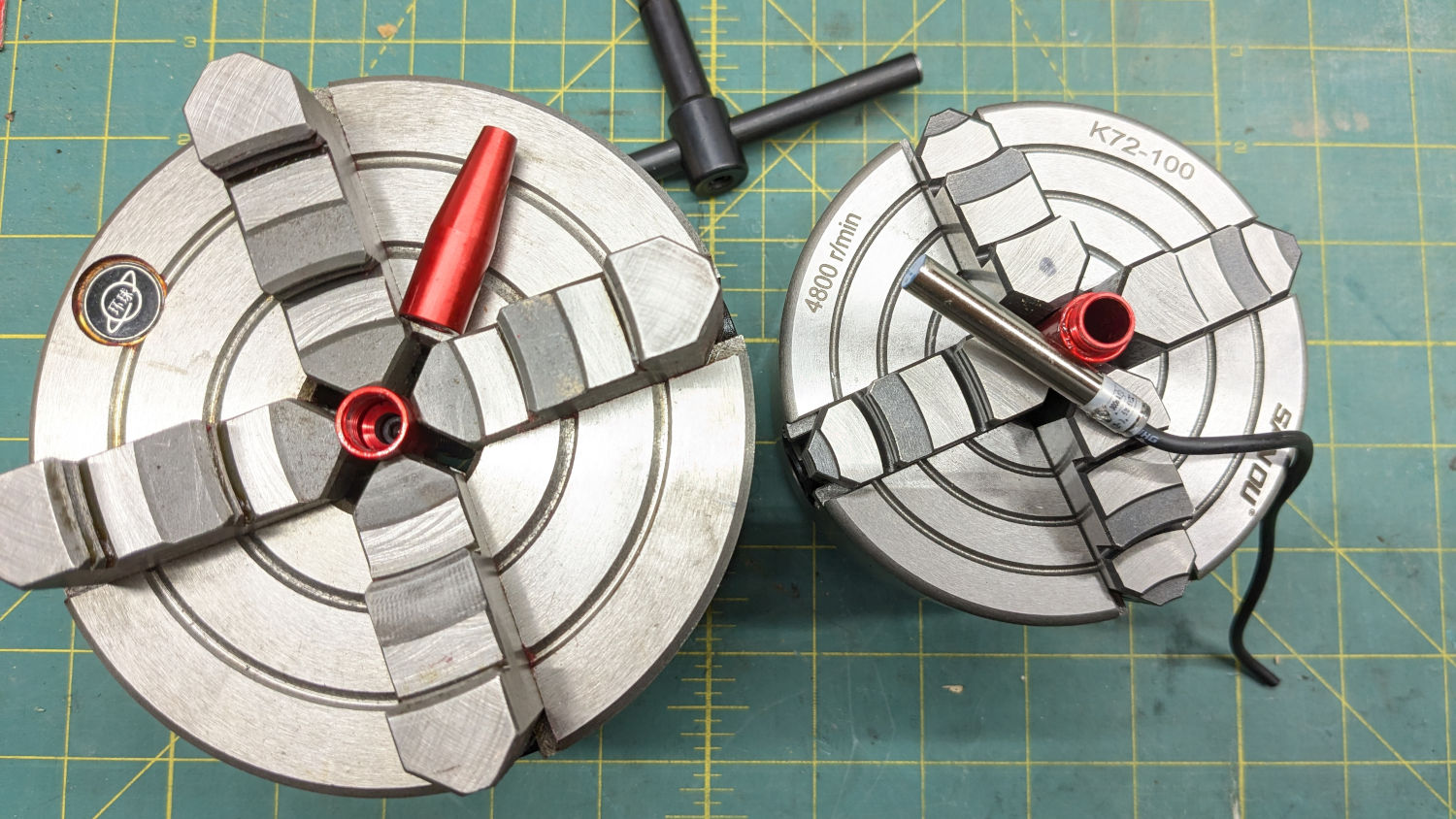
I persuaded the last chunks of threadlock out with a stout pin (in a pin vise), eventually letting me screw the pen body together without a struggle.
Contrary to what I originally thought, the switch is a proximity sensor triggered by the reshaped head of an M3 socket-head screw also holding the brass-colored tip. Wiring it to a bench power supply verified proper operation, with the open-collector (actually, open-drain) output going low with any ferrous metal closer than about 3 mm to the sensor tip.
Which put the fault somewhere along the wiring from the controller through both drag chains to the pen, as expected.
Unlinking the X axis drag chain involved a pair of small screwdrivers prying the side plates off their pivots in the next link:
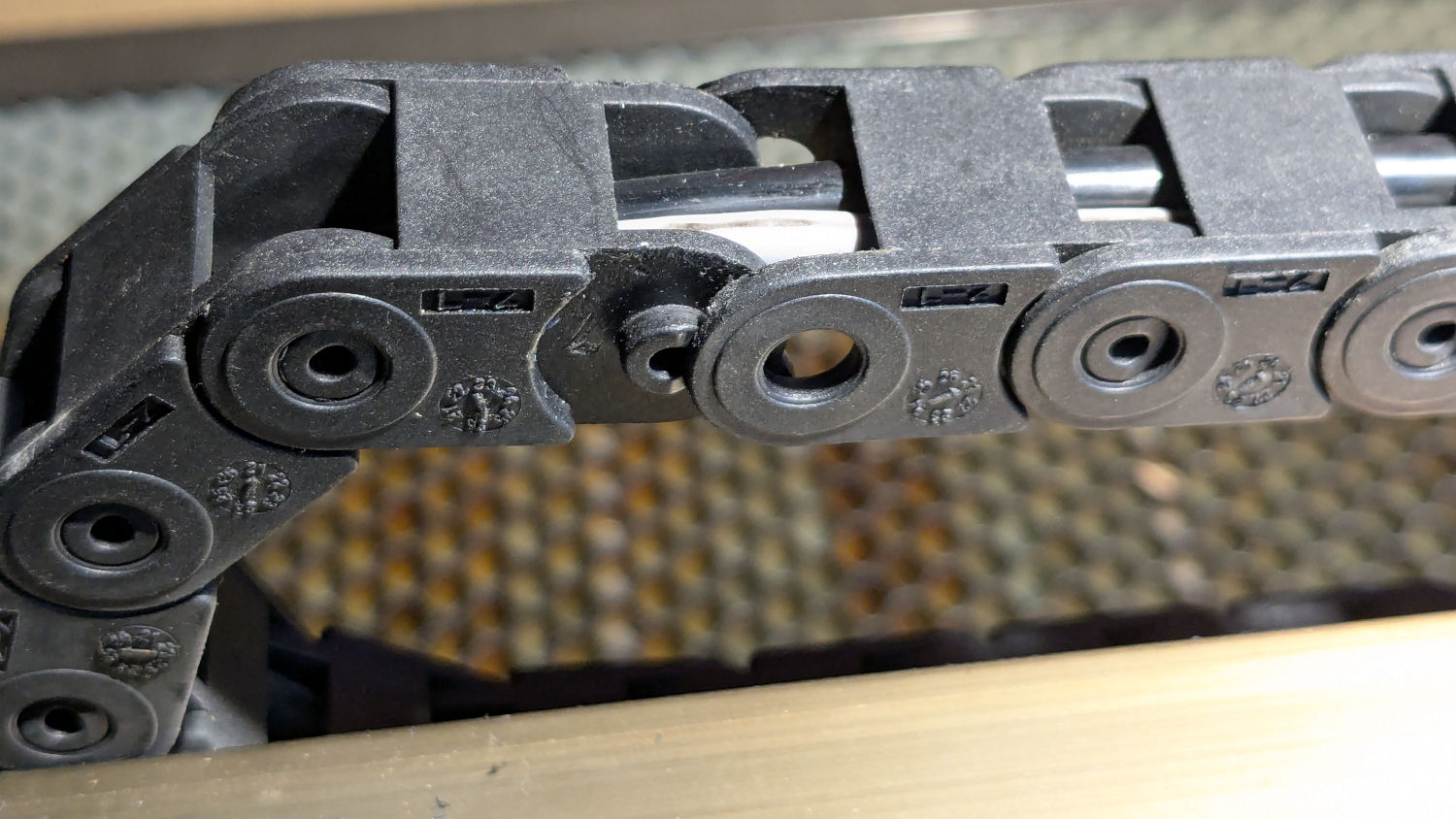
The slightly enlarged opening let me pull enough of the cable through to verify I needed more elbow room, so I dismounted the entire drag chain:
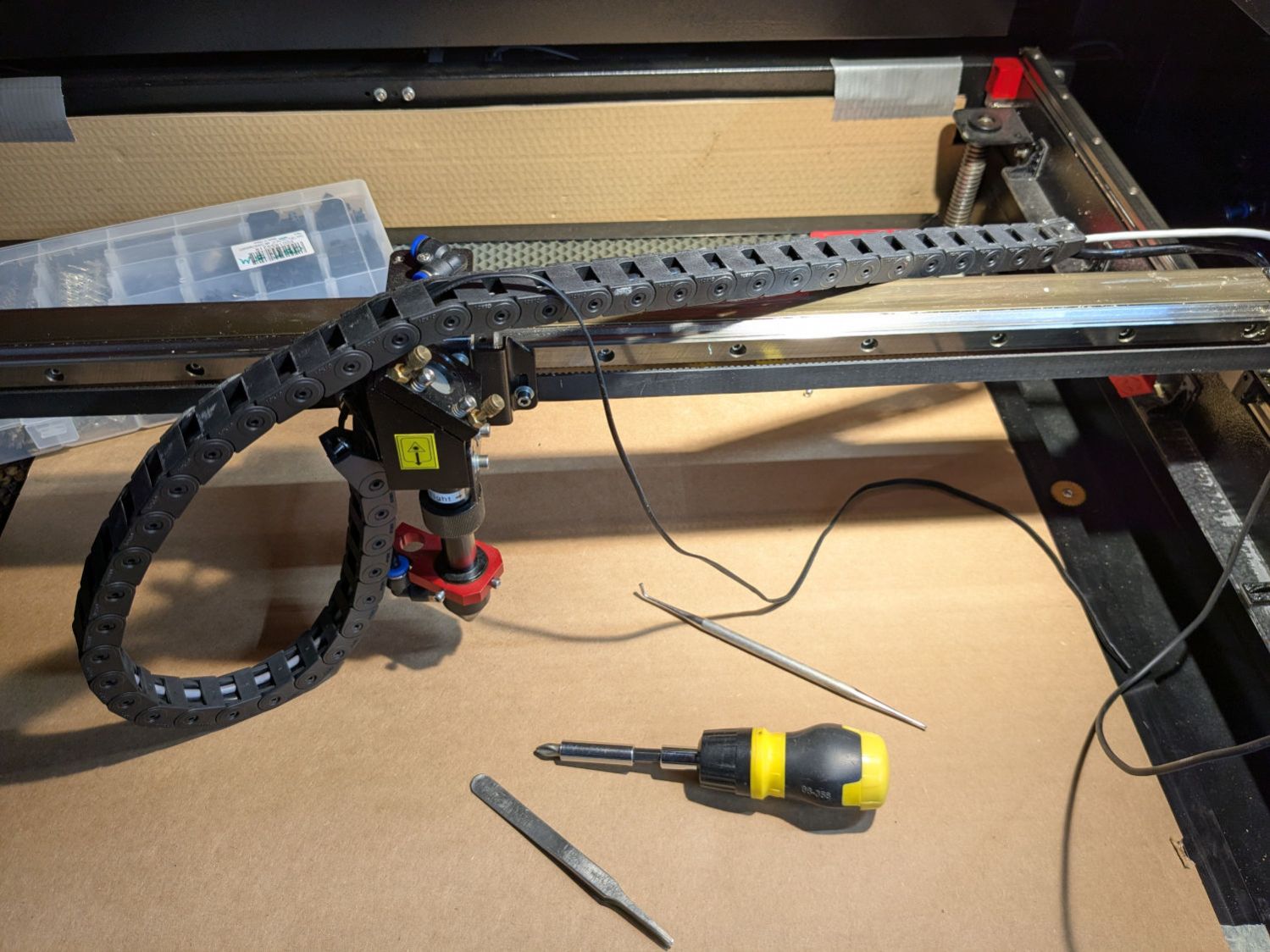
The Y axis drag chain was short enough to pull the cable out without drama.
I guesstimated the overall length from laser head to controller, cut a six conductor 26 AWG silicone ribbon cable generously longer than half of that, peeled it down the middle, then put a JST SM connector where the sections meet at the end of the gantry:
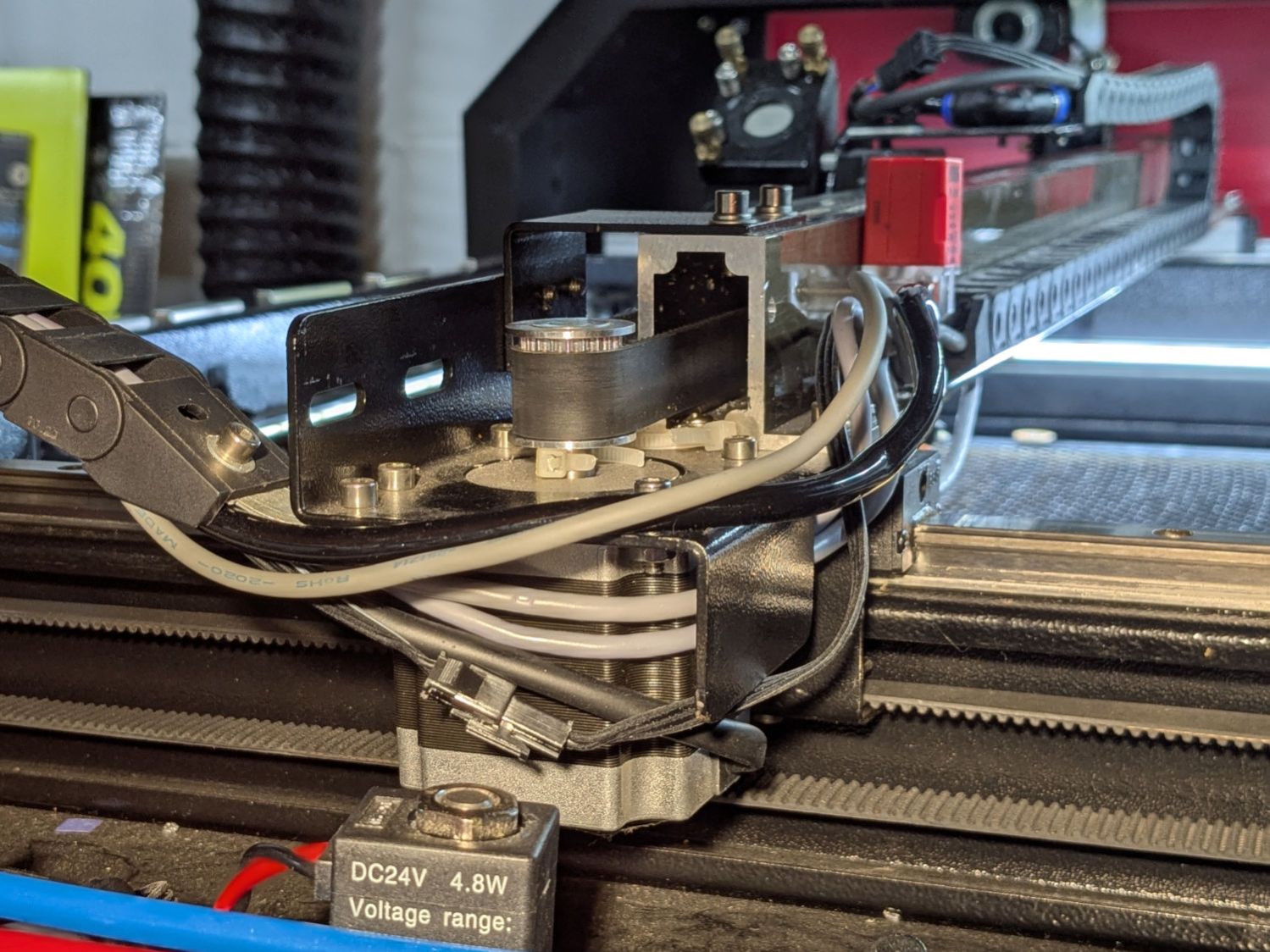
Obviously, those connector halves went on before snaking the other end of the cable sections through their drag chains. I paid considerable attention to keeping the ribbons flat and untwisted throughout their lengths, in hope they’d flex easily as the chain bends.
AFAICT there was no good way to use the old wire to pull the new wire through the chain, so running flexy silicone ribbon cable through a drag chain required tweezers, patience, and persistence. I had to realign the existing wires & tubes at various points so they didn’t twine around each other and block the path.
Another JST SM connector at the laser head allows removing / installing the pen as needed:
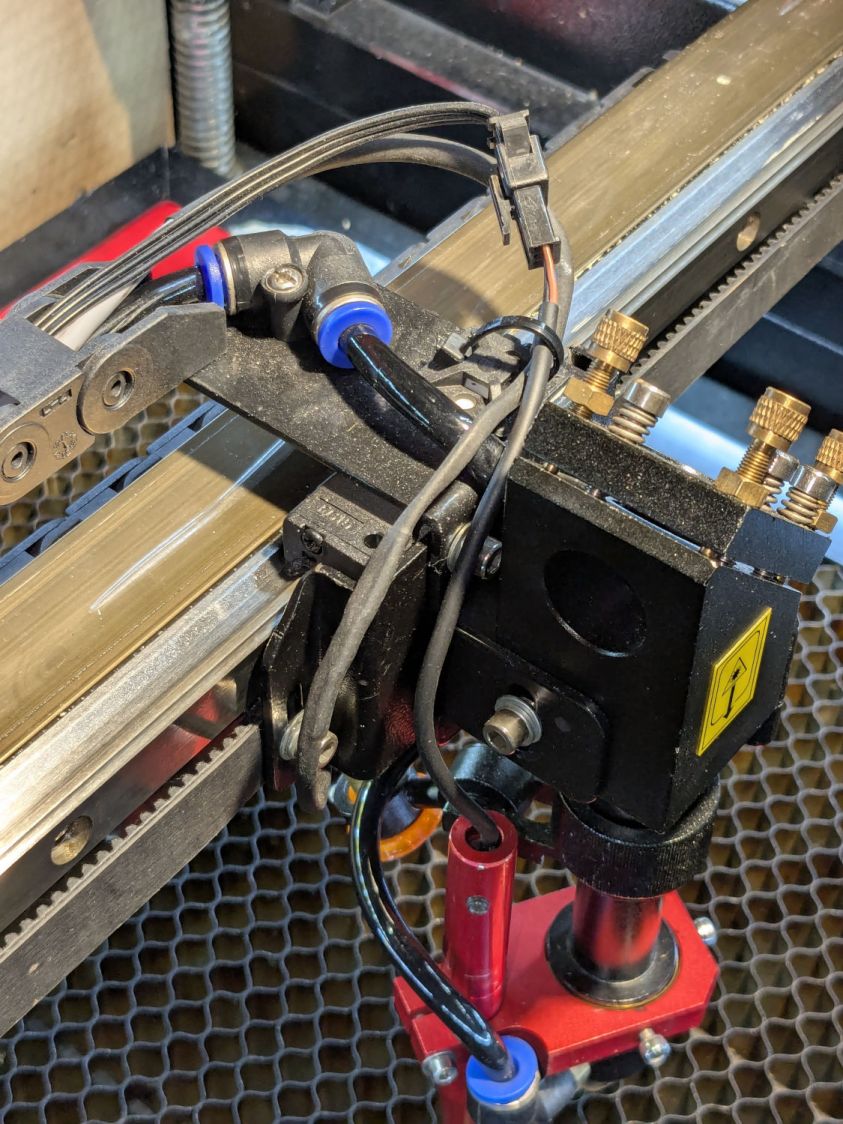
The connector pins and sensor wire colors:
GND= blue = common = marked cable conductorOUT= black = sensor output24V= brown = power
Wiring the new cable to the controller’s 24 V / GND / LmtU- terminals showed it now worked perfectly.
Reducing the vertical offset between the tip of the pen and the tip of the nozzle was then straightforward …


 The Smell of Molten Projects in the Morning
Spam comments get trashed, so don’t bother. Comment moderation may cause a delay.