Having herded all the denizens of the Subpixel Zoo into one LightBurn workspace, framing them seemed appropriate:
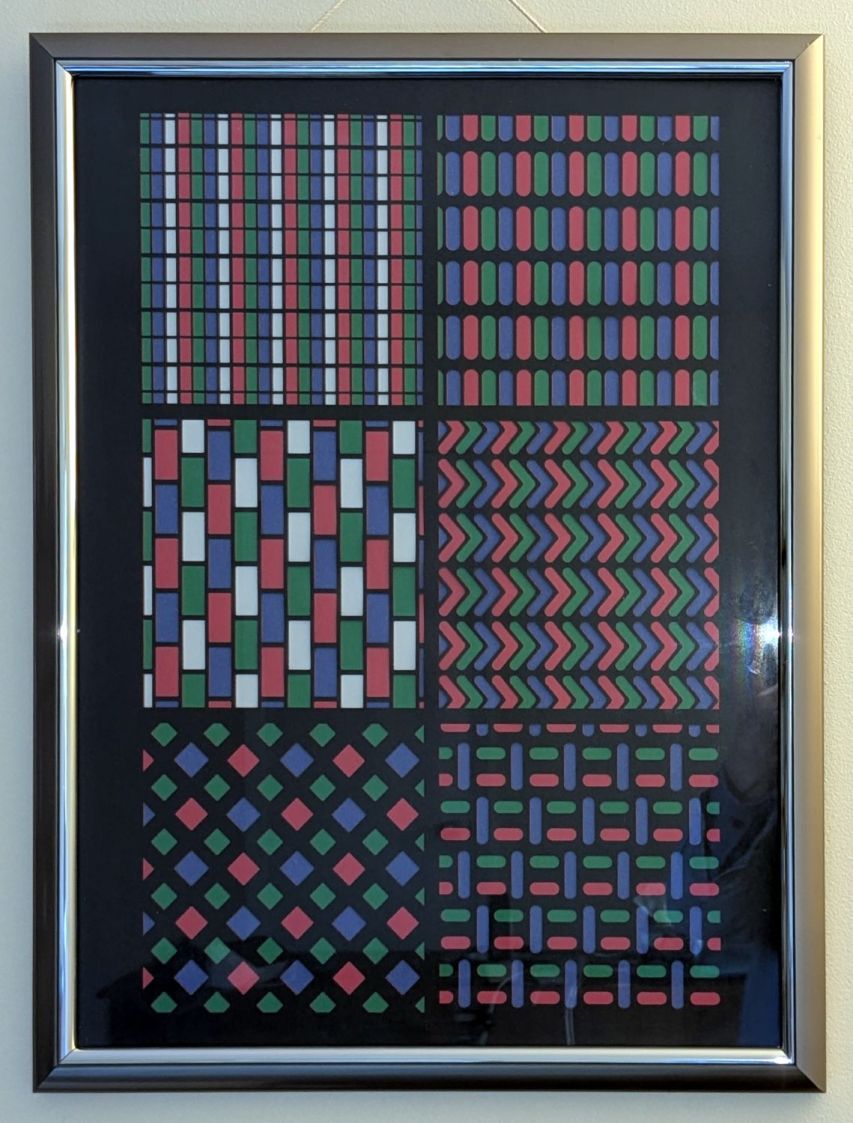
We had some 18×24 inch frames which fit a standard construction paper size. The paper colors aren’t nearly as vivid as a real artist would want, but they’ll suffice for my simple needs.
Lay out a template and decide 180 mm blocks fill the frame:

Offse the blocks 2 mm outward for cutting clearance and make a fixture:
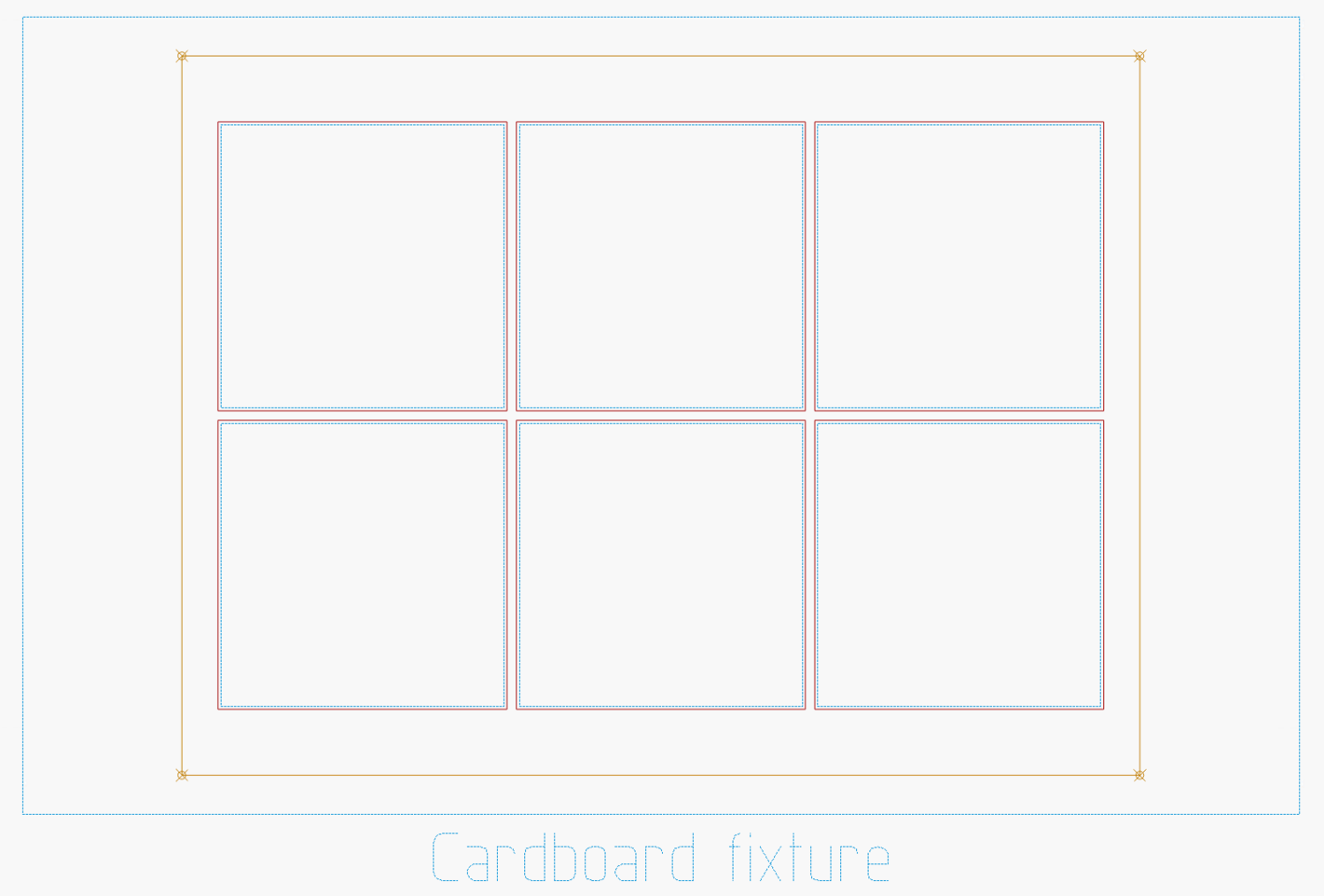
The outer rectangle matches a blank sheet of corrugated cardboard cut by hand to fit the platform. The inner rectangle marks a line around the 18×24 inch position of the paper, giving me a mark within which I can center the paper well enough by eyeballometric approximation.
Cutting the blocks and marking the lines produces the template:

It’s held in place by four finger-crushingly strong magnets. If I ever do this again, I’ll throttle back on the power for the corner targets, because the laser cannot reach the top speed marking the outline, so it cut through the top layer of cardboard at the targets.
The layers for the 8×8 versions have 170 mm blocks with all the colors properly separated:

Embiggen the blocks to 180×180 mm, rotate them to their new orientation, then snap them into copies of the new template:

I can only envision these things in the landscape orientation that will fit the laser platform, but you could build them in their final portrait orientation and rotate the result.
I put the template pattern in the middle of the LightBurn workspace and use Print and Cut to align the fixture with the corner targets. Then it’s just a sequence of laying a sheet of paper on the fixture, selecting the corresponding layout, hitting P to snap the layout to the center of the workspace, and Firing The Laser.
It’s not nearly as pretty as Mary’s quilts, but now I have a wall decoration of my very own.
 The Smell of Molten Projects in the Morning