The Smell of Molten Projects in the Morning

Ed Nisley's Blog: Shop notes, electronics, firmware, machinery, 3D printing, laser cuttery, and curiosities. Contents: 100% human thinking, 0% AI slop.

Tag: Sewing

Fabric arts and machines

  • HQ Sixteen: Track Lock Blocks

    HQ Sixteen: Track Lock Blocks

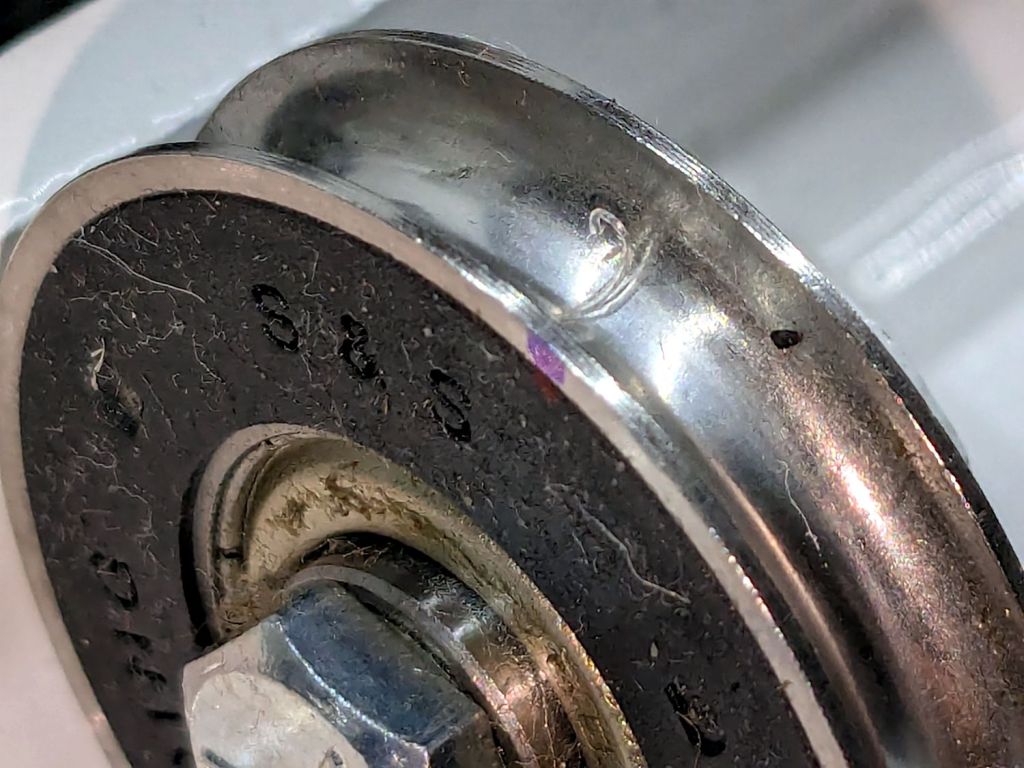
    Mary’s practice quilts on the HQ Sixteen suggest locking the machine’s wheels will simplify sewing a line parallel to the long edge of a quilt parallel to the table, but contemporary “Channel Locks” fit newer machines with larger wheels than on this one.

    Duplicating those rings in a smaller size seemed both difficult and not obviously functional, so I built a pair of blocks to capture the wheel on its track:

    HQ Sixteen - track lock - engaged
    HQ Sixteen – track lock – engaged

    The wheel sits in a recess holding it just barely above the track surface, so the (considerable) weight of the machine holds the block in place.

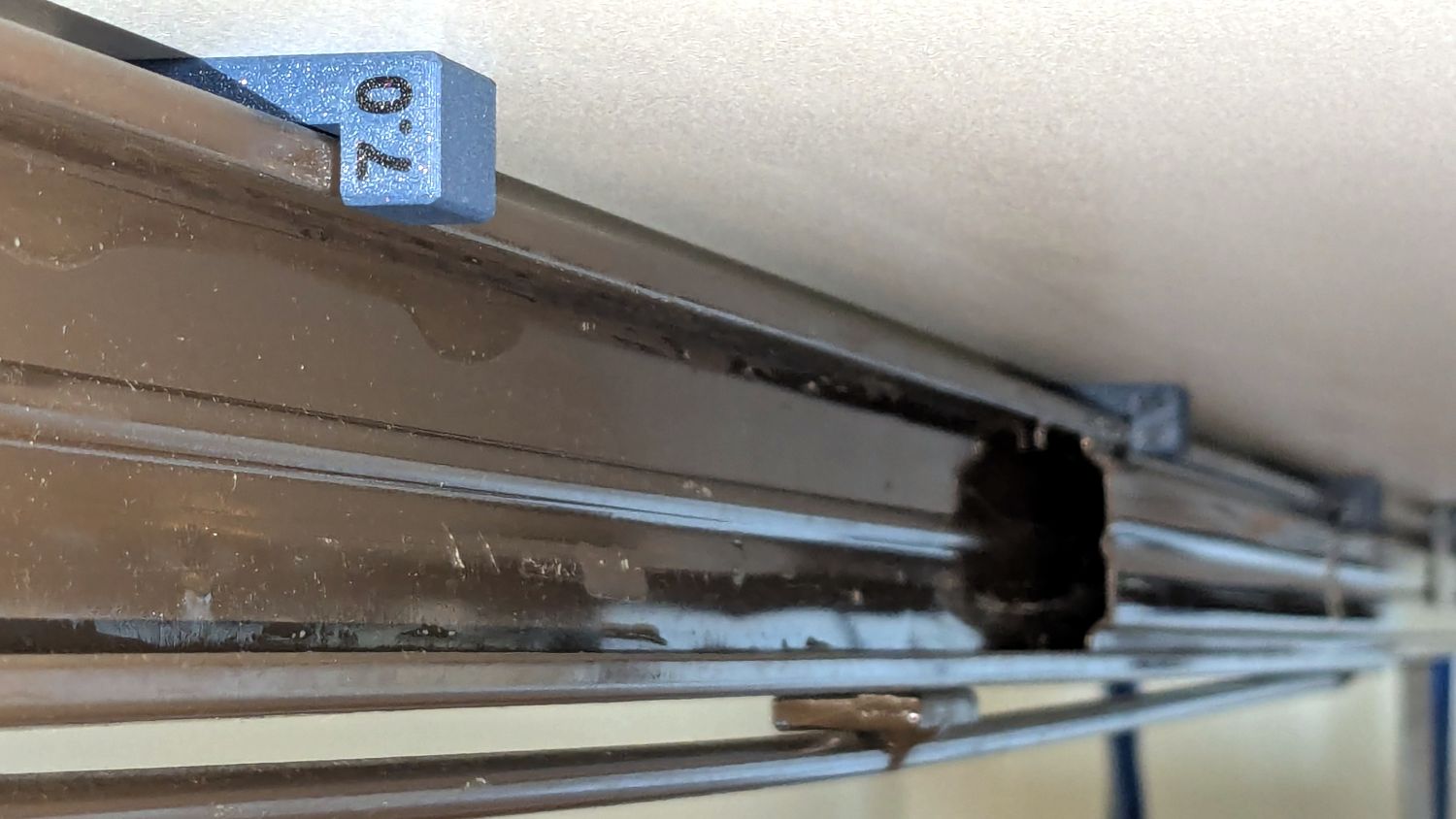
    Because lines on quilts have precise placement and Mary has quilting rulers within reach, the block measures exactly two inches from the point where it first touches the wheel to the center of the recess:

    HQ Sixteen - track lock - setup
    HQ Sixteen – track lock – setup

    She can then lay a ruler on the quilt, roll the machine front or back two inches, slide a block against each wheel, then roll the machine up a slight incline until the wheel drops into the recess:

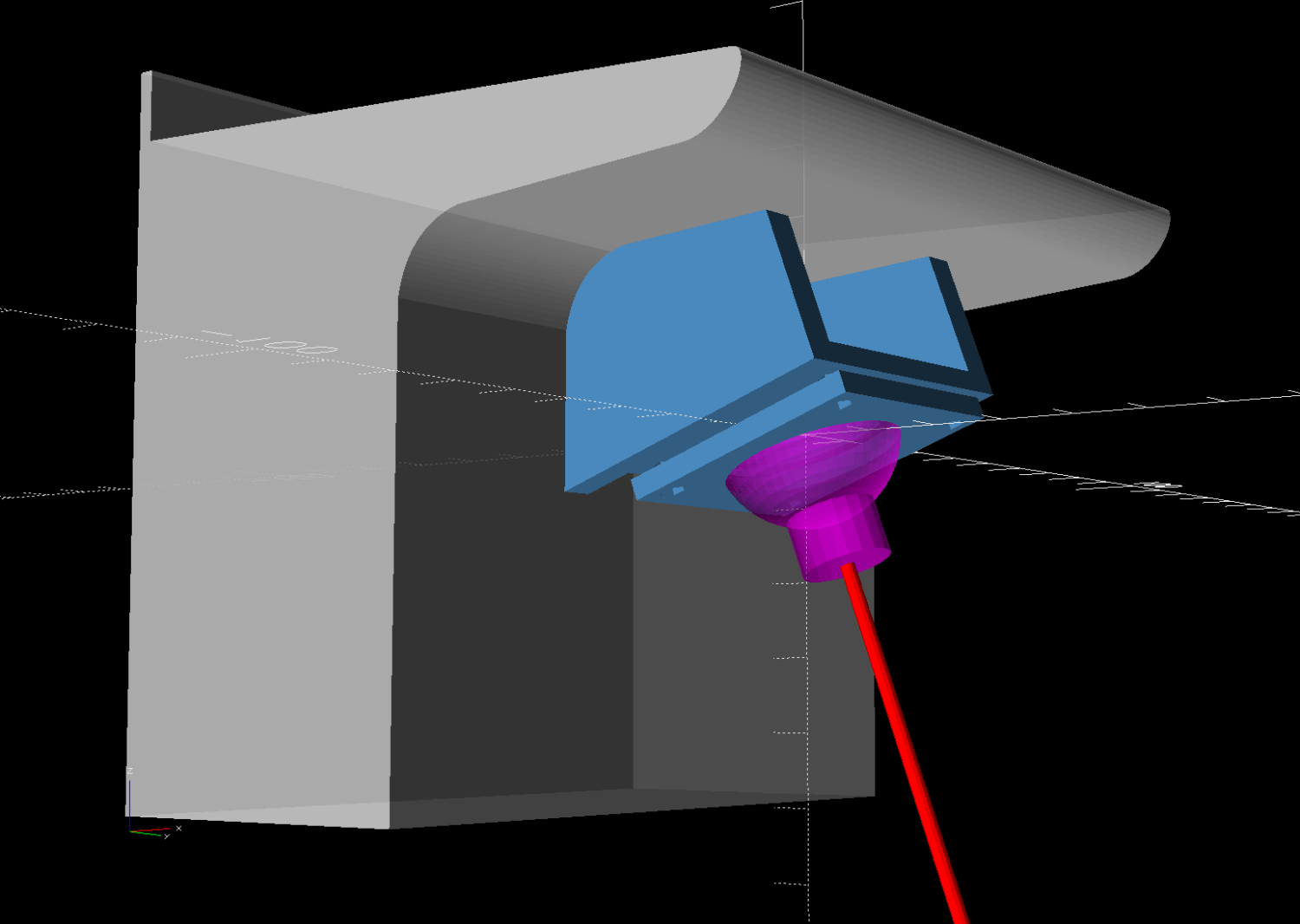
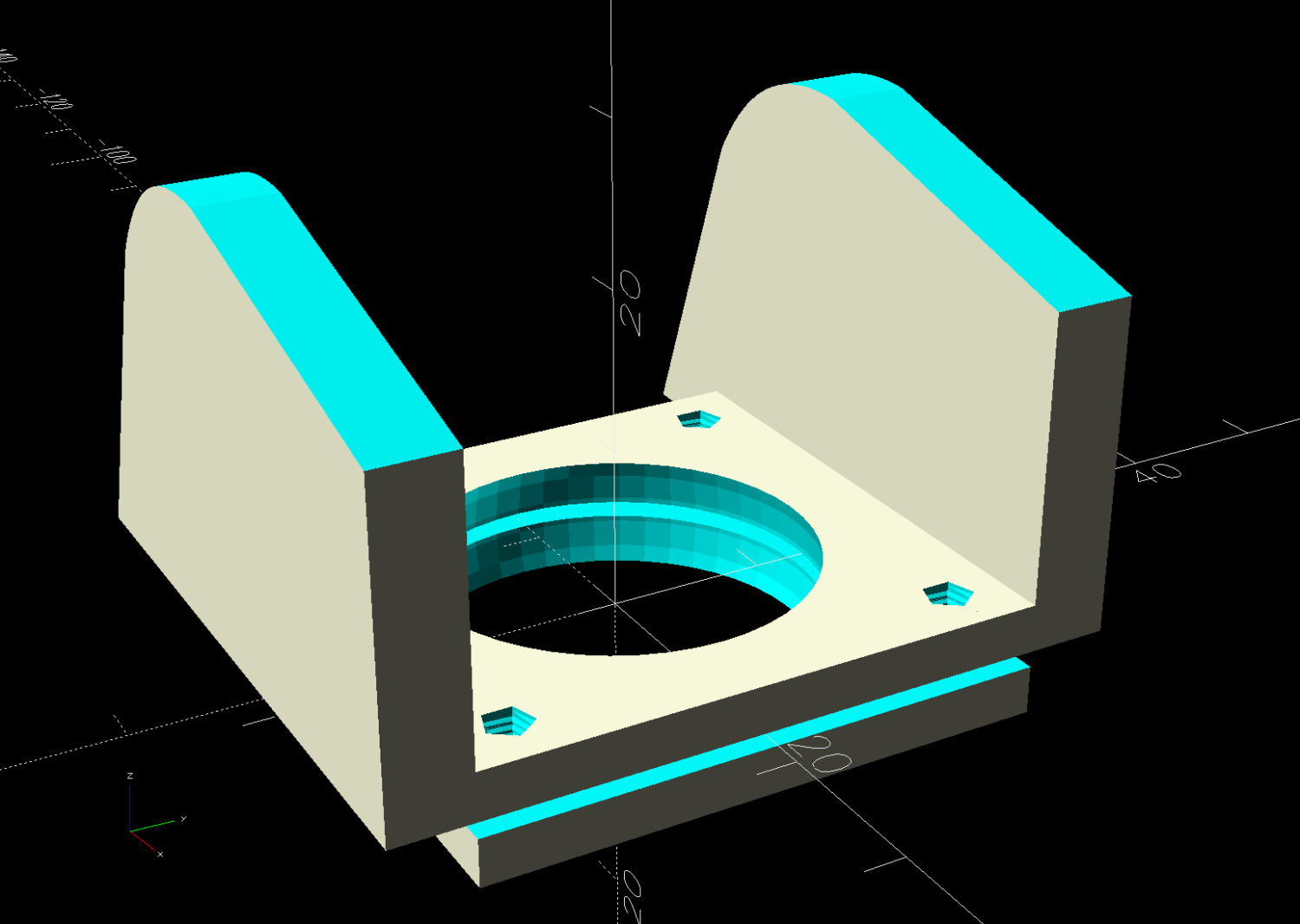
    HQ Sixteen - track lock block - solid model
    HQ Sixteen – track lock block – solid model

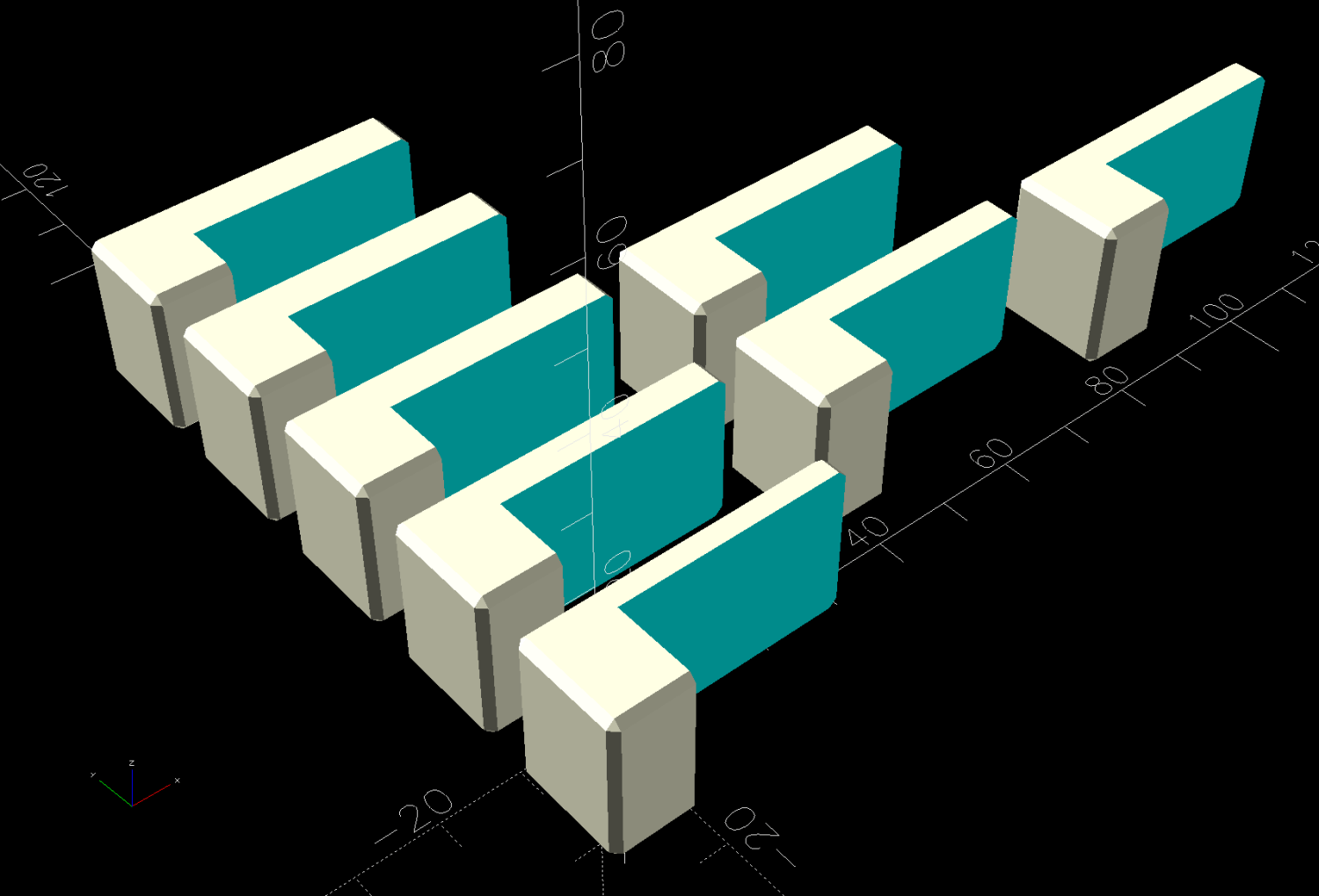
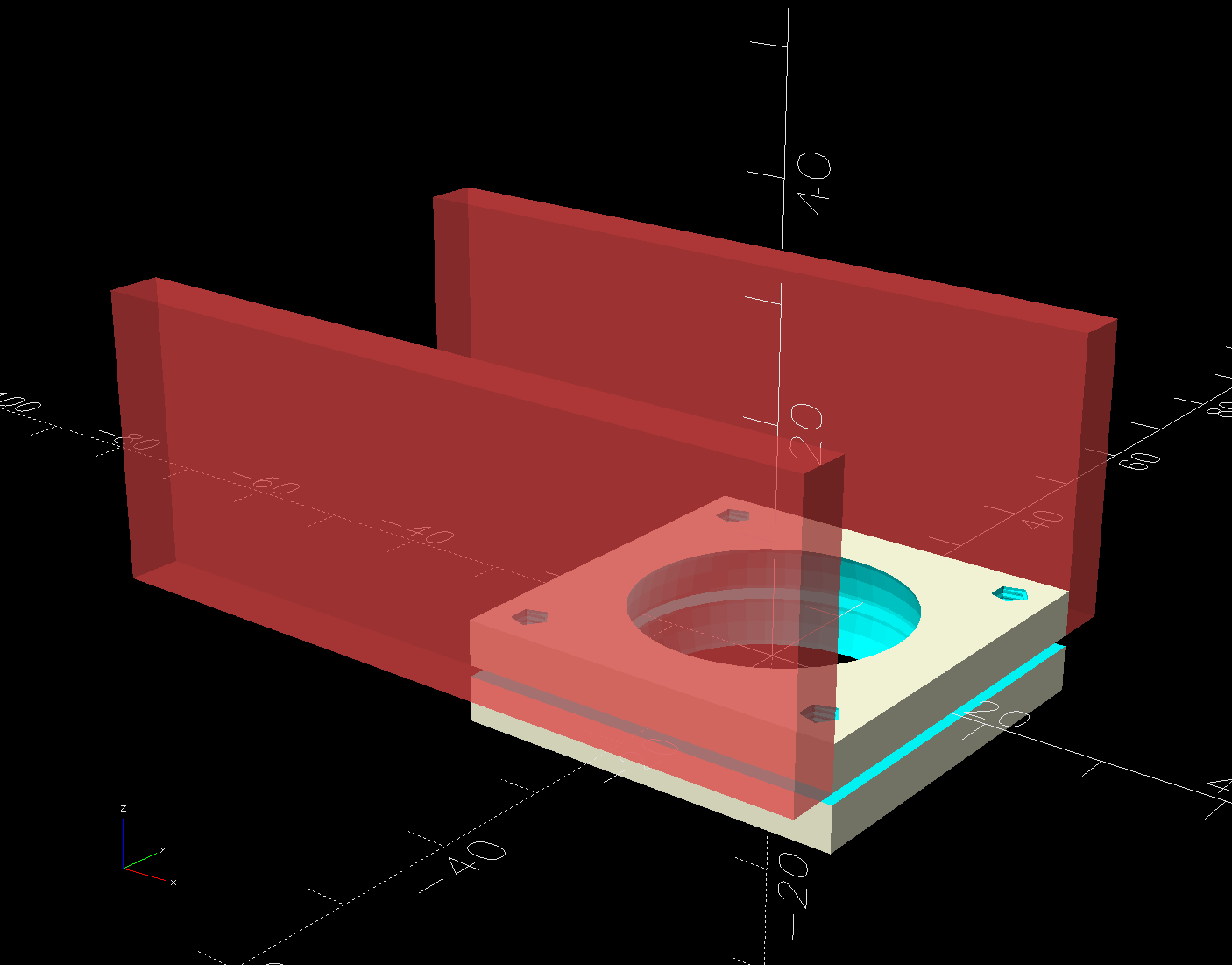
    The spacing looks like this:

    HQ Sixteen - track lock block - solid model - show view
    HQ Sixteen – track lock block – solid model – show view

    The usual 3D printing process puts 0.2 mm steps along the ramp, but they’re almost imperceptible while rolling the machine:

    HQ Sixteen - track lock block - PrusaSlicer preview
    HQ Sixteen – track lock block – PrusaSlicer preview

    The ramp slope is all of 1:20 = 2.5°, so pulling / pushing the machine requires very little oomph.

    I put thin cloth tape (approximately friction tape, but with real adhesive) on the bottom of the block by the simple expedient of sticking it to the block and scissoring off the excess. A little compliance between the block and the track prevents the hard plastic shapes from sliding more easily than I’d like. If your tape is thicker than mine, knock a little off the WheelZ value.

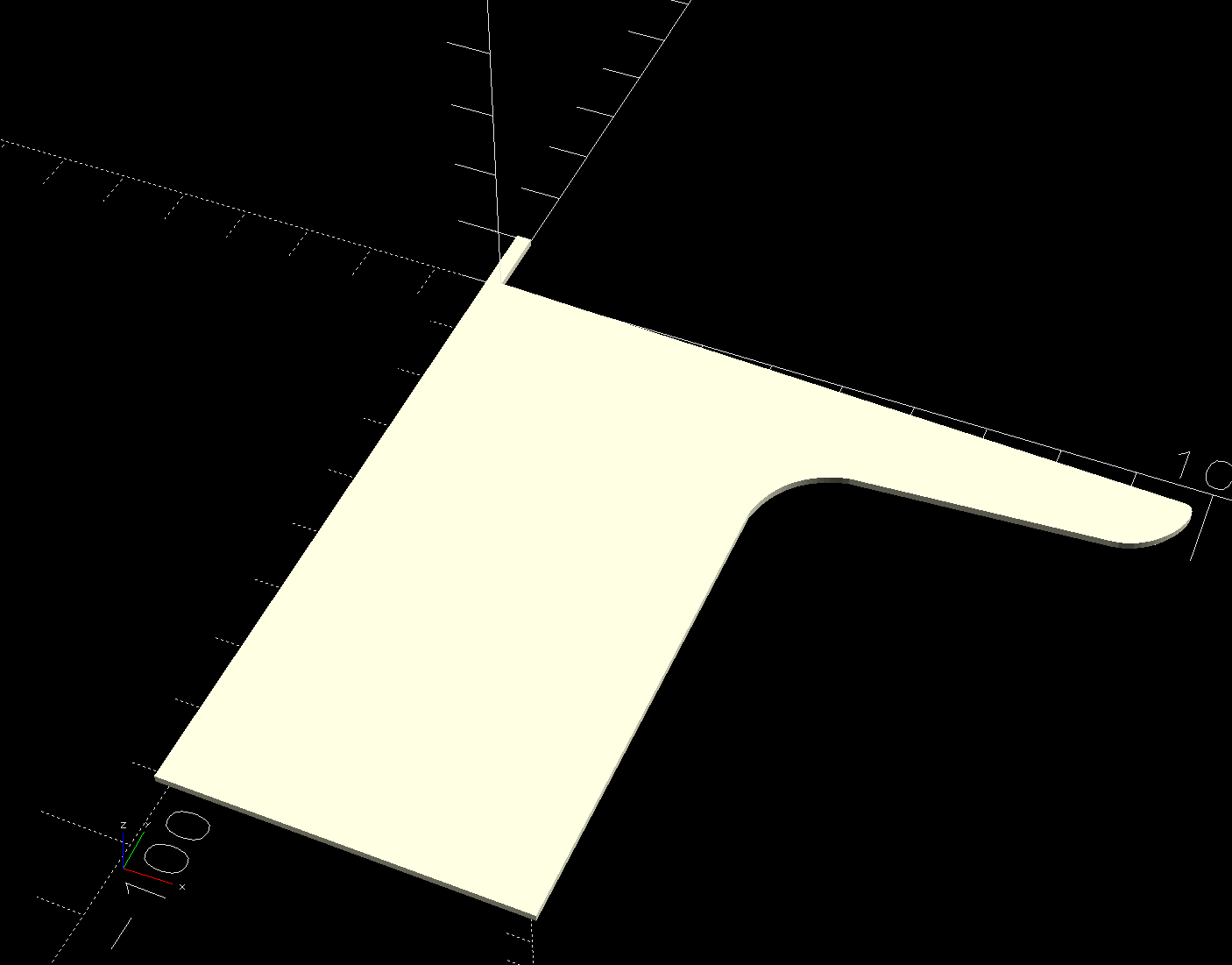
    The OpenSCAD code can produce shapes to laser-cut an adhesive sheet, although stacking a foam sheet will definitely require height adjustment :

    HQ Sixteen - track lock block - glue sheet
    HQ Sixteen – track lock block – glue sheet

    The OpenSCAD source code as a GitHub Gist:

    // HQ Sixteen – wheel track lock block
    // Ed Nisley – KE4ZNU
    // 2025-02-14
    include <BOSL2/std.scad>
    Layout = "Show"; // [Show,Build,Glue,Track,Block,Wheel]
    /* [Hidden] */
    ID = 0;
    OD = 1;
    LENGTH = 2;
    Protrusion = 0.1;
    Windage = 0.1;
    WallThick = 5.0; // minimum wall thickness
    RailOD = 5.5; // rounded top of rail
    RailHeight = RailOD; // … flange to top
    RailBase = [100,2*15.7 + RailOD,3]; // … Y = flange width, arbitrary X & Z
    WheelOD = 38.0; // rail roller
    WheelMinor = 6.2; // … rail recess
    WheelWidth = 8.3 + 2*Windage; // … outer sides
    WheelZ = RailHeight + (WheelOD – WheelMinor)/2; // axle centerline wrt rail flange
    LockOC = 2.0*INCH; // engagement to lock recess
    GripLength = 20.0;
    BlockOA = [GripLength + WheelOD/2 + LockOC,WheelWidth + 2*WallThick,2*RailHeight];
    BlockRadius = 2.0;
    $fn = 12*3*4; // smooth outer perimeters
    //———-
    // Construct the pieces
    module Track(Len = 2*BlockOA.x) {
    zrot(90) back(Len/2) down(RailBase.z) xrot(90)
    linear_extrude(height=Len,convexity=5)
    rect([RailBase.y,RailBase.z],anchor=FRONT)
    attach(BACK,FRONT) rect([RailOD,RailHeight – RailOD/2])
    attach(BACK) circle(d=RailOD);
    }
    module Wheel(Len = WheelWidth) {
    xrot(90)
    difference() {
    cylinder(d=WheelOD,h=Len,center=true);
    torus(r_maj=WheelOD/2,d_min=WheelMinor);
    }
    }
    module Block() {
    difference() {
    left(GripLength + WheelOD/2)
    cuboid(BlockOA,anchor=LEFT + BOTTOM,rounding=BlockRadius,except=BOTTOM);
    Track();
    up(WheelZ) xrot(90)
    cylinder(d=WheelOD,h=WheelWidth,center=true);
    right(LockOC)
    up(WheelZ – WheelOD/2) yrot(atan((RailHeight – WheelMinor/2)/LockOC))
    cuboid([LockOC,WheelWidth,BlockOA.z],anchor=RIGHT+BOTTOM);
    }
    }
    //———-
    // Show & build the results
    if (Layout == "Block" || Layout == "Build")
    Block();
    if (Layout == "Track")
    Track();
    if (Layout == "Wheel")
    Wheel();
    if (Layout == "Glue")
    projection(cut=true)
    Block();
    if (Layout == "Show") {
    color("SteelBlue")
    Block();
    for (i=[0,1])
    right(i*LockOC)
    color("Silver",0.7)
    up(WheelZ) Wheel();
    color("White",0.5)
    Track();
    }

  • HQ Sixteen: Handi Feet Conversion

    HQ Sixteen: Handi Feet Conversion

    Mary wanted a Ruler Foot (a.k.a. Handi Feet Sure Foot) on her Handi Quilter HQ Sixteen sewing machine, which required removing the original foot, installing the Handi Feet Conversion Kit, then adjusting the foot height above the needle plate:

    HQ Sixteen Handi-feet conversion - Sure-foot installed
    HQ Sixteen Handi-feet conversion – Sure-foot installed

    The Conversion Kit instructions repeatedly recommend hauling the machine to your local Handi Quilter authorized dealer / repair center, which would be an hour’s drive away. Suffice it to say I’m both authorized by a suitable authority and a dab hand with a hex wrench: I can do this thing.

    The original foot is a welded assembly with an M5×0.8 screw thread matching the leftmost (darker) rod on the machine:

    HQ Sixteen Handi-feet conversion - original foot
    HQ Sixteen Handi-feet conversion – original foot

    It’s sitting atop the label of the Sure Foot kit with a picture of the ruler foot.

    Although the instructions suggest you can install the conversion kit without removing the machine cover, I wanted to see what was going on in there and verify everything fit properly:

    HQ Sixteen Handi-feet conversion - foot rod clamp
    HQ Sixteen Handi-feet conversion – foot rod clamp

    As above, the foot / adapter screws into the left rod, with the rectangular aluminum clamp attached to the follower riding the cam near the top of the machine. The rod slides on the greasy pin absorbing the torque from the follower.

    I had to loosen the clamp, slide the rod upward, unscrew the original foot, install the adapter, adjust the rod position for the proper 0.5 mm spacing between ruler foot and the needle plate at bottom dead center, then tighten the screw. The disturbed grease above the block reveals I moved the rod upward about 8 mm through that block during the process; it now sits lower, just a few millimeters above where the factory tech assembled it for the original foot.

    The top photo shows half a dozen threads between the top of the adapter and the bottom of the jam nut. Without adjusting the rod position in the clamp, the adapter screw threads are the only way to adjust the foot-to-plate space: each full turn moves the foot 0.8 mm. I screwed the adapter completely into the rod, then backed it out three turns to leave enough adjustment for other feet and fabrics.

    The machine cover has a hole providing access to the clamp screw, so, in principle, you can stick a hex wrench in there to loosen / tighten the clamp while making fine adjustments in the foot position, all without removing the cover. If one full turn of the adapter doesn’t set the right position, I highly recommend removing the machine cover to see what you’re doing.

    We then installed the Ruler Base on the machine, which required removing the preinstalled Medium fuzzy spacer strips, and all’s well that ends well.

  • HQ Sixteen: Thread Cone Locating Disk

    HQ Sixteen: Thread Cone Locating Disk

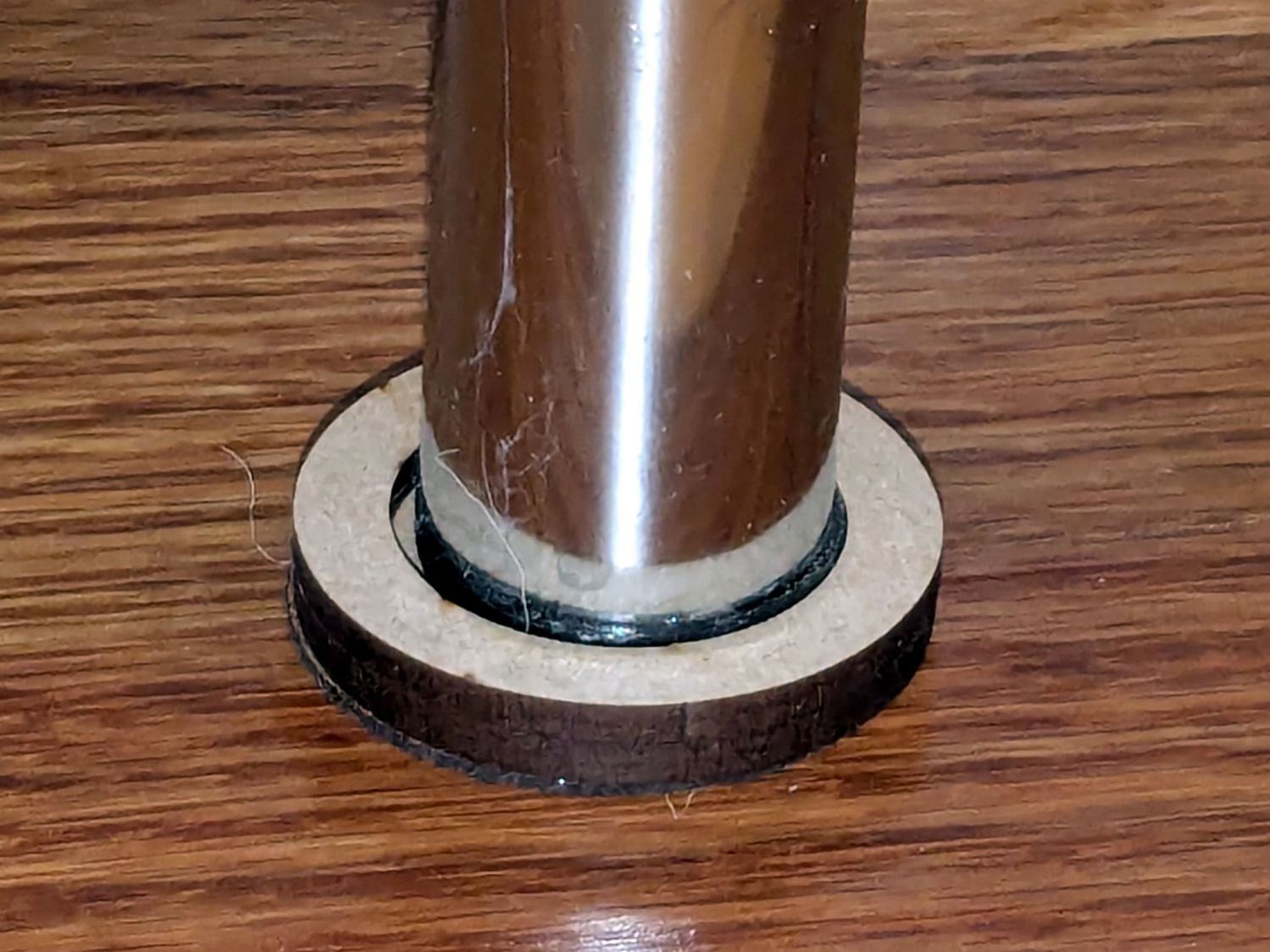
    After installing (if that’s not too fancy a term) the horizontal thread spool adapter on the HQ Sixteen, I laser-cut an acrylic disk to keep thread cones centered on the other vertical spool pin:

    HQ Sixteen - thread cone base locator - installed
    HQ Sixteen – thread cone base locator – installed

    It’s trivial: an 11 mm circle to clear the washer and a 55 mm circle to locate the cone.

    However, I cut that disk with a 56 mm OD, because that’s what I measured on half a dozen cones. Come to find out at least some cone bases are juuust slightly oval and they latched onto that disk like they were gonna be best buddies forever.

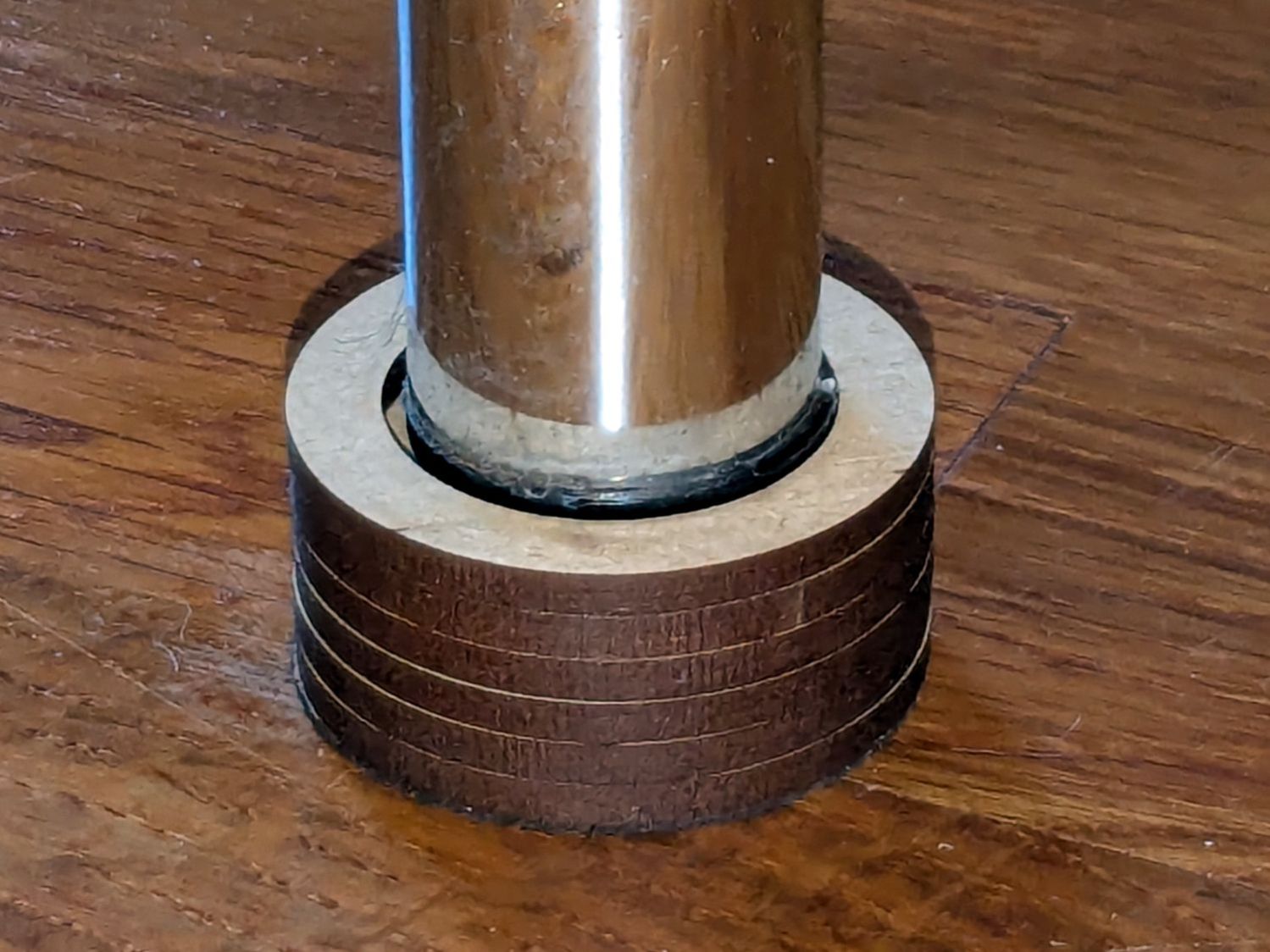
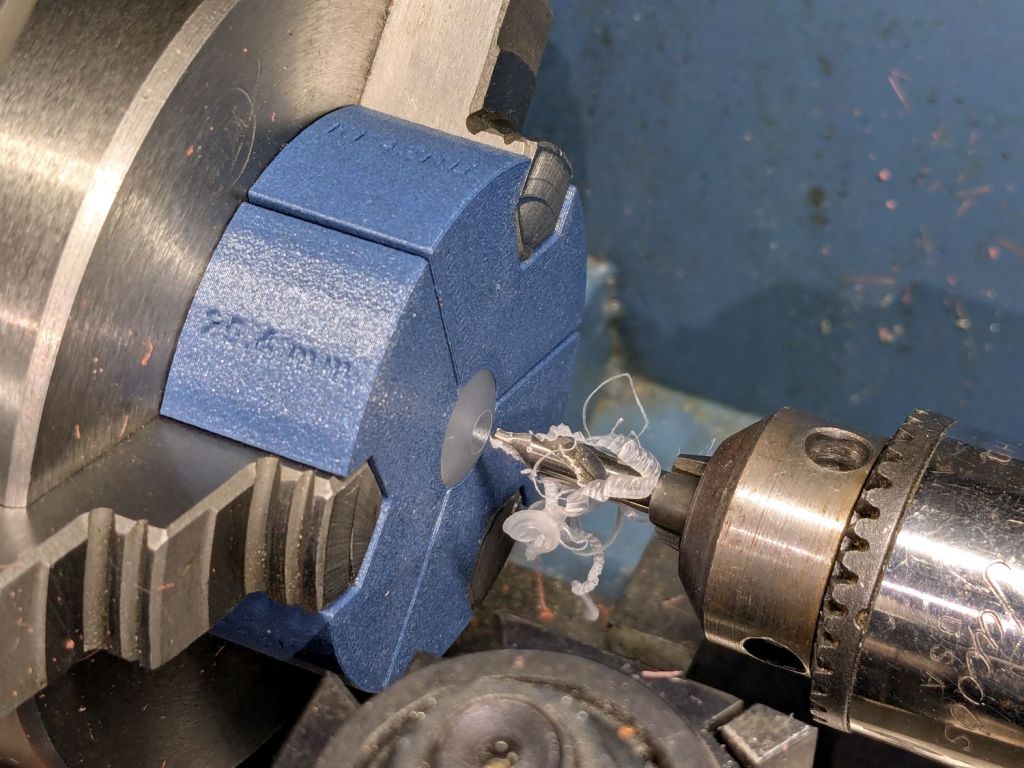
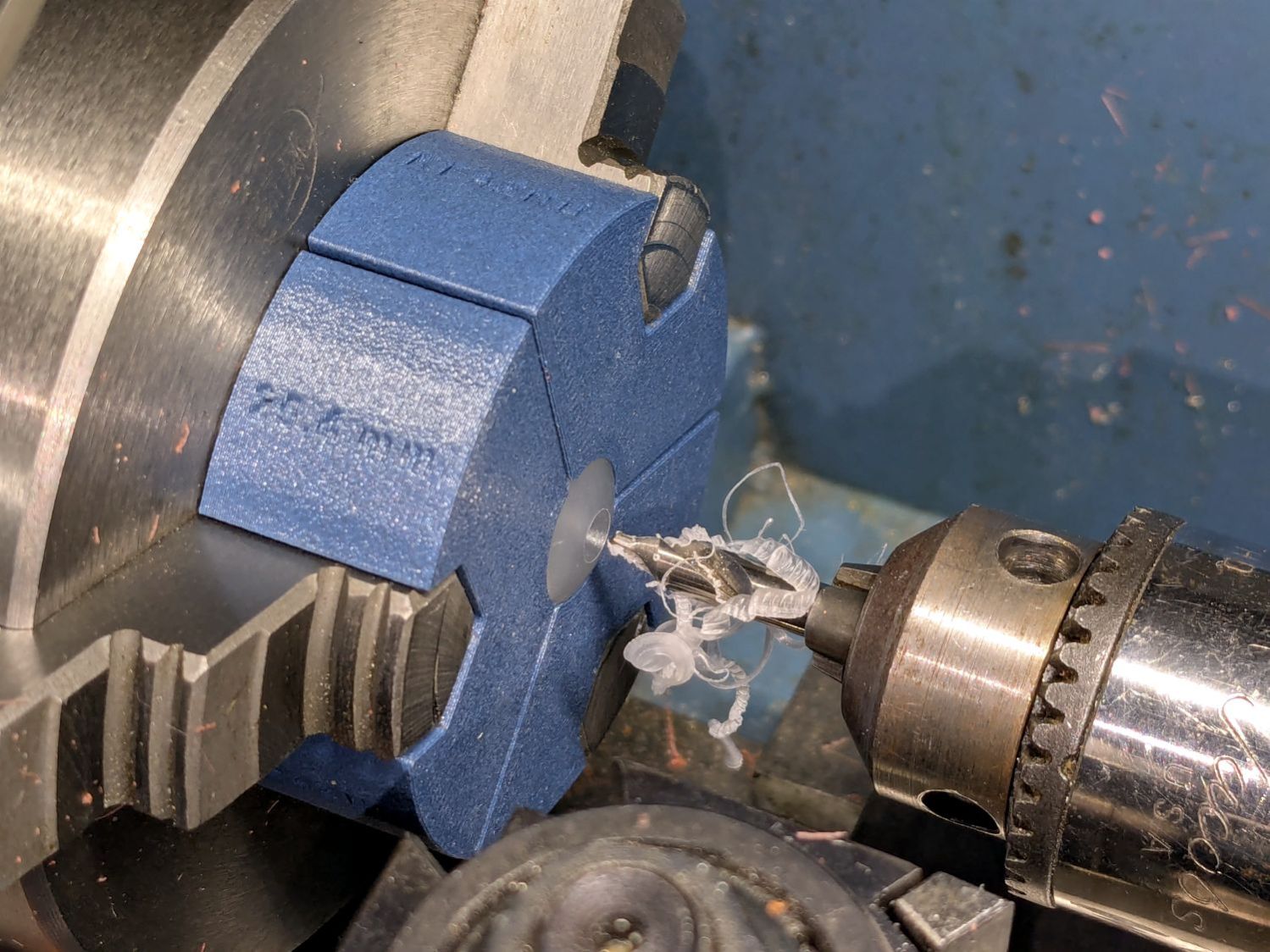
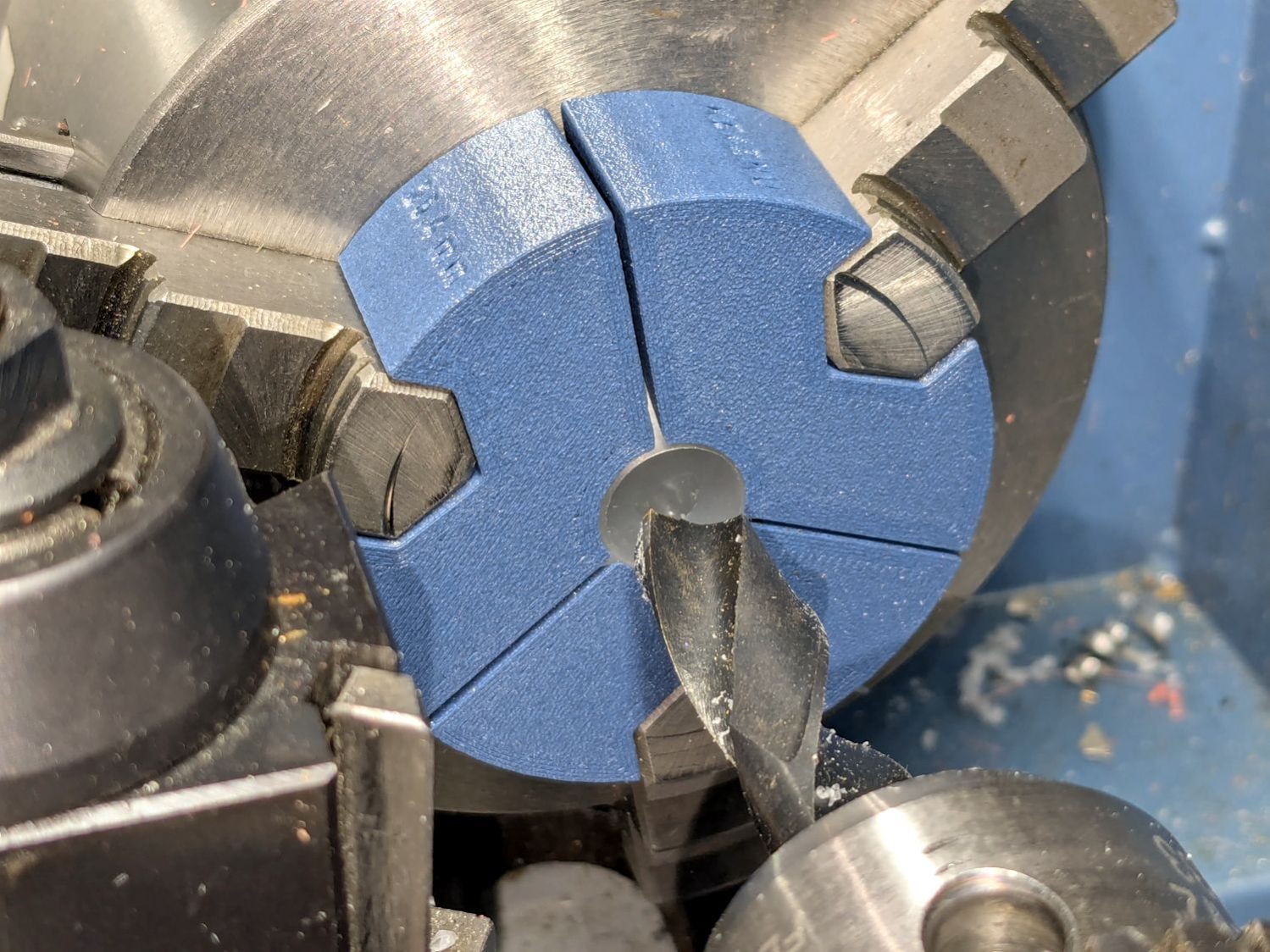
    Rather than cut another acrylic disk, I laser-cut a friction ring from a scrap of stamp-pad rubber and jammed the disk against the chuck with a live center:

    HQ Sixteen - thread cone base locator - turning
    HQ Sixteen – thread cone base locator – turning

    A few minutes of sissy cuts made the disk nicely round and concentric with the inner hole, with a little file work knocking the edges off the rim.

    Done!

  • HQ Sixteen: Horizontal Thread Spool Adapter

    HQ Sixteen: Horizontal Thread Spool Adapter

    After watching the thread pull off the spool around the vertical spool adapter in an increasingly tight helix, I built a horizontal adapter:

    HQ Sixteen - horizontal thread spool adapter - installed
    HQ Sixteen – horizontal thread spool adapter – installed

    The thread now pulls off perpendicular to the axis, the way we thought it should, and the helix is gone.

    The adapter base plate fits snugly over the vertical pin, with the lip over the edge stabilizing the whole thing. The spool fits on a ¼ inch acrylic rod tightly press-fit into the side wall and, although it’s not shown here, the vertical adapter press-fits onto the end of the rod to keep the spool from wandering off.

    The solid model shows the arrangement:

    HQ Sixteen - horizontal thread spool adapter - solid model
    HQ Sixteen – horizontal thread spool adapter – solid model

    It builds standing on the wall to prevent any significant overhang:

    HQ Sixteen - horizontal thread spool adapter - PrusaSlicer
    HQ Sixteen – horizontal thread spool adapter – PrusaSlicer

    So we’ve reconfirmed our original knowledge that ordinary thread spools must feed off the side, not over the top. Living in the future with rapid prototyping and simple production is good!

    You can buy a Horizontal Spool Pin Clamp, but what’s the fun in that?

    Fun fact: although the vertical pins on the machine are ¼ inch in diameter, the thread on the end is neither the obvious ¼-20 nor the second-guess 10-32. Instead, it’s M5×0.8, perilously close to the 10-32 thread used in the handlebar setscrews. Don’t apply brute force when this thing doesn’t screw neatly into that hole.

    The OpenSCAD source code as a GitHub Gist:

    // HQ Sixteen – horizontal thread spool adapter
    // Ed Nisley – KE4ZNU
    // 2025-01-26
    include <BOSL2/std.scad>
    Layout = "Show"; // [Show,Build,Base,Wall]
    /* [Hidden] */
    ID = 0;
    OD = 1;
    LENGTH = 2;
    WallThick = 10.0;
    BaseThick = 5.0;
    PinOD = 0.25*INCH; // vertical spool pin
    PinWasher = [PinOD,11.0,2.0]; // pin base washer
    PinOffset = 49.0; // pin center to edge of platform
    Spool = [0.25*INCH,50.0,55.0]; // maximum thread spool
    echo(Spool=Spool);
    SpoolClearance = [5.0,2.0,5.0];
    SpoolOC = [-PinOffset + PinOD/2 + SpoolClearance.x + Spool[OD]/2,
    Spool[LENGTH]/2,
    BaseThick + SpoolClearance.z + Spool[OD]/2];
    BasePlate = [PinWasher[OD] + PinOffset + BaseThick,
    Spool[LENGTH] + SpoolClearance.y + WallThick,
    BaseThick];
    Protrusion = 0.1;
    $fn = 12*3*4; // smooth outer perimeters
    //———-
    // Construct the pieces
    module Base() {
    difference() {
    union() {
    left(BasePlate.x/2 – BaseThick) back((SpoolClearance.y + WallThick)/2)
    cuboid(BasePlate,rounding=BaseThick,edges=[FWD+LEFT,FWD+RIGHT],anchor=BOTTOM);
    back((SpoolClearance.y + WallThick)/2)
    cuboid([BaseThick,BasePlate.y,BaseThick],
    rounding=BaseThick,edges=[FWD+BOTTOM,FWD+RIGHT,BACK+BOTTOM],anchor=LEFT+TOP);
    }
    left(PinOffset) down(Protrusion) {
    cylinder(PinWasher[LENGTH],d=PinWasher[OD]); // washer clearance
    cylinder(2*BaseThick,d=PinOD);
    }
    }
    }
    module Wall() {
    difference() {
    union() {
    hull() {
    right(BaseThick)
    cube([BasePlate.x,BaseThick,WallThick],anchor=FWD+RIGHT+BOTTOM);
    back(SpoolOC.z) right(SpoolOC.x)
    cylinder(d=Spool[OD]/2,h=WallThick);
    }
    back(SpoolOC.z) right(SpoolOC.x)
    cylinder(d=Spool[OD]/2,h=WallThick + SpoolClearance.y);
    }
    back(SpoolOC.z) right(SpoolOC.x) down(Protrusion) zrot(180/8)
    cylinder(d=Spool[ID],h=2*WallThick,$fn=8);
    }
    }
    module Adapter() {
    union() {
    Base();
    back(SpoolOC.y + SpoolClearance.y + WallThick)
    xrot(90)
    Wall();
    }
    }
    //———-
    // Show & build the results
    if (Layout == "Base")
    Base();
    if (Layout == "Wall")
    Wall();
    if (Layout == "Show") {
    Adapter();
    left(PinOffset)
    color("Gray") {
    cylinder(d=PinOD,h=2*SpoolOC.z);
    cylinder(d=PinWasher[OD],h=PinWasher[LENGTH]);
    }
    up(SpoolOC.z) right(SpoolOC.x) back(SpoolOC.y)
    xrot(90)
    color("Green")
    cylinder(d=Spool[ID],h=Spool[LENGTH]);
    }
    if (Layout == "Build")
    up(SpoolOC.y + SpoolClearance.y + WallThick)
    xrot(-90)
    Adapter();

  • HQ Sixteen: Thread Spool Adapter

    HQ Sixteen: Thread Spool Adapter

    The HQ Sixteen consumes thread at a prodigious rate, so it’s set up for large thread cones. Mary sometimes uses ordinary thread spools (leftovers from sewing projects) for short practice sessions and wanted an adapter to hold the little things in place:

    Thread spool adapter - installed
    Thread spool adapter – installed

    Those of long memory should recall previous adapters for both sizes and their notes about how thread should peel off spools & cones. I considered an adapter with a horizontal spool axis, but contemporary machines apparently don’t bother with such niceties. We may need a right-angle adapter to let the thread pull off from the side, but we’ll start simple and fix it if needs be.

    Update: It needed fixing.

    The solid model looks about like you’d expect:

    HQ Sixteen - thread spool adapter - solid model
    HQ Sixteen – thread spool adapter – solid model

    The small crosswise hole in the hub gets an M3 setscrew pushing a rubber pellet slightly into the central bore for a friction fit. The OpenSCAD code can distribute any number of such holes, but one seemed entirely adequate.

    The code shrinkwraps a hull() around two cylinders to create the tapered sides, thus giving the thread less surface to drag across. I have PrusaSlicer set to produce scarf joints around the perimeter and the edges came out surprisingly smooth, with only one rough spot requiring deft Xacto knife work. It’s made from white PETG for a smoother finish than PETG-CF.

    The OpenSCAD code consists mostly of constants defining the various physical measurements and a few lines assembling the model:

    // HQ Sixteen - thread spool adapter
    // Ed Nisley - KE4ZNU
    // 2025-01-21
    
    include <BOSL2/std.scad>
    
    /* [Hidden] */
    
    PinOD = 0.25*INCH;
    
    RingOD = 50.0;      // outer perimeter of thread ring
    RingEdge = 3.0;     // height of ring edge & tapers
    RingAngle = 45;     // upper & lower tapers wrt vertical
    
    RingOAH = 3*RingEdge;
    
    ScrewOD = 2.5;      // tap for setscrew compressing rubberdraulic piston
    NumScrews = 1;
    
    HubOD = 25.0;
    HubThick = 2*ScrewOD;
    HubSides = 12;
    
    ScrewCL = RingOAH + HubThick/2;
    
    AdapterOAH = HubThick + RingOAH;
    
    Protrusion = 0.1;
    
    NumSides = 12*3*4;   // smooth outer perimeter
    
    //----------
    // Build it
    
    
    difference() {
        union() {
    
            hull() {
                linear_extrude(RingOAH)
                    circle(r=RingOD/2 - RingEdge*tan(RingAngle),$fn=NumSides);
    
                up(RingEdge)
                    linear_extrude(RingEdge)
                        circle(d=RingOD,$fn=NumSides);
            }
    
            linear_extrude(HubThick + RingOAH)
                rotate(180/HubSides)
                    circle(d=HubOD,$fn=HubSides);
    
        }
    
        down(Protrusion)
            rotate(180/HubSides)
                cylinder(d=PinOD,h=2*AdapterOAH,$fn=HubSides);
    
       for (i=[0:NumScrews-1]) {
            a = i*360/NumScrews;
            zrot(a)
                up(ScrewCL)
                    yrot(90)
                        zrot(180/6)
                            cylinder(d=ScrewOD,h=HubOD,$fn=6);
        }
    
    }
    

    Putting the adapter in the light box revealed the same problem as photographing white dogs in snowstorms:

    Thread spool adapter - white on white
    Thread spool adapter – white on white

    There was no contrast to be enhanced anywhere, although the rubber pellet definitely stands out.

  • HQ Sixteen: Heisenbug vs. Schematic

    HQ Sixteen: Heisenbug vs. Schematic

    After running reliably for a few weeks, the HQ Sixteen Heisenbug returned, displaying a Motor Stall error on the first attempt to run the motor. This gave me the opportunity to extract the PCB, compare it with the first rough schematic, then correct a few resistor values and connections.

    Redrewing (most of) it in somewhat canonical form:

    HQ Sixteen - Power PCB - schematic 2025-01-14
    HQ Sixteen – Power PCB – schematic 2025-01-14

    As before:

    • Do not assume any connections or components are correct or correctly drawn.
    • !!CAUTION!! The motor supply is direct-from-the-AC-line non-isolated +160 VDC.
    • !!CAUTION!! The GND traces are not isolated from the AC line and are not at the normal “0 V” AC neutral potential.

    When the machine operates normally, the relay pulls in with a distinct click slightly after the power switch closed. With the Heisenbug in full effect, the relay does not click, suggesting a fault in its driver circuitry.

    With the motor pod resting on a box beside the machine, I gingerly measured the voltage at various points on the top of the PCB. As far as I could tell, the entire +15 VDC power supply was dead: no voltage at either the input or output terminal of the LM7815 regulator!

    NOTE: The obvious screws along the top edge of the PCB are not connected to the power PCB circuit GND. Instead, they’re part of the controller’s power circuitry from the isolated power supply produced by rectifier bridge B3 and passed through J1 in the upper left corner of the PCB. Instead, the left lead on R1 (the 5W sandbox resistor) is a convenient GND terminal.

    So I hauled the little DSO150 battery-powered oscilloscope and a handful of clip leads up from the Basement Laboratory, got everything arranged, turned on the power, and the machine worked perfectly again.

    That’s why it’s called a Heisenbug: look at it and it vanishes.

    Given a faint indication of power supply problems, I verified all four diodes in Bridge Rectifier B21 are OK and the Skynet transformer windings were solid. I resoldered all the PCB connections from the transformer to U2, the LM7815 regulator, plus the green jumper wires.

    The machine is now back together, it continues to work, and all my test equipment is back in the basement.

    If it happens again, I’ll mount a cheerful LED on the pod to show the supply is working.

  • Handi-Quilter HQ Sixteen: Preliminary Power PCB Schematic

    Handi-Quilter HQ Sixteen: Preliminary Power PCB Schematic

    Because I must eventually diagnose and fix the HQ Sixteen’s Motor Stall Heisenbug, I printed out several views of the power supply PCB on glossy photo paper for best visibility.

    The component side:

    Power PCB - components
    Power PCB – components

    The solder side:

    Power PCB - solder
    Power PCB – solder

    The X-ray view:

    Power PCB - overlaid
    Power PCB – overlaid

    Considerable pondering and sketching produced an annotated view of the solder side:

    HQ Sixteen - Power PCB - solder side - component labels - reduced
    HQ Sixteen – Power PCB – solder side – component labels – reduced

    Here’s a tentative schematic drawn on the fly while extracting it from the PCB traces:

    HQ Sixteen - Power PCB - rough schematic
    HQ Sixteen – Power PCB – rough schematic

    !!CAUTION!! I have not verified the schematic against the actual hardware / PCB / components, as the Heisenbug has not reoccurred and I had no occasion to take the machine apart for checking. Do not assume any connections or components are correctly drawn.

    Before I redraw the schematic in a more useful format, I must verify several nodes, because not everything in there makes sense.

    In particular, the elaborate resistor string in the middle of the page seems to establish reference voltages for everything else, from the motor power supply turn-on delay to the RUN signal starting the motor.

    The optoisolators definitely get the RUN command signal from the controller and feed the STALL motor status back to it. That’s assuming I understand enough to pin those labels on those connections.

    !!CAUTION!! Read my caveats about the direct-from-the-AC-line non-isolated +160 VDC motor supply before connecting your instruments. The GND traces are not isolated from the AC line and are not at the normal “0 V” AC neutral potential.

    But if this mess gets you further along with whatever you were doing, let me know how it all worked out for you.