Ed Nisley's Blog: Shop notes, electronics, firmware, machinery, 3D printing, laser cuttery, and curiosities. Contents: 100% human thinking, 0% AI slop.
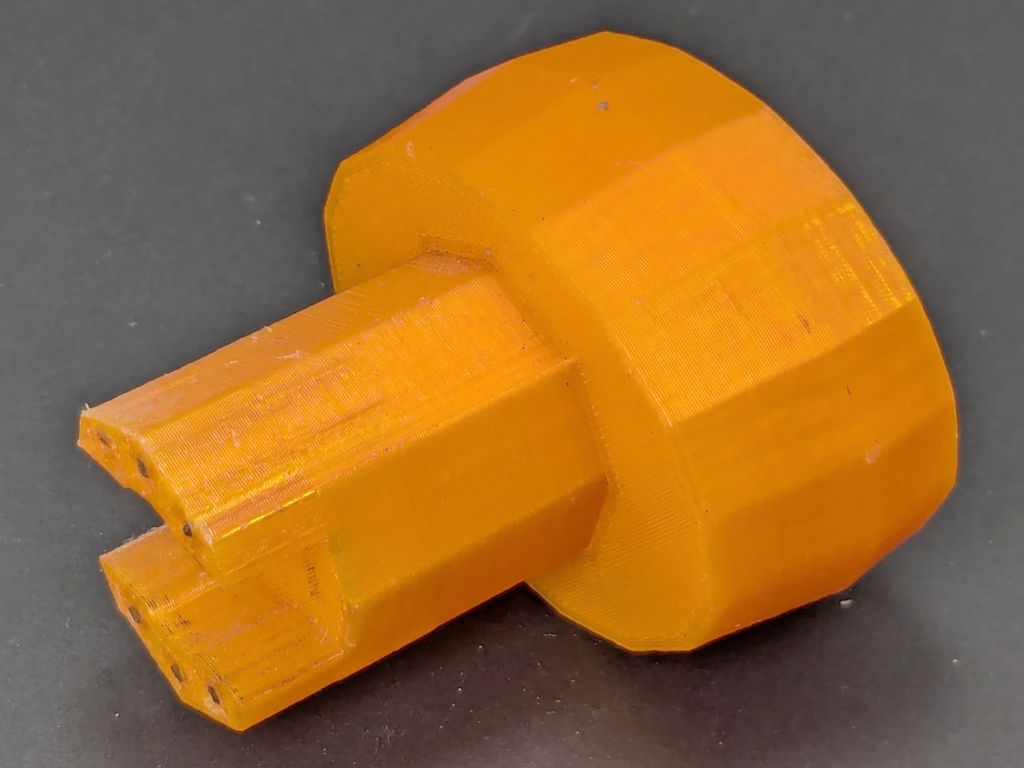
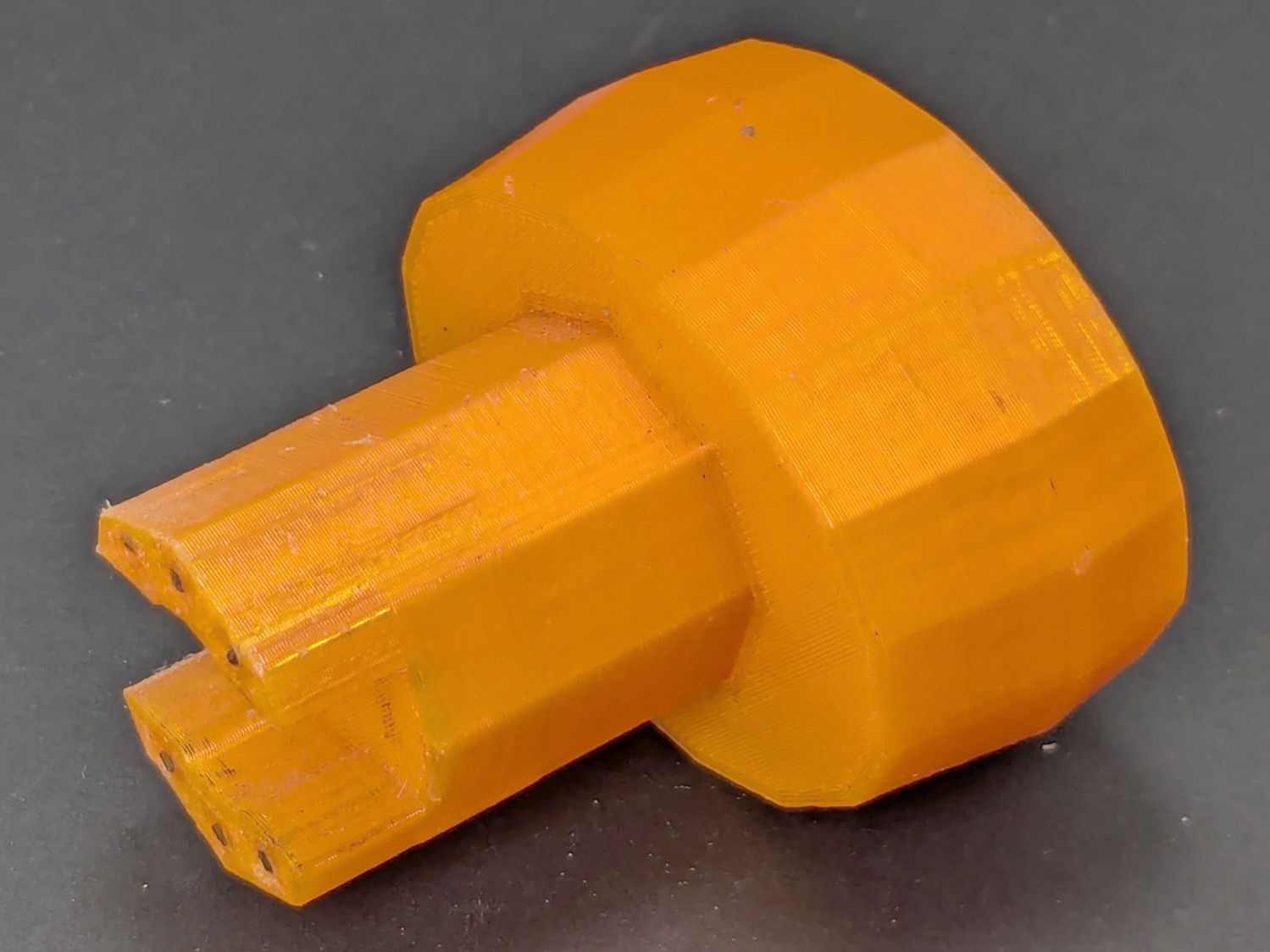
Mary found the wrench I made five years ago in the bottom of her tool bucket:
Hose Valve Knob – five years later
Having moved away from the garden with all the valves that wrench turned, it can now go into the 3D Printed Sample Box for use in the unlikely event I ever give another talk on the subject.
I’d design it differently these days, what with BOSL2 in my sails, but it got the job done.
The Basement Shop has 50±5% relative humidity, with the top held down by a hulking dehumidifier (plus a box fan stirring the air) and the bottom supported by being a basement. As a result, the 3D printer filament stabilized at about 50% RH, which seemed to work well enough for PETG.
That’s activated alumina desiccant, mostly because it’s reputed to have more capacity and a lower ultimate humidity than silica gel, but it likely doesn’t make much difference.
In addition to 25 g of desiccant in the PolyDryer meter case, I dropped five teabags holding 10 g each in the bottom of the box for more capacity. I measure the desiccant by putting 75.0 g into a cup, putting 25.0 g in the PolyDryer meter box (aided by a Polydryer Desiccant Funnel), 10.0 g into four teabags, and whatever’s left into the fifth teabag, thus eliminating rounding errors in the smaller quantities.
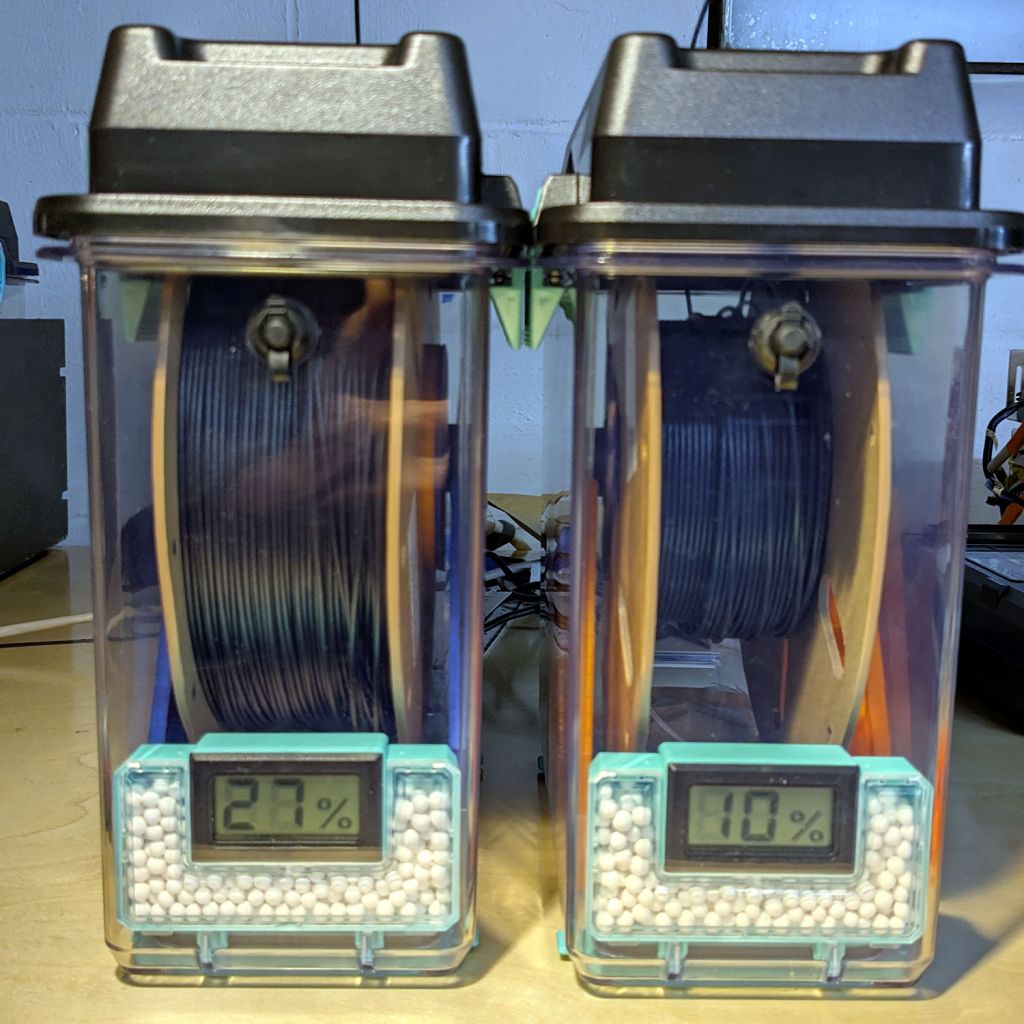
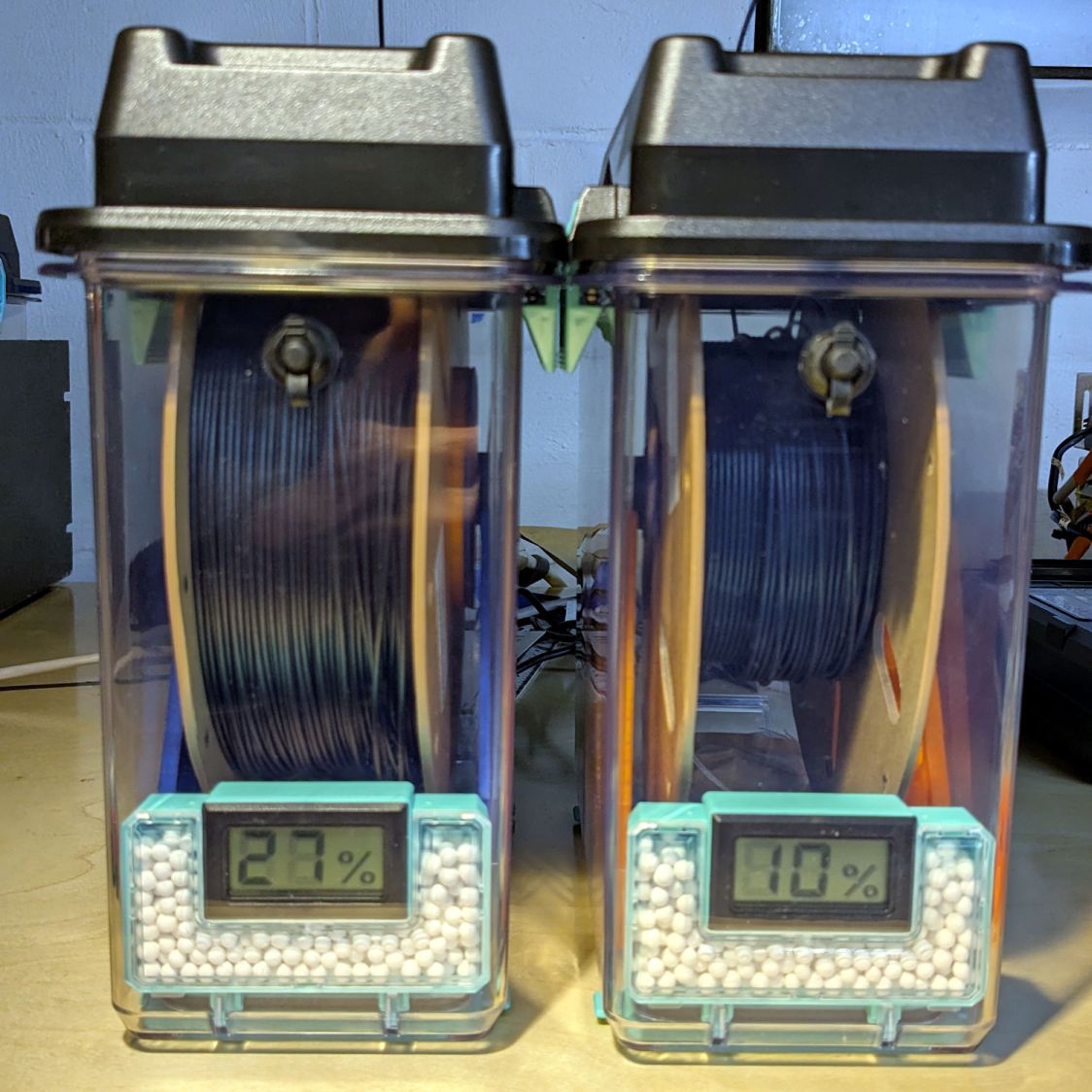
The stabilized humidity inside the boxes seems to depend on the amount of filament on the spool:
Nearly full → 25% to 30% RH
Half full → 20%-ish RH
Nearly empty → 10% to 15% RH
I think the humidity level comes from the filament outgassing water vapor through its (limited) surface area on the outer layer around the spool. The difference between that rate and the desiccant’s ability to remove water vapor from the (unmoving) air in the box sets the stable humidity: more surface area → more water vapor → higher humidity.
After the filament eventually dries out, the humidity should decrease, but diffusion is a slow process. More likely, the humidity will remain stable as the printer pulls filament from the outer layer and exposes the somewhat wetter plastic within.
The heater and fan inside the PolyDryer base unit circulates hot air through the box around the spool, but depends on the desiccant to remove water vapor. Running the base unit for 6 or 12 hours makes little difference in the stabilized humidity, so I think the desiccant is doing the best it can as the filament outgasses more water vapor.
Using Air Exchanger vents seems to make no difference, likely because the desiccant must then pull more water vapor out of the incoming 50% RH basement air. A psychrometric chart says 50% RH air at 60 °F becomes 10% RH air at 120 °F, but moisture in the filament wrapped around the spool can’t escape any faster.
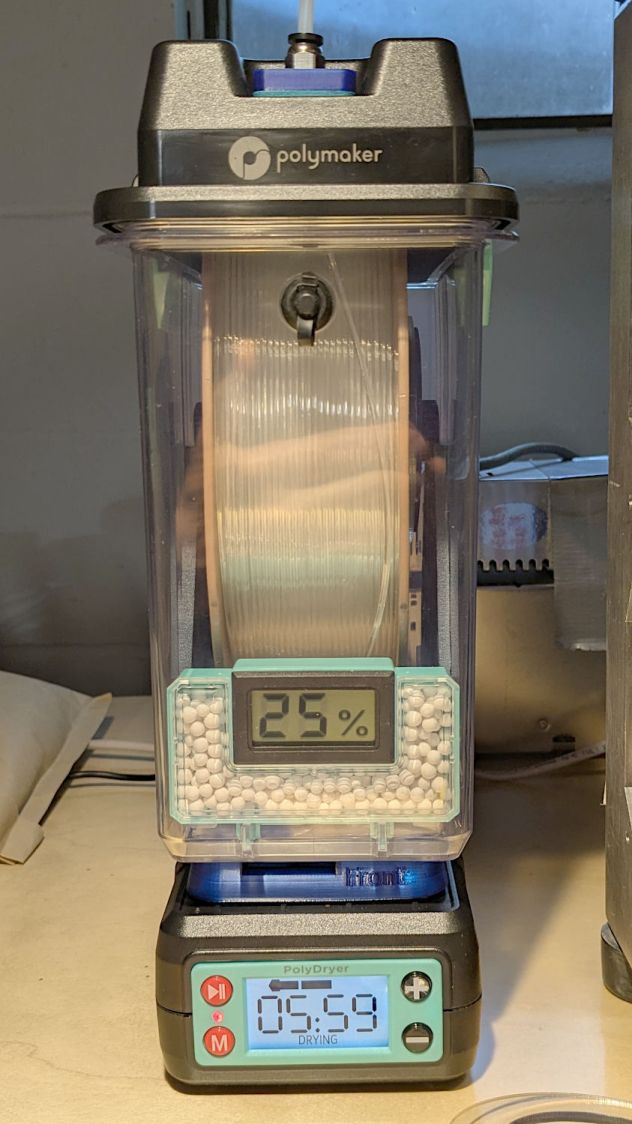
So, for example, a full spool of TPU starting at 25% RH:
PolyDryer humidity – TPU start
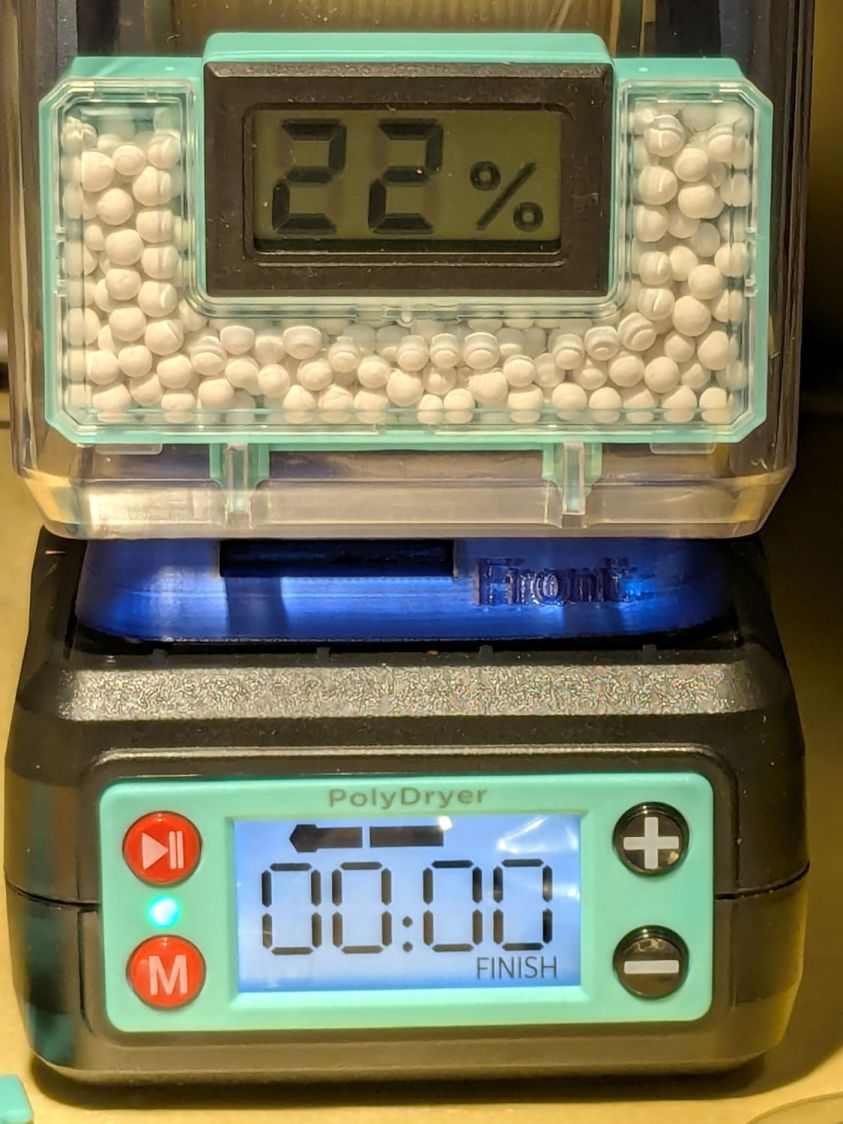
Six hours of drying pulls it down to 22%:
PolyDryer humidity – TPU finish
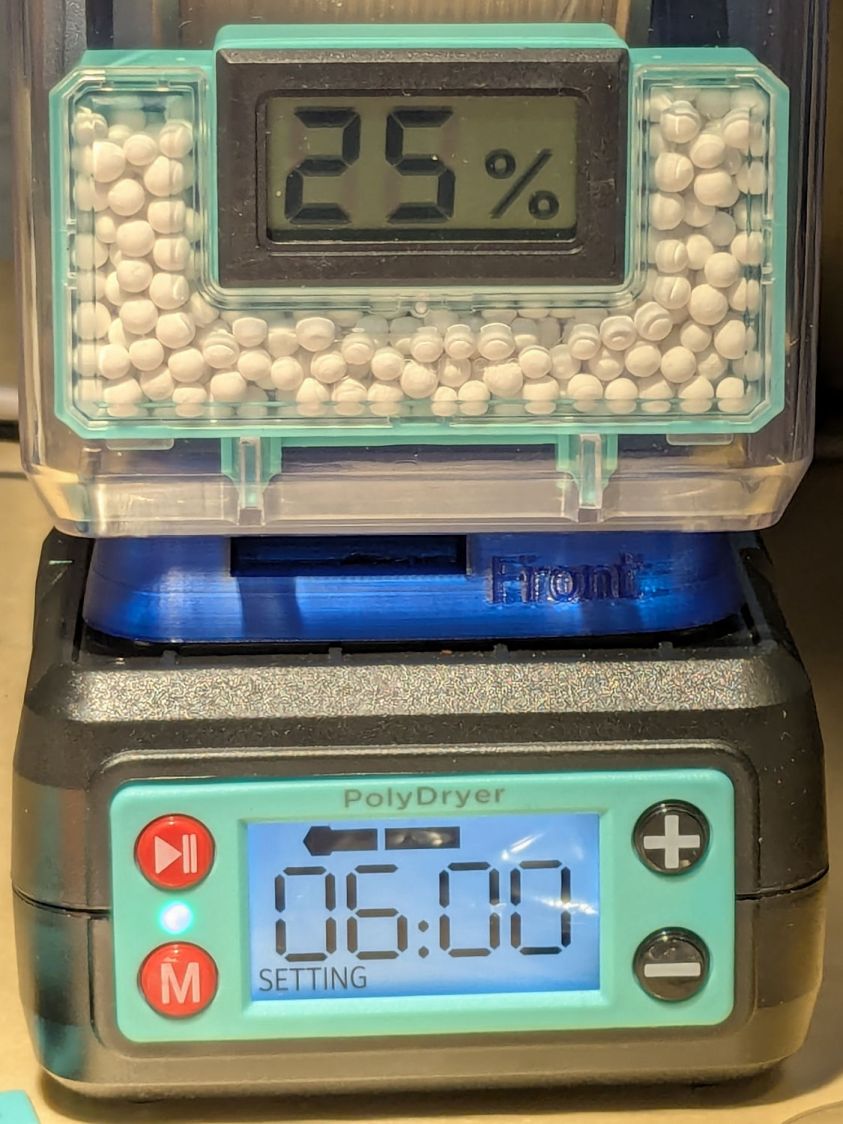
After sitting overnight it’s back at 25%:
PolyDryer humidity – TPU after 14 hr
Admittedly, that was with the vents in place, but the closed box started at 25% RH after sitting around for a week or so following a similar drying cycle.
The desiccant had absorbed 4 g of water since I put it in, so it hasn’t been entirely idle.
Which suggests 75 g of activated alumina desiccant is workin’ hard and doin’ swell in there, with the filament acting as an essentially infinite reservoir of water vapor.
I haven’t noticed any particular difference in PETG print quality and the TPU hasn’t gotten enough mileage to notice much trouble, but reducing the MMU3 buffer clutter was totally worth the effort.
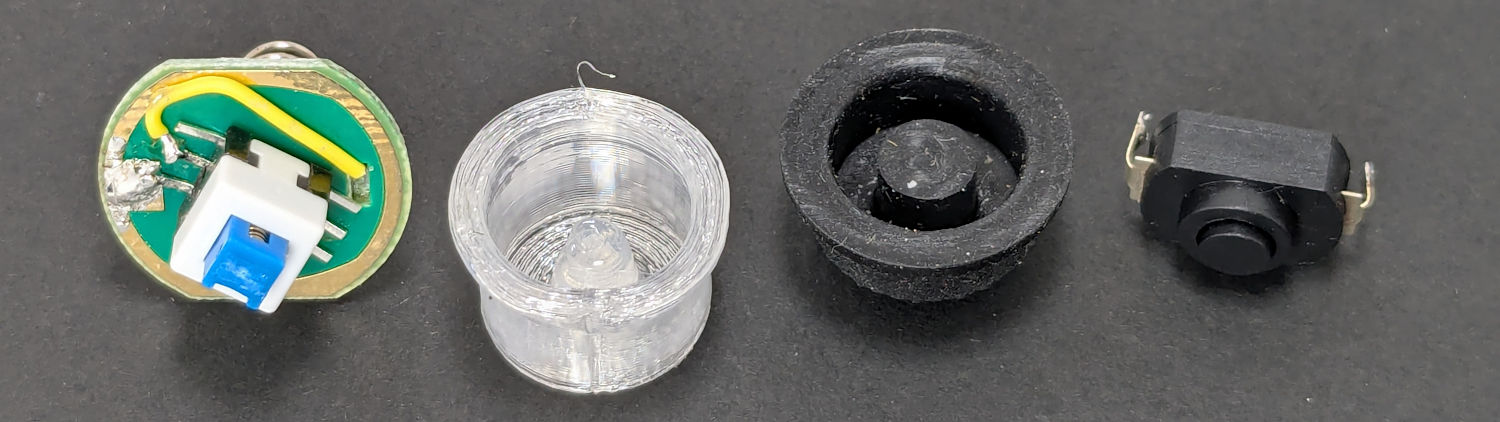
The switch on the Anker LC-40 flashlight serving as a running light on my Tour Easy became slightly intermittent before I replaced it with a 1 W amber LED, but it was still good enough to become the troubleshooting flashlight in the tray next to the Prusa Mk 4 printer. Eventually, of course, it failed completely and Something Had To Be Done.
Although I knew an exact replacement switch had to be available from the usual sources, I could not come up with a set of keywords capable of pulling them out of the chaff.
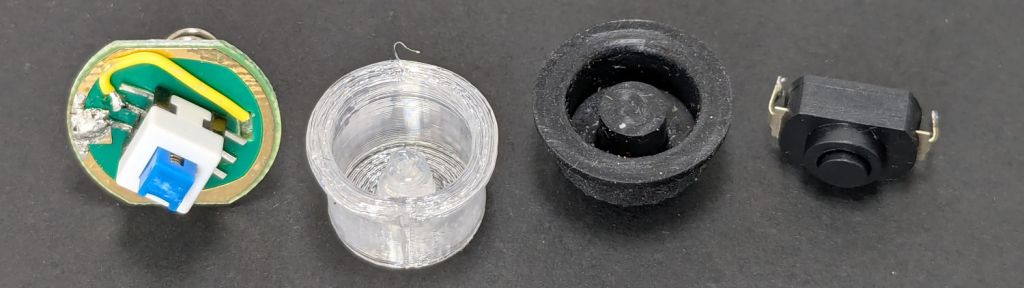
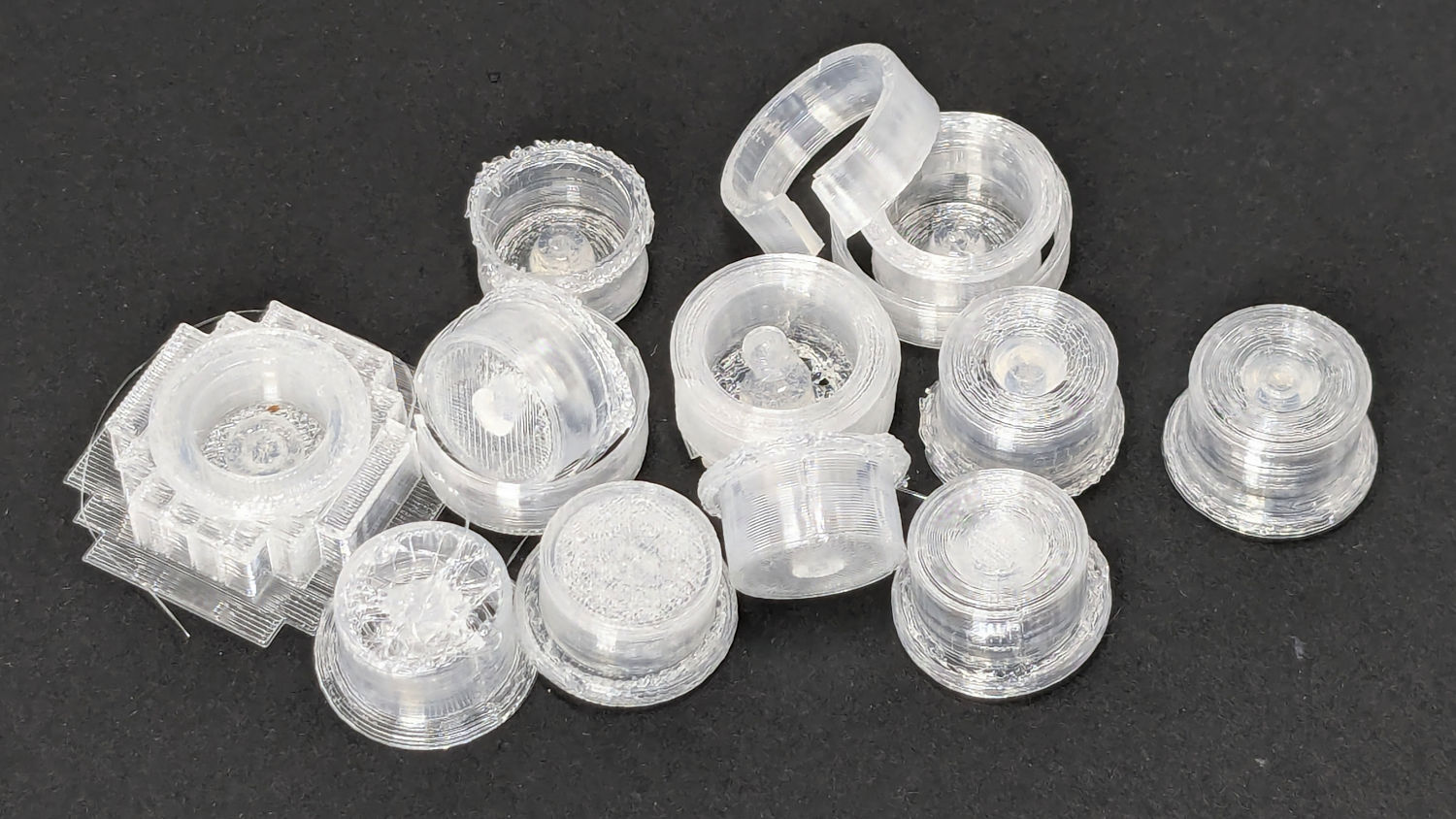
Which turned into a multi-dimensional search over cap geometry, TPU extrusion speeds & feeds, and various impossible-to-directly-measure sizes:
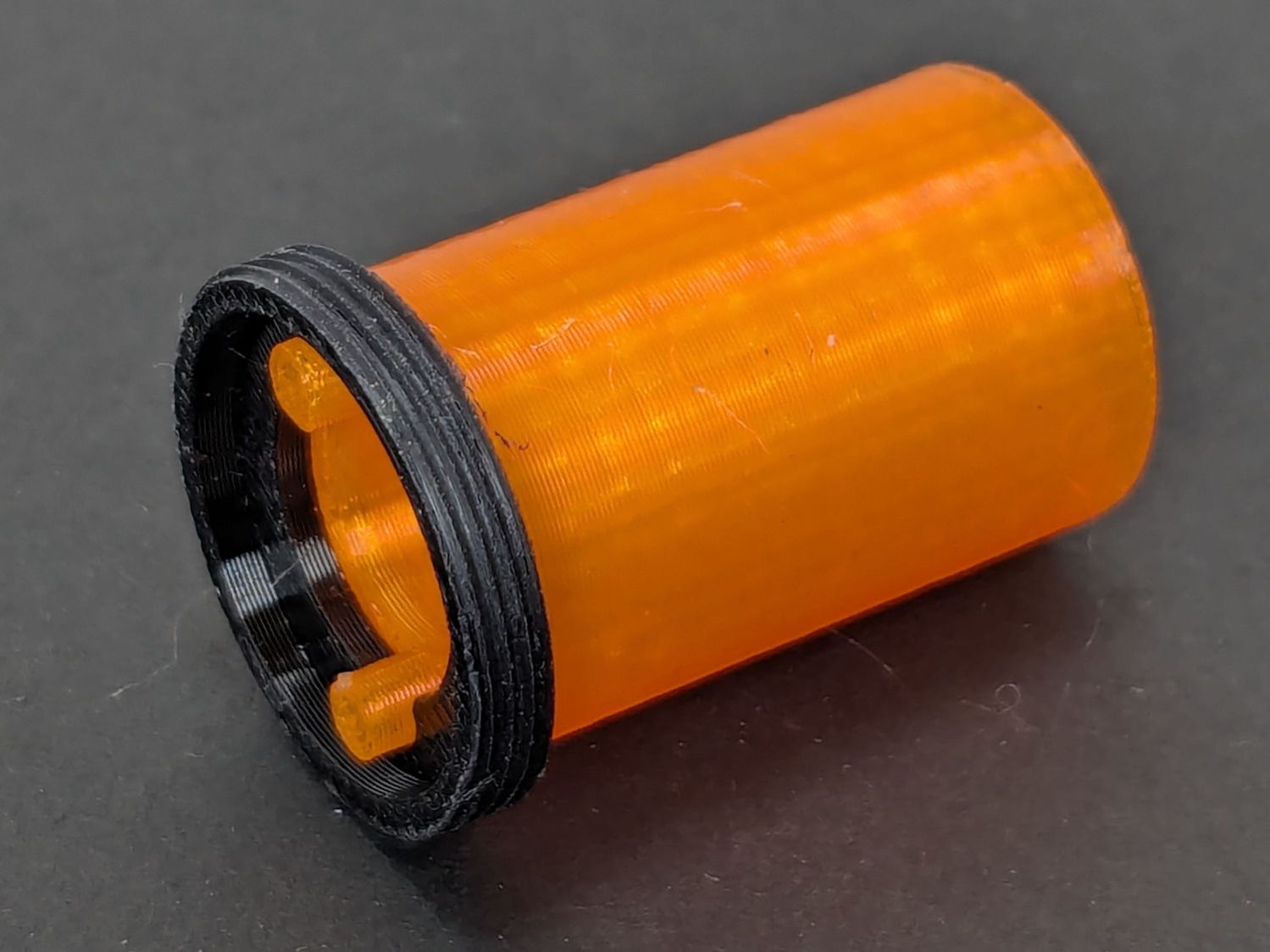
Anker LC-40 Flashlight – TPU cap iterations
The squarish block over on the left is PrusaSlicer’s version of a support structure wrapped around the first cap version; if human lives depended on it, I could surely extract the cap, but it would take a while.
The remaining debris samples occured while discovering:
An extruder temperature of 230 °C, not 250 °C, works well
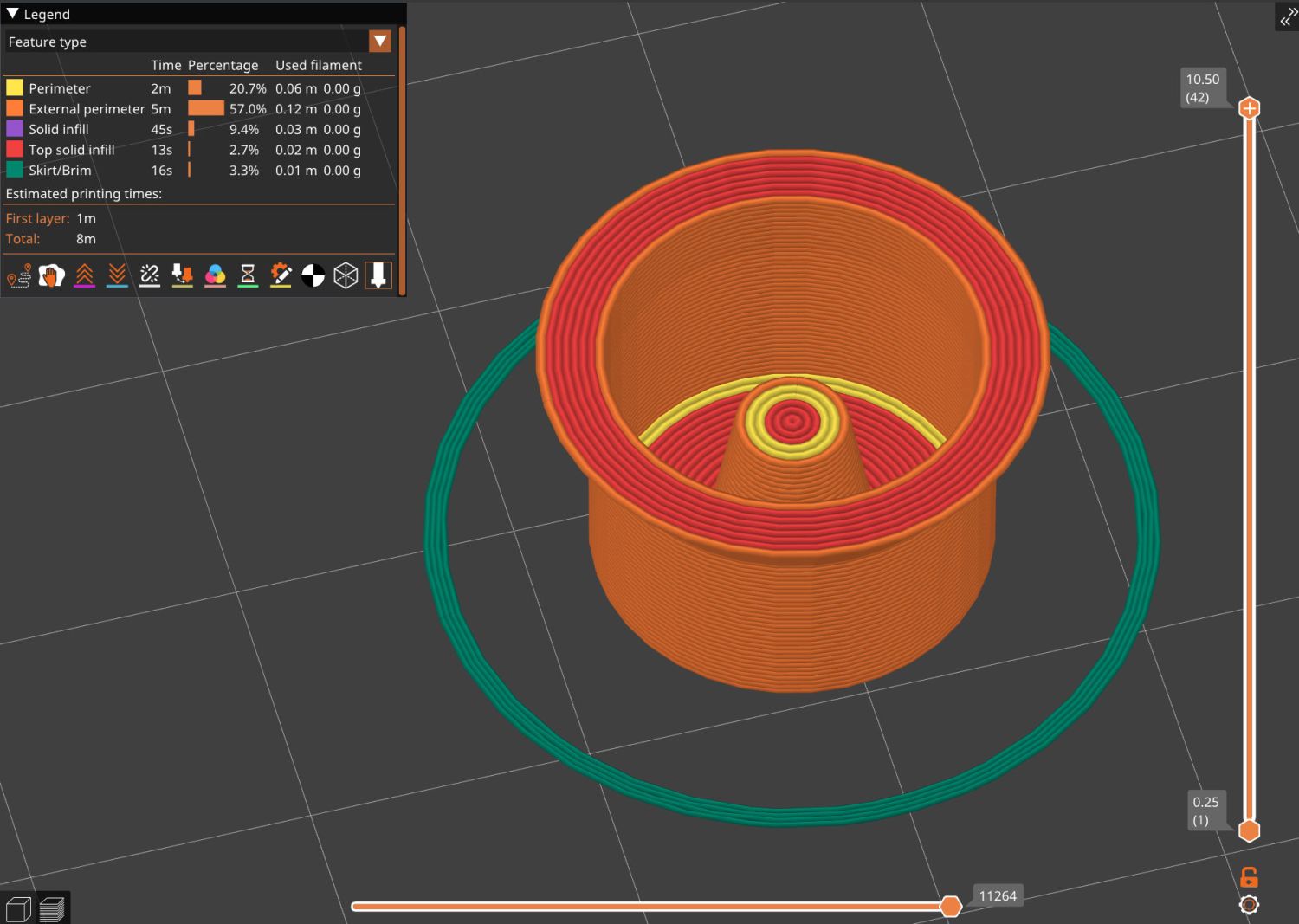
A conical shape of the lip around the open end to eliminate the support structure
TPU doesn’t bridge well, so the closed end must be down
Length of the central pillar to barely touch the switch stem when released
Cap length and wall thickness so the TPU shell can collapse enough to actuate and release the switch stem
Because I expected this would be an easy job, I used snap ring pliers to unscrew and rescrew the threaded retaining ring holding the switch PCB in place. Because the pliers didn’t have a stable grip on the ring, the threads eventually became just a bit goobered.
This was not a problem, because I have a(nother) 3D printer:
Anker LC-40 Flashlight Retainer – show view
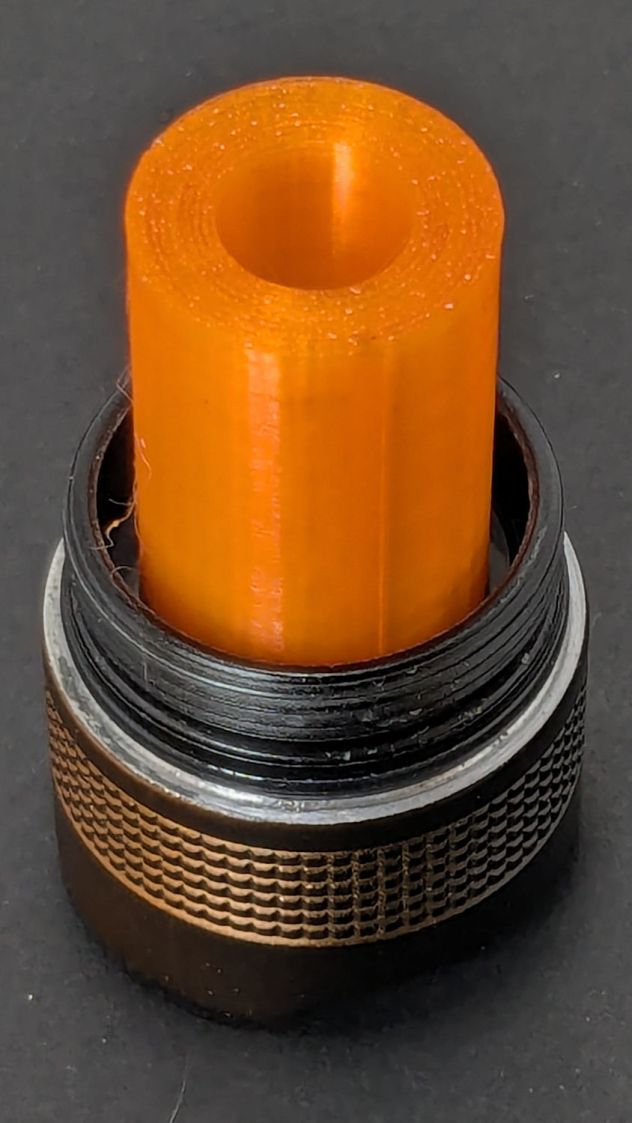
The gray thing on the right is a simple pin wrench fitting both the original and the replacement retaining rings, so I can orient the rings properly while unscrewing & rescrewing:
Anker LC-40 Flashlight – pin wrench in place
The threads have a 0.75 mm pitch and, while it’s possible to print screw threads, even a tedious 0.1 mm layer height would define each turn of the thread with only 7-½ layers.
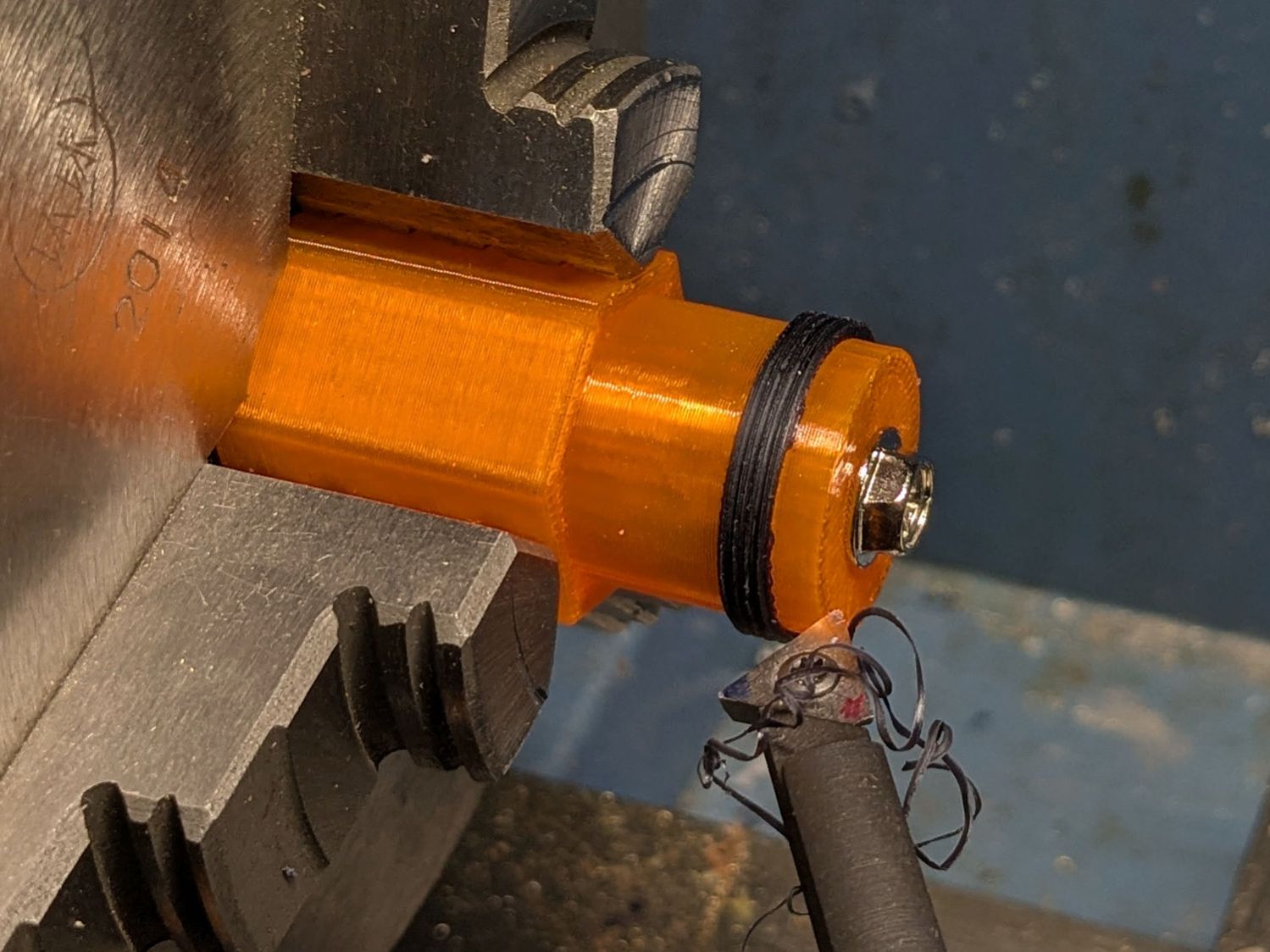
This was not a problem, because I have a mini-lathe:
Anker LC-40 Flashlight – thread cutting
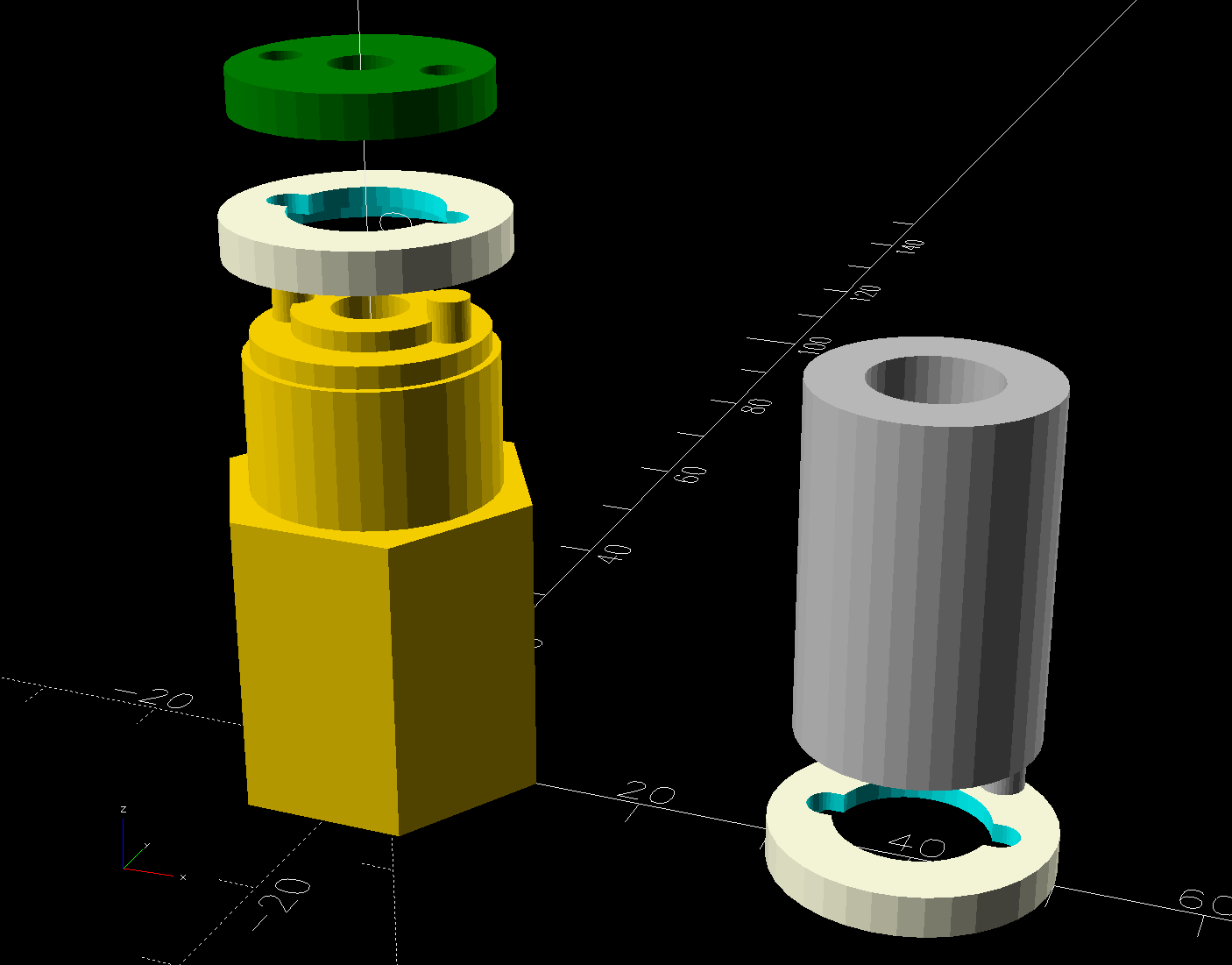
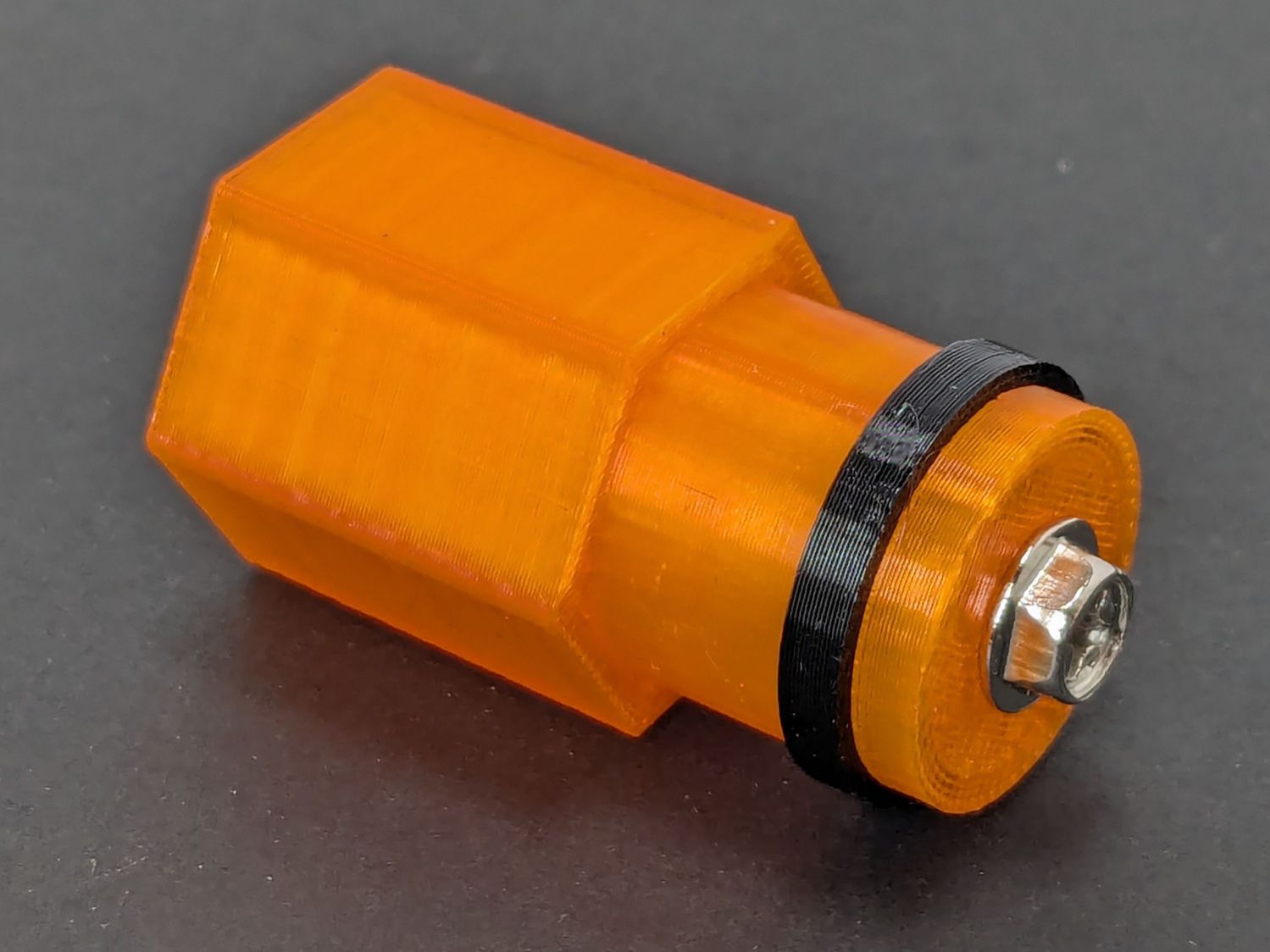
The yellow & green things on the left of those solid models are the fixture holding a retaining ring for threading and the washer applying pressure to keep the ring in place:
Anker LC-40 Flashlight – lathe fixture – detail
The alert reader will note that washer lacks holes for the alignment pins I added after seeing the washer sit not quite concentric on the fixture. I could call it continuous product improvement, although I doubt I’ll print another one.
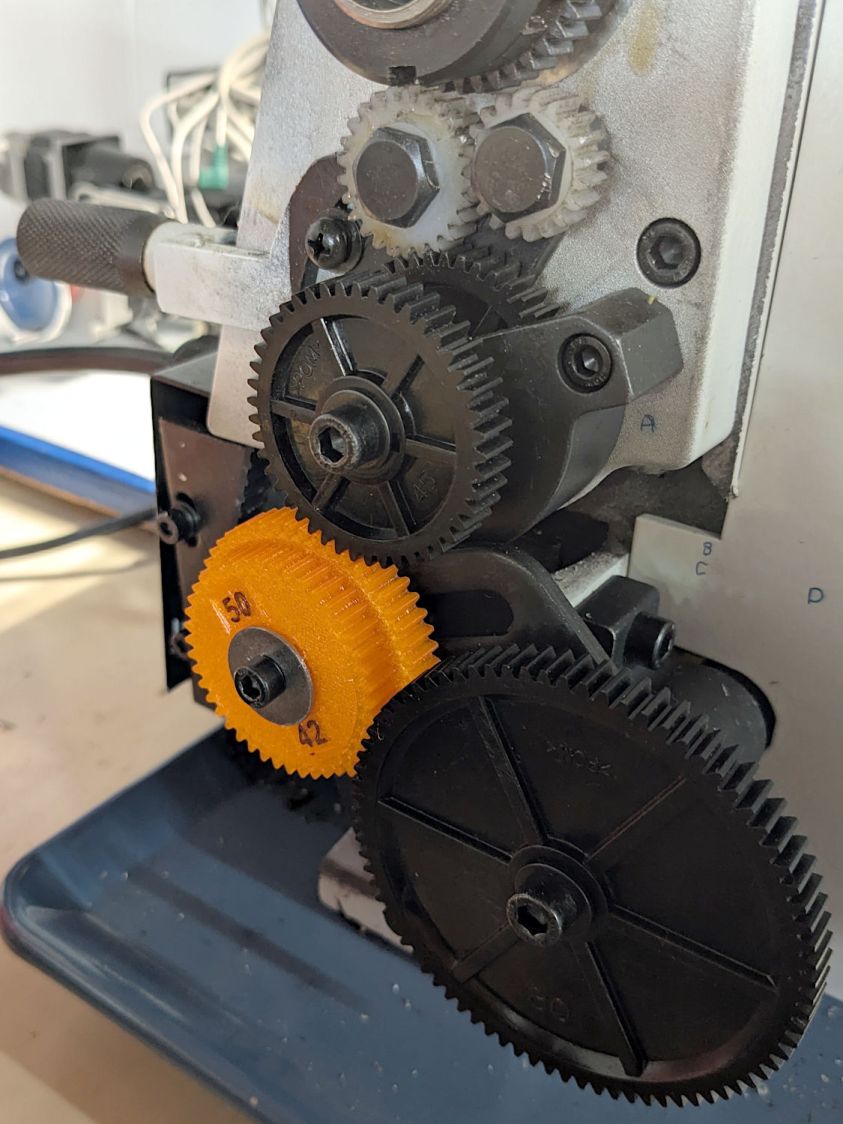
Setting up the lathe involved finding the proper set of change gears, including the vital 42-50 stacked gear I made a while ago to print metric threads on a hard-inch lathe:
Anker LC-40 Flashlight – lathe change gear train
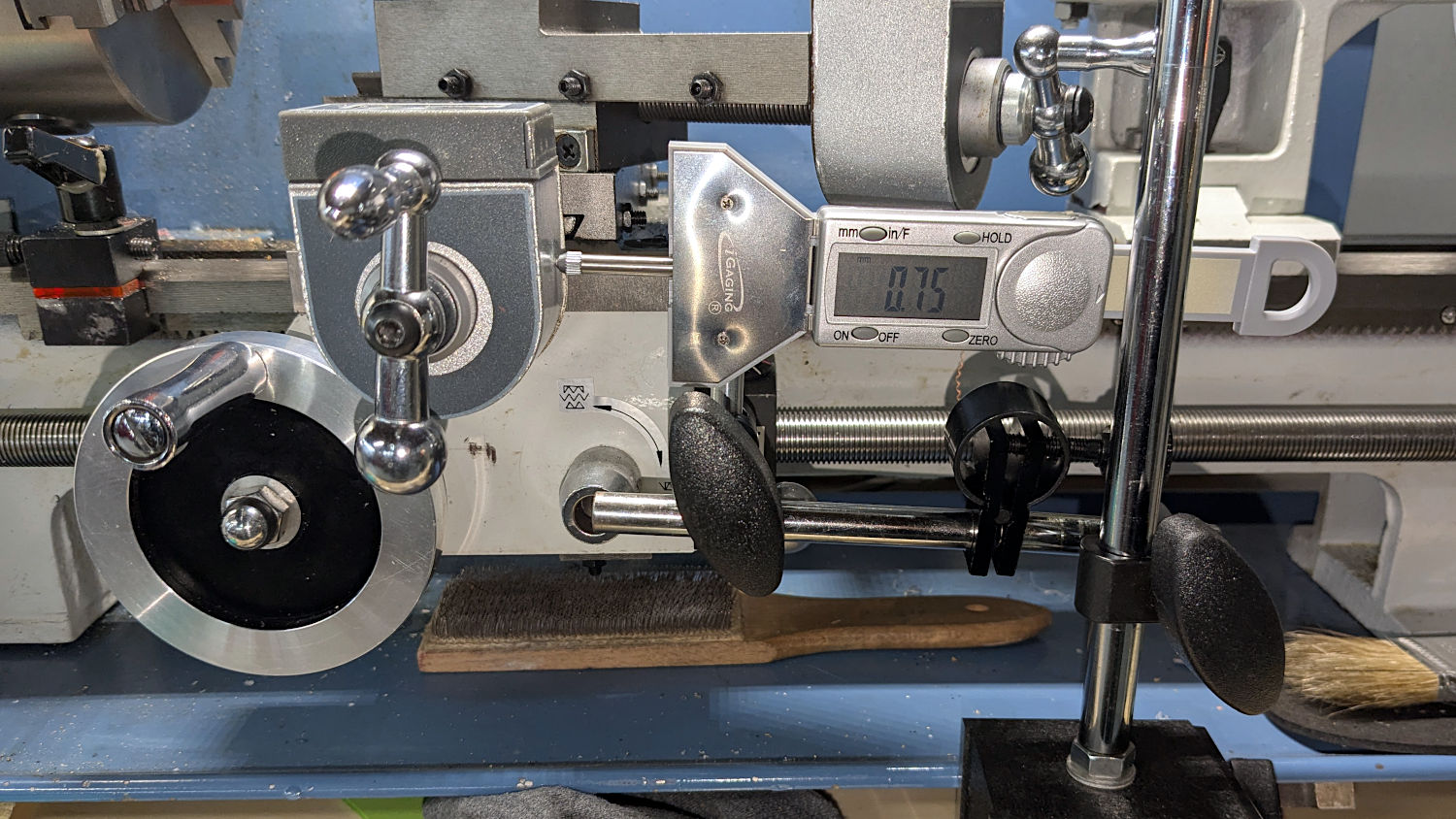
Although you’re supposed to measure the thread spacing on a skim pass, I find it’s easier to just measure the carriage movement for one spindle rotation:
Anker LC-40 Flashlight – lathe gear check
A few passes produced a fine retaining ring:
Anker LC-40 Flashlight – OEM vs lathe-cut threads
Sporting much nicer looking threads than the goobered original:
Anker LC-40 Flashlight – OEM vs lathe-cut threads
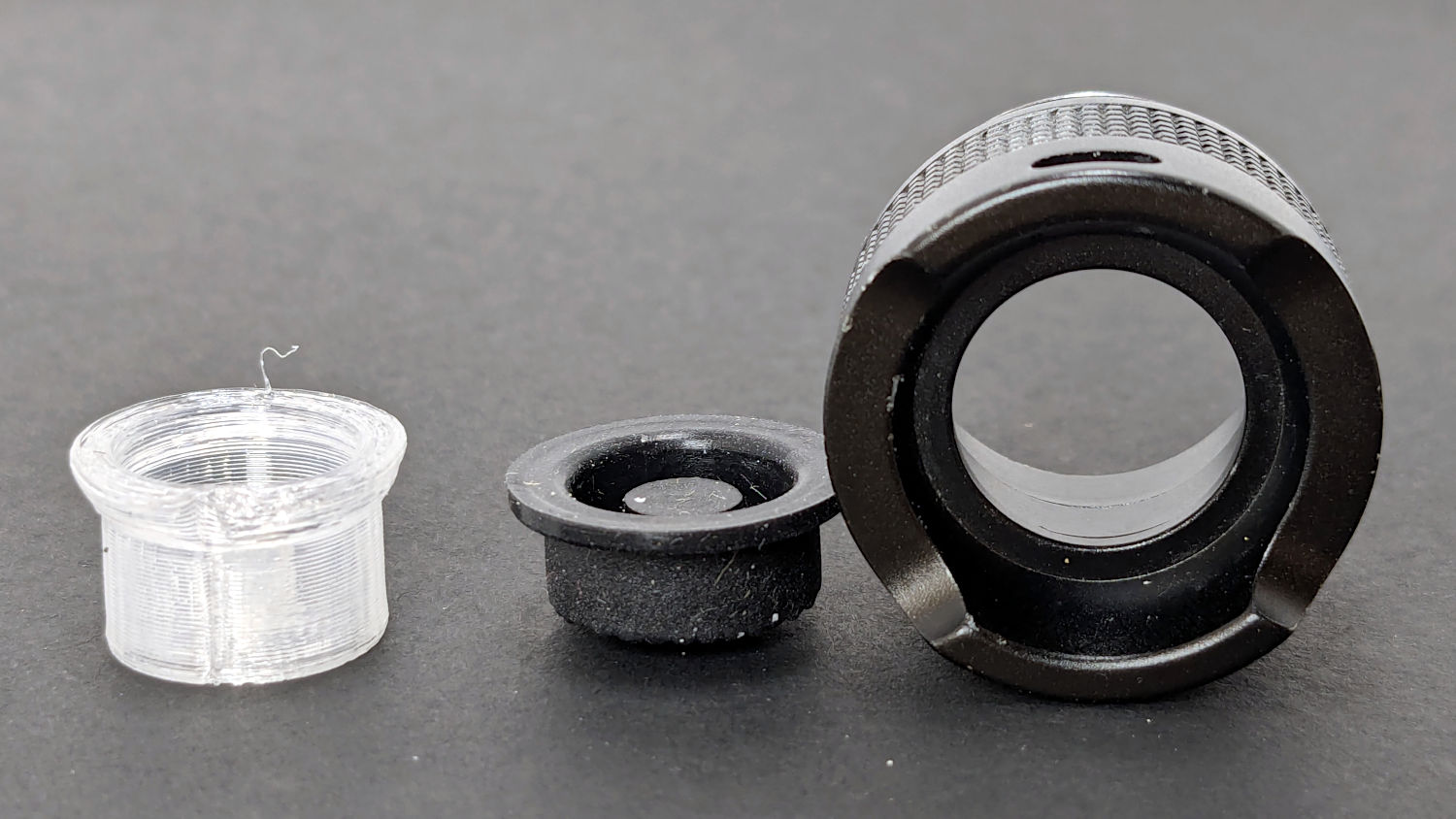
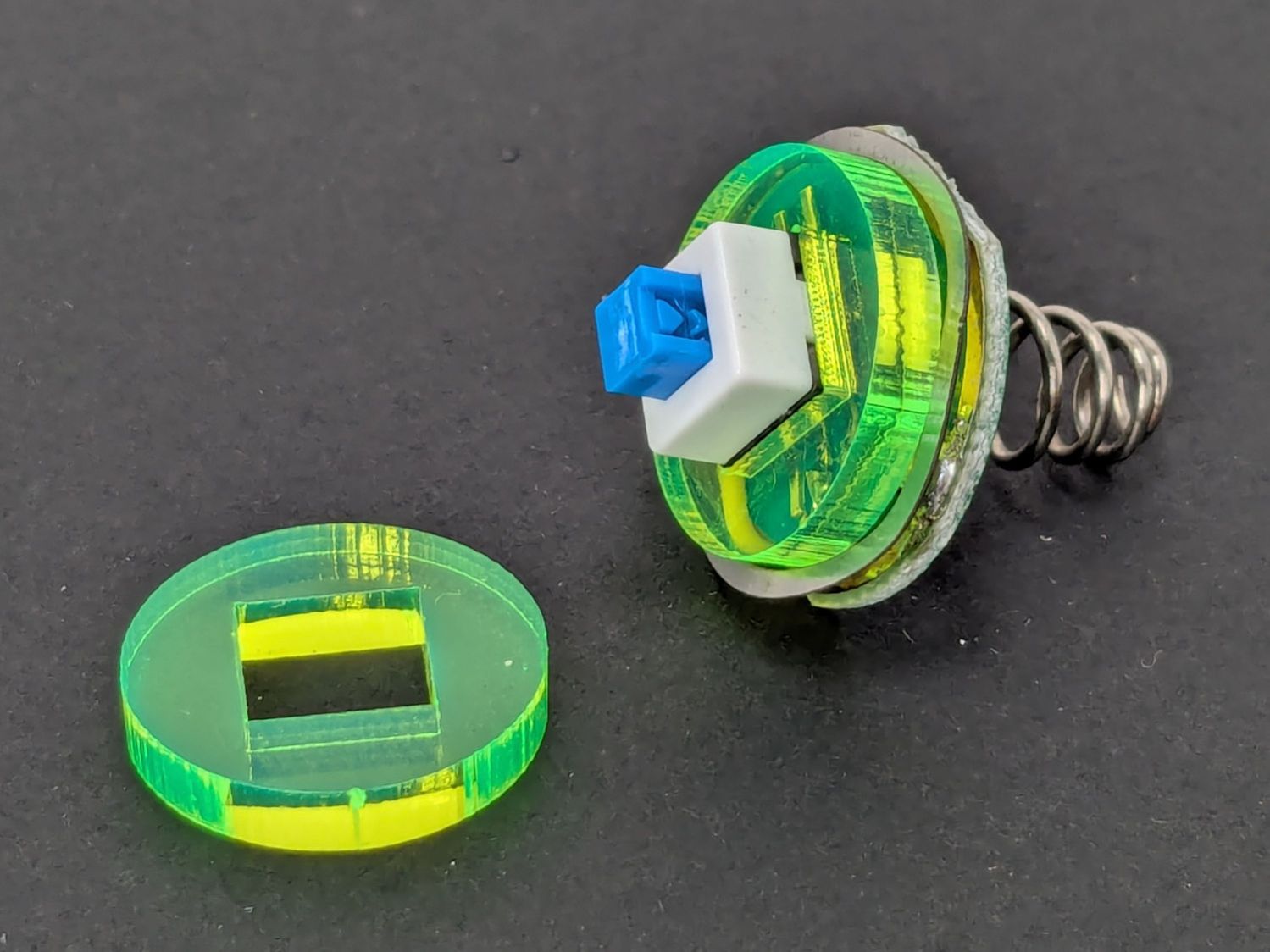
The original switch had a stabilizing ring around the body to prevent it from wobbling under the original rubber cap.
This was not a problem, because I have a laser cutter:
Anker LC-40 Flashlight – new switch in stabilizer
Those came from a scrap of fluorescent acrylic.
The wave washer behind the acrylic stabilizer improves the contact between the PCB trace around the rim and the flashlight tailcap, with the current passing through the body to the “light engine” up front. The retaining ring provides enough pressure to compress the wave washer, which is why it’s so easily goobered without a close-fitting pin wrench.
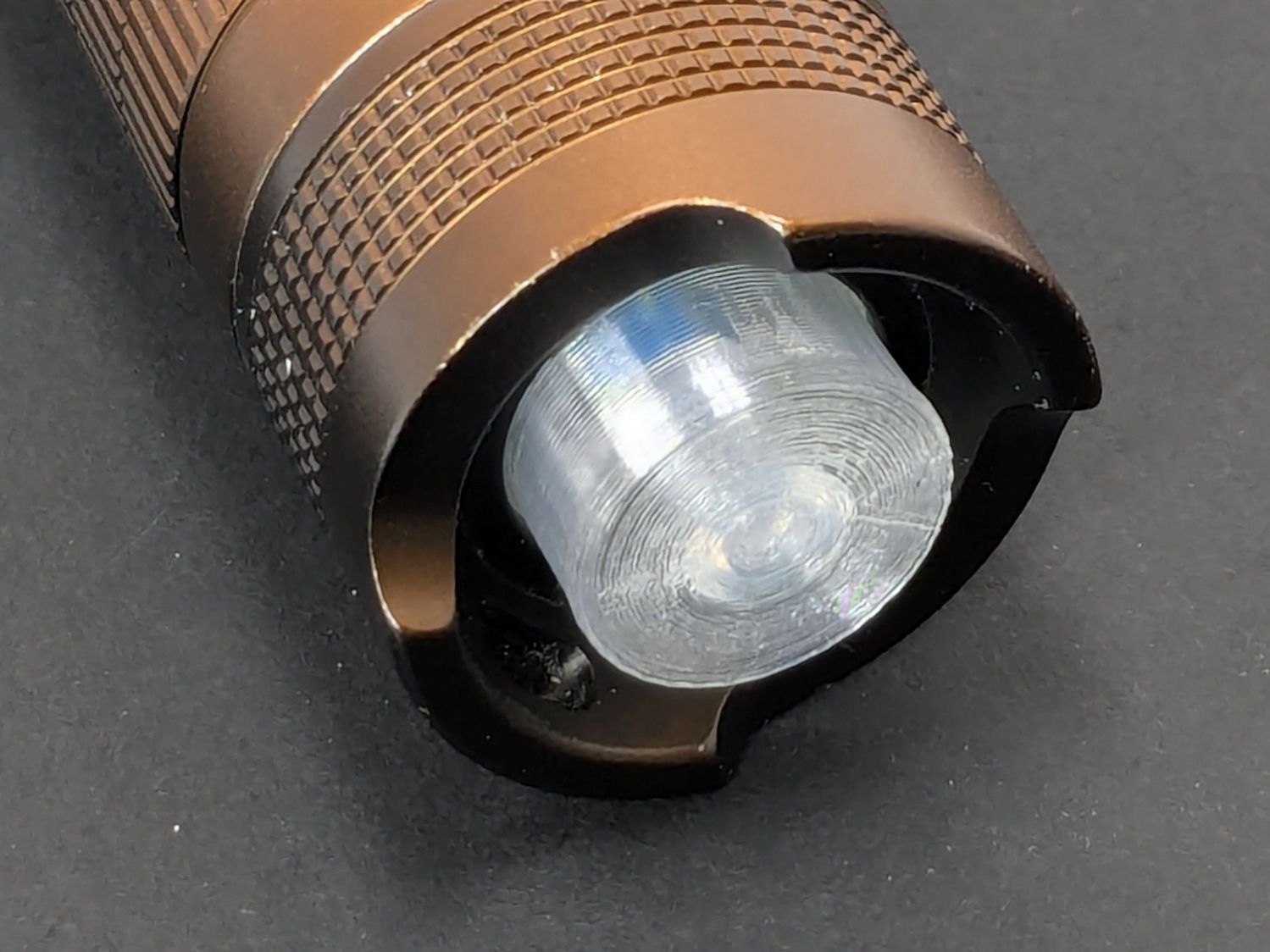
With everything assembled in reverse order, the flashlight worked pretty much as it did back when it was new:
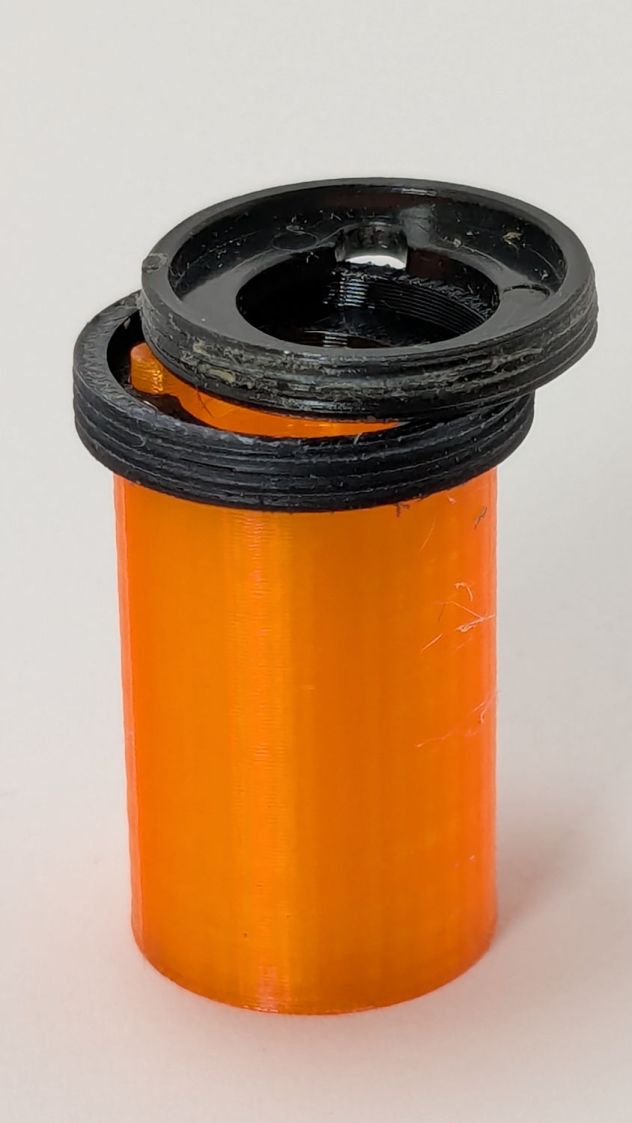
Anker LC-40 Flashlight – TPU cap installed
However, after describing this during a recent SquidWrench meeting, I discovered that adding “latching” to my keywords surfaced a bodacious assortment of flashlight switches, so (a few days later) I removed the not-quite-right switch and replaced it with an identical twin of the OEM switch requiring just a little lead forming to fit the PCB.
Even better, using the 3D printed pin wrench to screw the original retaining ring into the flashlight’s aluminum threads a few times re-formed (unrelated to recent electrolytic capacitor reforming) its goobered threads well enough to fit and work perfectly again.
So I have:
… reassembled the flashlight with more-or-less original components
… a repair tool kit ready when another LC-40 fails
… re-learned the lesson that any time spent making a fixture or a special tool is not deducted from one’s allotment
This file contains hidden or bidirectional Unicode text that may be interpreted or compiled differently than what appears below. To review, open the file in an editor that reveals hidden Unicode characters.
Learn more about bidirectional Unicode characters
Setting up the Makergear M2 to print TPU (eSun 95A) involved a cold pull to get the remaining PETG out of the nozzle, some manual flushing, then printing test cubes to figure out a reasonable speed / temperature combination:
Makergear M2 – first TPU test cube
A 10 mm solid cube came out overstuffed and the first 20 mm cube lacked enough infill to hold its top up, but the third cube looked surprisingly good at 230 °C and 30 mm/s with 15% 3D Honeycomb infill:
Makergear M2 – TPU test cubes
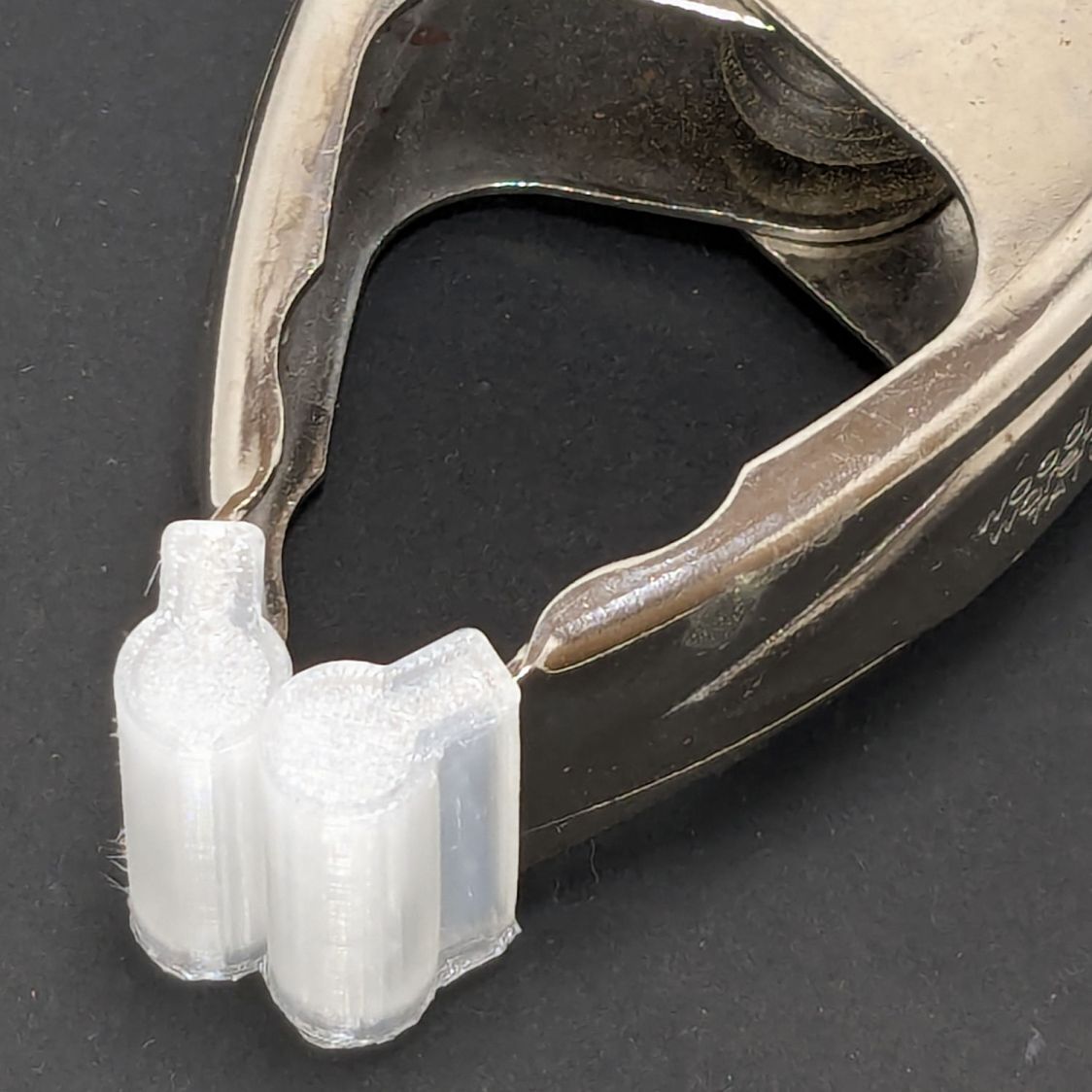
With that settled, I conjured pairs of soft (-ish) jaw pads for the far-too-many metal spring clamps having worn out their vinyl pads:
Spring clamp jaws – installed
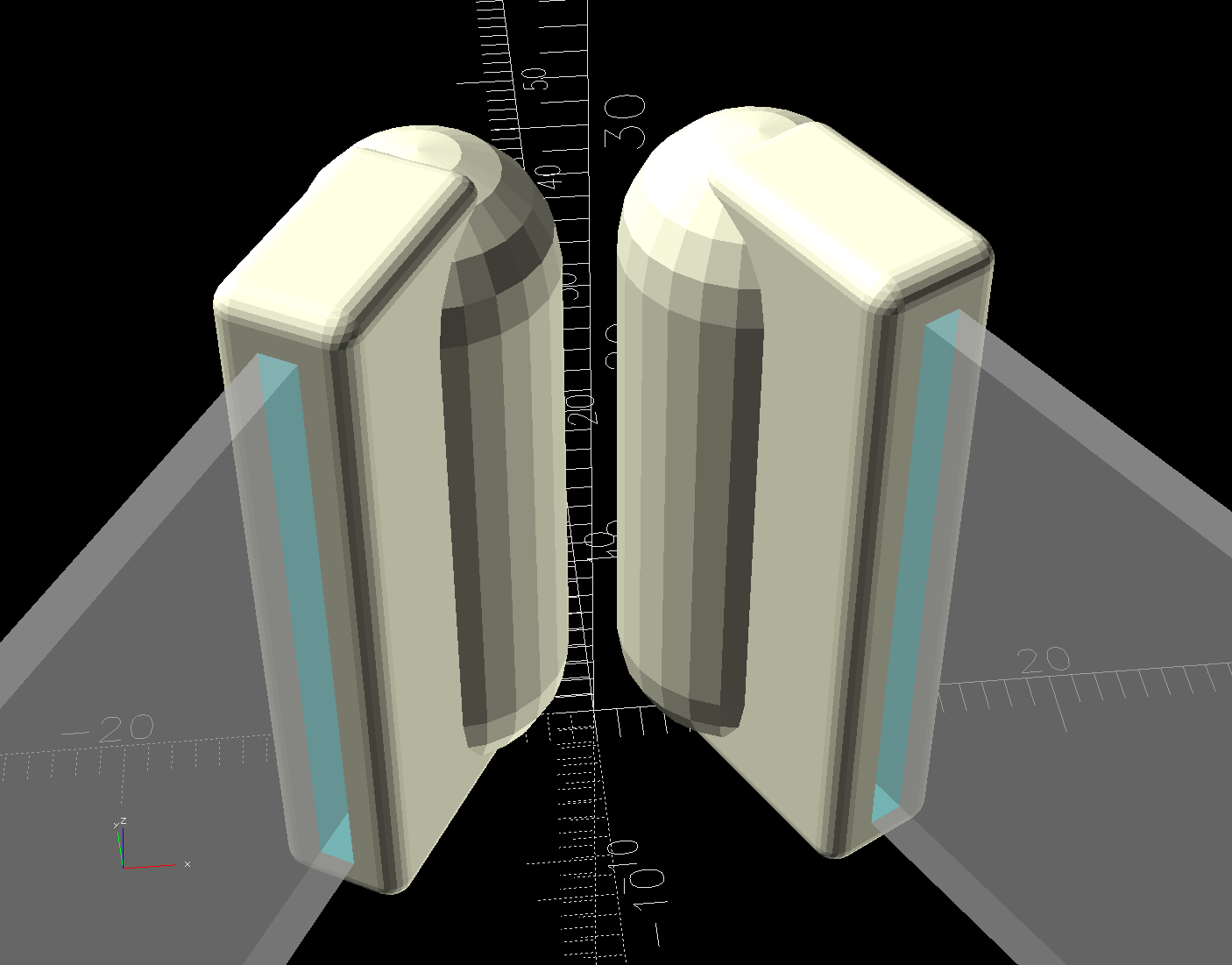
Those were the first attempt and worked well enough to suggest nicely rounded endcaps instead of flat cylinders:
Spring Clamp Jaws – show view
Unlike the first version, they now build standing on their rectangular clamp jaw opening:
Spring Clamp Jaws – show view
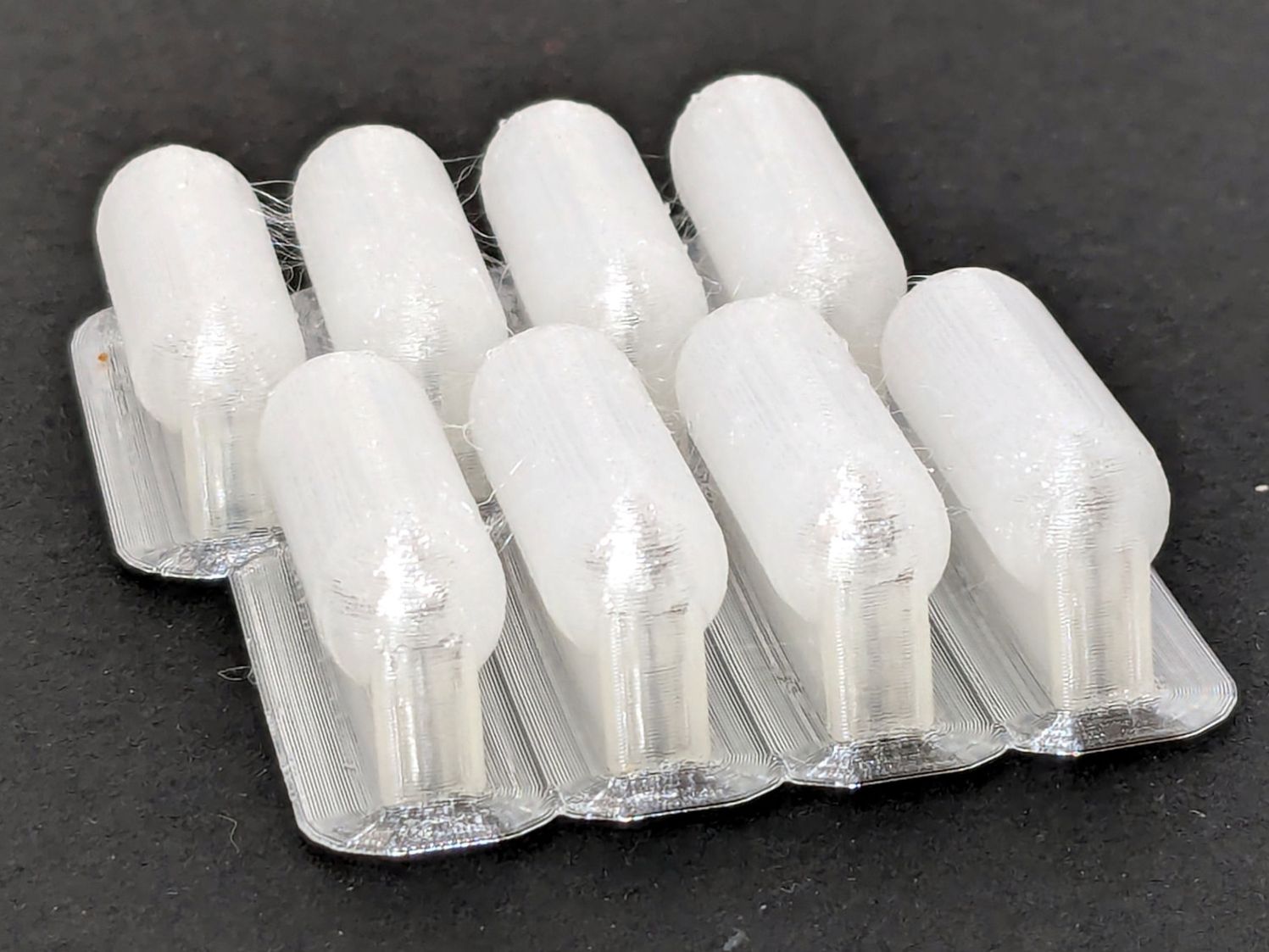
Those two groups have different lengths (1 inch and 1-⅛ inch) with PrusaSlicer combining the OpenSCAD program’s output.
The as-built pads are essentially un-photographable:
Spring clamp jaws – group build
TPU is tough enough to make the single-layer brim un-tearable, but they’re easy enough to separate & trim with scissors. Even the 5 mm brim has a tenuous grip on glass + Suave hair “spray” applied from a dropper bottle, so I should try a BuildTak sheet that’s been on the to-do pile for far too many years.
Similarly, TPU is flexy enough to make a precise fit unnecessary: push firmly to force the pads onto the jaws and you’re done.
This file contains hidden or bidirectional Unicode text that may be interpreted or compiled differently than what appears below. To review, open the file in an editor that reveals hidden Unicode characters.
Learn more about bidirectional Unicode characters
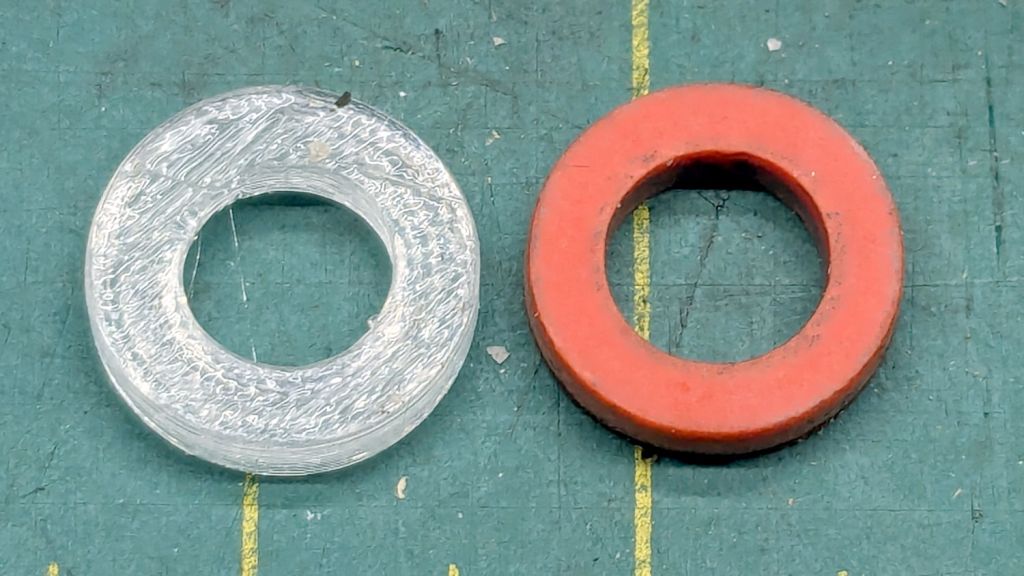
There being nothing like a good new problem to take one’s mInd off one’s old problems, I set the Makergear M2 to printing TPU and made a washer for the Champion Hose Nozzle:
Champion hose nozzle – TPU vs rubber washers
It turns out PrusaSlicer can produce models for simple shapes using the Shape Gallery. Subtracting a 7.5 mm cylinder (as a “negative shape”) from a 12.7 mm = ½ inch cylinder does the trick, with the washer all of 2.5 mm thick.
The ID of the thread inside the nozzle is slightly smaller than 12.7 mm, but TPU is bendy enough to let me push it through sideways and reorient it against the front of the nozzle.
The conical part of the nozzle seals against the washer, leaving only a very slight ooze of water, and opens far enough to produce a jet. The TPU is solid enough to not vibrate in the flow and the nozzle no longer howls at low flow rates.
None of the other nozzles in the box have a washer up in there, so they all depend on a much better machined fit than I achieved.
At least the Champion nozzle is once again usable, should it ever emerge from the bottom of the box.
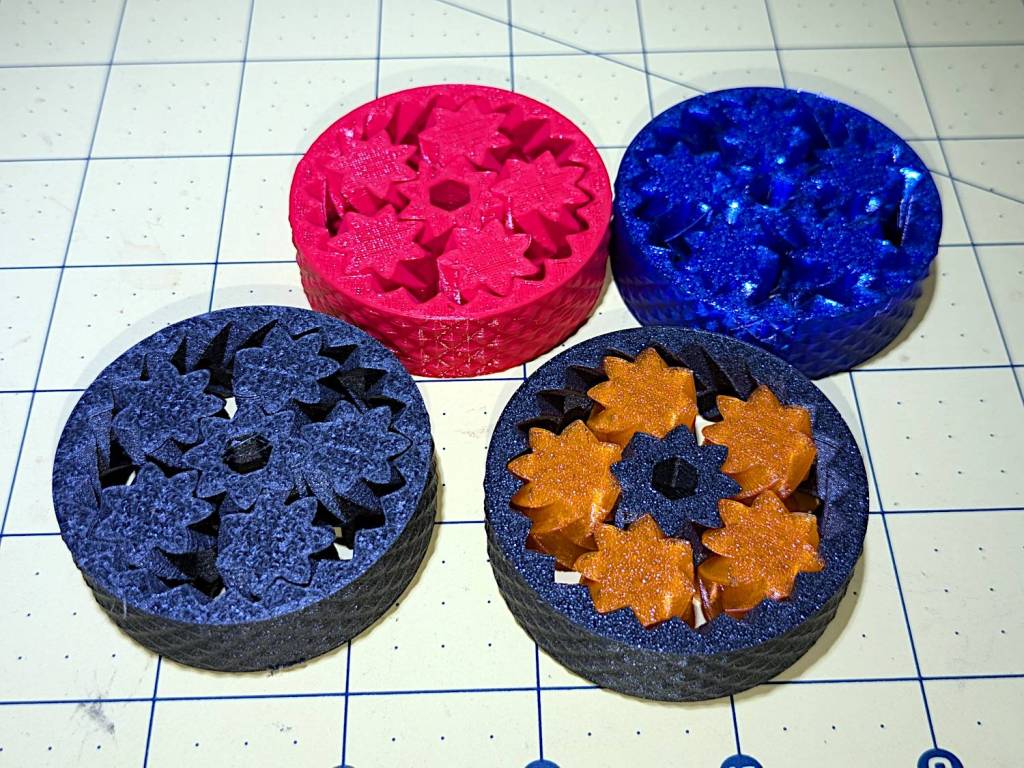
So I loaded up the same STL in Prusaslicer and made three more:
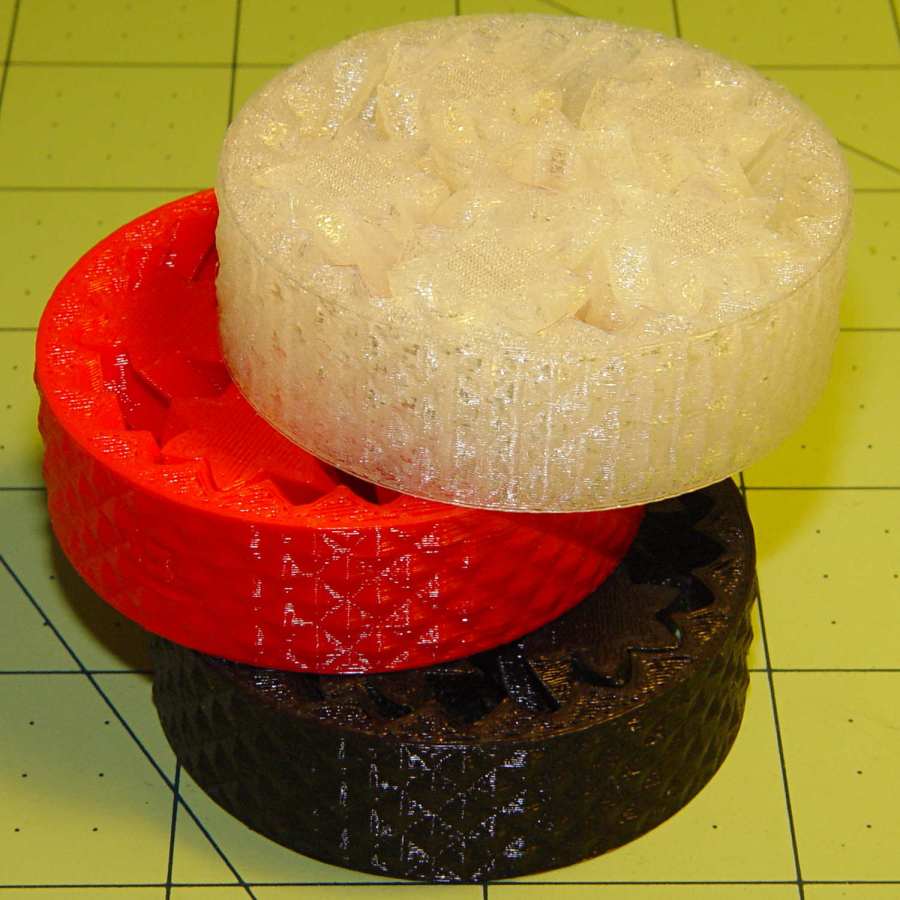
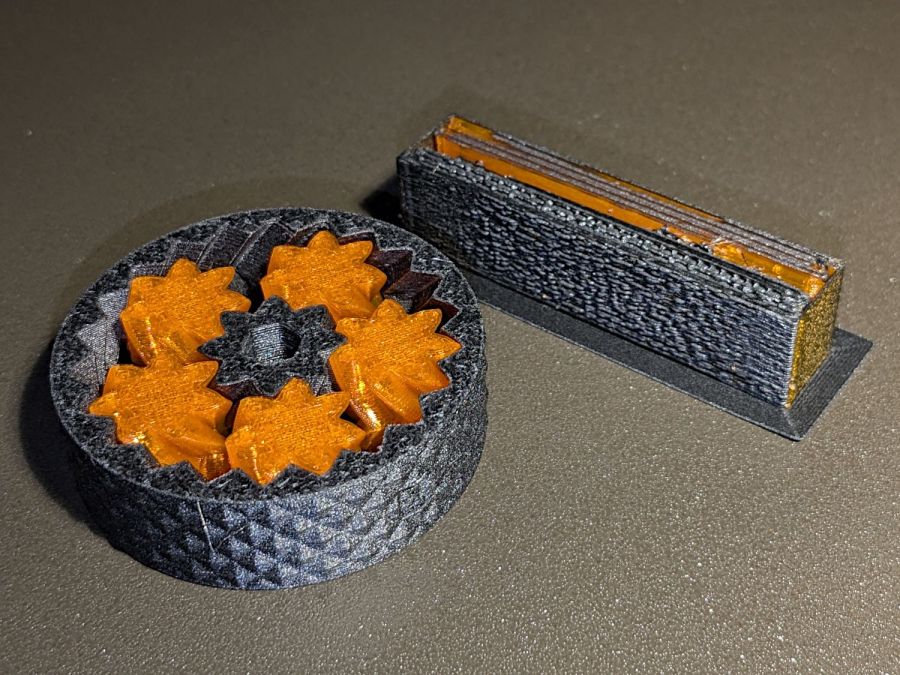
Planetary Gear Bearing – M2 vs MK4
Both pictures show the same red bearing, done in PLA on the Makergear M2. The other bearings are PETG and PETG-CF on the Prusa MK4 + MMU3.
The blue bearing has about 5 mm of axial play, a bit more than the red.
The gray bearing is PETG-CF and has maybe 1 mm of axial play, which agrees with my original observation that an Extrusion Multiplier of 1.0 results in slightly overstuffed carbon fiber parts. It’s not much and, frankly, produces a better fit in this case, but it’s different than pure PETG. Which should come as no surprise, of course, given that it’s 15% carbon.
The gray-and-orange bearing looks spectacular in person and has about 3 mm of axial play, roughly the same as the red bearing, which you’d expect from overstuffed PETG-CF and pure PETG.
The single-color bearings print in about 1.5 hours and the two-color one weighed in over four hours. Multi-material objects are do-able, but you gotta want the results.
I told Prusaslicer to wipe the orange filament into the gray infill during color changes (per the Wipe Tower doc), but those two gray parts have so little infill as to make no difference:
Planetary Gear Bearing – PETG PETG-CF with wipe tower
The wipe tower in that posed photo has a nubbly texture because the filament just gets squirted without regard to anything other than maintaining the basic tower shape.
Seeing things appear on the platform never gets old!
A glass-top patio table came with our house and, similar to one of the patio chairs, required some repair. The arched steel legs fit into plastic brackets / sockets around the steel table rim under the glass top:
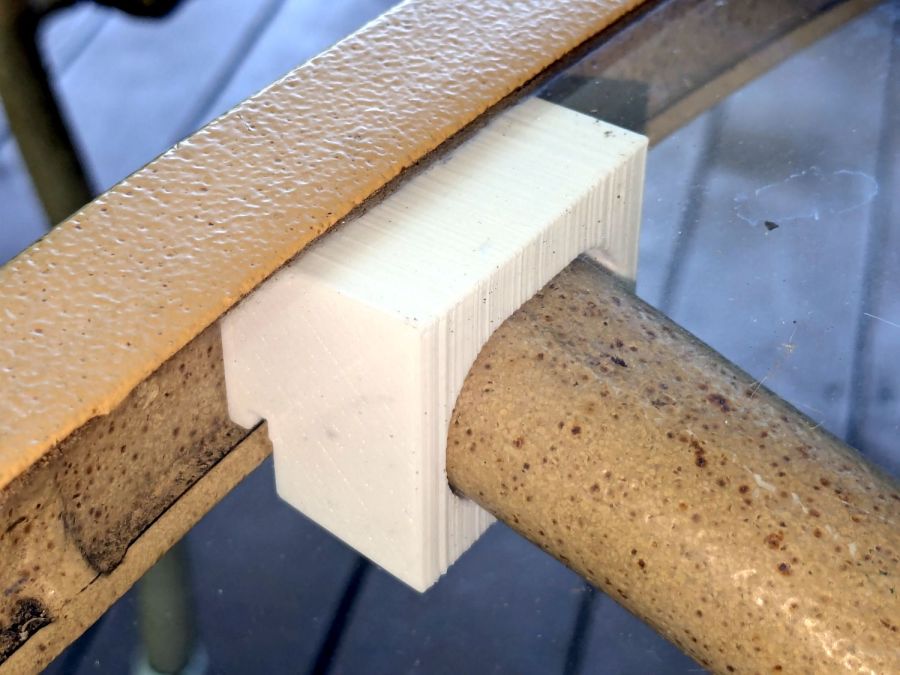
Glass patio table – new brackets installed
The four glaringly obvious white blocks are the new brackets.
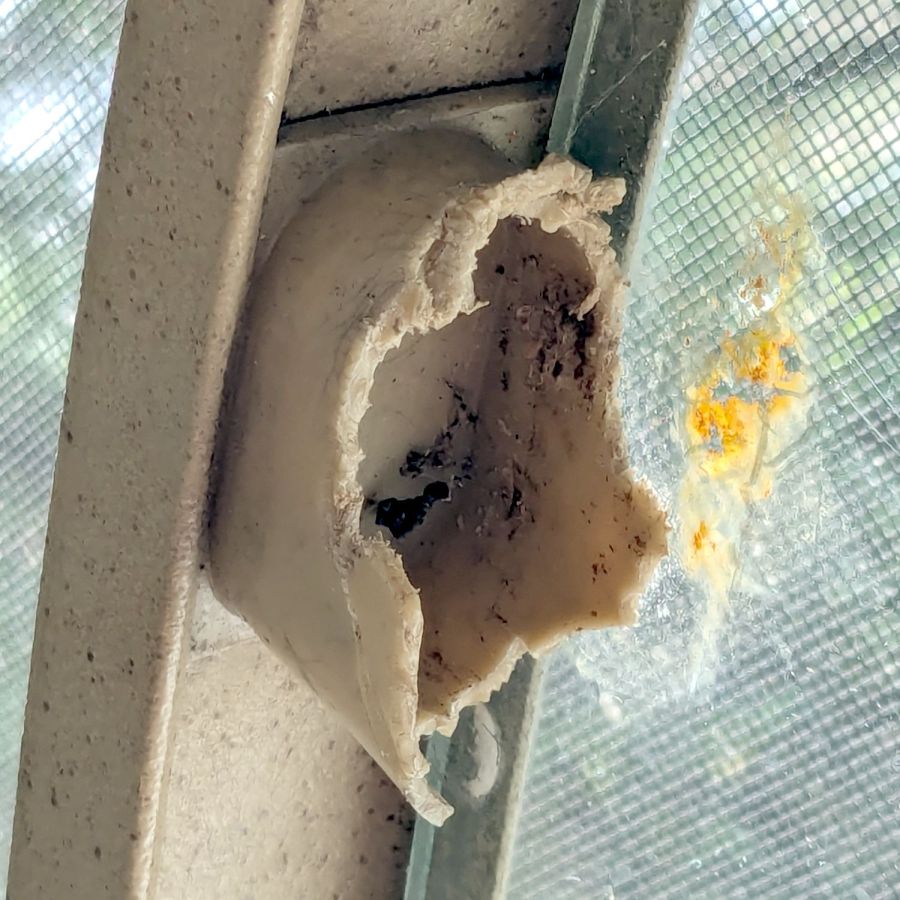
The original brackets had, over uncounted years, deteriorated:
Glass patio table – failed OEM bracket
Perhaps disintegrated would be a better description:
Glass patio table – crumbled OEM bracket
Each leg has a pair of rusted 1-½ inch ¼-20 screws holding it to the central ring. As expected, seven of the eight screws came out easily enough, with the last one requiring an overnight soak in Kroil penetrating oil plus percussive persuasion:
Glass patio table – jammed screw
The four legs had three different screws holding them to the brackets, so I drilled out the holes and squished M5 rivnuts in place:
Glass patio table – M5 rivnut installed
Although it’s not obvious, the end of that tube is beveled with respect to the centerline to put both the top and bottom edges on the table rim inside the bracket. In addition, the tube angles about 10° downward from horizontal, which I did not realize amid the wrecked fittings, so the first bracket model failed instantly as I inserted the leg:
Glass patio table – first bracket test
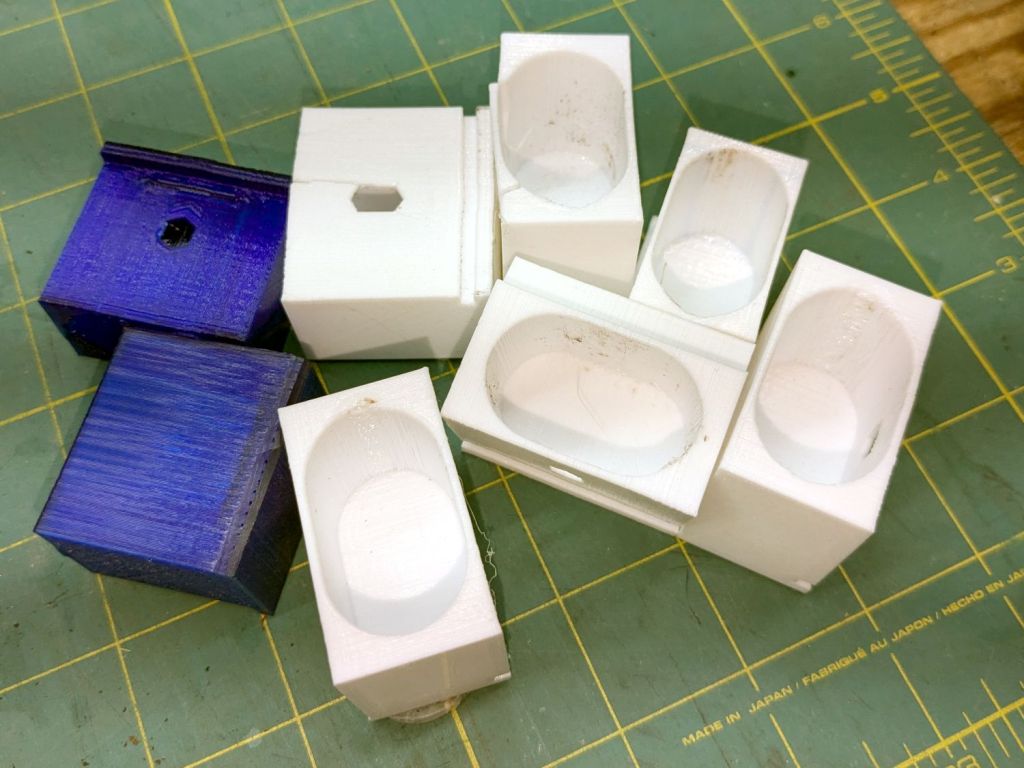
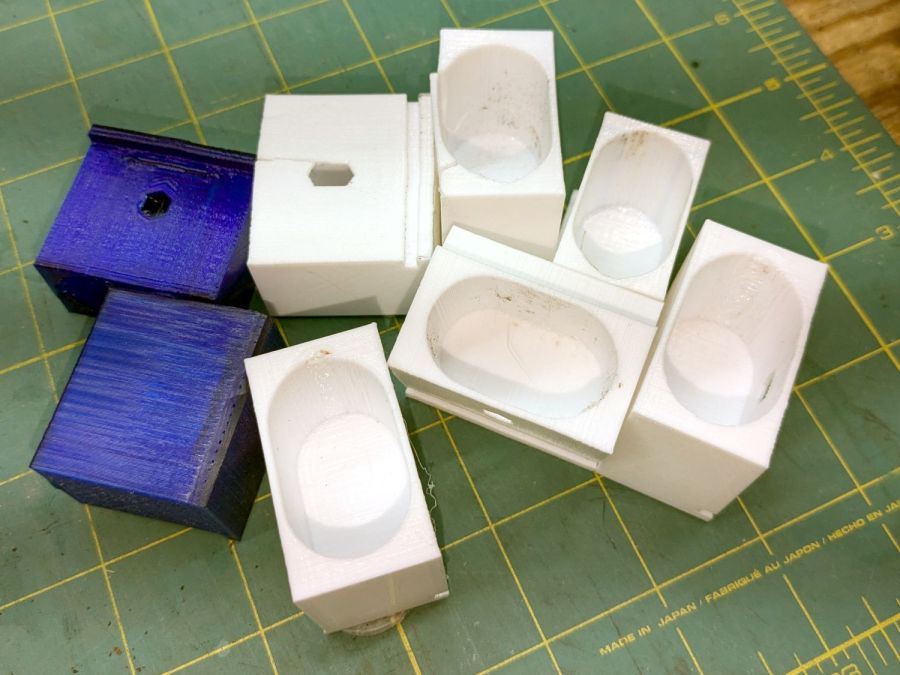
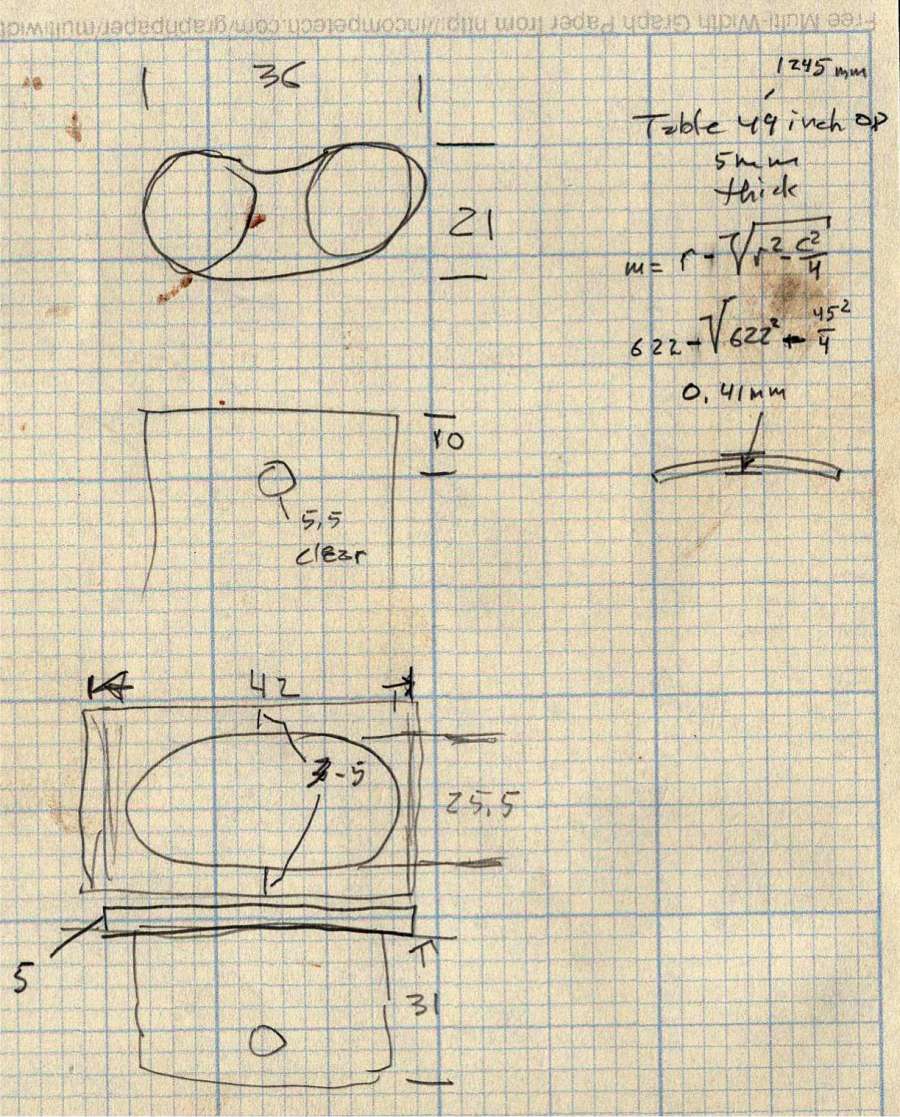
The top & bottom walls of that poor thing were breathtakingly thin (to match the original bracket) and cracked when confronted with the angled tube. I could not measure all the sizes & angles without assembling the table on trial brackets, so getting it right required considerable rapid prototyping:
Glass patio table – failed brackets
Some trigonometry produced a solid model with features rebuilding themselves around the various sizes / angles / offsets:
Glass Top Table – leg bracket – solid model
A sectioned view shows the angled tube position and end chamfer:
Glass Top Table – leg bracket – section view
The OpenSCAD code can produce a sectioned midline slice useful for laser-cut MDF pieces to check the angle:
That eliminated several bad ideas & misconceptions, although trying to balance the leg on a 3 mm MDF snippet was trickier than I expected. In retrospect, gluing a few snippets together would be easier and still faster than trying to print a similar section from the model.
The slightly elongated slot for the M5 screw shows that the original screw holes were not precisely placed or that the tubes were not precisely cut, neither of which come as a surprise. I finally built some slop into the design to eliminate the need for four different blocks keyed to four different legs.
The outer rim, the notch on the bottom, and the tab on the top curve to match the four foot OD glass tabletop, with the inward side & ends remaining flat:
Glass patio table – chunky bracket installed – top
The sector’s difference from a straight line amounts to half a millimeter and improved the fit enough to justify the geometric exercise. The bracket snaps into position with the notch over the table rim and the tab locked in the gap between the glass disk & the rim, although I suspect the weight of the tabletop would keep everything aligned anyway.
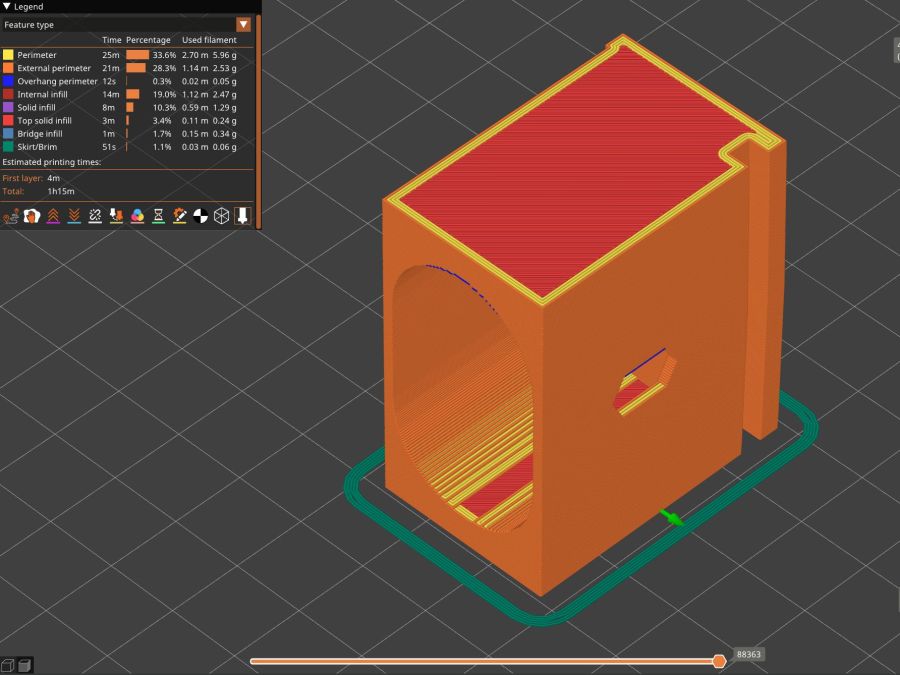
The walls are now at least 4 mm thick and, printed in PETG, came out strong enough to survive assembly and some gentle testing. They’re arranged to print on their side to eliminate support under those slight curves and to align the layers for best strength vertically in the finished bracket:
Glass Top Table – leg bracket – slicer preview
The leg cavity and screw hole built well enough without internal support.
They’re relentlessly rectangular and I’m not going to apologize one little bit.
Now to see how they survive out there on the screened porch.
Update: This post seems strangely popular, so the GitHub Gist now includes the STL file in ASCII format. Your library / makerspace / friend can print it, but it probably won’t fit your table, because all tables are slightly different. Print it in TPU and maybe it’ll flex to fit, but ideally you should use the source: install OpenSCAD, tweak the dimensions to suit your table, and get an exactly matching solid model.
This file contains hidden or bidirectional Unicode text that may be interpreted or compiled differently than what appears below. To review, open the file in an editor that reveals hidden Unicode characters.
Learn more about bidirectional Unicode characters