Ed Nisley's Blog: Shop notes, electronics, firmware, machinery, 3D printing, laser cuttery, and curiosities. Contents: 100% human thinking, 0% AI slop.
In the process of fixing something else, I discovered my favorite desktop razor knife had a loose blade. There being nothing like a new problem to take one’s mind off all one’s previous problems, I obviously had to fix it before proceeding:
Razor Knife – broken collet thread
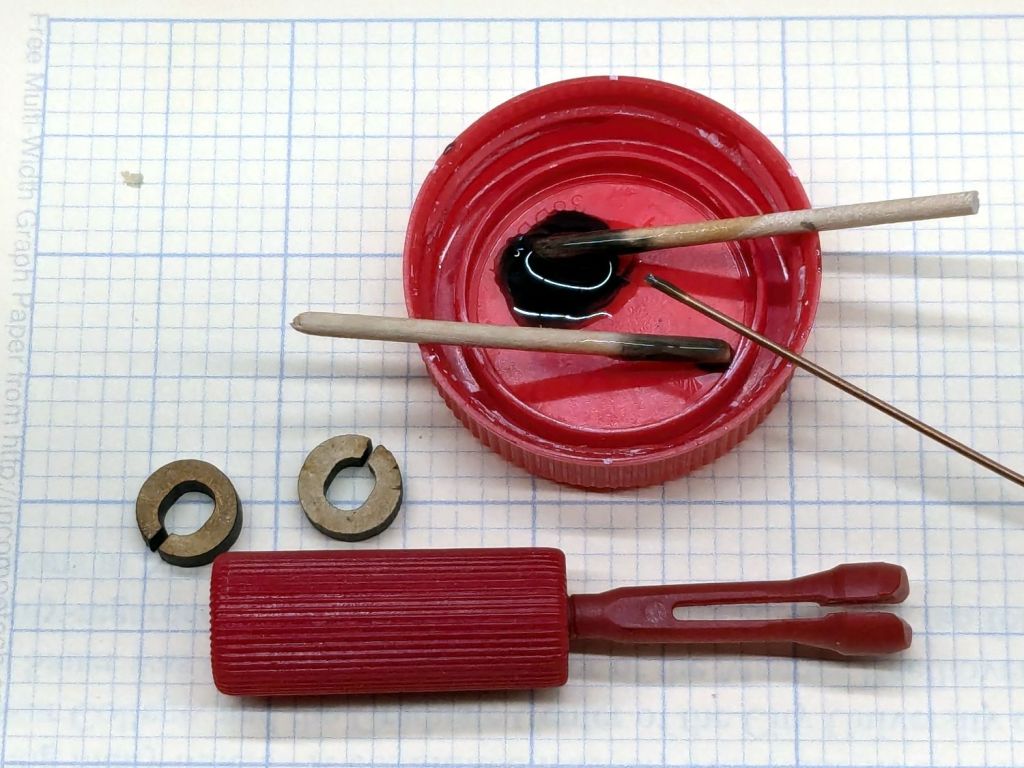
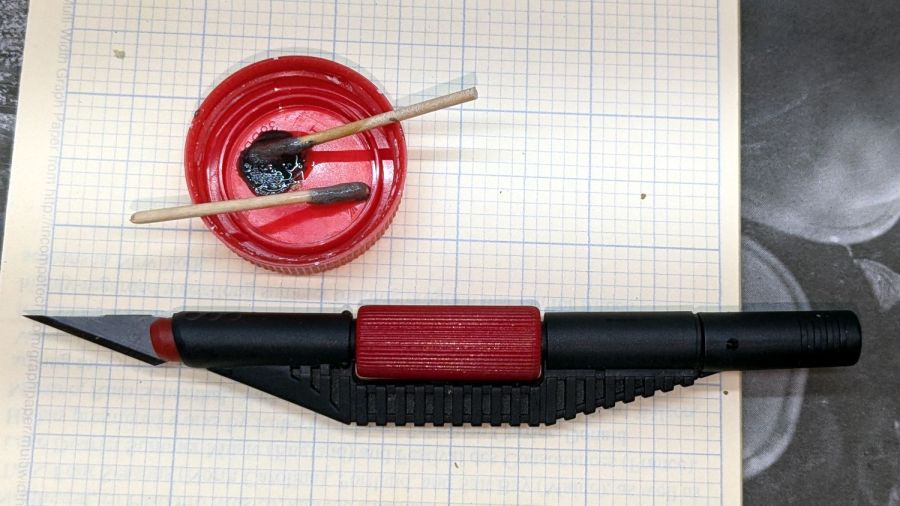
Come to find out the plastic screw tightening the blade collet had snapped. The remaining stub stuck out from the red ribbed nut just far enough to prevent sliding the nut out of the black plastic body, but jamming a small screwdriver through the body got enough traction to unscrew the stub. It’s threaded 8-32, despite being old enough to be Made in Taiwan.
The red plastic feels like HDPE or a similar un-glue-able material, so it was going to need a mechanical splice. A tiny 2-56 setscrew falls in the class of things my buddy Eks describes as “If your design needs those, you’re doing it wrong”, but sometimes you gotta do what you gotta do.
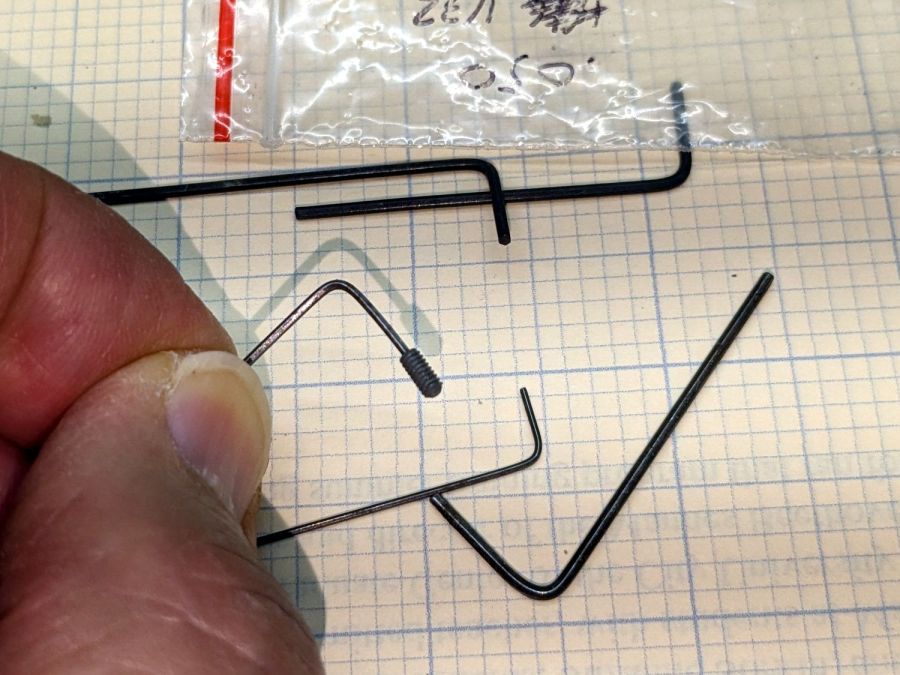
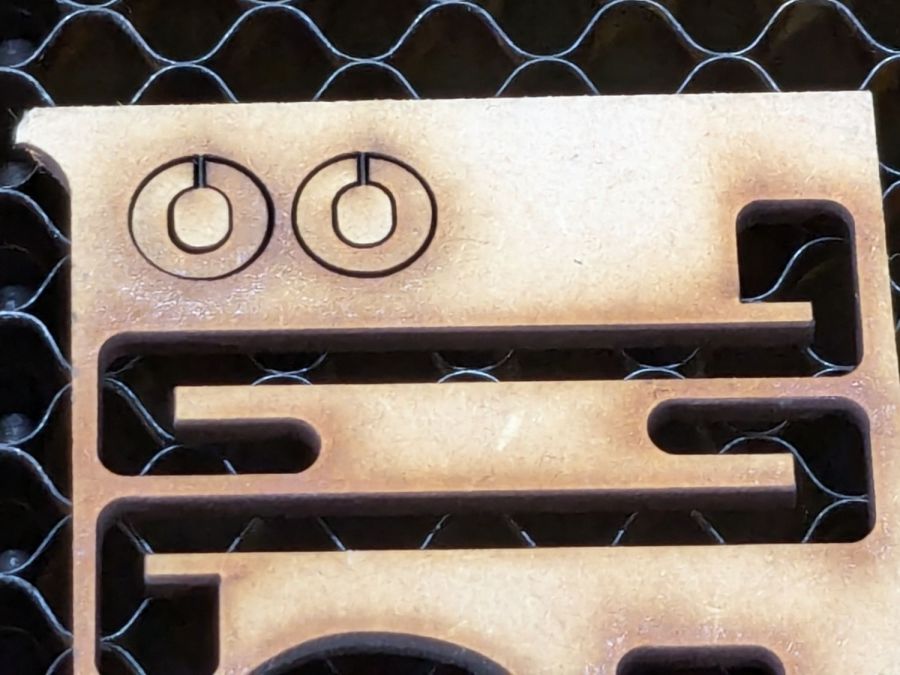
The little wrench in the background measures 28 mils for 0-80 setscrews, of which I have none and don’t expect to get any.
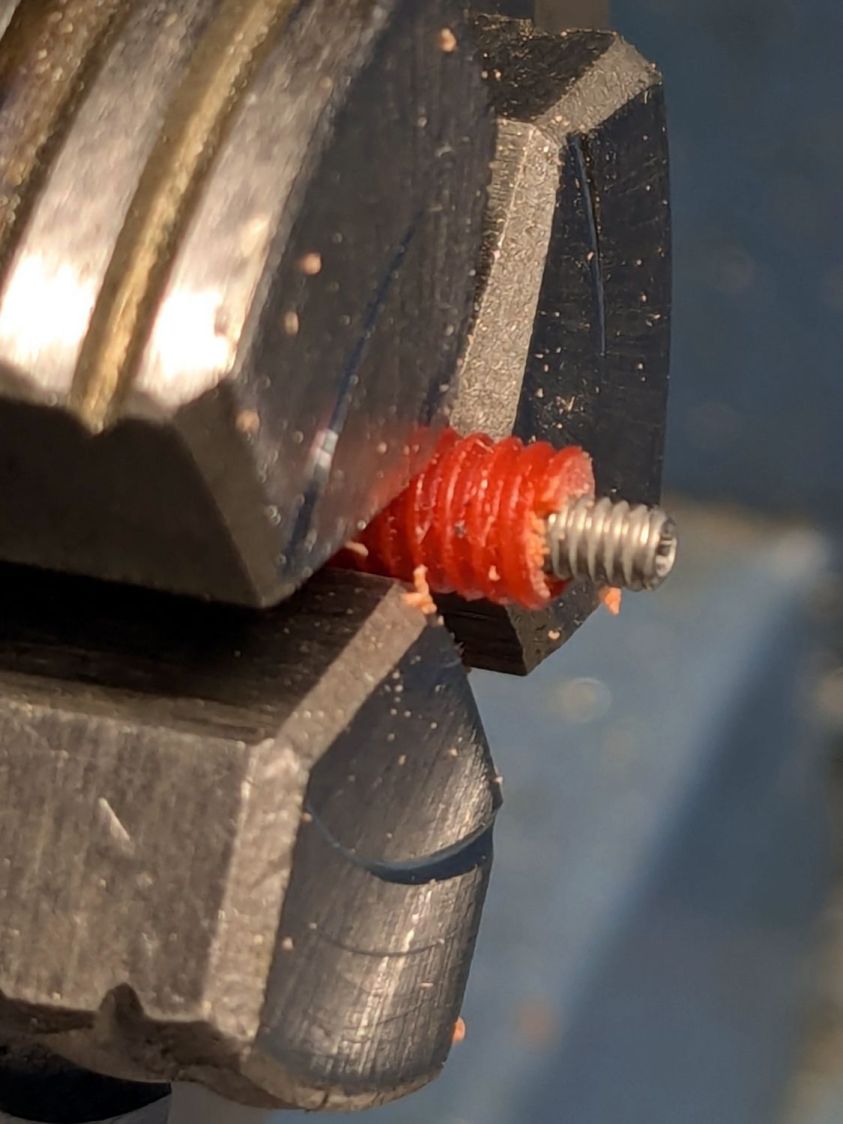
Anyhow, facing, drilling, and tapping the stub proceeded handily:
Razor Knife – setscrew in thread stub
You’d think I hadn’t faced off the end, but you’d be wrong. As far as I can tell, the end of the screw would be happy to break for as long as I’d be willing to try cutting it. Perhaps this indicates why it broke and suggests this repair will be temporary, at best.
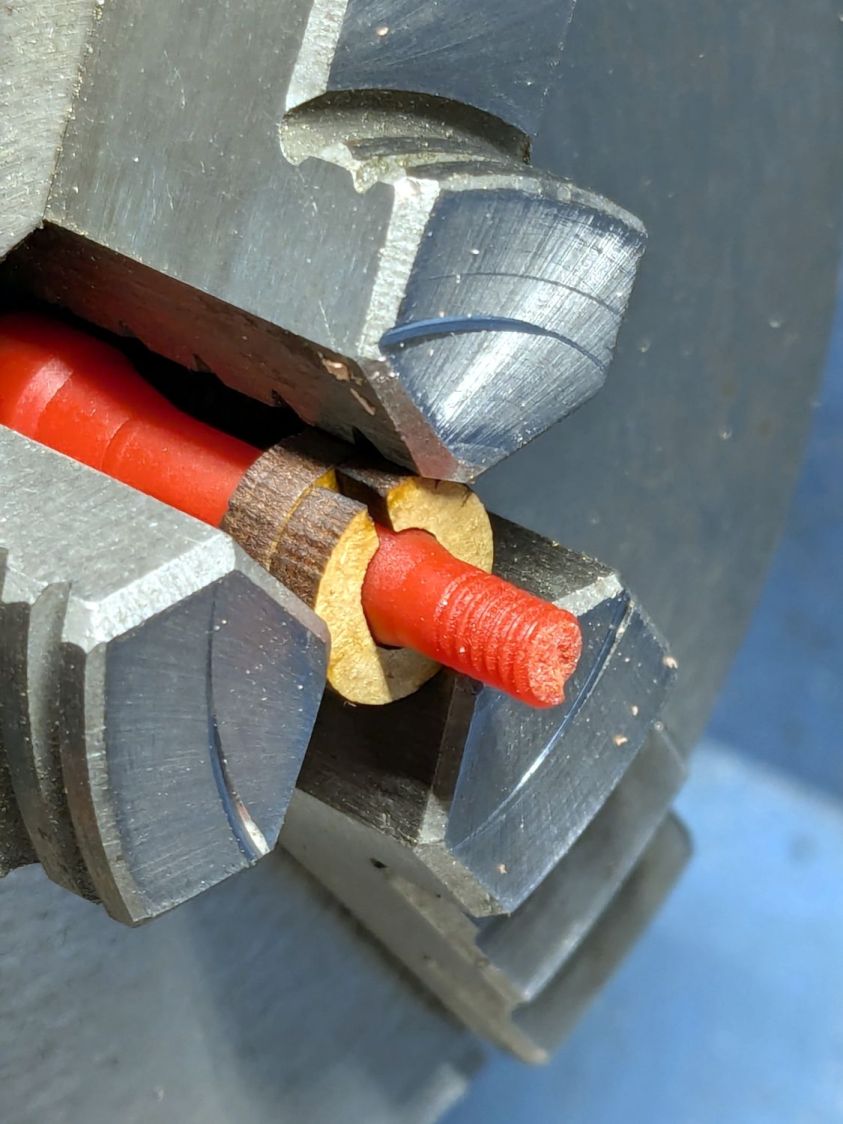
Doing the same to the collet required a clamp to fit its slightly oblong body:
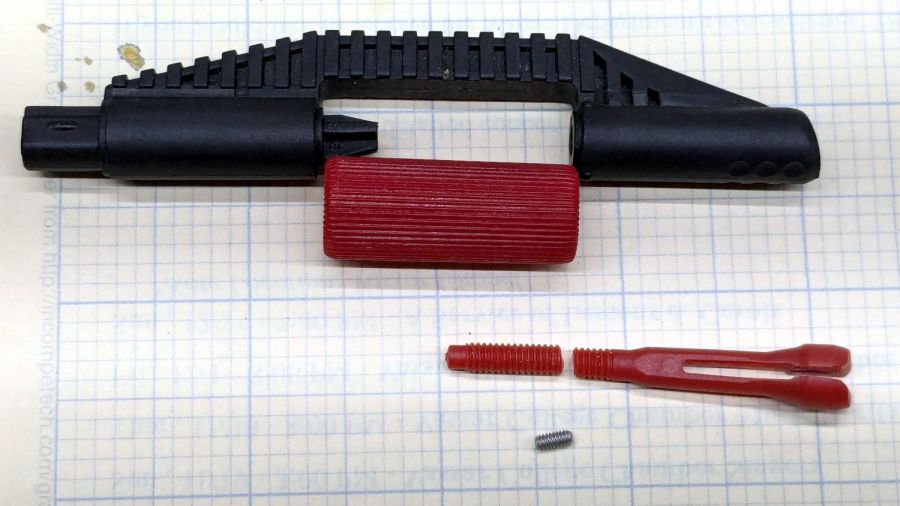
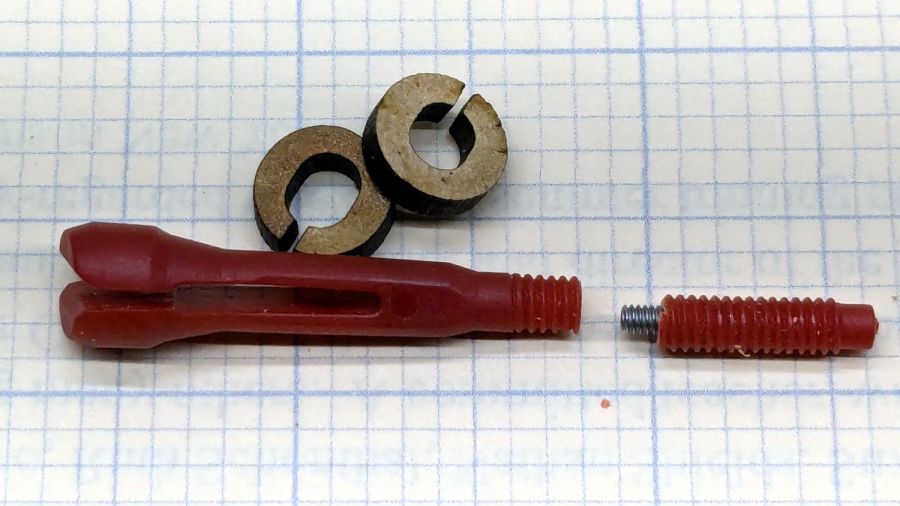
That’s aggressive stick-out for a little plastic rod, but sissy cuts saved the day; it faced / drilled / tapped easily enough:
Razor Knife – collet repair parts
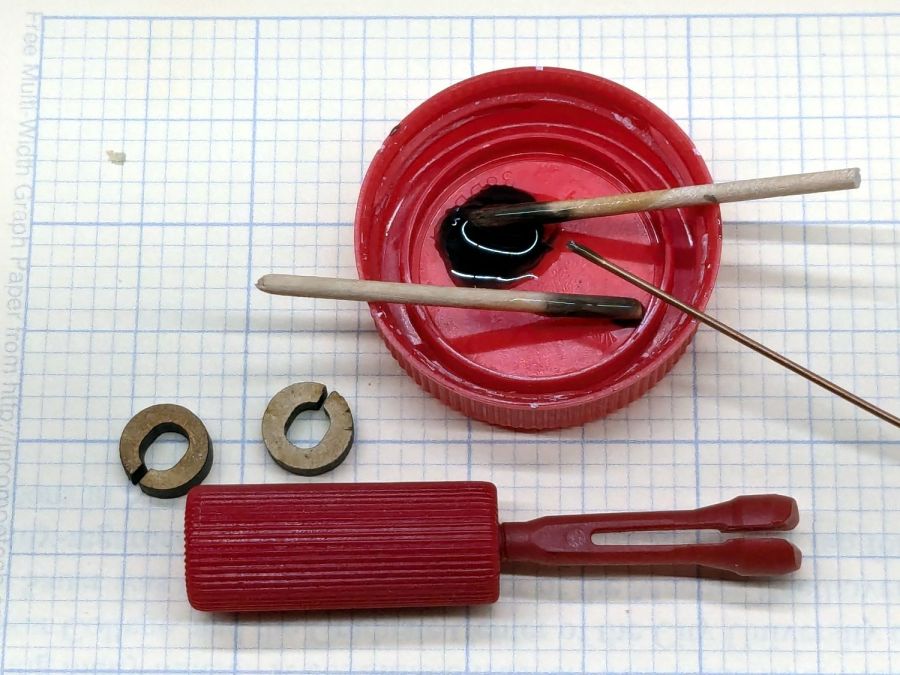
Despite the non-glue-able plastic, I tucked some JB PlasticBonder into the recesses, screwed everything together, and coerced the 8-32 threads into alignment inside the plastic nut:
Razor Knife – collet thread alignment
Reassemble in reverse order after the adhesive set up:
The fixture in the lower left is just an MDF square with a 15 mm post of more MDF glued in the middle to align the pieces. The white disk is the adhesive sheet, cut to 119 mm OD to leave half a millimeter clear around the outer edge, thus avoiding embarrassing stickiness.
Peel one side of the adhesive sheet and drop it over the post sticky side up:
Double-faced DVD coaster – adhesive sheet ready
Drop one of the DVDs over it, label side down:
Double-faced DVD coaster – first disc on adhesive
Lift it off, peel the other side of the adhesive sheet, put it over the post sticky side up, and drop the other DVD on top:
Double-faced DVD coaster – finished
The data side of the discs has a 0.3 mm raised rim just inside the track zone, so they don’t sit exactly flat on the table and expect a slightly concave lower surface on the mug / glass / cup. Neither of those seem like dealbreakers thus far, although I’m sure somebody will object.
A ring or two of general-purpose glue, along the lines of E6000 urethane, would be significantly less fussy than cutting adhesive sheets.
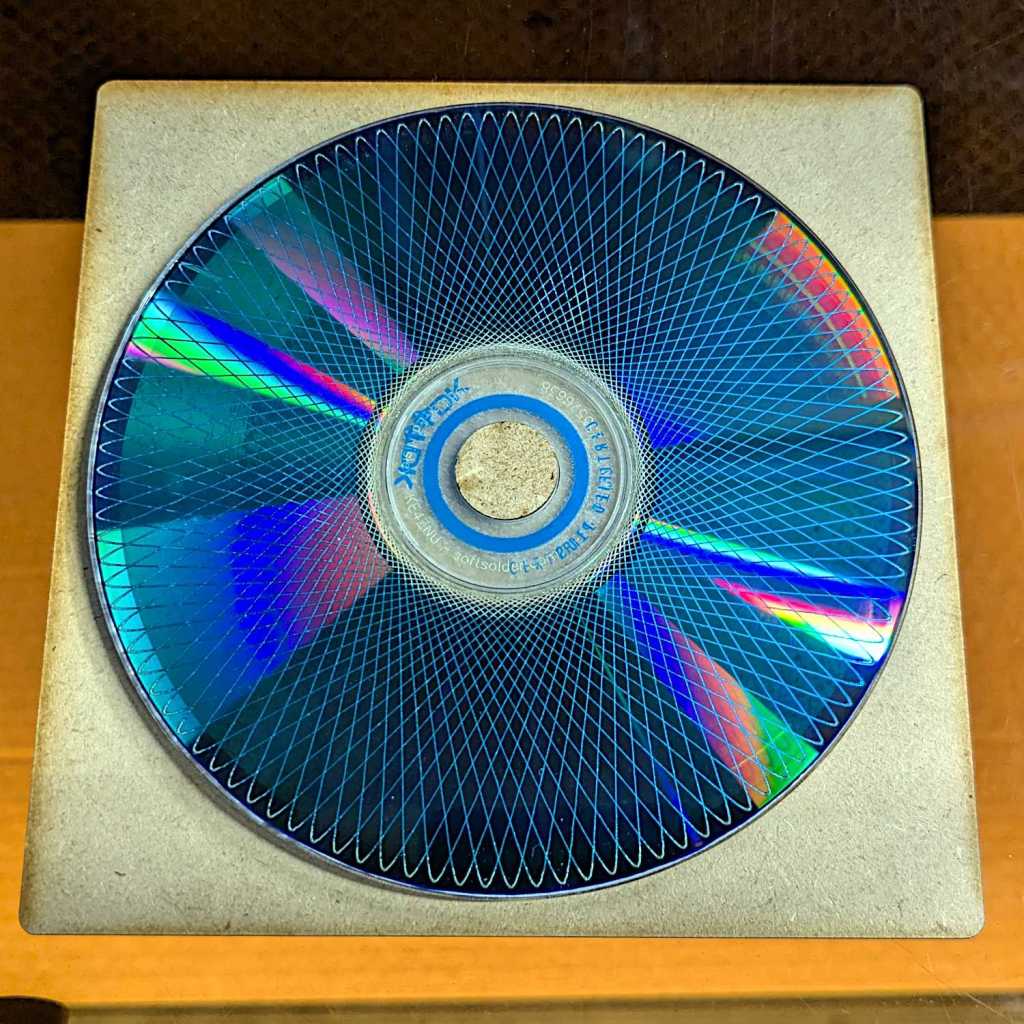
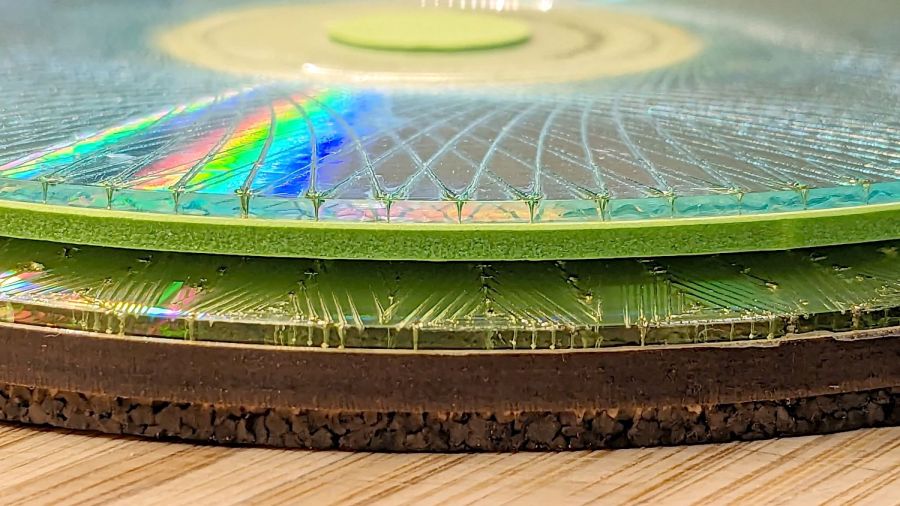
A bit less than a year ago I engraved Guilloche patterns on a stack of DVDs, stuck foam on their data sides, and defined the result to be coasters:
Laser cut CDs – Foam vs MDF-cork backing – detail
Perhaps unsurprisingly, those grooves turned out to be excellent stress raisers, to the extent that the two most-used coasters (we’re not talking heavy use) have developed cracks:
Laser-engraved DVD A – stress cracks
The parallel lines are part of the logo / pattern / design printed on the label side of the disc, which seems to have wrinkled after being glued to the foam layer. The cracks radiate outward from the laser-scarred zone around the hub.
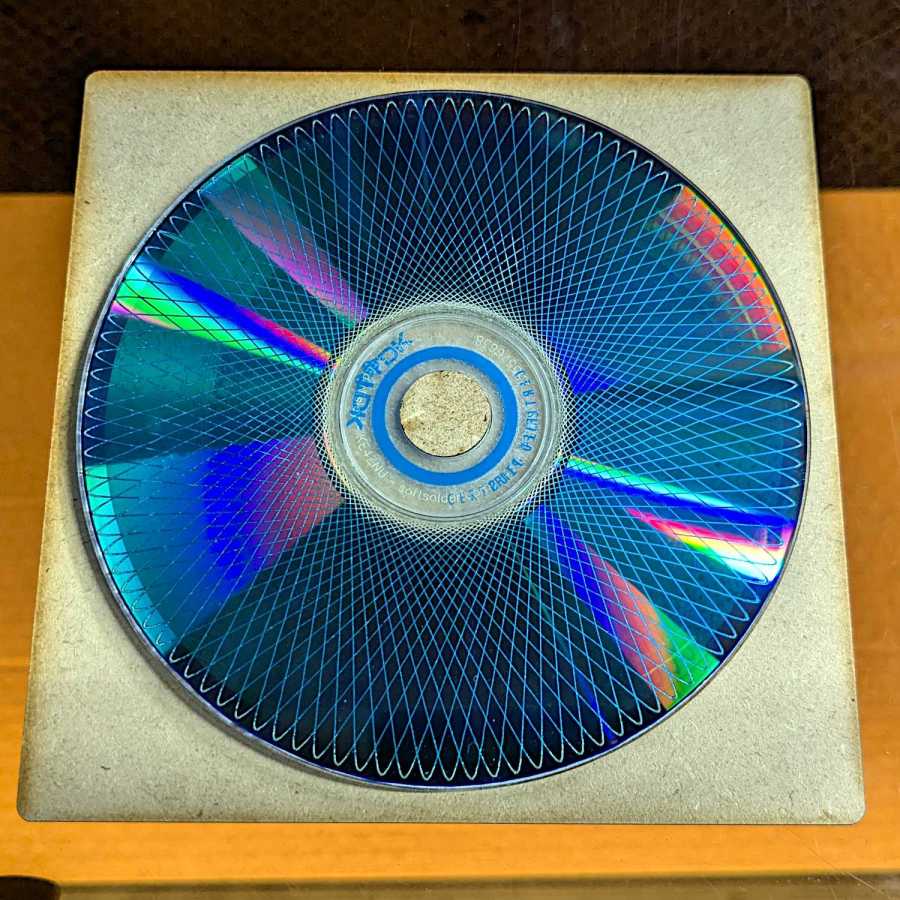
The other one is worse:
Laser-engraved DVD B – stress cracks
None of the discs glued to rigid backing plates show anything more than minor cracks, so I think a combination of stress raising and slight flexing is really bad for cheap coaster-like objects.
No great loss, easily outweighed by knowing what not to do next time …
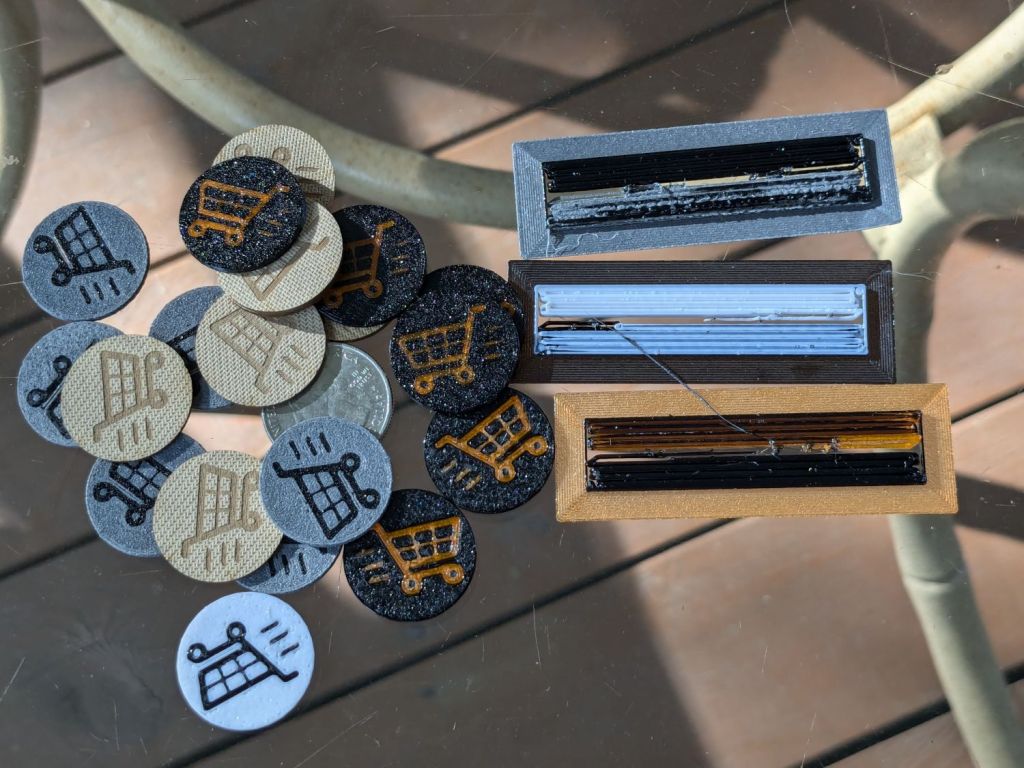
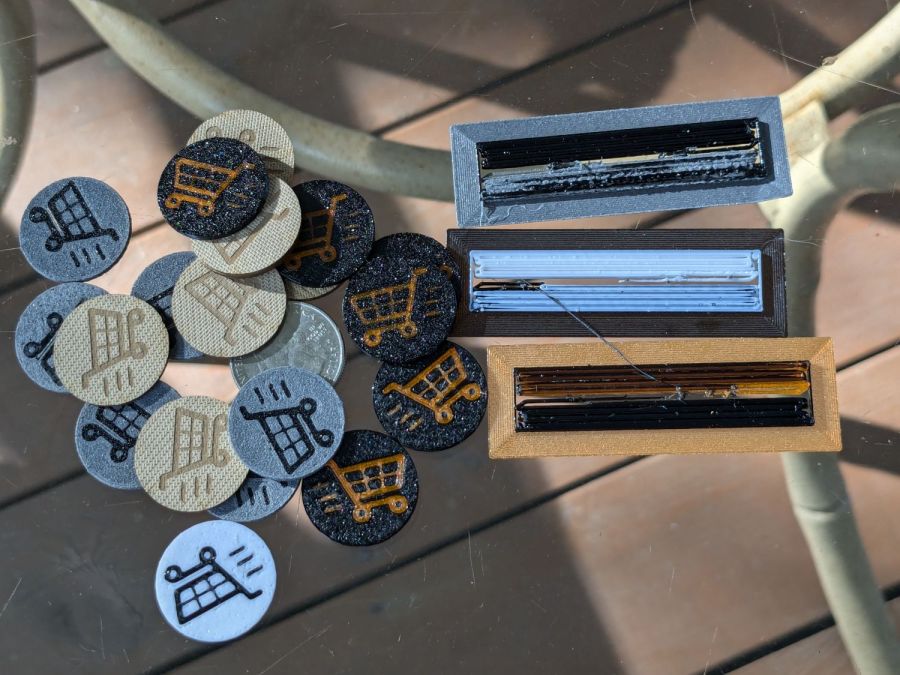
The last time around, I used Cart Coins to verify platform alignment (a.k.a. “leveling”) on the Makergear M2. The Prusa MK4 does mesh probing to ensure accurate alignment, so these new Cart Coins exercised the MMU3 and gave me some giveaways for a recent dinner:
TroCraft Eco is within 0.1 mm of the proper thickness
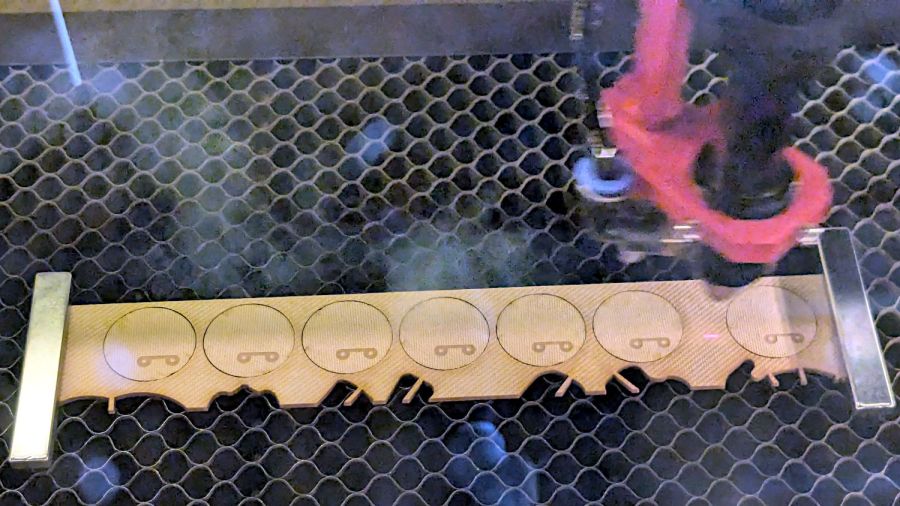
Laser-cut coins proceed with great speed
Normally you’d export the finished layout as an SVG, but OpenSCAD ignores “holes” within shapes, so I exported it as a PNG to serve as a binary height map:
Import the PNG into OpenSCAD using surface()
Resize it to 20 mm wide and 1.7 mm tall
Knock it out of a 24 mm OD × 1.6 mm tall cylinder (which is why the extra 0.1 mm)
Add the PNG again as a separate 1.6 mm object to refill the hole
Whereupon out pops a solid model:
Cart Coin – solid model
Export that as a 3mf file to keep the two objects aligned, import it into PrusaSlicer, then get multi-material on it:
Cart Coin – PrusaSlicer layout
There’s a fourth group with different colors in hiding. I printed 12 identical coins at a time, mostly so I could keep track of what was happening, and it ended well enough.
The black coins with the translucent retina-burn orange cart look surprisingly good.
But this is way faster:
They’re the size of a US quarter, because that’s what unlocks shopping carts around here. Feel free to tweak the parameters for your locale.
Anyhow, the Y axis motor position puts the belt too close to one side of the pulley, with no further adjustment possible:
Prusa MK4 Y axis motor mount – as-built
The stepper motor stator laminations are the striped gray area on the far left, the 3D printed motor mount is the striped black area on the right, and the belt pulley is snugged up against the motor as far as it can go on the shaft.
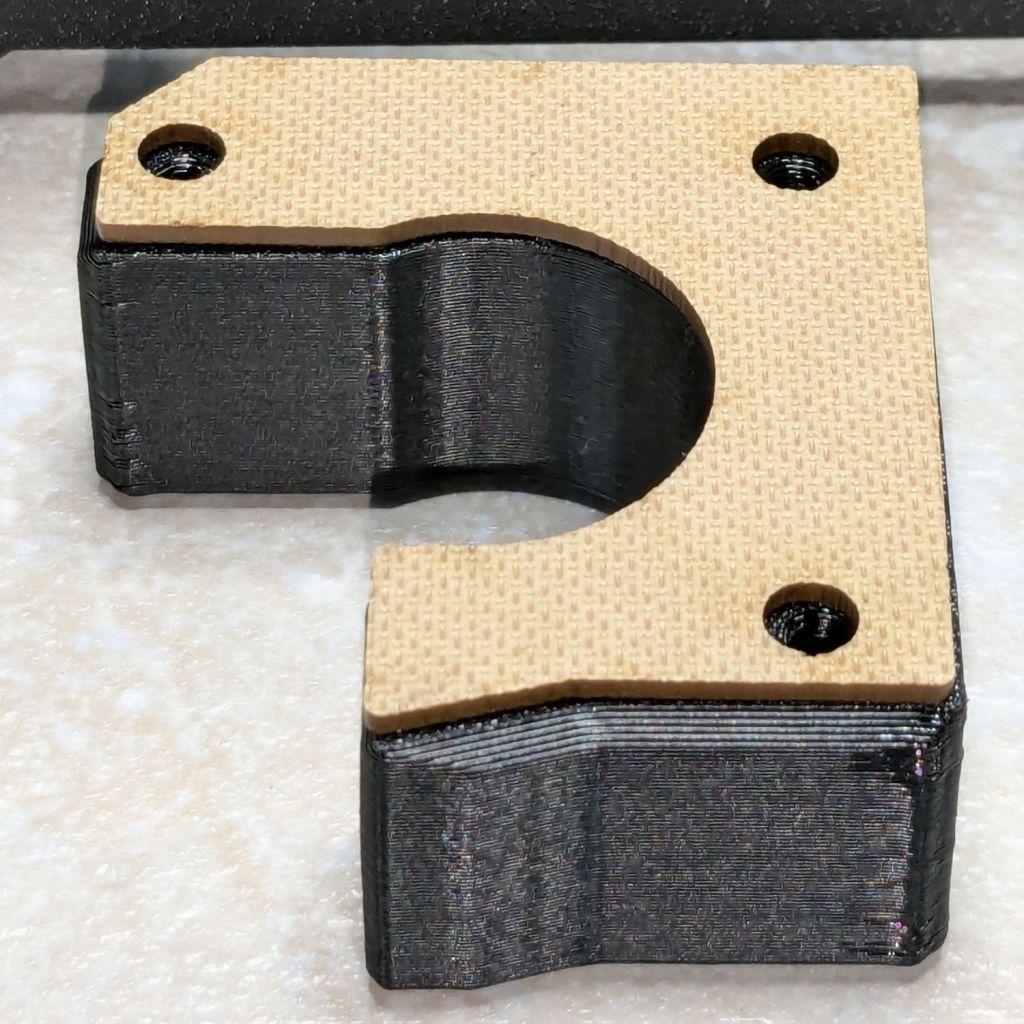
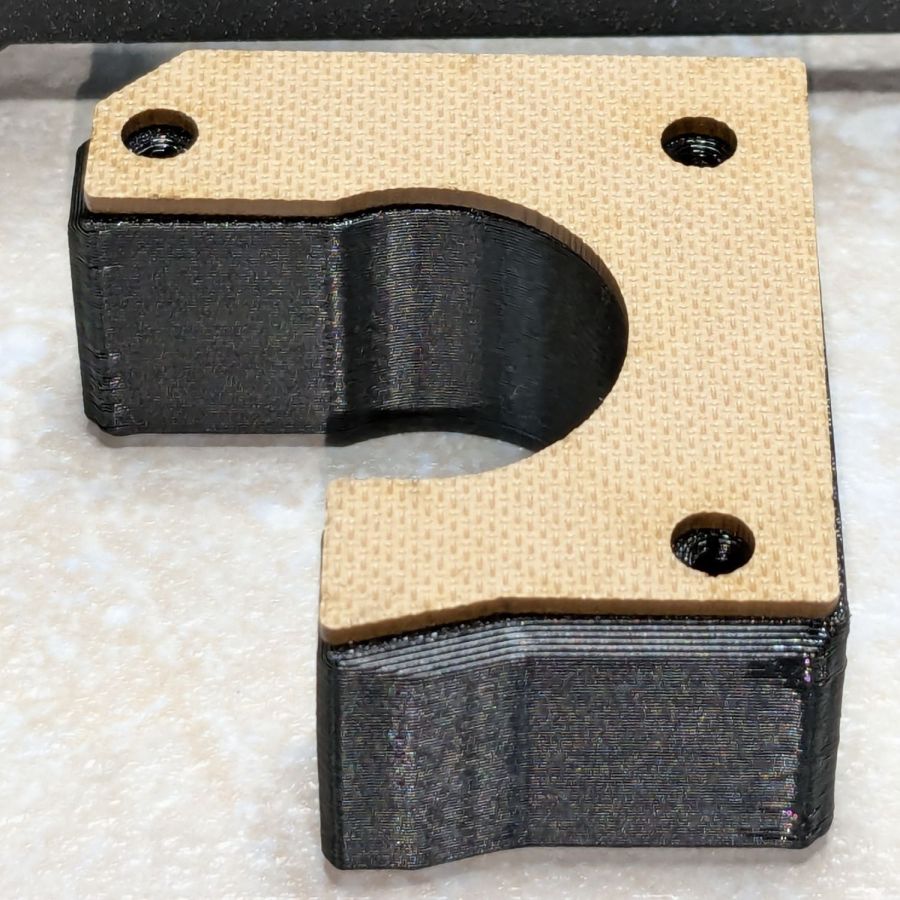
Pushing the motor a little more to the left requires a shim:
Prusa MK4 Y axis motor mount – shim
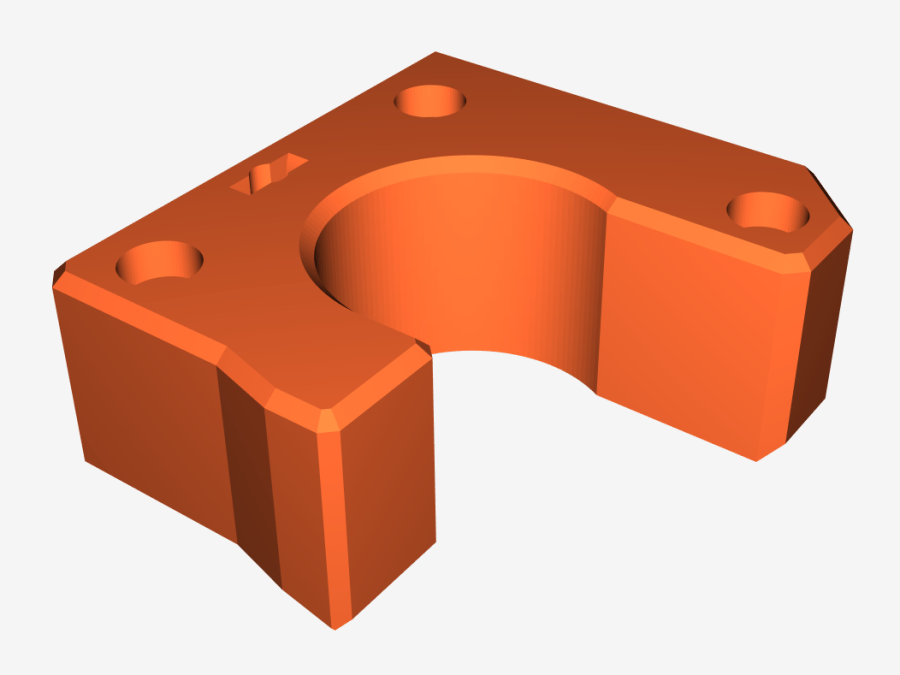
Rather than fiddle with scanning the motor mount, I imported its STL model from the Prusa MK4 files:
Prusa MK4 Y Axis Motor mount – solid model
Importing the STL into OpenSCAD and converting the motor face into an SVG file is basically a one-liner:
Import the SVG into LightBurn, round the corners a little, set it up for 1.5 mm Trocraft Eco, Fire. The. Laser. and it fits perfectly and stands out nicely:
Another pair of hooks support the far end of the sketch paper pad, all hanging on the end of the shelves holding laser materials & tooling.
MDF isn’t particularly well-suited as a hook for anything weighing more than a dozen sheets of paper, but that pad is now out of the way where it won’t get curled.
The shape comes from a bunch of rectangles welded together in LightBurn, with the obvious corners rounded off for stylin’.
A glass-top patio table came with our house and, similar to one of the patio chairs, required some repair. The arched steel legs fit into plastic brackets / sockets around the steel table rim under the glass top:
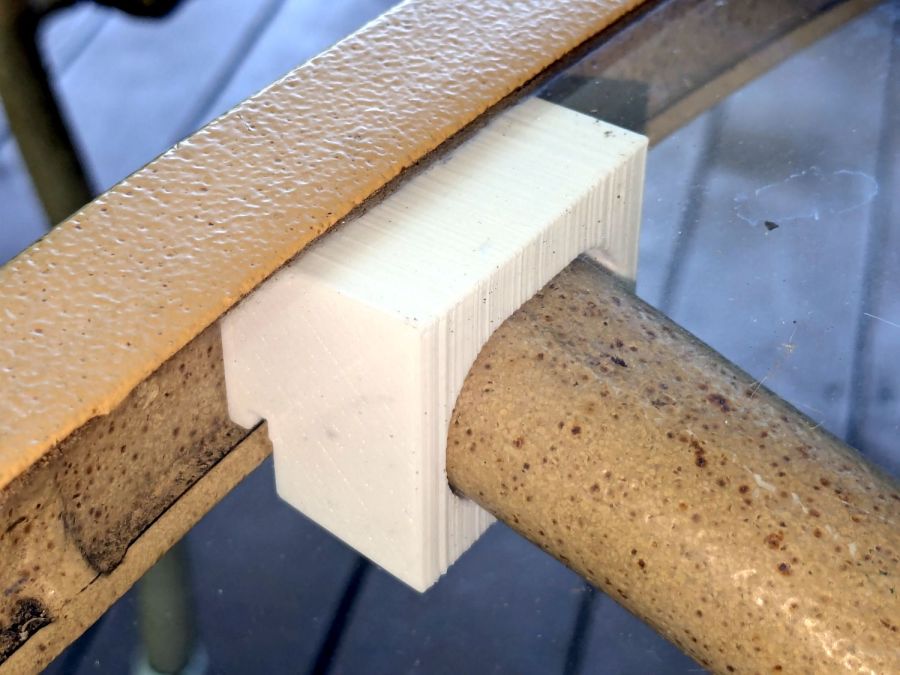
Glass patio table – new brackets installed
The four glaringly obvious white blocks are the new brackets.
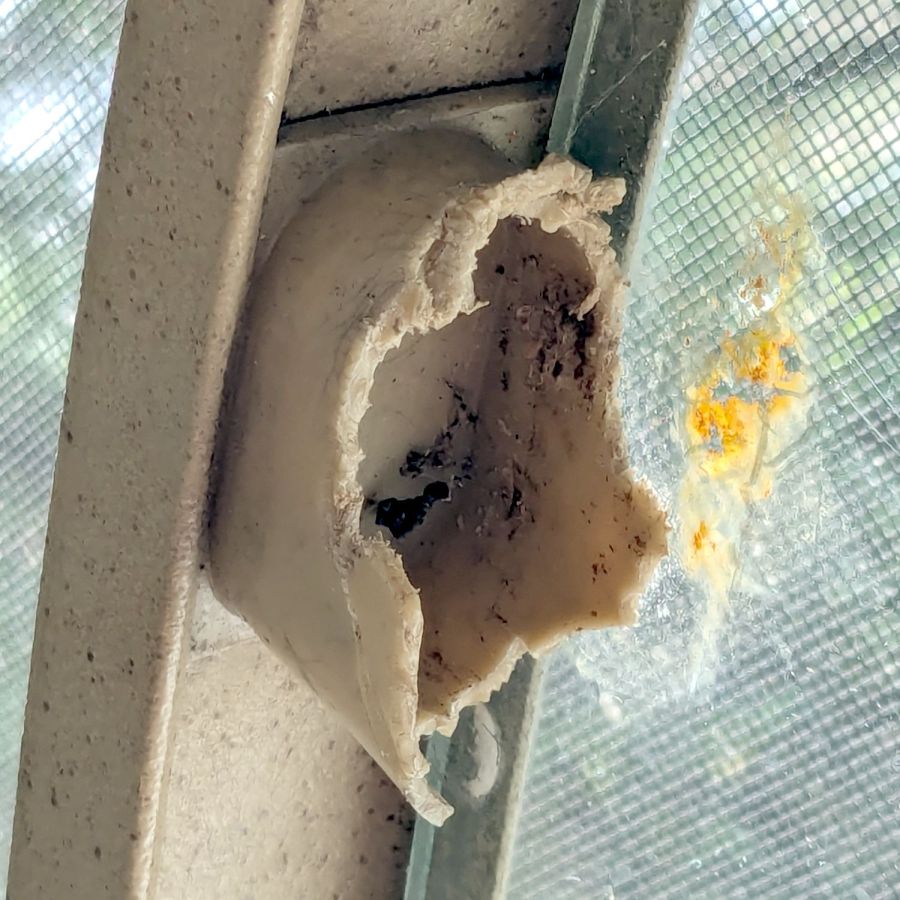
The original brackets had, over uncounted years, deteriorated:
Glass patio table – failed OEM bracket
Perhaps disintegrated would be a better description:
Glass patio table – crumbled OEM bracket
Each leg has a pair of rusted 1-½ inch ¼-20 screws holding it to the central ring. As expected, seven of the eight screws came out easily enough, with the last one requiring an overnight soak in Kroil penetrating oil plus percussive persuasion:
Glass patio table – jammed screw
The four legs had three different screws holding them to the brackets, so I drilled out the holes and squished M5 rivnuts in place:
Glass patio table – M5 rivnut installed
Although it’s not obvious, the end of that tube is beveled with respect to the centerline to put both the top and bottom edges on the table rim inside the bracket. In addition, the tube angles about 10° downward from horizontal, which I did not realize amid the wrecked fittings, so the first bracket model failed instantly as I inserted the leg:
Glass patio table – first bracket test
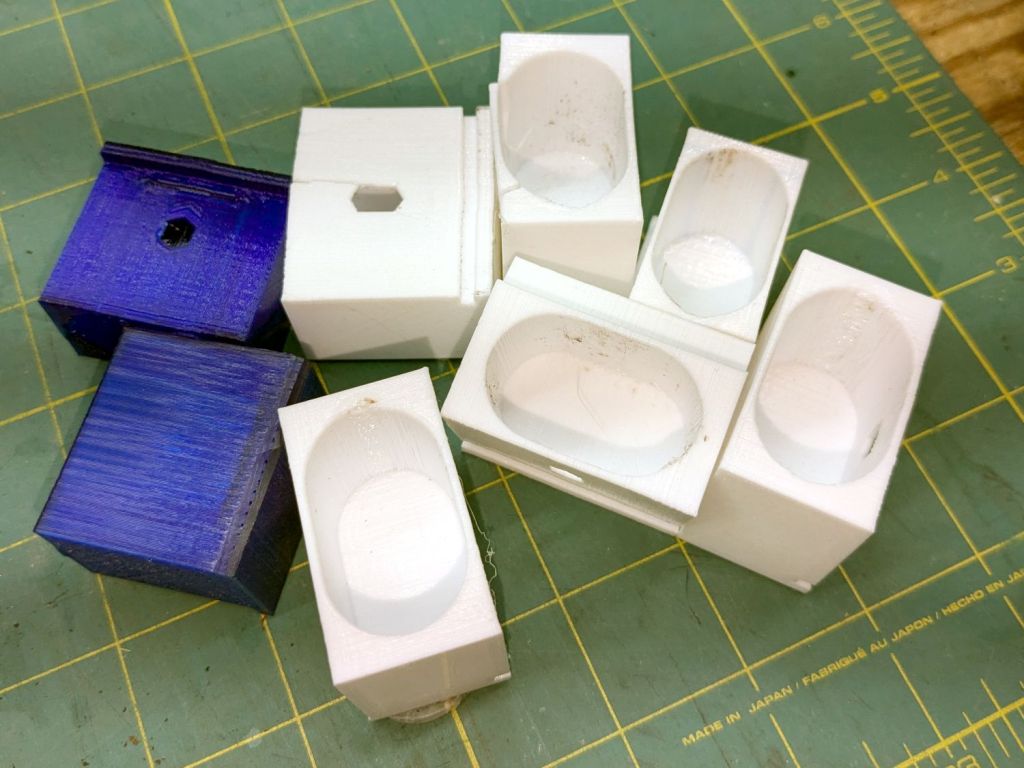
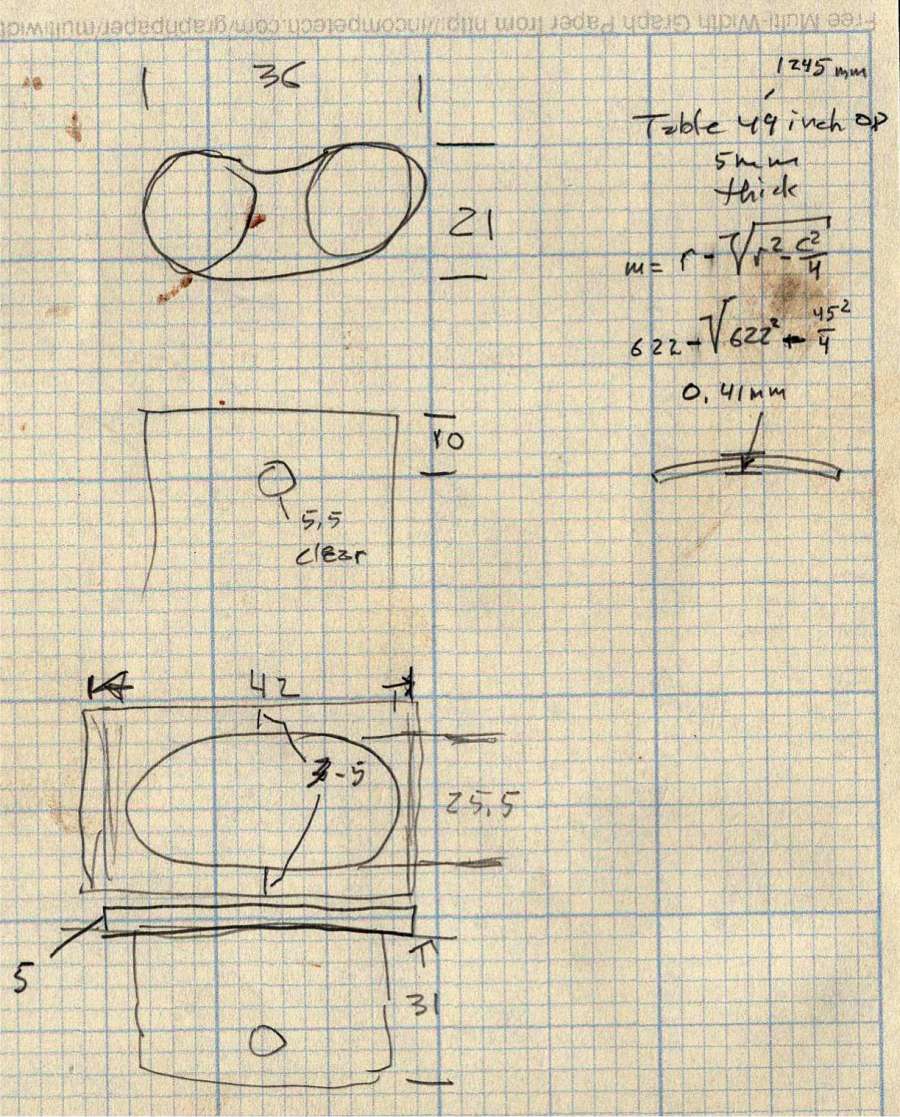
The top & bottom walls of that poor thing were breathtakingly thin (to match the original bracket) and cracked when confronted with the angled tube. I could not measure all the sizes & angles without assembling the table on trial brackets, so getting it right required considerable rapid prototyping:
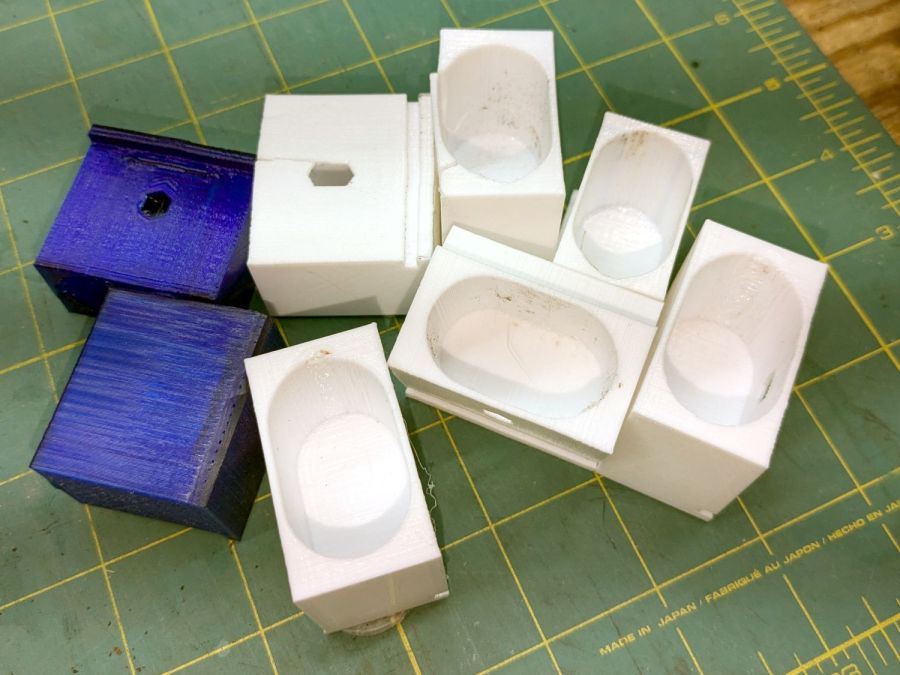
Glass patio table – failed brackets
Some trigonometry produced a solid model with features rebuilding themselves around the various sizes / angles / offsets:
Glass Top Table – leg bracket – solid model
A sectioned view shows the angled tube position and end chamfer:
Glass Top Table – leg bracket – section view
The OpenSCAD code can produce a sectioned midline slice useful for laser-cut MDF pieces to check the angle:
That eliminated several bad ideas & misconceptions, although trying to balance the leg on a 3 mm MDF snippet was trickier than I expected. In retrospect, gluing a few snippets together would be easier and still faster than trying to print a similar section from the model.
The slightly elongated slot for the M5 screw shows that the original screw holes were not precisely placed or that the tubes were not precisely cut, neither of which come as a surprise. I finally built some slop into the design to eliminate the need for four different blocks keyed to four different legs.
The outer rim, the notch on the bottom, and the tab on the top curve to match the four foot OD glass tabletop, with the inward side & ends remaining flat:
Glass patio table – chunky bracket installed – top
The sector’s difference from a straight line amounts to half a millimeter and improved the fit enough to justify the geometric exercise. The bracket snaps into position with the notch over the table rim and the tab locked in the gap between the glass disk & the rim, although I suspect the weight of the tabletop would keep everything aligned anyway.
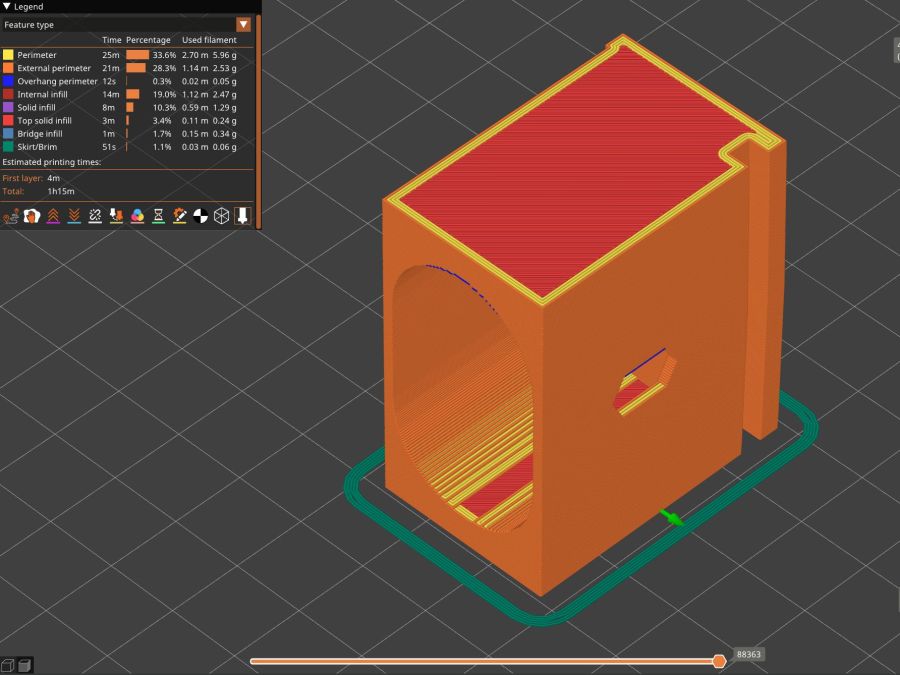
The walls are now at least 4 mm thick and, printed in PETG, came out strong enough to survive assembly and some gentle testing. They’re arranged to print on their side to eliminate support under those slight curves and to align the layers for best strength vertically in the finished bracket:
Glass Top Table – leg bracket – slicer preview
The leg cavity and screw hole built well enough without internal support.
They’re relentlessly rectangular and I’m not going to apologize one little bit.
Now to see how they survive out there on the screened porch.
Update: This post seems strangely popular, so the GitHub Gist now includes the STL file in ASCII format. Your library / makerspace / friend can print it, but it probably won’t fit your table, because all tables are slightly different. Print it in TPU and maybe it’ll flex to fit, but ideally you should use the source: install OpenSCAD, tweak the dimensions to suit your table, and get an exactly matching solid model.
This file contains hidden or bidirectional Unicode text that may be interpreted or compiled differently than what appears below. To review, open the file in an editor that reveals hidden Unicode characters.
Learn more about bidirectional Unicode characters