-
HP 7475A Plotter: Full-up Sakura Micron Pen Tests
The HP 7475A plotter comes with a transparent smoke-brown plastic flip-up lid covering the carousel and pen holder, presumably to keep dust and fingers out of the moving parts. That lid also has has the side effect of limiting the pen length, presumably because HP didn’t want the 7475A to eat into their large-format plotter market. In any event, removing the lid leaves another barrier to longer pens: the rugged plastic case between the carousel and the pen holder.
Well, seeing as how this puppy has been fully depreciated, a bit of pull saw work opened that opportunity:
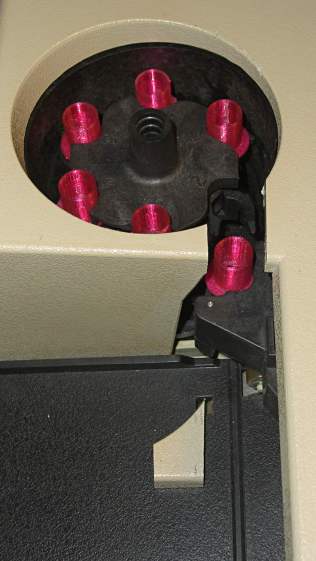
HP 7475A – long pen case cut Despite appearances, all six Sakura Micron pens emerge vertical & parallel from their adapters in the carousel:
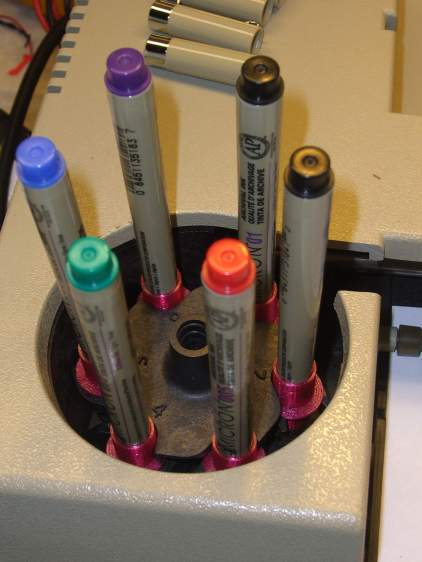
HP 7475A – Sakura 01 and 005 pens in carousel They pass neatly through the new channel:
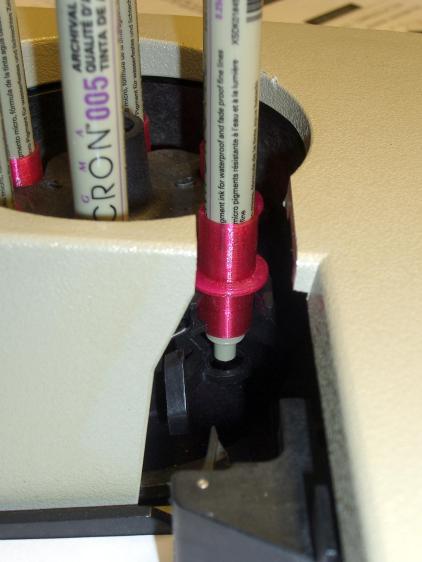
HP 7475A – cover mod for long pens And produce reasonable lines, with motion blur catching the pen holder in the midst of a pen-up / pen-down twitch:
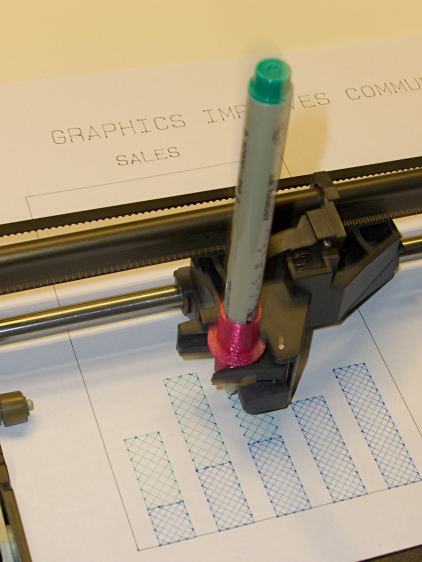
HP7475A – Sakura Micro Pen Adapter – self-test plot That’s from an earlier test, before I sawed the slot in the case, with all the machinery behind the pen holder in full view.
The test plot, with the proper pen colors and widths loaded in the carousel, looks pretty good:
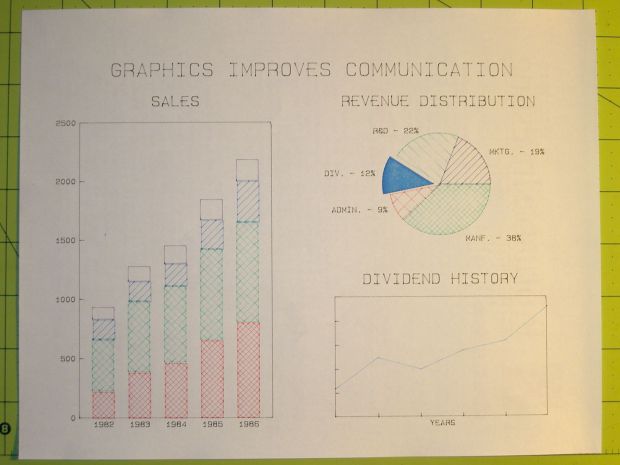
HP7475A – Sakura Micro Pens – self-test plot The pen holder wasn’t intended to support a long pen, so that shaft tends to torque the pen tip out of position, particularly while drawing characters:

HP 7475A – long black pen – misalignment The various pen tips don’t all point to the same place:
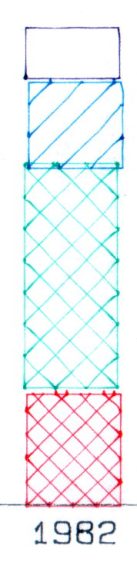
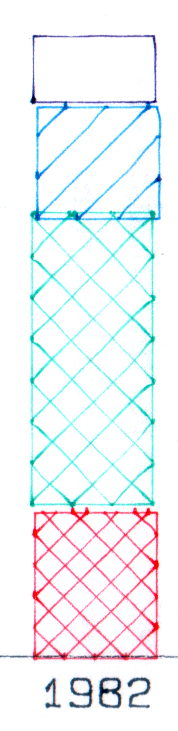
HP 7475A – long RGBK pen misalignment That could be non-concentric pen adapters, misalignment in the pen holder, or slightly off-center pen nibs. The offsets between the colors remains consistent in all the bar-chart columns, so the pen adapters aren’t shifting in the holder.
The worst-case error between bar-chart rectangles amounts to 0.5 mm parallel to the pen holder motion and 0.8 mm parallel to the paper motion. In round numbers, the pen tip is 30 mm from the flange, so moving it 0.5 mm to the side tips the pen 1°. The flange is 17 mm OD, which means a 1° tilt raises one edge by 0.3 mm or both edges by ±0.15 mm. Given a 0.25 mm 3D printed thread thickness, that’s certainly within reach of a random plastic blob.
Looking closely at the printed-and-glued flange shows plenty of room for misunderstanding betwixt pen and holder, even after cleaning off all that PETG hair:
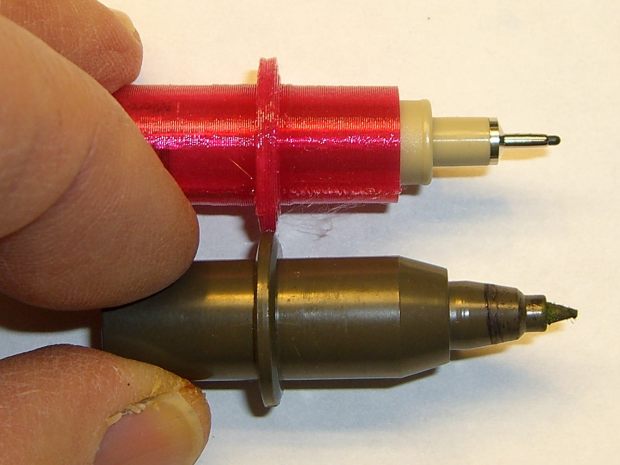
HP7475A – Sakura Micro Pen Adapter – vs HP pen Given that the Sakura pens aren’t intended for this application, a slight tip misalignment due to body molding tolerances isn’t unreasonable; a perfect adapter might not solve the problem.
The HP maintenance manual lists a BASIC program to produce a test plot that verifies pen alignment, although the prospect of transliterating 2+ pages of quoted strings from a scanned document doesn’t fill me with desire.




-
Subscribe
Subscribed
Have a WordPress.com account? Log in now.

